




Creating a post (sell or give away)on Nextdoor
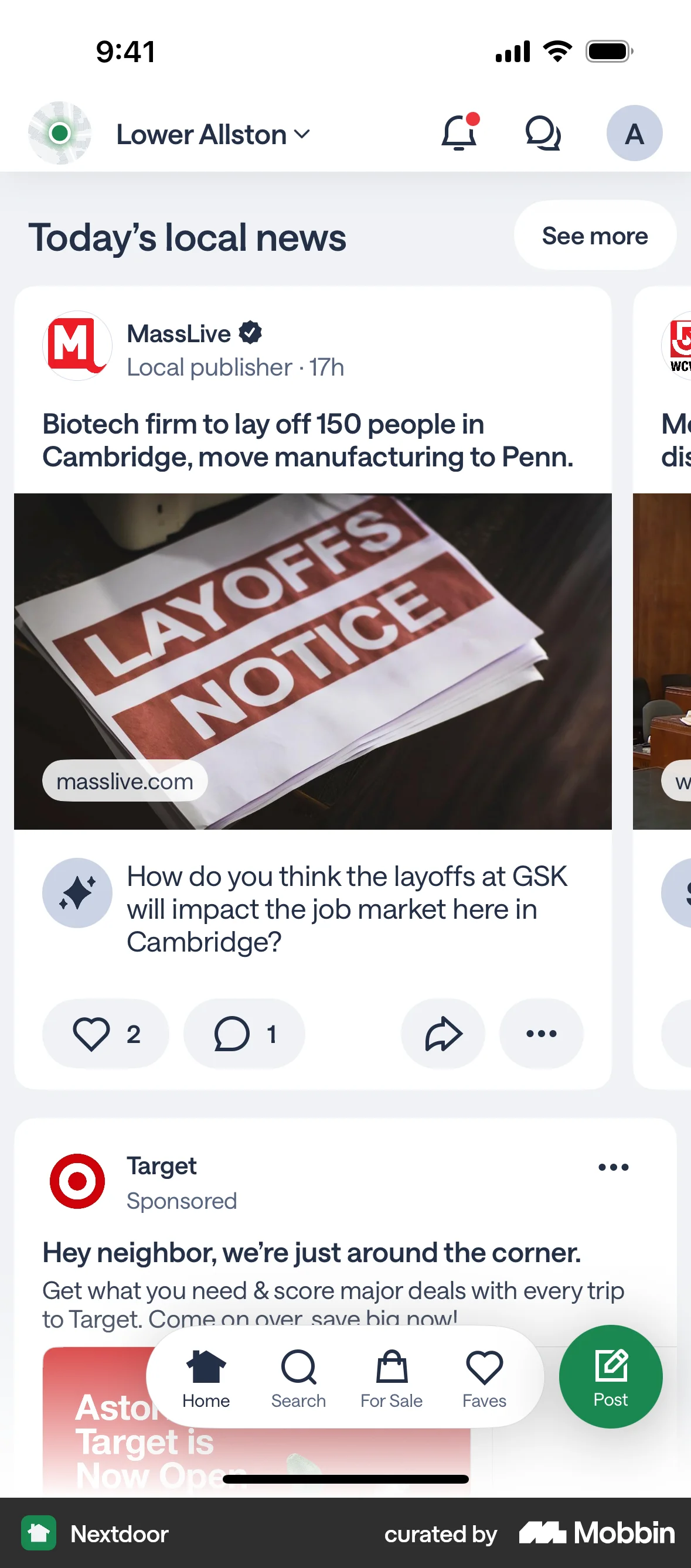
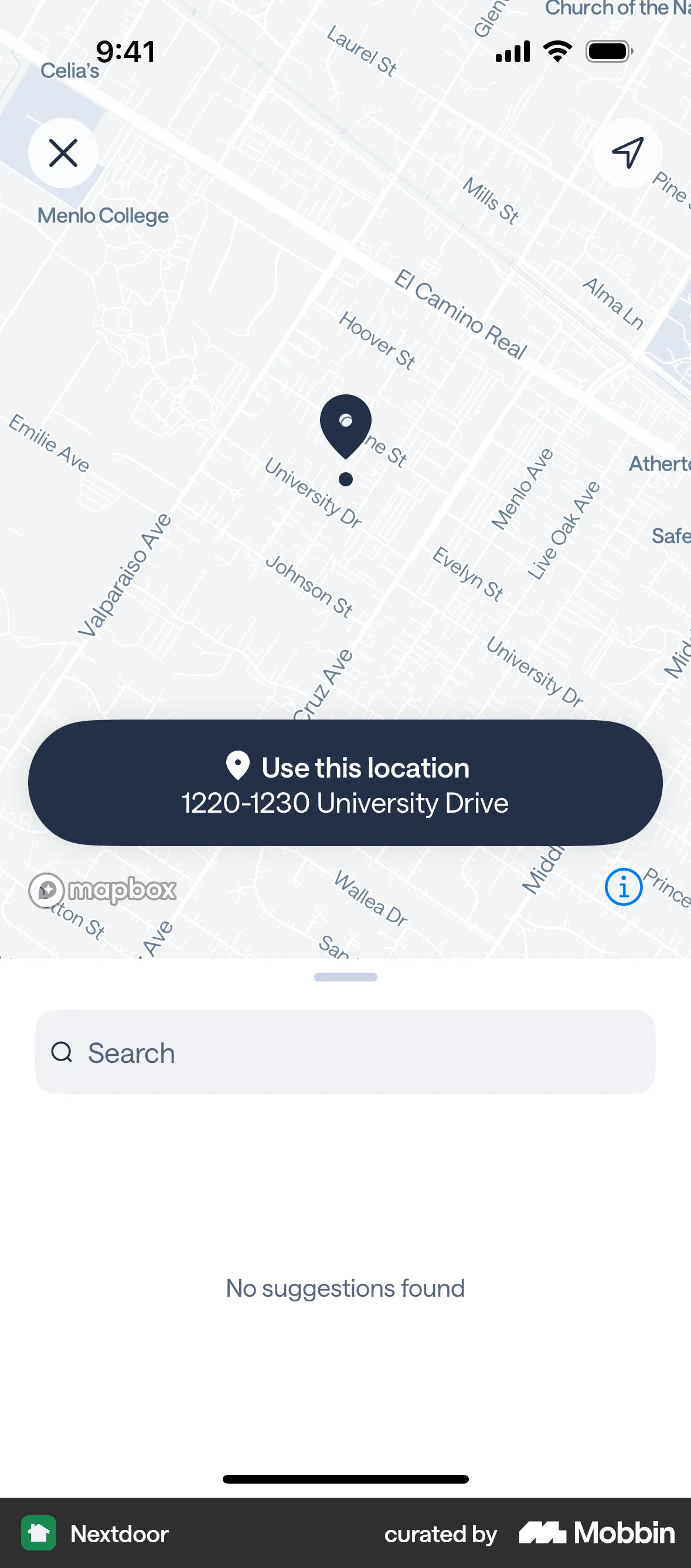
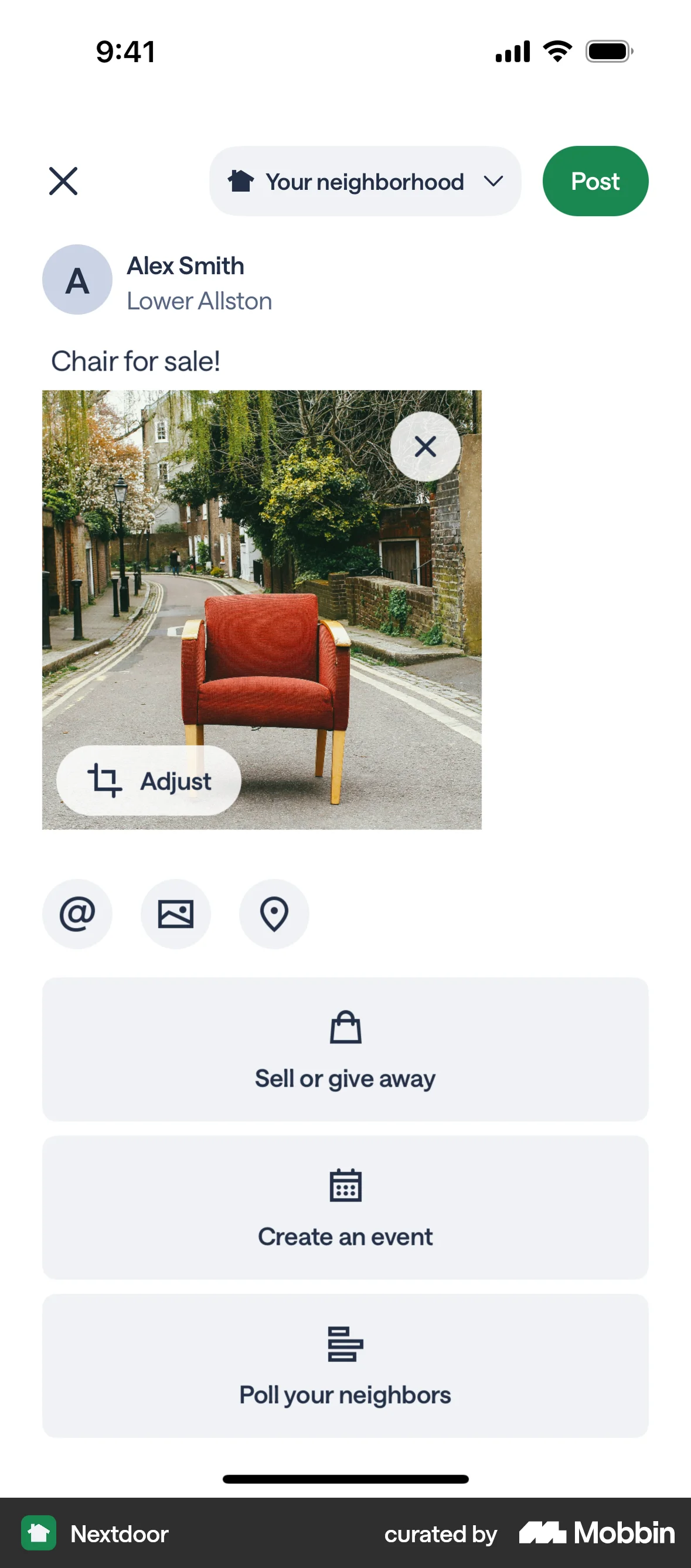
The user creates a post to sell an armchair, adding details like title, description, price, and location. The post is then published to the home feed.
Explore top multi select UI roundups for web. Thousands of designers browse curated multi select UI designs on Mobbin. Sign up for free.
The user creates a post to sell an armchair, adding details like title, description, price, and location. The post is then published to the home feed.
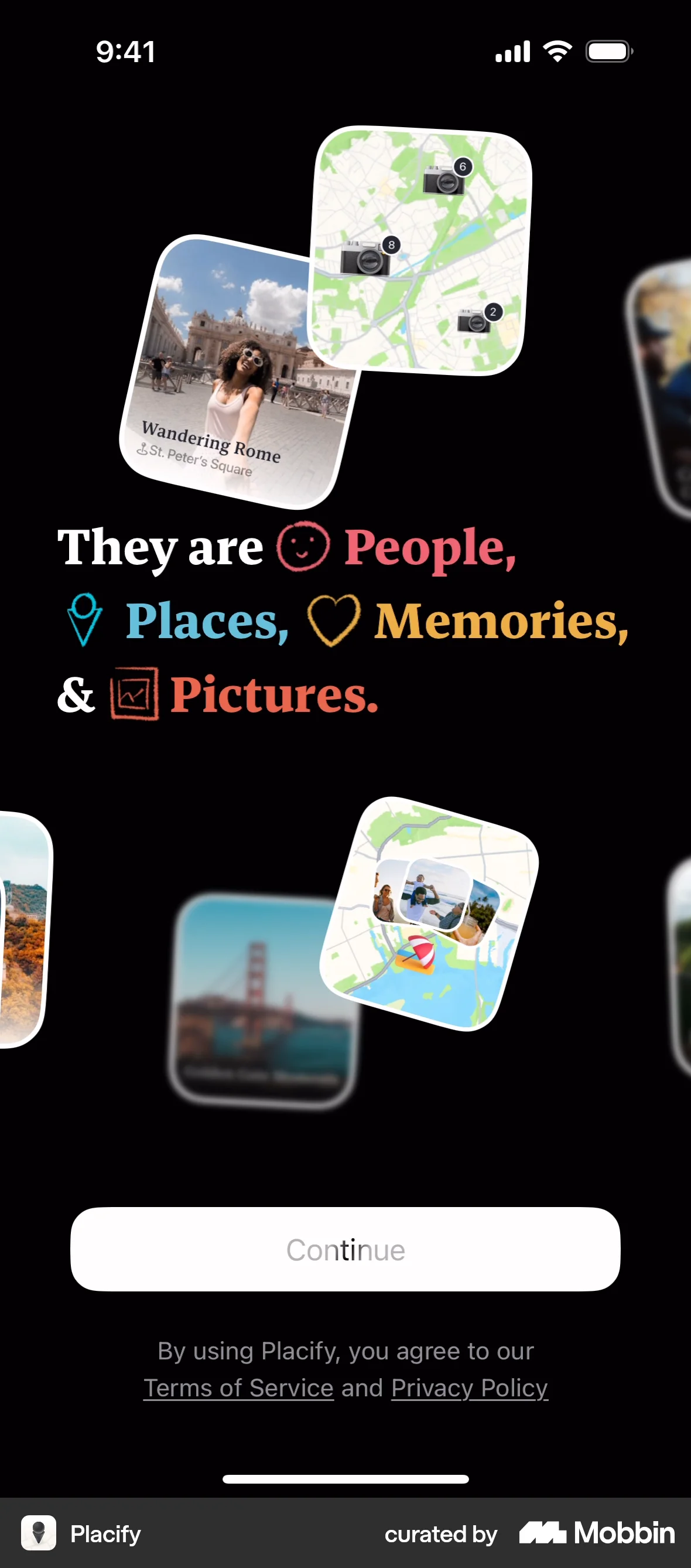
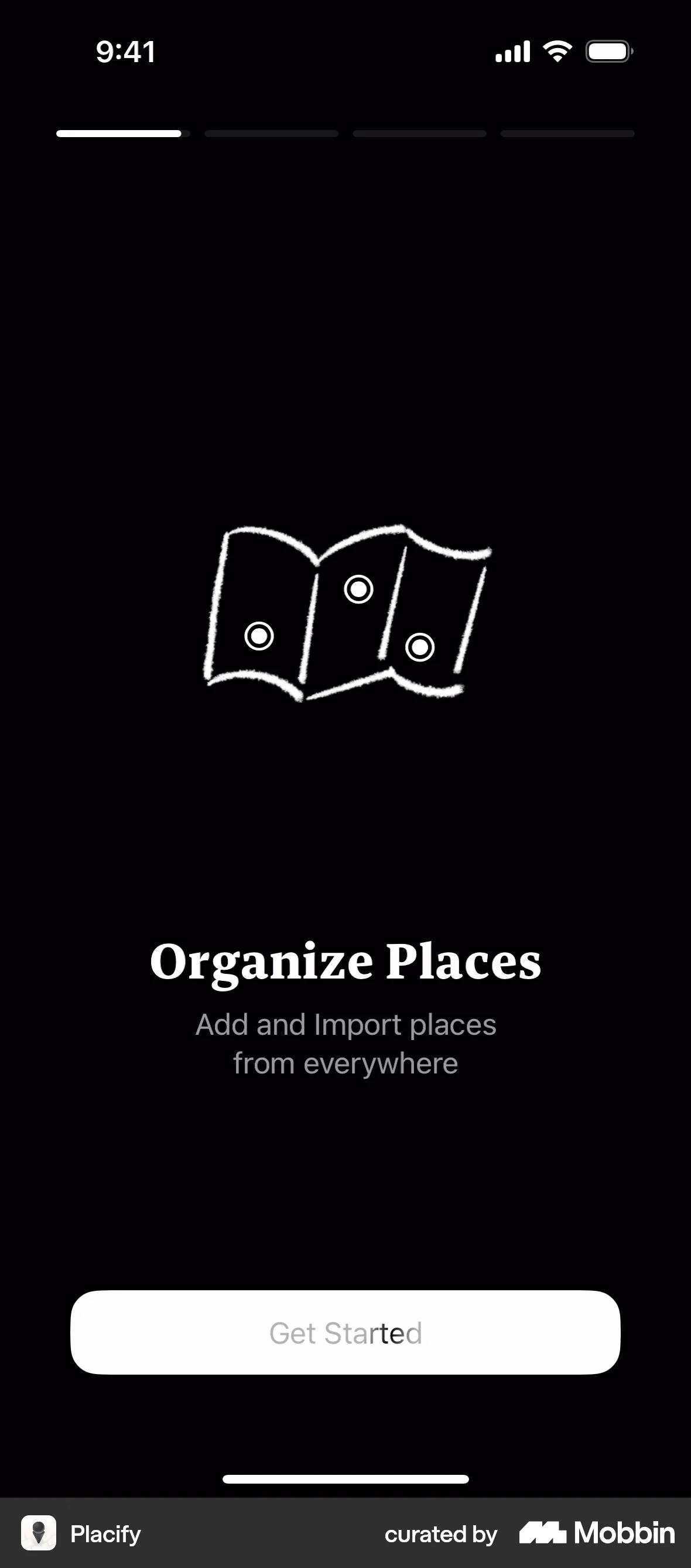
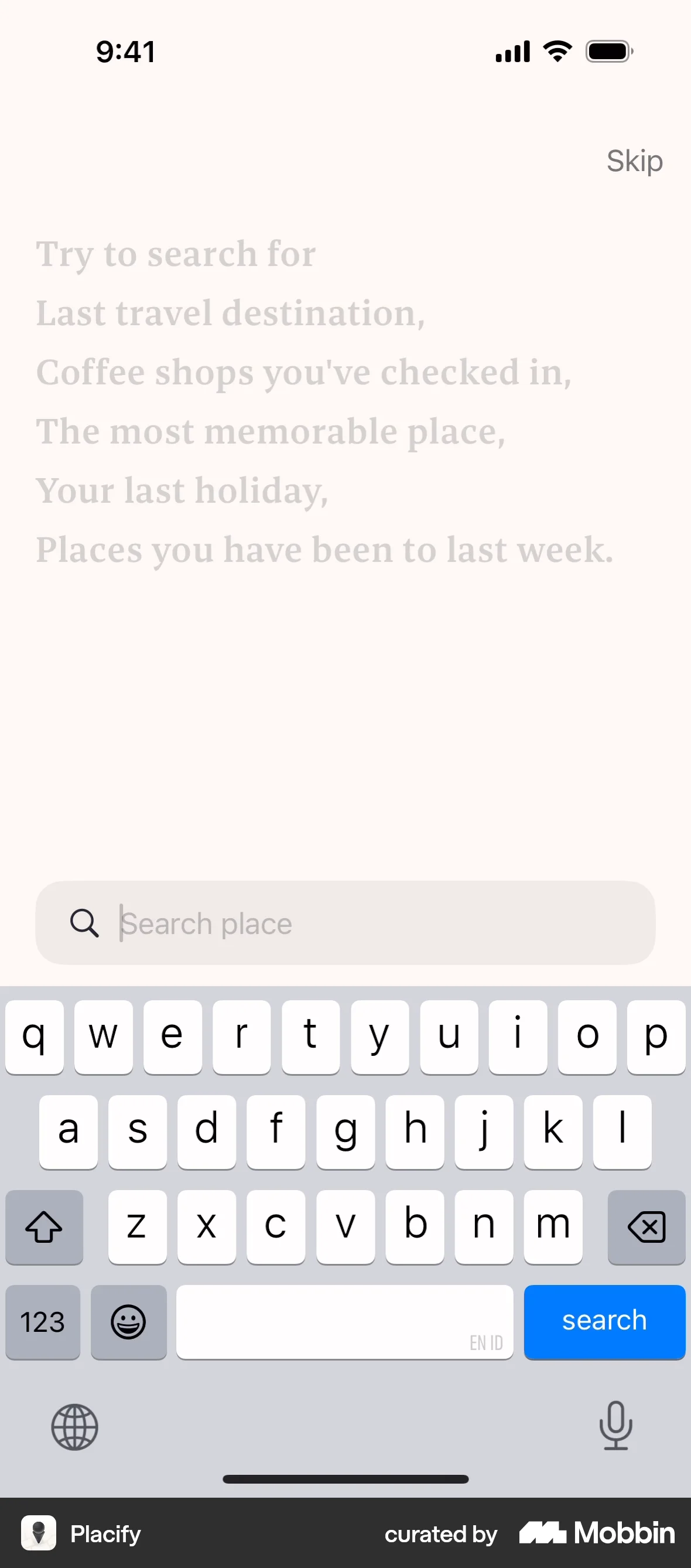
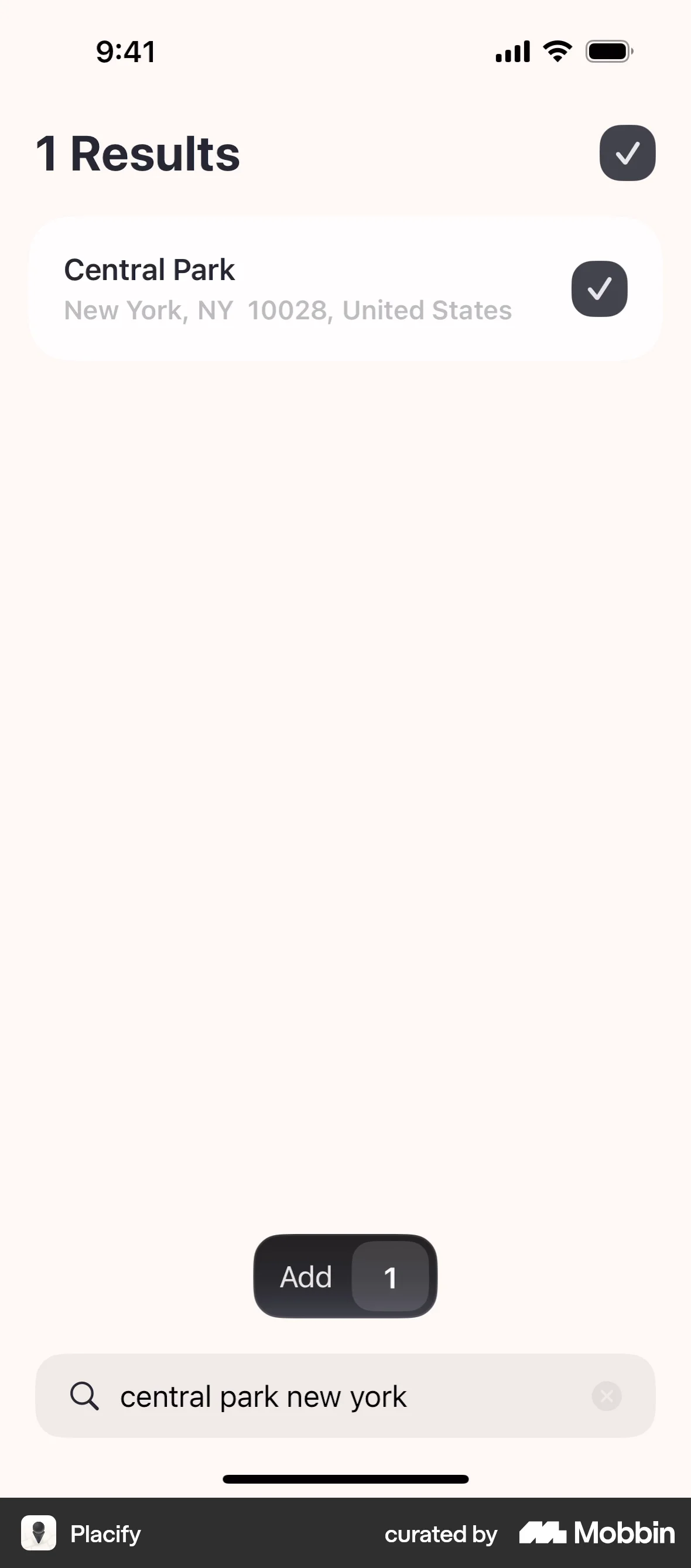
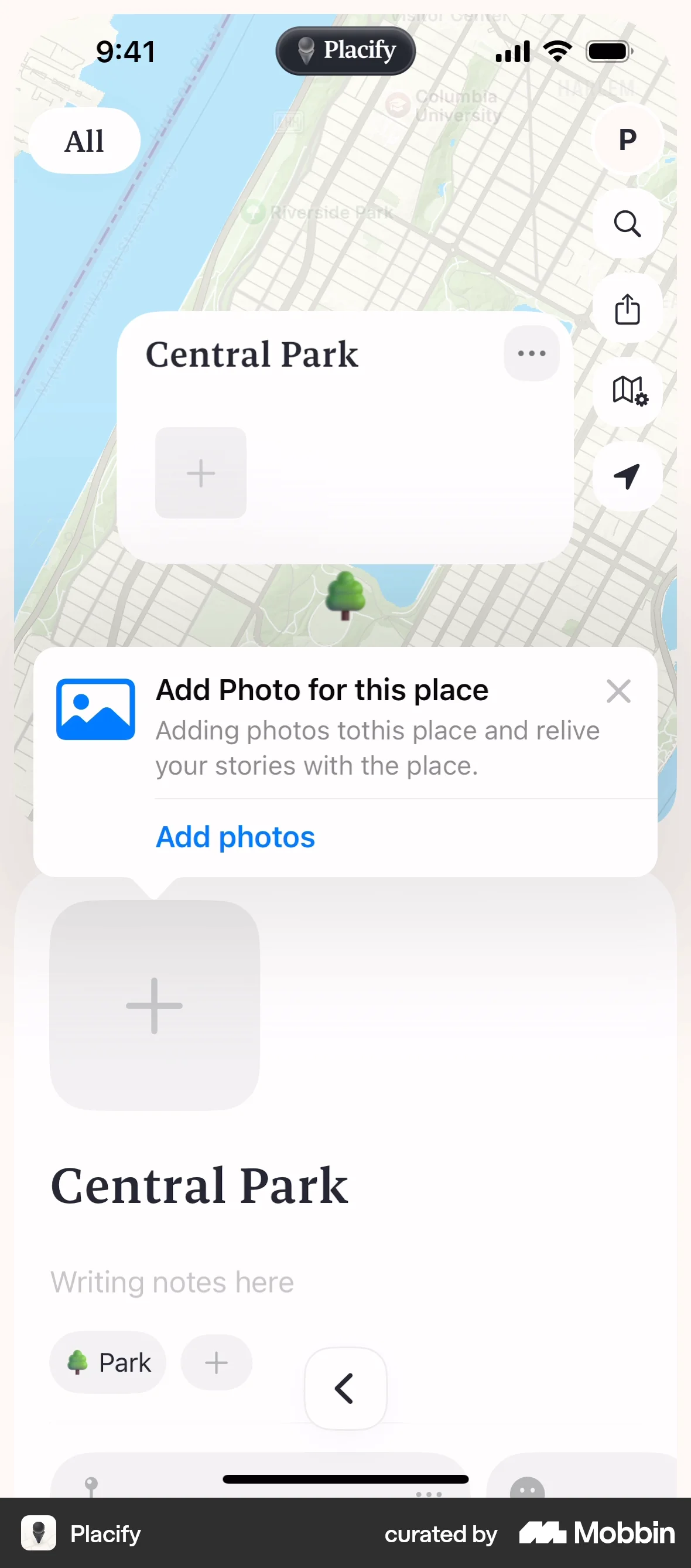
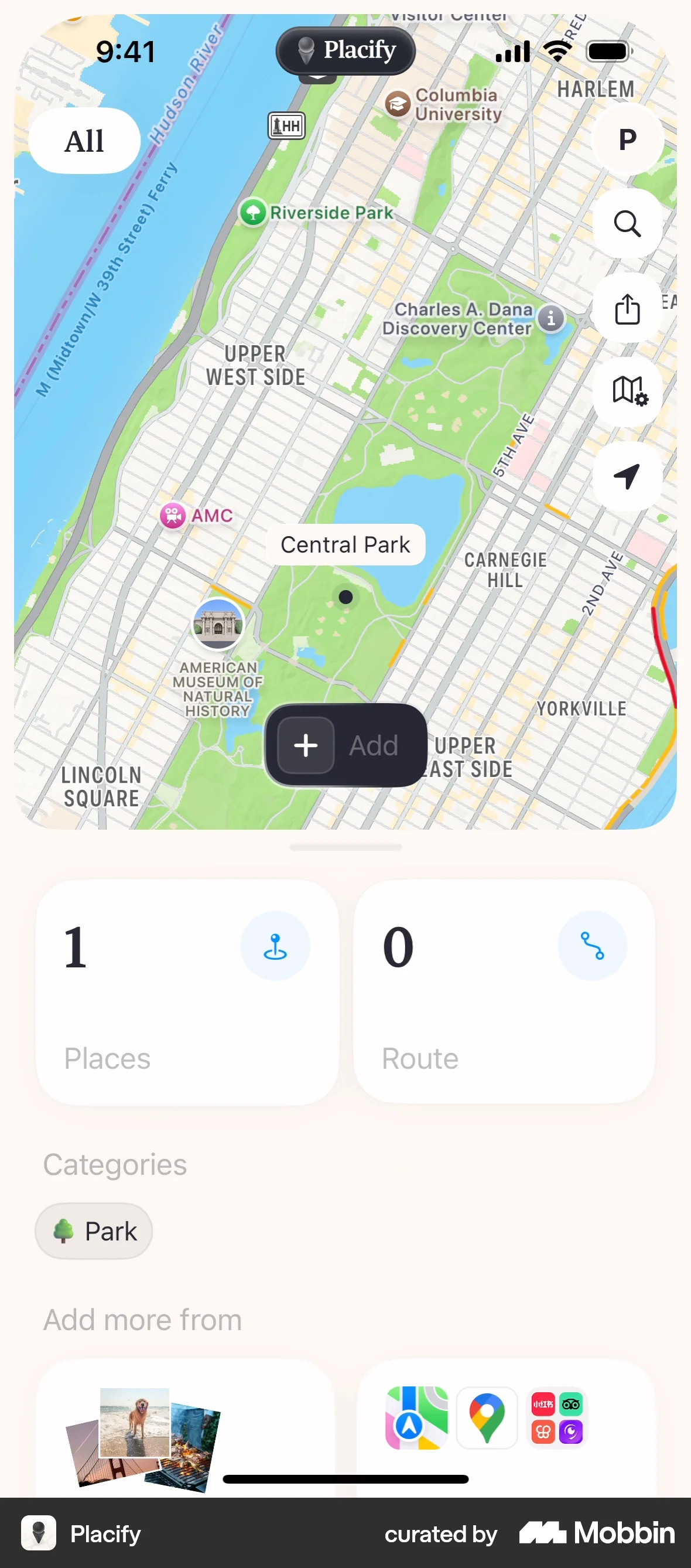
The user flow demonstrates onboarding and adding a place with a photo to a map. It showcases the core functionality of the app.

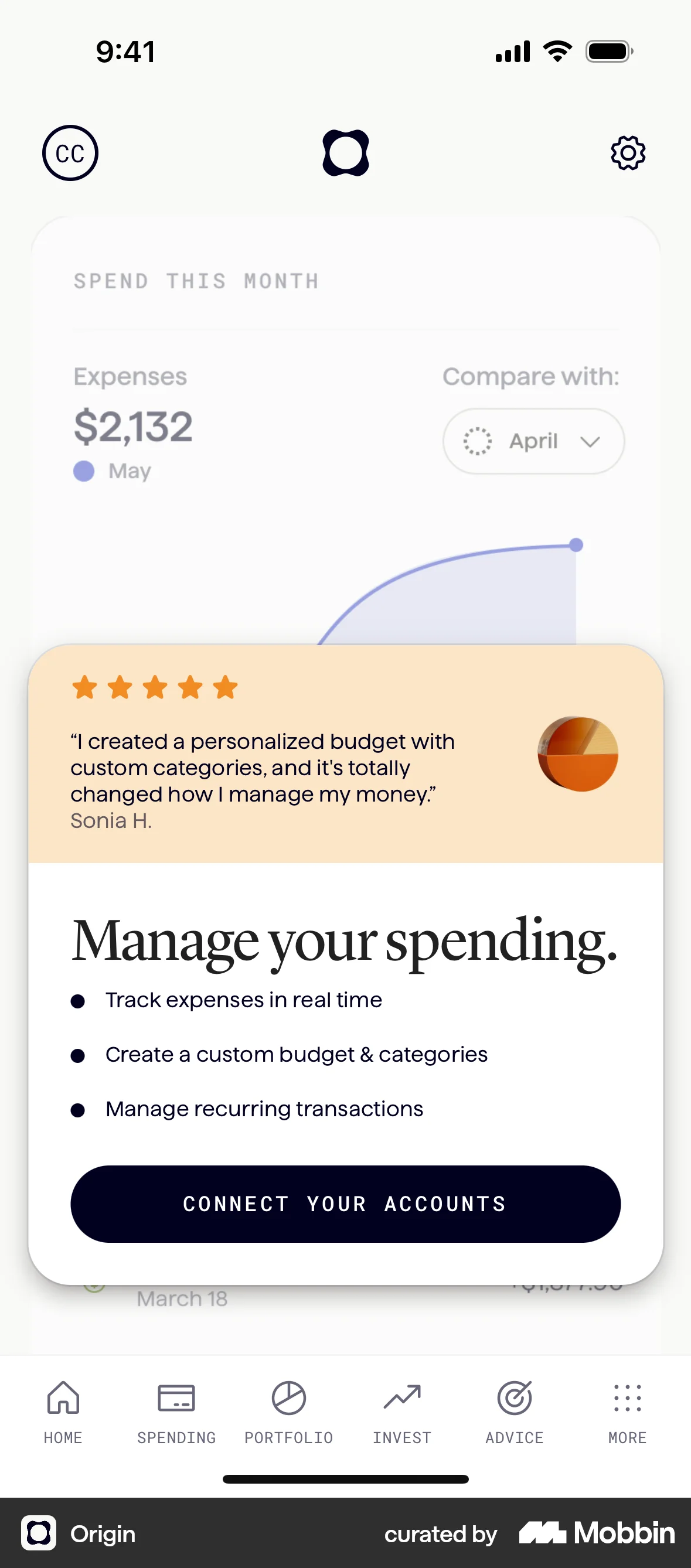
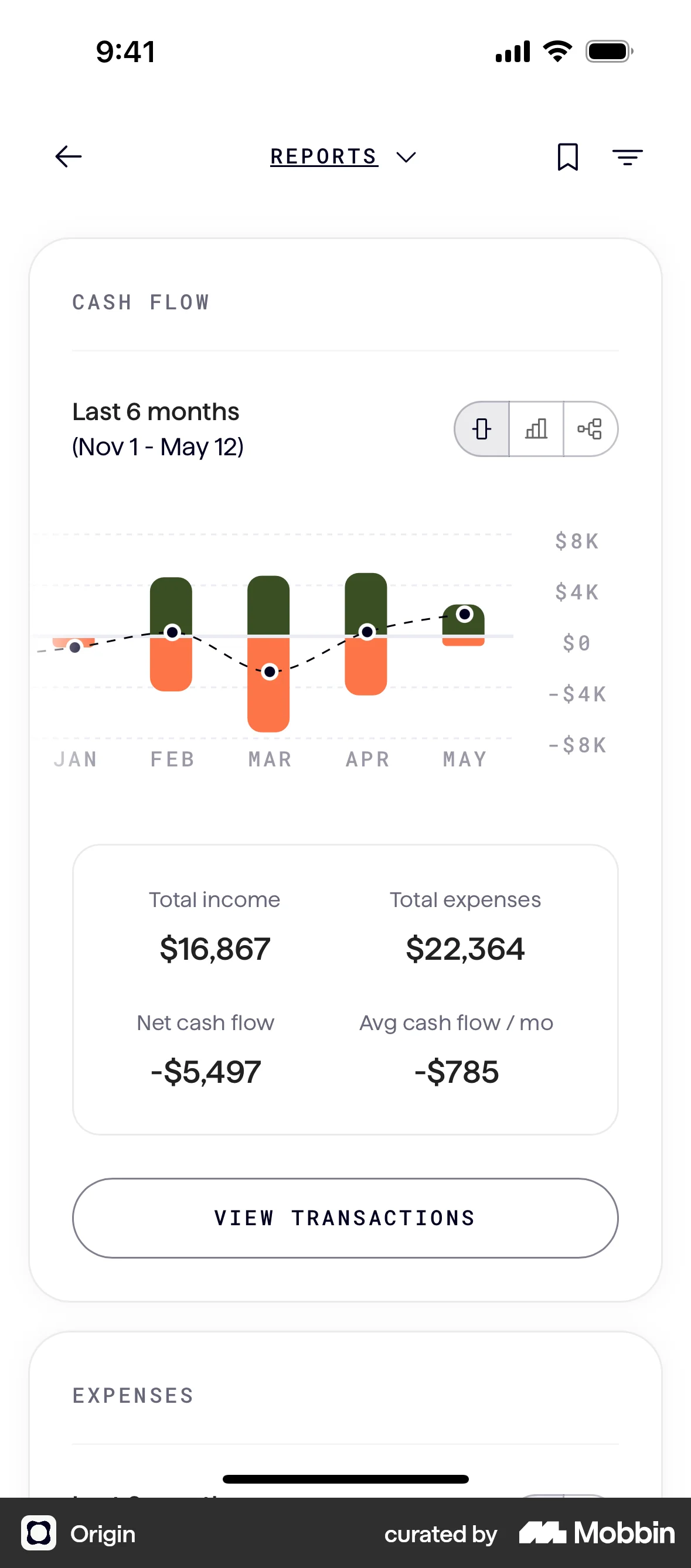
The user connects their bank account to the app. They navigate from the dashboard, authenticate with their bank, and return to the dashboard with the connected account.

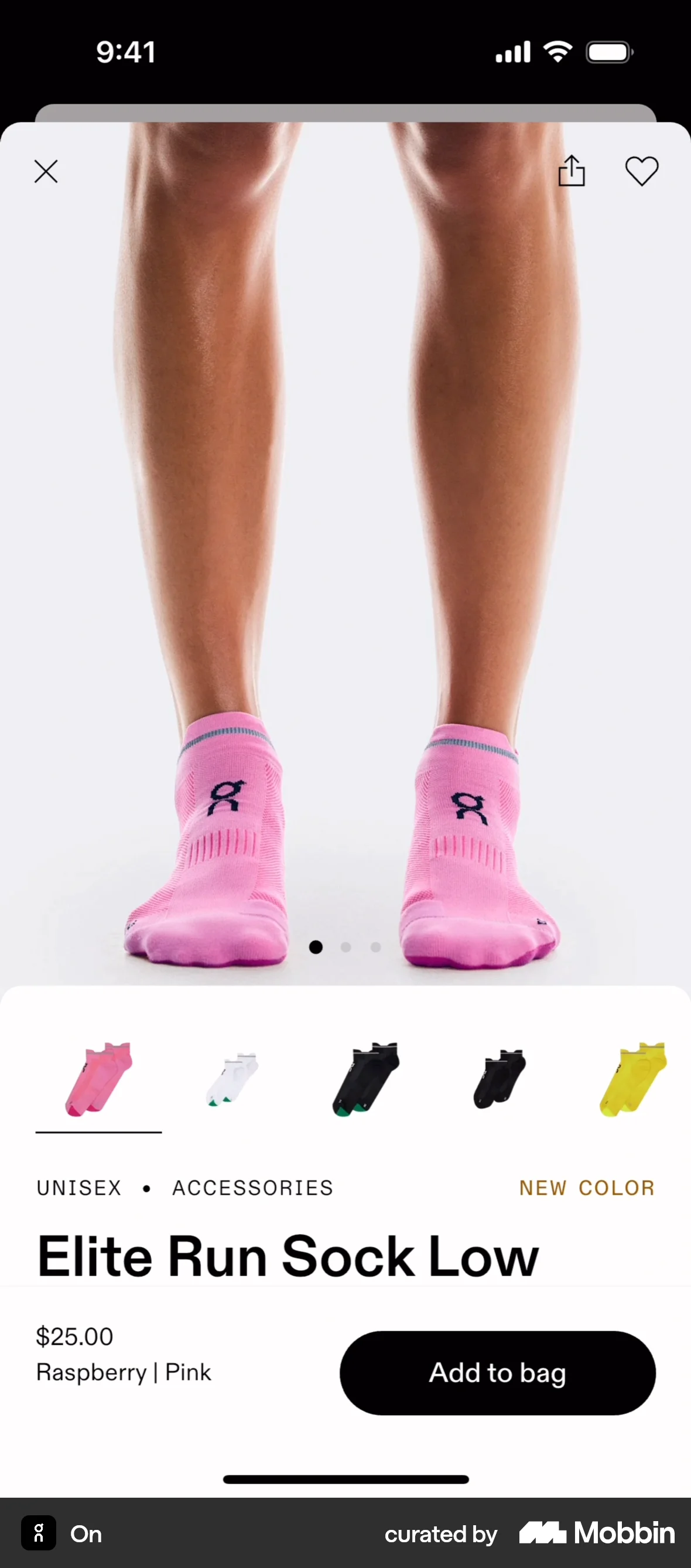
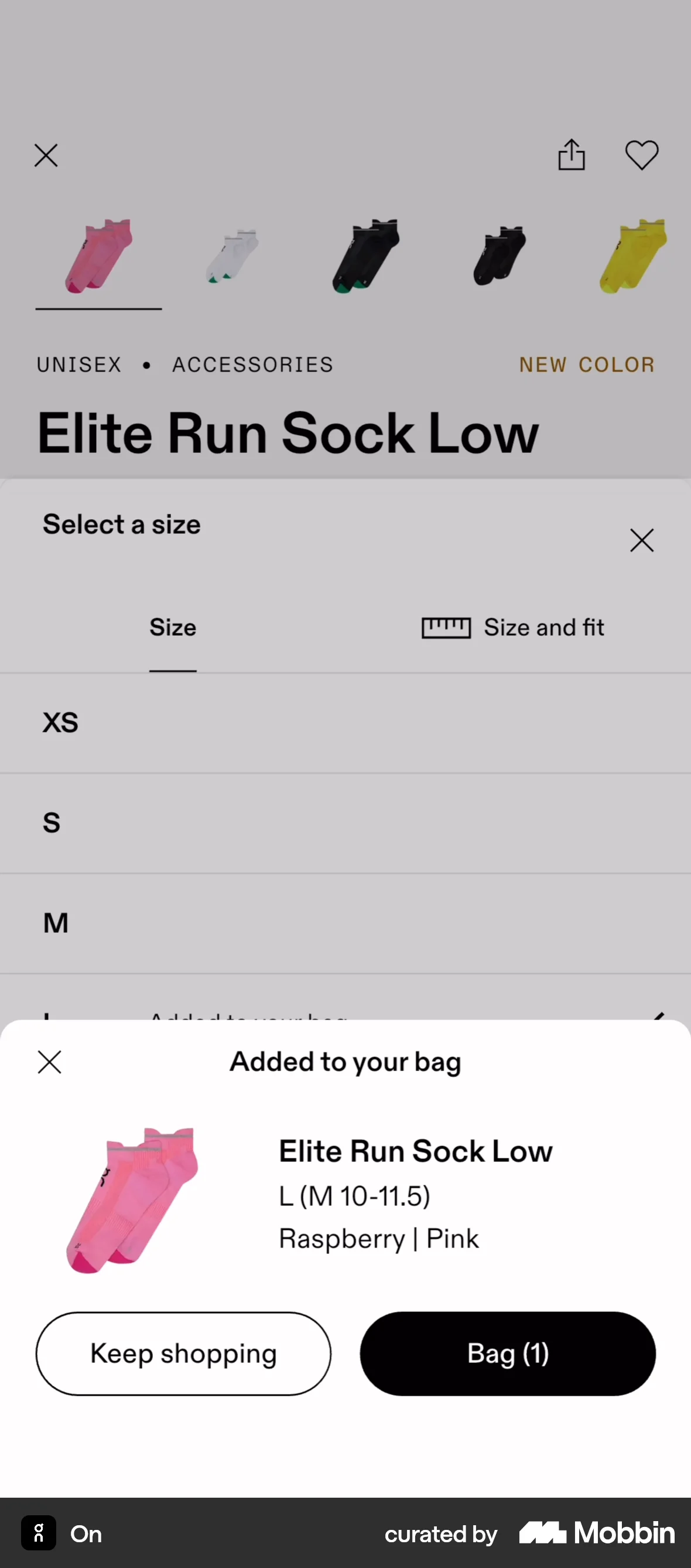
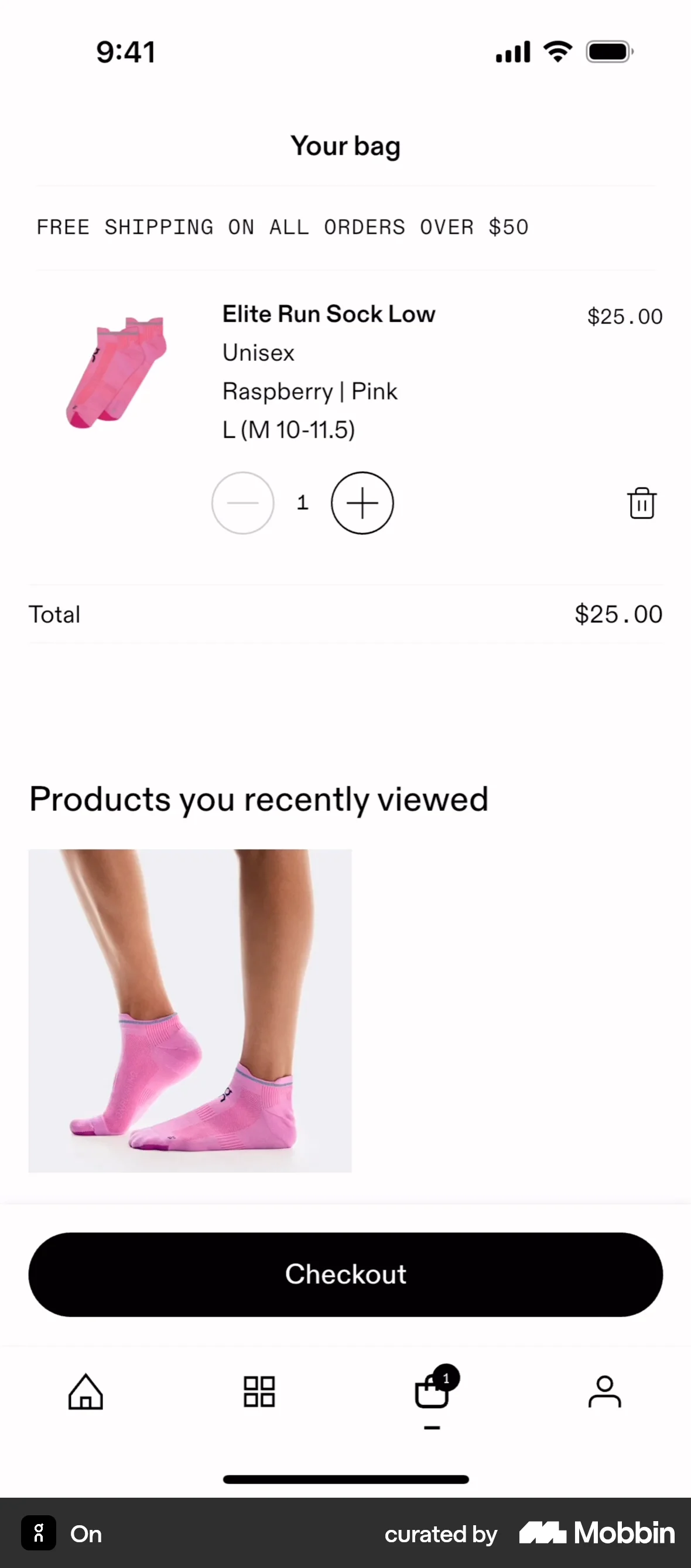
The user adds a product to the bag by selecting a size and then viewing the bag. The user can then proceed to checkout.

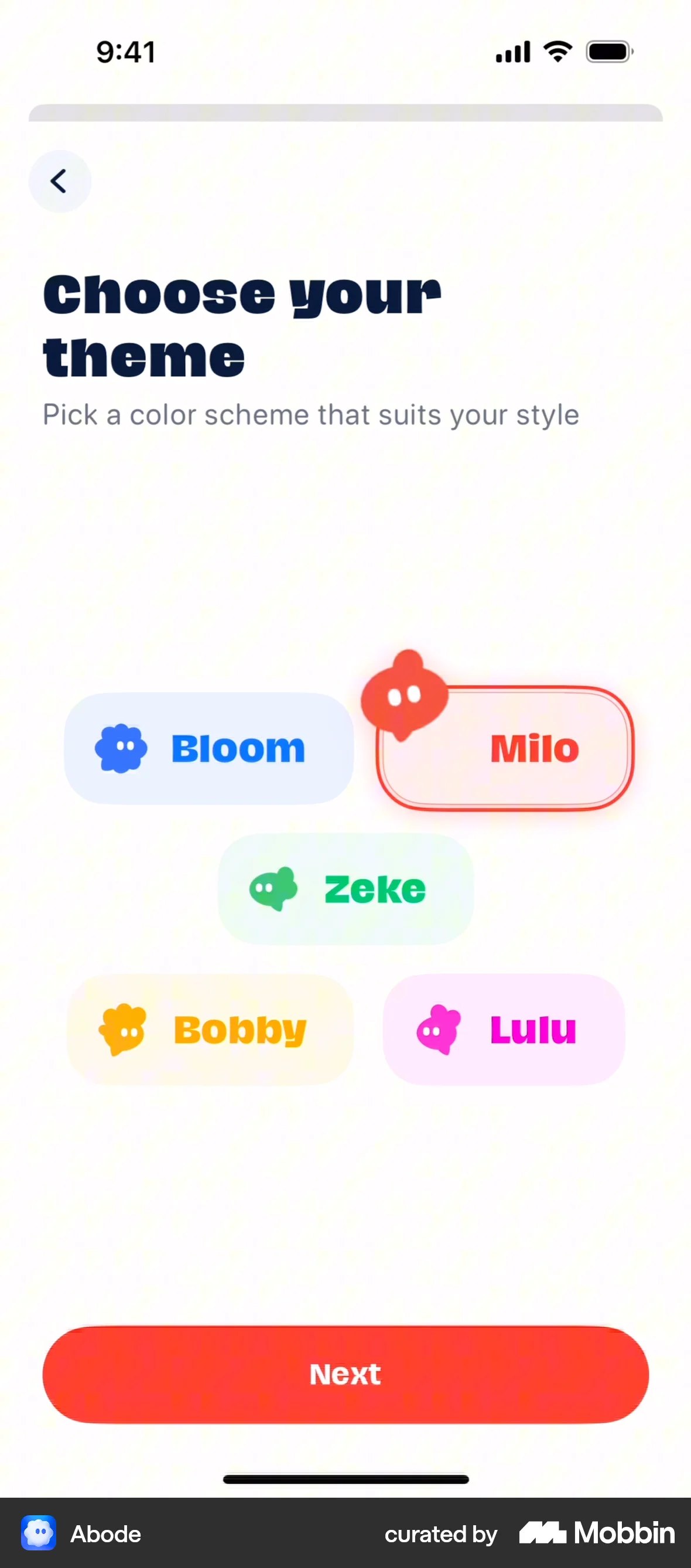
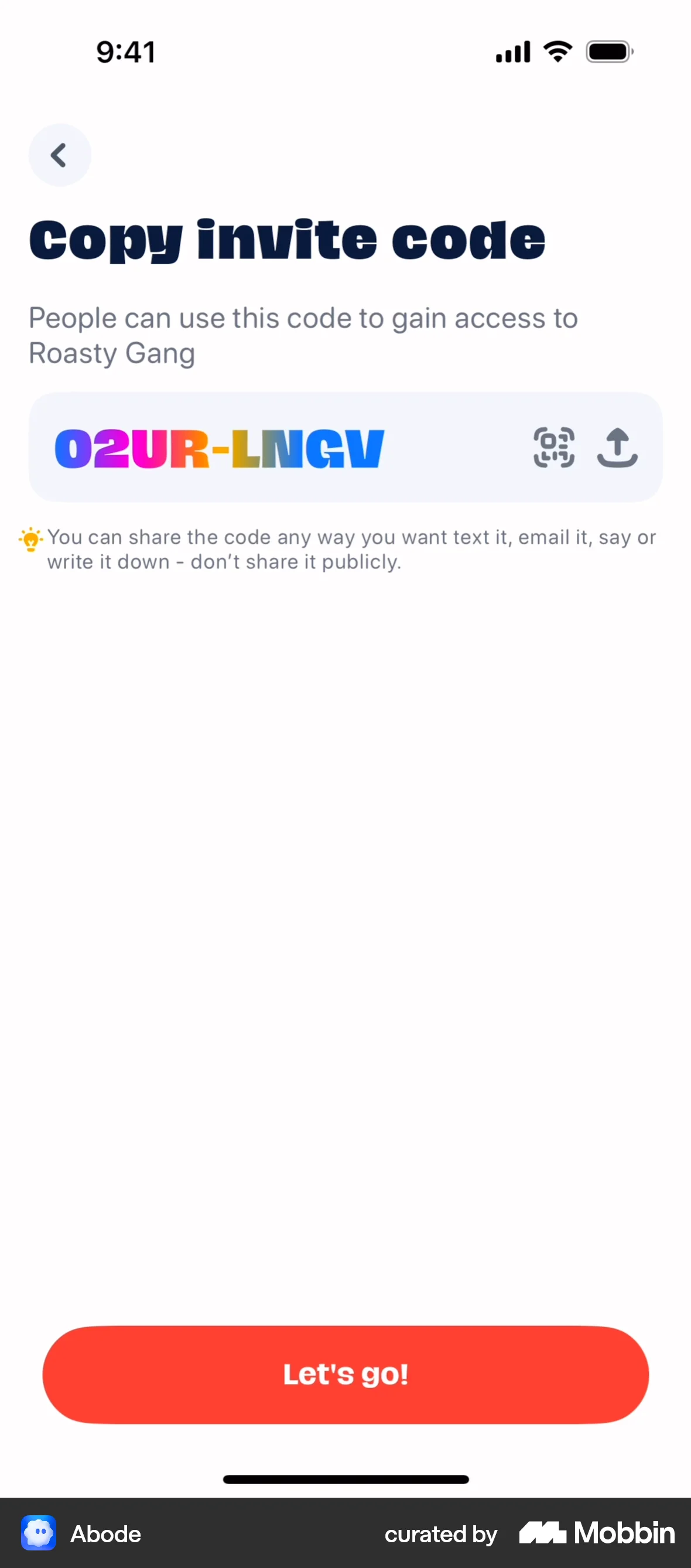
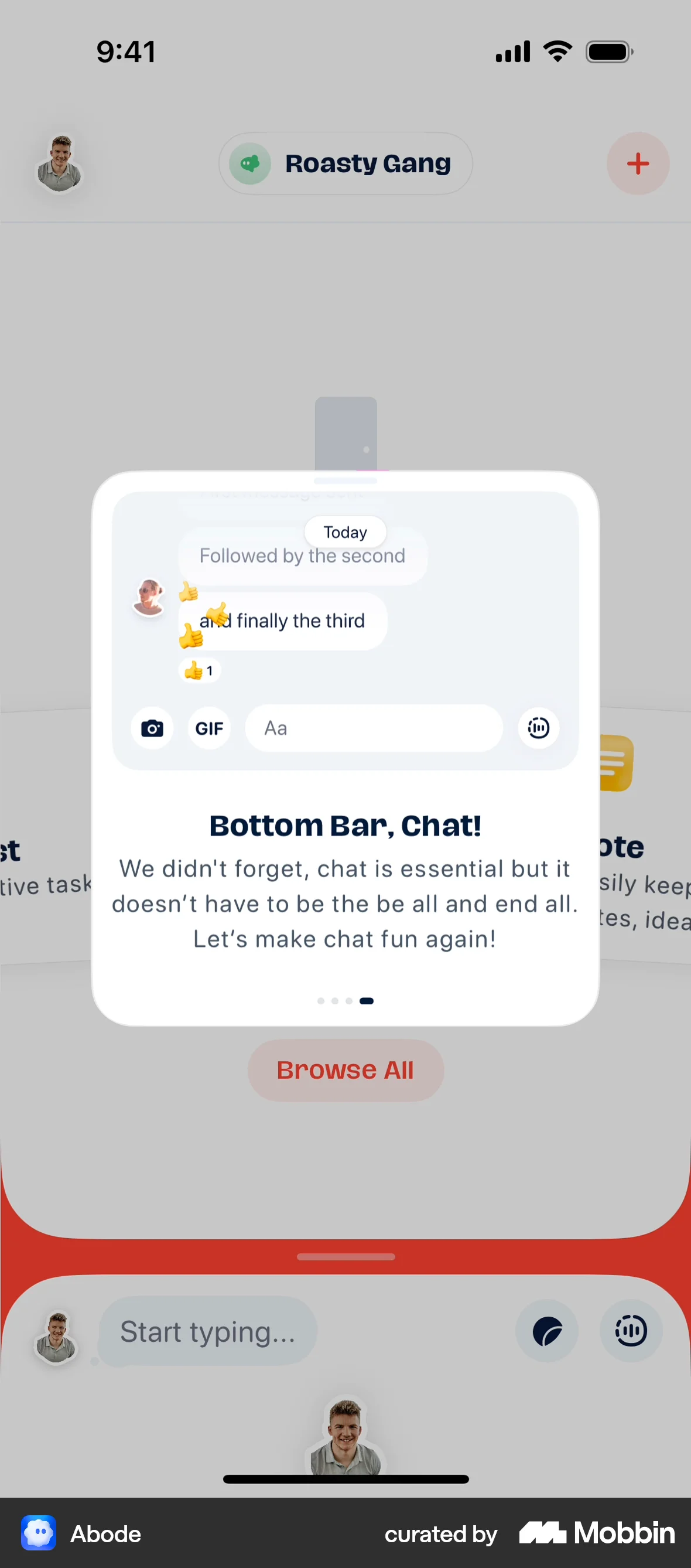
The user flow guides the user through creating a new Abode, customizing it, inviting friends, and adding a magnet. The flow focuses on onboarding and initial setup.

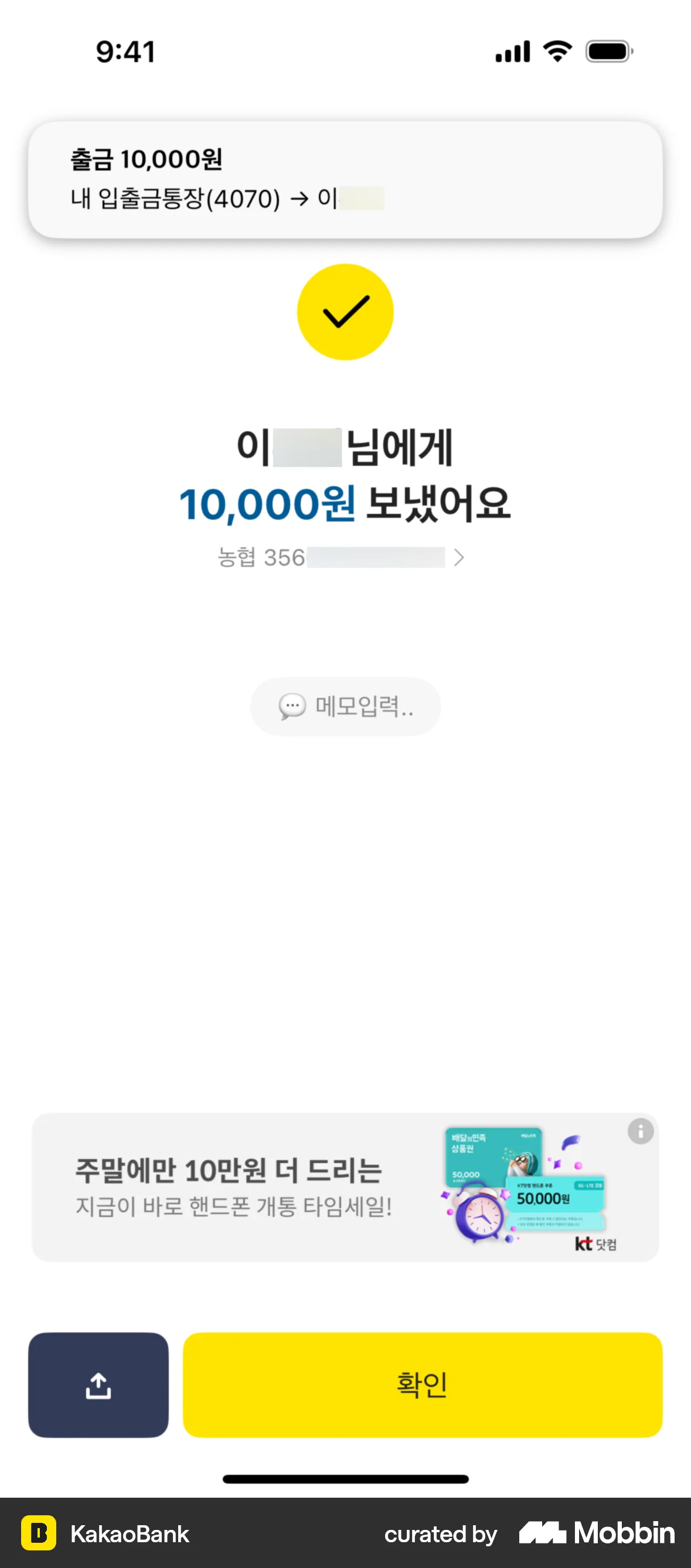
The user flow demonstrates transferring money to a recipient. It includes selecting a recipient, entering the amount, confirming details, and viewing the confirmation.

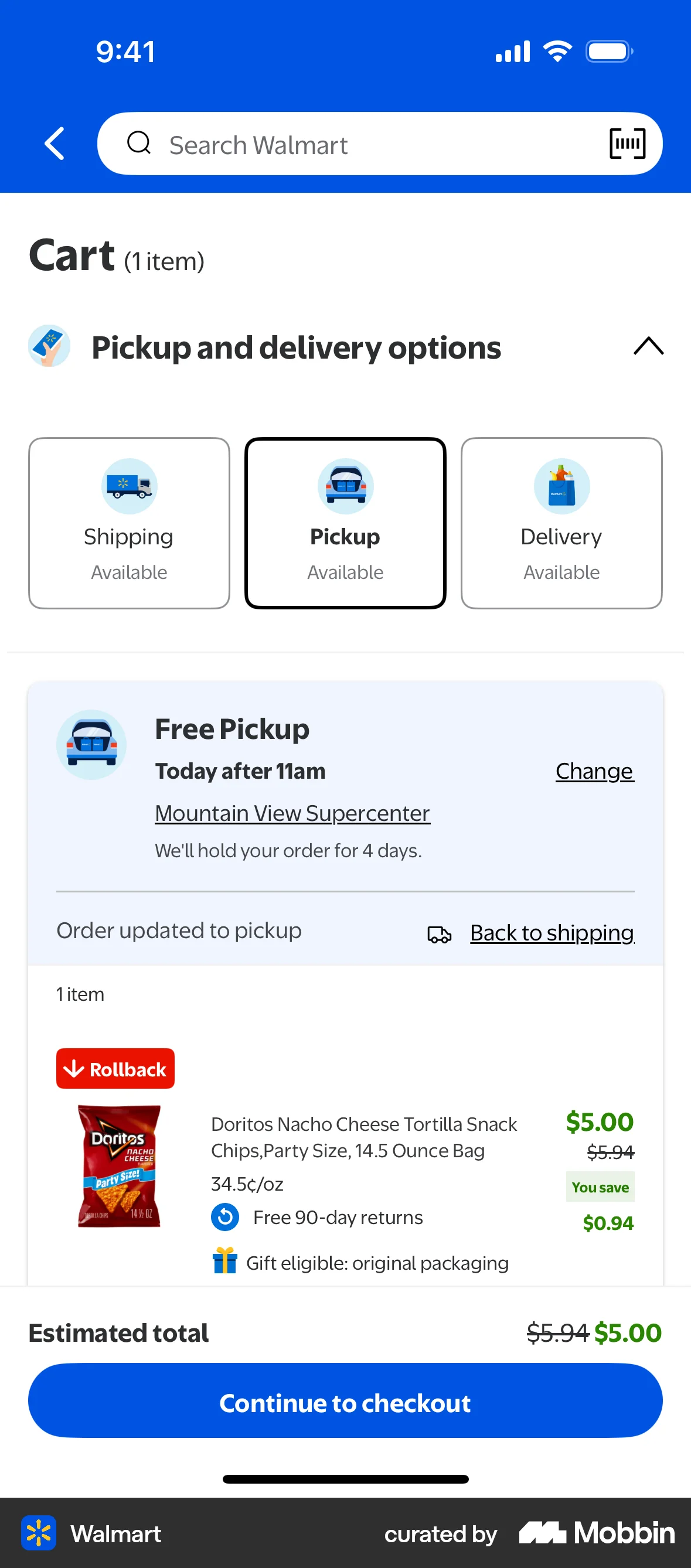
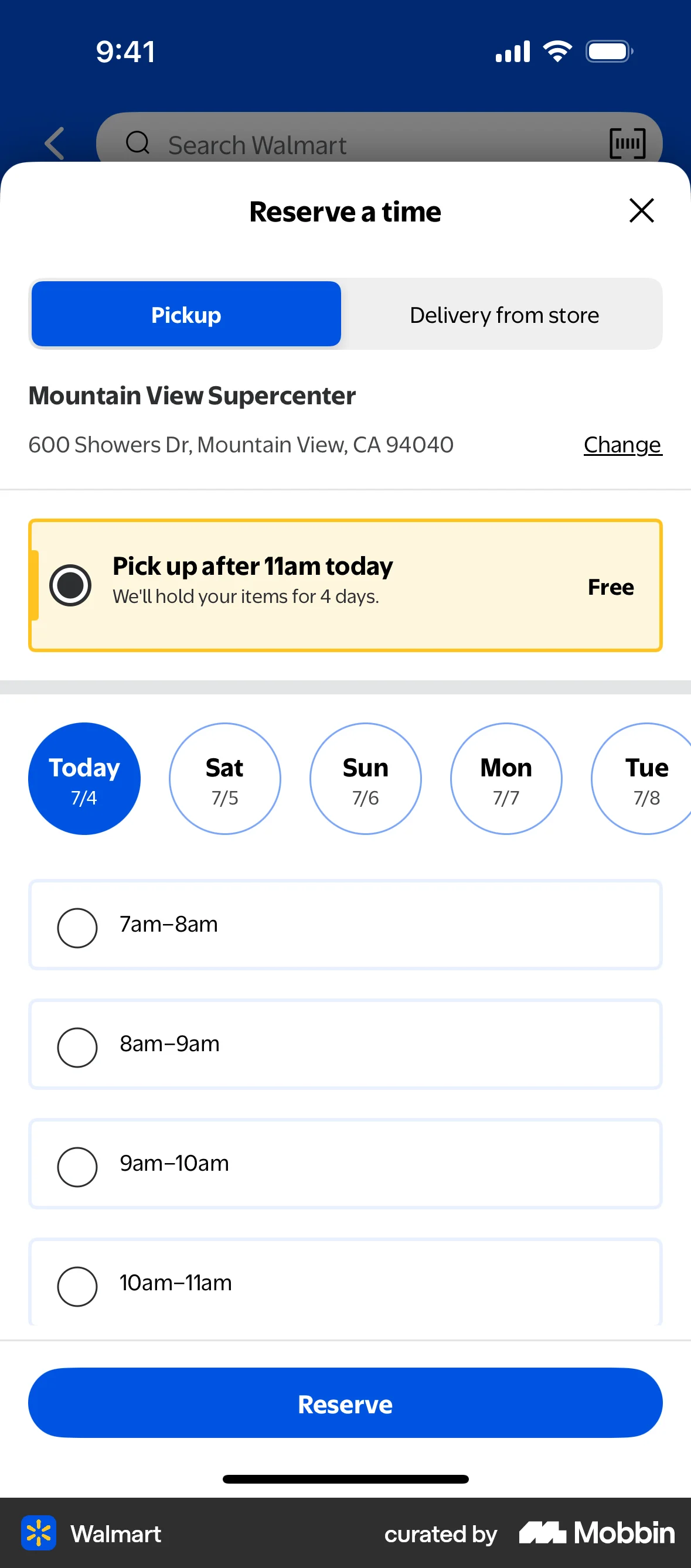
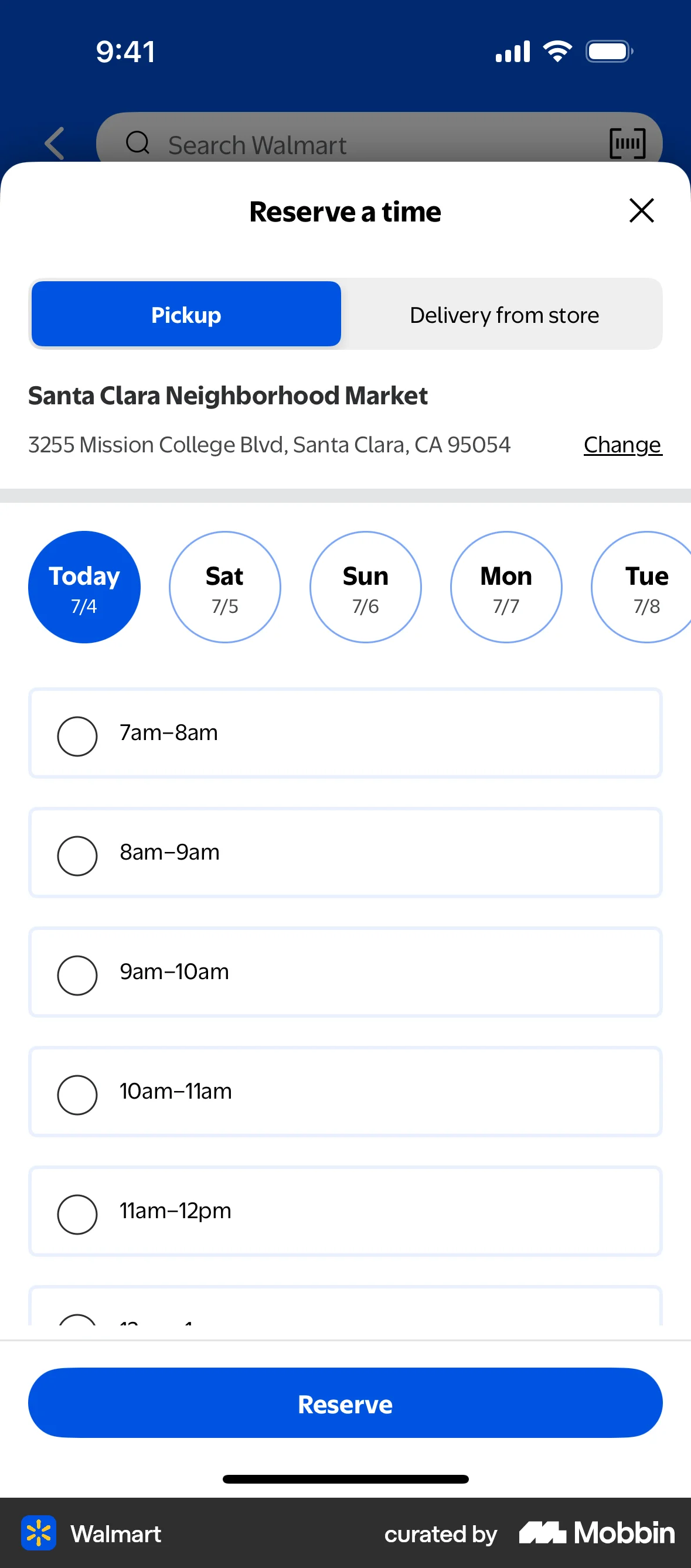
The user flow demonstrates changing the pickup store for an order. It involves navigating through store selection and time reservation screens.

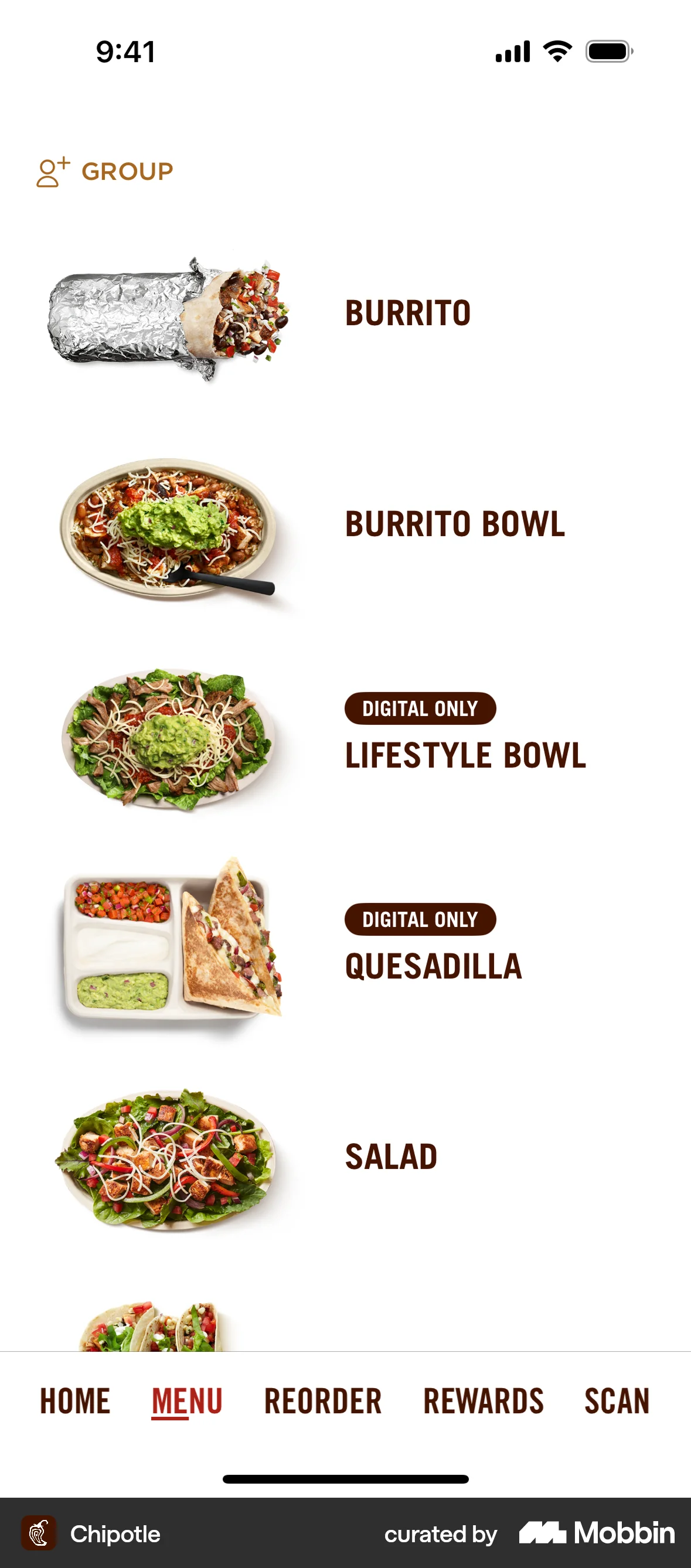
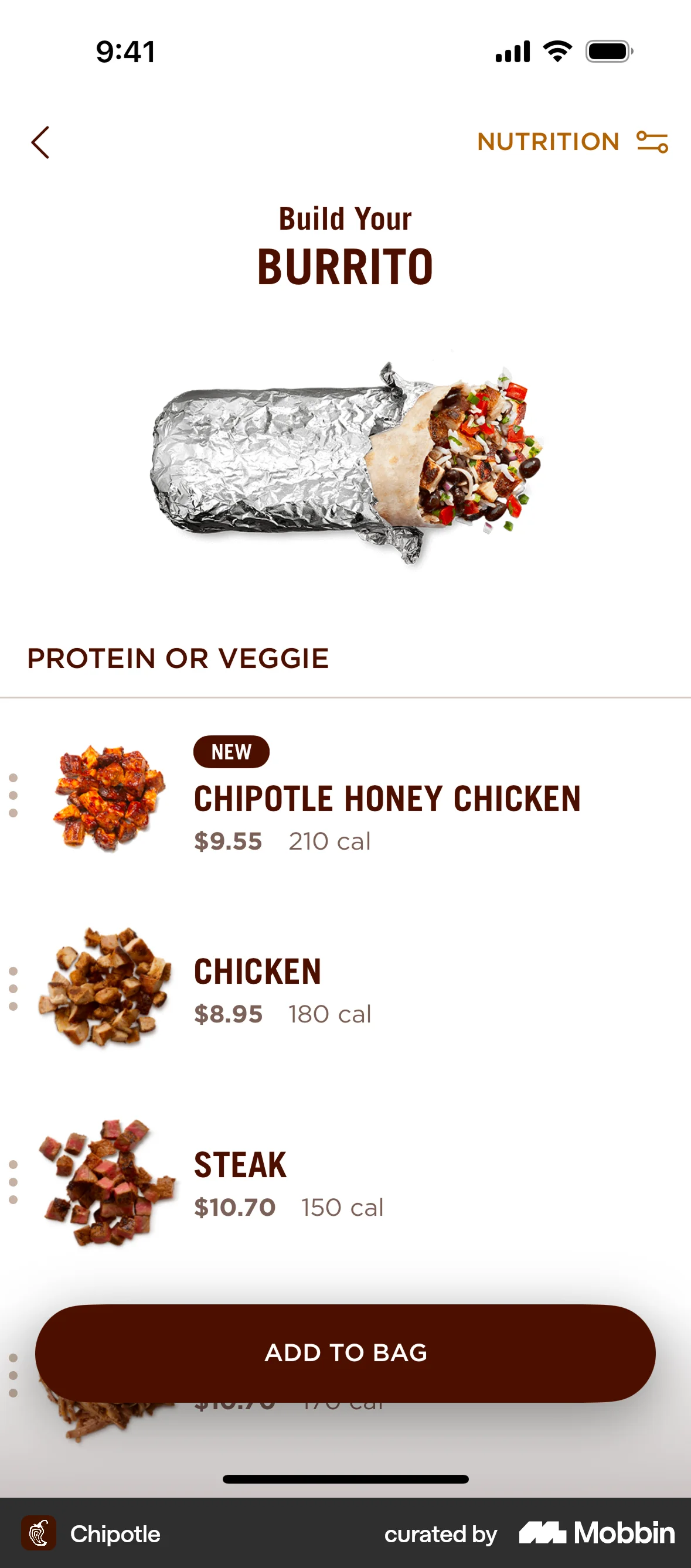
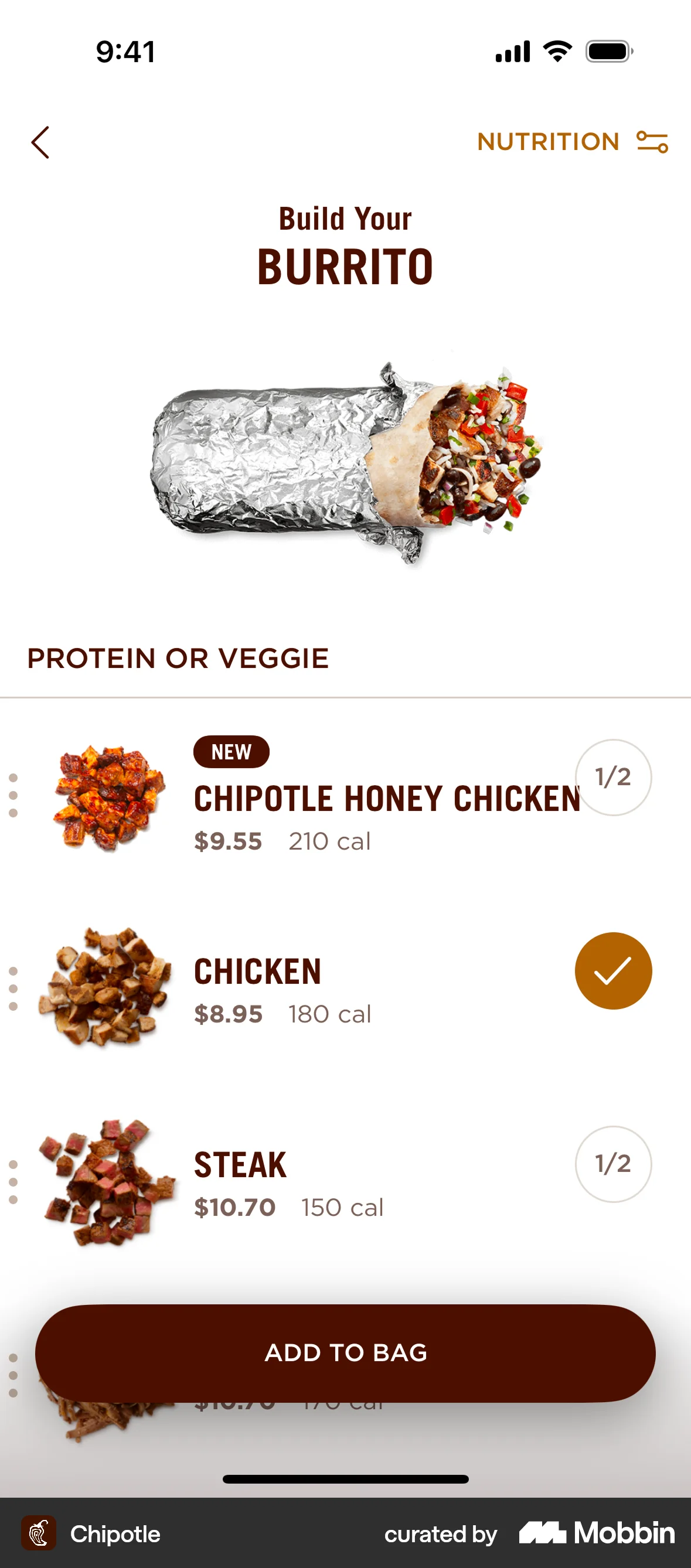
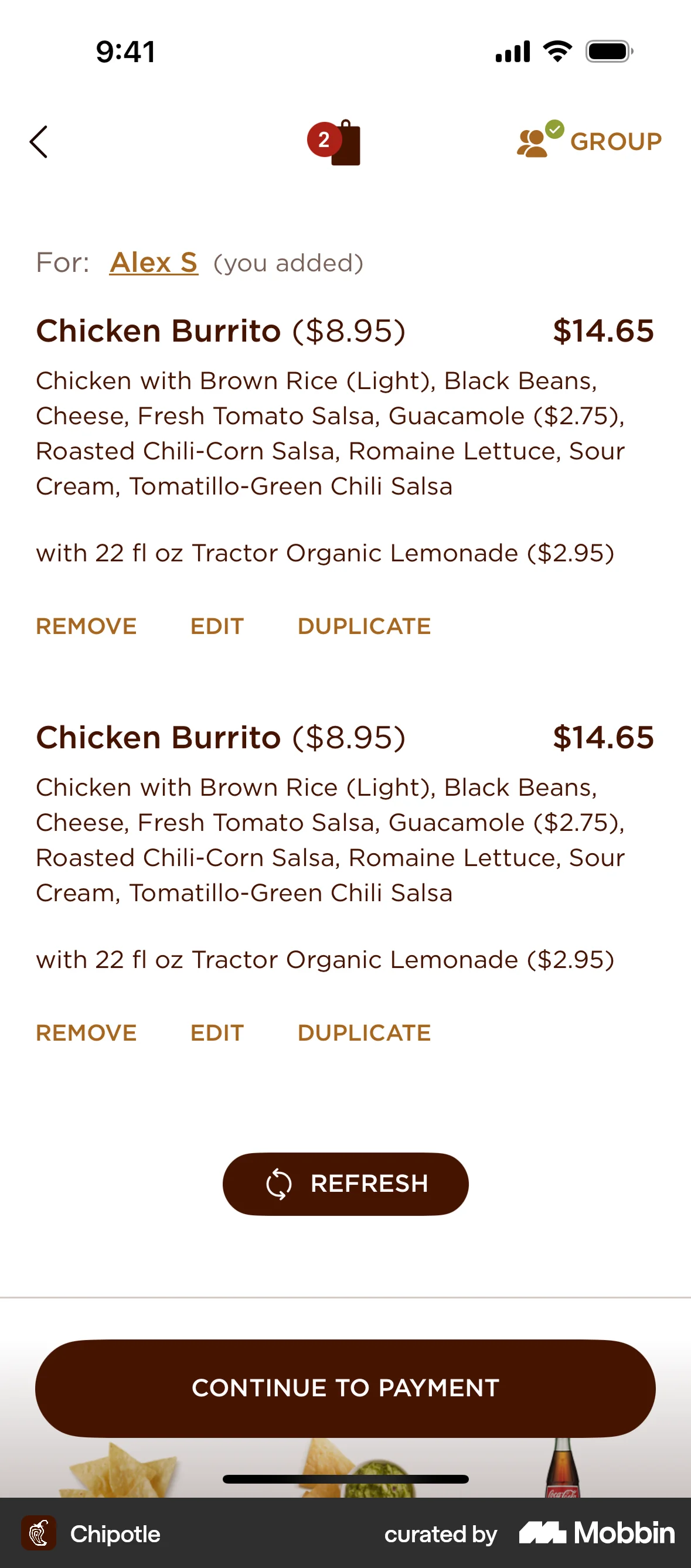
The user flow demonstrates adding a customized burrito and drinks to the bag. It ends with the order summary and option to proceed to payment.
The user requests a refund for an item, specifies the reason, chooses a refund method, and receives confirmation. The order details and purchase history are then updated.
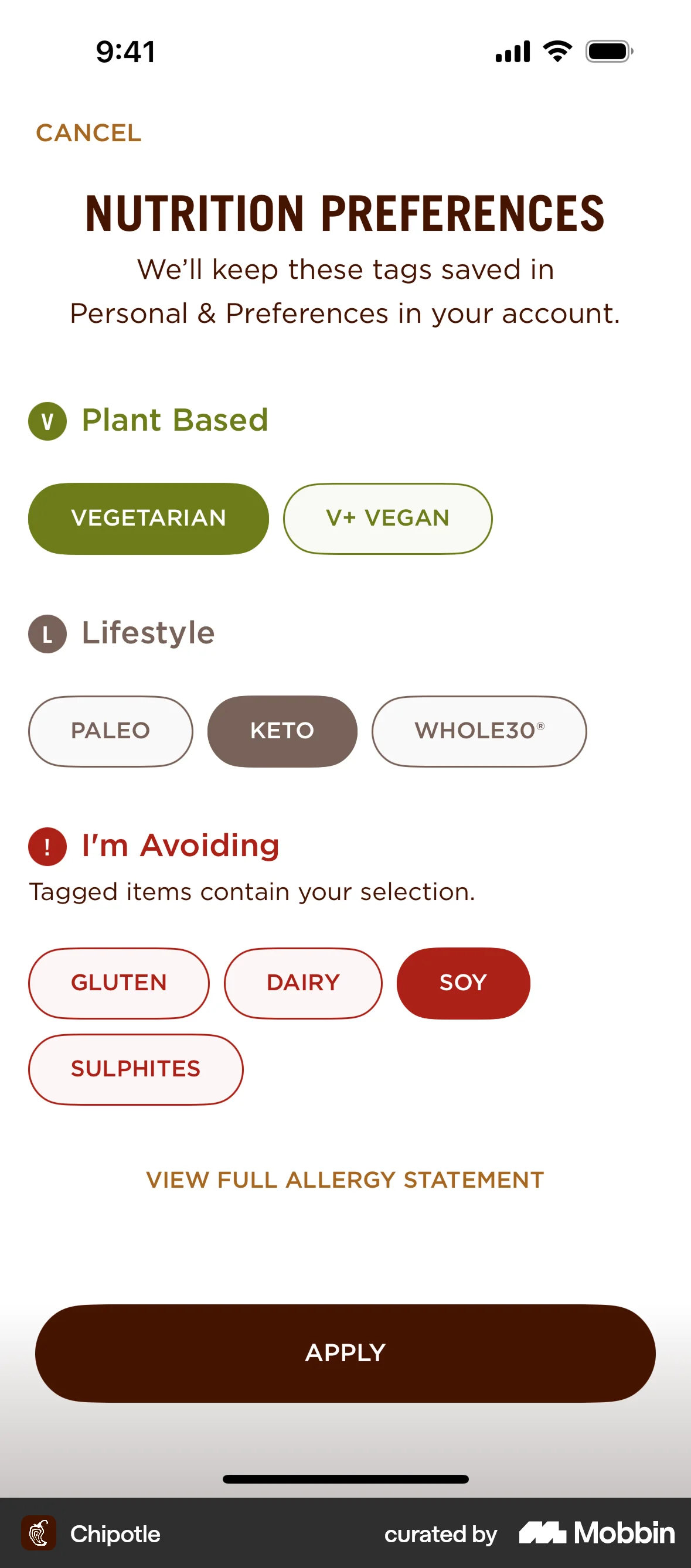
The user customizes a burrito by setting nutrition preferences and then selecting protein and toppings. The preferences are displayed as indicators on the available items.
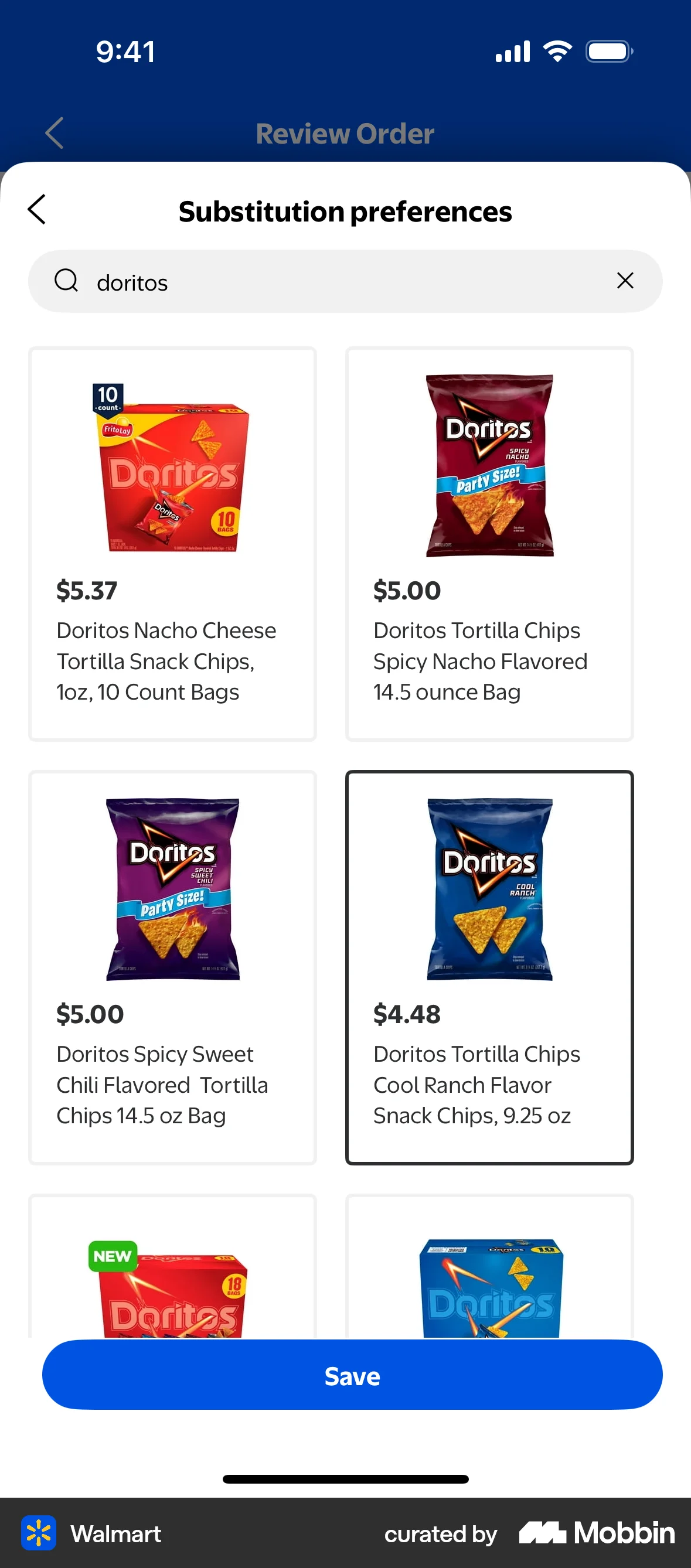
The user flow demonstrates how a user can modify substitution preferences for an order. The user can allow substitutions and select preferred replacement items.
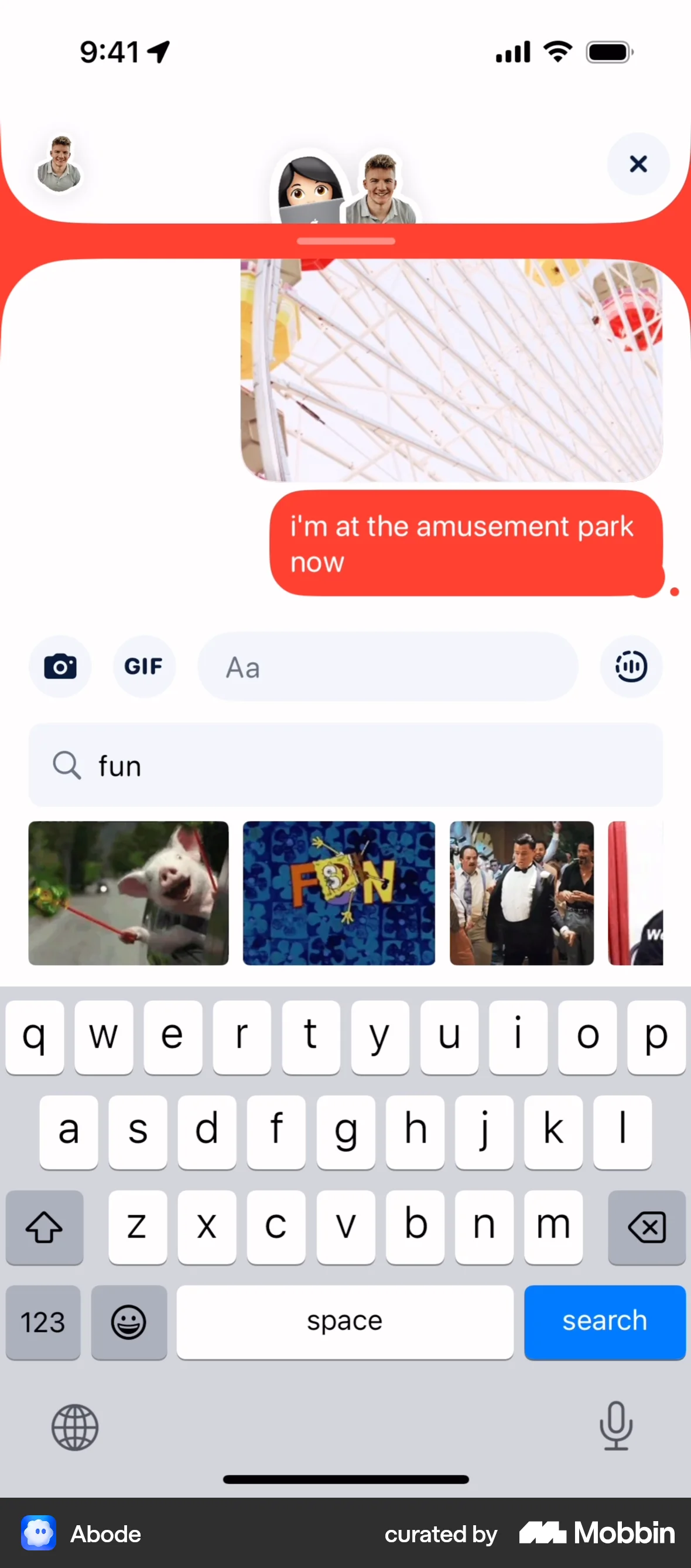
The user composes and sends a message with text, image, and GIF. The recipient then responds with multiple messages.

1215 Flows
1812 Flows

455 Flows
326 Flows

265 Flows

304 Flows