
Marking as completedon Abode
Abode
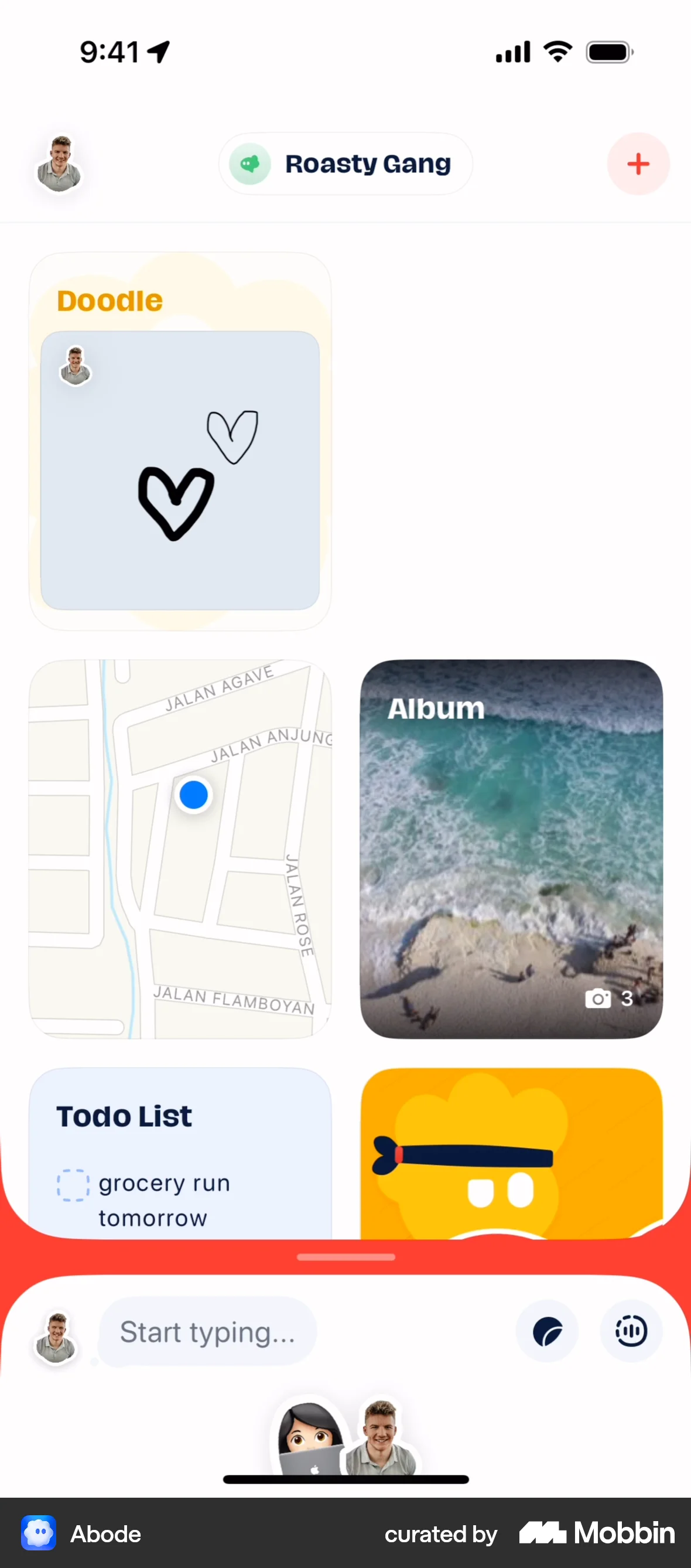
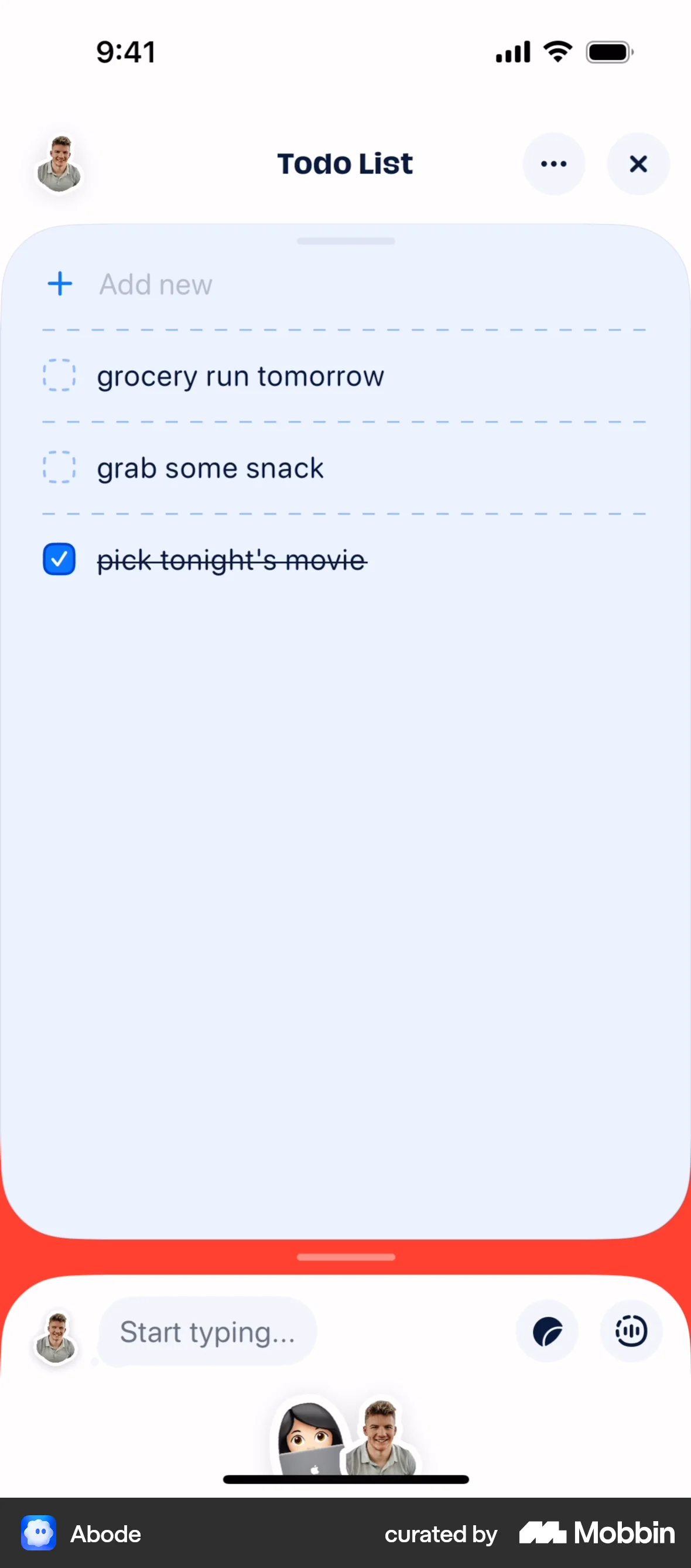
The user opens the todo list, marks 'pick tonight's movie' as complete, and returns to the dashboard to see the updated completion status.
Discover best mobile app designs for Marking flows. Get inspired by the best apps in the world.
The user opens the todo list, marks 'pick tonight's movie' as complete, and returns to the dashboard to see the updated completion status.

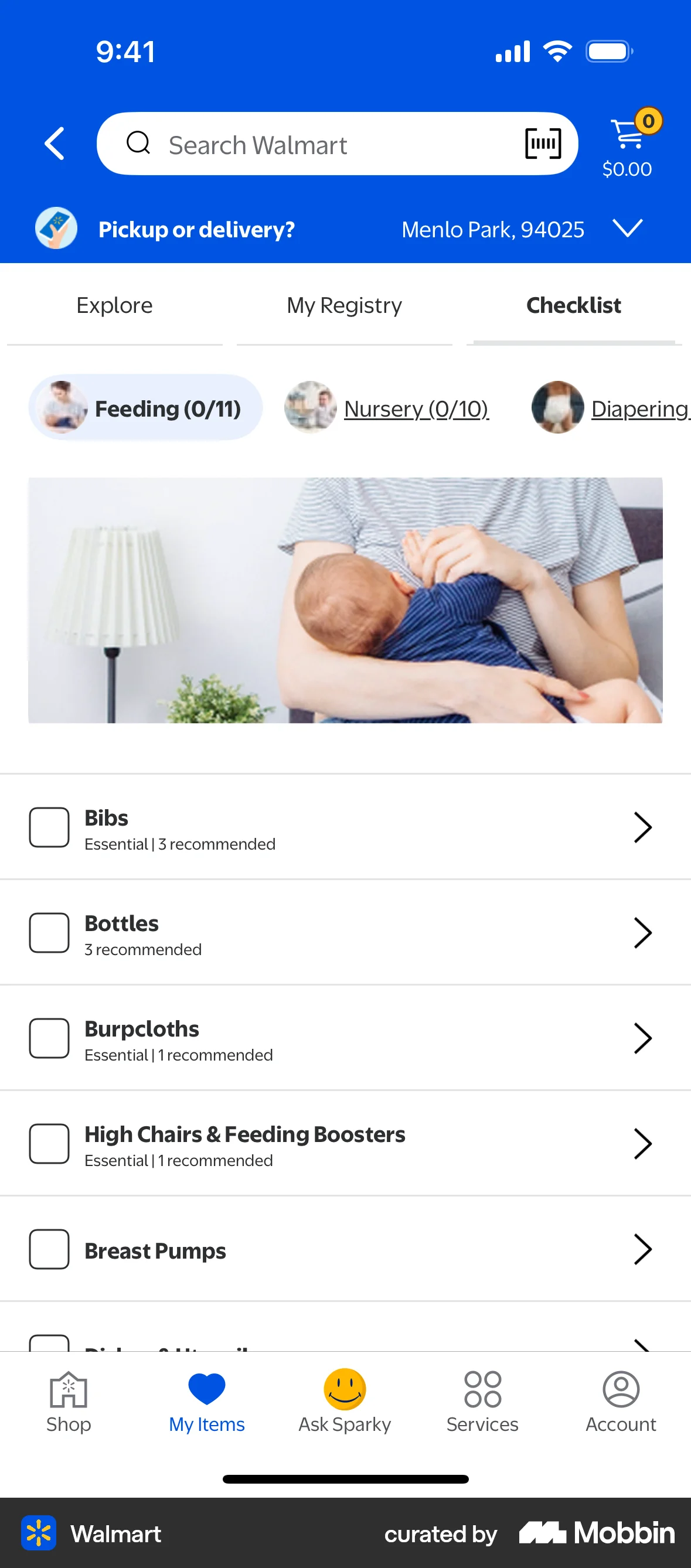
The user views a baby checklist and marks "Bibs" and "Bottles" as complete. This indicates progress in preparing for a baby.

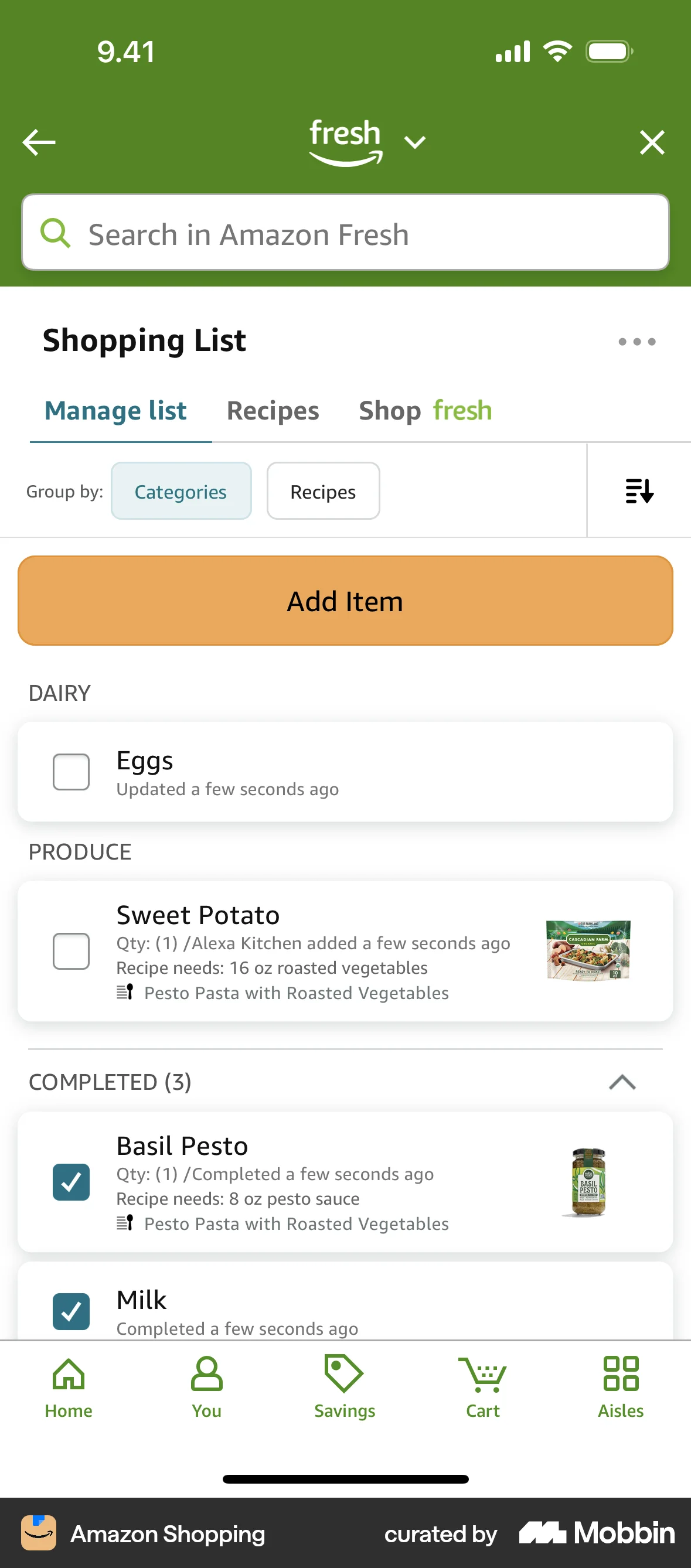
The user checks off an item from their Amazon Fresh shopping list. The item then moves to the 'Completed' section.

The user views a checklist and marks some tasks as complete. The UI updates to show the completed tasks.

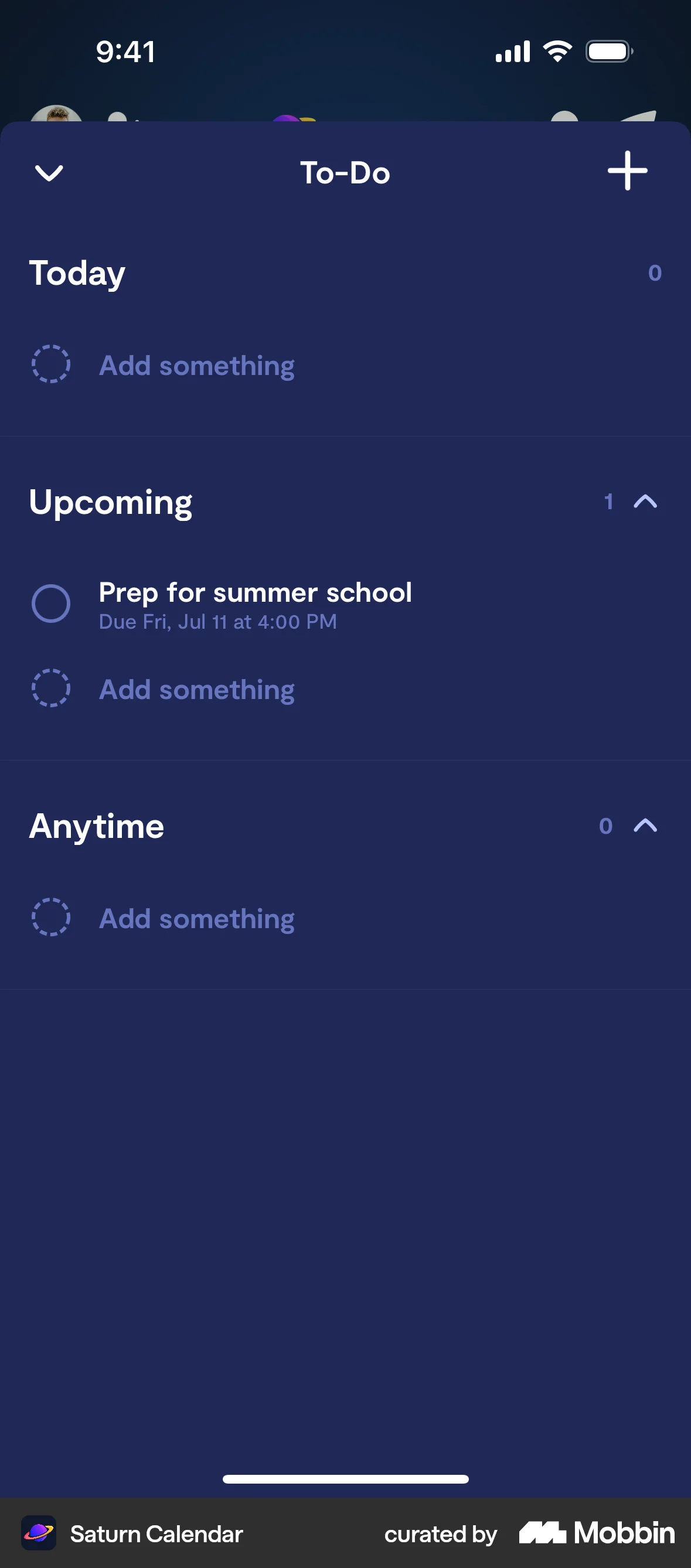
The user selects a task from the to-do list and marks it as done. The to-do list then updates to reflect the completed task.

The user reviews transactions by first filtering them and then confirming that all transactions have been reviewed. The dashboard then updates to reflect this.
The user marks a transaction as recurring by editing the merchant details. They then specify the recurring frequency, type, date, and amount.
The user views their address list and sets a new default address. A confirmation message briefly appears to confirm the change.

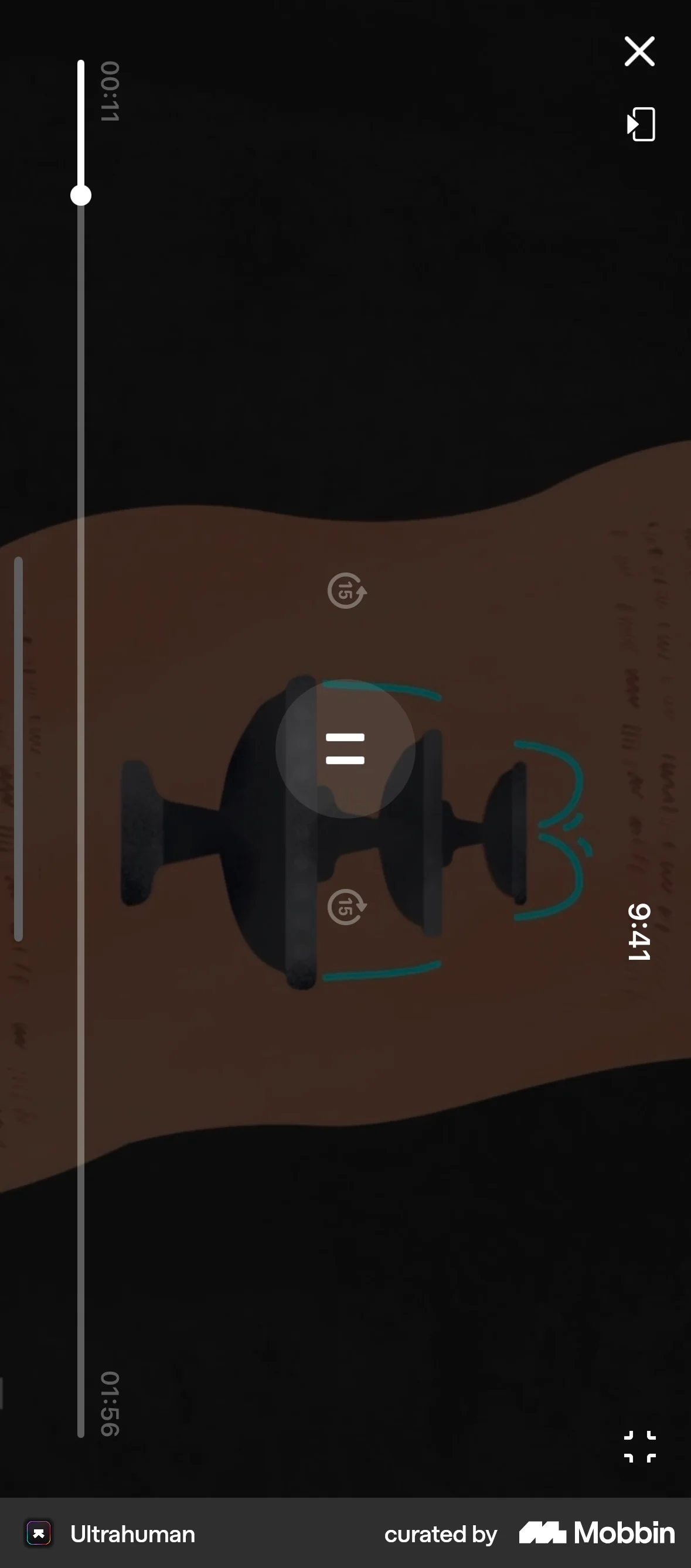
The user marks an active session as complete. This action triggers a celebratory screen with a positive message.
The user checks off a task from a list, confirms it's done, and the list updates. This shows how to mark a task as complete.

The user marks a transaction as tax deductible. They are then asked whether to apply this setting to all similar transactions.

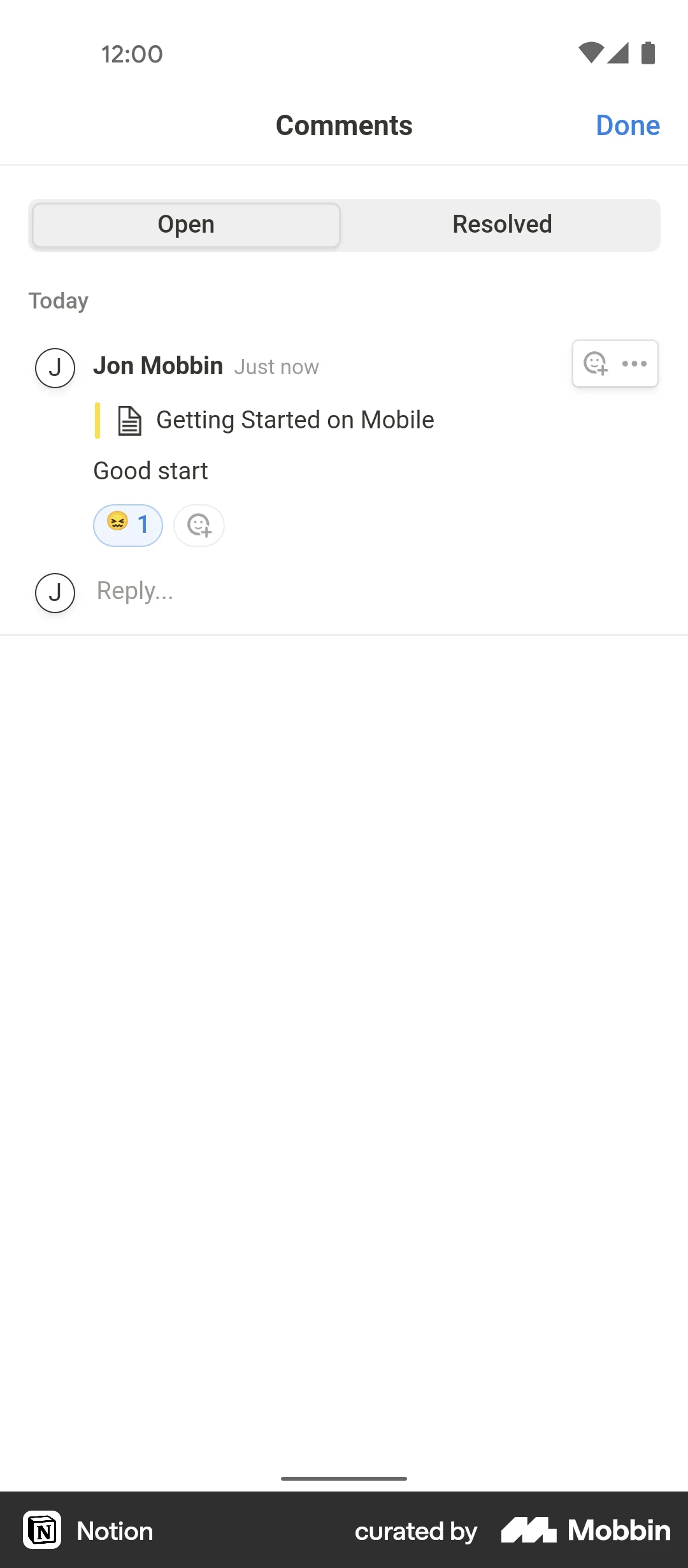
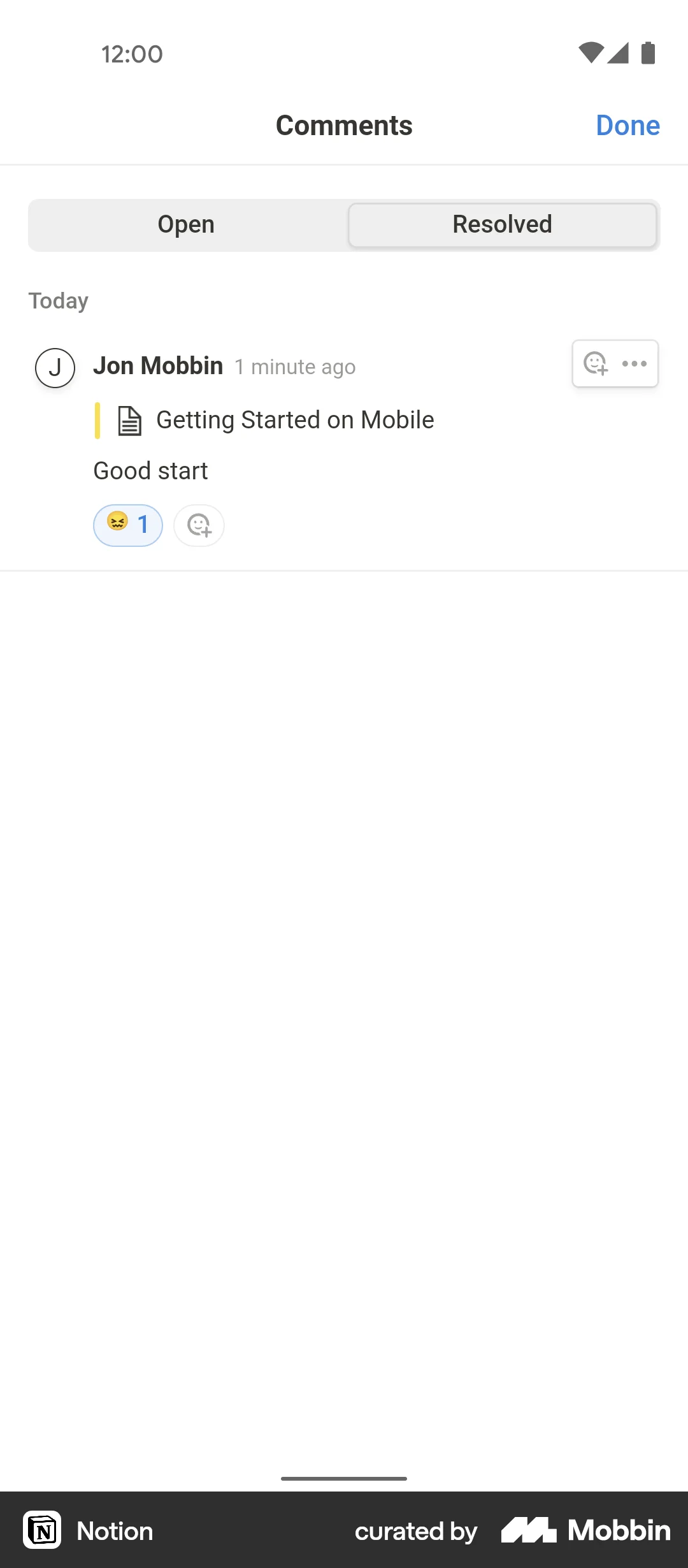
The user resolves a comment on a to-do list. The flow shows the comment options and the confirmation of the resolved comment.
358 Flows

255 Flows
326 Flows
87 Flows

1215 Flows