



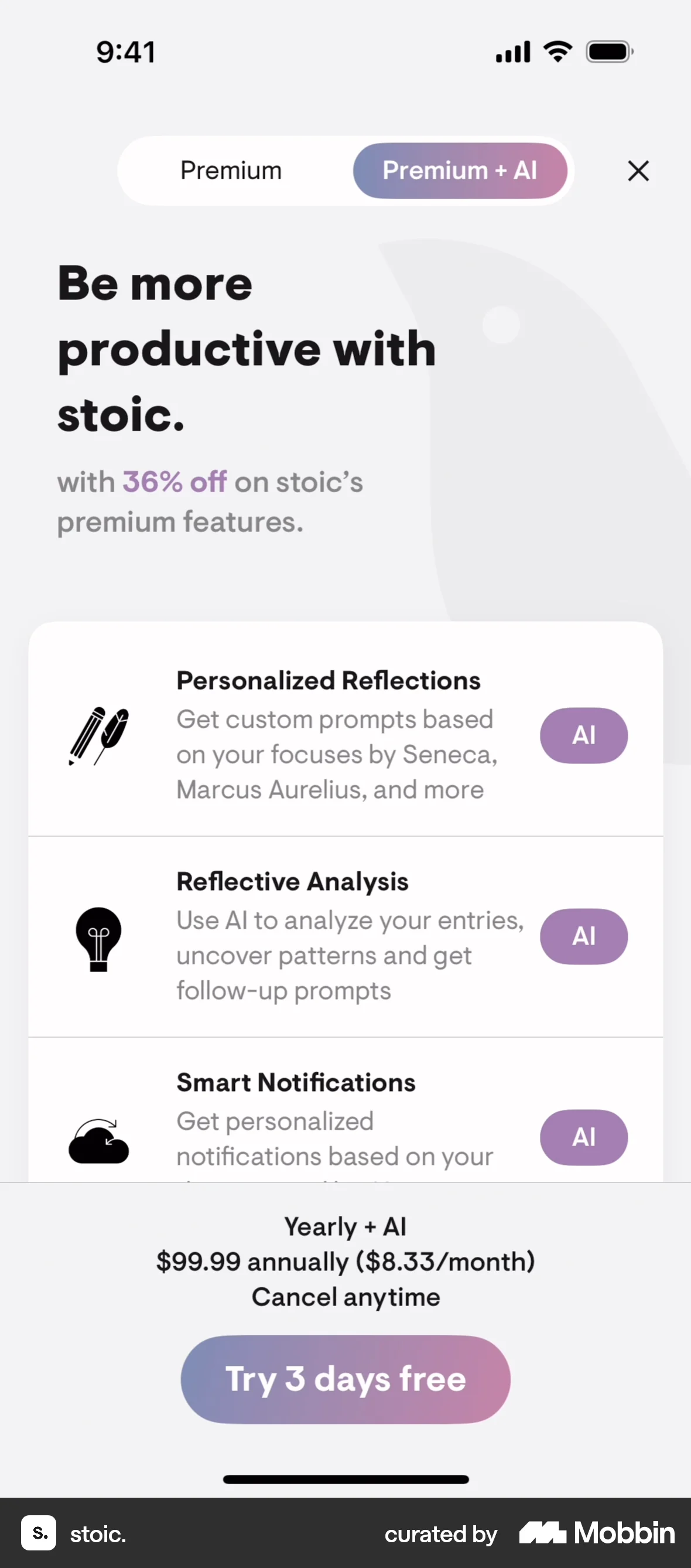
Onboardingon stoic.
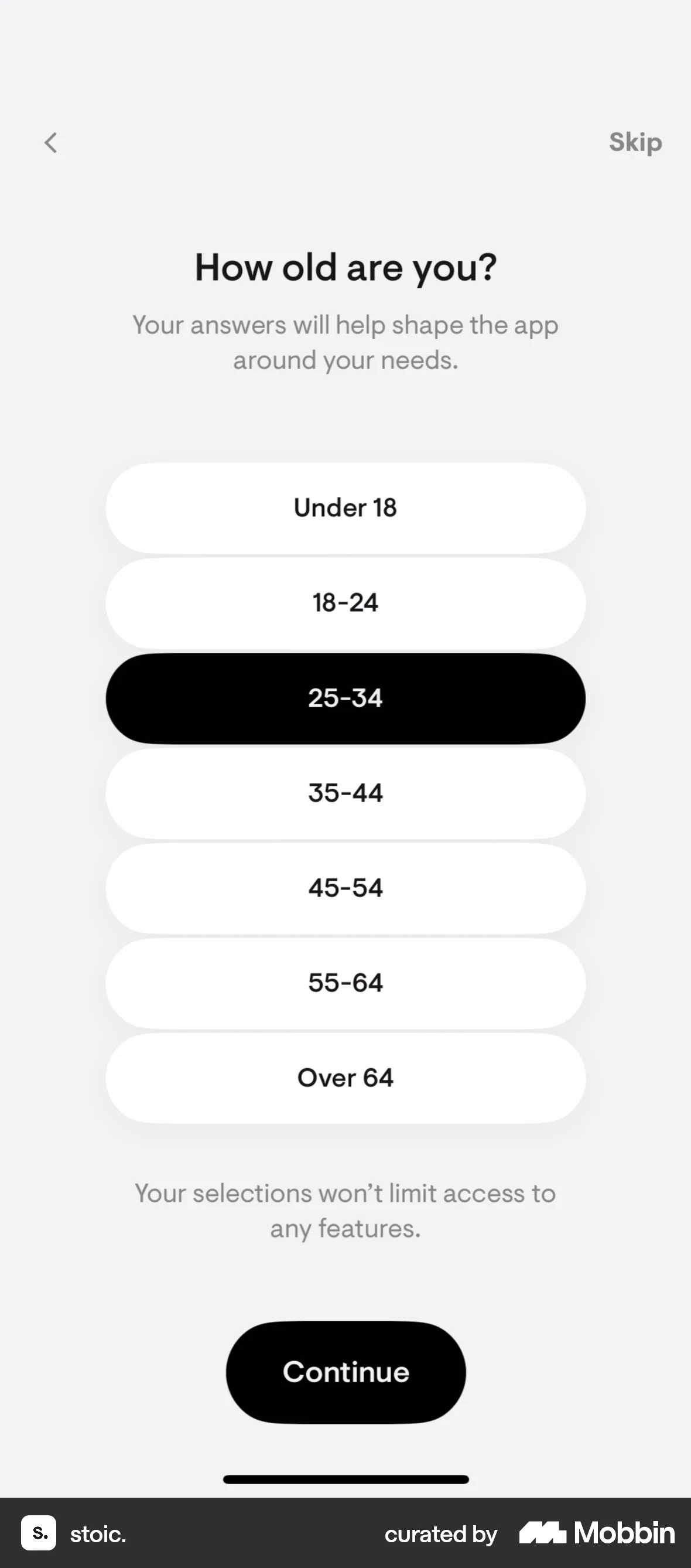
The user goes through an onboarding process, answering questions about their concerns, age, and preferred journaling times. Finally, the user is presented with a premium subscription offer.
Discover best mobile app designs for Scheduling flows. Get inspired by the best apps in the world.
The user goes through an onboarding process, answering questions about their concerns, age, and preferred journaling times. Finally, the user is presented with a premium subscription offer.

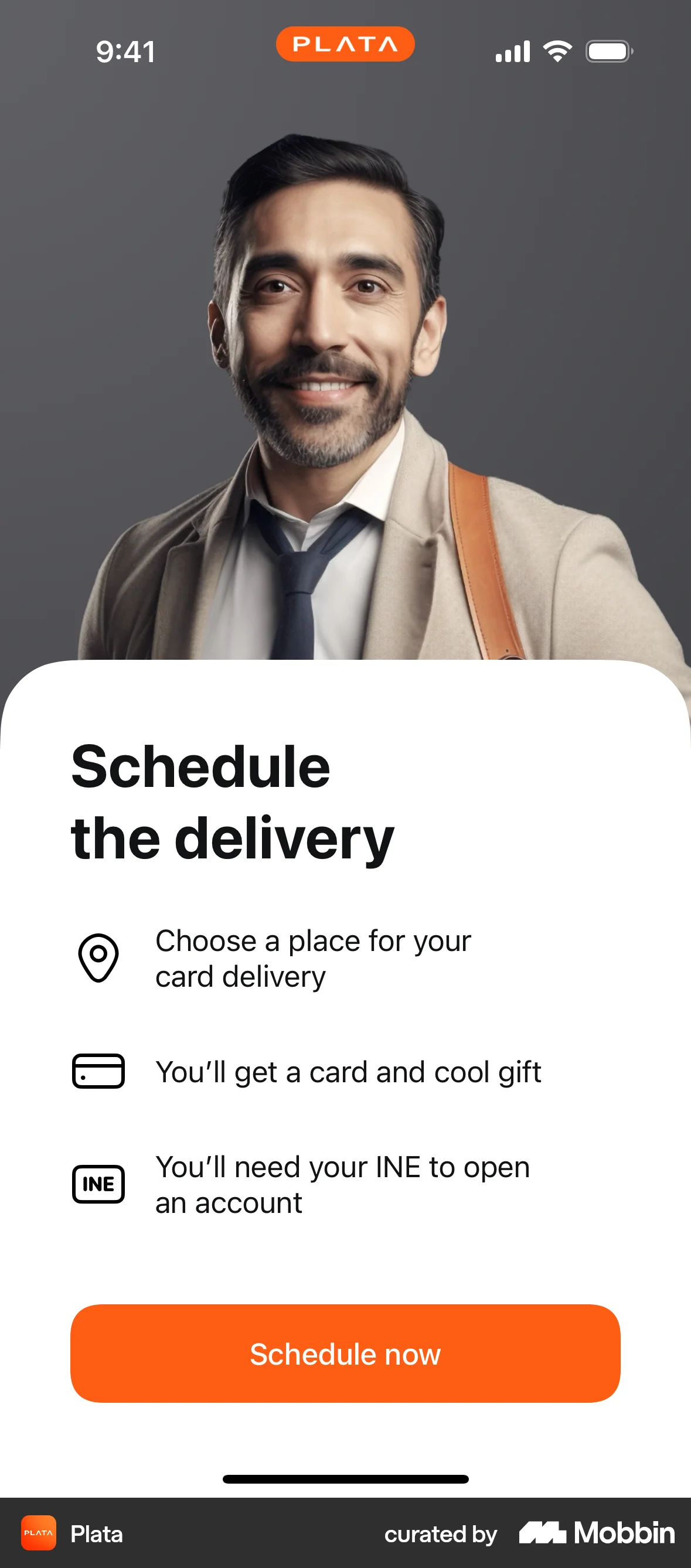
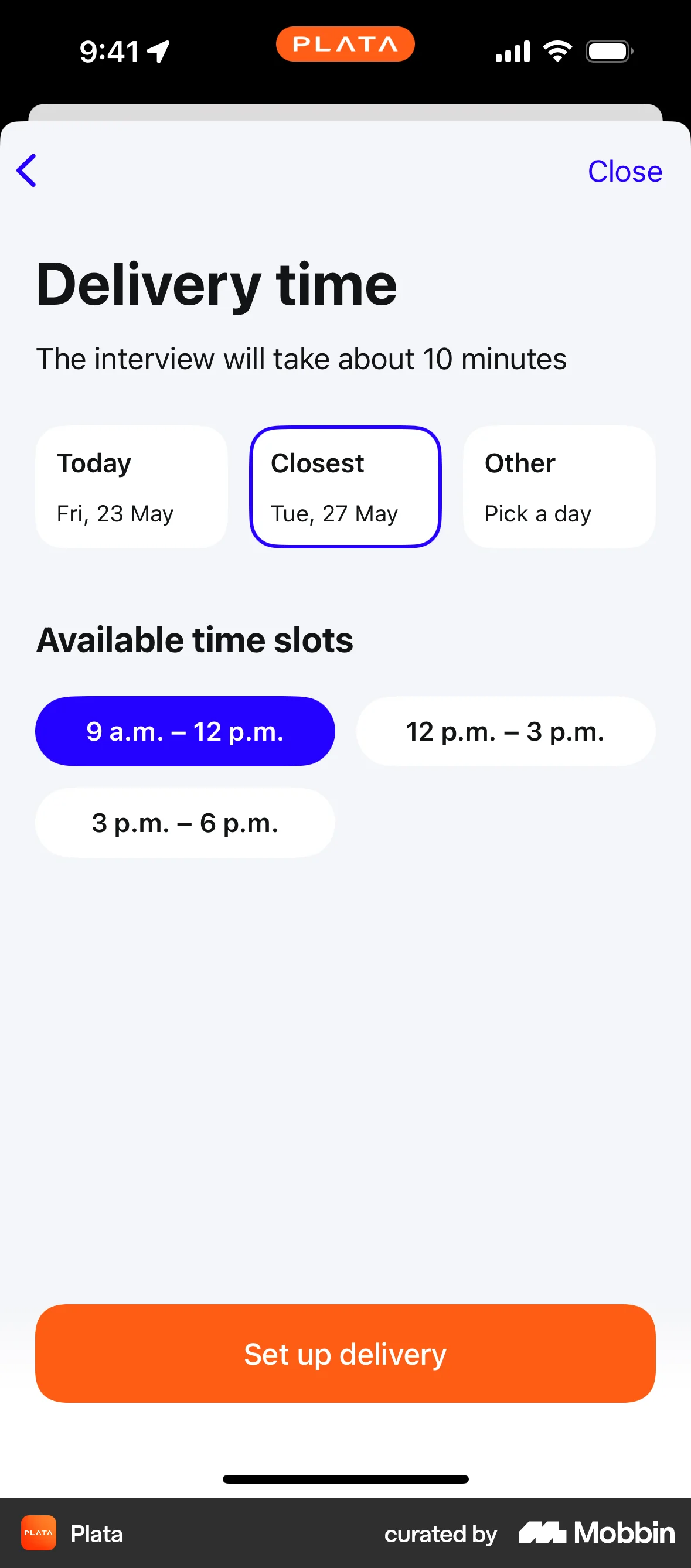
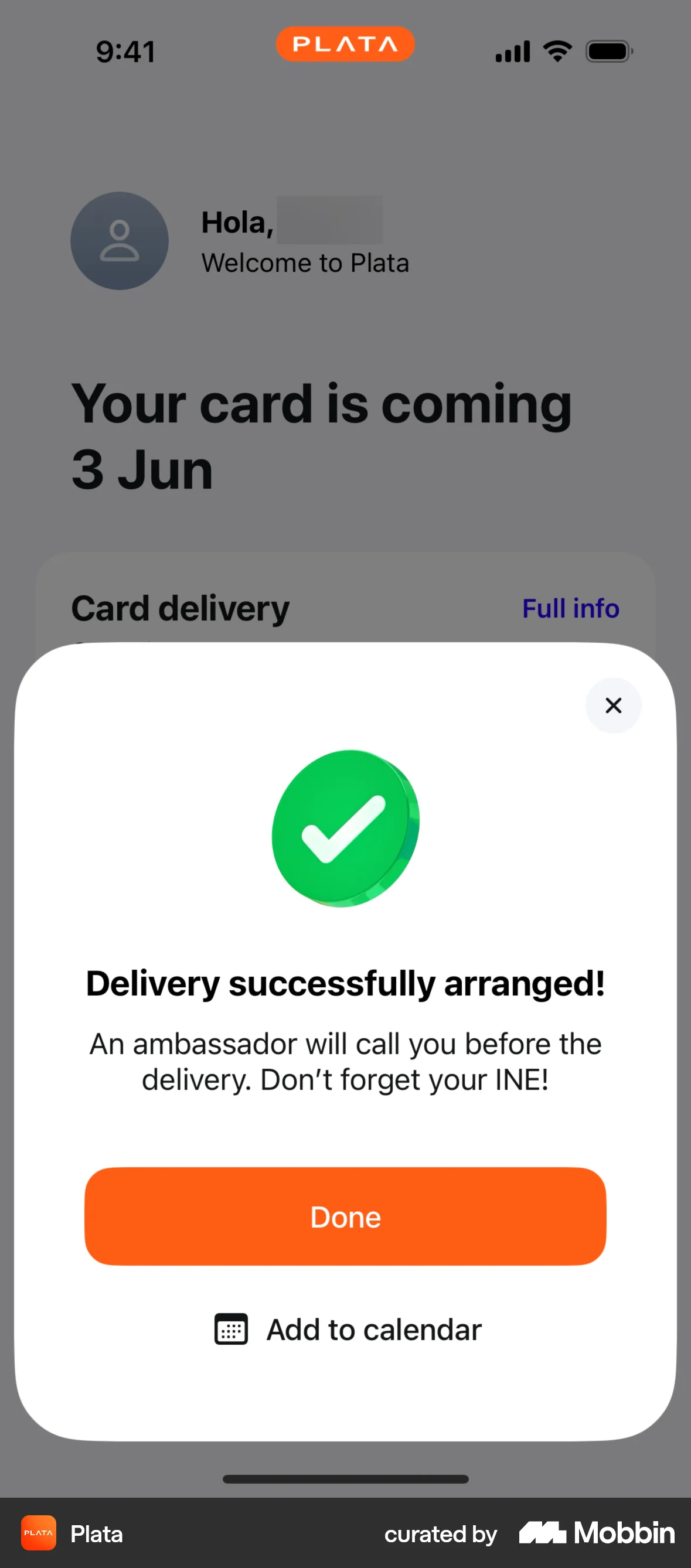
The user flow guides the user to schedule a card delivery by entering their address, selecting a delivery time, and confirming the arrangement. The flow concludes with a confirmation message.

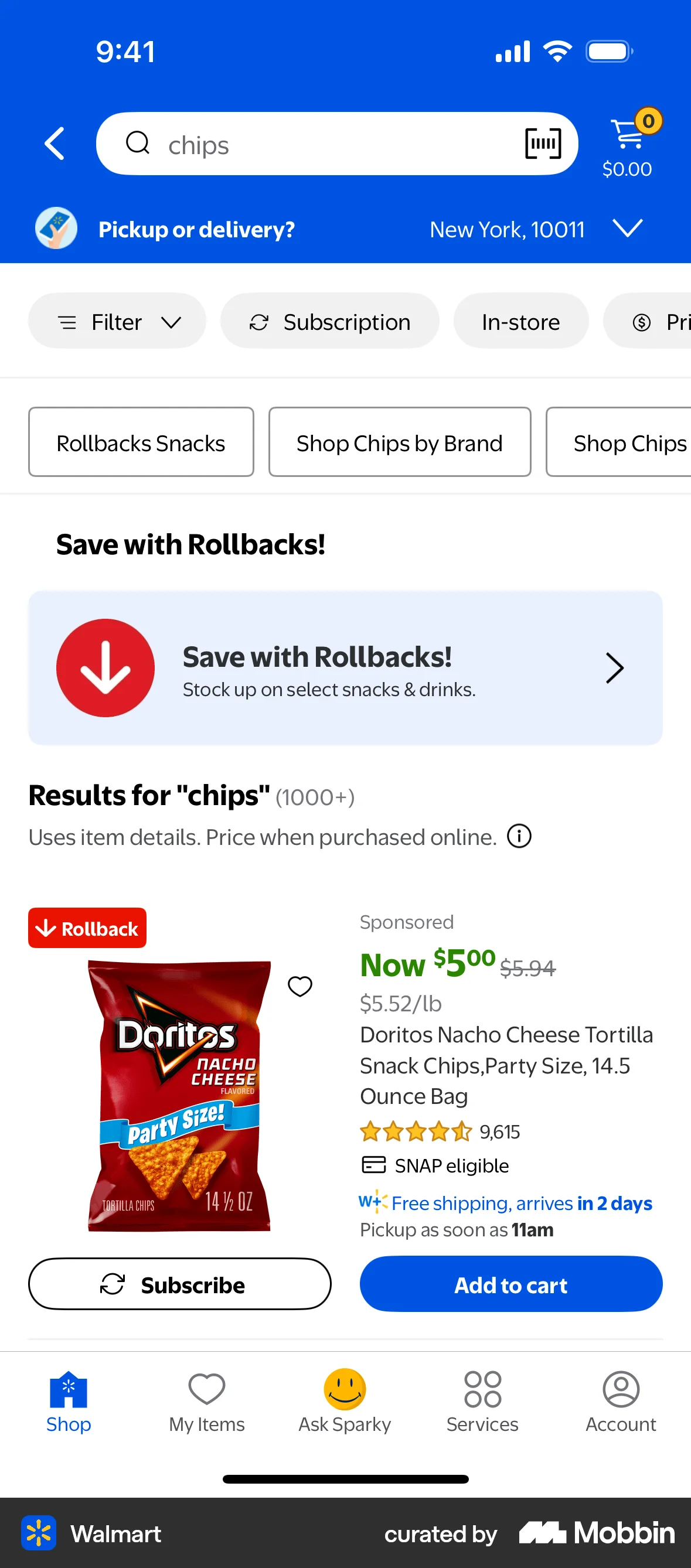
The user flow demonstrates setting up a subscription for a product from a search result page. The user configures the delivery frequency and confirms the subscription.

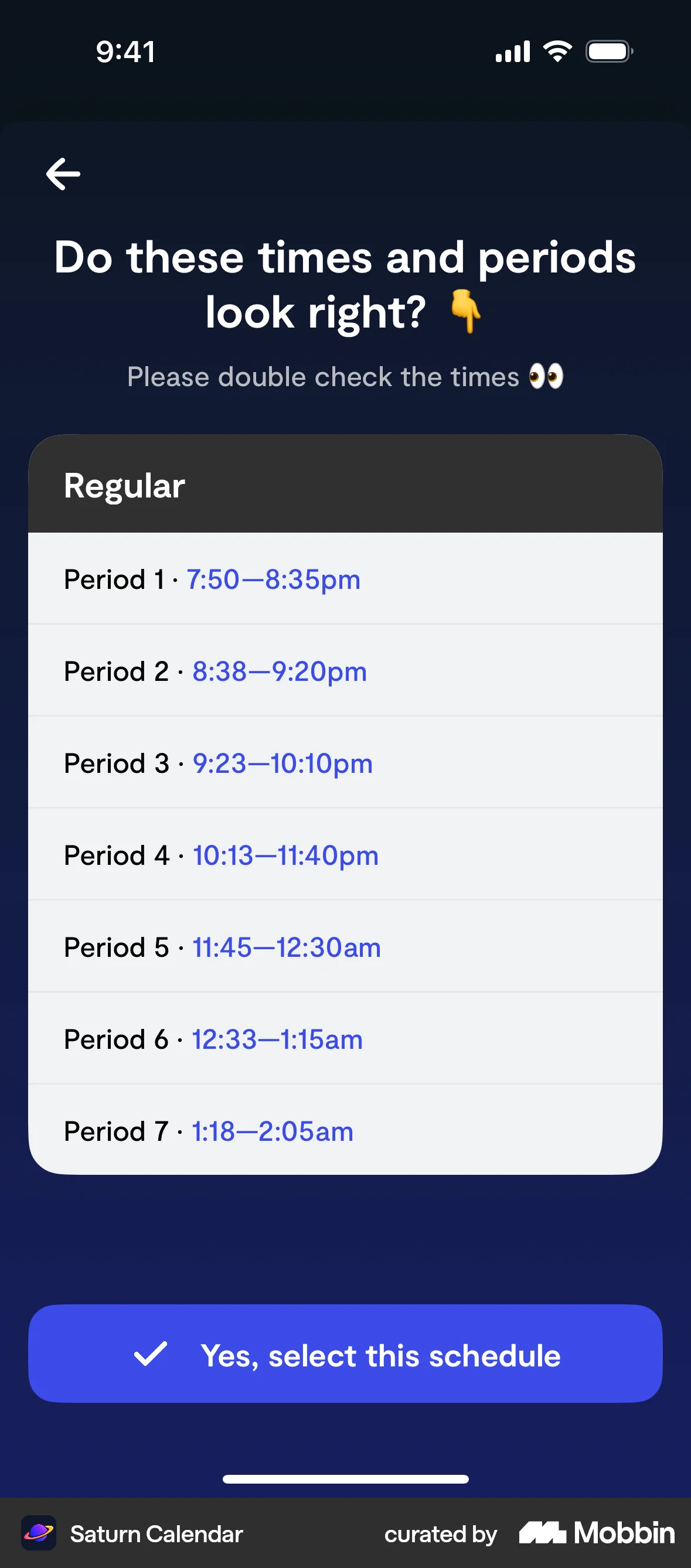
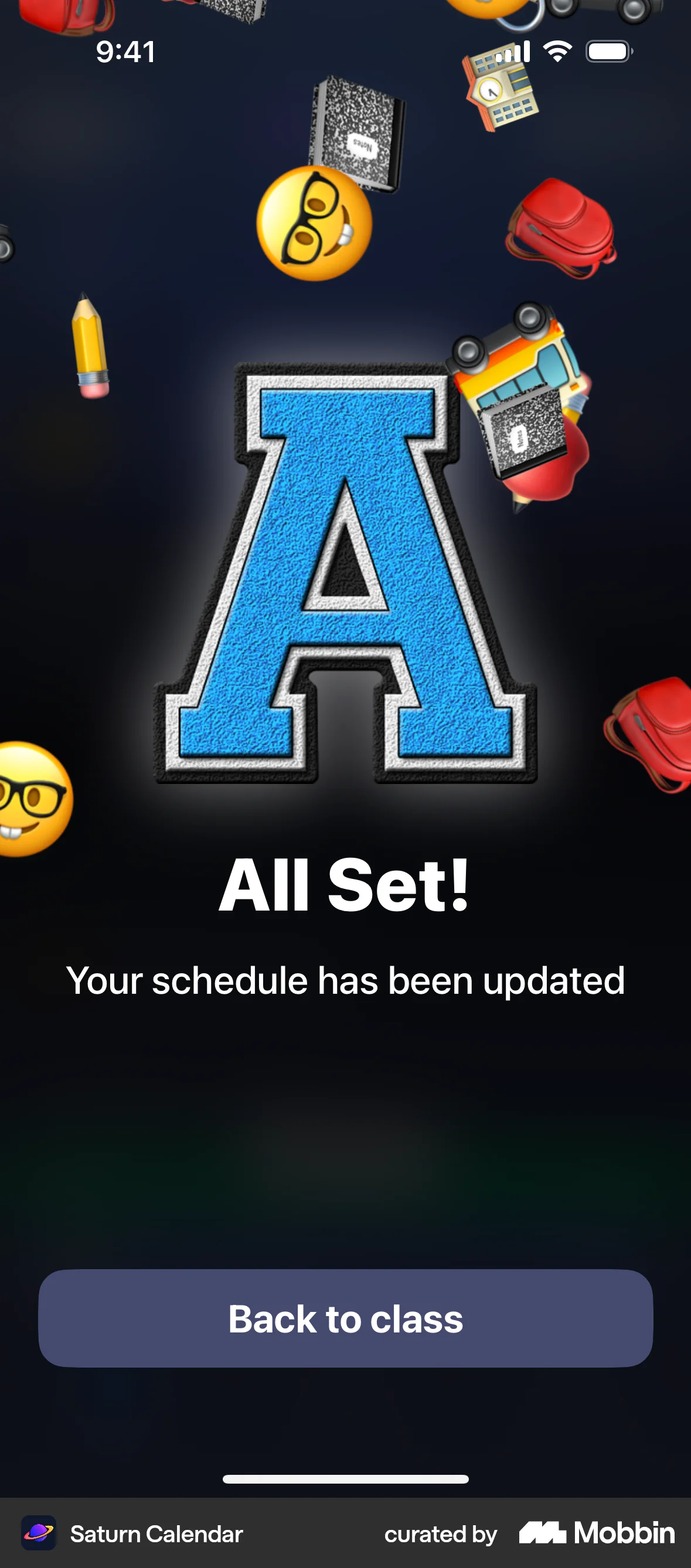
The user selects a schedule from the calendar view. The flow confirms the selection and updates the calendar with the chosen schedule.

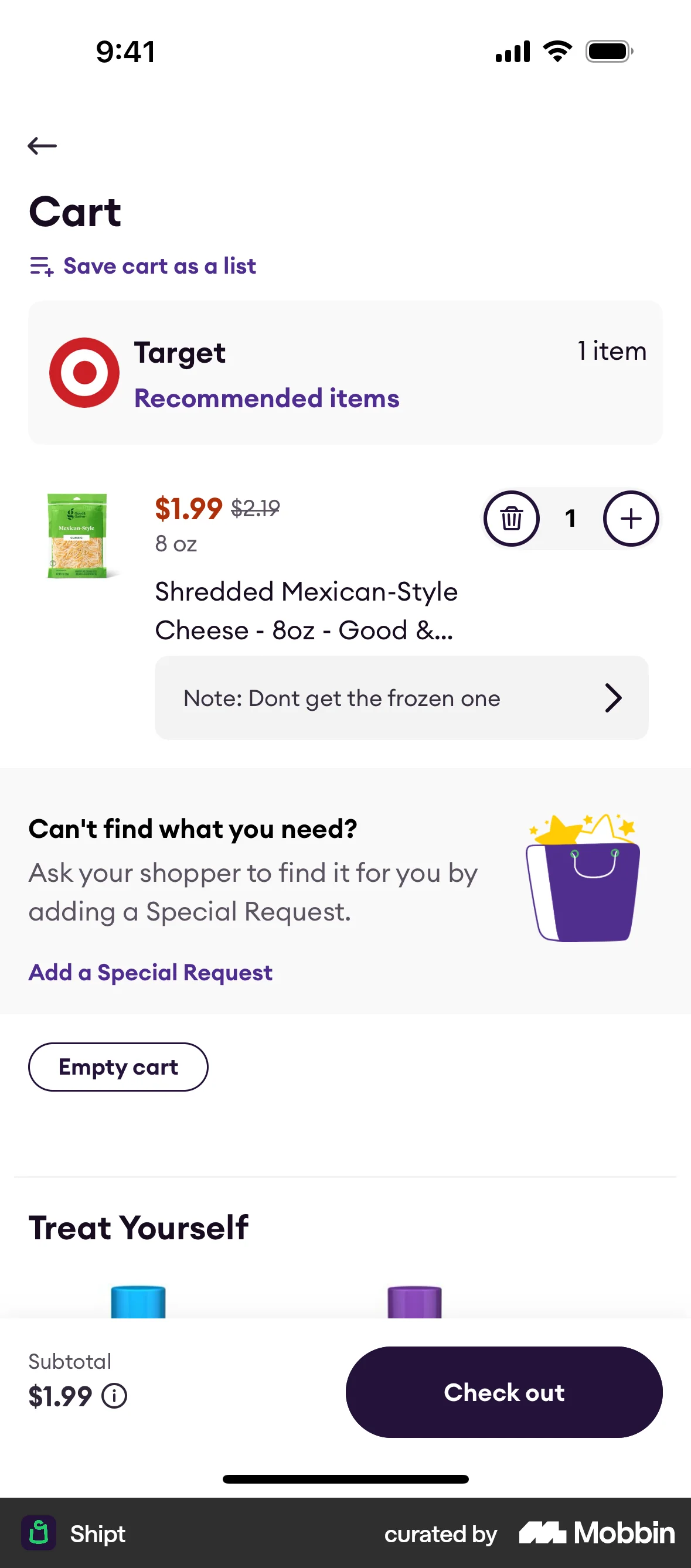
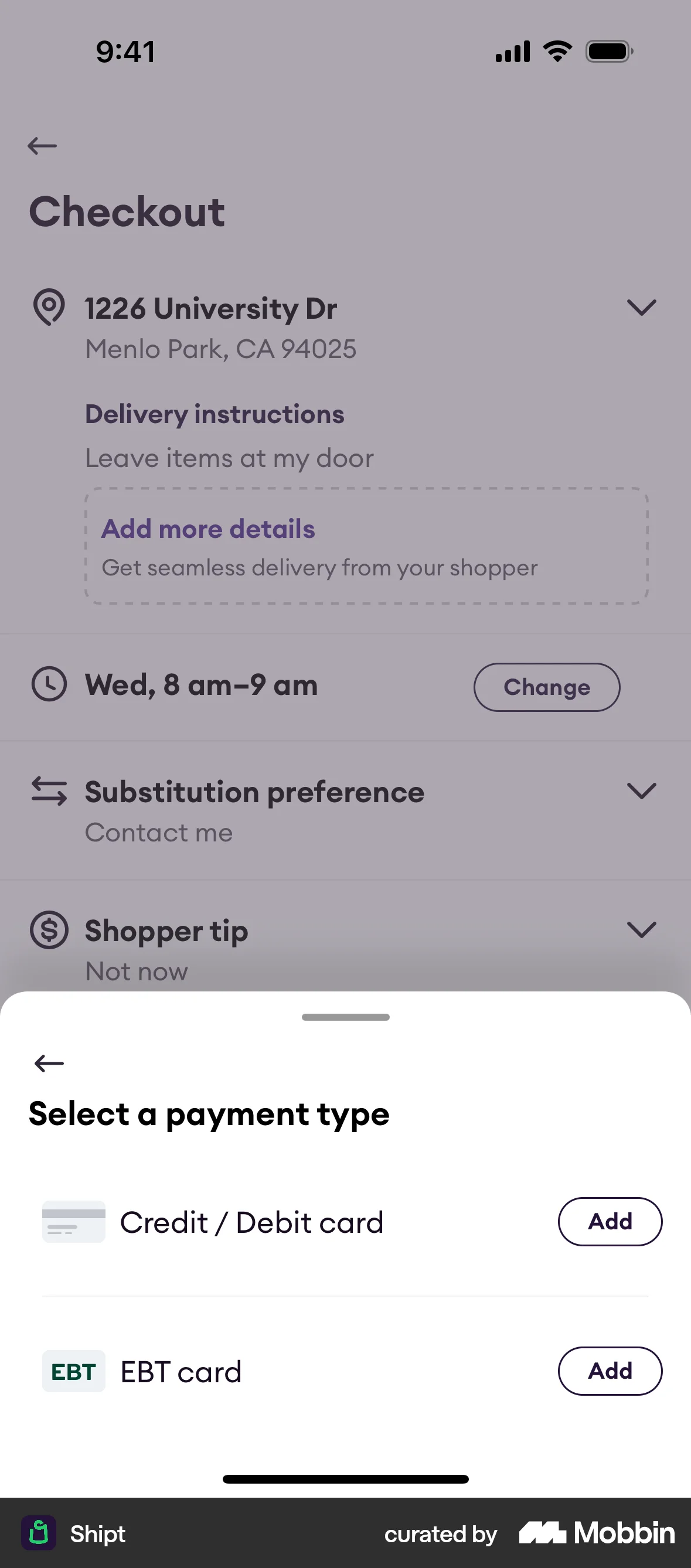
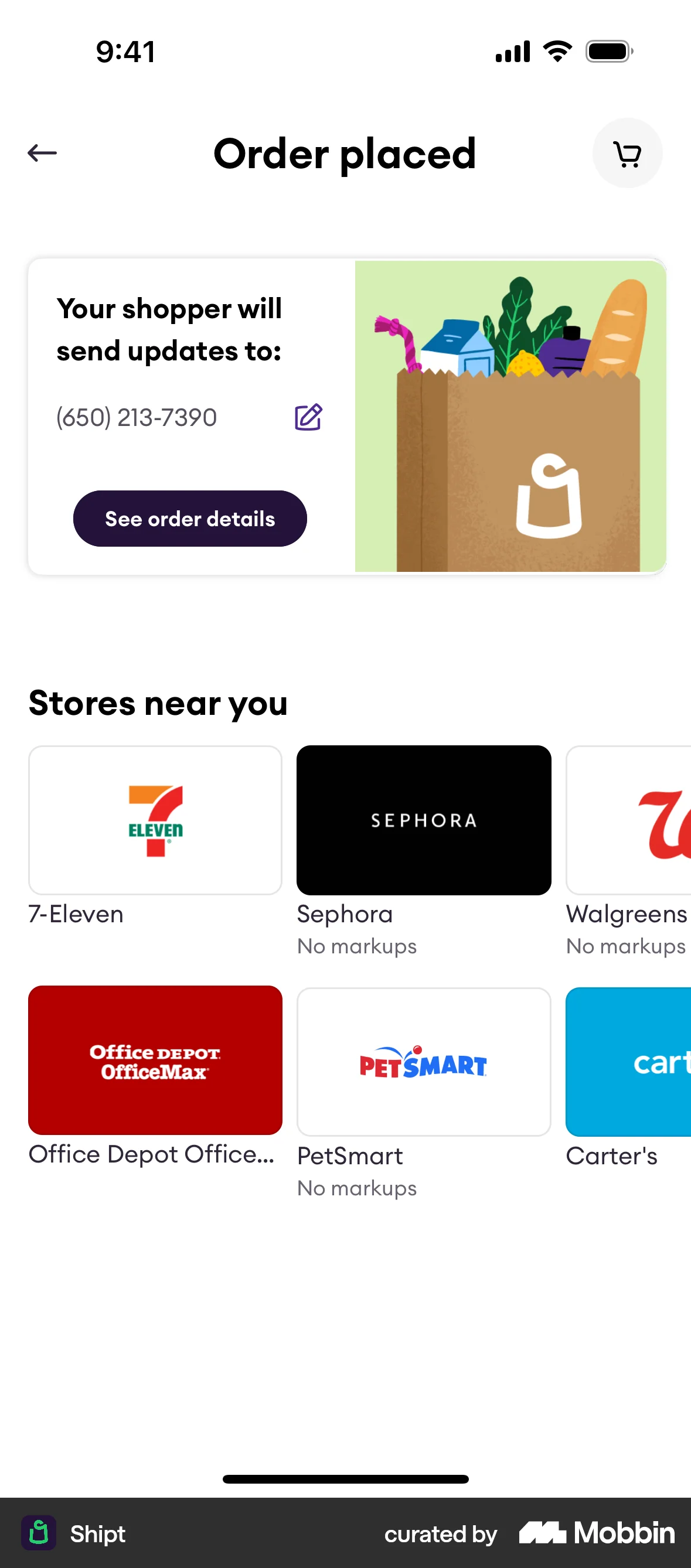
The user flow demonstrates the process of checking out a product, including selecting delivery options and payment information. The flow culminates in an order confirmation.

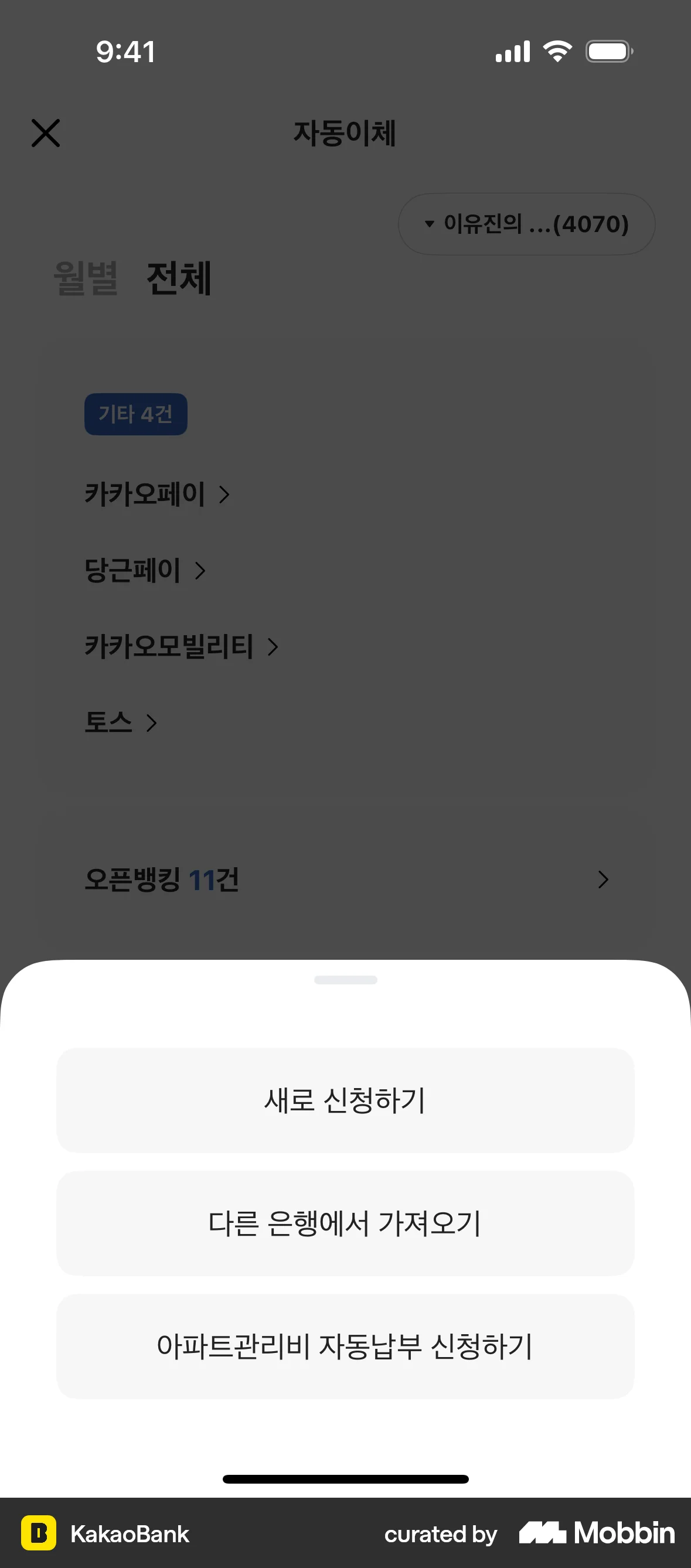
The user flow demonstrates creating a new automatic transfer. It involves filling out a form, confirming details, and receiving a success message.
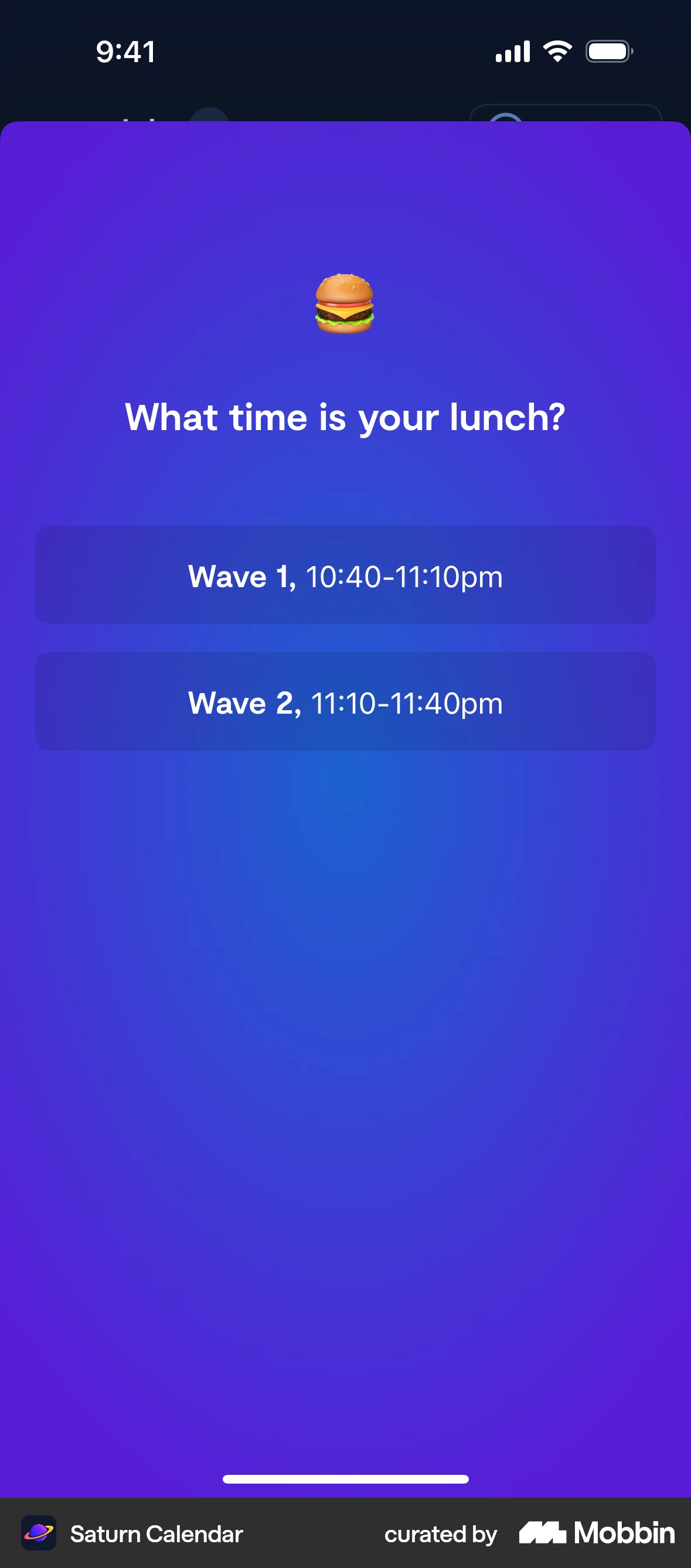
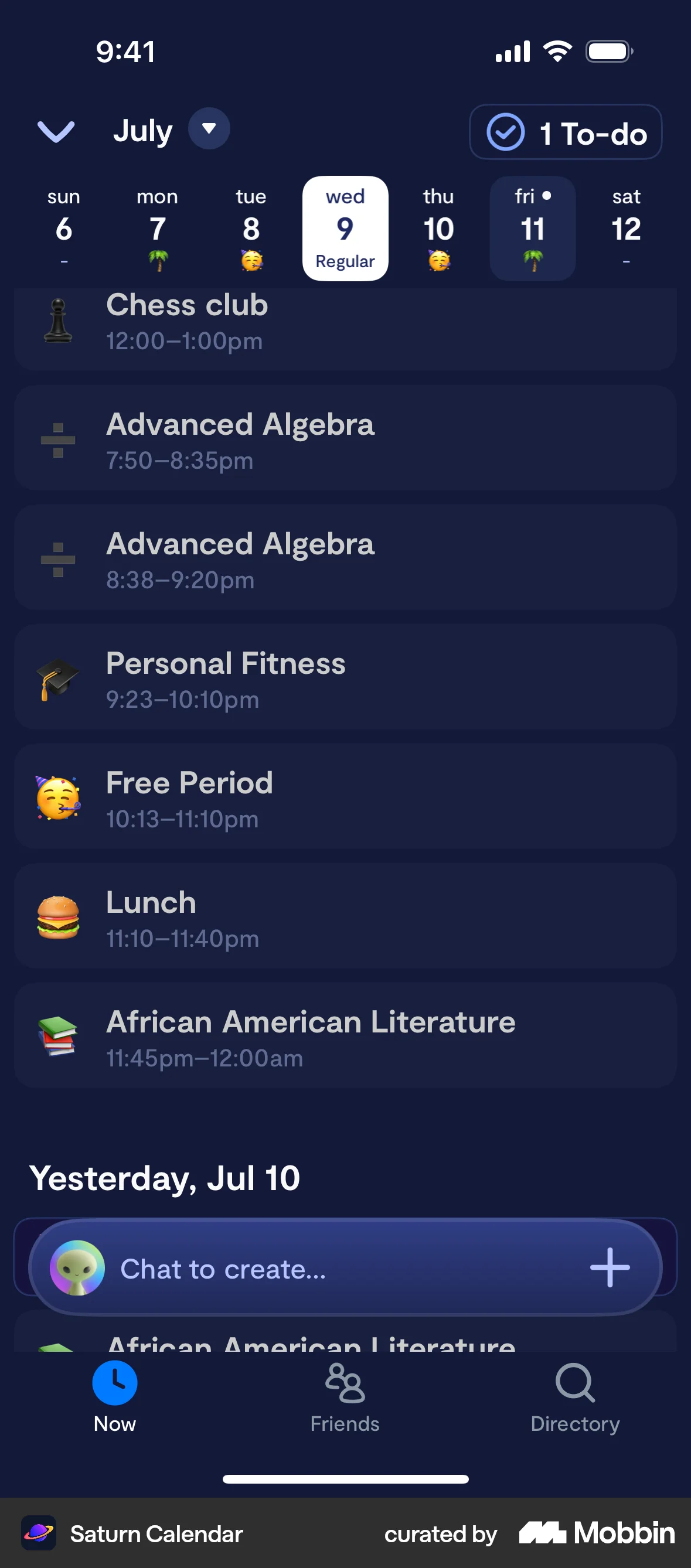
The user adds a lunch time to their calendar. They select a time from available options, which updates the calendar view.
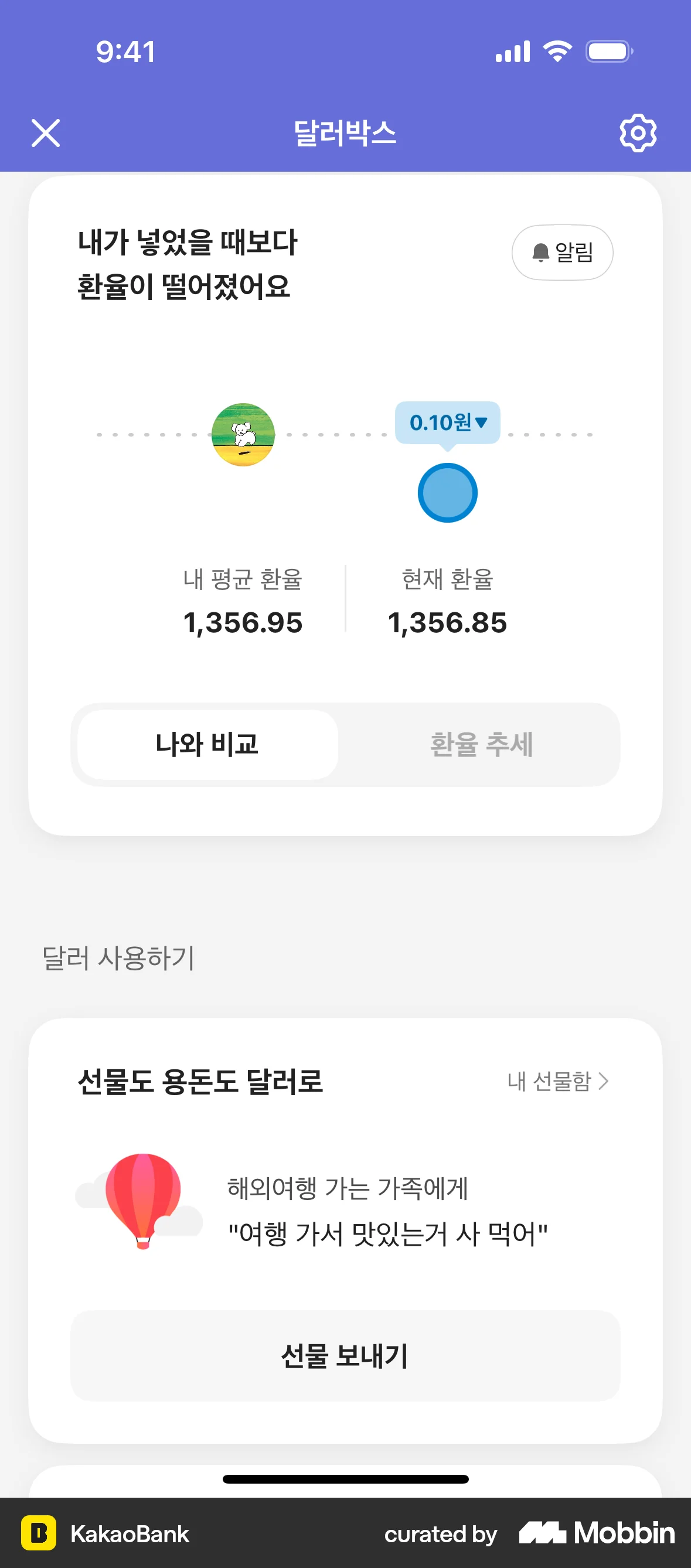
The user navigates from the dashboard to the notification settings. They then update the exchange rate difference to trigger notifications.
The user schedules a withdrawal by selecting a date and entering an amount. The user then confirms the details and receives a confirmation.
The user schedules a money transfer by selecting a date and time on the transfer form. The scheduled date and time are then confirmed.
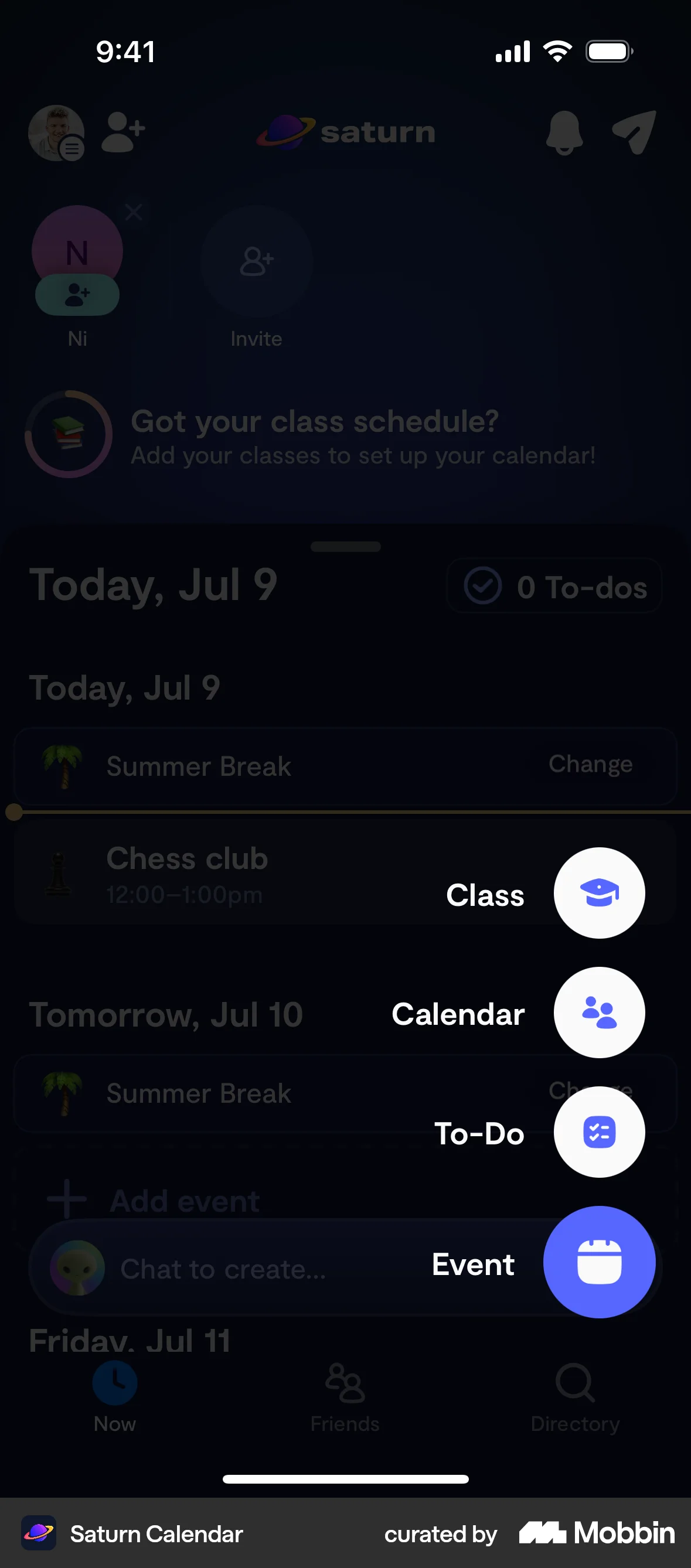
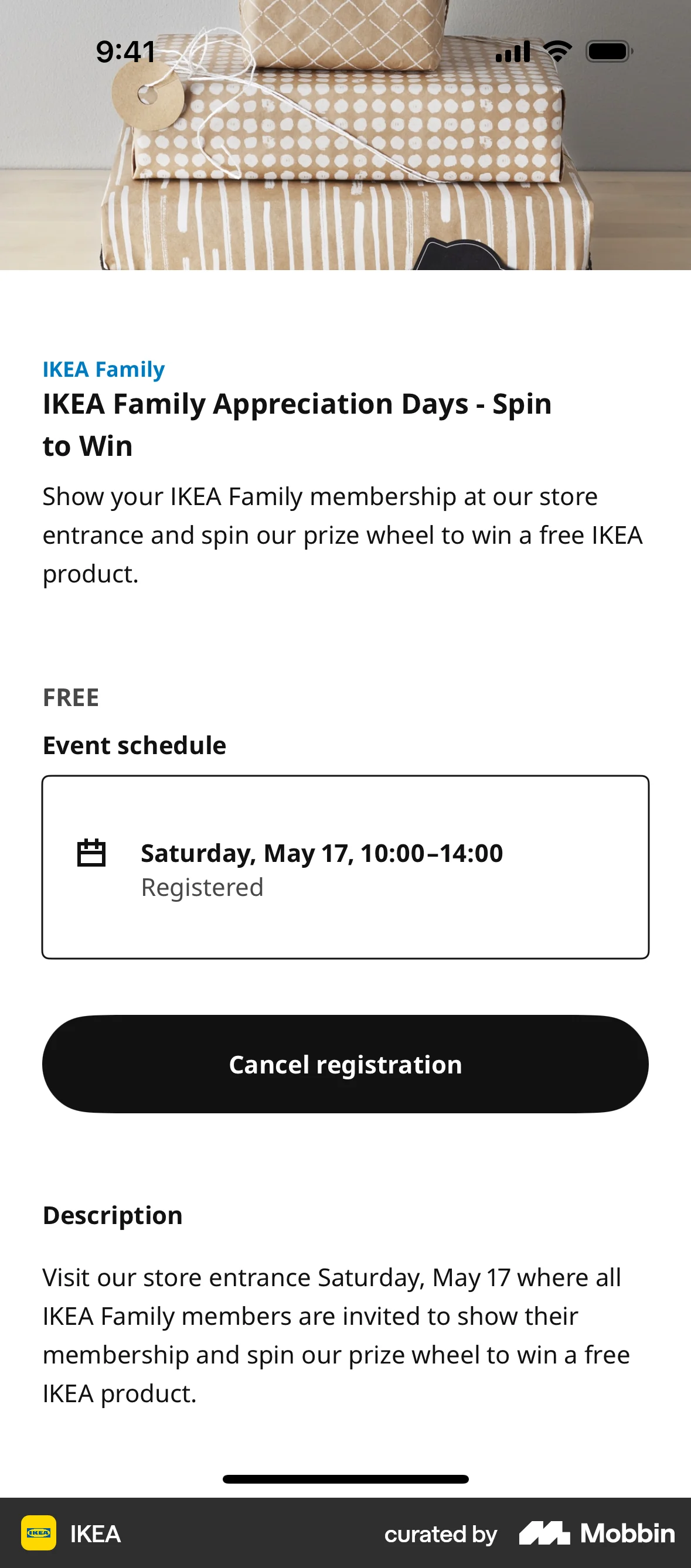
The user creates a new event by filling out the event form with details such as title, image, time, location, and description, and then views the created event.

The user changes their monthly delivery day by selecting a new date from a calendar. A confirmation message is displayed upon completion.

652 Flows


379 Flows
195 Flows

201 Flows
54 Flows

921 Flows