

Adding to bagon On
On
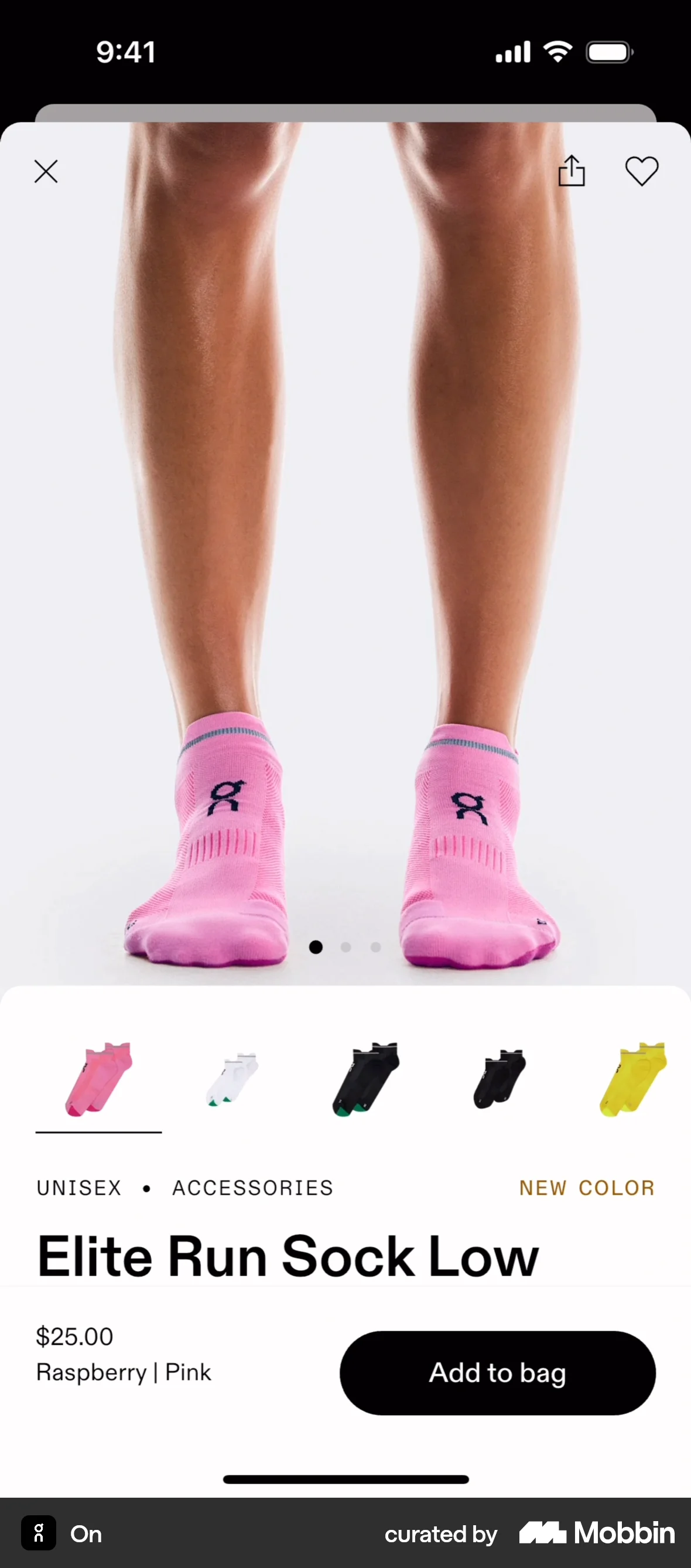
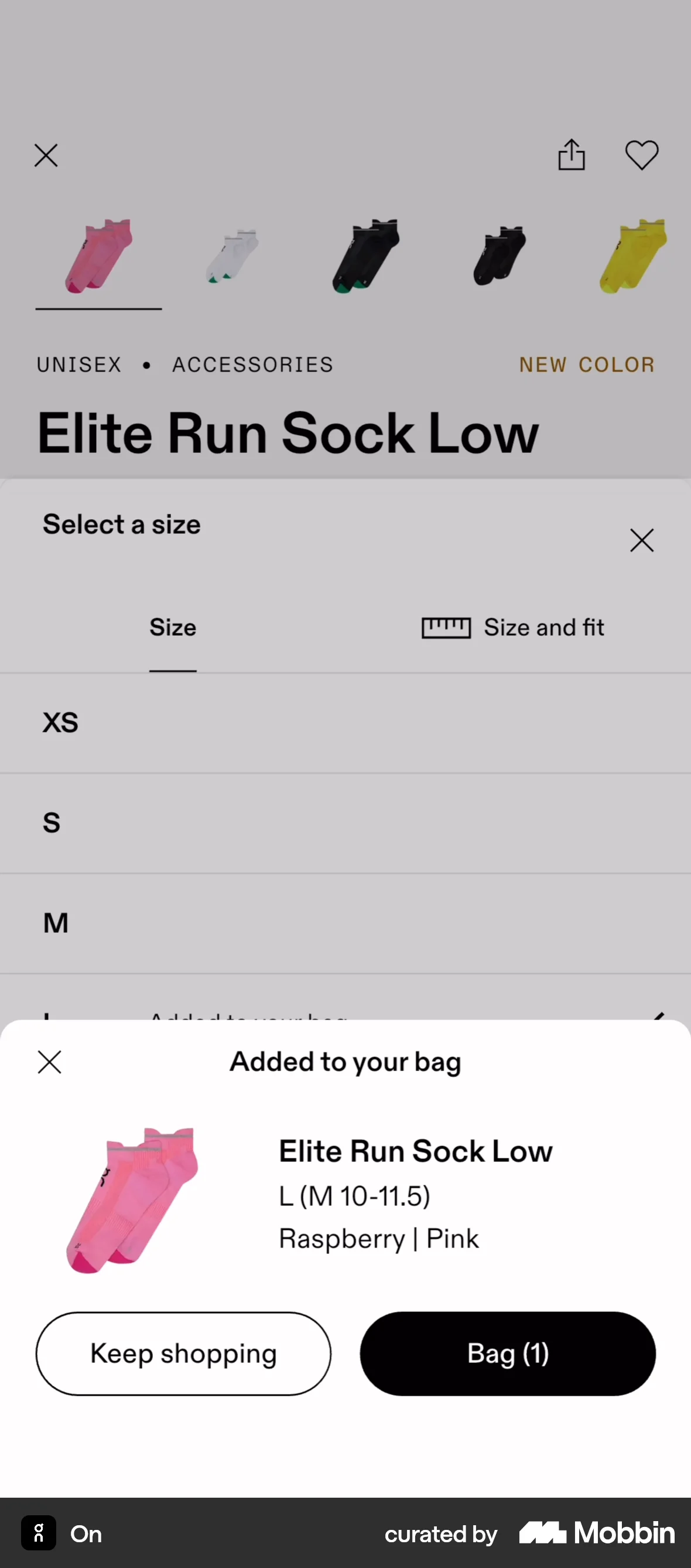
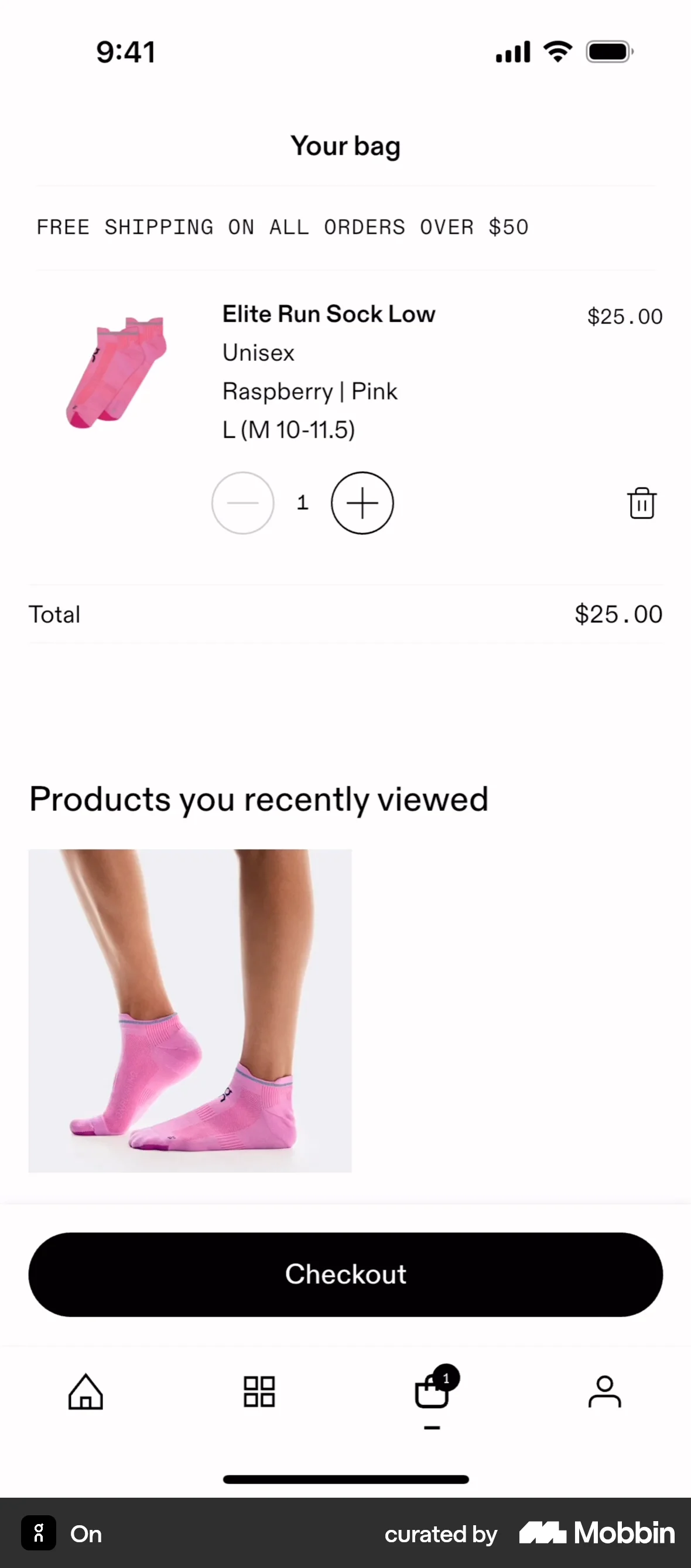
The user adds a product to the bag by selecting a size and then viewing the bag. The user can then proceed to checkout.
Discover best mobile app designs for Adding to Cart & Bag flows. Get inspired by the best apps in the world.
The user adds a product to the bag by selecting a size and then viewing the bag. The user can then proceed to checkout.

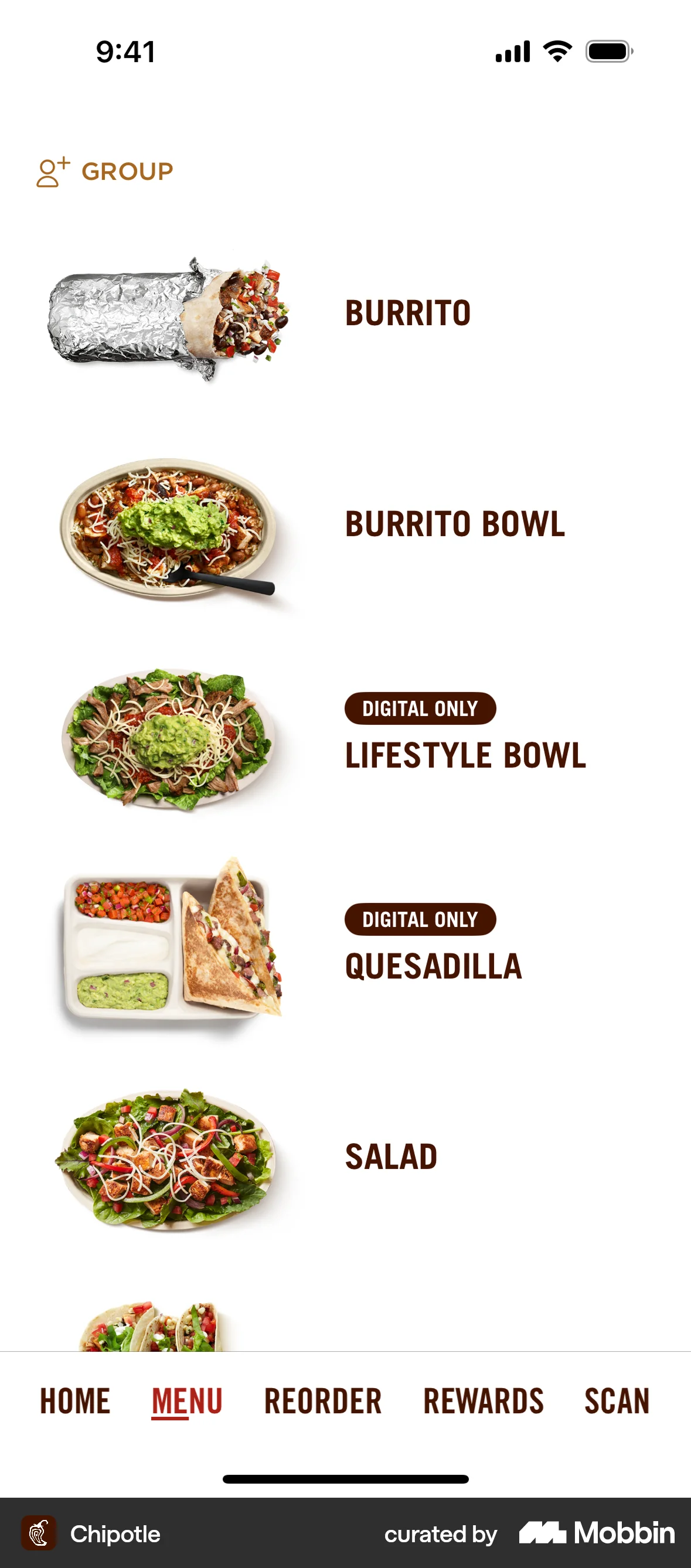
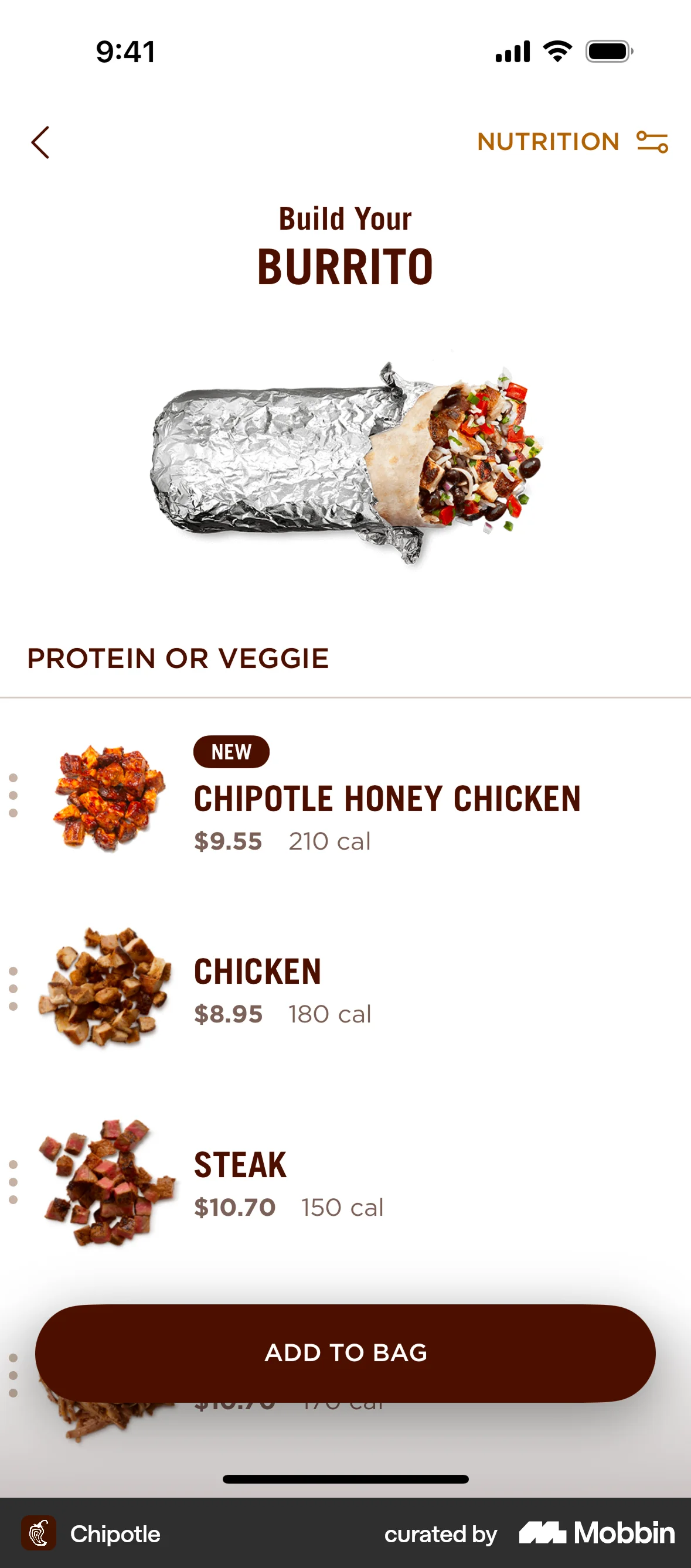
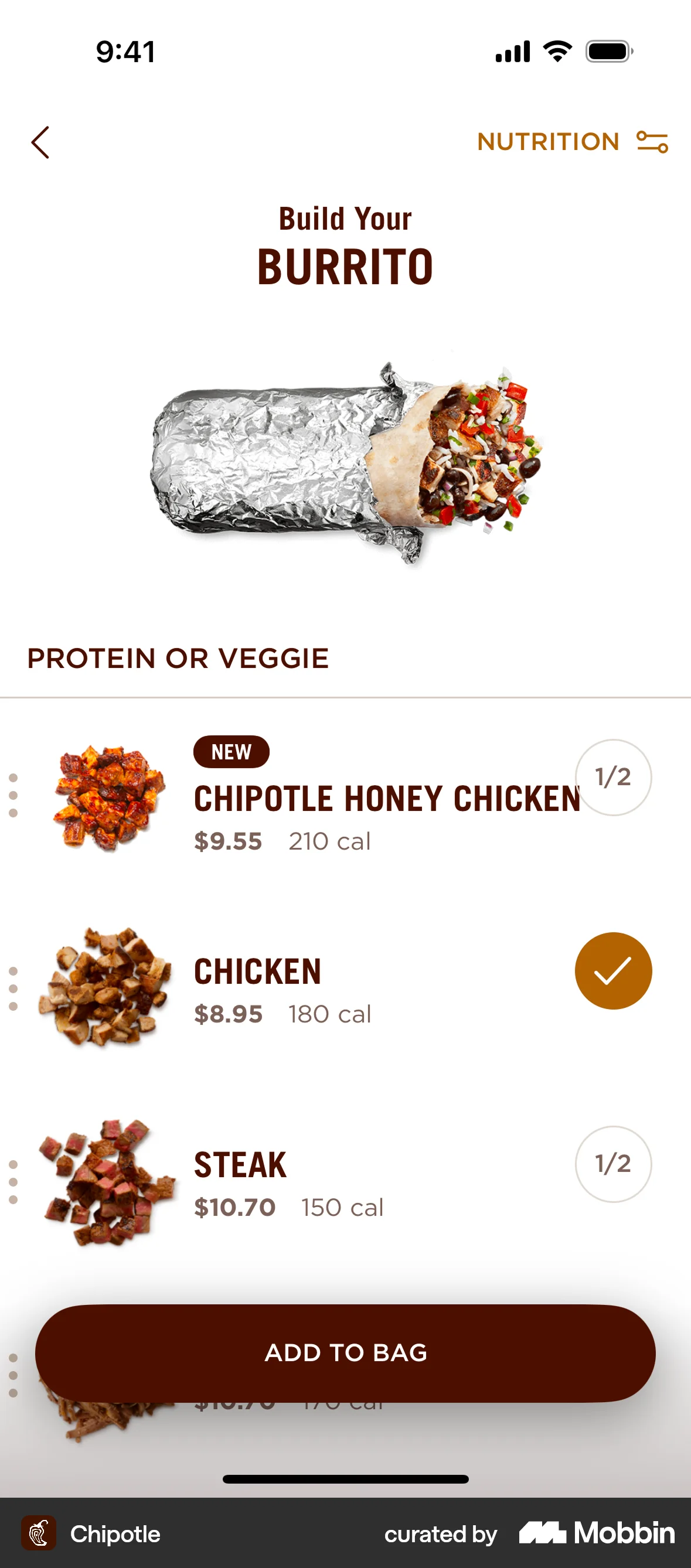
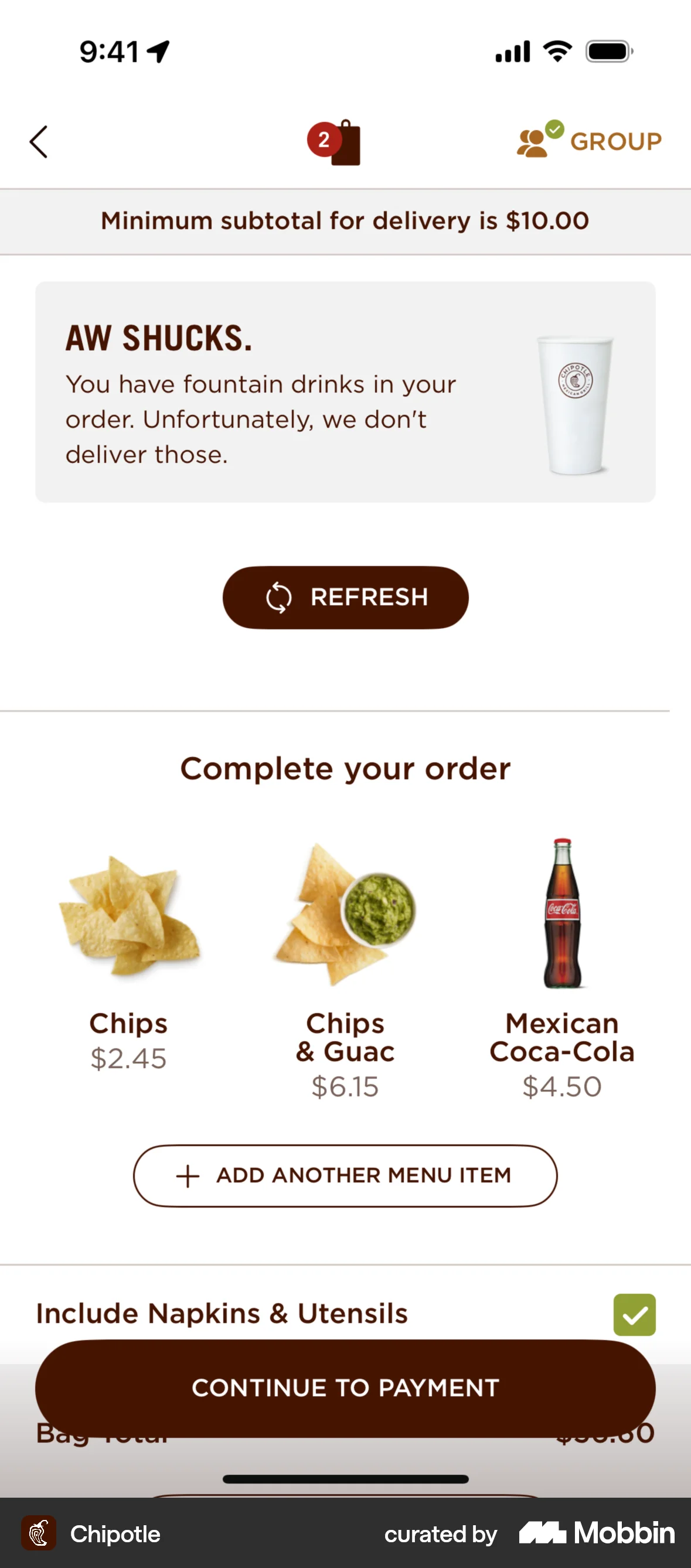
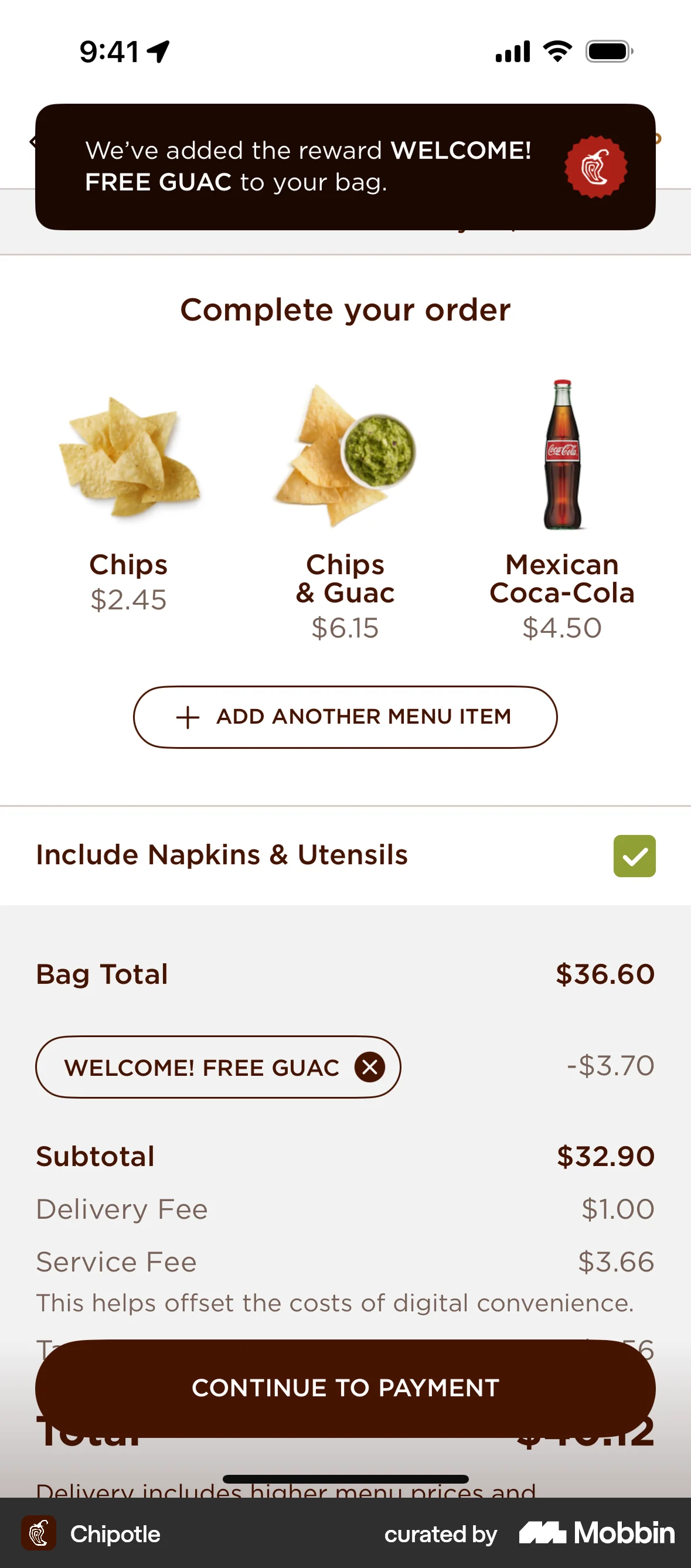
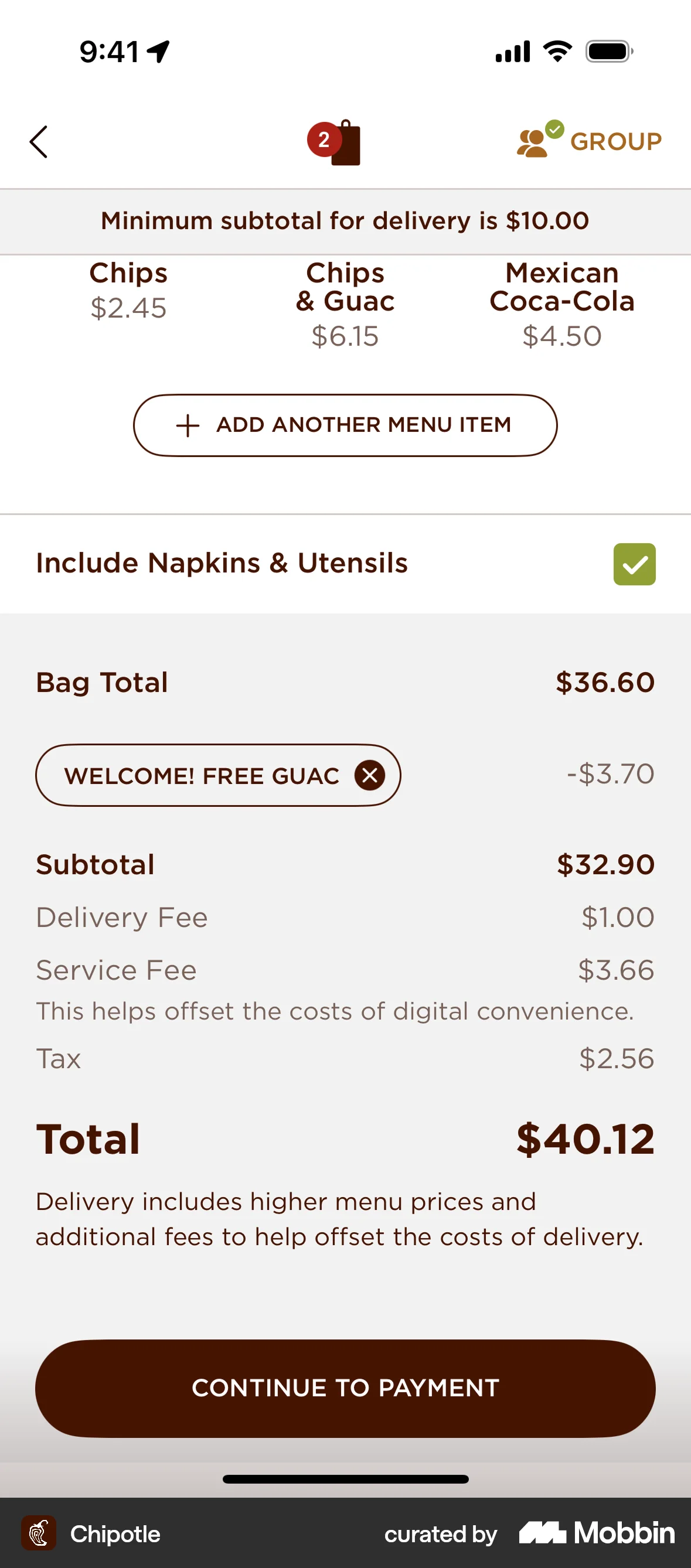
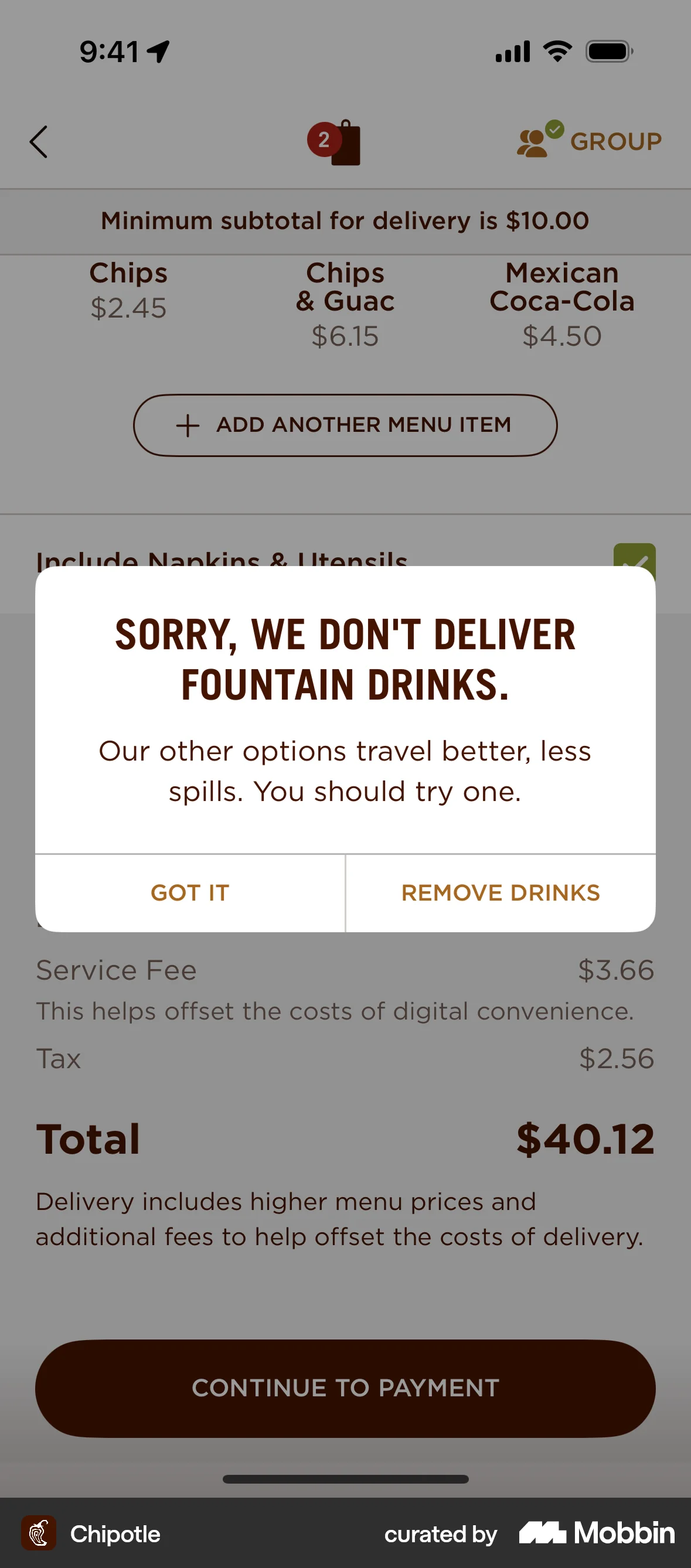
The user flow demonstrates adding a customized burrito and drinks to the bag. It ends with the order summary and option to proceed to payment.

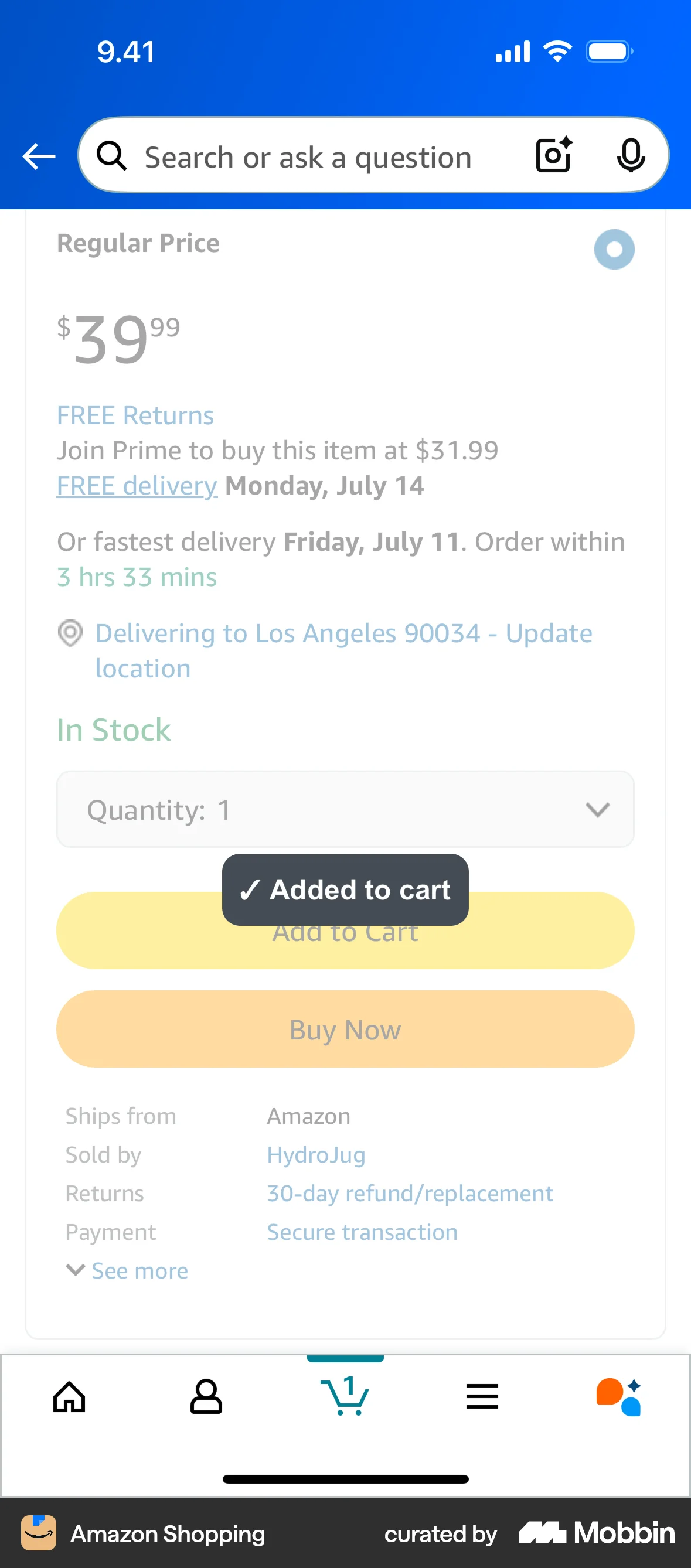
The user views a product and adds it to their cart. A confirmation message appears to confirm the action.

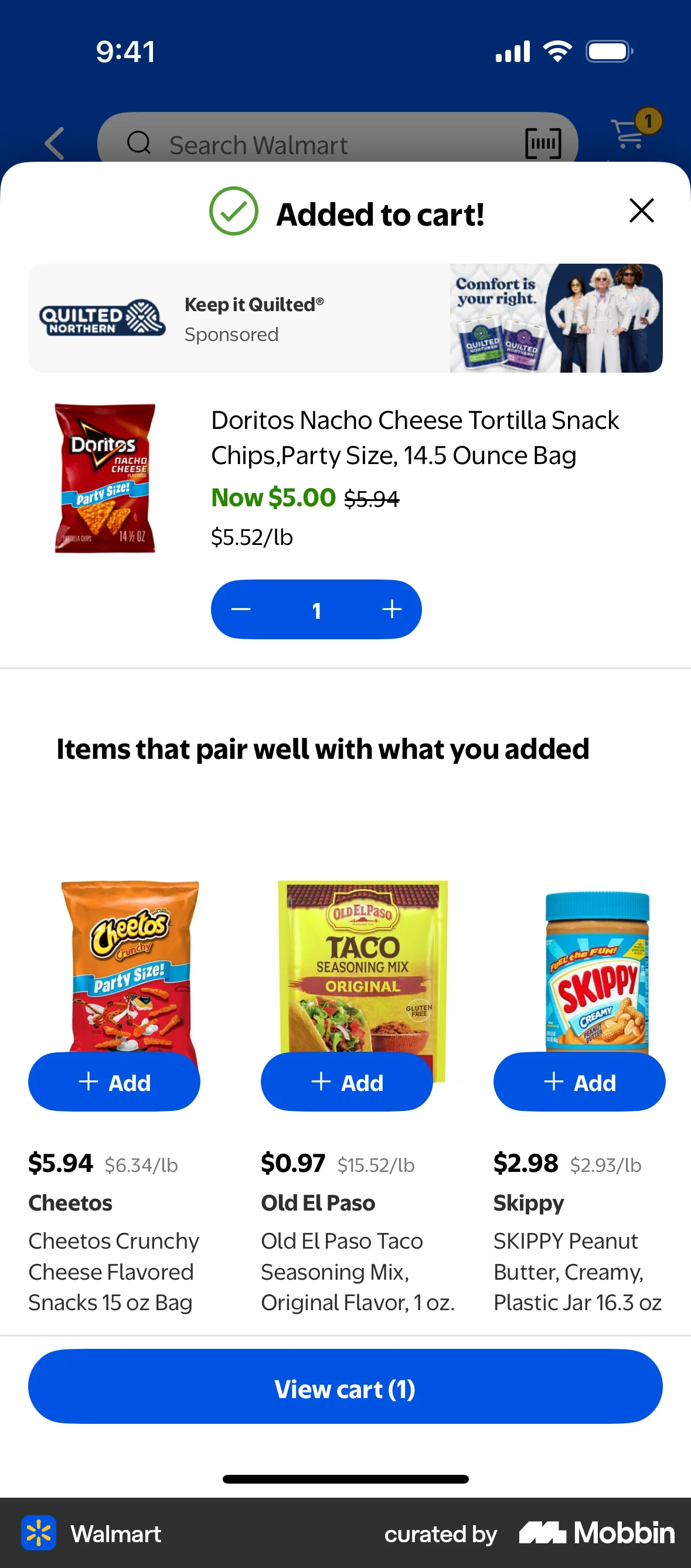
The user views a product and adds it to their cart. A confirmation modal appears, showing the added product and suggested items.

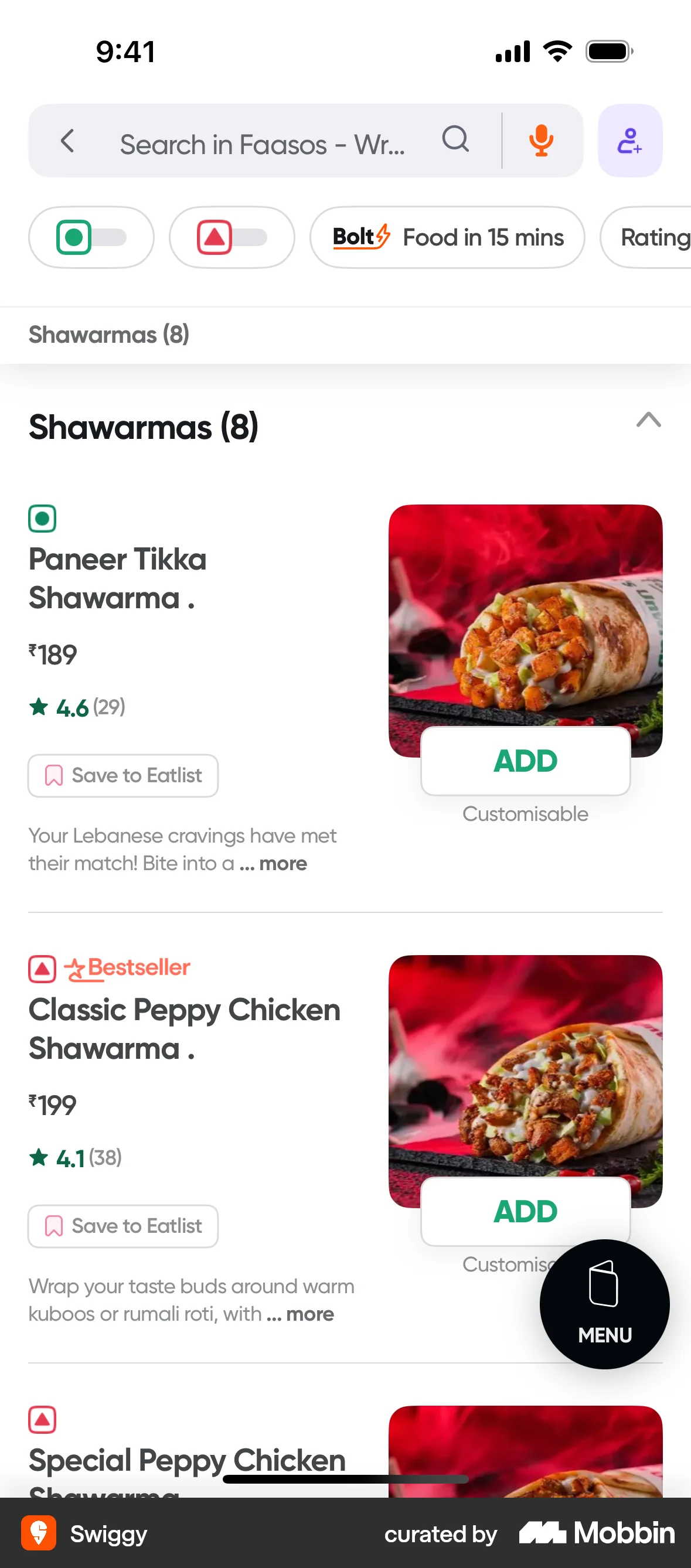
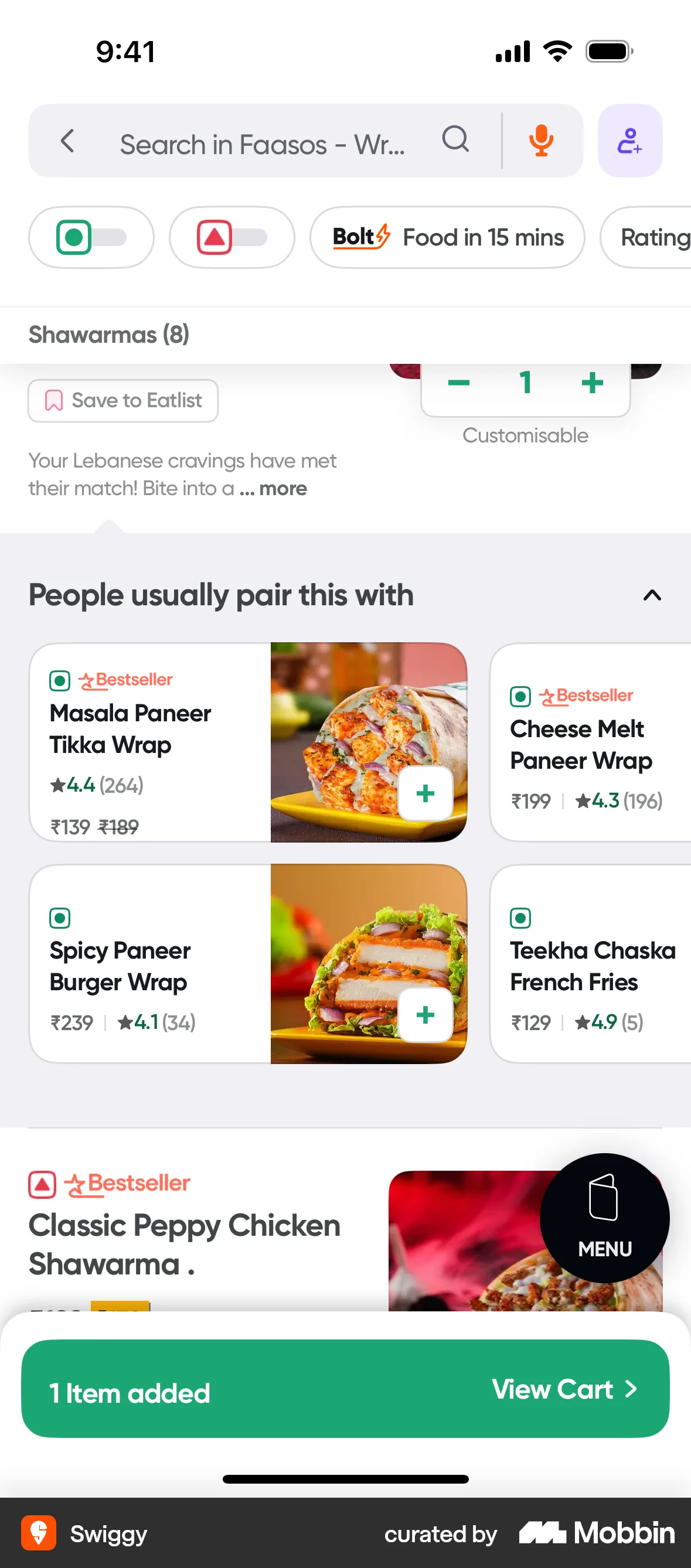
The user browses a menu, customizes a dish, and adds it to their cart. They are then given the option to view their cart.
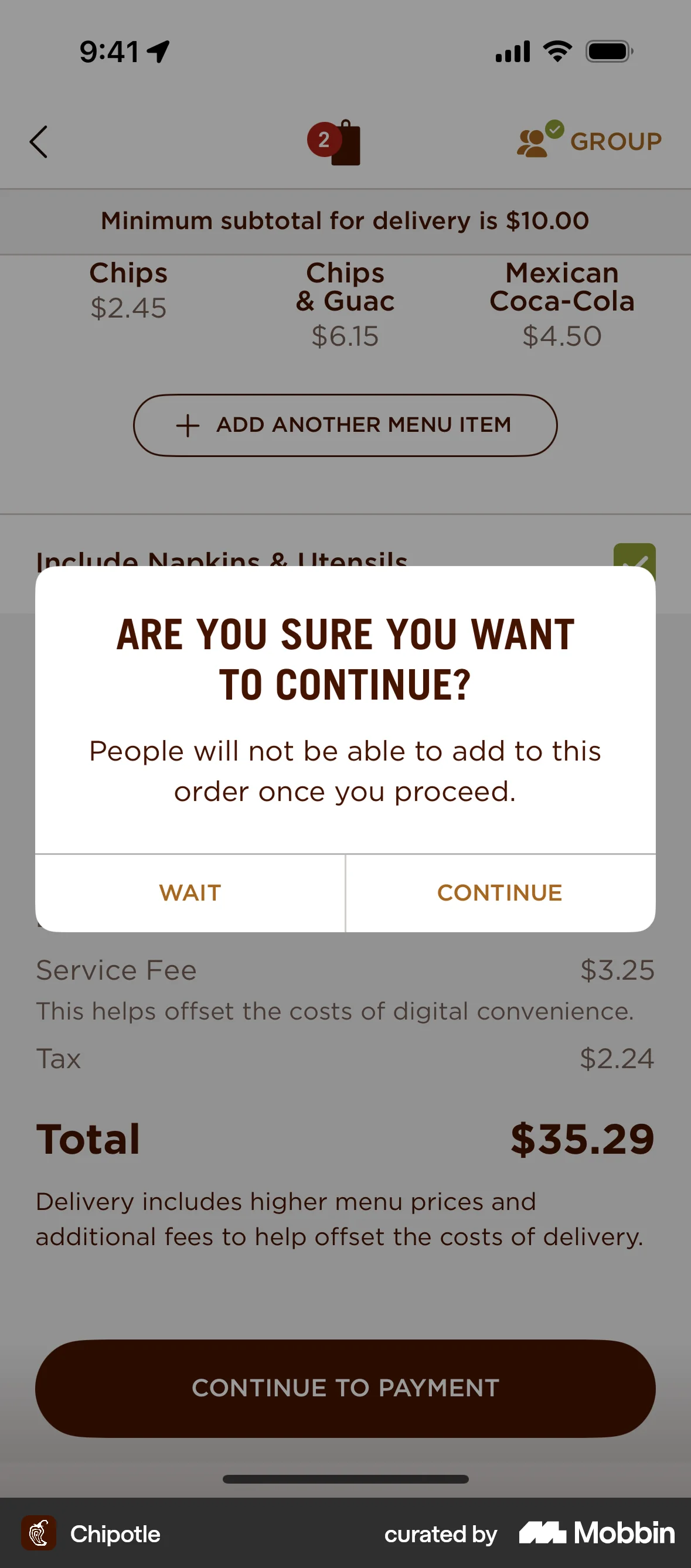
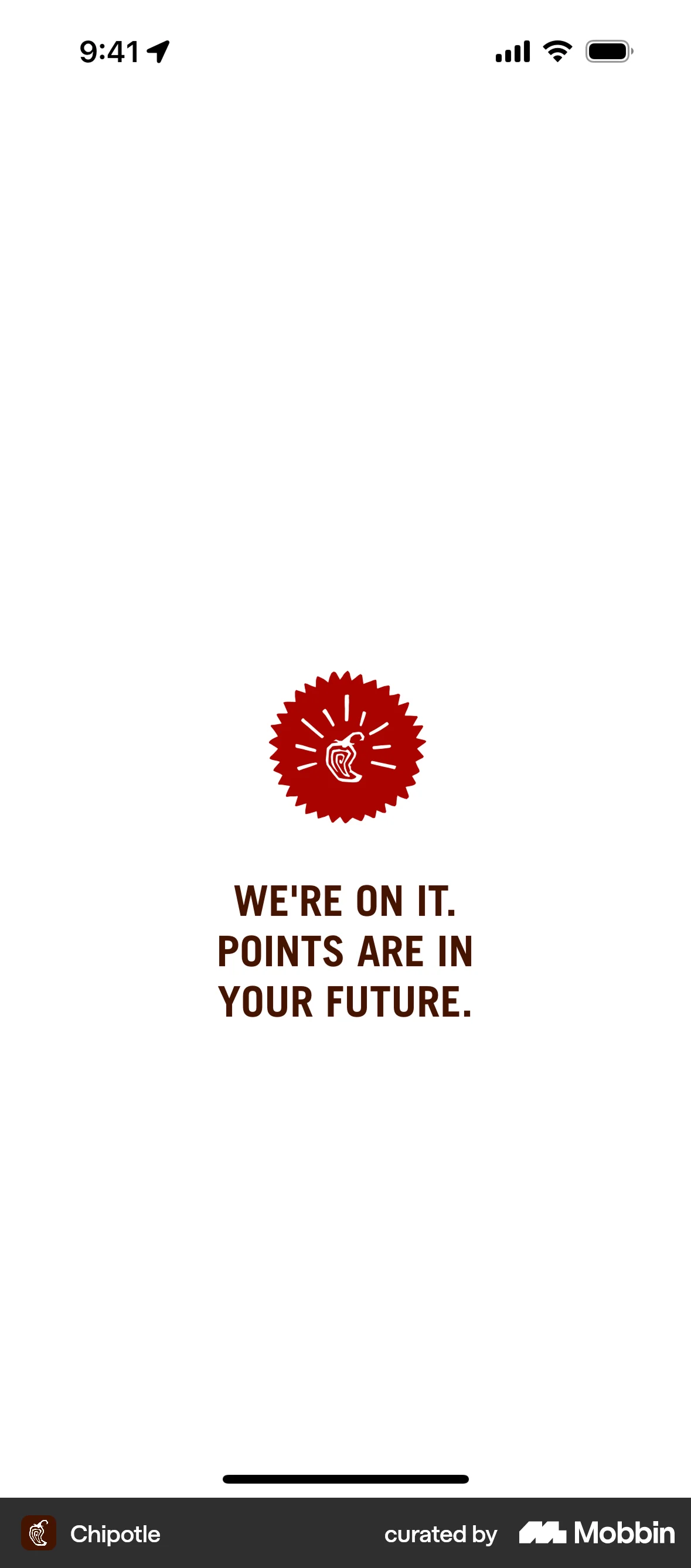
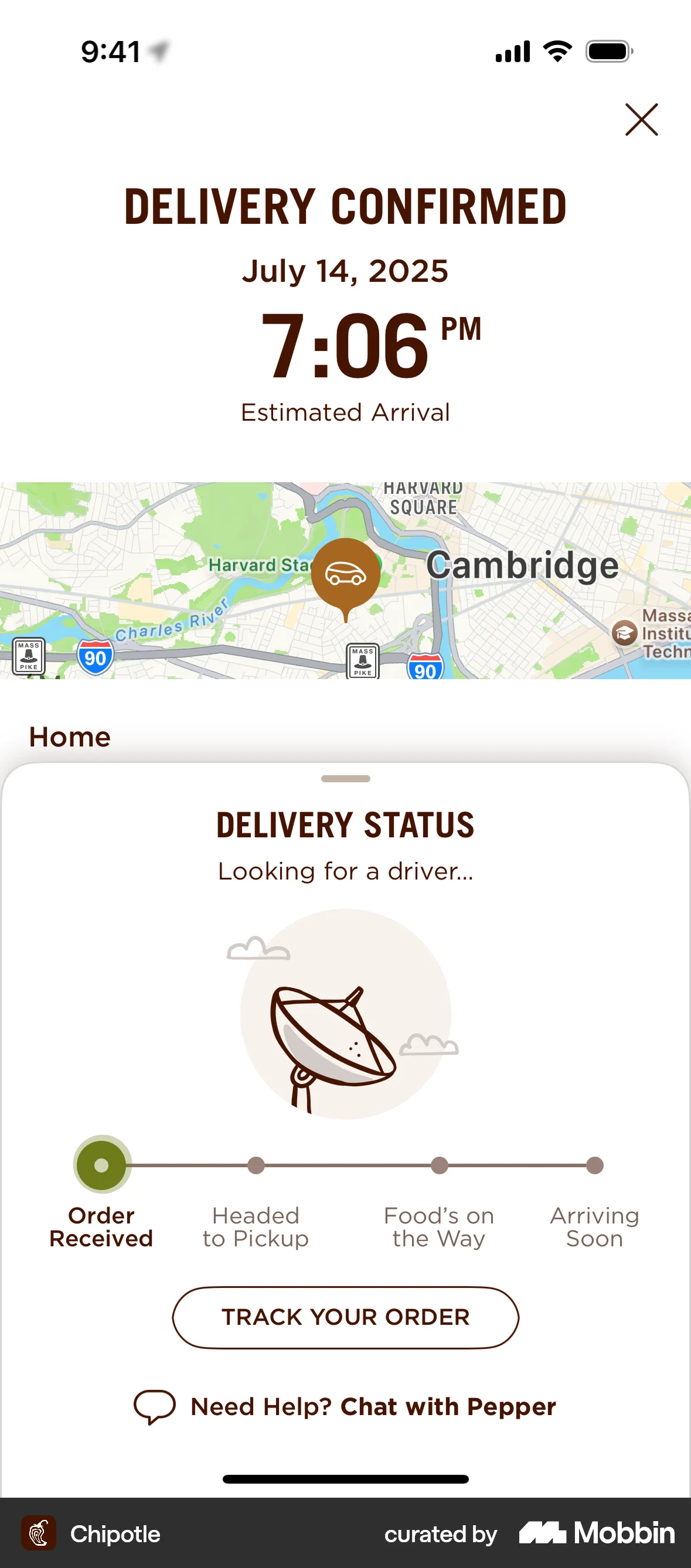
The user checks out a food order for delivery, navigating through order review, applying rewards, confirming details, and completing payment. The flow ends with a delivery confirmation.
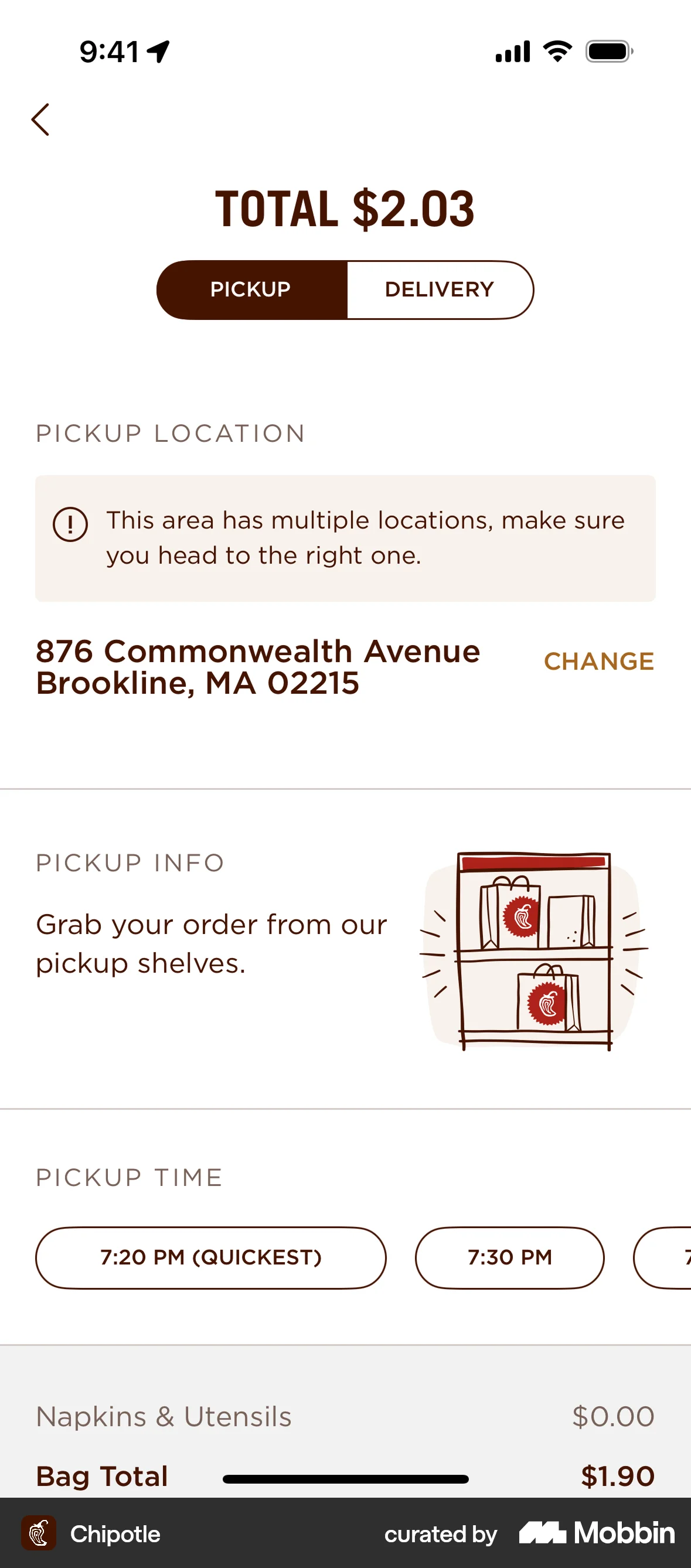
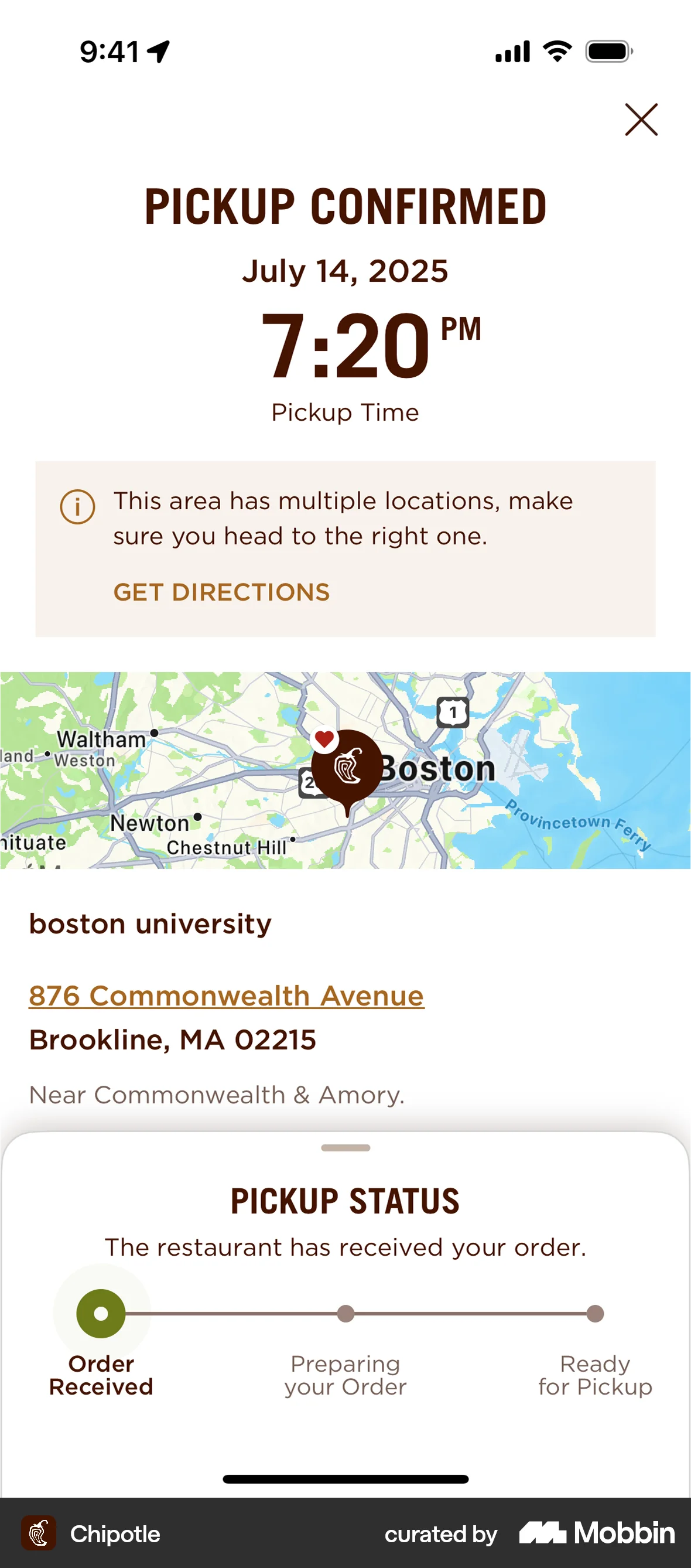
The user flow demonstrates ordering food for pickup, starting from the menu and ending with order confirmation and pickup status. The user adds items, reviews the order, and completes the purchase.

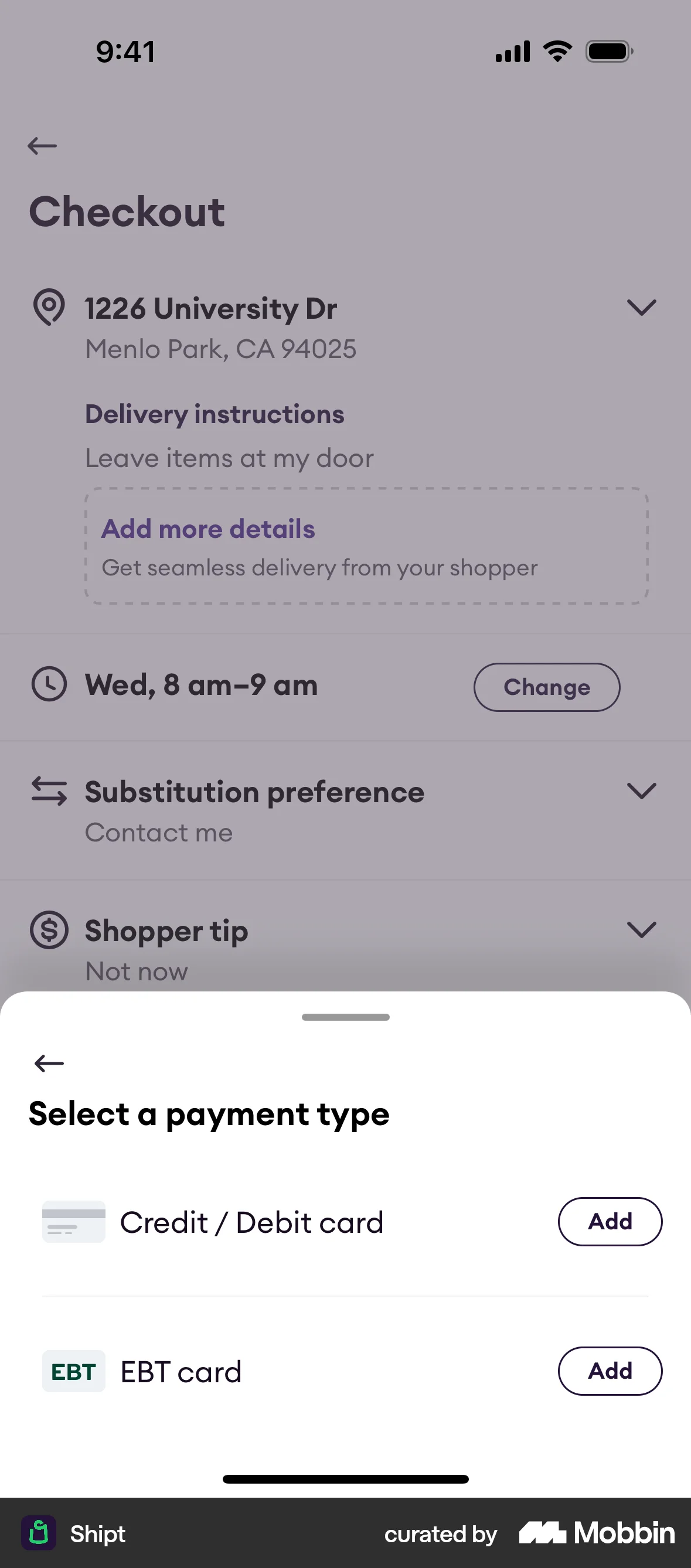
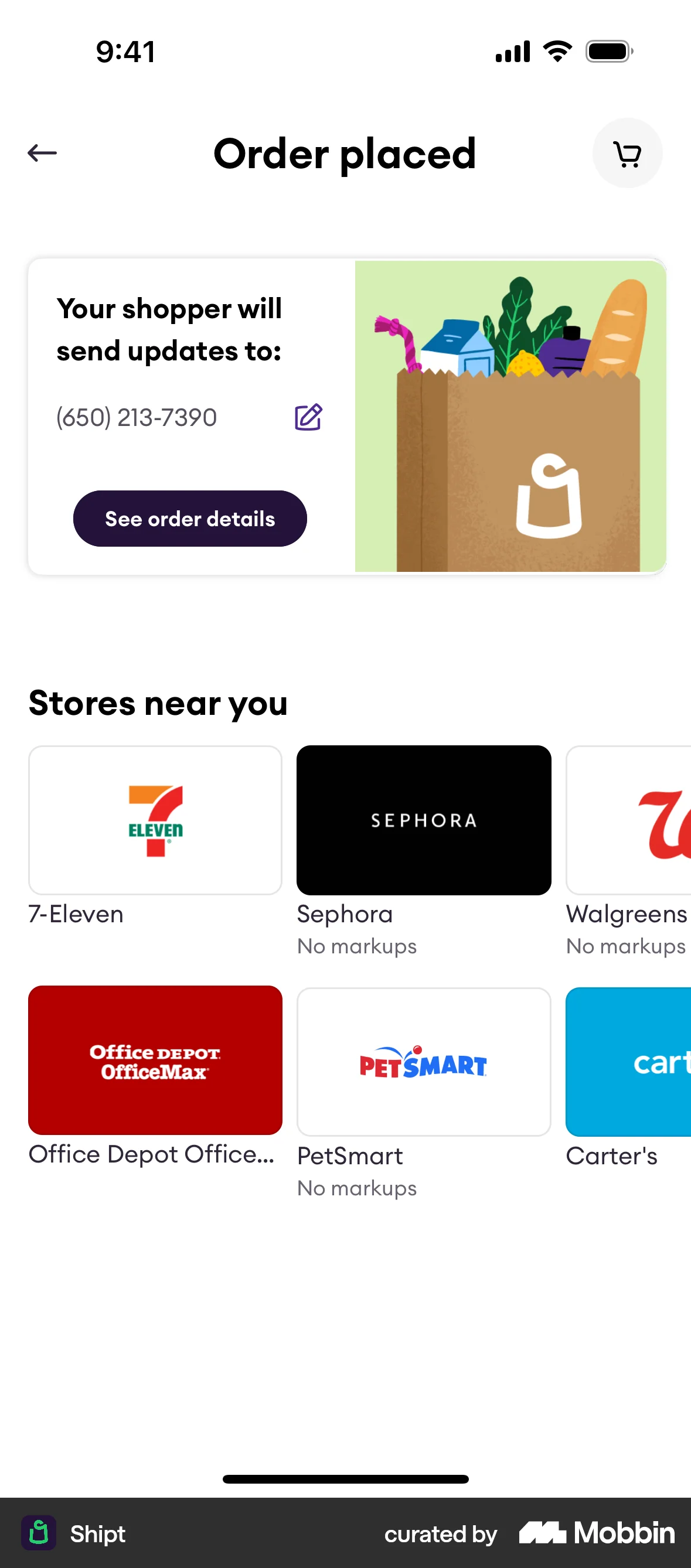
The user flow demonstrates the process of checking out a product, including selecting delivery options and payment information. The flow culminates in an order confirmation.

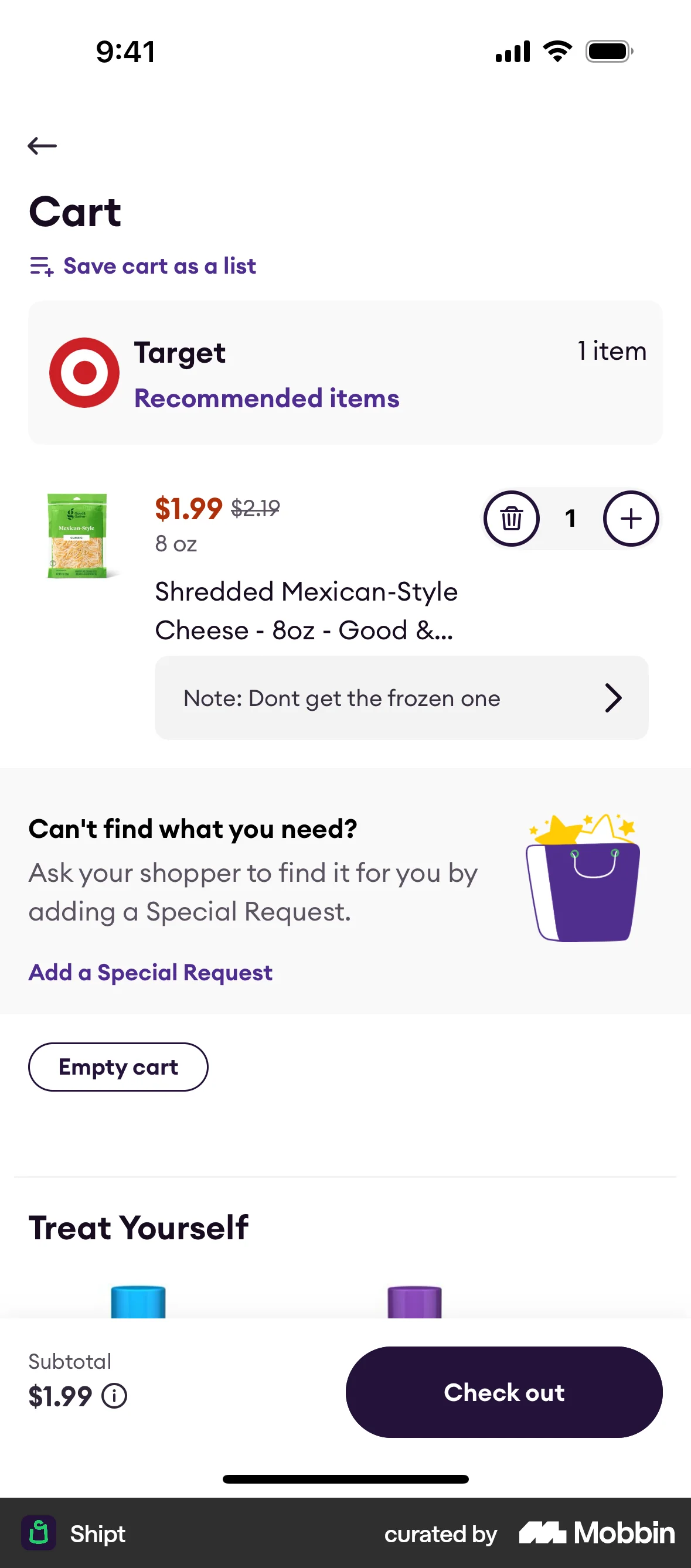
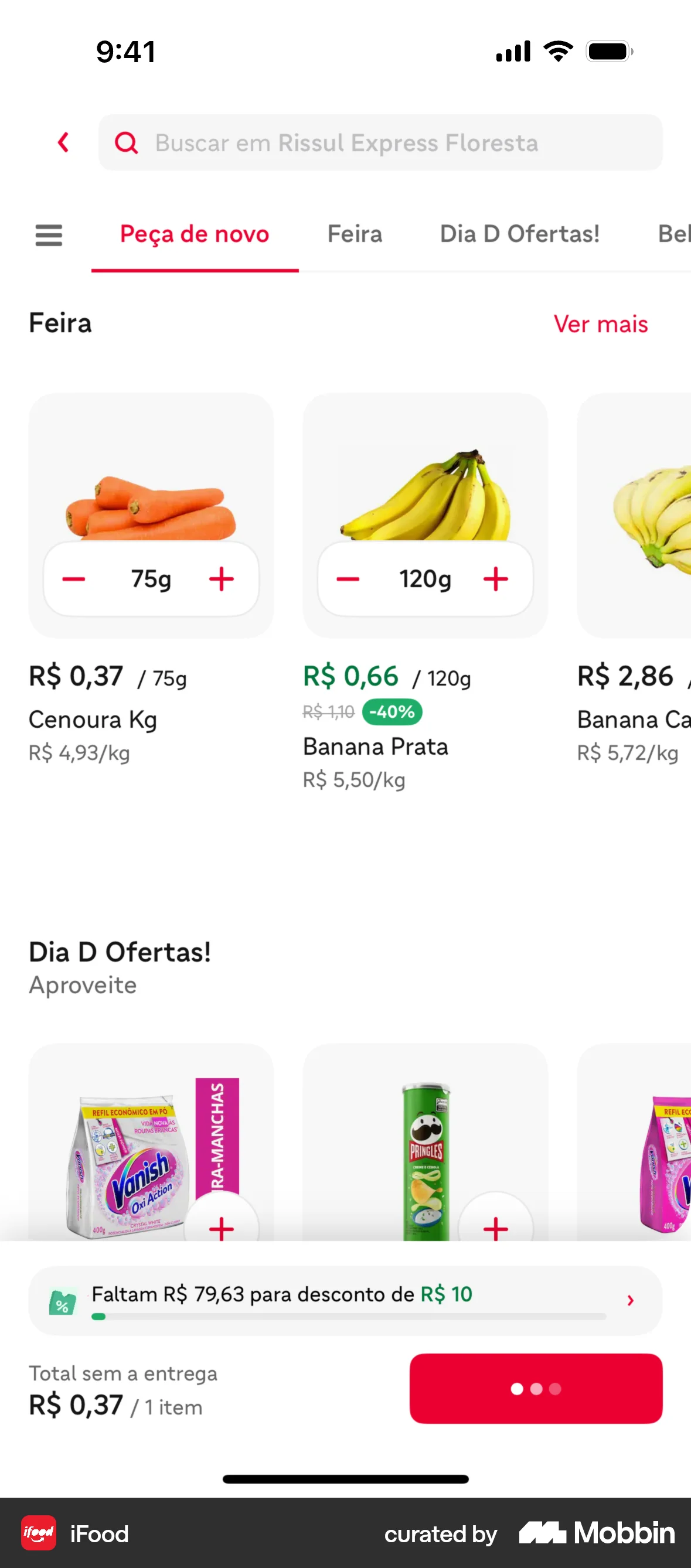
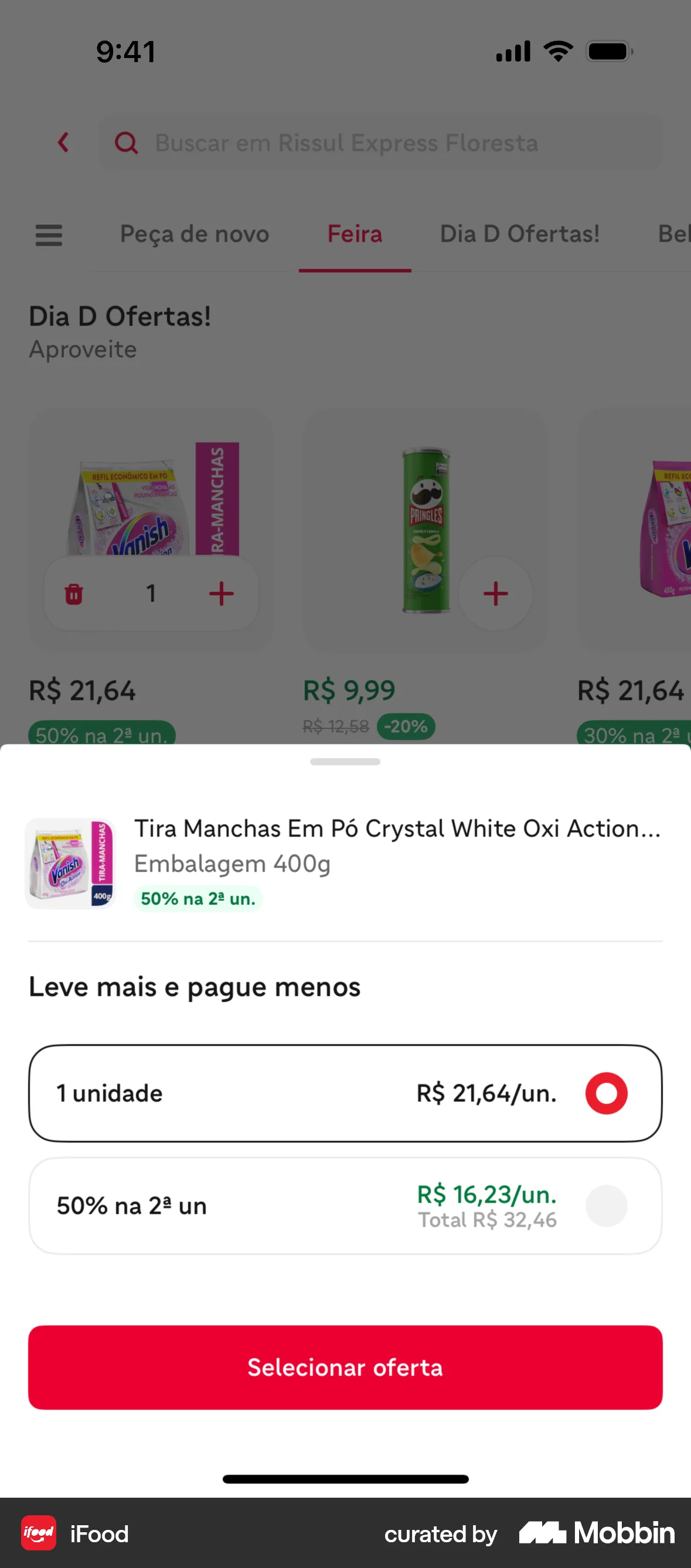
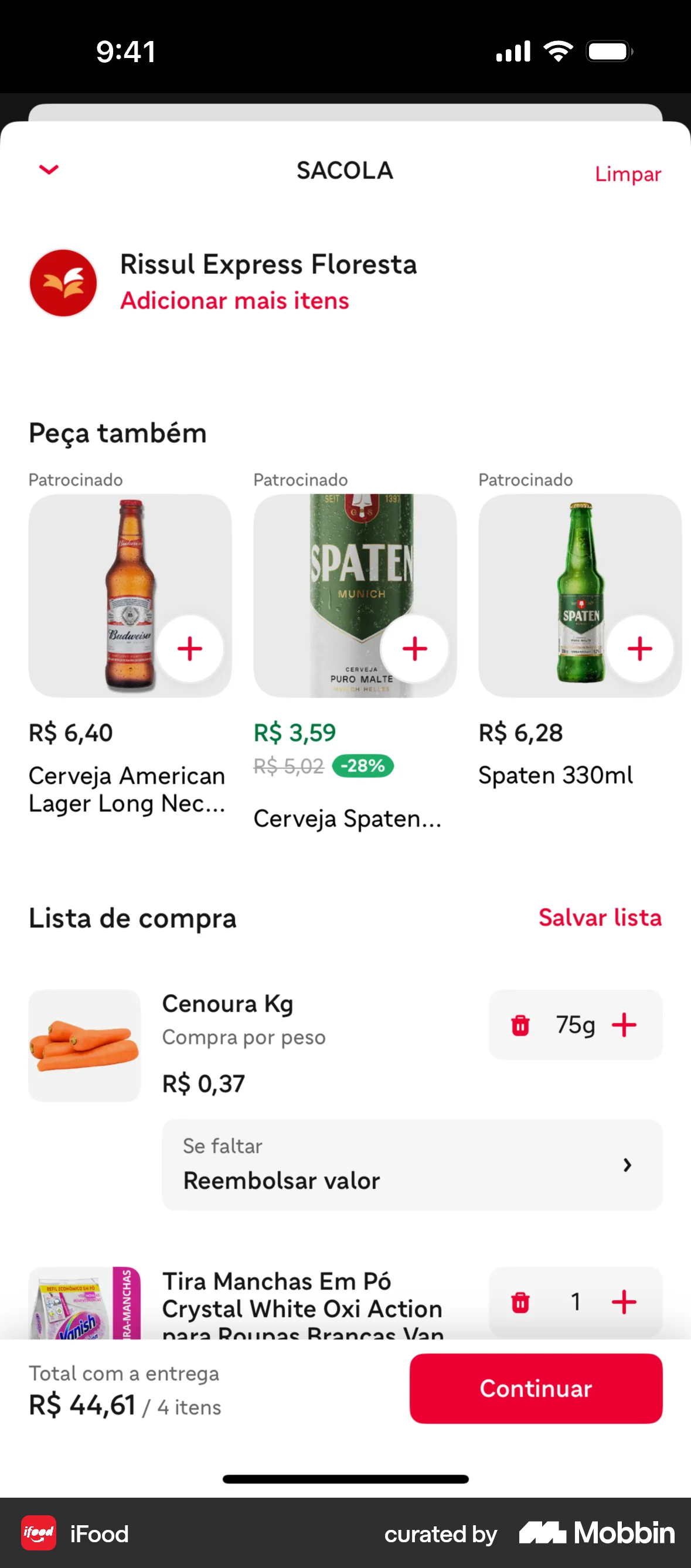
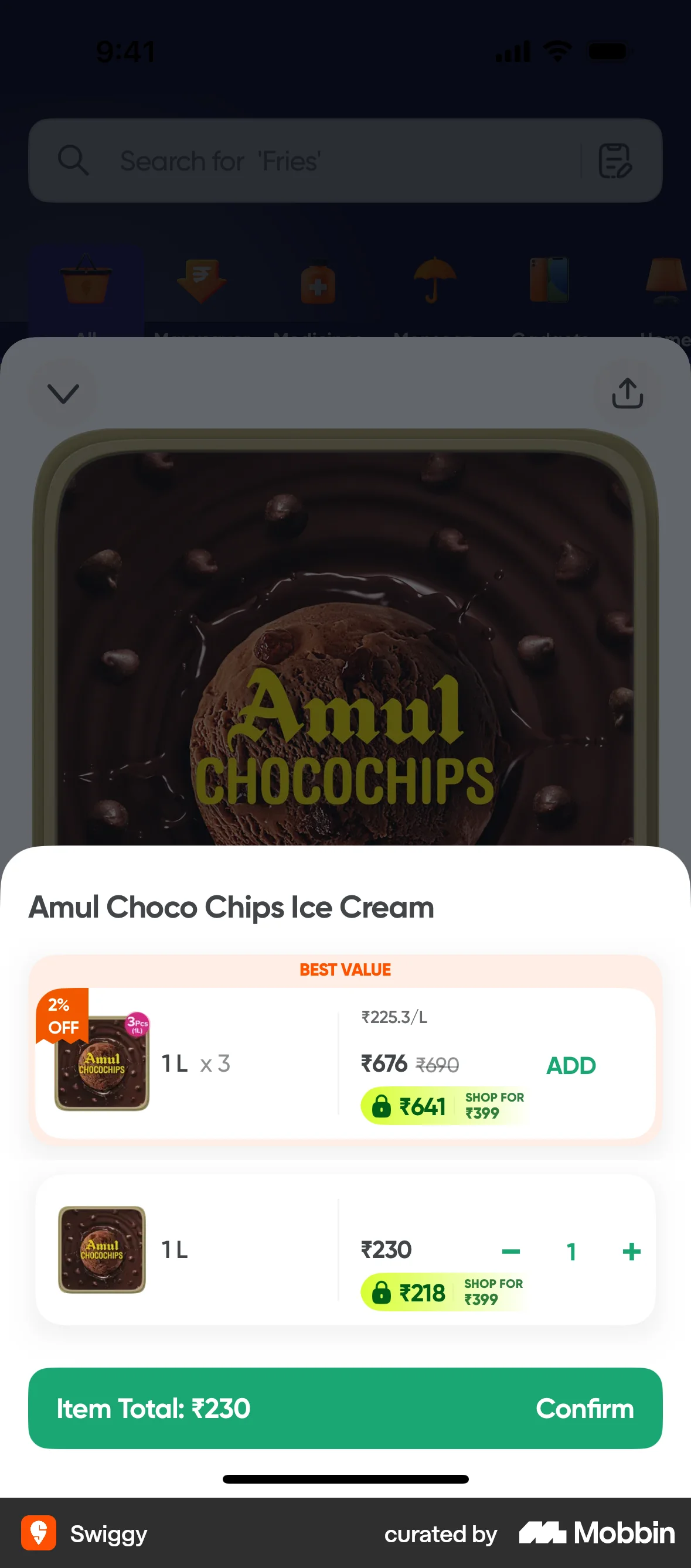
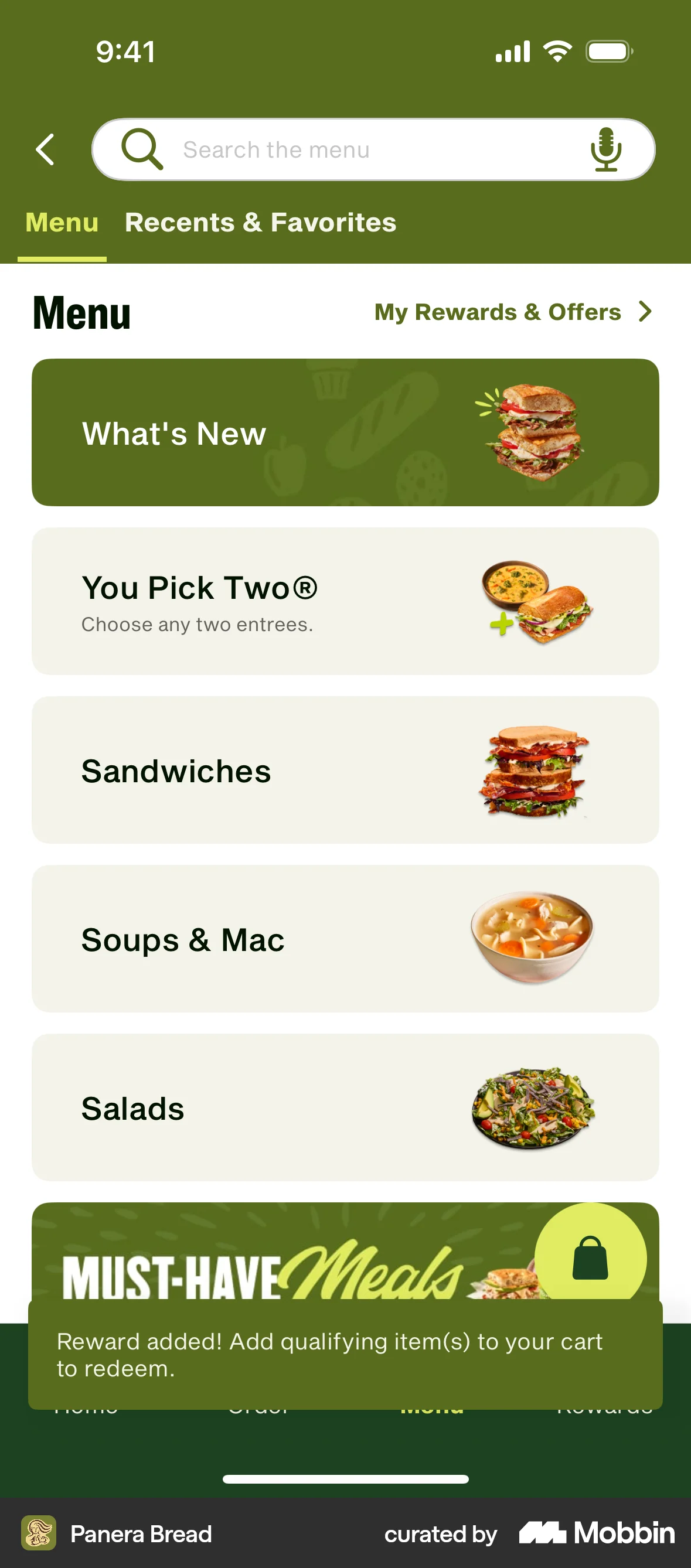
The user flow shows a user adding items to a cart. The user browses, selects offers and views the cart.
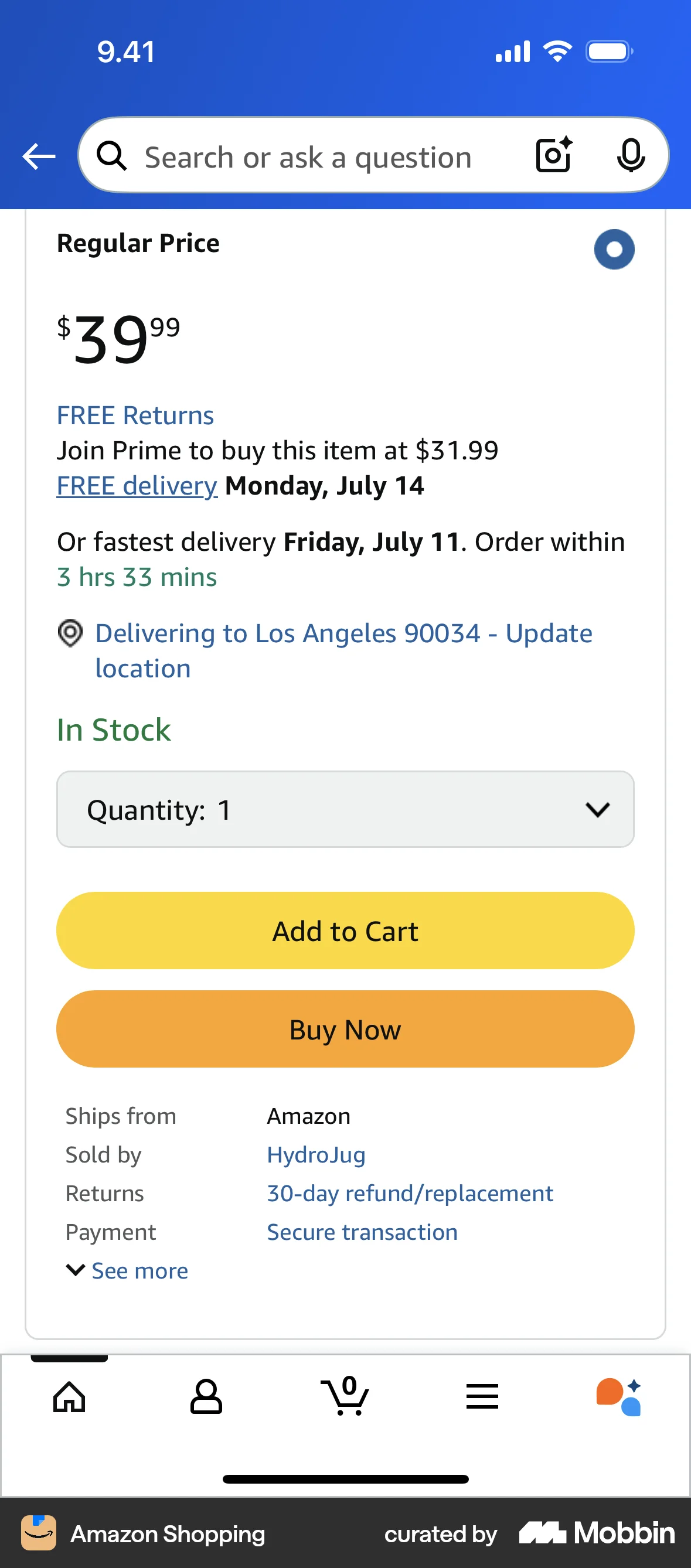
The user flow demonstrates adding a product to the cart. It involves viewing product details, selecting quantity, and proceeding to checkout.
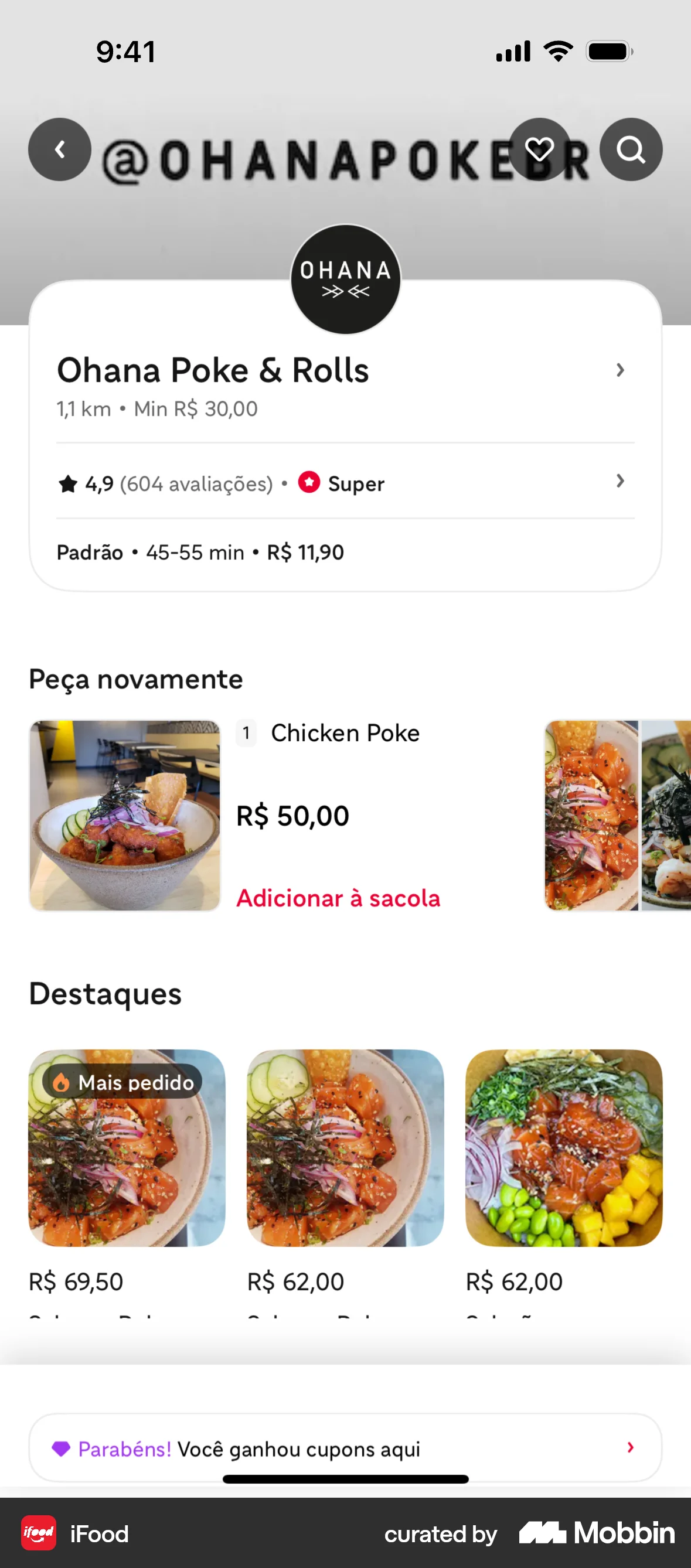
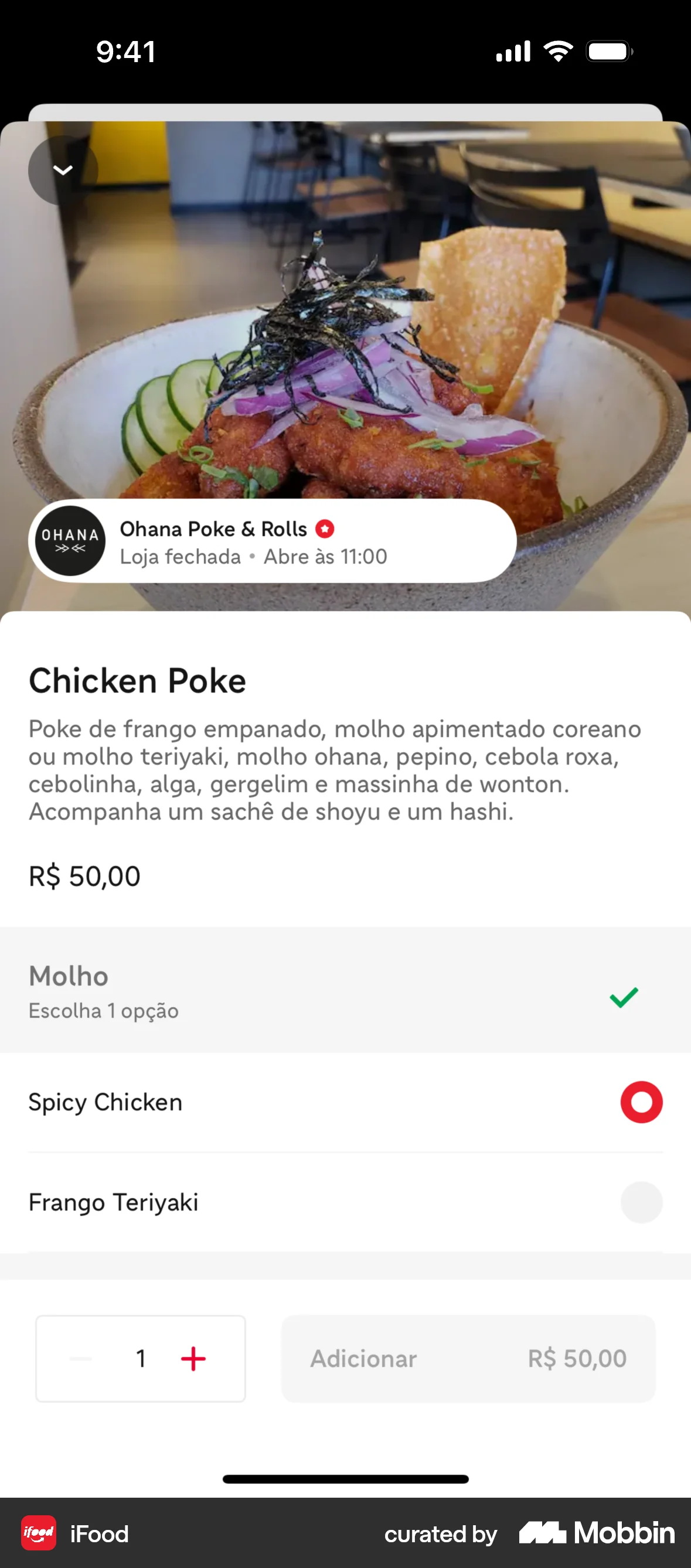
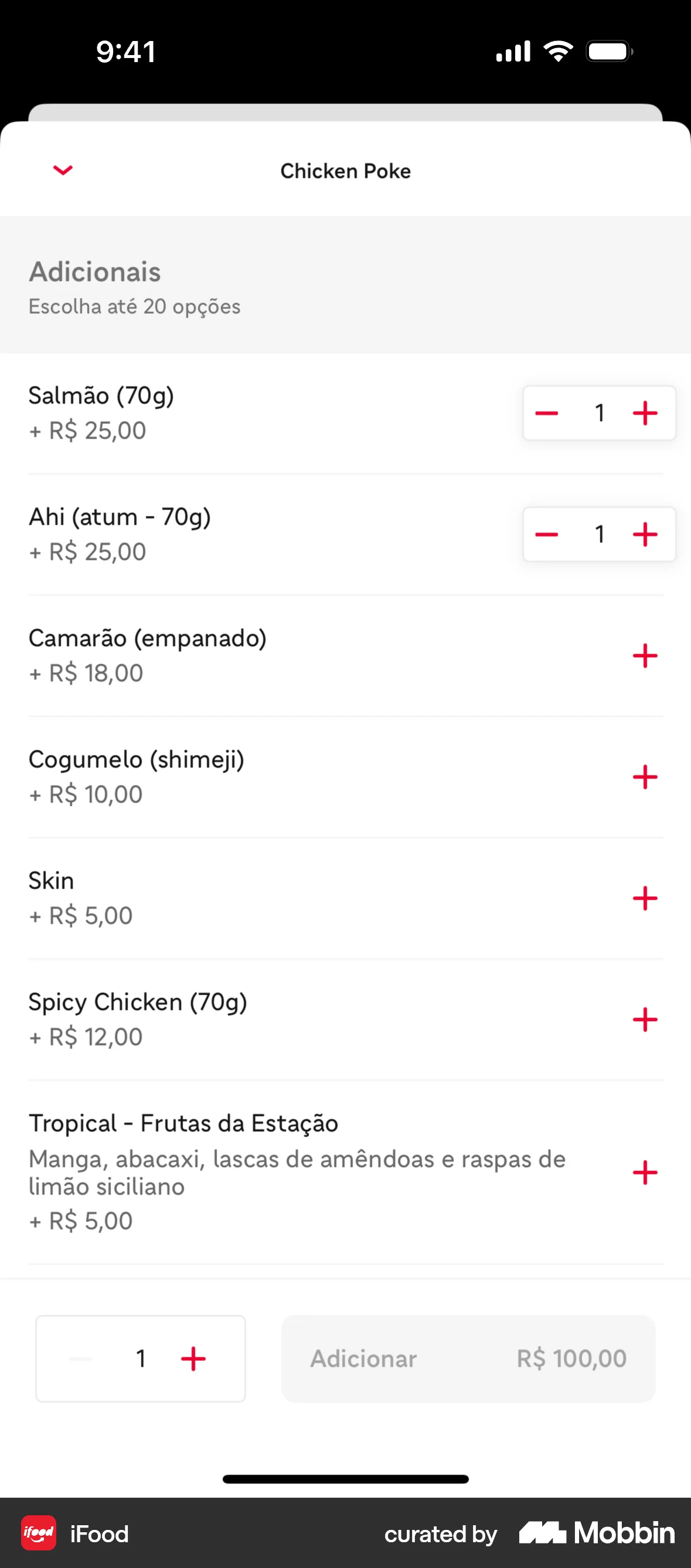
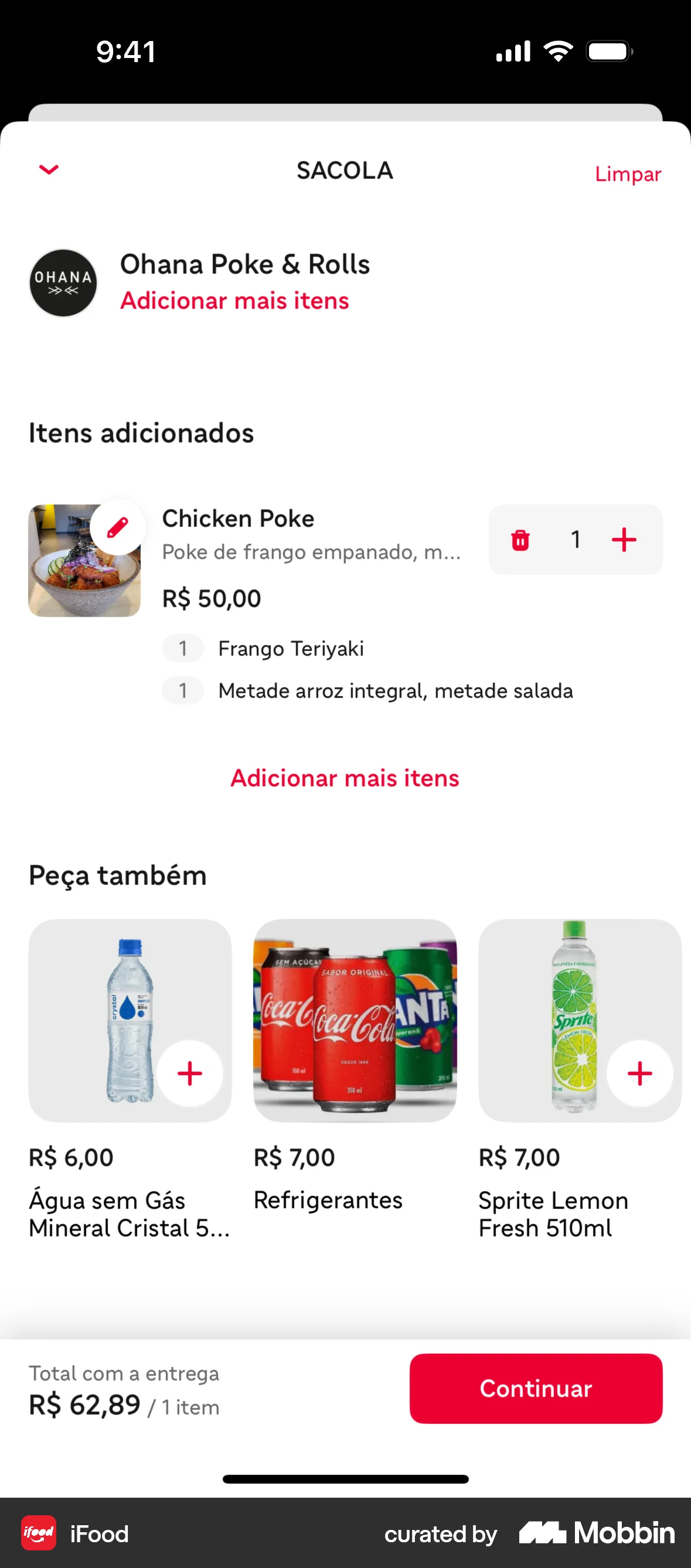
The user flow showcases adding a customized dish and a drink to the shopping cart. It ends with viewing the order summary.
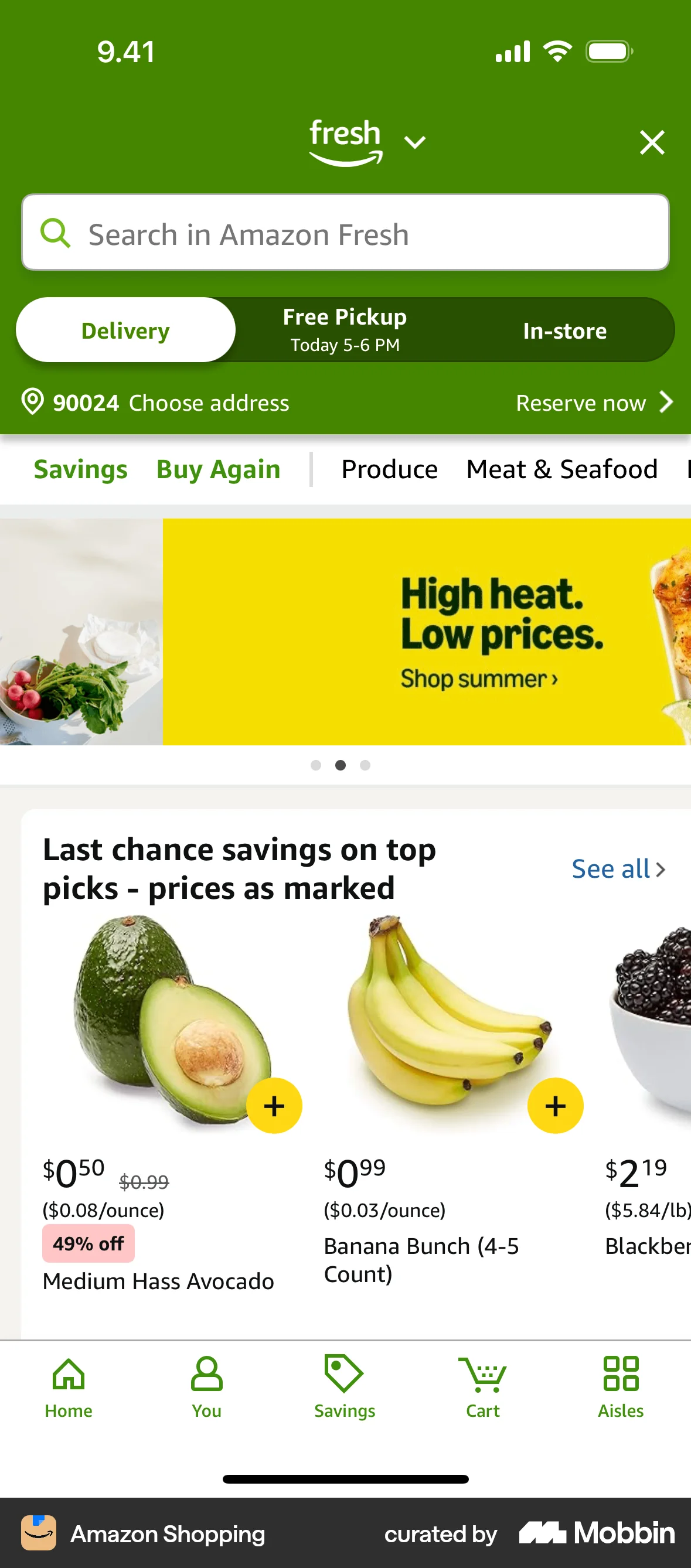
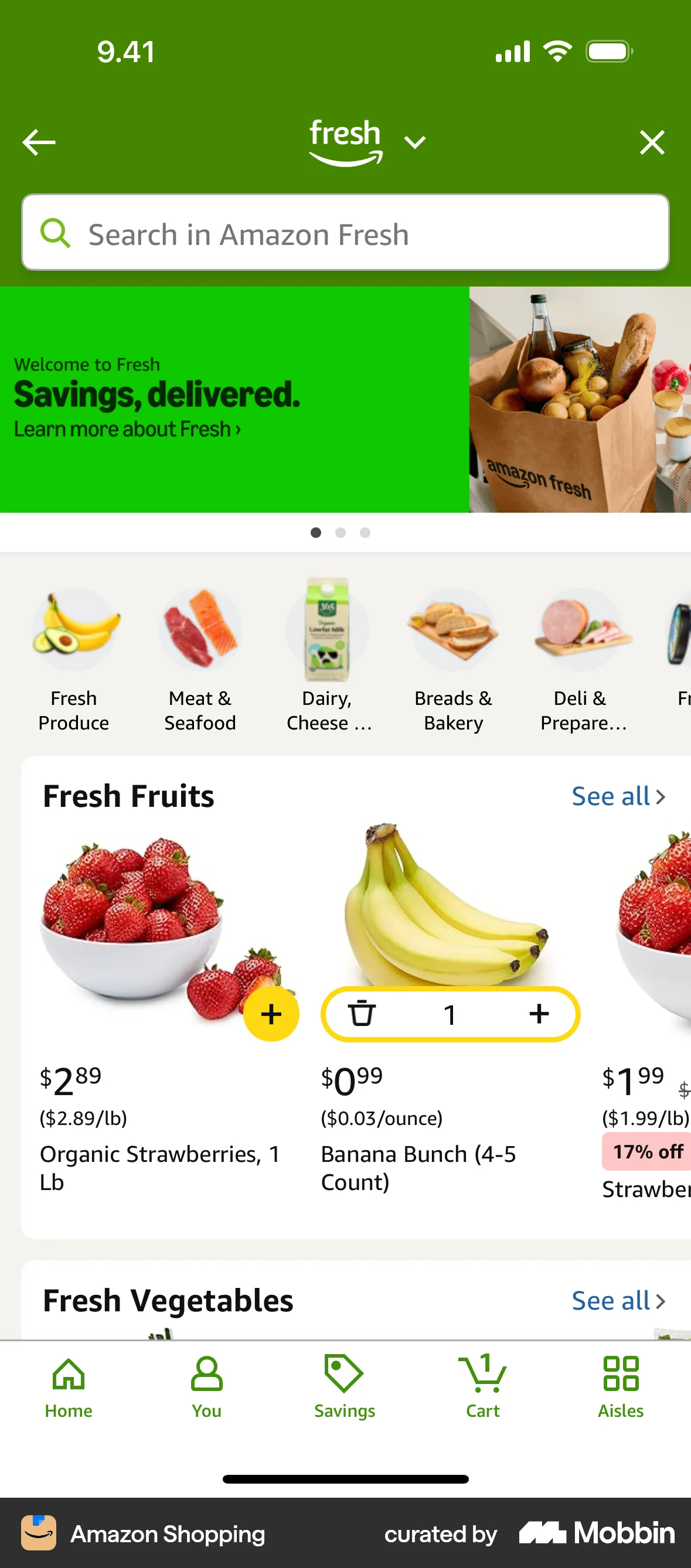
The user navigates the Amazon Fresh homepage and adds bananas to their cart. The flow demonstrates adding items for purchase.
625 Flows

244 Flows
602 Flows

256 Flows
236 Flows