

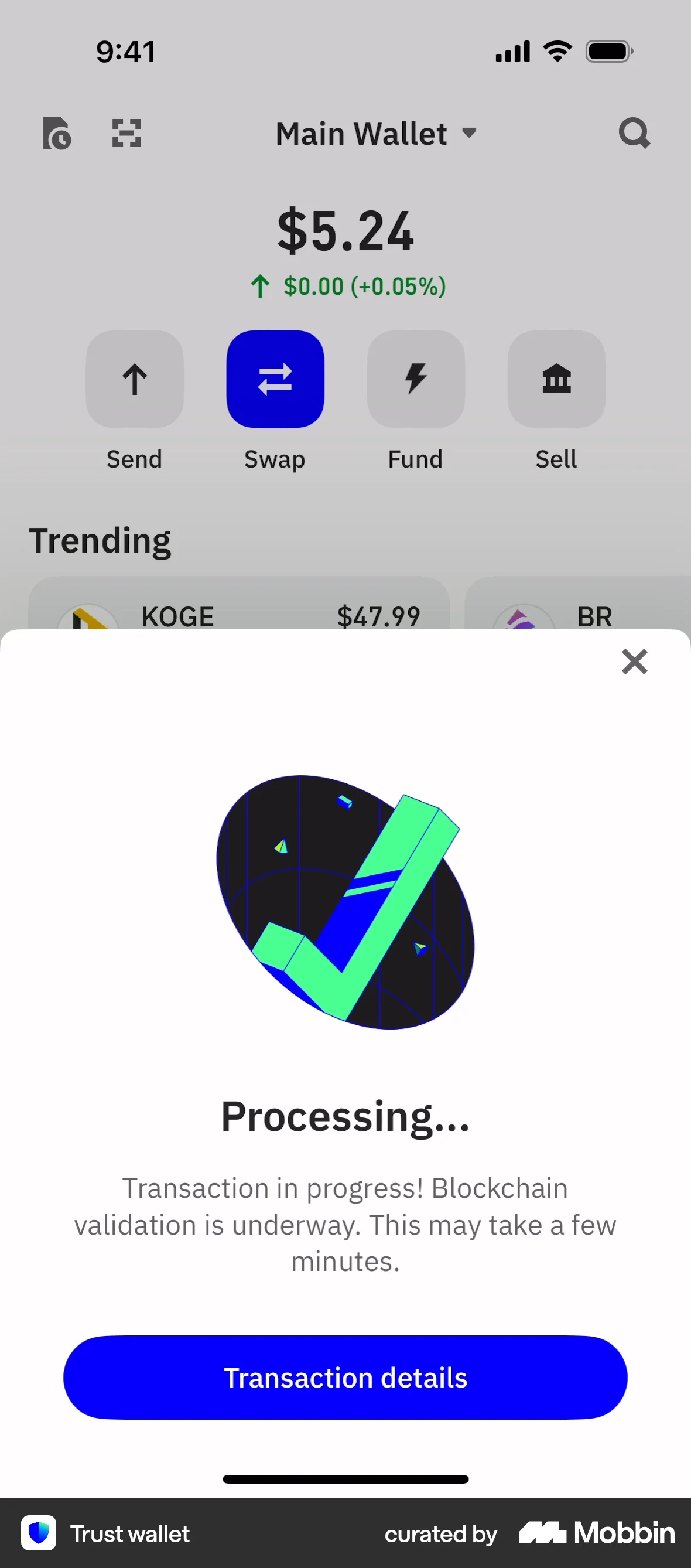
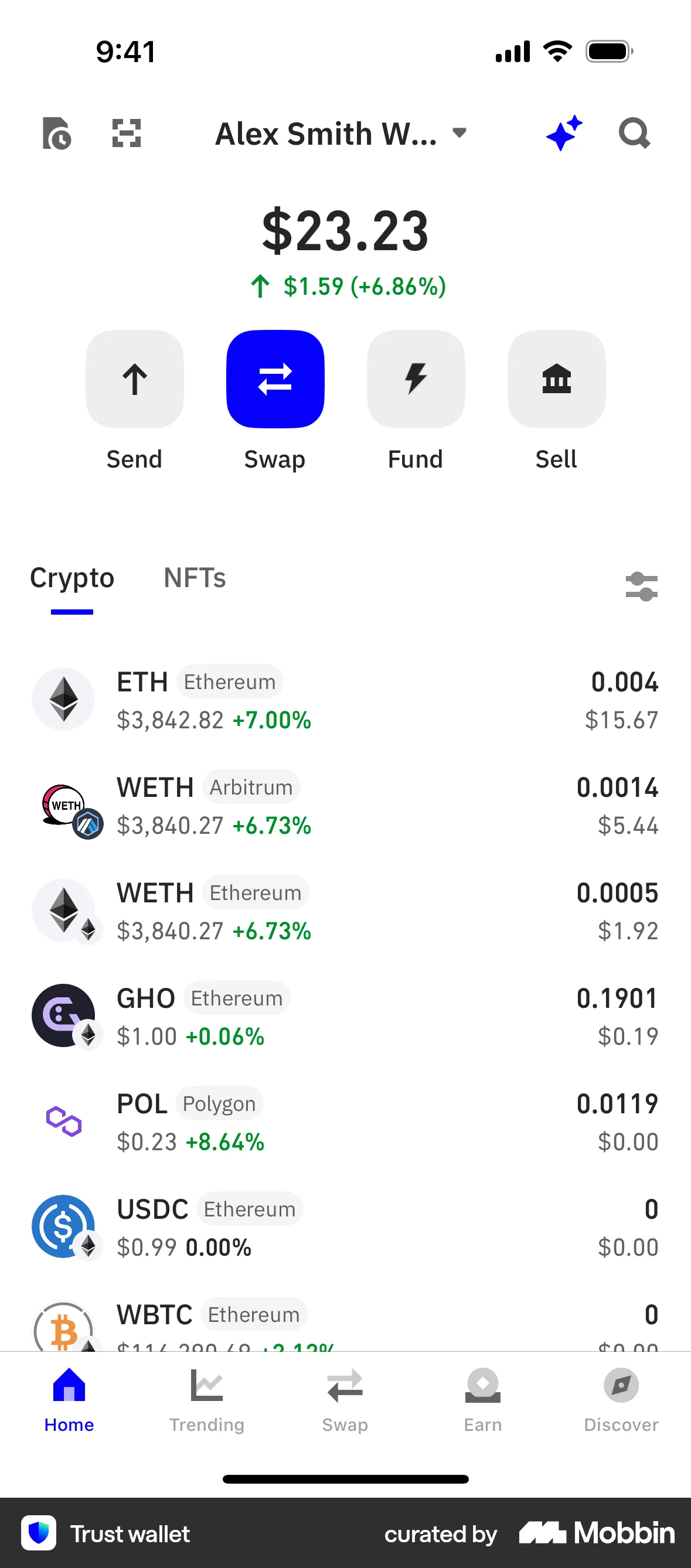
Sending a coinon Trust Wallet
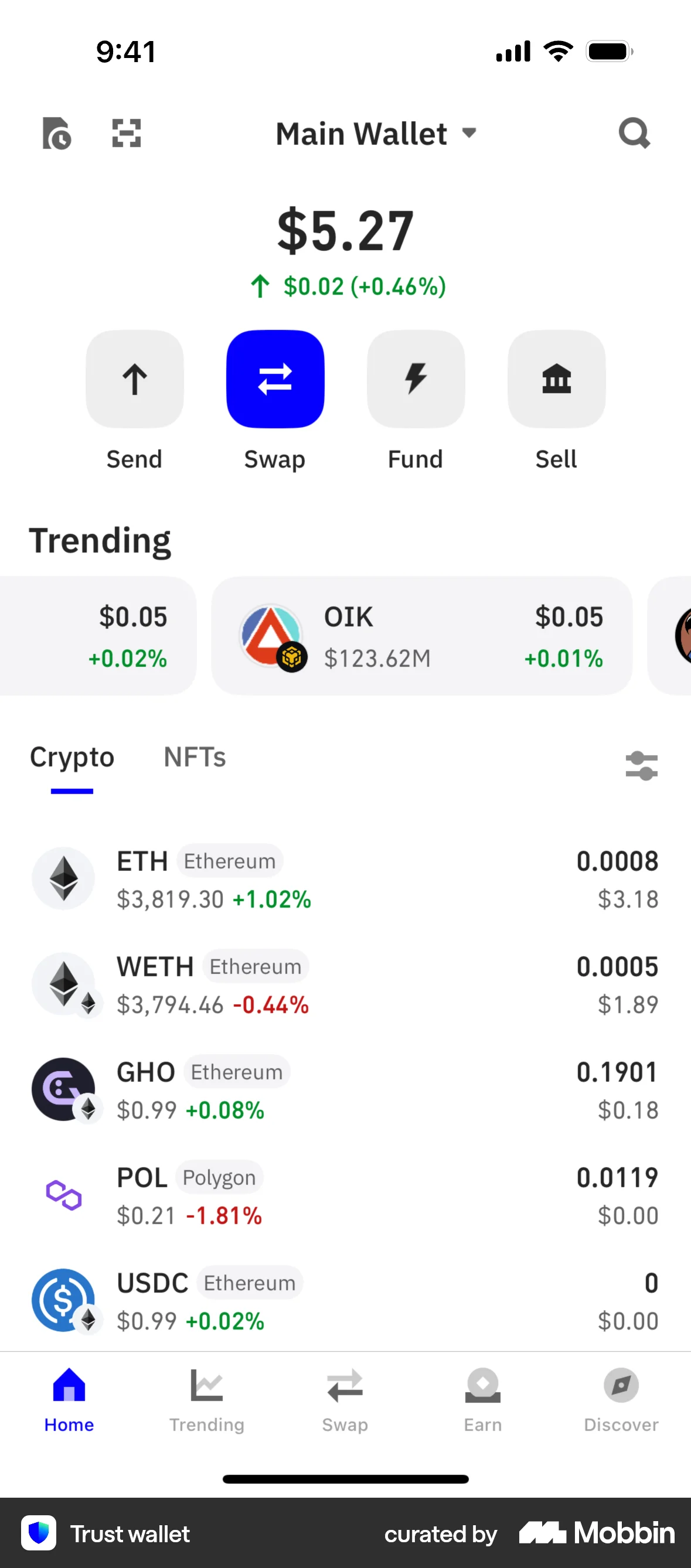
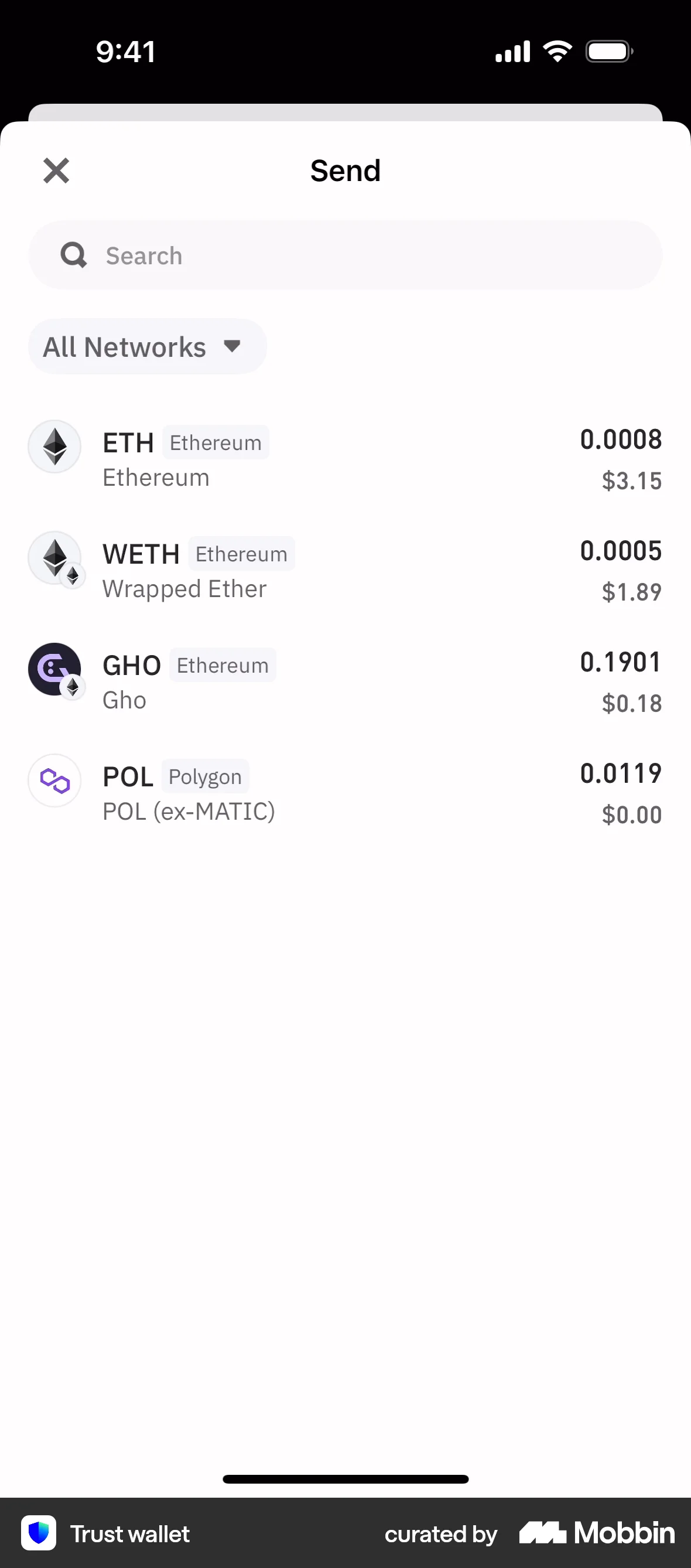
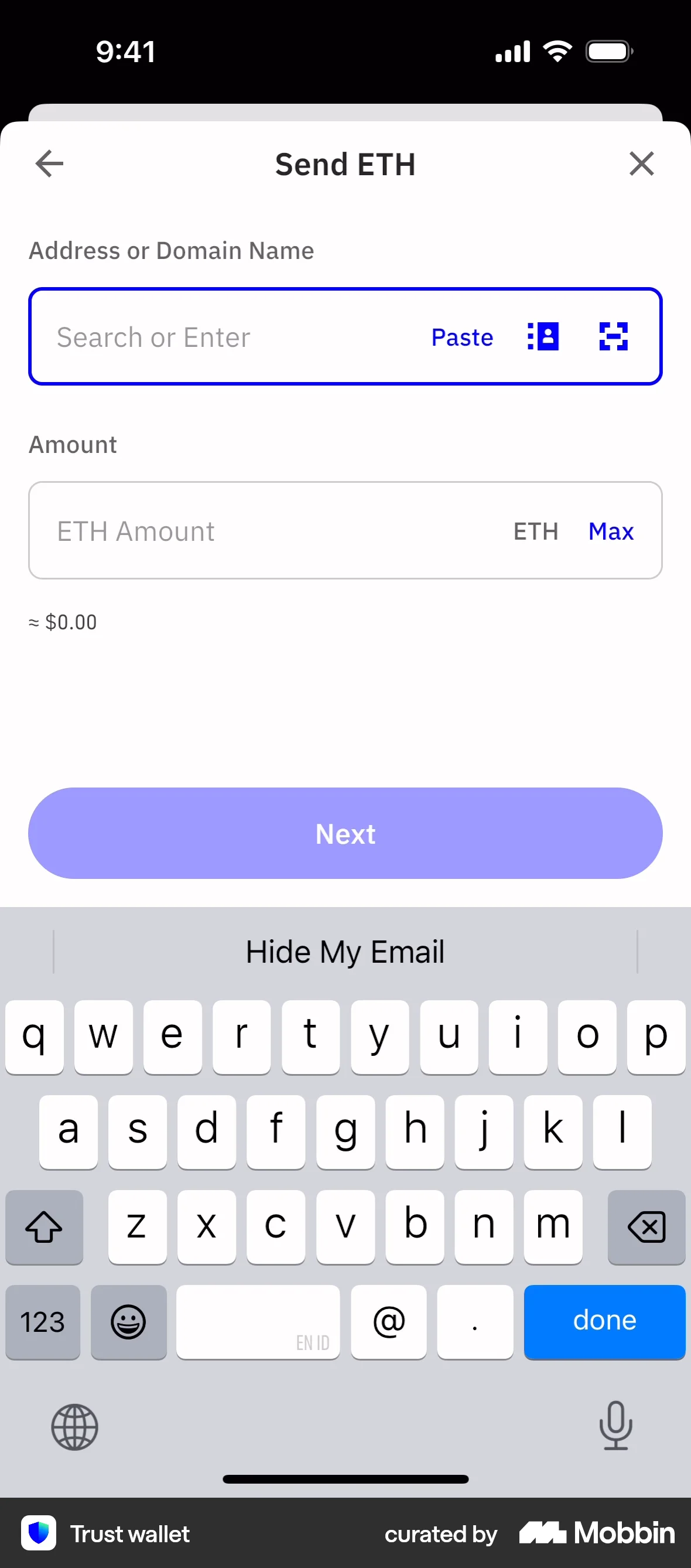
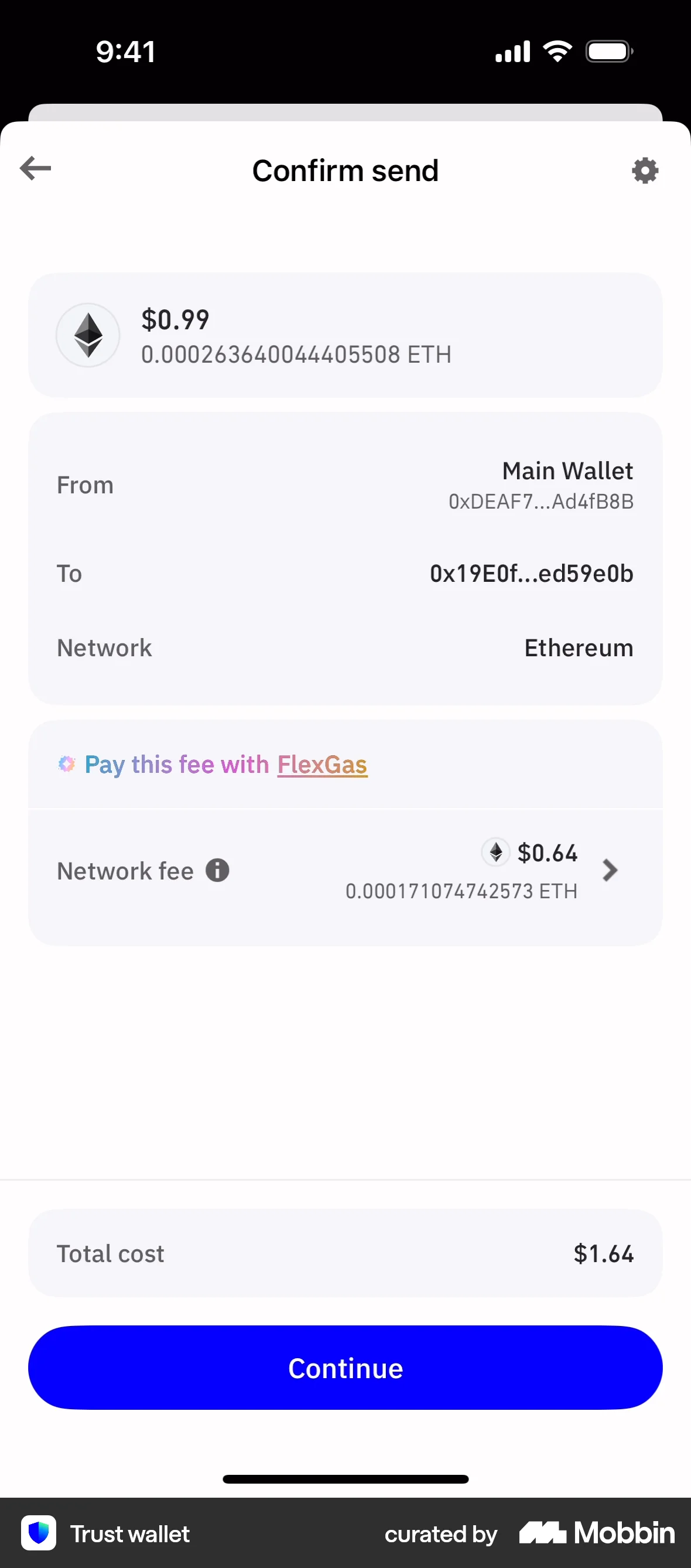
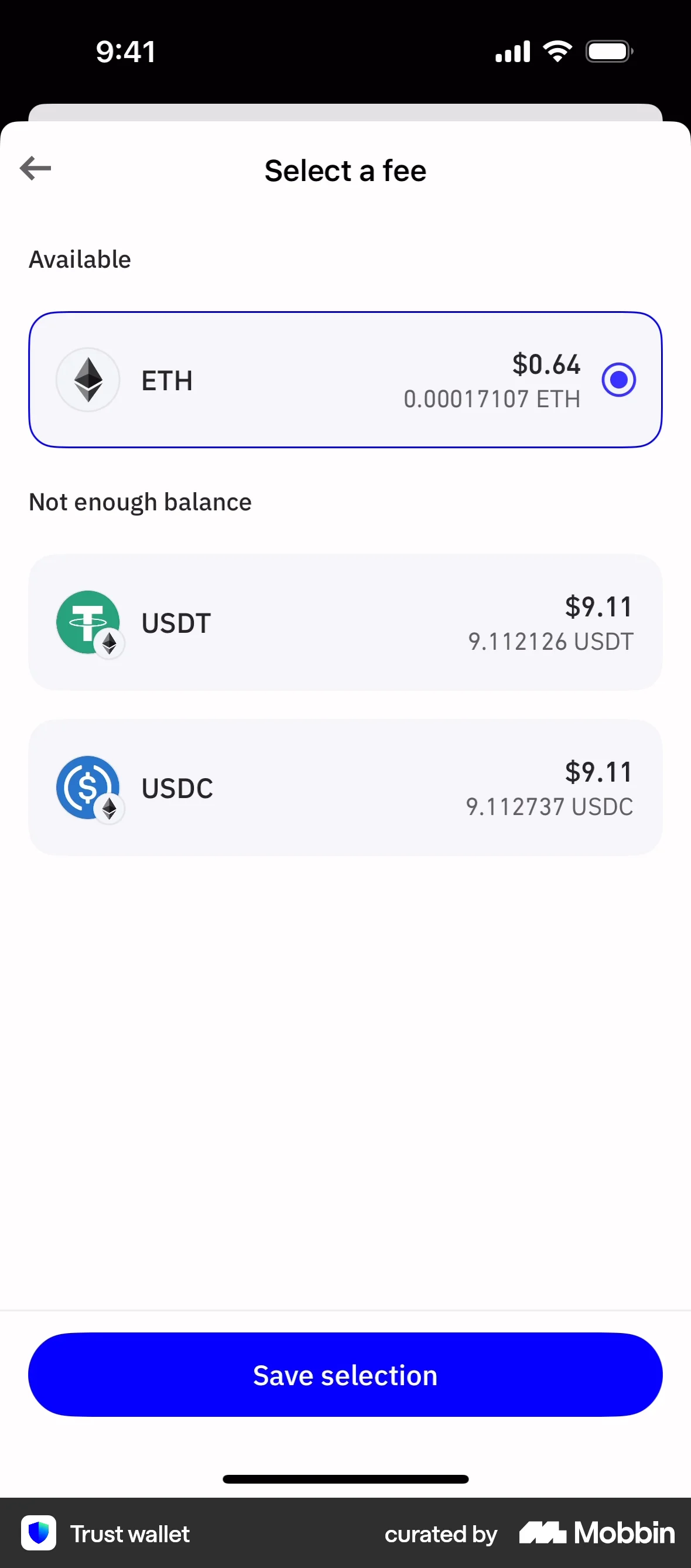
The user sends ETH by inputting details, confirming the transaction, and selecting a fee. A processing screen confirms the transaction is underway.
Explore the top donate page design examples for mobile. Thousands of designers already browse curated donate page design inspirations on Mobbin. Join for free.
The user sends ETH by inputting details, confirming the transaction, and selecting a fee. A processing screen confirms the transaction is underway.

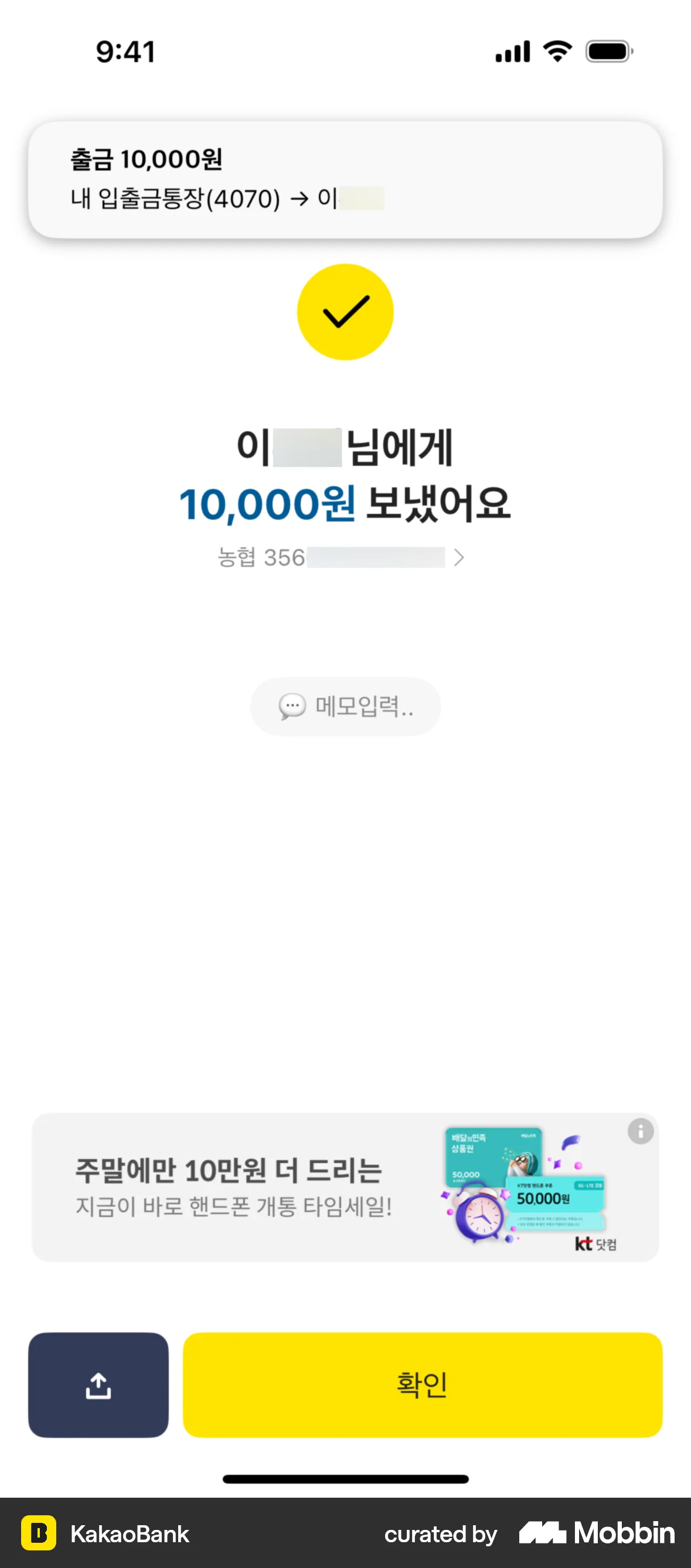
The user flow demonstrates transferring money to a recipient. It includes selecting a recipient, entering the amount, confirming details, and viewing the confirmation.

The user initiates a transfer, enters the recipient details, confirms the amount, and completes the transfer successfully. The flow concludes with a confirmation screen.
The user initiates and completes a transfer between two accounts. The flow includes amount input and confirmation of the transaction.

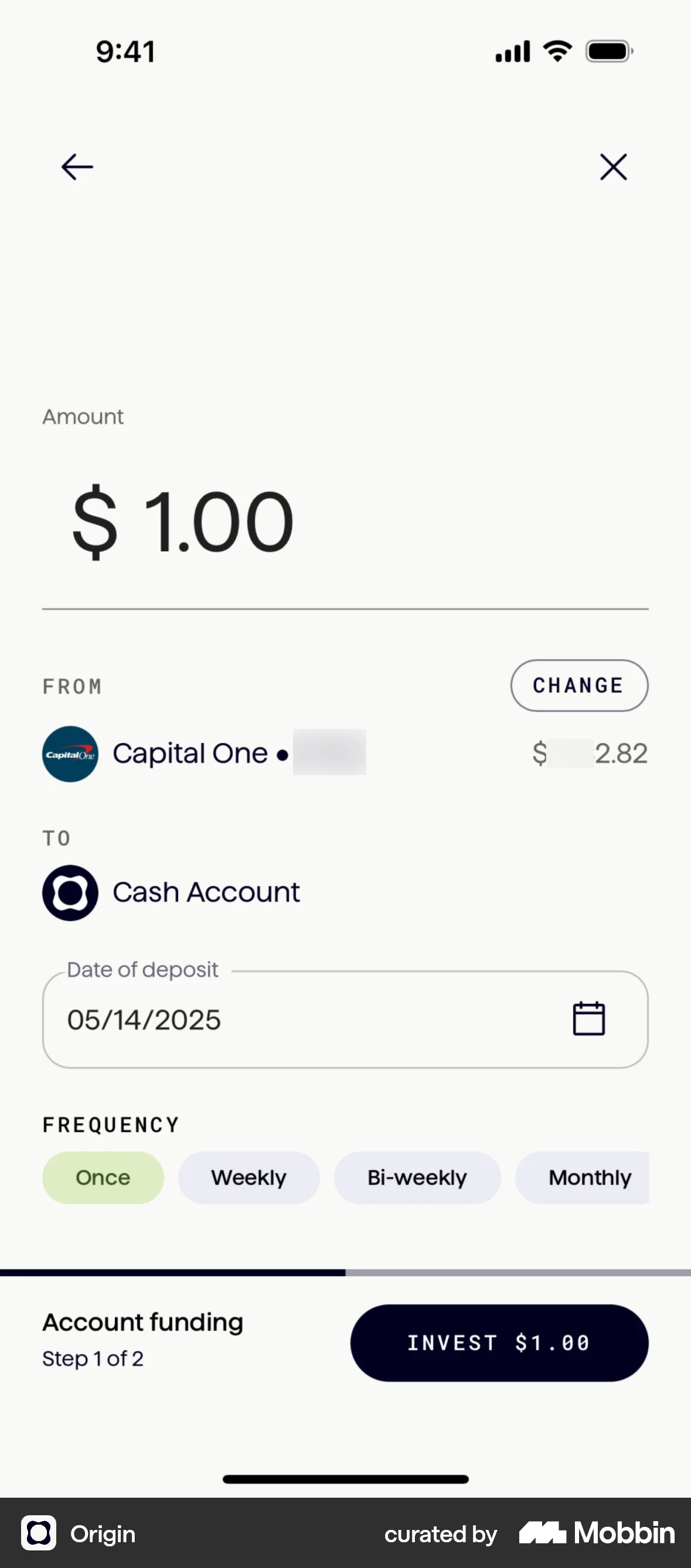
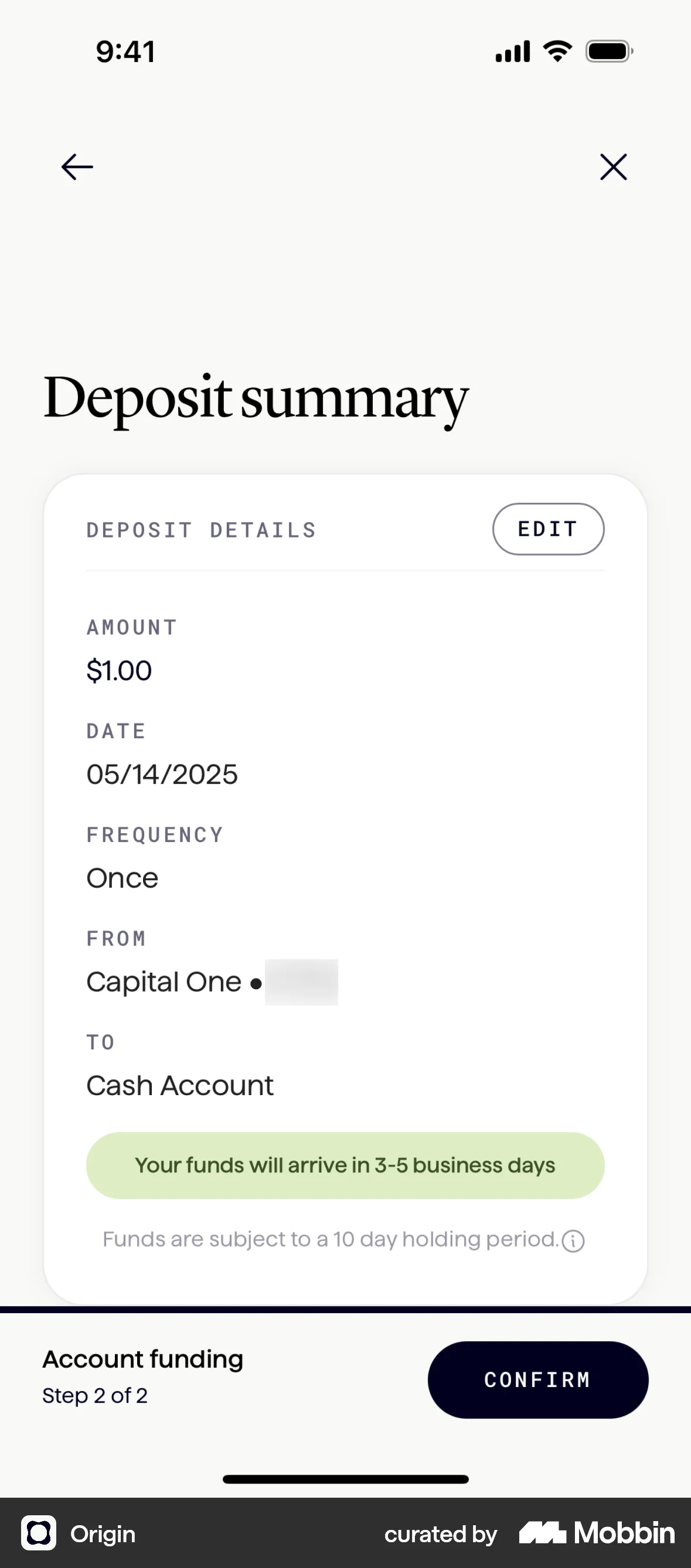
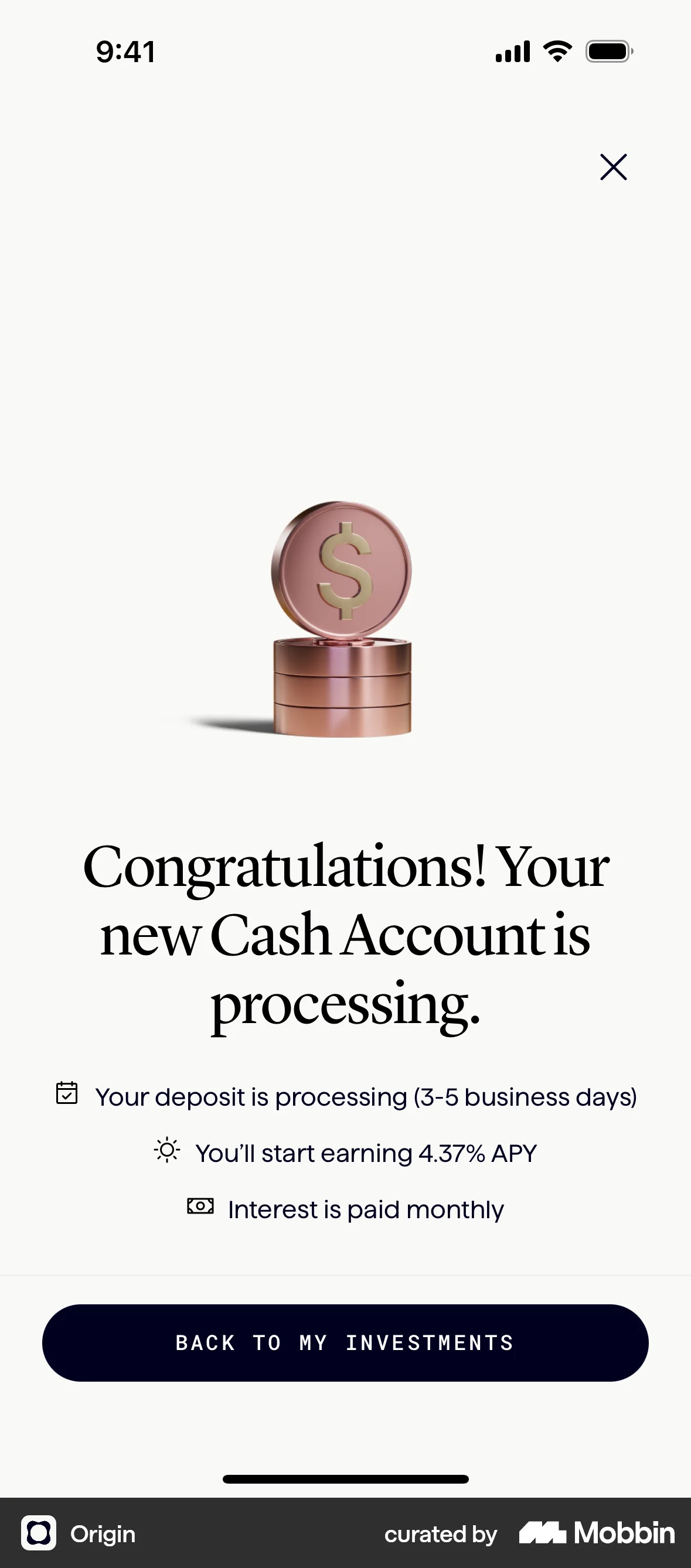
The user flow guides the user to add funds to their new account. It involves entering deposit details, confirming the transaction, and viewing the processing confirmation.
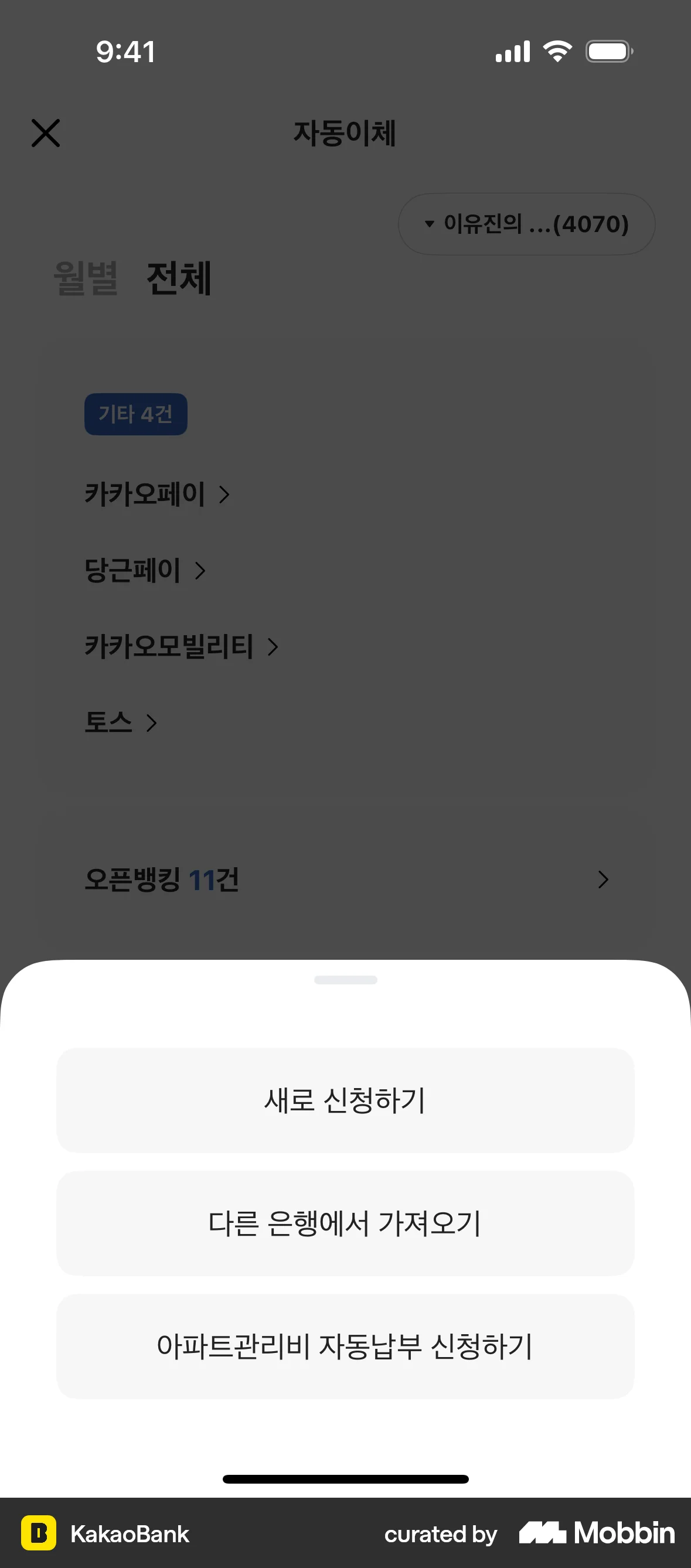
The user flow demonstrates creating a new automatic transfer. It involves filling out a form, confirming details, and receiving a success message.
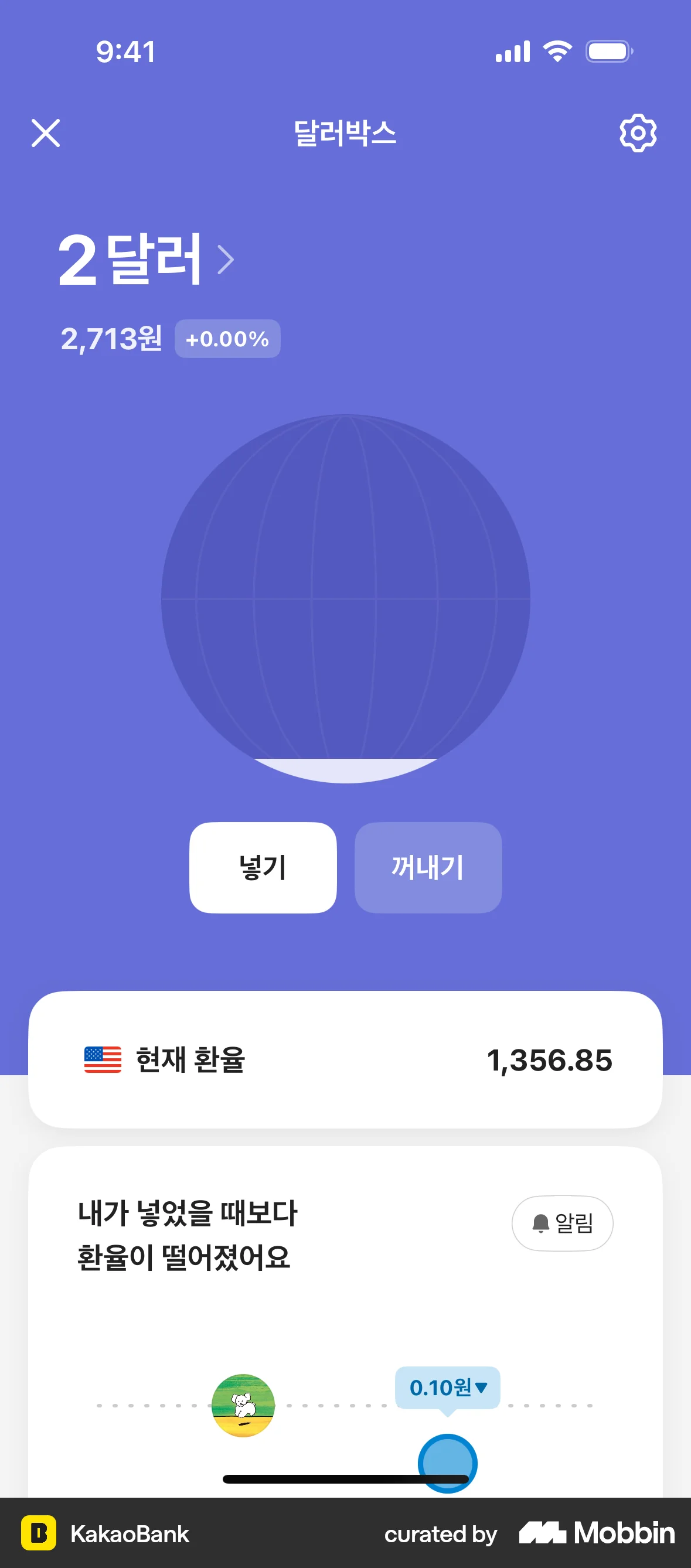
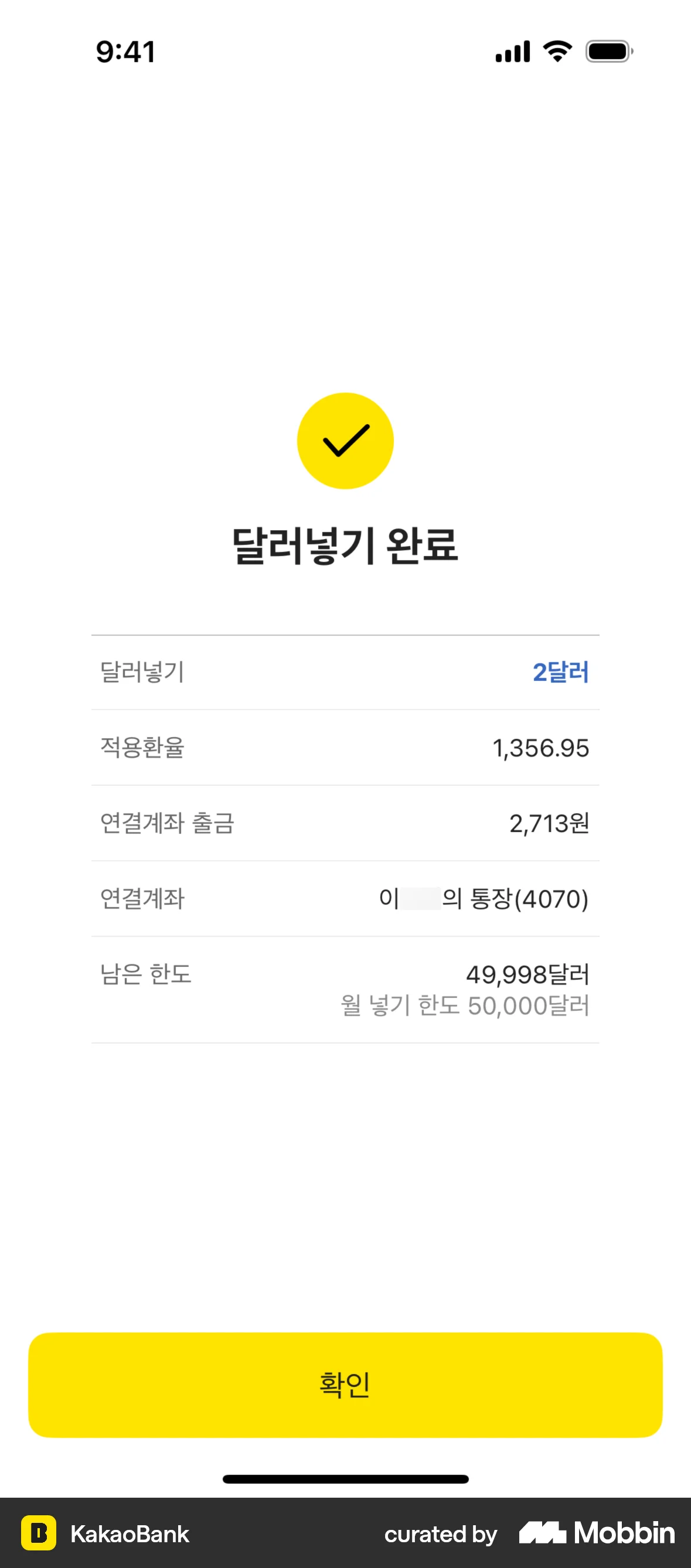
The user flow demonstrates depositing USD into an account. It includes inputting the amount, confirming details, and a final success confirmation.
The user flow shows the process of depositing money into an account. It includes inputting the amount, confirming the transaction, and receiving a success message.
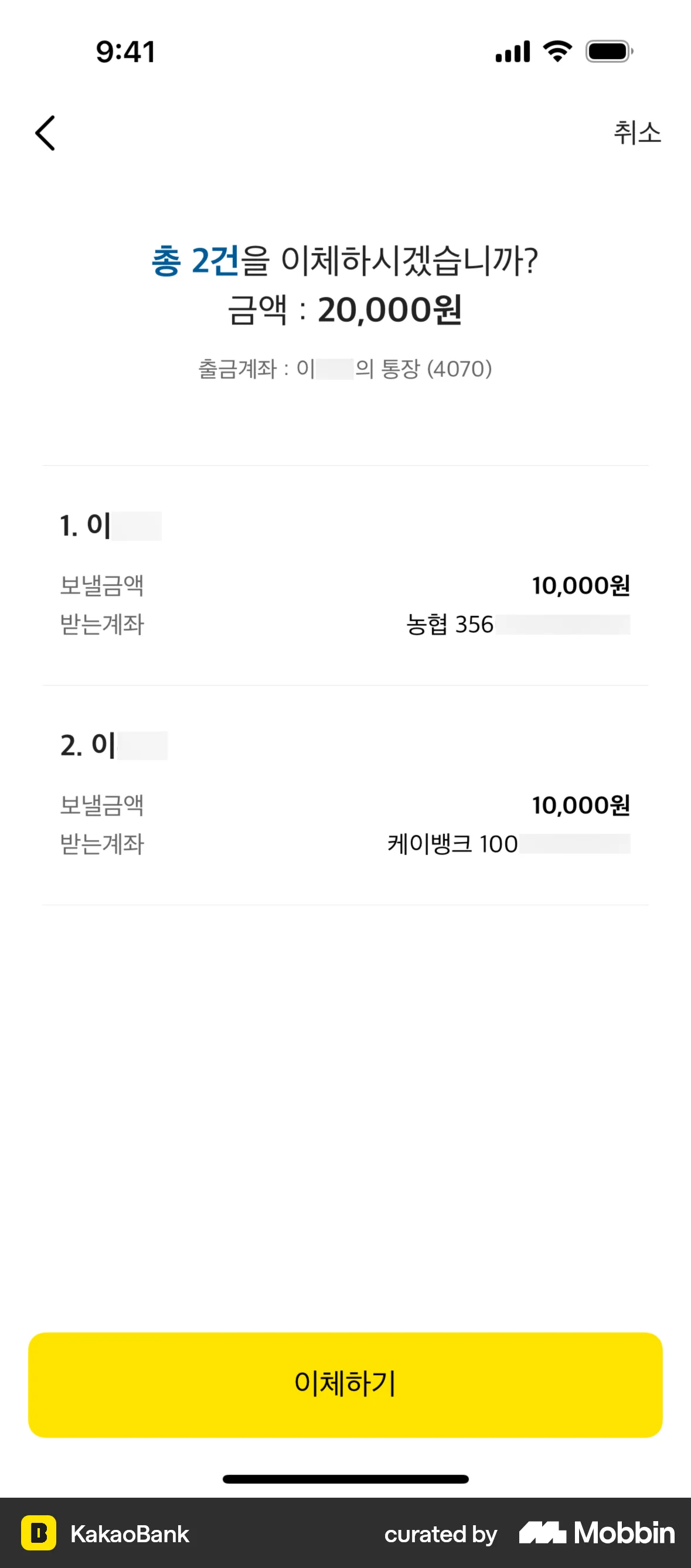
The user initiates a money transfer, switches to multiple recipients, adds recipients and amounts, and completes the transfer. The flow ends with a confirmation and transfer details.
The user withdraws money from a safe box. They input the amount, confirm it, and view the updated balance.
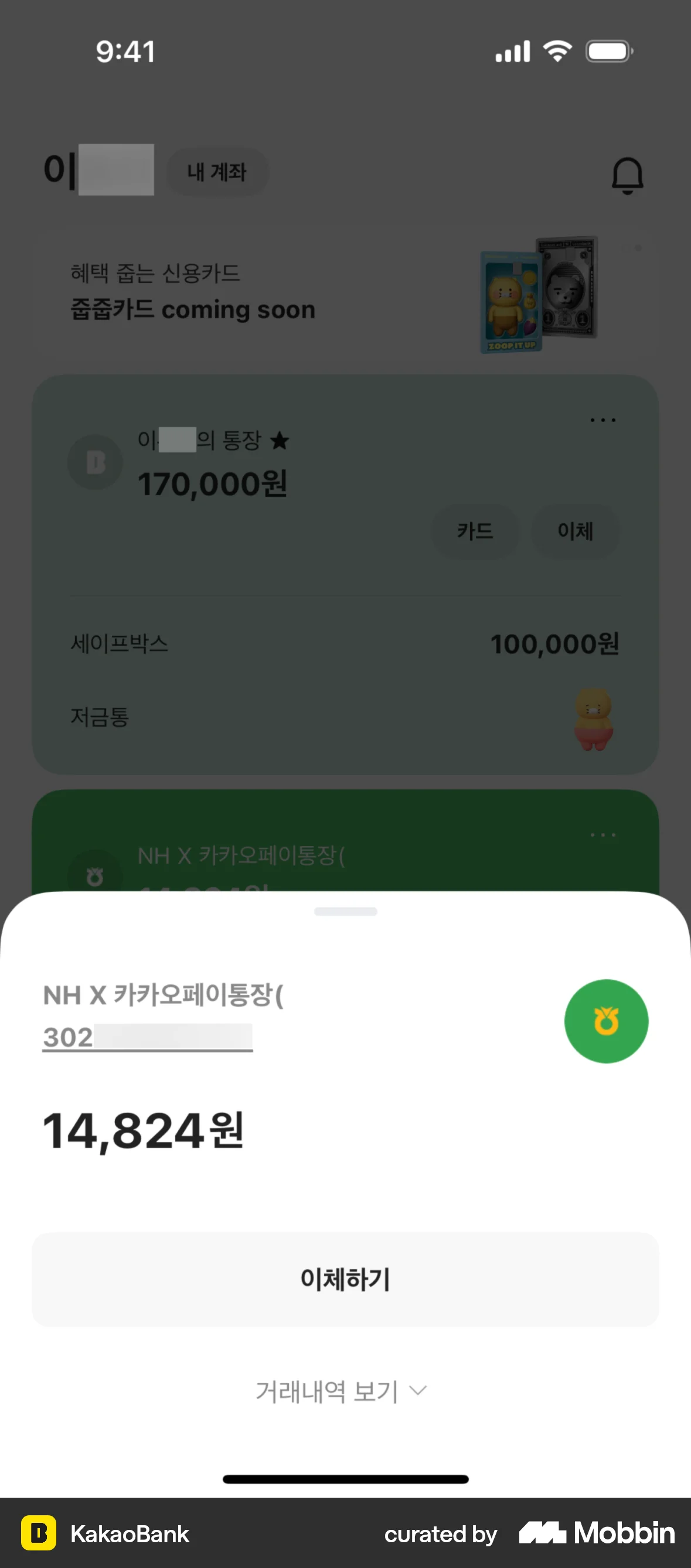
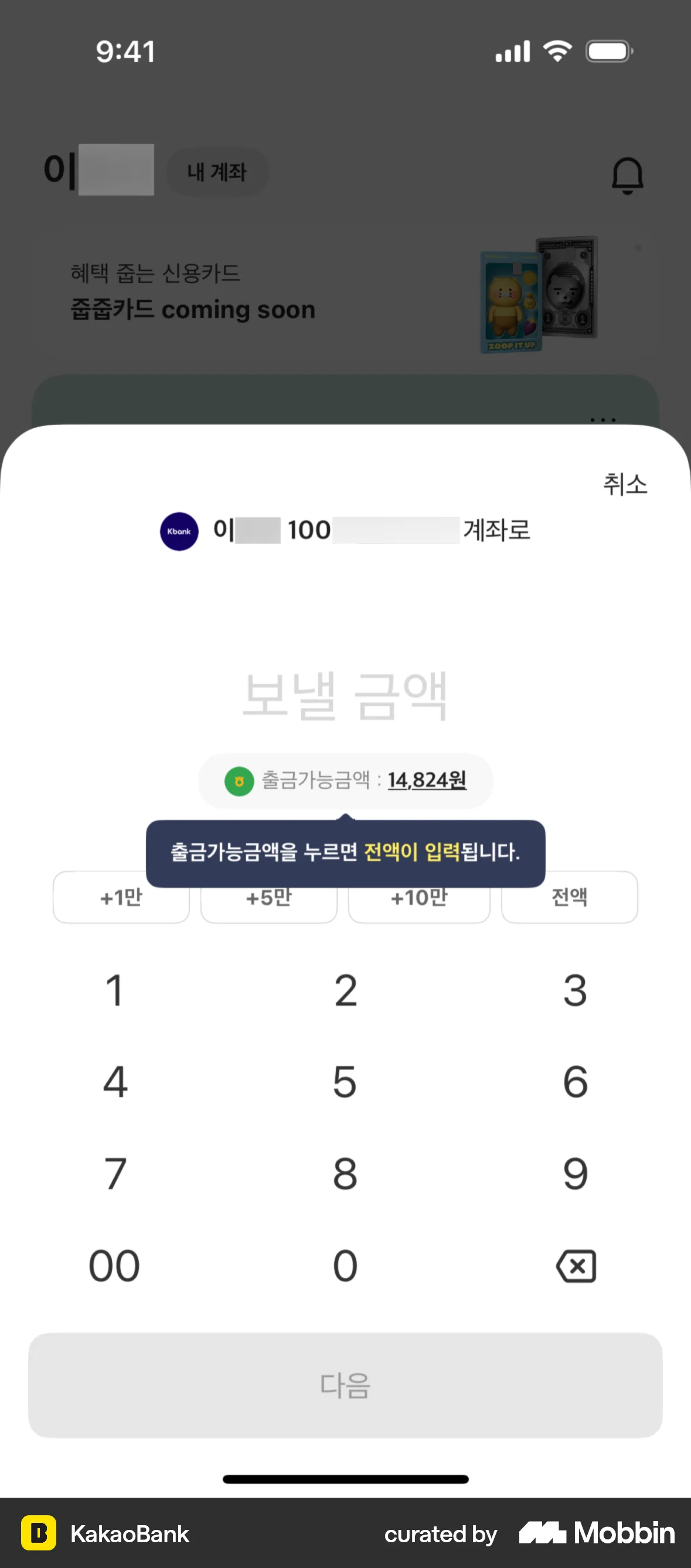
The user flow demonstrates transferring money to an external account. It involves account selection, amount input, confirmation, and success notification.
The user schedules a withdrawal by selecting a date and entering an amount. The user then confirms the details and receives a confirmation.


4467 Flows

455 Flows

1215 Flows

105 Flows

2462 Flows