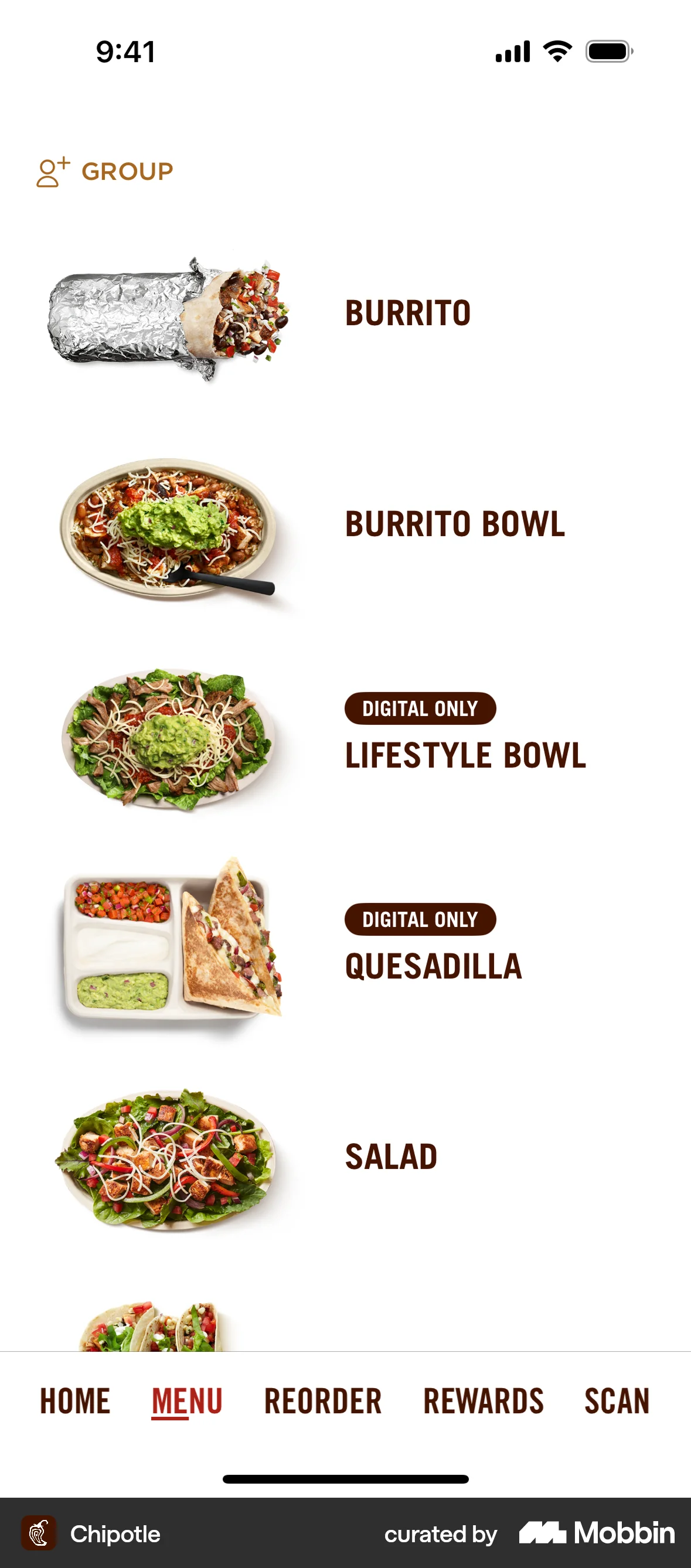
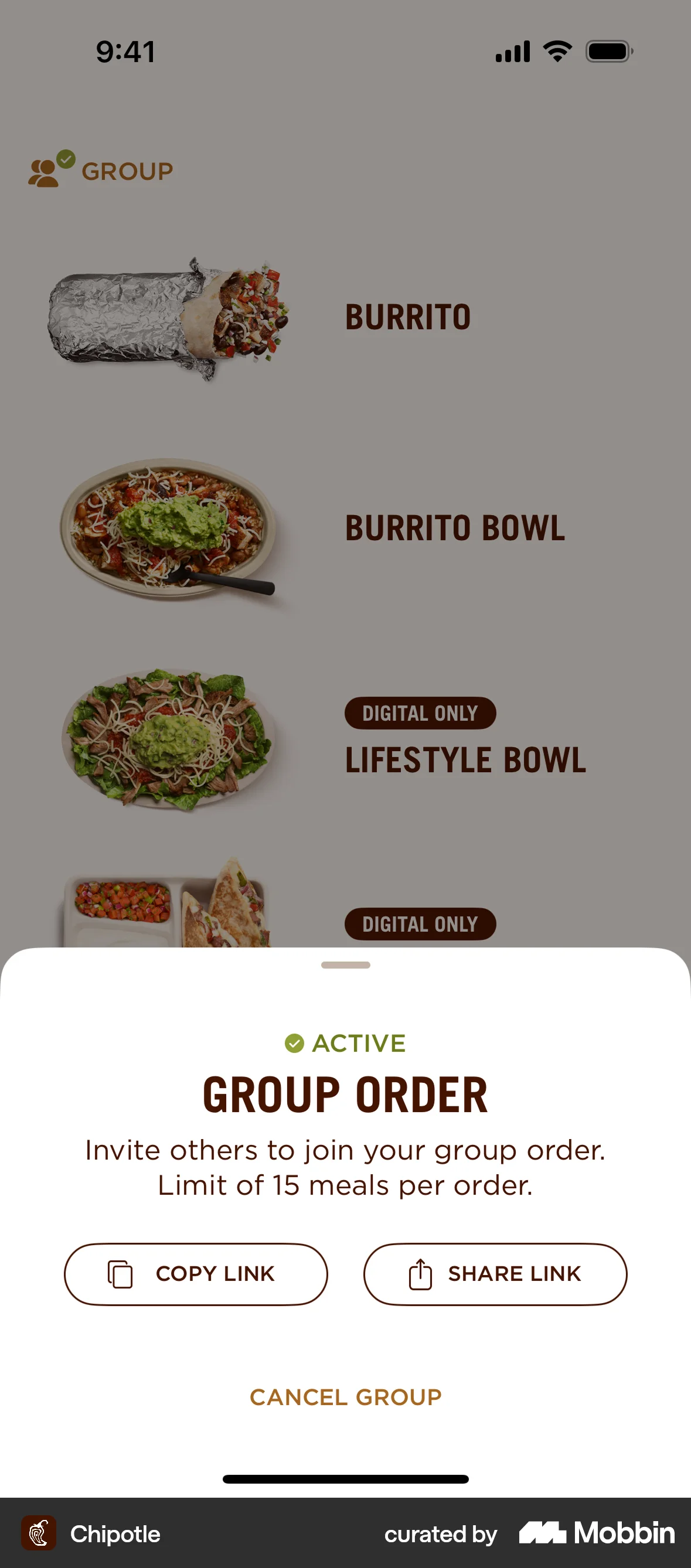


Adding a group orderon Chipotle
The user initiates a group order from the menu, copies the invitation link, and returns to the menu with the group order active. The flow demonstrates how to start and manage a group order.
Explore top clone user flow app designs for mobile. Thousands of designers already browse curated clone user flow examples for mobile on Mobbin. Join for free.
The user initiates a group order from the menu, copies the invitation link, and returns to the menu with the group order active. The flow demonstrates how to start and manage a group order.
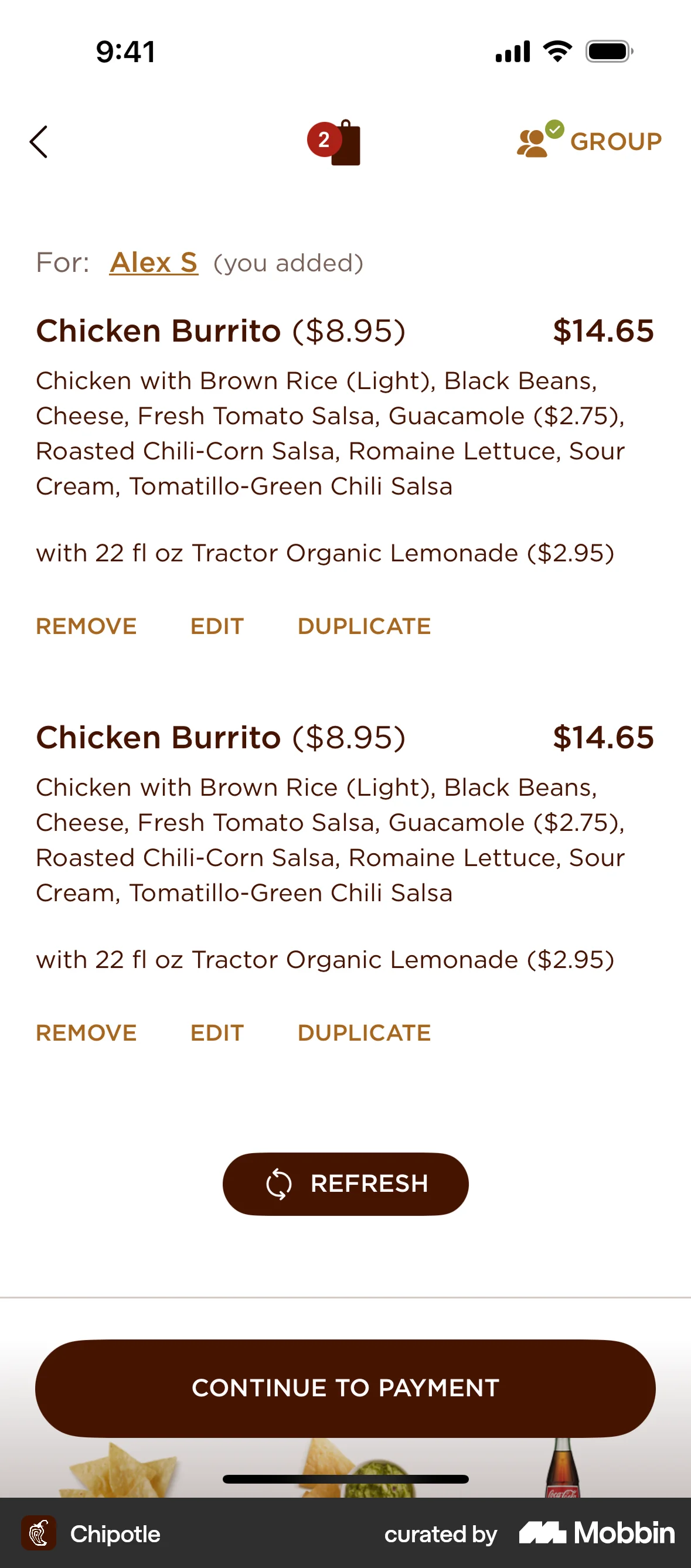
The user duplicates a menu item and assigns it to someone. The screen then confirms the duplication by displaying the item twice.

The user views a product, selects the share option, and copies the product link. A confirmation message appears after copying.

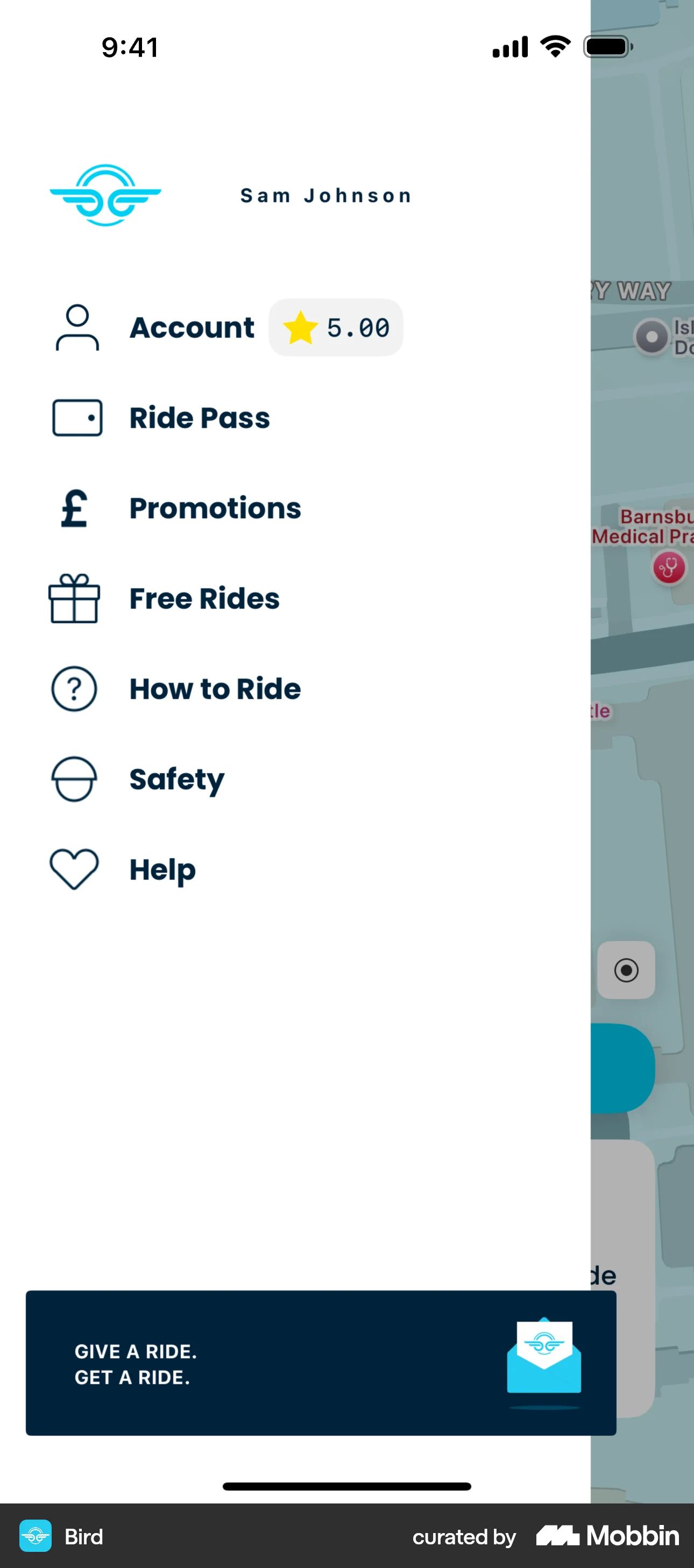
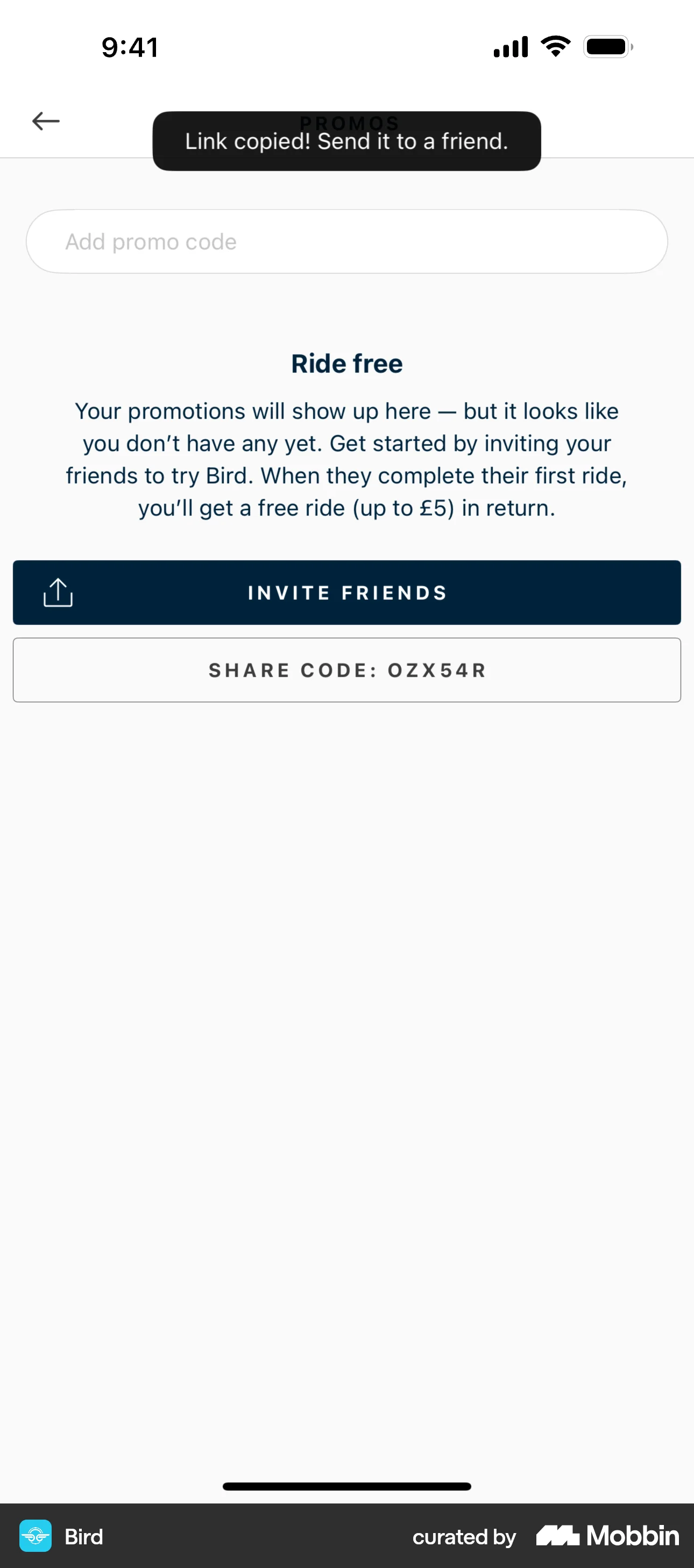
The user navigates to the promotions screen and copies the share code. A confirmation message appears after the link is copied.

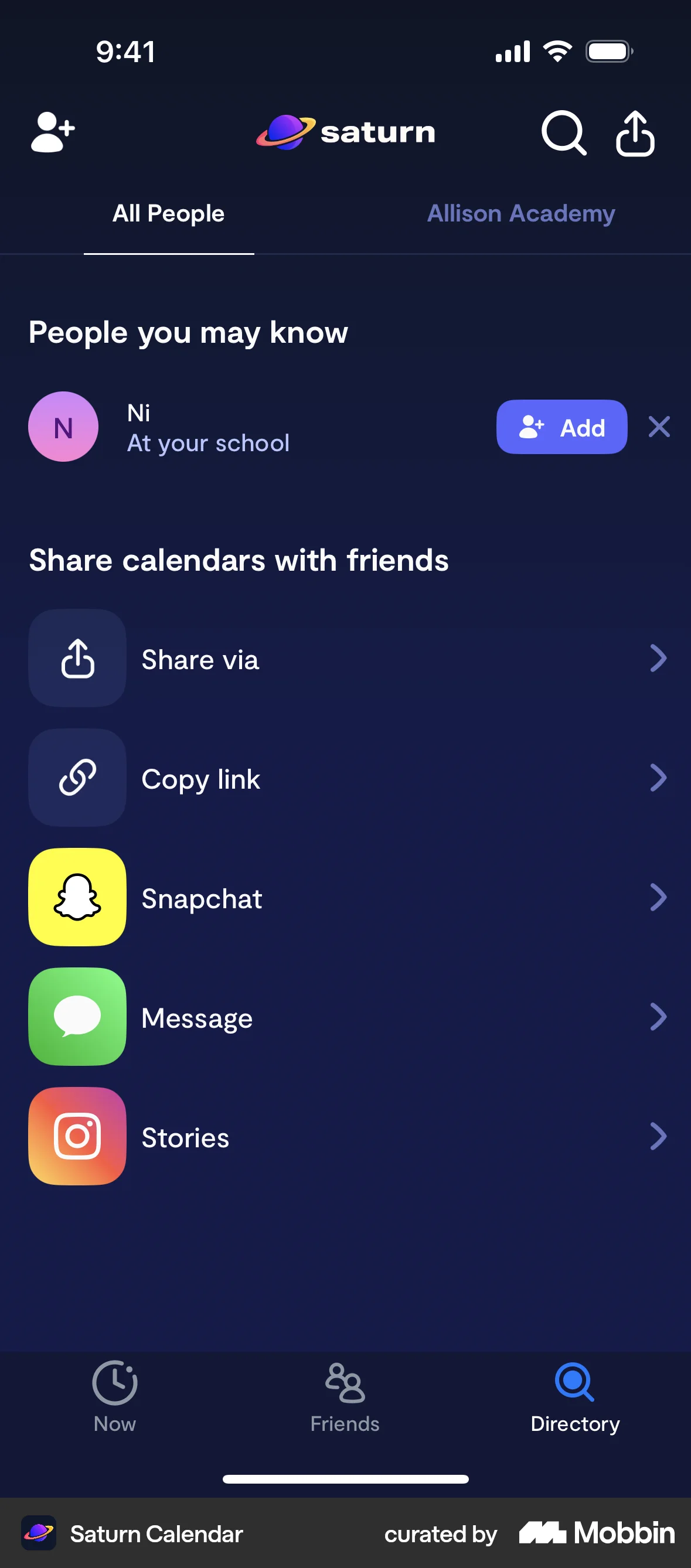
The user navigates to sharing options and copies a link. A confirmation message then appears.

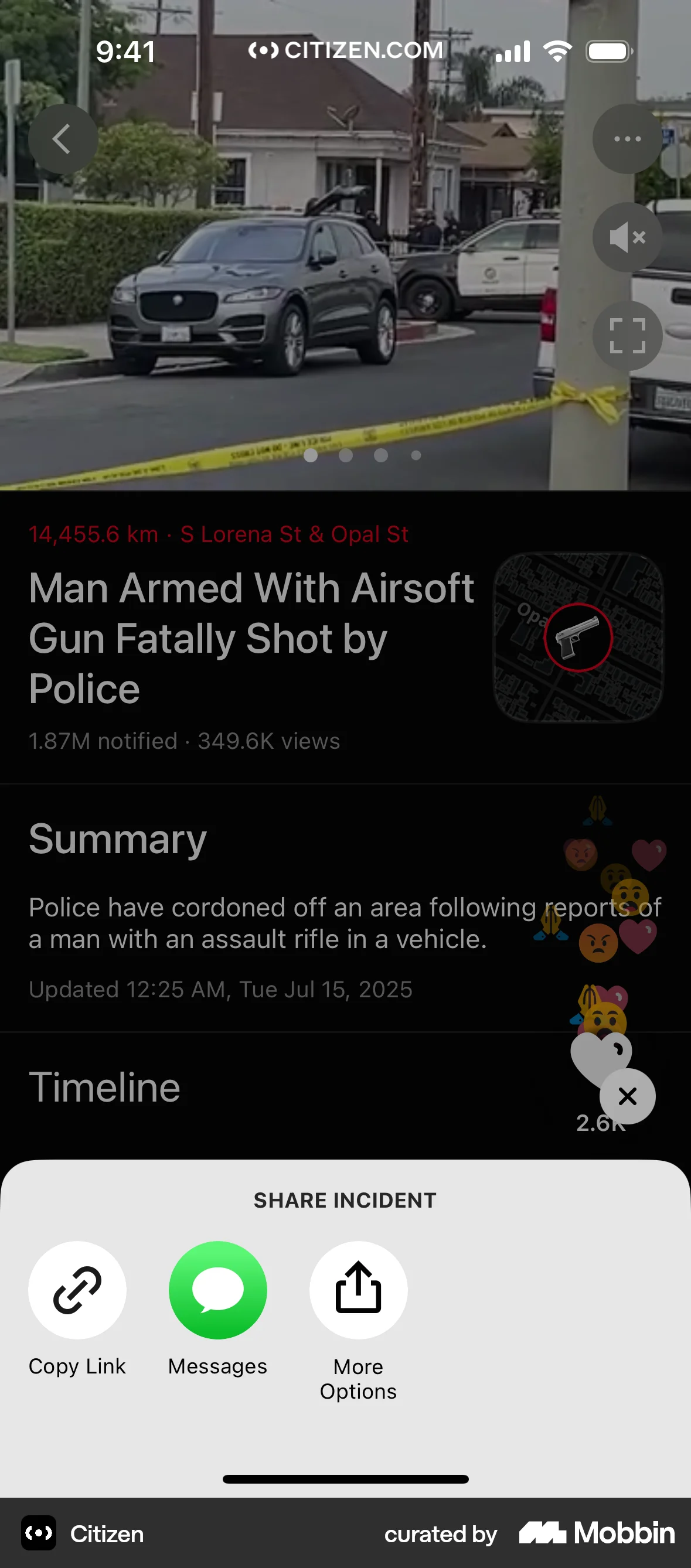
The user views an incident, taps the share button, and copies the incident link. A confirmation message appears.

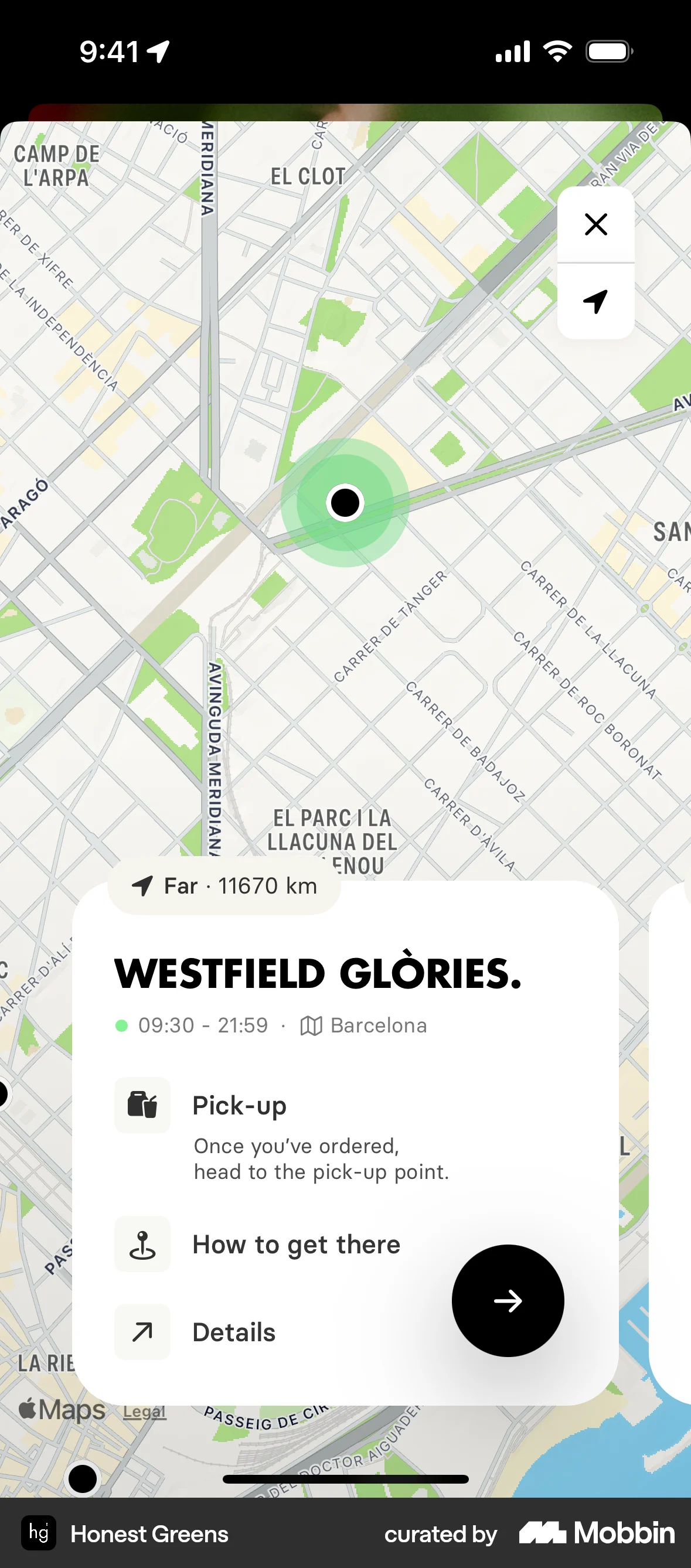
The user views a location on a map, navigates to the details, and copies the address. A confirmation message then appears.

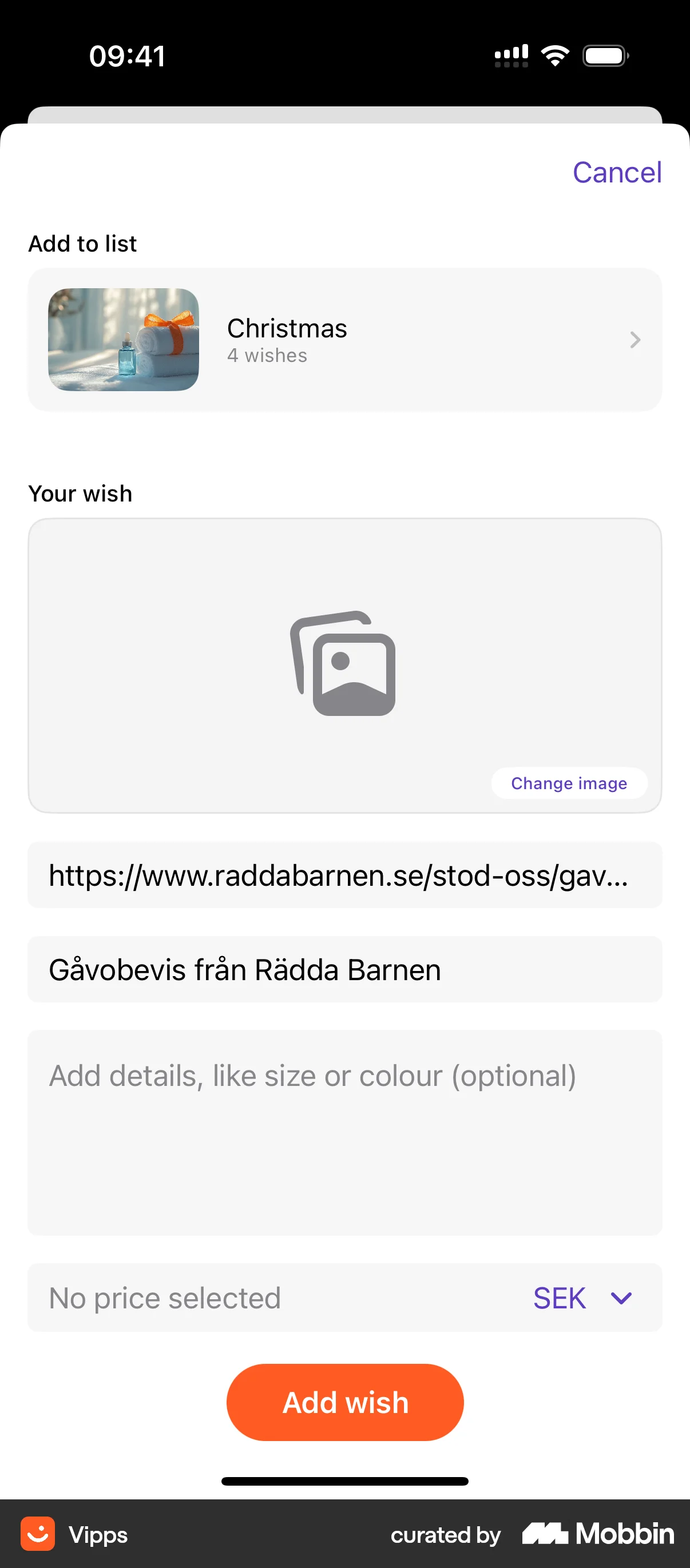
The user copies a wish from a wish list, selects a wish list to add it to, and views the updated wish list.

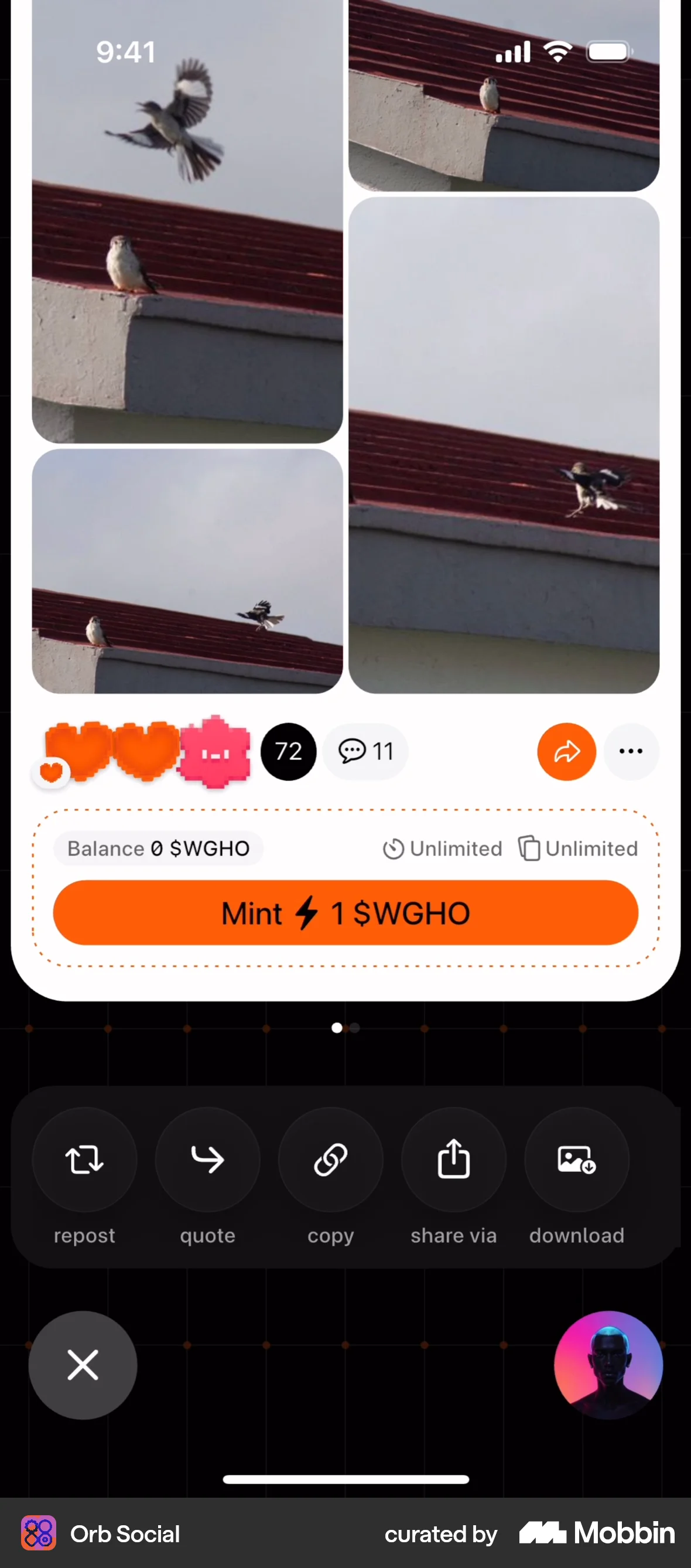
The user views a post and copies the post's content. A "Copied" message confirms the action.

The user flow demonstrates sharing a chat by generating a shareable link. The user can also choose to share their name and has the option to delete the link.

The user views order details and copies the order ID. A confirmation message appears after copying.

The user copies their Bitcoin wallet address. A confirmation message appears after the address is copied.
87 Flows

1215 Flows


4467 Flows


1240 Flows

333 Flows
287 Flows