




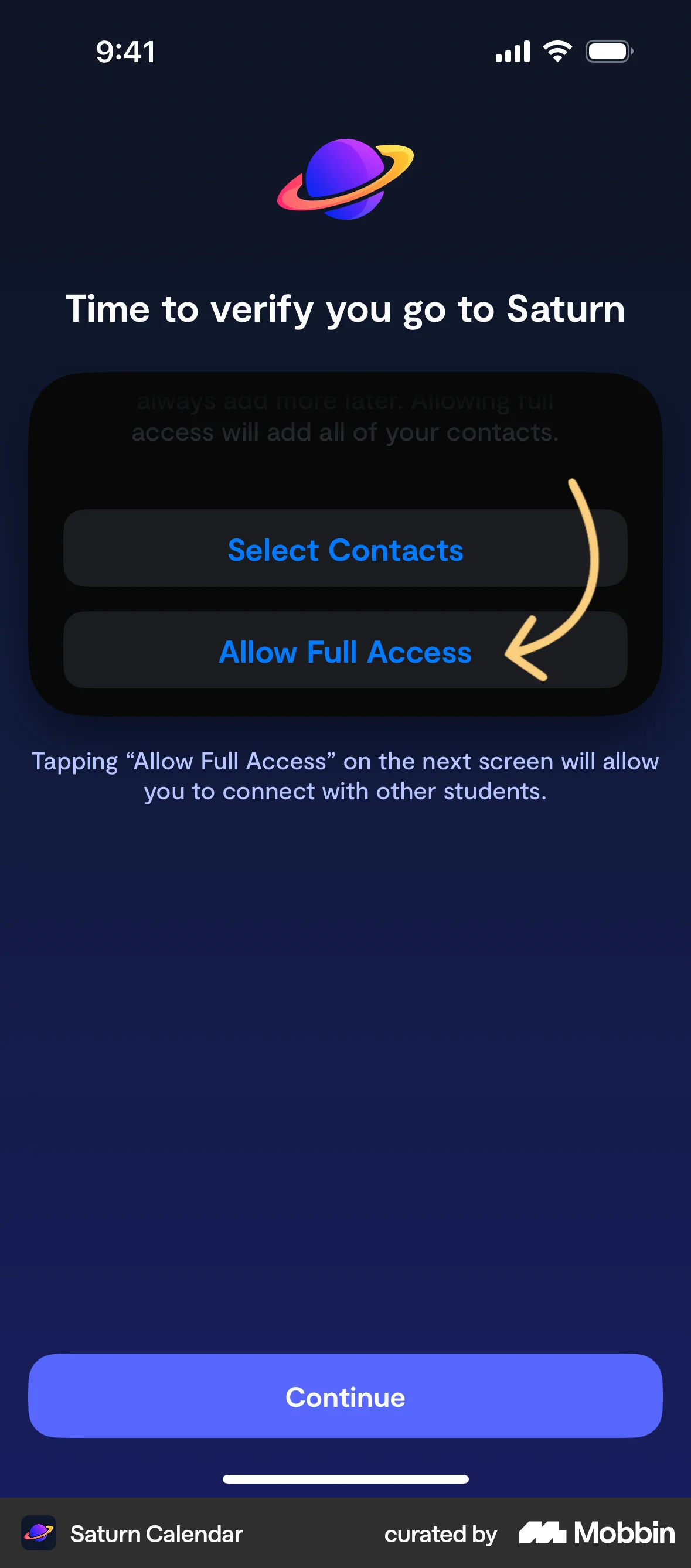


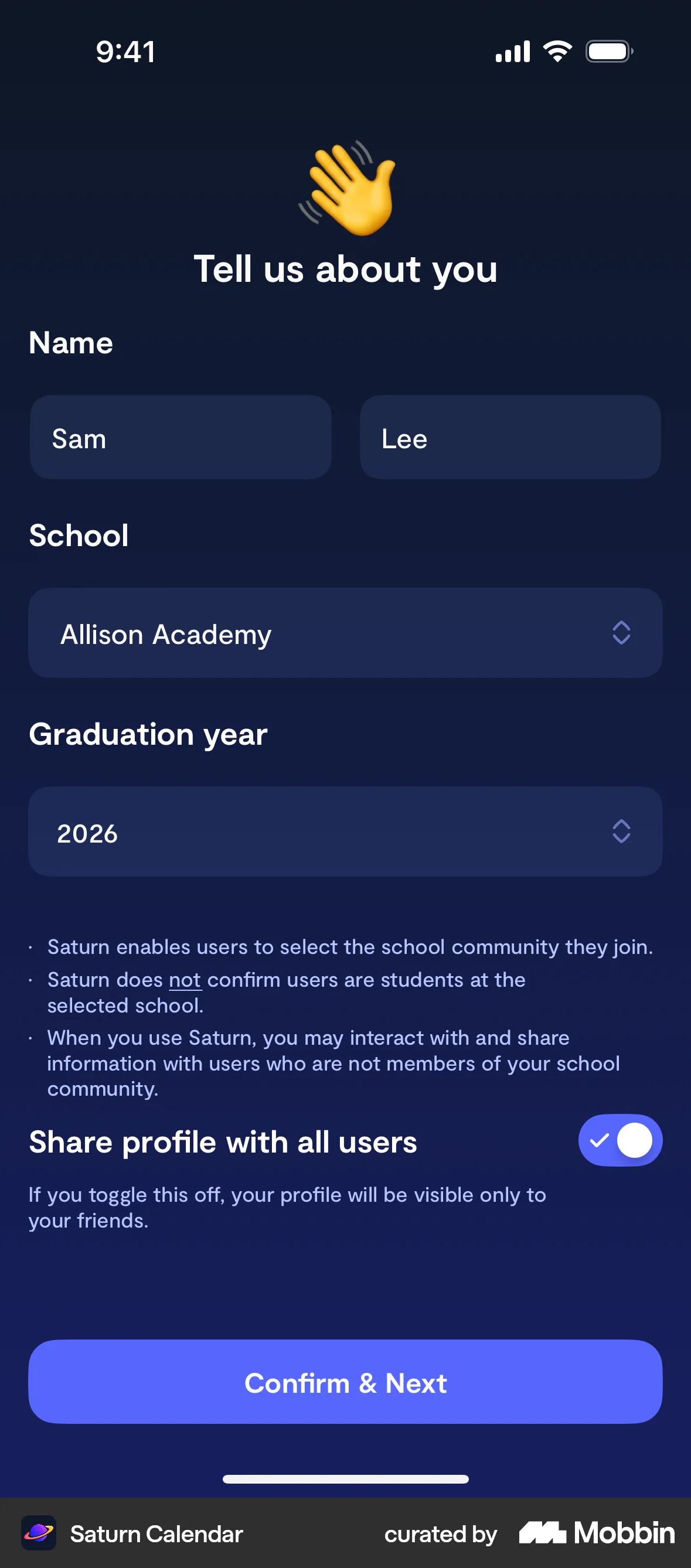

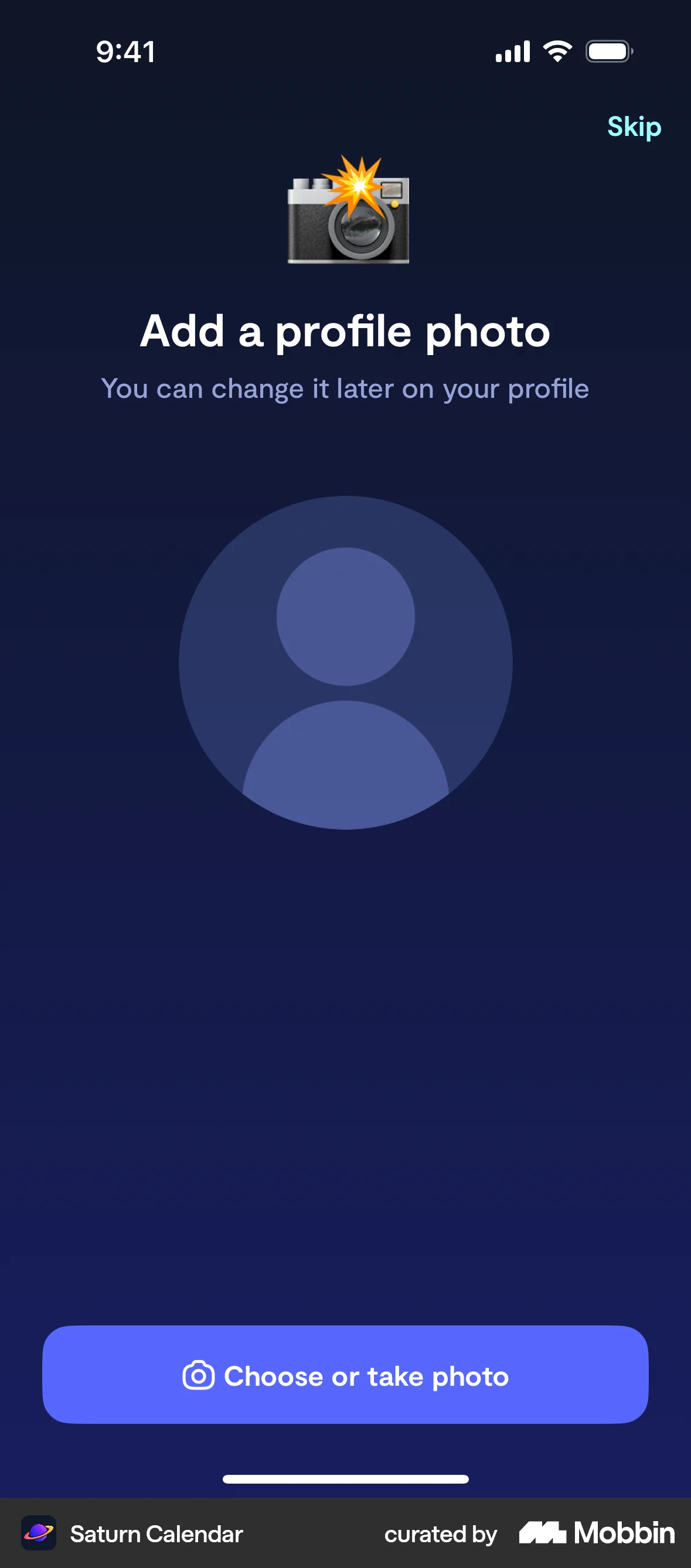


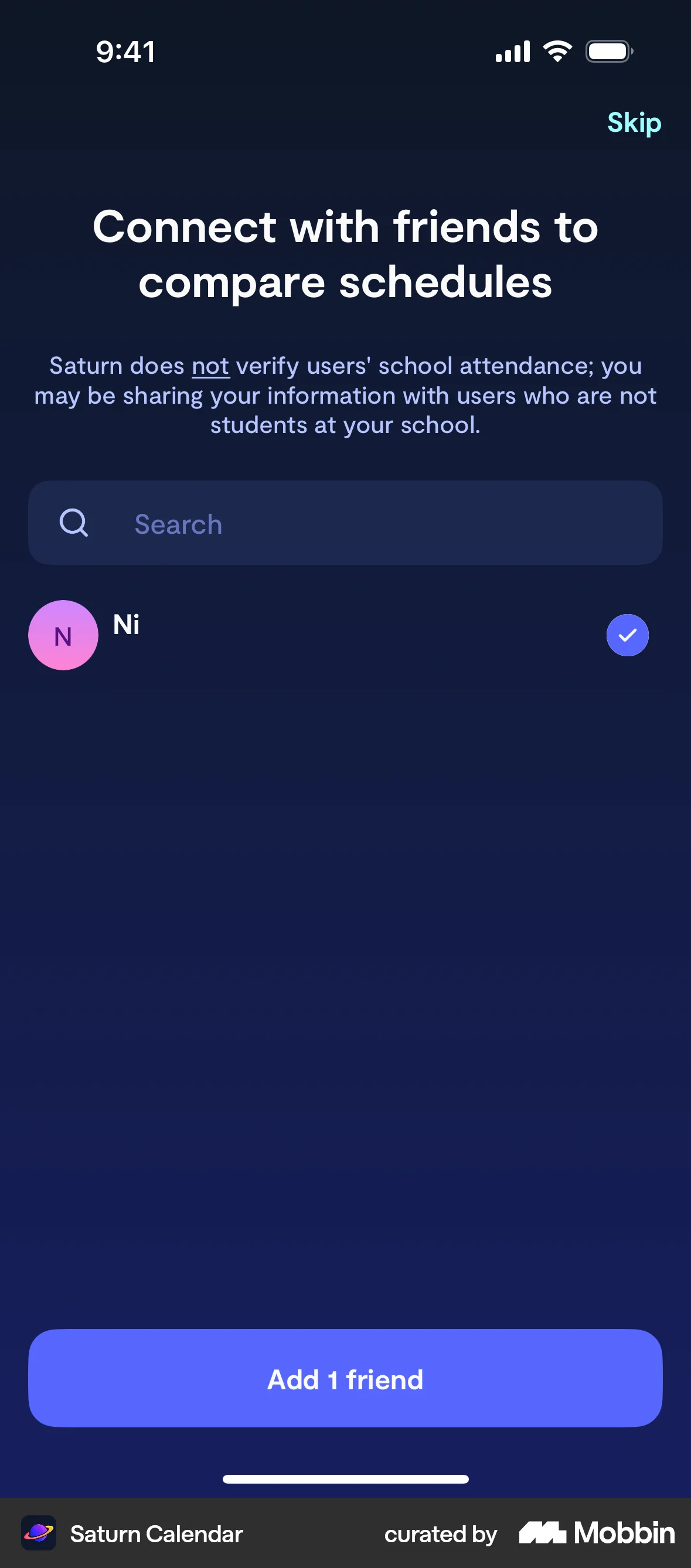

Onboardingon Saturn Calendar
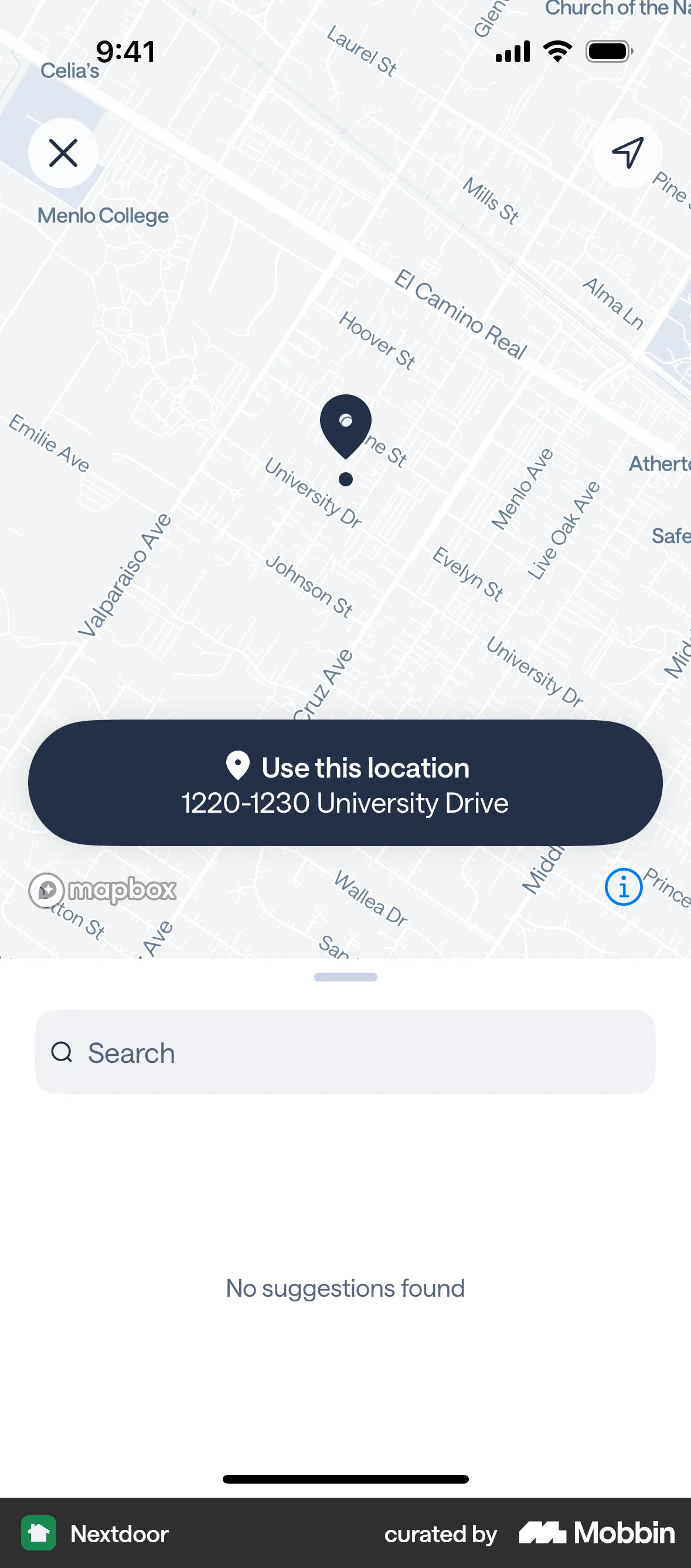
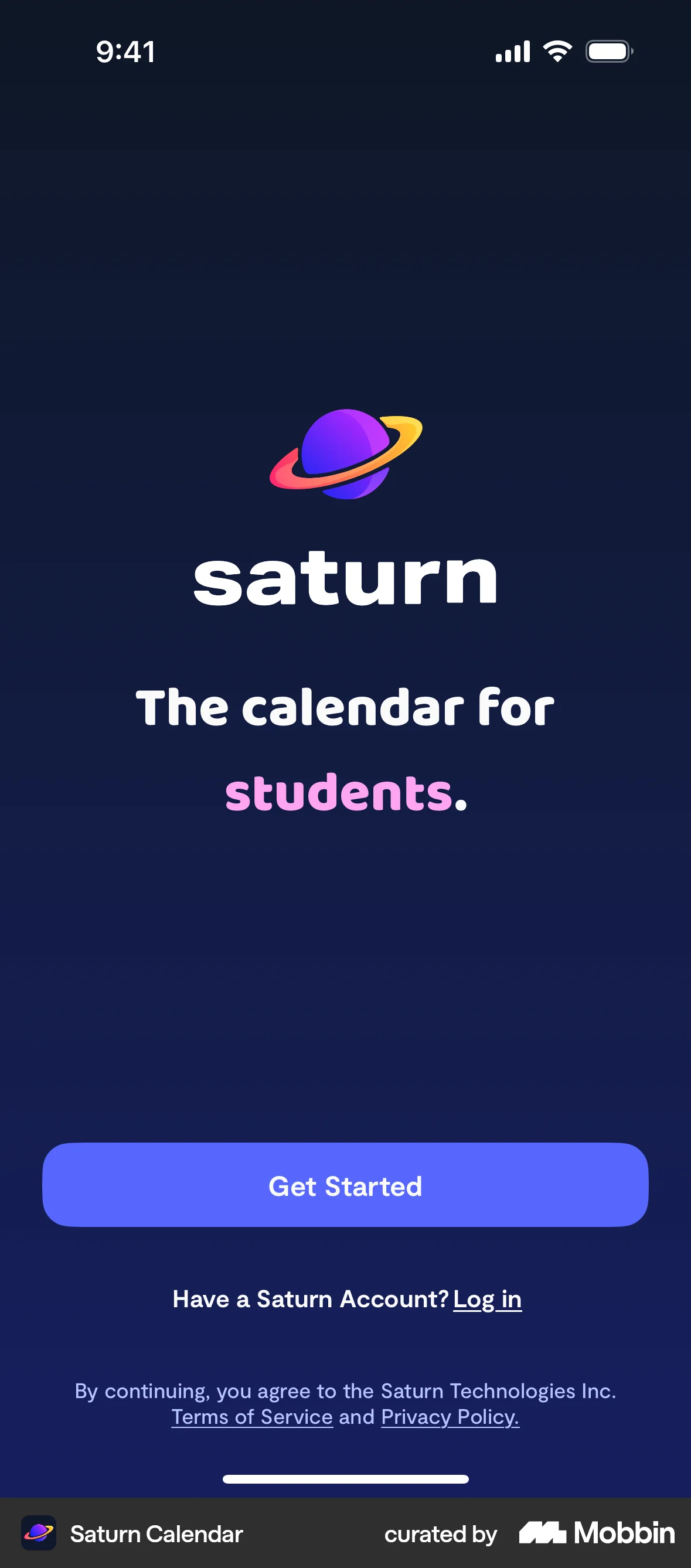
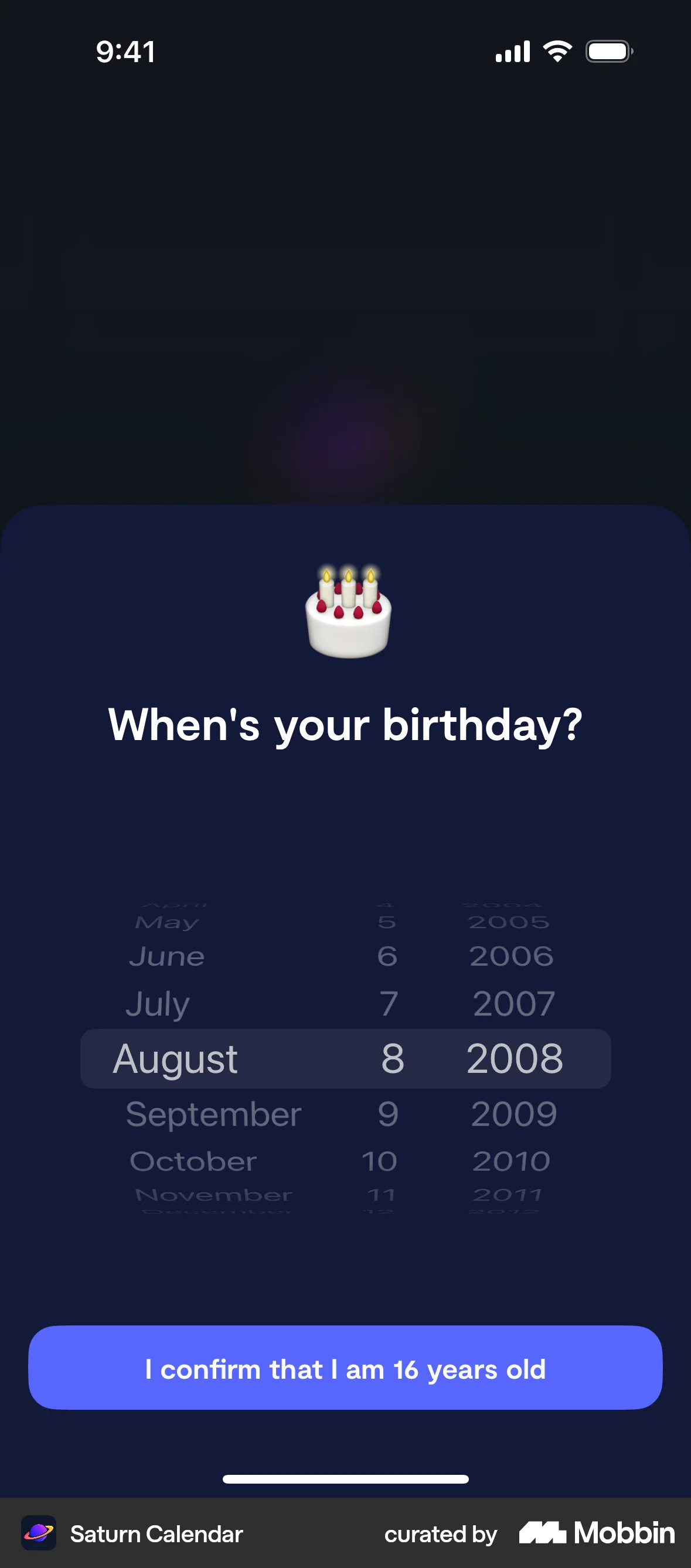
The user goes through the onboarding process, providing necessary information and permissions. Finally, the user is presented with the main app interface.
Discover best mobile app designs for Uploading & Downloading flows. Get inspired by the best apps in the world.
The user goes through the onboarding process, providing necessary information and permissions. Finally, the user is presented with the main app interface.

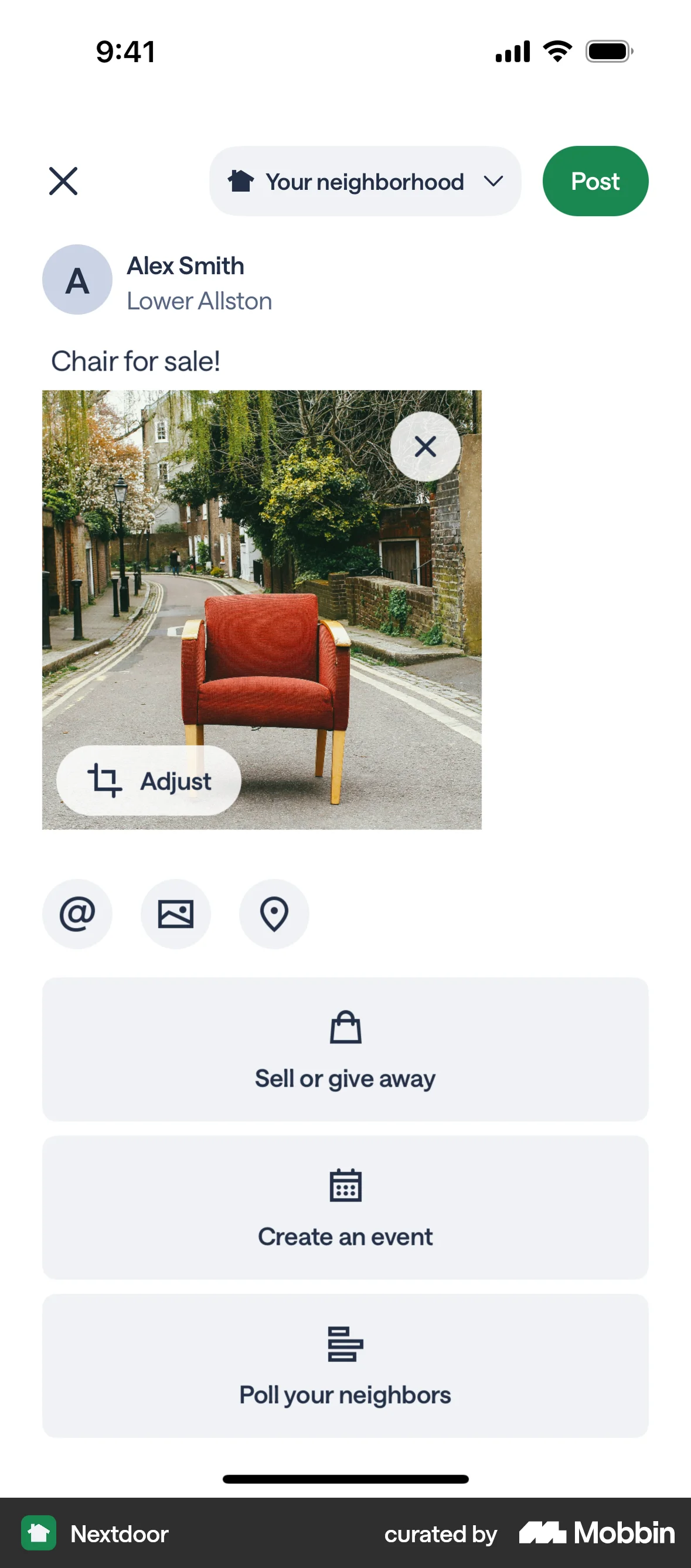
The user creates a post to sell an armchair, adding details like title, description, price, and location. The post is then published to the home feed.
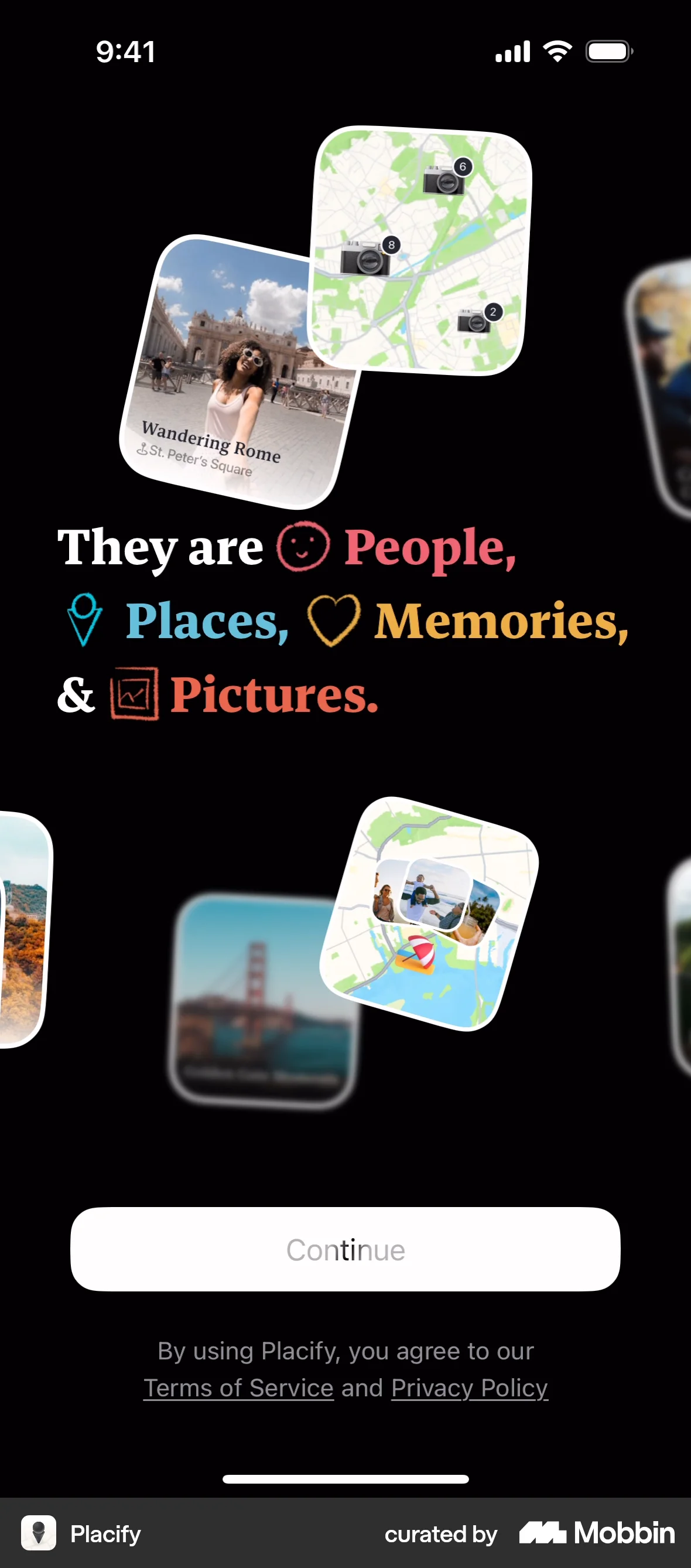
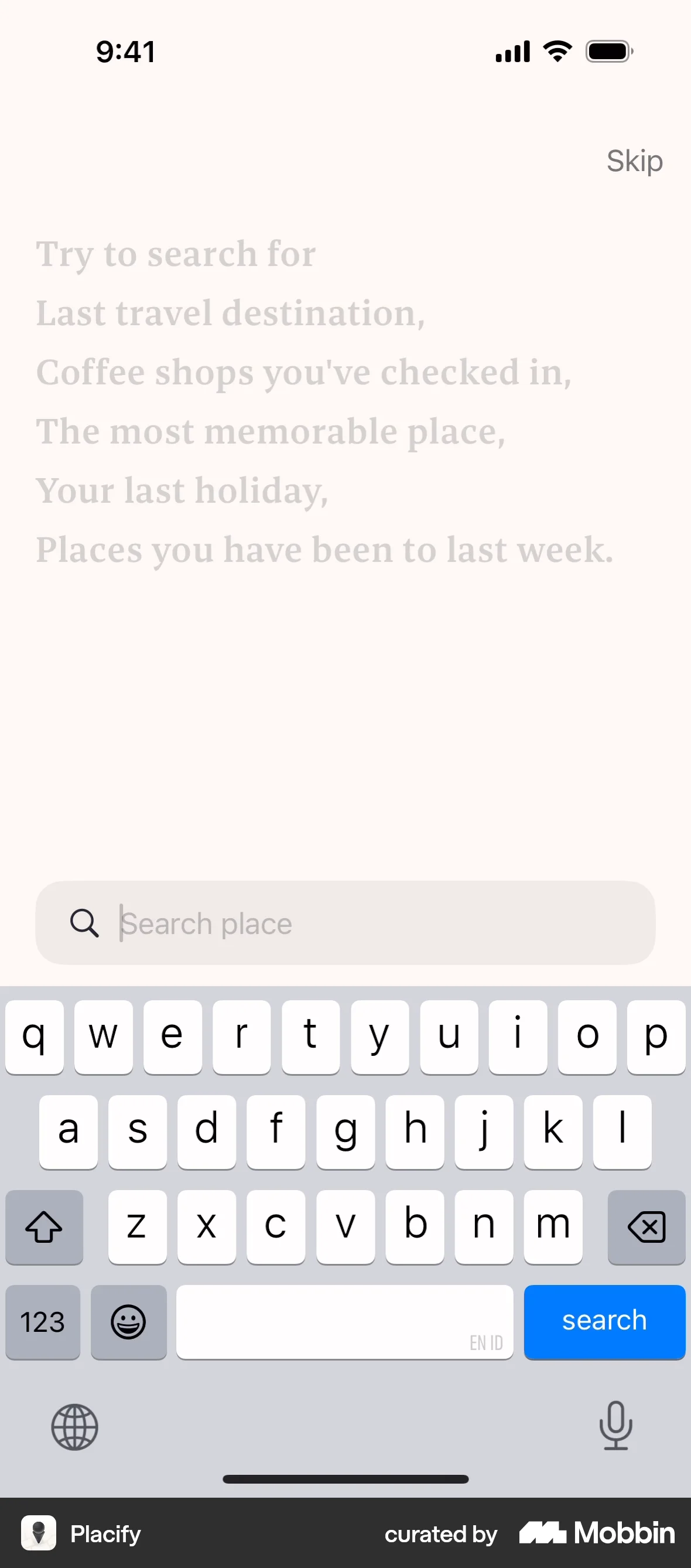
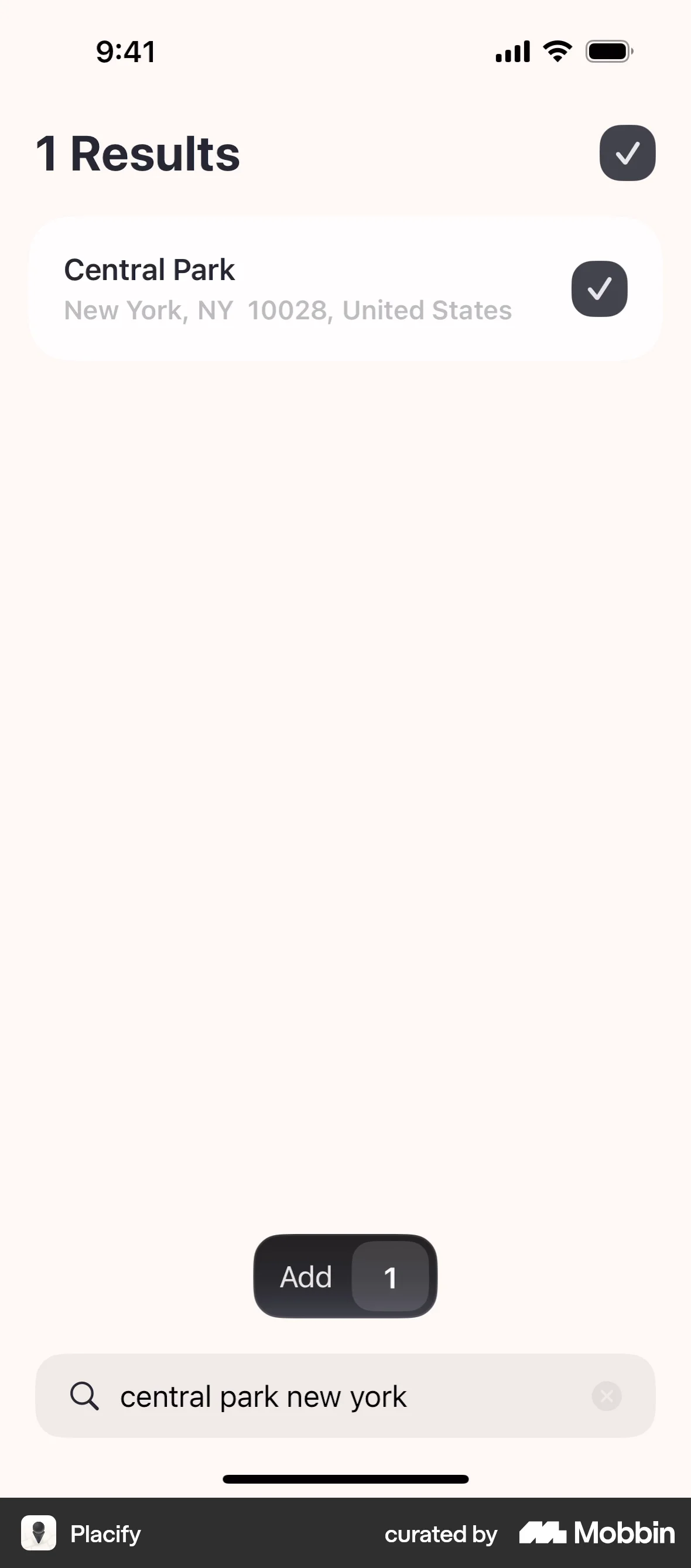
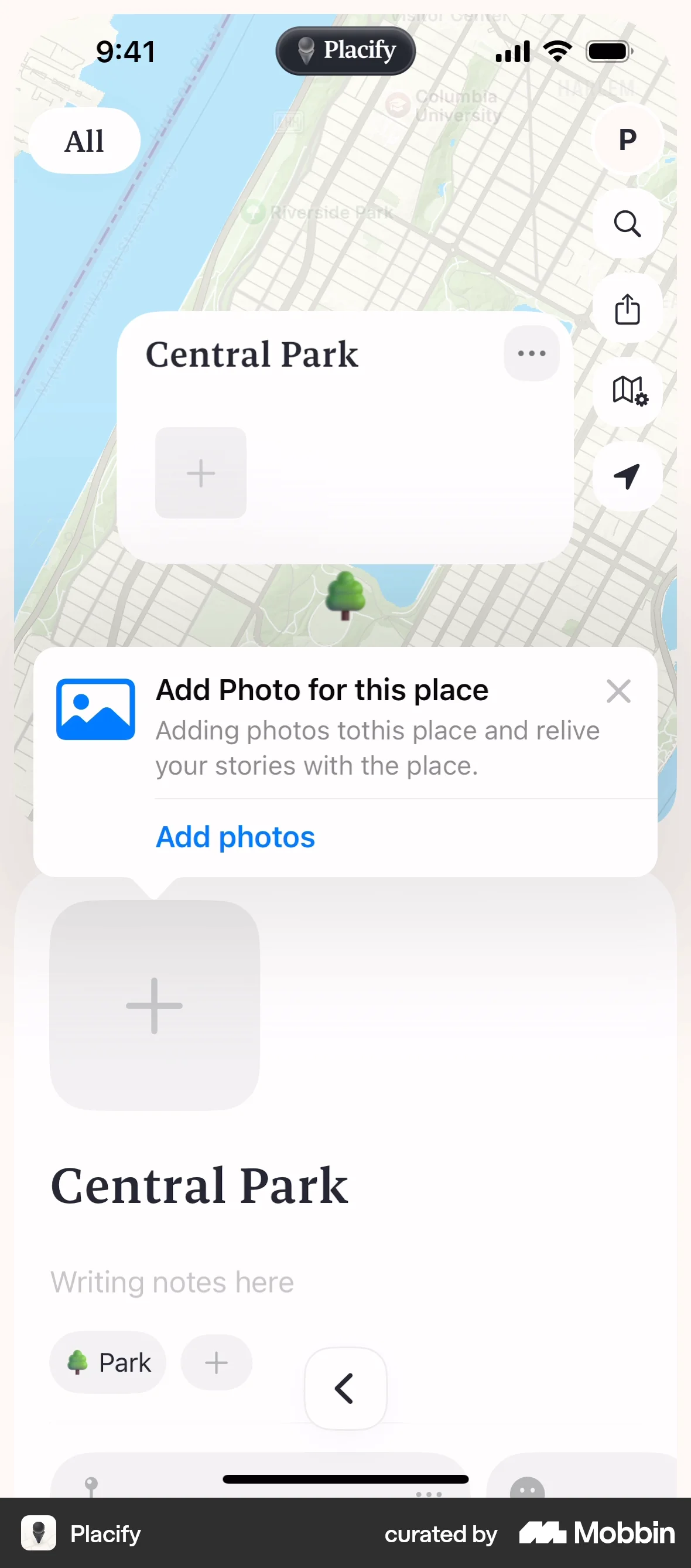
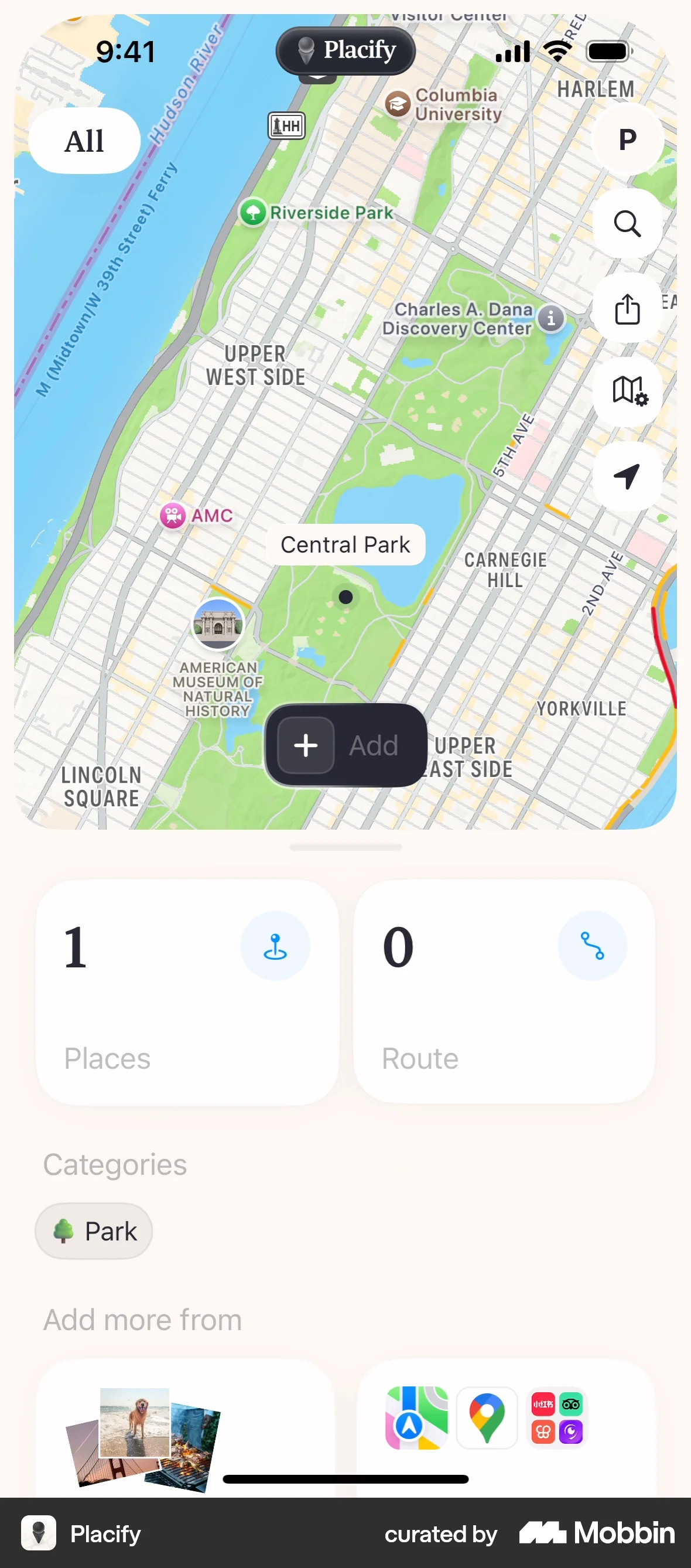
The user flow demonstrates onboarding and adding a place with a photo to a map. It showcases the core functionality of the app.

The user edits their profile, updating their profile picture and gender. The updated profile is then displayed.
The user edits their profile by updating the cover photo, bio, and gender identity. The updated profile is then displayed.

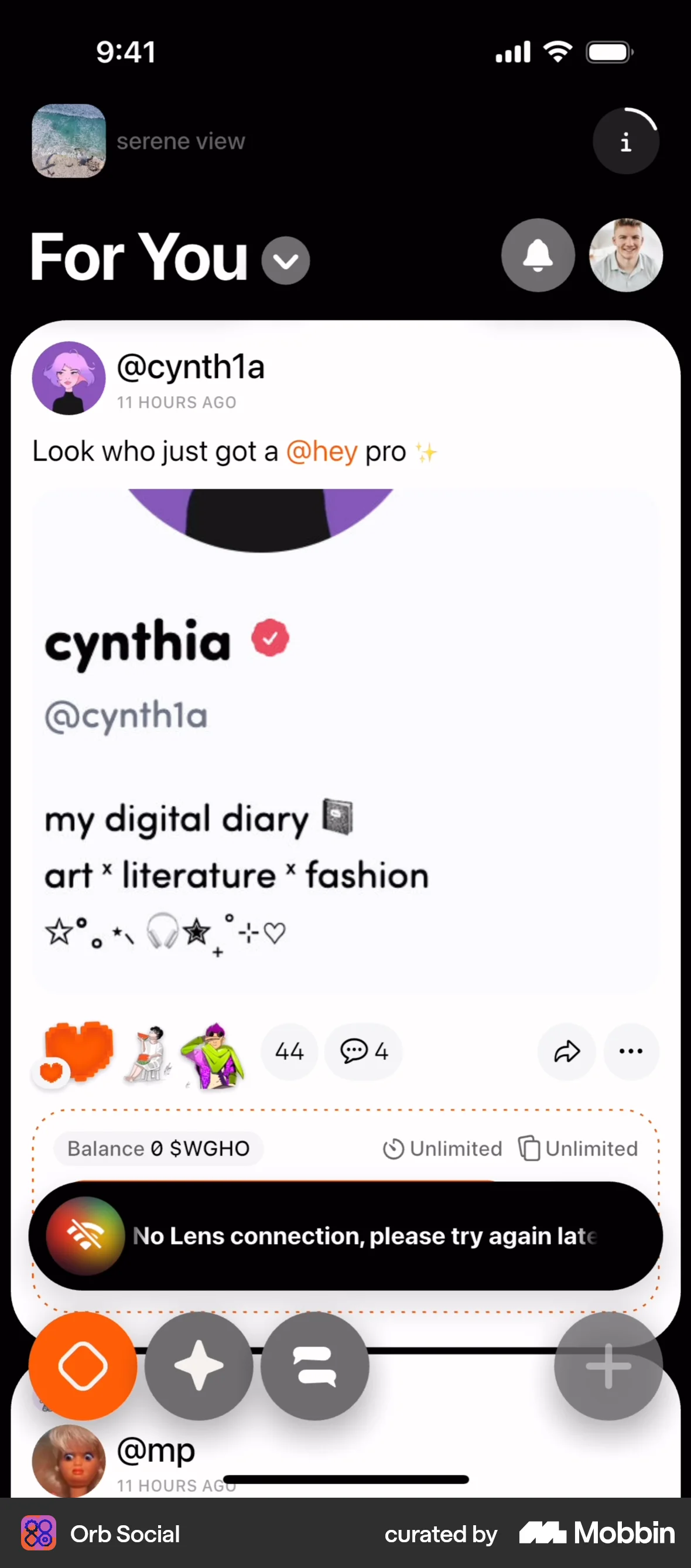
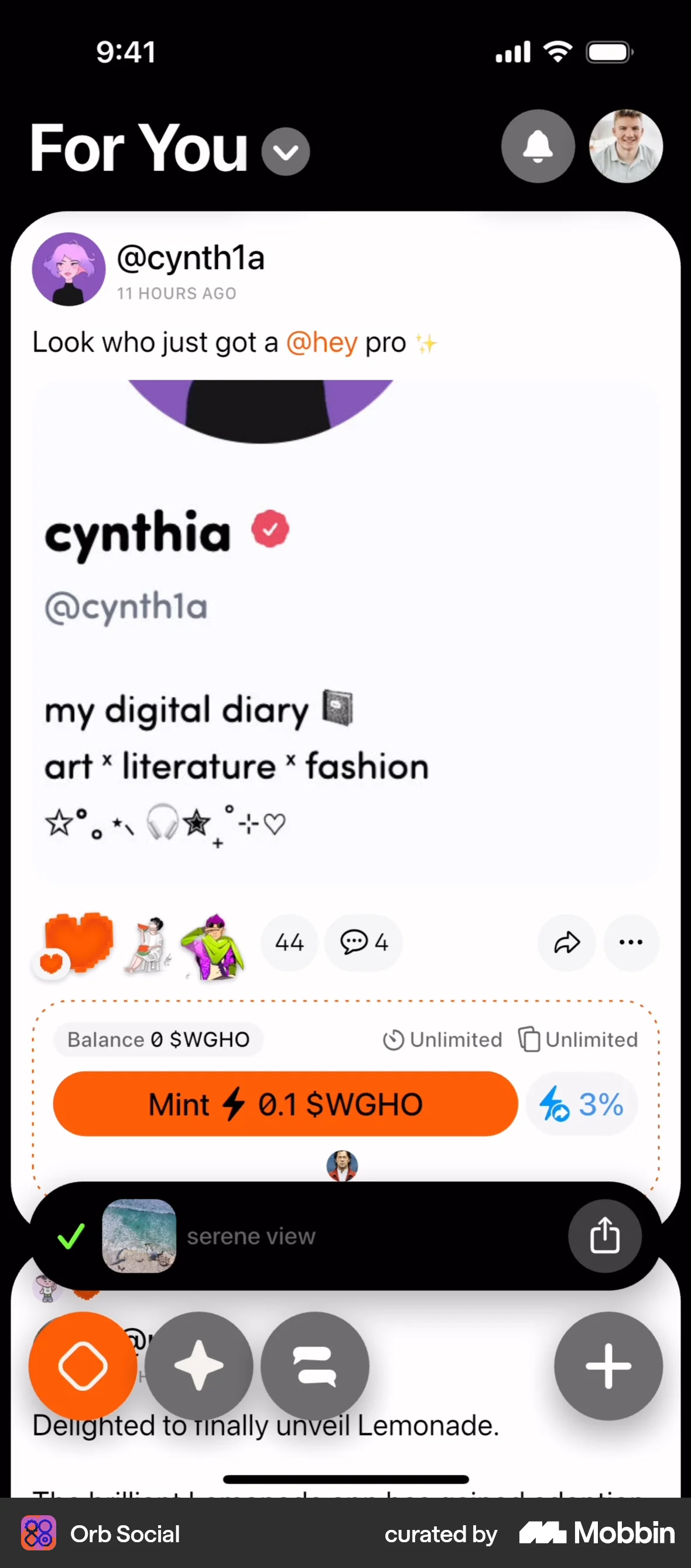
The user creates a new post with text and an image, configures it as a digital collectible, and publishes it. The flow ends with a confirmation on the home feed.

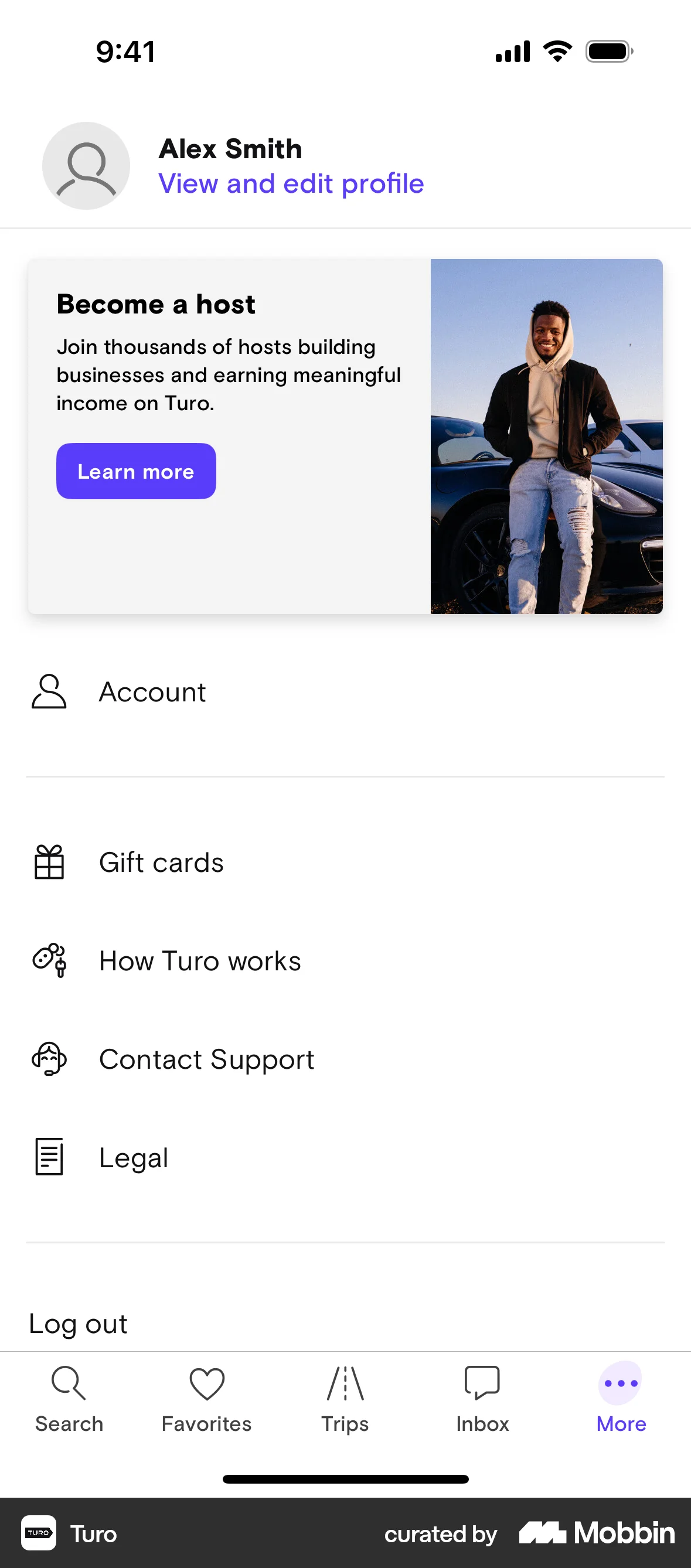
The user navigates through the profile settings to edit their profile, changing their profile picture and adding information to the 'About' section. The updated profile is then displayed.

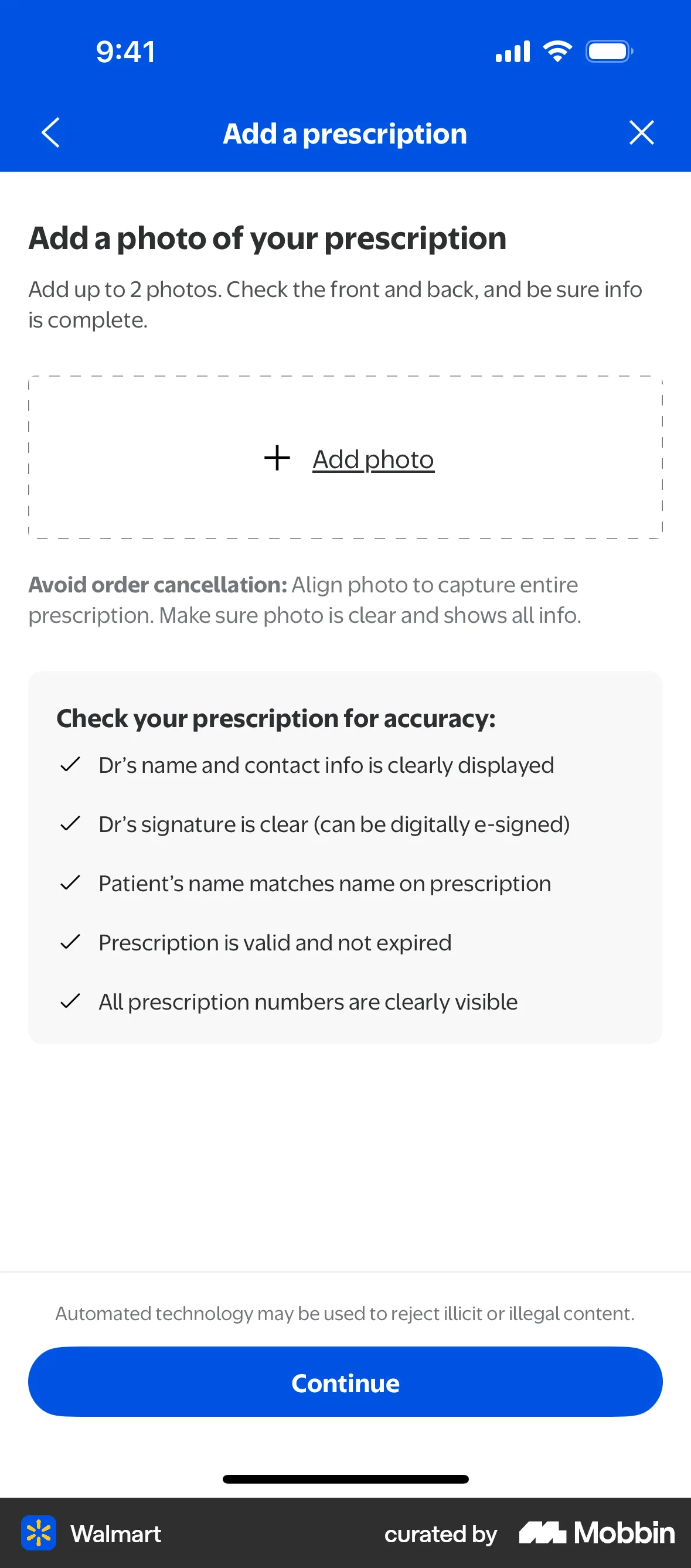
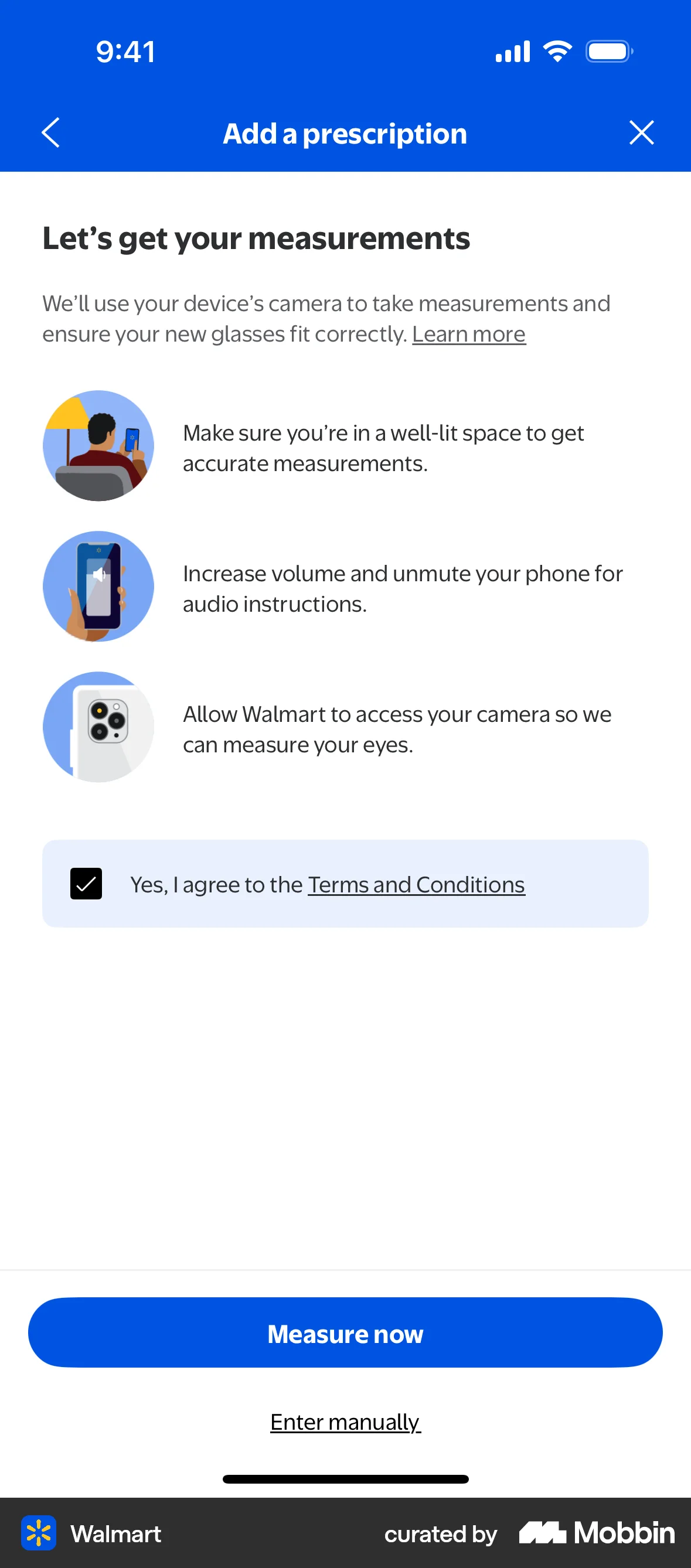
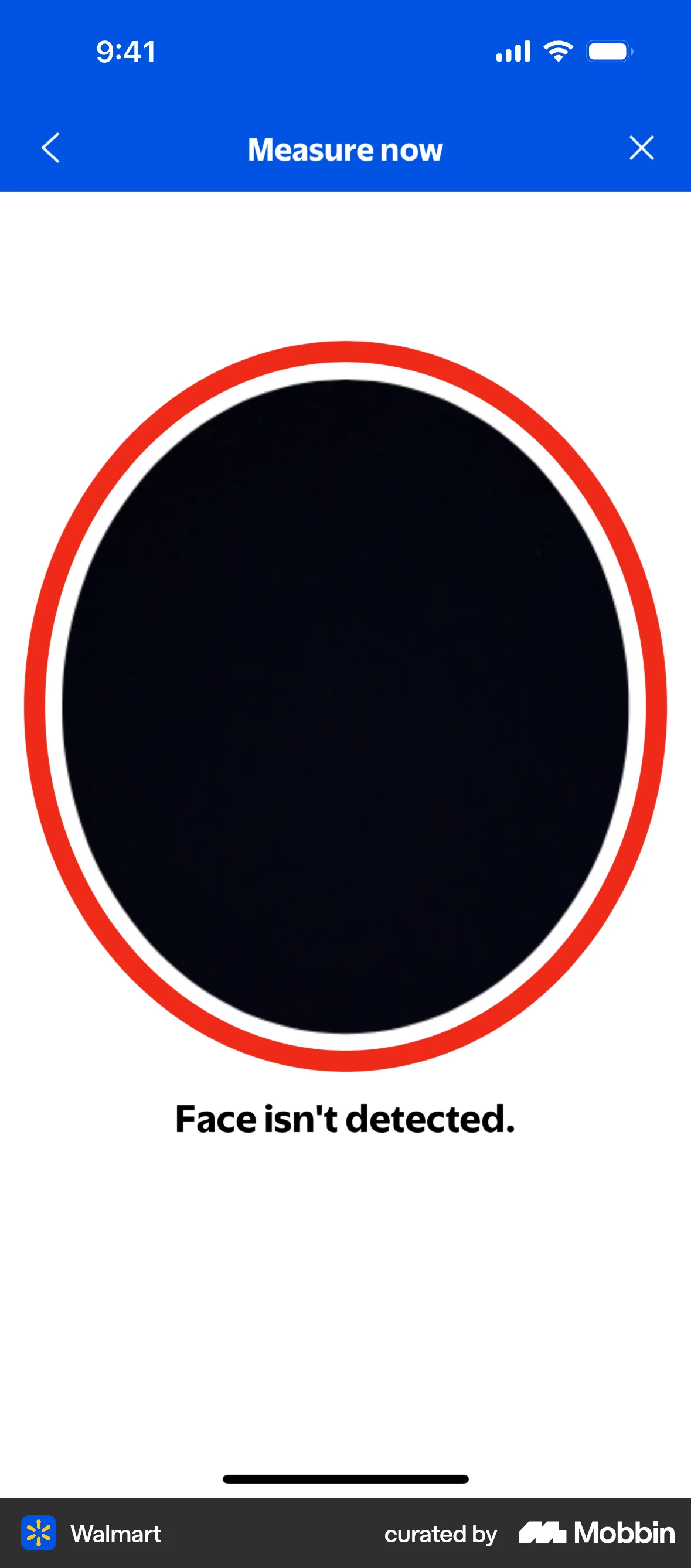
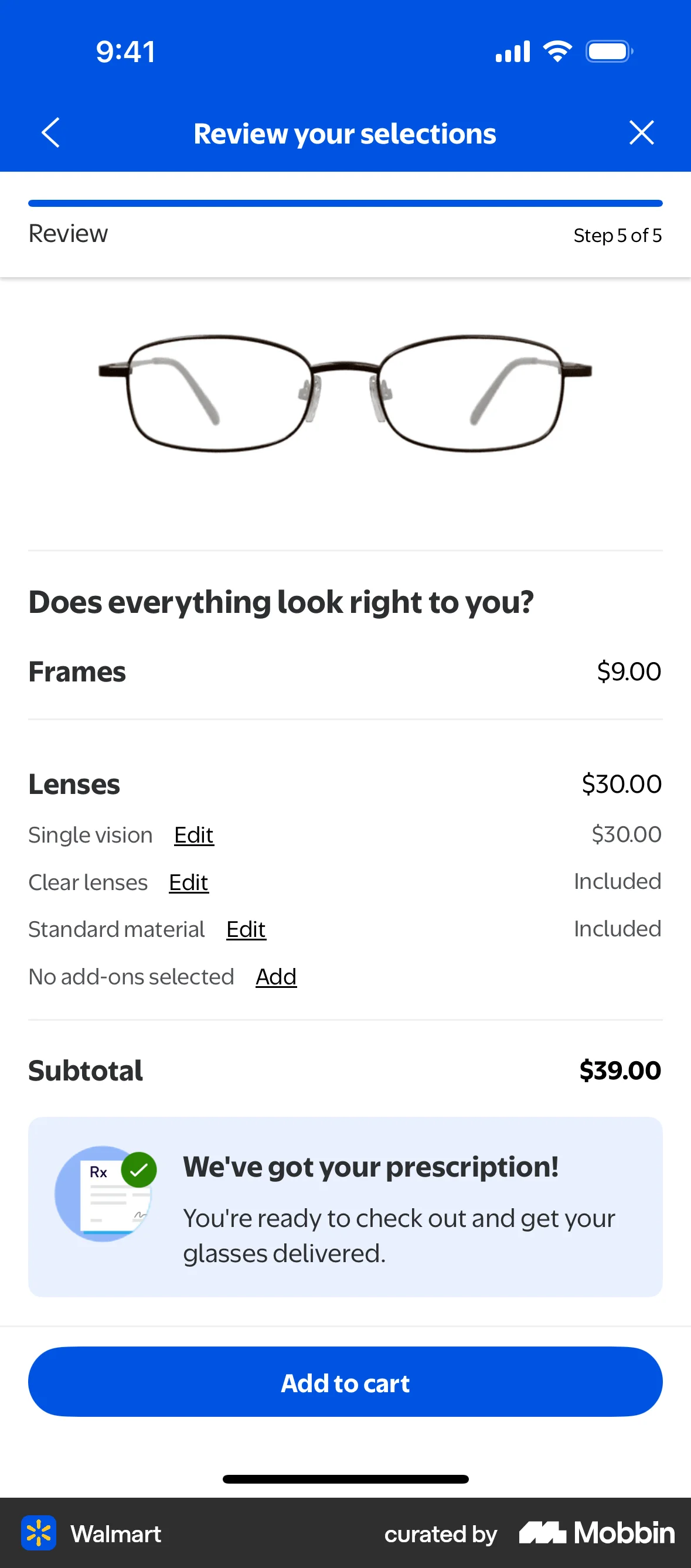
The user flow guides the user to add their prescription details, either by uploading a photo or entering manually. The flow concludes with a confirmation and directs the user to add the item to cart.

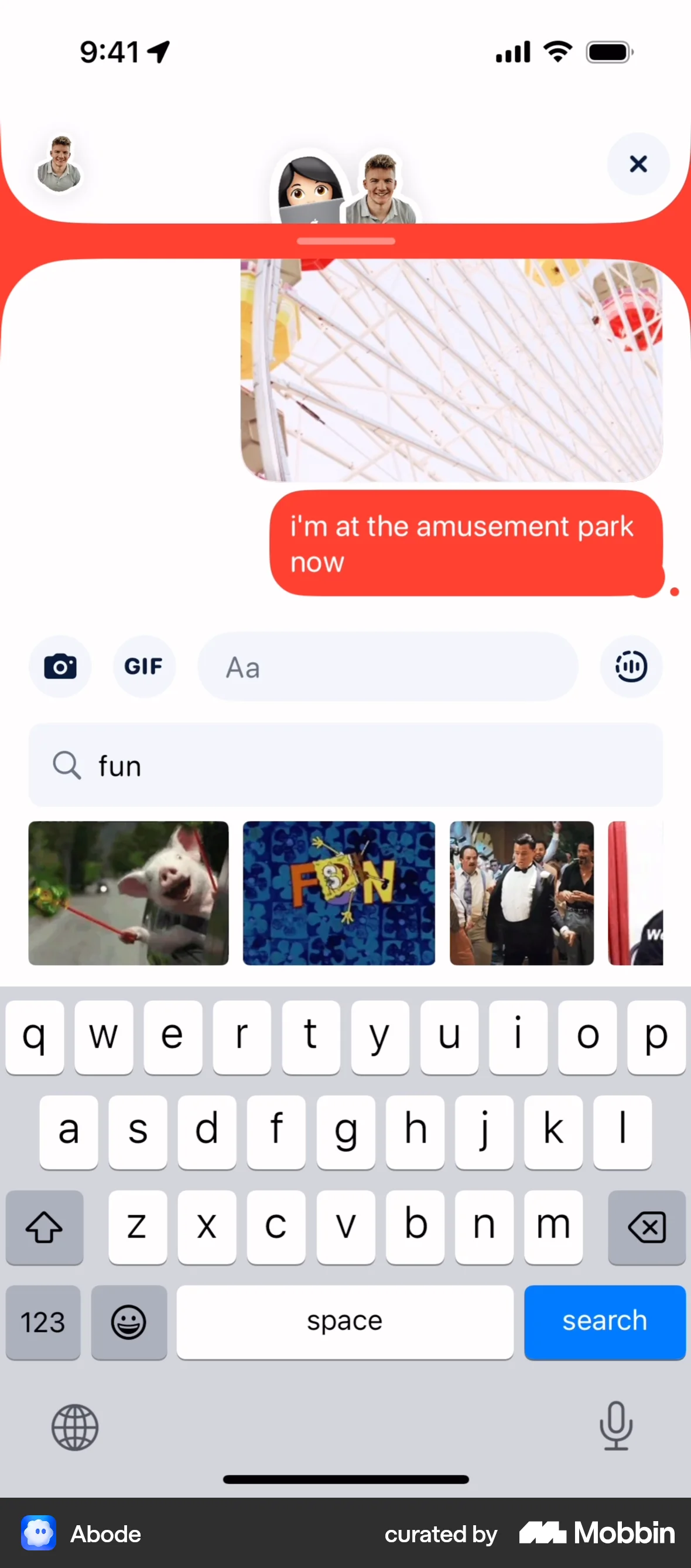
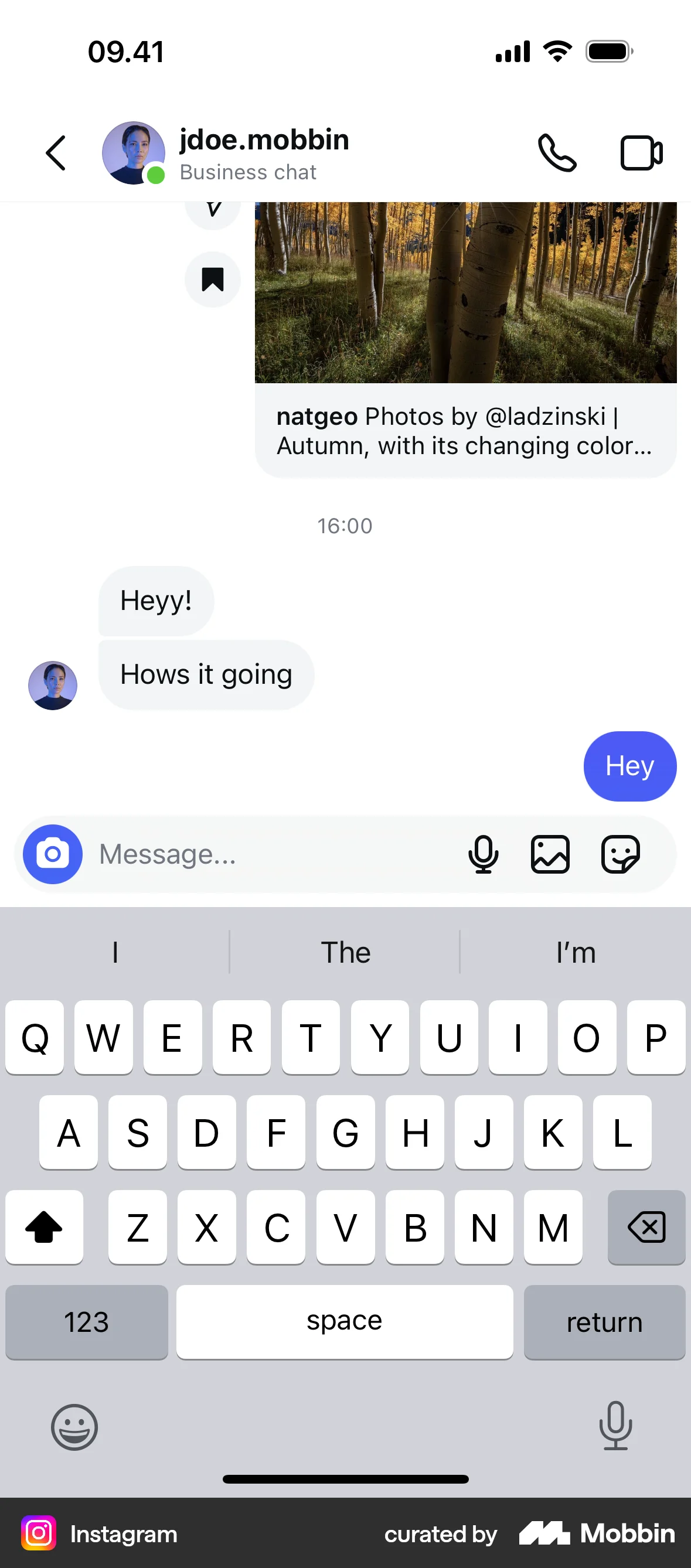
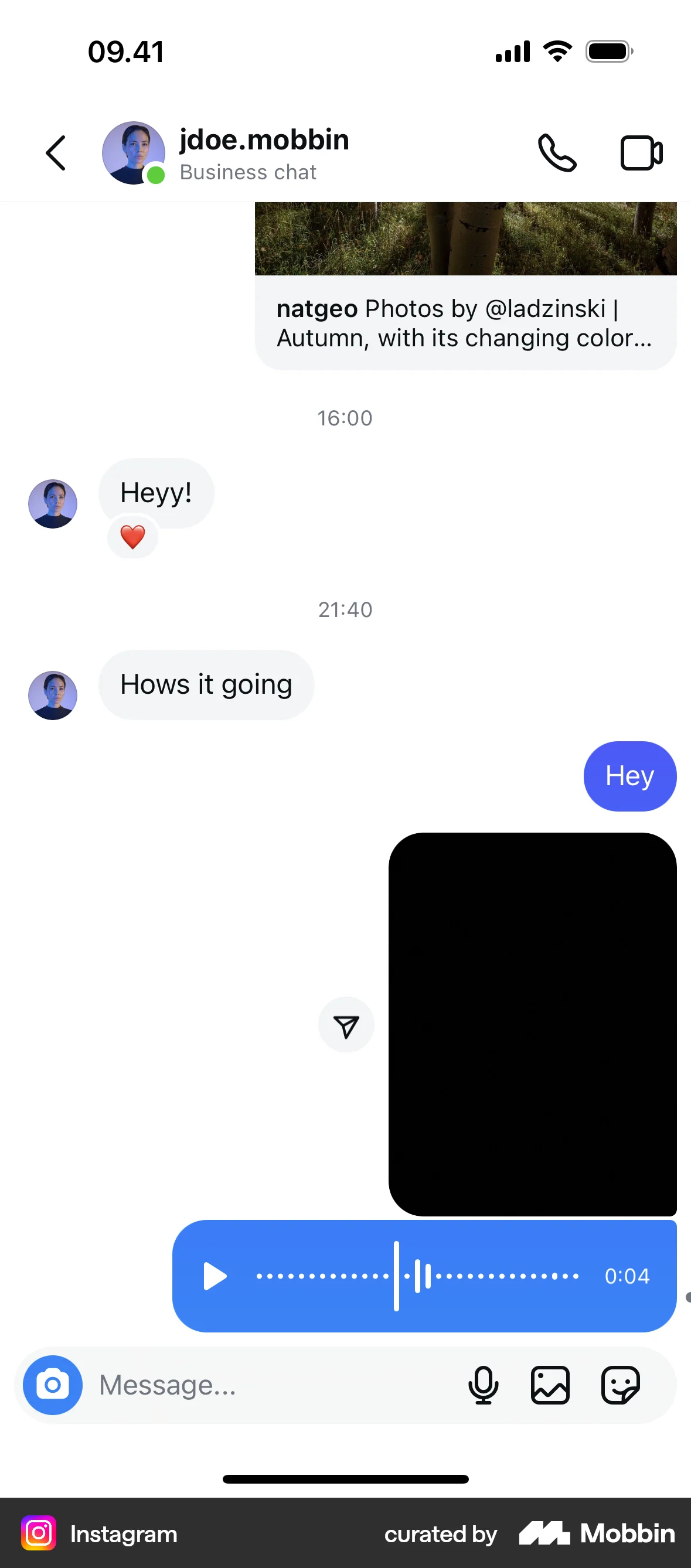
The user composes and sends a message with text, image, and GIF. The recipient then responds with multiple messages.

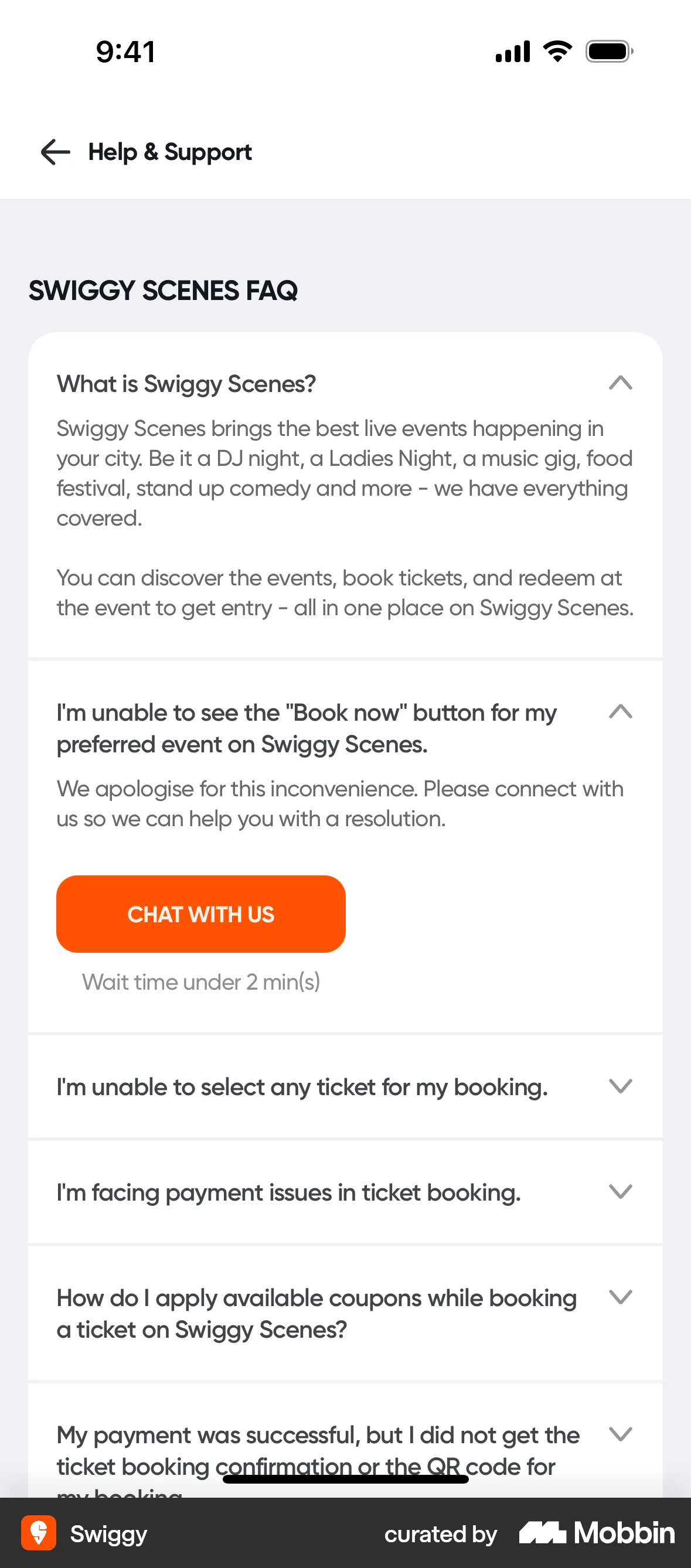
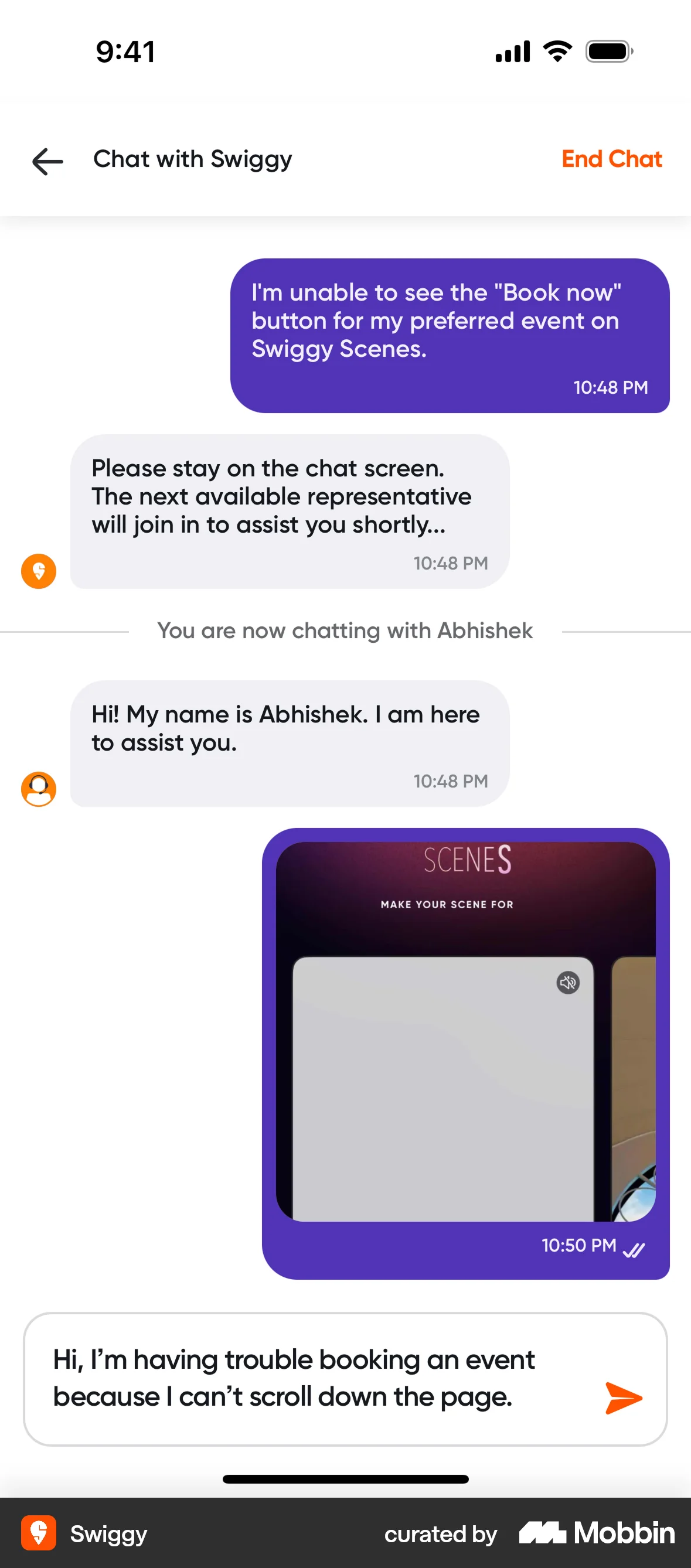
The user seeks help, engages in a chat with support, and receives a troubleshooting suggestion. The flow showcases problem reporting and support interaction.
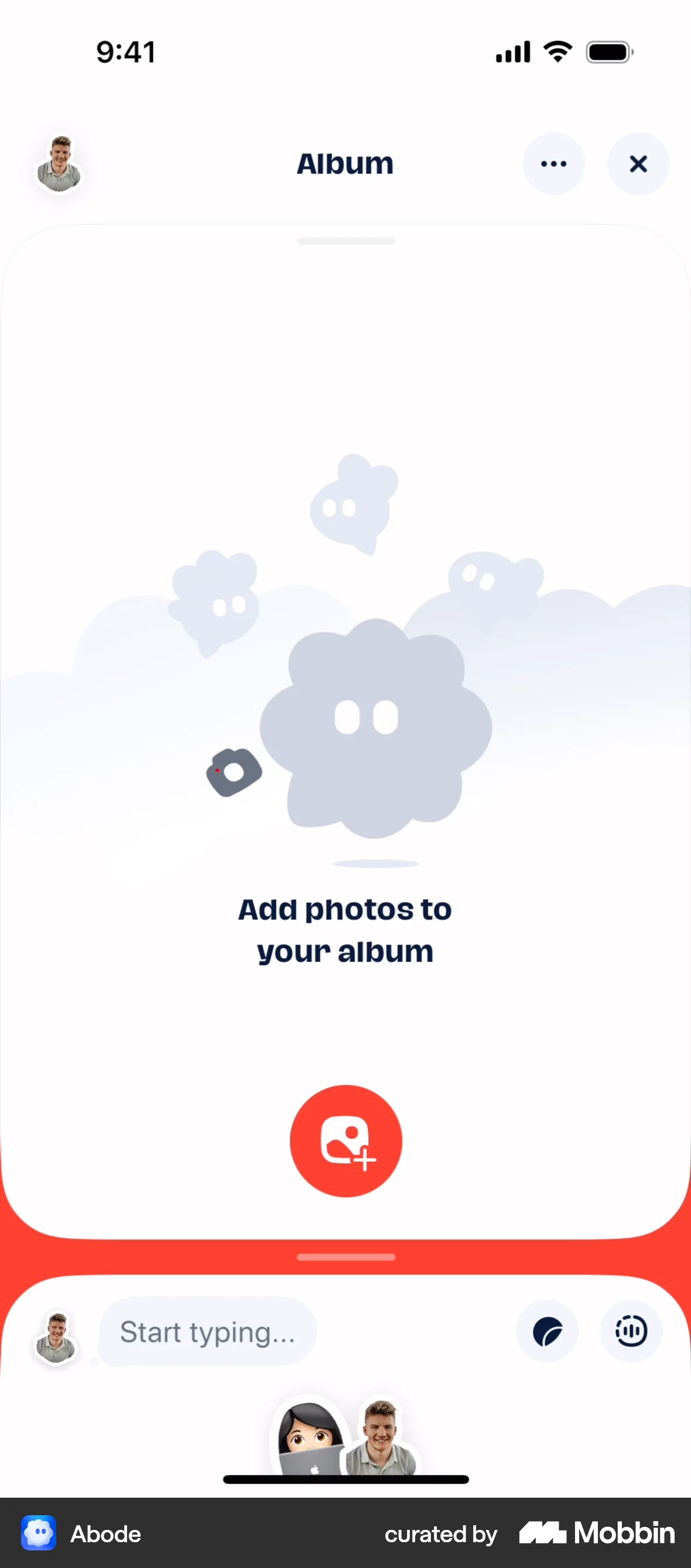
The user creates an album by selecting the 'Album' magnet and adding photos. The album is then displayed as a widget on the dashboard.

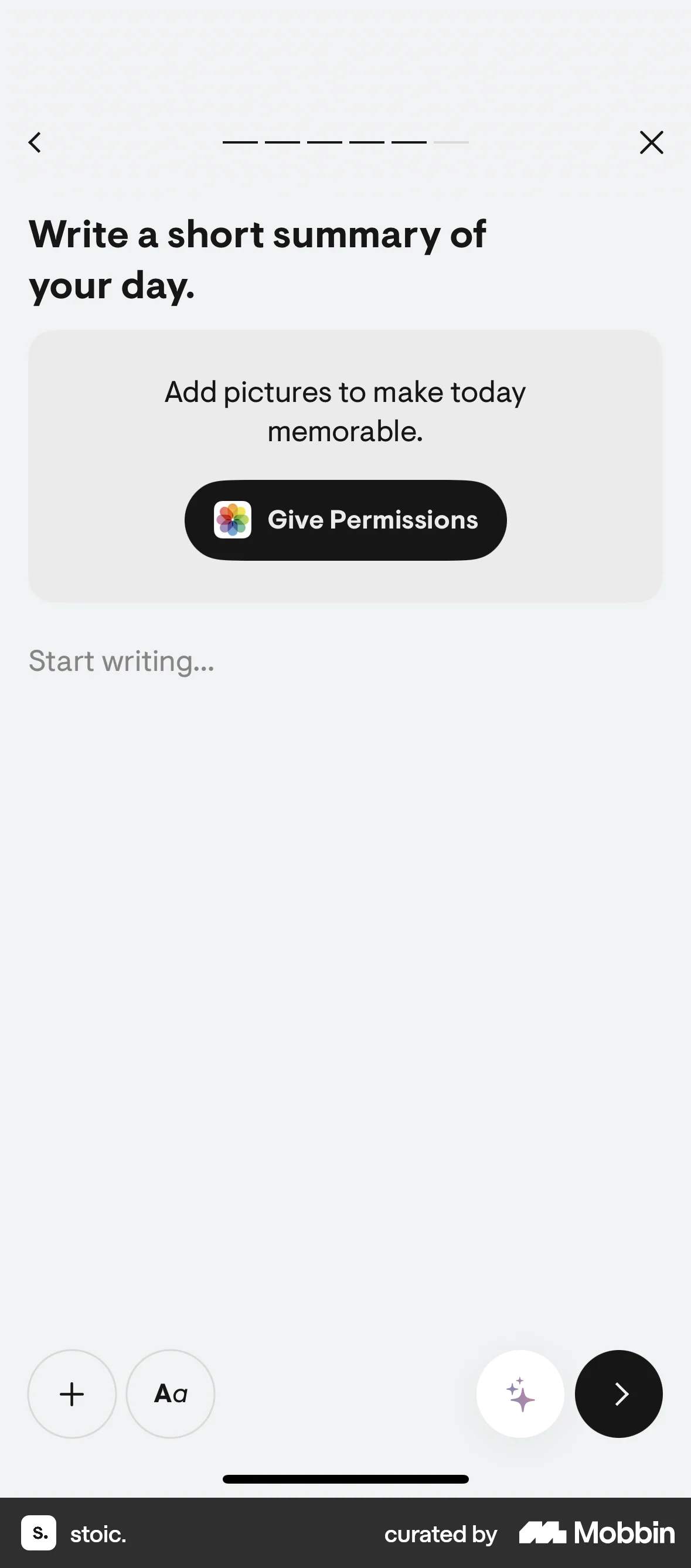
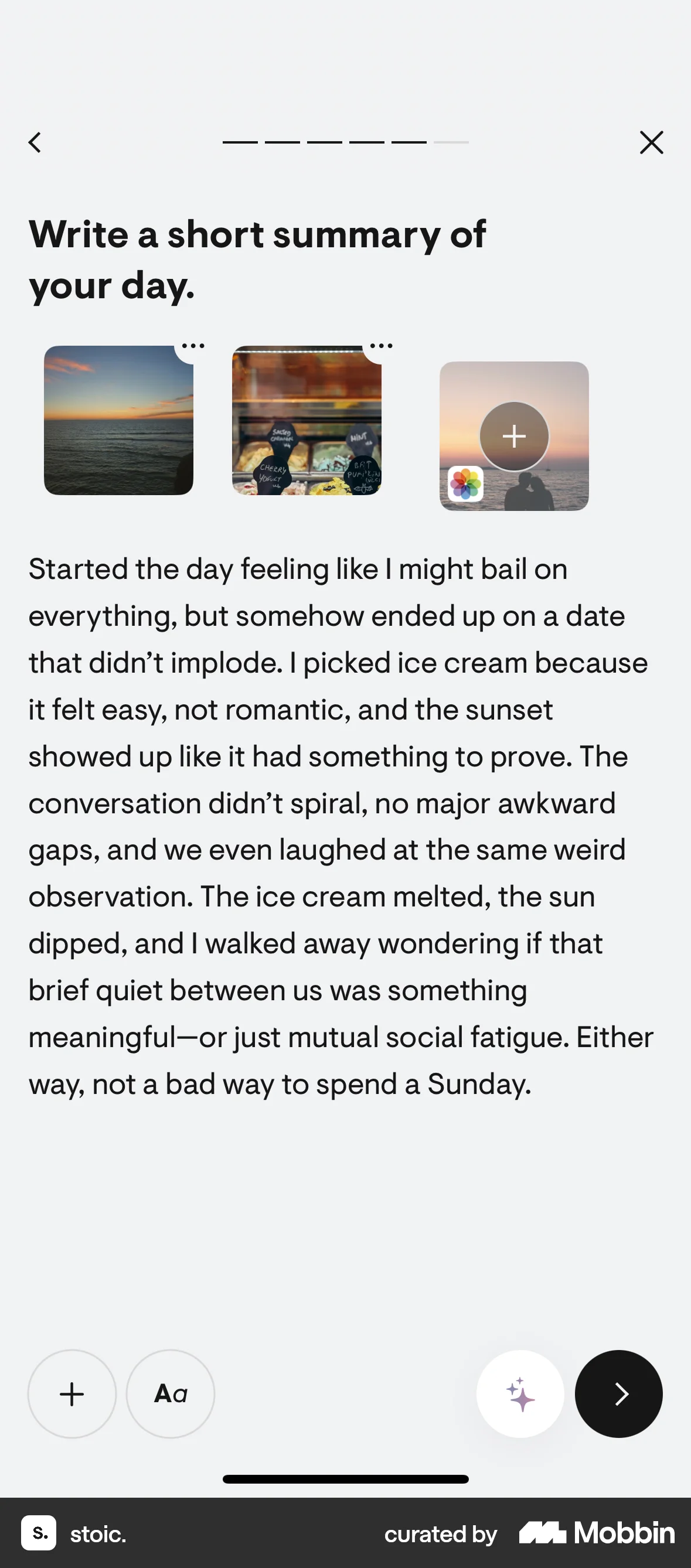
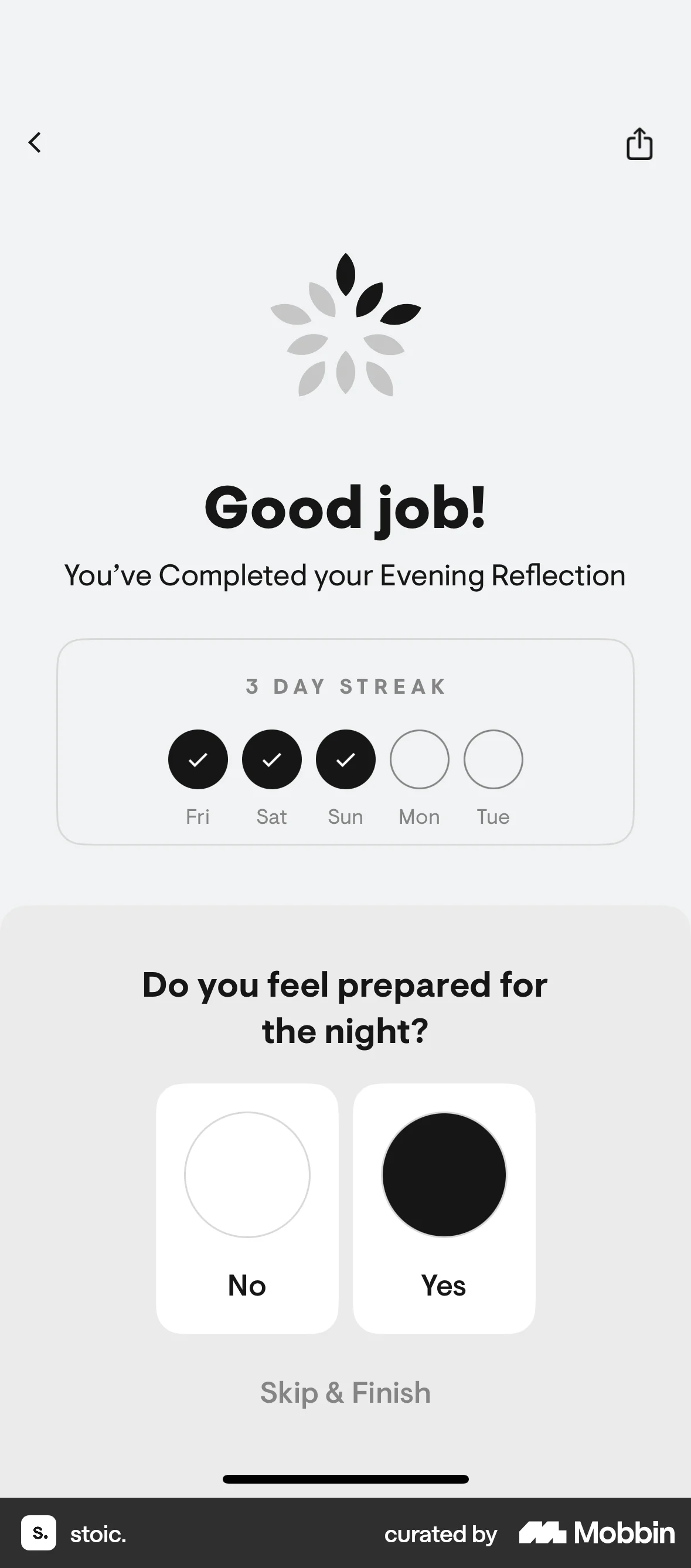
The user logs a daily reflection by rating their rest, selecting emotions, writing a summary, and indicating night preparation. The homepage then updates to show the completed reflection.
112 Flows

333 Flows
358 Flows
87 Flows

105 Flows


4467 Flows