Archiving a chaton ChatGPT
The user archives a chat by accessing the options menu, selecting "Archive", and confirming. The chat then disappears from the main chat interface.
Discover best mobile app designs for Archiving flows. Get inspired by the best apps in the world.
The user archives a chat by accessing the options menu, selecting "Archive", and confirming. The chat then disappears from the main chat interface.

The user flow demonstrates archiving a goal. It involves confirming the action and then viewing the updated goal state.

The user views order details and then archives the order. A confirmation message is displayed upon successful archiving.

The user archives a group by navigating to the group settings, confirming the action, and then seeing a confirmation message on the home screen. The flow showcases the archiving process.

The user takes snaps, views them, browses them in a calendar, and organizes them by archiving and journaling. The flow returns to the camera view.

The user flow demonstrates archiving an item. The user selects an item and then archives it, with confirmation and an undo option displayed.

The user resolves a comment from the open comments list. Then, the user views the resolved comment in the resolved comments list.

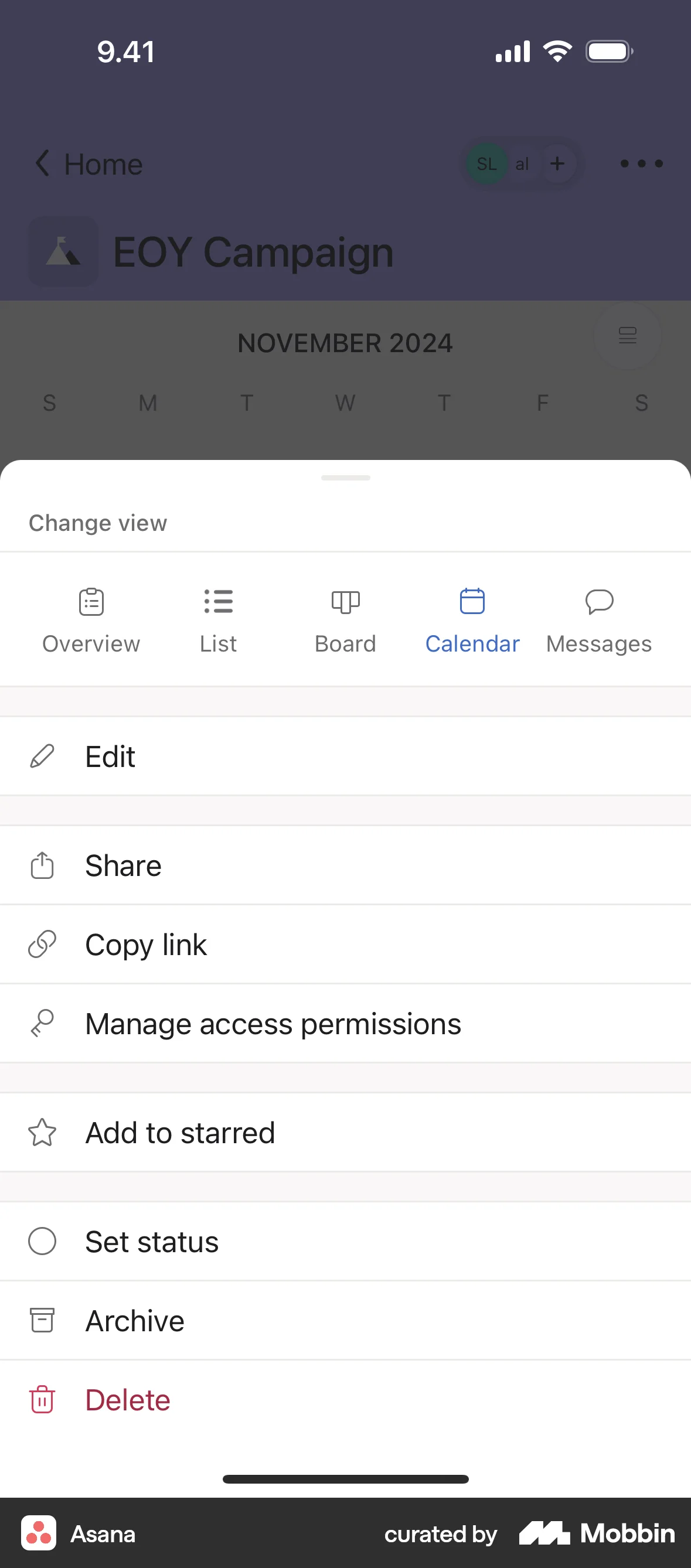
The user opens a project's options and archives the project. A confirmation message then appears on the calendar view.
The user views an outfit, selects the archive option from the action menu, and archives the outfit. The user is then presented with an option to undo.

The user archives a message by swiping it in the inbox. The inbox then displays an empty state after the message is archived.

The user views an applet's details, archives it after confirmation, and is then redirected to the 'My Applets' screen.

The user flow demonstrates archiving a chat from the chat list and then viewing it in the archived chats section.


1215 Flows
358 Flows


4467 Flows


1999 Flows


2462 Flows
2306 Flows