

Onboardingon Swiggy
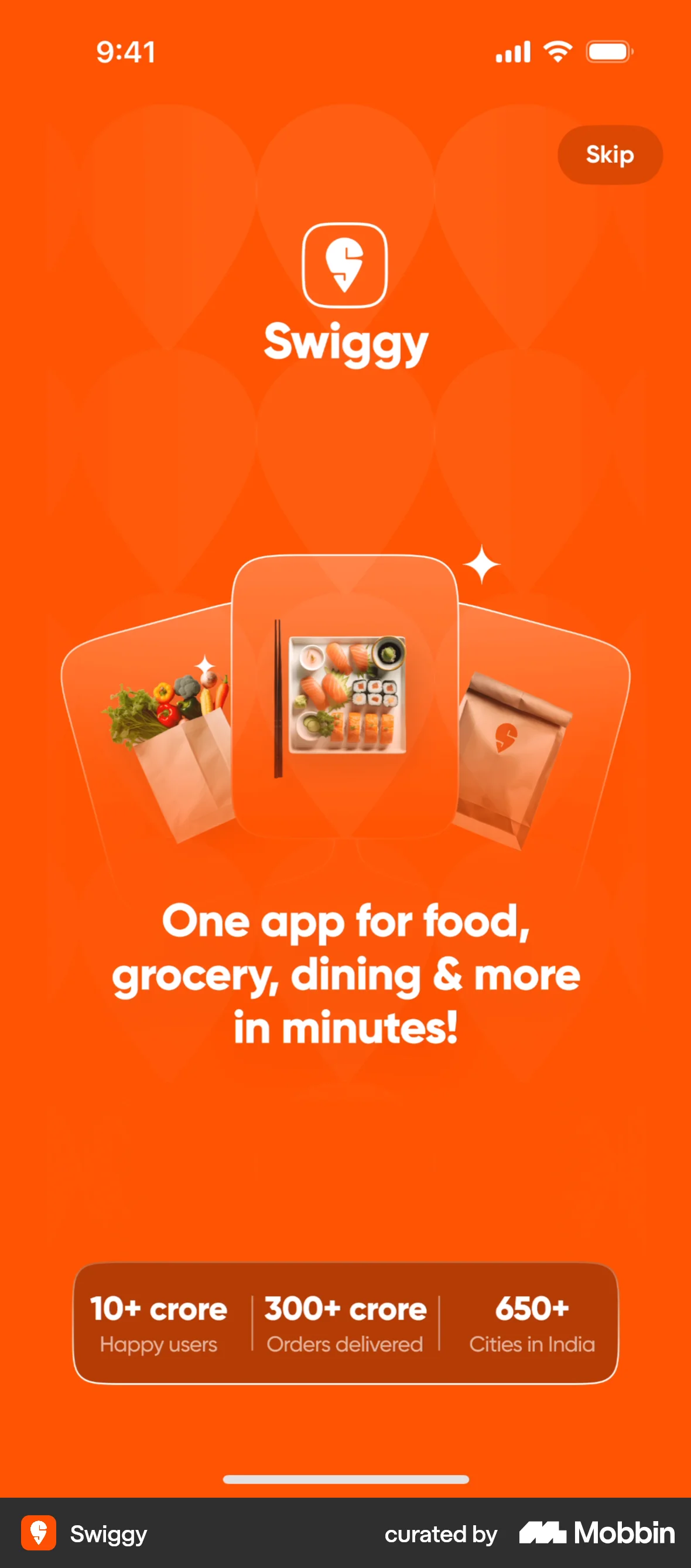
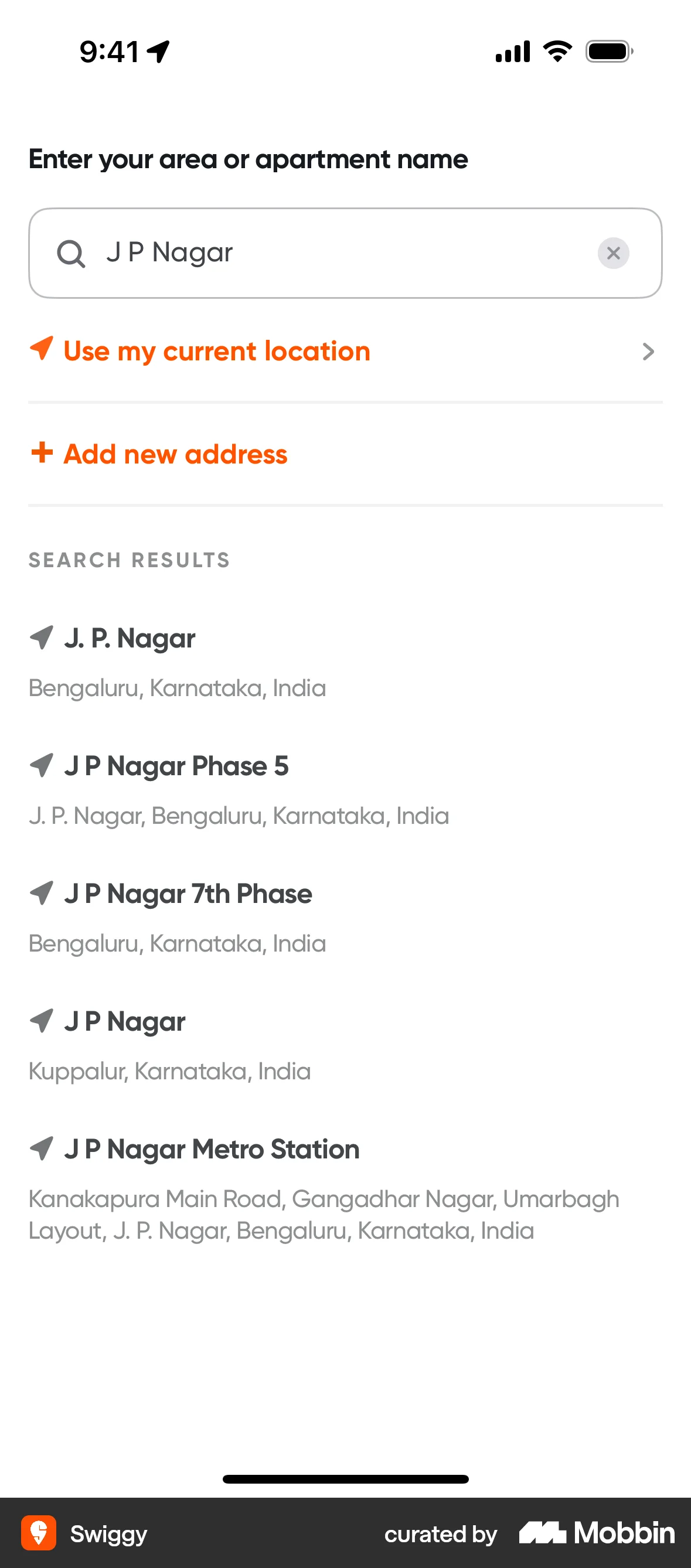
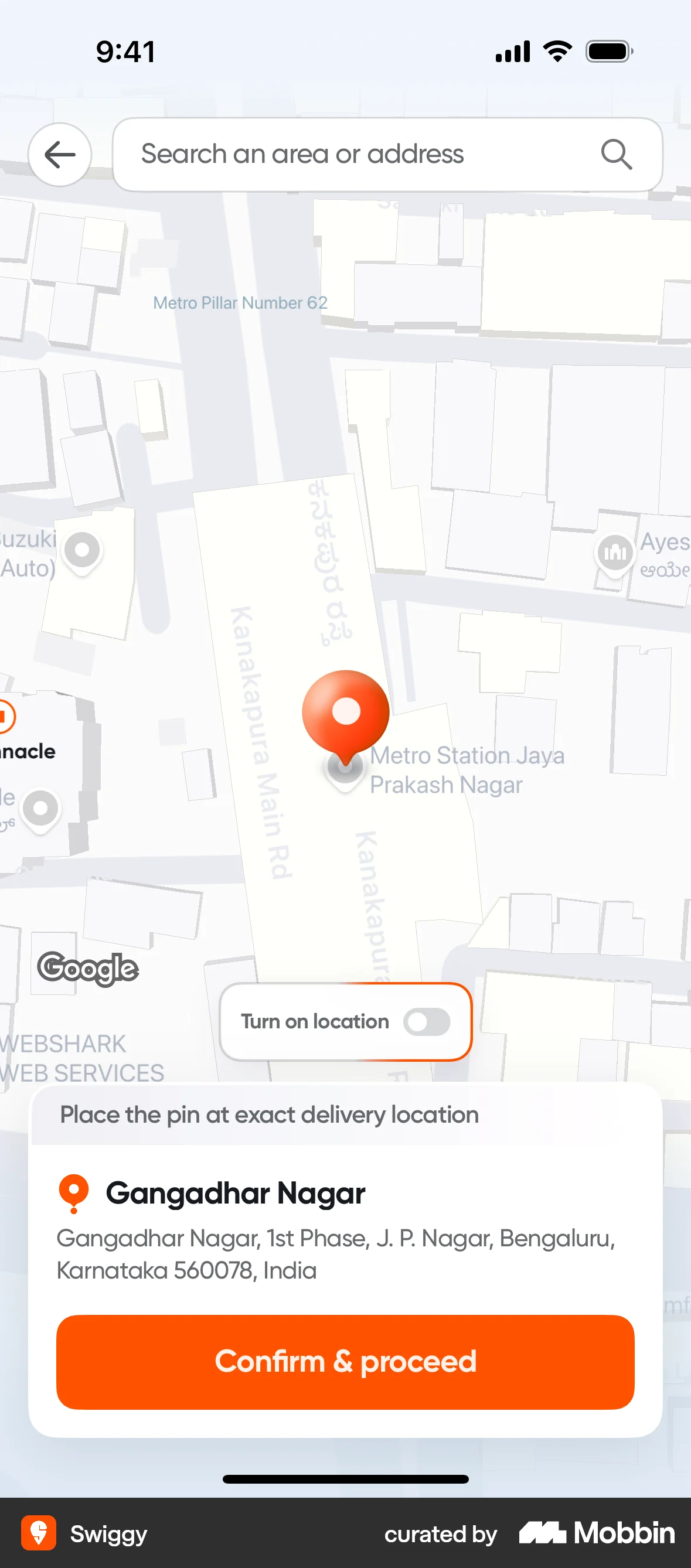
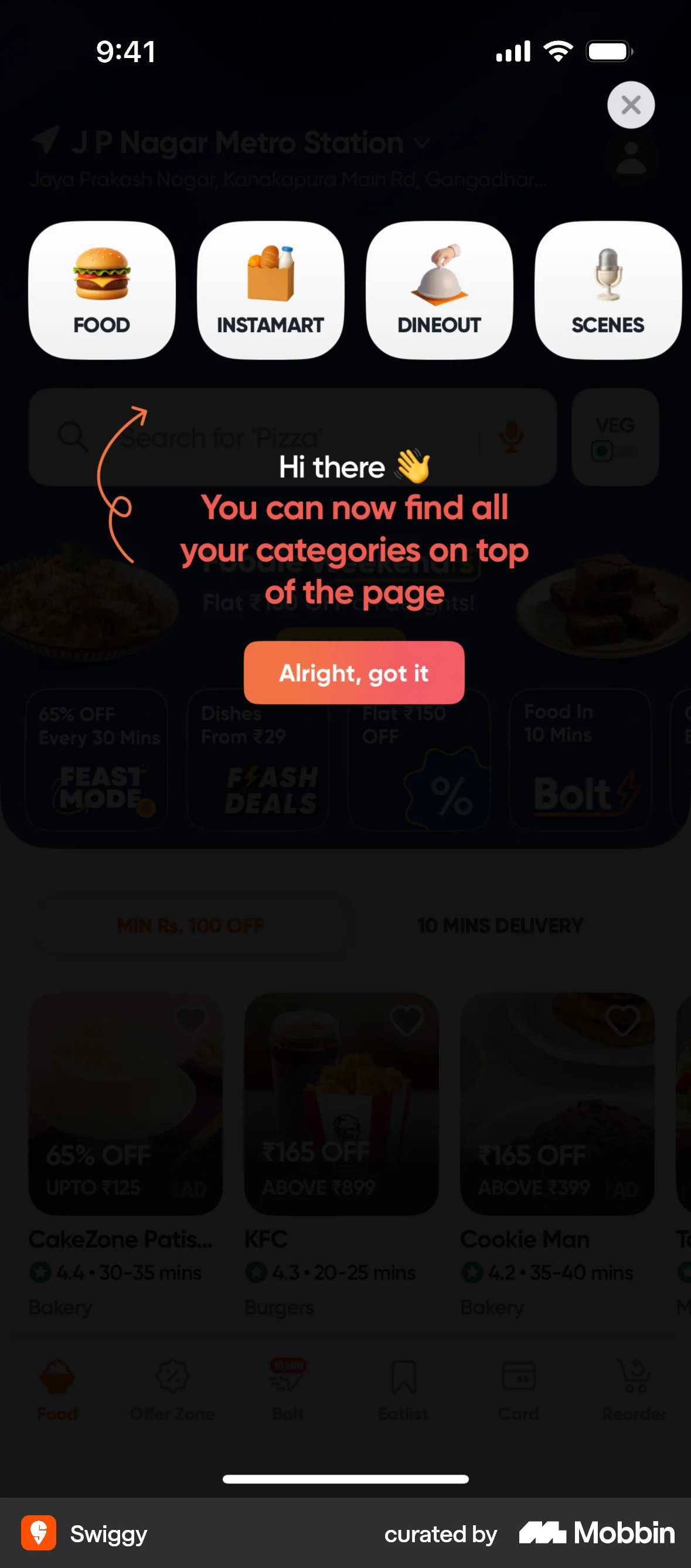
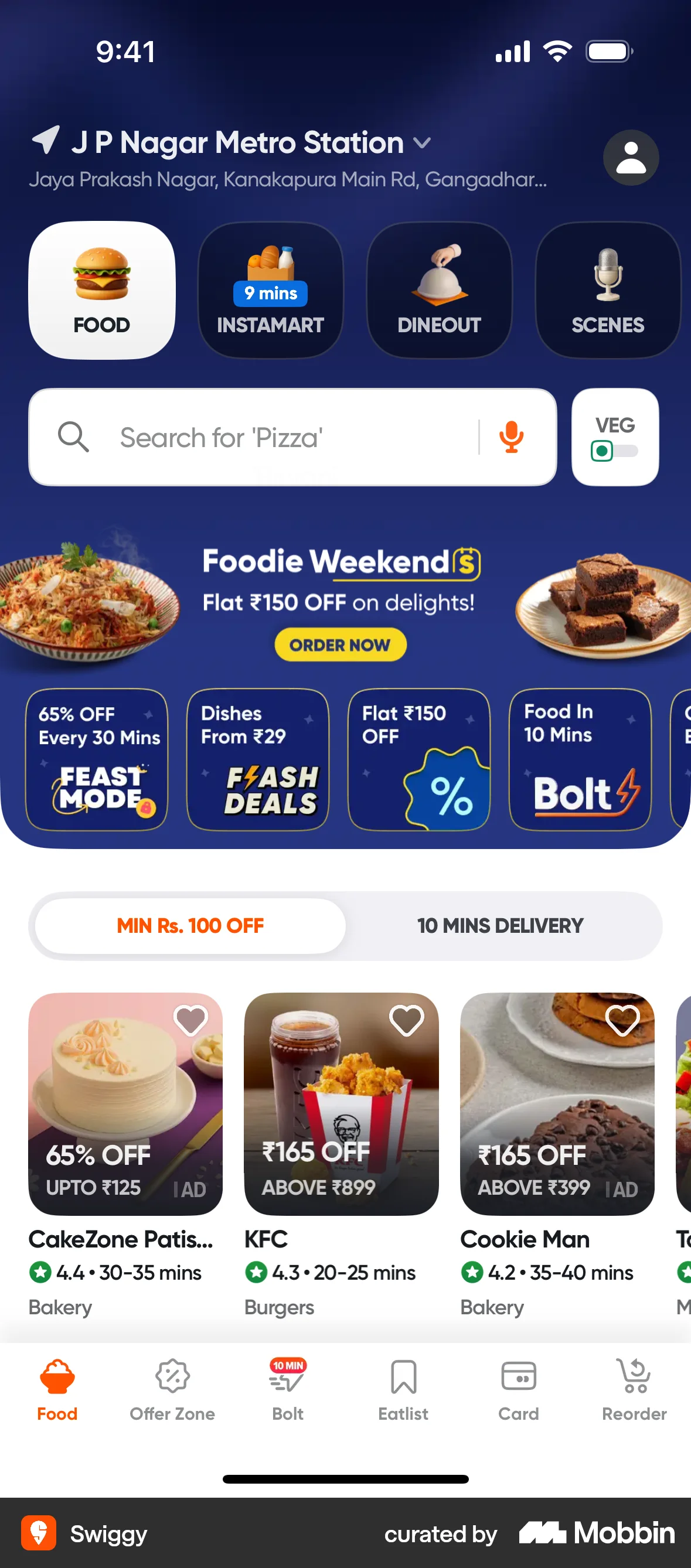
The user goes through the onboarding process, providing their phone number, name, and address. Finally, they land on the app's home screen.
Discover best mobile app designs for Searching & Finding flows. Get inspired by the best apps in the world.
The user goes through the onboarding process, providing their phone number, name, and address. Finally, they land on the app's home screen.
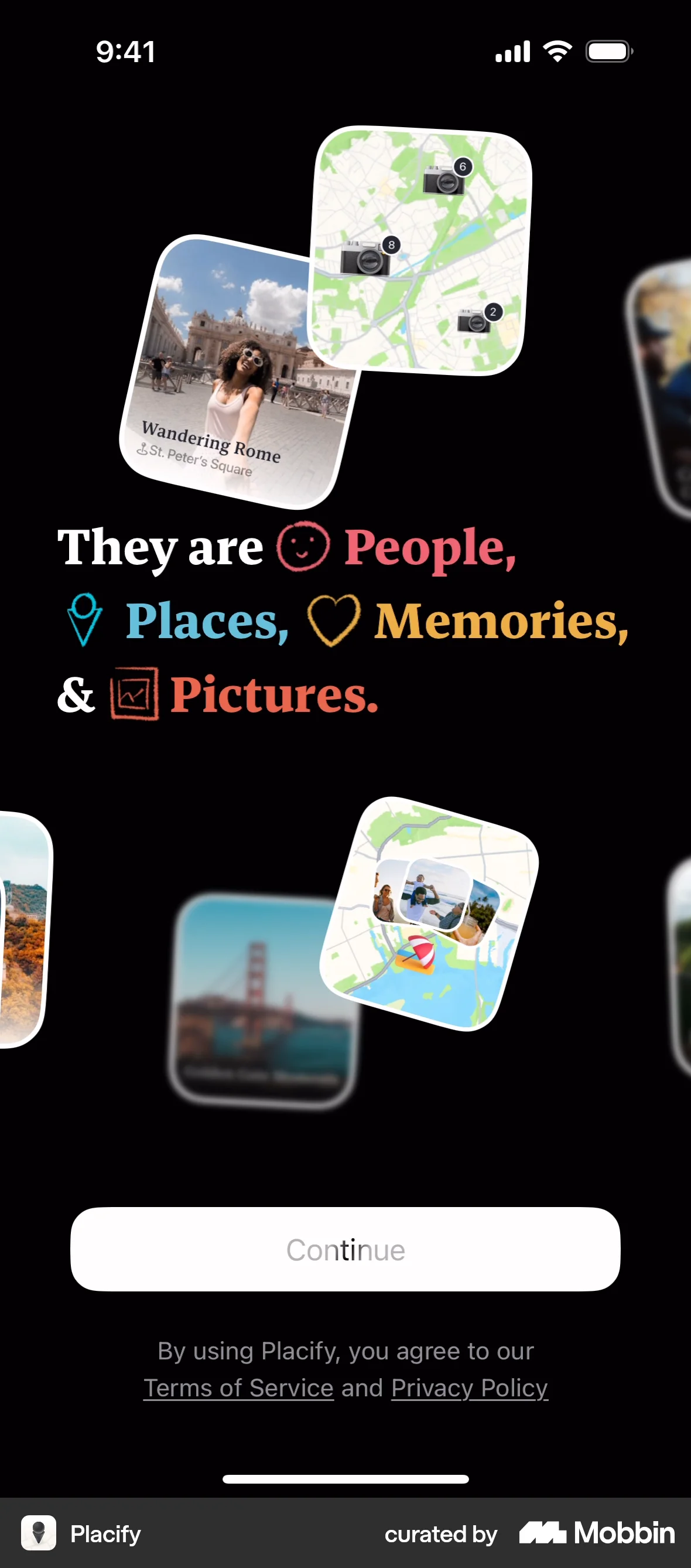
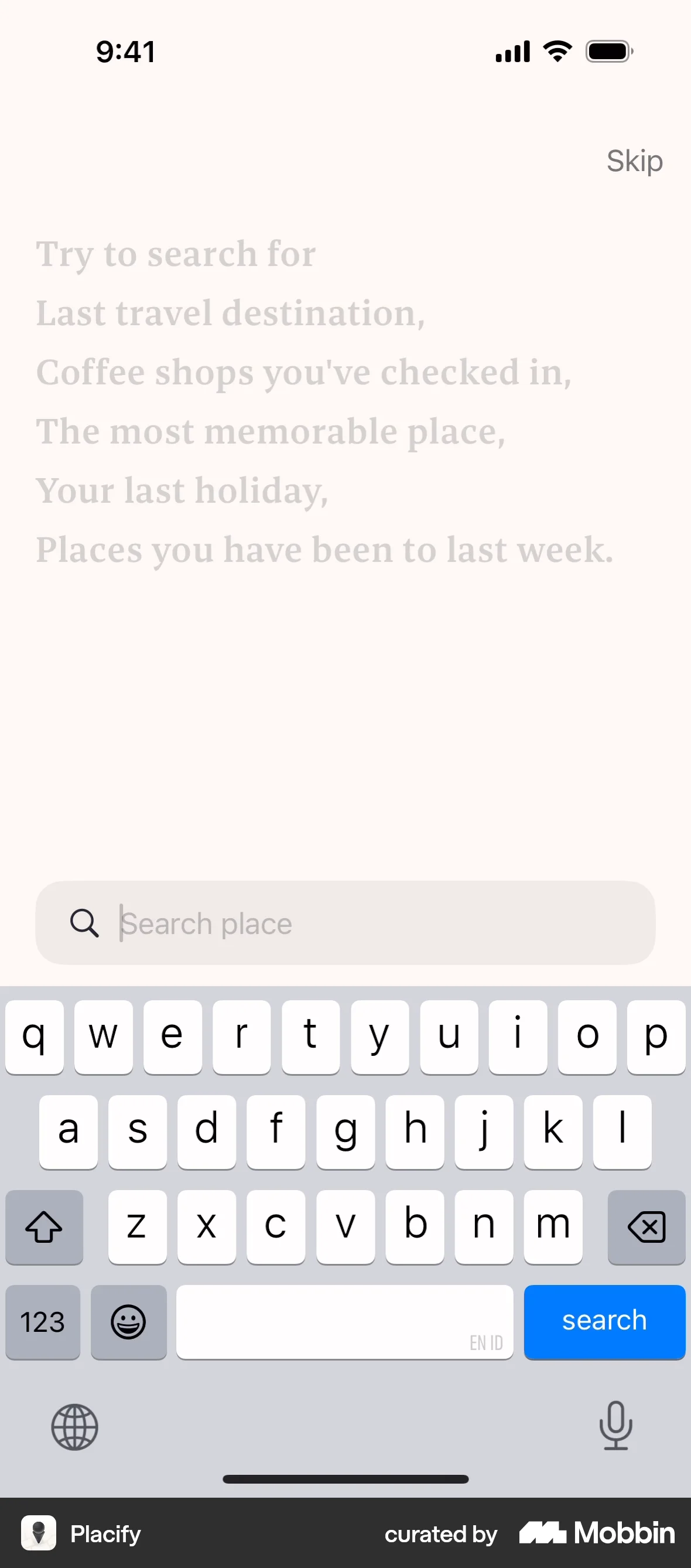
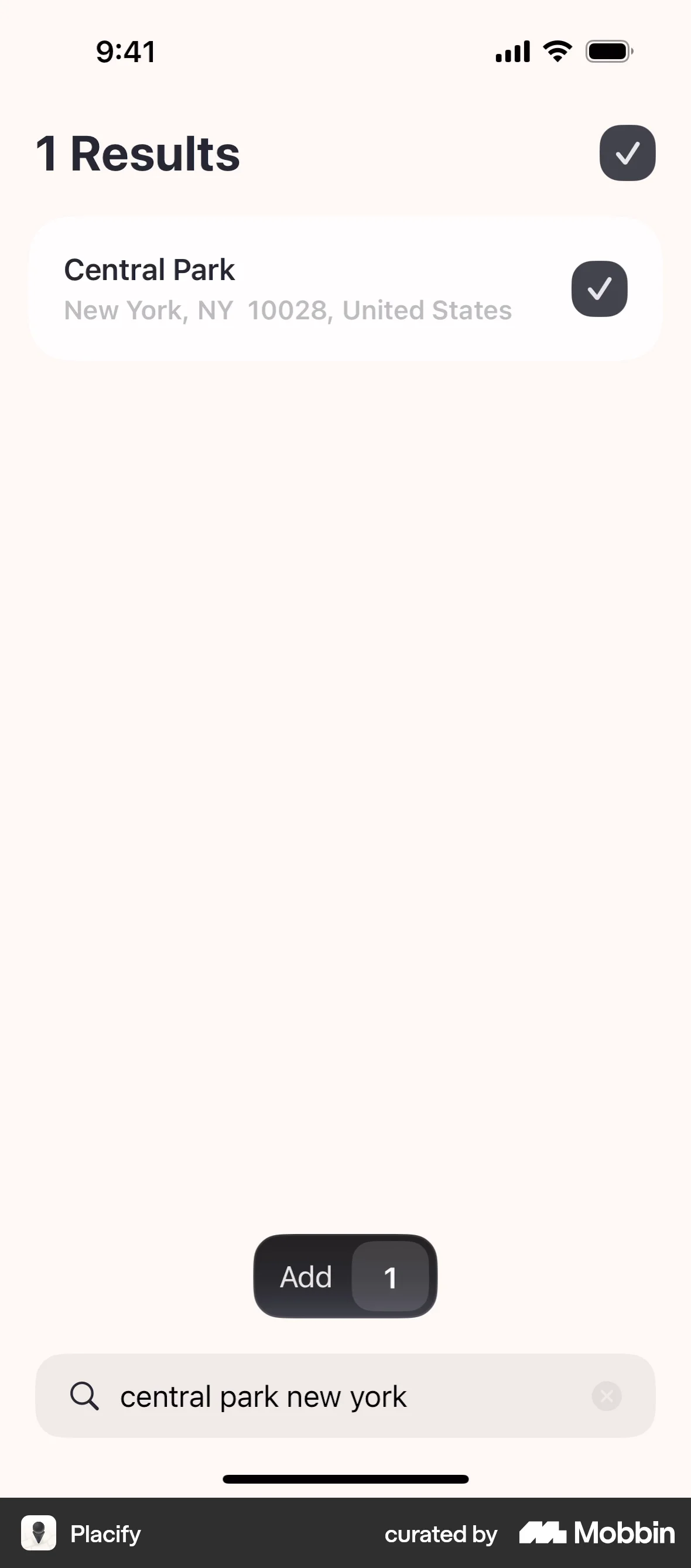
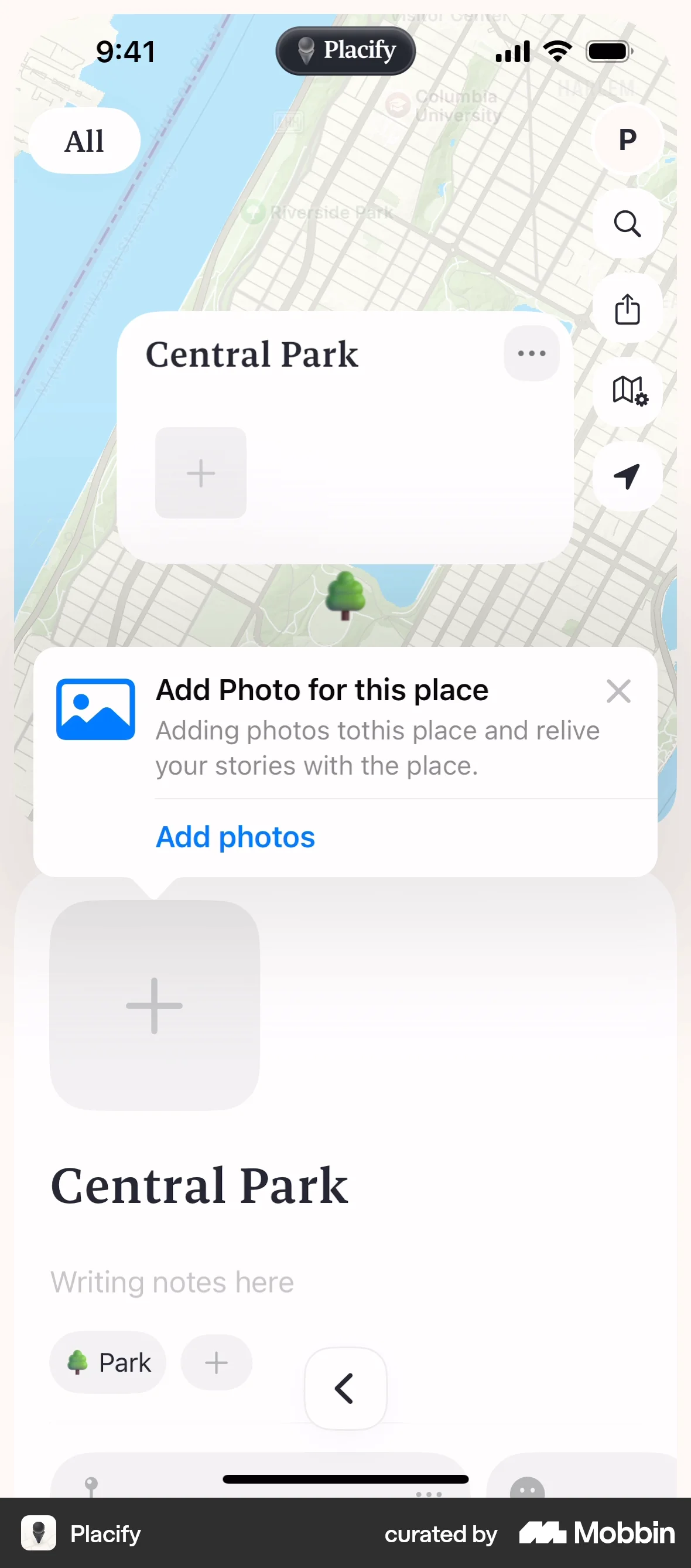
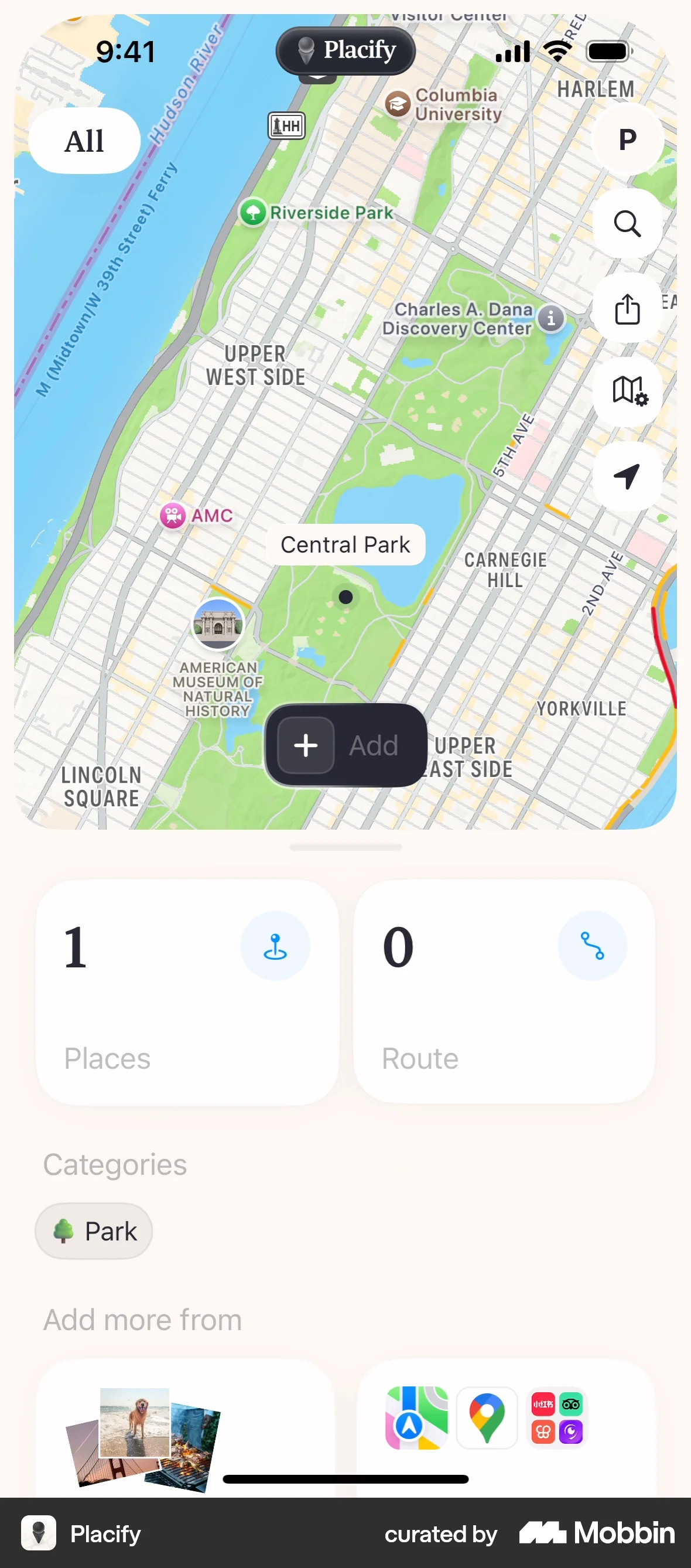
The user flow demonstrates onboarding and adding a place with a photo to a map. It showcases the core functionality of the app.

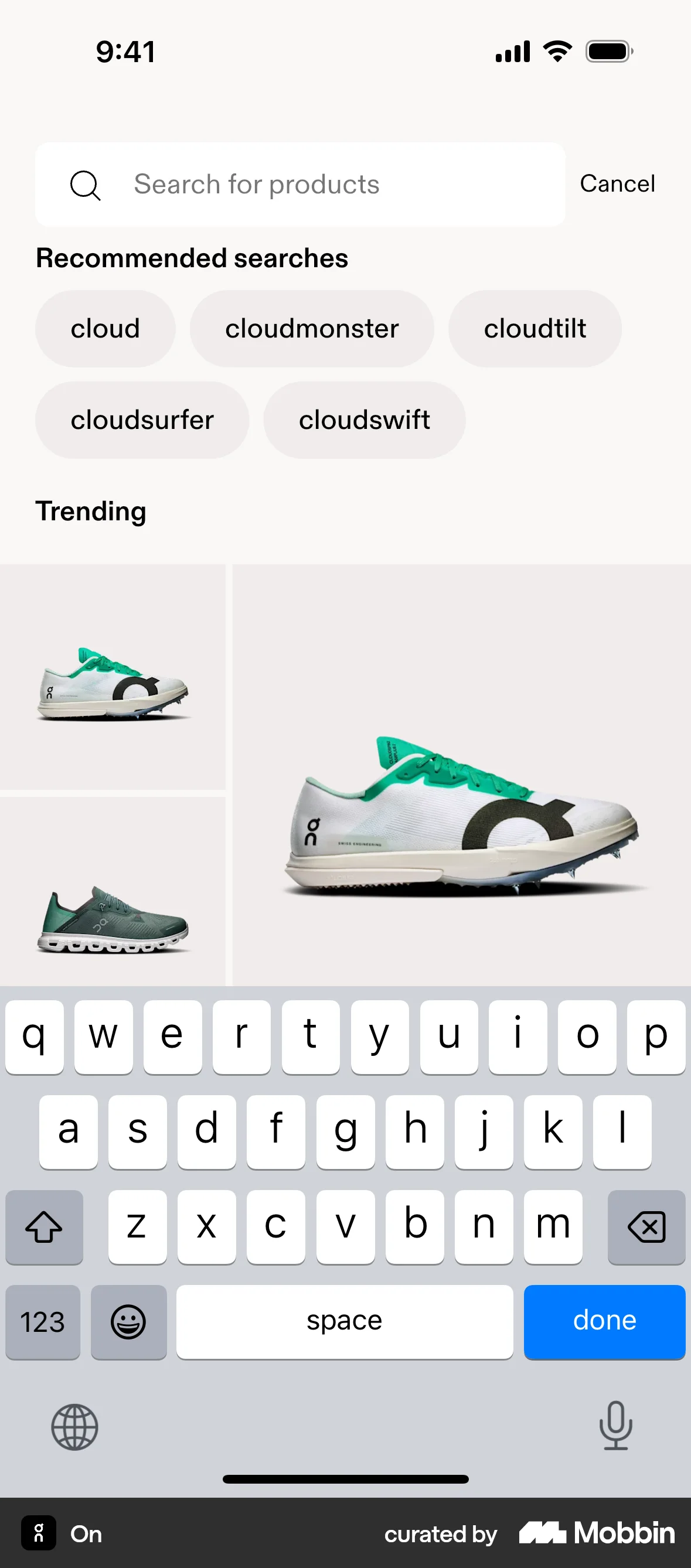
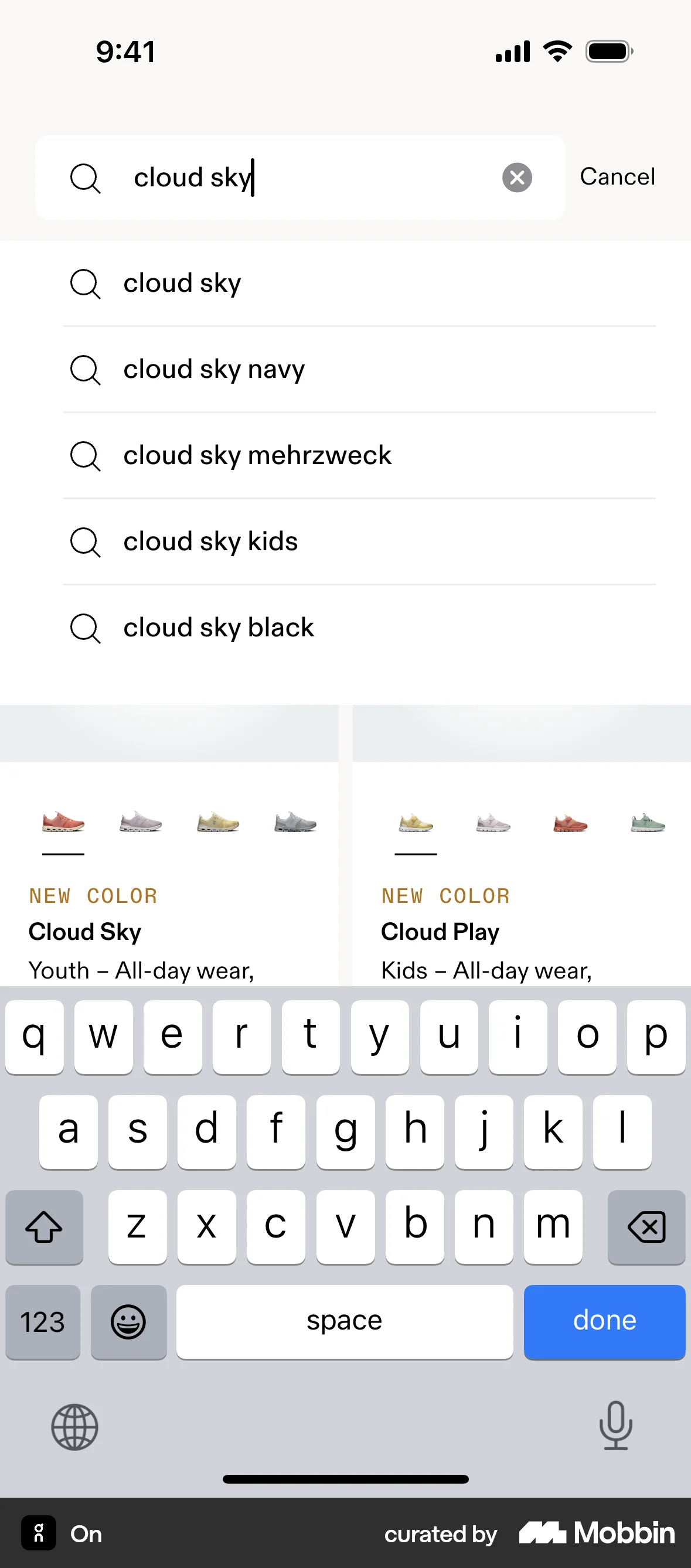
The user searches for a specific product on an e-commerce app. They start from the product listing, then enter a search term and view the corresponding search results.

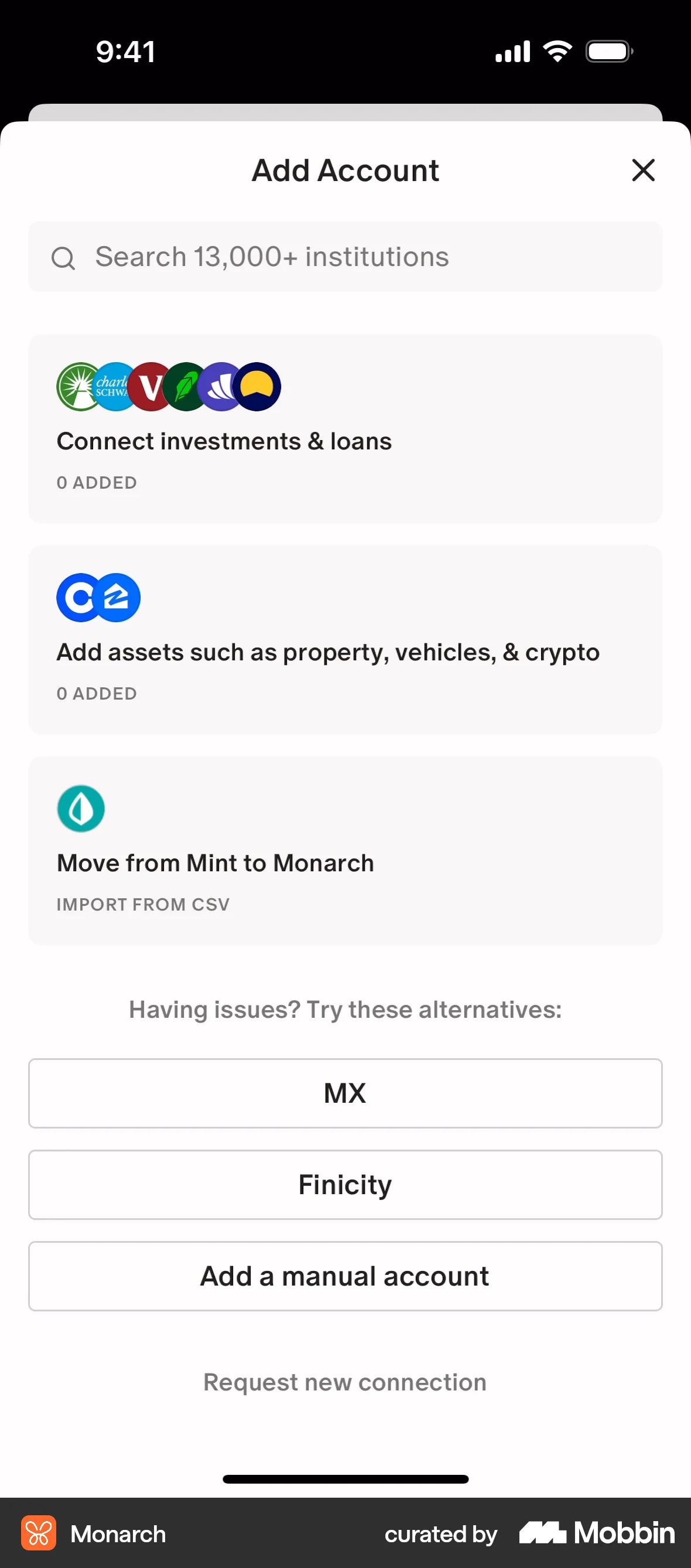
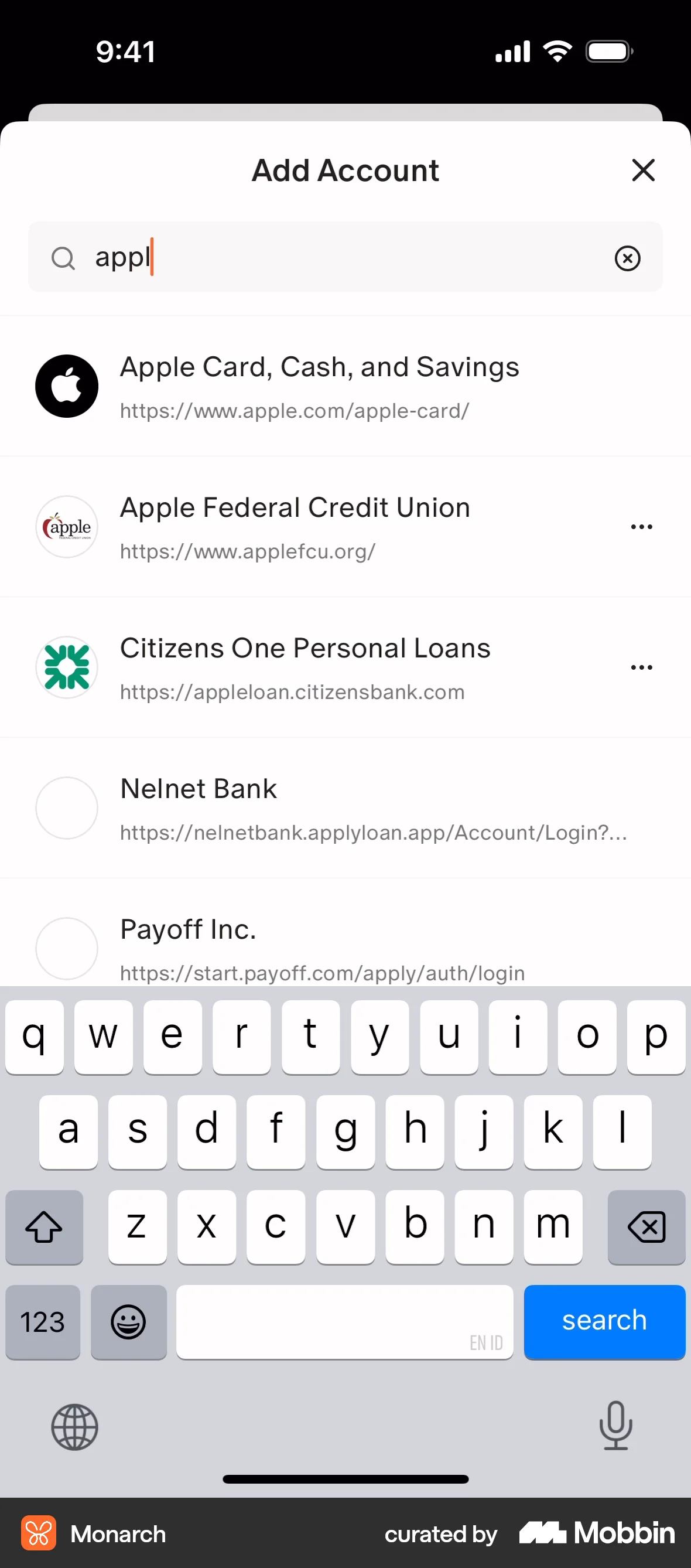
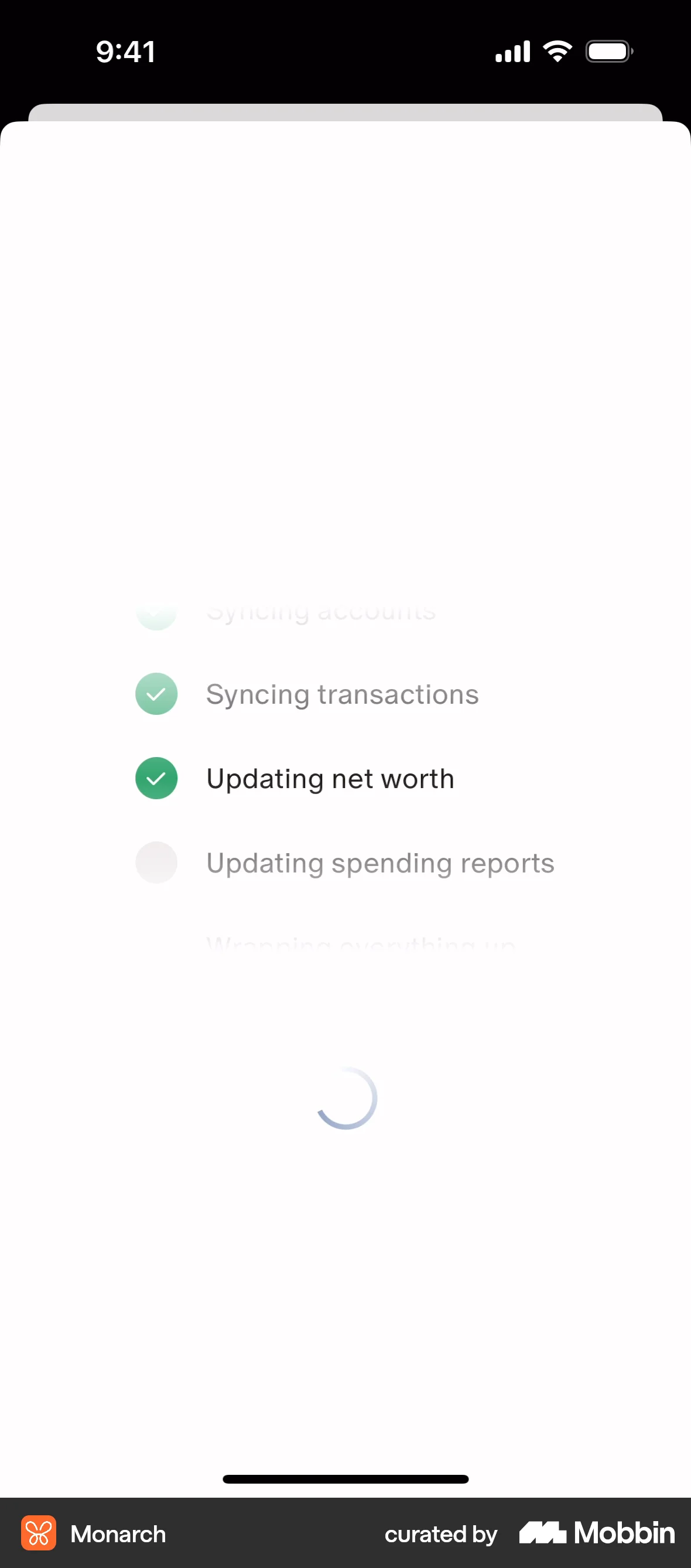
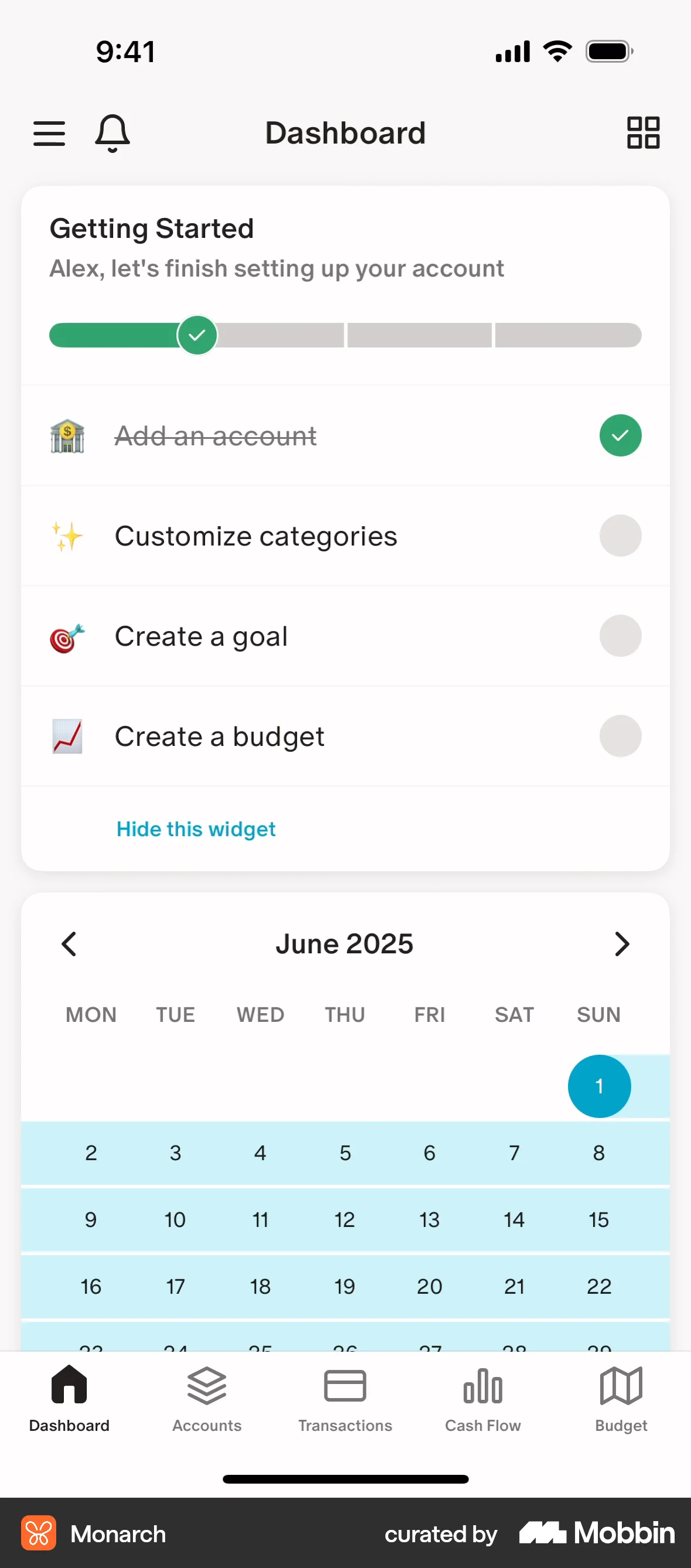
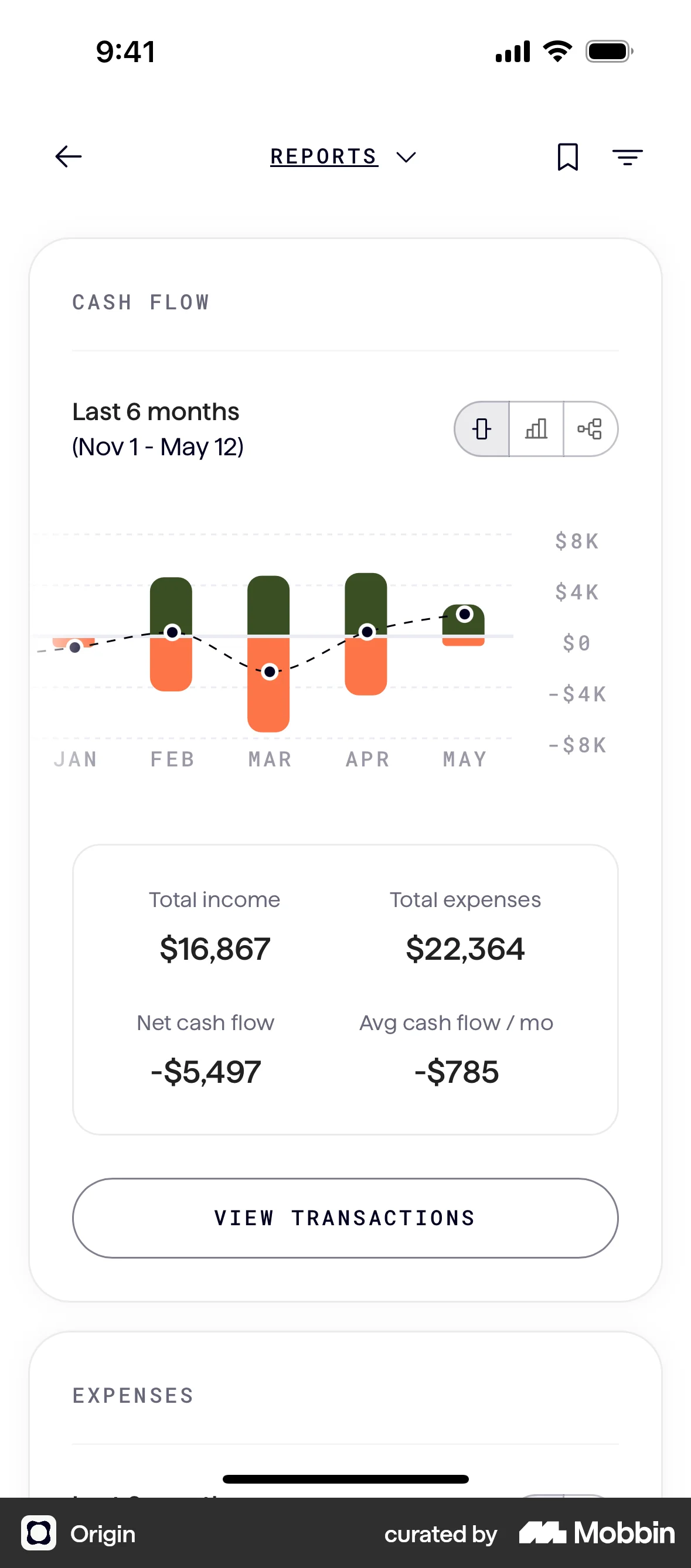
The user connects their bank account, configures notifications, and views the updated account on the dashboard. The flow guides the user through the account connection process.

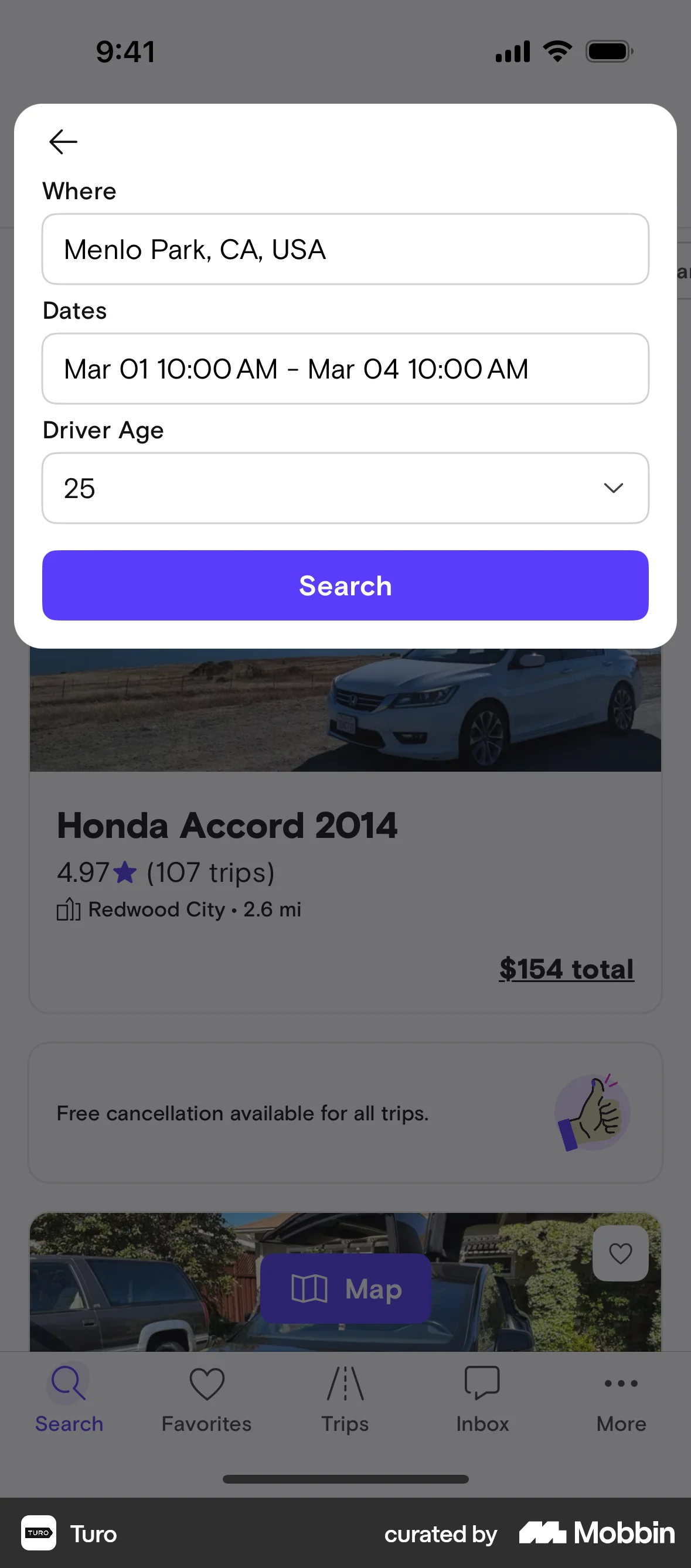
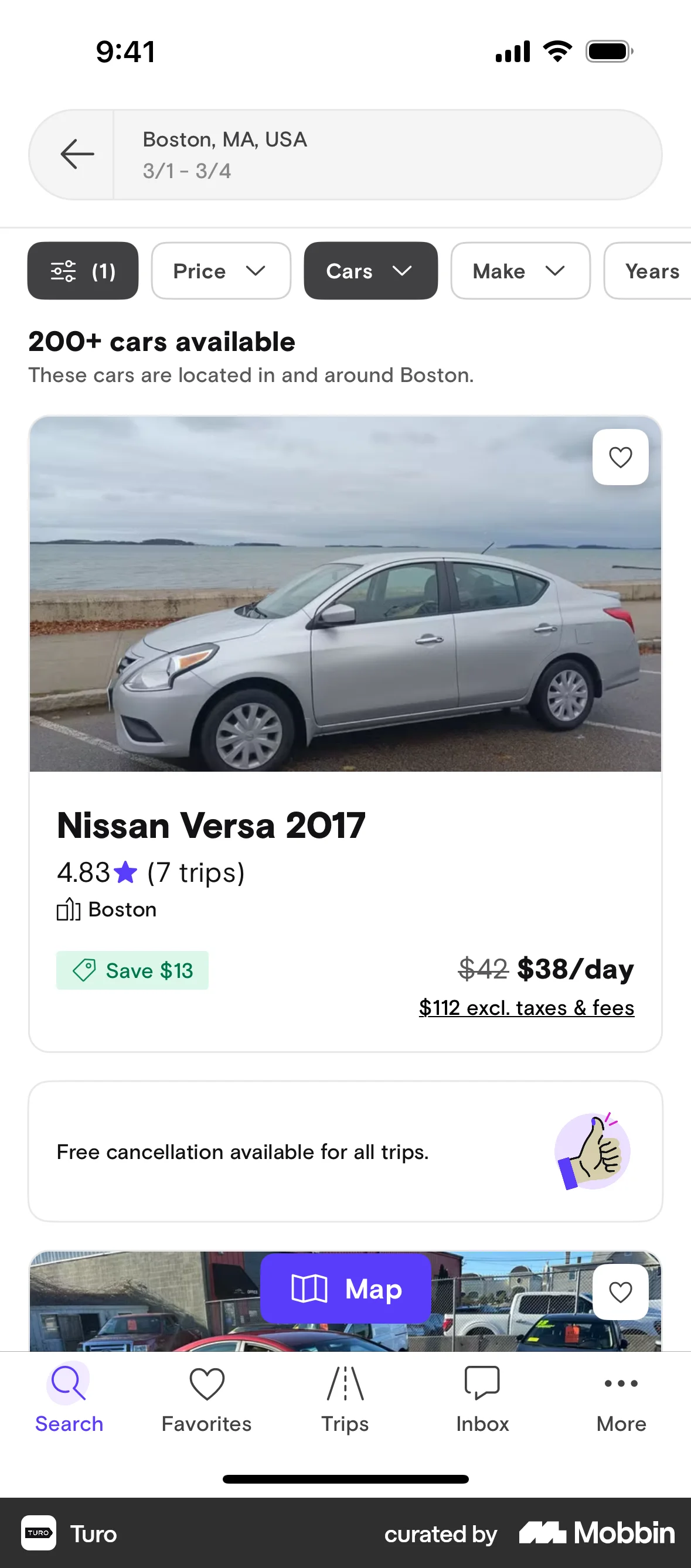
The user searches for a car by specifying a location, dates, and driver age. The app then displays a list of cars available based on the search criteria.

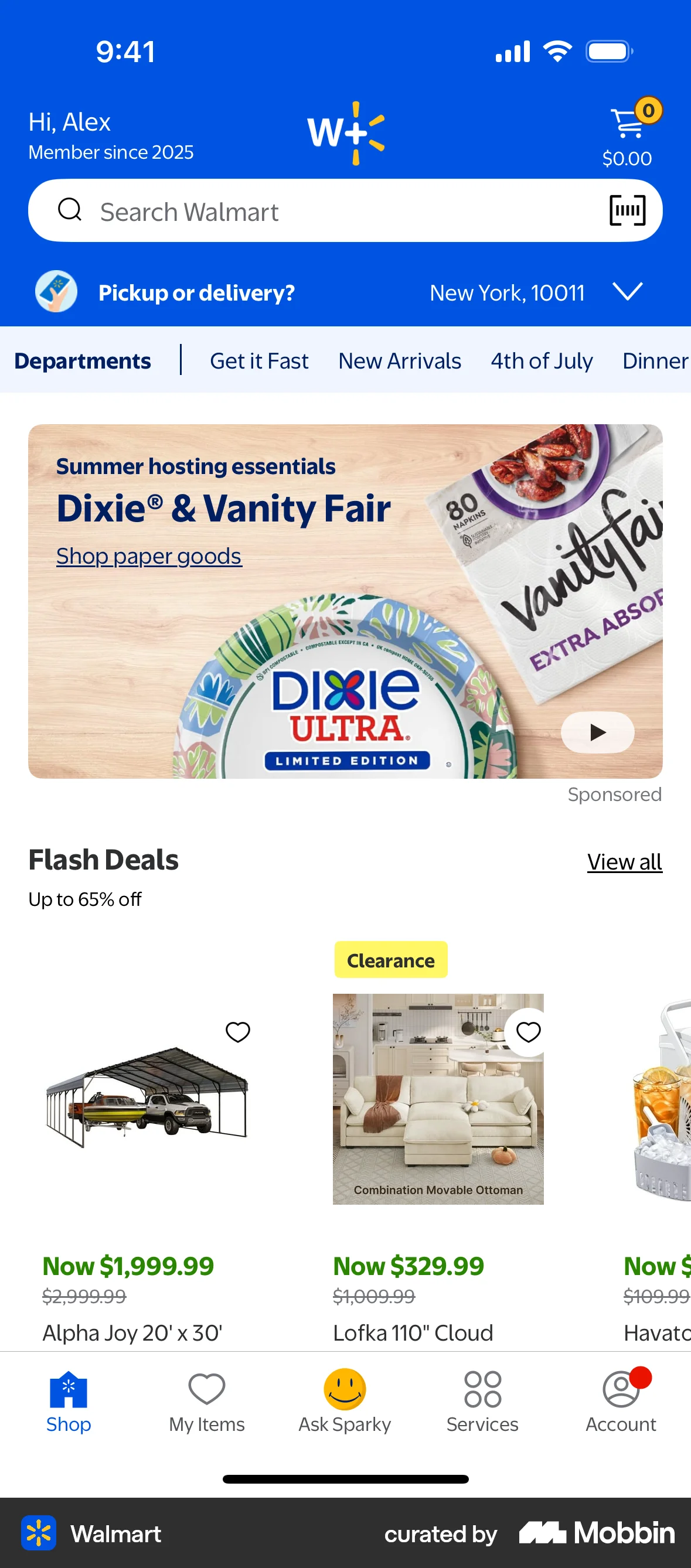
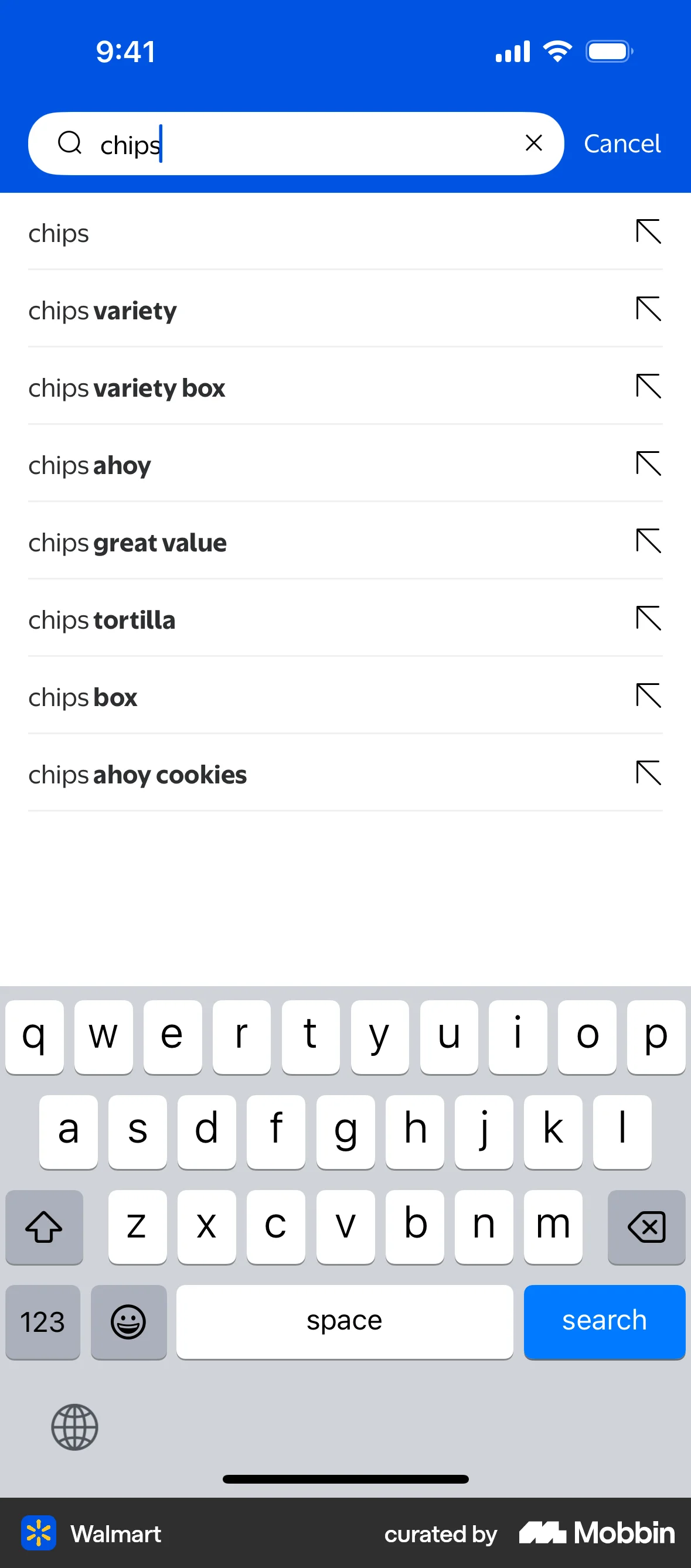
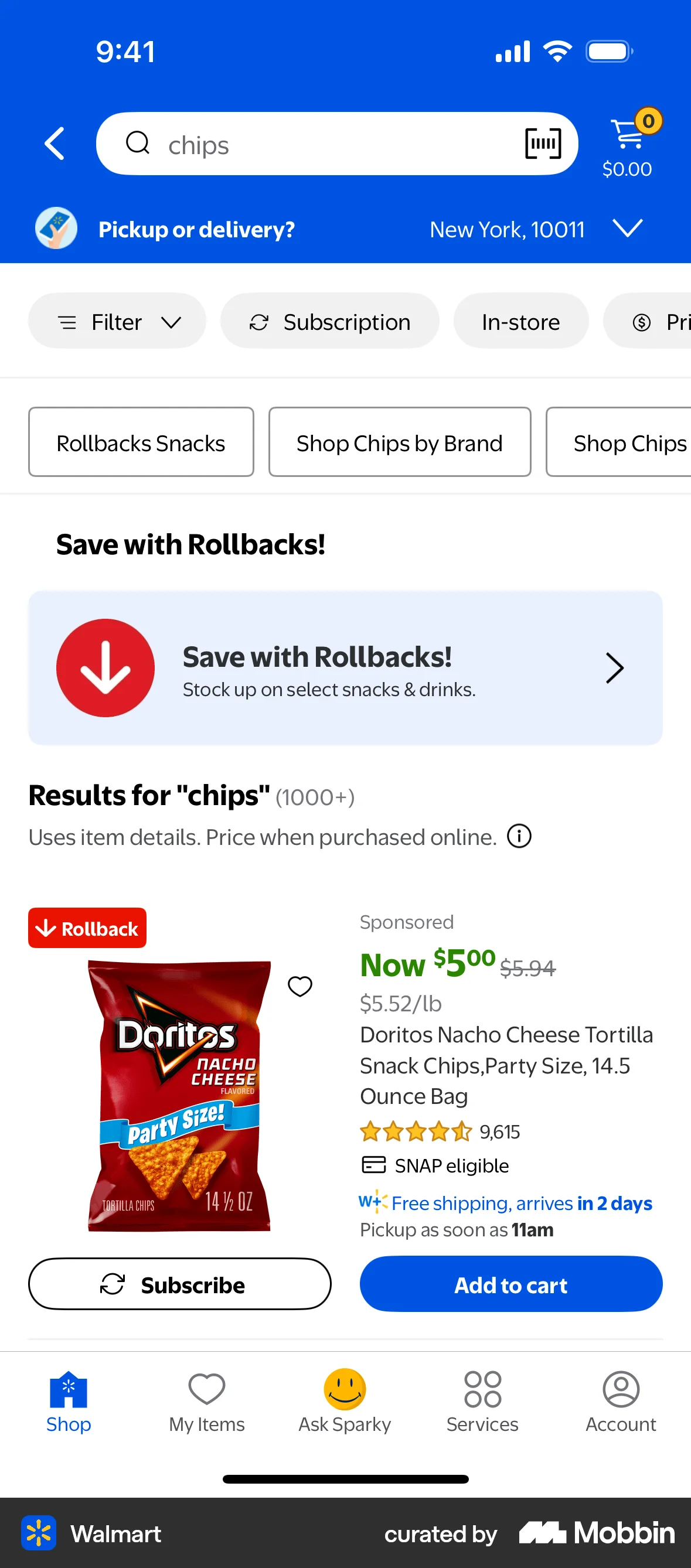
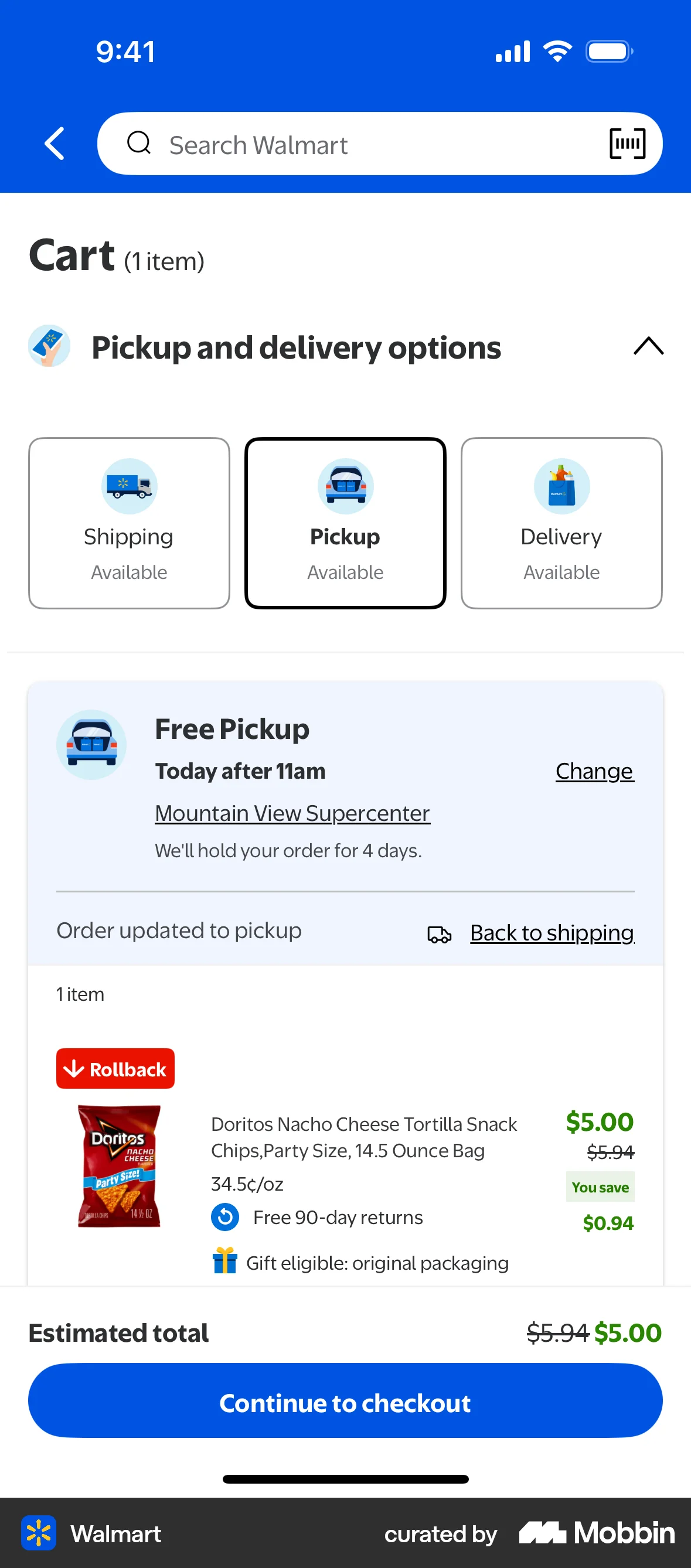
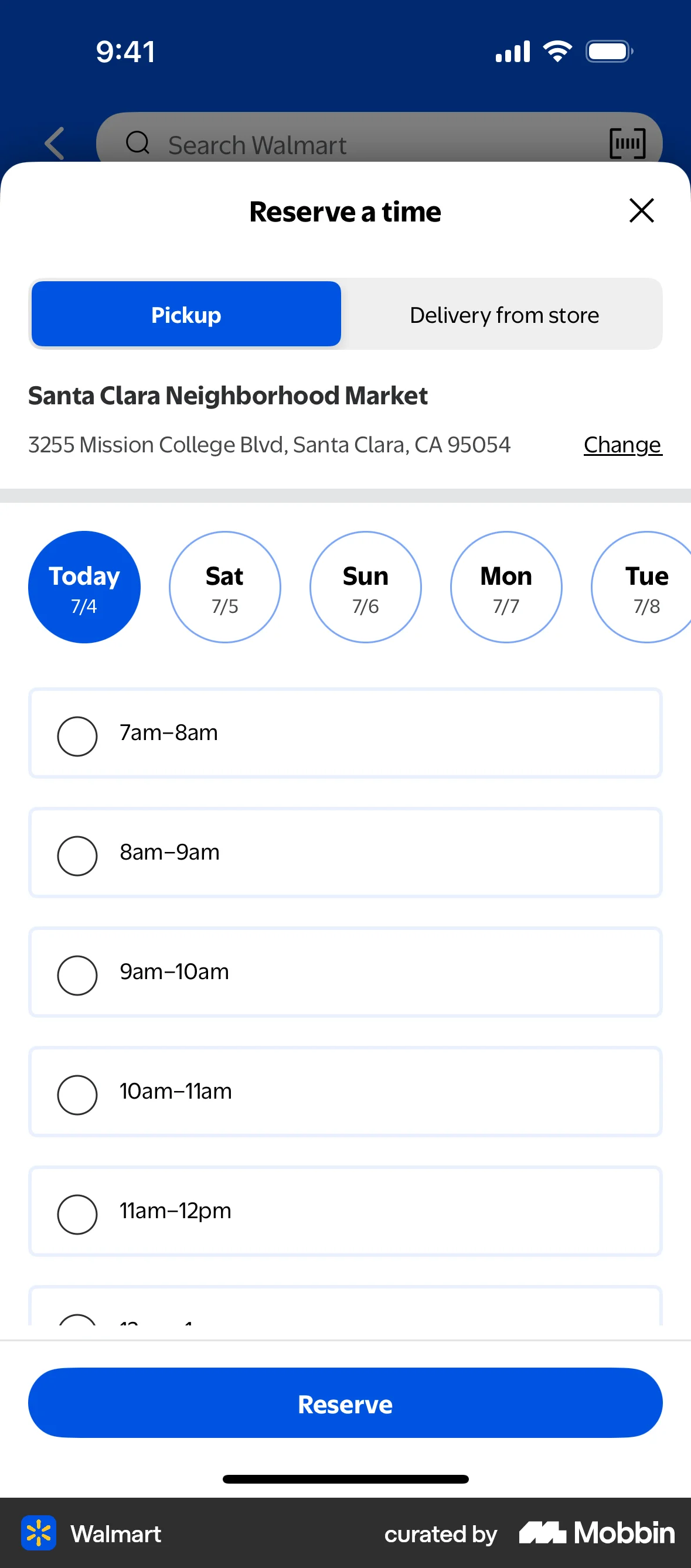
The user searches for "chips" on the Walmart app. The app displays search suggestions and then the search results, with the user scrolling to view more options.

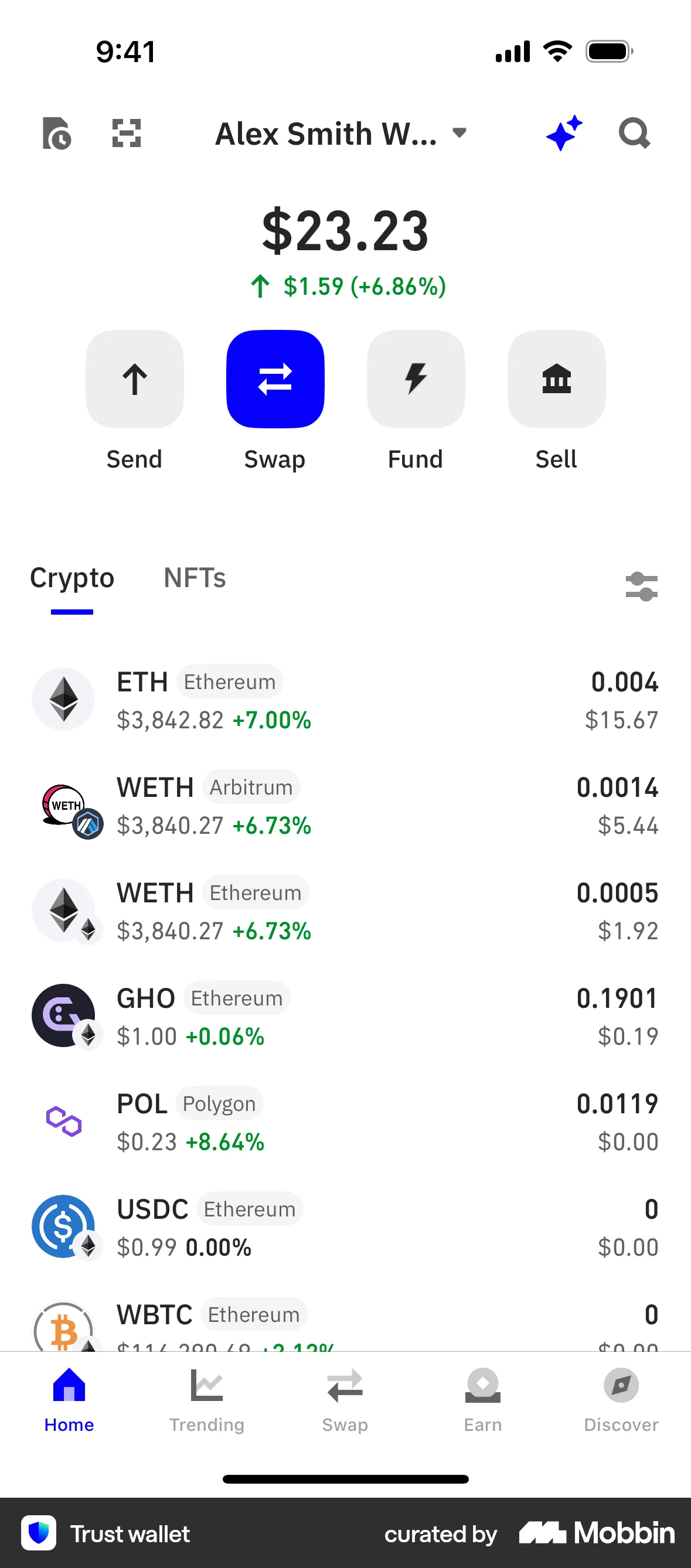
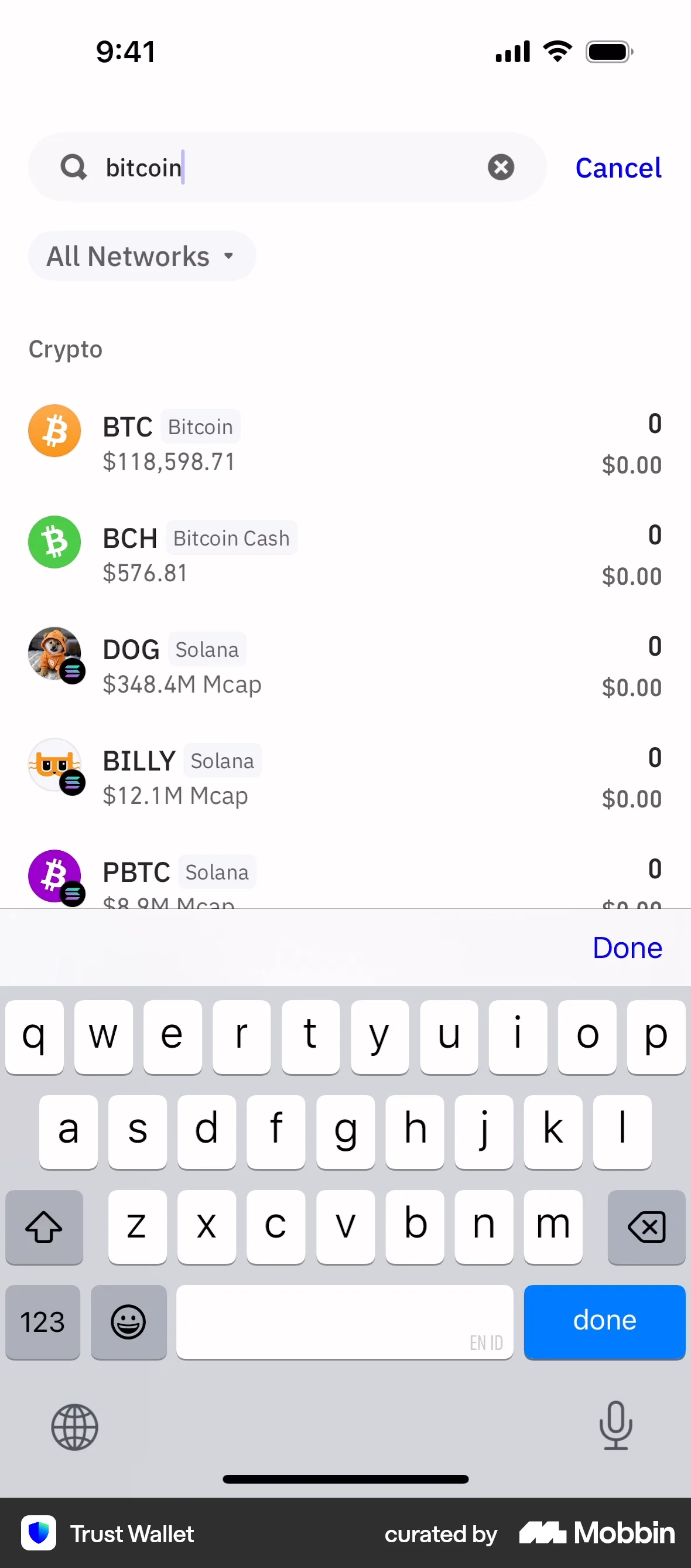
The user searches for Bitcoin in their wallet. They navigate from the wallet overview to the Bitcoin details screen.

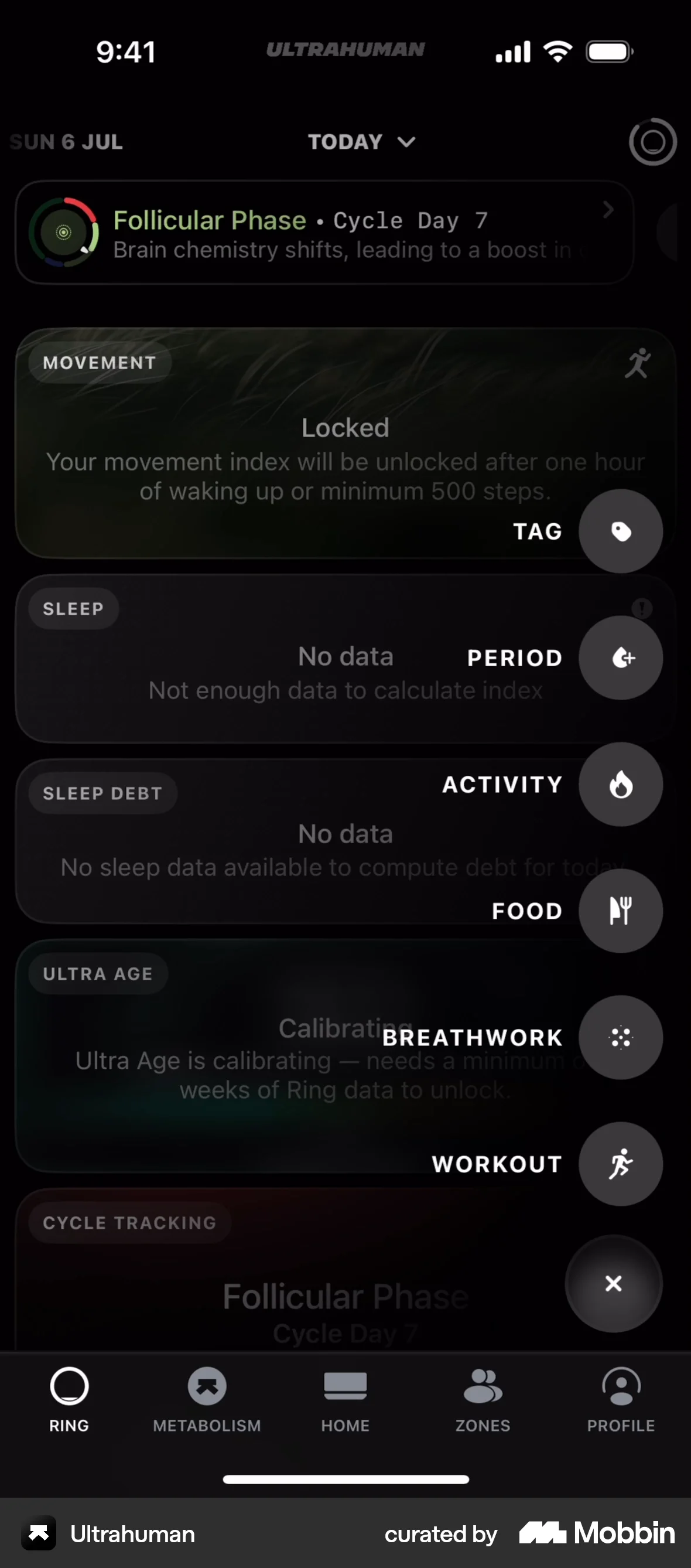
The user logs a running activity by searching, setting the time, and saving. The activity then appears on the home dashboard timeline.
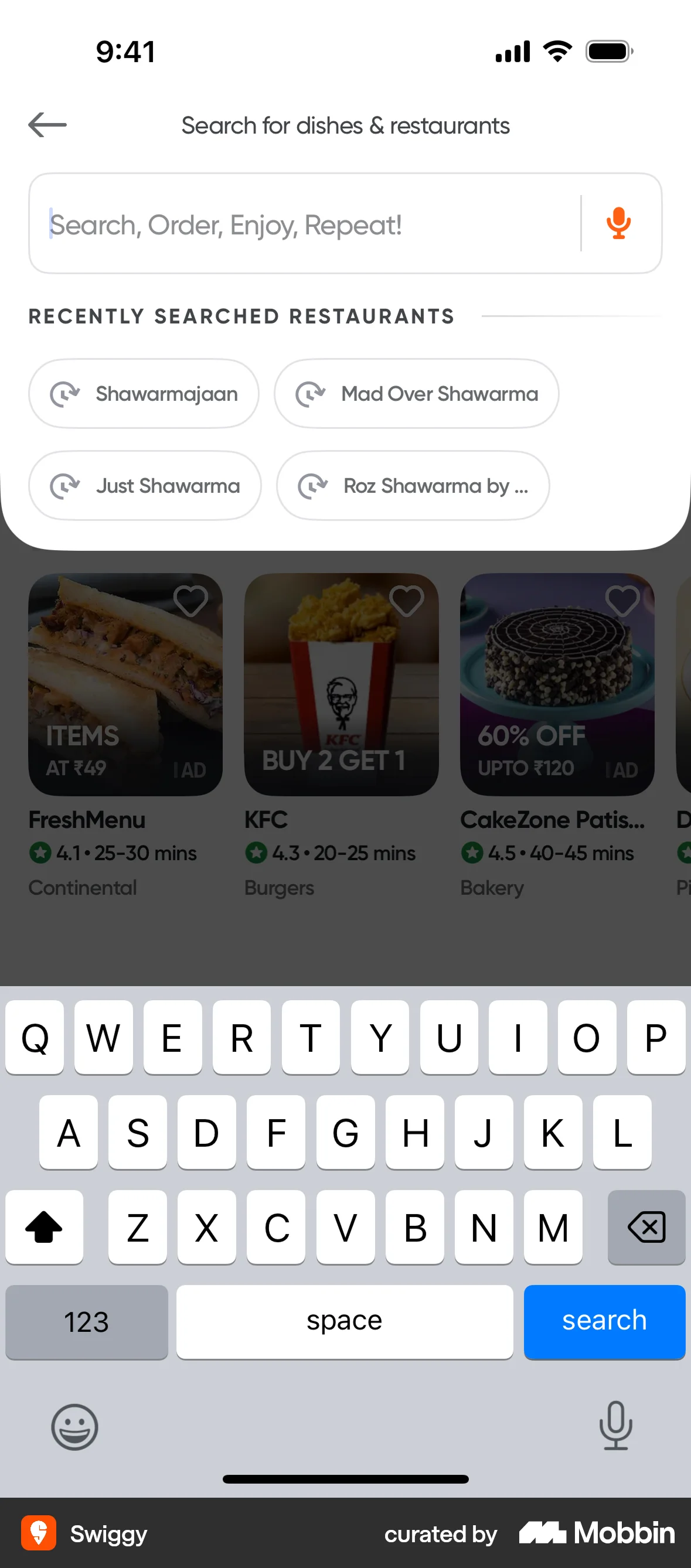
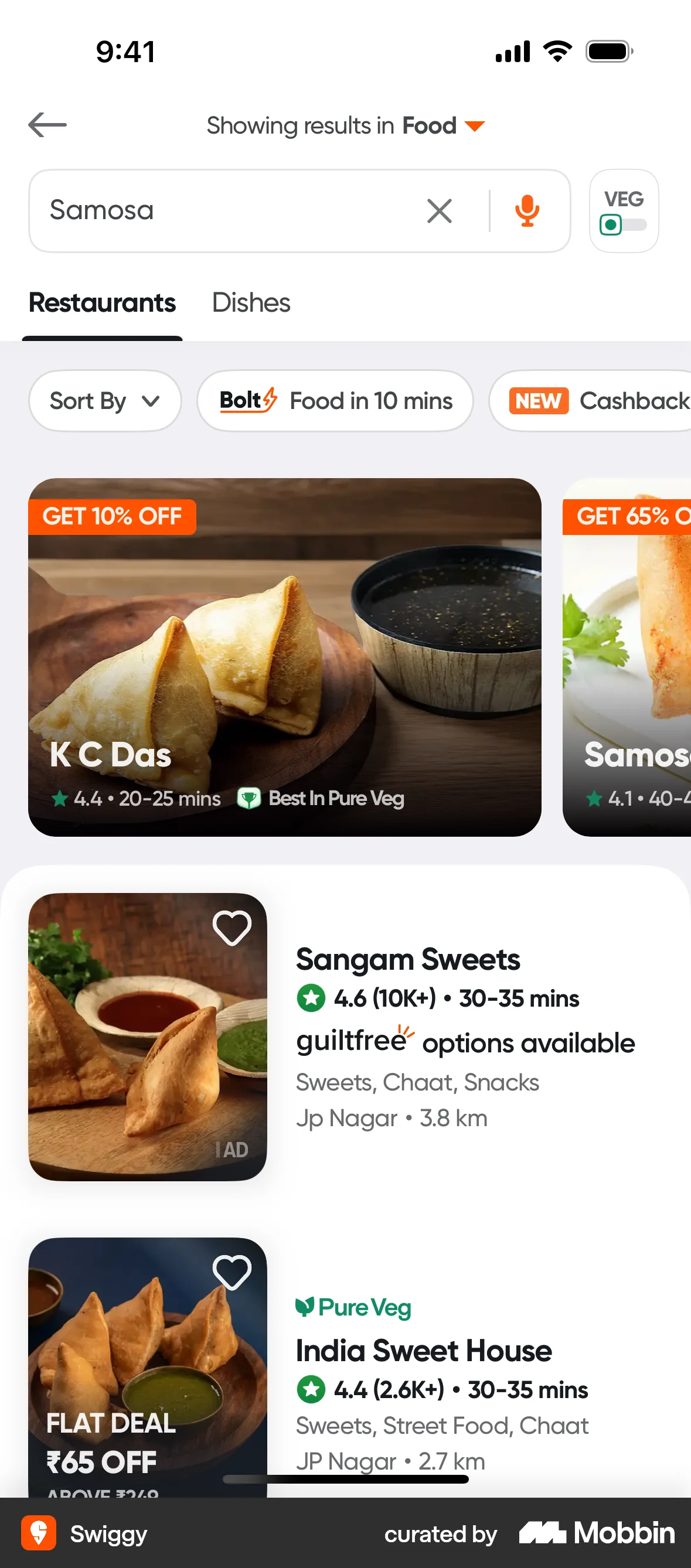
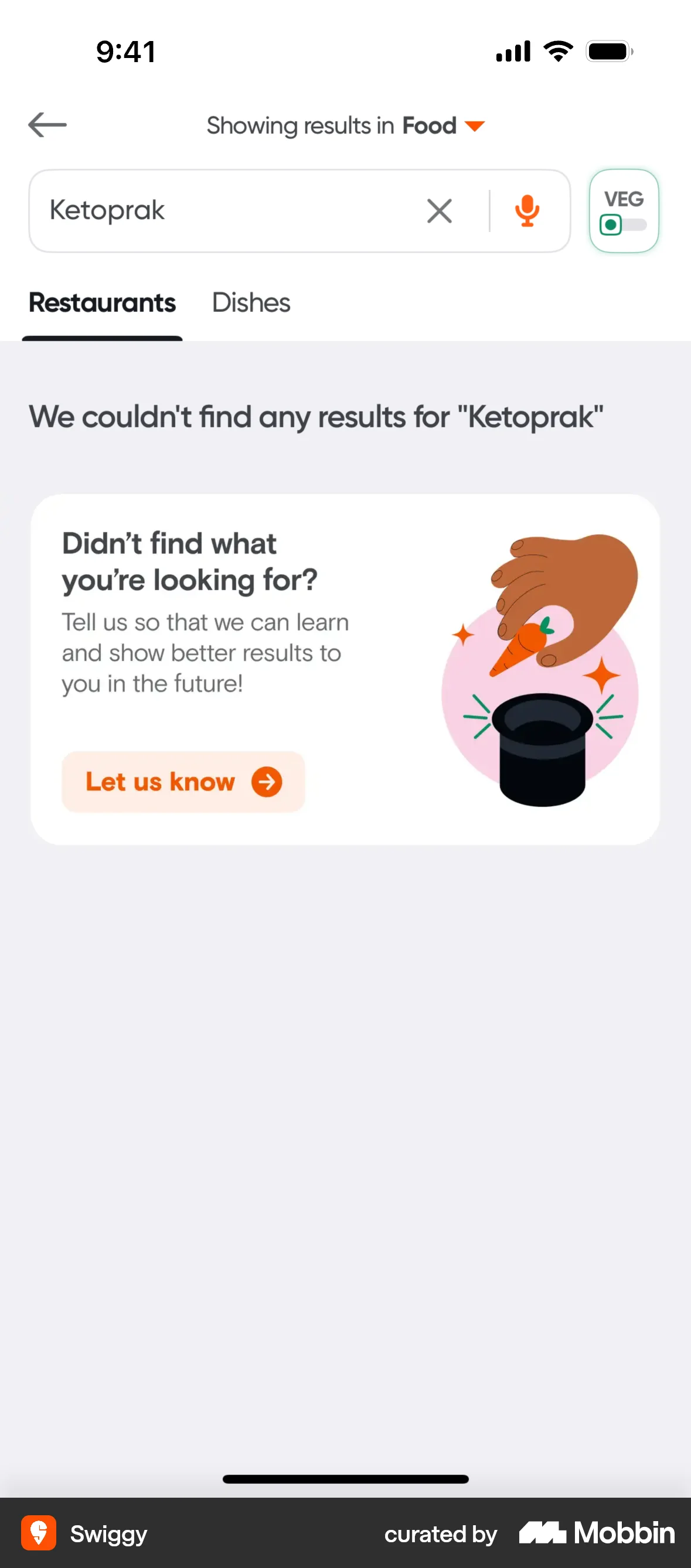
The user searches for dishes and restaurants using the search bar. The flow demonstrates successful and unsuccessful search scenarios.
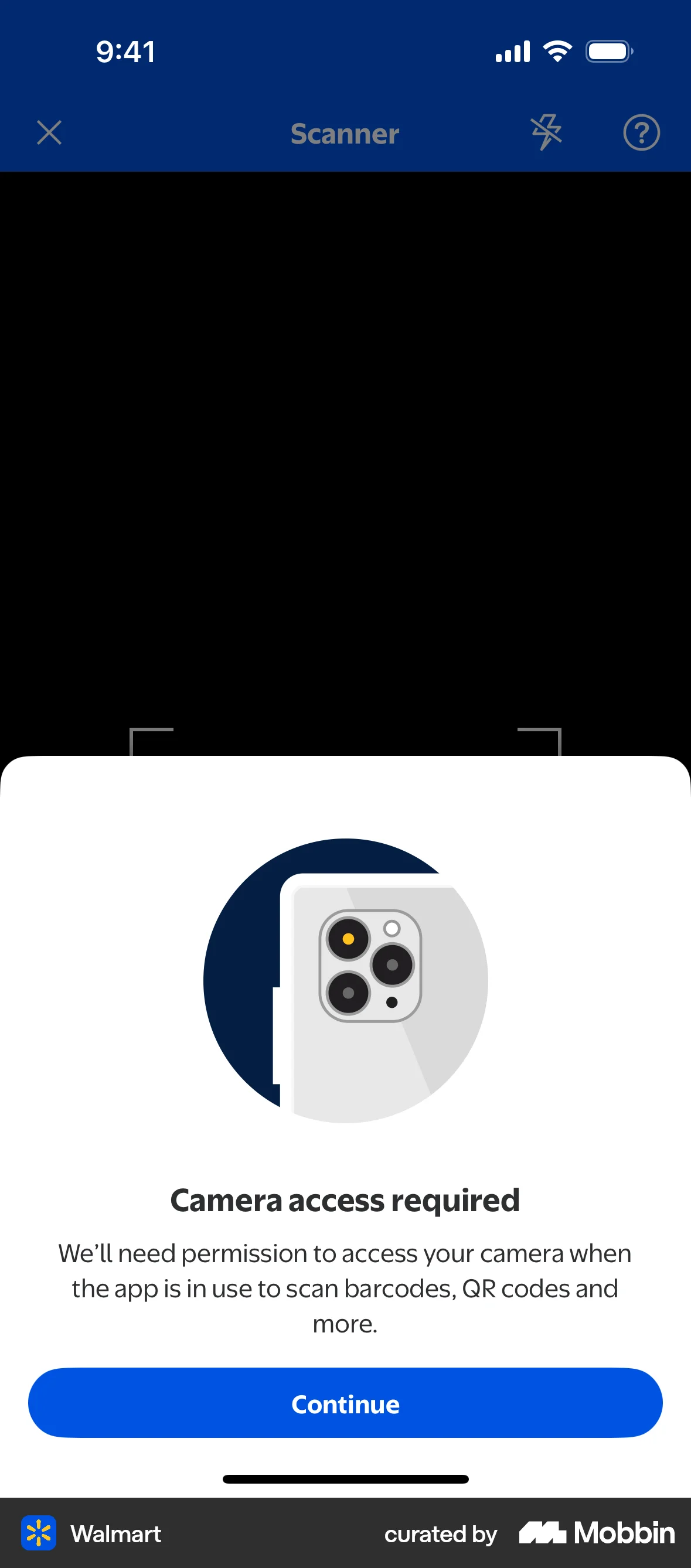
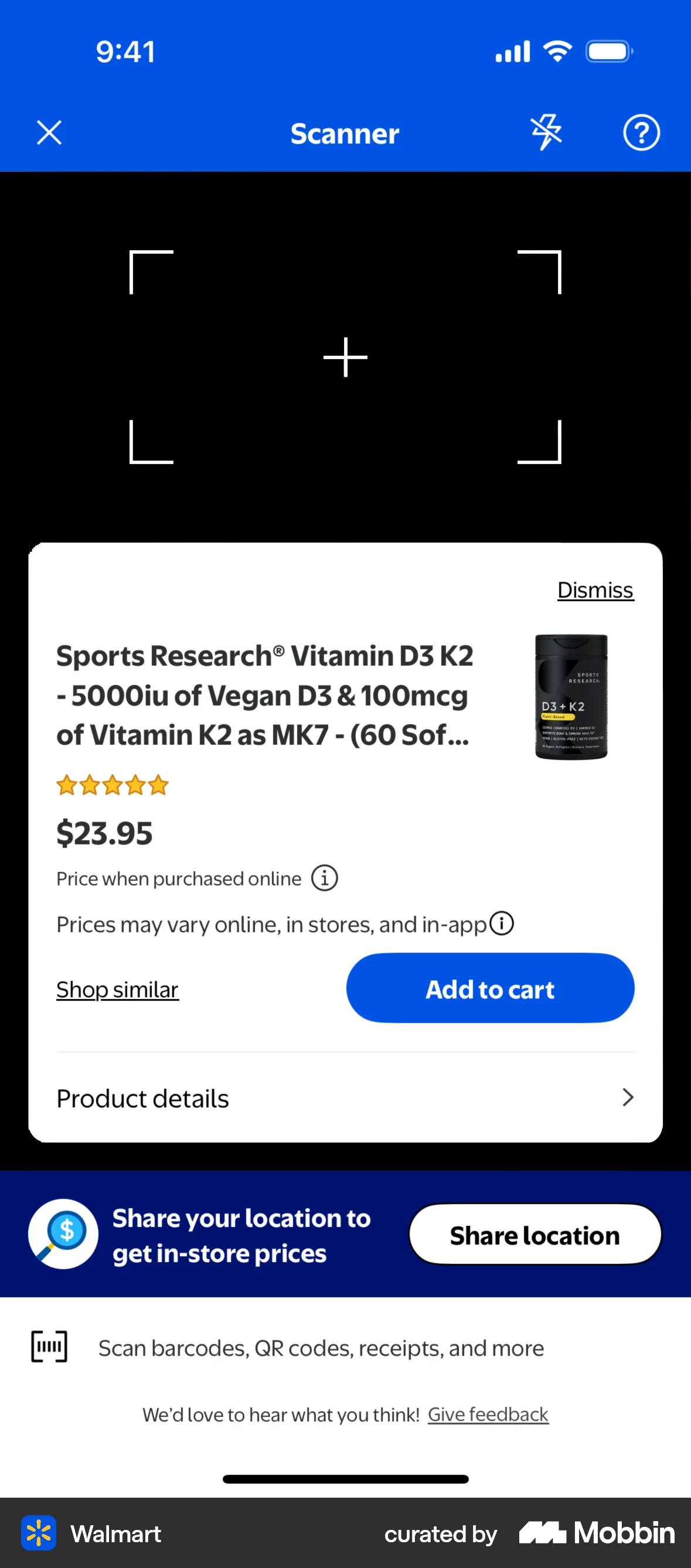
The user scans a product using the Walmart app's scanner feature. The flow leads to the product details page after scanning.

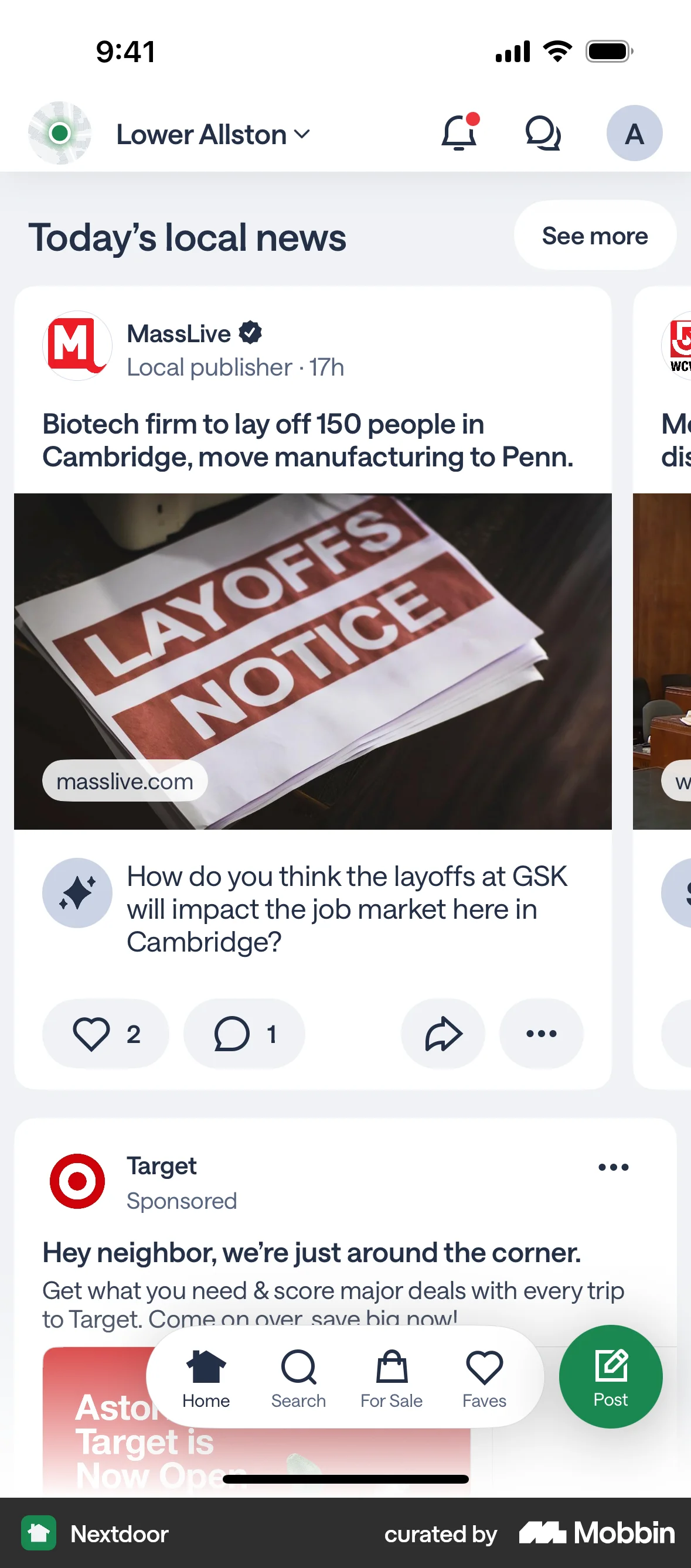
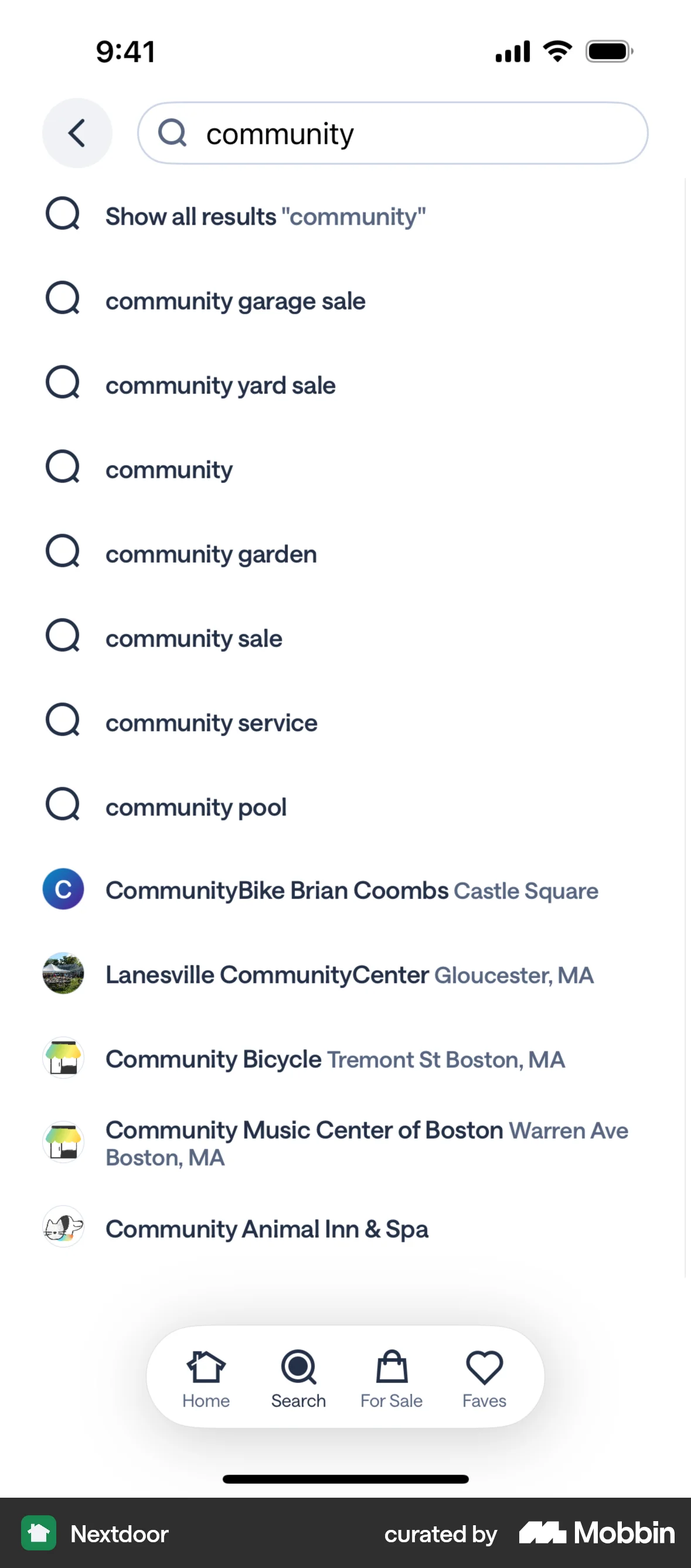
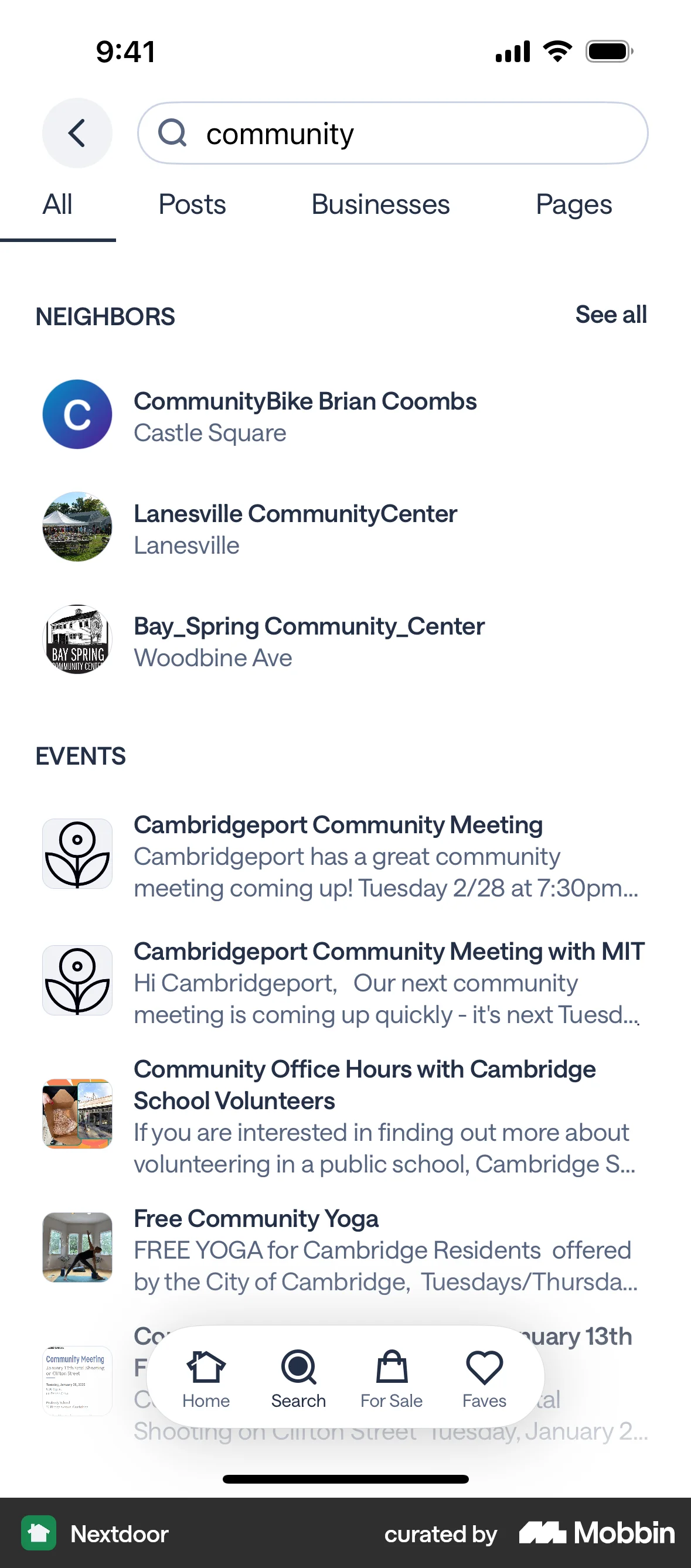
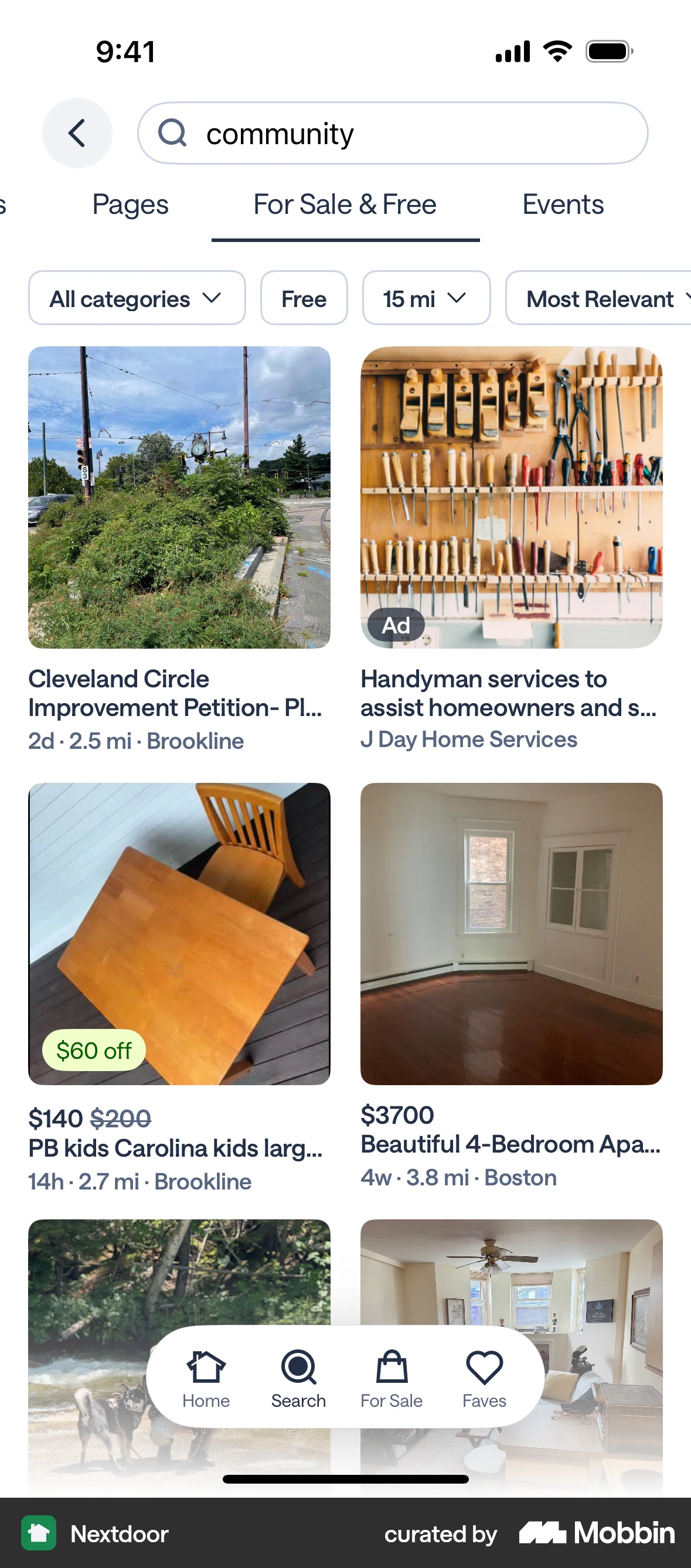
The user searches for "community" and explores the results across different categories. This showcases how a user can find local information.

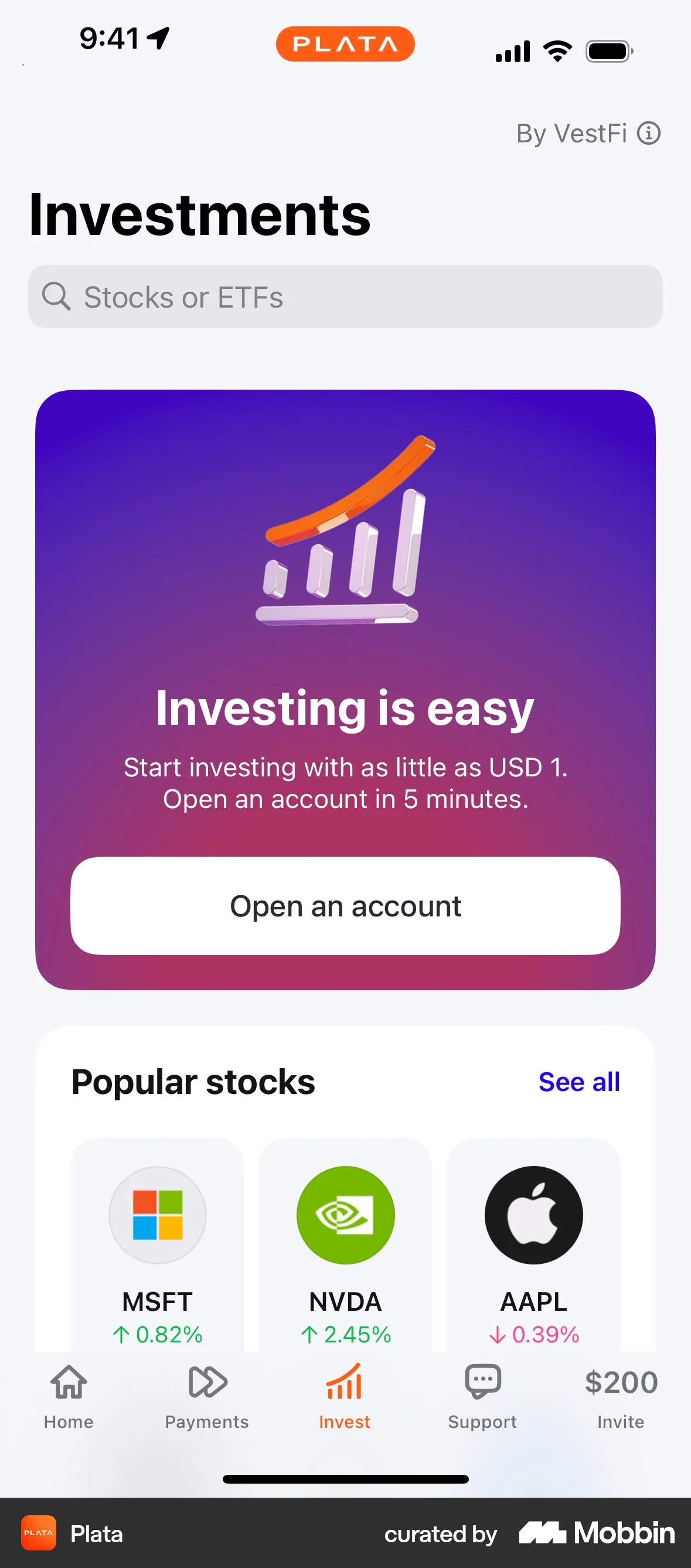
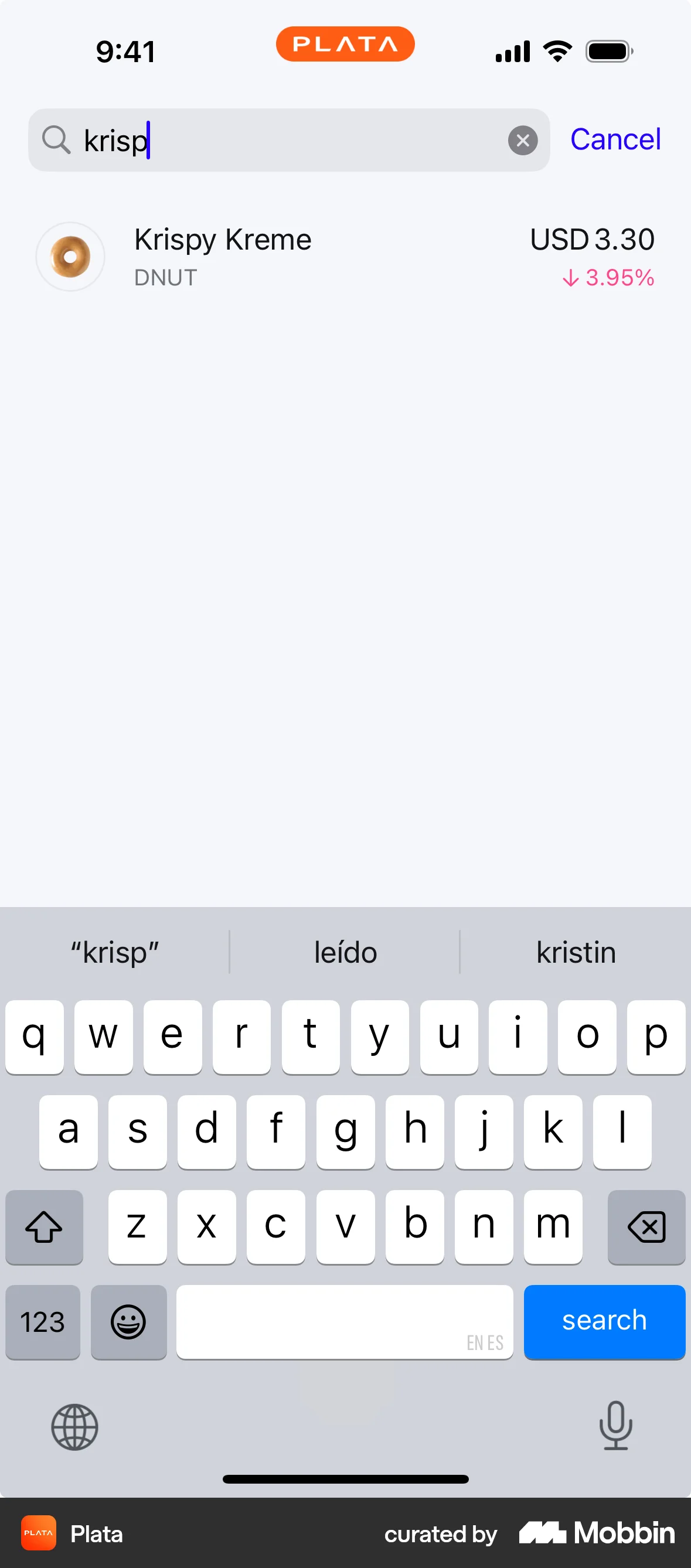
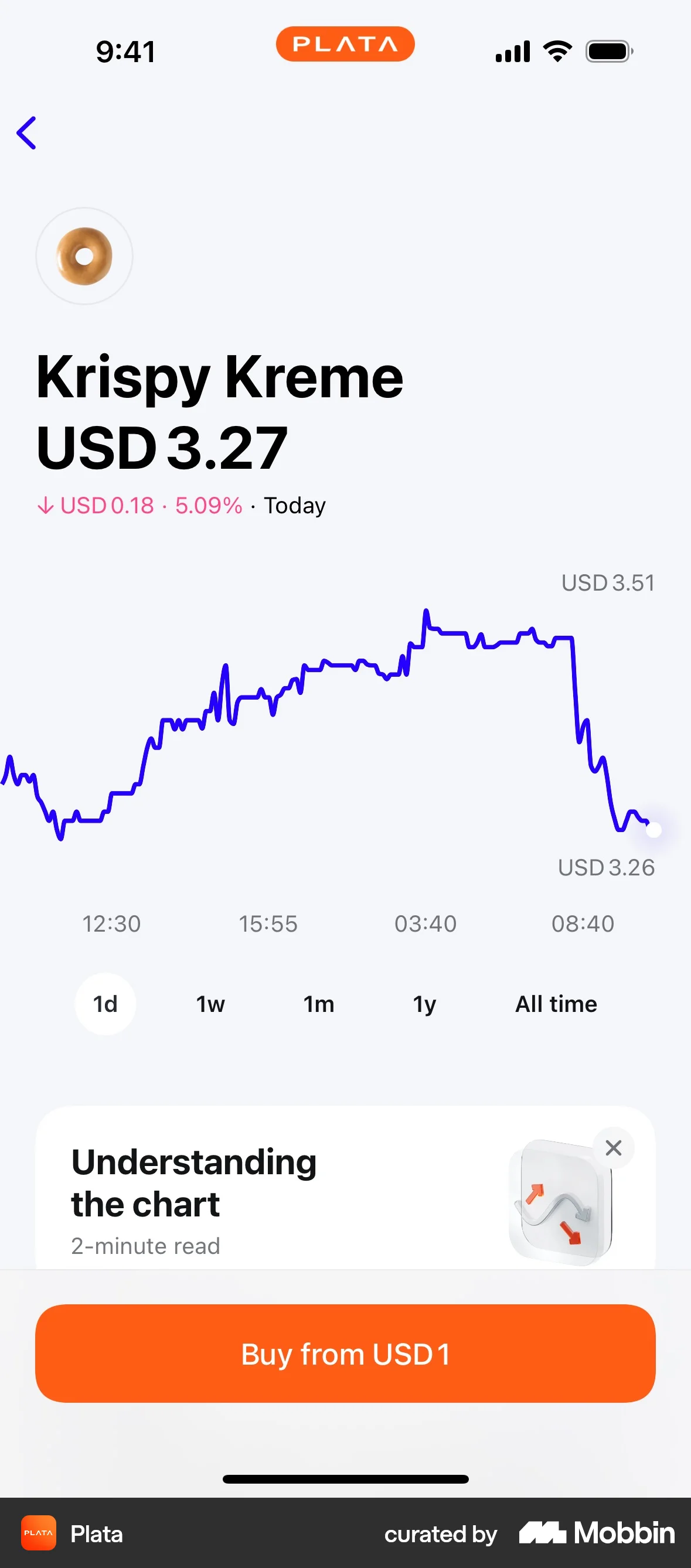
The user searches for a specific stock and views its details. The flow ends with the option to buy the stock.

1999 Flows
2306 Flows

1215 Flows


4467 Flows
326 Flows

304 Flows