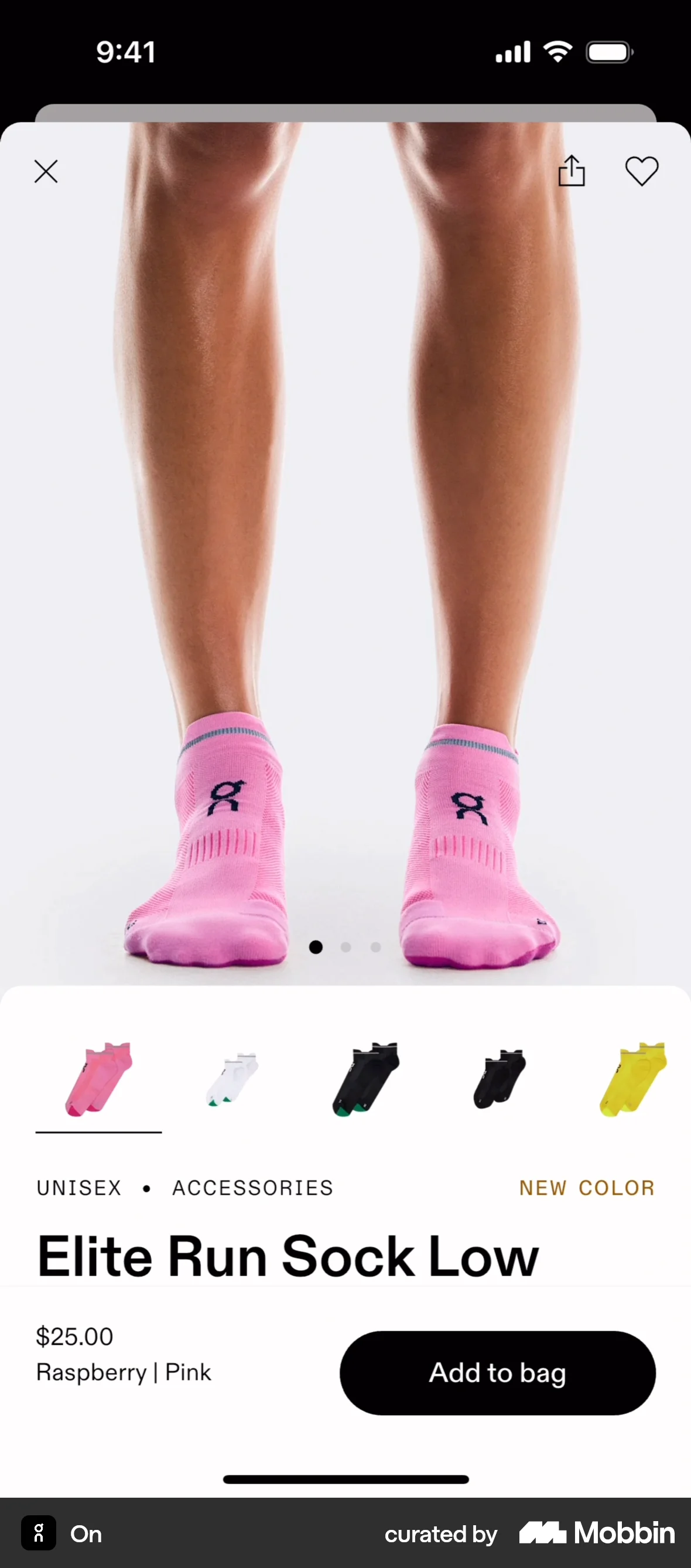
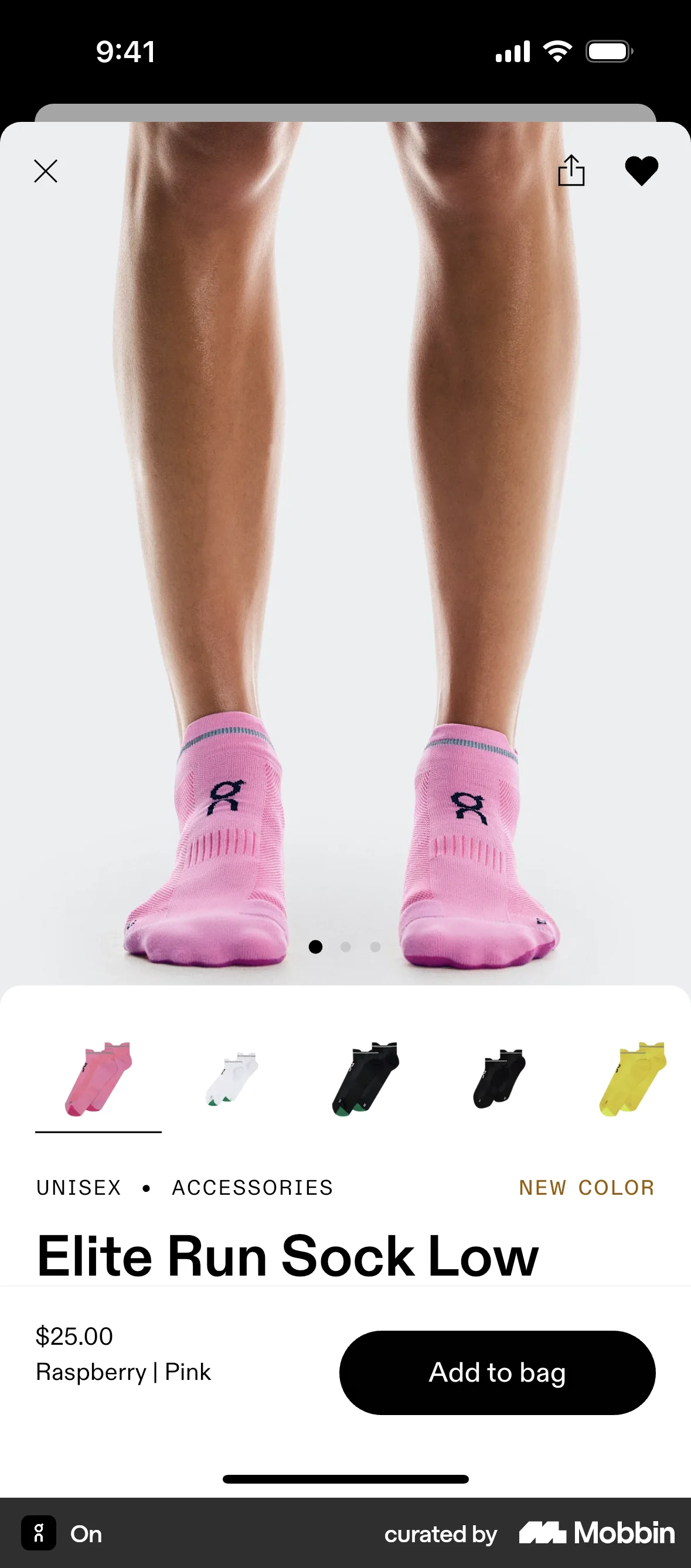
Adding to favoriteson On
On
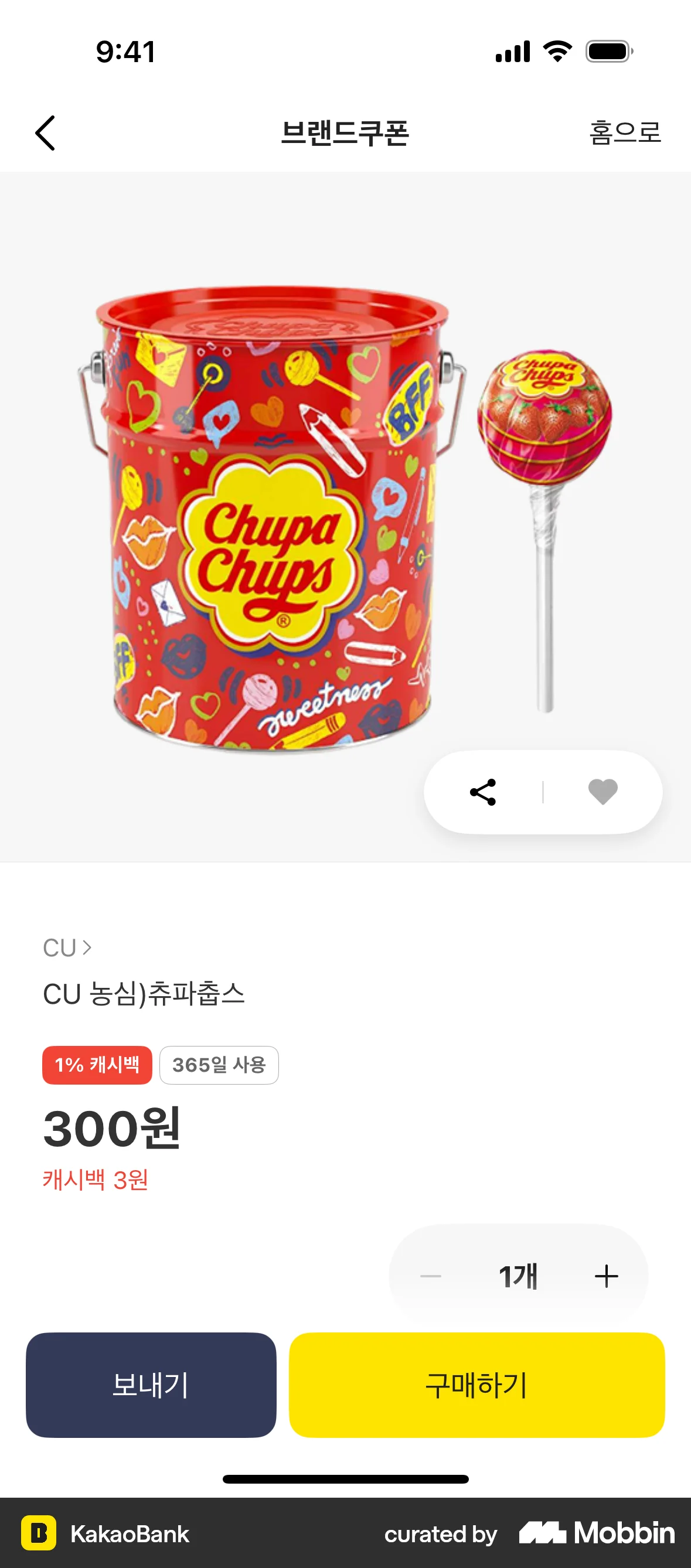
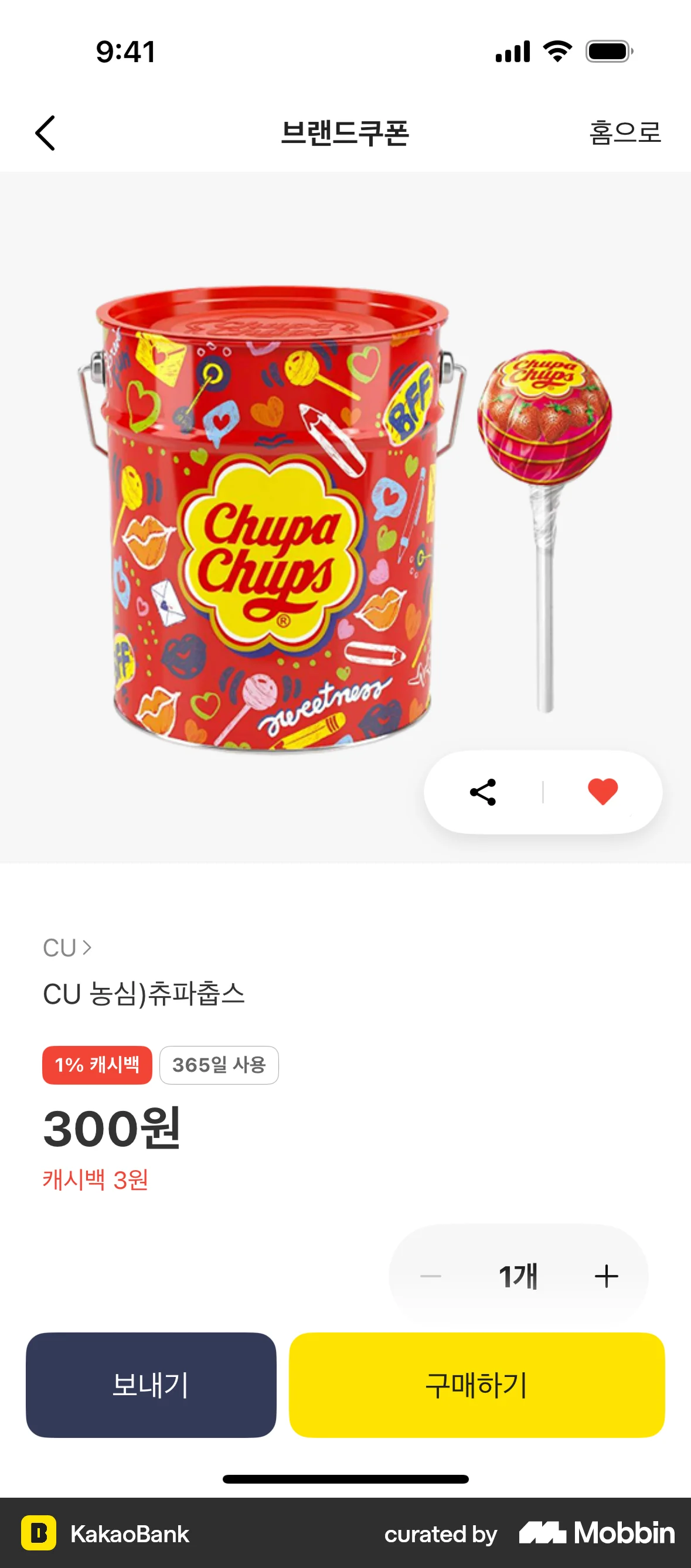
The user views a product and then adds it to their favorites by tapping the heart icon. The heart icon changes to filled.
Discover best mobile app designs for Favoriting & Pinning flows. Get inspired by the best apps in the world.
The user views a product and then adds it to their favorites by tapping the heart icon. The heart icon changes to filled.

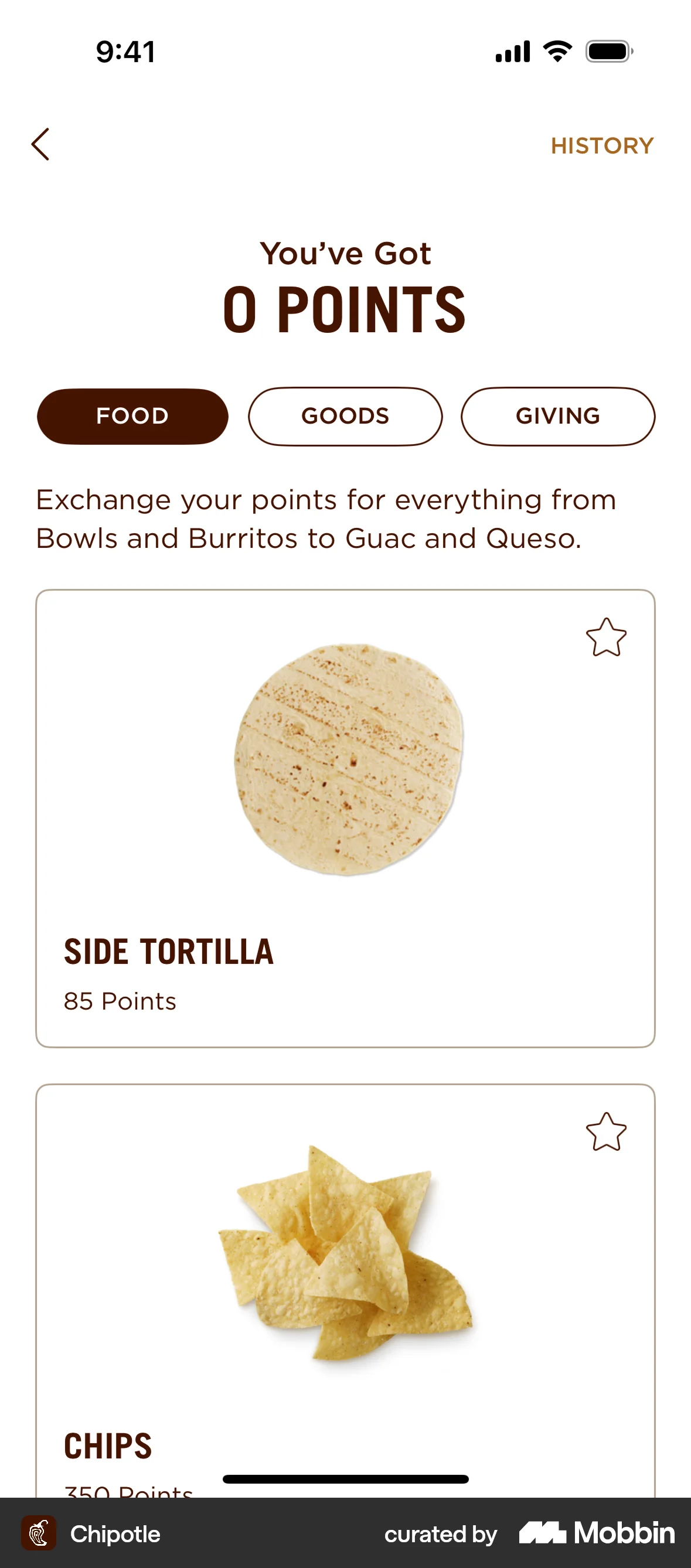
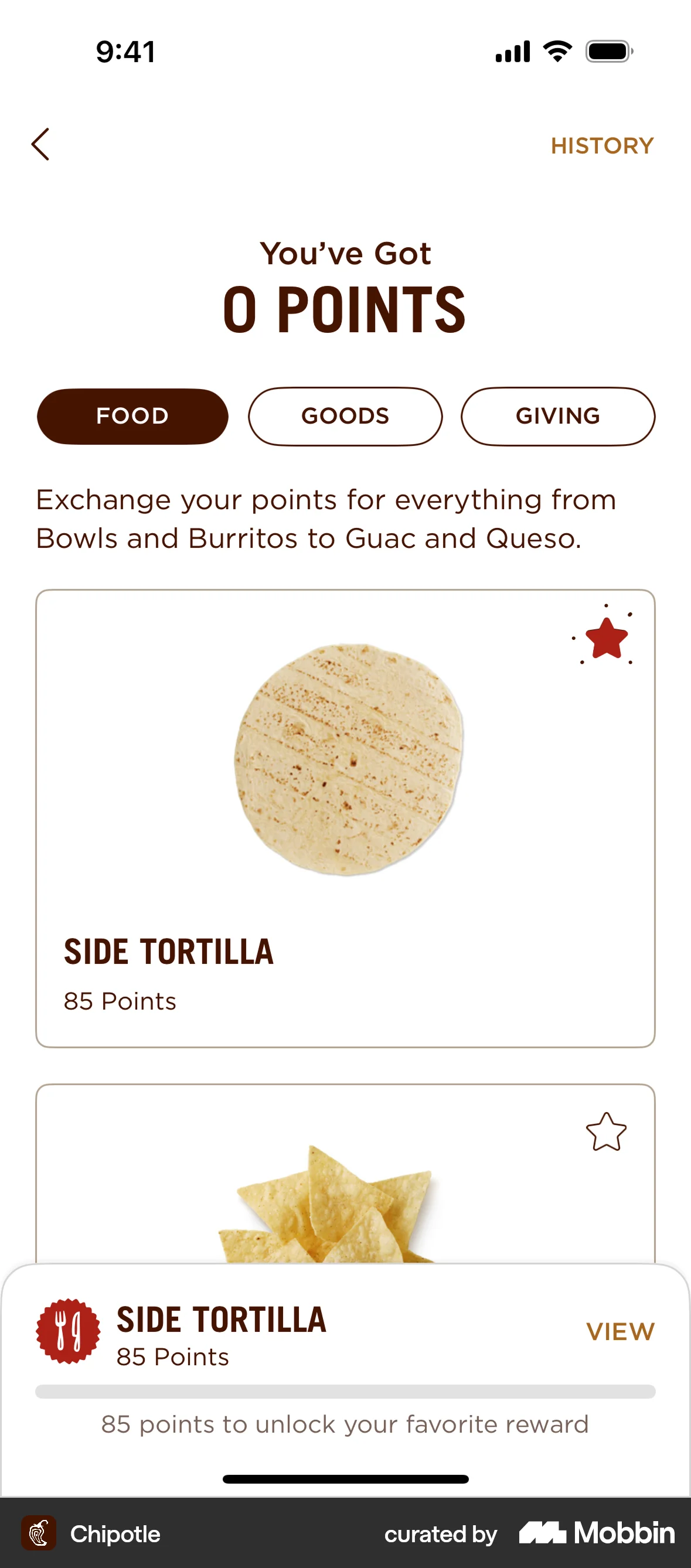
The user flow shows how to add an item to favorites. The user interacts with the star icon to favorite an item.

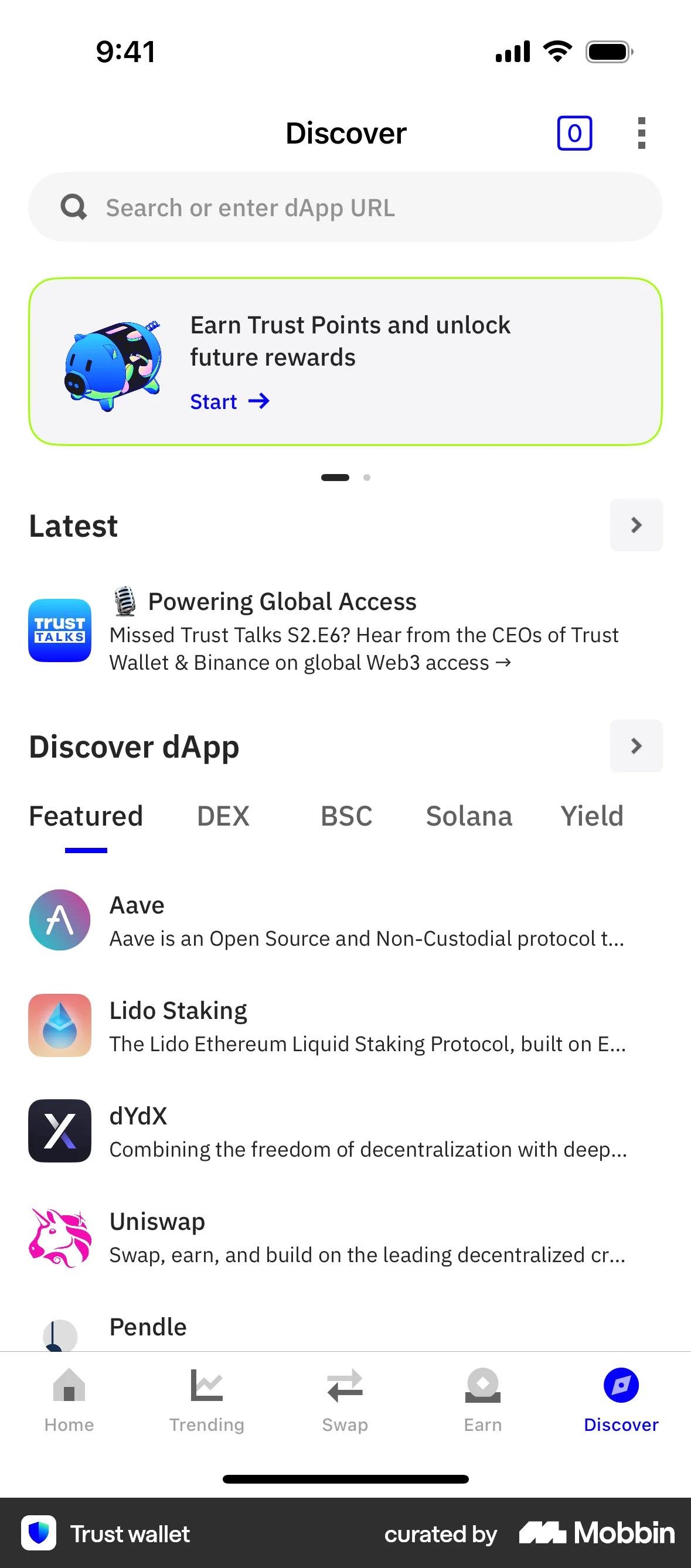
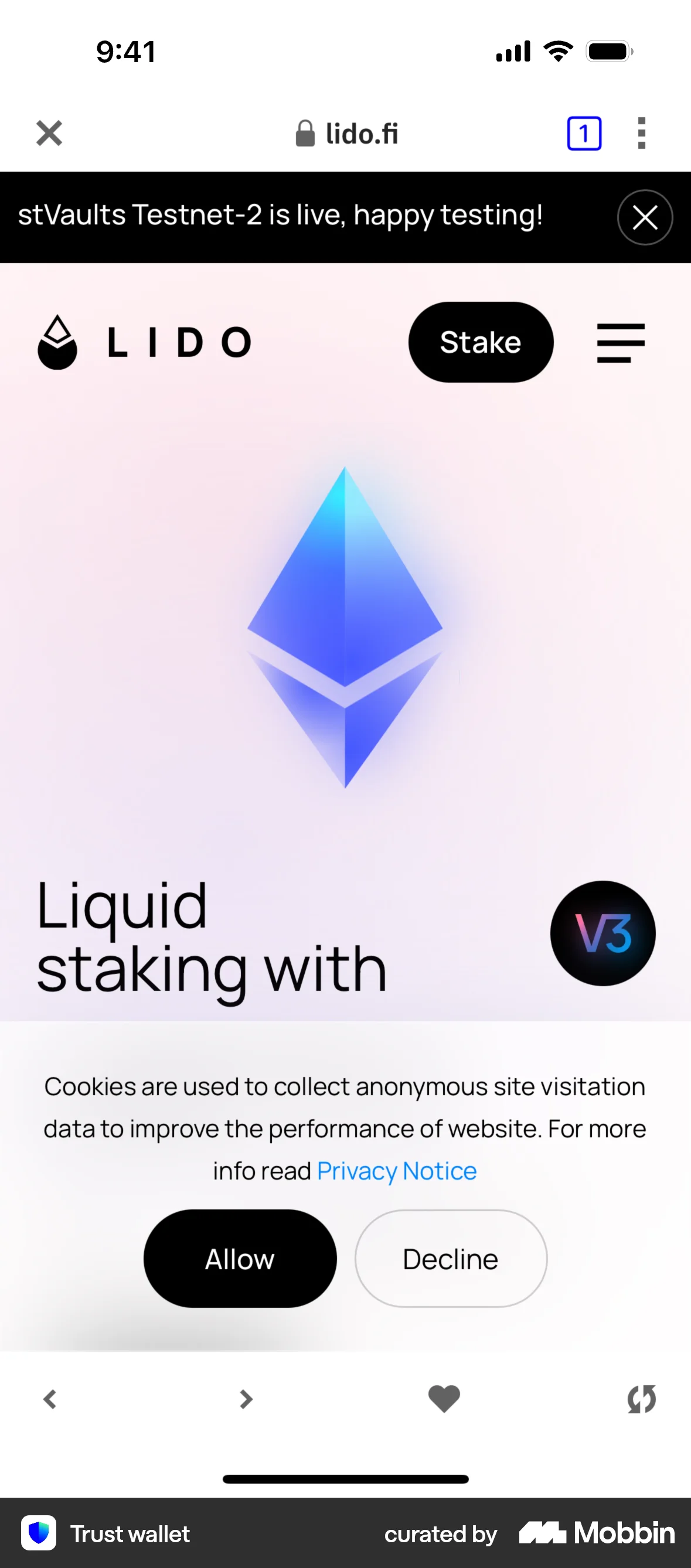
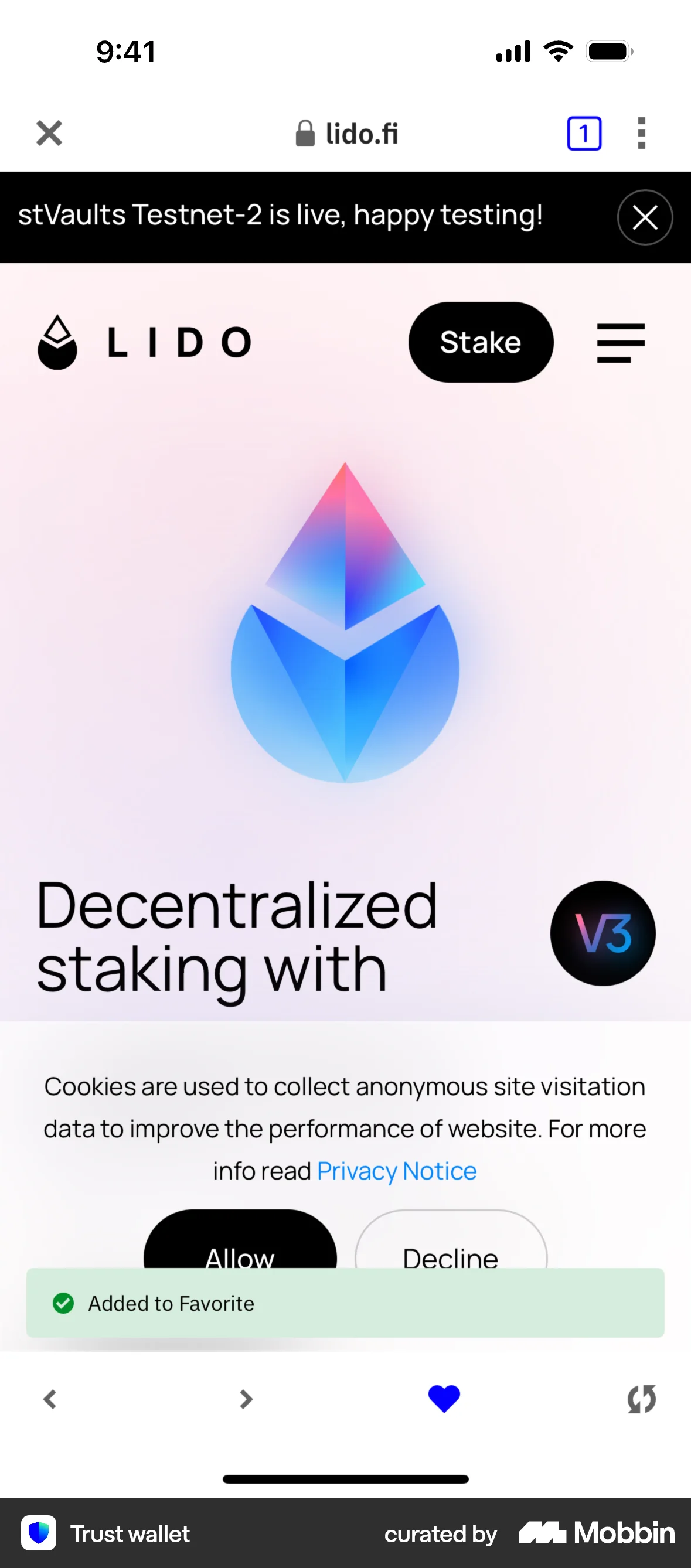
The user discovers a dApp and adds it to their favorites. The flow showcases adding a dApp to favorites.

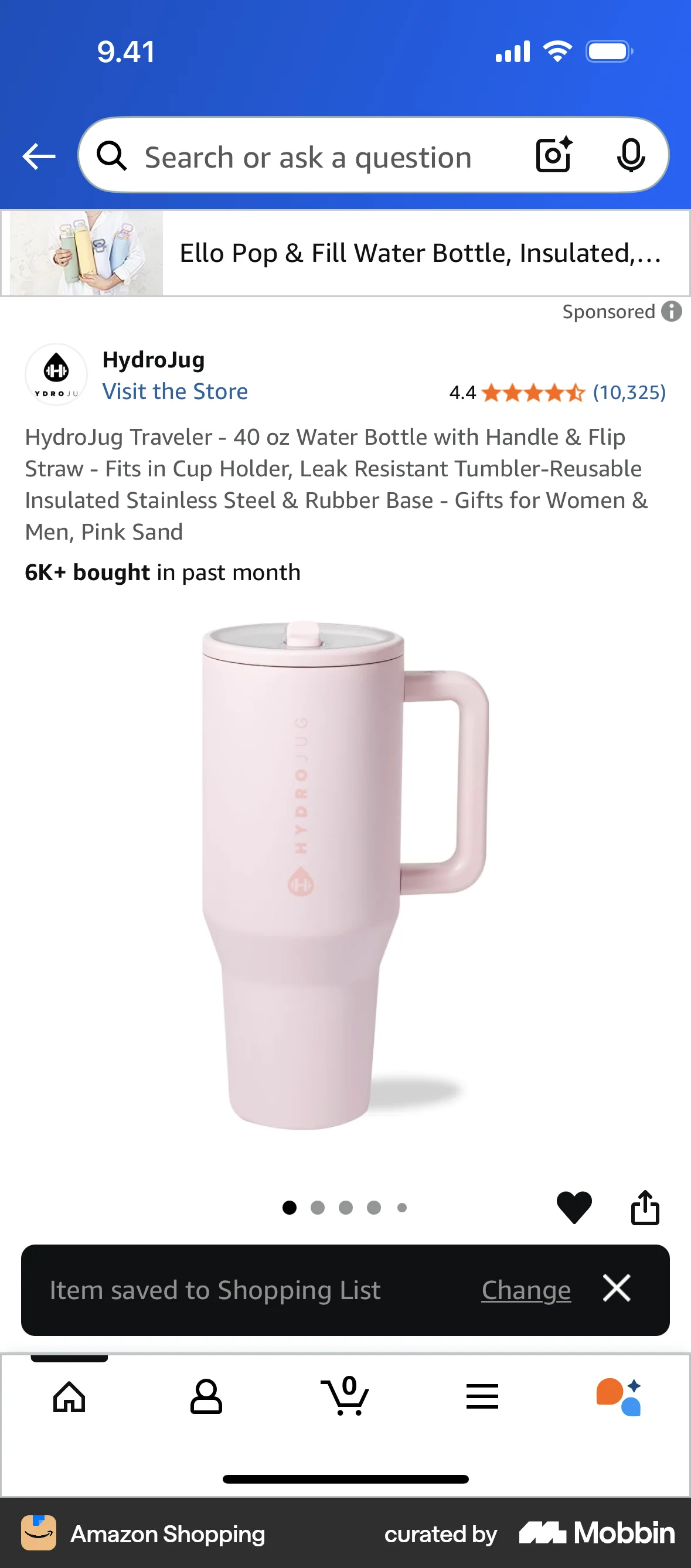
The user views a product and saves it to their shopping list. A confirmation message appears to confirm the action.

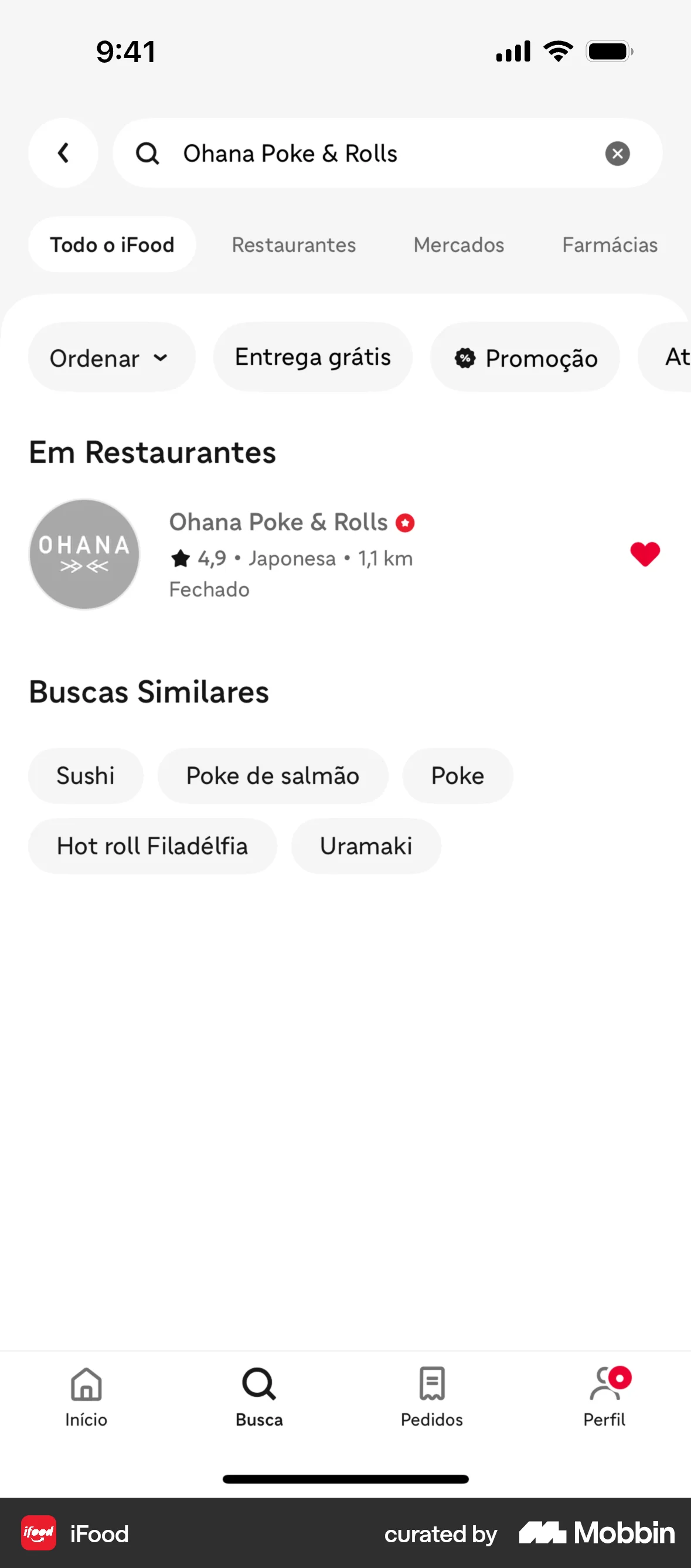
The user searches for a restaurant and then adds it to their favorites. The heart icon toggles the favorite status.
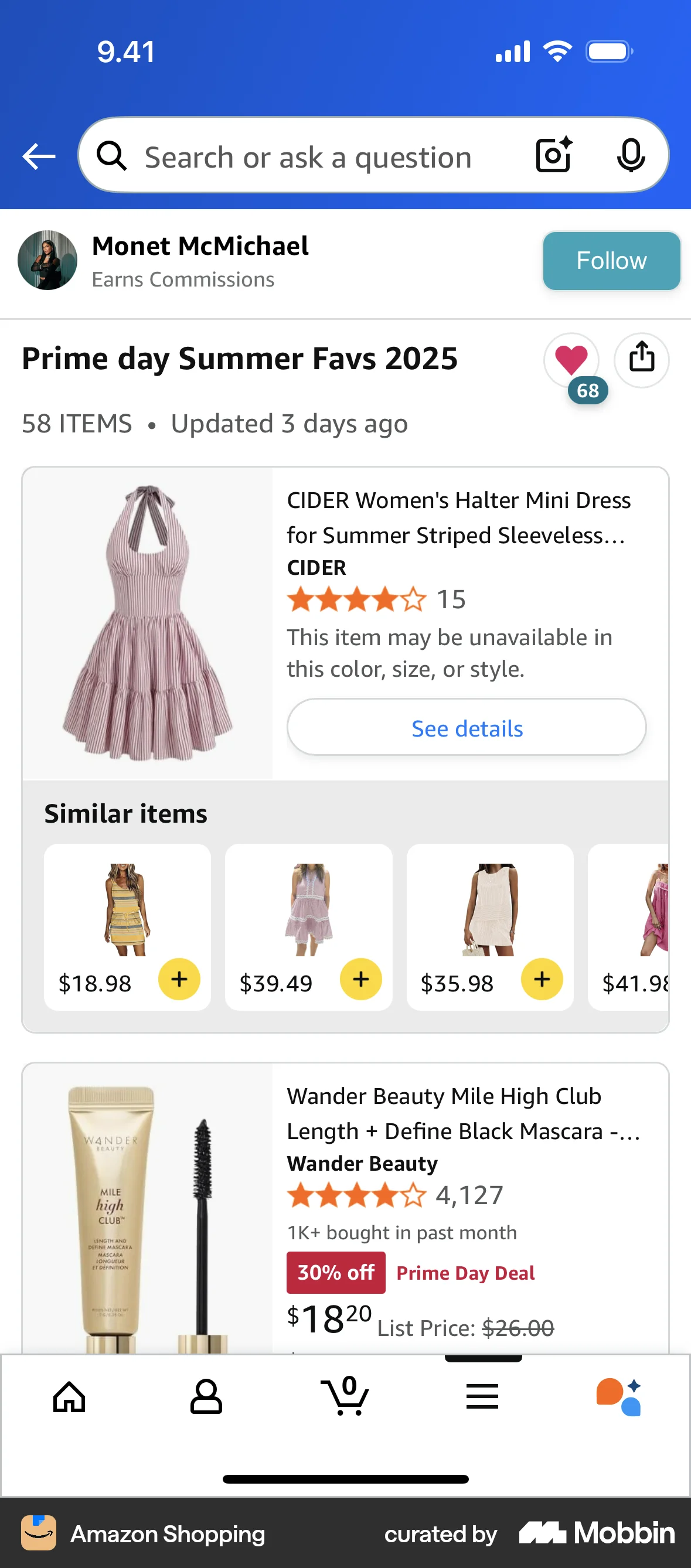
The user views a list of summer favorites and then likes the list by tapping the heart icon. The number of likes is updated accordingly.

The user views a product and then favorites it. The heart icon toggles to indicate the favorited state.

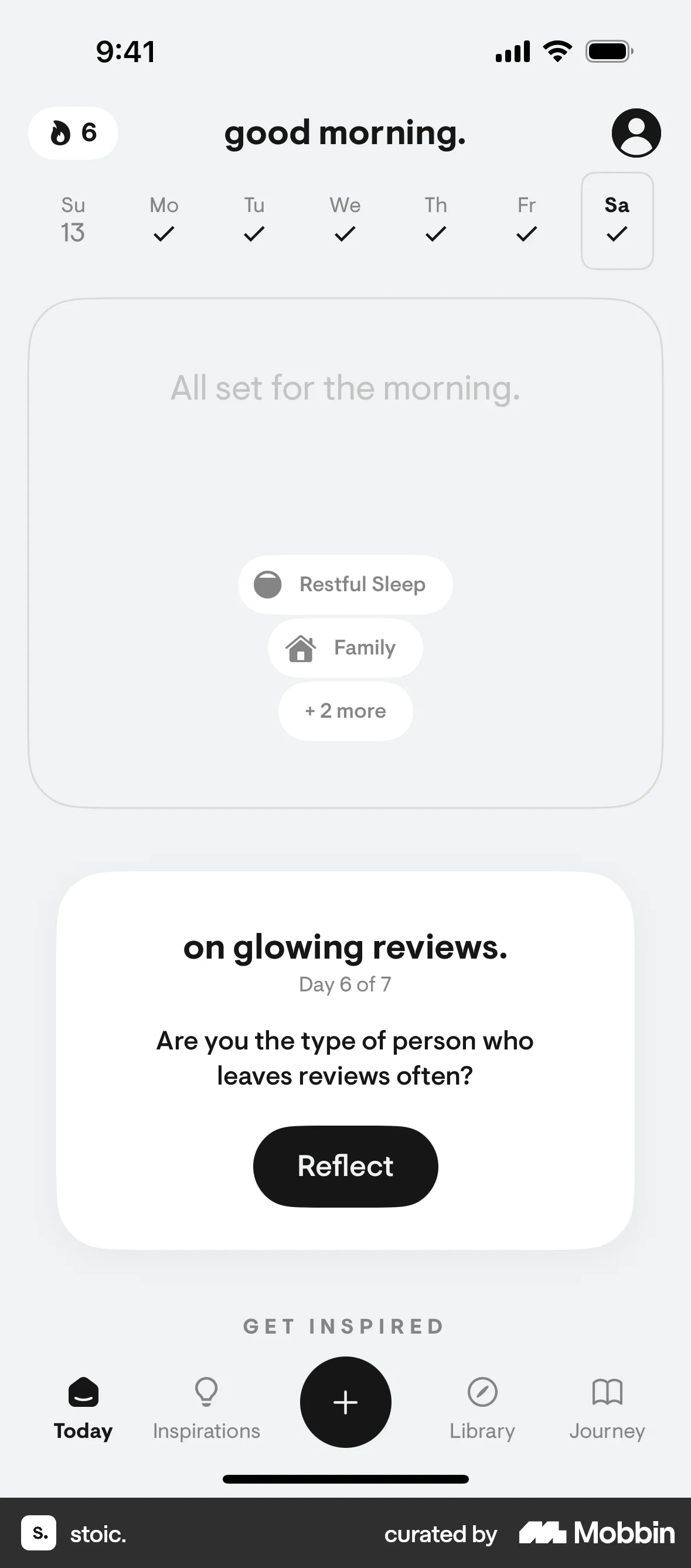
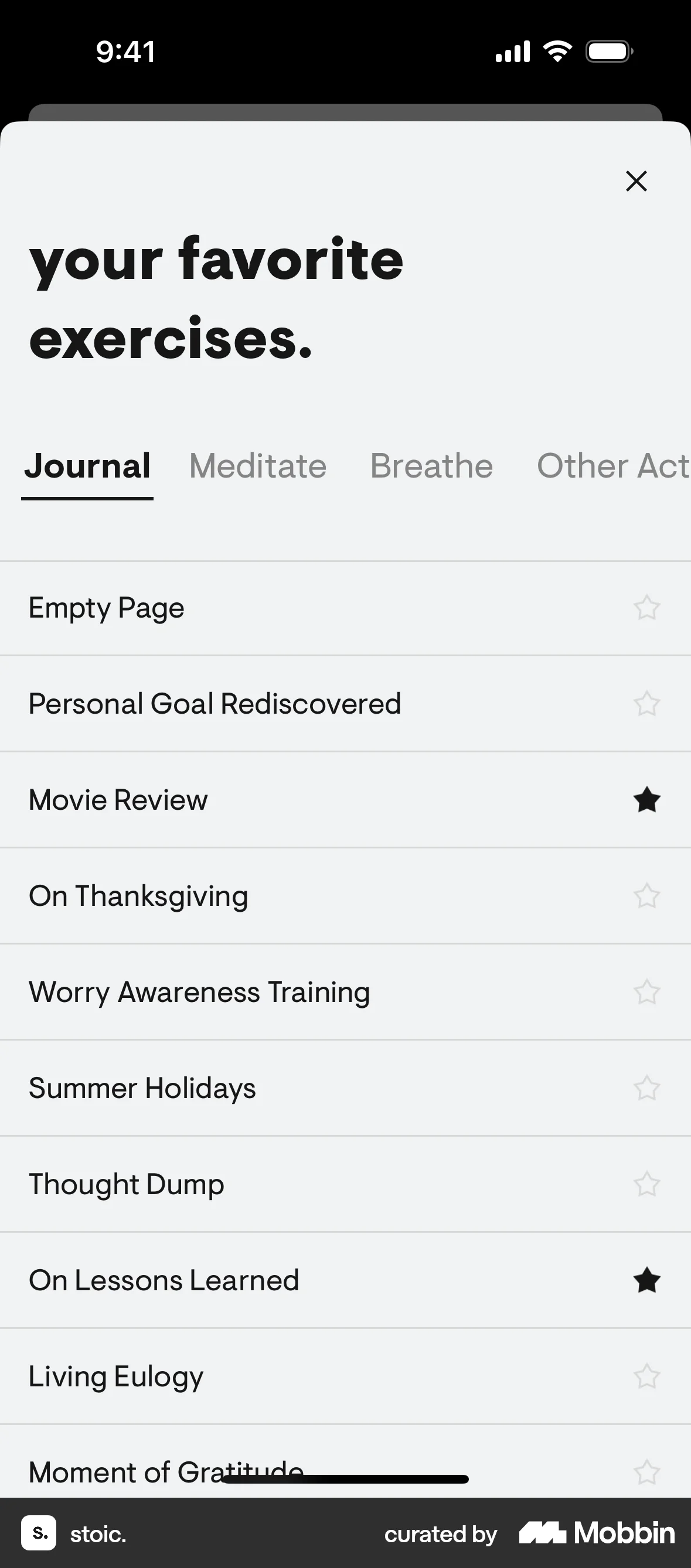
The user navigates from the dashboard to add favorite exercises, selects exercises from a list, and sees the updated modal.

The user pins a comment to their profile from a social media feed. The option then changes to unpin the comment.
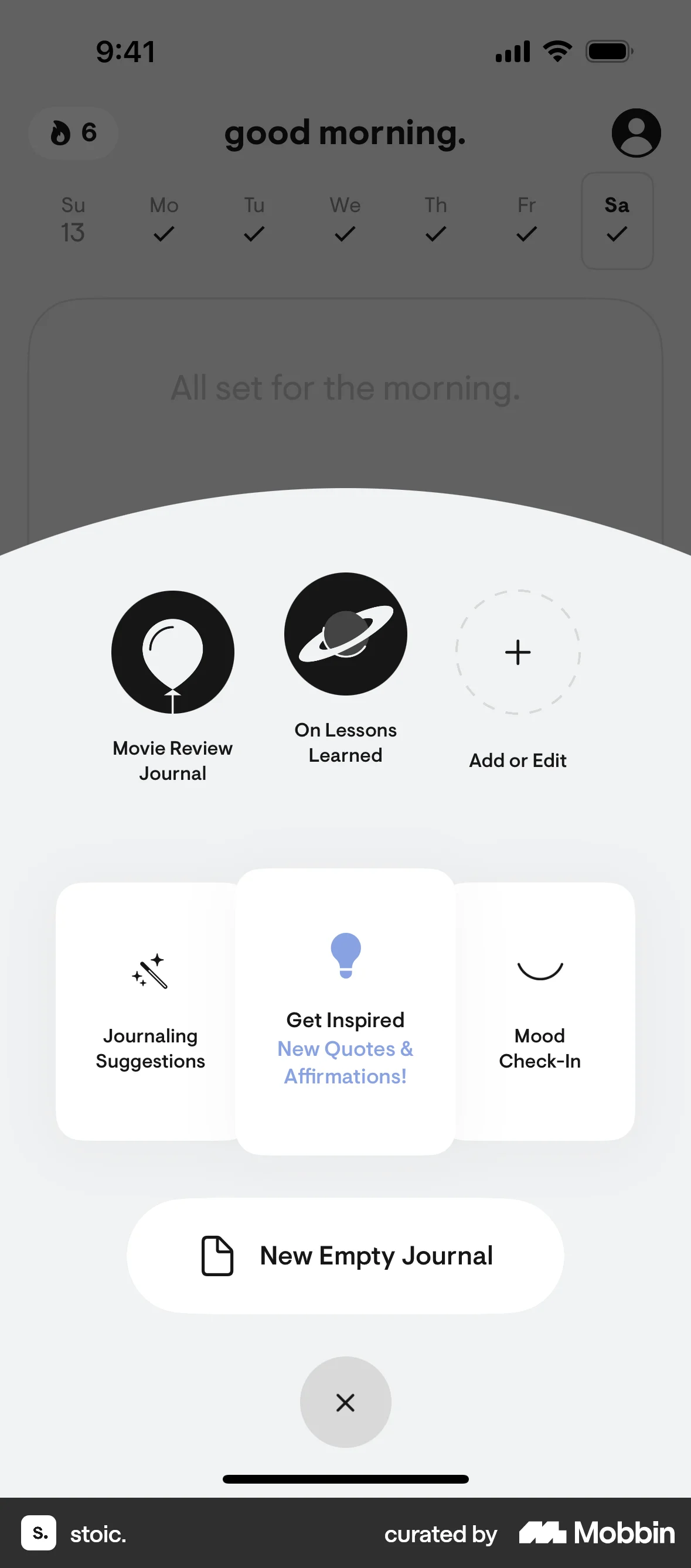
The user views an inspirational prompt and then favorites it by tapping the star icon. The star icon changes to filled.

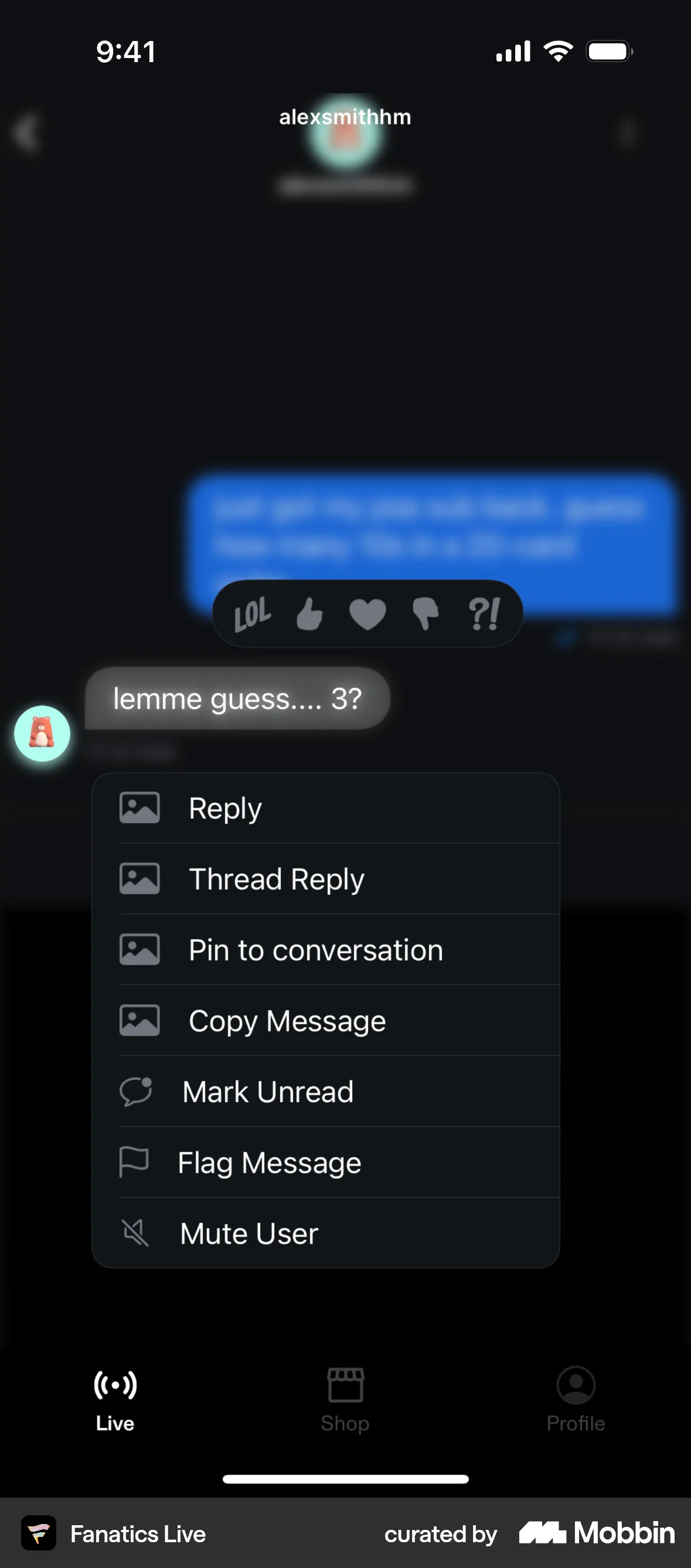
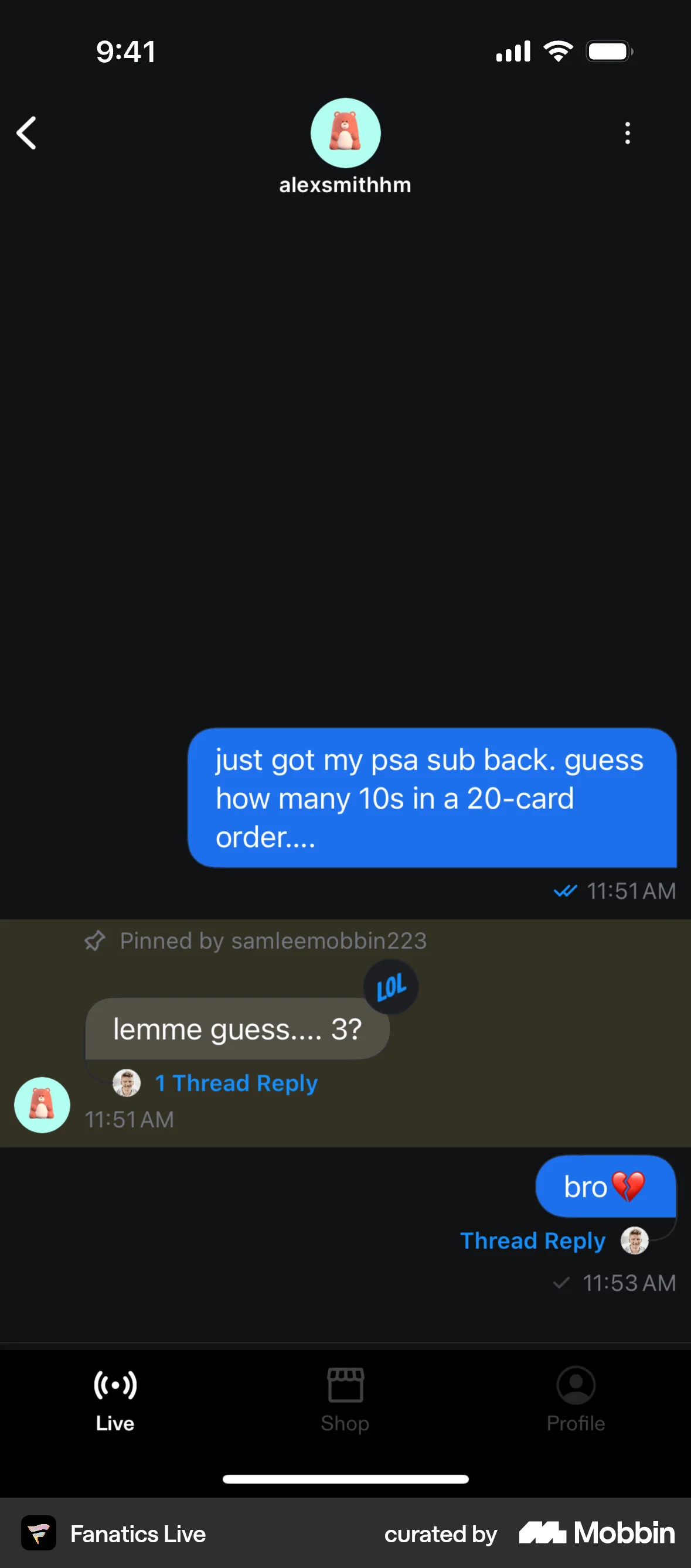
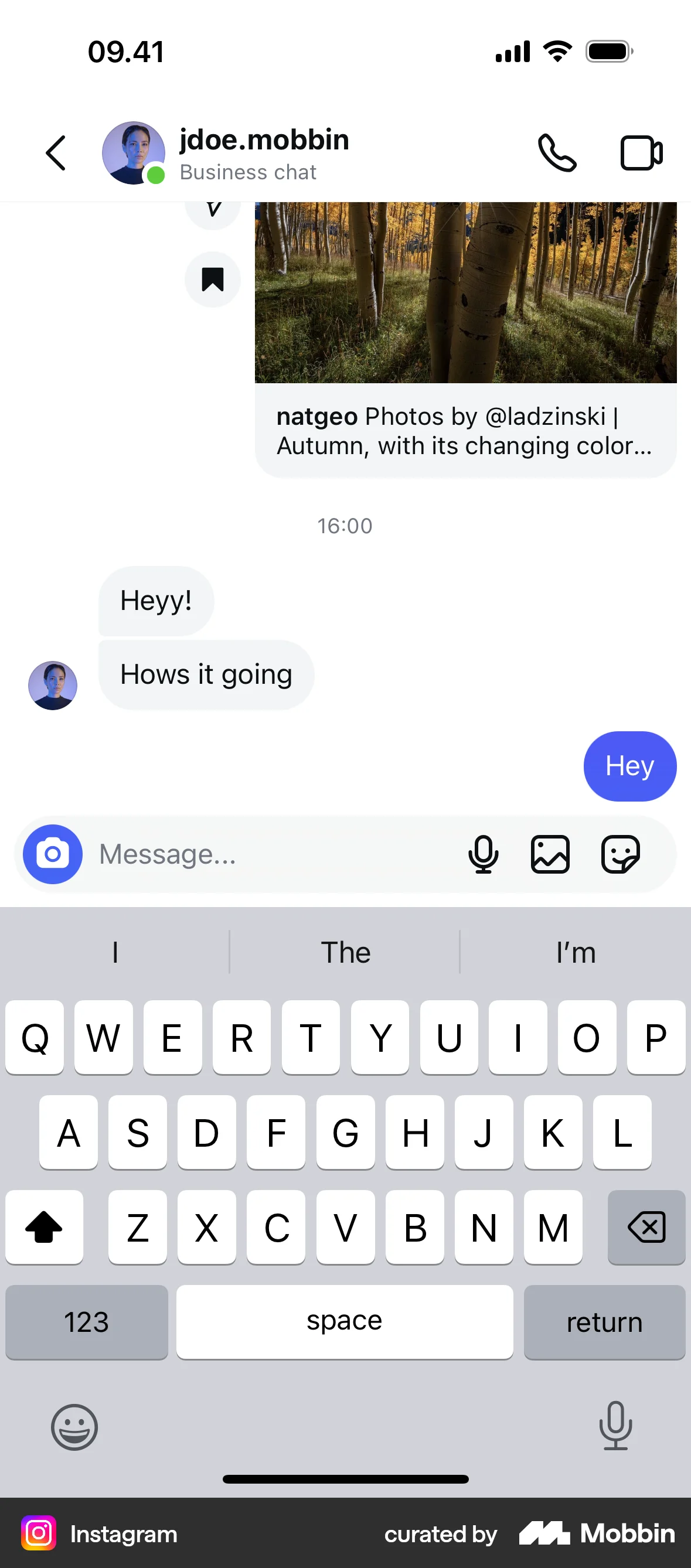
The user flow demonstrates pinning a message in a chat. The user opens the context menu and selects the pin option.

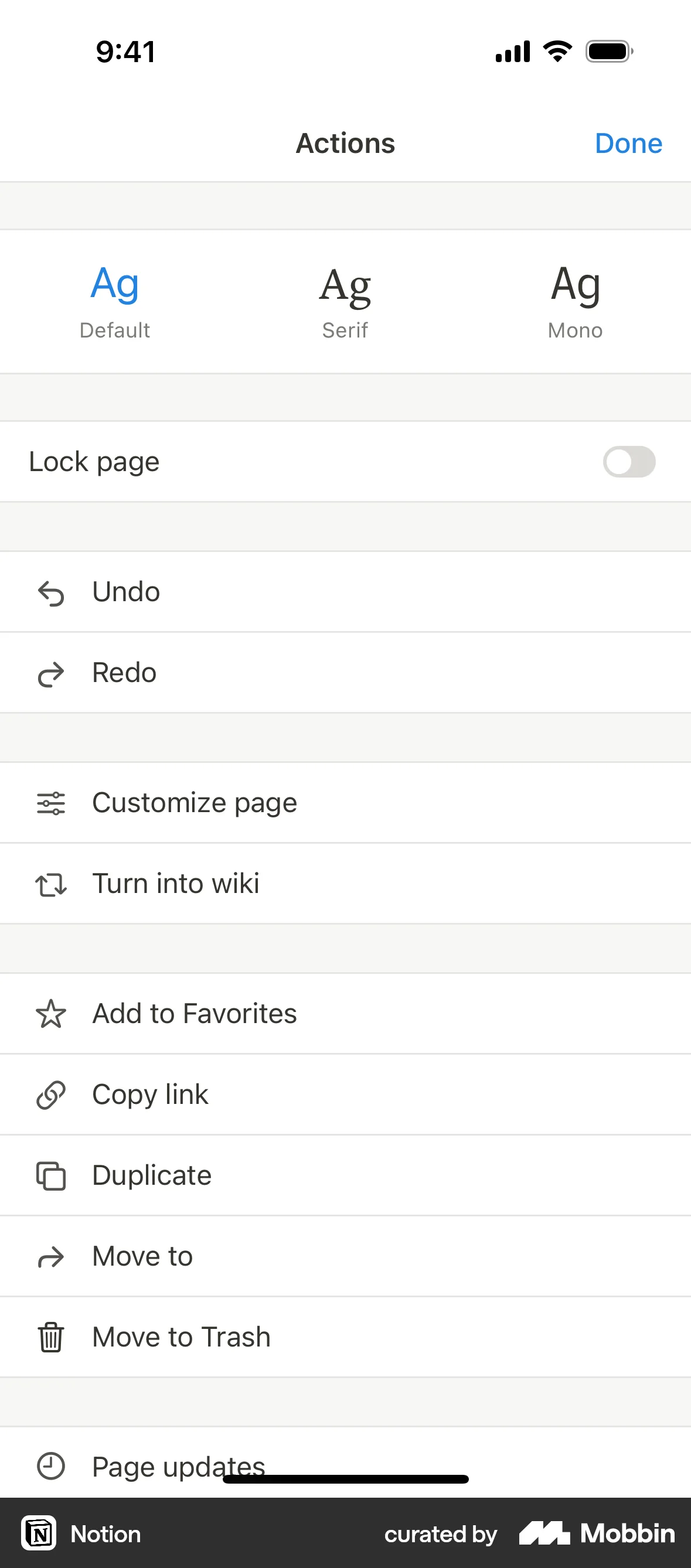
The user flow demonstrates adding a page to favorites. The action list updates to allow removal from favorites after the page has been added.

1215 Flows

304 Flows
87 Flows

255 Flows


1090 Flows
358 Flows