




Onboardingon Placify
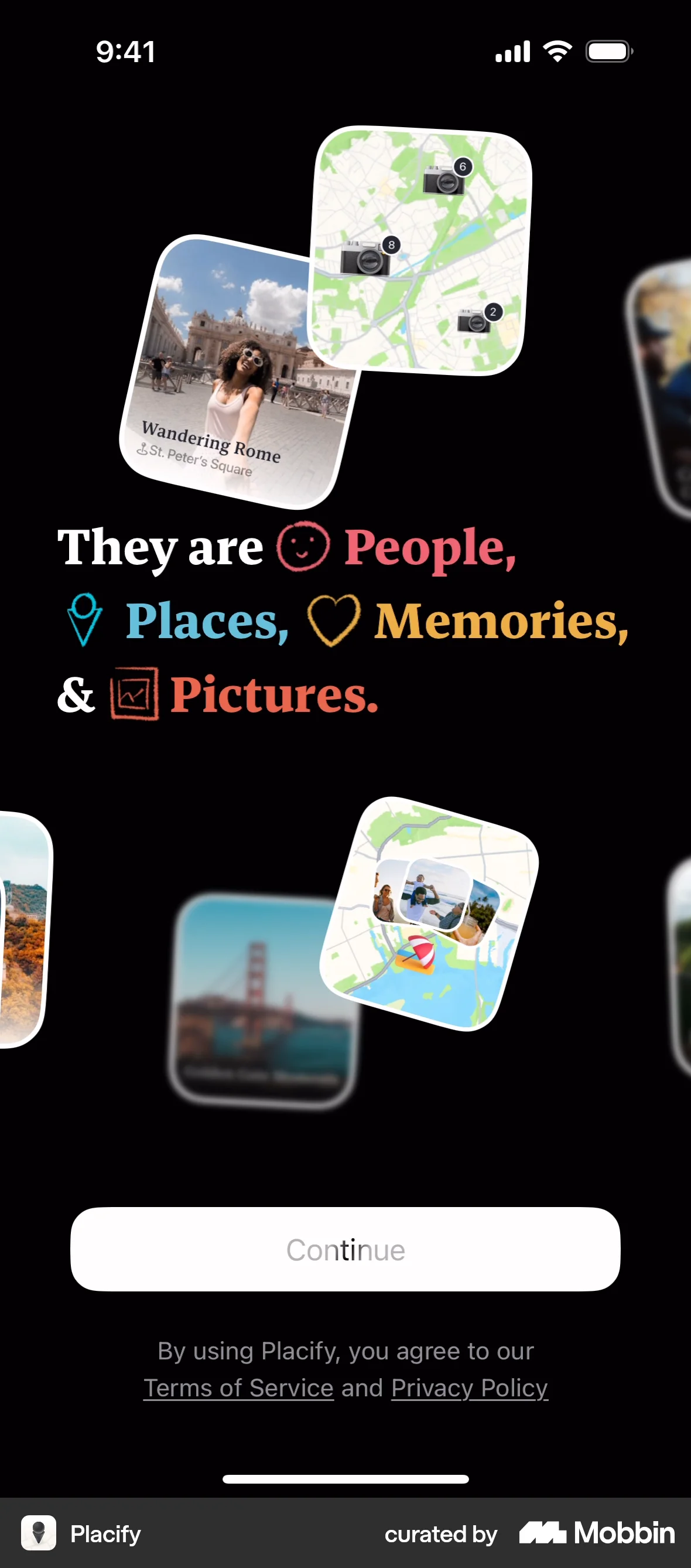
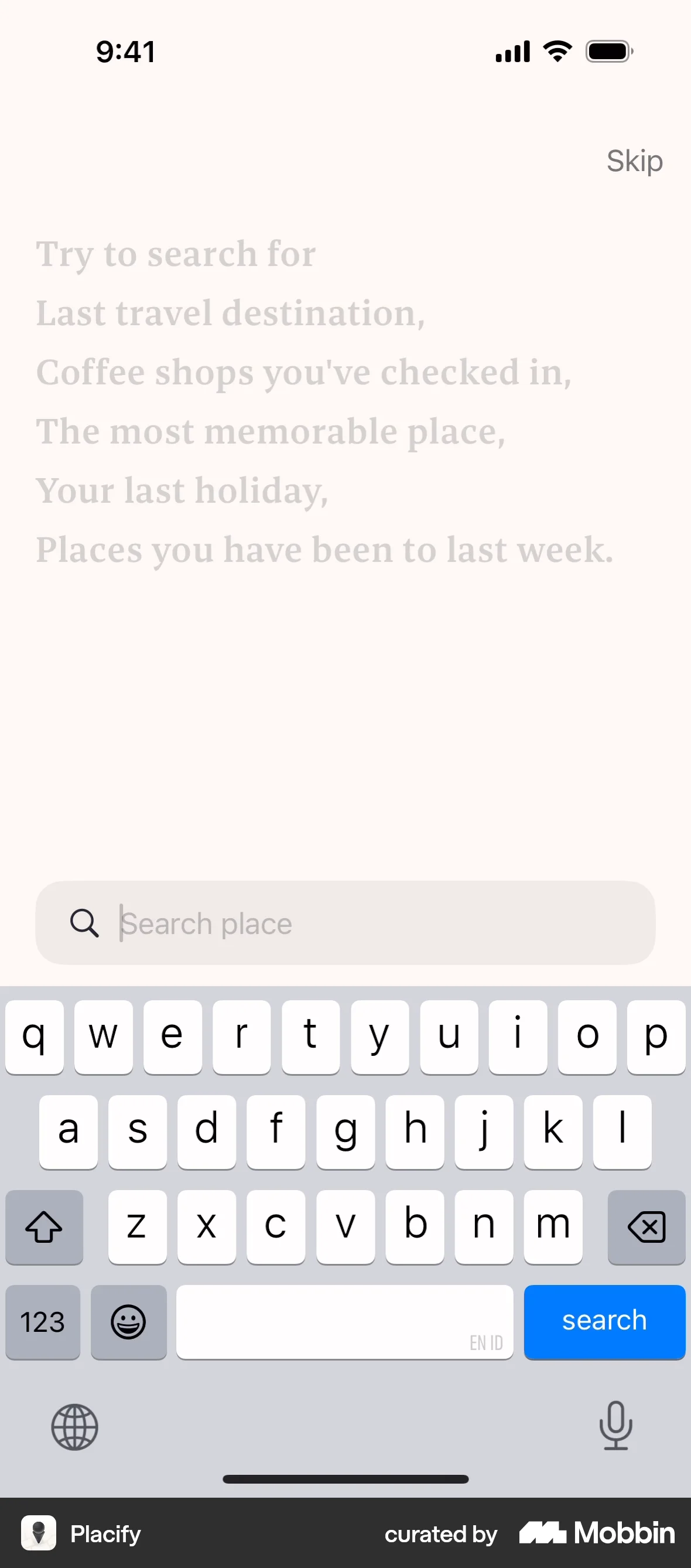
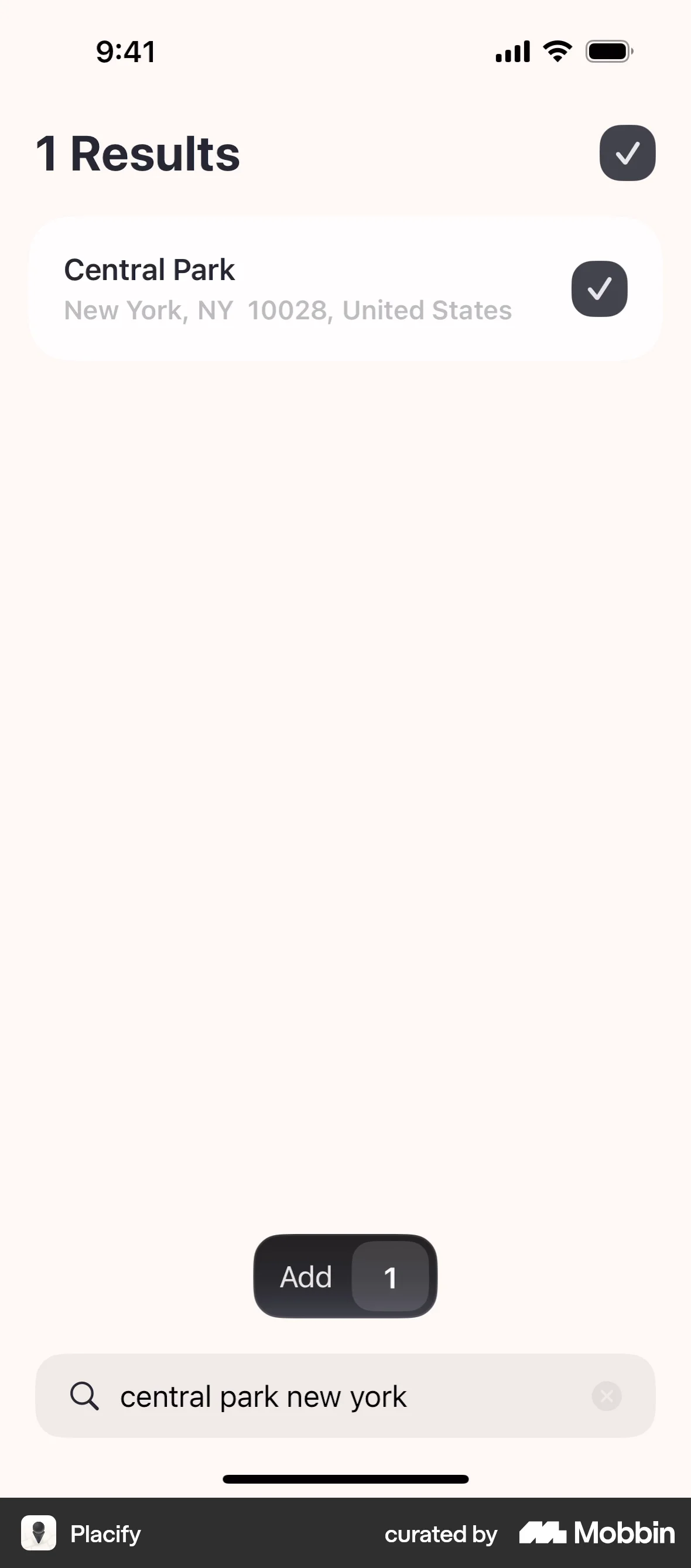
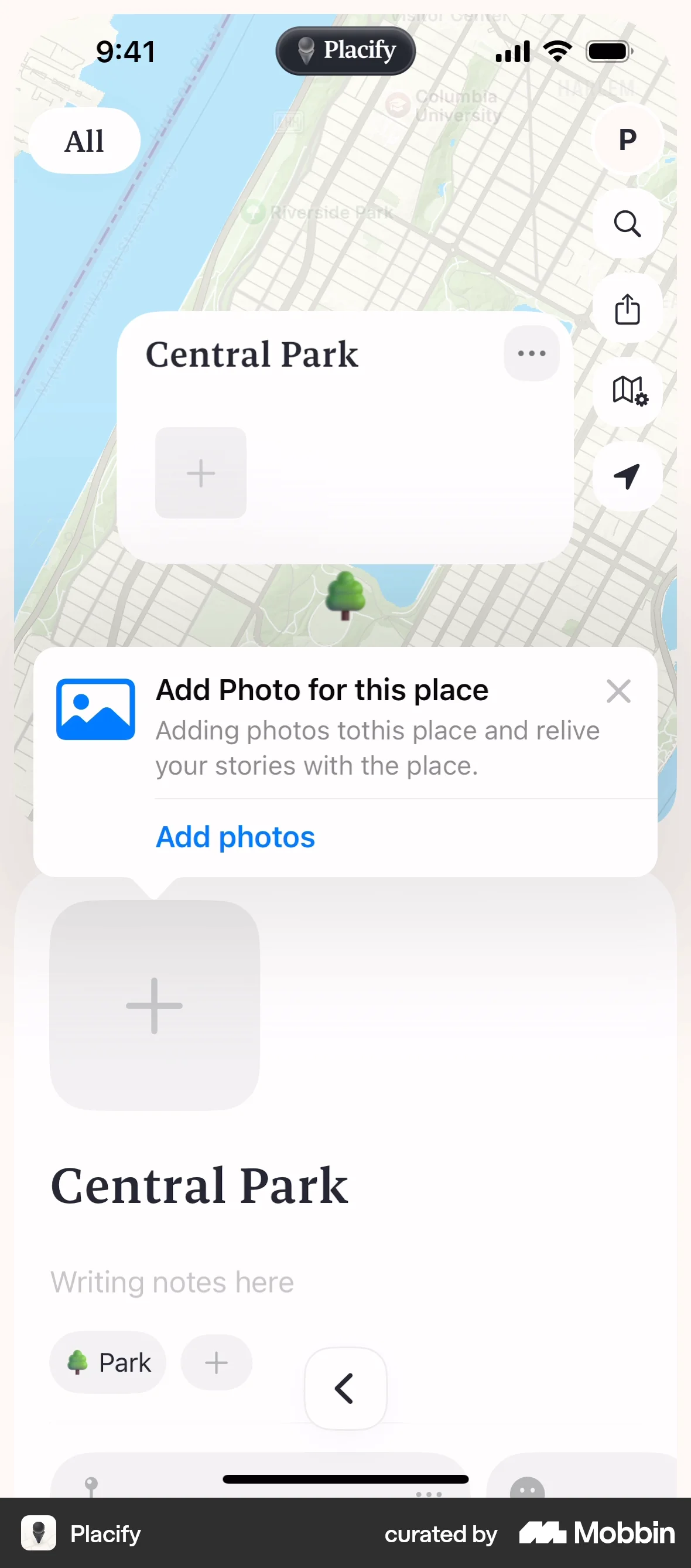
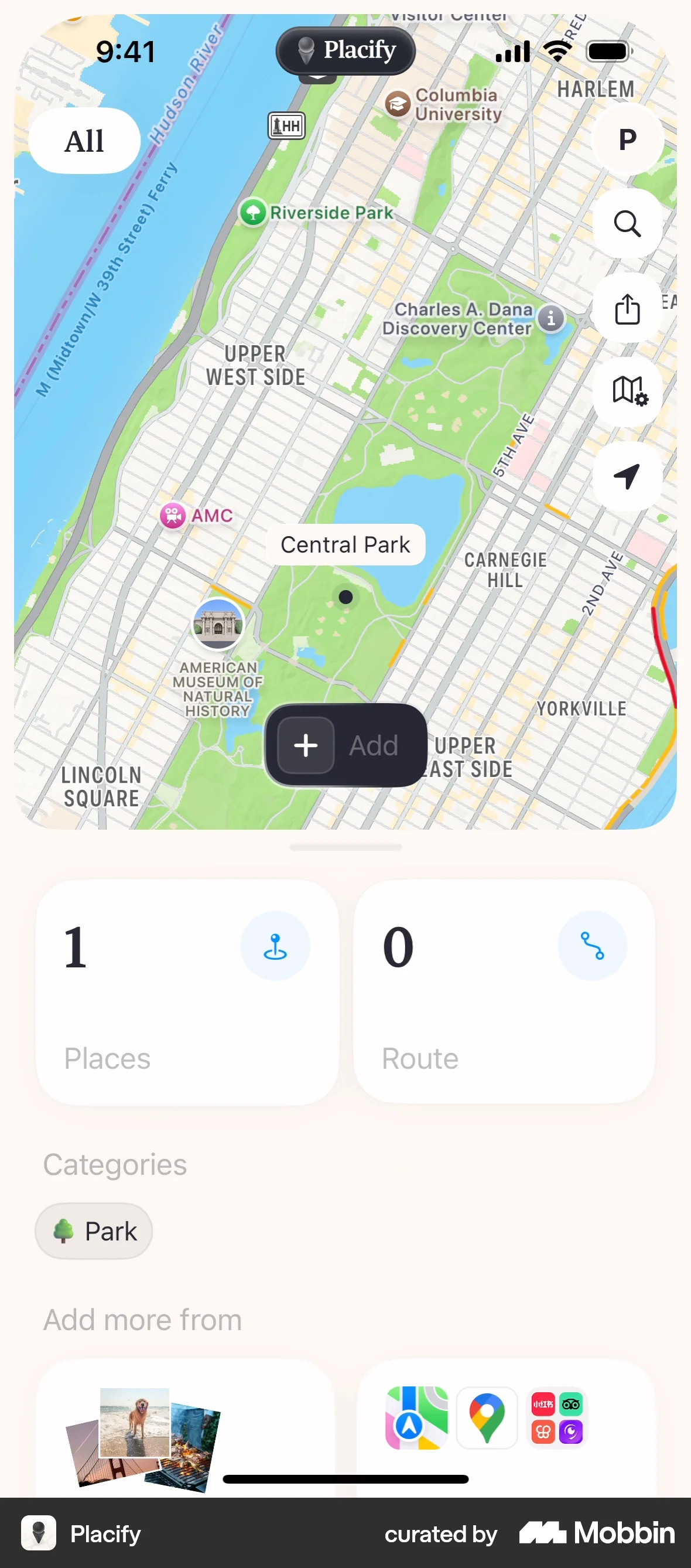
The user flow demonstrates onboarding and adding a place with a photo to a map. It showcases the core functionality of the app.
Discover best mobile app designs for Adding & Creating flows. Get inspired by the best apps in the world.
The user flow demonstrates onboarding and adding a place with a photo to a map. It showcases the core functionality of the app.

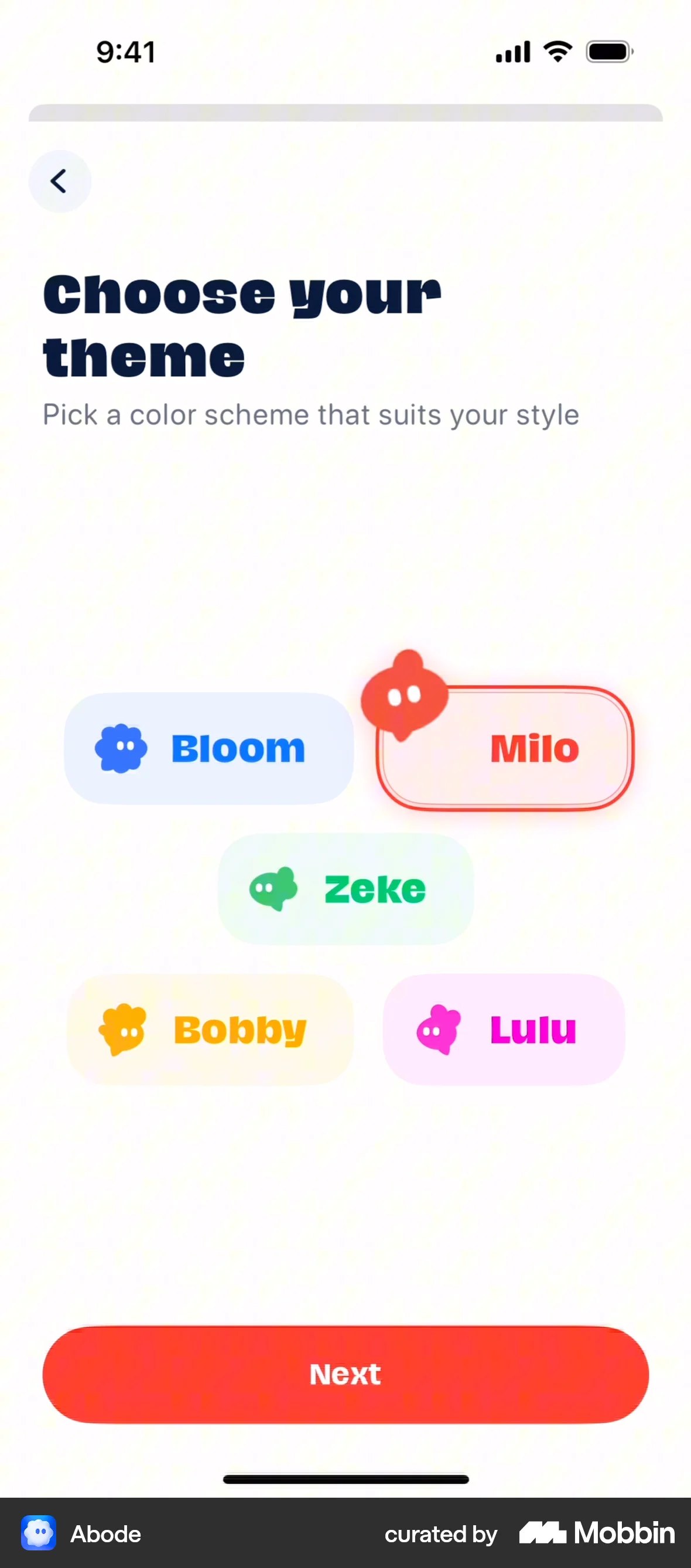
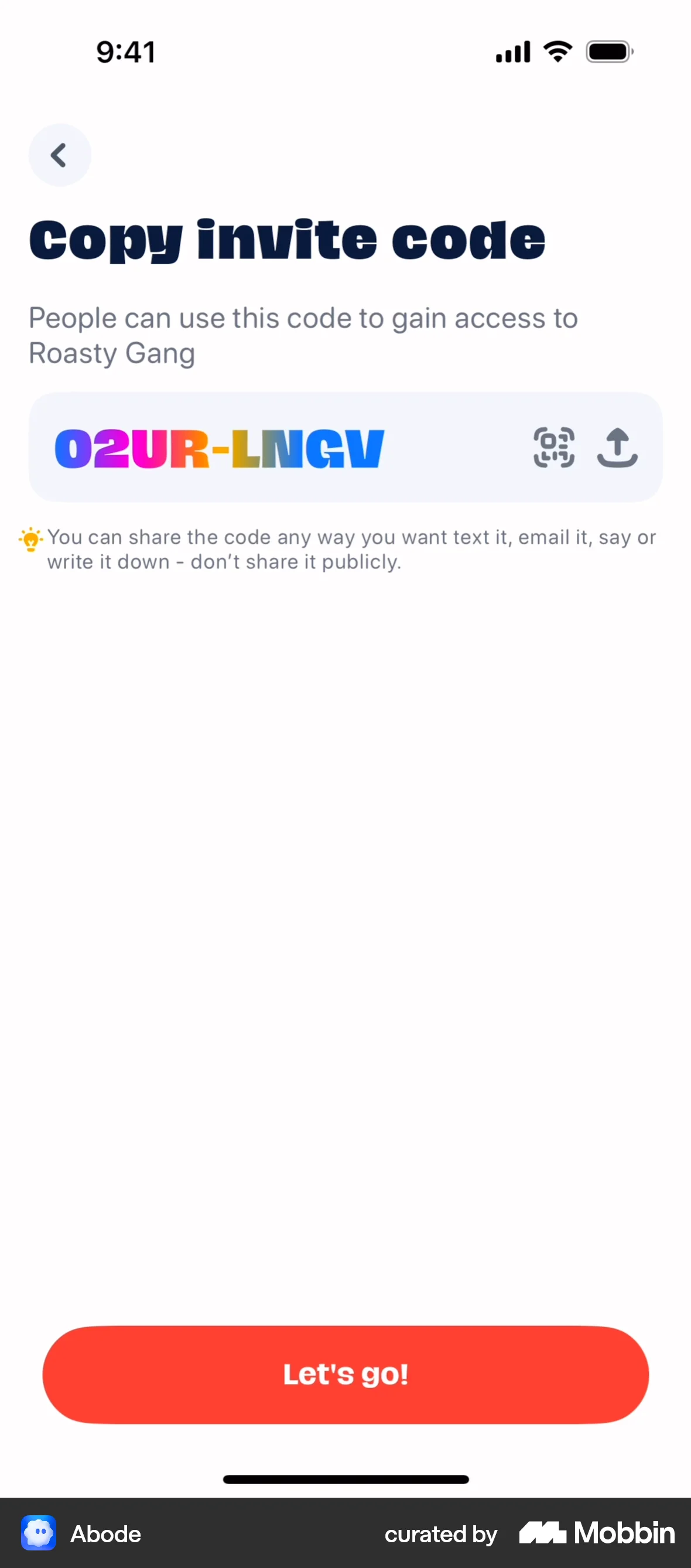
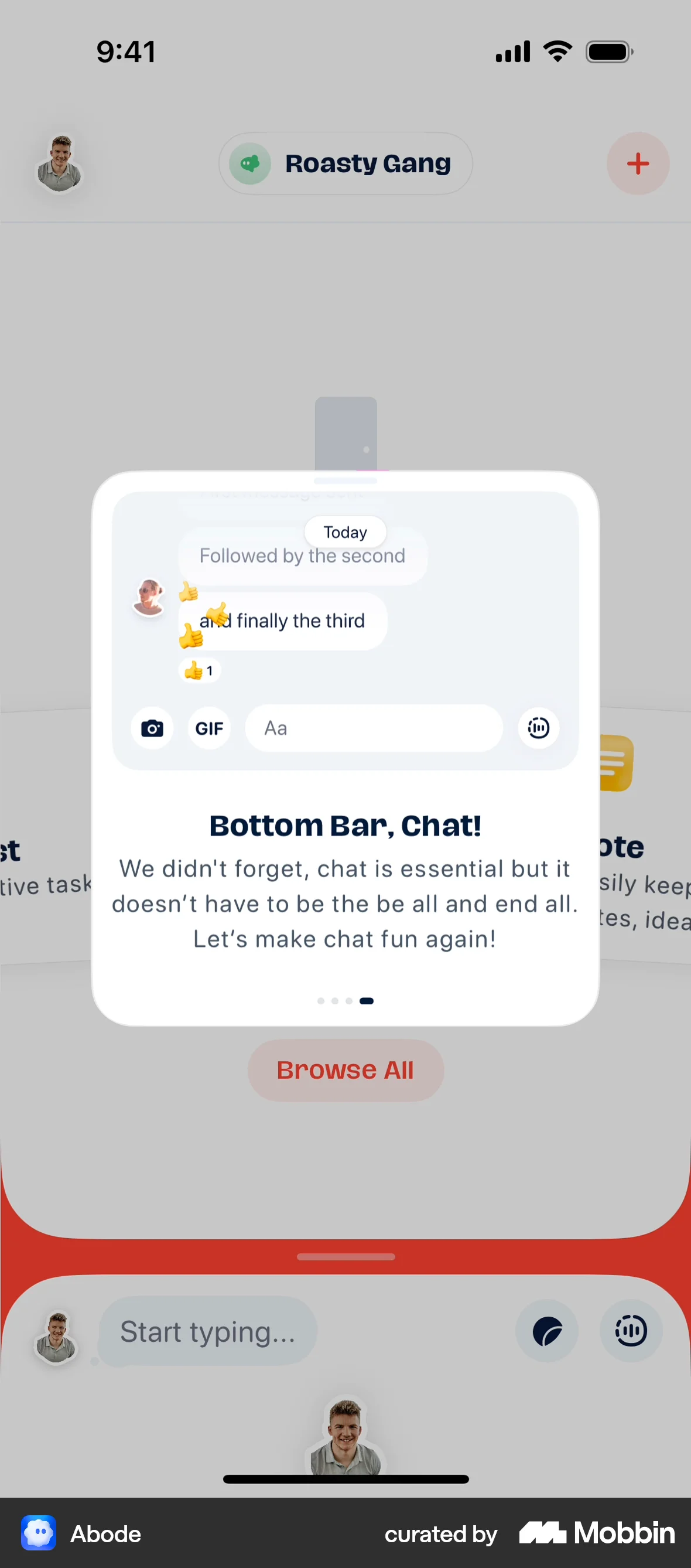
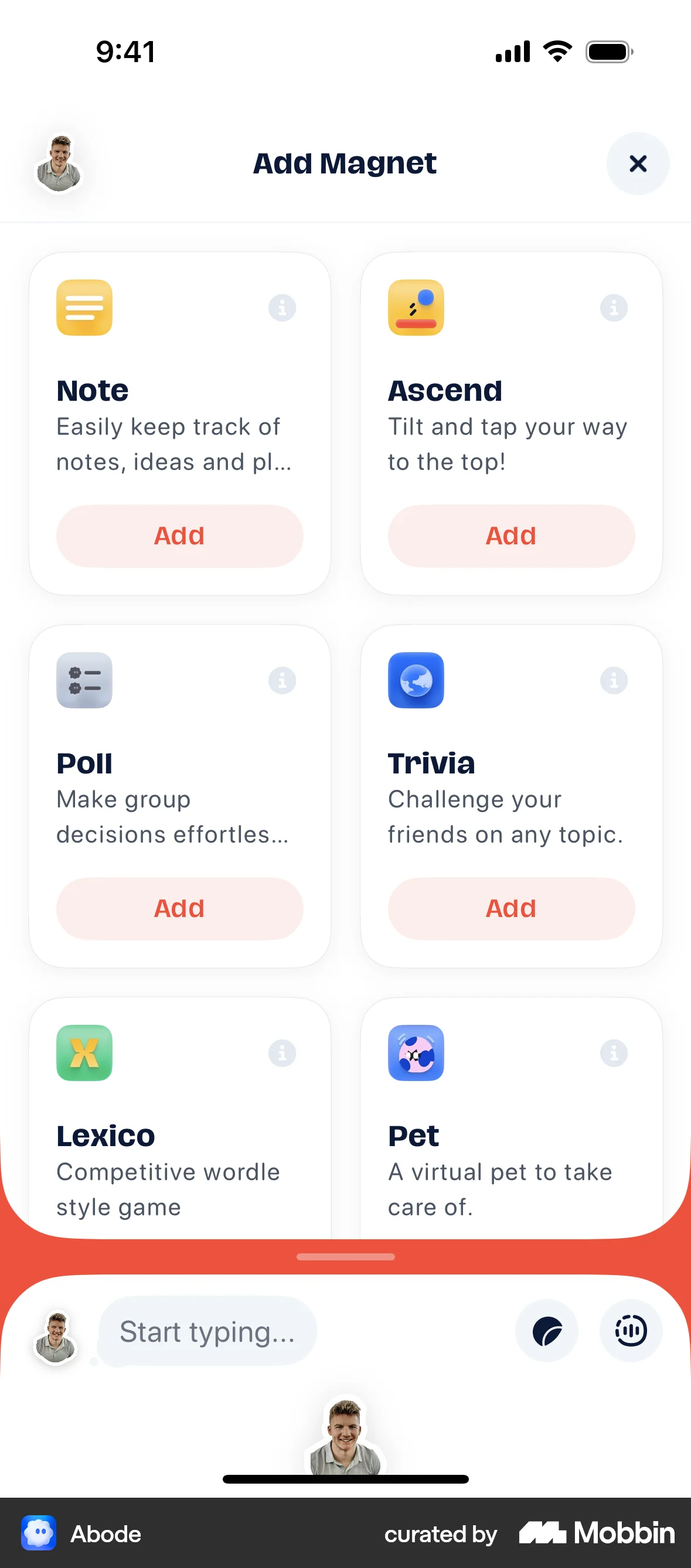
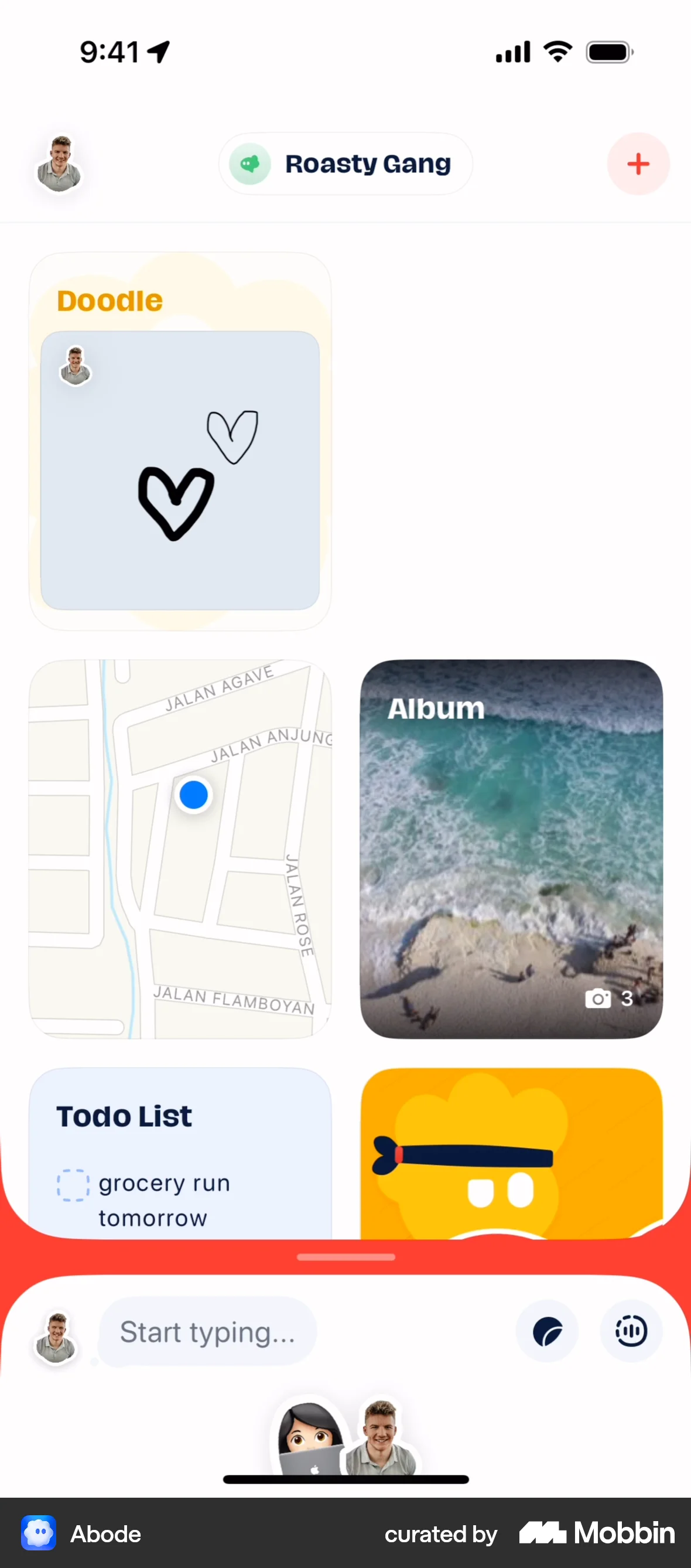
The user flow guides the user through creating a new Abode, customizing it, inviting friends, and adding a magnet. The flow focuses on onboarding and initial setup.

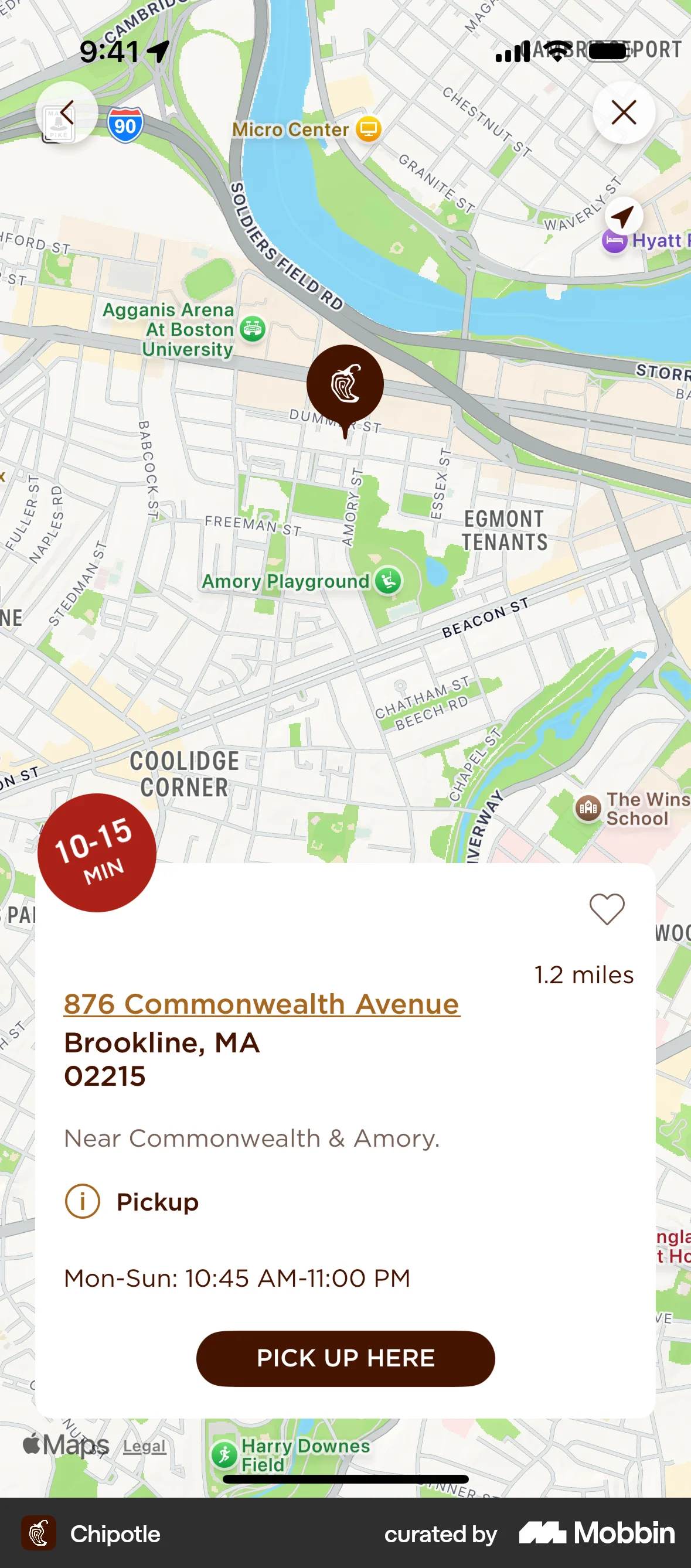
The user flow demonstrates adding a pickup address by selecting a location and assigning it a nickname. The selected location is then displayed on the homepage.

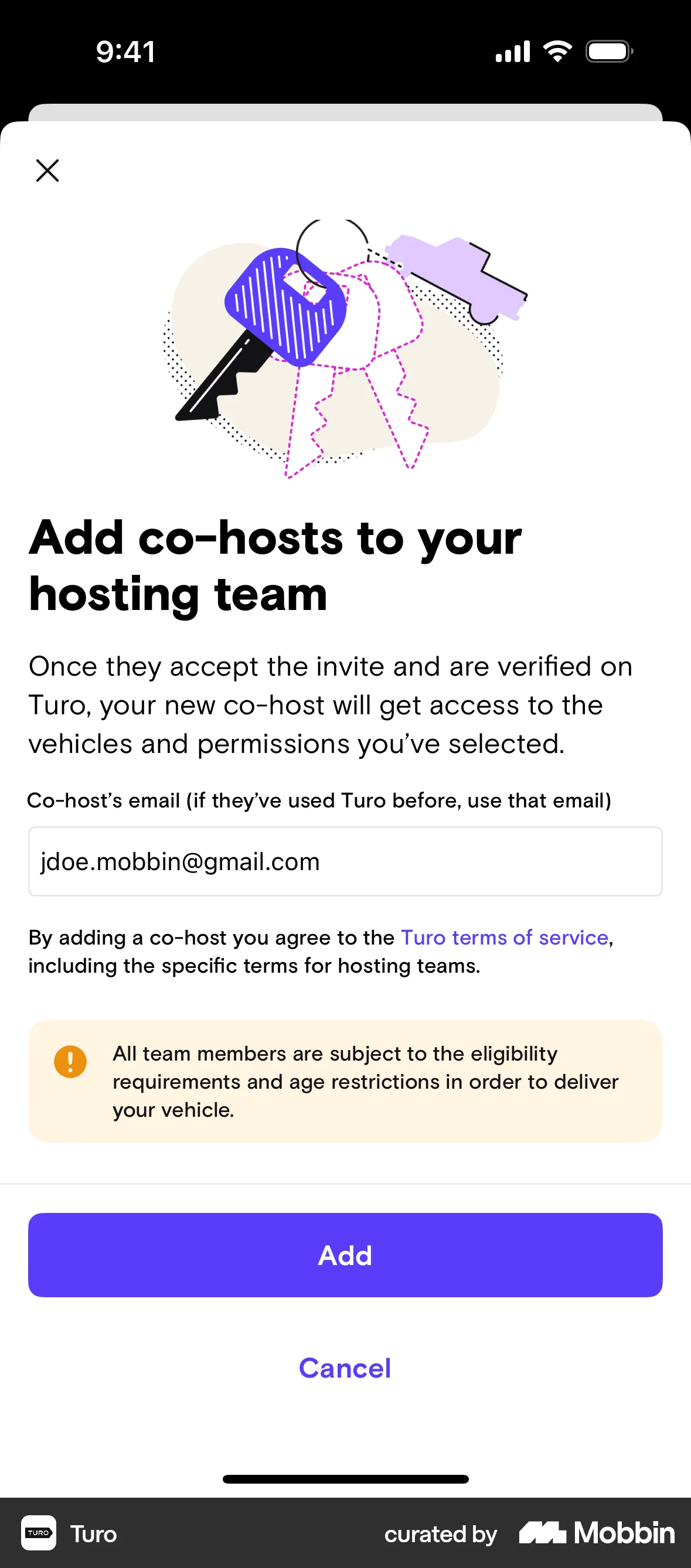
The user creates a new hosting team by providing team details, selecting vehicles, and adding a co-host. The team is initially inactive until the co-host is approved.

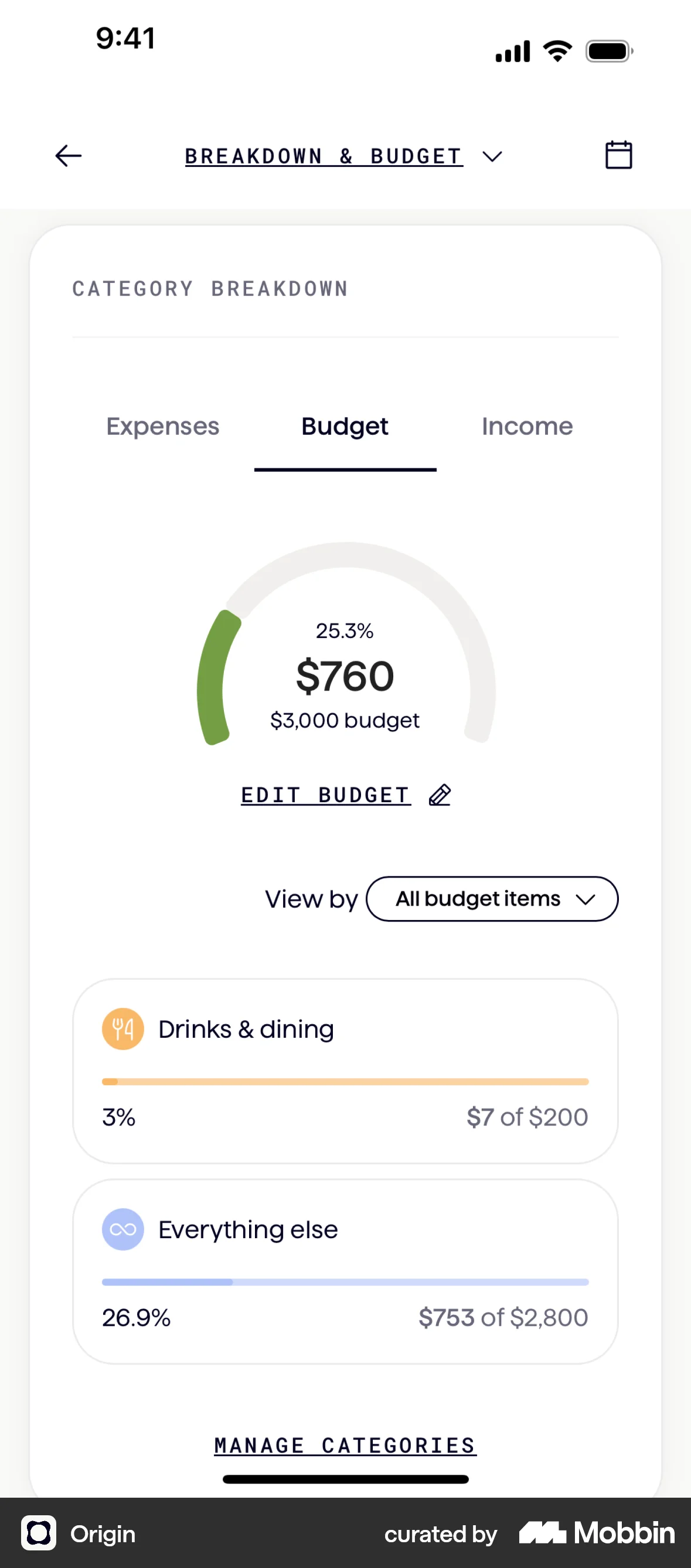
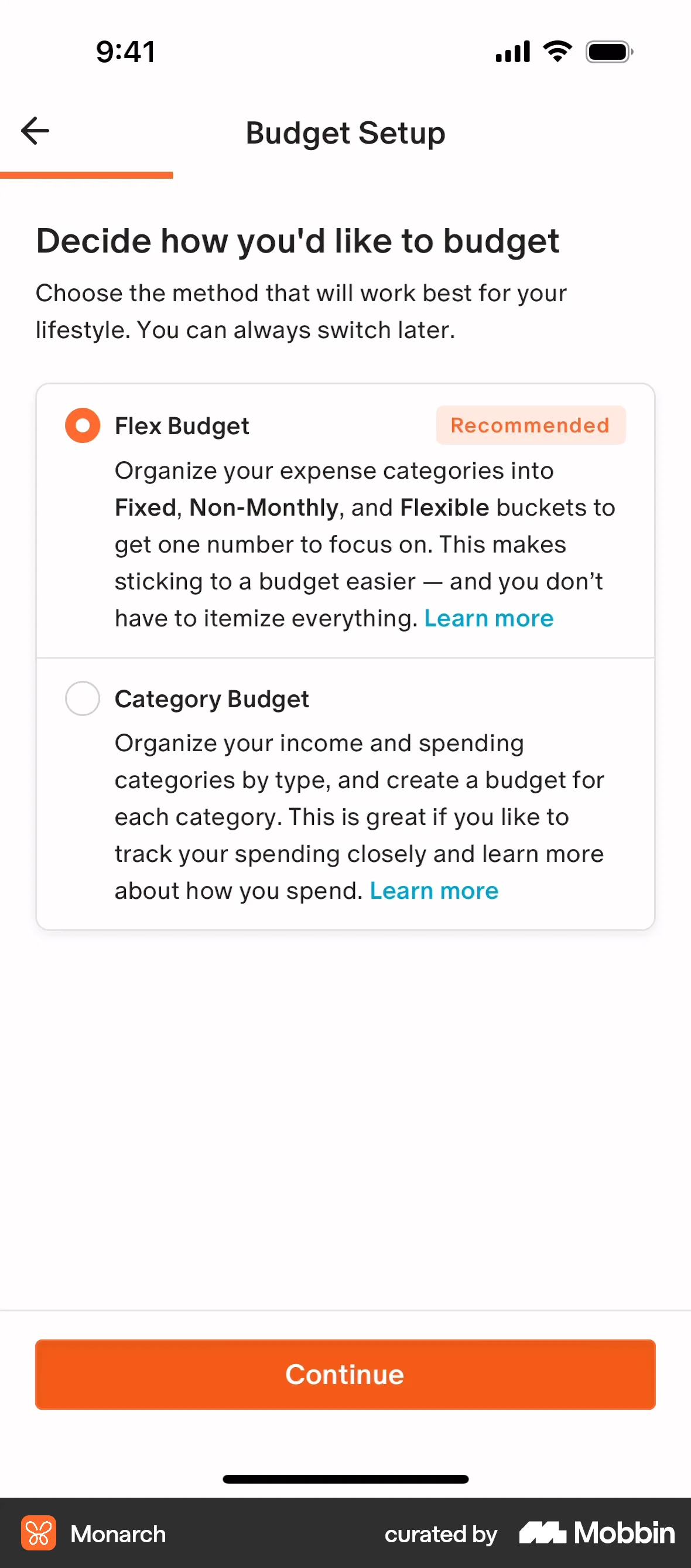
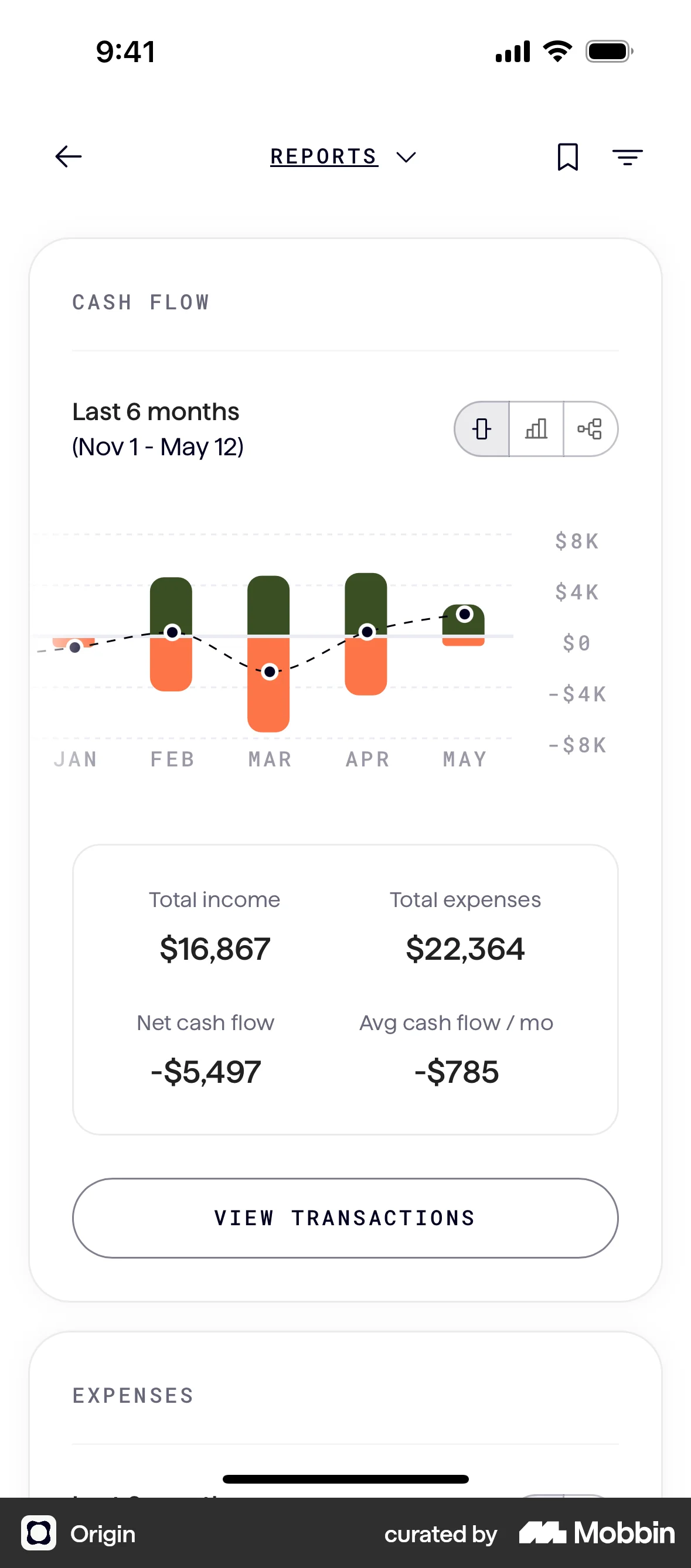
The user flow demonstrates creating a budget by setting monthly income and budget, adding categories, and setting budgets for each category. The user can then view the updated budget overview.

The user adds a new address by navigating to the address form, filling in the details, and submitting it. The new address then appears in the address list.
The user flow demonstrates how a user can add a delivery discount by selecting a trip duration. The user selects the desired duration from a modal.
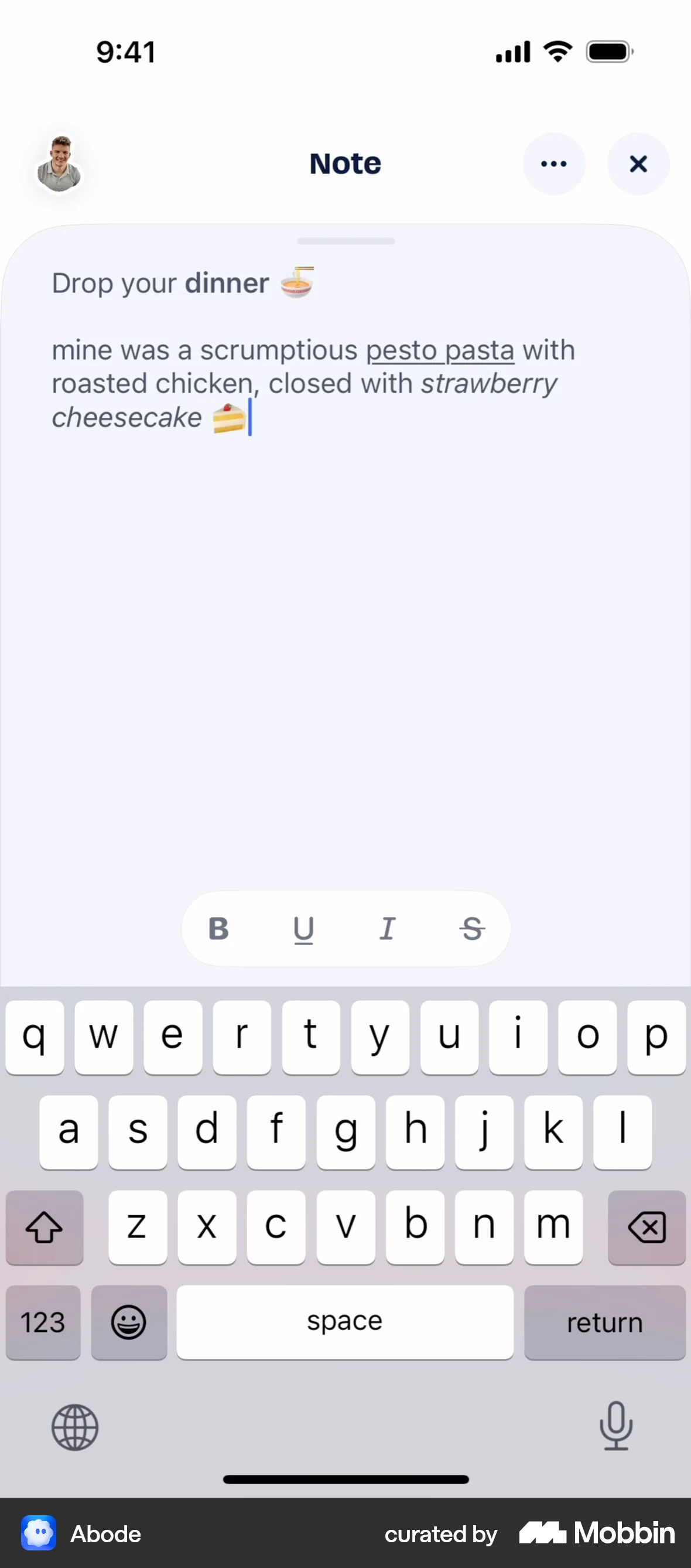
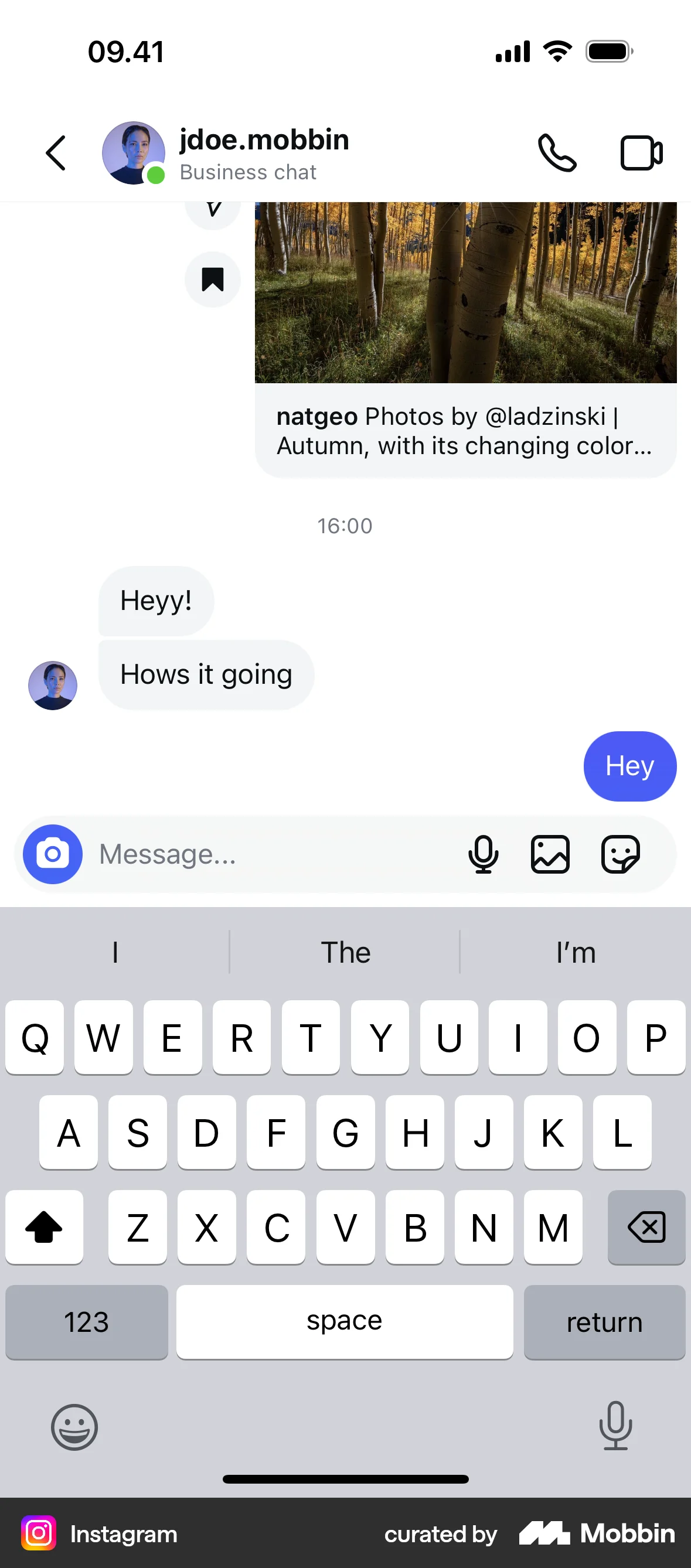
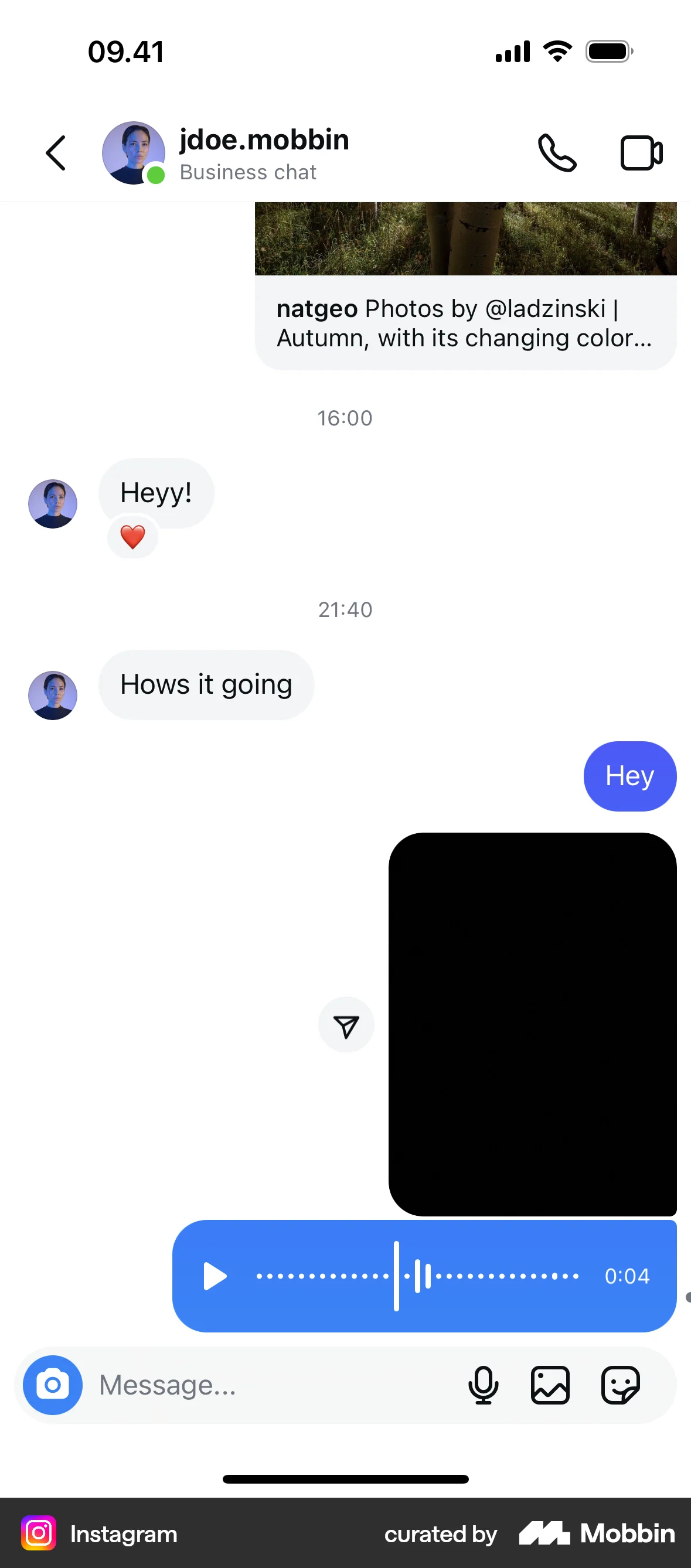
The user adds a note magnet to a group and populates it with text. The completed note is then displayed in the group chat.

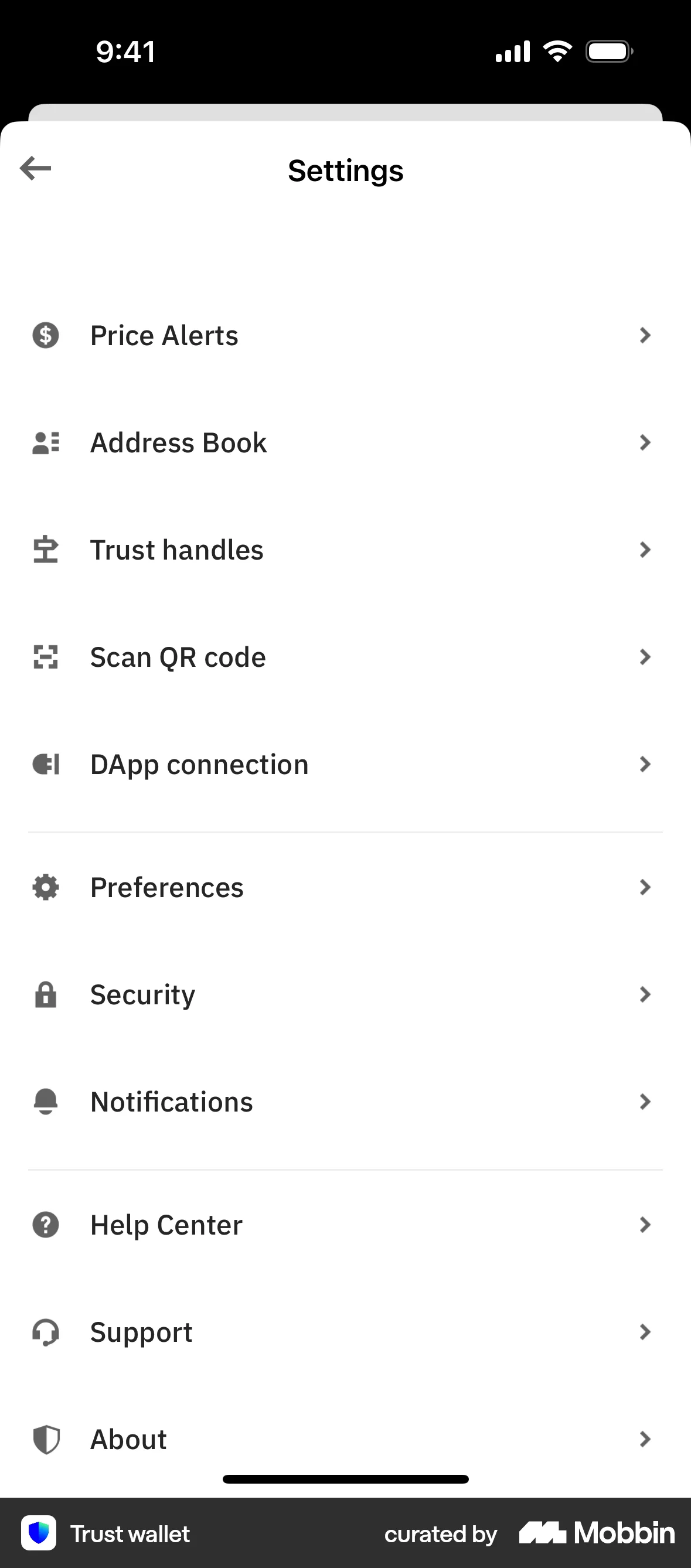
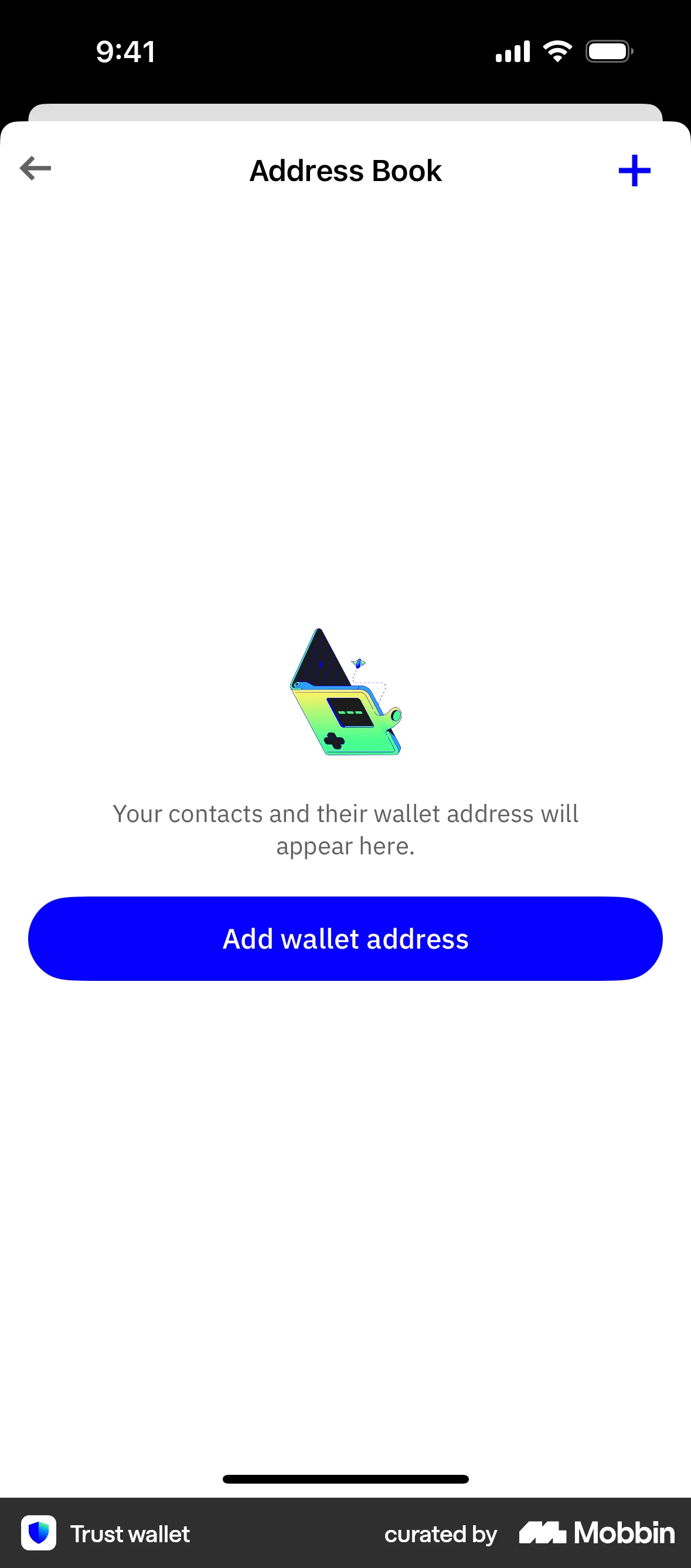
The user navigates through the settings to add a new wallet address, selecting the asset and providing a name. The final address is then displayed in the address book.

The user creates a budget by setting income, choosing a method, categorizing expenses and setting amounts. The flow finishes with a budget summary and a completed task on the dashboard.
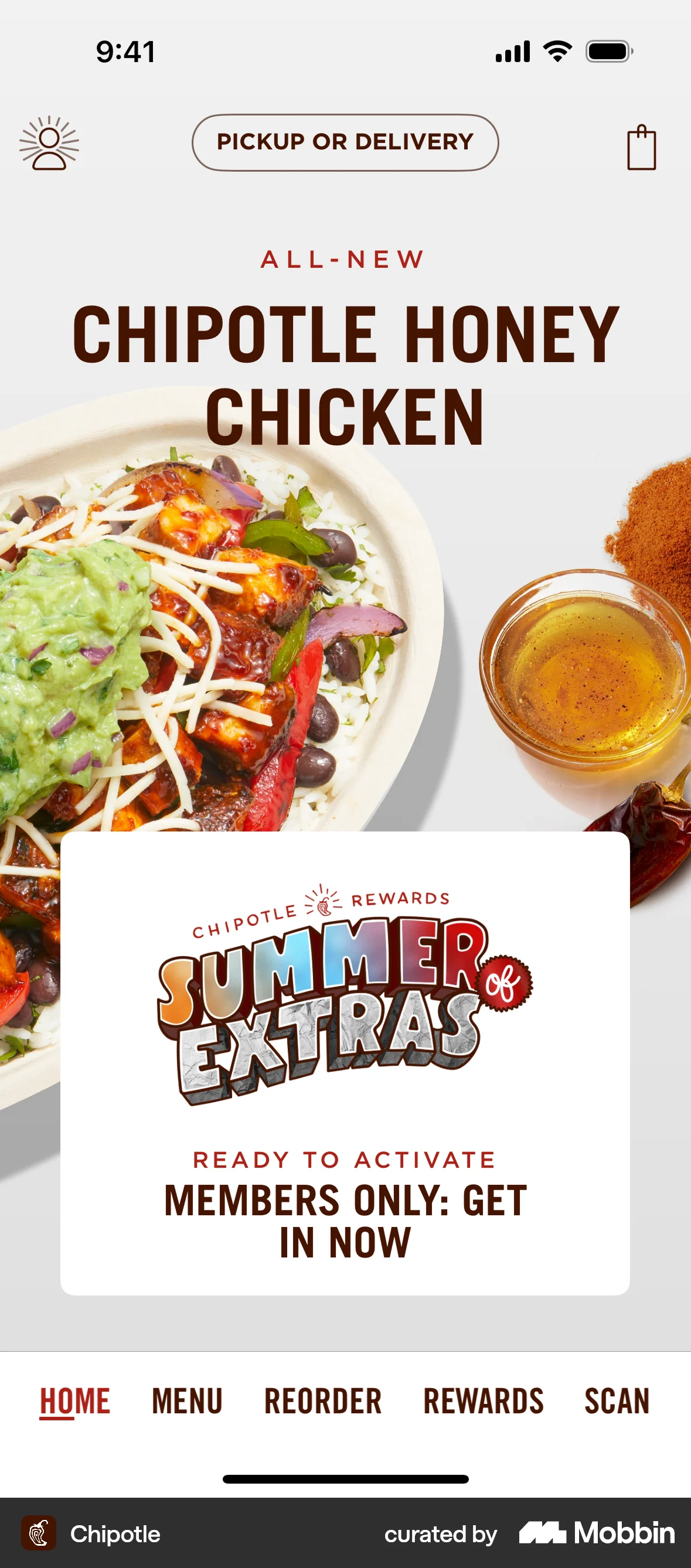
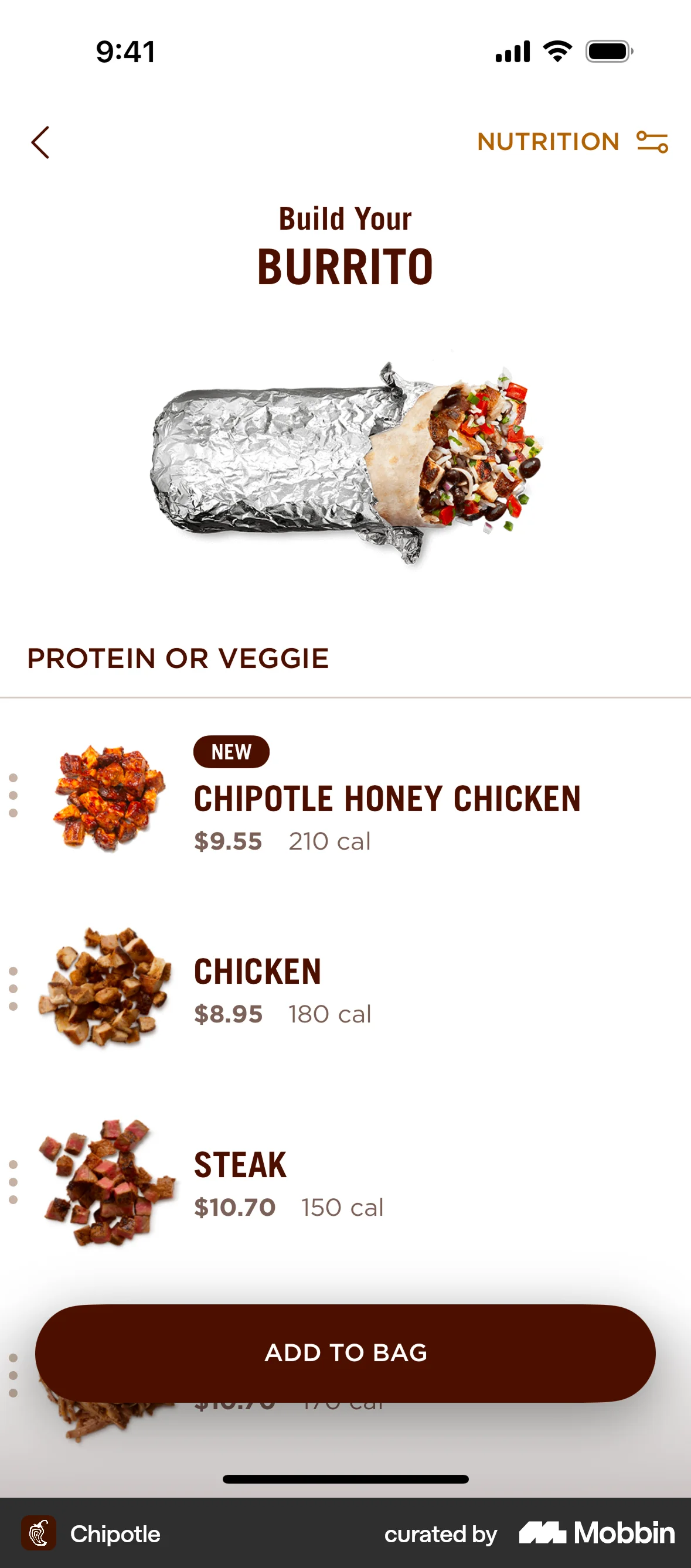
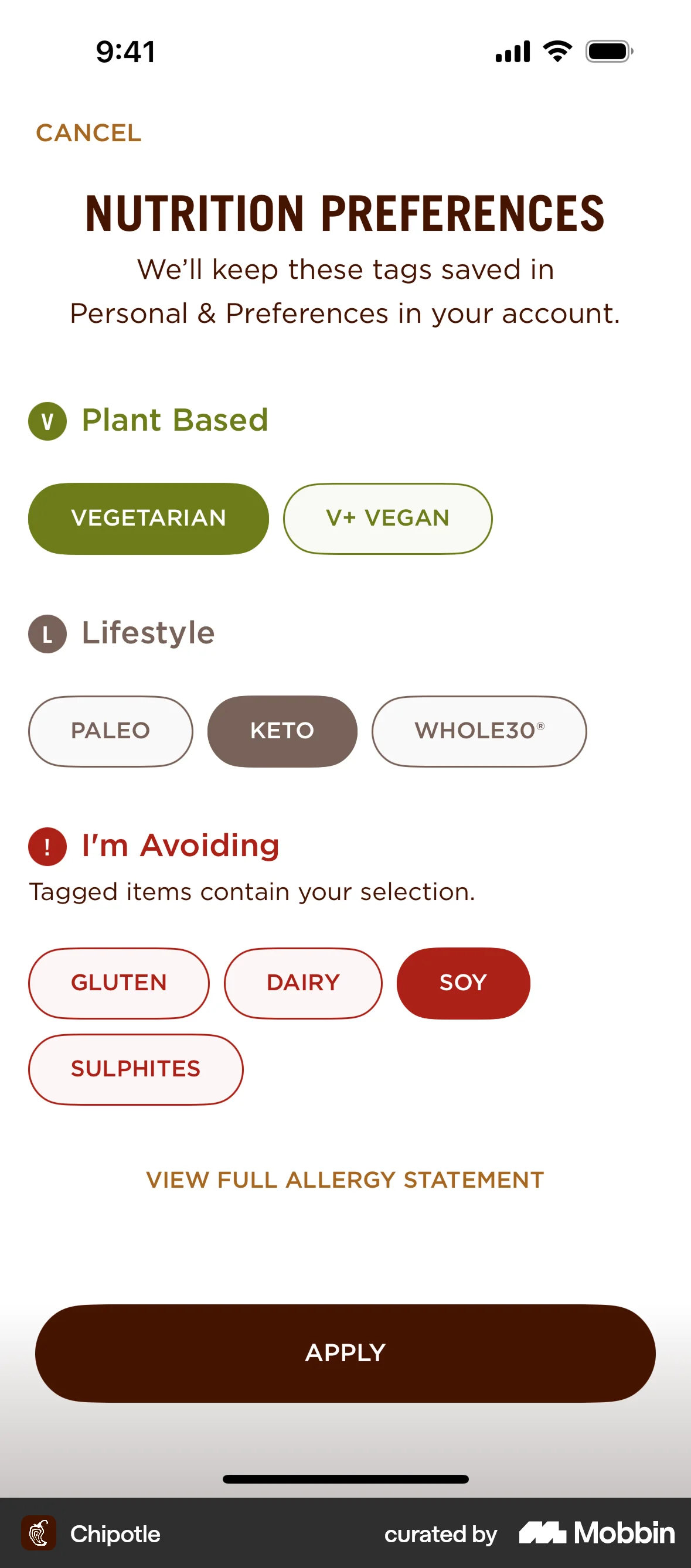
The user customizes a burrito by setting nutrition preferences and then selecting protein and toppings. The preferences are displayed as indicators on the available items.

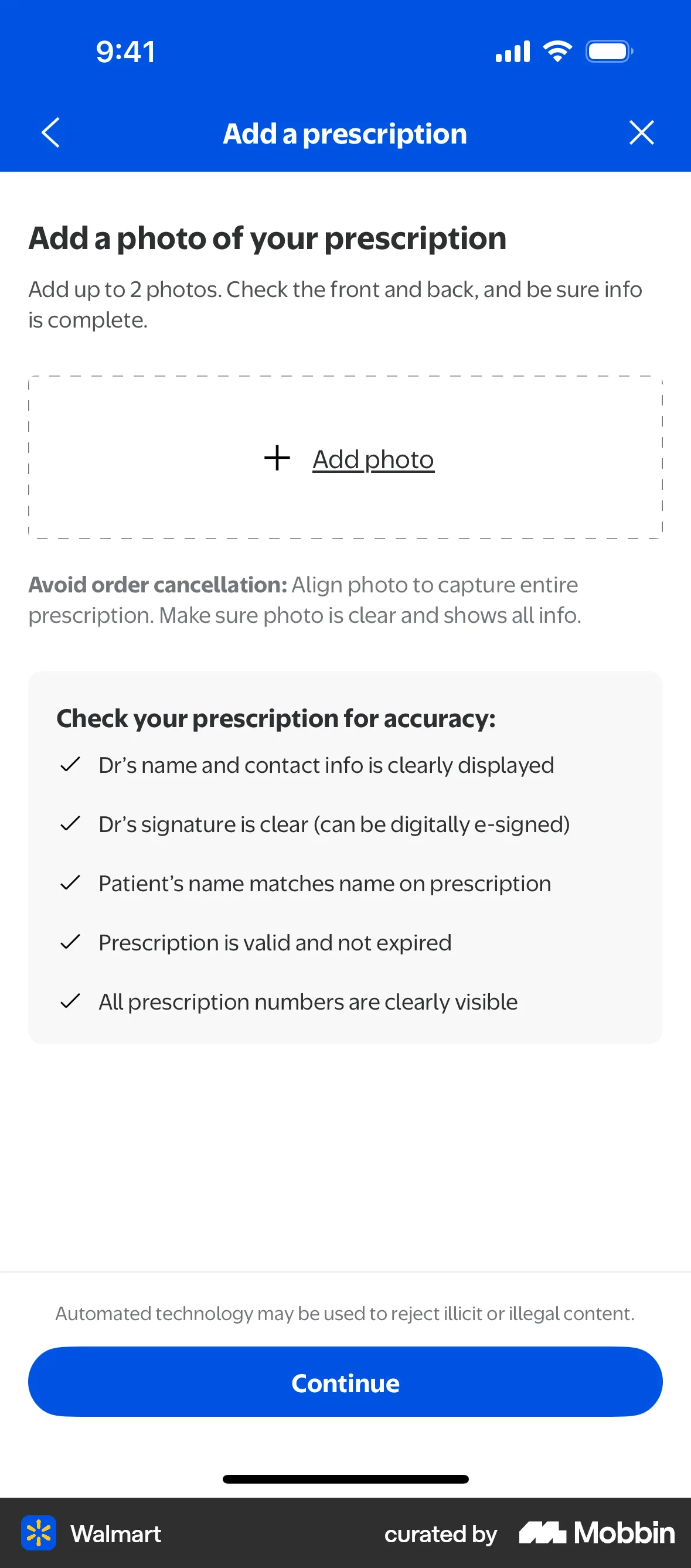
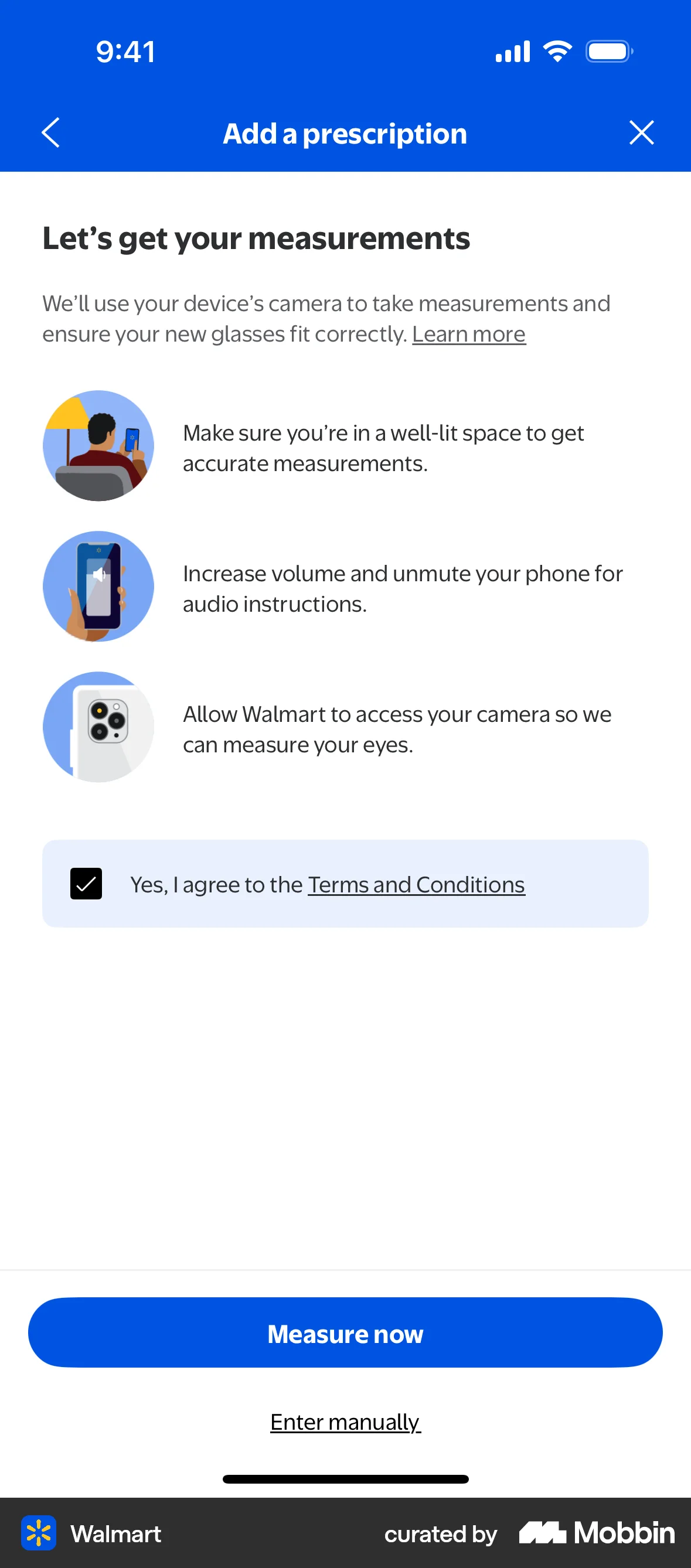
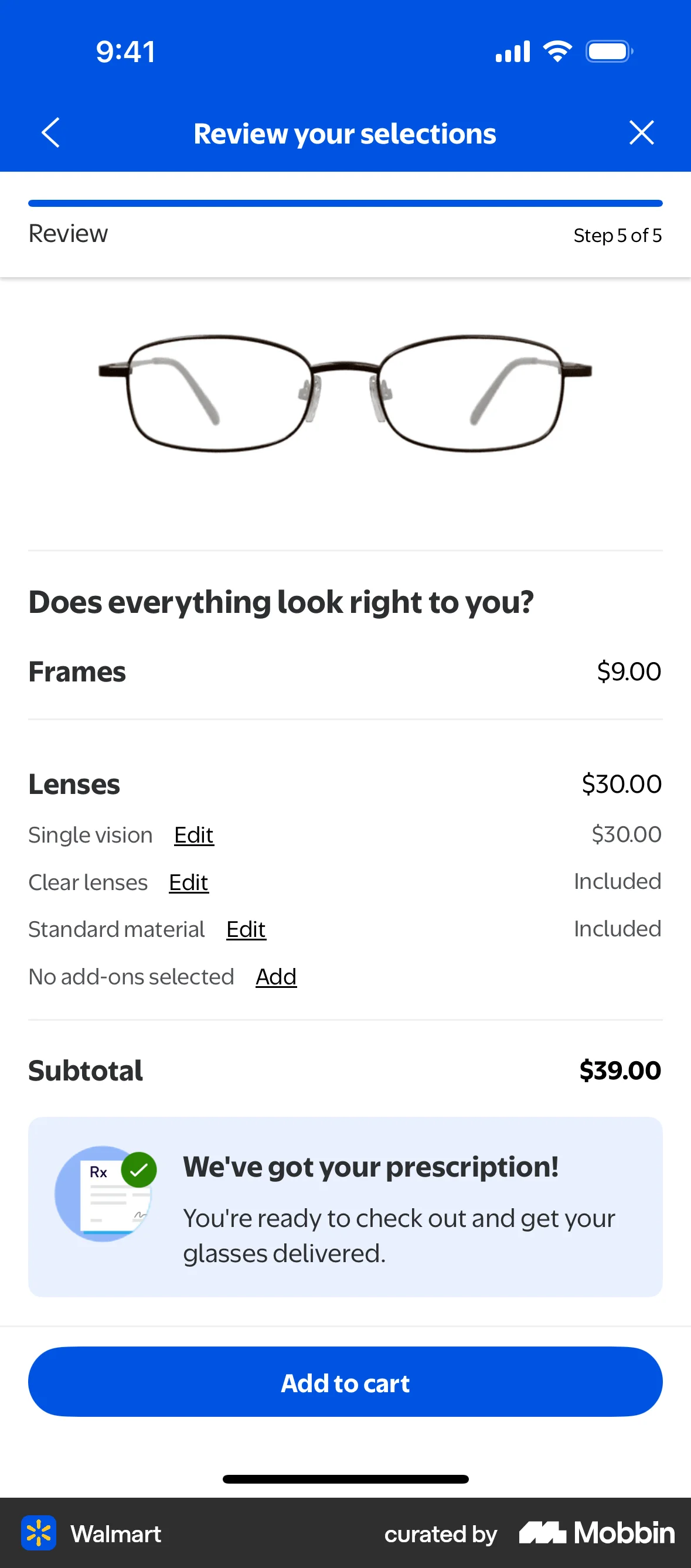
The user flow guides the user to add their prescription details, either by uploading a photo or entering manually. The flow concludes with a confirmation and directs the user to add the item to cart.
358 Flows

255 Flows


1090 Flows

1215 Flows
329 Flows