

Opening an accounton Plata Card
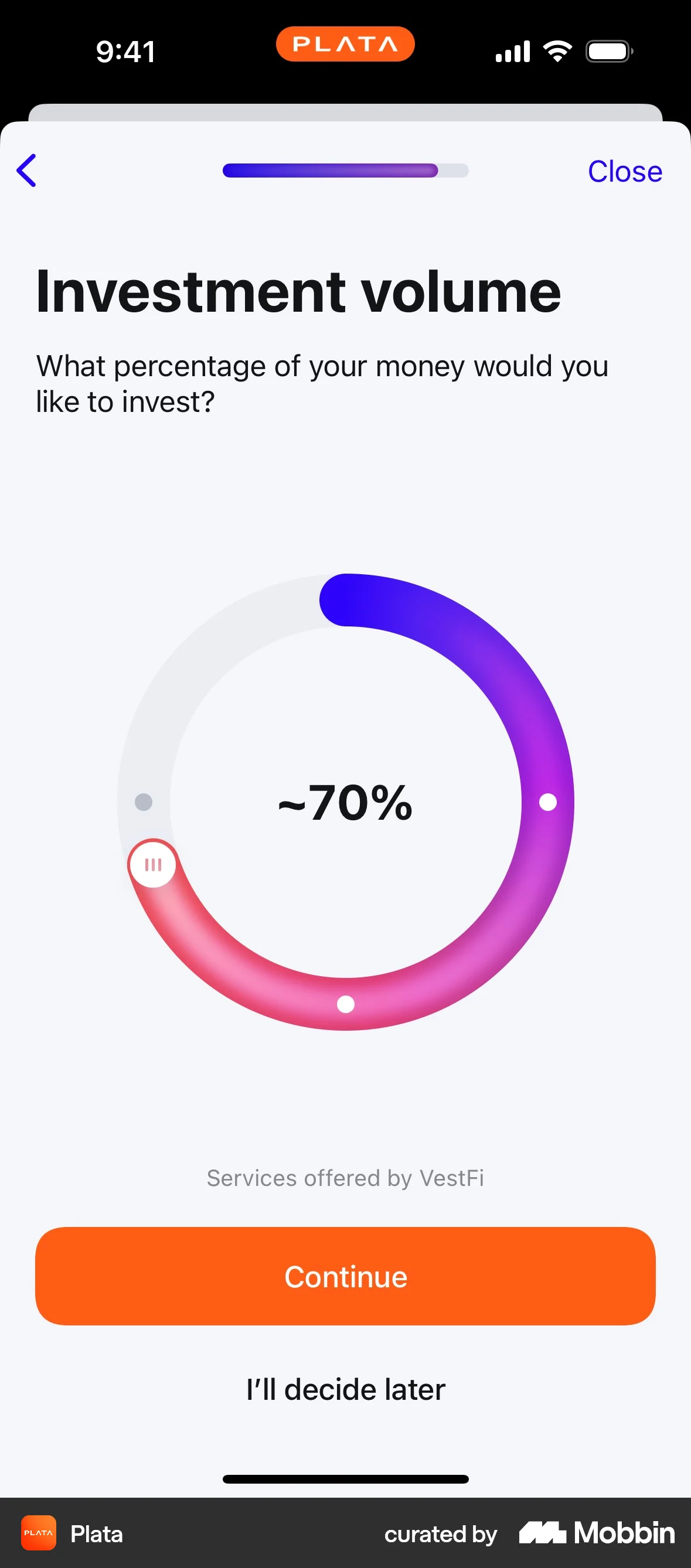
The user flow showcases the process of opening an investment account, starting from the Investments page and ending with the display of the investment portfolio.
Discover the best app editing flow UX design screen patterns. Hundreds of thousands of designers already browse curated app editing flow UX design roundups on Mobbin. Join for free.
The user flow showcases the process of opening an investment account, starting from the Investments page and ending with the display of the investment portfolio.

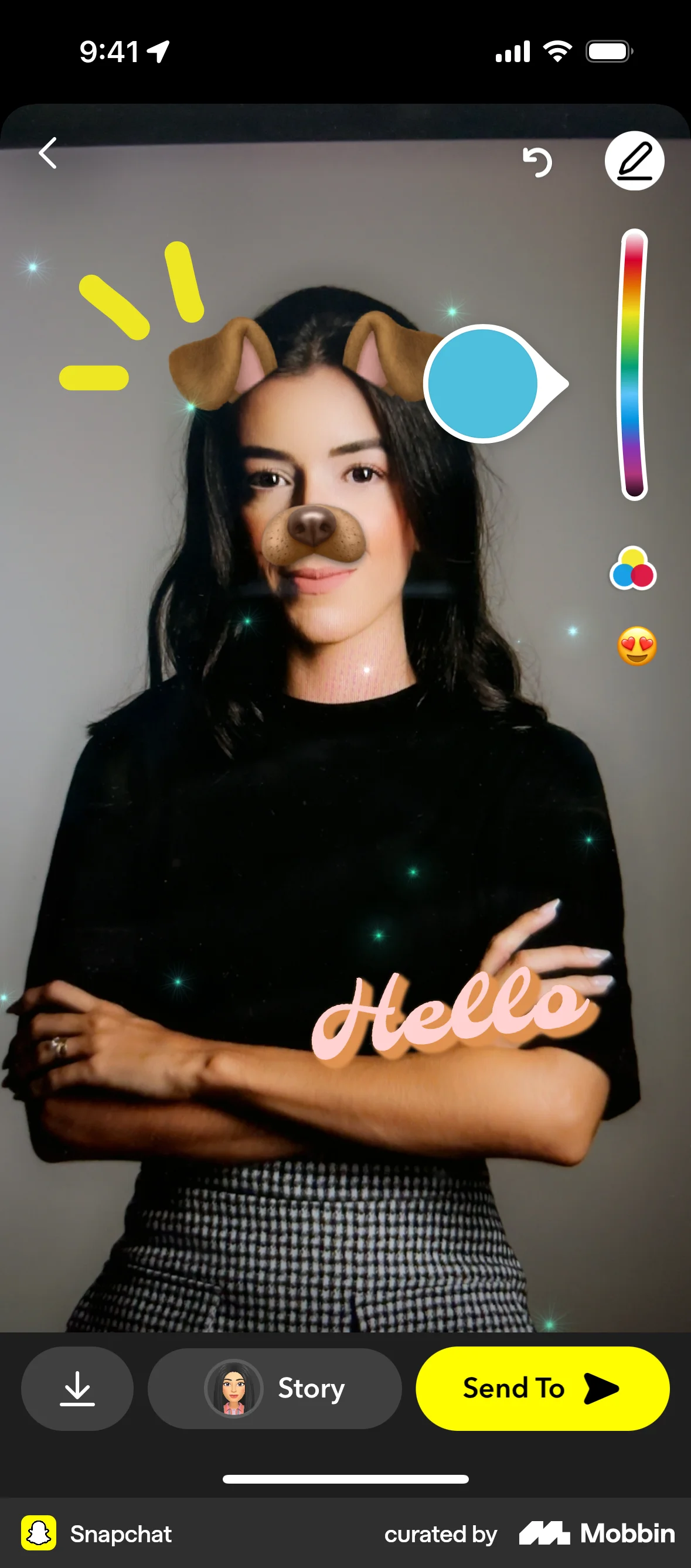
The user flow demonstrates creating a doodle and adding it as a magnet to a chat. It involves canvas drawing, thickness adjustment, and color selection.
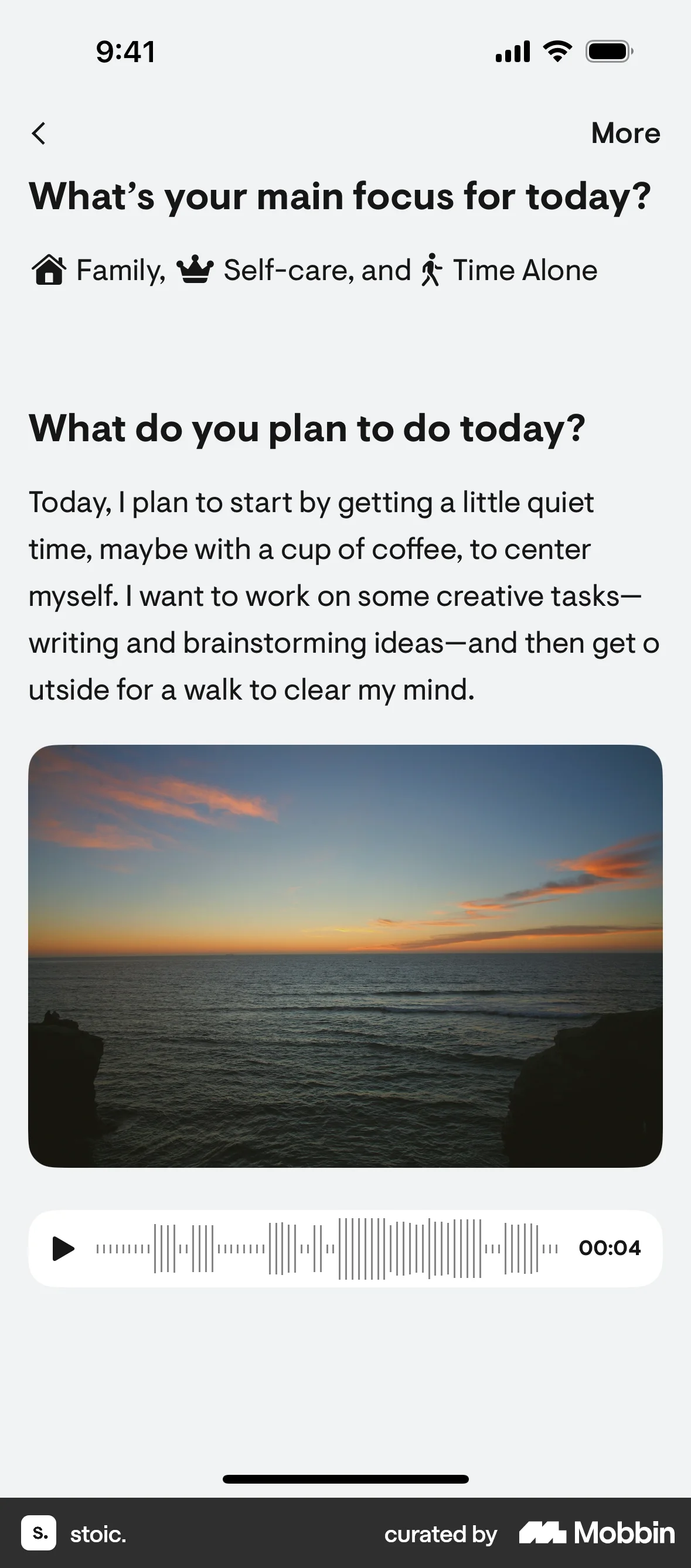
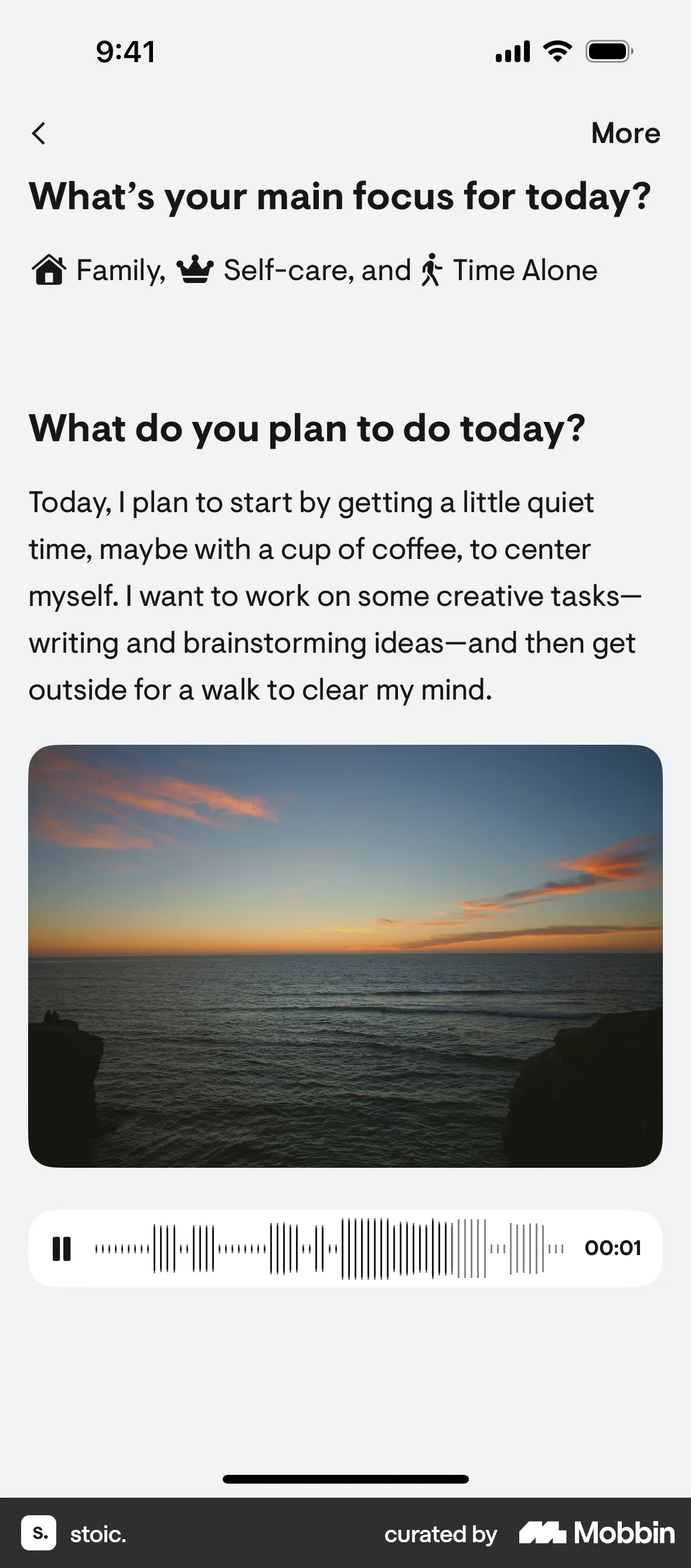
The user creates a sketch and adds it to their daily plan. The flow demonstrates adding visual content to a text-based plan.

The user opens a drawing from a note, edits it by changing the pen thickness and adding a smile, and then saves the updated drawing back to the note.

The user opens a blank whiteboard, selects the pen tool, and then draws on the whiteboard. The flow demonstrates simple whiteboard editing.

The user flow demonstrates adding a drawing to a photo. The user selects the drawing tool, draws on the image, and changes the drawing color.

The user selects an image block, creates a doodle of a t-shirt, and integrates it into the main design for publishing.

The user provides feedback on a Google Lens scan by describing an issue and editing a screenshot. The flow ends with a confirmation message.

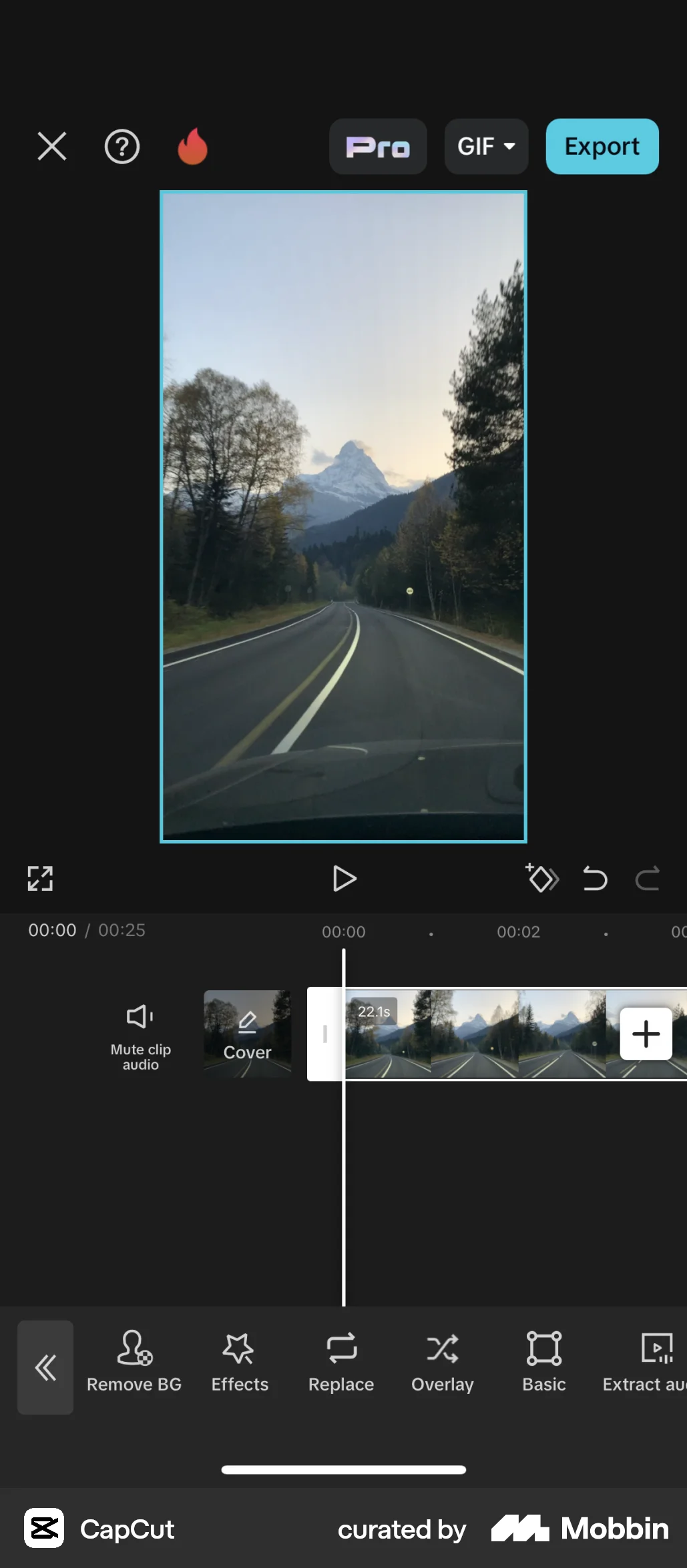
The user flow shows how to remove a video background using auto and custom removal tools. The final result is a video with a black background.
The user flow demonstrates creating a sticker from a photo. It involves outlining an object and then editing/sharing the final sticker.

The user navigates to the card signature change option, inputs their signature, and confirms the new signature.

The user edits an image by adding text, drawings, and filters, then crops it. The final edited image is then shared in a post.

3407 Flows


1999 Flows

255 Flows
404 Flows

287 Flows


477 Flows