Deleting a poston Nextdoor
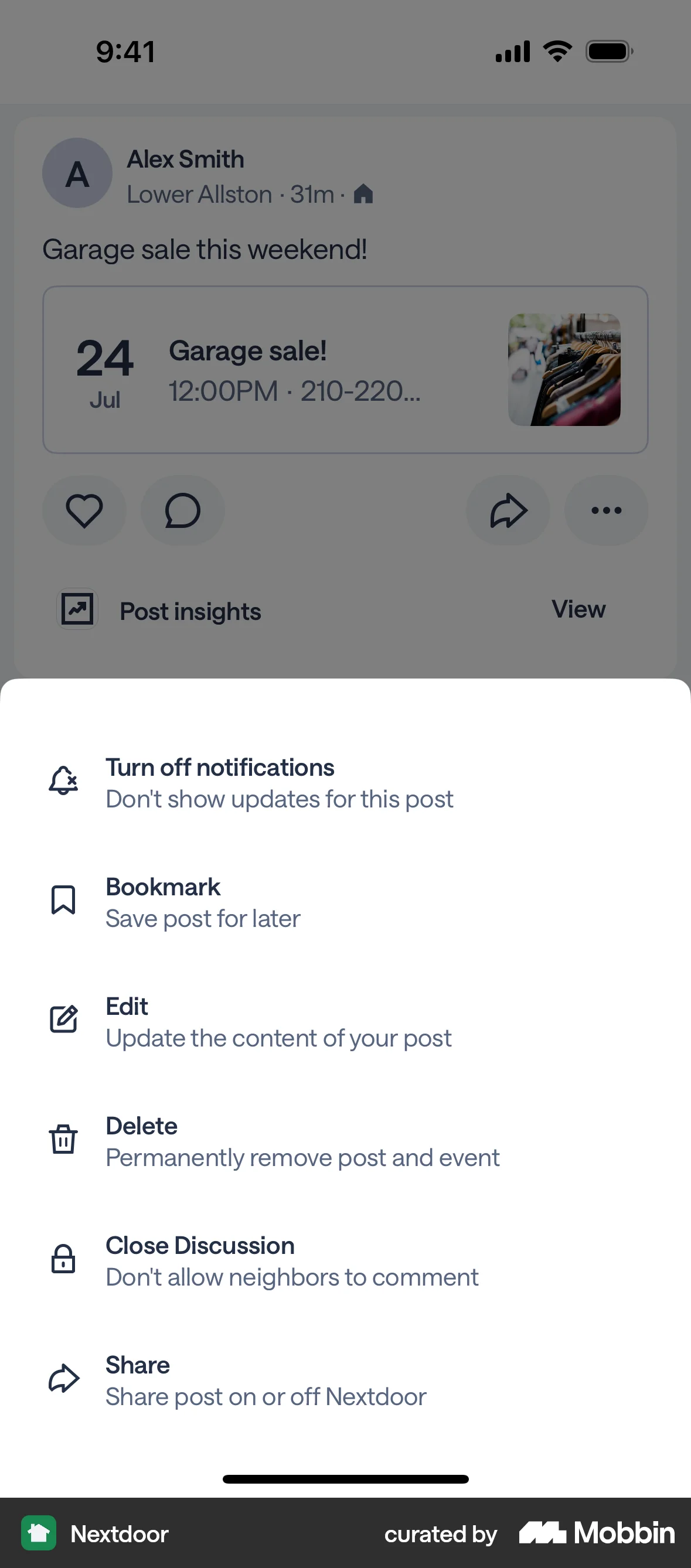
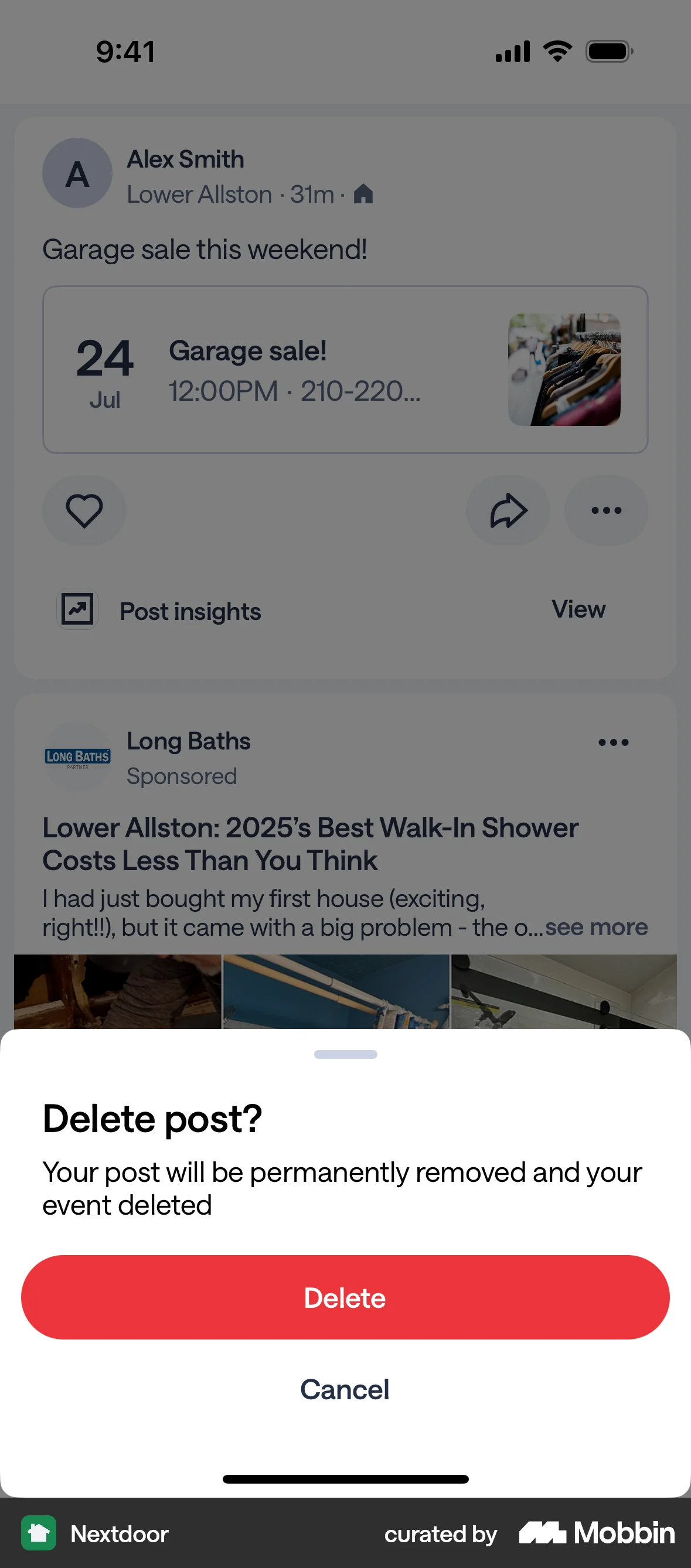
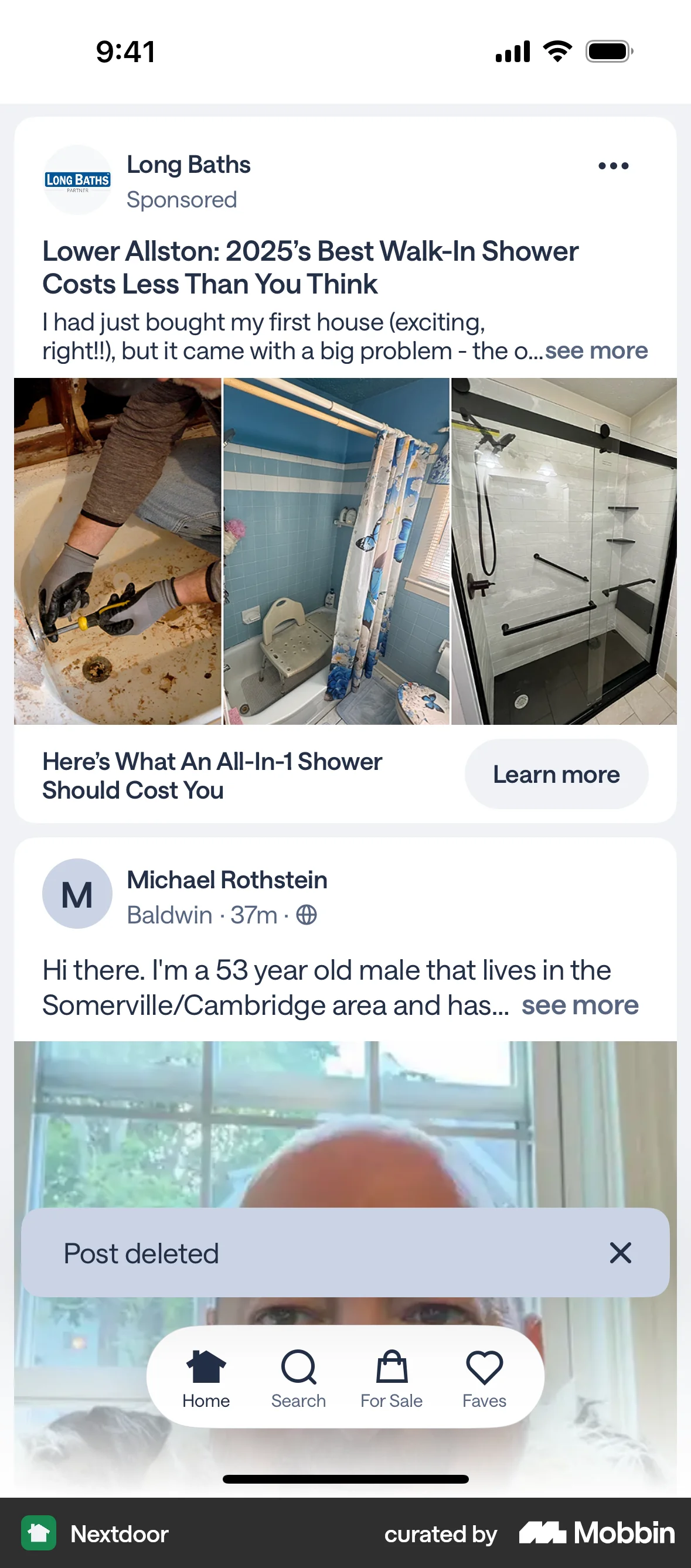
The user deletes a post by accessing the post options, confirming the deletion, and then viewing a confirmation message on the feed.
Discover best mobile app designs for Deleting & Removing flows. Get inspired by the best apps in the world.
The user deletes a post by accessing the post options, confirming the deletion, and then viewing a confirmation message on the feed.

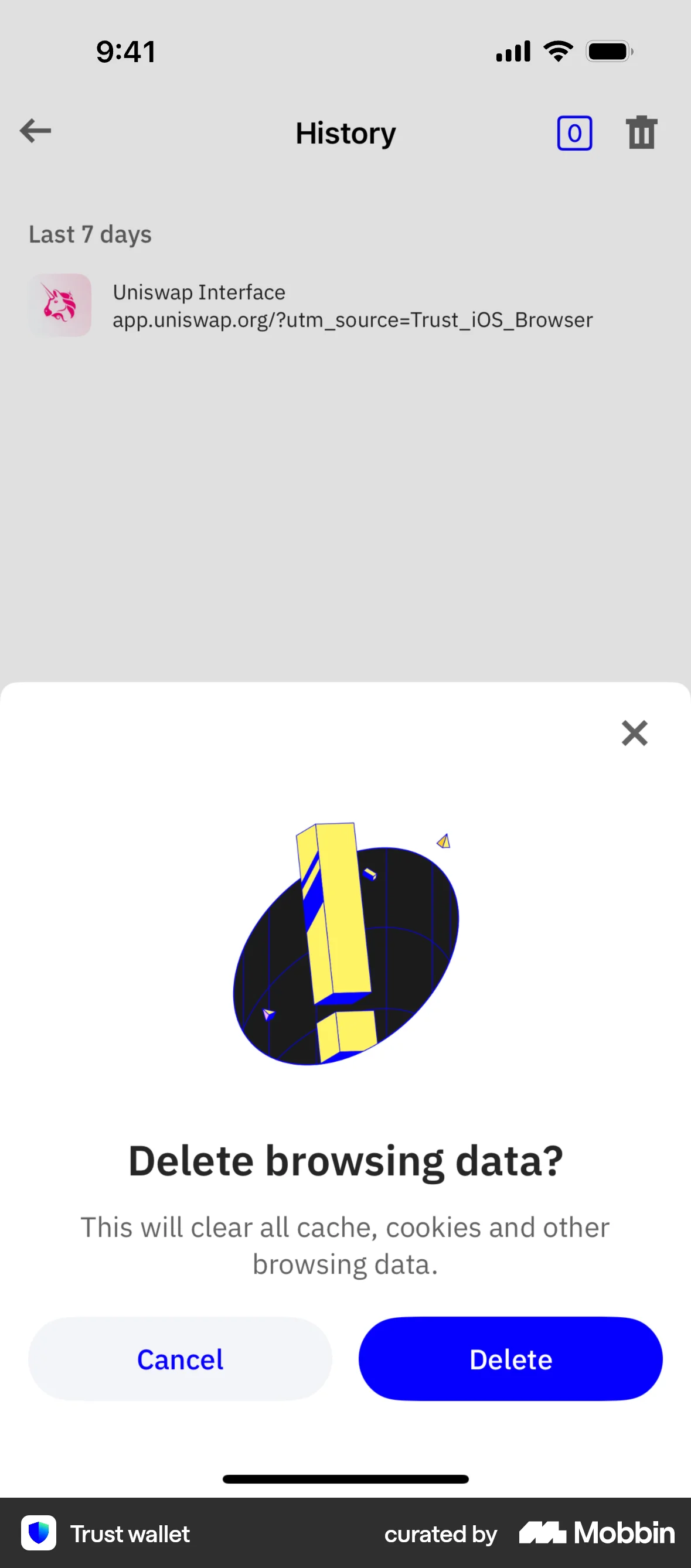
The user views their browsing history and then deletes it. The flow concludes with an empty history screen and a prompt to start browsing.

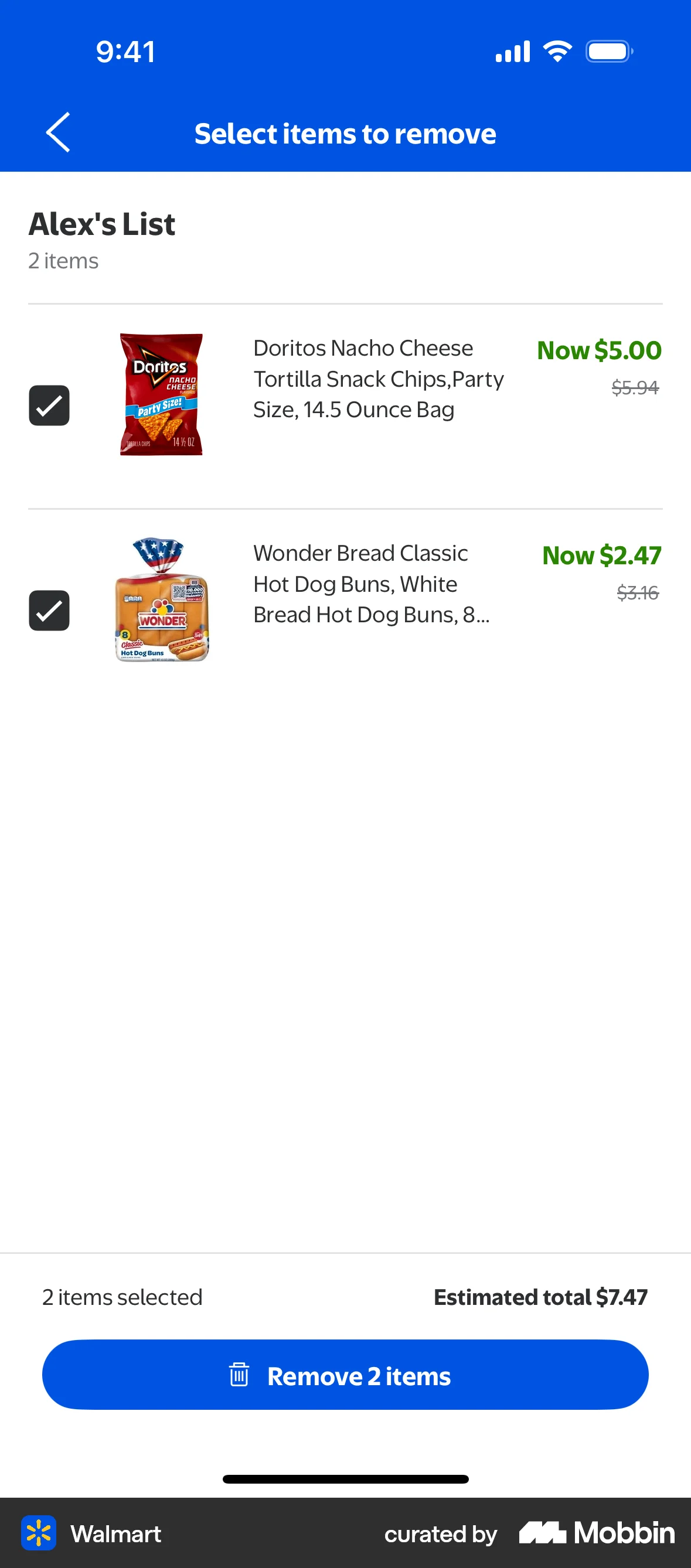
The user selects and removes items from a list, resulting in an empty list. The flow demonstrates how to delete items.

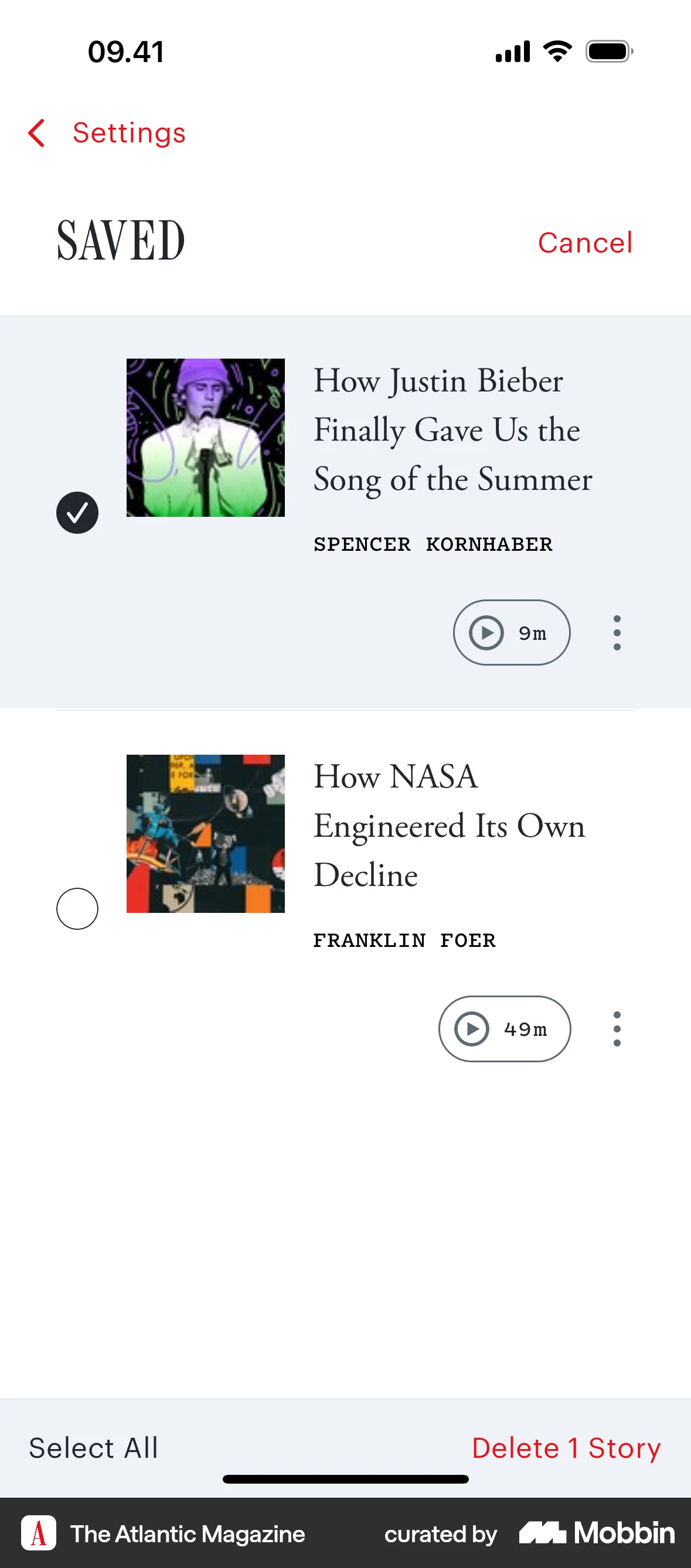
The user navigates to the saved articles list, selects an article, and deletes it. The list updates to reflect the deletion.

The user navigates to app settings, clears the app's storage, and receives a confirmation. The goal is to free up device storage space.
The user deletes a saved article by swiping to reveal the delete option. The article is then removed from the saved list.
The user clears the queue of next stories. The user taps on the "Clear Queue" button, resulting in an empty queue.
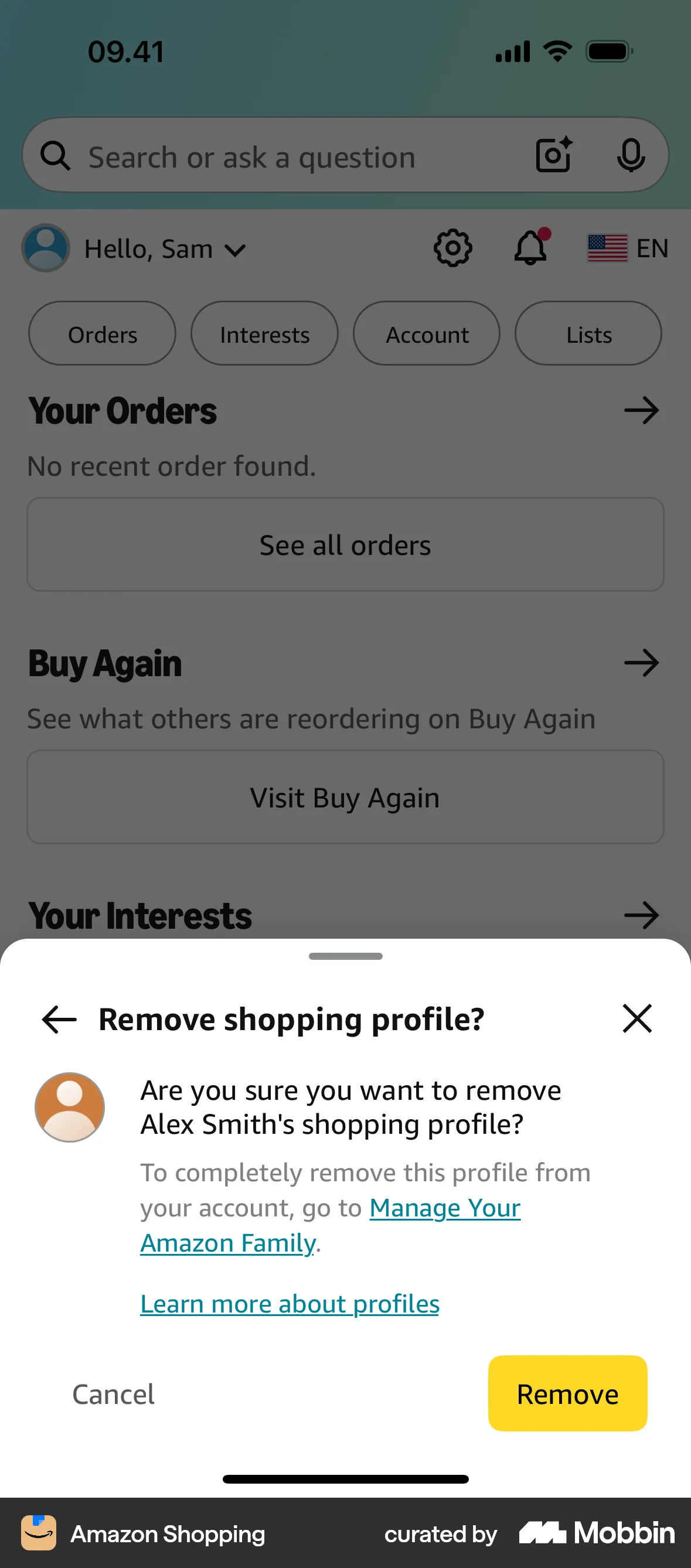
The user flow demonstrates removing a profile. It involves confirming the removal and then receiving a confirmation message.

The user flow demonstrates closing a dollar box account. It involves confirming the closure, entering the PIN, and receiving a confirmation.

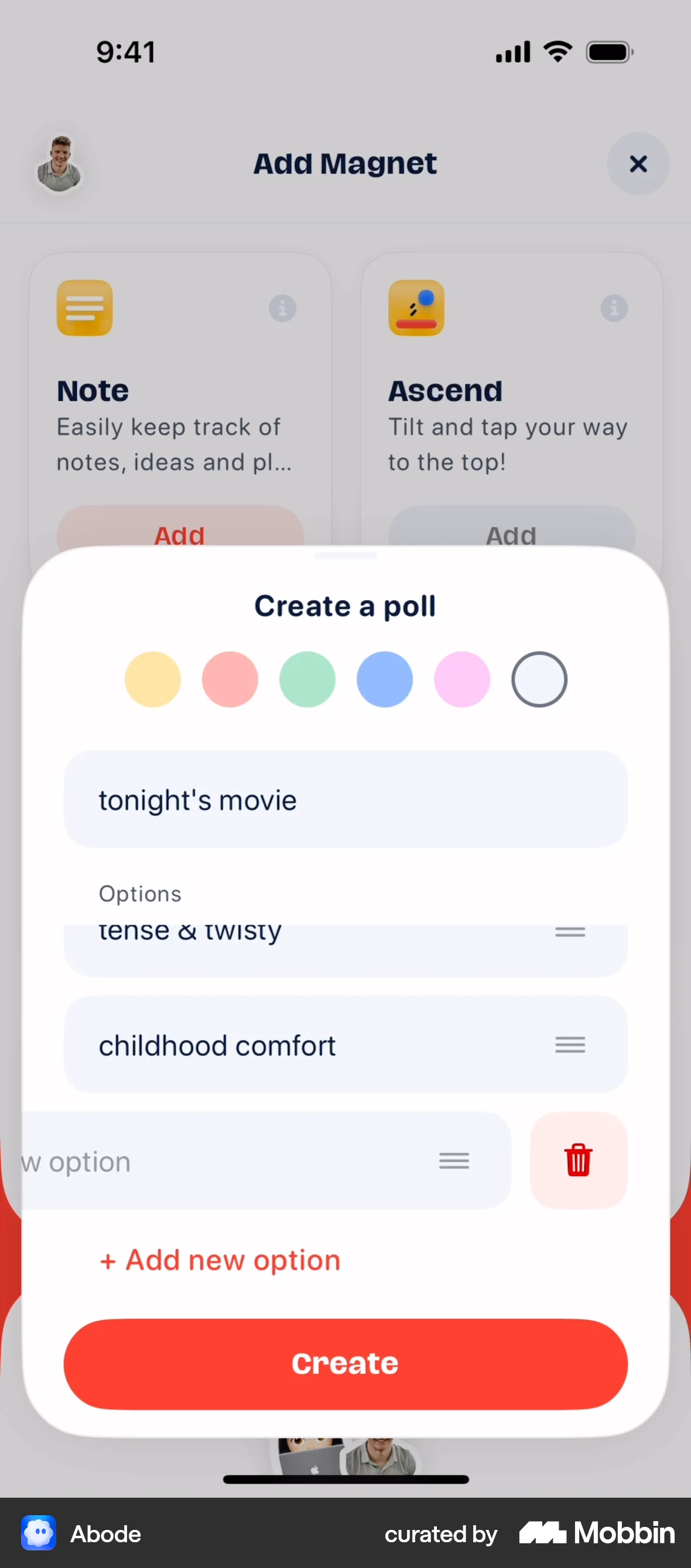
The user flow demonstrates deleting an option within a poll creation modal. It showcases the action and the resulting updated poll options.

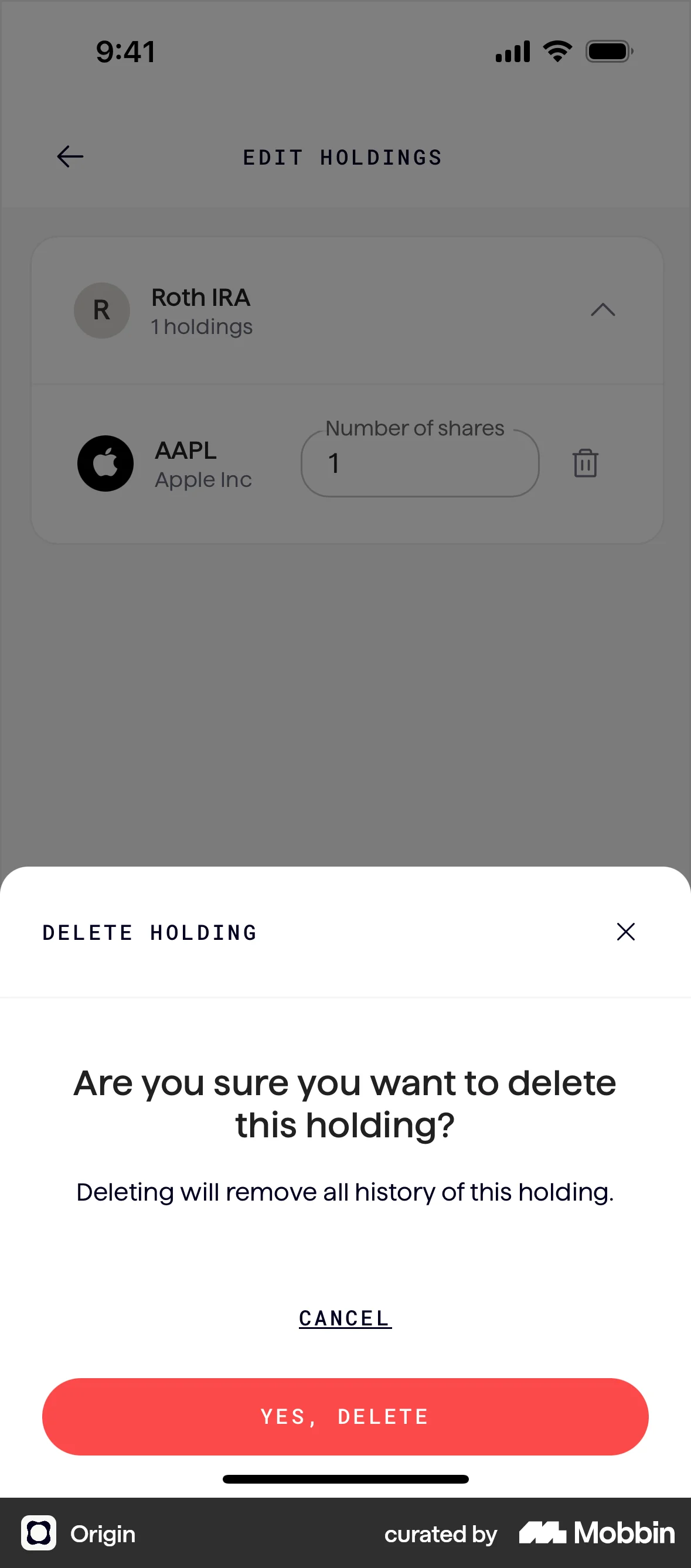
The user deletes a holding by navigating to the edit screen, selecting the delete option, and confirming the deletion. The holding is then removed from the account.

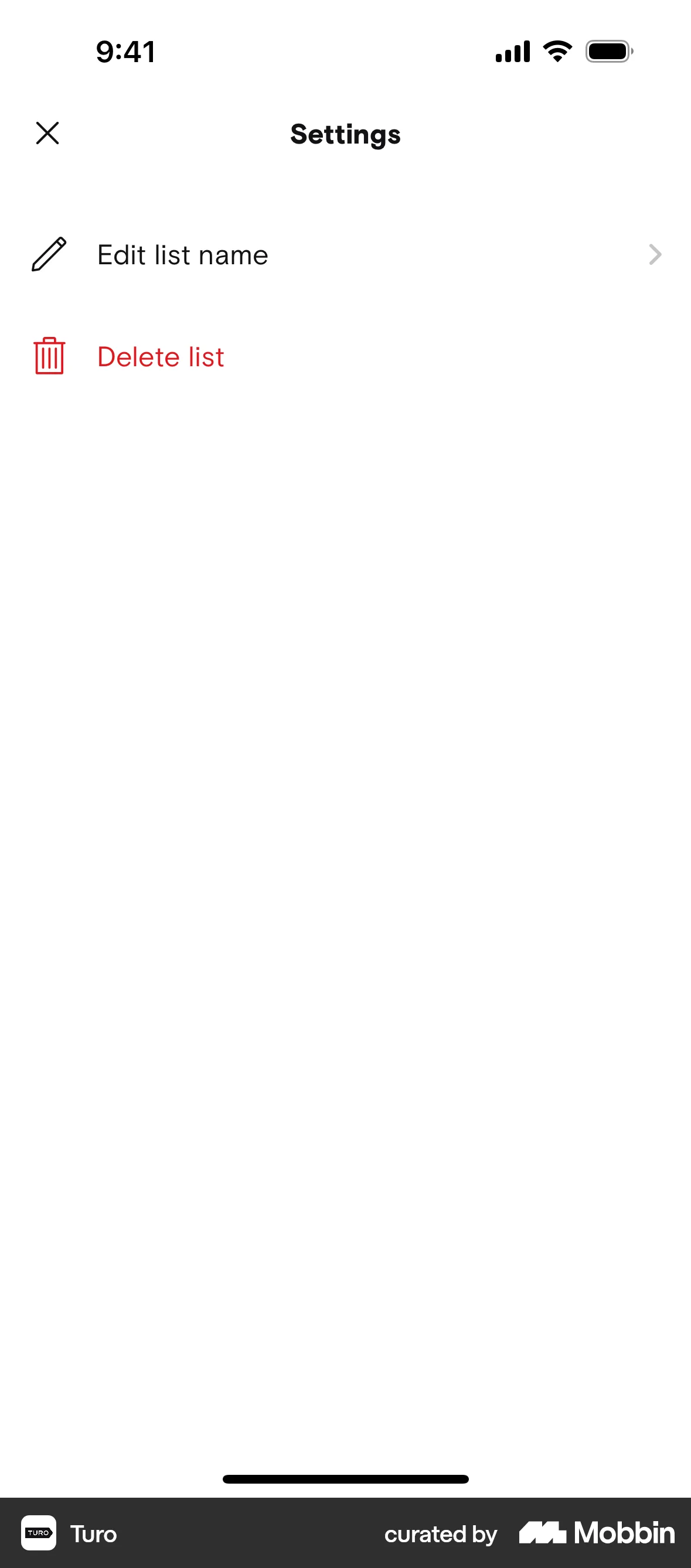
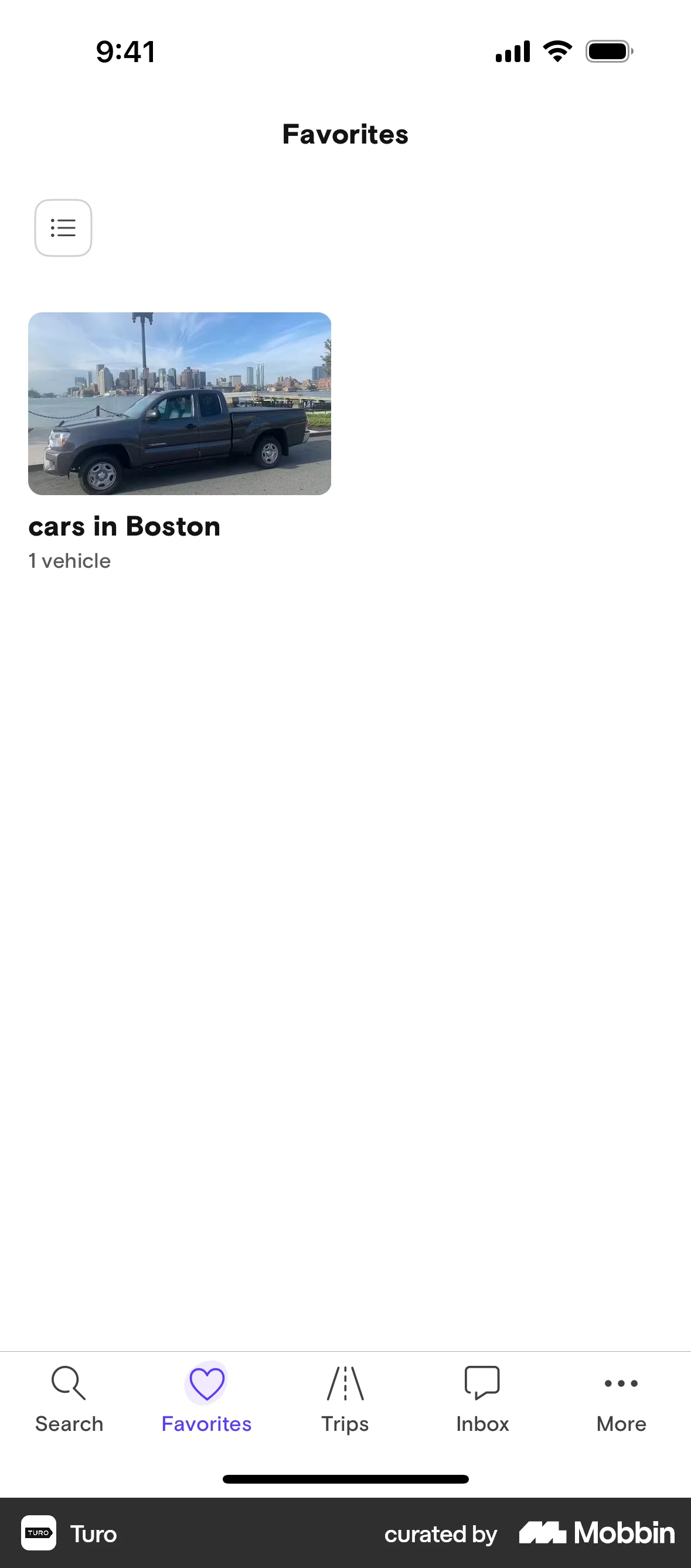
The user navigates to the settings of a list, confirms its deletion, and is then taken back to the favorites screen where the list is no longer present.


1090 Flows

255 Flows
358 Flows
87 Flows

105 Flows

1215 Flows