




Moving an itemon Walmart
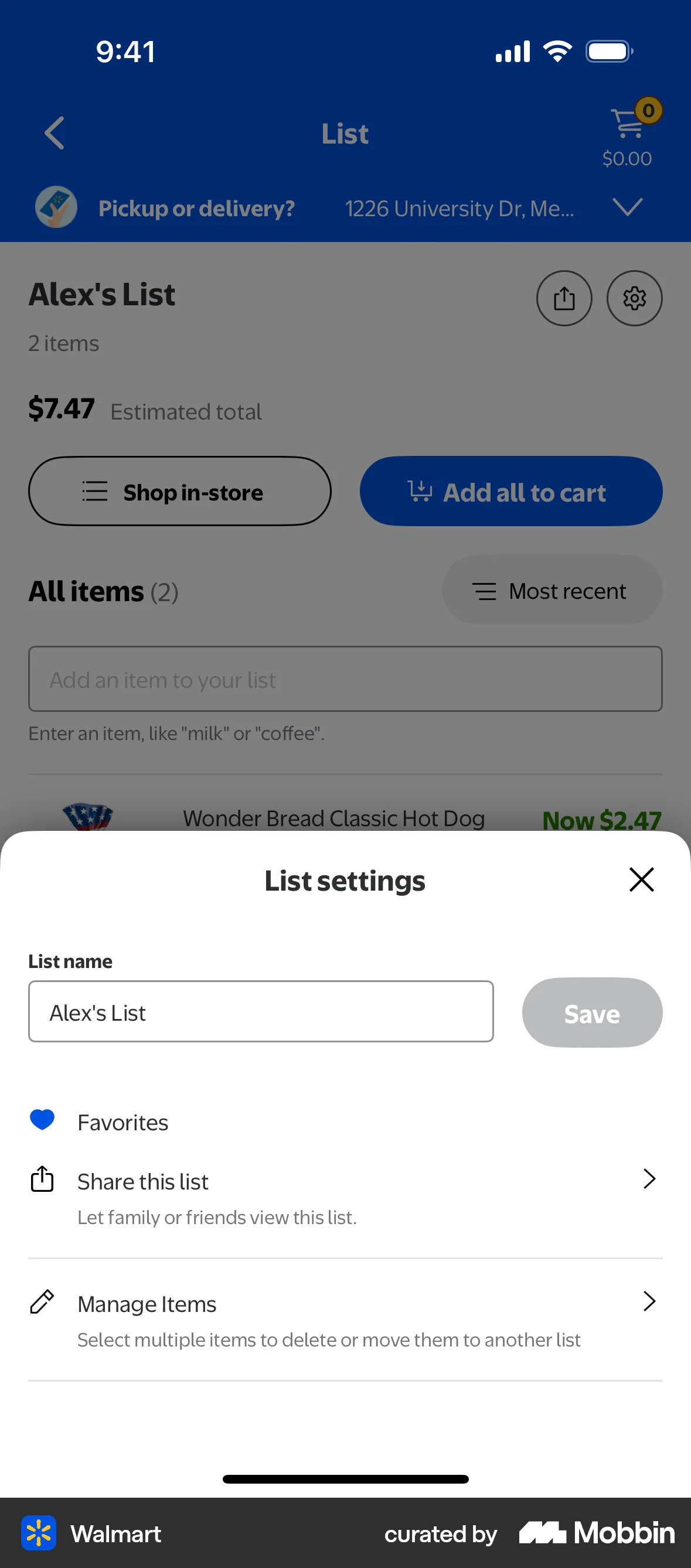
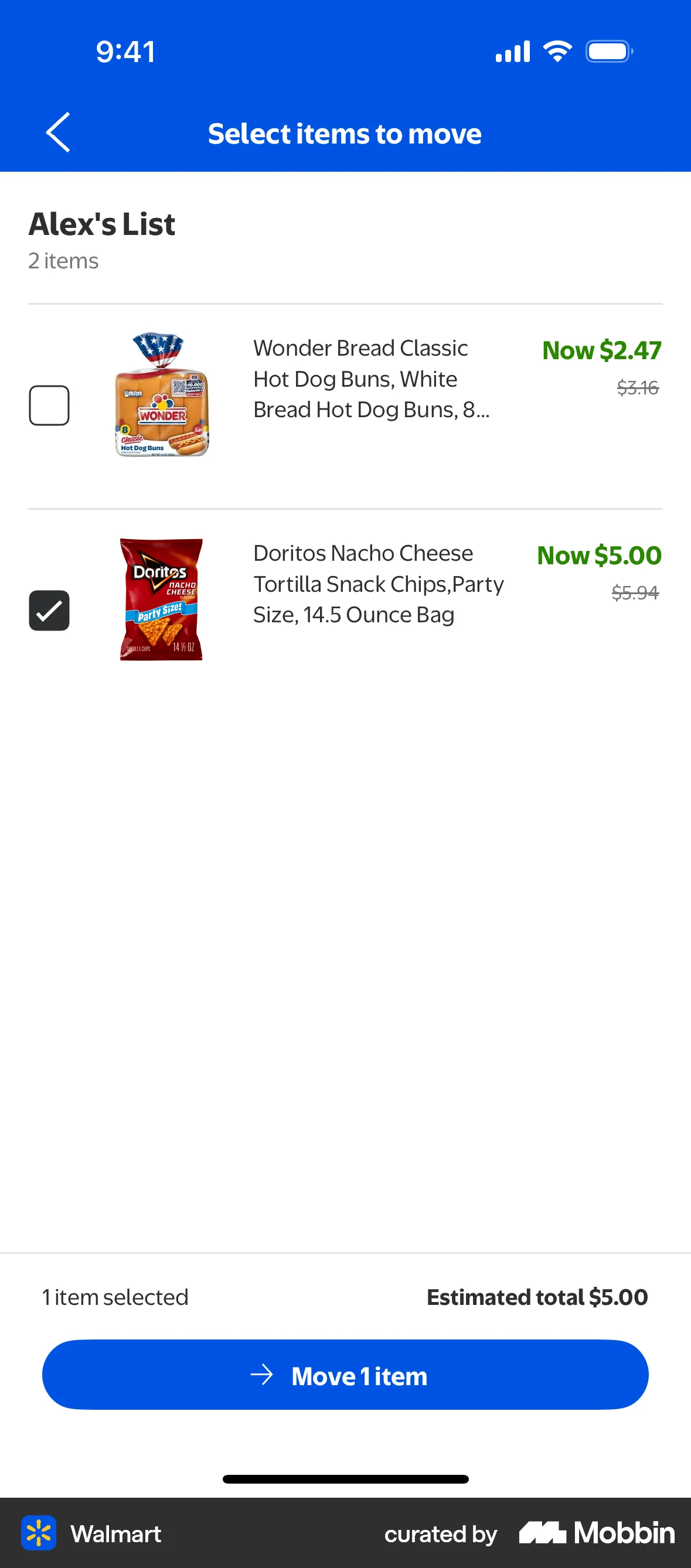
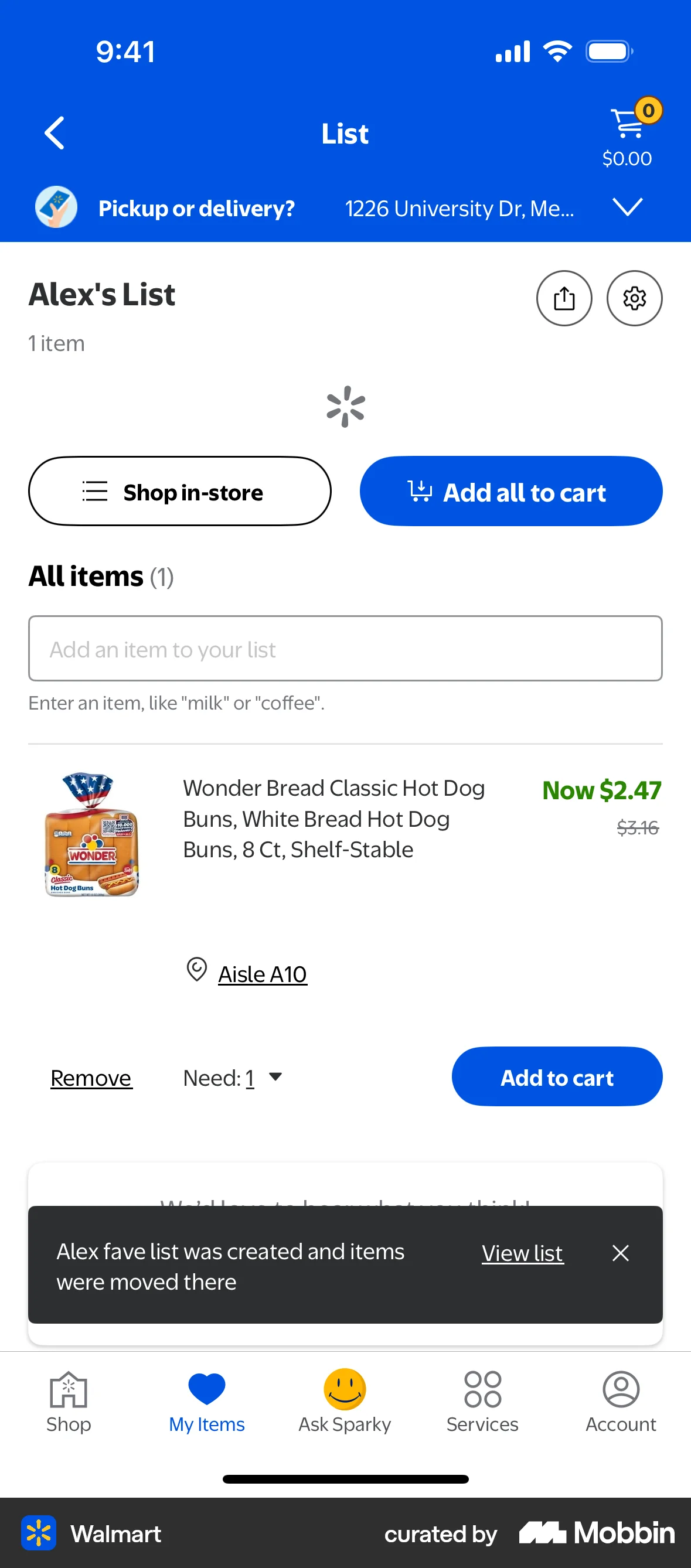
The user moves an item from an existing shopping list to a newly created list. The flow involves navigating through settings and confirming the item move.
Discover best mobile app designs for Moving flows. Get inspired by the best apps in the world.
The user moves an item from an existing shopping list to a newly created list. The flow involves navigating through settings and confirming the item move.

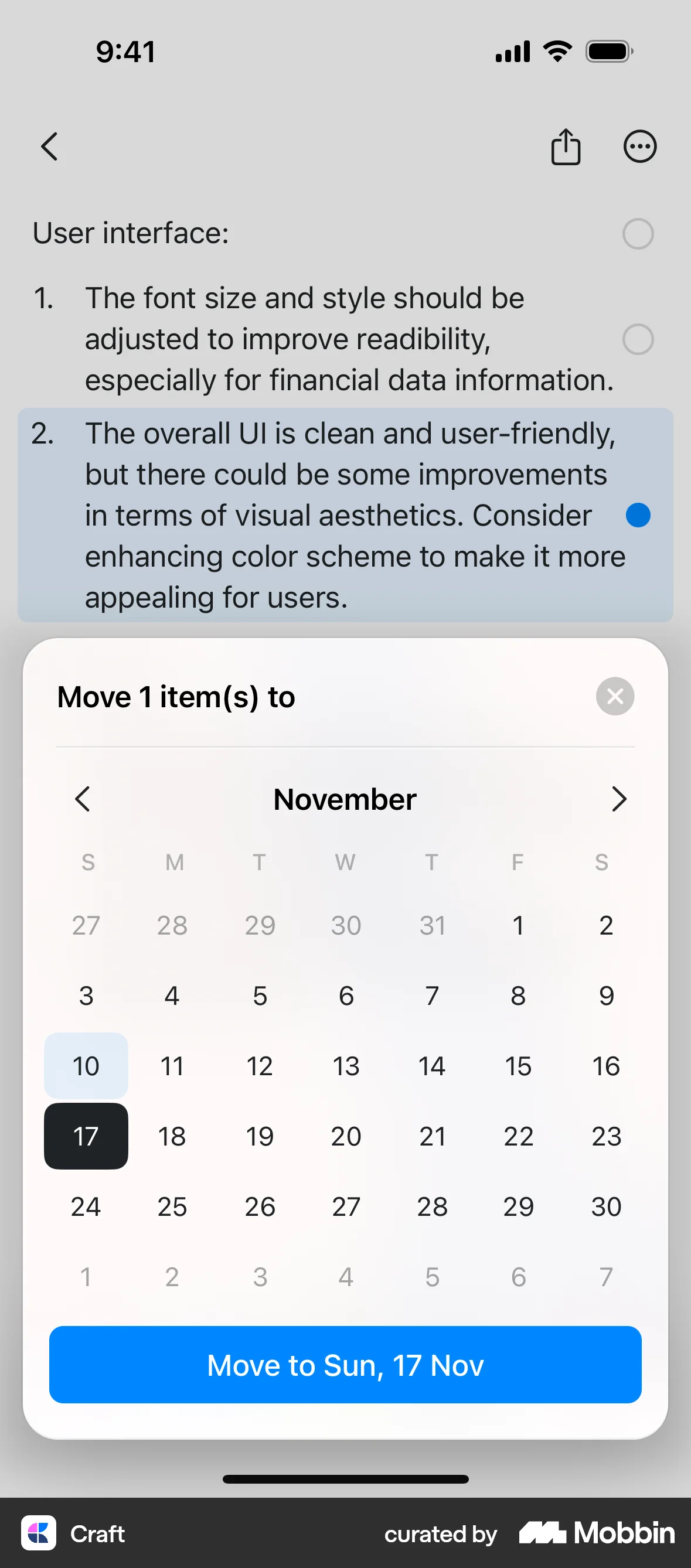
The user moves a selected feedback item to a specific date using the actions menu and calendar modal. A confirmation message is then displayed.

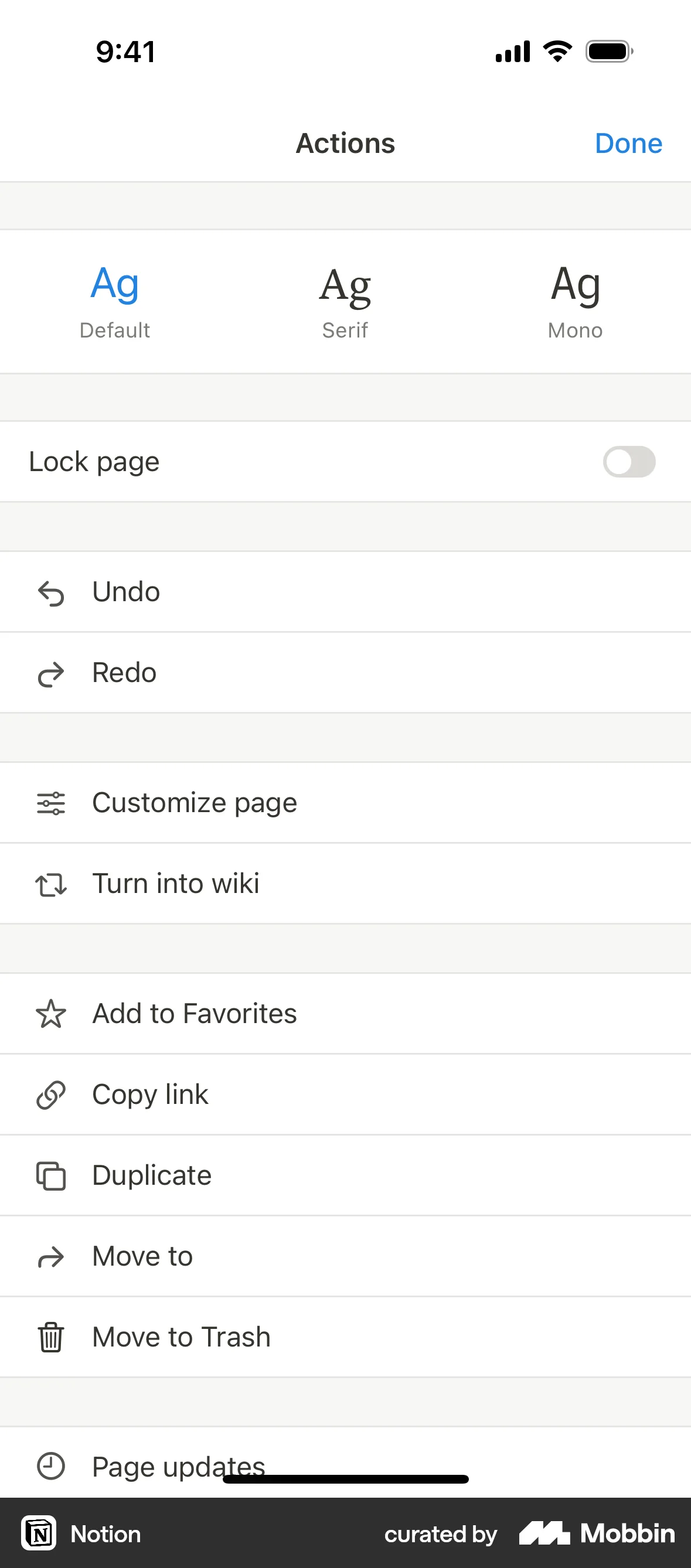
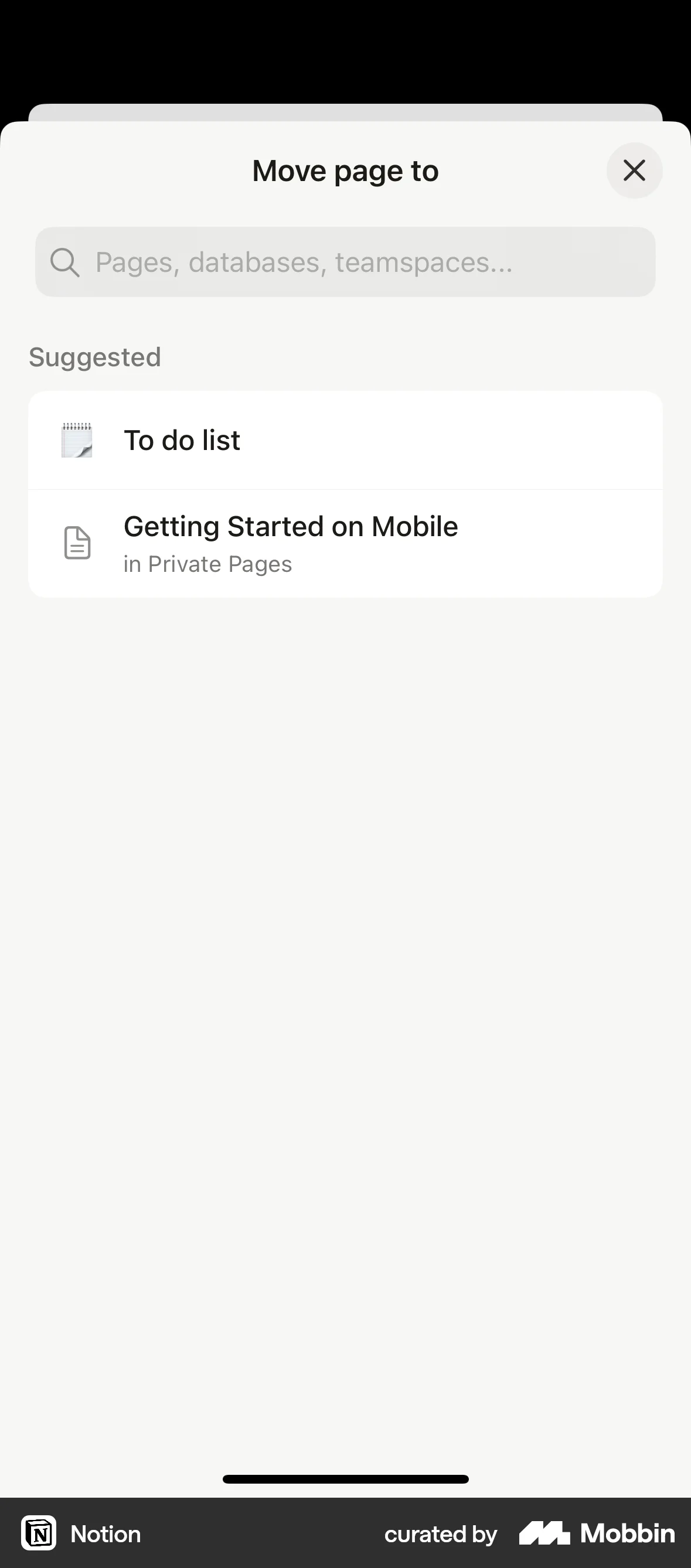
The user navigates to the "Move to" option, selects a destination, and successfully moves the page. A confirmation message appears on the destination page.
The user moves an item from their cart to the saved items list. This allows the user to save items for later purchase.

The user moves a product to a different collection. The flow involves selecting the product, choosing the destination collection, and verifying the updated product list.

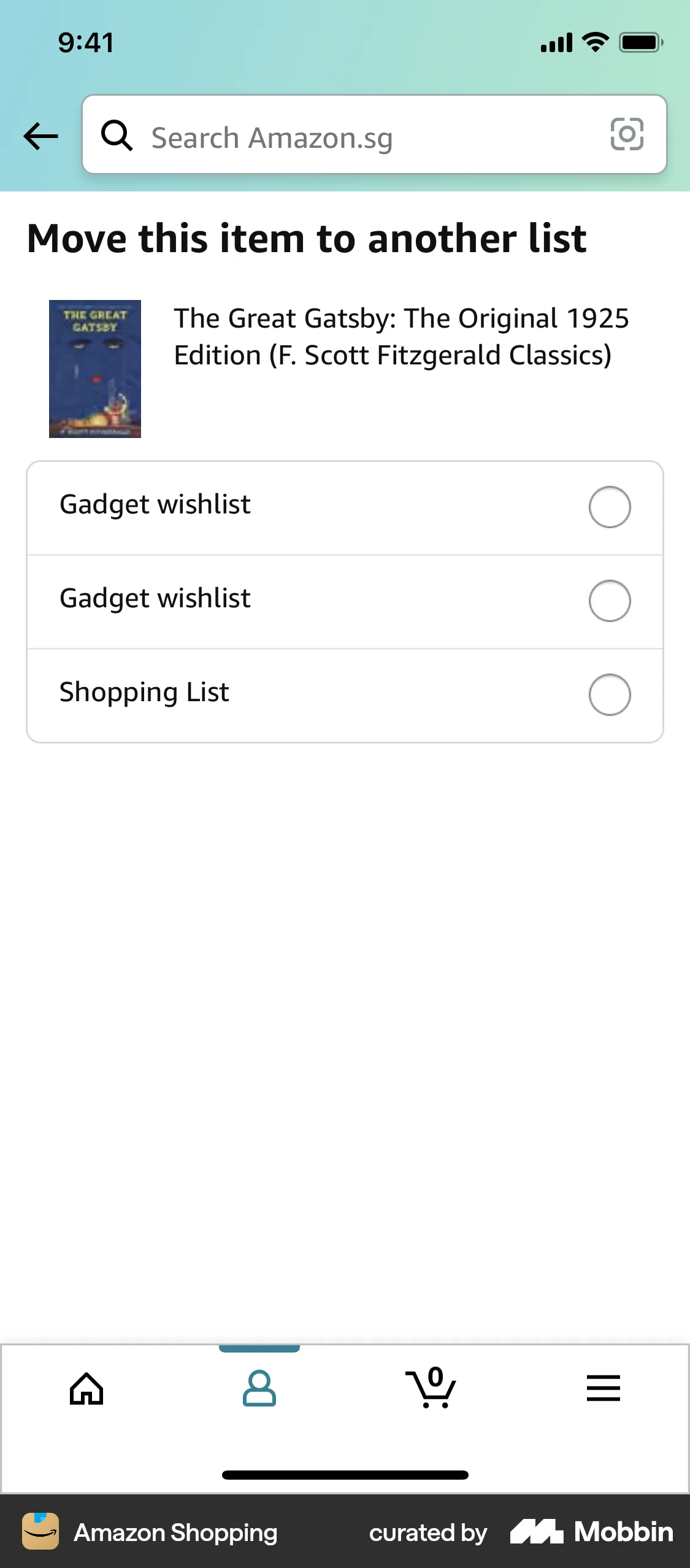
The user navigates through the process of moving an item from one wishlist to another. The flow includes selecting the item, choosing the "Move" option, and confirming the destination wishlist.

The user attempts to move an email, which leads to a security alert from Google. The flow showcases moving an email and the subsequent security notification.

The user selects an item from their wishlist and moves it to the shopping bag. The wishlist is then updated to reflect the change.

The user moves a todo item to a different list. A confirmation message appears, and an undo option is available.

The user navigates through the settings to change the room of a light. They select a new room and confirm the change.

The user navigates through the app to move an activity to a different day of the week. The flow showcases activity management within a weekly plan.

255 Flows
358 Flows

265 Flows
287 Flows
329 Flows