

Creating a passcodeon Plata Card
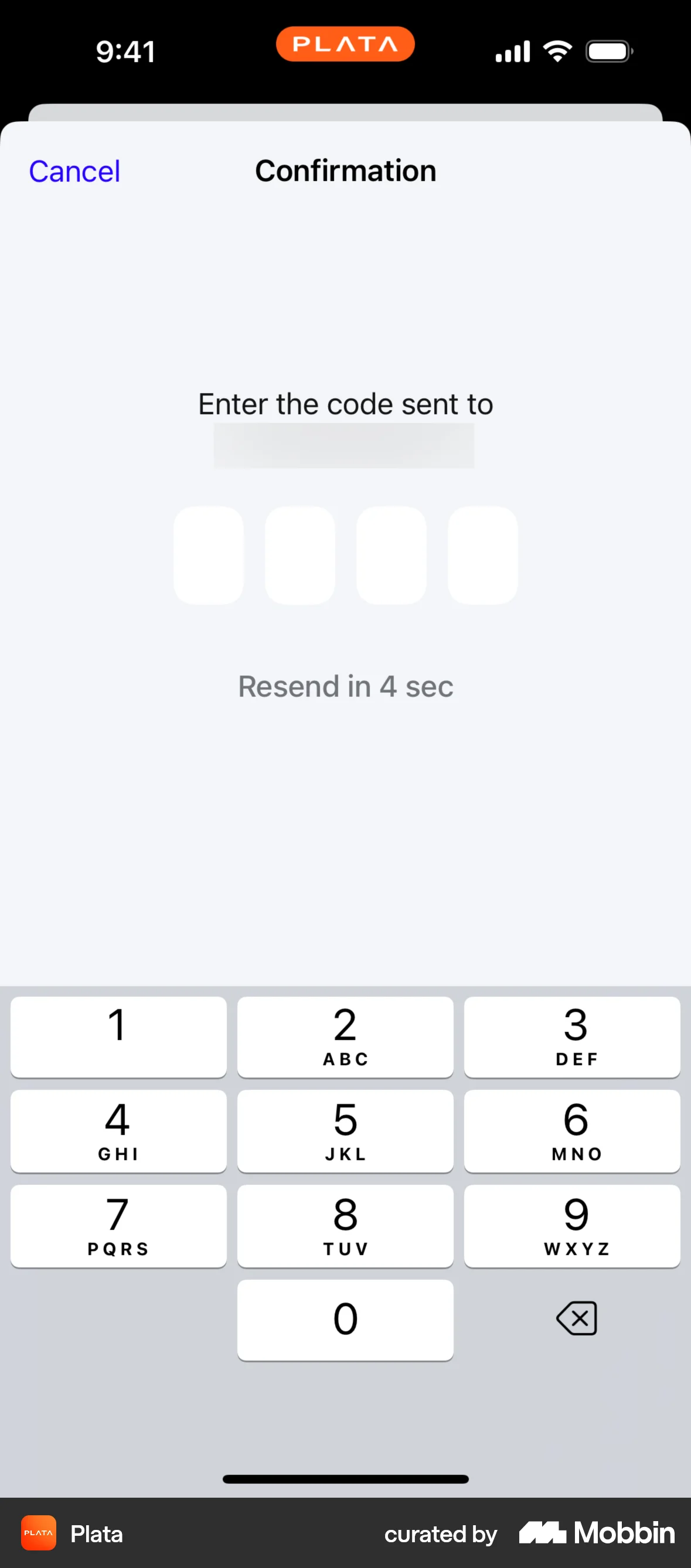
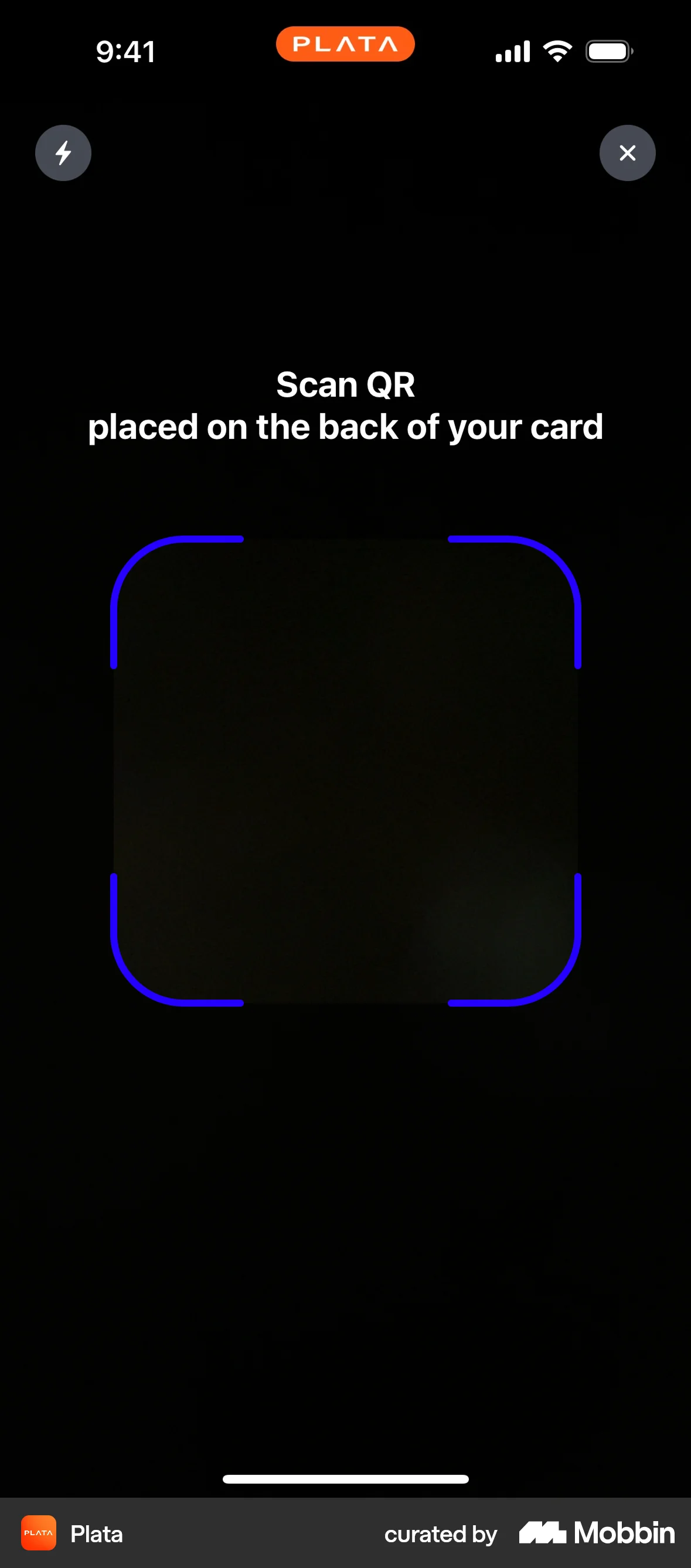
The user flow guides the user through setting up a passcode and then offers the option to enable Face ID for authentication. It begins with QR code scanning.
Discover best mobile app designs for Scanning flows. Get inspired by the best apps in the world.
The user flow guides the user through setting up a passcode and then offers the option to enable Face ID for authentication. It begins with QR code scanning.

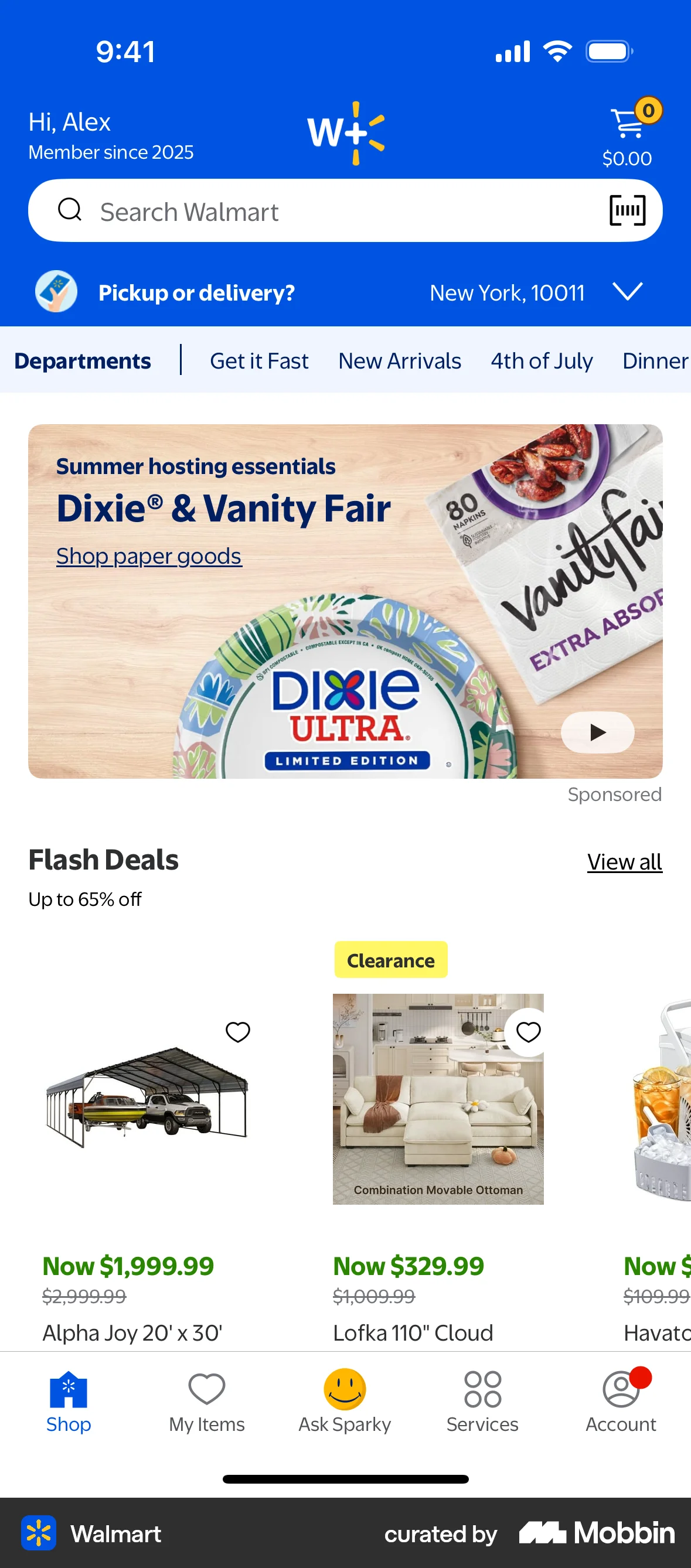
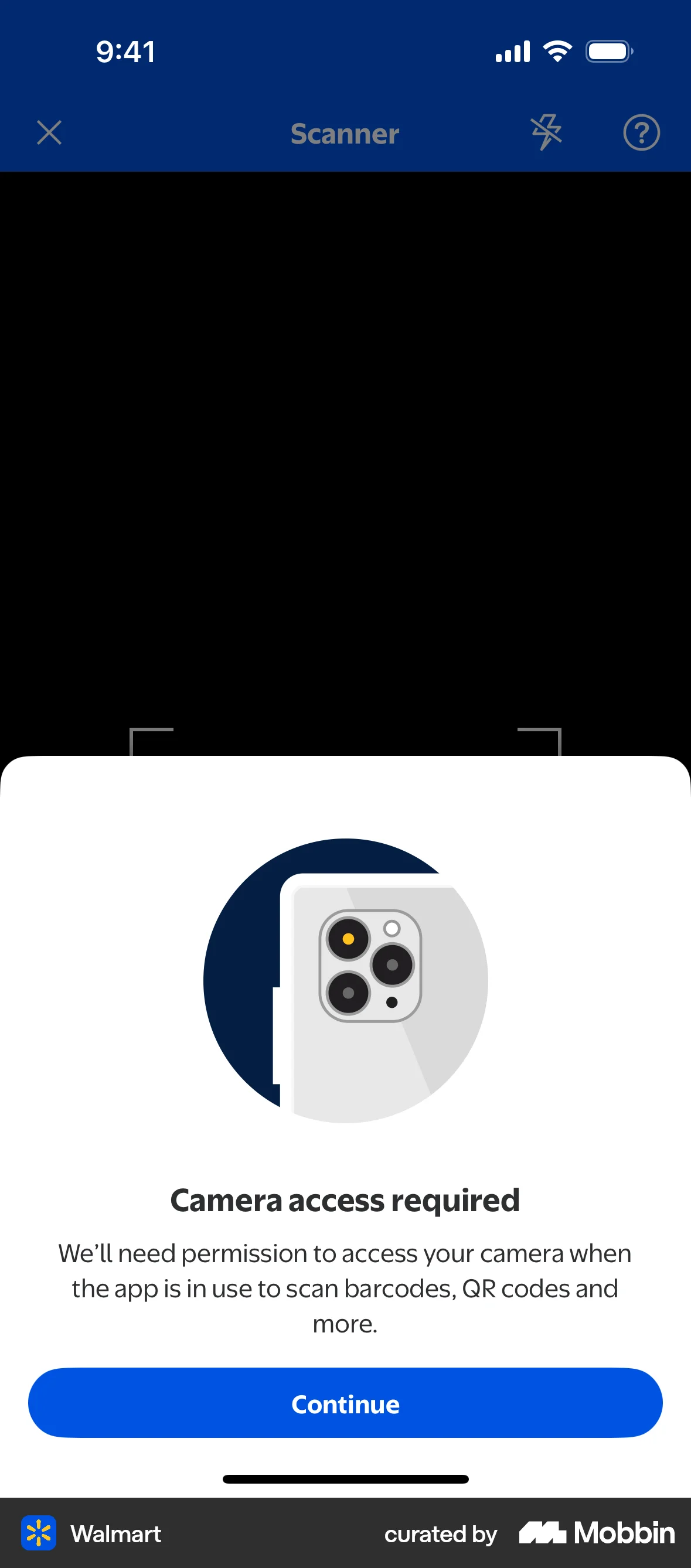
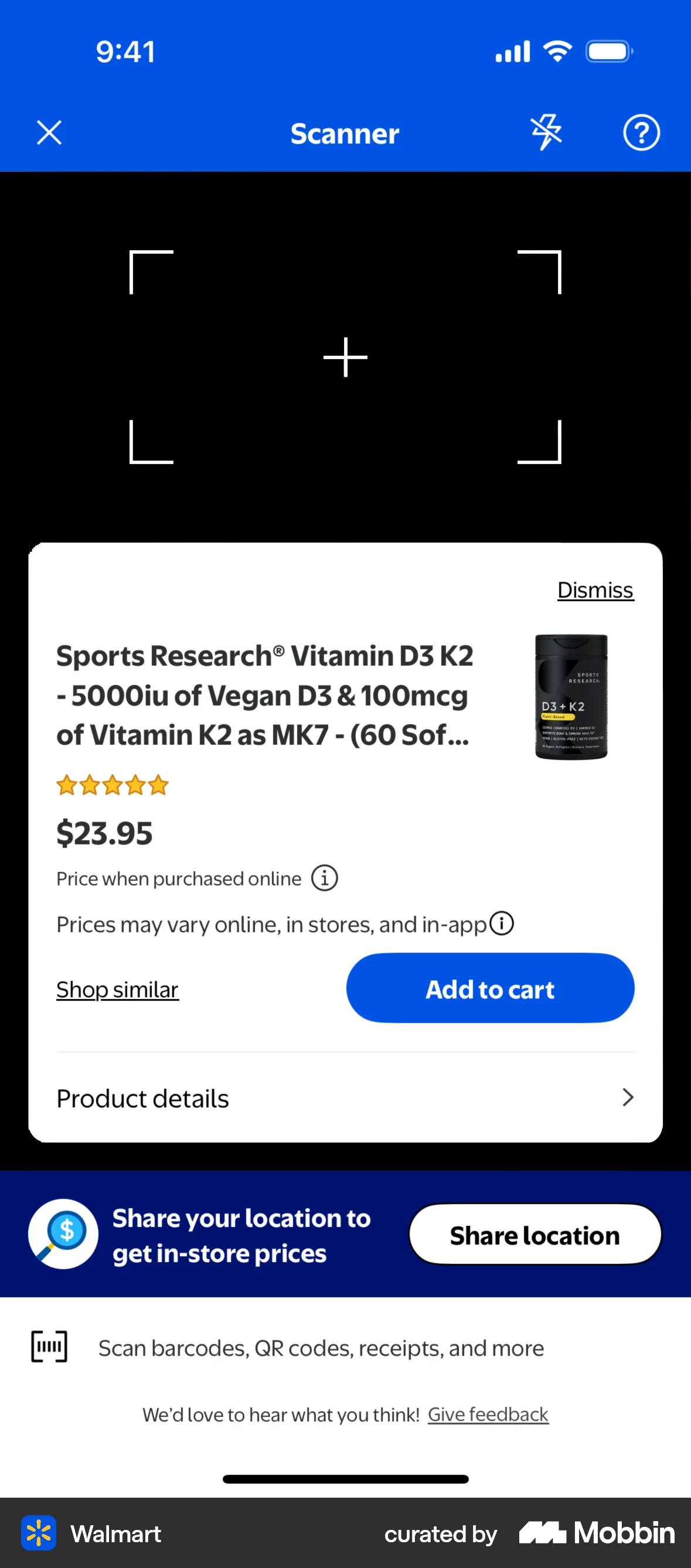
The user scans a product using the Walmart app's scanner feature. The flow leads to the product details page after scanning.
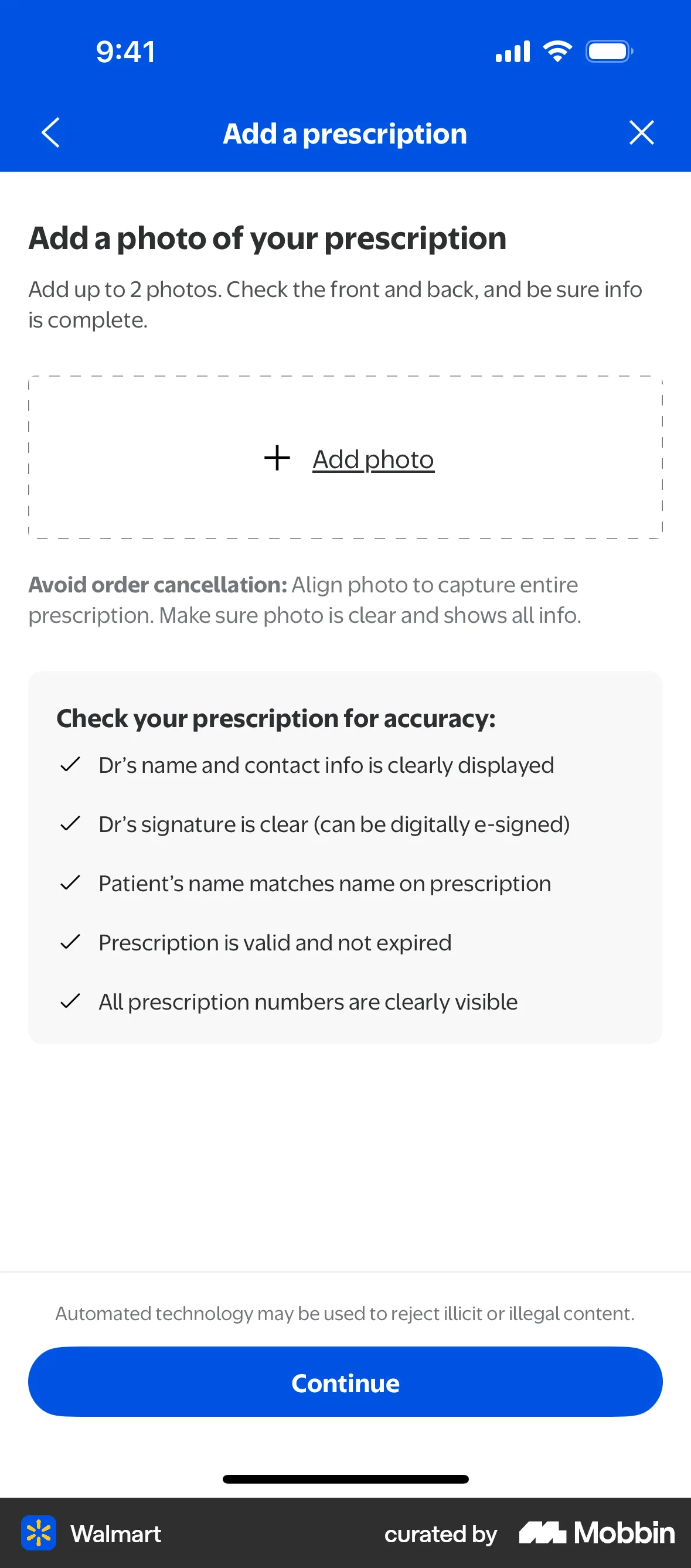
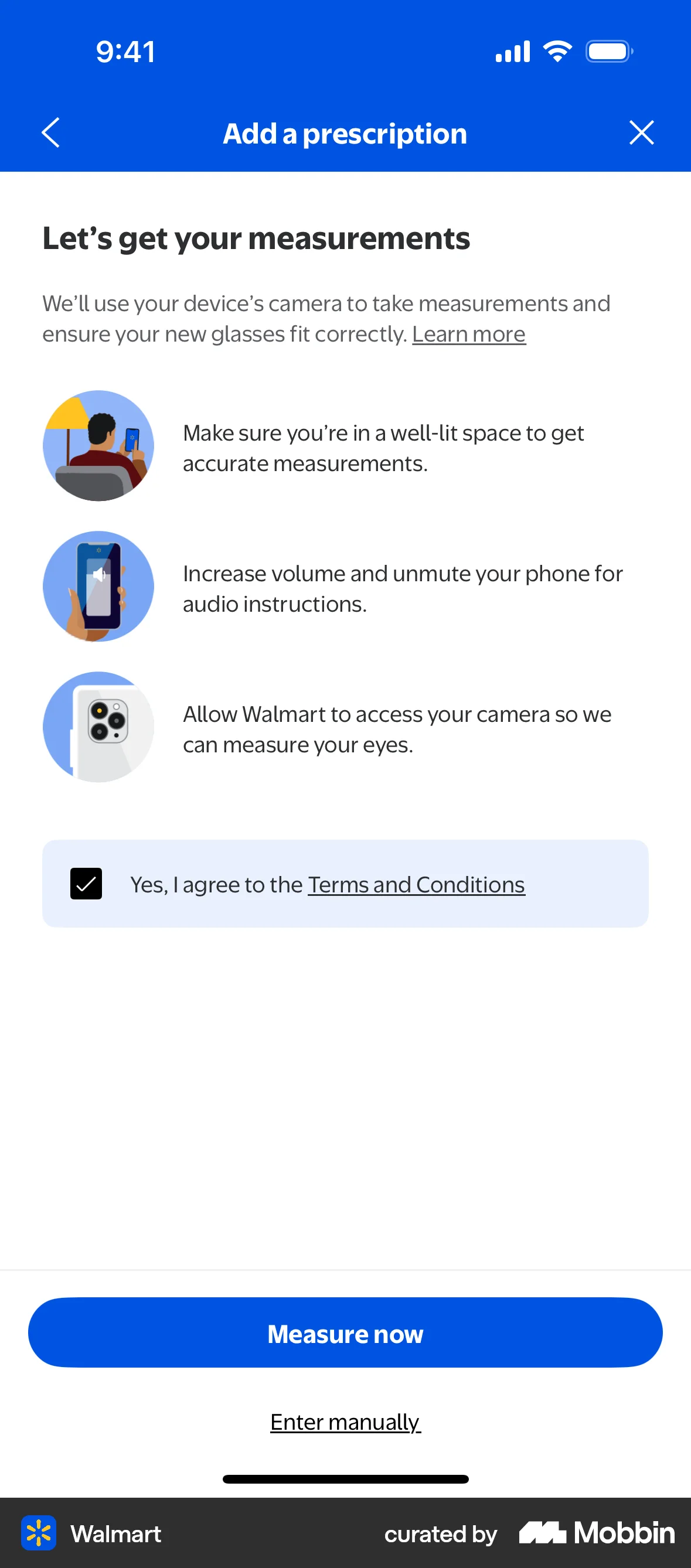
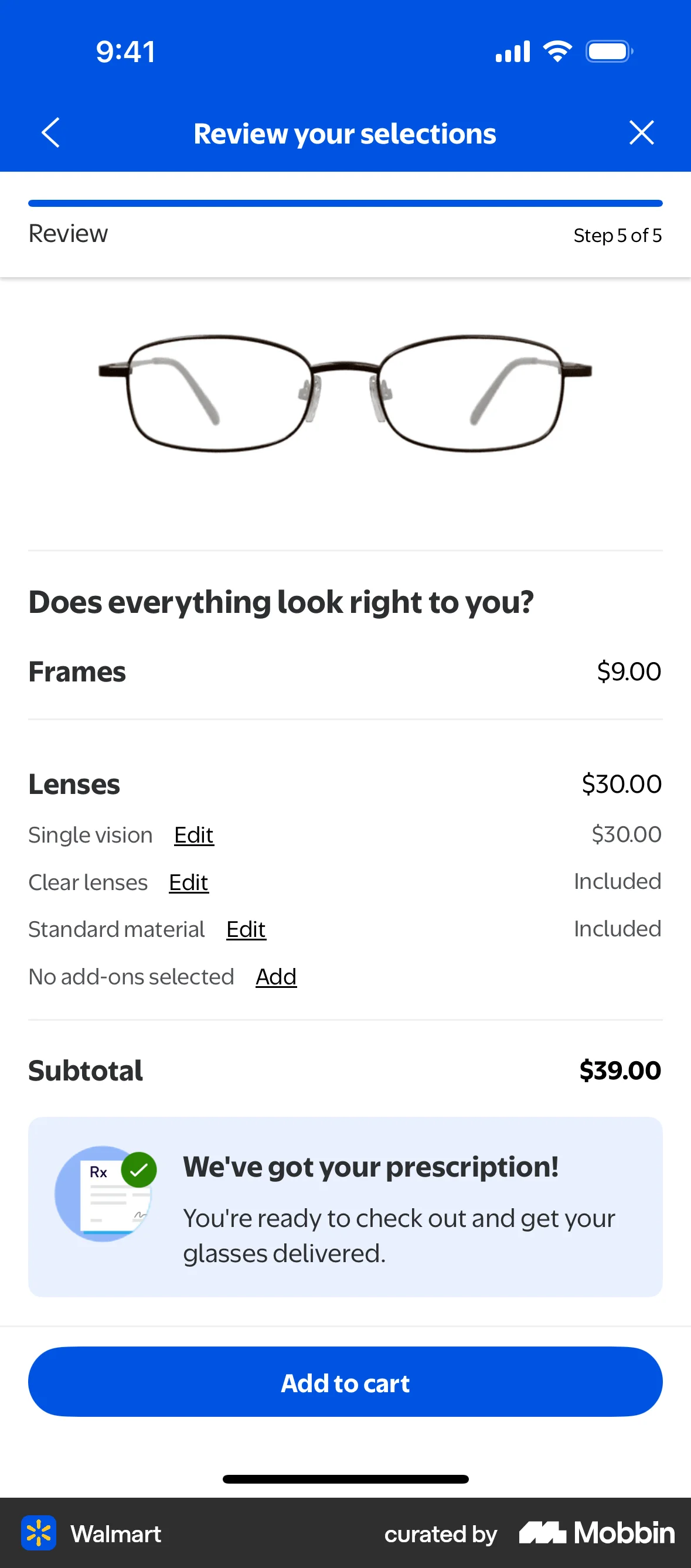
The user flow guides the user to add their prescription details, either by uploading a photo or entering manually. The flow concludes with a confirmation and directs the user to add the item to cart.

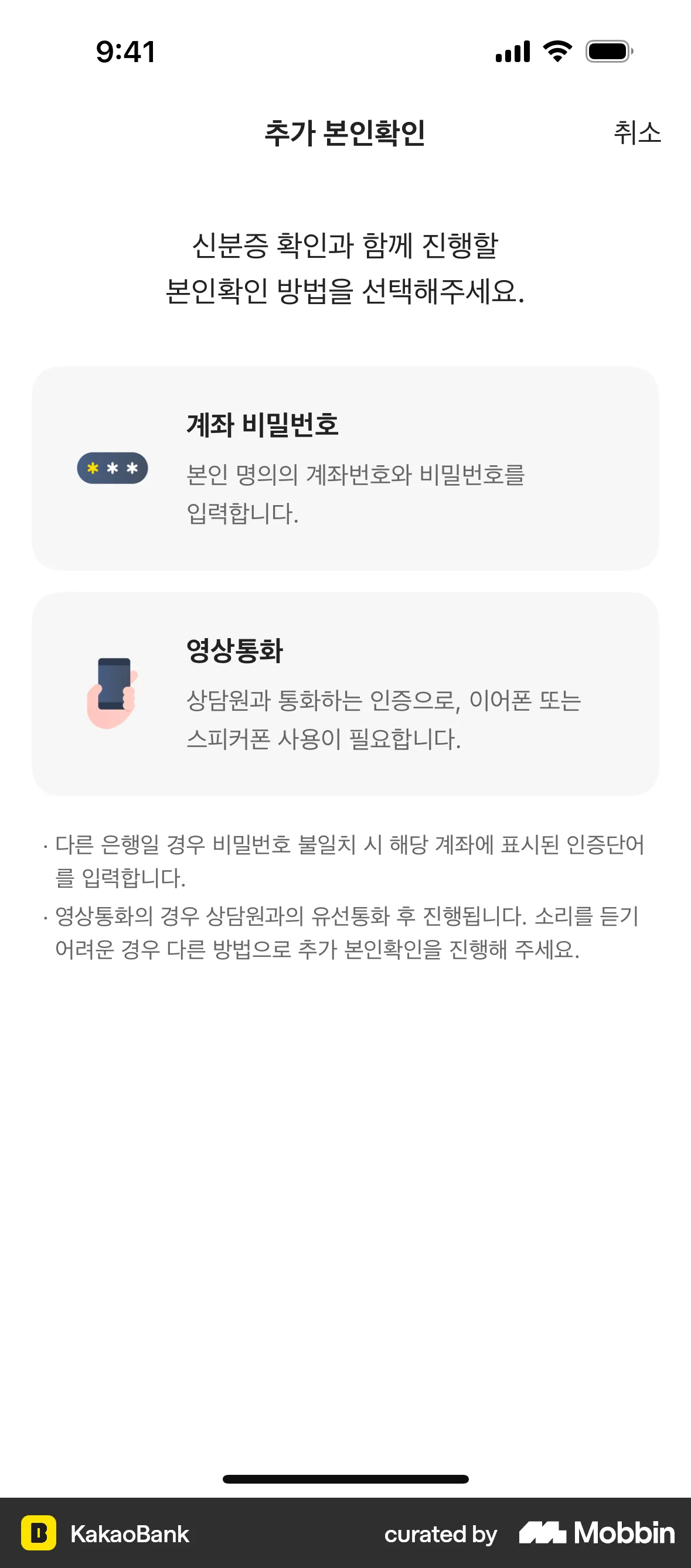
The user flow demonstrates setting up a personal safe by issuing a KakaoBank certificate. It involves ID submission, information confirmation, and account verification.
The user scans an account number using the camera and then enters the amount to send. This allows for quick and easy transfer to a new recipient.

The user flow demonstrates scanning a card to pre-fill card details. It includes camera permission request and manual entry fallback.
The user flow demonstrates setting up Selfie OTP by navigating through authentication options, agreeing to terms, taking a selfie, and confirming successful issuance. The user successfully sets up Selfie OTP.
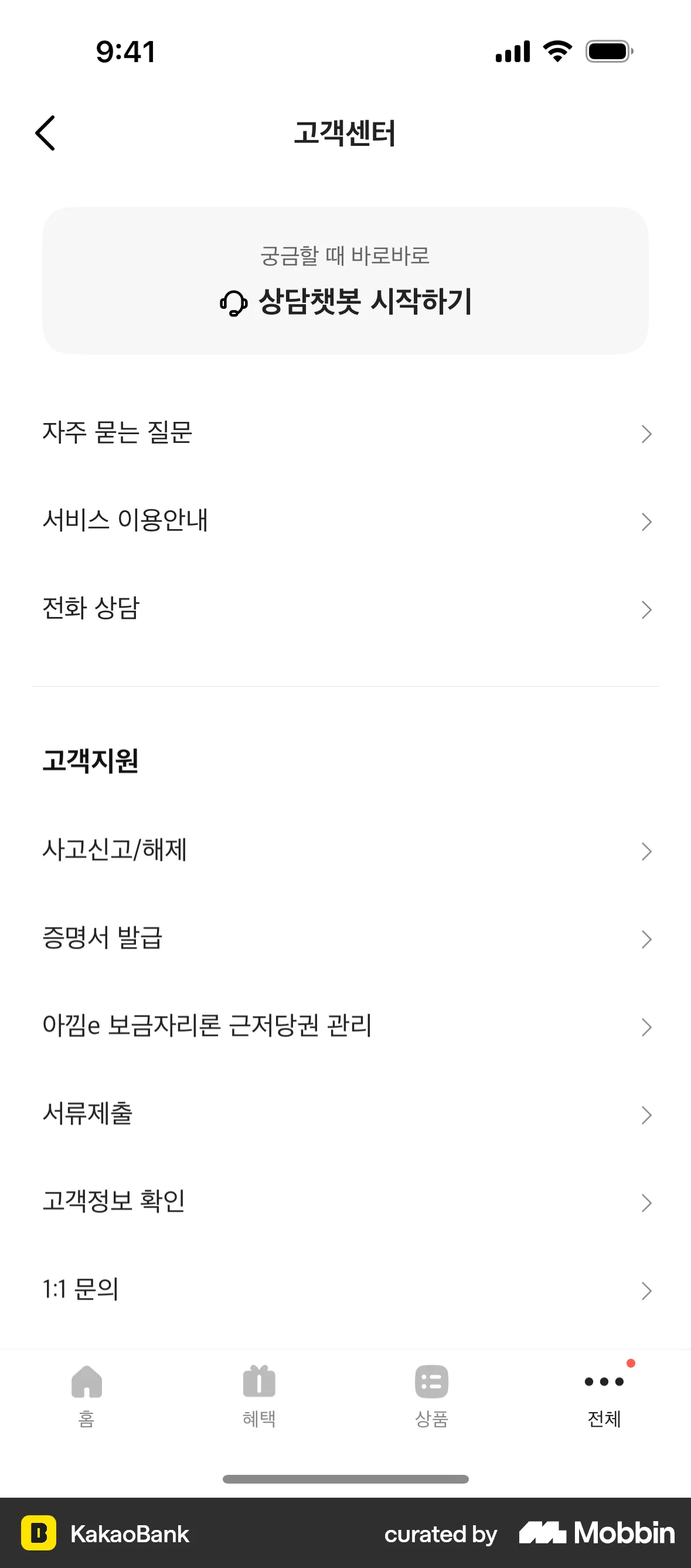
The user flow guides the user through verifying their customer information, including personal details, ID submission, and bank account authentication. It culminates in a confirmation screen upon successful verification.

The user scans a room using the IKEA Kreativ app, following instructions to capture the space. The flow ends with either a processed room ready for design or a processing error.

The user scans a QR code to connect their wallet to a dApp. The user grants permissions and confirms the connection.

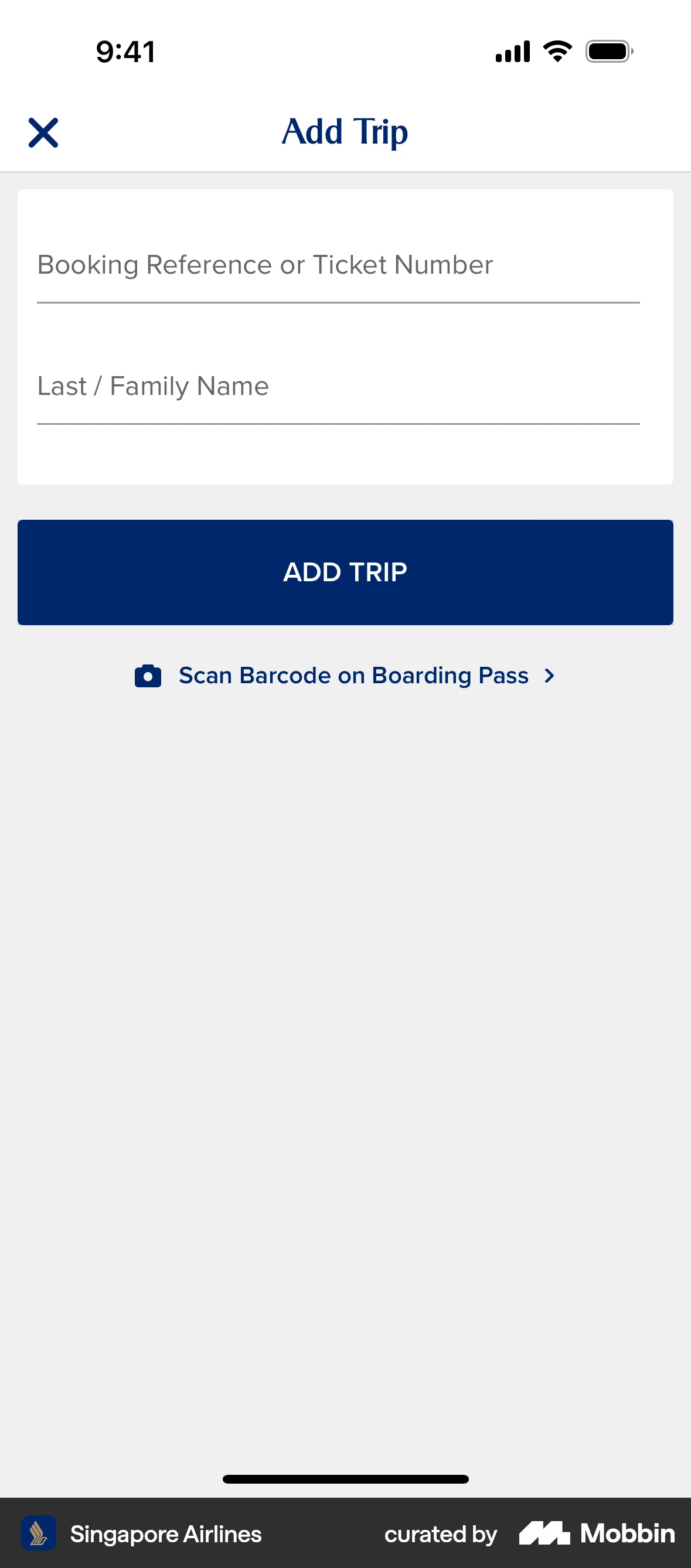
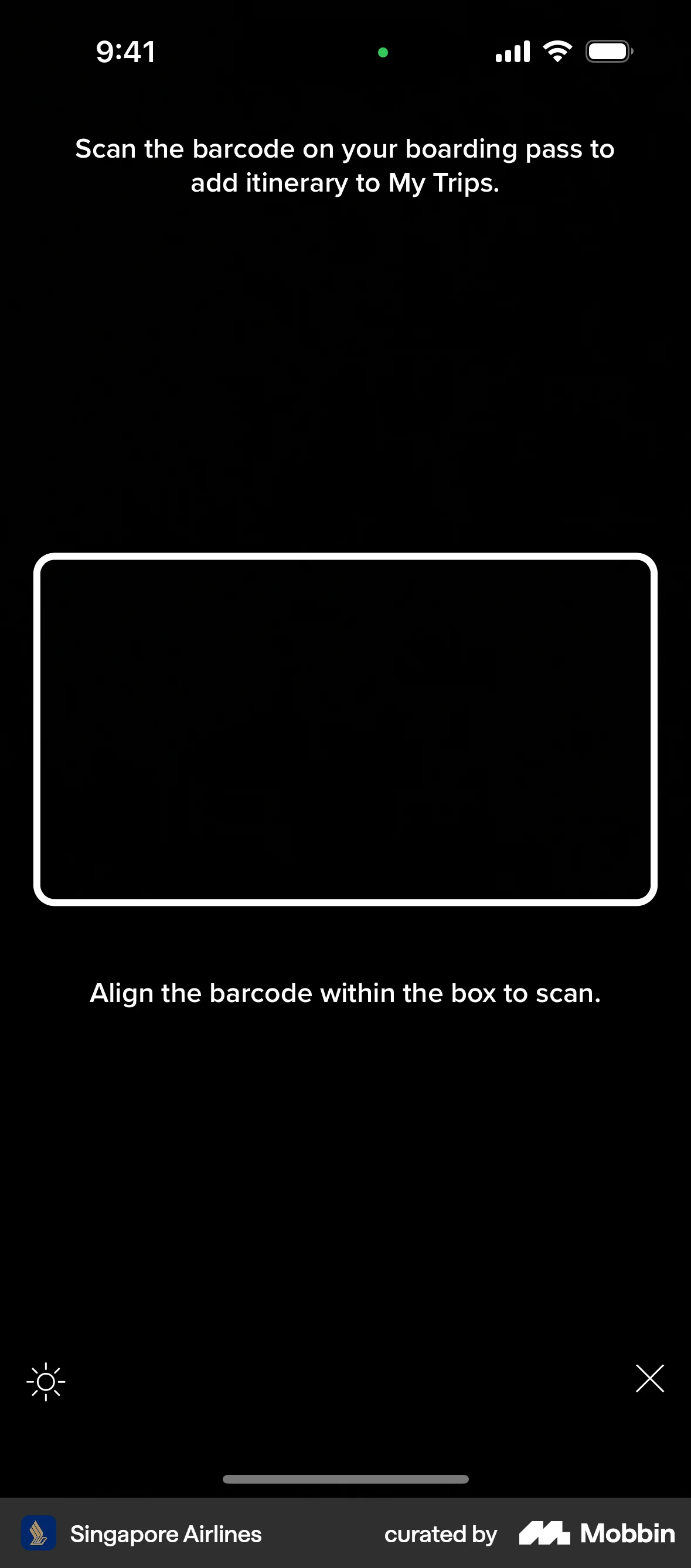
The user flow demonstrates scanning a boarding pass to add trip details. The user navigates to a barcode scanner after choosing to scan their boarding pass.

The user verifies their identity by submitting a photo of their ID and a selfie. The booking is pending until the verification is complete.

255 Flows


87 Flows

1215 Flows

358 Flows


1090 Flows

105 Flows