



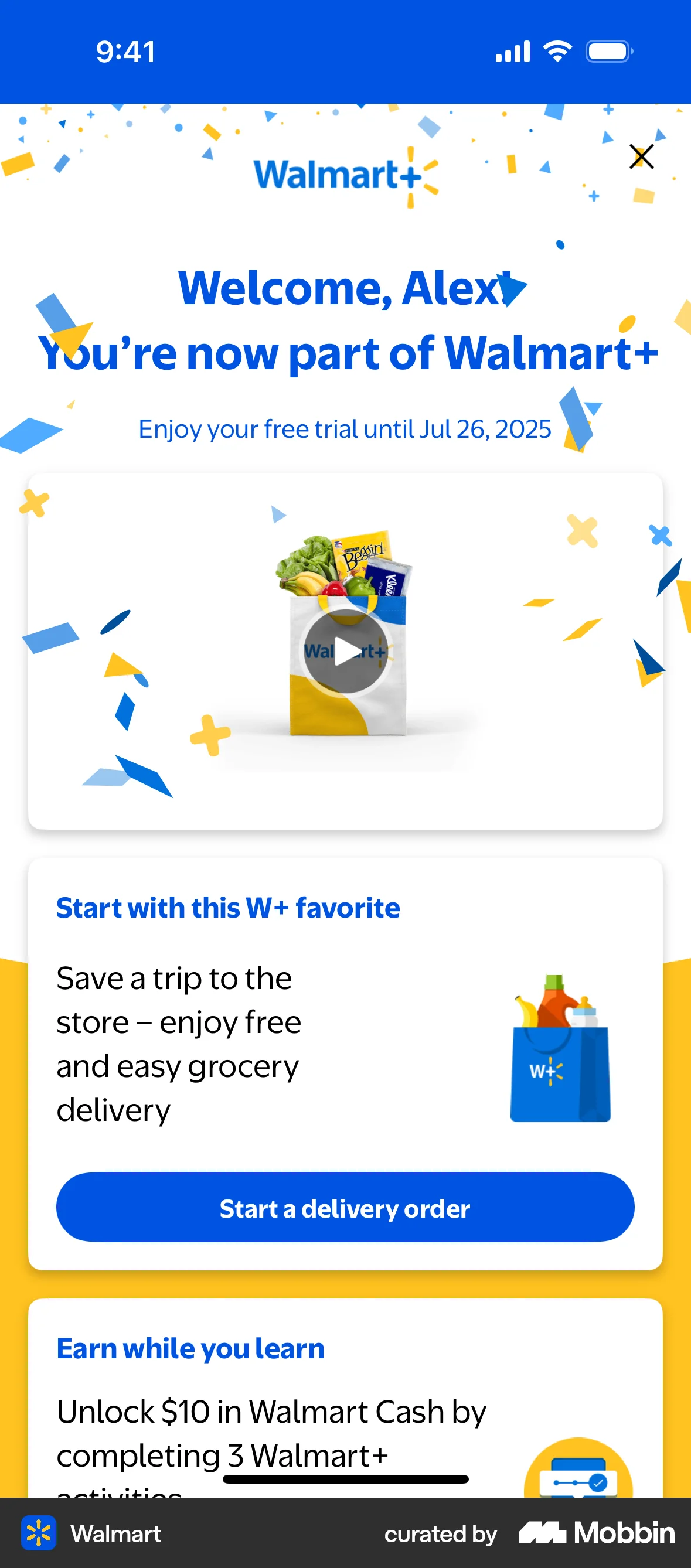


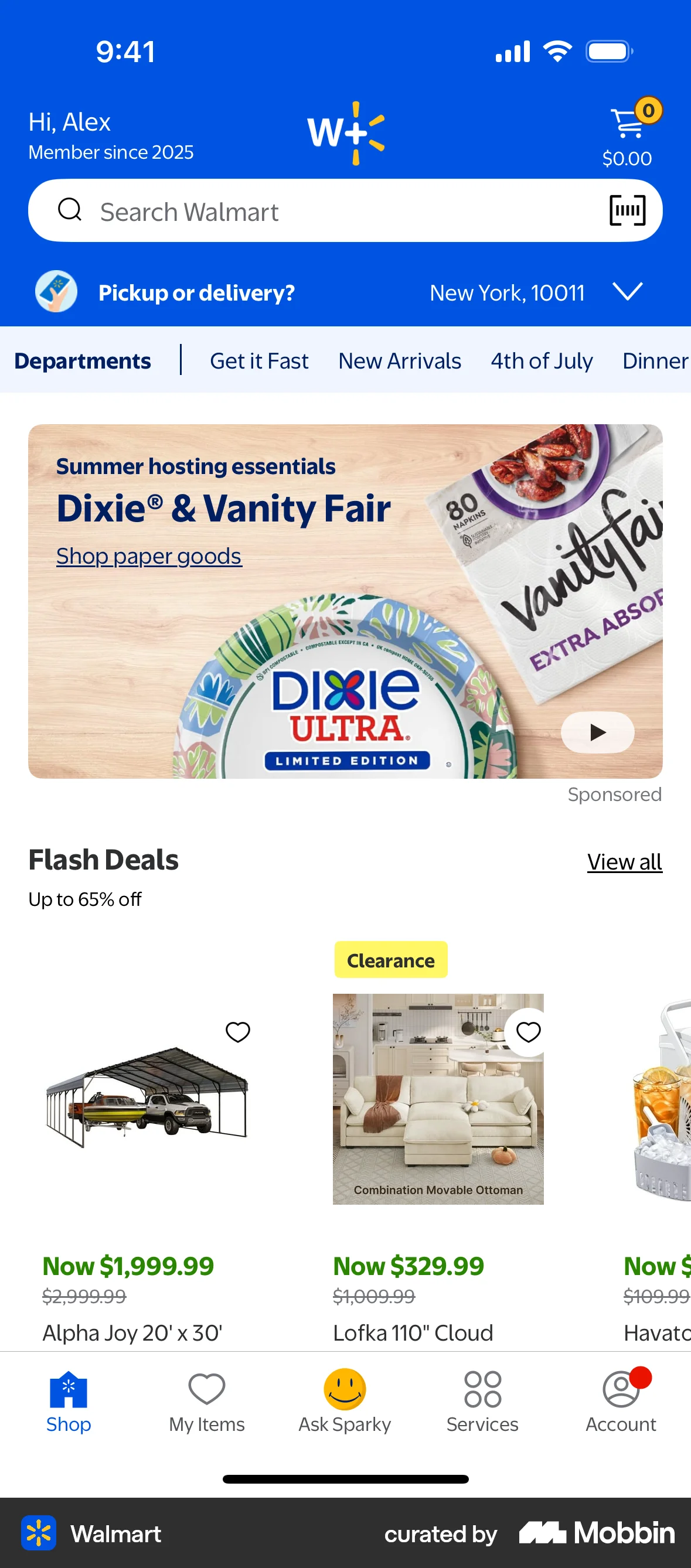
Subscribing to Walmarton Walmart
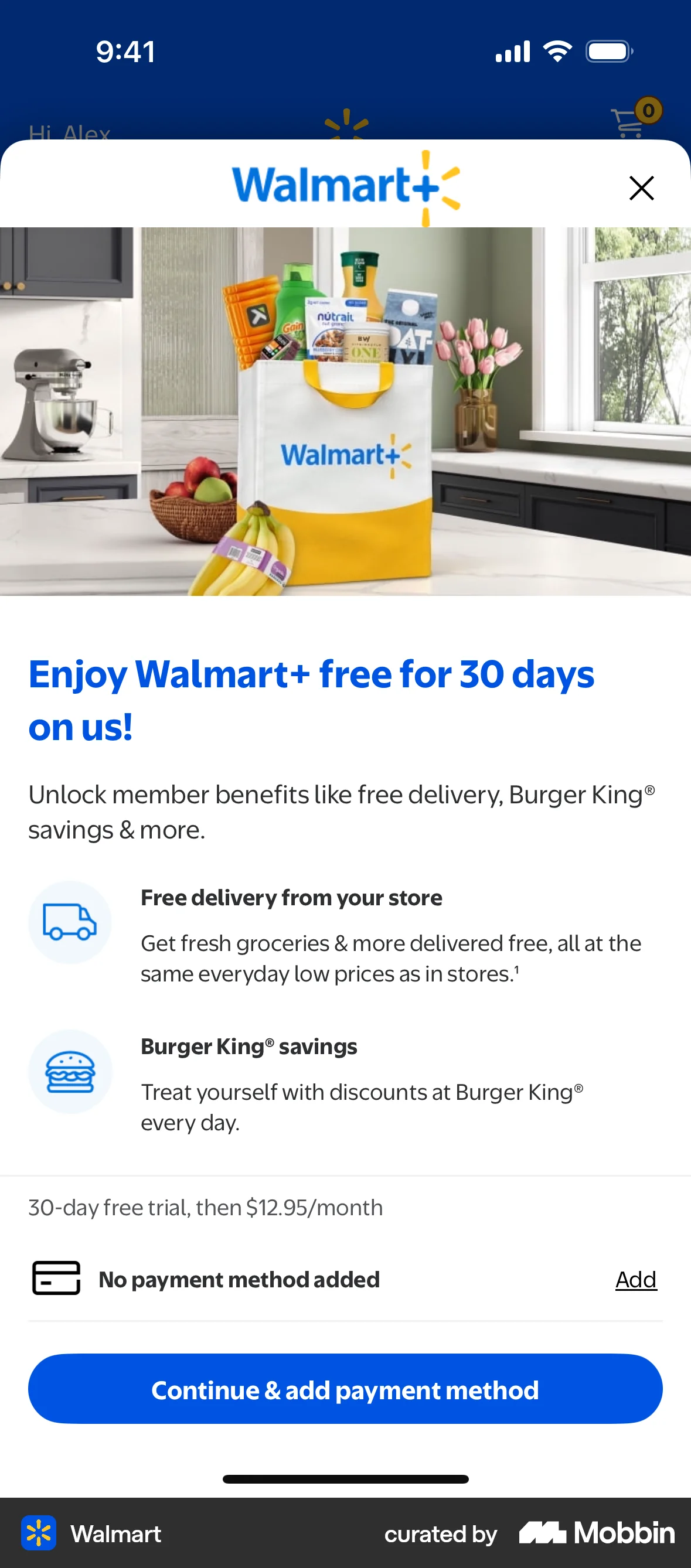
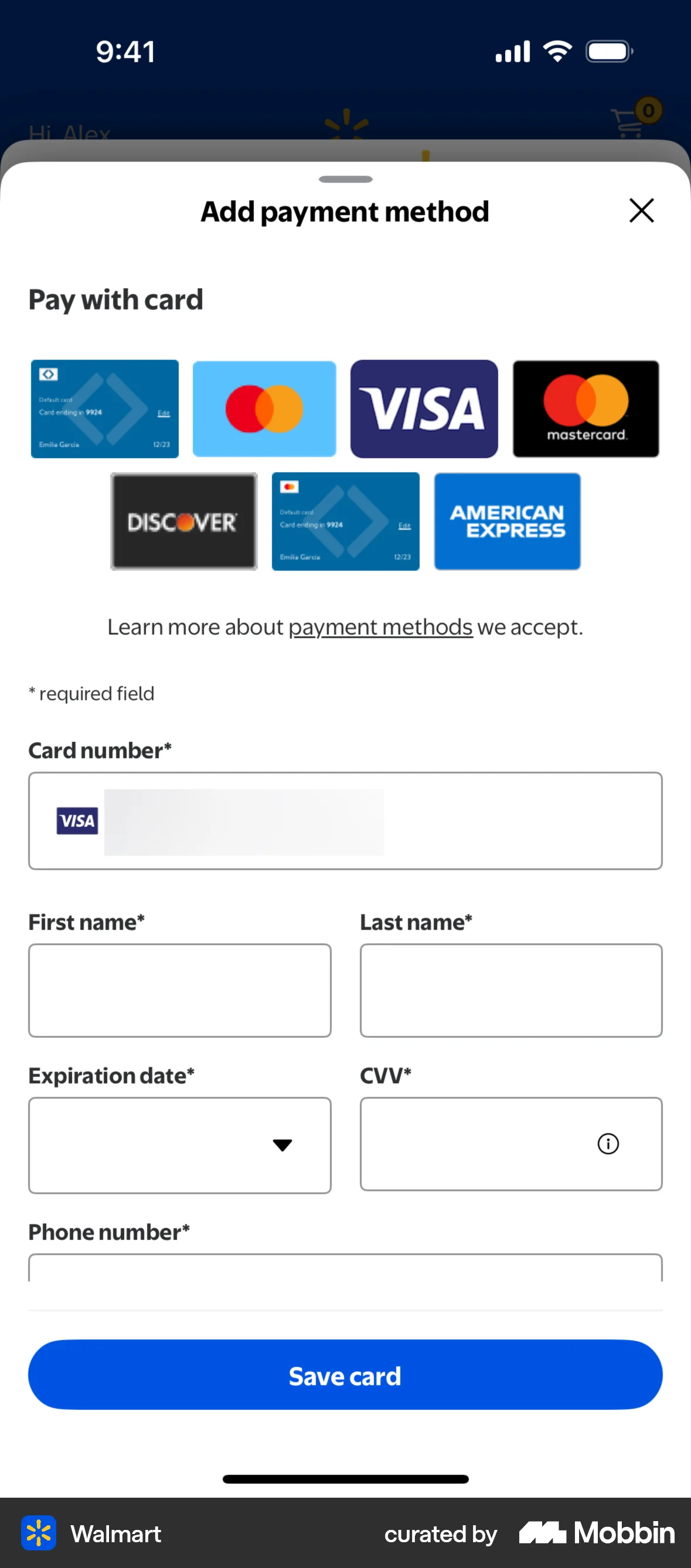
The user subscribes to Walmart+ by agreeing to the terms, adding a payment method, and confirming their subscription. They are then directed to the main Walmart shopping interface.
Discover best mobile app designs for Watching Video flows. Get inspired by the best apps in the world.
The user subscribes to Walmart+ by agreeing to the terms, adding a payment method, and confirming their subscription. They are then directed to the main Walmart shopping interface.
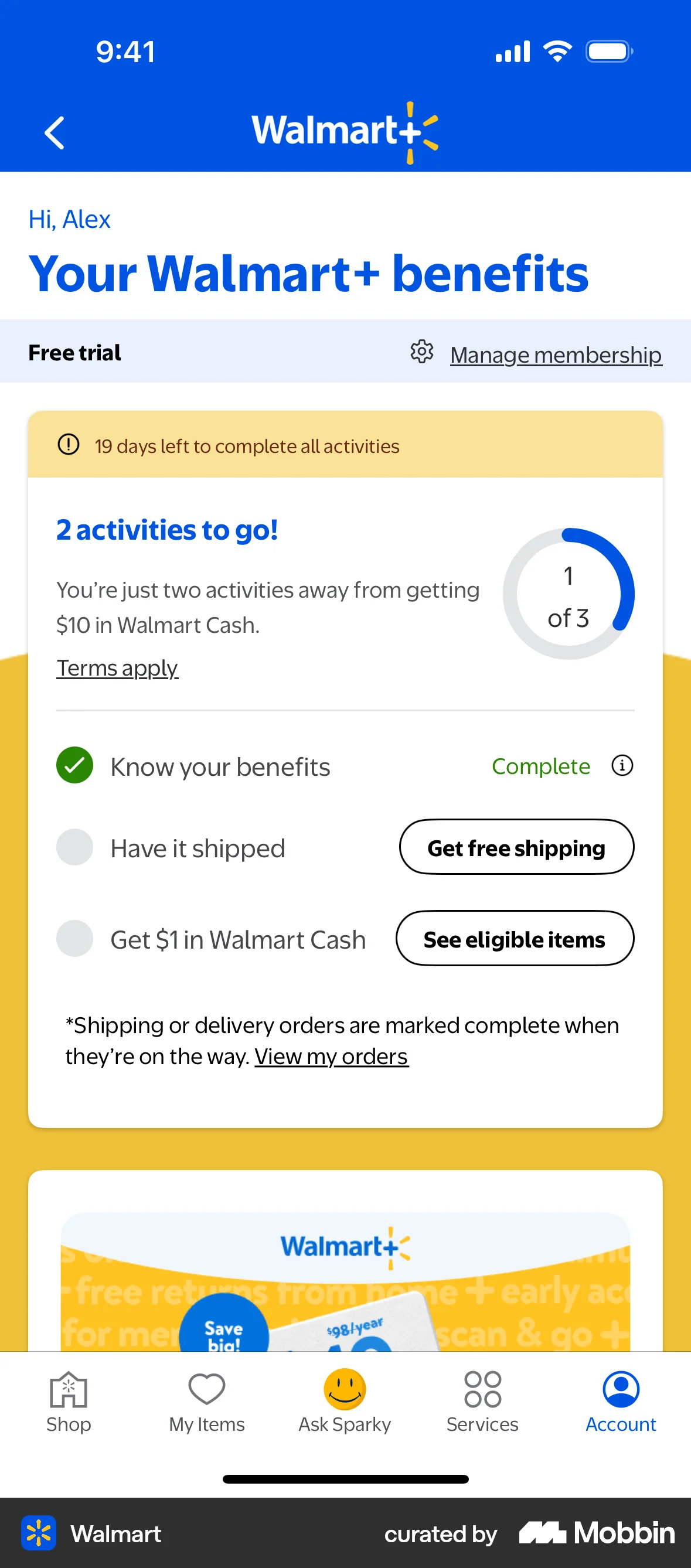
The user completes an activity by watching a video about Walmart+ benefits. The activity is then marked as complete on the benefits page.

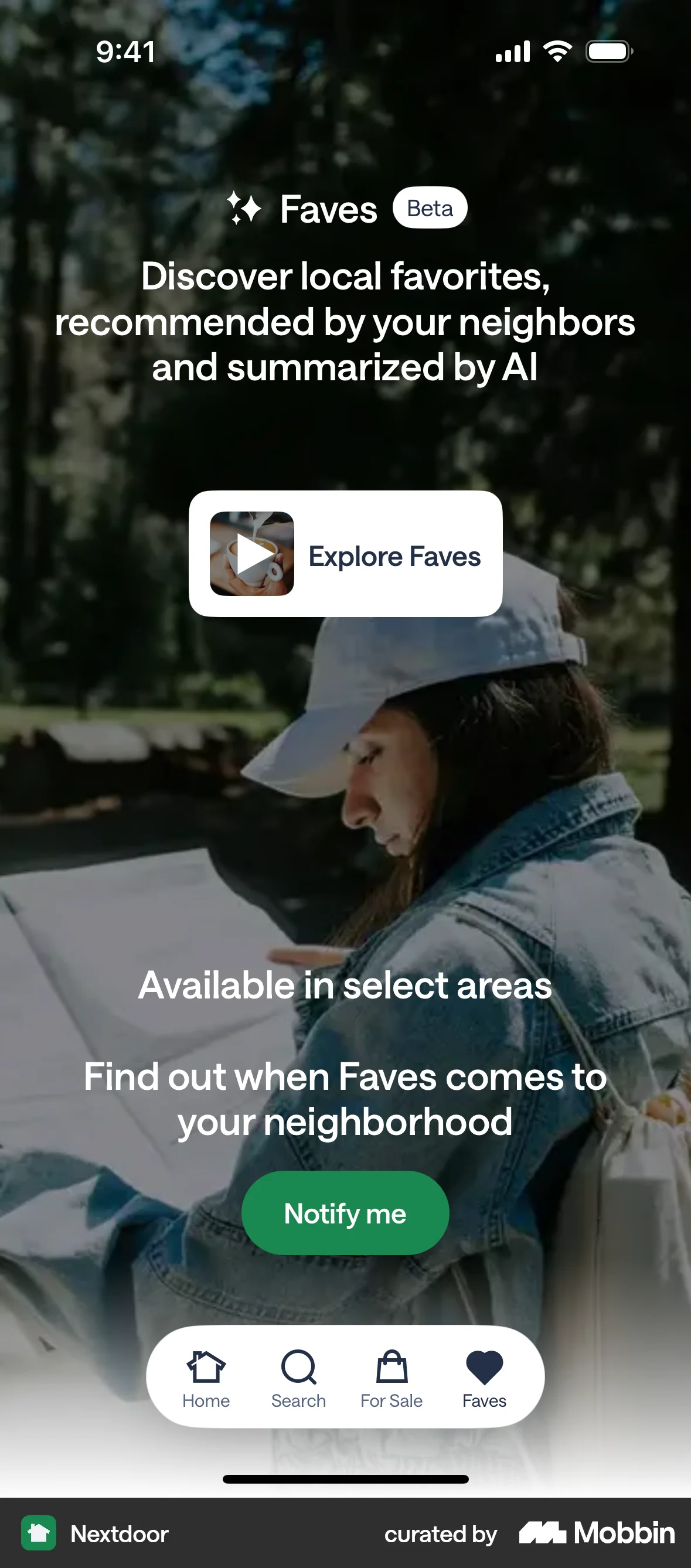
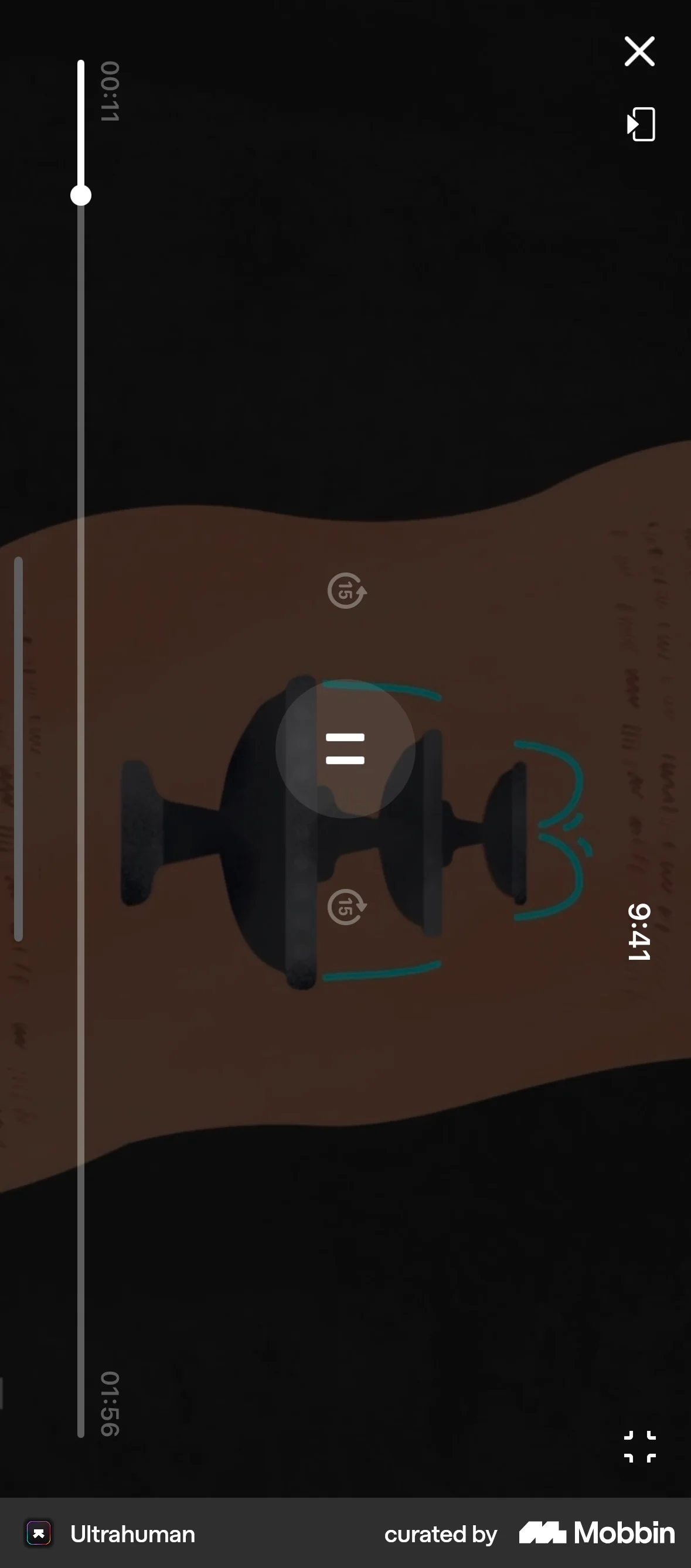
The user flow starts with a landing page and then transitions to a video player. The user is able to watch a video.
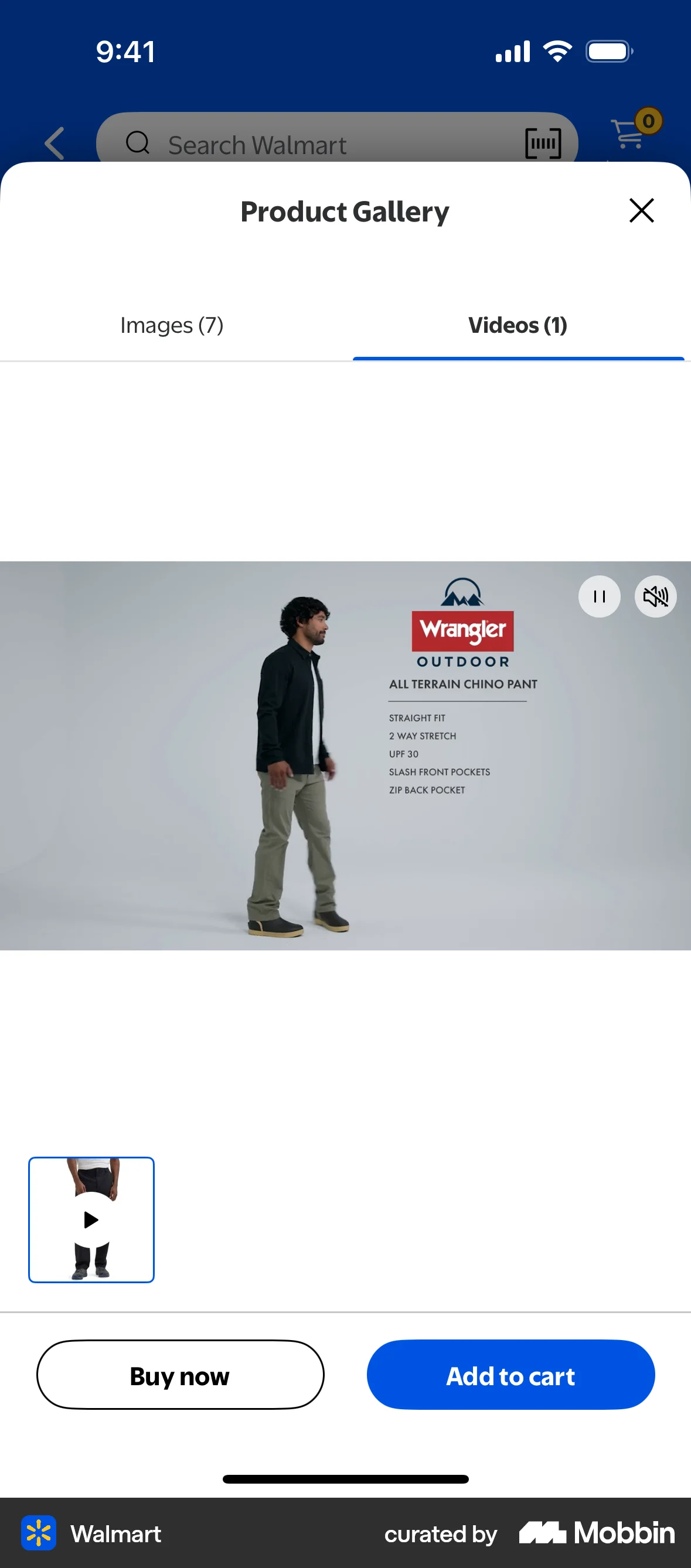
The user views a product detail page and then opens the product gallery to watch a video of the product. The user is evaluating the product for purchase.

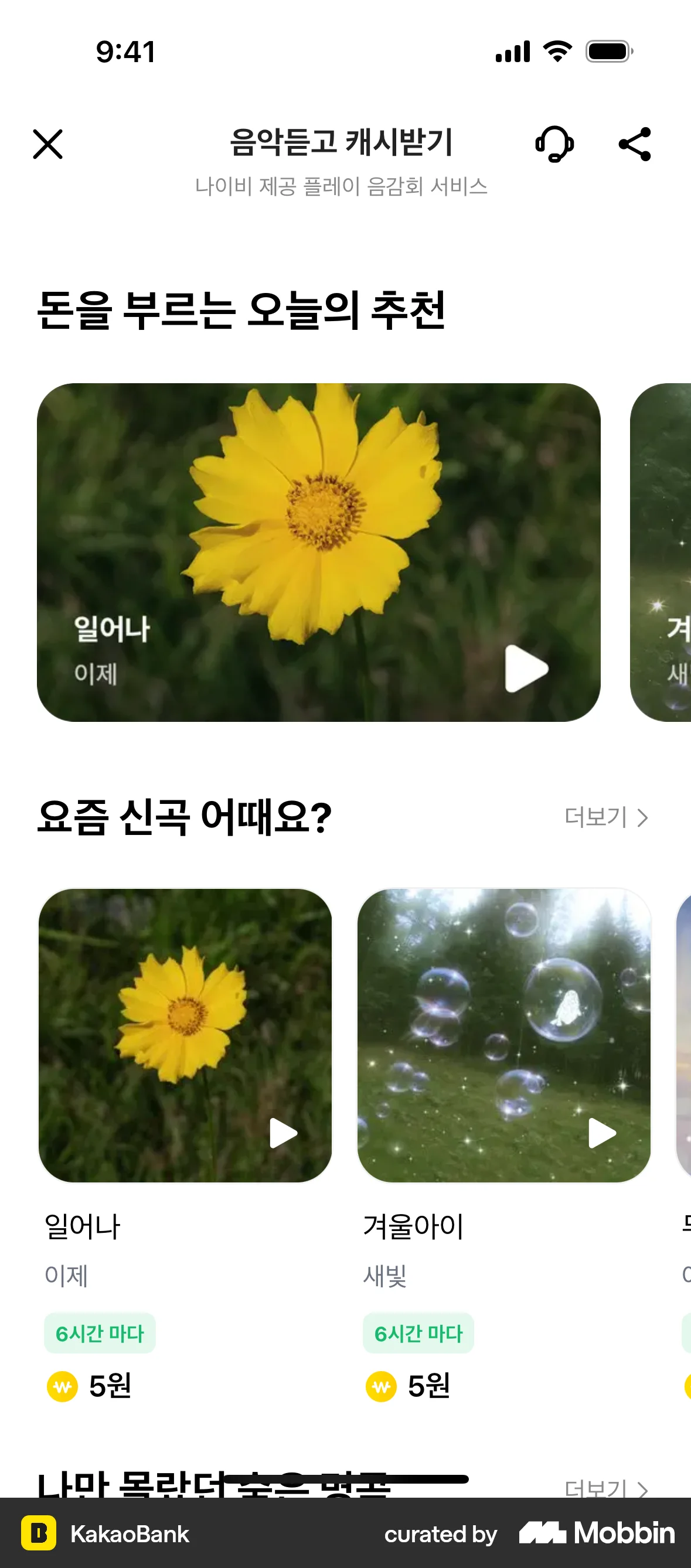
The user listens to music, submits a review, and receives a reward. The flow showcases the process of earning rewards through music engagement.

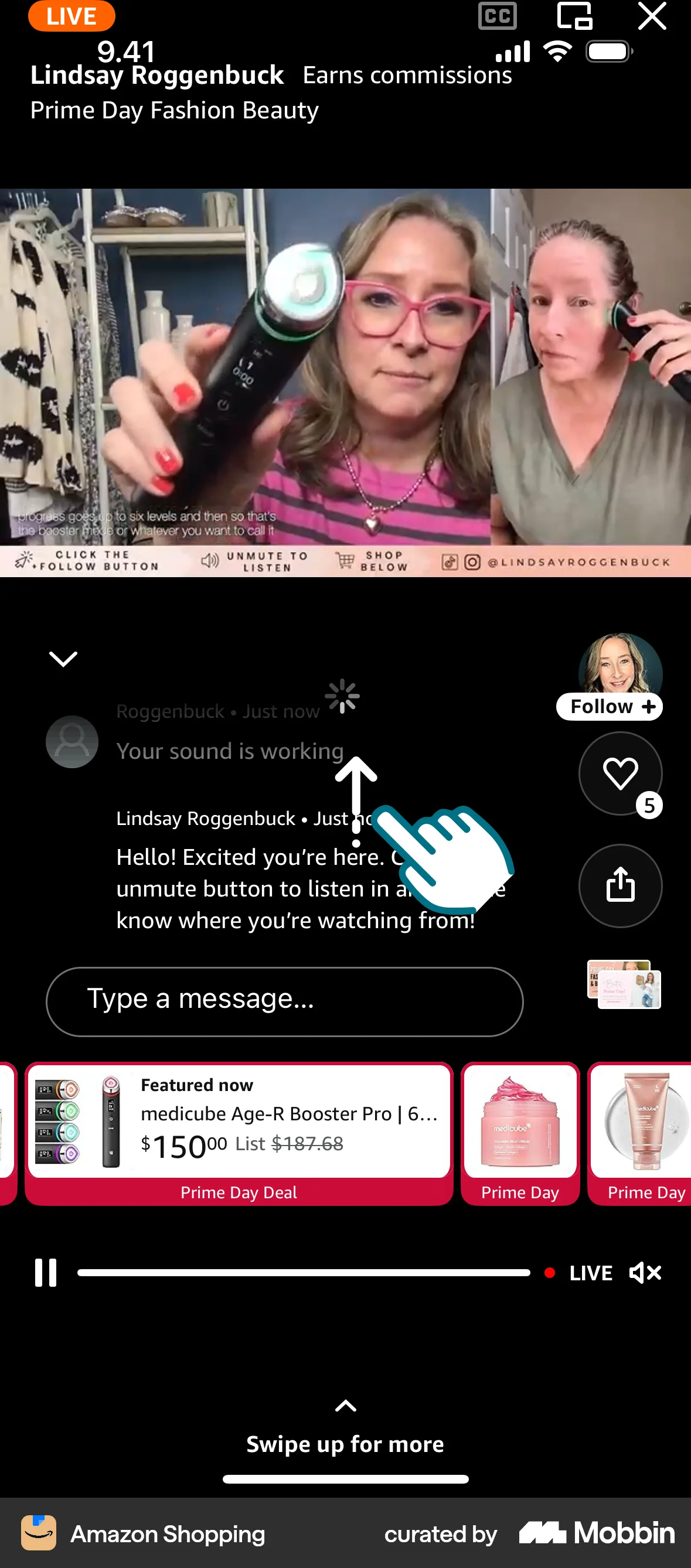
The user browses Amazon Live, watches a live video in full screen, and participates in the chat. They can also view product thumbnails.
The user browses a collection of videos, selects one to watch, and views it in full screen. They are then given options to shop or share.

The user explores restaurants through curated stories. Each story features a restaurant with a call to action to view the restaurant.
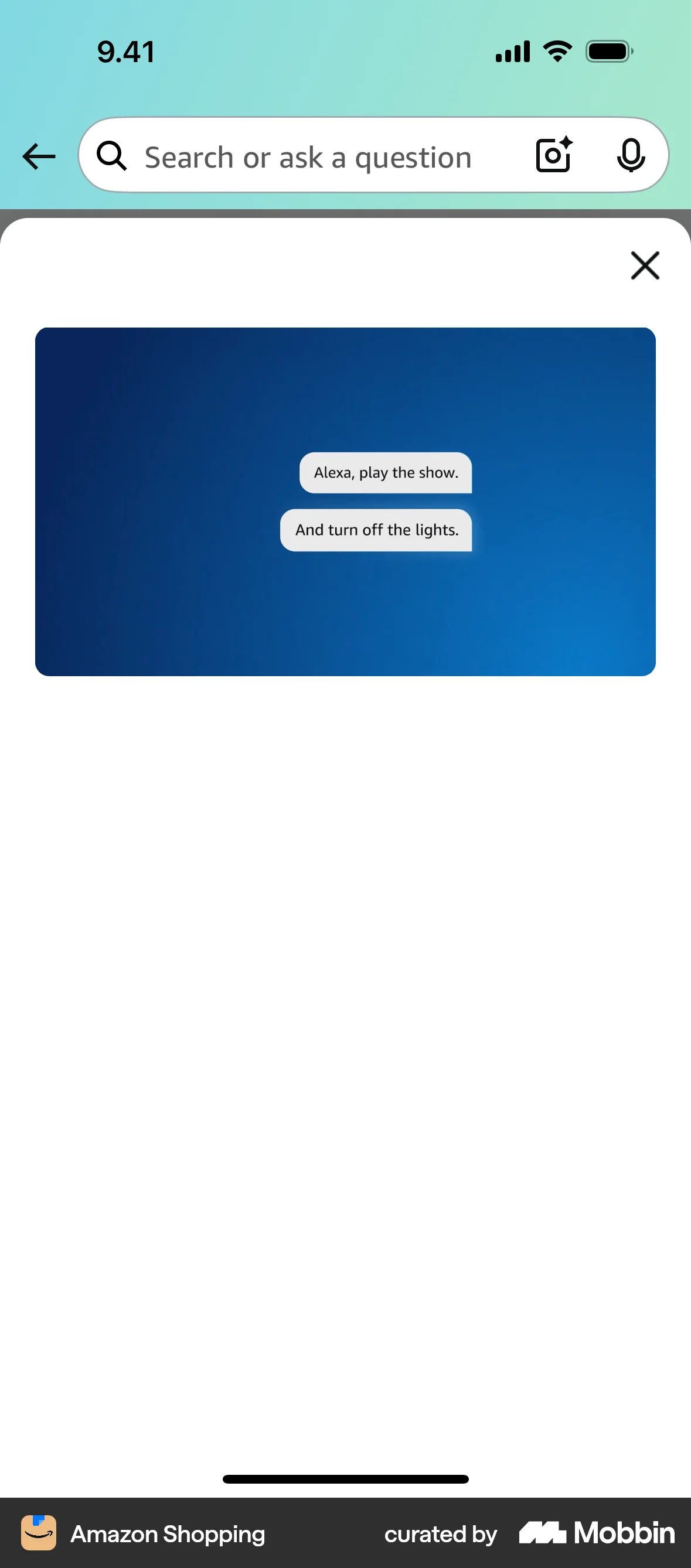
The user flow shows a user watching a video about Alexa+ features. The video ends with a screen displaying example Alexa commands.

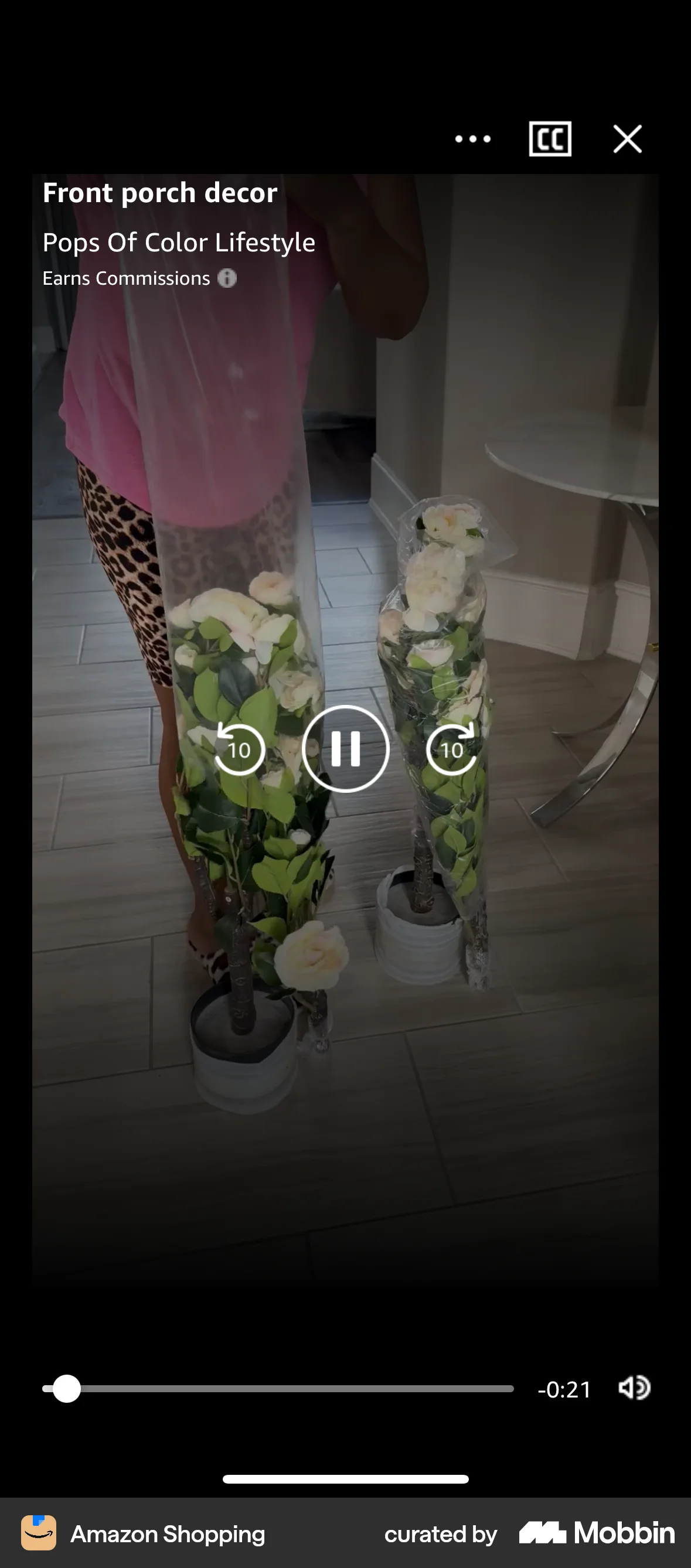
The user browses the discovery page, selects a video, and watches it in fullscreen. Playback controls allow the user to pause and control the video.

The user views a broadcast video and then expands it to full screen. They can also interact with the video through chat and sharing.

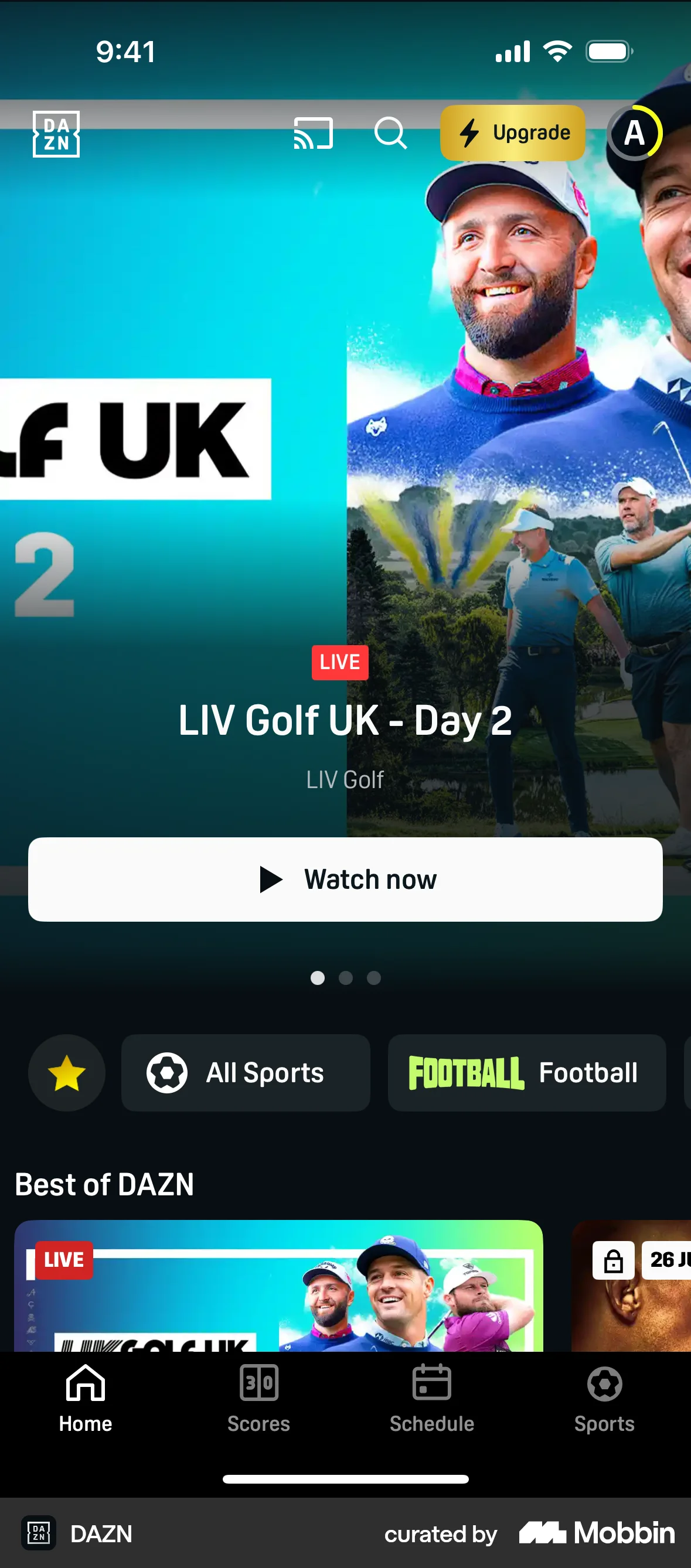
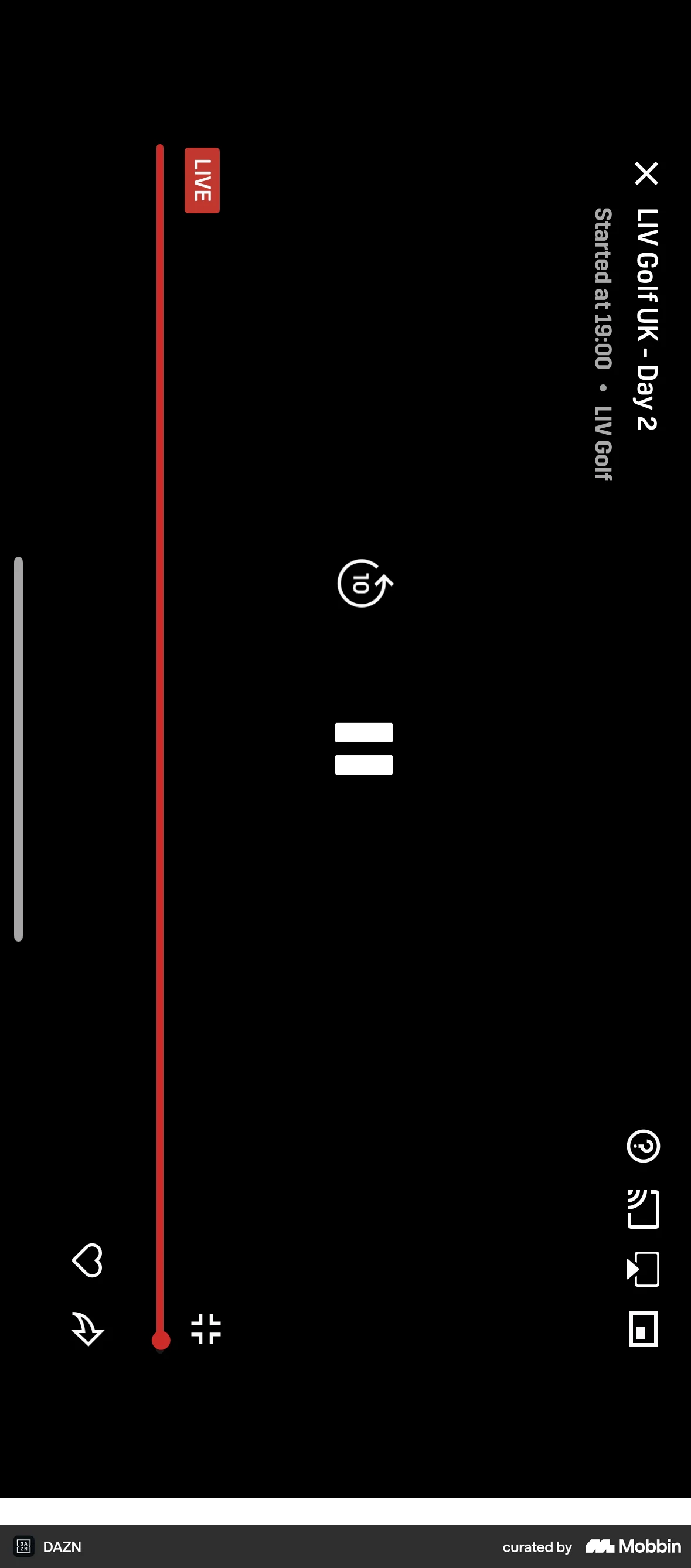
The user flow shows the process of watching a live stream, starting from the homepage and ending with a paused video. The key actions are clicking "Watch now", selecting "Join live", and pausing the video.
358 Flows

2462 Flows
404 Flows

3407 Flows

255 Flows


1240 Flows