Listening to audioon The Atlantic Magazine
The user listens to an article by first pressing the 'Listen' button and then navigating to the audio player. The user can then control the playback.
Discover best mobile app designs for Listening to Audio flows. Get inspired by the best apps in the world.
The user listens to an article by first pressing the 'Listen' button and then navigating to the audio player. The user can then control the playback.

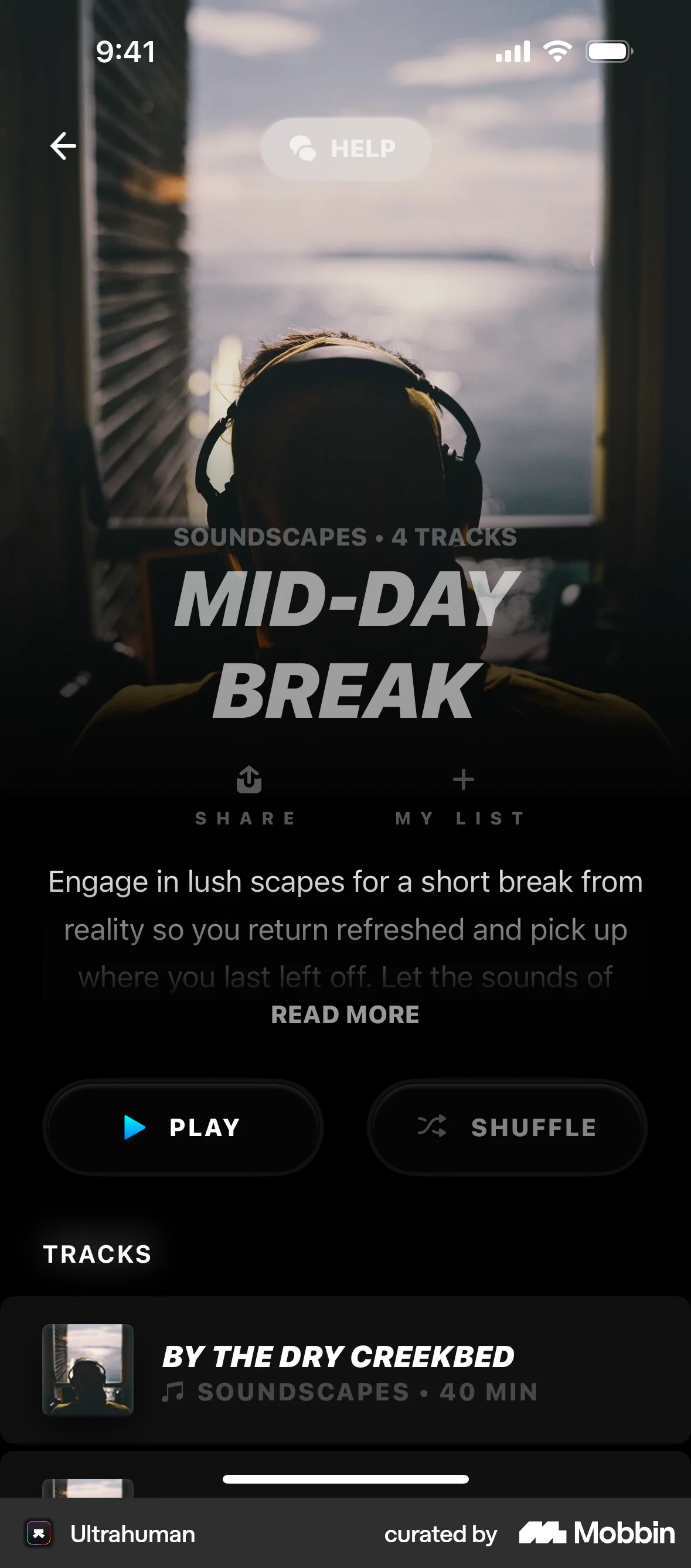
The user selects a track from a list and is then presented with playback controls to listen to the selected track.

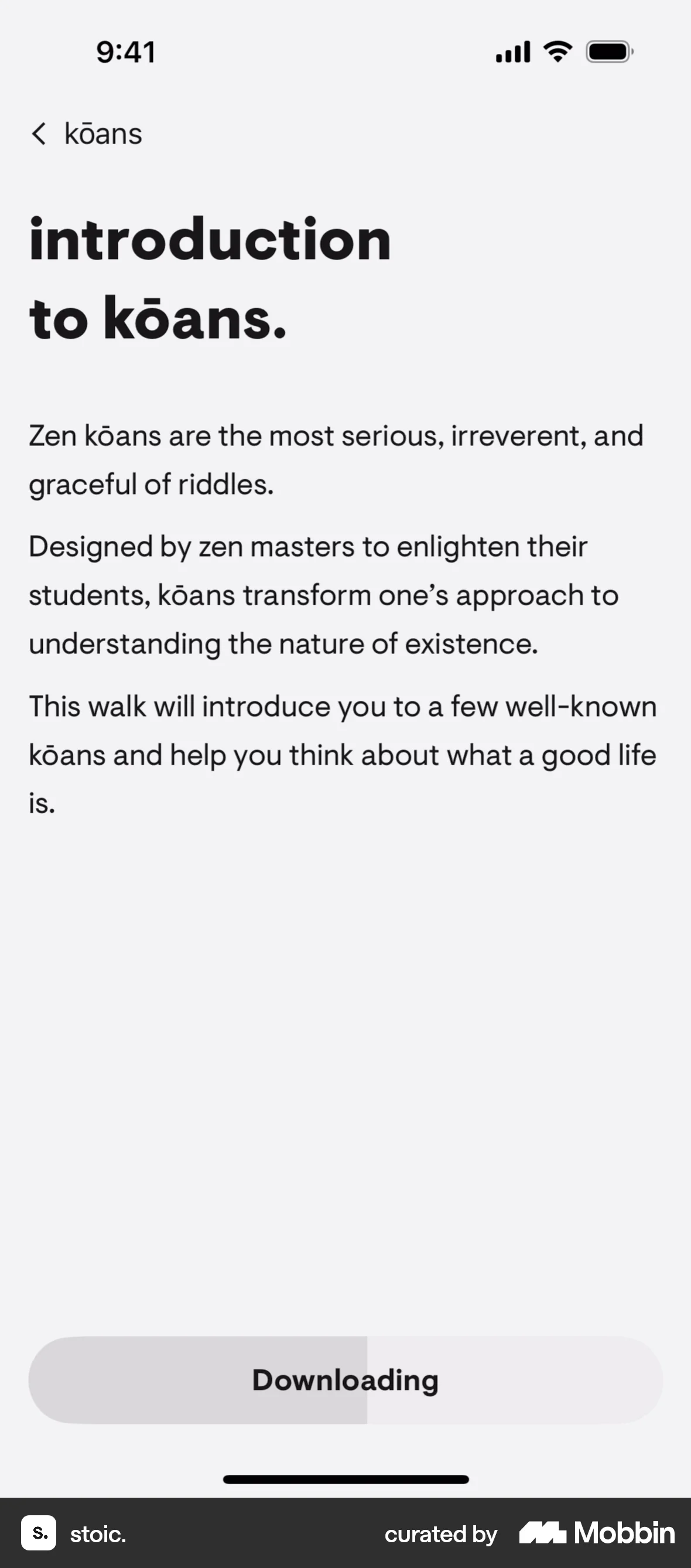
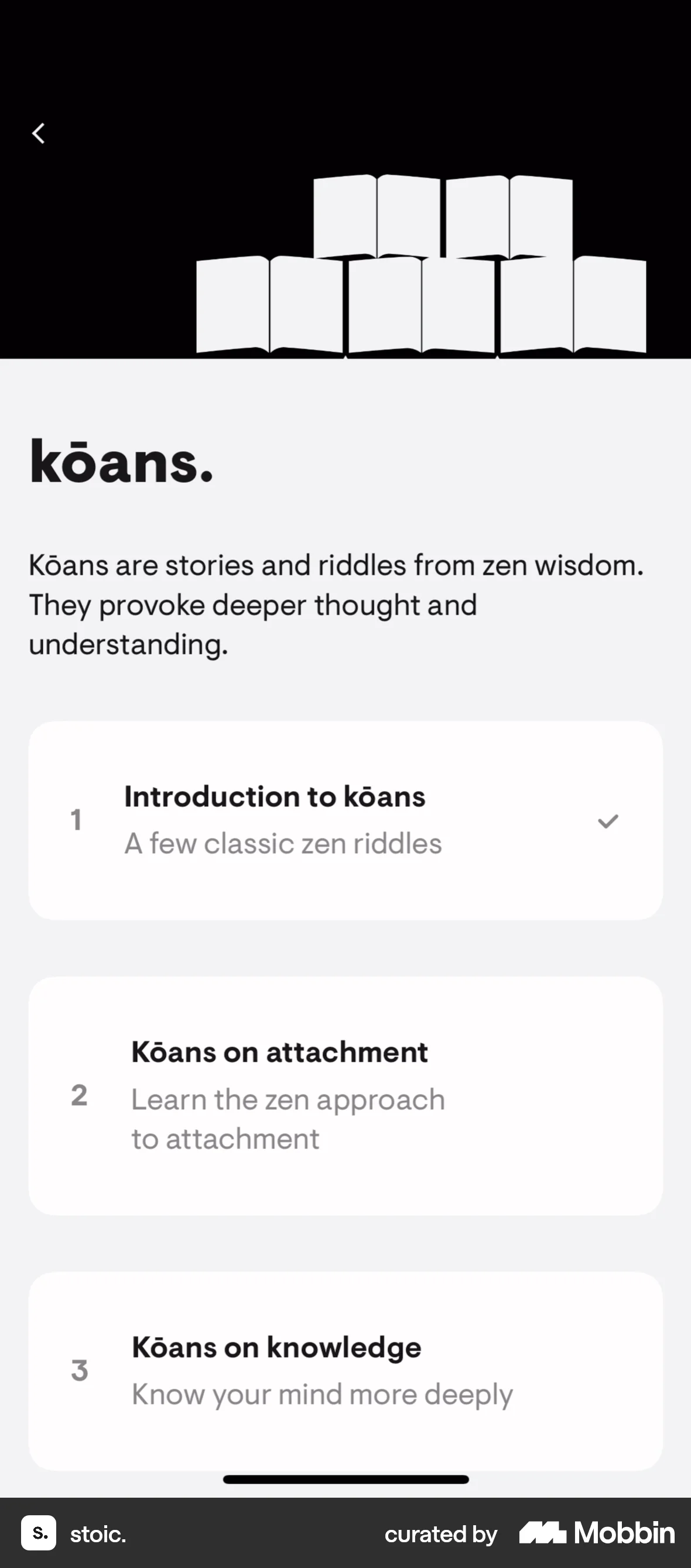
The user selects a walking meditation, completes the exercise with audio prompts and journaling, and then rates the experience. The flow guides the user through a structured meditation walk.

The user views a list of books on Amazon Charts. The user is presented with a book cover and a play button.
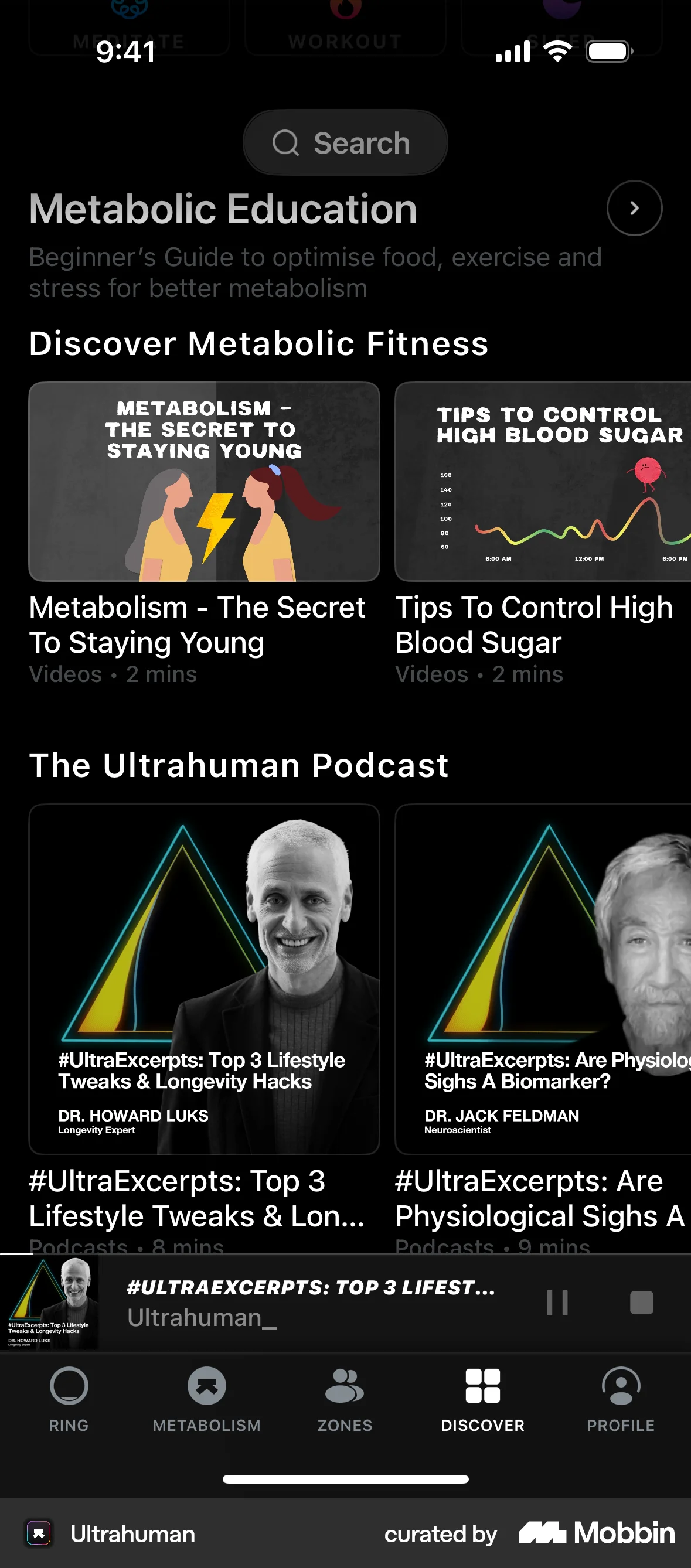
The user discovers and starts playing a podcast, then returns to the discovery page while continuing to listen in the background.

The user browses a news feed and plays a radio clip. The user interacts with the play/pause button.
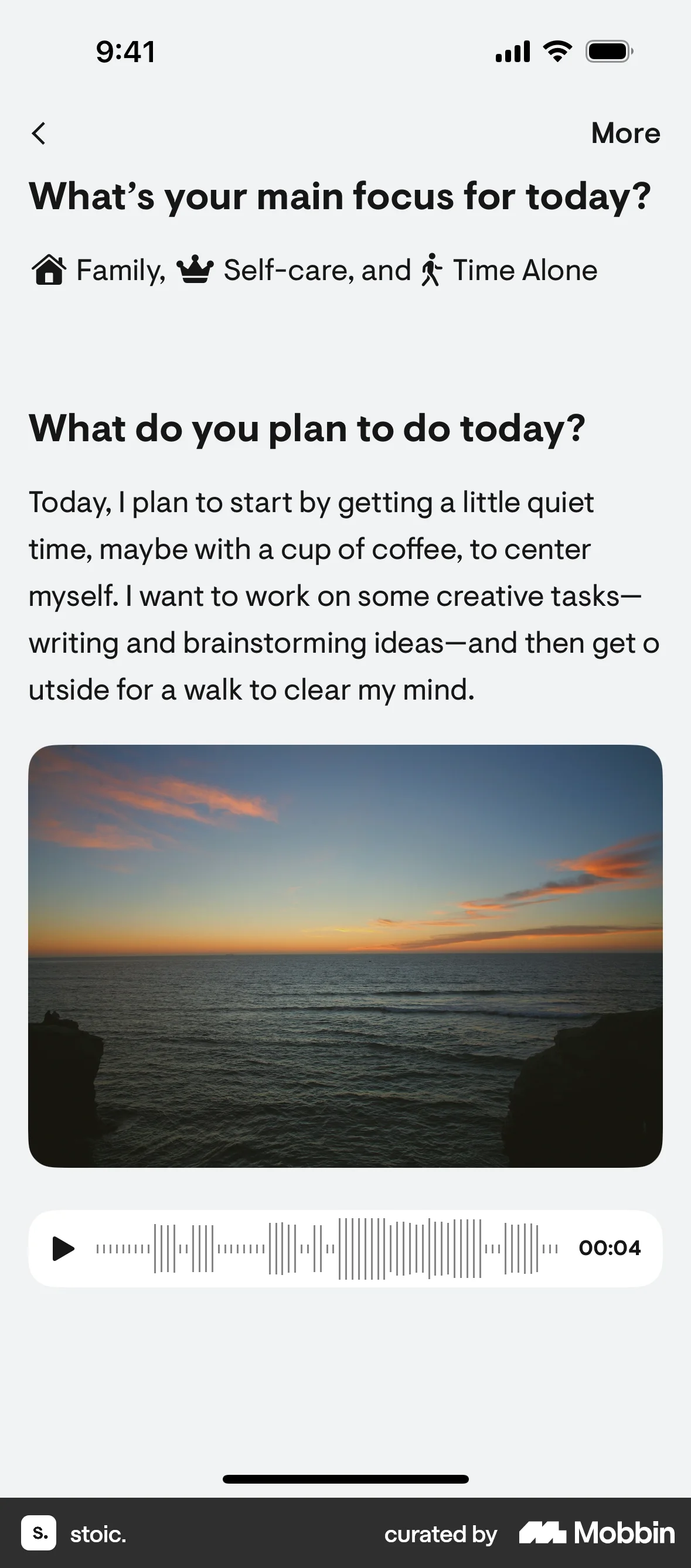
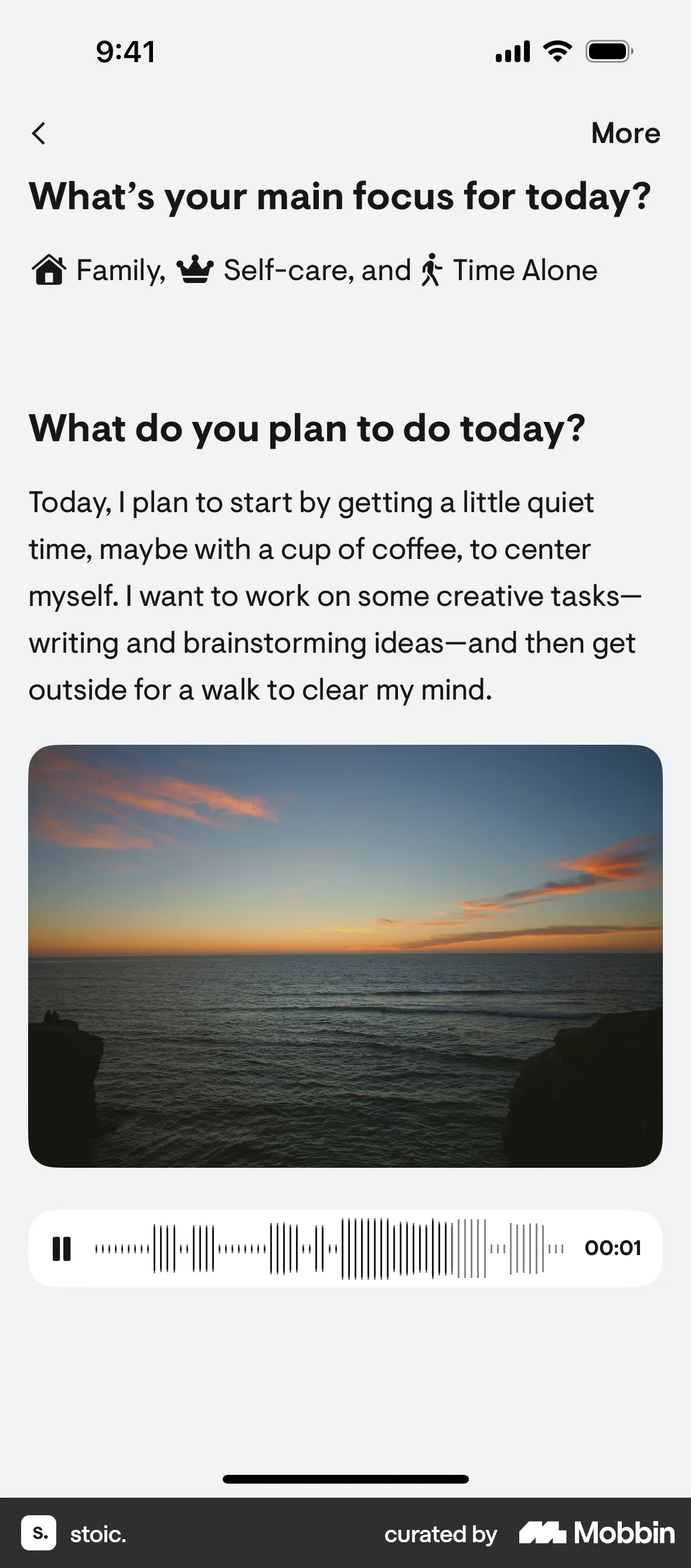
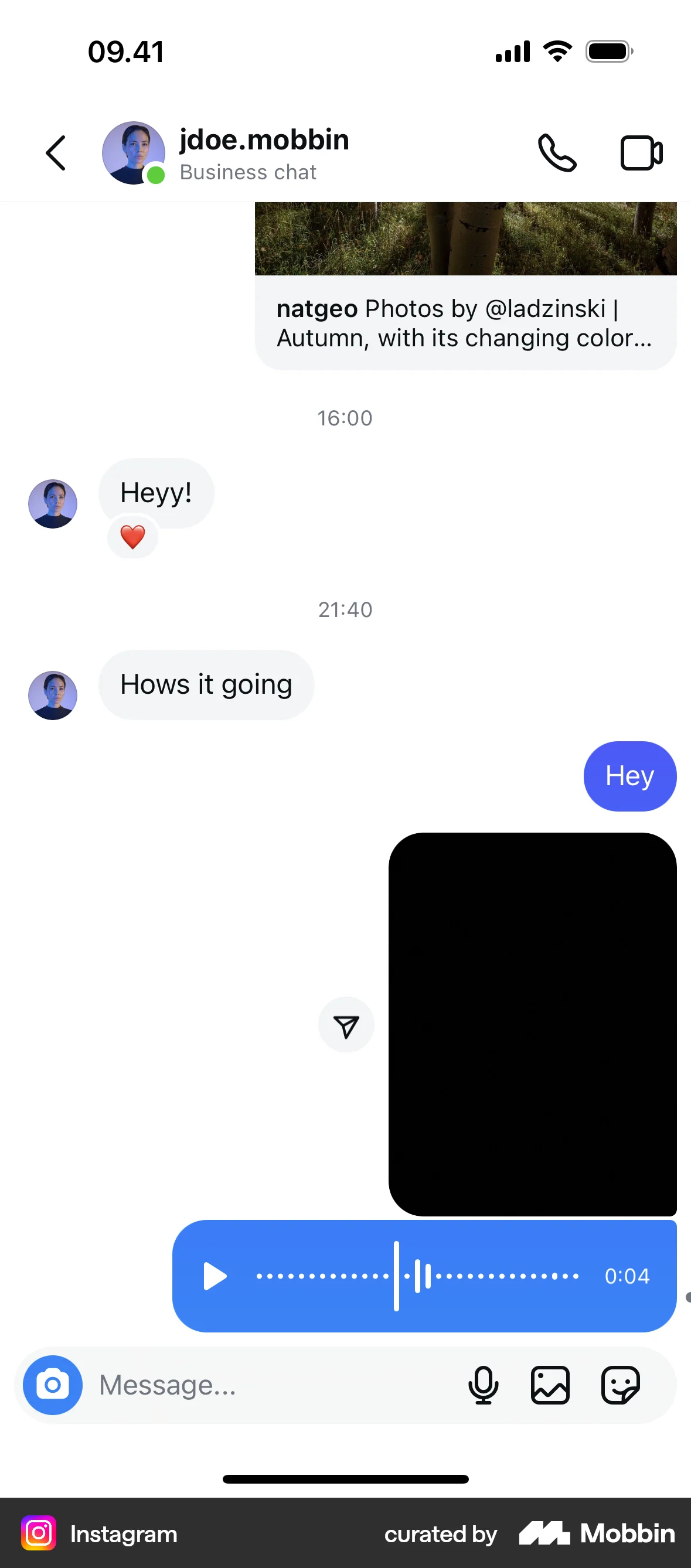
The user starts playing a voice recording from an audio player. The player switches to a pause state to indicate playback.

The user creates a song by providing text input, then listens to the generated song on the playback screen. The app generates two songs for the user to choose from.

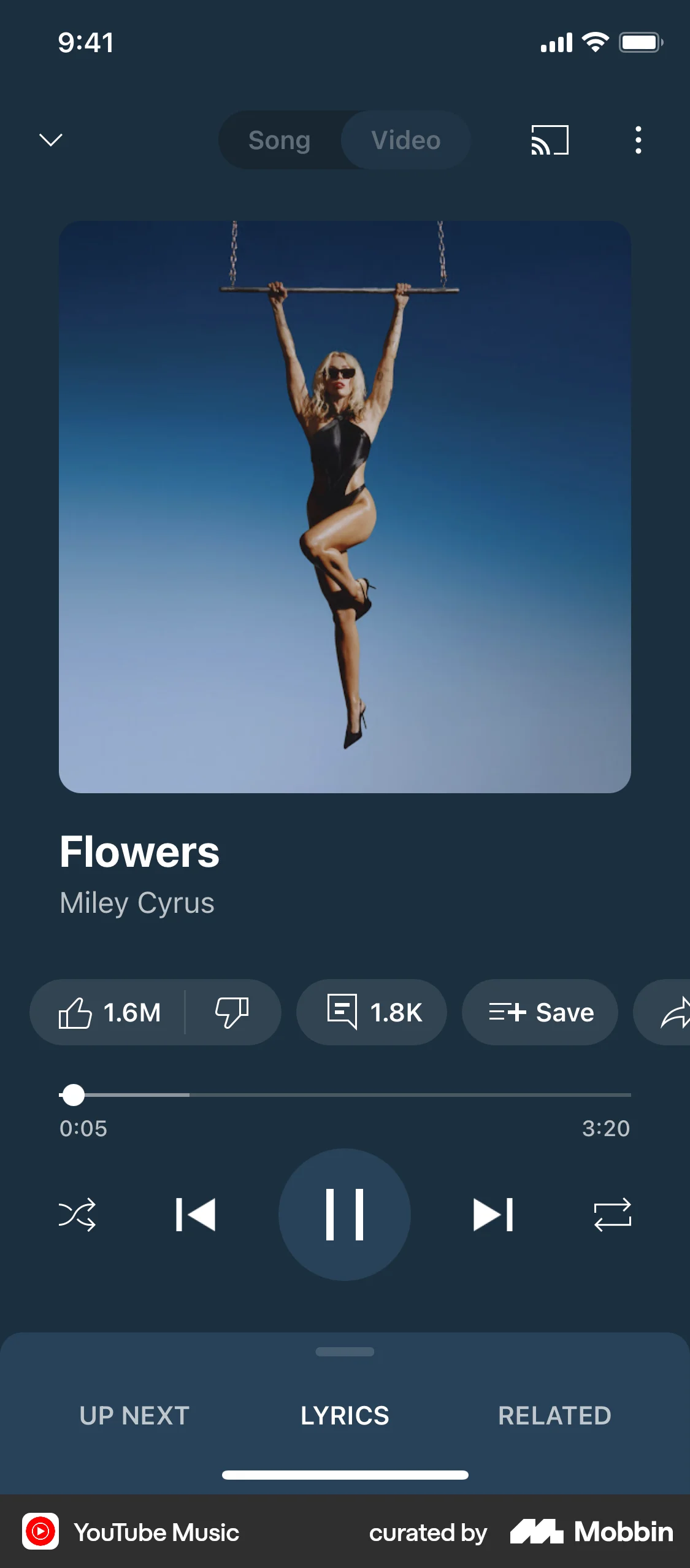
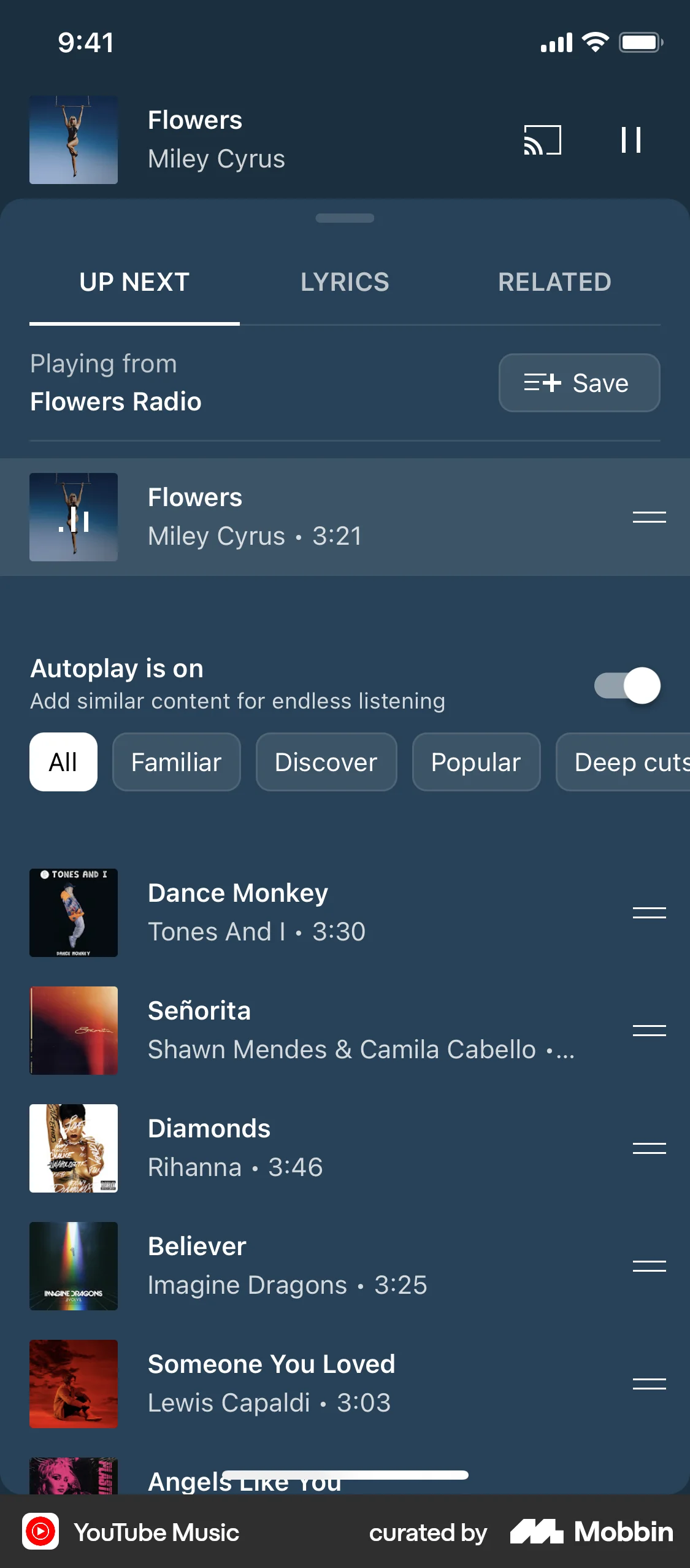
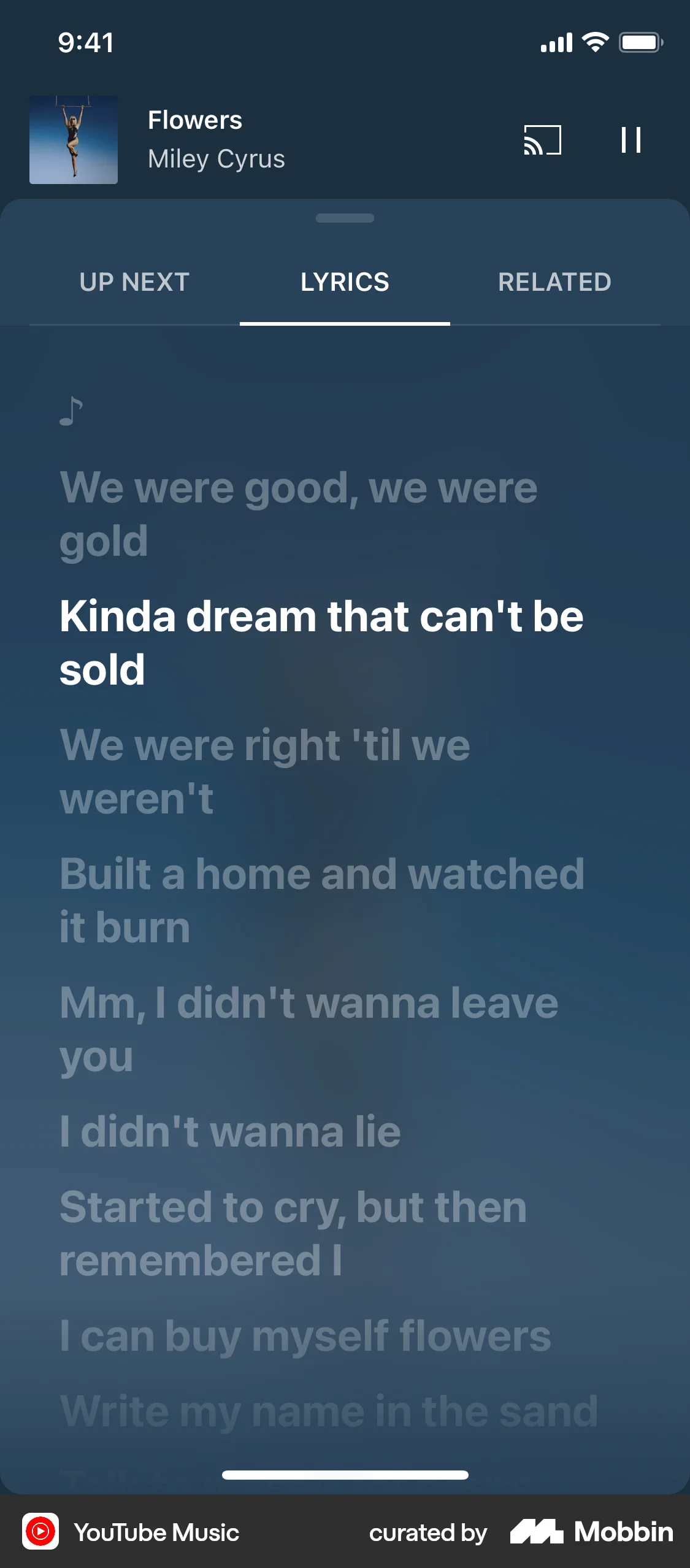
The user plays a song, explores the 'Up Next' queue, views lyrics, and discovers related content. The flow showcases music playback and content discovery.

The user selects and listens to an article from the home screen. Playback controls appear during audio playback.

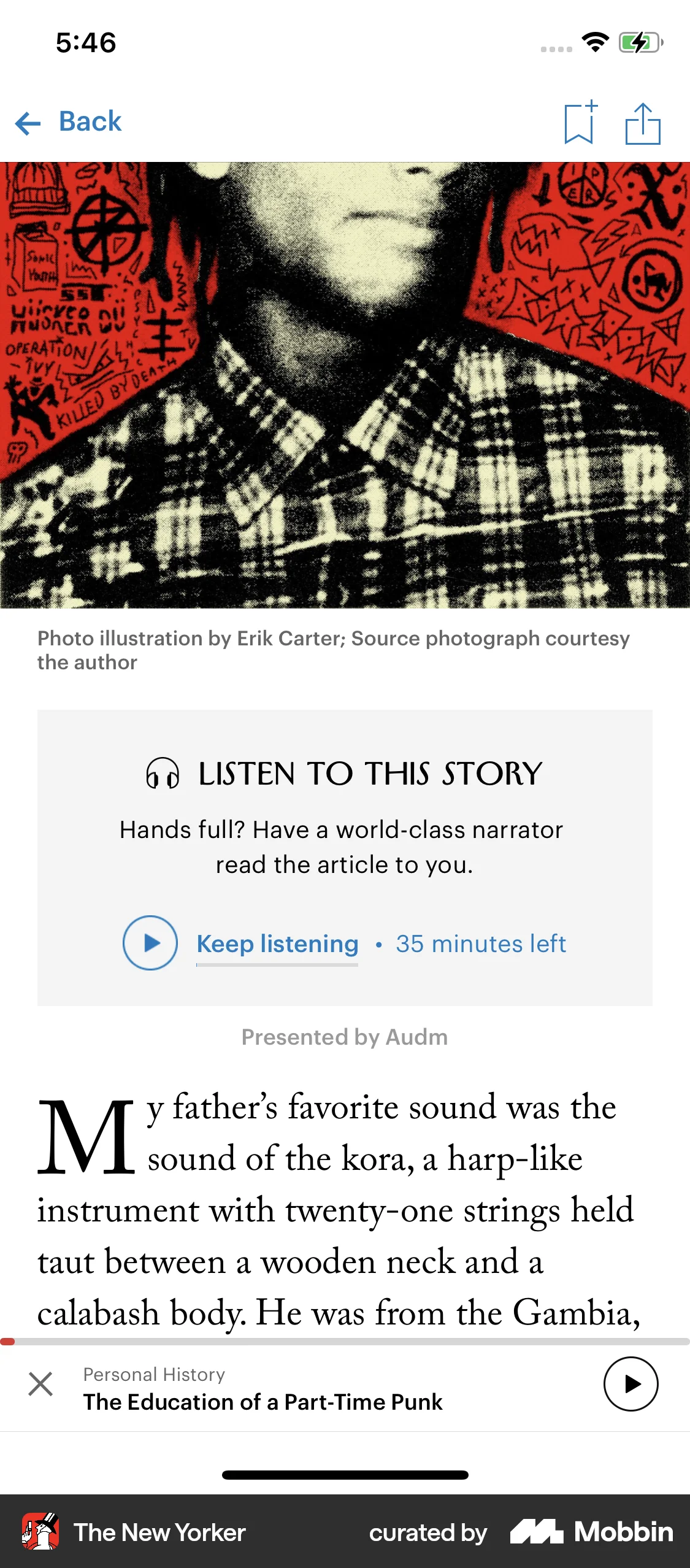
The user browses articles, selects one, and starts playing the audio version. They then switch to reading the article while the audio continues to play.

The user views a station, starts playing it, and then opens the full screen player. The flow showcases listening to a song.
358 Flows


477 Flows
329 Flows


1240 Flows

105 Flows


1703 Flows