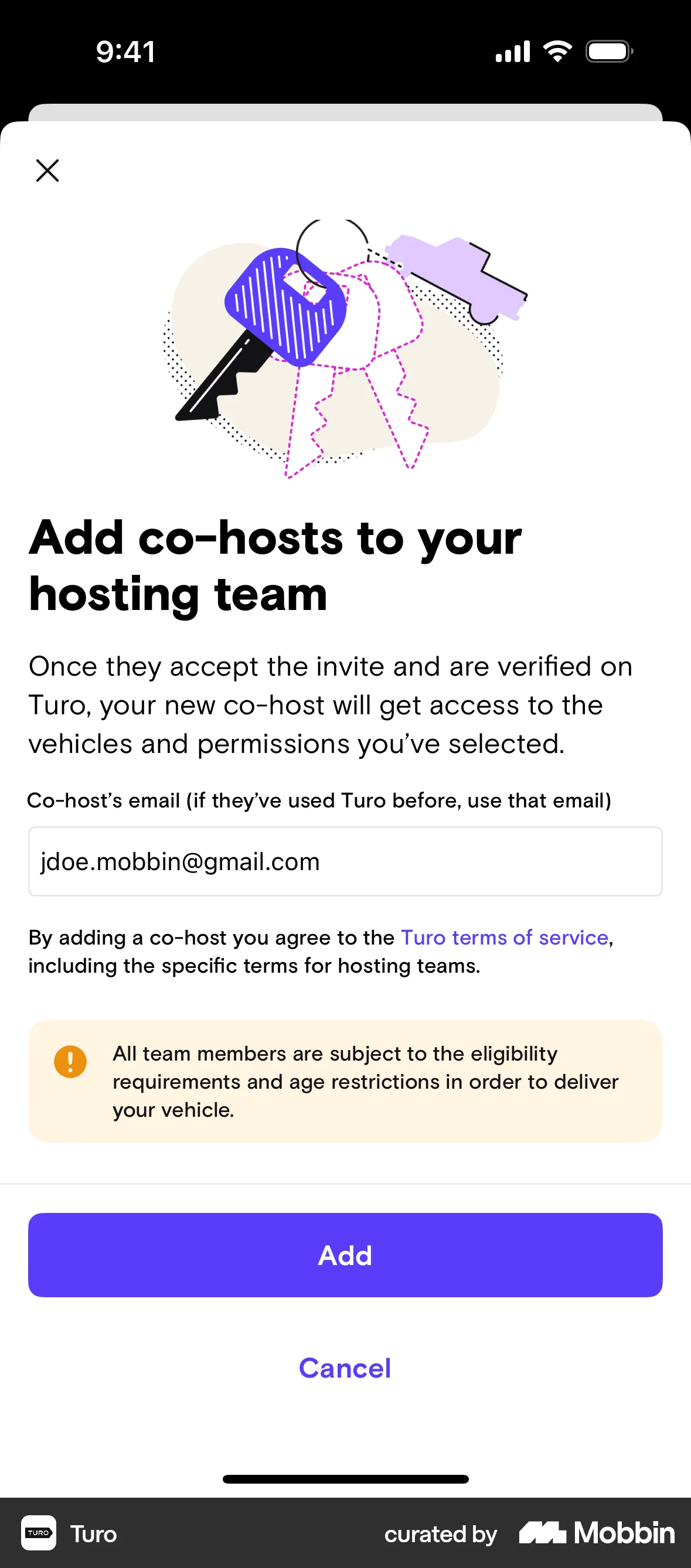


Creating a hosting teamon Turo
Turo
The user creates a new hosting team by providing team details, selecting vehicles, and adding a co-host. The team is initially inactive until the co-host is approved.
Discover best mobile app designs for Browsing Tutorial flows. Get inspired by the best apps in the world.
The user creates a new hosting team by providing team details, selecting vehicles, and adding a co-host. The team is initially inactive until the co-host is approved.

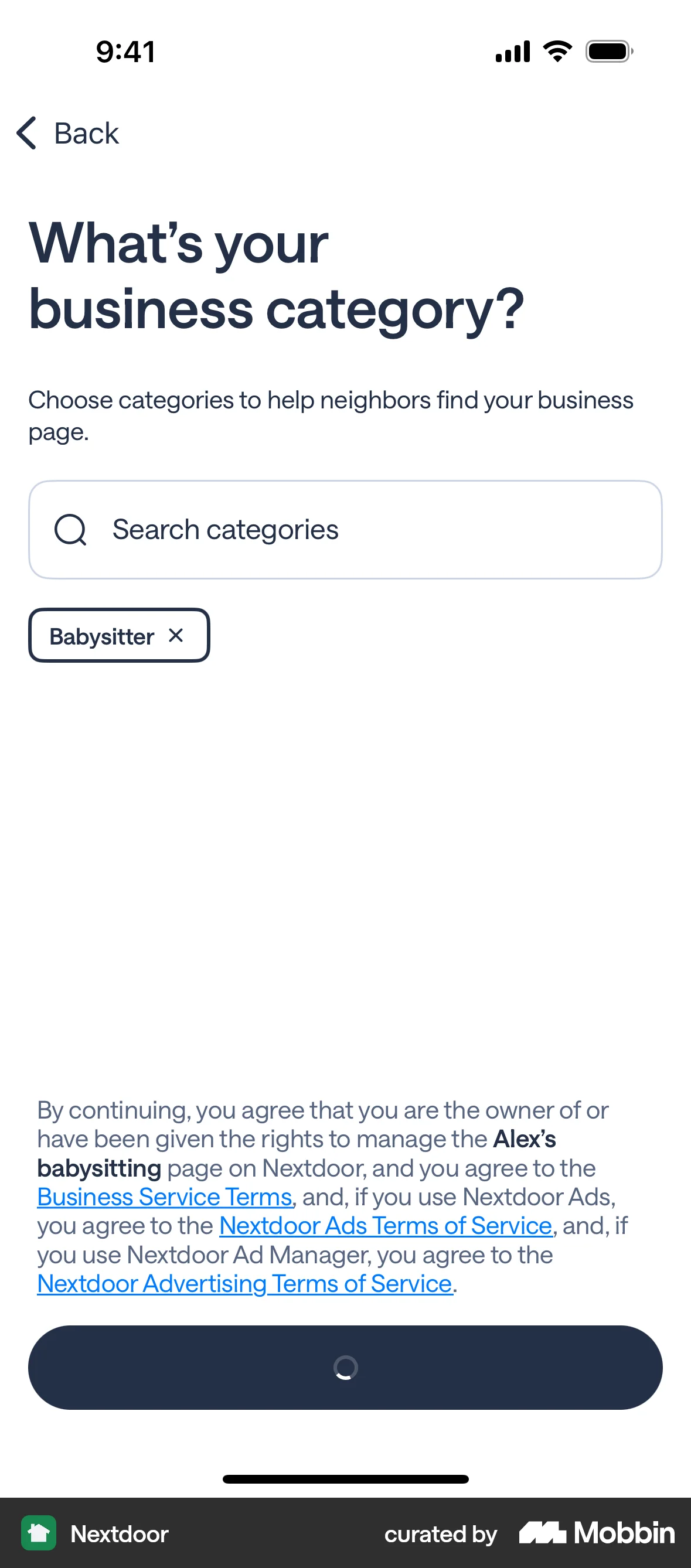
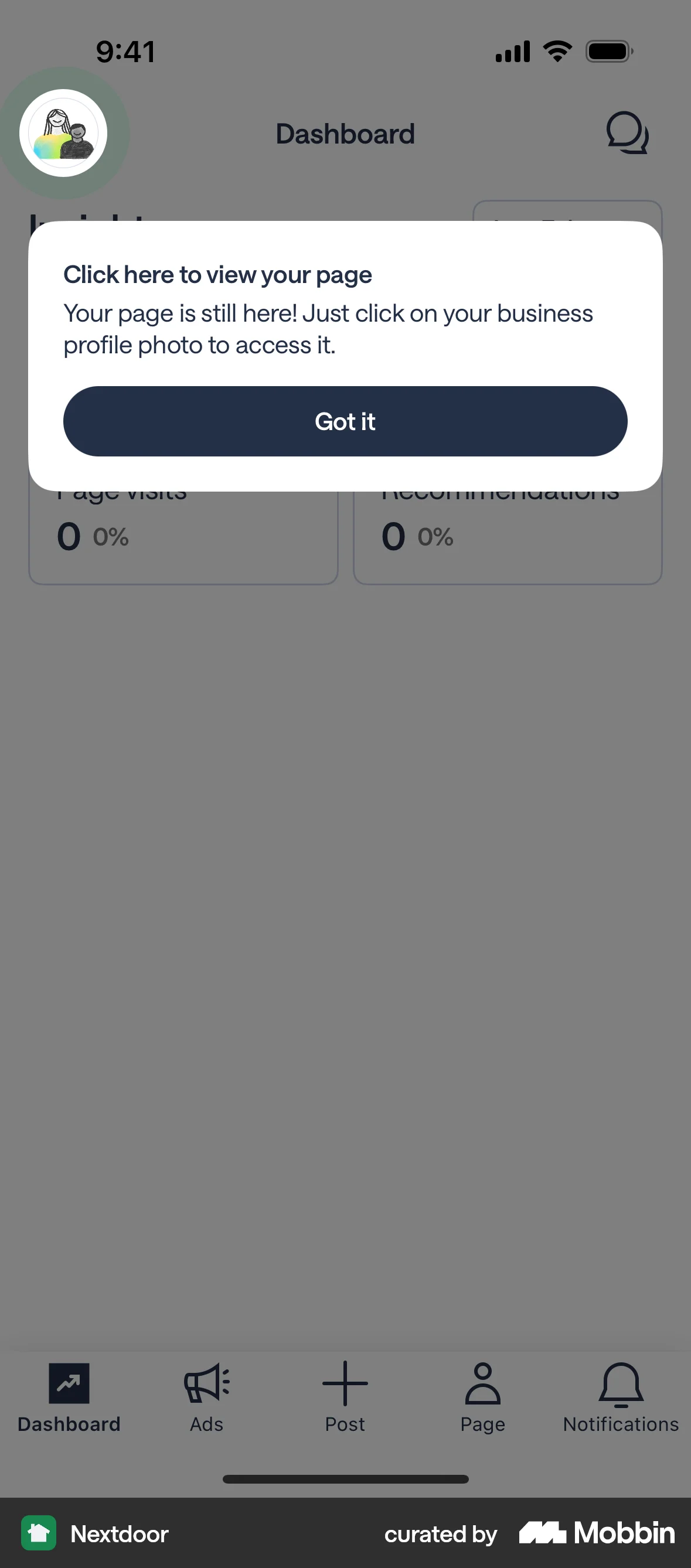
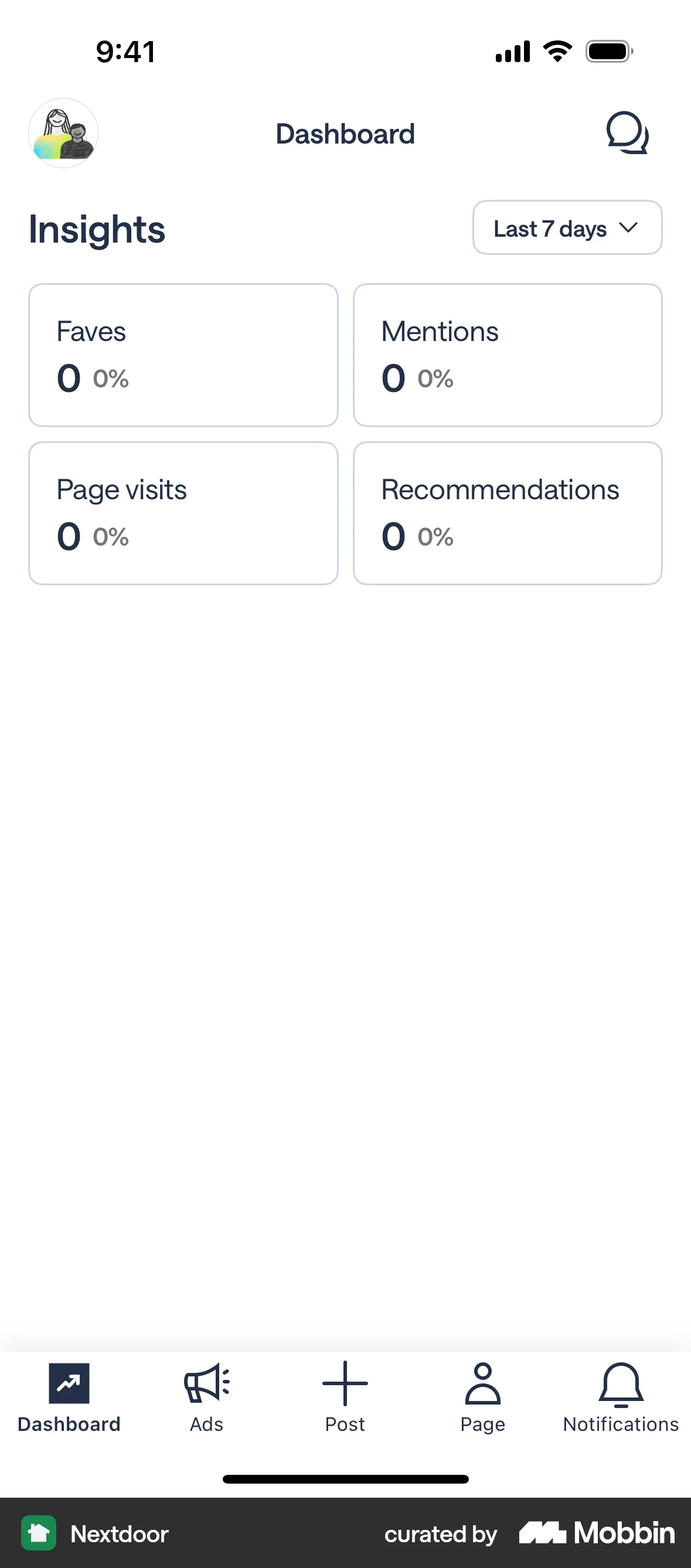
The user flow demonstrates setting up a business page by entering business details and selecting a category. It concludes with viewing the business page dashboard.

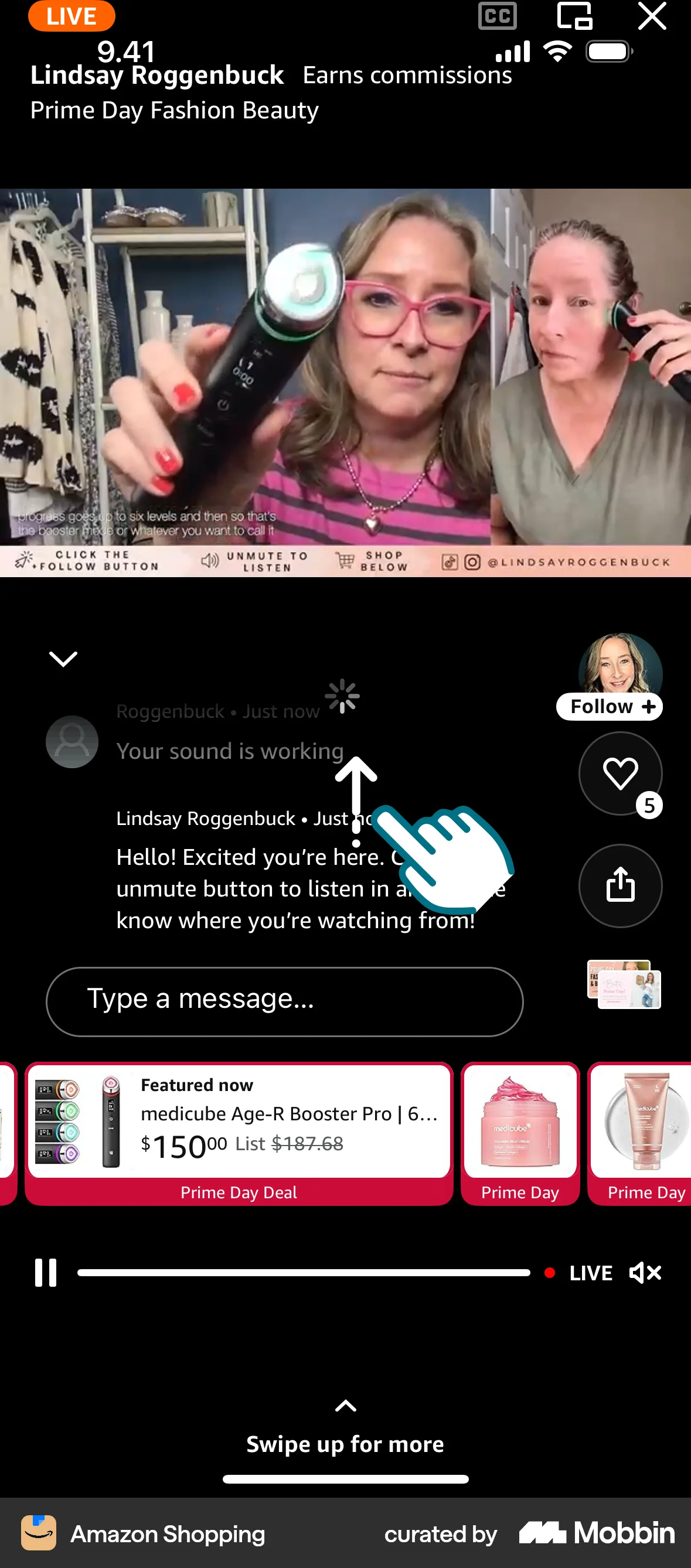
The user browses Amazon Live, watches a live video in full screen, and participates in the chat. They can also view product thumbnails.

The user customizes their listening experience by selecting a voice and speed. The app then gathers information to finalize a personalized listening plan.

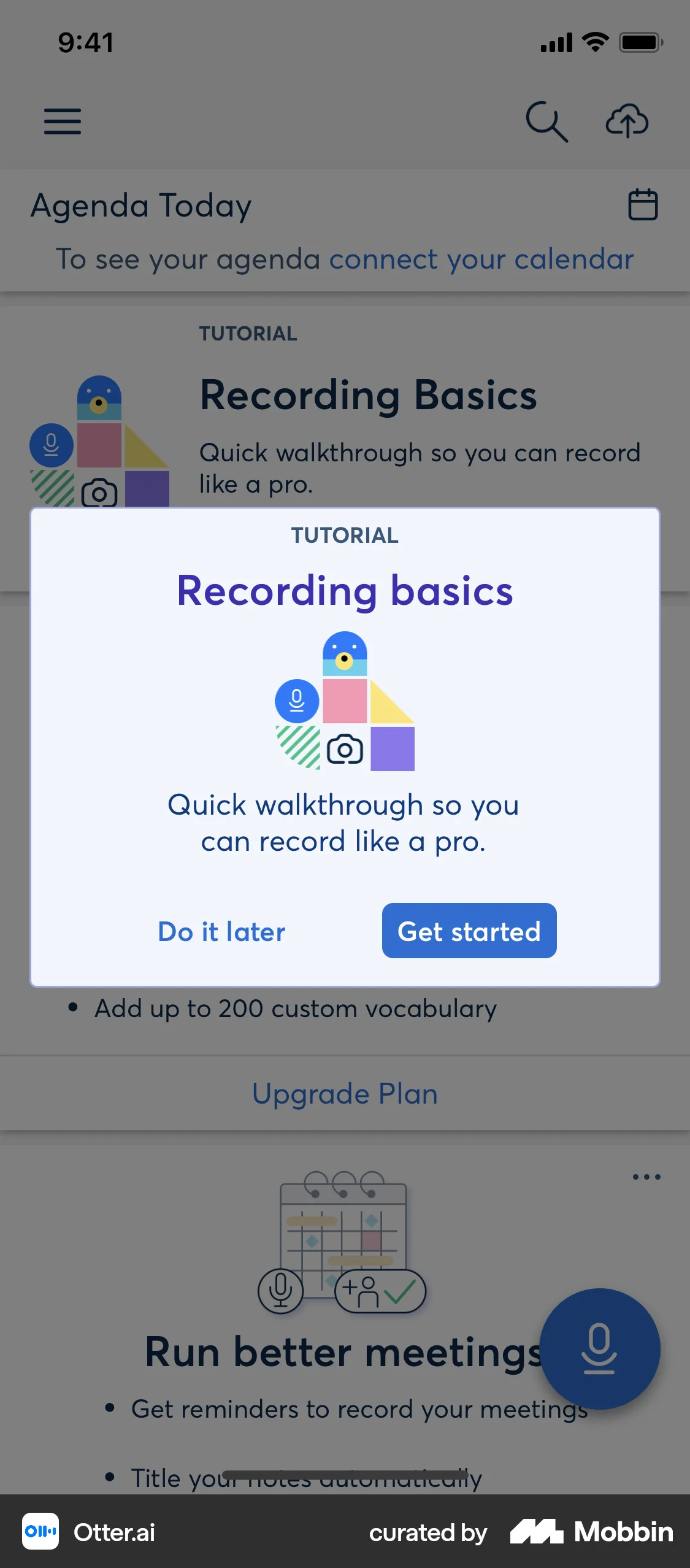
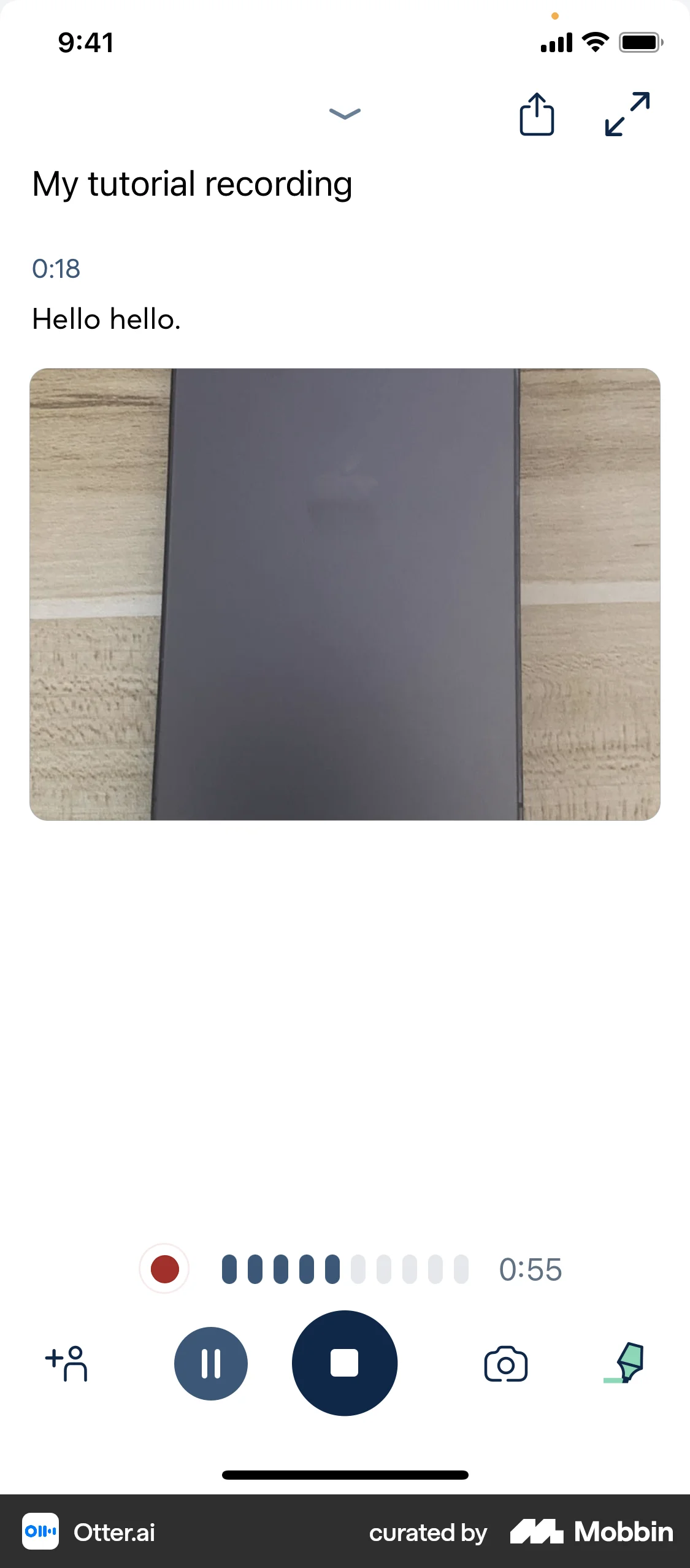
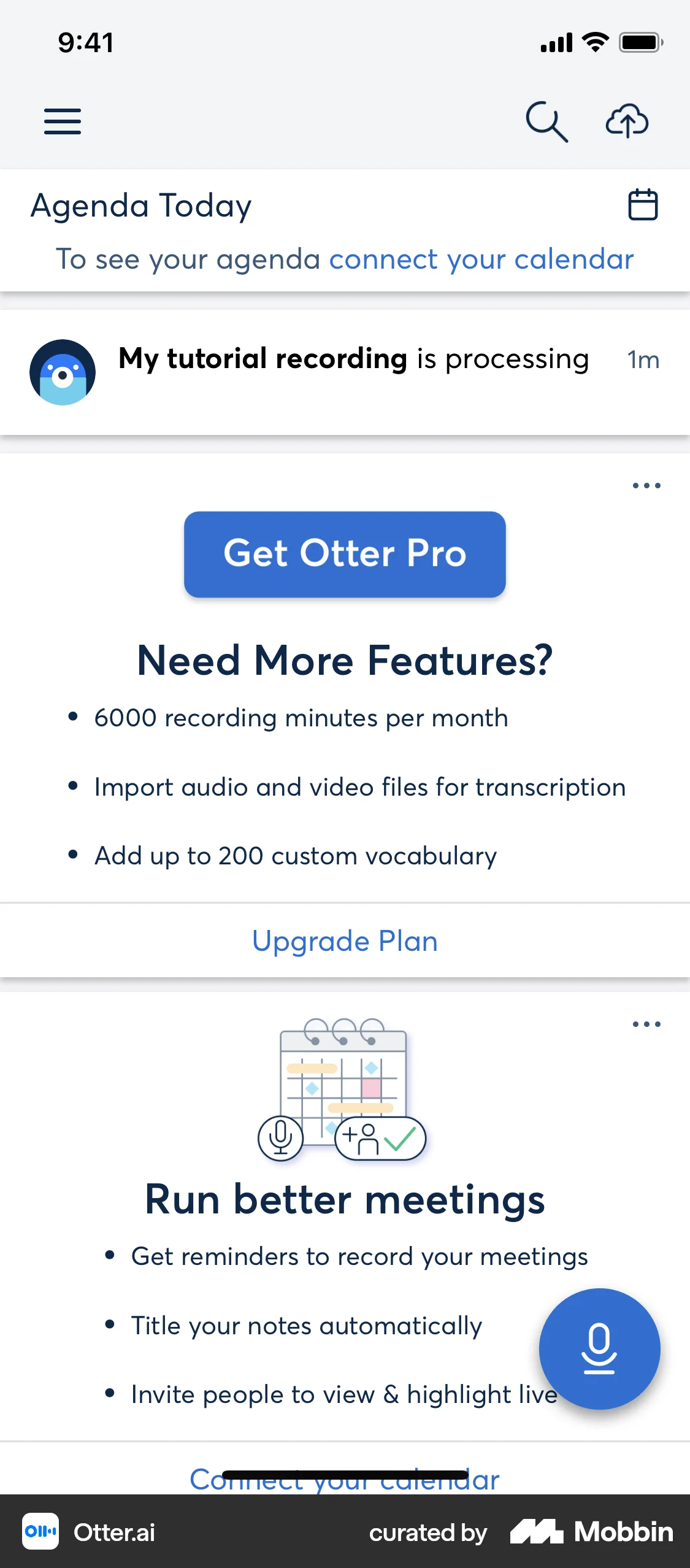
The user is guided through a recording tutorial, learning how to record audio and add a photo. The recording is then saved and processed.

The user logs in and then pairs their Whoop device with the app. The app guides the user through the setup process.

The user onboards, creates an account, personalizes preferences, and views recipe recommendations. They are then directed to the main recipe feed.

The user flow guides a user through an app tour, highlighting key features. It ends with a prompt to link their account.

The user goes through an onboarding flow introducing key features. The flow concludes by presenting the main interface.

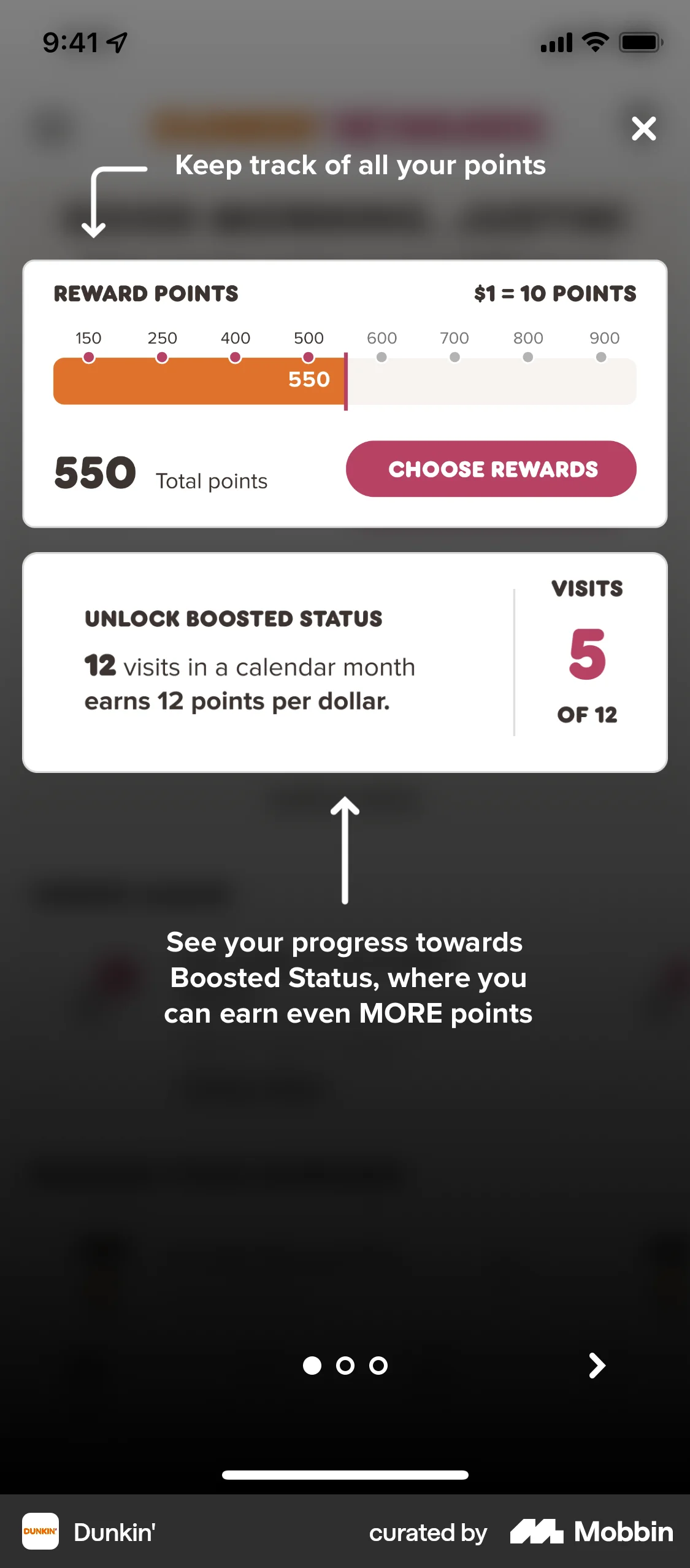
The user flow showcases a tour of the Dunkin' Rewards program. It guides the user from introduction to reward selection and viewing available rewards.

The user flow demonstrates installing a new water filter, starting from the dashboard, navigating through installation steps, and ending with updated filter details.

1307 Flows
1343 Flows


1090 Flows

255 Flows

76 Flows
92 Flows