

Creating a hosting teamon Turo
Turo
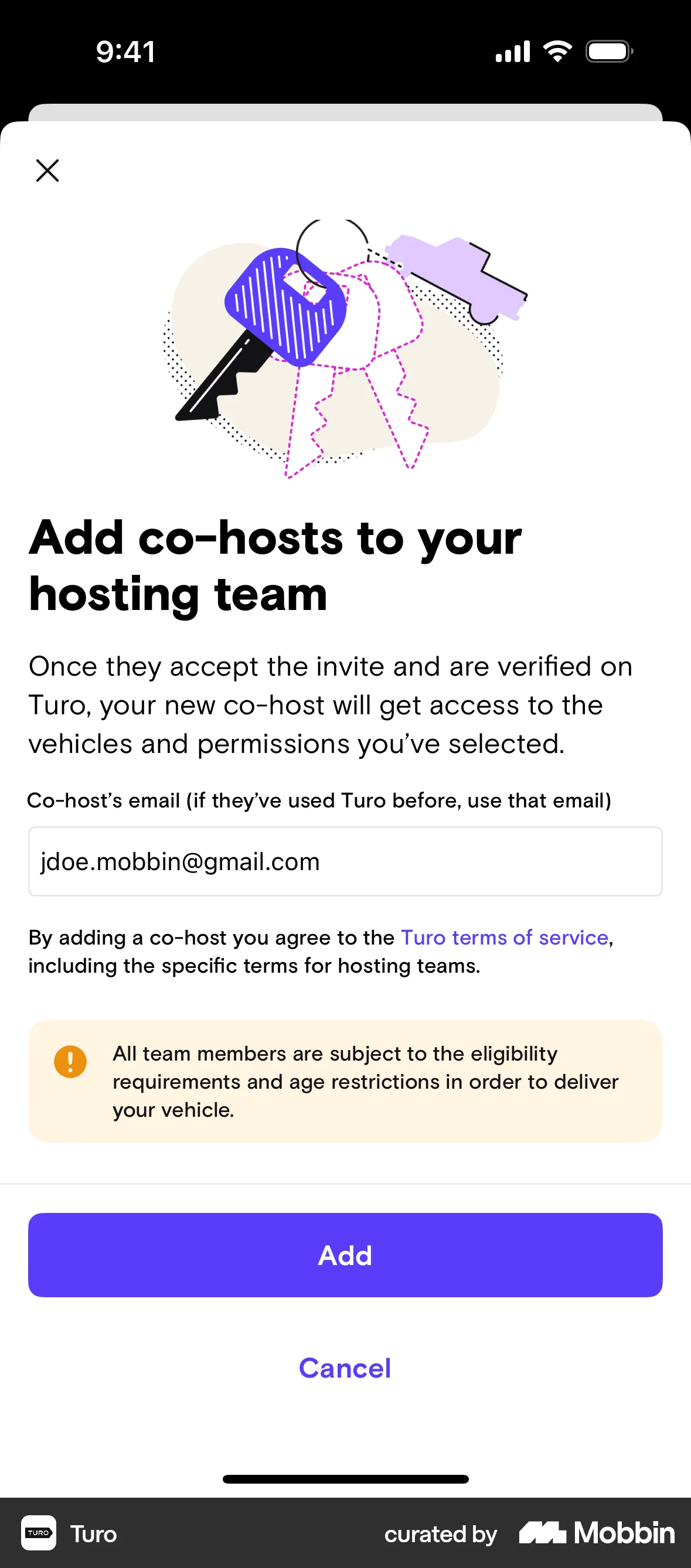
The user creates a new hosting team by providing team details, selecting vehicles, and adding a co-host. The team is initially inactive until the co-host is approved.
Discover best mobile app designs for Inviting Teammates & Friends flows. Get inspired by the best apps in the world.
The user creates a new hosting team by providing team details, selecting vehicles, and adding a co-host. The team is initially inactive until the co-host is approved.

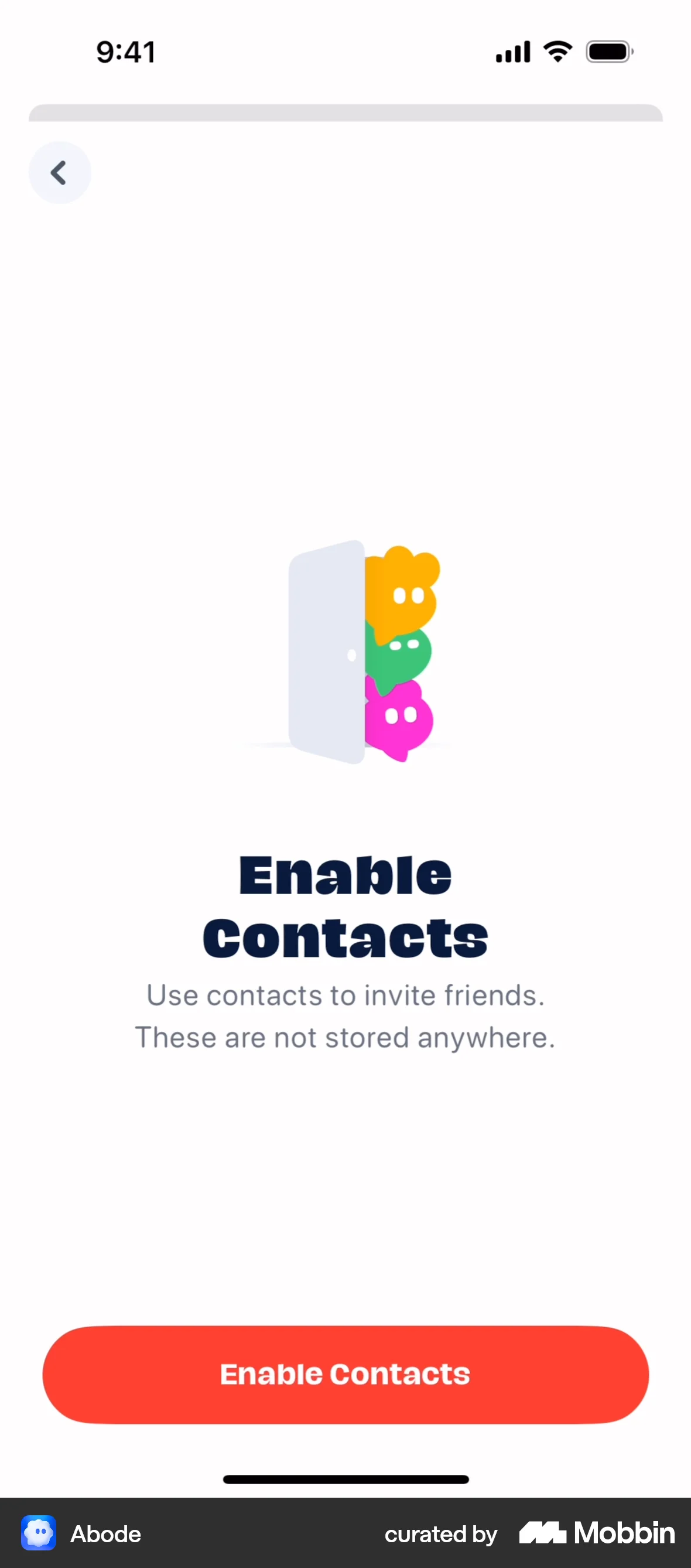
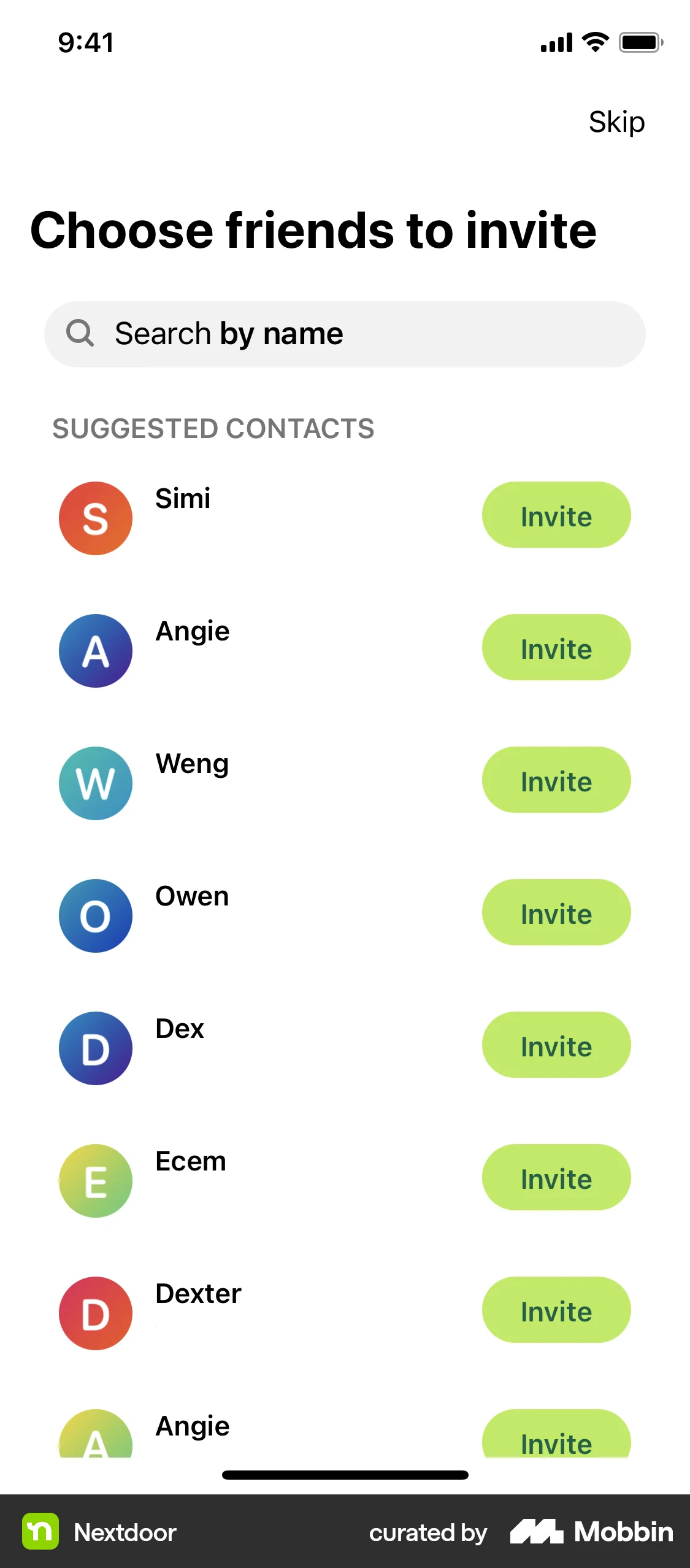
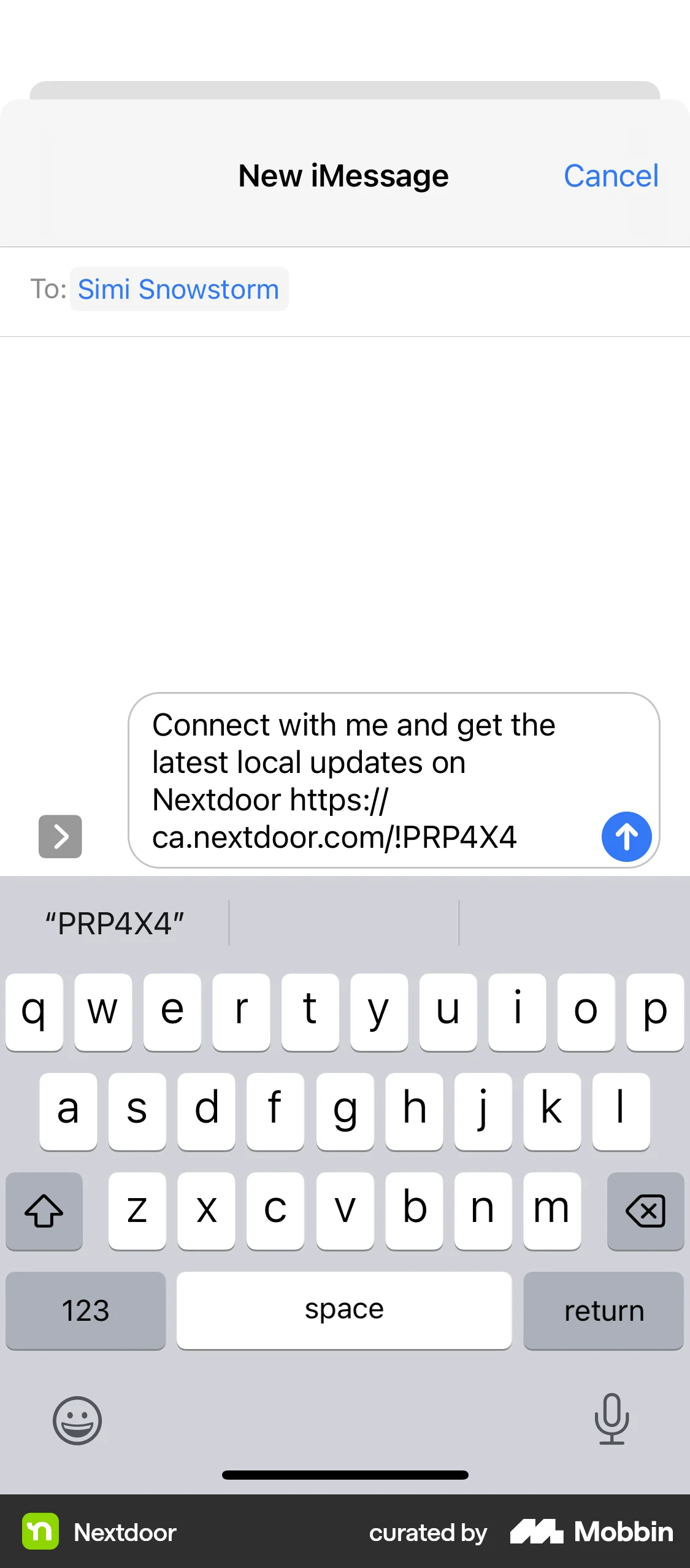
The user sends an invite link by granting contact access, selecting a contact, and sending a pre-filled invite message.

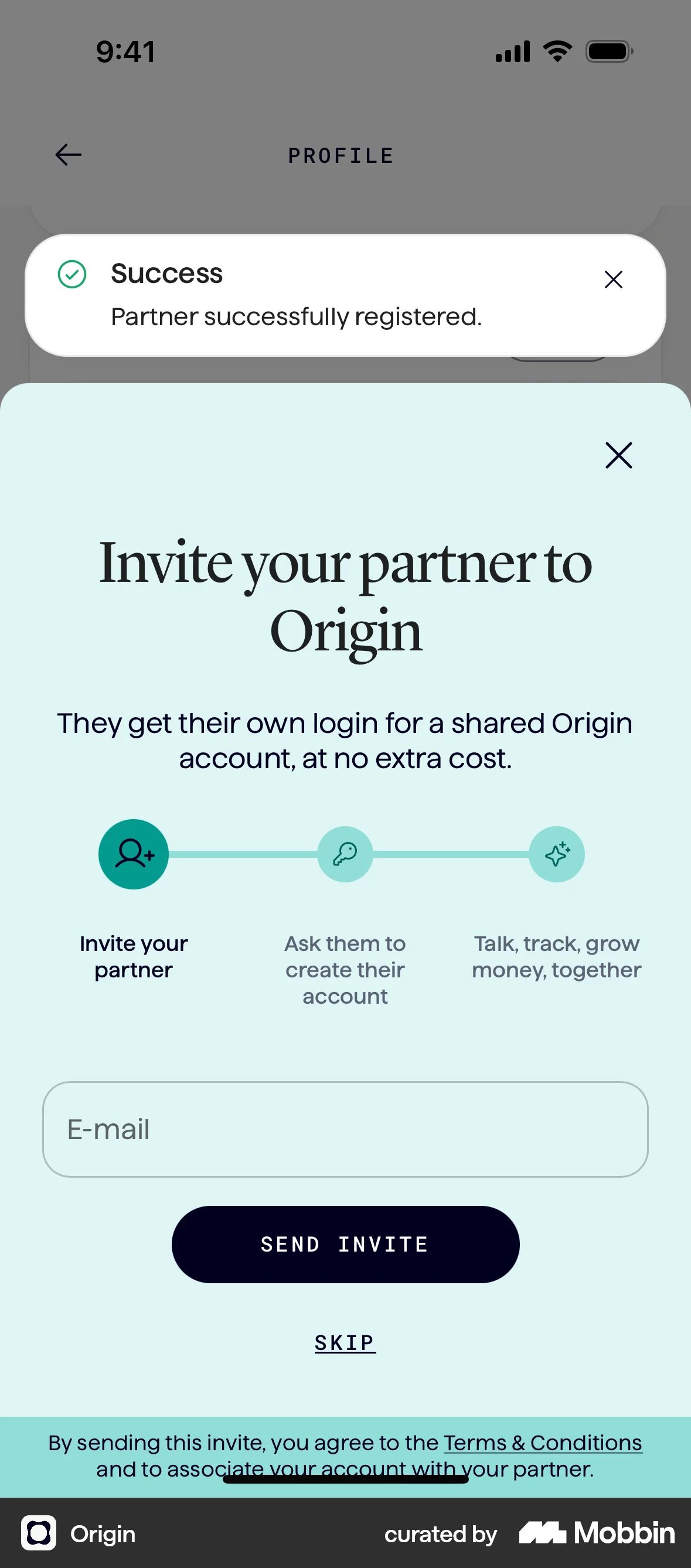
The user flow guides the user to add a partner by filling out a form and then inviting them to join. The flow concludes with a display of the partner's information.
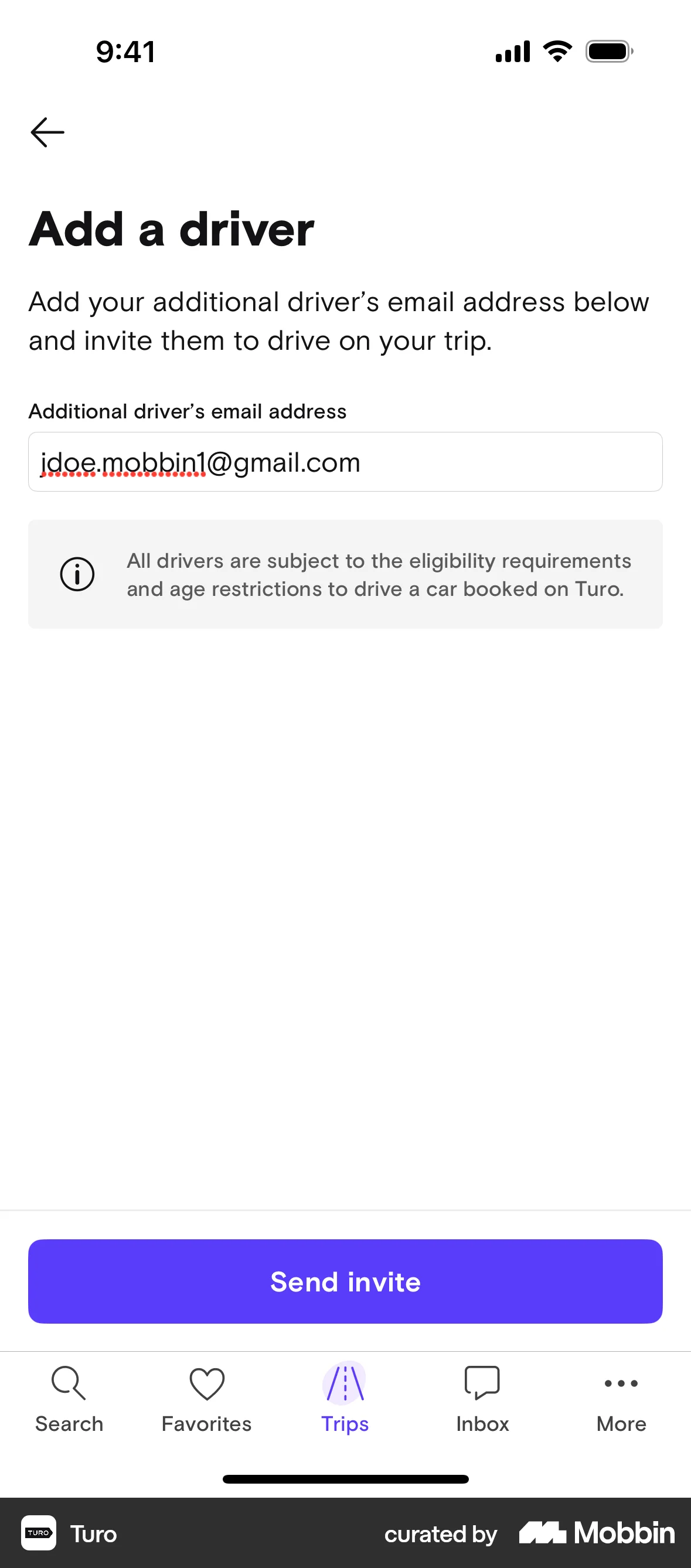
The user adds an additional driver to a booked trip by entering their email. The flow confirms the invite and updates the trip details.

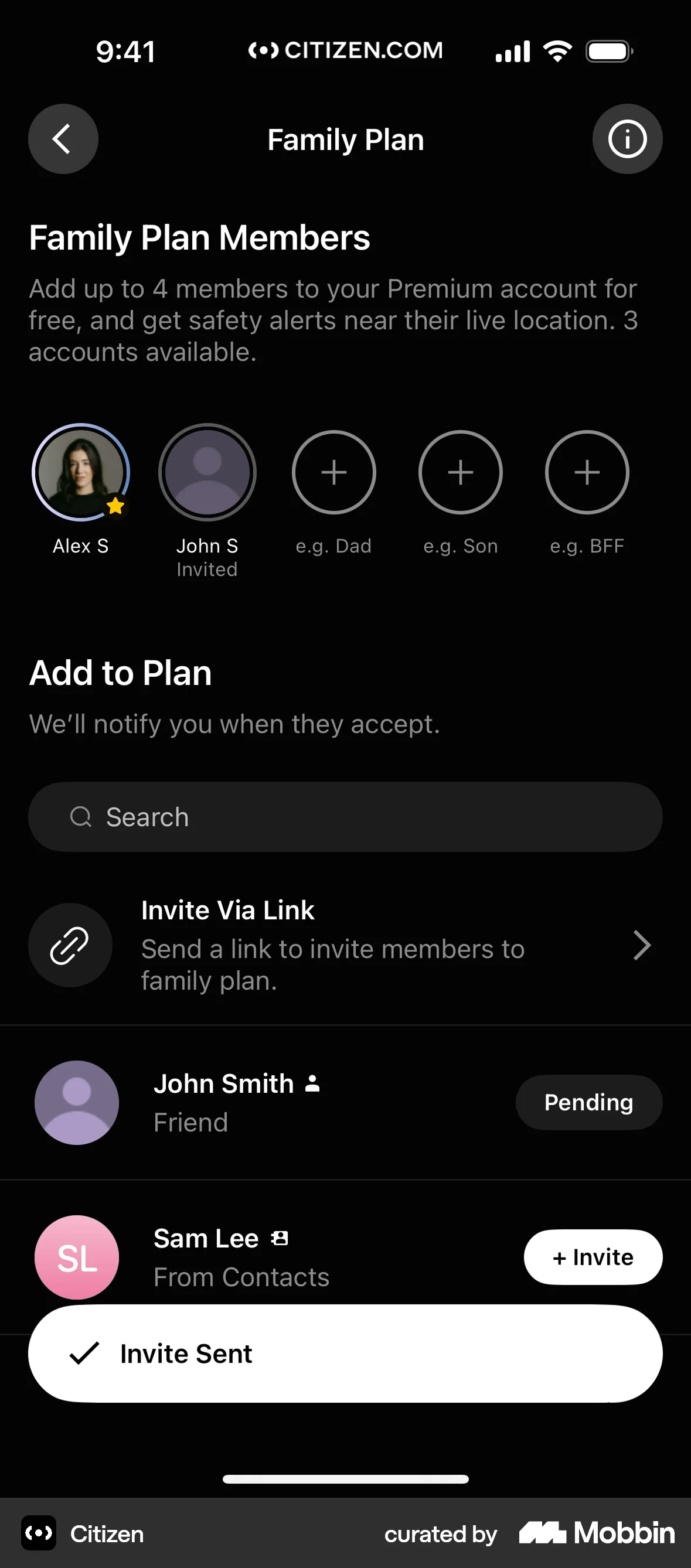
The user invites a member to a family plan. The invite status changes to pending after the invitation.

The user adds a new member to the household by entering their email and sending an invite. The updated member list is then displayed.
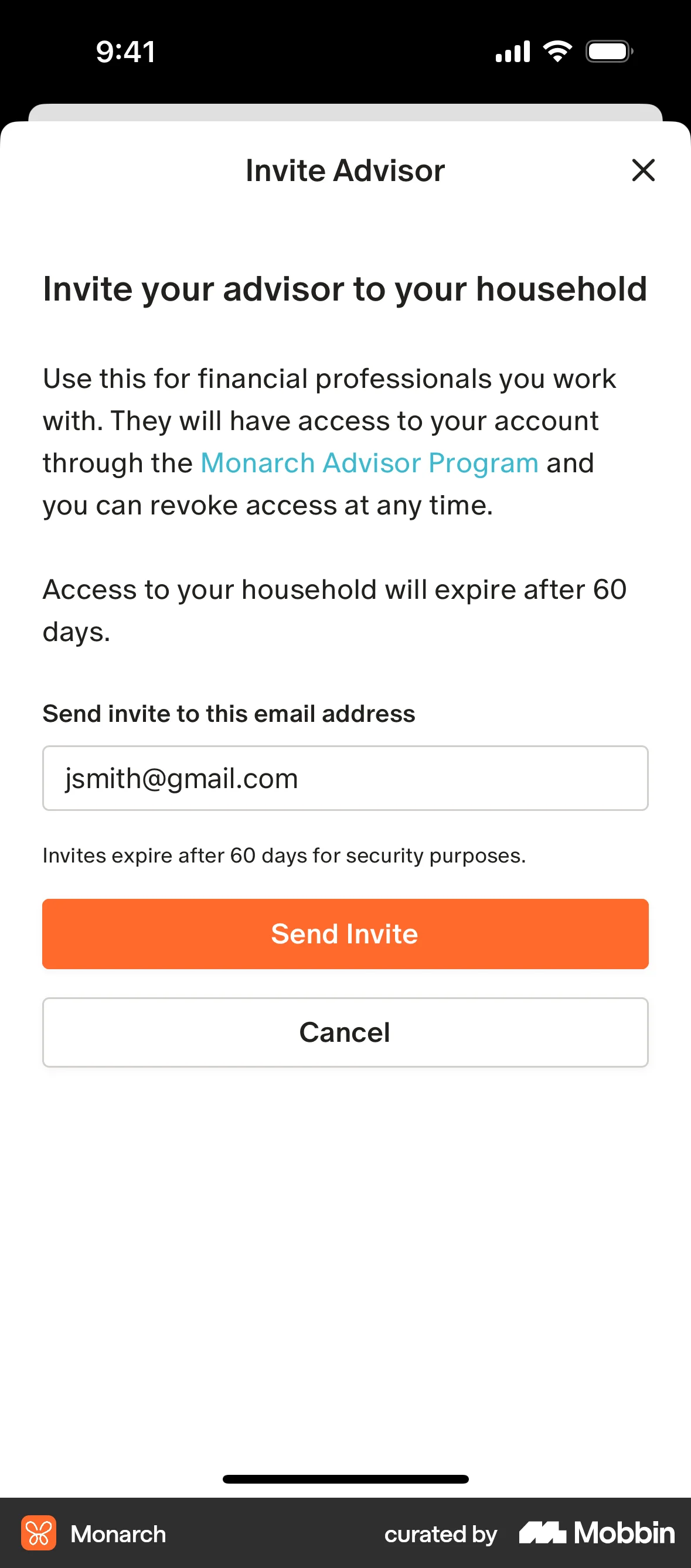
The user attempts to add an advisor by sending an invite, but the advisor needs a professional account. The user is prompted to send an email invitation.

The user flow demonstrates inviting members by syncing contacts, searching, selecting, and sending invites. A confirmation message is displayed upon completion.

The user goes through the onboarding process, creates an account, pairs with their partner, and sets their preferences. They are then presented with subscription options before landing on the home screen.

The user flow demonstrates tagging a user in a new post. It involves searching for a user and confirming the tag before returning to the post creation screen.

The user invites a new member to the workspace by entering their email address. The invited member is then displayed in the workspace settings with an "invited" status.

The user invites members to a board by searching for them via email, workspace, and contacts. The board menu is then updated to reflect the new members.

201 Flows

703 Flows
1260 Flows
268 Flows
54 Flows

921 Flows