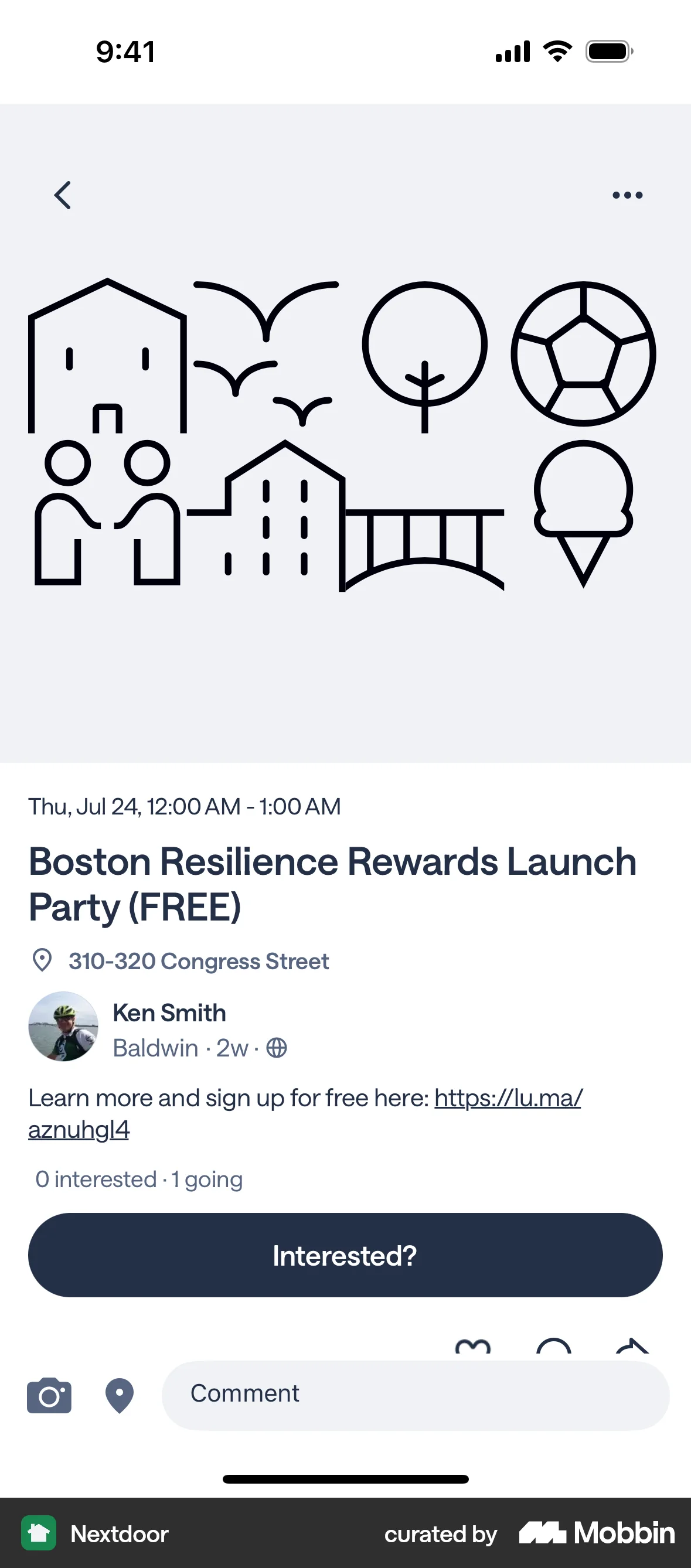


Marking (an event) as goingon Nextdoor
The user views an event and marks themselves as "Going". They interact with a button and select "Going" from a modal.
Discover best mobile app designs for Registering flows. Get inspired by the best apps in the world.
The user views an event and marks themselves as "Going". They interact with a button and select "Going" from a modal.
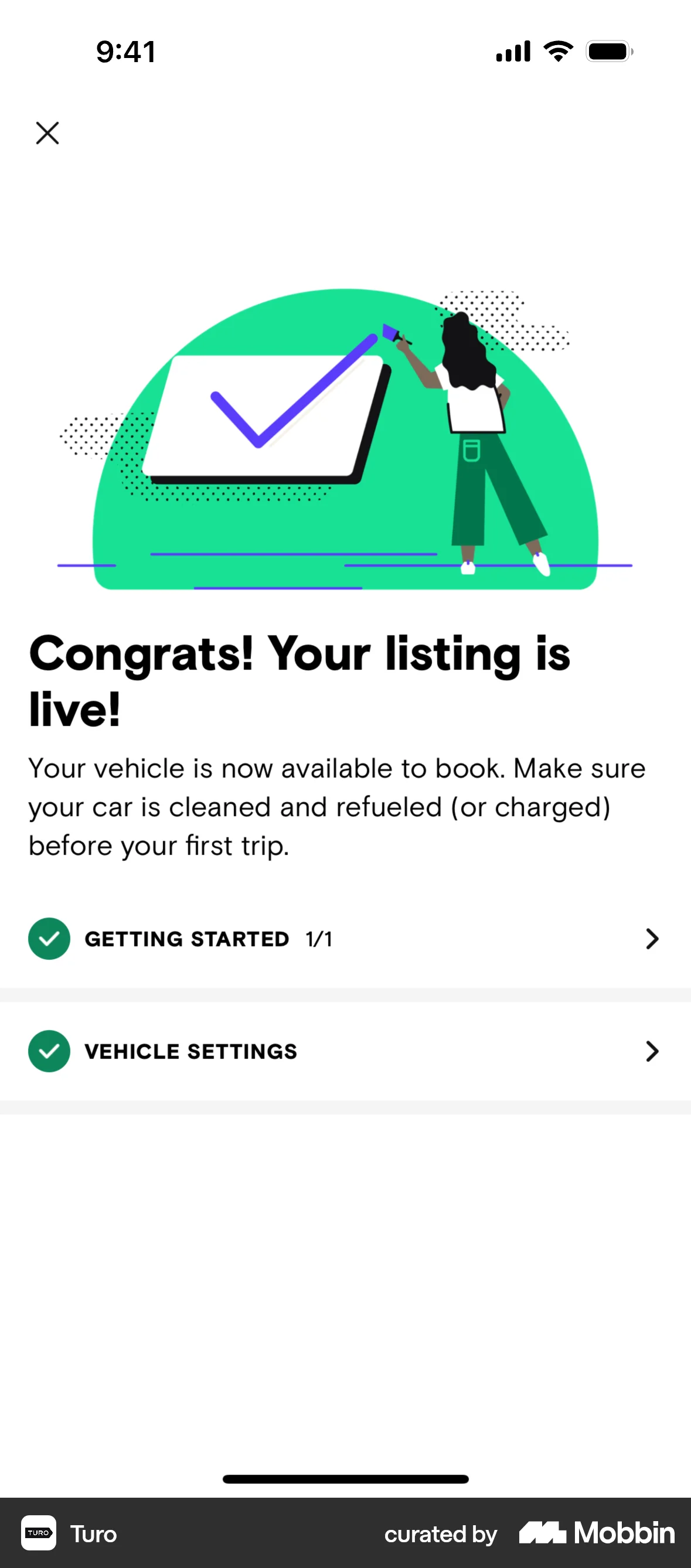
The user registers for a host orientation webinar, providing necessary information. Upon completion, the user's listing goes live and the onboarding checklist reflects the completed step.
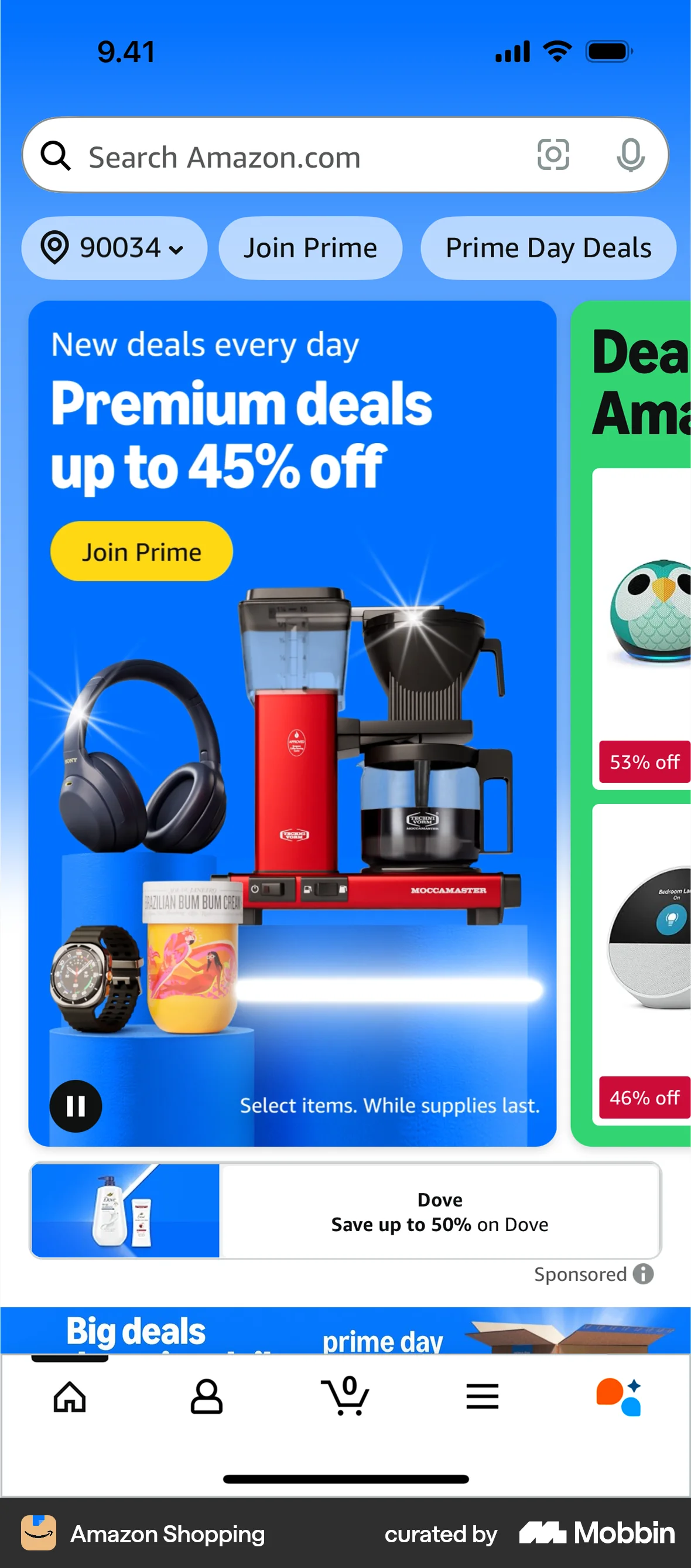
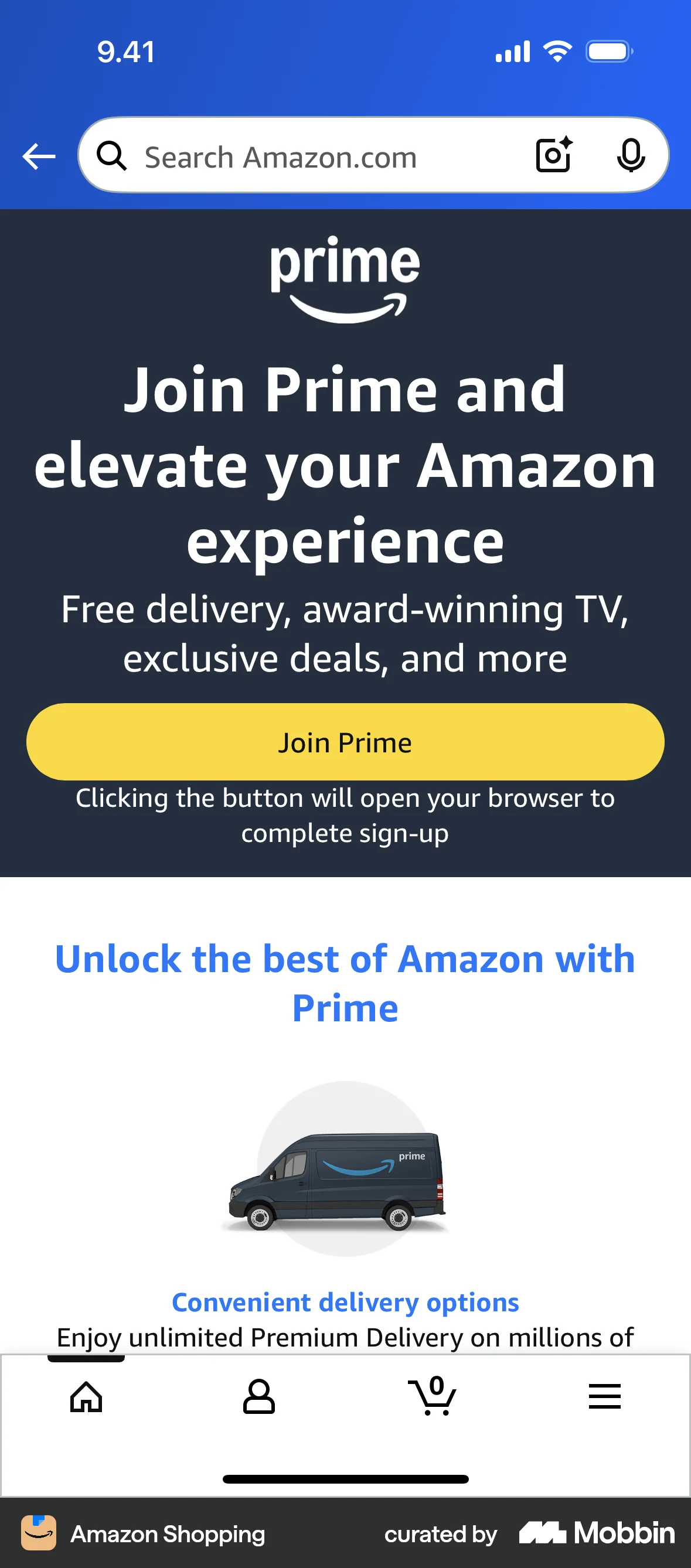
The user flow showcases joining Amazon Prime. It highlights the benefits of Prime membership and encourages users to sign up.
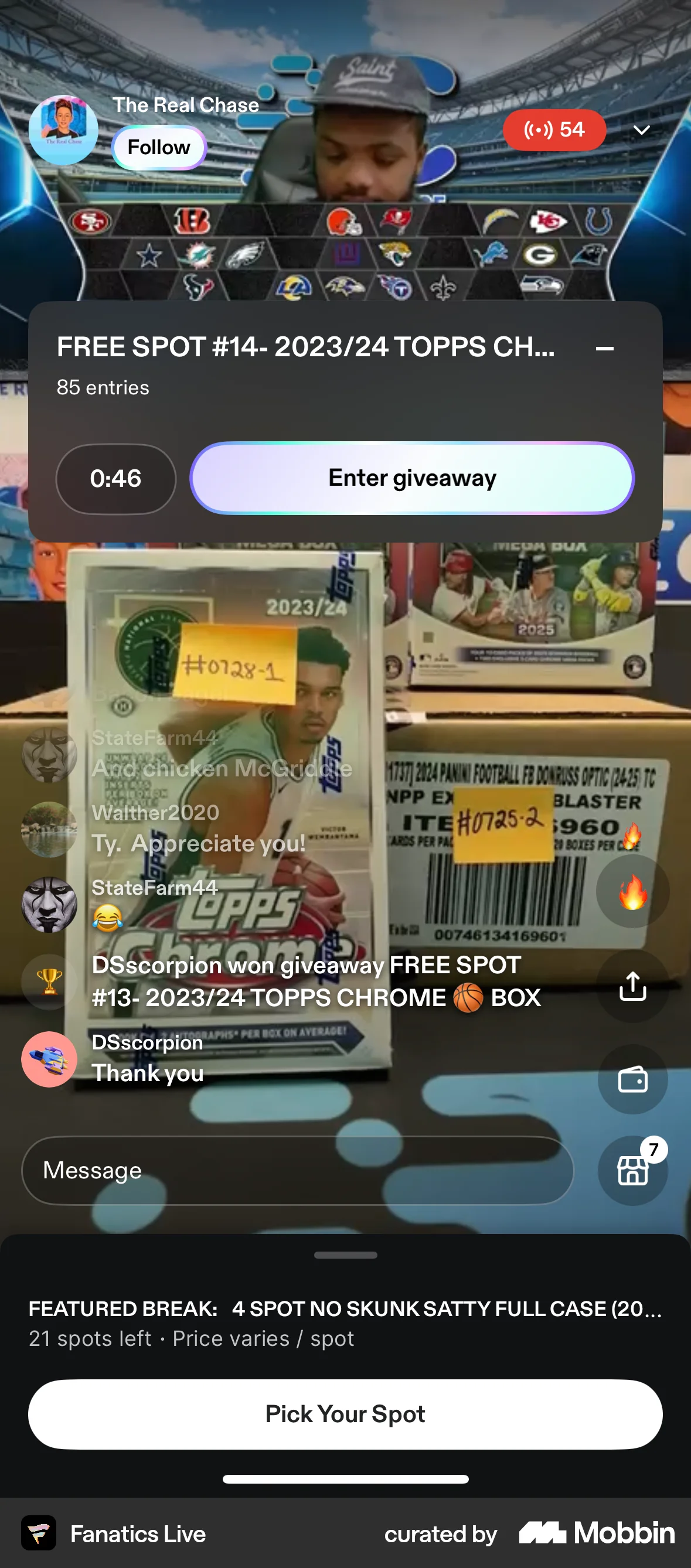
The user enters a giveaway from a live stream. A confirmation message appears after the entry is processed.
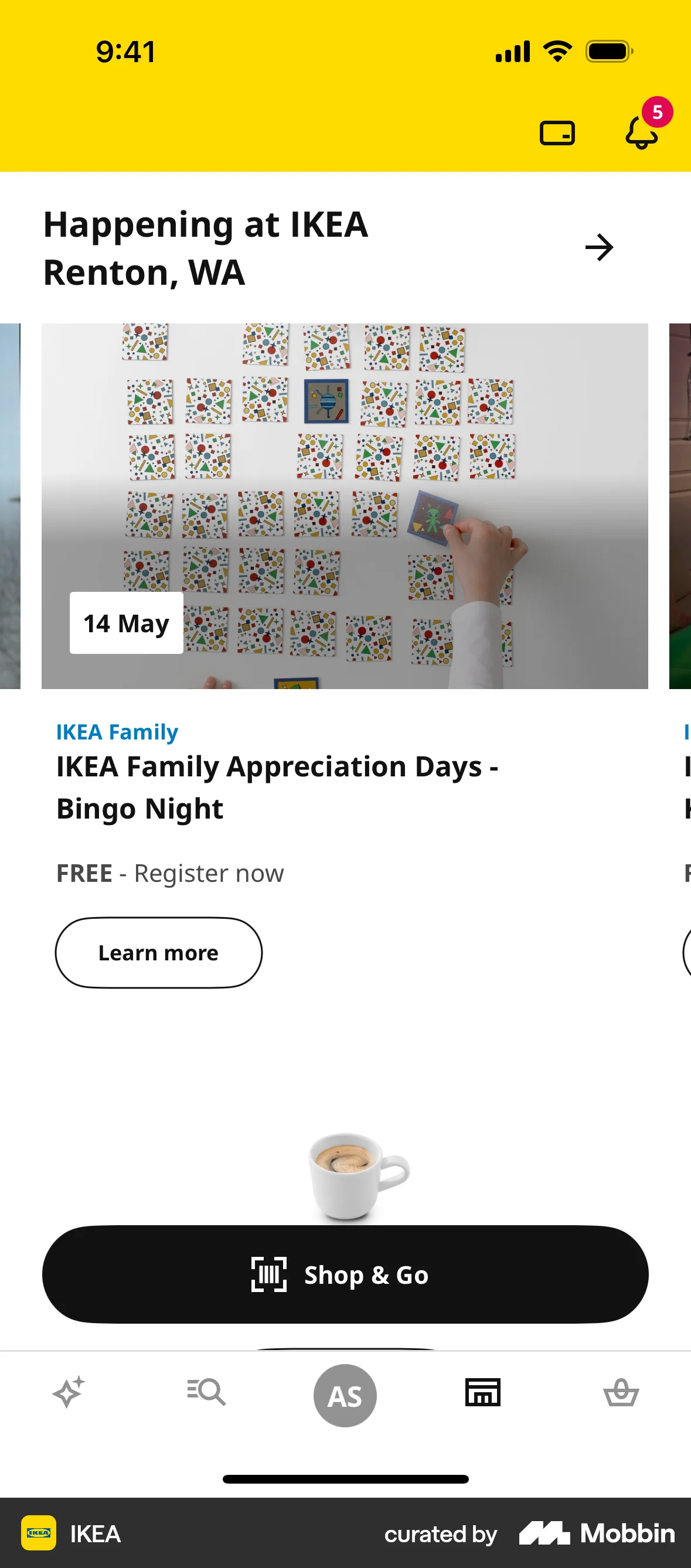
The user views a list of events, RSVPs to an event, and then views the event in their 'My Events' list.
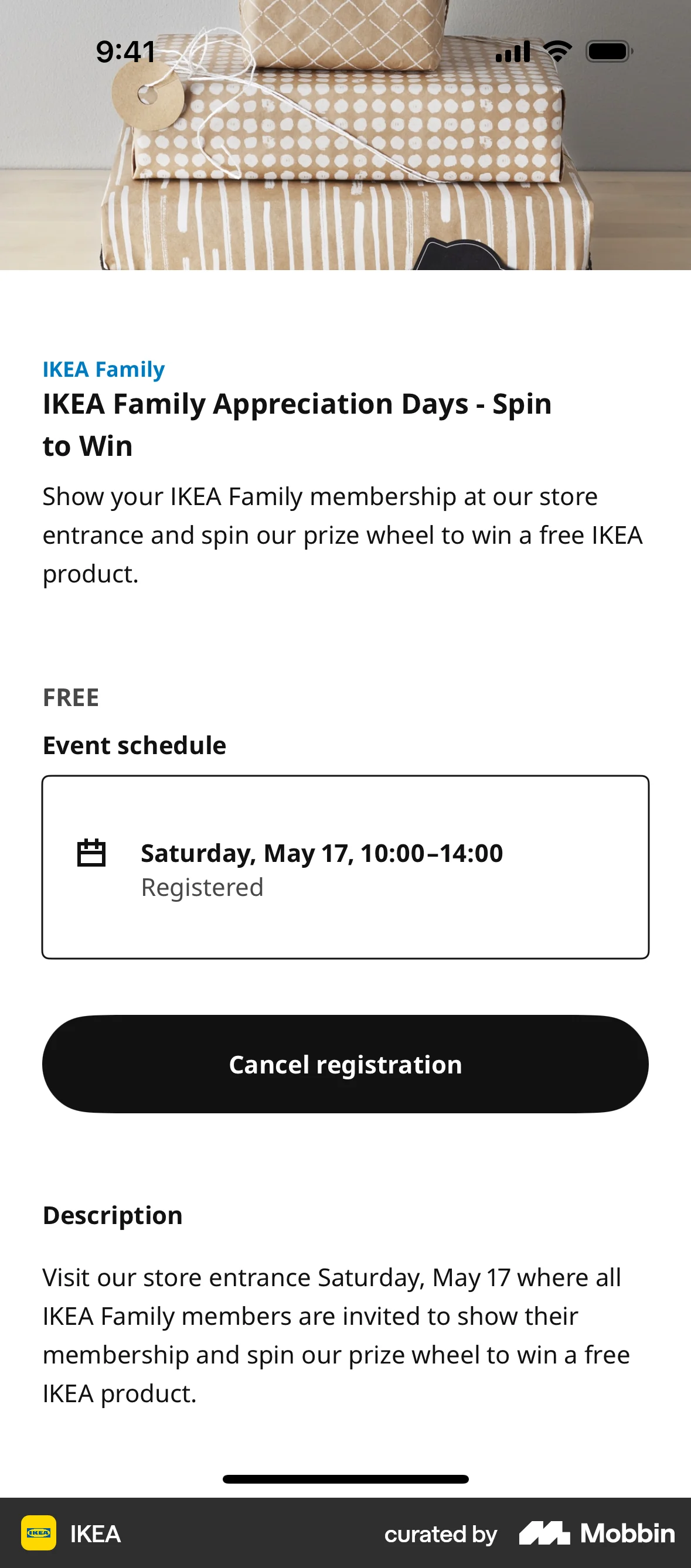
The user cancels their registration for an event. They confirm the cancellation and are then presented with the option to register again.
The user flow showcases registering for an event. It involves browsing, viewing details, registering, and seeing a confirmation.

The user flow demonstrates registering for an event. It shows the event details, registration page, and confirmation upon completion.

The user flow showcases a user joining the Octoplus rewards program by opting in, agreeing to terms and viewing the dashboard. The user can also enable push notifications.
The user explores the Gymshark loyalty program, viewing tier benefits and is given the option to join or opt out. The flow highlights the benefits of joining the club.
The user views event details, registers by agreeing to terms, and receives confirmation. They can then access their ticket or get directions.
The user views event details and then registers for the event. A confirmation message is displayed upon successful registration.

201 Flows
581 Flows

76 Flows

652 Flows


379 Flows

703 Flows