



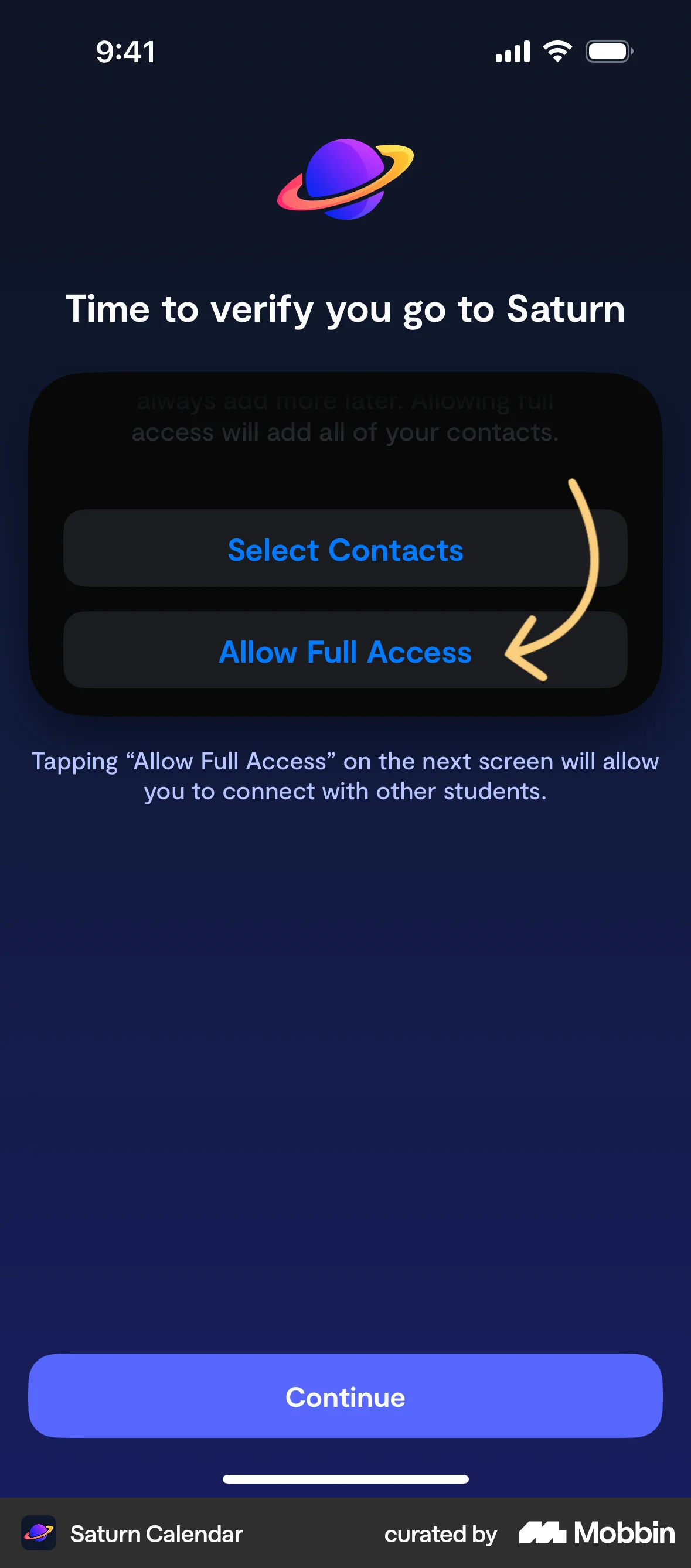


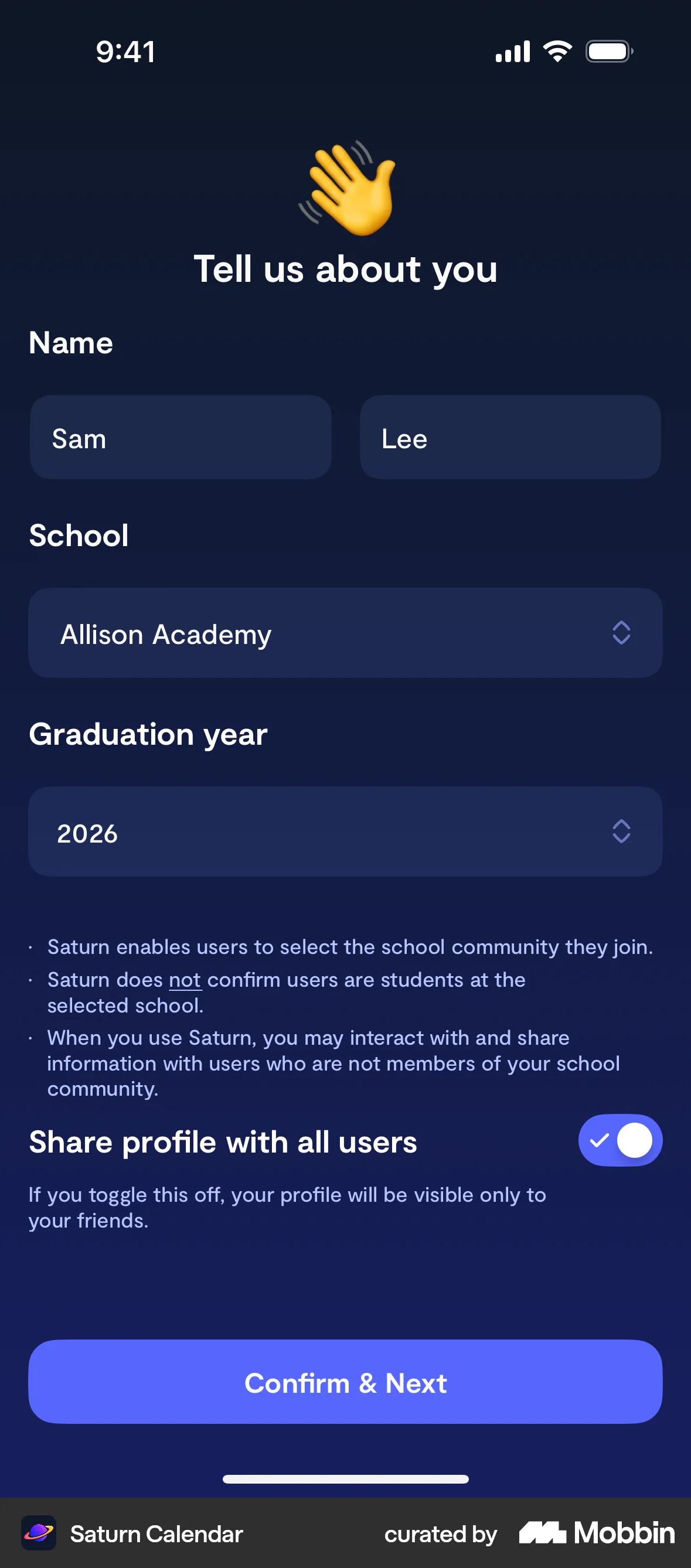

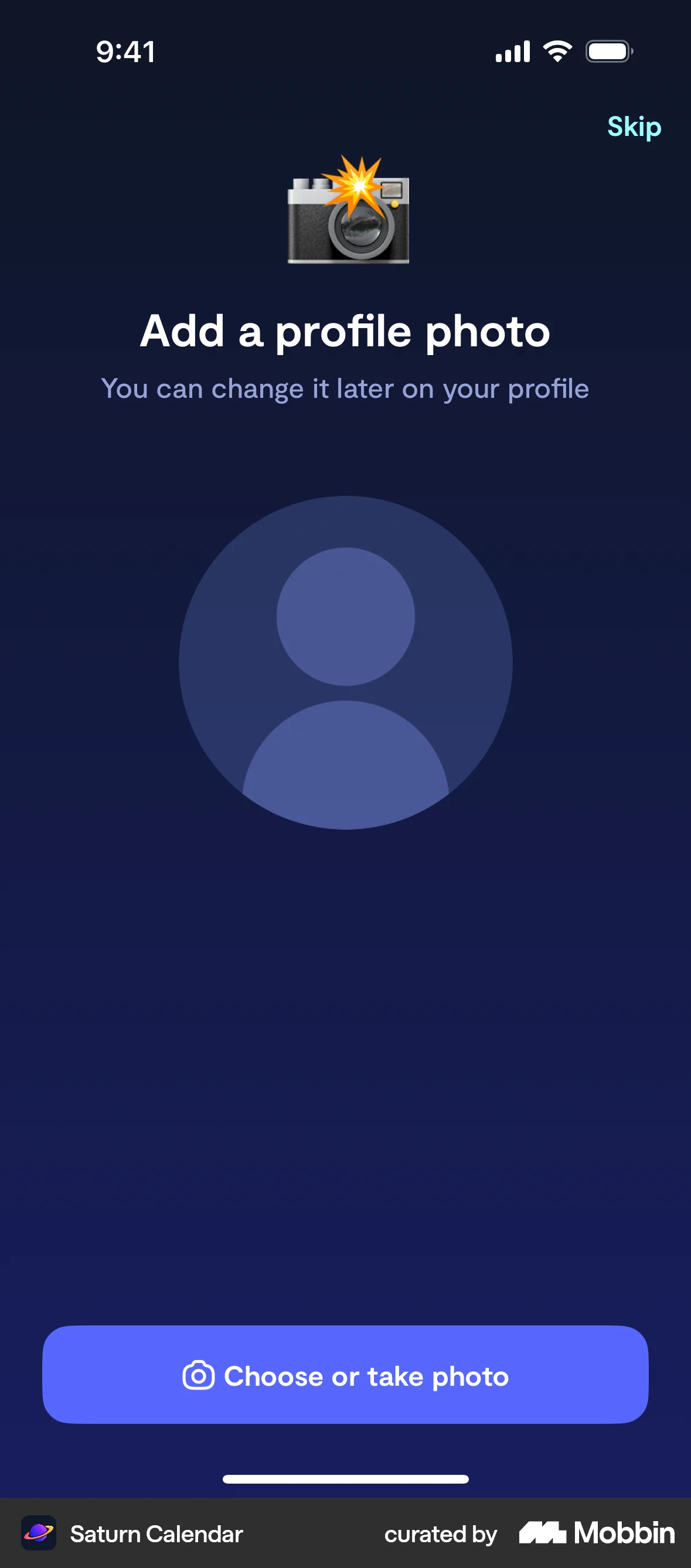


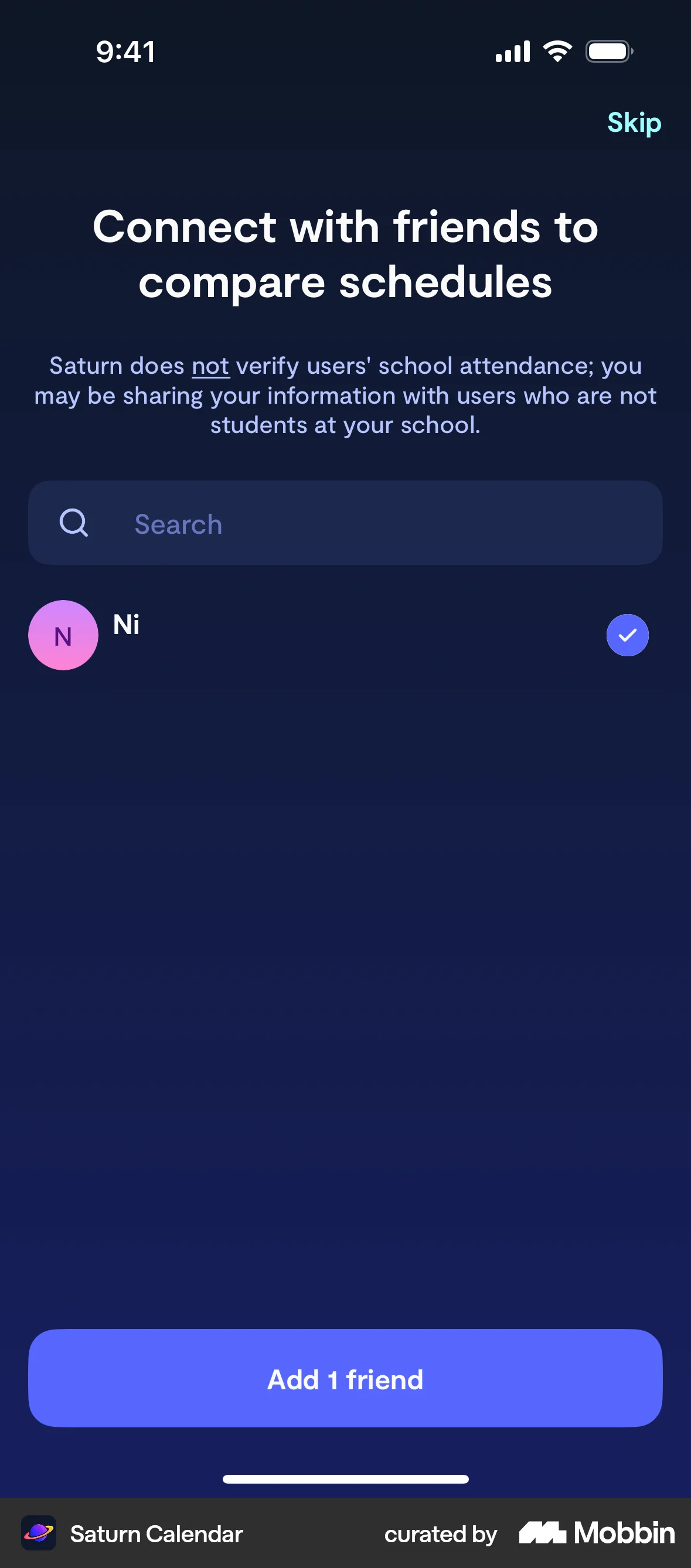

Onboardingon Saturn Calendar
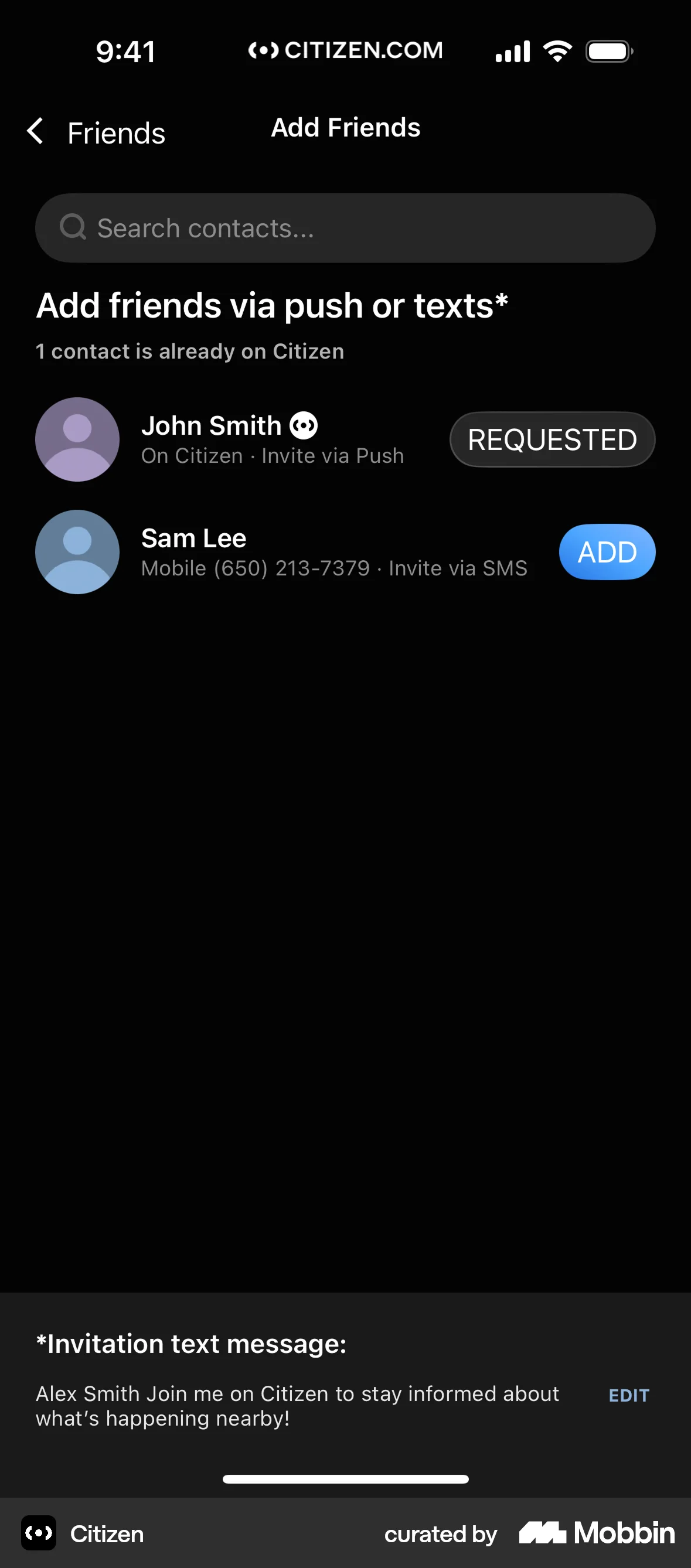
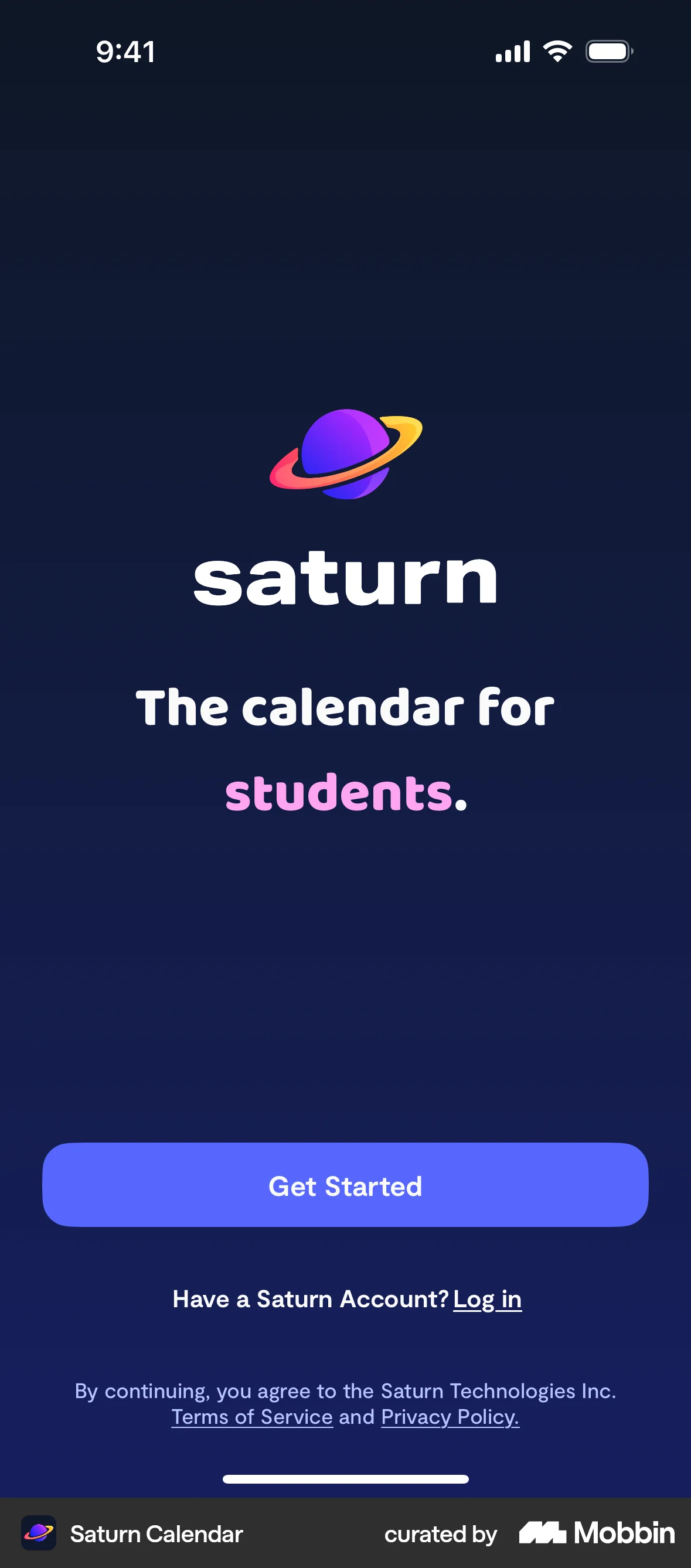
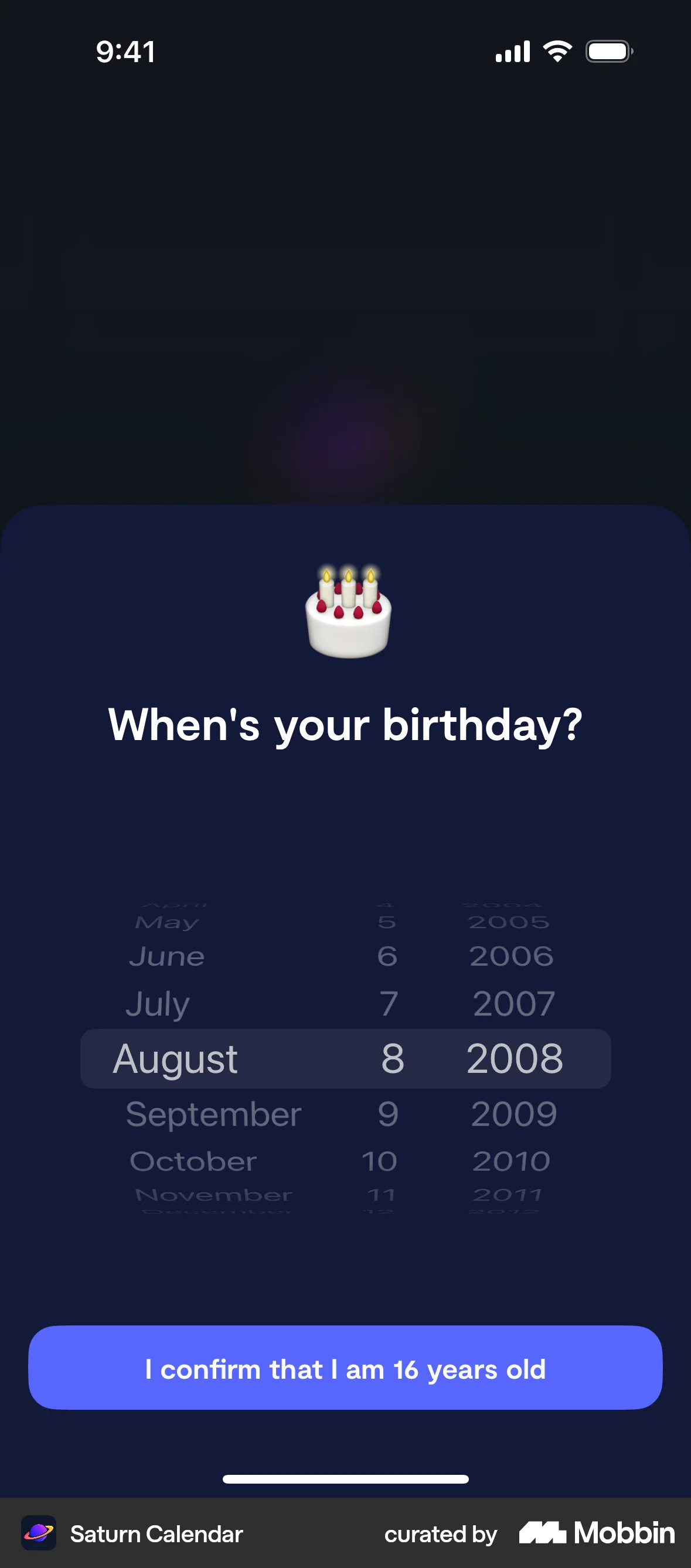
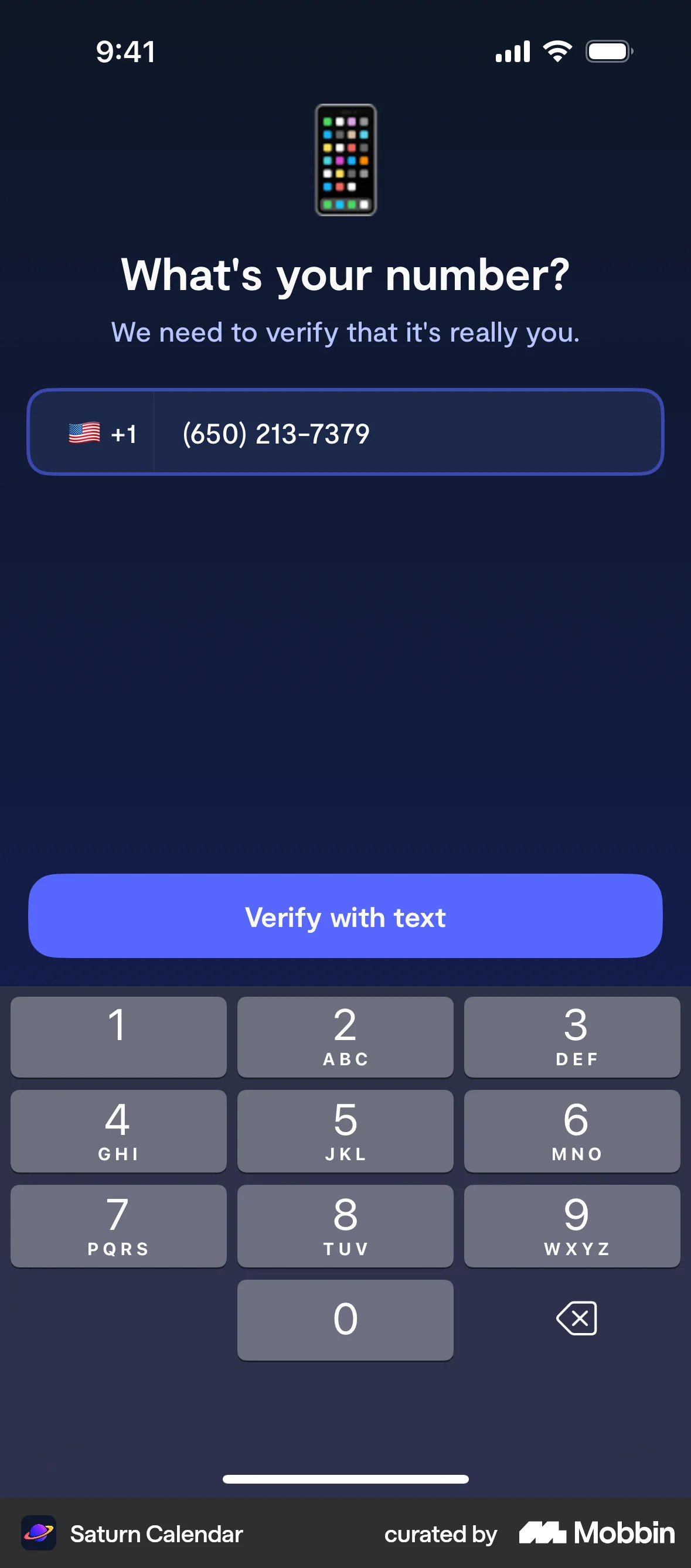
The user goes through the onboarding process, providing necessary information and permissions. Finally, the user is presented with the main app interface.
Explore the best subscription UI designs for web. Thousands of designers browse curated subscription UI flows on Mobbin every day. Sign up for free.
The user goes through the onboarding process, providing necessary information and permissions. Finally, the user is presented with the main app interface.

The user views a business profile and adds it to their favorites. The "Fave" button changes to "Faved" to confirm the action.

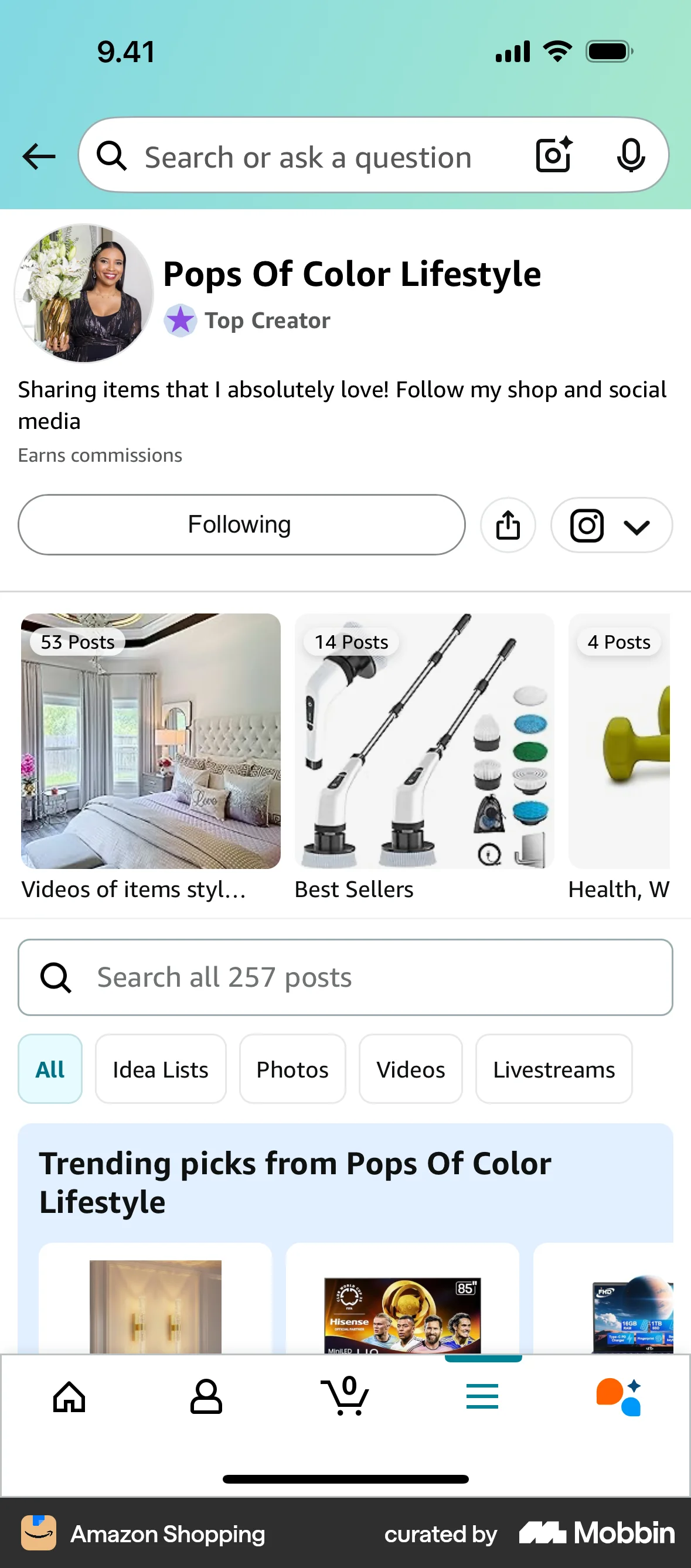
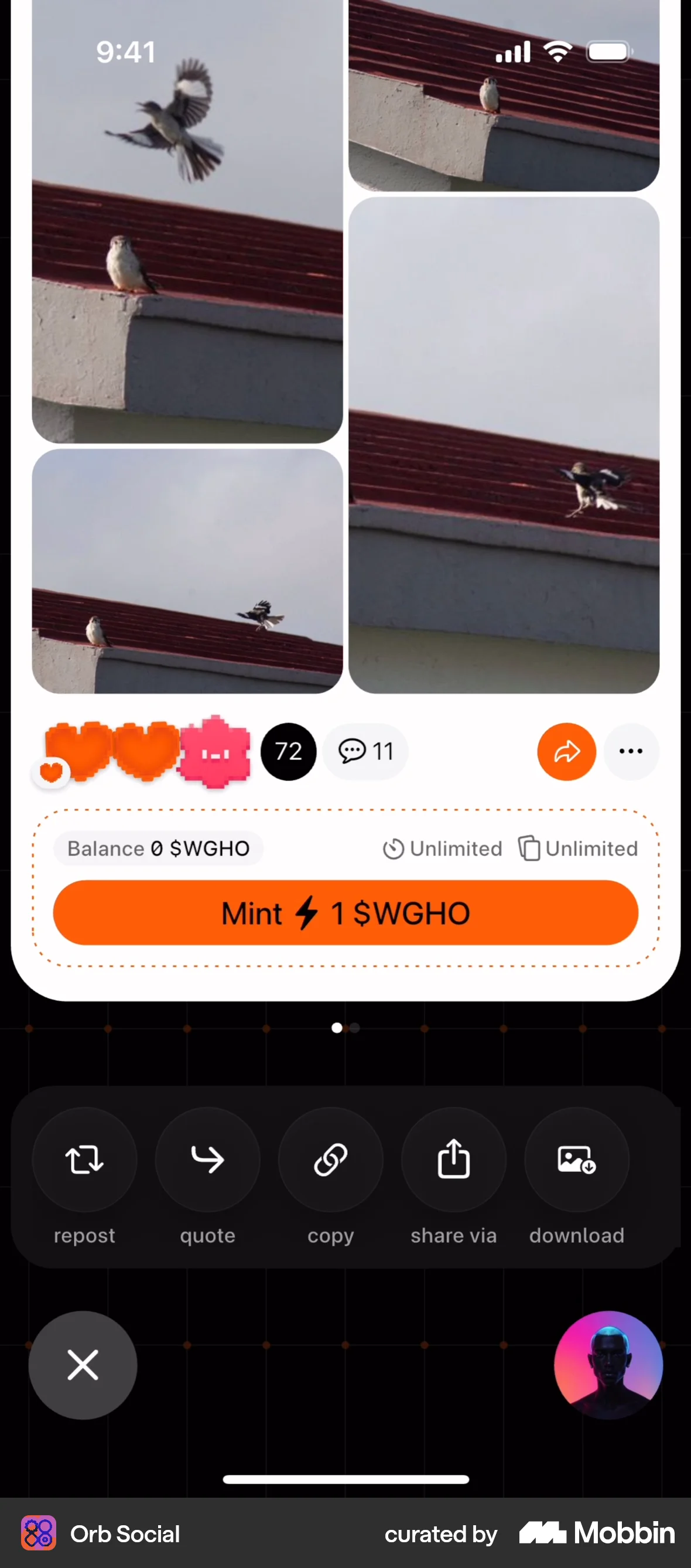
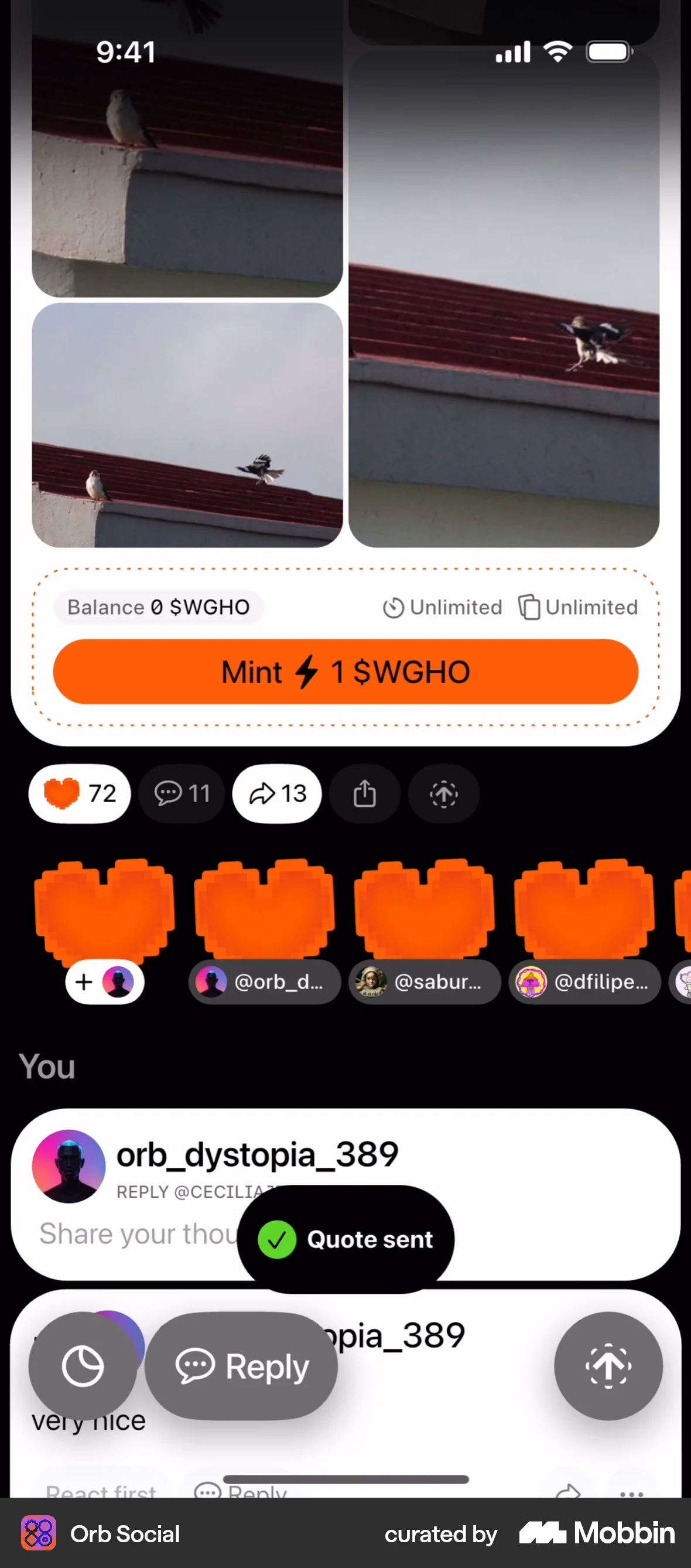
The user views a product listing and follows a creator. The 'Follow' button updates to 'Following' to reflect the action.
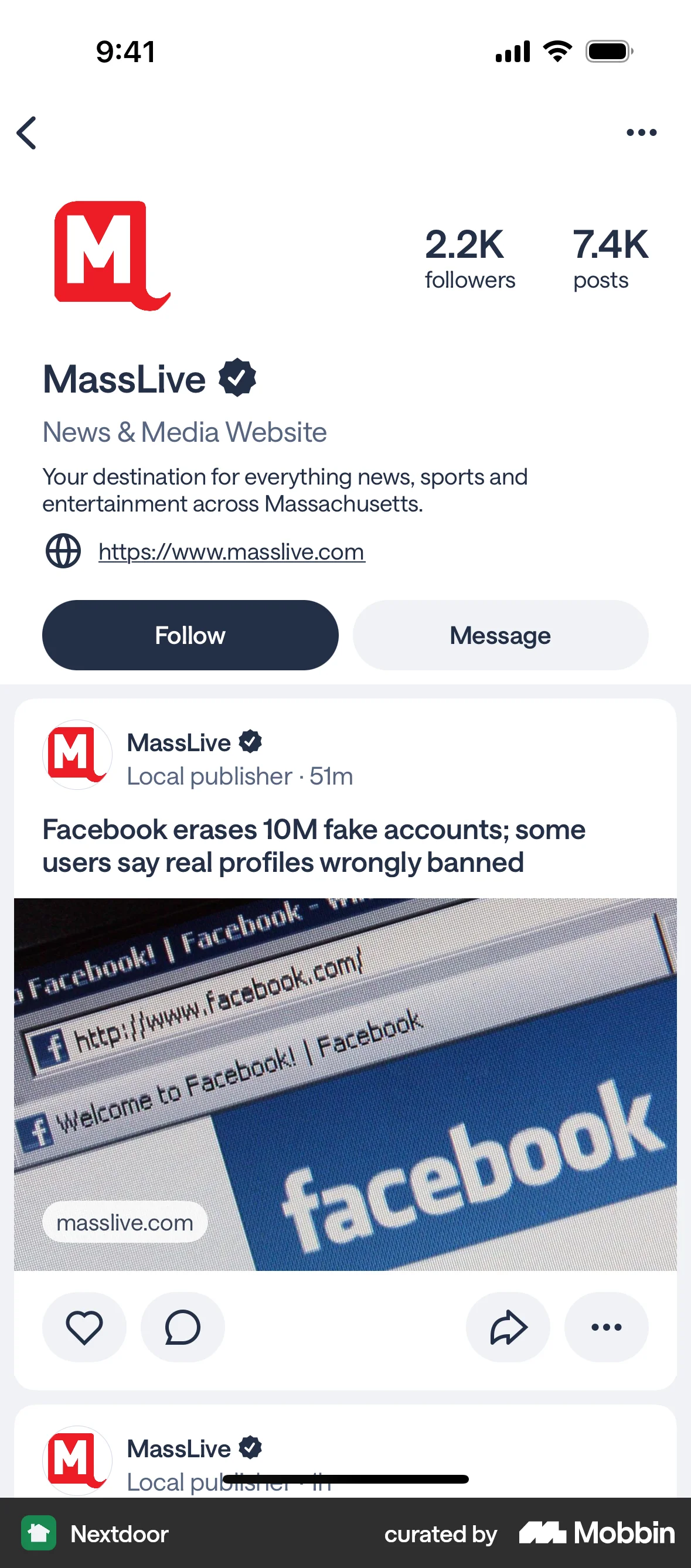
The user views a profile and then chooses to follow that profile. The follow button toggles to an unfollow button.
The user views an author's profile and then follows the author. The '+Follow' button changes to '✓ Following' to confirm the action.
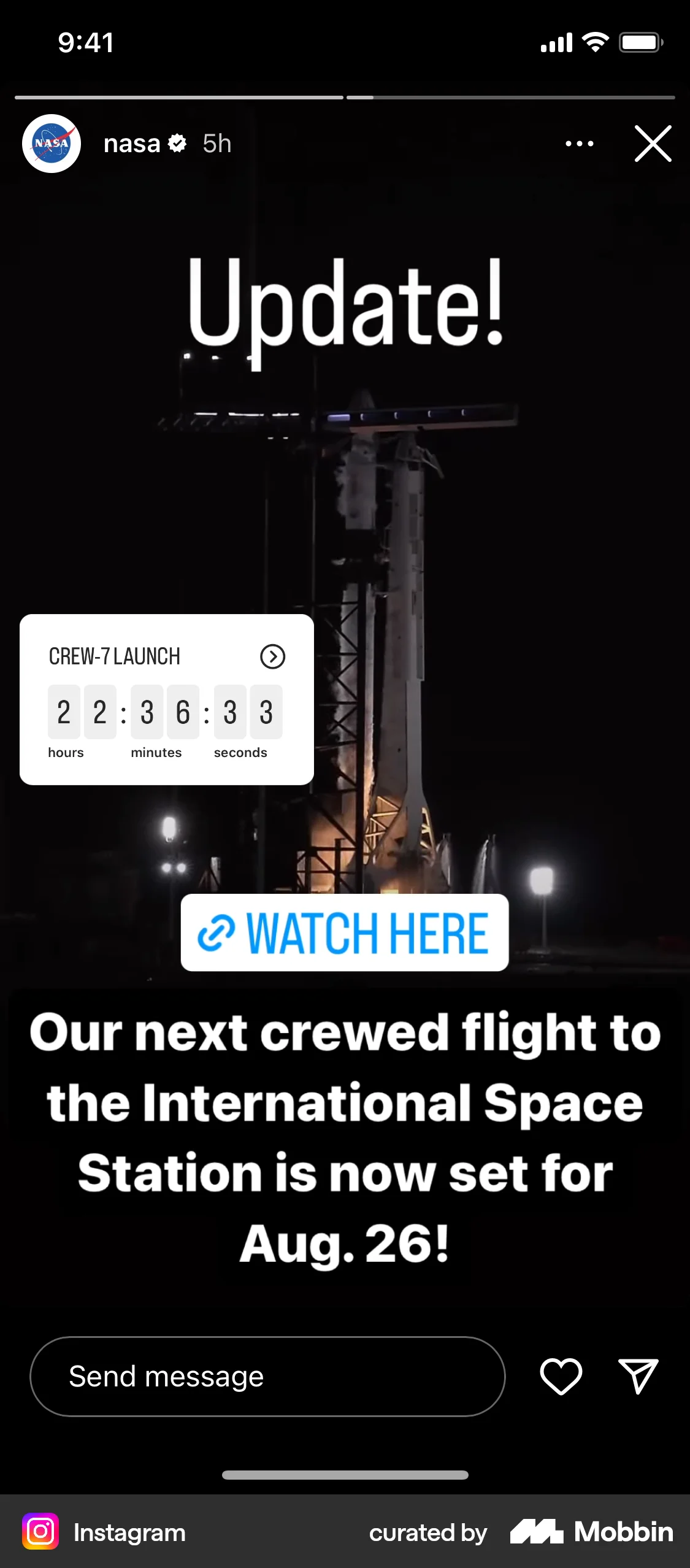
The user views a creator's profile and then taps the "Follow" button. The button changes to "Following" to confirm the action.
The user views a video and then follows the 'Storage & Organization' interest. The follow button changes to indicate the user is now following.
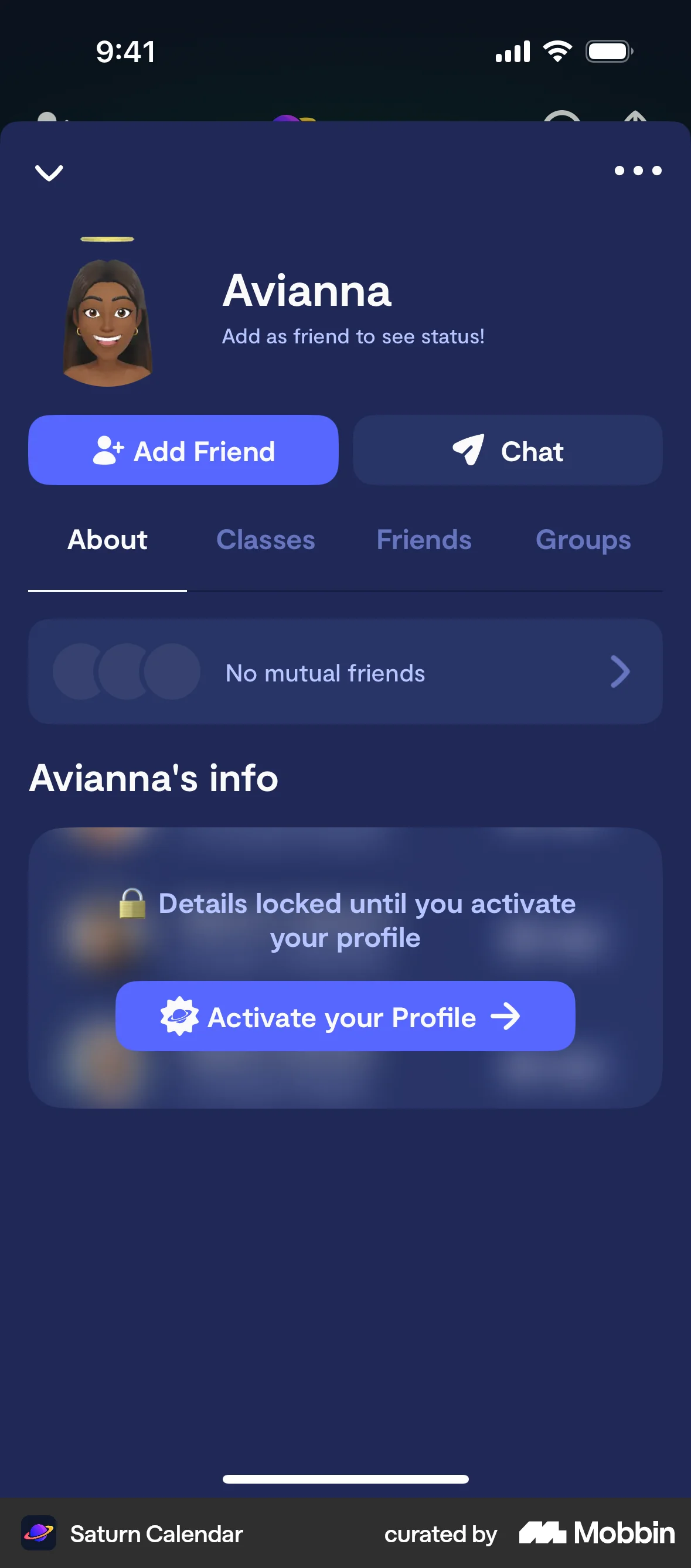
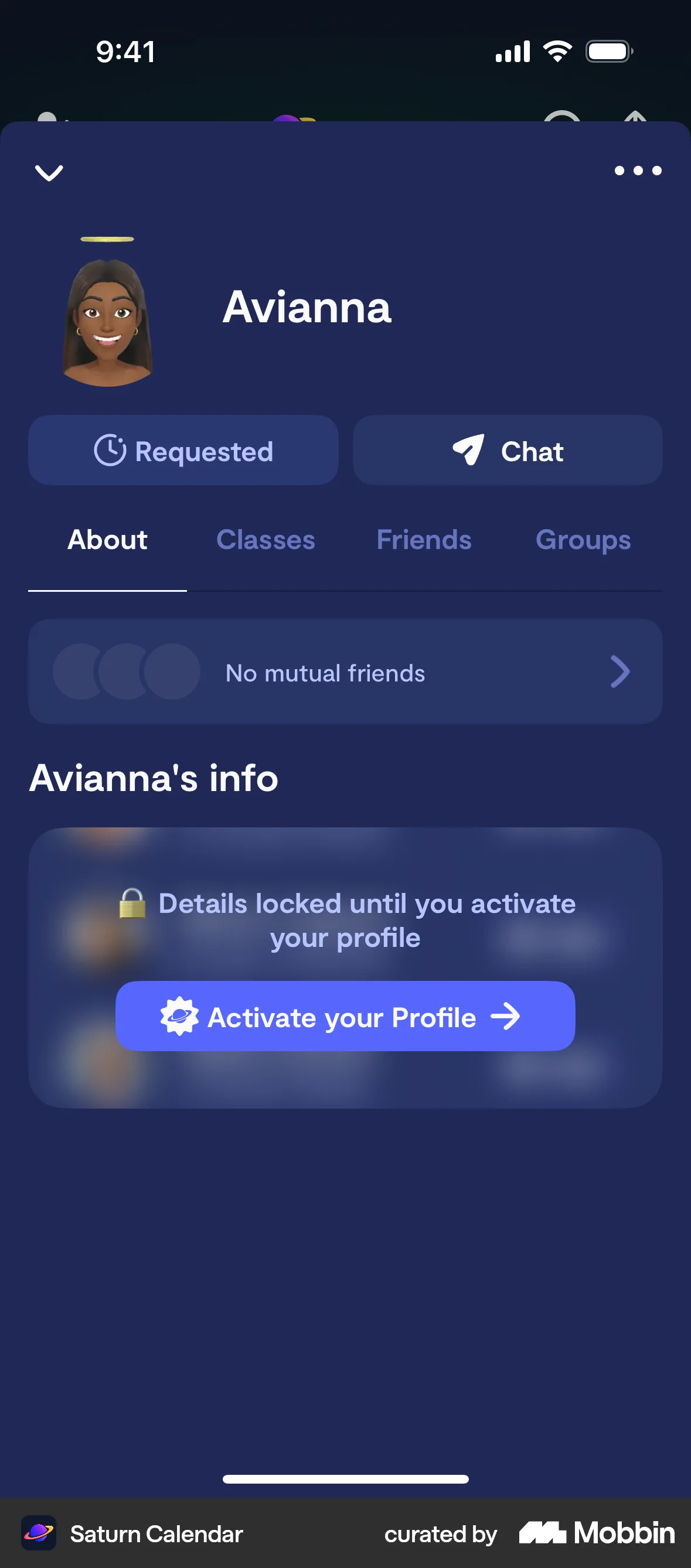
The user browses a directory, views a profile, and sends a friend request. The profile then updates to show the request status.
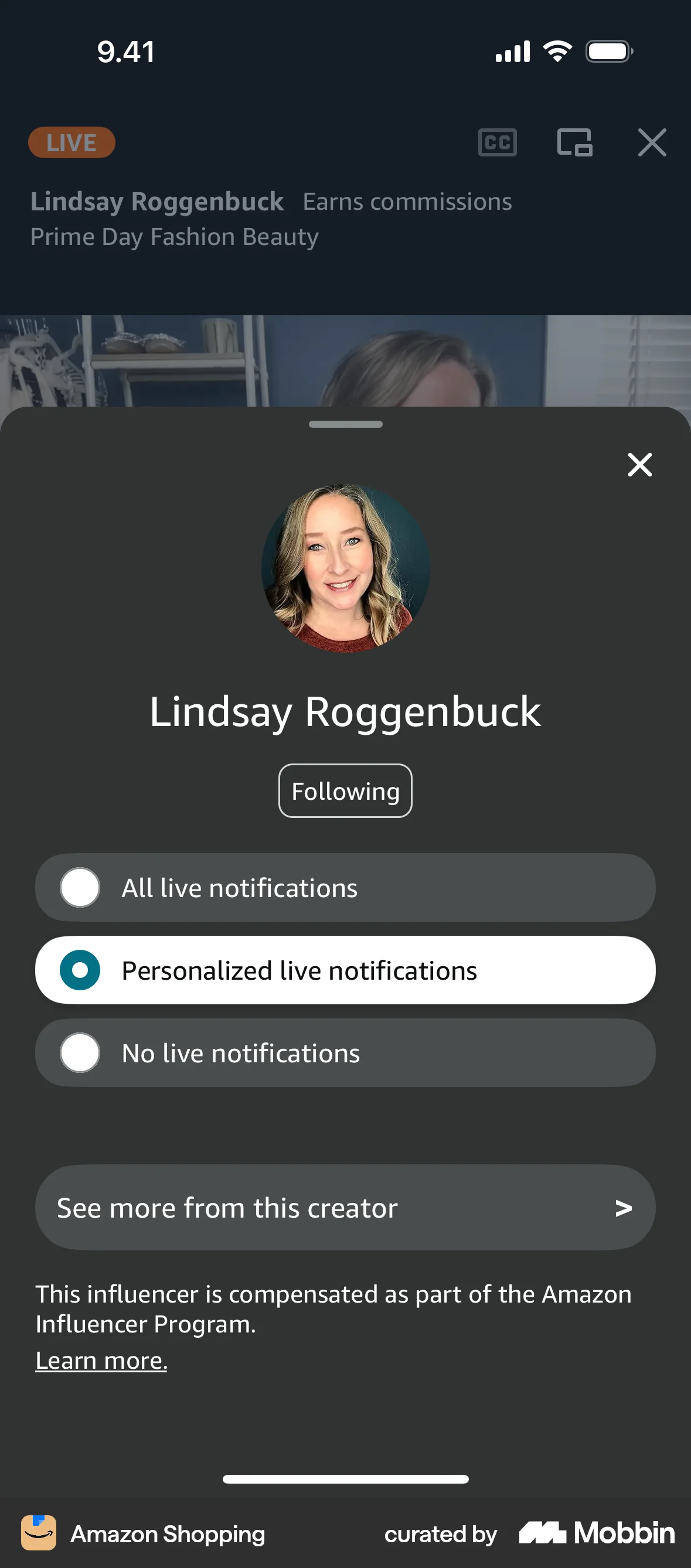
The user follows a creator from a livestream and configures their notification preferences. They can choose to receive all, personalized, or no live notifications.
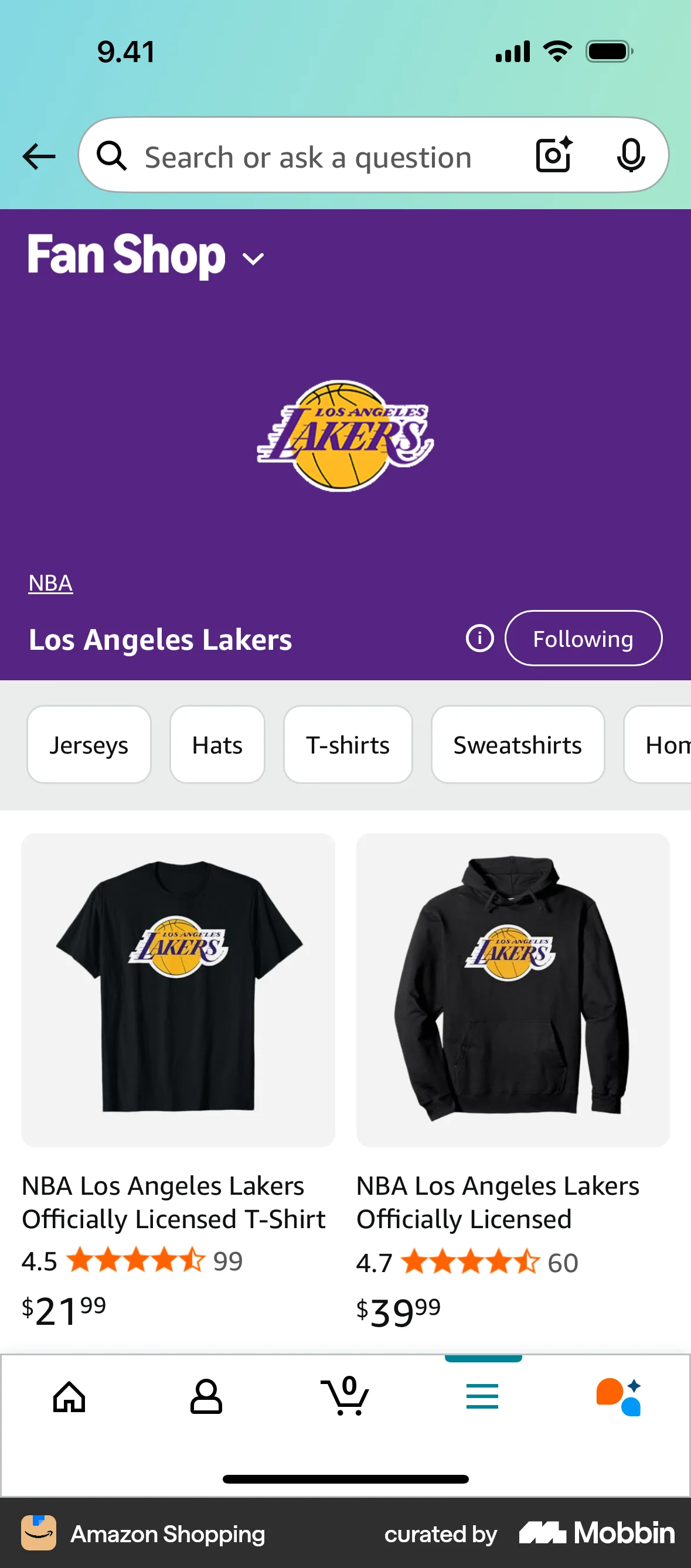
The user views a team's fan shop and then follows the team. The follow button changes to "Following".

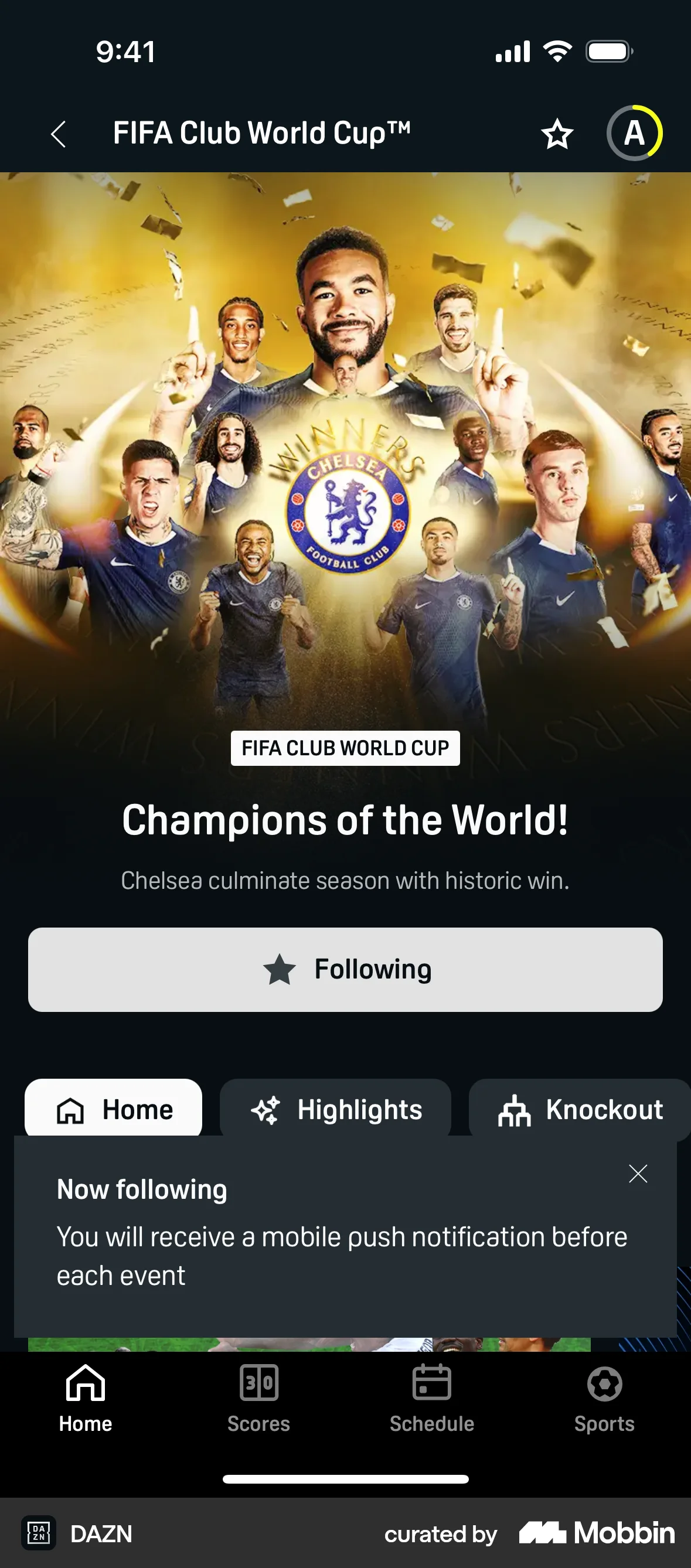
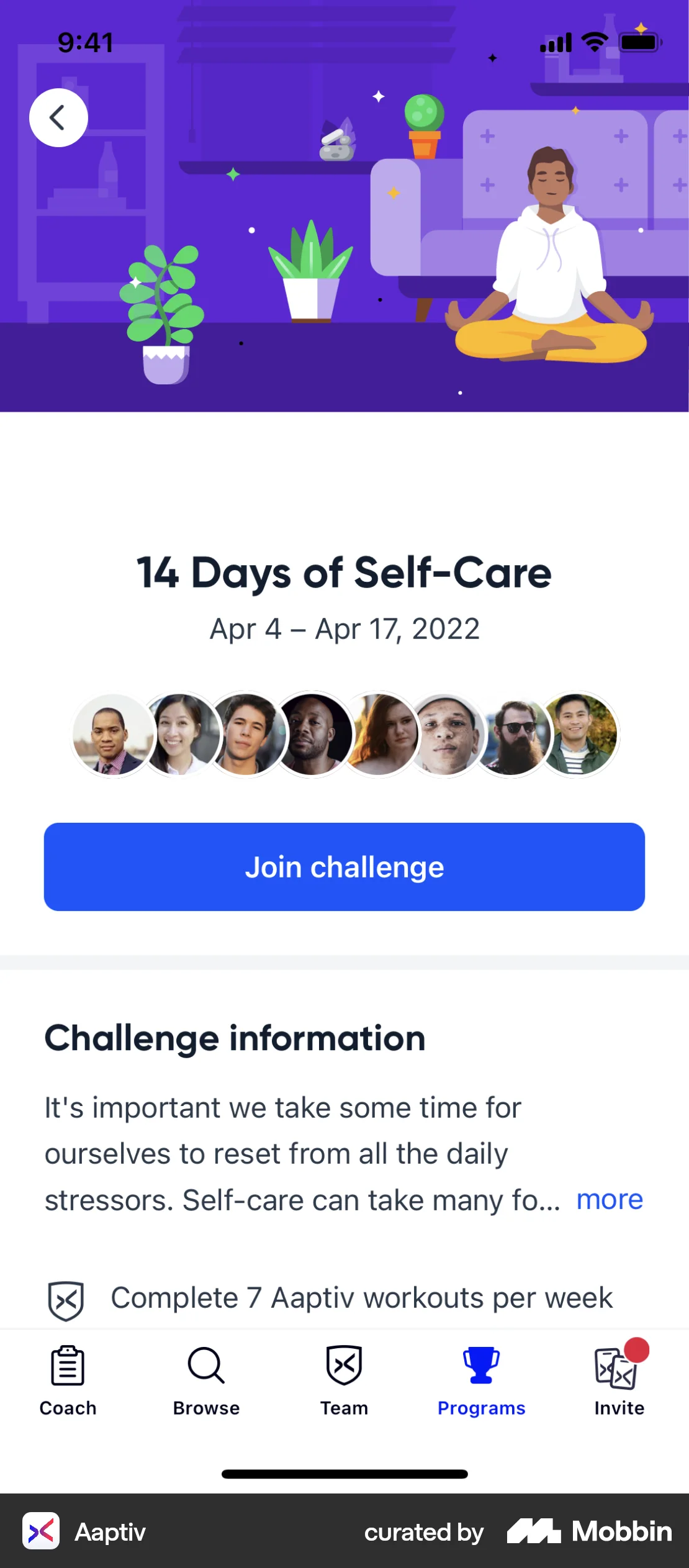
The user views an event and then follows the event. The "Follow" button changes to "Following" to confirm the action.

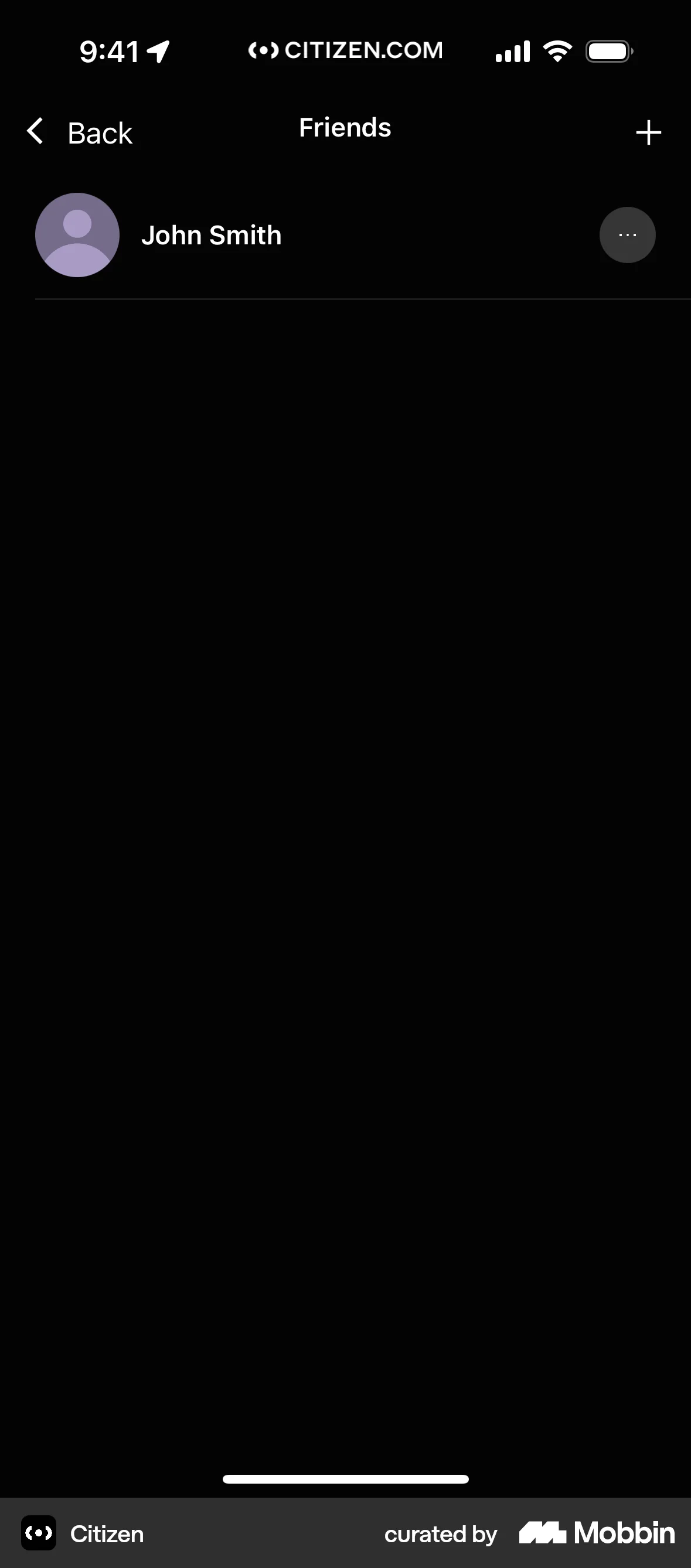
The user navigates through the process of adding a friend, starting from the friends list and ending with a friend request sent. The UI updates to reflect the status.


379 Flows
458 Flows

201 Flows
588 Flows

921 Flows
1260 Flows