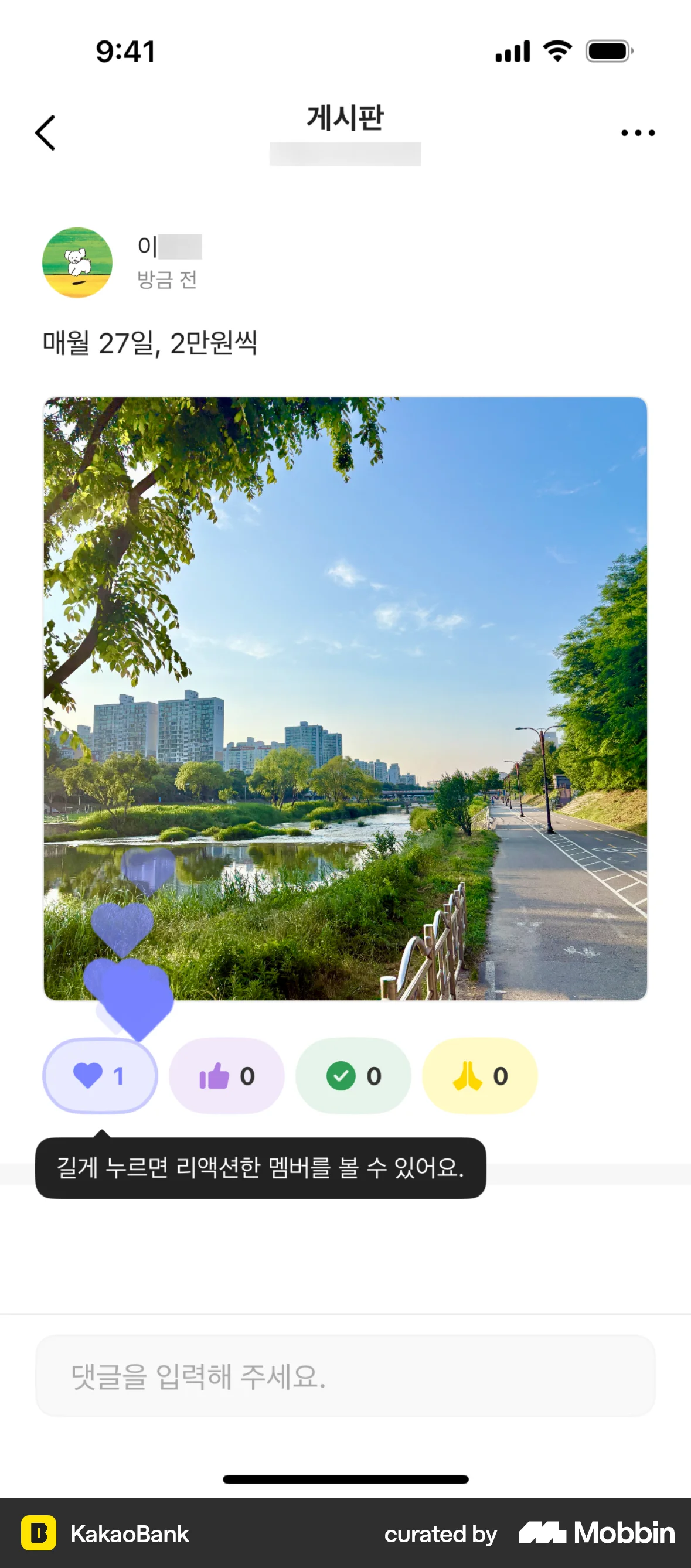
Liking a poston KakaoBank
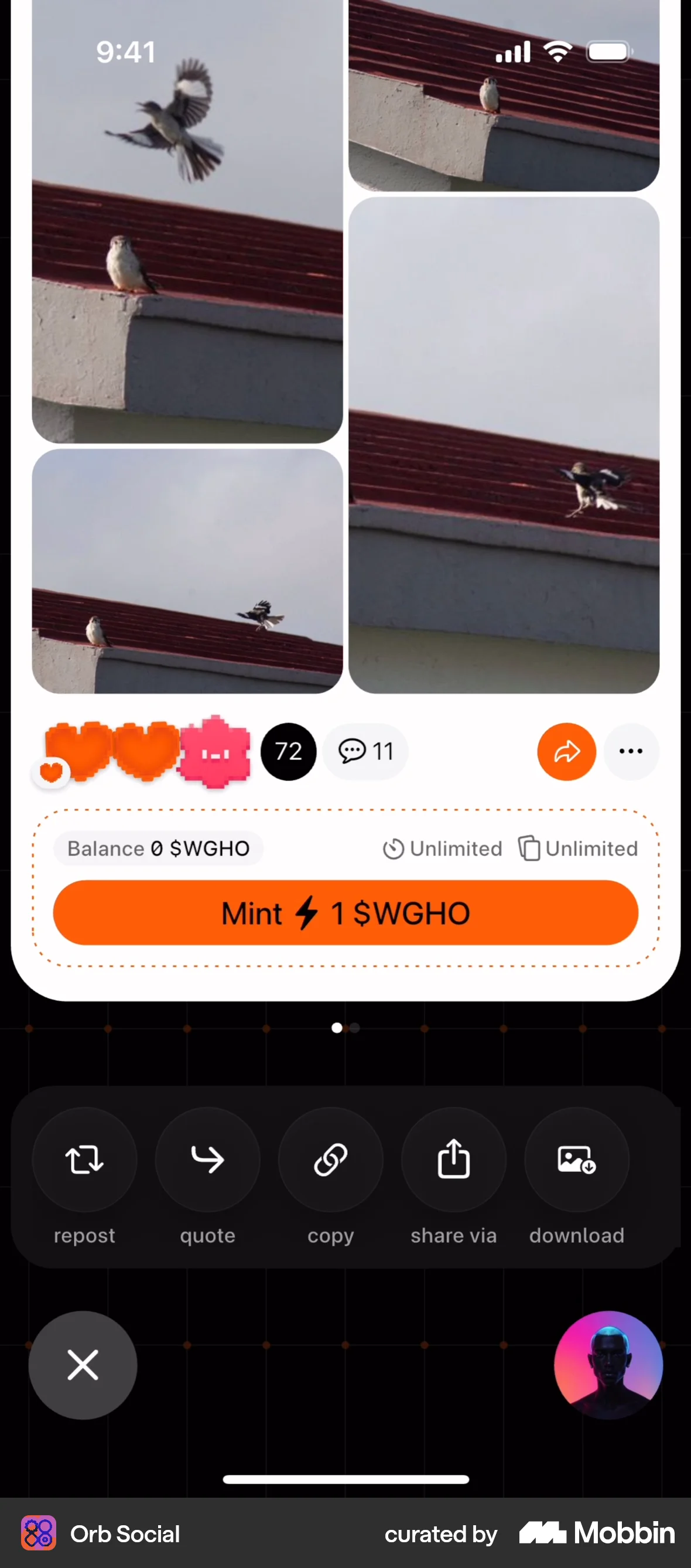
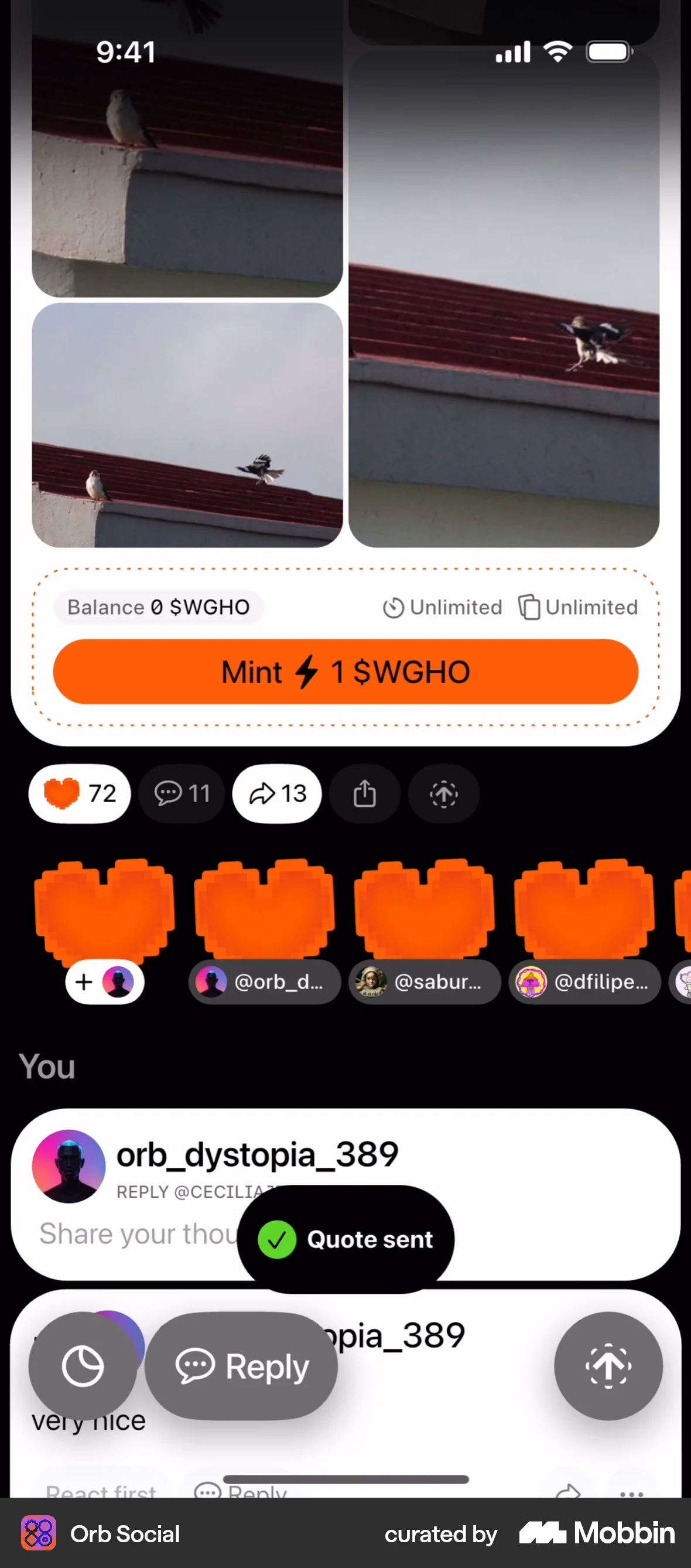
The user views a social media post and then likes it by pressing the like button. The like count is updated to reflect the user's action.
Discover best mobile app designs for Liking & Upvoting flows. Get inspired by the best apps in the world.
The user views a social media post and then likes it by pressing the like button. The like count is updated to reflect the user's action.

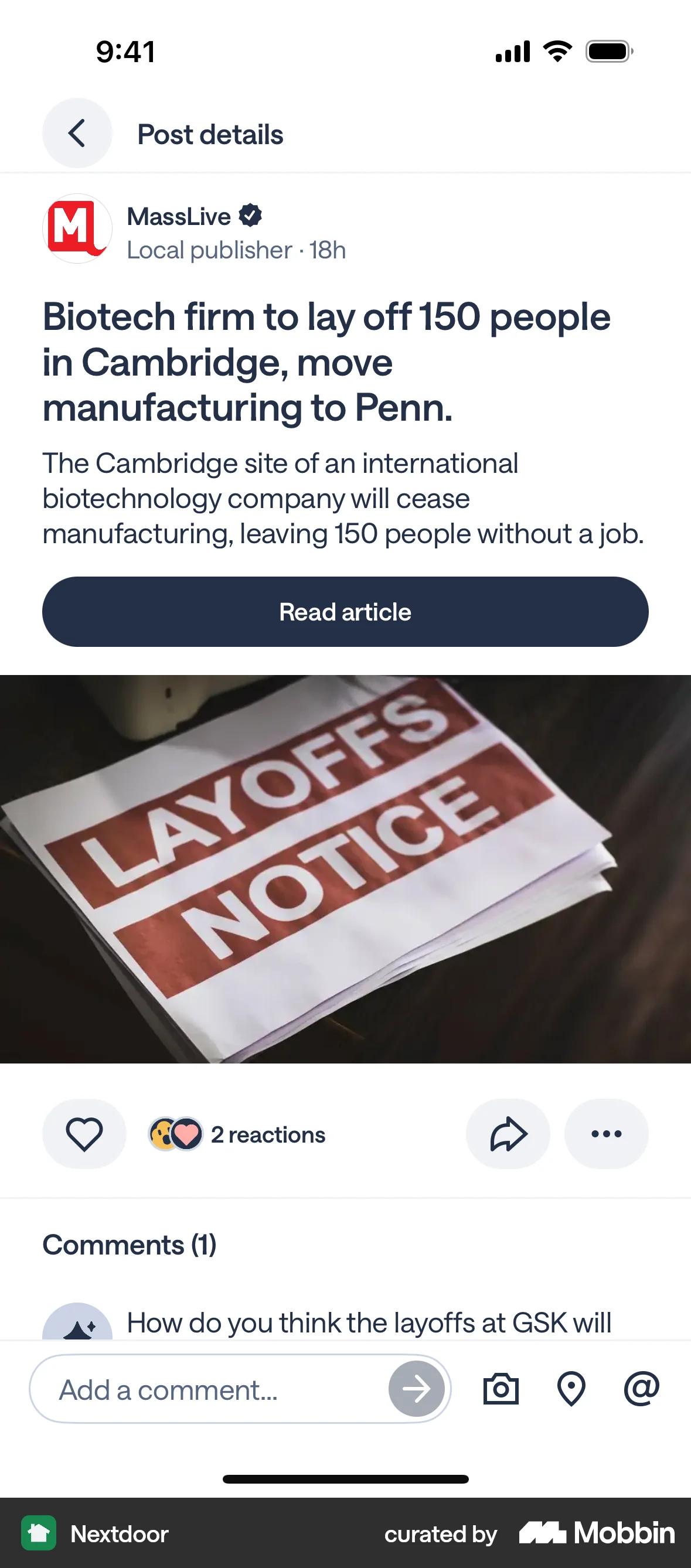
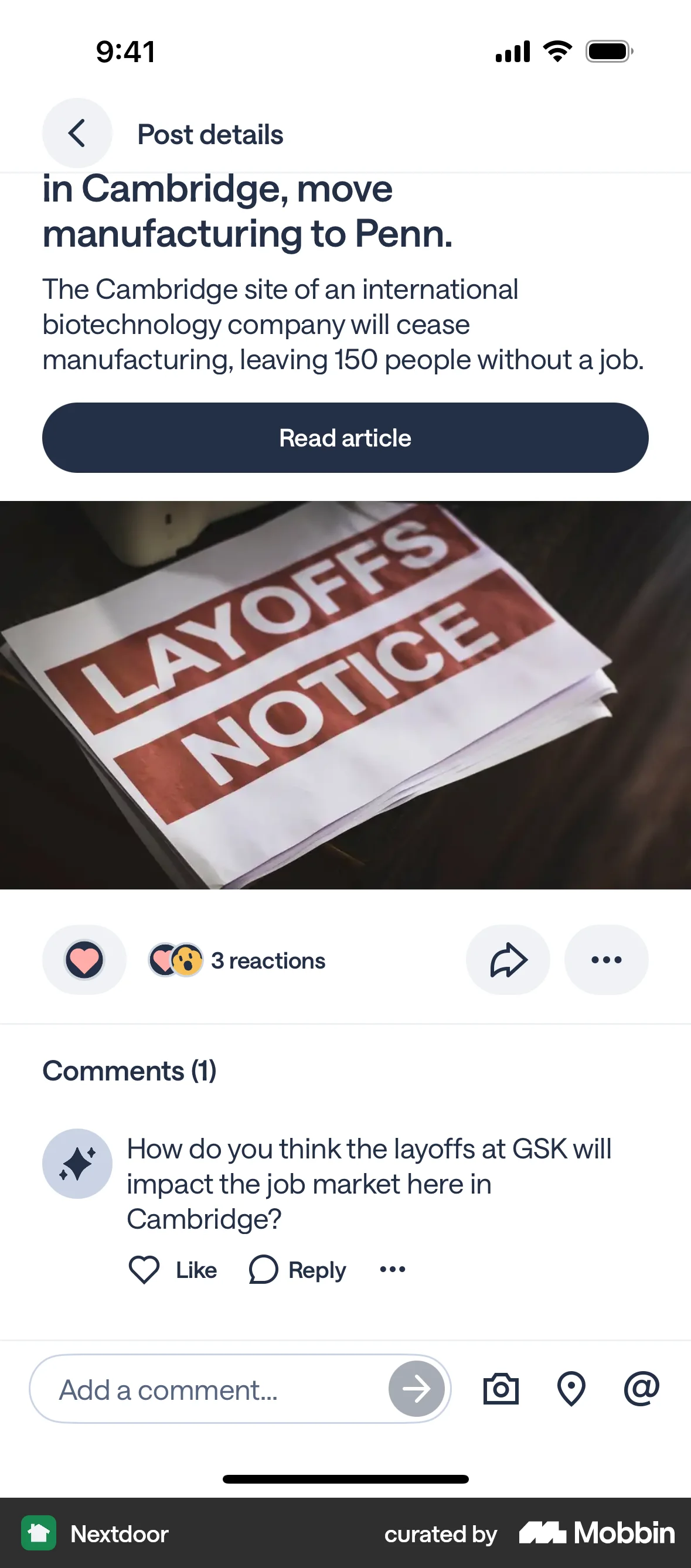
The user views a post and sees the reaction count increase after someone reacts to it. The flow highlights post interaction.

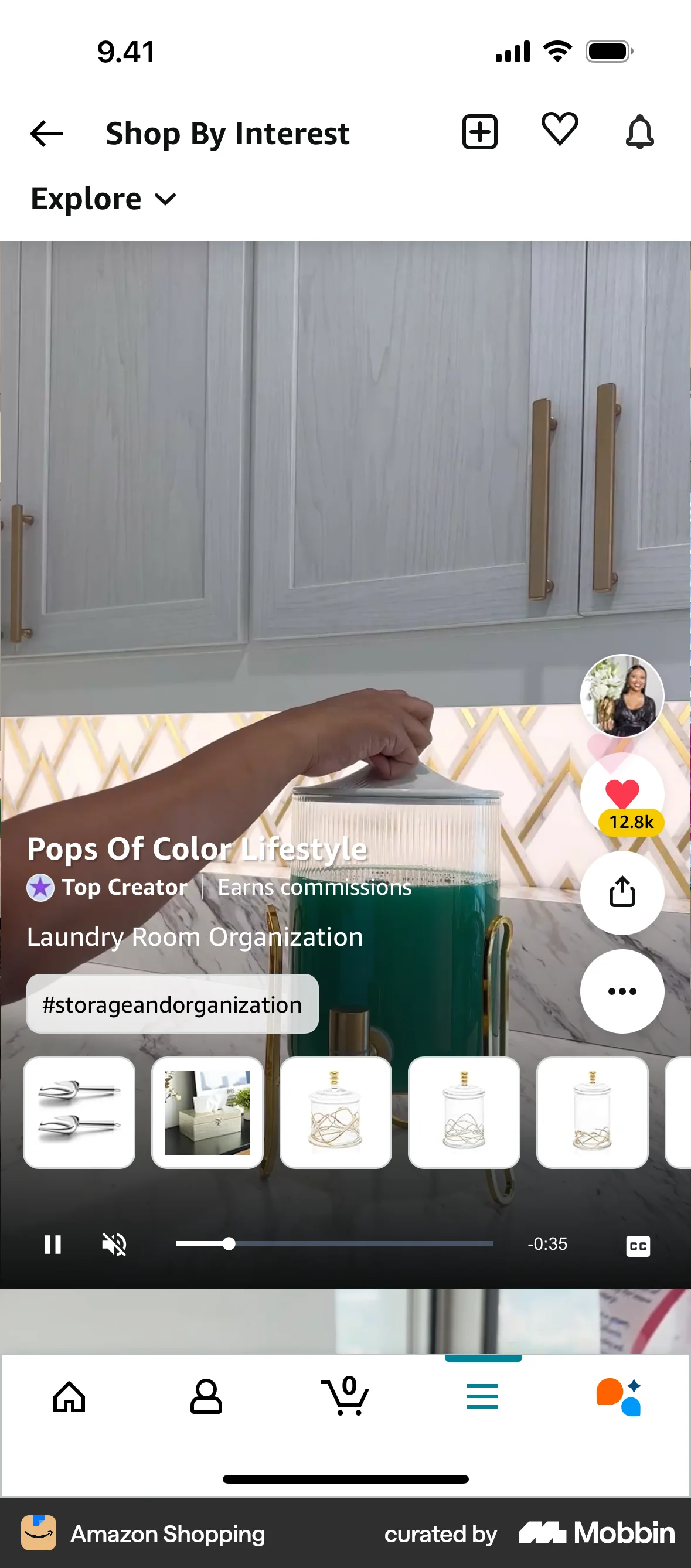
The user views a video and then likes it. The like button is highlighted to indicate the user's action.

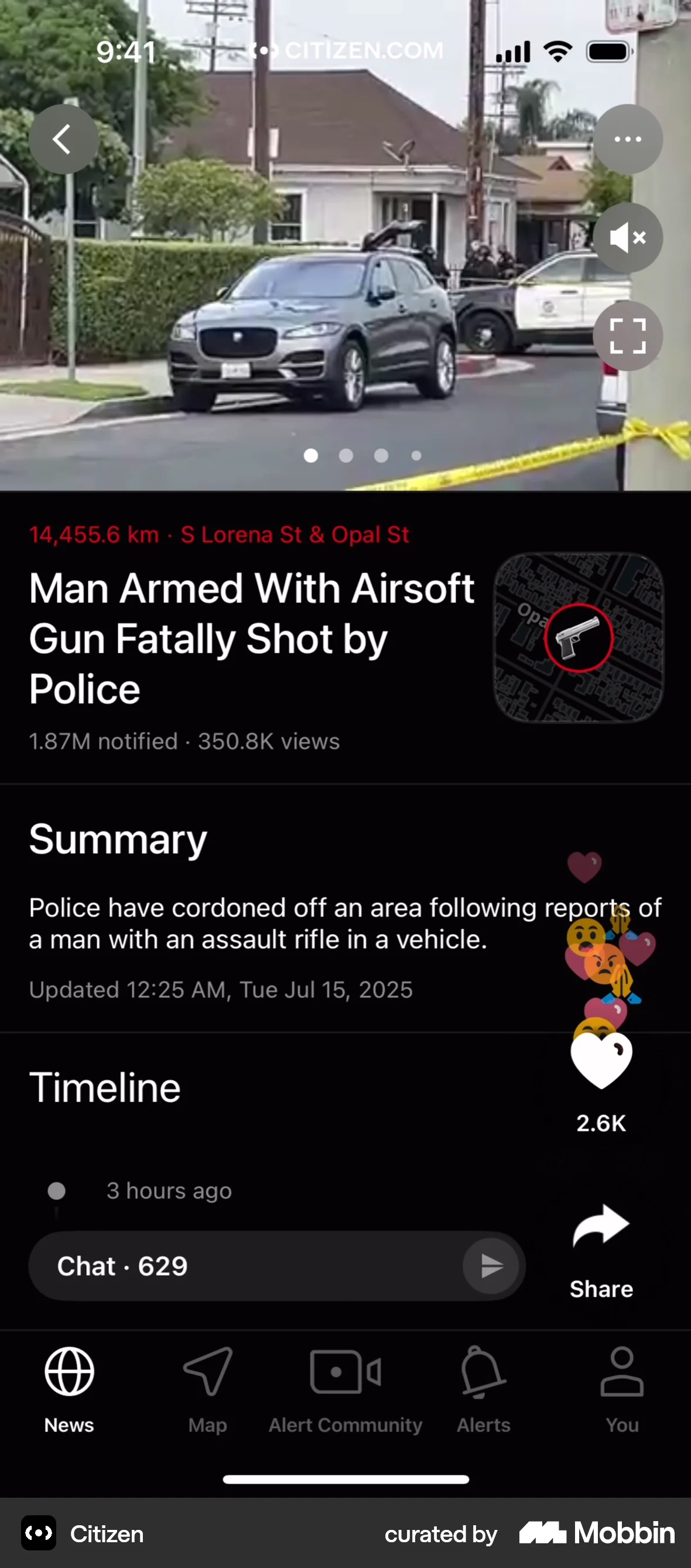
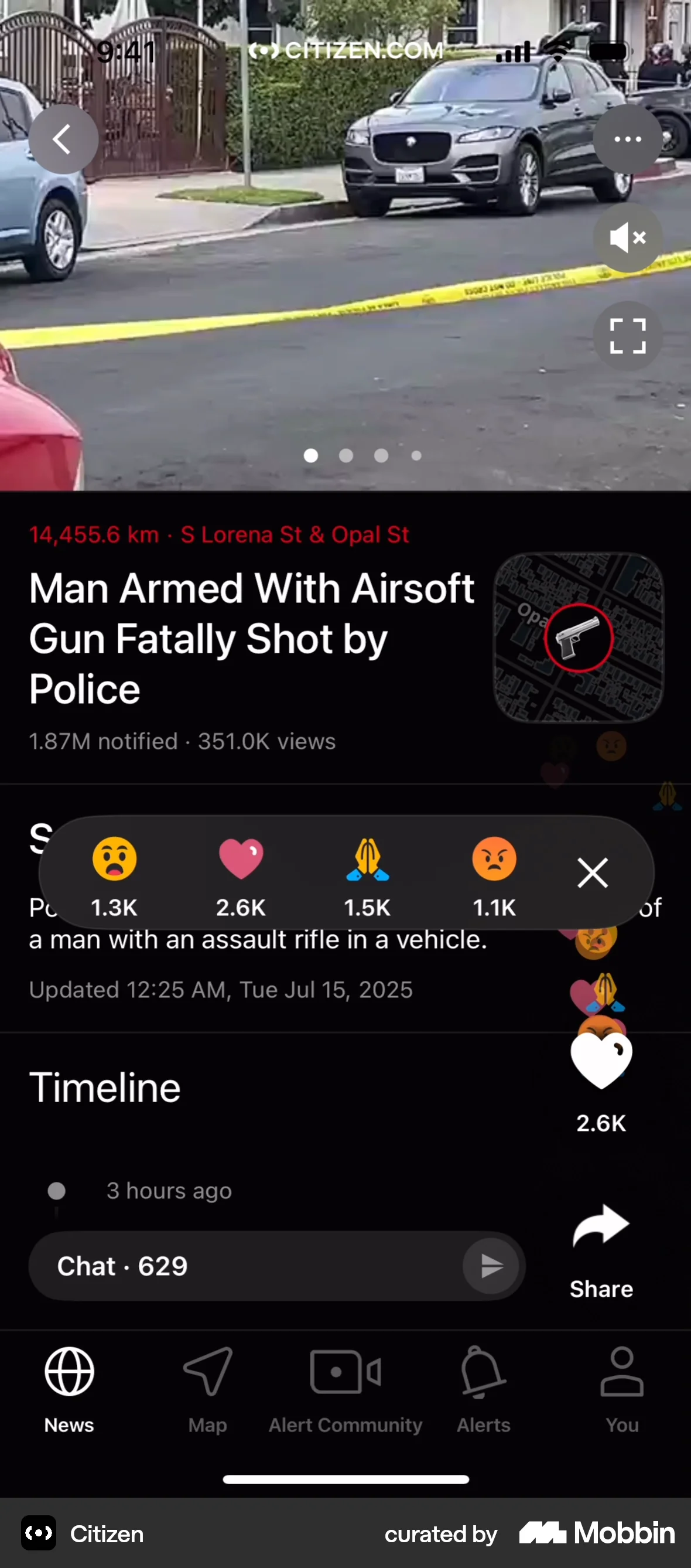
The user views an incident and reacts to it. They open the reaction menu and select a reaction.

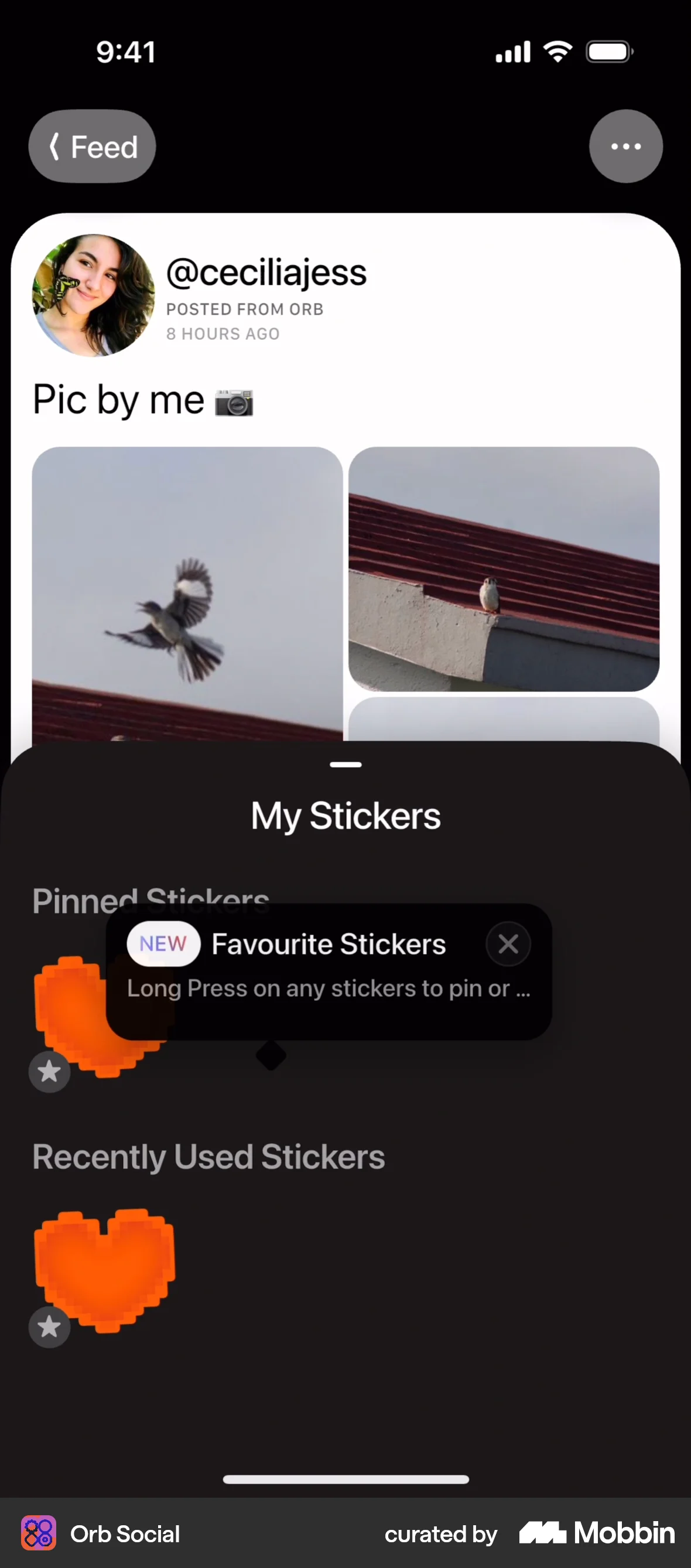
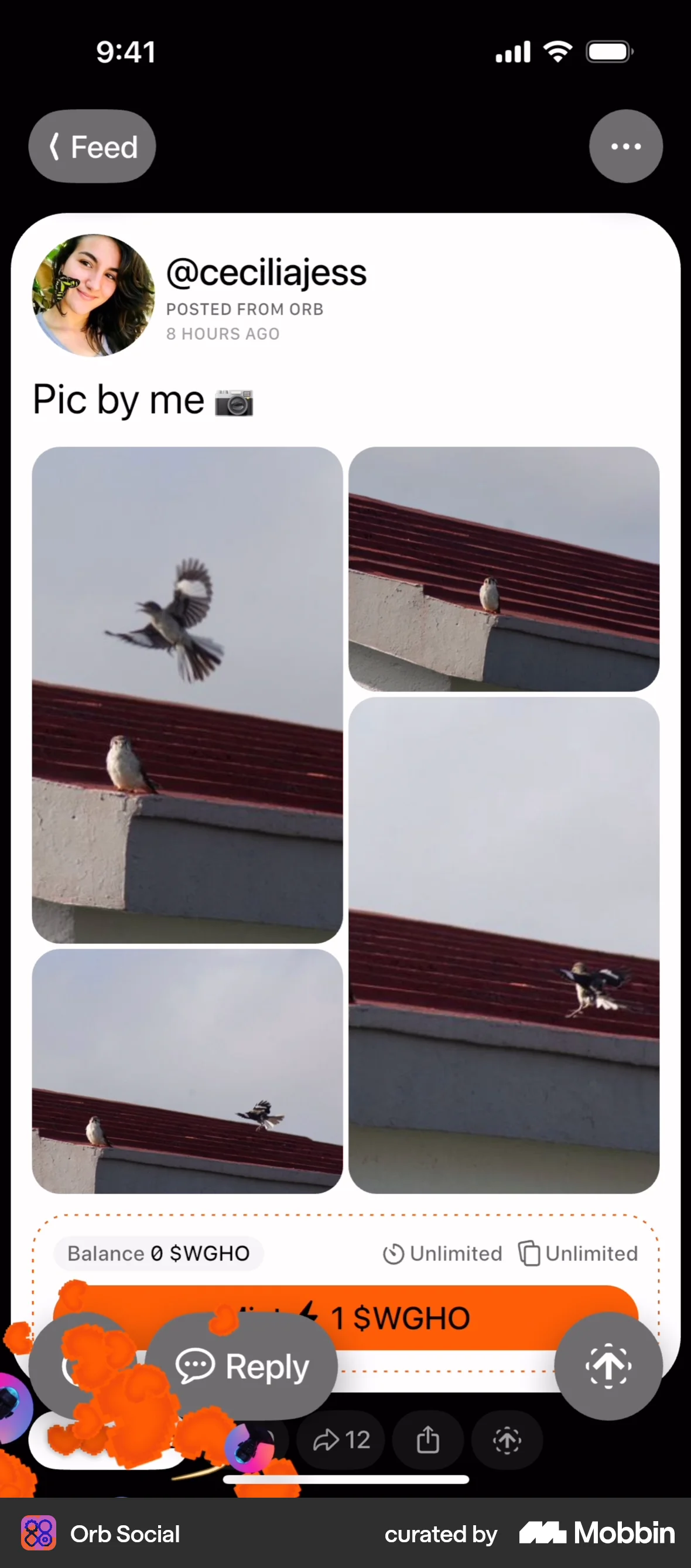
The user interacts with a social media post by adding a sticker to the like button, resulting in an updated like count.
The user views a live video and then likes the video. The like button count increments from five to six.

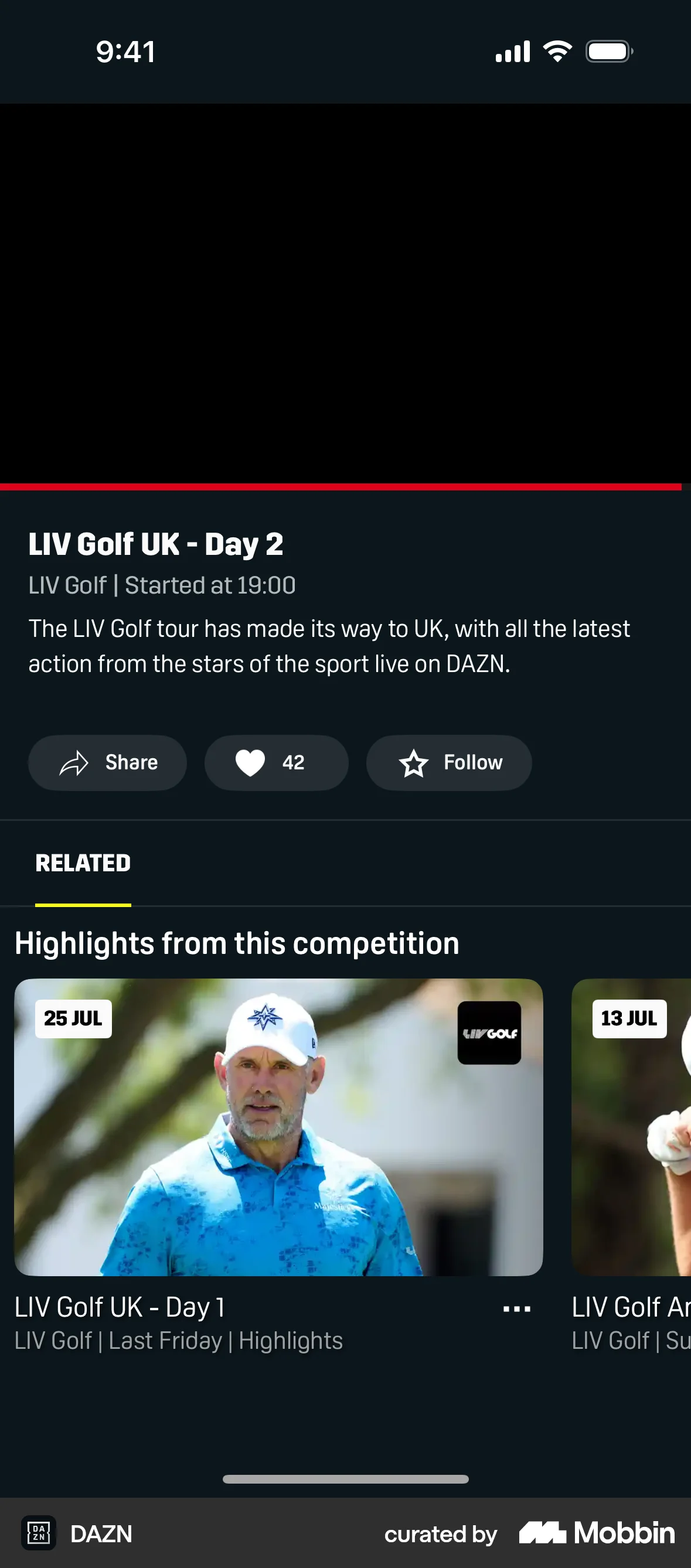
The user views a live event and then likes the event. The like count increases after the user interaction.

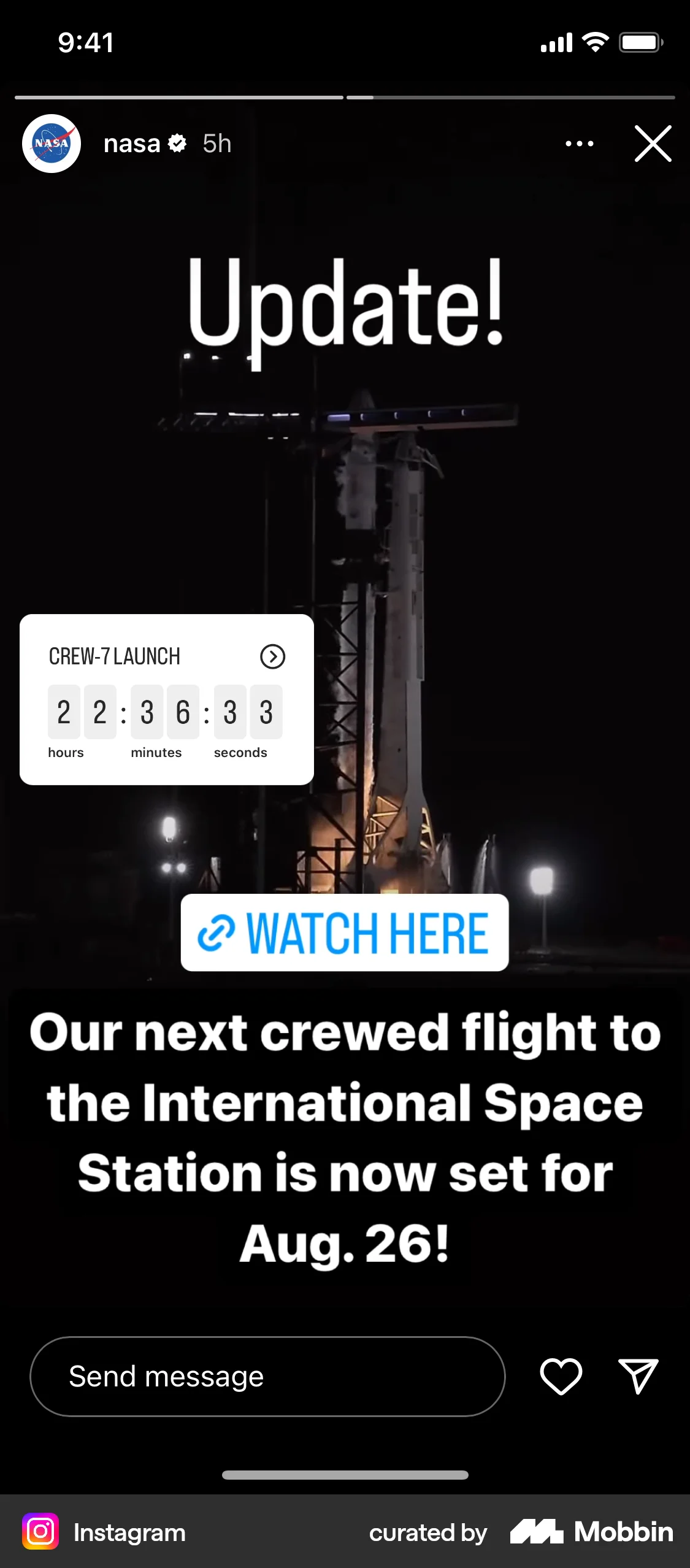
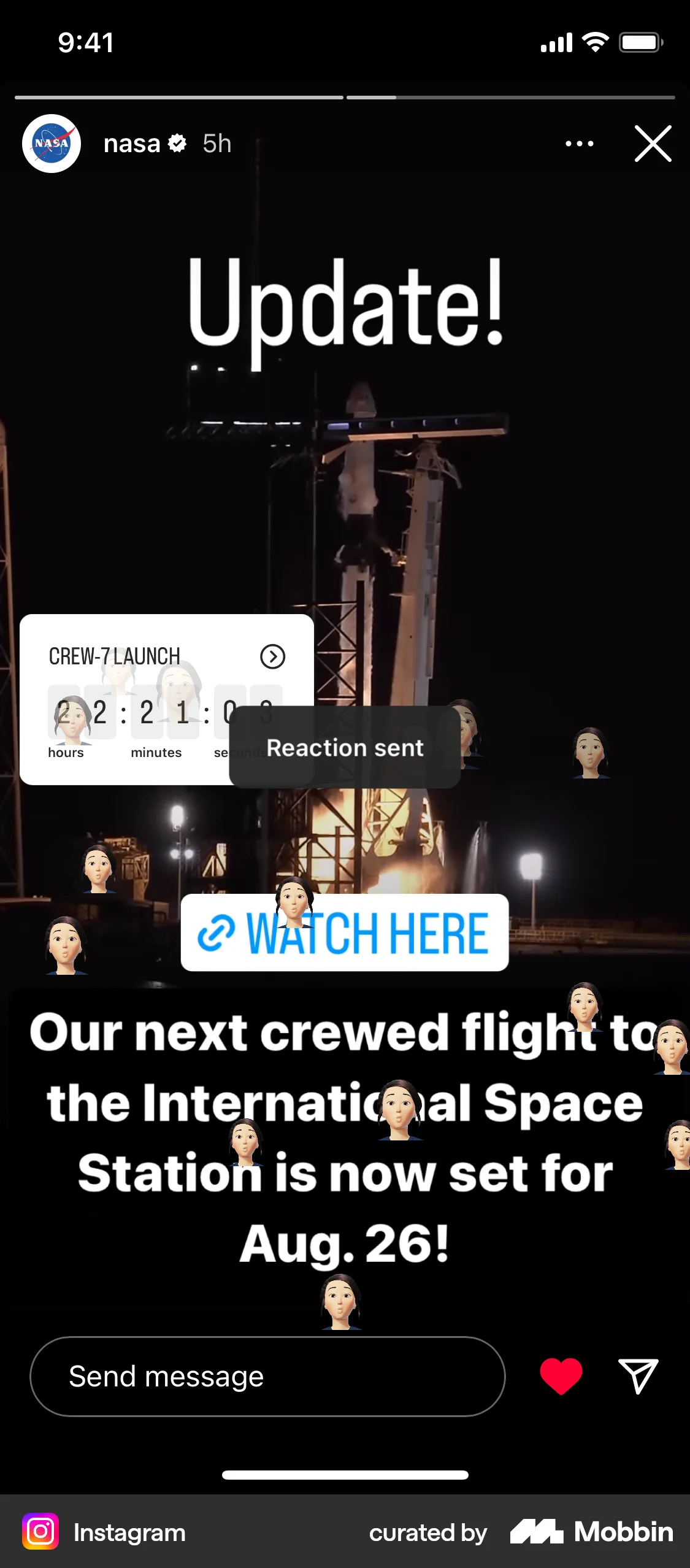
The user views a story and reacts to it with a personalized avatar. A confirmation message appears after the reaction is sent.

The user likes a song via the context menu. The music player interface confirms the action, and the context menu updates to allow unliking.

The user flow demonstrates liking a song. The user taps the like button, which changes to a "Liked" state and displays a confirmation.

The user views their dashboard and selects a reaction to the displayed data. The screen then returns to the original dashboard.

The user watches a video and then likes it. The like button is highlighted to indicate that the video has been liked.
264 Flows

652 Flows
458 Flows
581 Flows

921 Flows

76 Flows