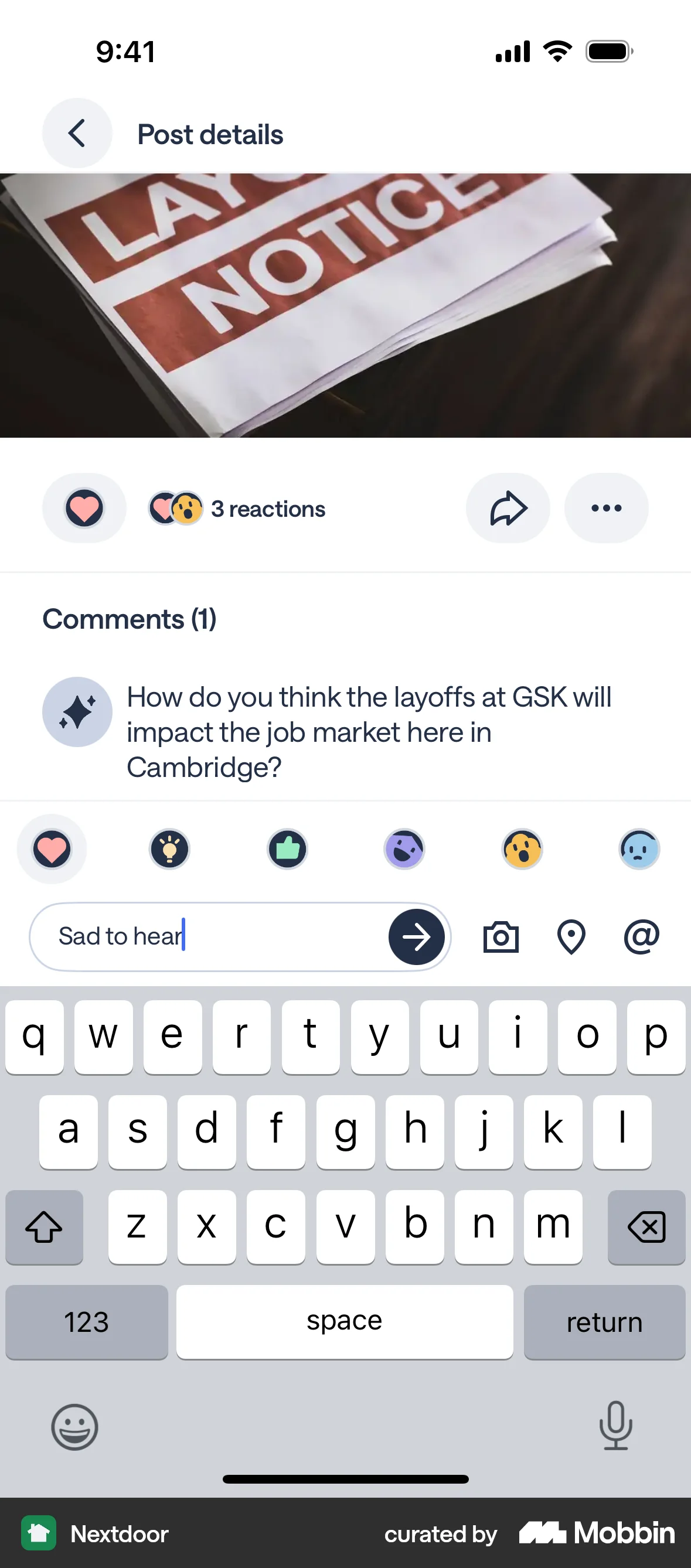
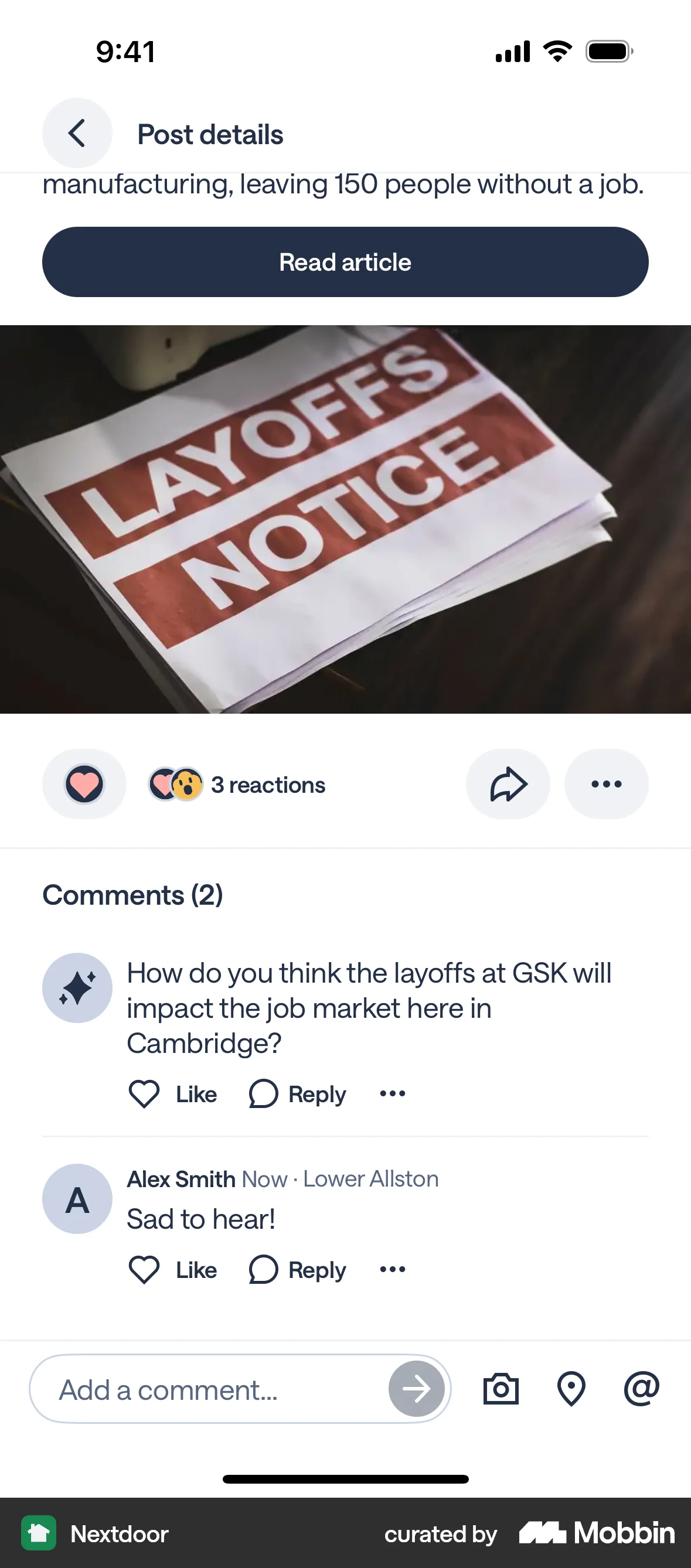
Adding a commenton Nextdoor
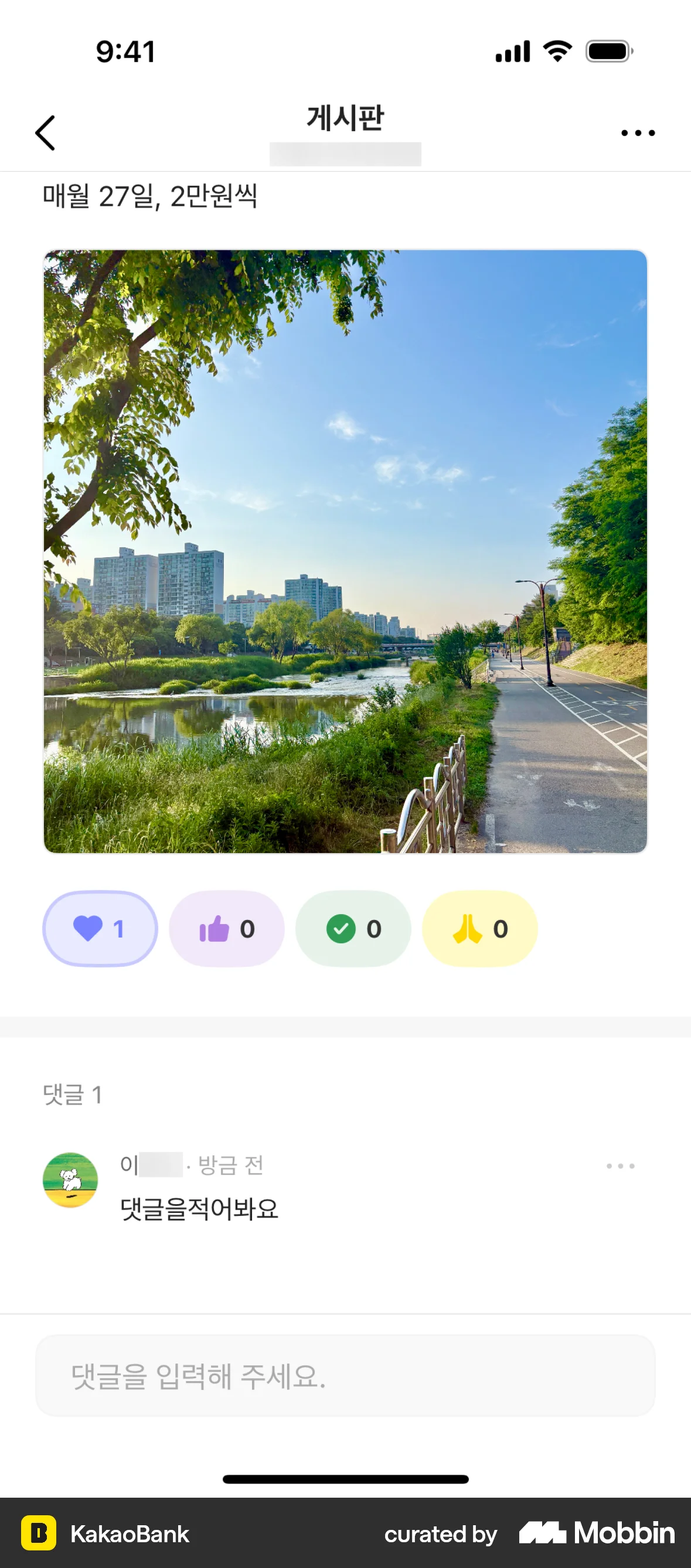
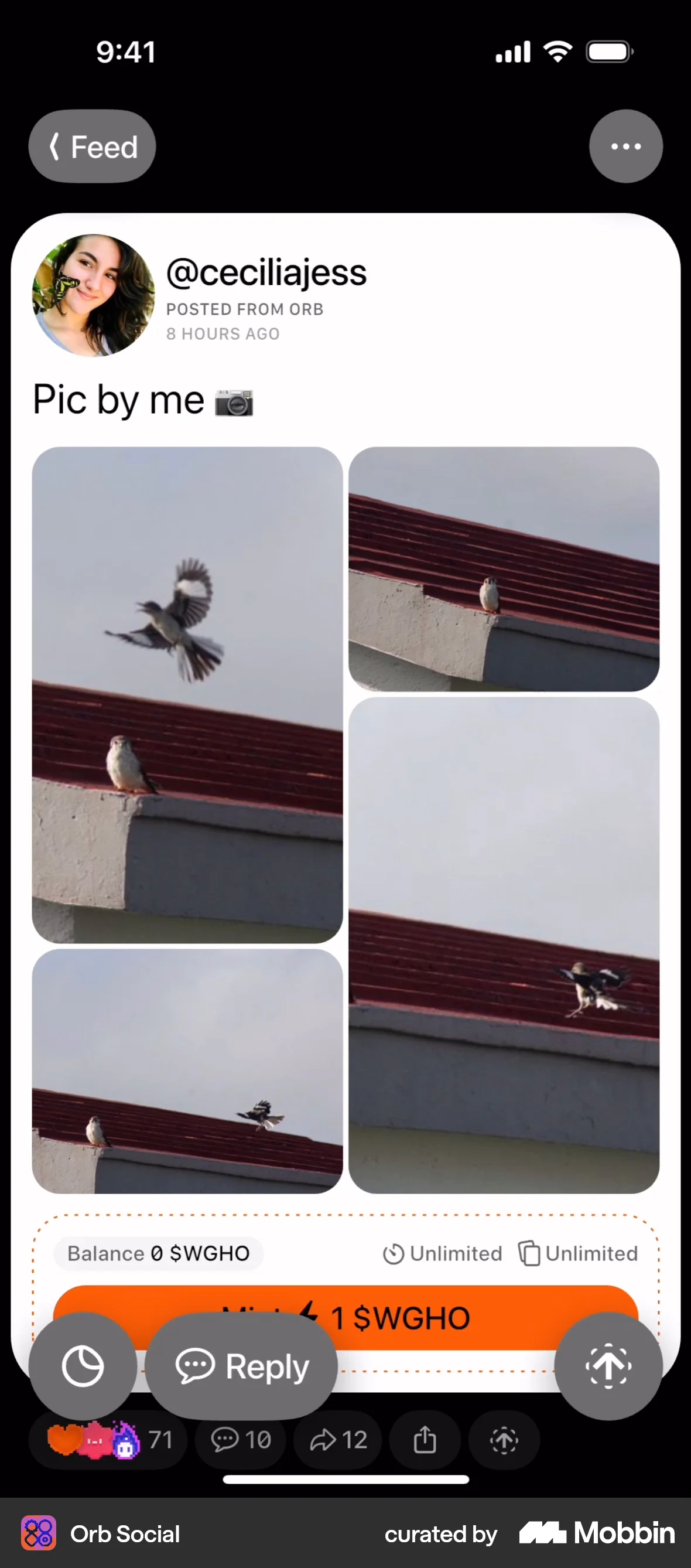
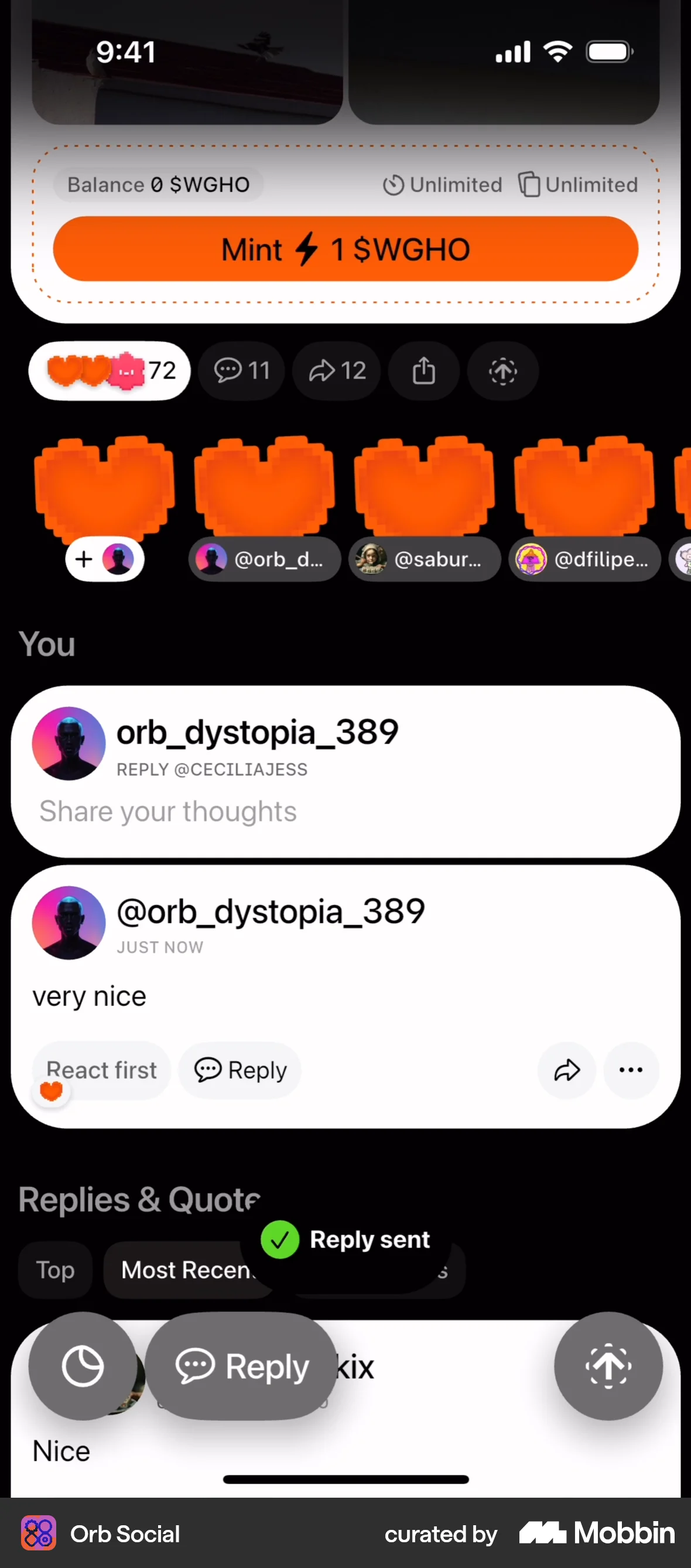
The user views a post and adds a comment. The comment is then displayed below the original post.
Discover best mobile app designs for Commenting & Replying flows. Get inspired by the best apps in the world.
The user views a post and adds a comment. The comment is then displayed below the original post.

The user views a post, types a comment, and then the comment is displayed below the post. The flow showcases commenting on a post.

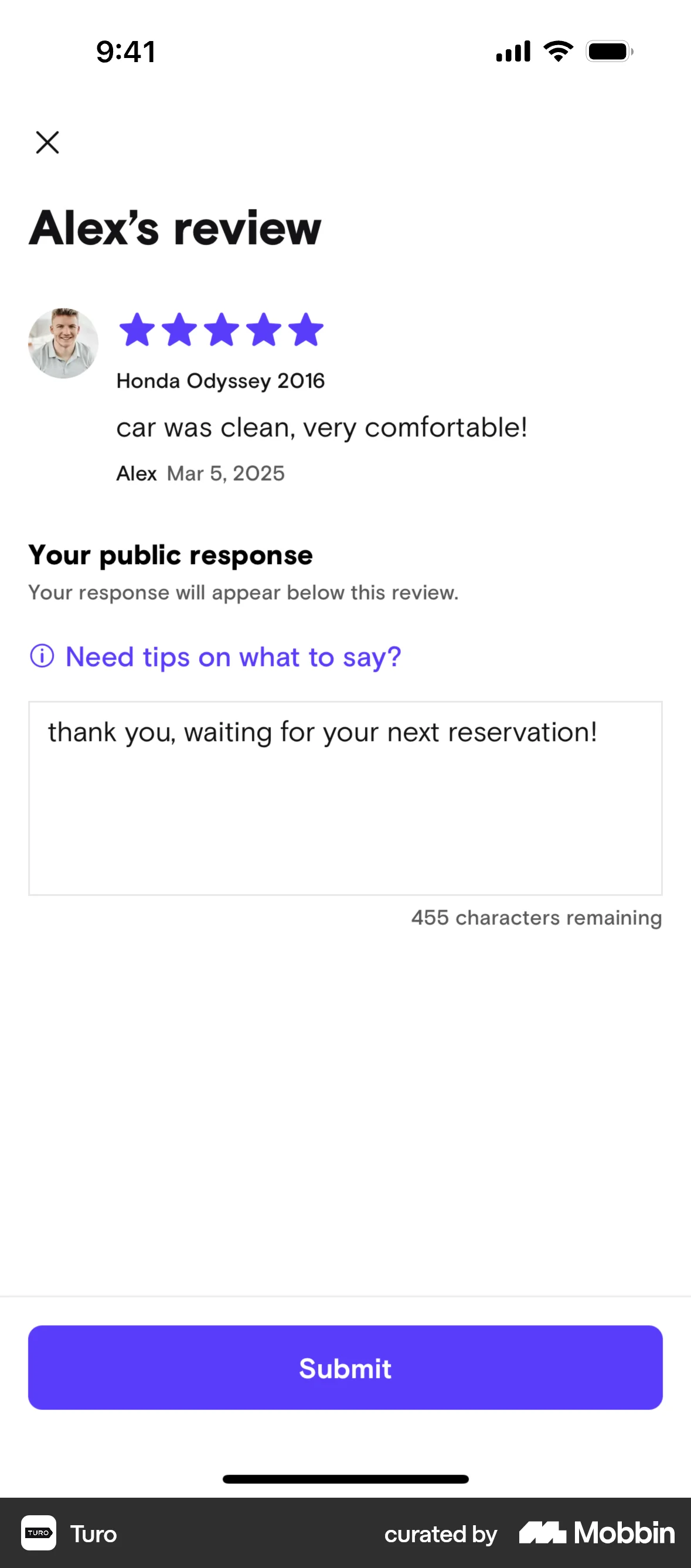
The user flow showcases adding a public response to a guest's review. It involves viewing the review, composing a response, confirming the submission, and then viewing trip details.

The user views a post, then comments on it. The comment is then displayed with options to filter replies.
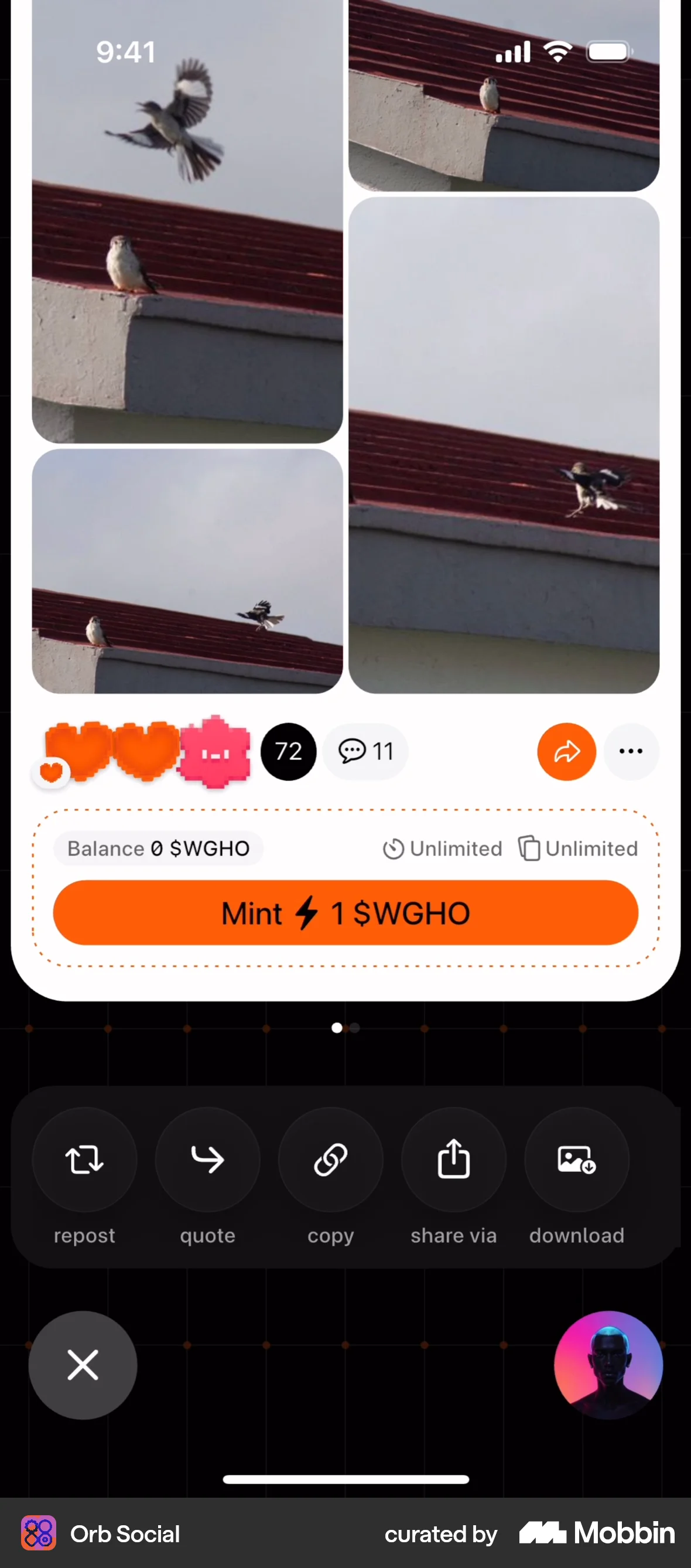
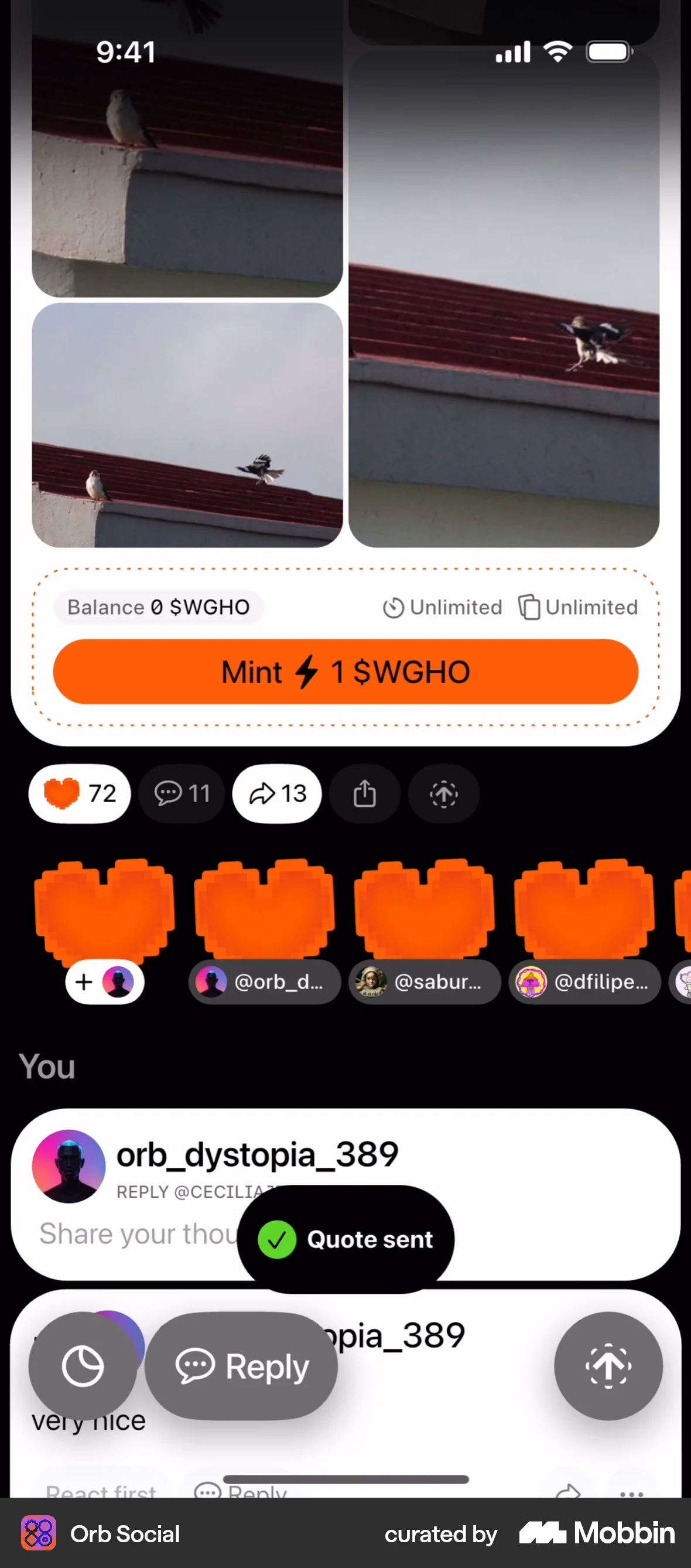
The user flow demonstrates adding a quote to a post. It involves entering text and submitting it to display on the post.

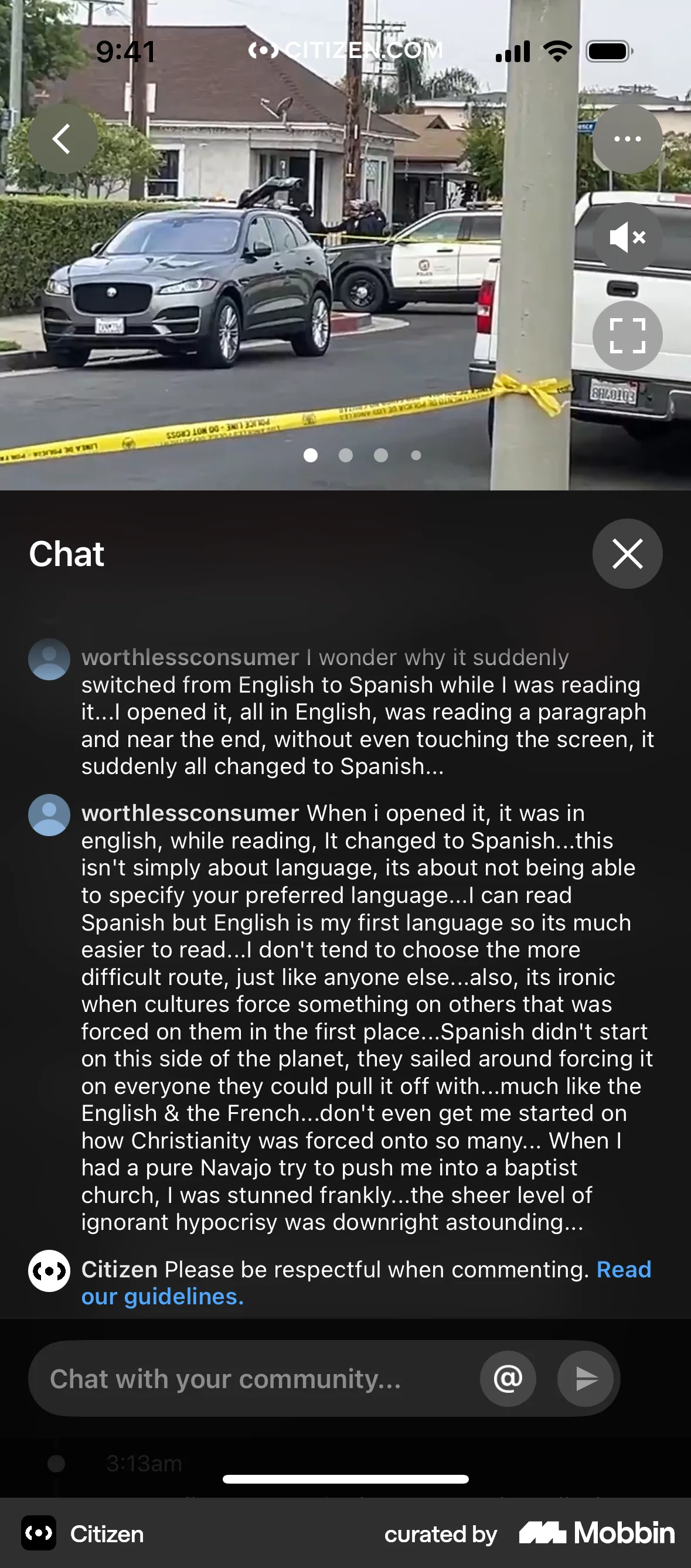
The user views a news report, opens the chat, and engages in a conversation by sending messages. The user sends multiple messages to the community.

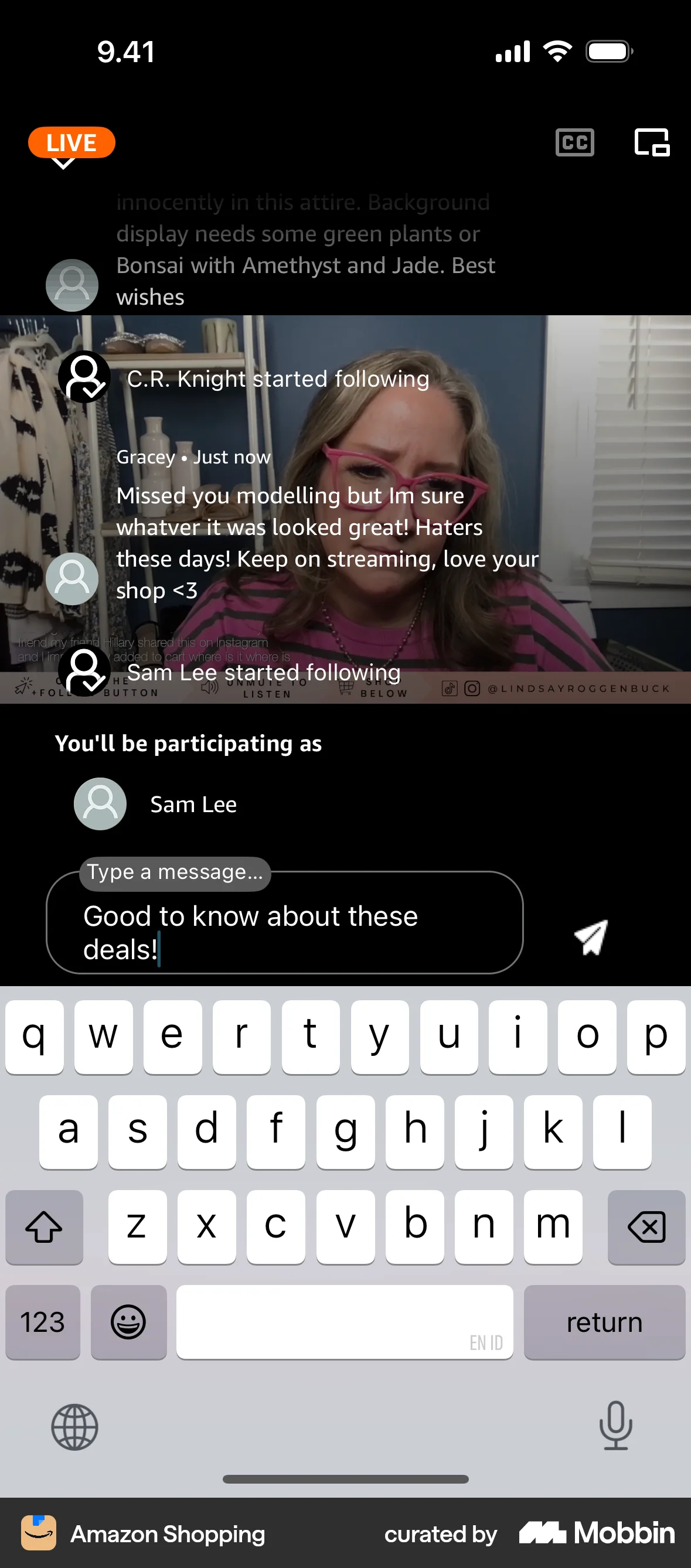
The user watches a live stream, types and sends a comment. The comment then appears in the live stream's comment section.

The user flow demonstrates adding a comment to an event. It involves navigating to the comments section, inputting text, and posting the new comment.

The user views a social media post, enters a comment, and then the comment is displayed in the comments section. The user successfully commented on the post.

The user views a post, navigates to the comments, composes a new comment, and submits it. The new comment is then displayed in the list.

The user views a social media post, adds a comment, and submits it. The comment section updates to display the new comment.

The user asks a question by navigating from the question feed to the question input screen. The question is then posted and displayed in the feed.
1260 Flows

652 Flows

588 Flows

264 Flows

643 Flows
195 Flows