

Reporting an issueon Bird
Bird
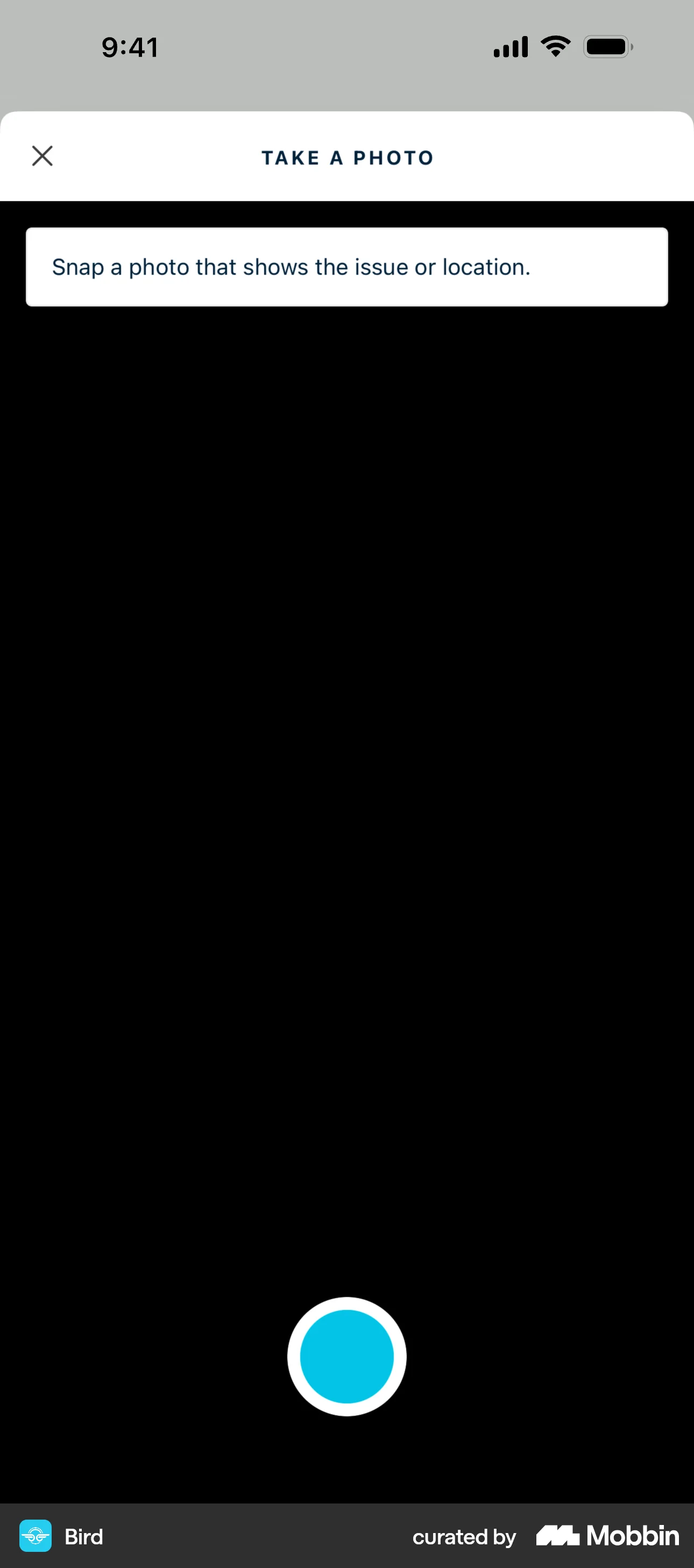
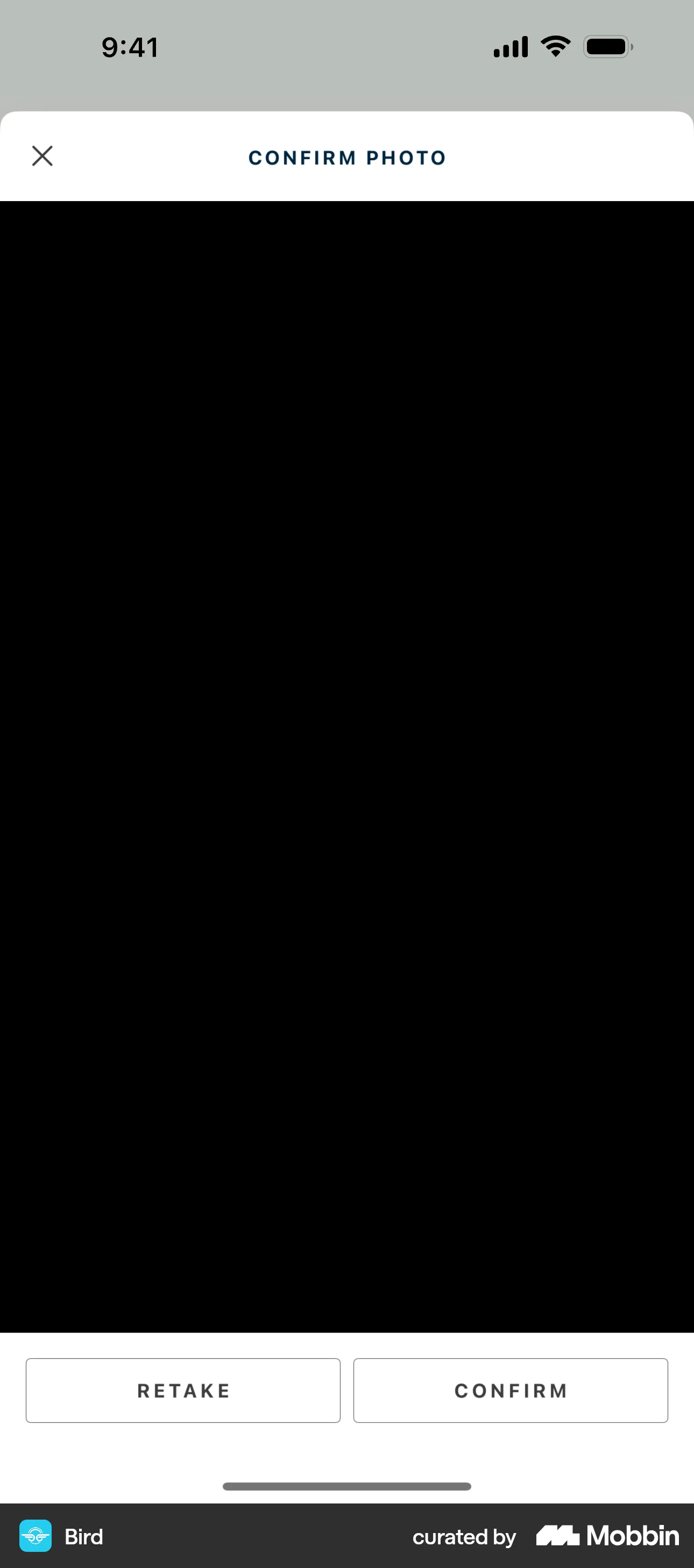
The user reports a damaged vehicle by providing details and a photo. A confirmation message is displayed upon submission.
Discover best mobile app designs for Reporting flows. Get inspired by the best apps in the world.
The user reports a damaged vehicle by providing details and a photo. A confirmation message is displayed upon submission.

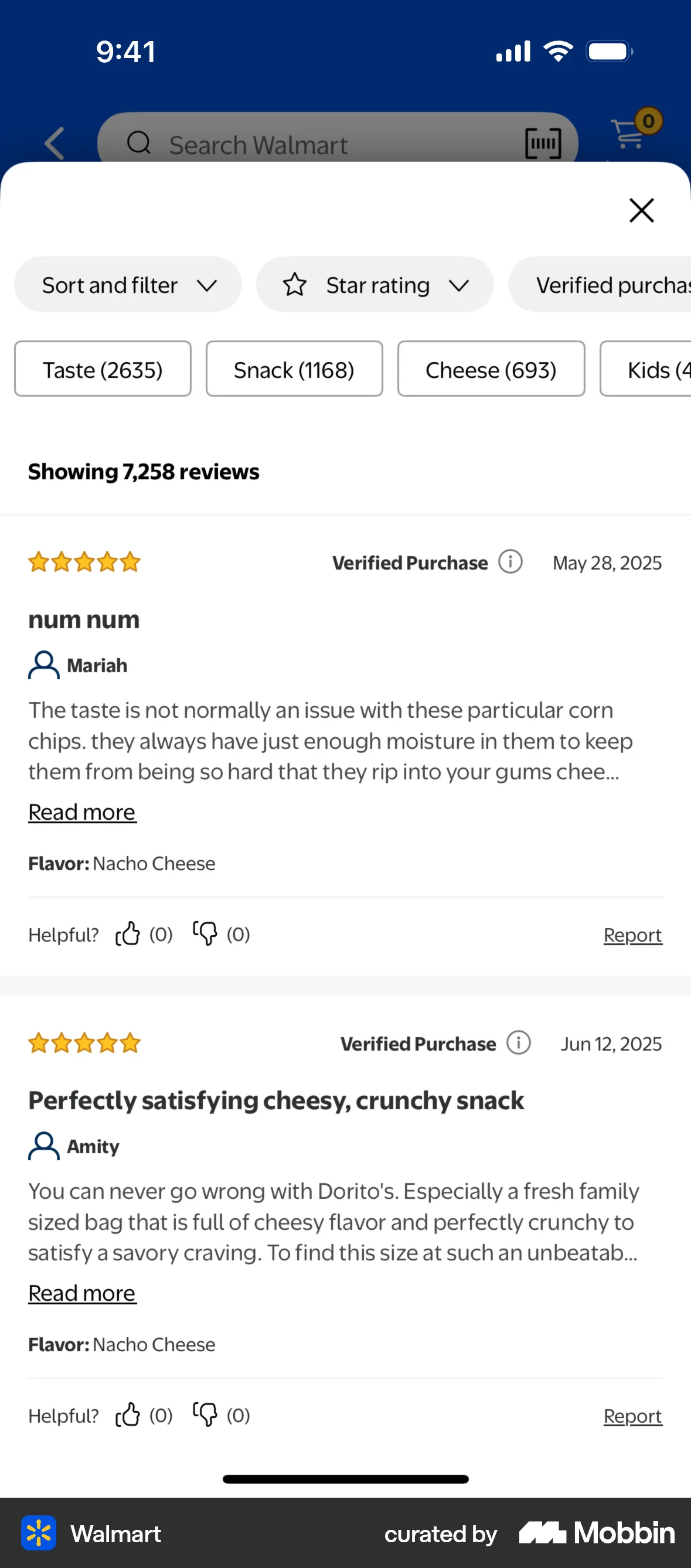
The user views a list of reviews and reports a specific review. The screen updates to confirm the action.

The user reports a post by filling out a report form. A confirmation message appears after submission.

The user reports an issue on a product page by filling out a form with issue type, details, and comments. A confirmation message is displayed upon submission.

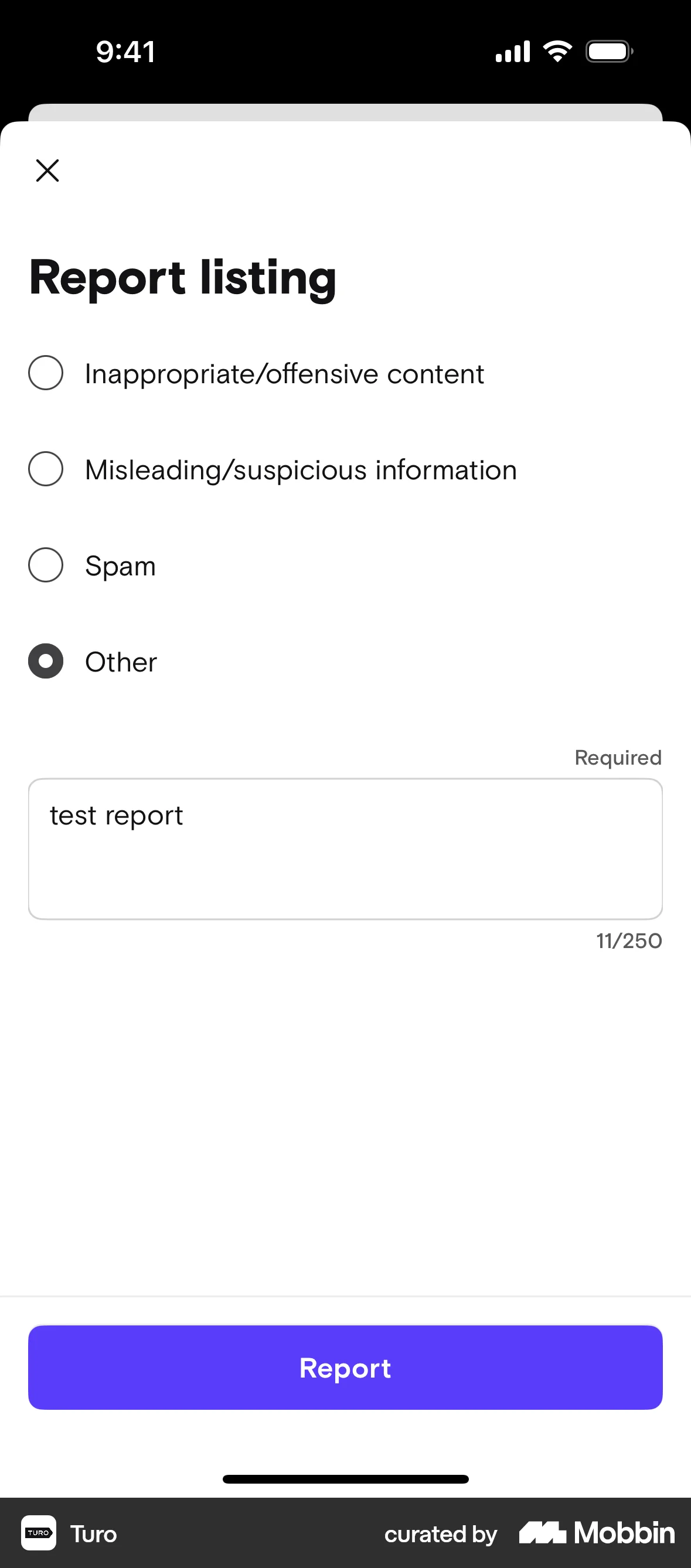
The user reports a listing by selecting a reason and providing details. After submitting the report, the user returns to the listing details.
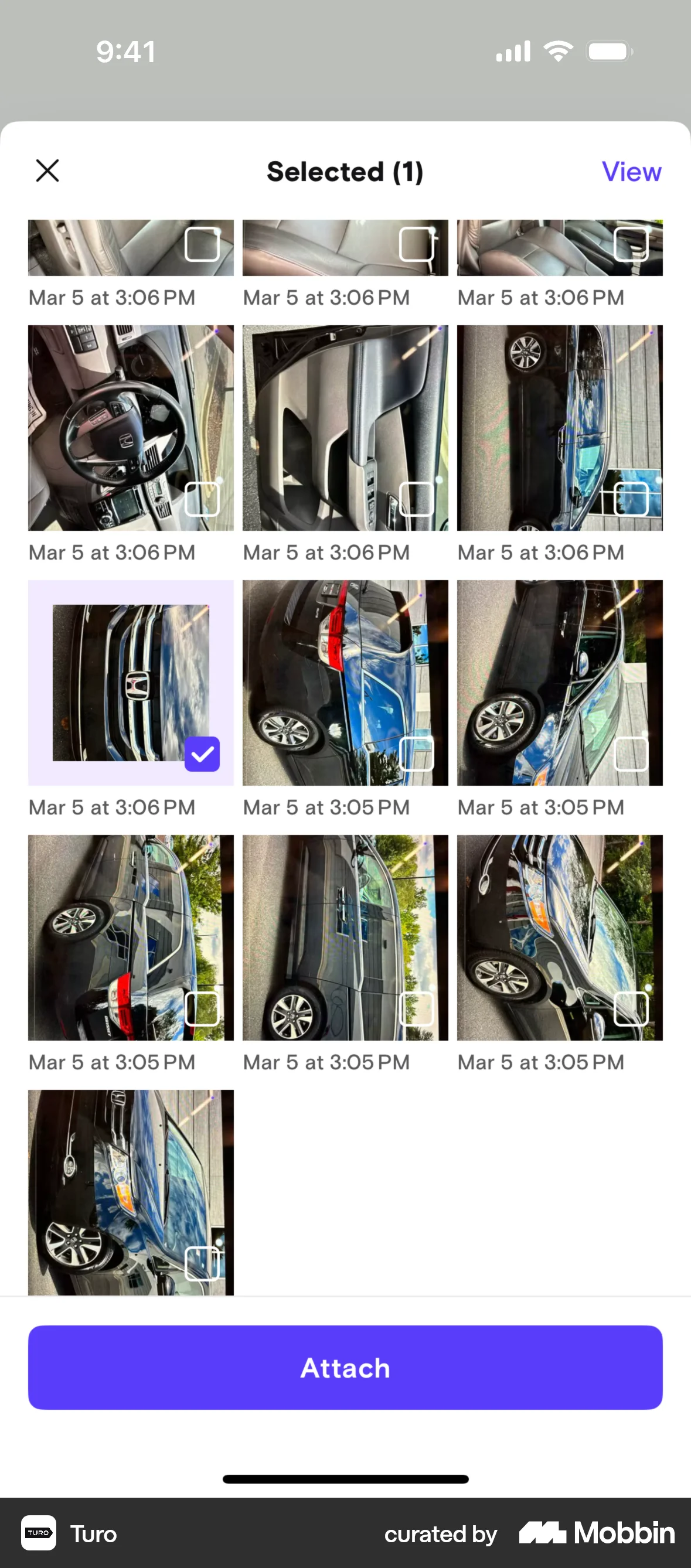
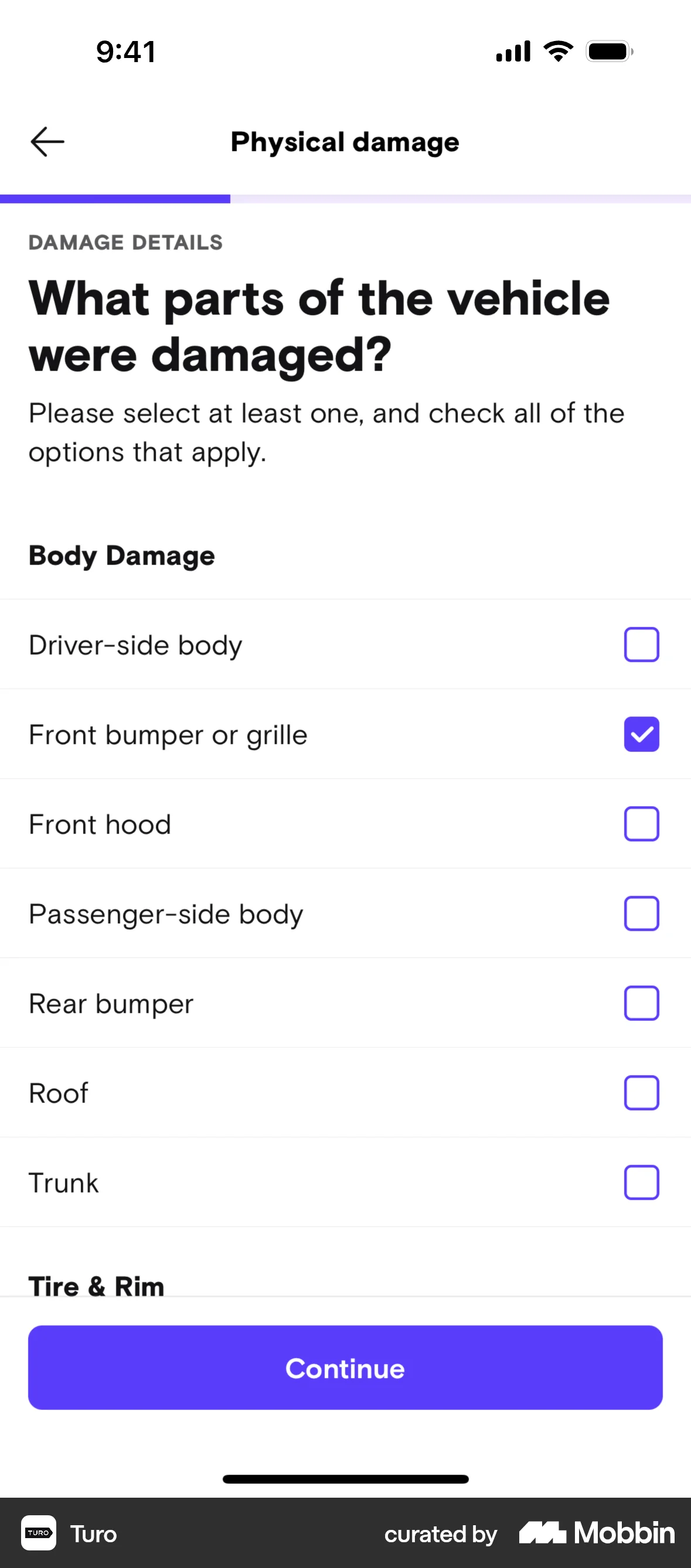
The user reports damage to a vehicle by providing details such as damage type, photos, incident time/location, and vehicle part. The user then reviews and submits the report.

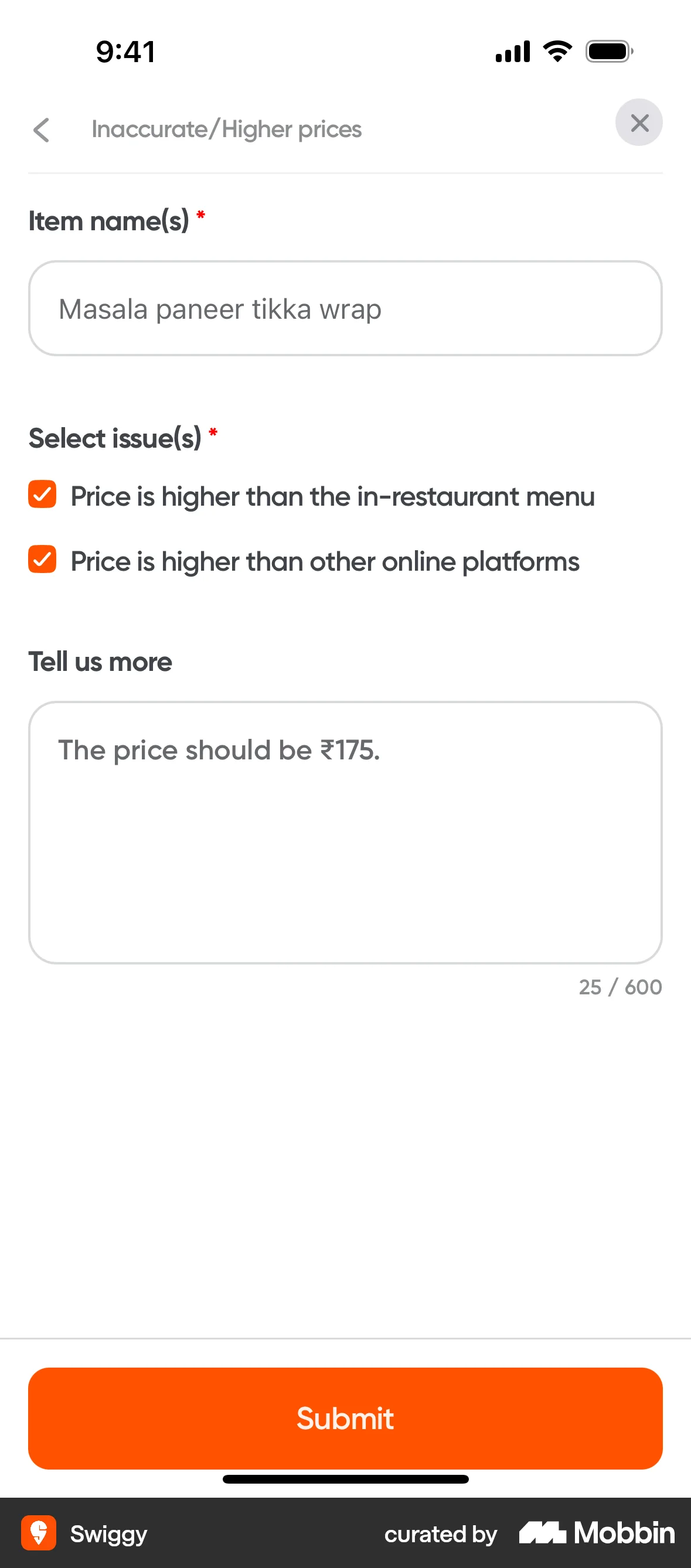
The user reports a pricing issue by navigating from the restaurant listing to the issue reporting form and submitting the details. A confirmation message is then displayed.
The user reports a video by selecting a reason for reporting and receives a confirmation. The flow demonstrates the process of reporting content.

The user navigates through settings to contact support, fills out the form with details, and submits their issue. A confirmation message then appears.

The user reports another user by navigating to their profile, selecting a reason, adding an optional comment, and submitting the report. A confirmation message is then displayed.

The user flow shows the process of reporting a user. The user selects a reason for reporting from a modal.

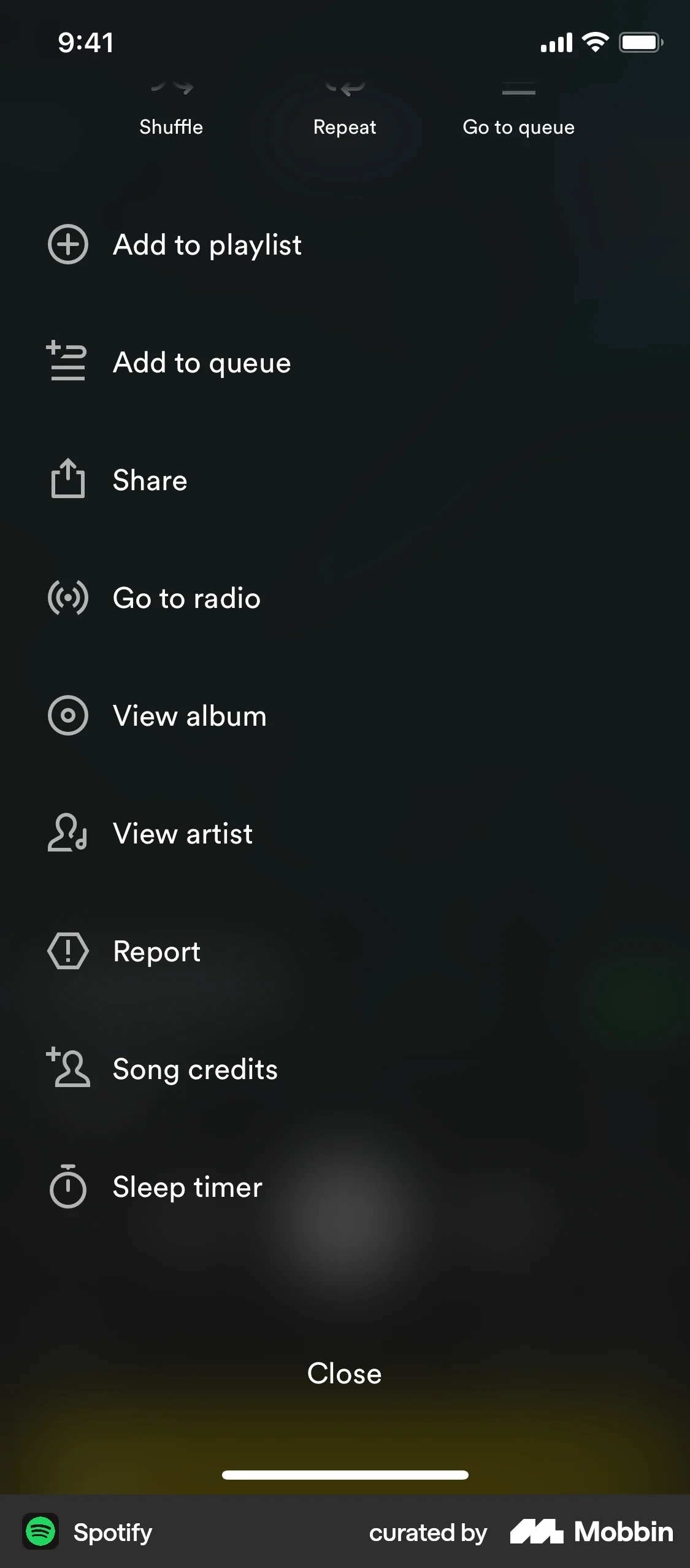
The user reports a song by navigating through report options, verifying their identity, and submitting a report. The flow concludes with a confirmation message.

652 Flows
458 Flows

264 Flows

1260 Flows

195 Flows

921 Flows