







Onboardingon Nextdoor
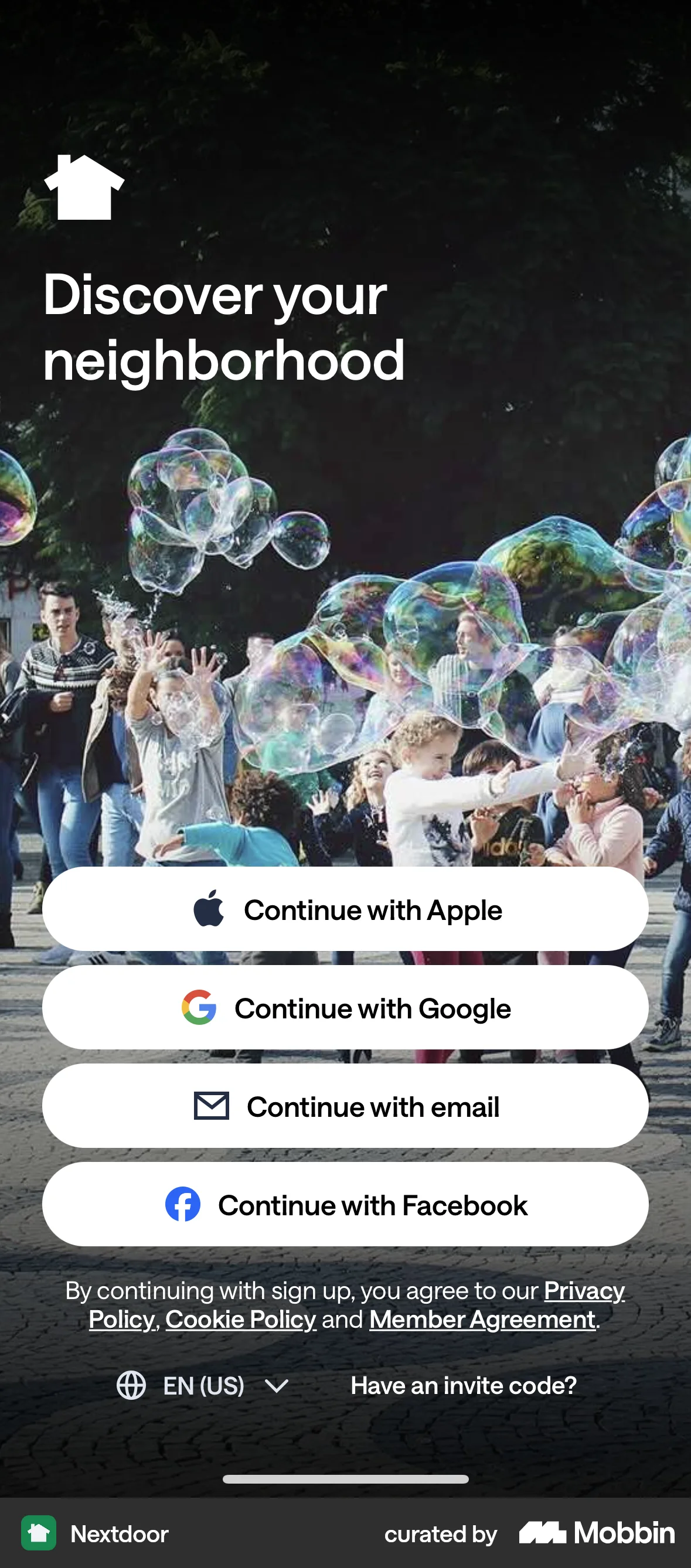
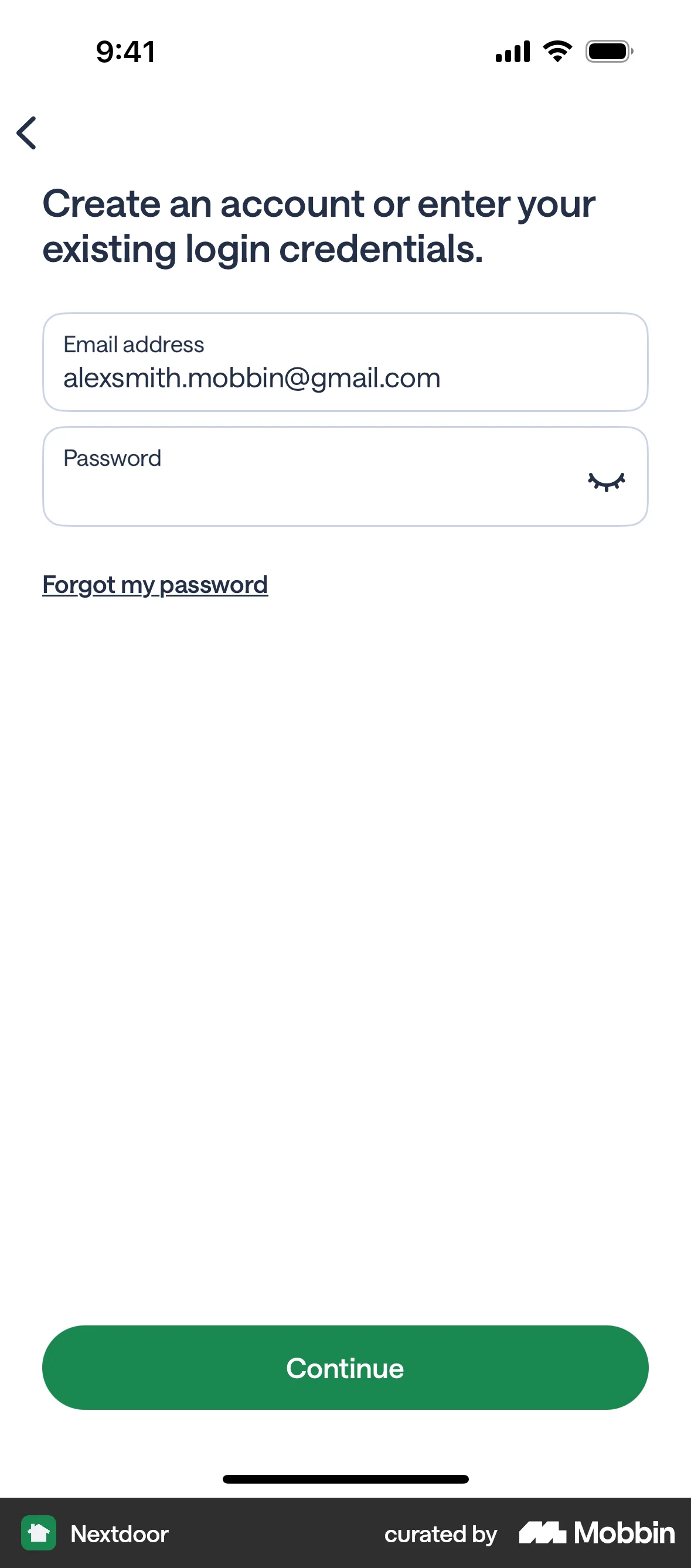
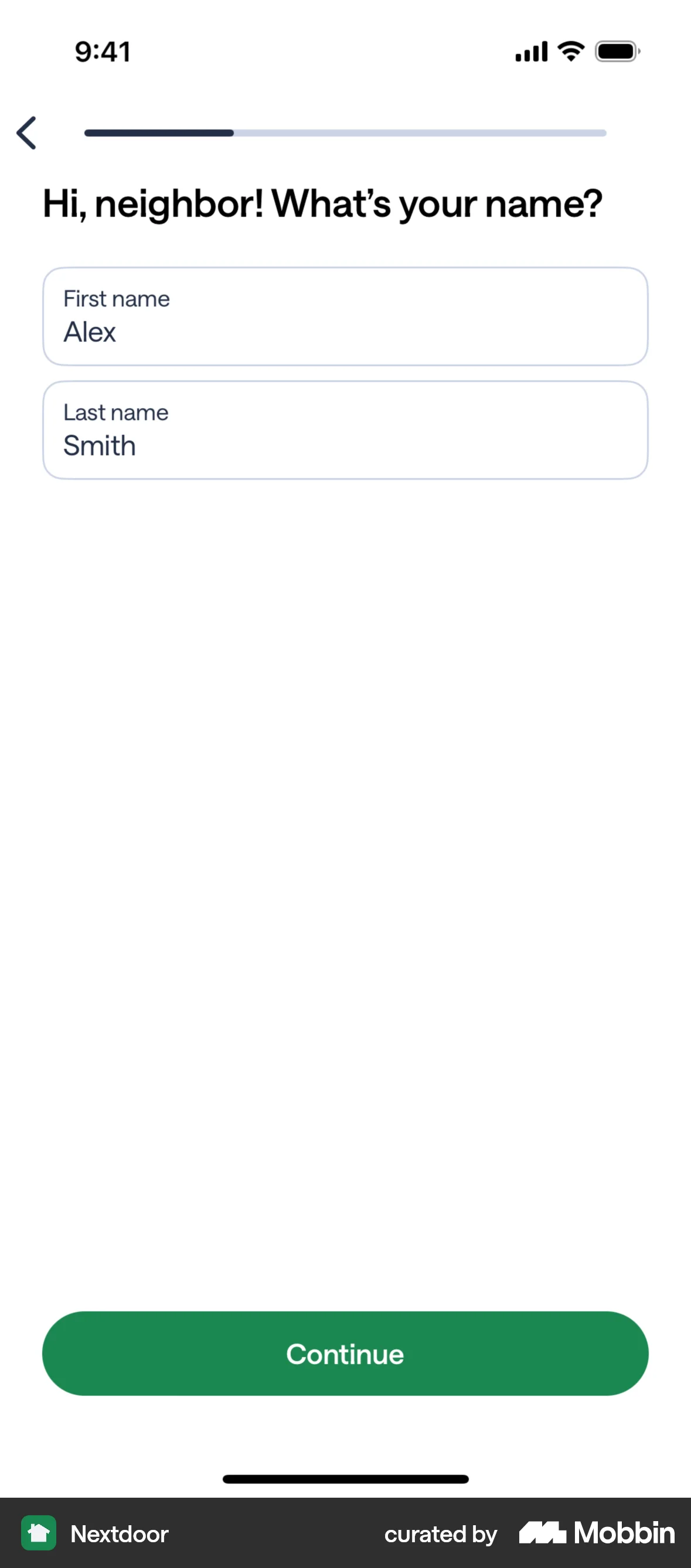
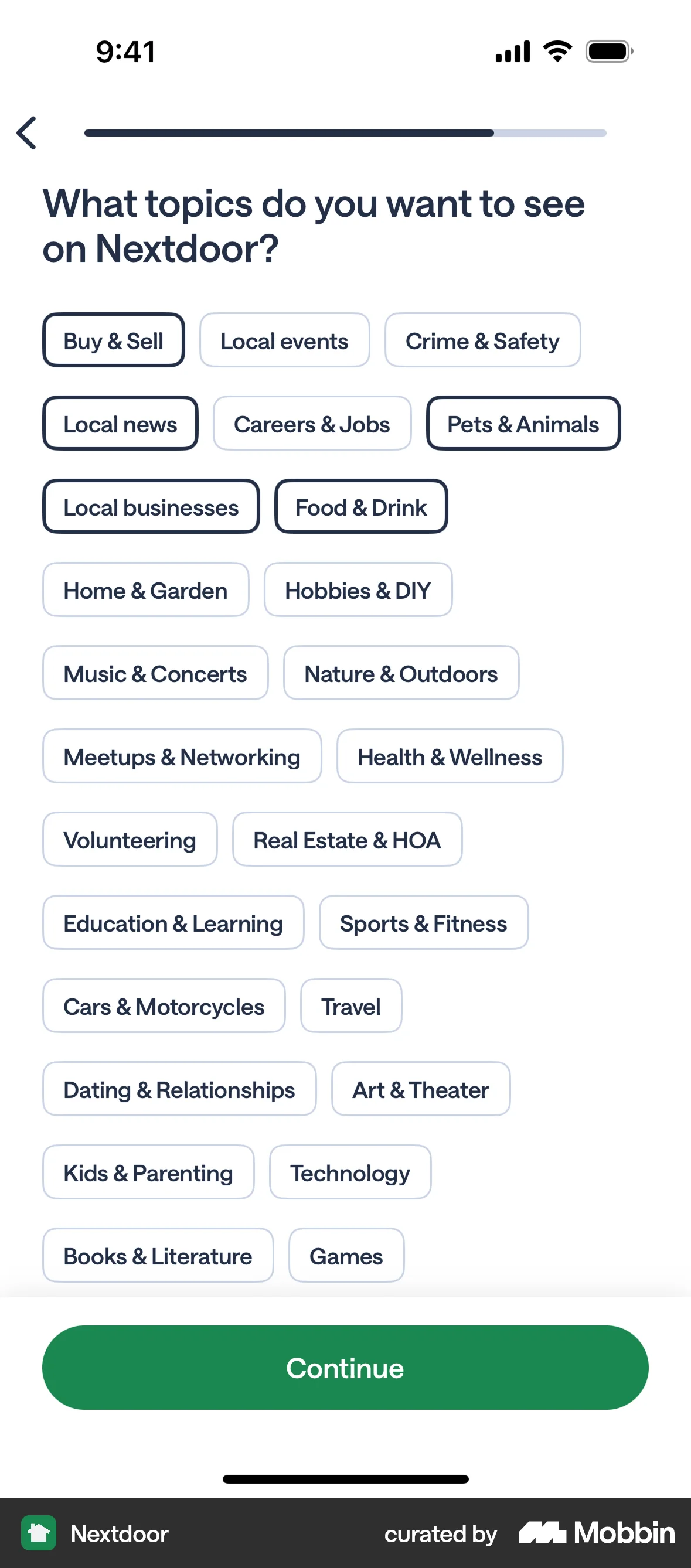
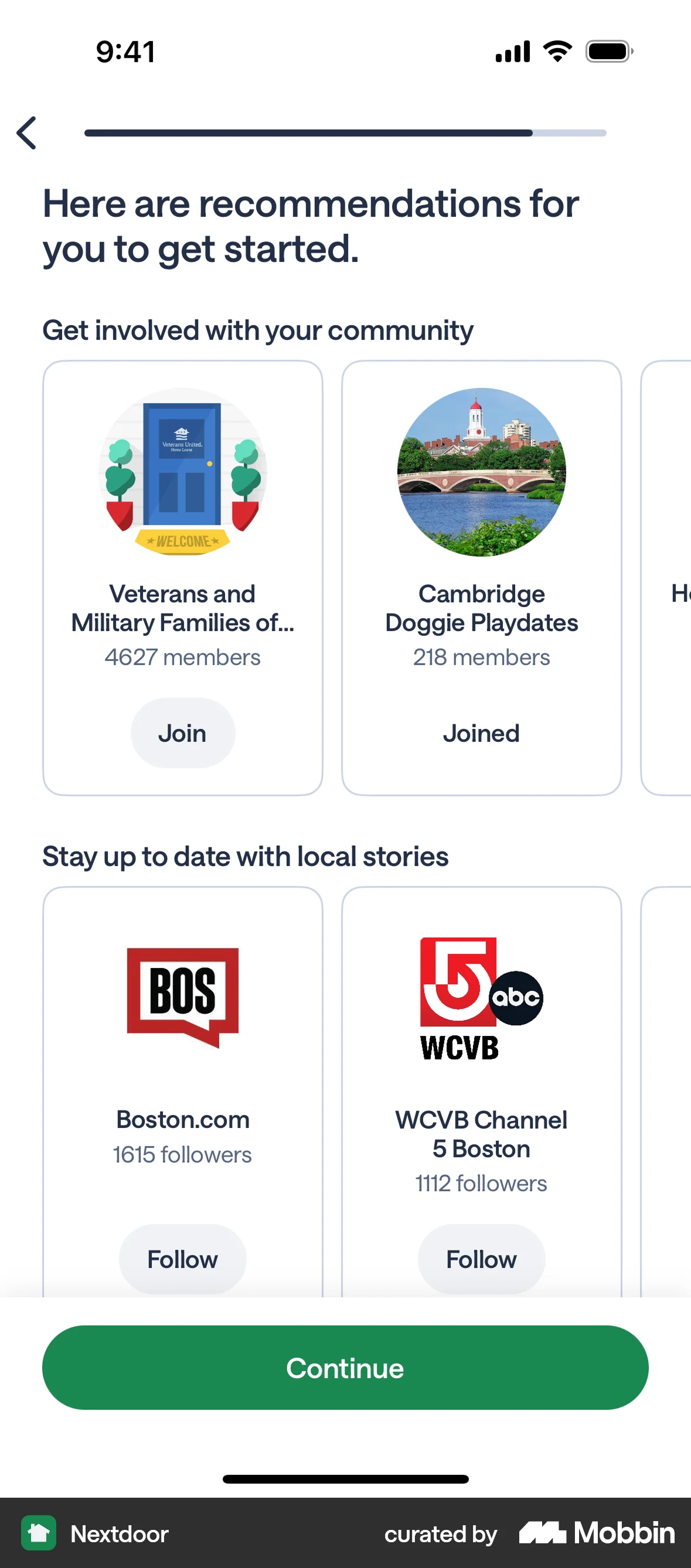
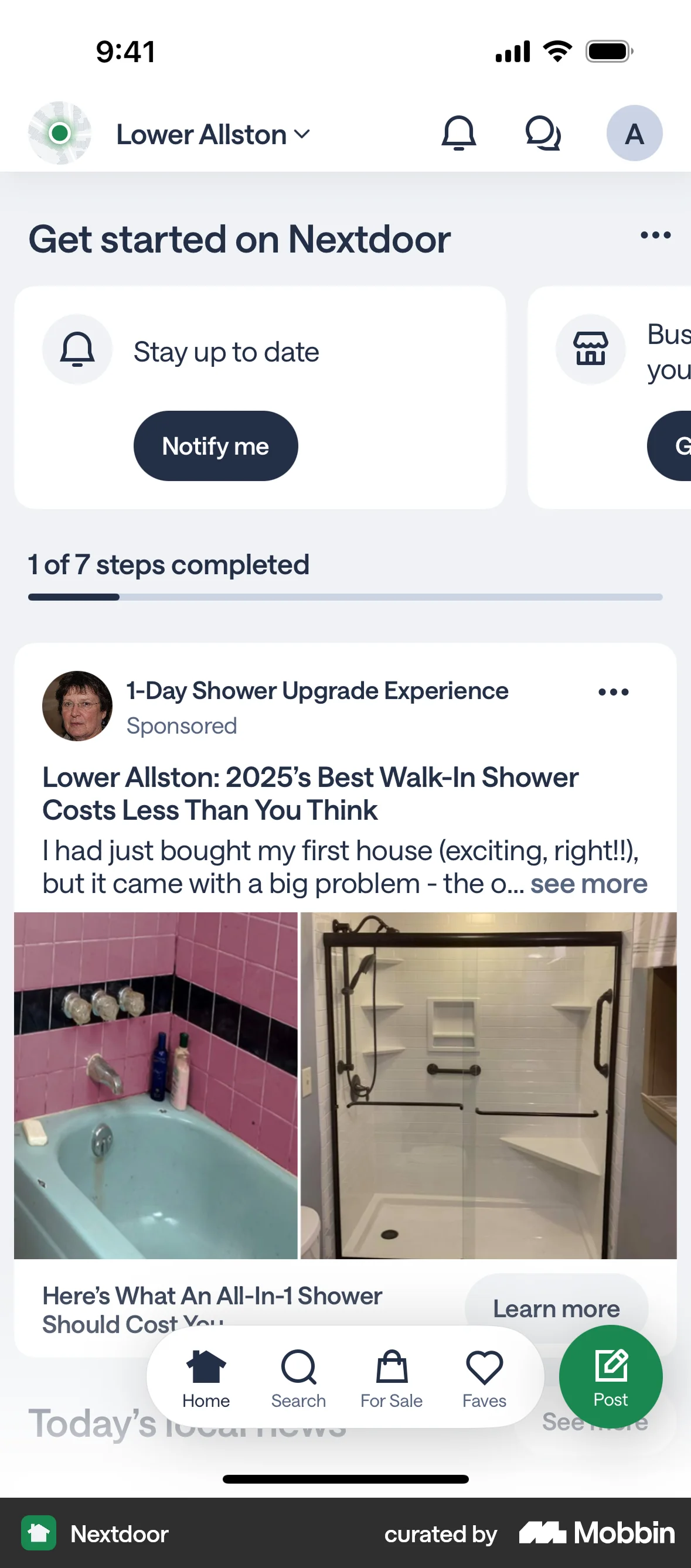
The user goes through the onboarding process, providing their information and preferences. They are then taken to the main feed to start using the app.
Discover best mobile app designs for Joining & Accepting flows. Get inspired by the best apps in the world.
The user goes through the onboarding process, providing their information and preferences. They are then taken to the main feed to start using the app.
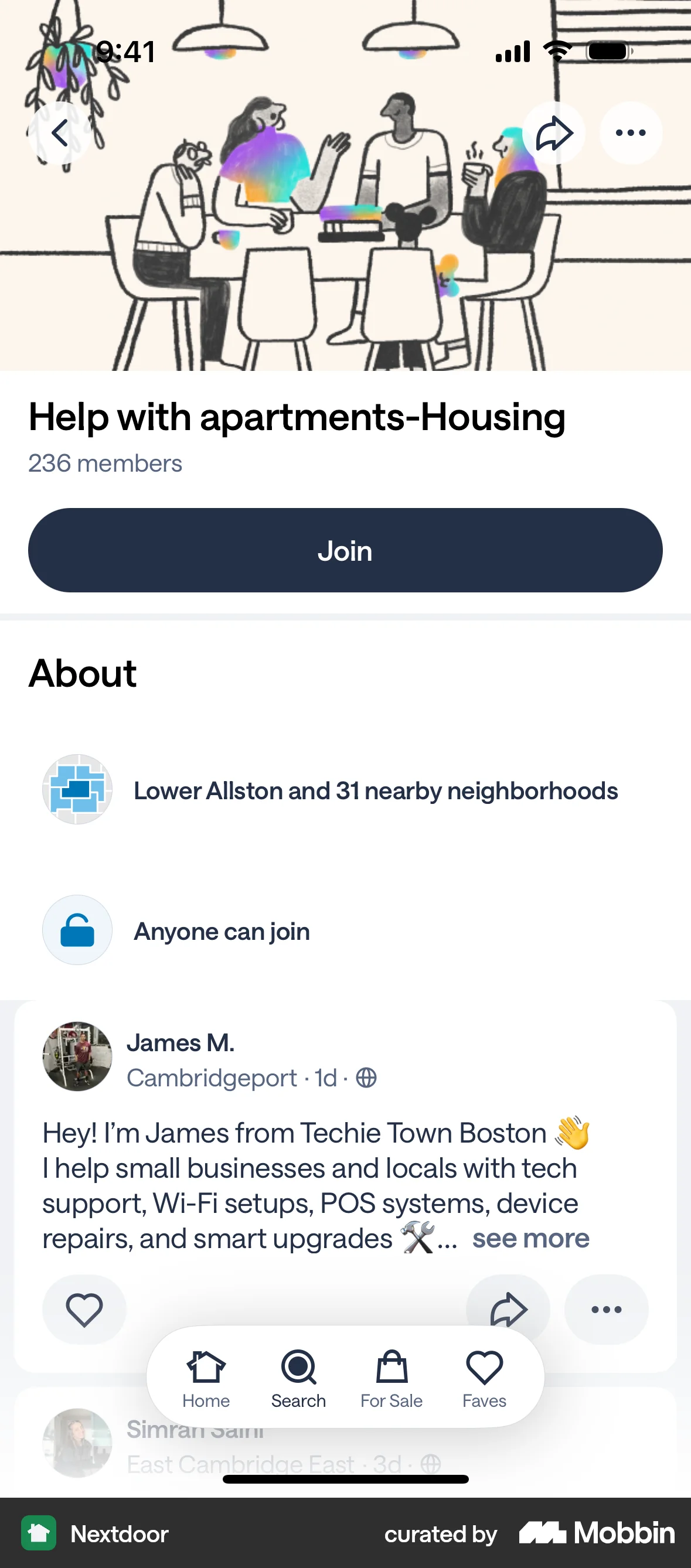
The user joins a group, is prompted to introduce themselves, and is then presented with options to engage with the group. The flow showcases the onboarding process for a new group member.

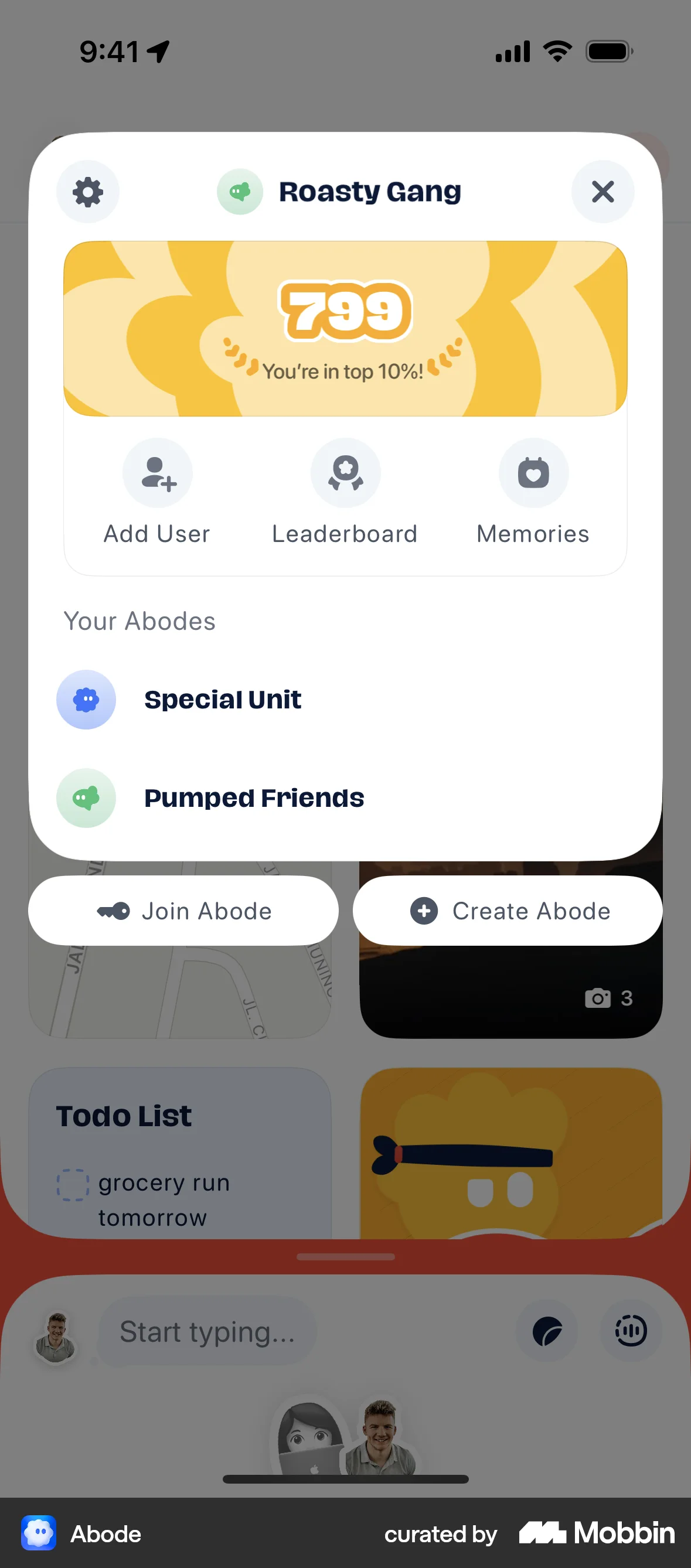
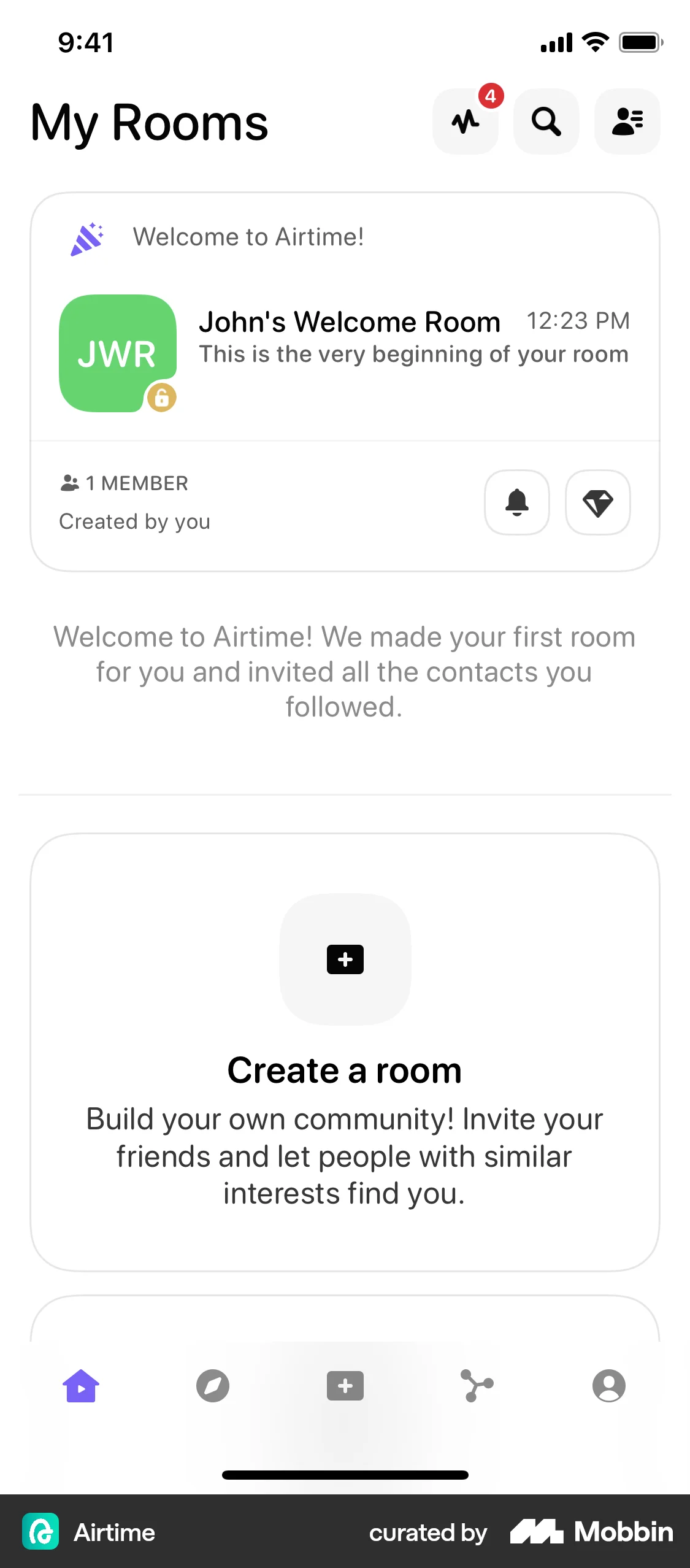
The user joins an abode by entering an invite code. They are then presented with the interface for the newly joined abode.
The user flow shows the process of joining a group. The "Join" button transitions to a "Joining" state and then to a "Member" state.

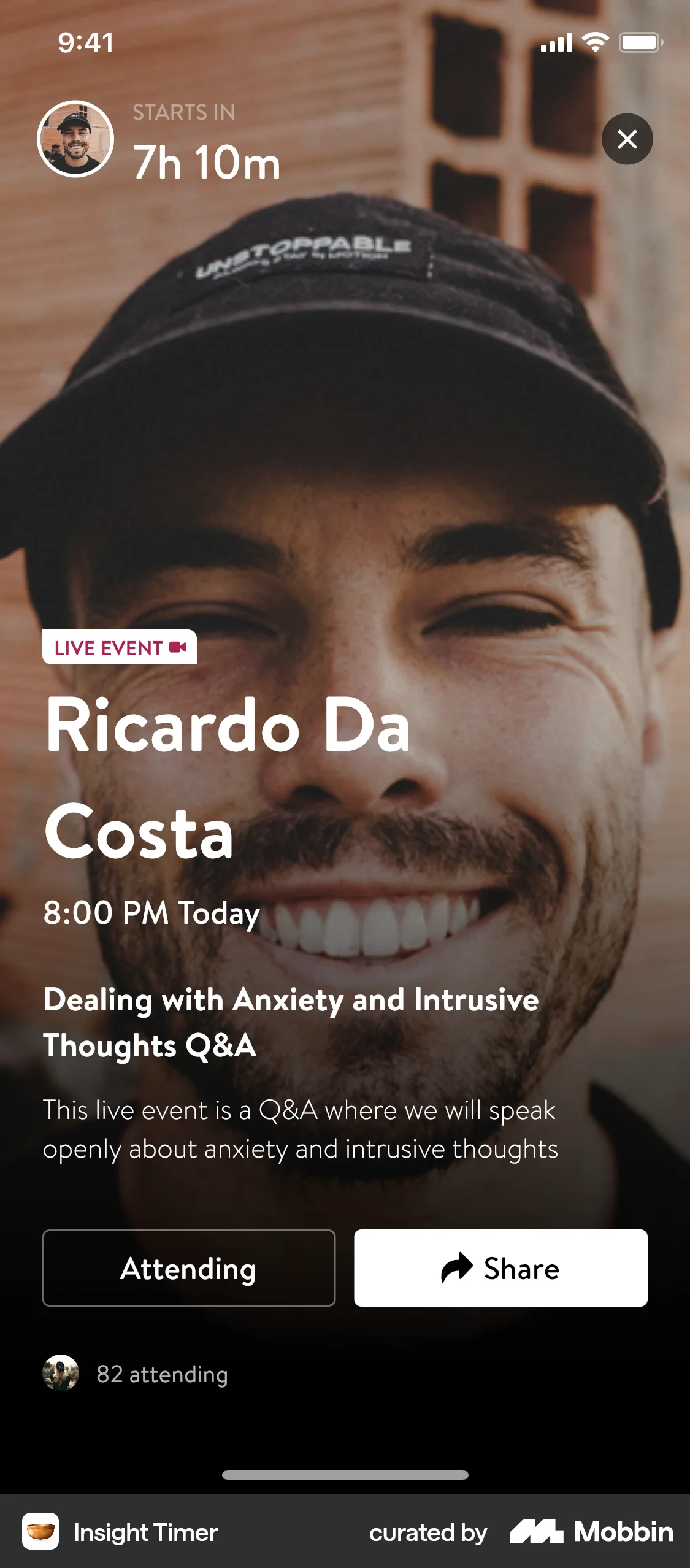
The user browses events, selects one, and confirms attendance. They are then given options to share the event.

The user joins a "Pro Group", views the welcome message, and explores the group's content in the "Latest" and "Premium" tabs.

The user browses a list of local groups and joins one. The flow concludes with a confirmation of the user successfully joining the group.

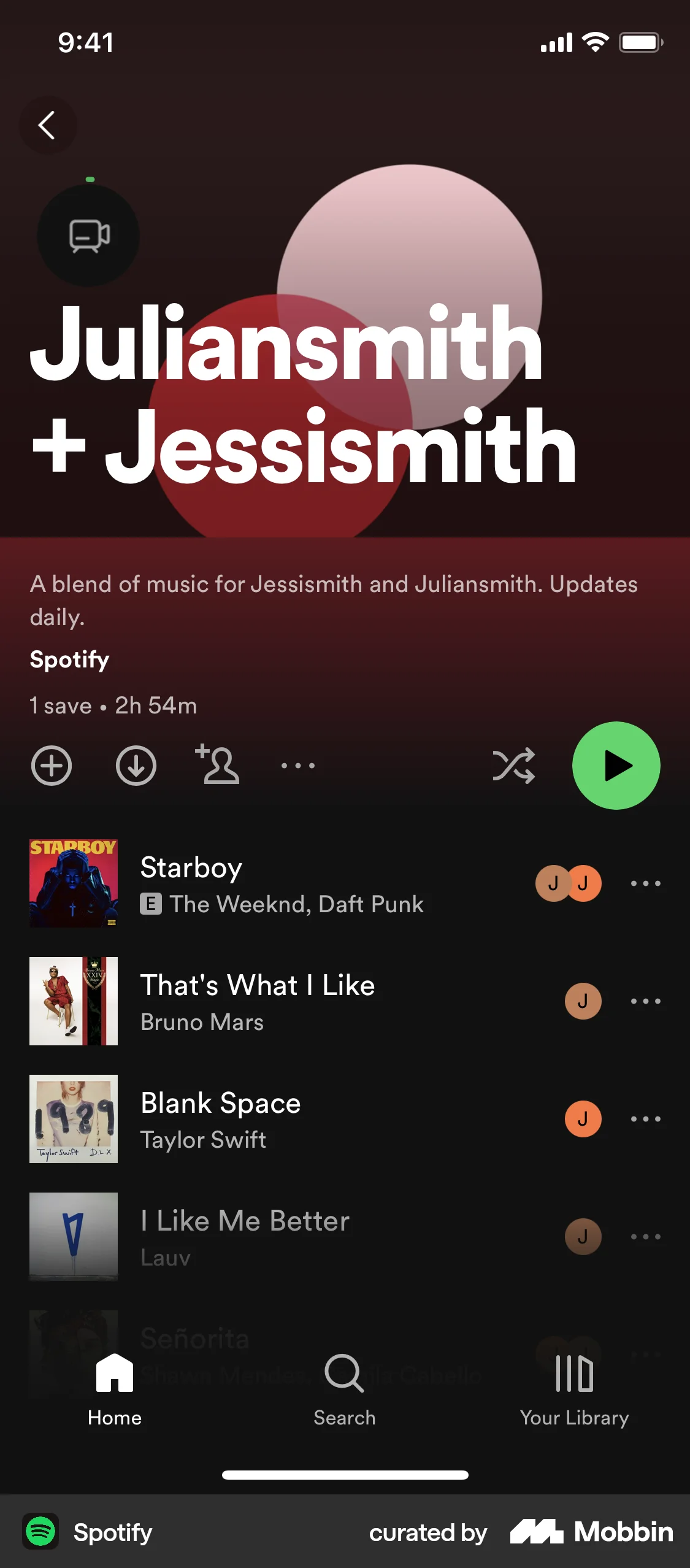
The user creates or joins a music blend with a friend. They view their taste match and then access the combined playlist.

The user joins the Pentatonix community for free. They click the "Join for free" button and see a confirmation modal.
The user joins a scheduled lesson from the homepage. They are taken to a video call interface where they can interact with the tutor.

The user attempts to join a meeting using a meeting ID and passcode, but the connection fails. An error message is displayed.

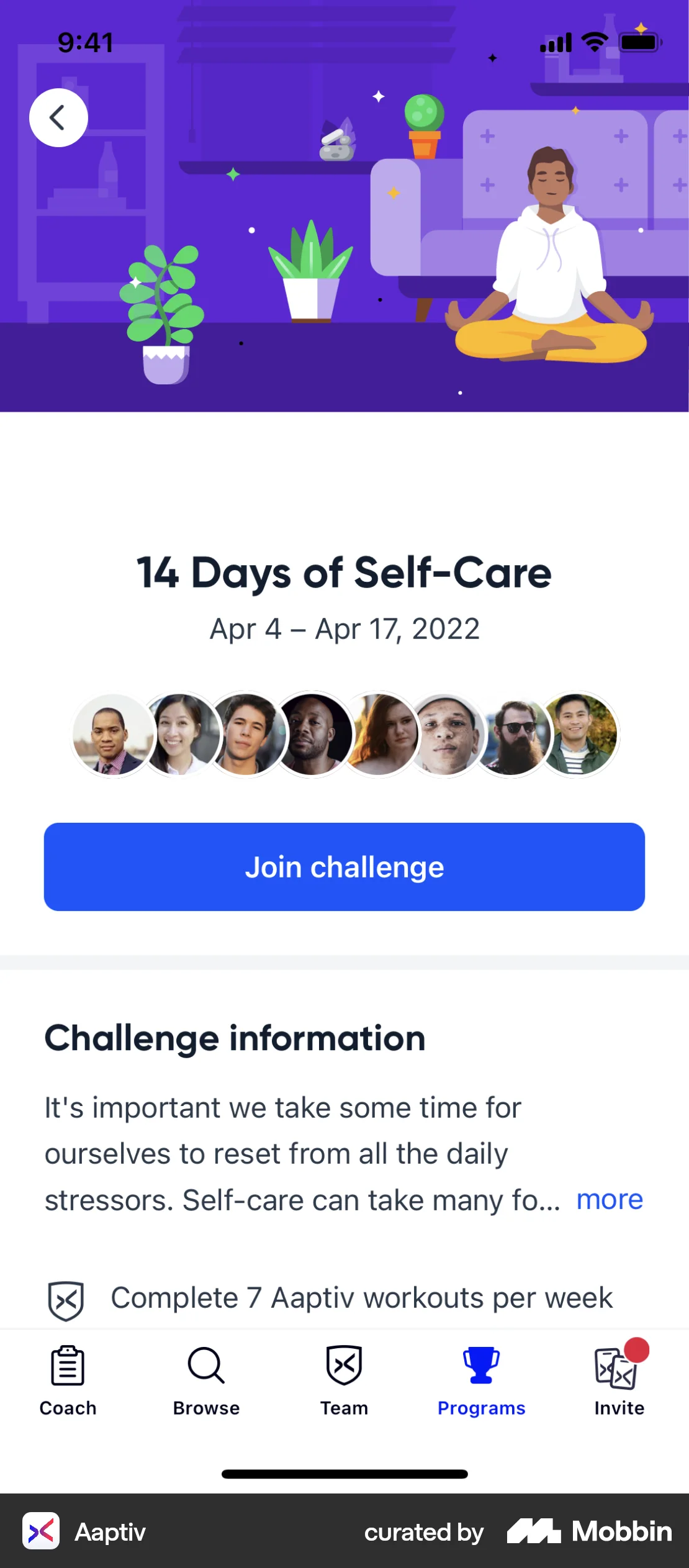
The user flow shows the process of joining a challenge. The user views the challenge details and then joins, which updates the UI.
54 Flows


379 Flows
581 Flows

703 Flows
82 Flows

652 Flows