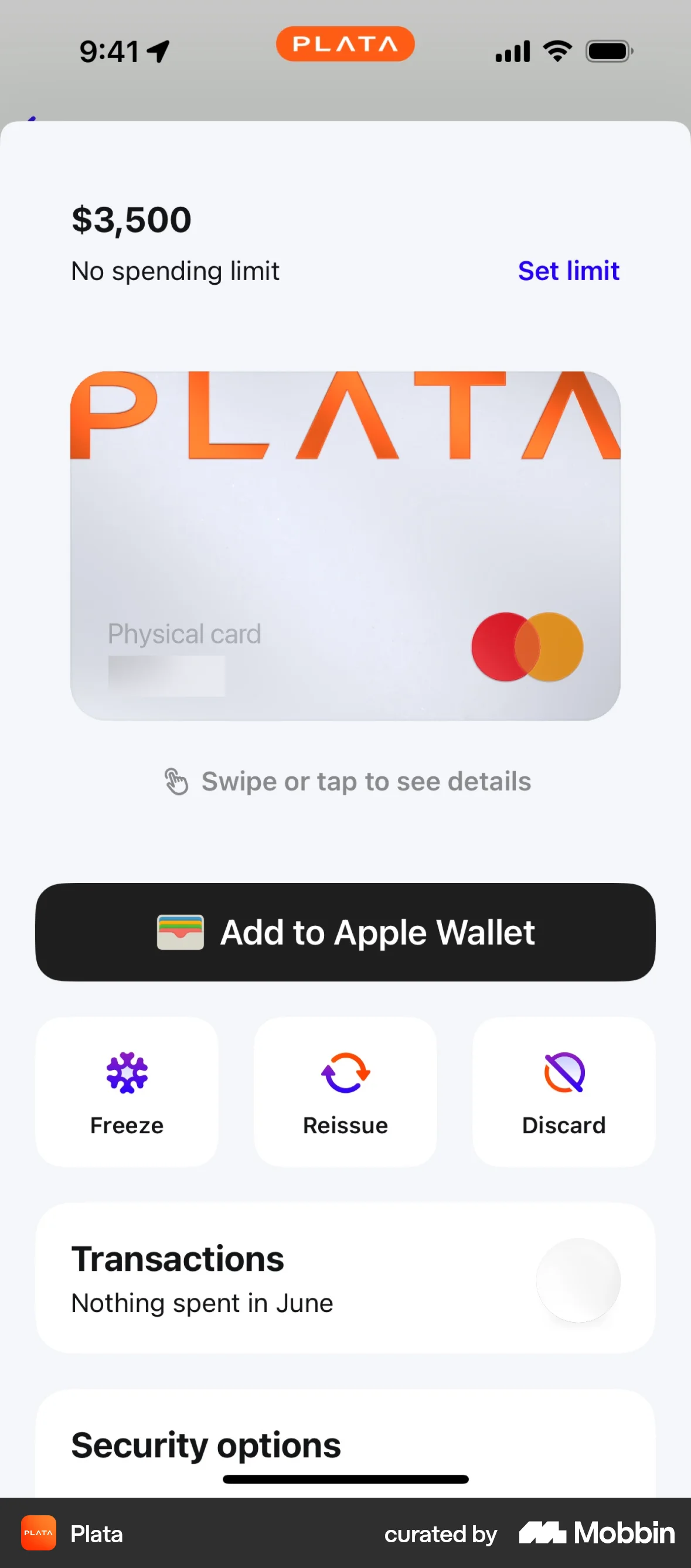

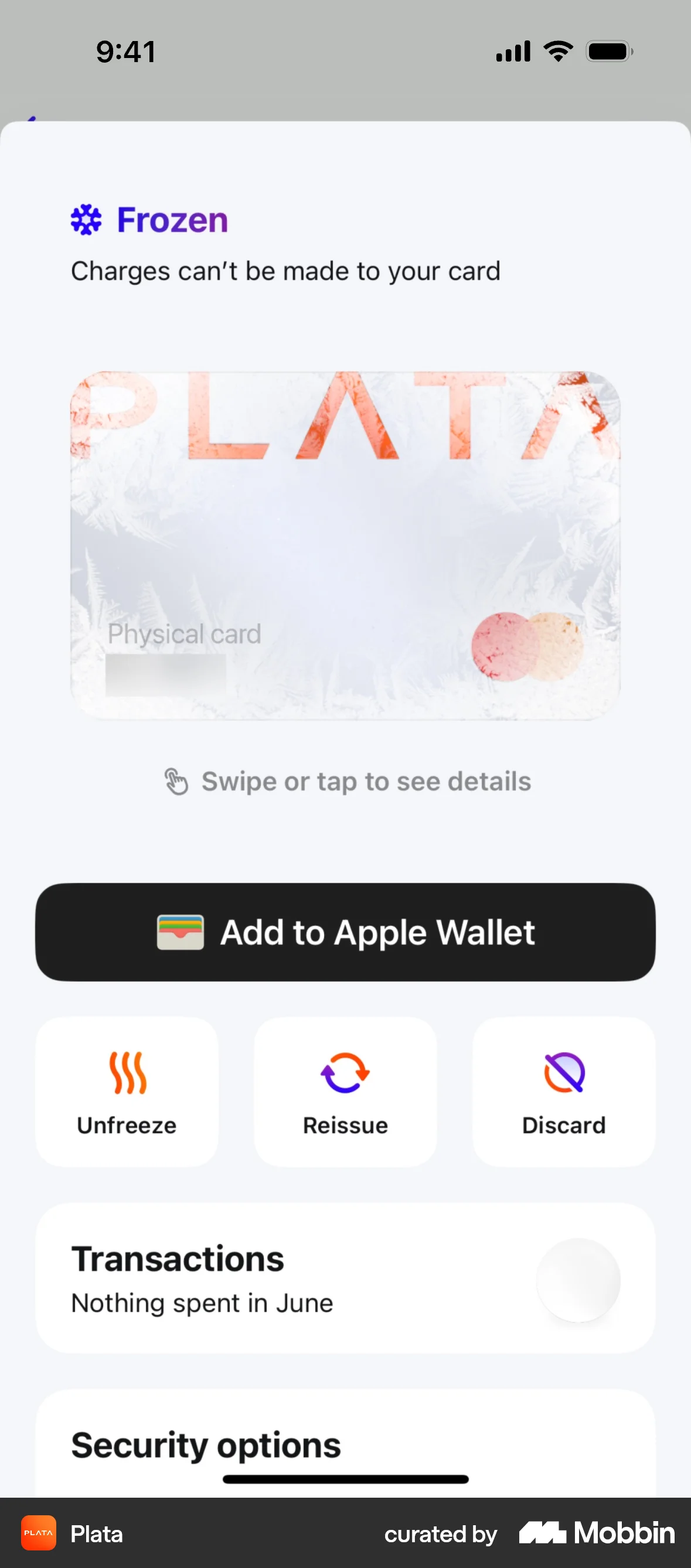
Freezing a cardon Plata Card
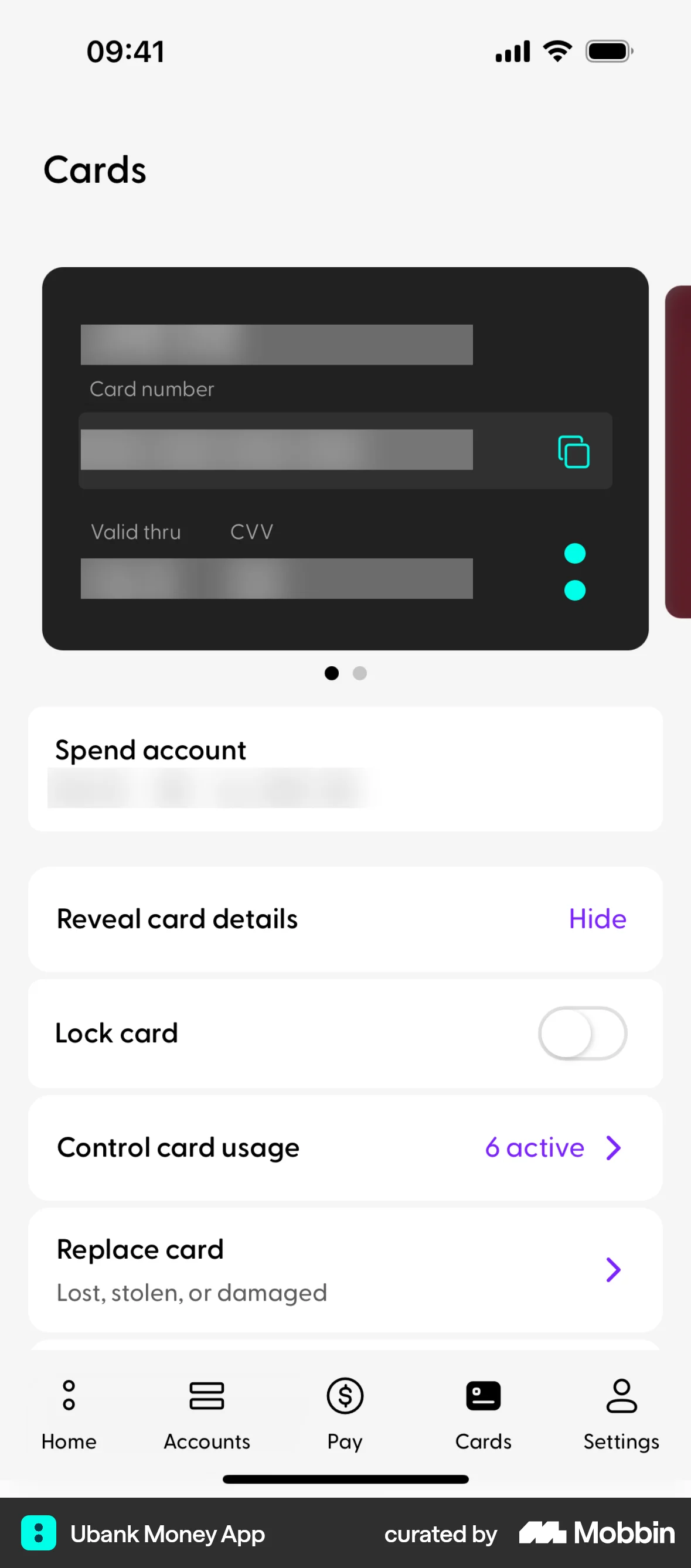
The user views their card details and then freezes their card. The UI confirms the action and updates the card's status to frozen.
Discover best mobile app designs for Enabling & Disabling flows. Get inspired by the best apps in the world.
The user views their card details and then freezes their card. The UI confirms the action and updates the card's status to frozen.

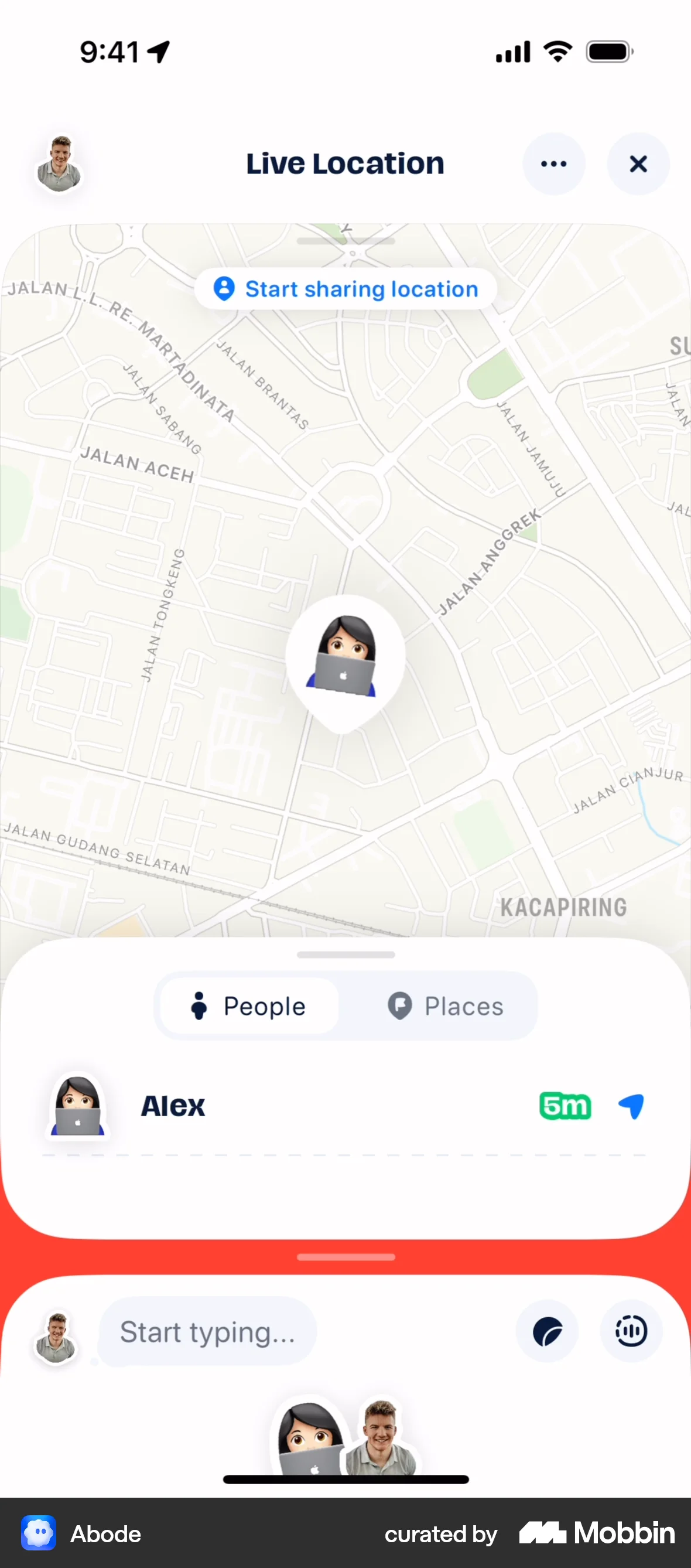
The user flow demonstrates enabling live location sharing. It involves adding the magnet, enabling location, and starting to share location with others.
The user sends an invite link by granting contact access, selecting a contact, and sending a pre-filled invite message.

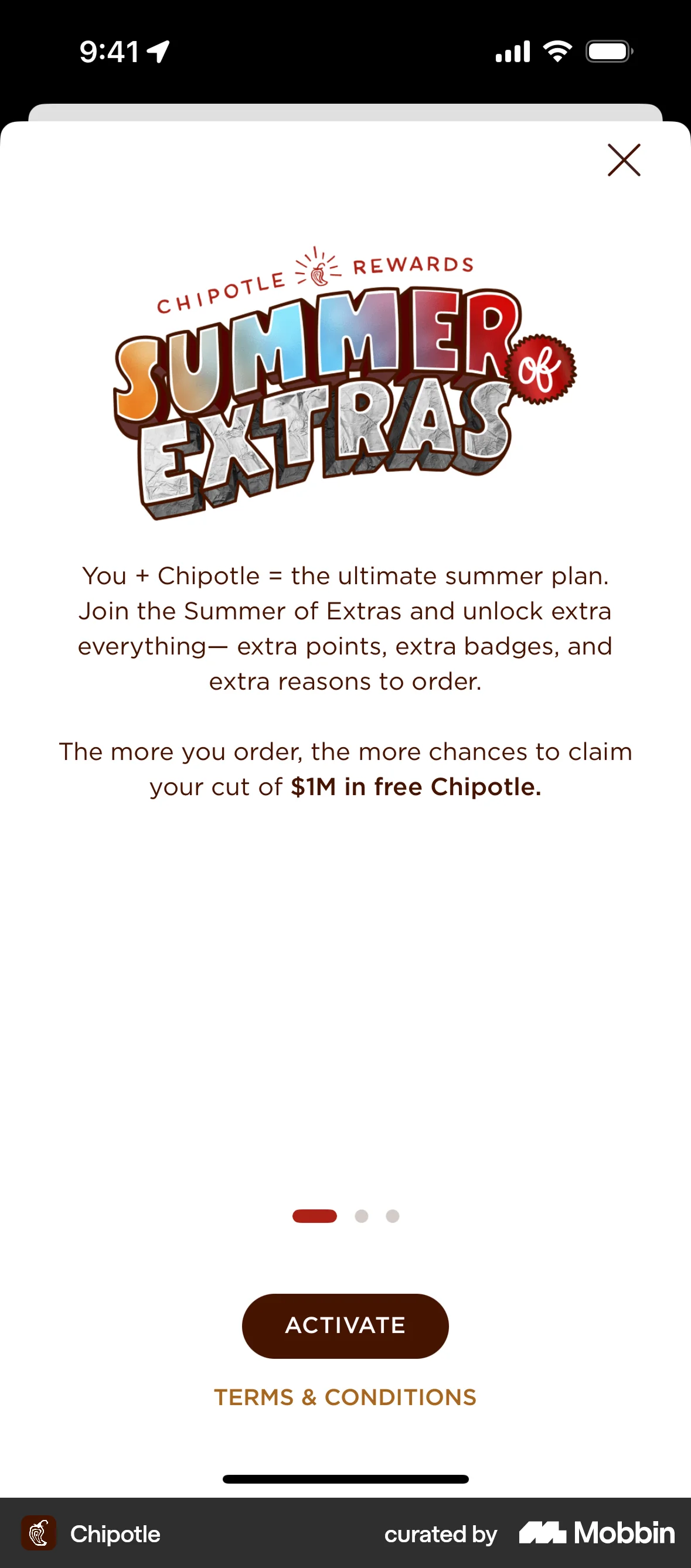
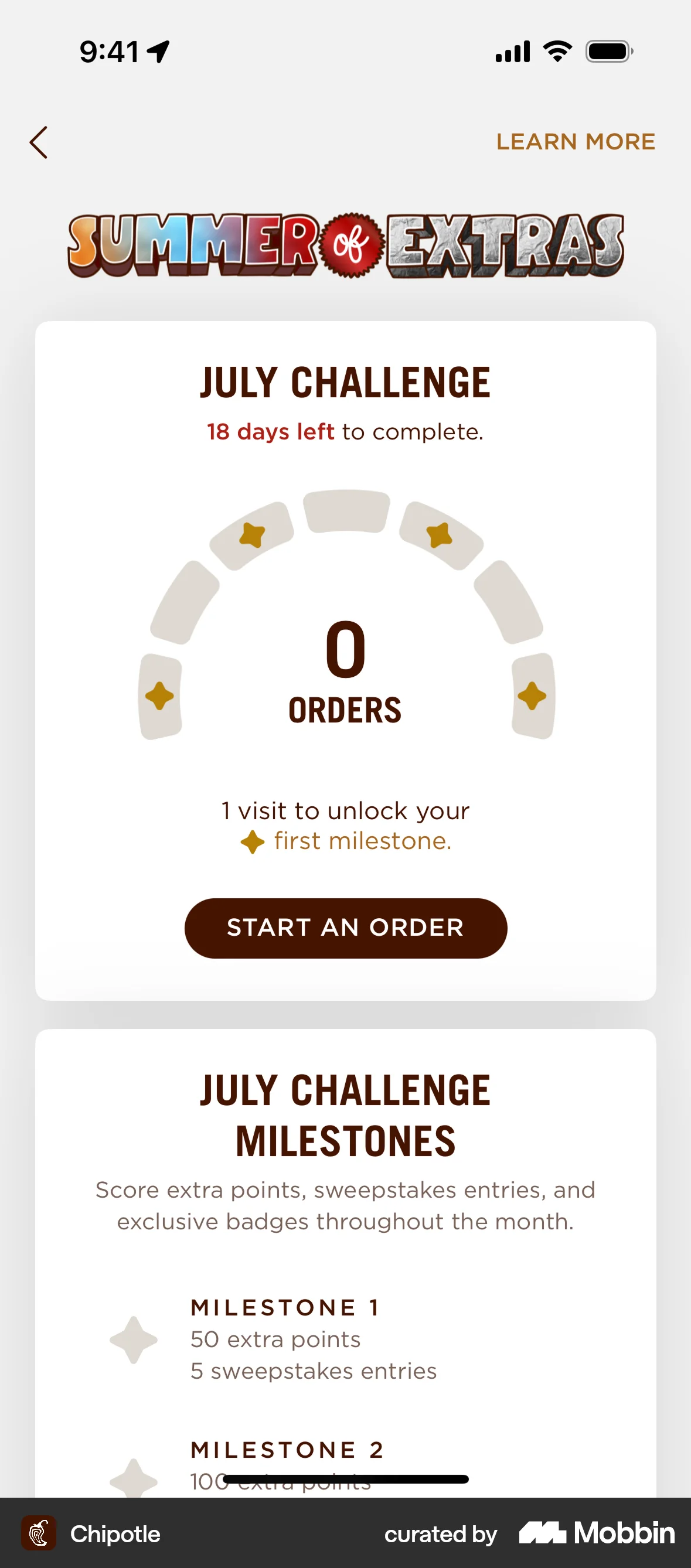
The user activates a summer promotion, views the July challenge, and tracks progress towards milestones and badges. The flow showcases the activation and engagement with the "SUMMER of EXTRAS" program.

The user enables a coin collection feature. The flow shows the user toggling a switch to activate the coin collection.

The user enables data sharing preferences to receive promotional content. The settings are saved successfully.

The user navigates to the settings and enables story notifications. The flow demonstrates how to turn on notifications.
The user flow demonstrates how to share live location with a contact. It shows starting and stopping the location sharing feature.

The user enables and configures a custom delivery location with a specified delivery fee. The updated settings are then displayed on the location & delivery screen.
The user enables the "Always available" option in the pickup and return hours settings. The system confirms that the changes have been saved.

The user navigates to the settings page and enables the "Silent Mode (M1)" option by toggling the switch.

The user disables alerts for a followed item and then unfollows the item. The flow showcases managing followed items and their alert settings.

1020 Flows
350 Flows

441 Flows

692 Flows
500 Flows

1703 Flows