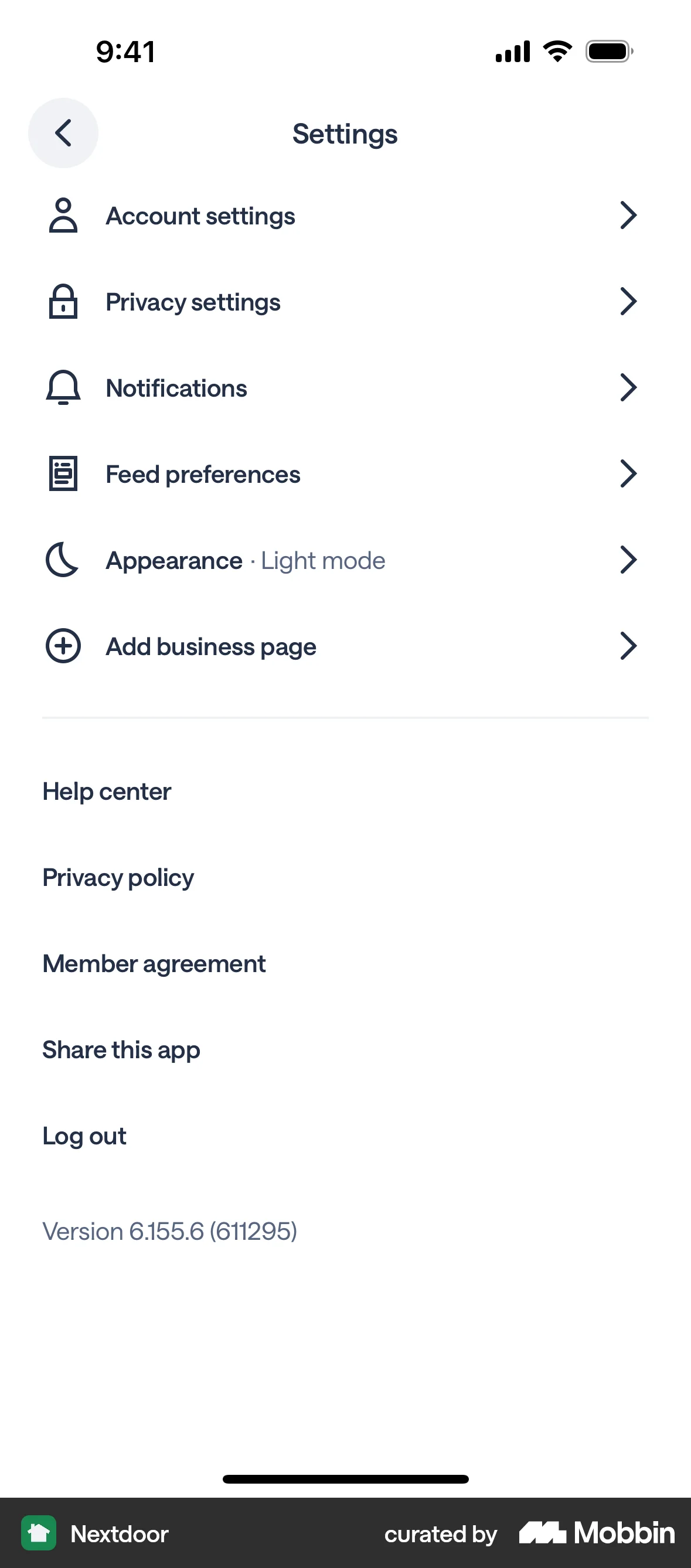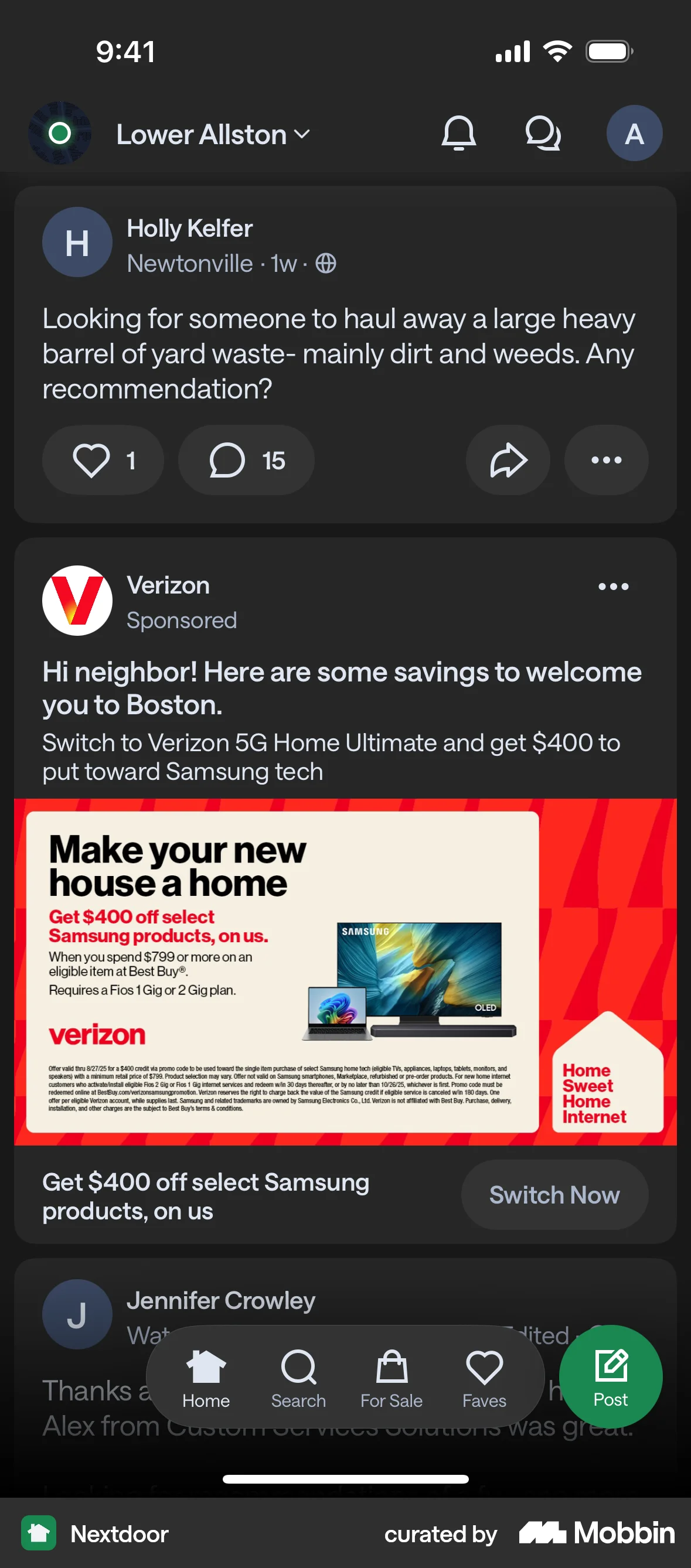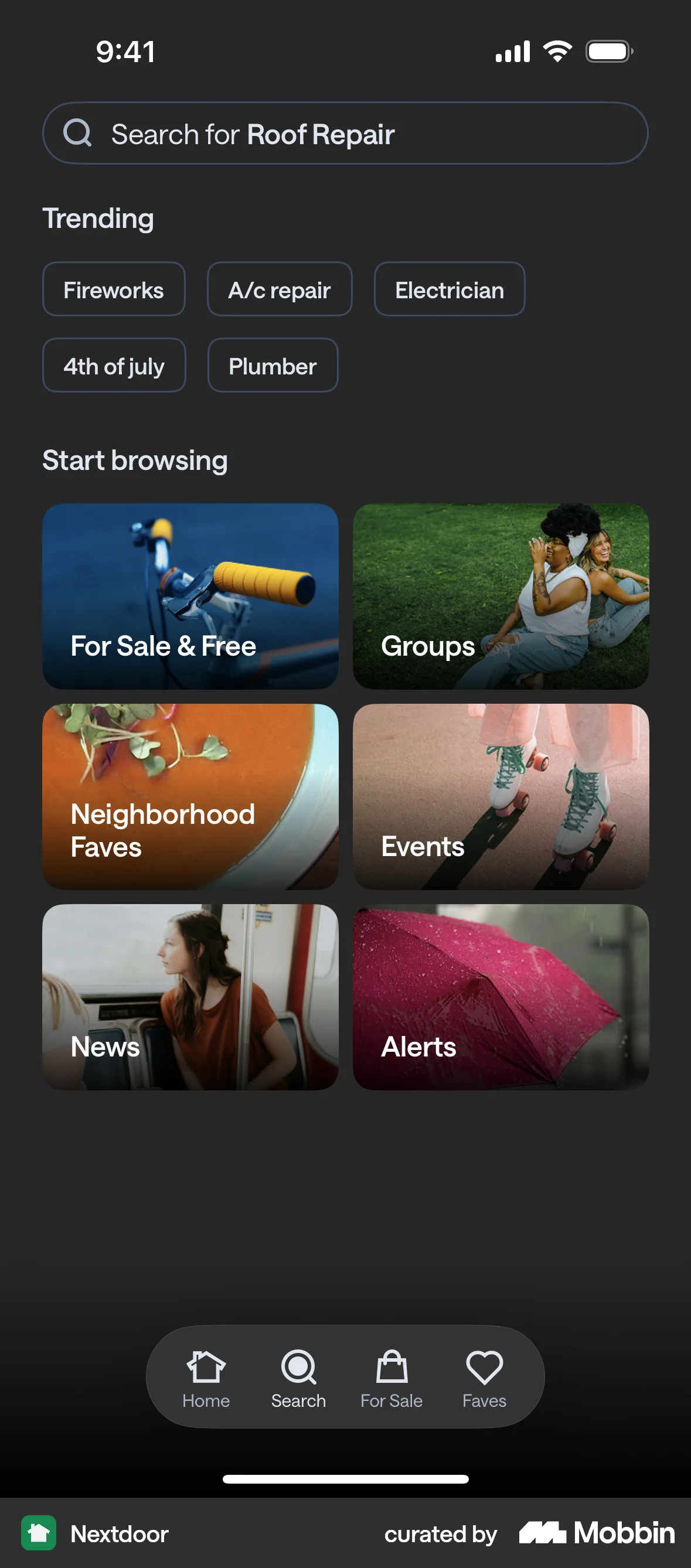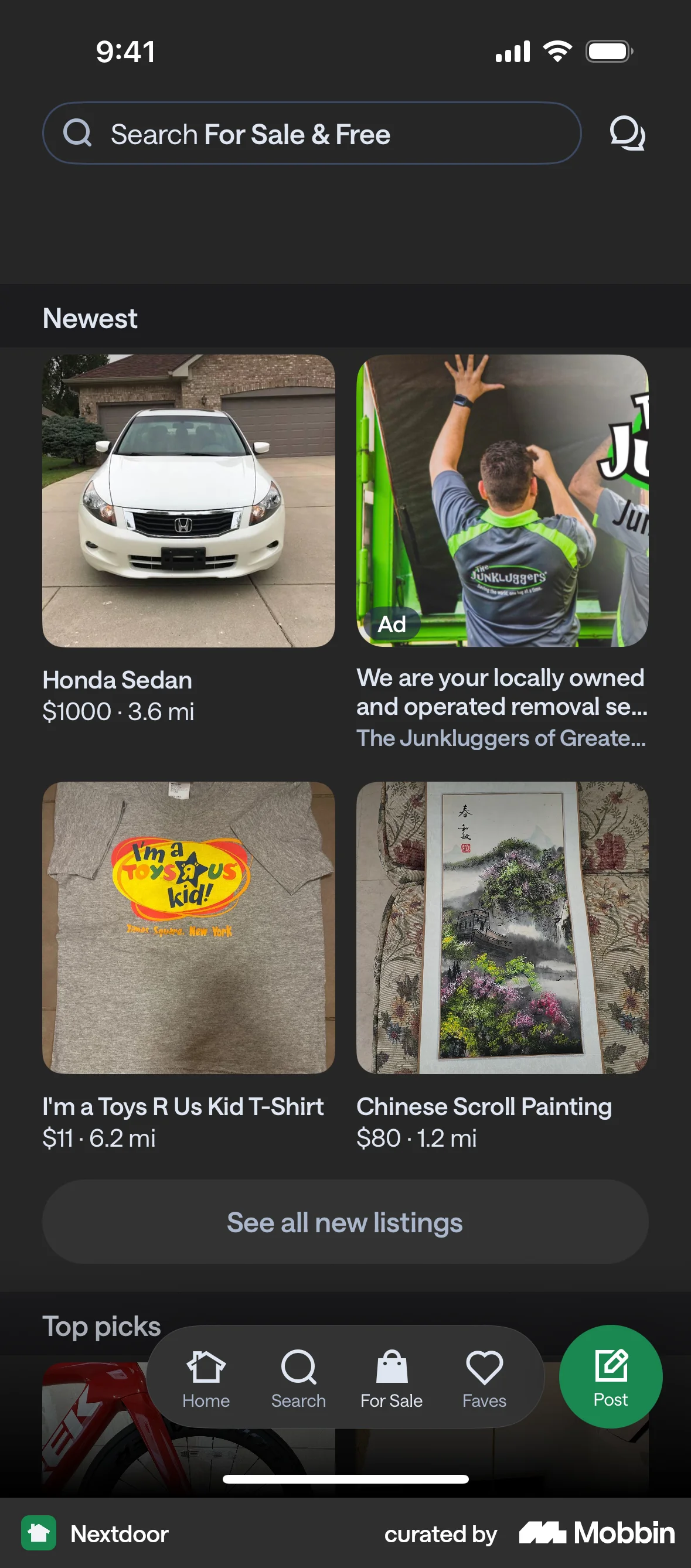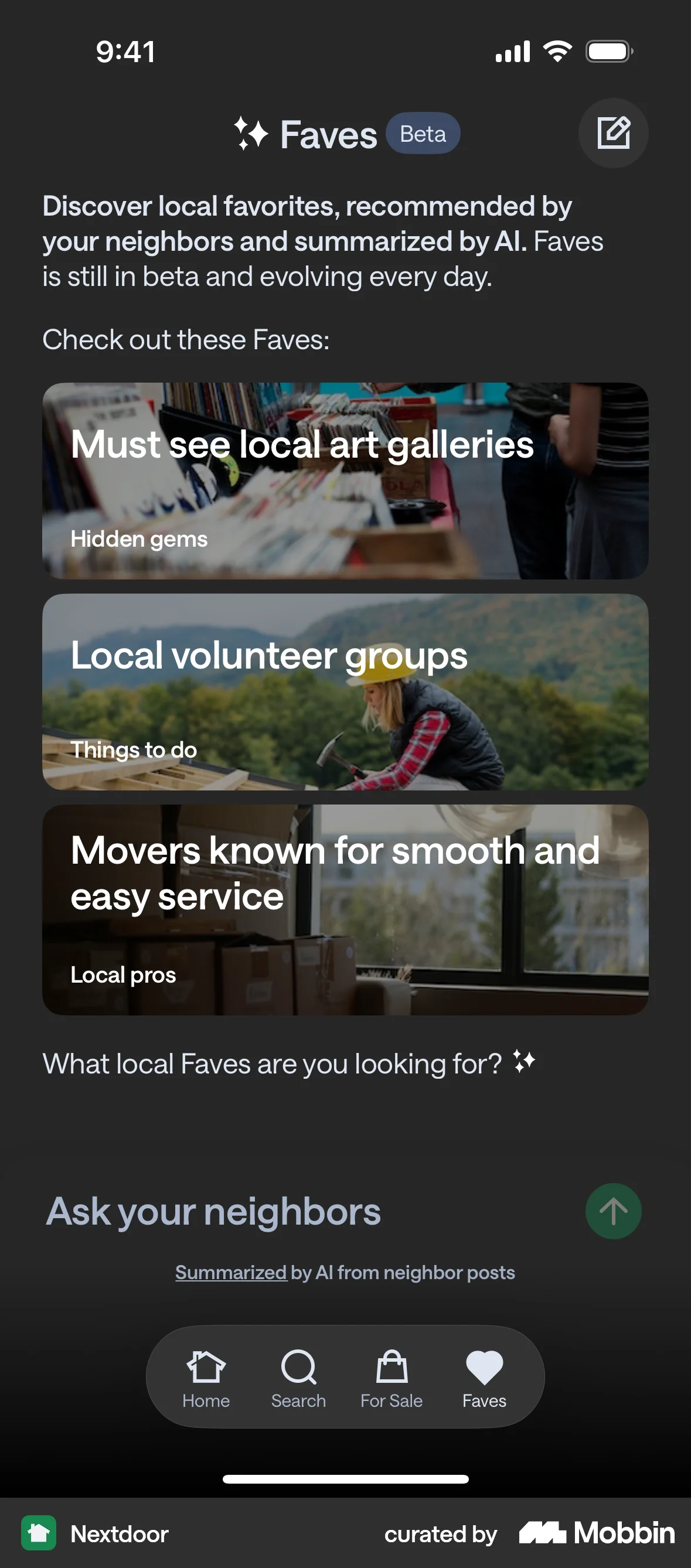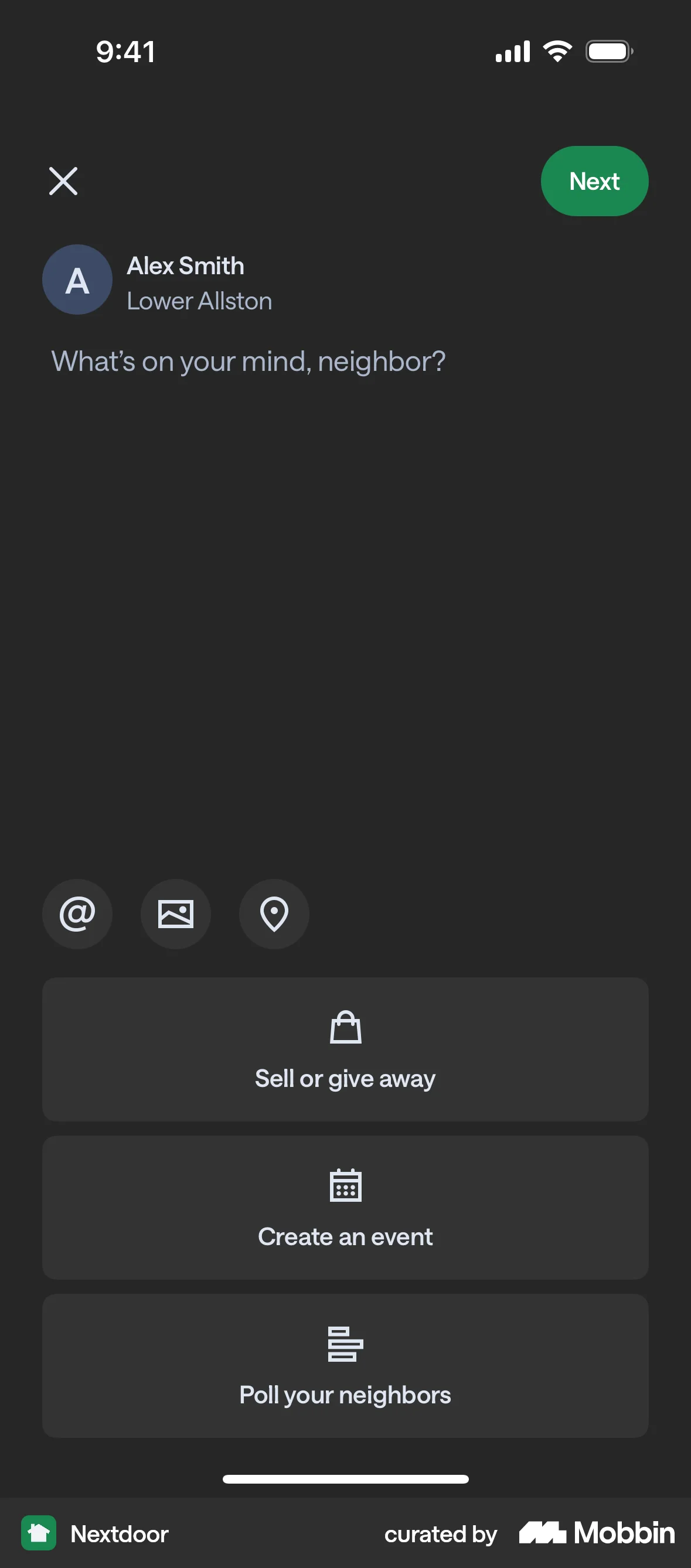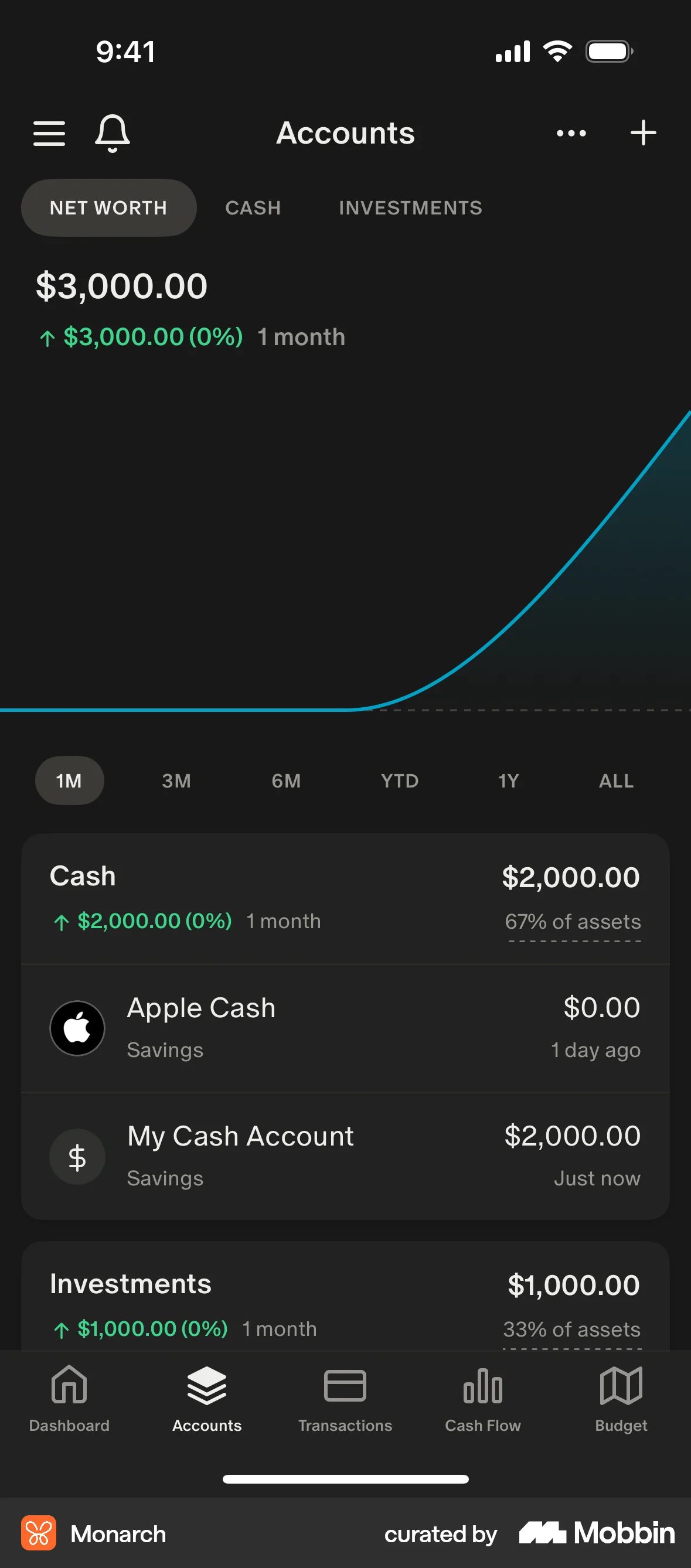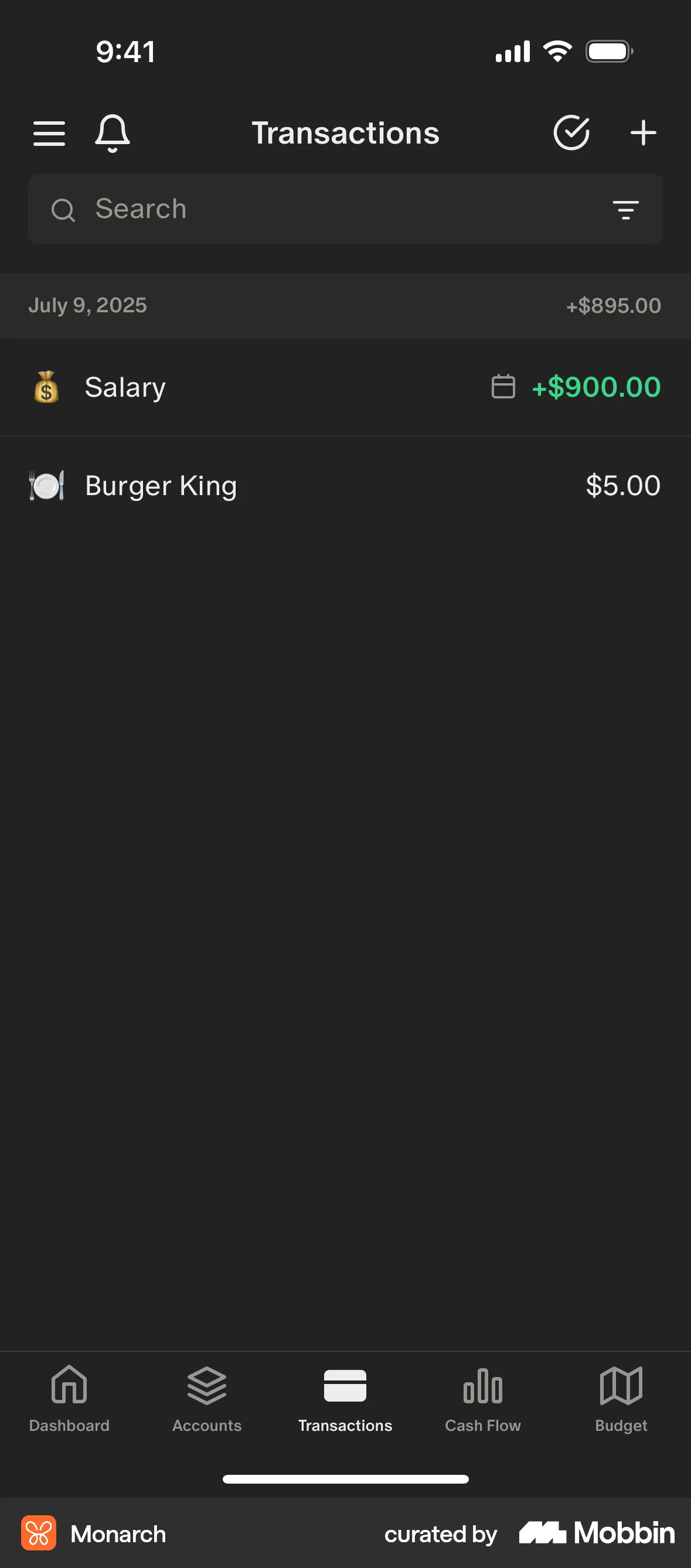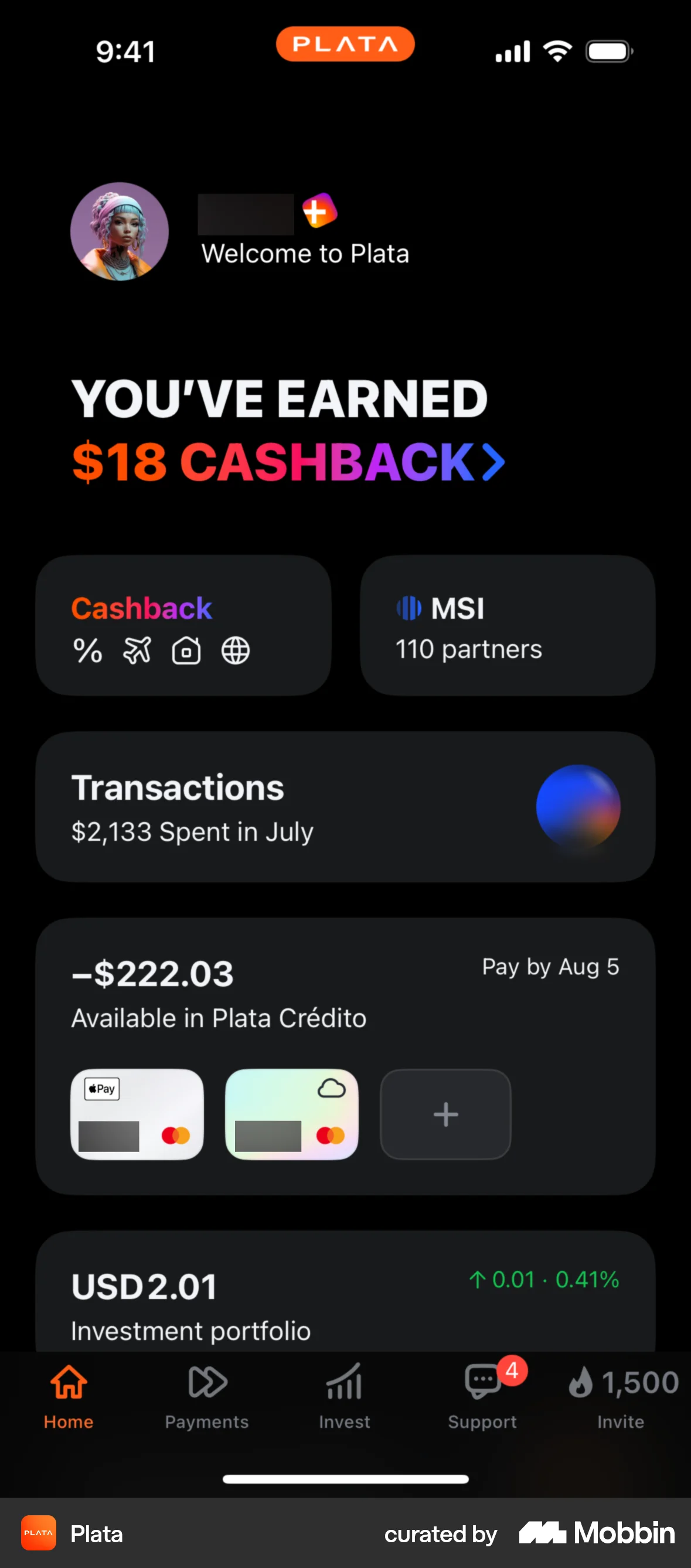

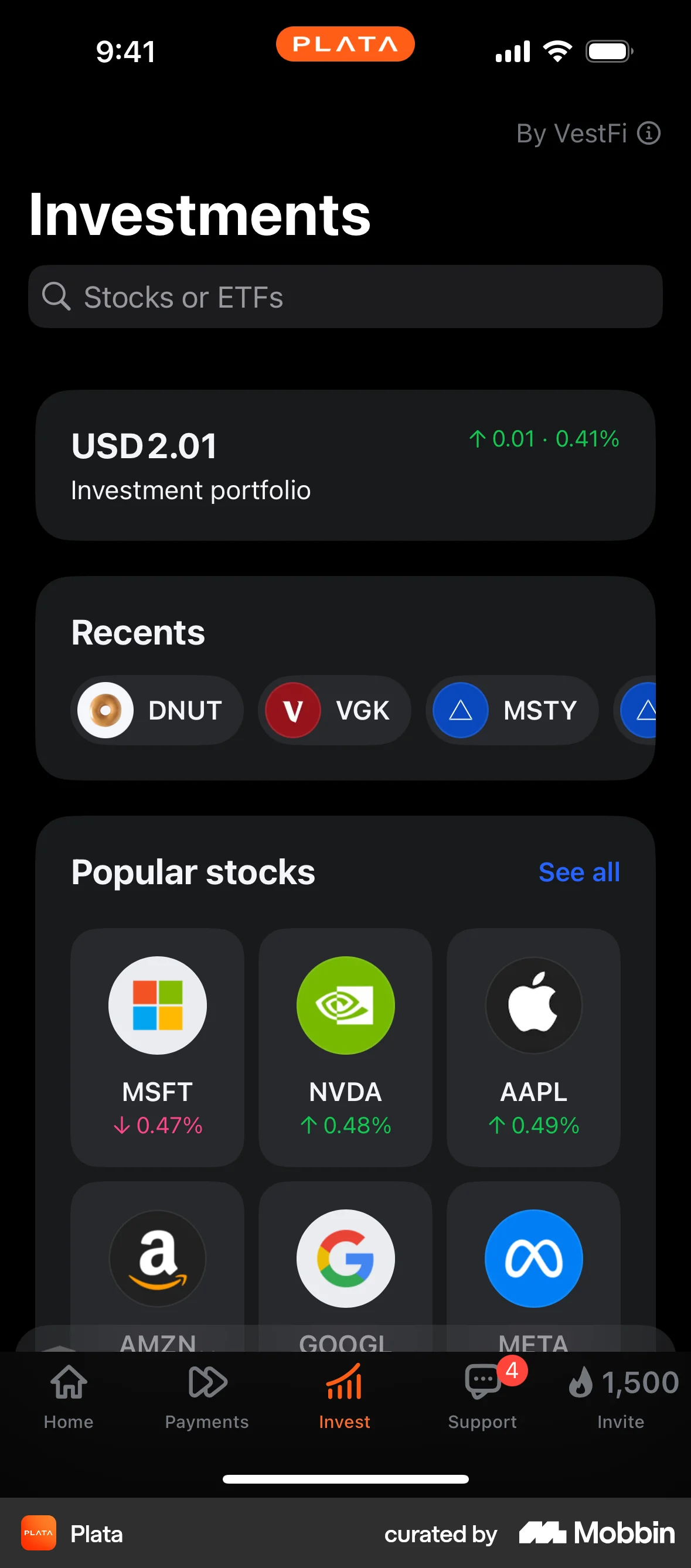


Switching to dark modeon Plata Card
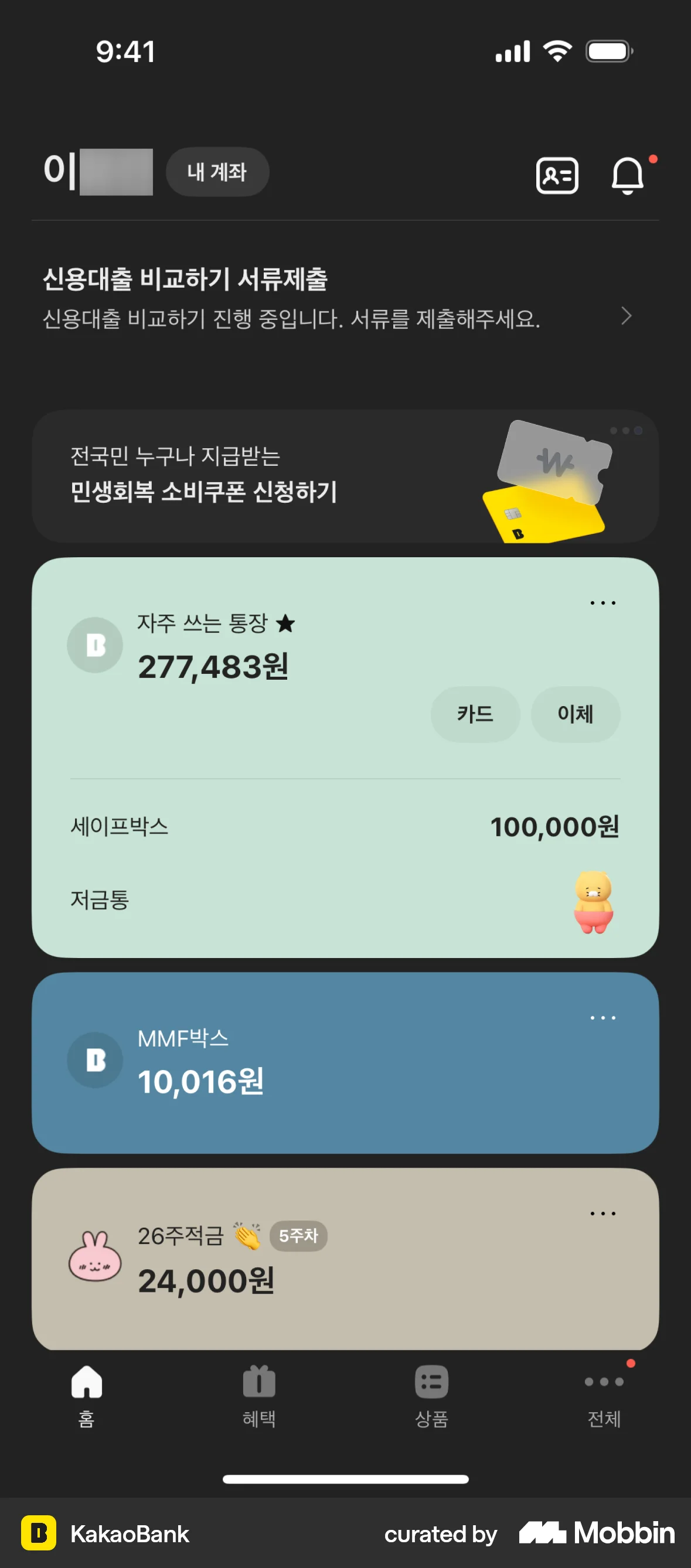
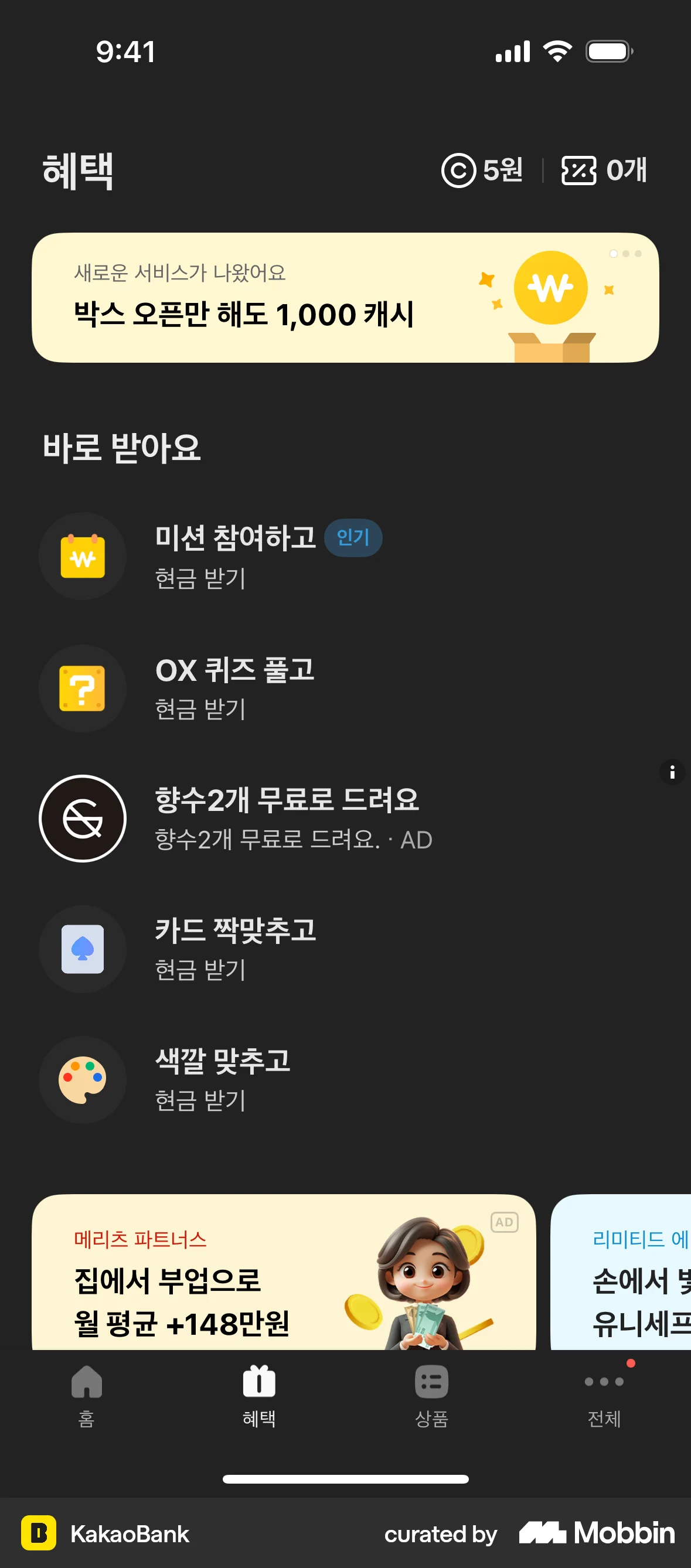
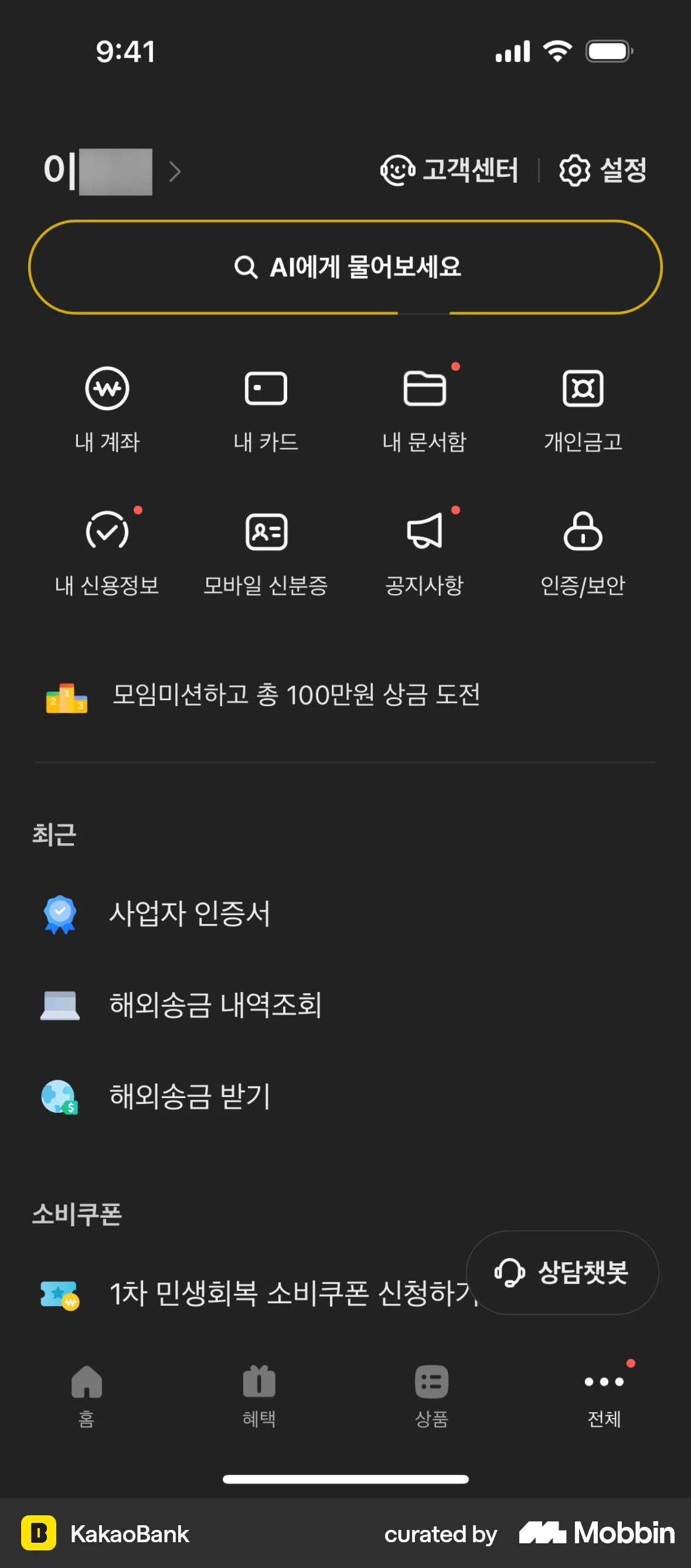
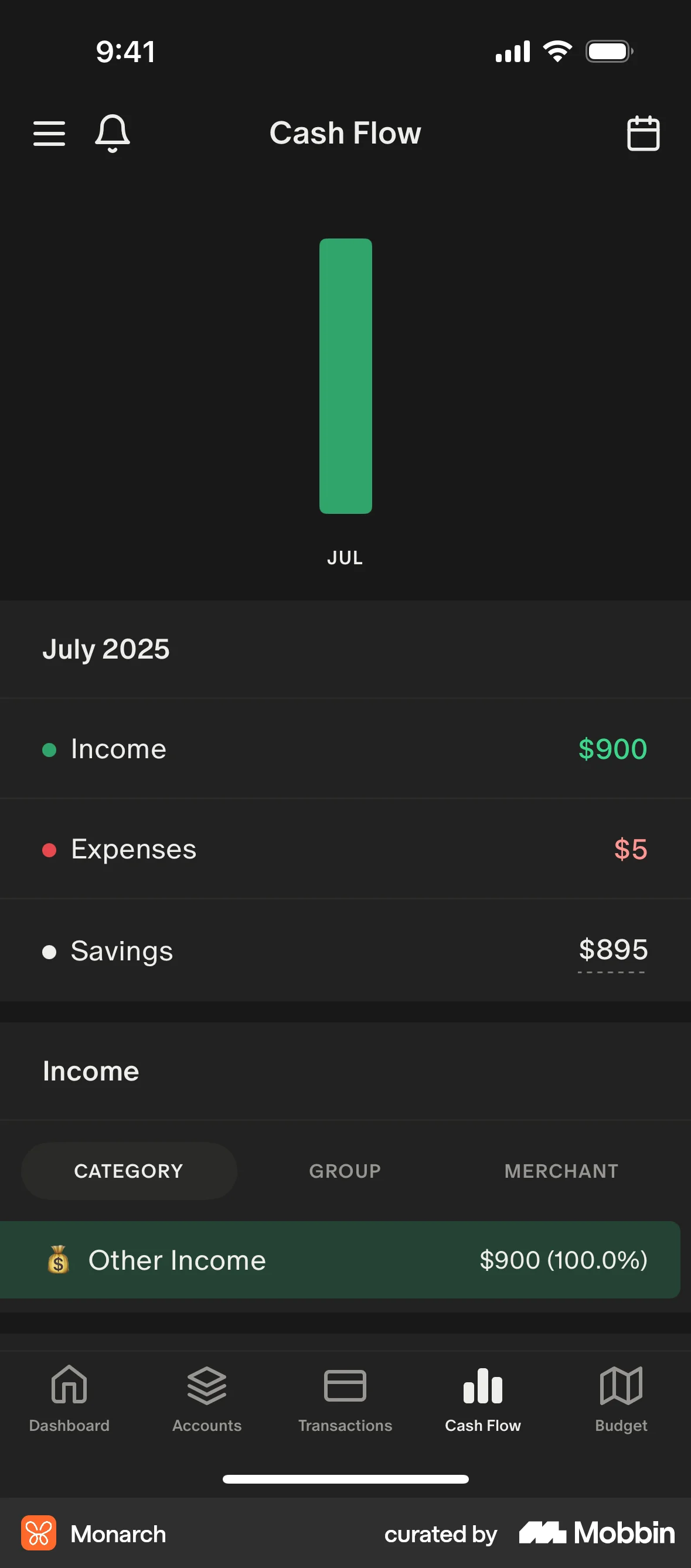
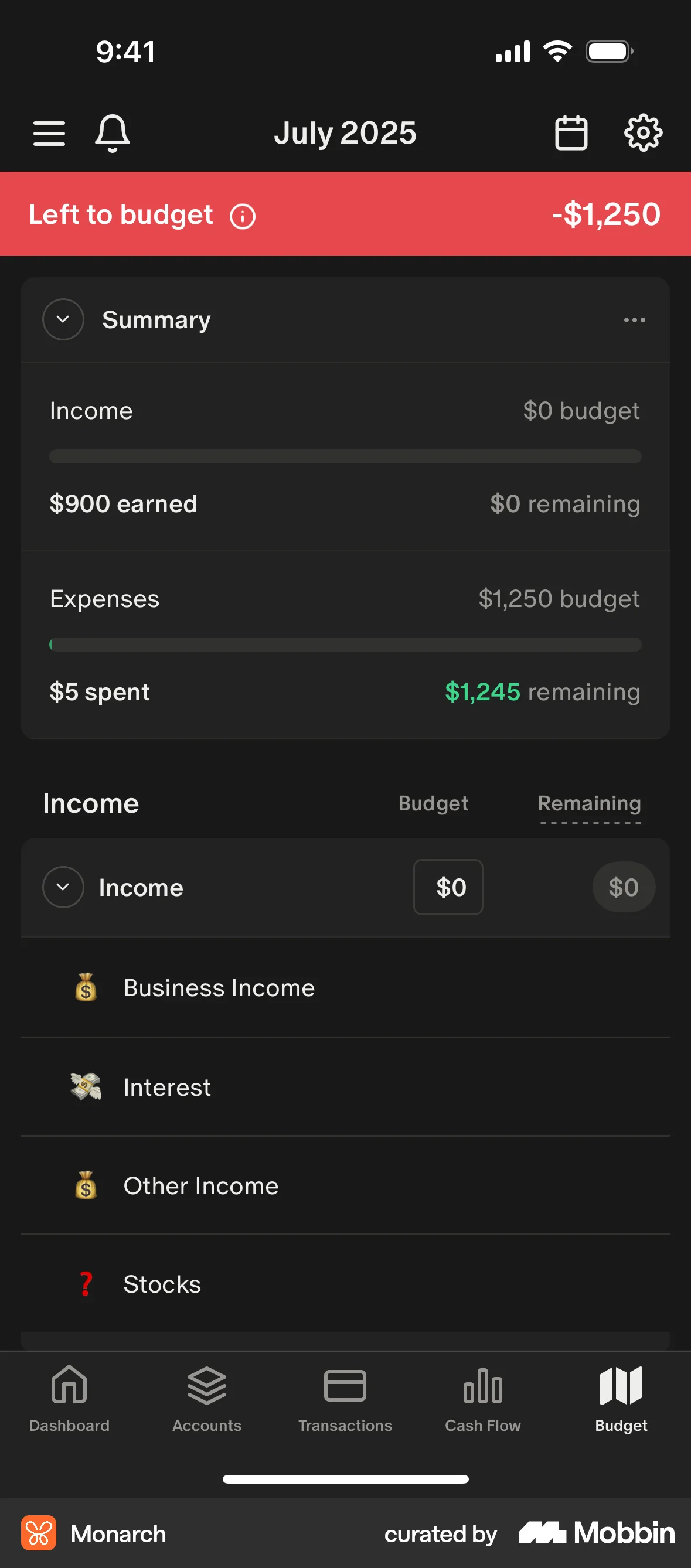
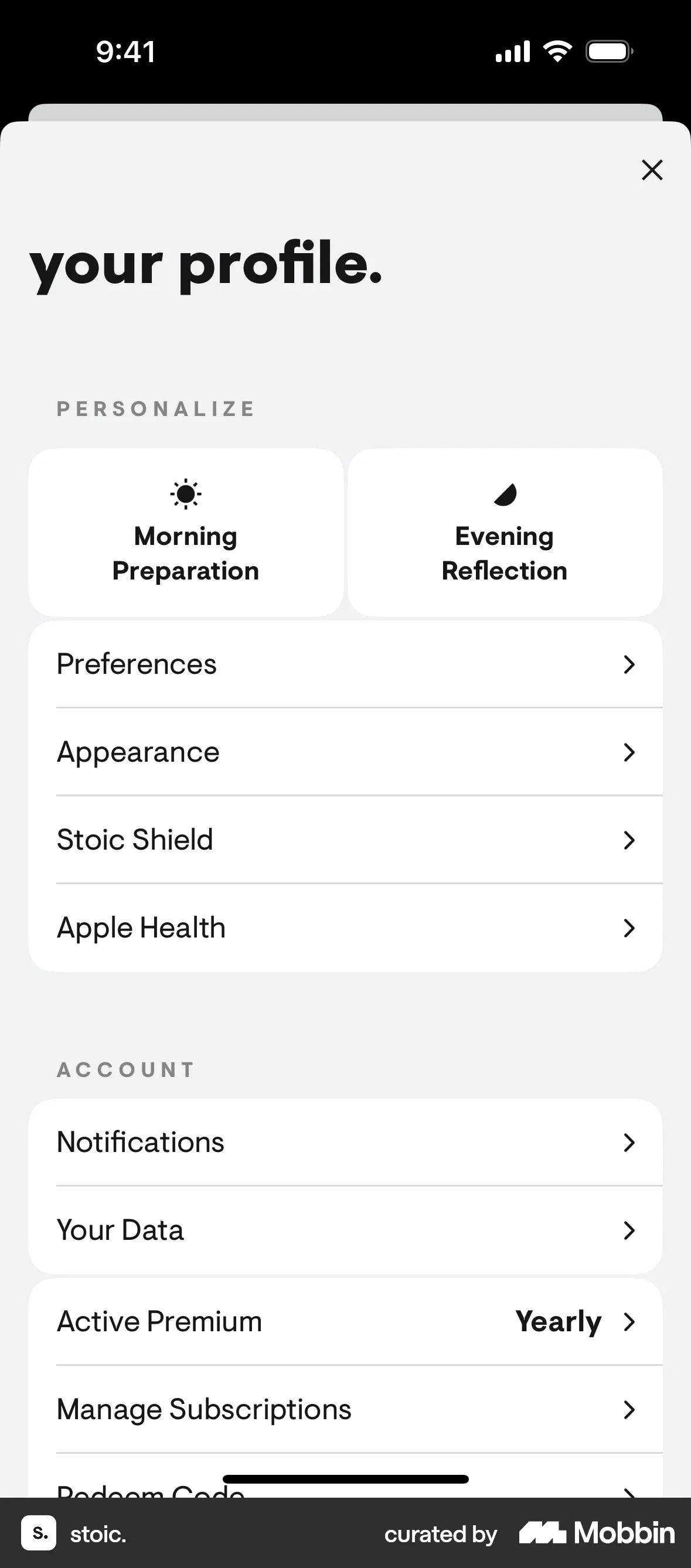
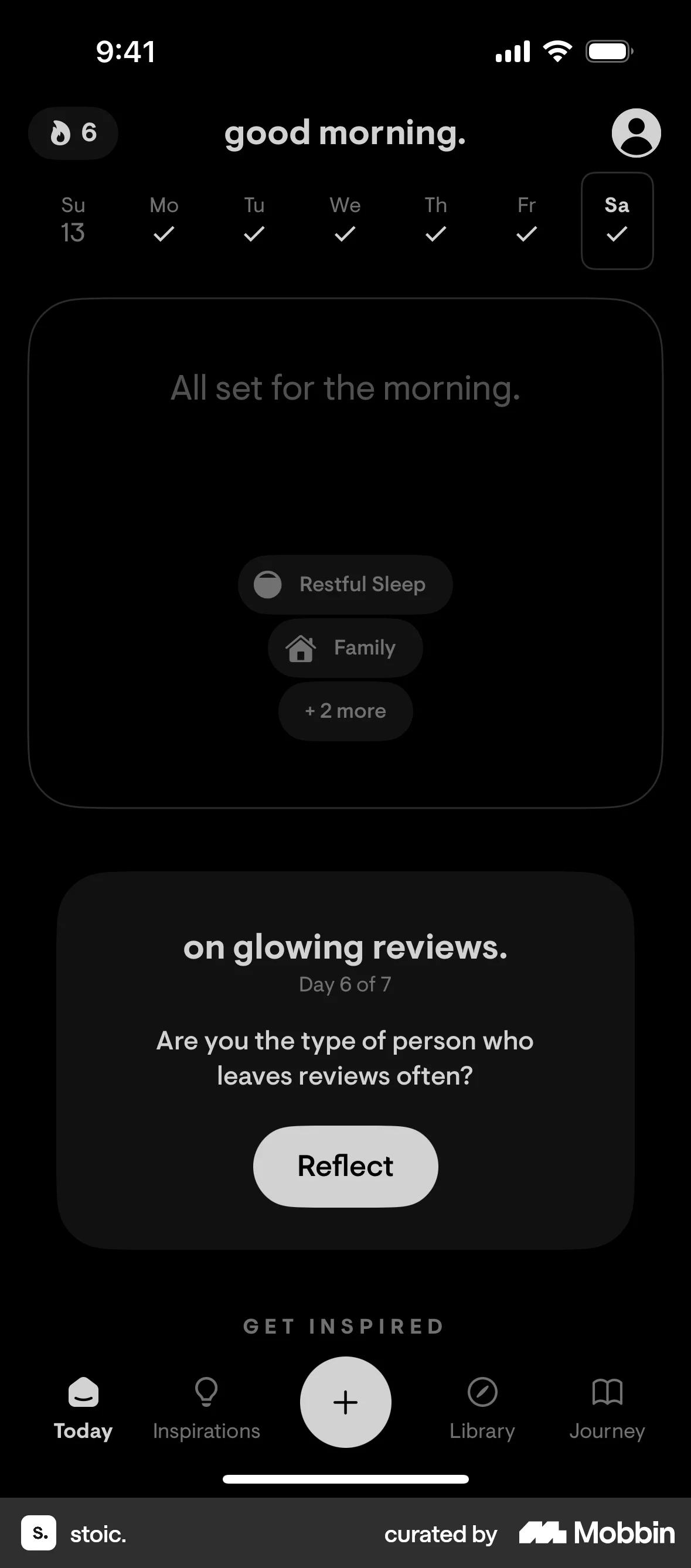
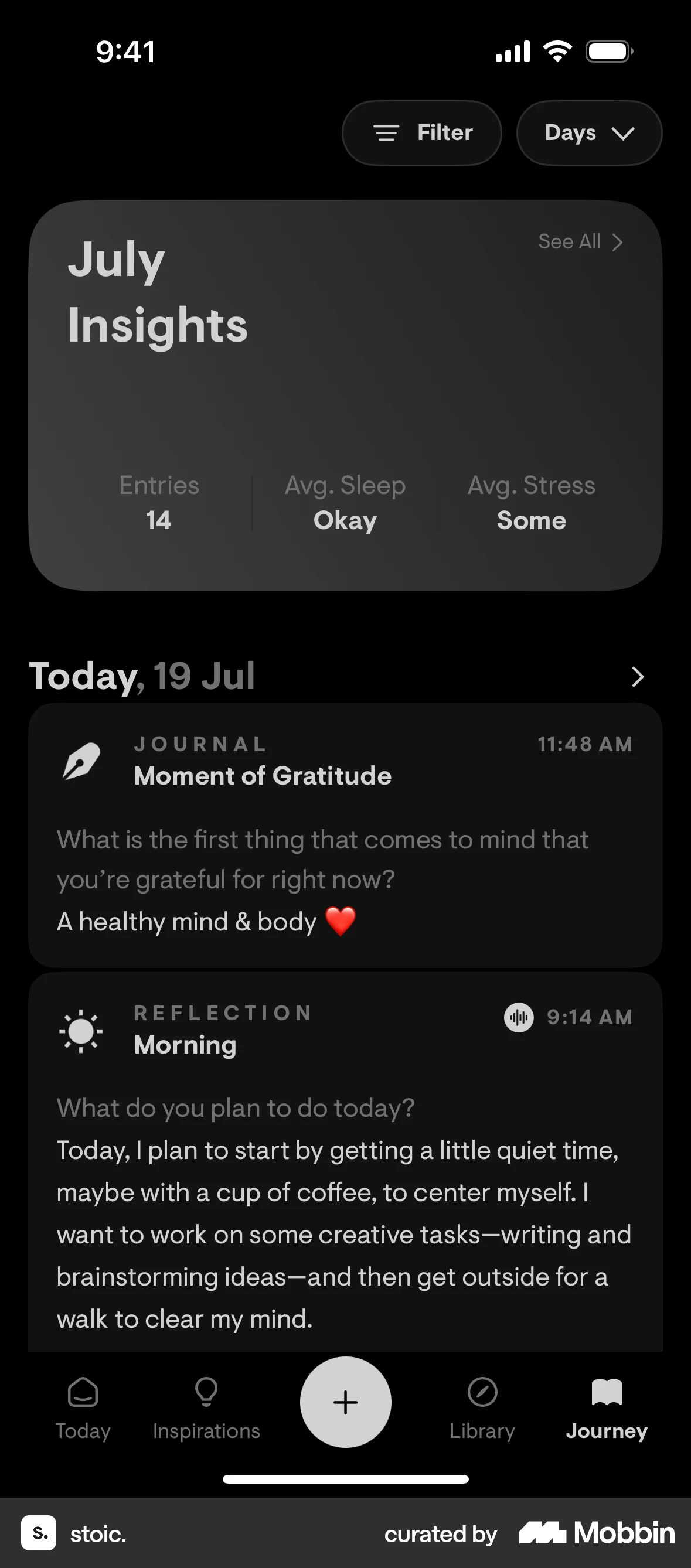
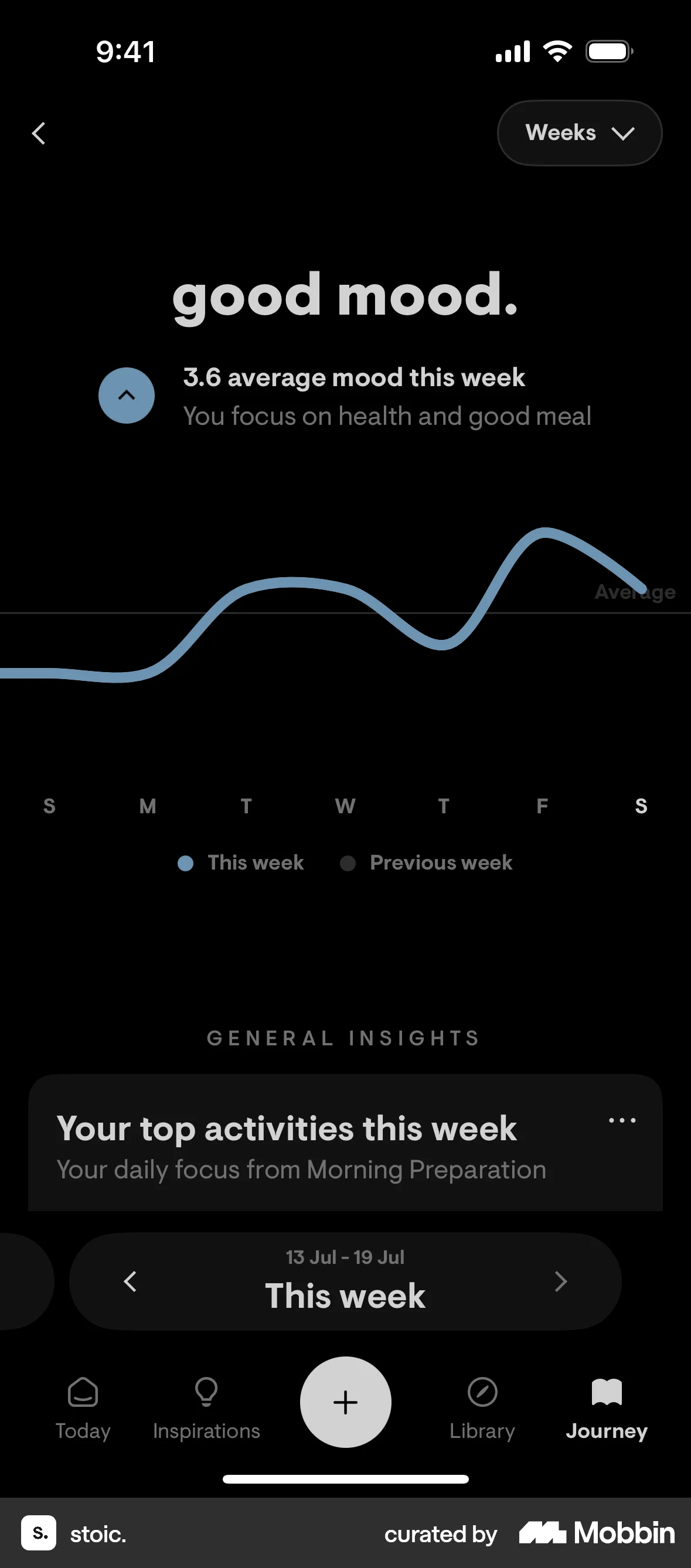
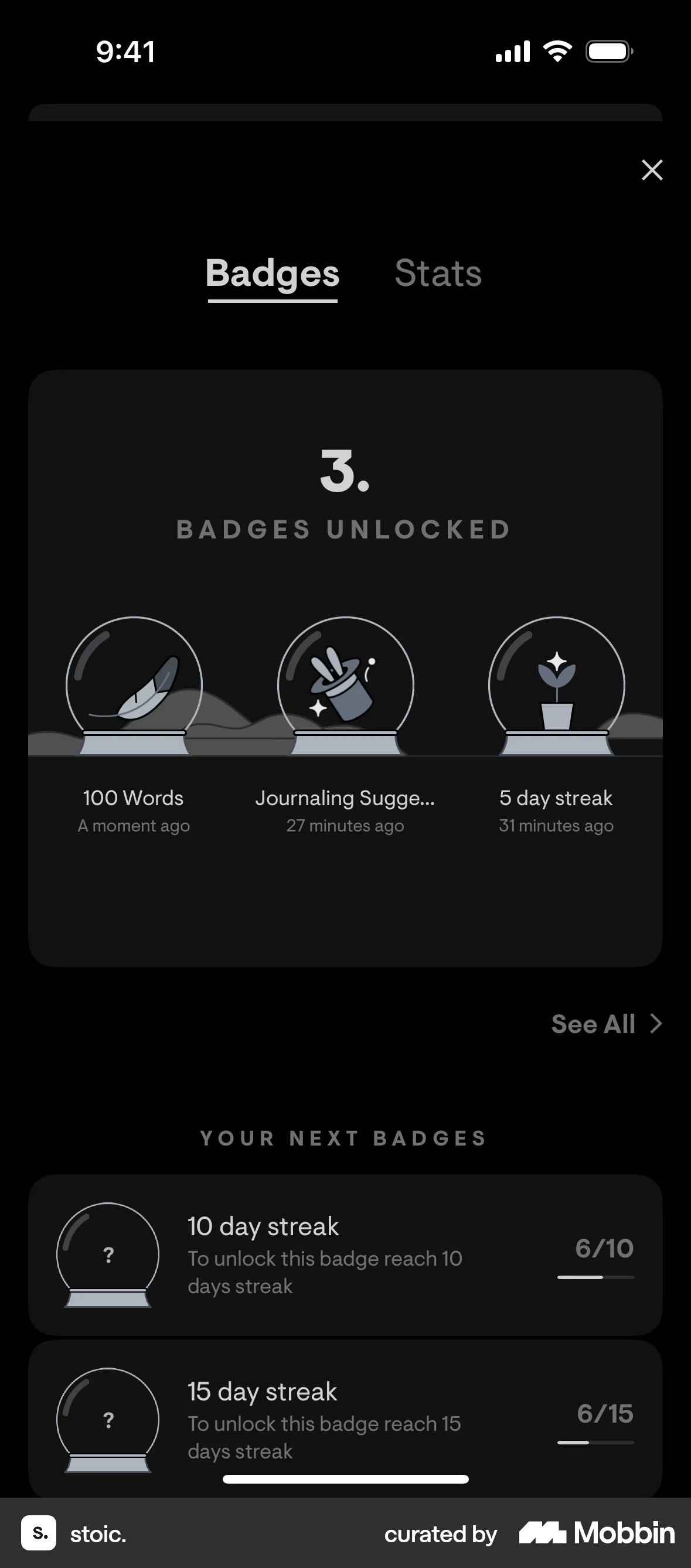
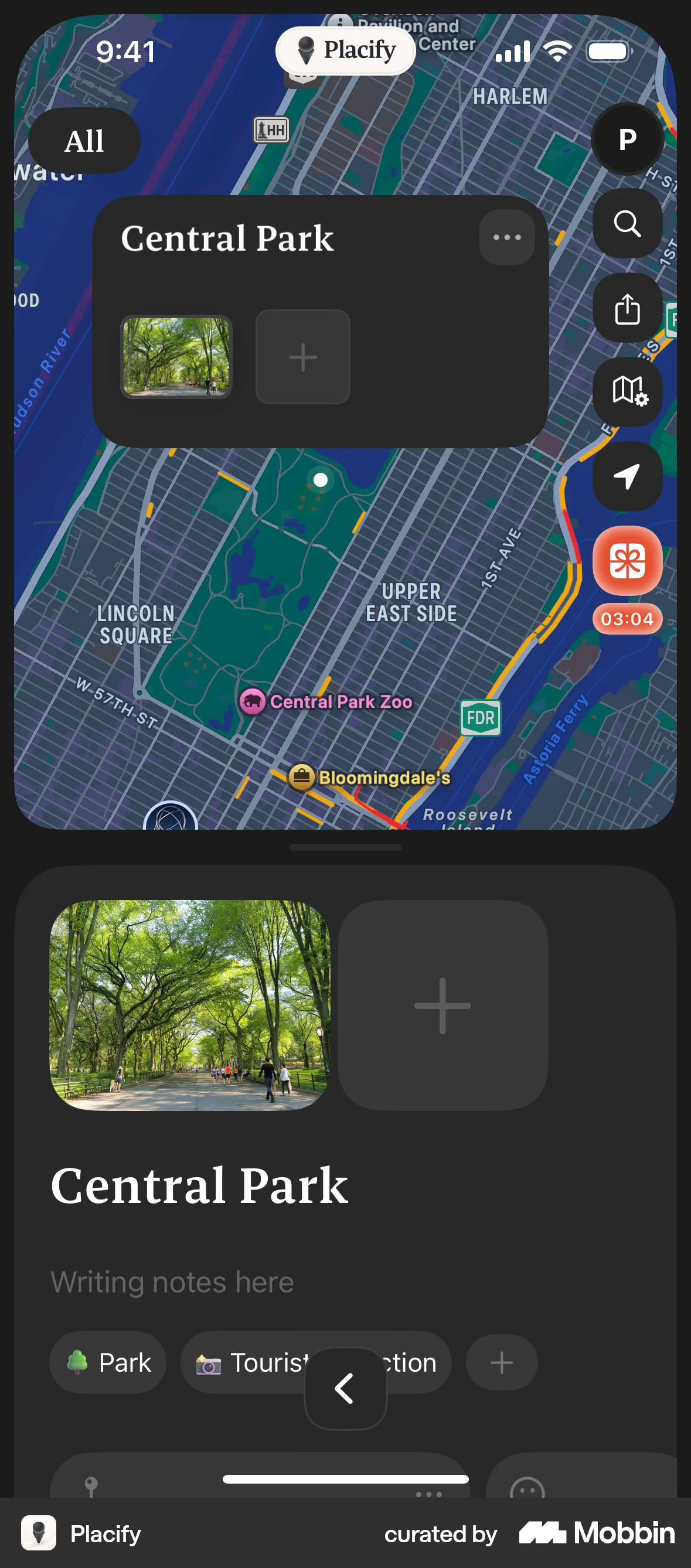
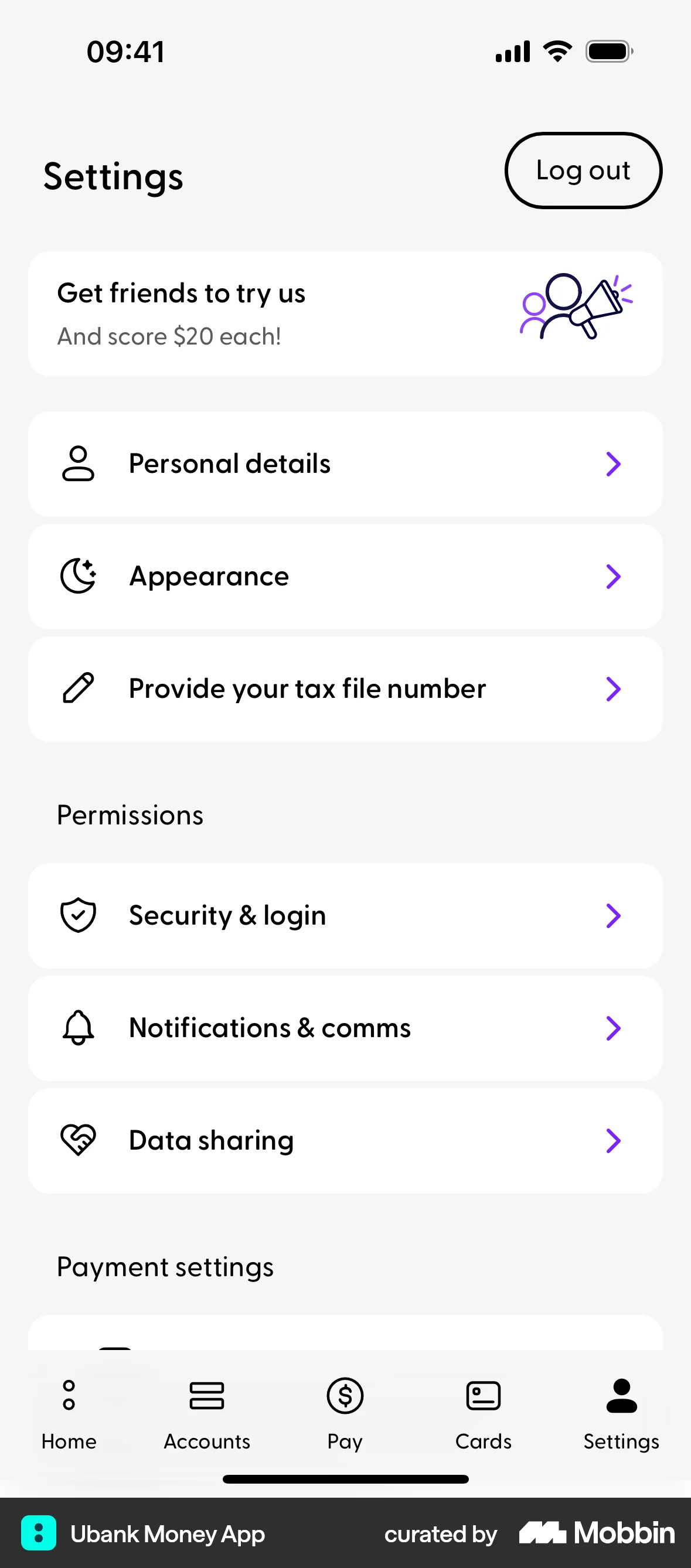
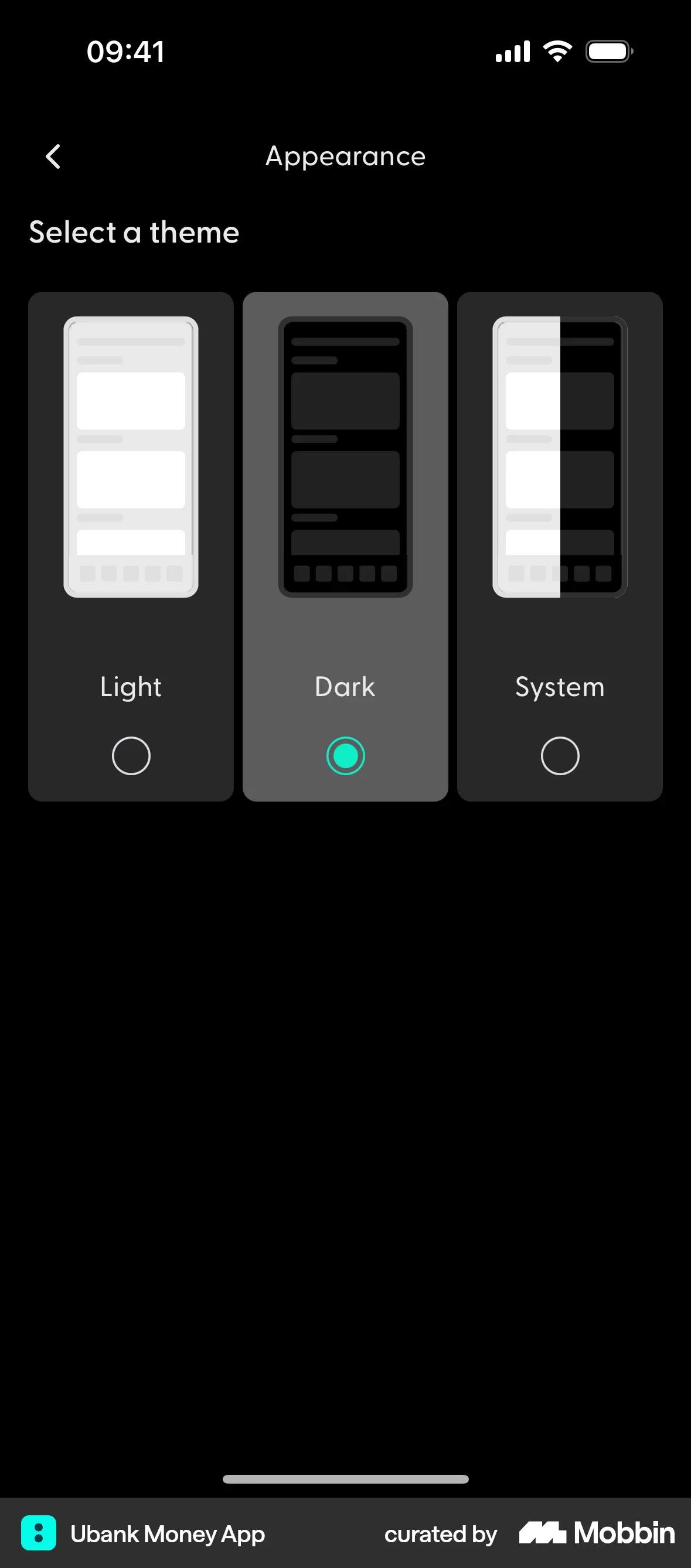
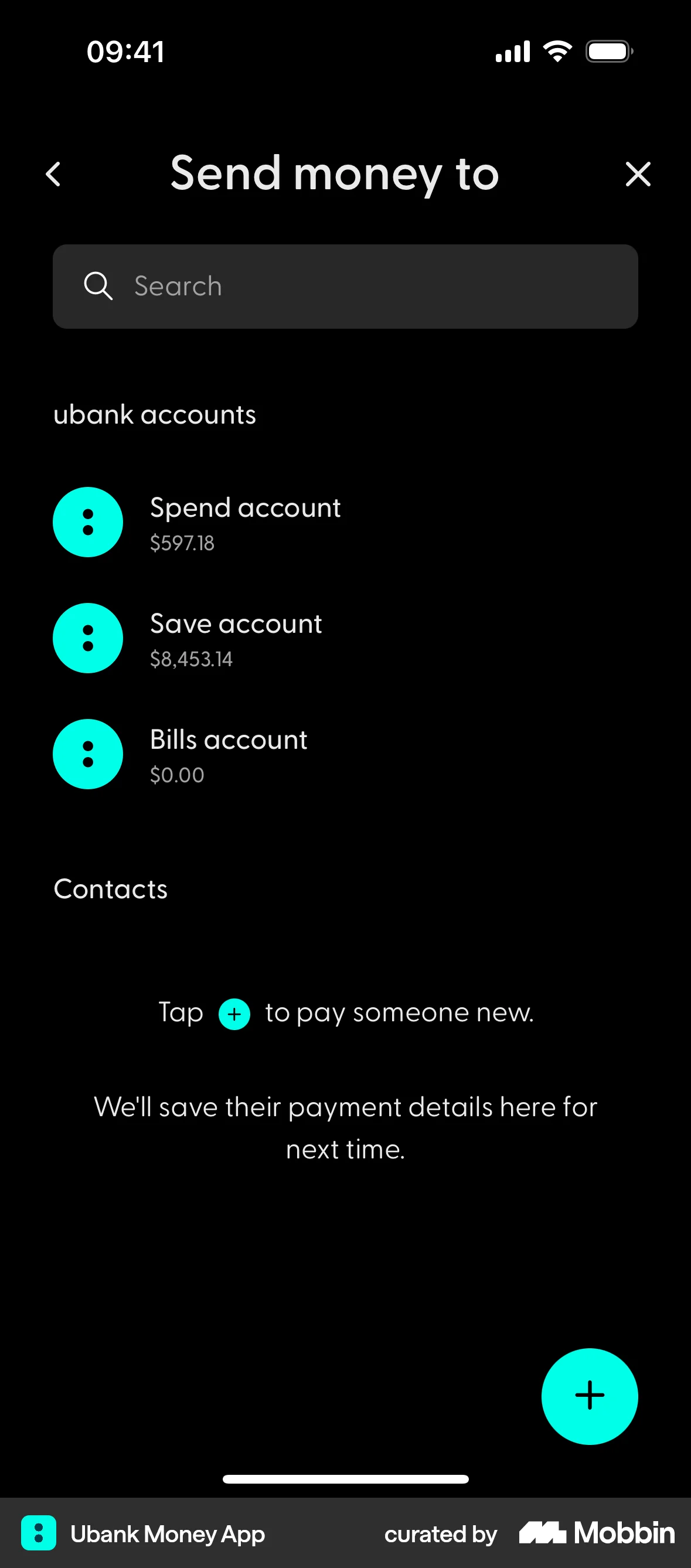
The user switches to dark mode via appearance settings. The app then displays all screens in dark mode.
Discover best mobile app designs for Switching to Dark Mode flows. Get inspired by the best apps in the world.
The user switches to dark mode via appearance settings. The app then displays all screens in dark mode.

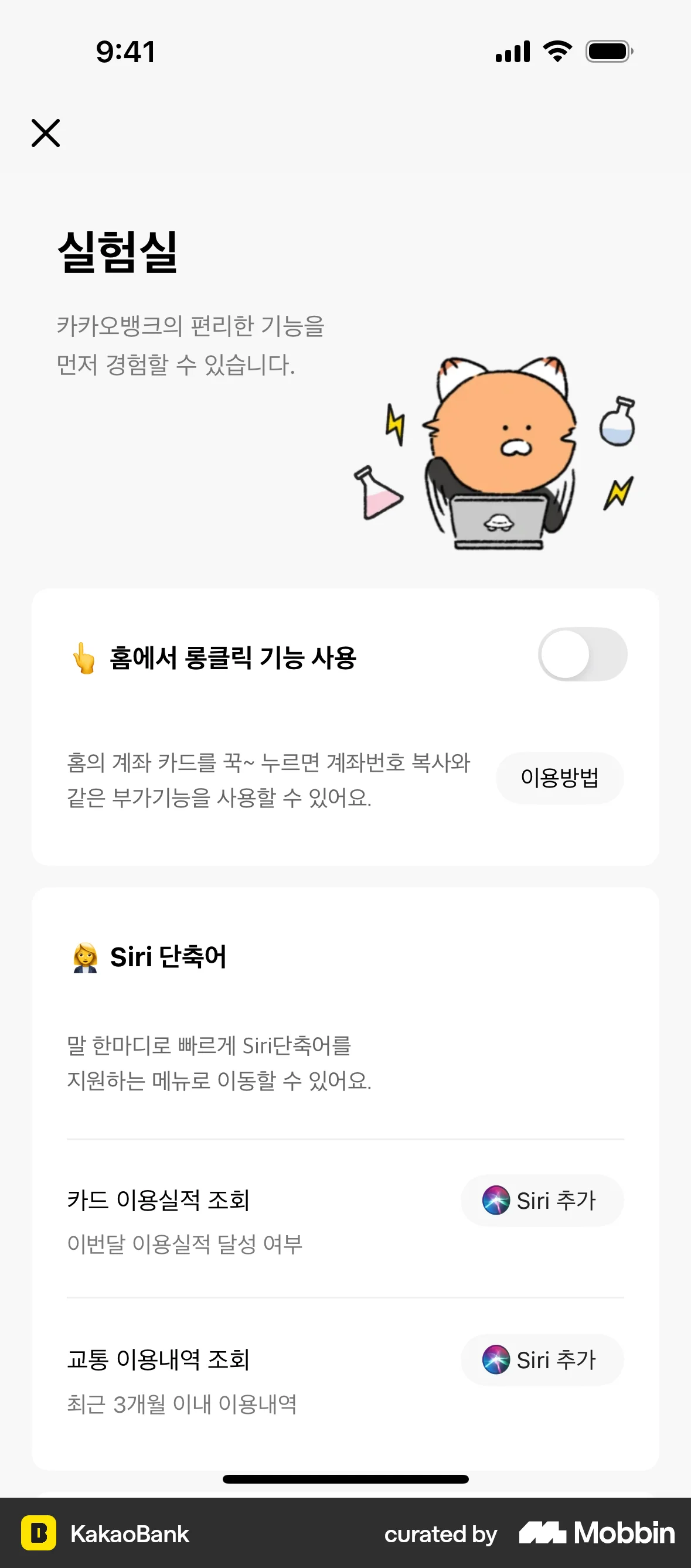
The user enables dark mode by toggling the day/night theme in experiments settings. The app then switches to dark mode across different tabs.

The user navigates through the app settings to switch from light mode to dark mode. The flow showcases the app's interface adapting to the selected dark mode theme.

The user navigates to display settings and switches to dark mode. The app then displays all sections in dark mode.

The user switches the app to dark mode by navigating through the settings. The app then displays in dark mode.
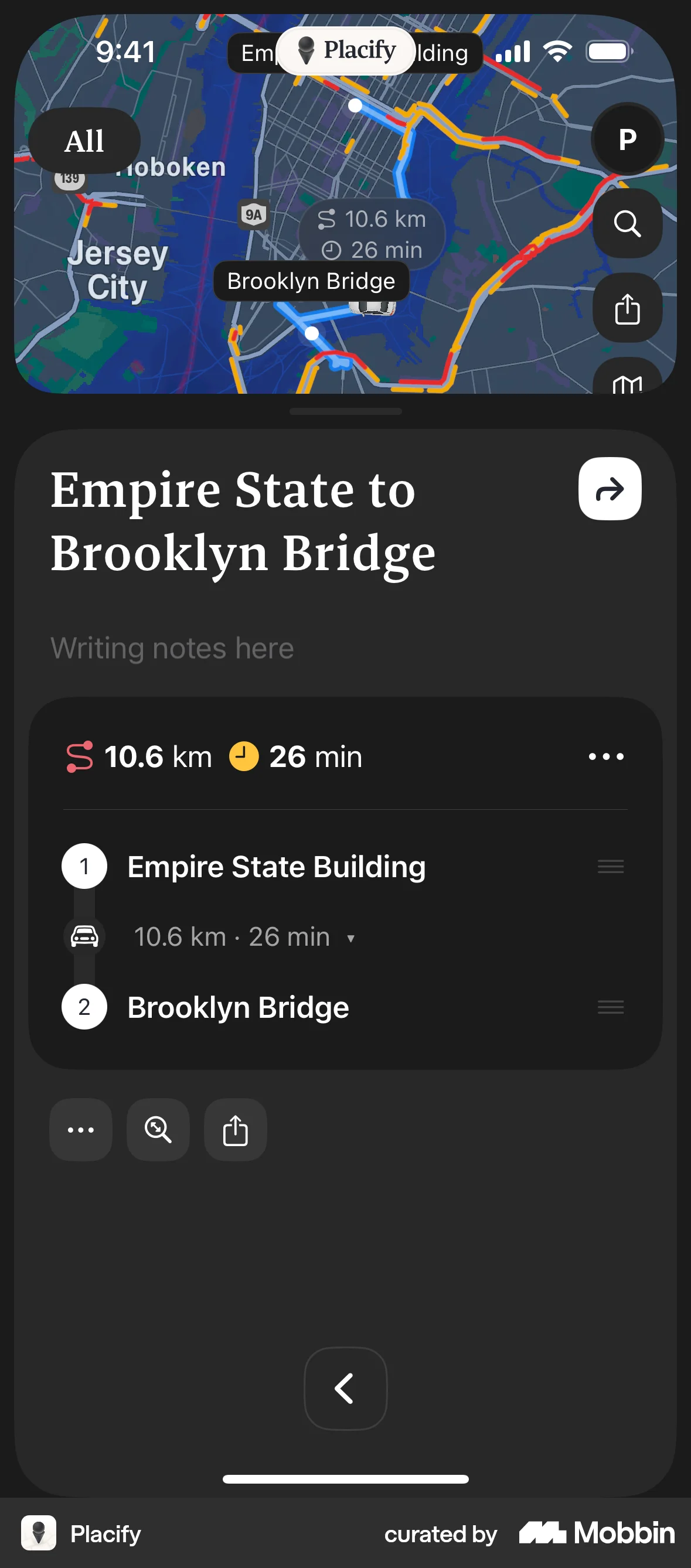
The user navigates through the app, switching to dark mode in settings and then viewing the map and route details. The flow showcases the app's appearance in dark mode.

The user navigates to settings and switches the app theme to dark mode. The user then views different sections of the app in the new dark mode theme.

The user switches the app theme to dark mode and enables increased contrast. The user then views different screens in dark mode.

The user toggles the app's color scheme from night mode to day mode. The interface changes color and the button text updates accordingly.

The user switches the theme to light mode and then navigates through the app to place a buy order for a stock.

The user switches the New York Times app to dark mode. The flow showcases the app's interface in dark mode across different sections.

The user switches to dark mode, views Bitcoin details, and navigates to the 'Buy BTC' screen. The flow showcases a purchase action.

1020 Flows
589 Flows
500 Flows
350 Flows

692 Flows

123 Flows