
Hiding commentson Nextdoor
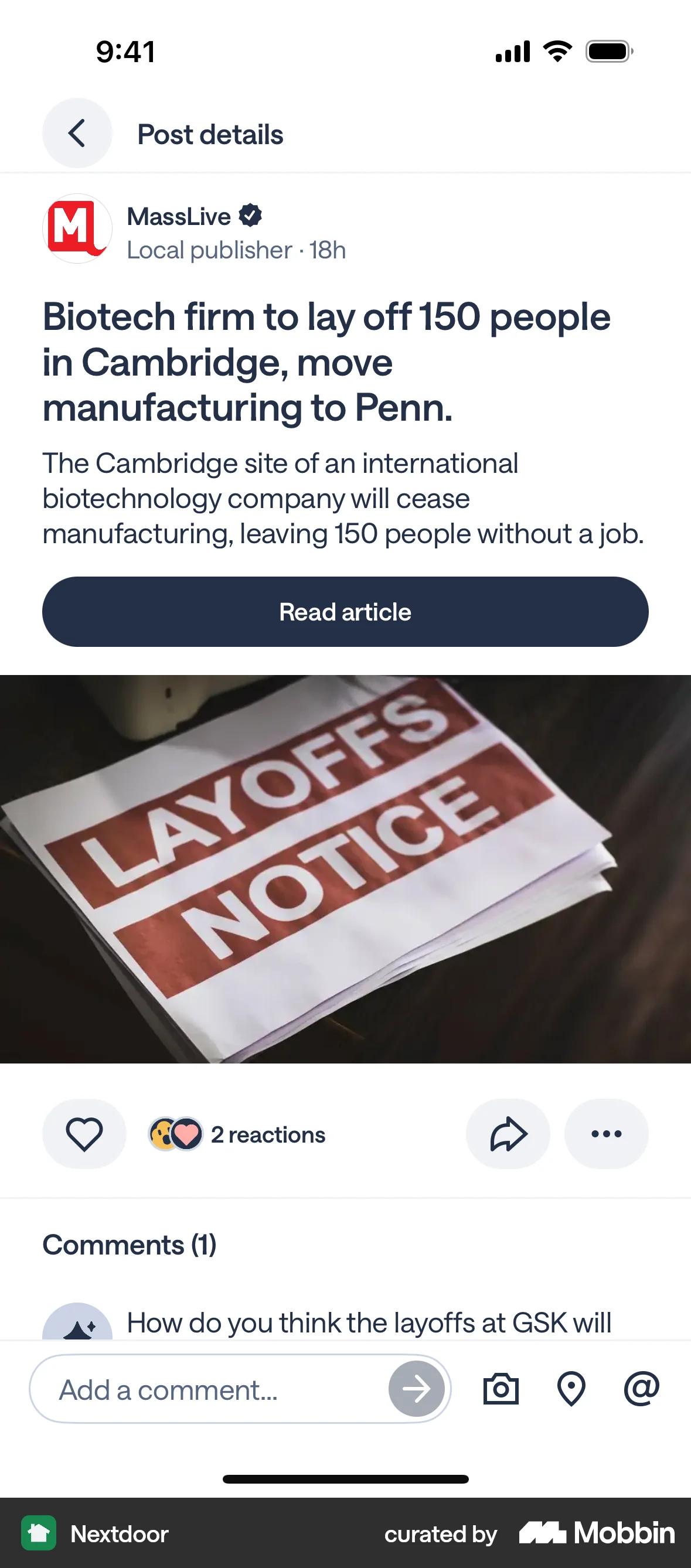
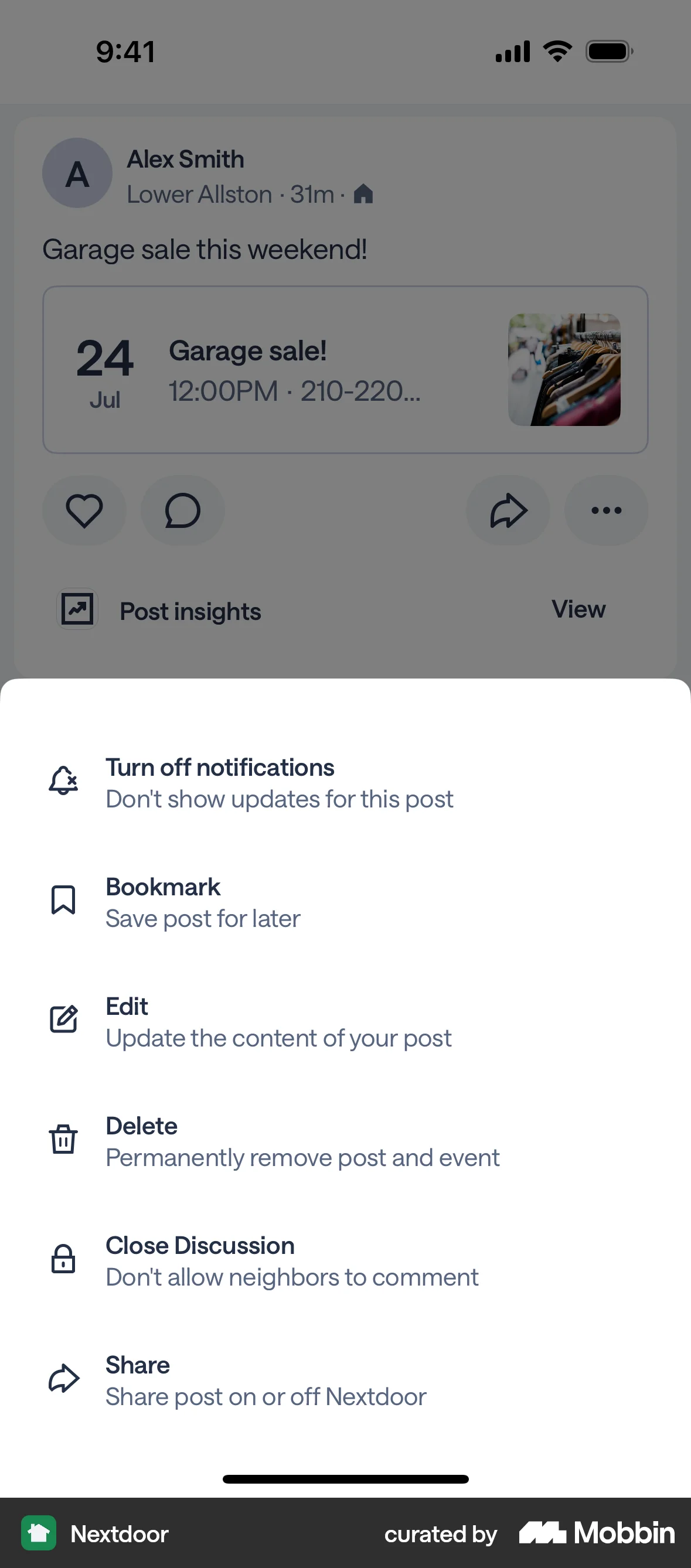
The user flow shows how to hide comments on a post. The user selects 'Close Discussion' from the options menu, resulting in a 'Discussion closed' message.
Discover best mobile app designs for Showing & Hiding flows. Get inspired by the best apps in the world.
The user flow shows how to hide comments on a post. The user selects 'Close Discussion' from the options menu, resulting in a 'Discussion closed' message.

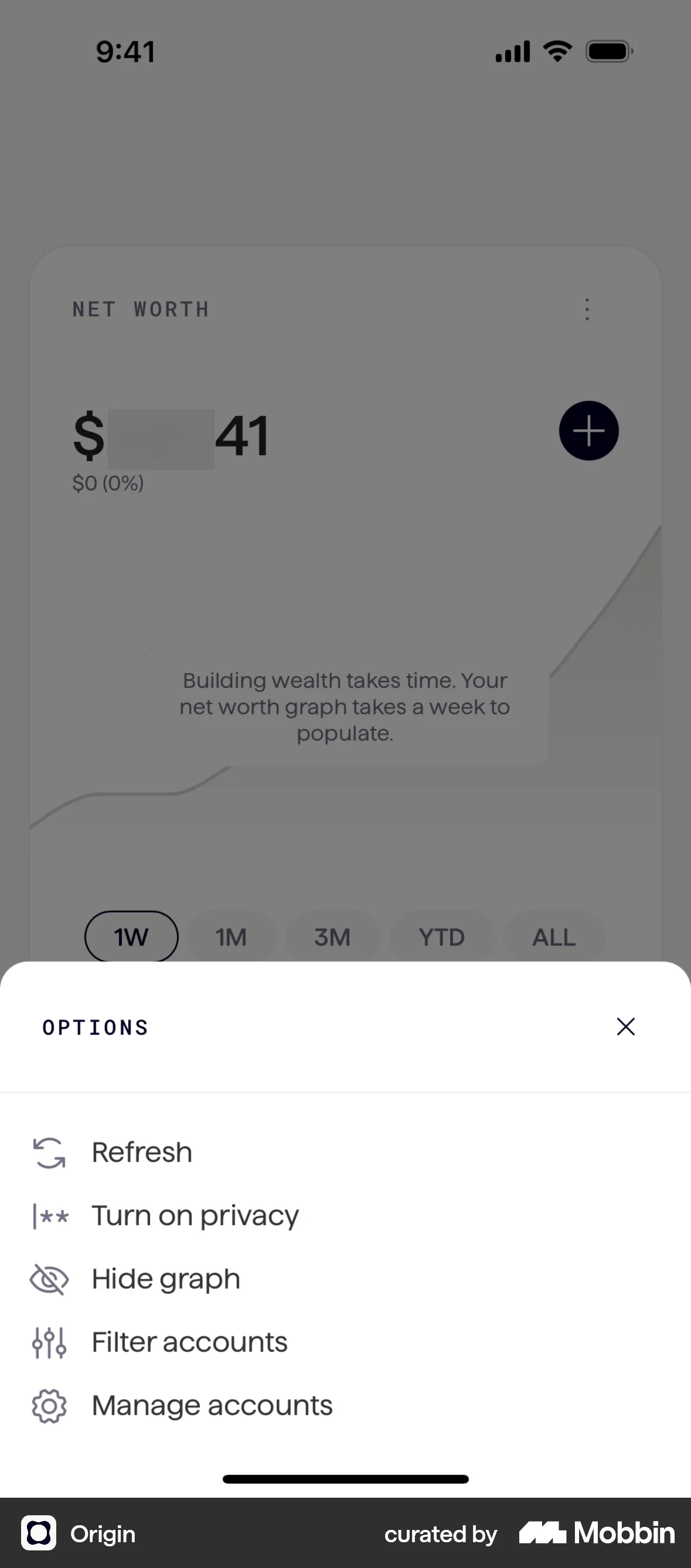
The user navigates to the options menu and selects "Hide graph". The net worth screen then updates to display the graph.
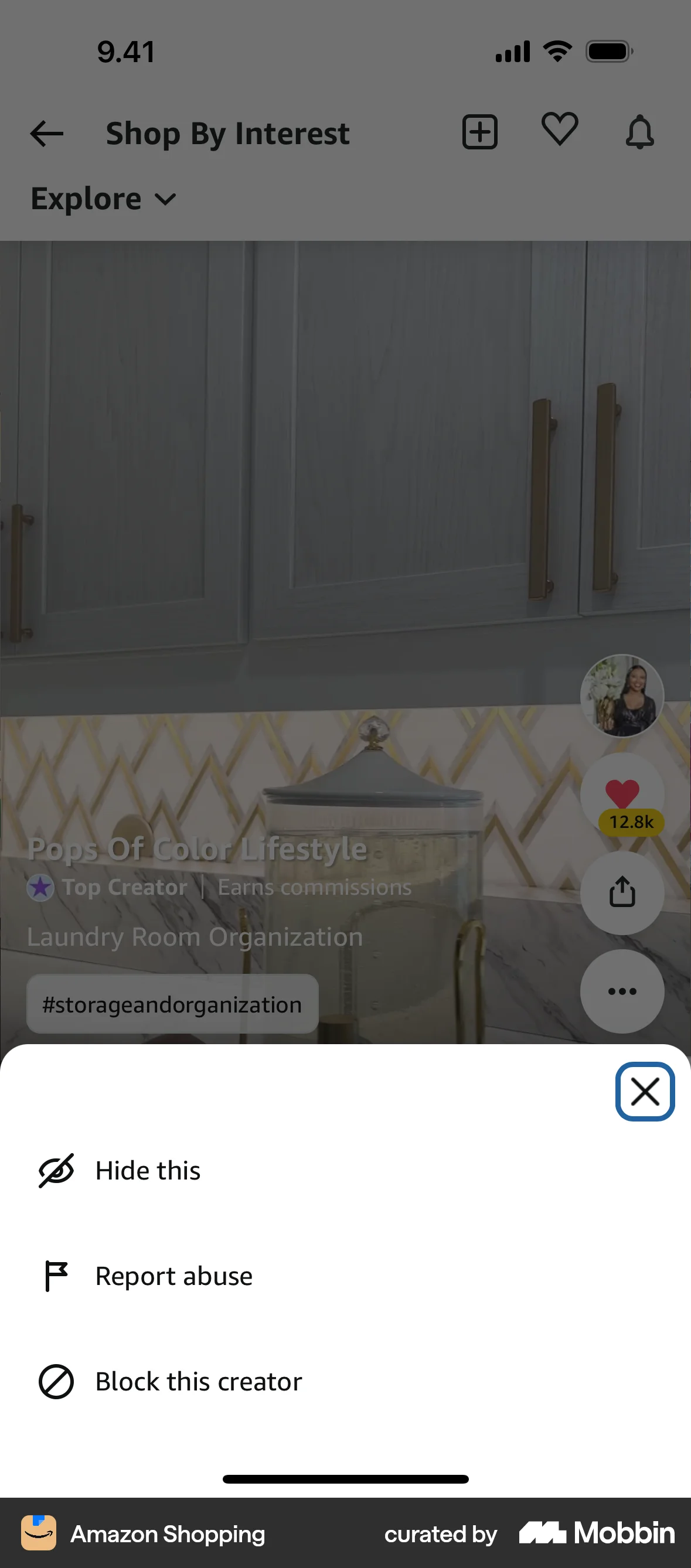
The user views a post, then hides it by accessing the action sheet and confirming the action. A confirmation message is then displayed.

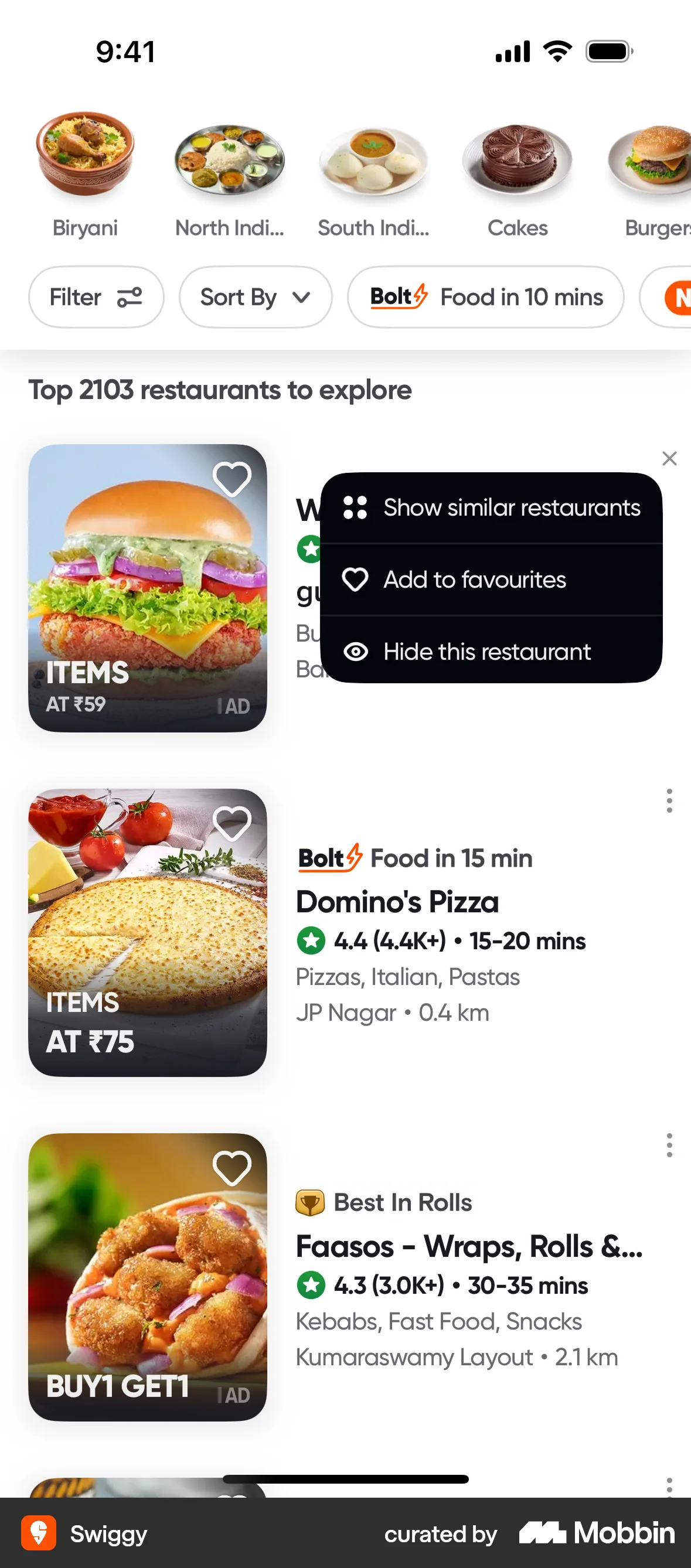
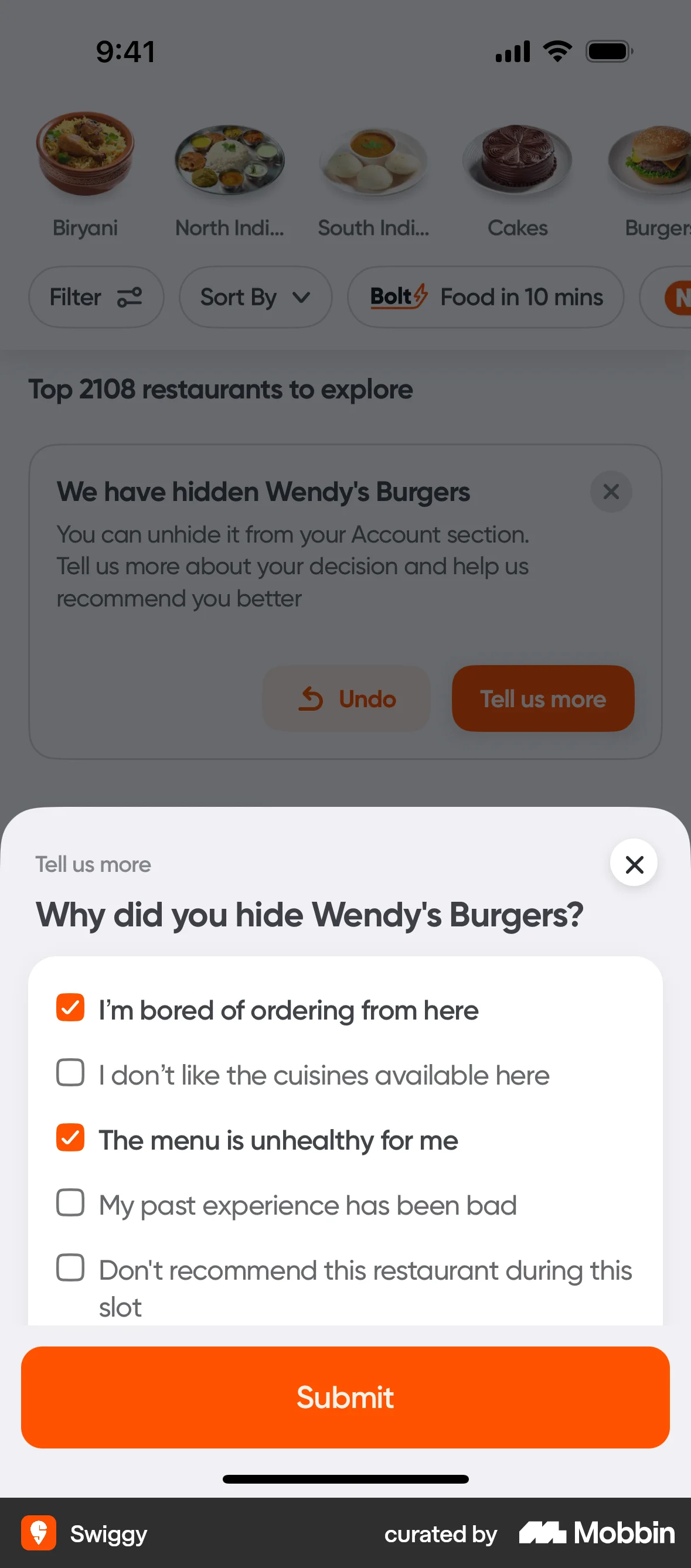
The user hides a restaurant from a listing, provides a reason, and receives a confirmation. This flow personalizes restaurant recommendations.

The user hides a video from their feed. The feed then updates with a new video and a confirmation message.

The user views a list of upcoming fights and selects a fight to view its card details. The details expand to show all fighters.

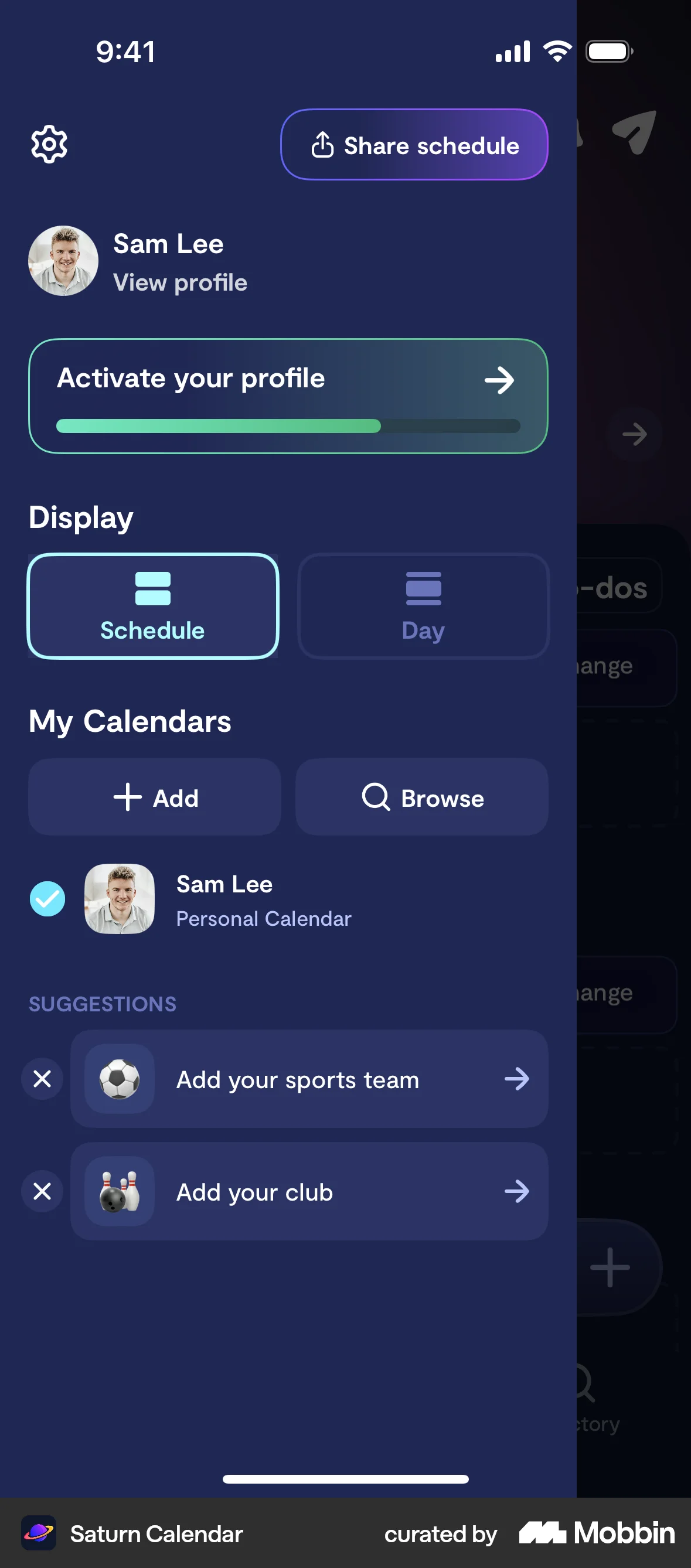
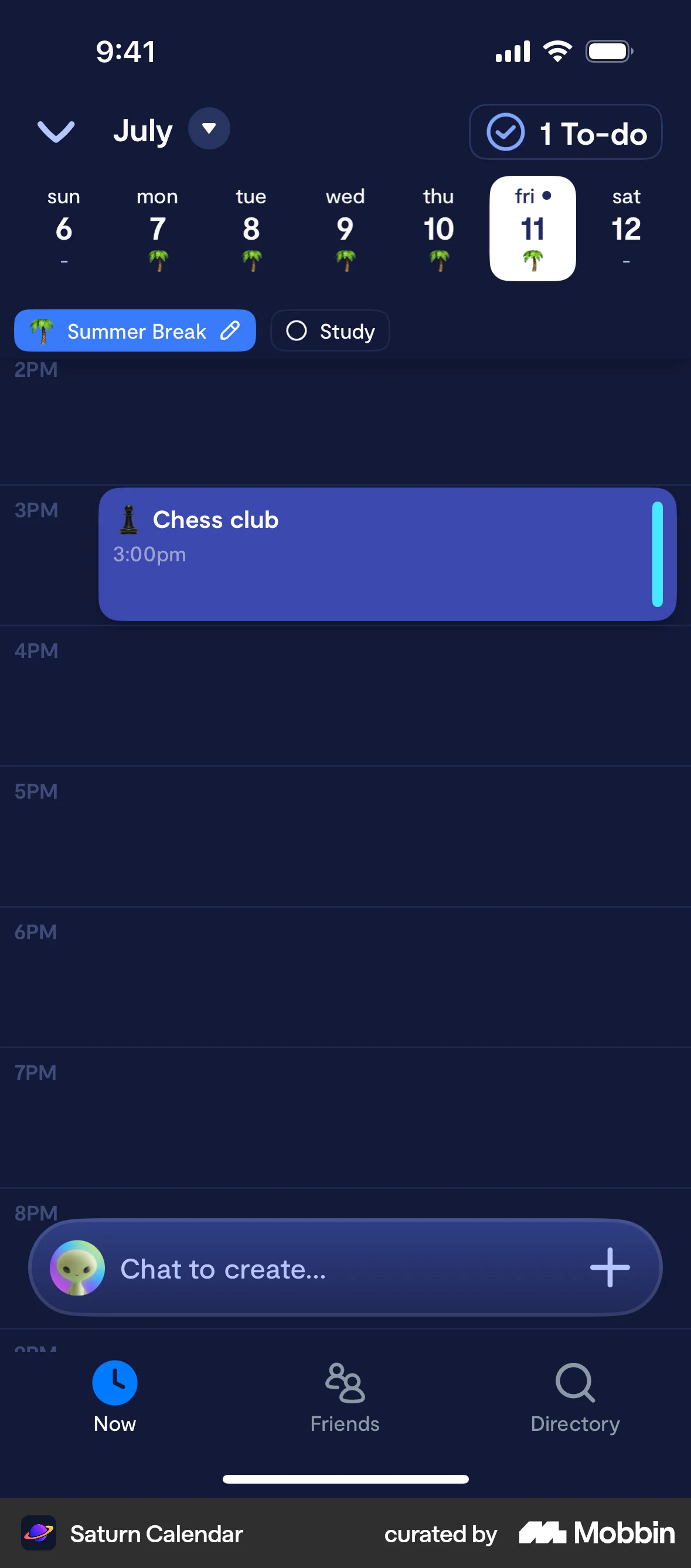
The user flow demonstrates how a user can hide their schedule from non-friends. It involves a confirmation step to ensure the user intended to hide their schedule.

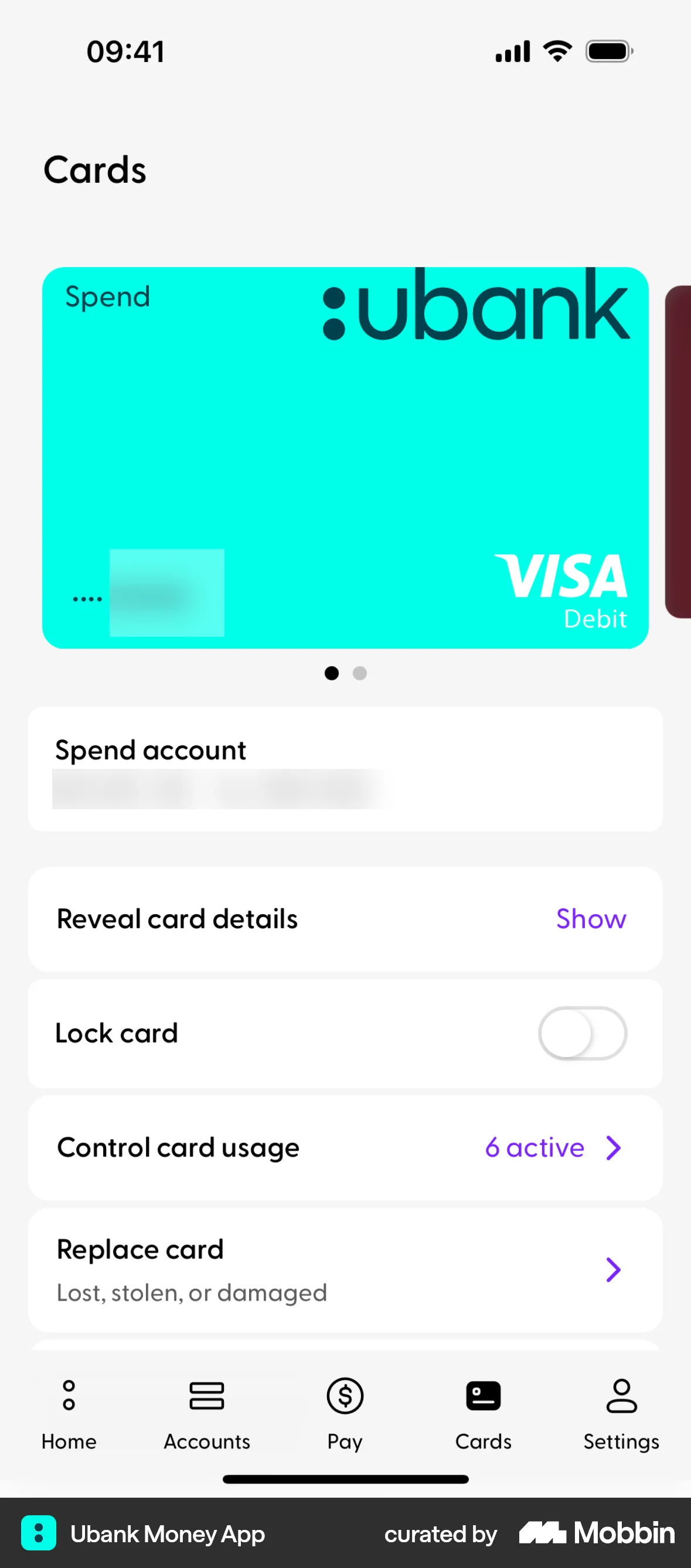
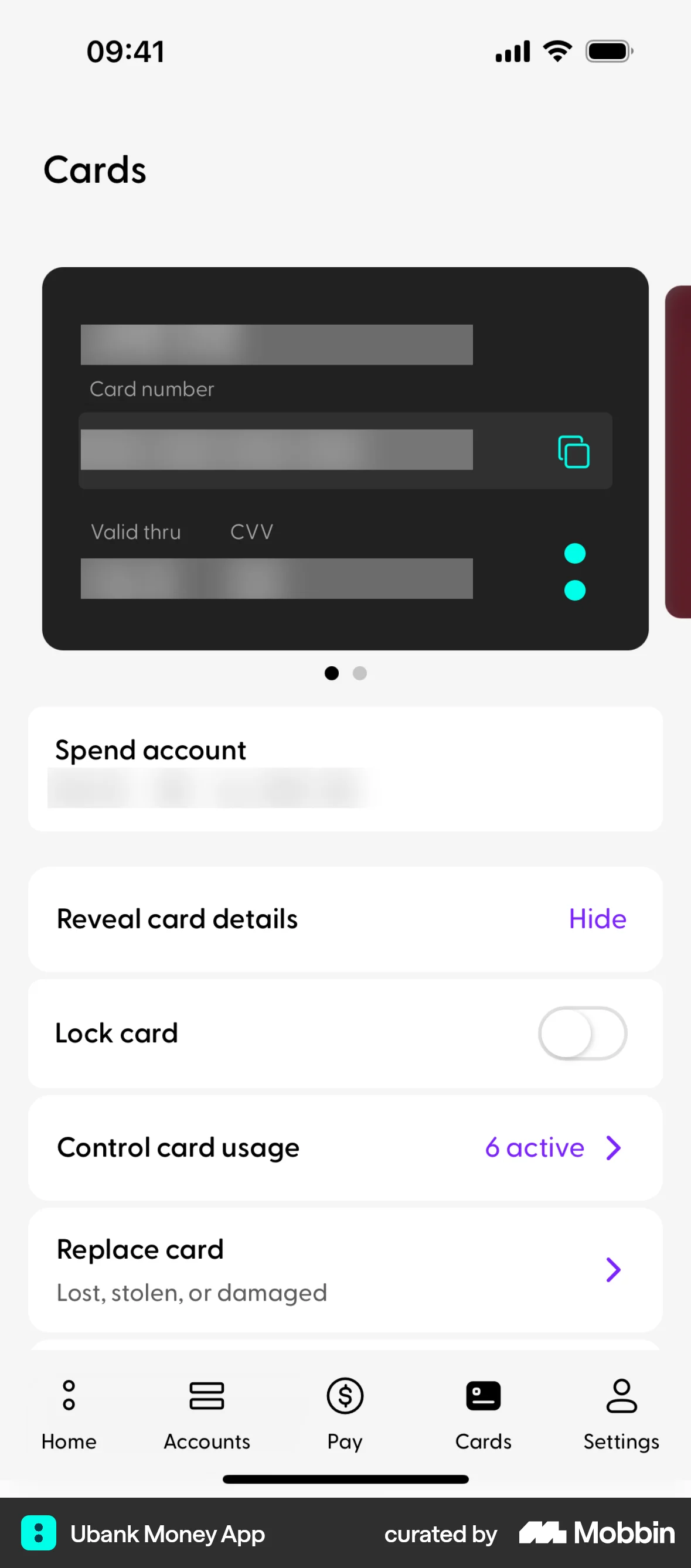
The user views their card and then reveals the card details. The flow allows the user to view sensitive information like card number and CVV.

The user flow showcases how a user can access and display their referral QR code. Starting from the homepage, the user navigates to the referral program and then taps "Show QR".
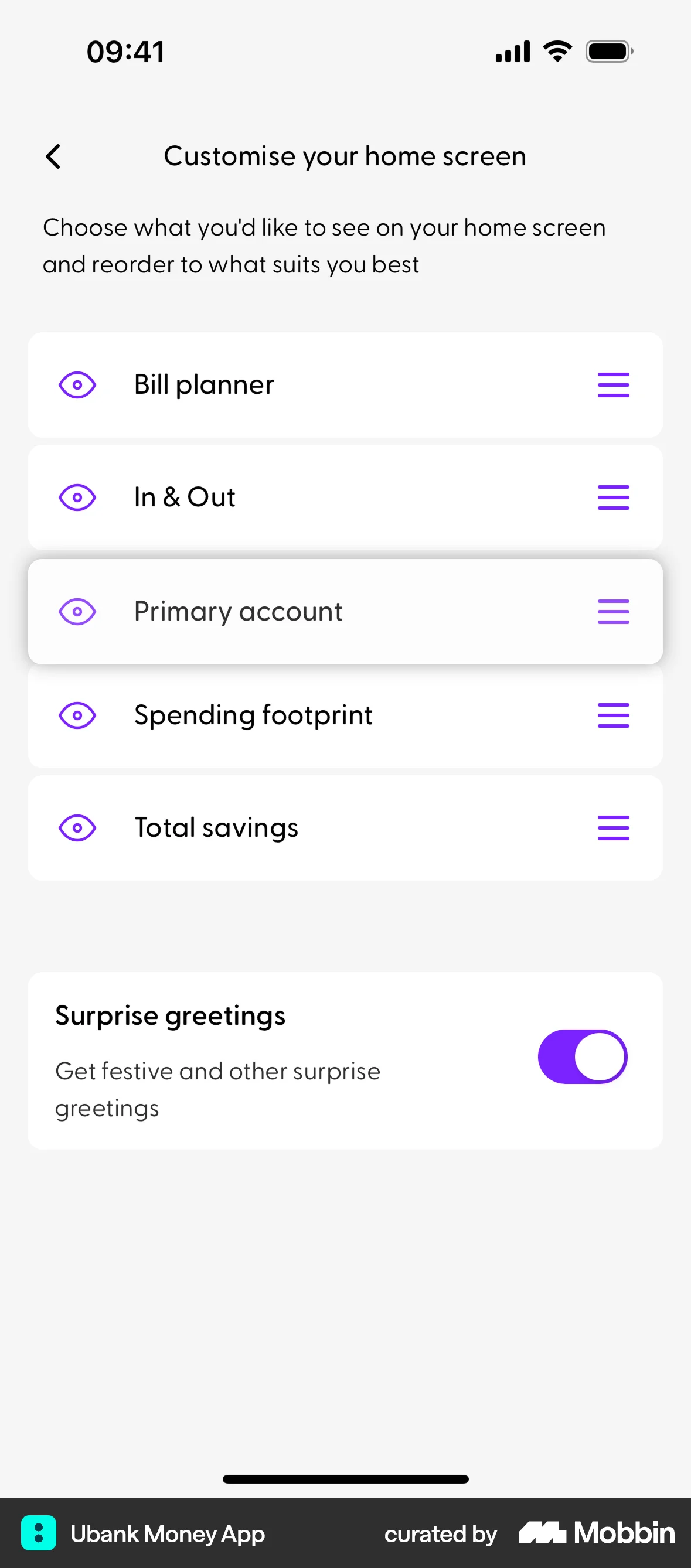
The user customizes their home screen by reordering sections and hiding the "Spending footprint". The updated home screen reflects these changes.
The user flow displays match statistics. It starts with an overview and then shows a detailed list of match events.
The user views a meditation chart, then chooses to hide it. Afterwards, a breathing exercise chart is displayed.

1020 Flows
589 Flows
500 Flows

441 Flows

343 Flows
82 Flows