

Filtering products (menu)on On
On
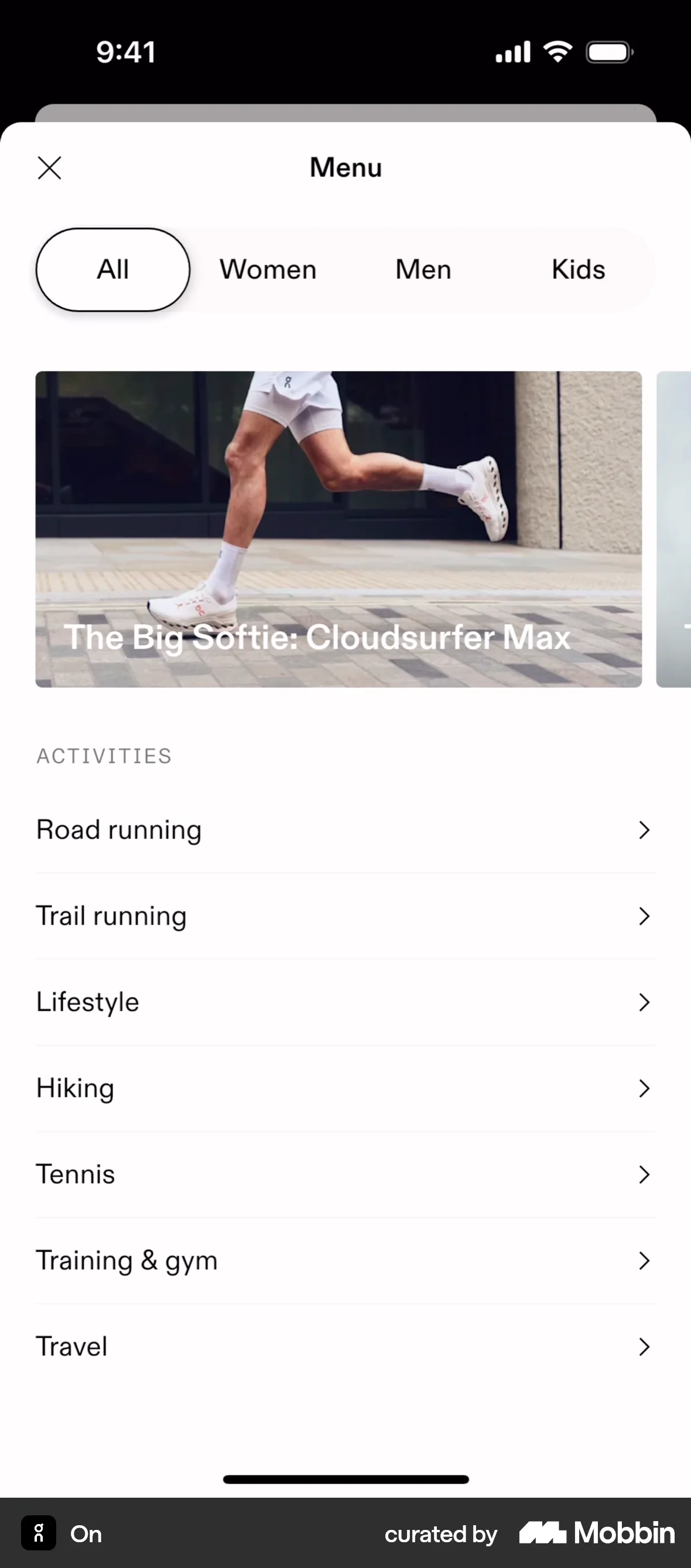
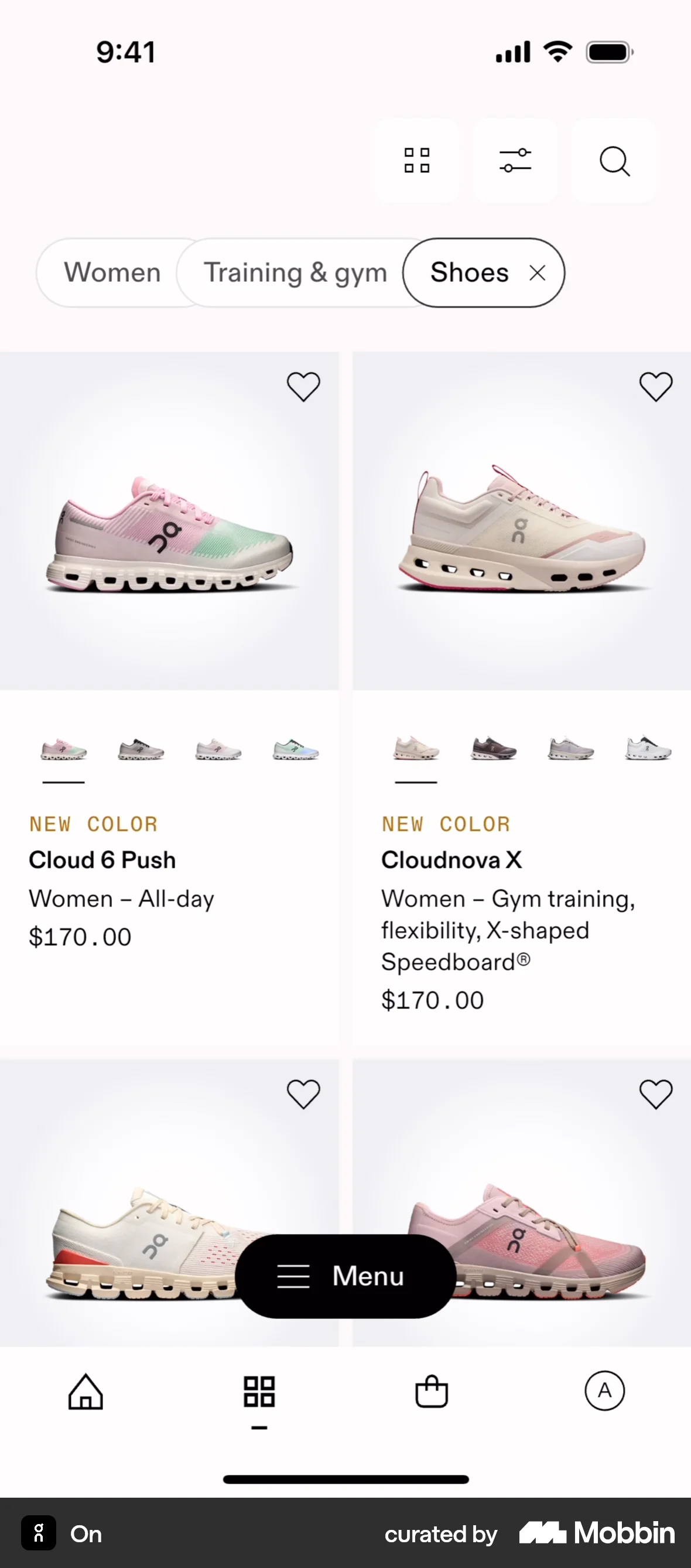
The user opens a menu and filters products by category, activity, and type. The final screen displays the filtered product listing.
Discover the best filter UX flows for mobile apps. Hundreds of thousands of designers already browse curated filter UX inspiration on Mobbin. Join for free.
The user opens a menu and filters products by category, activity, and type. The final screen displays the filtered product listing.

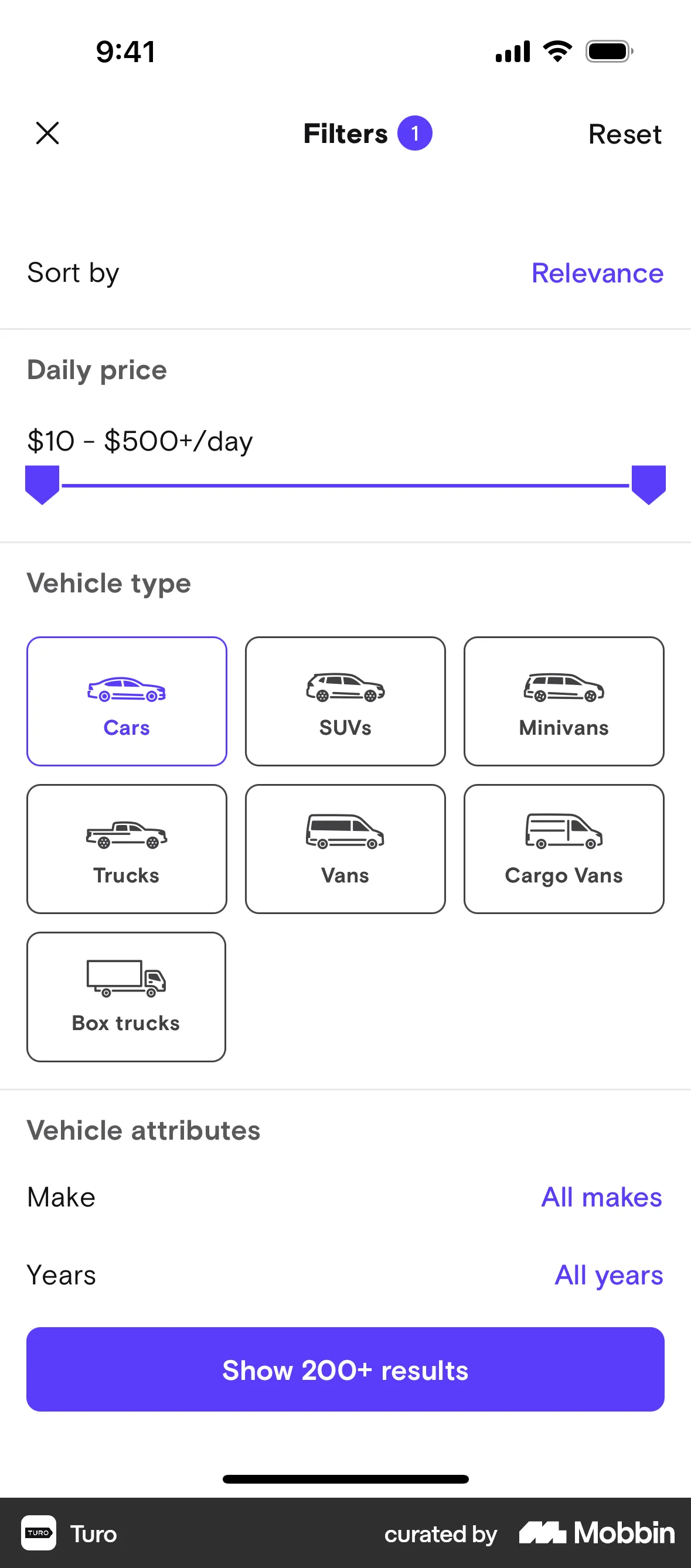
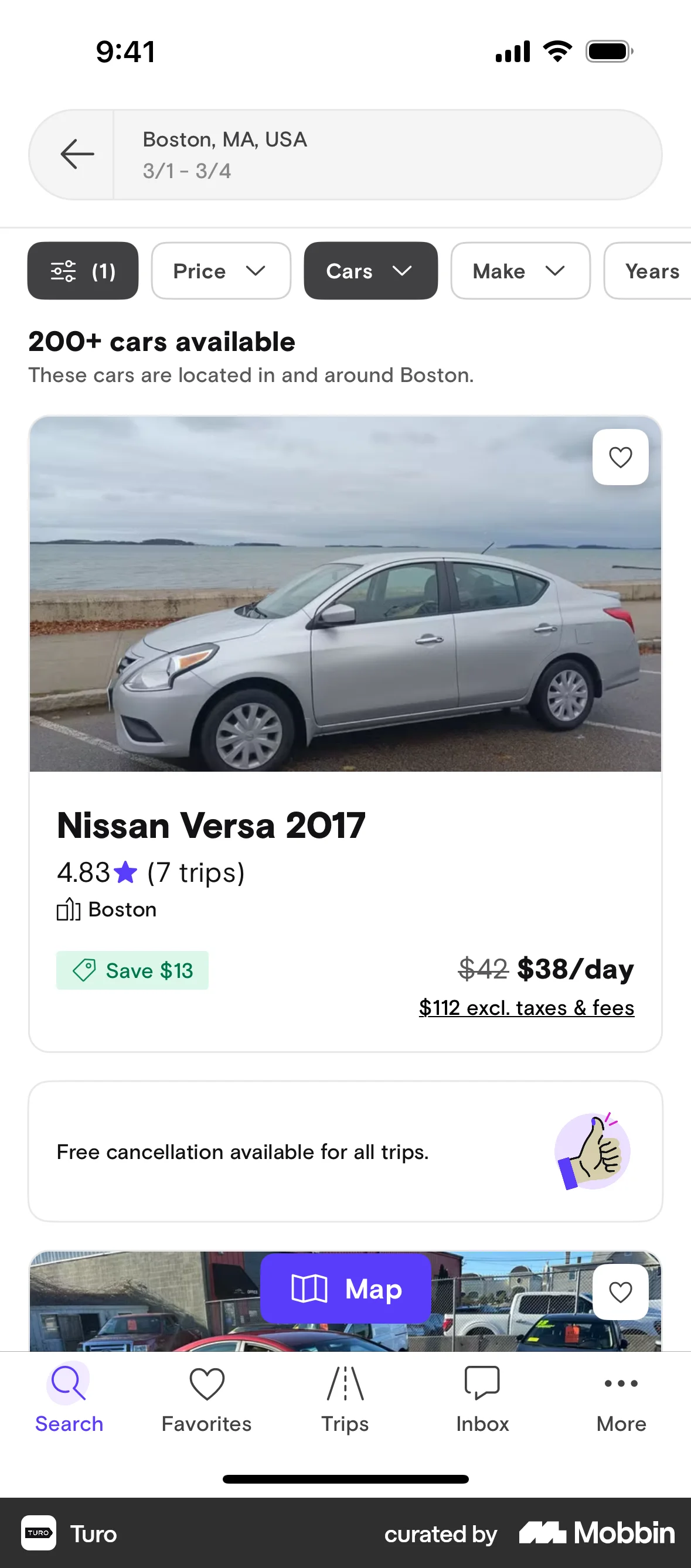
The user filters car listings by selecting vehicle type and year. The filtered results are then displayed on the car listing screen.
The user filters a product listing by price, size and other attributes. The filtered results are then displayed.

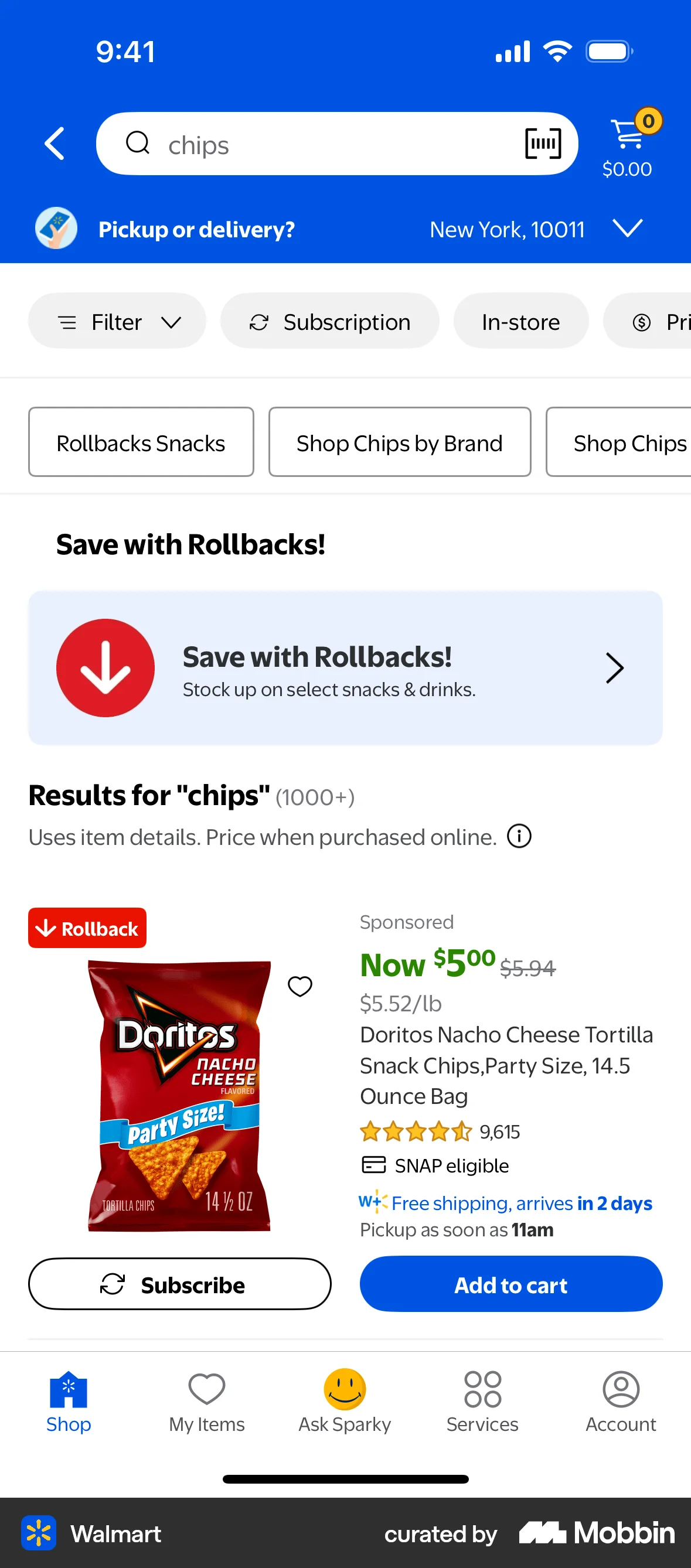
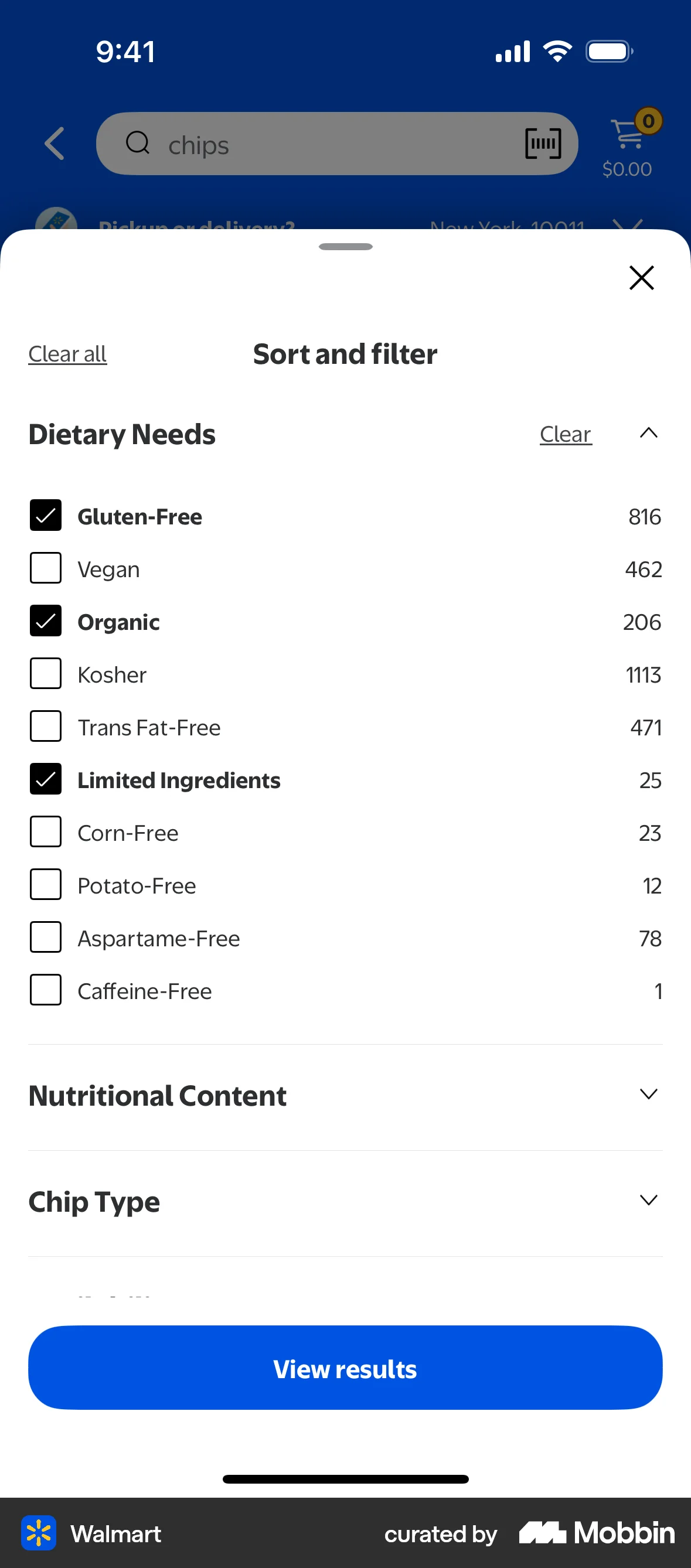
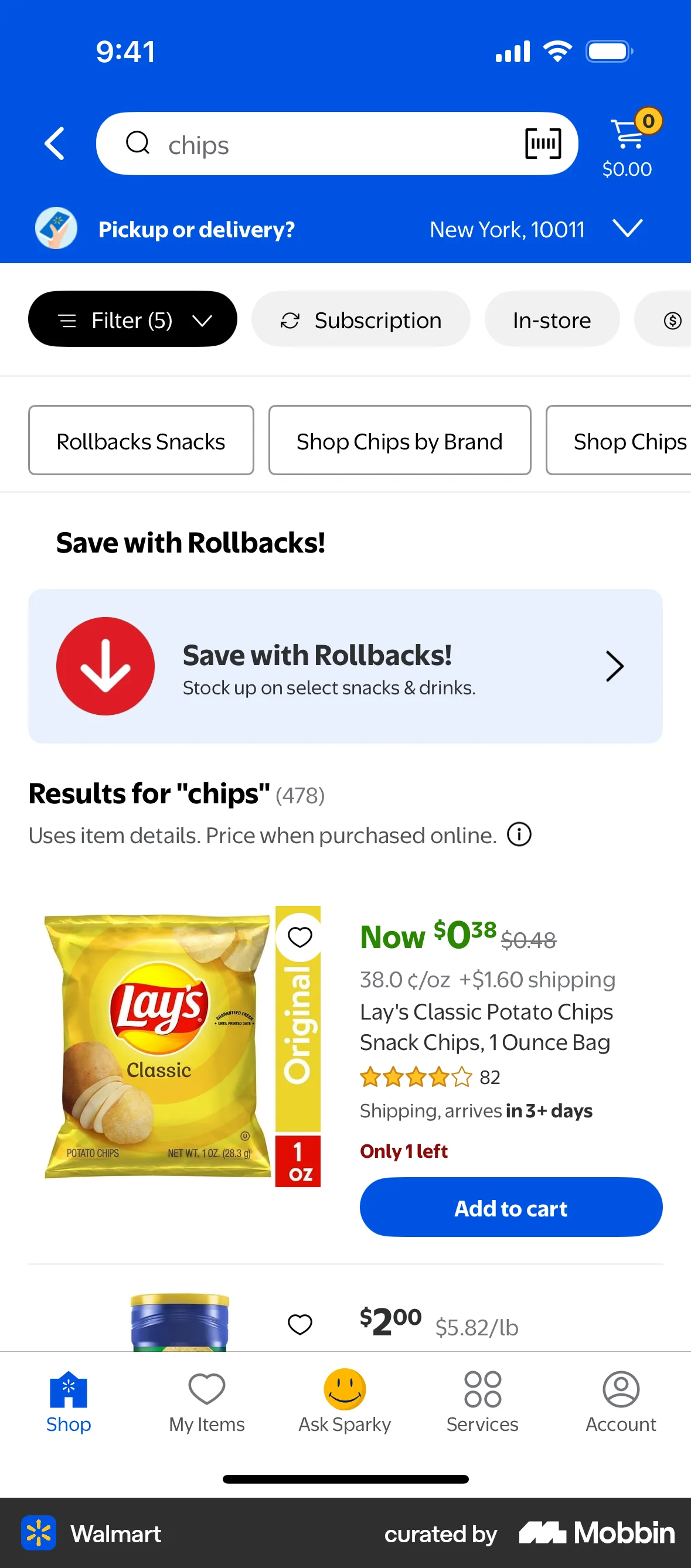
The user searches for chips and applies filters for price, dietary needs and customer rating. The user then views the filtered search results.

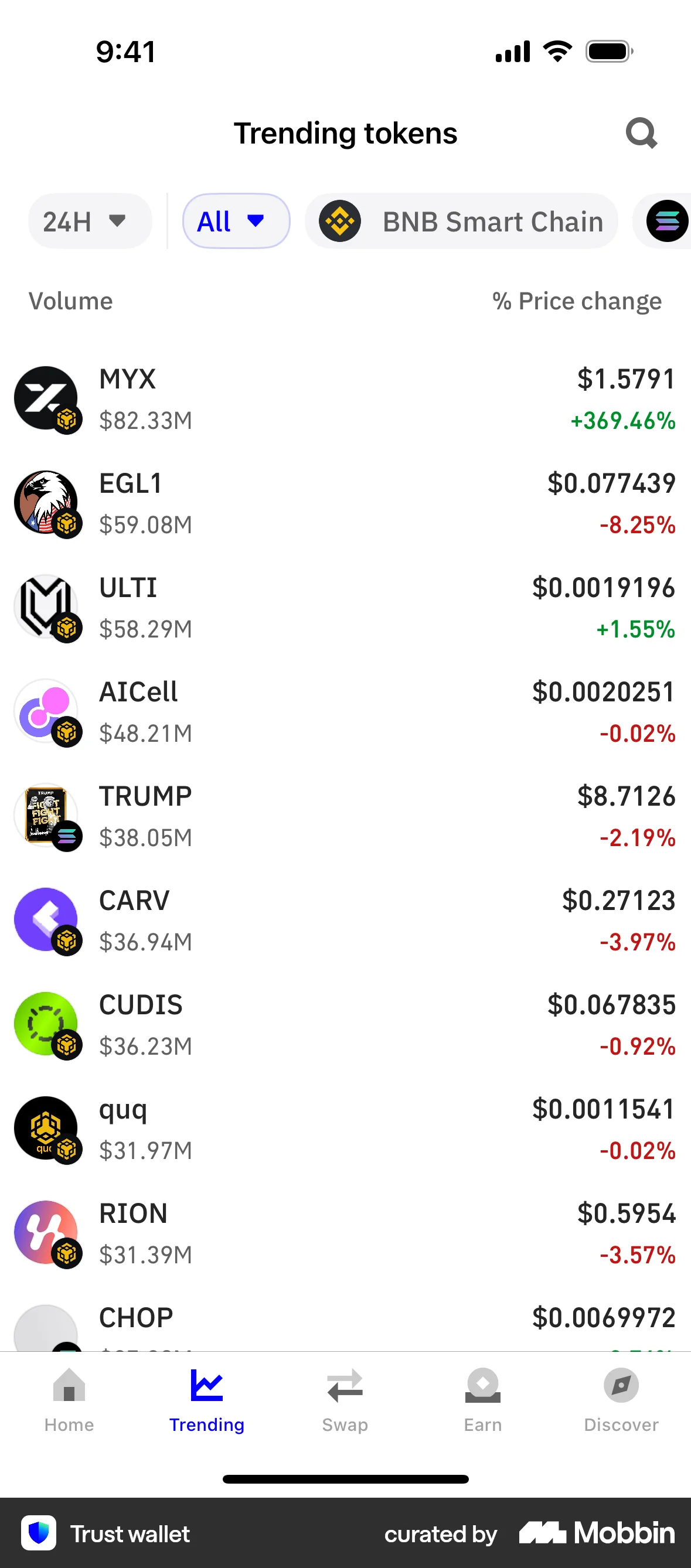
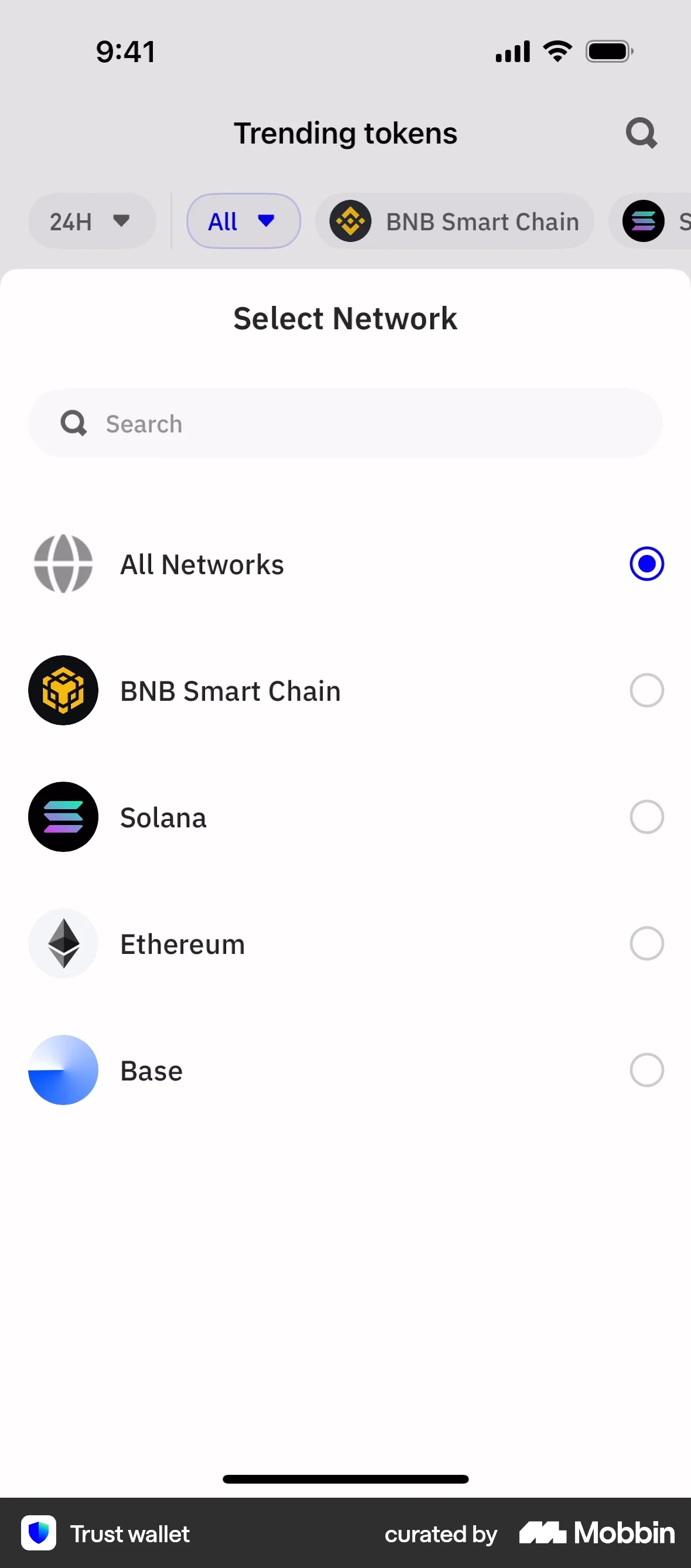
The user filters the trending tokens list by selecting a specific network. The list updates to display tokens from the selected network.

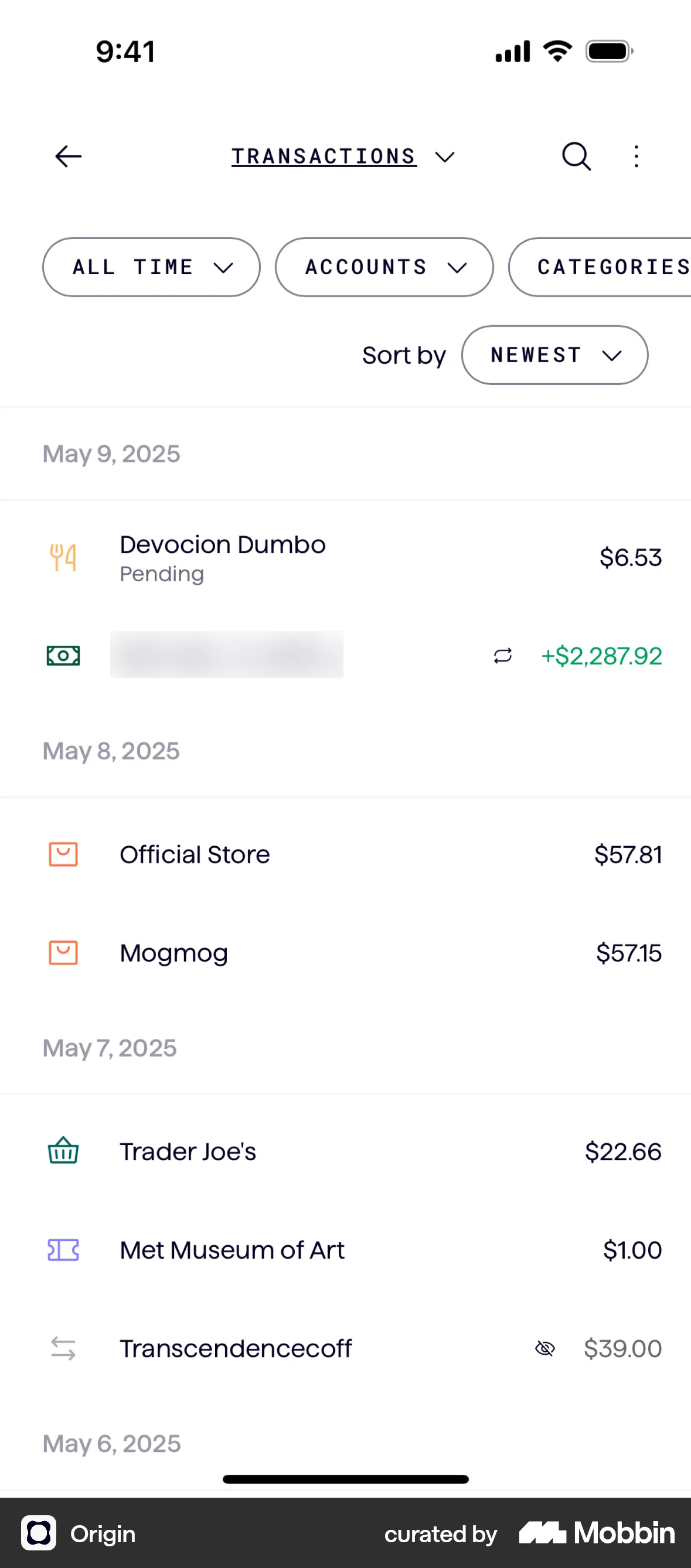
The user filters a list of transactions by date. They select the "Last 30 days" filter, and the transaction list updates accordingly.
The user searches for "chips", then filters the results by price using a slider. The search results are updated to reflect the selected price range.
The user views trending tokens and filters the list by changing the timeframe from 24 hours to 1 hour.

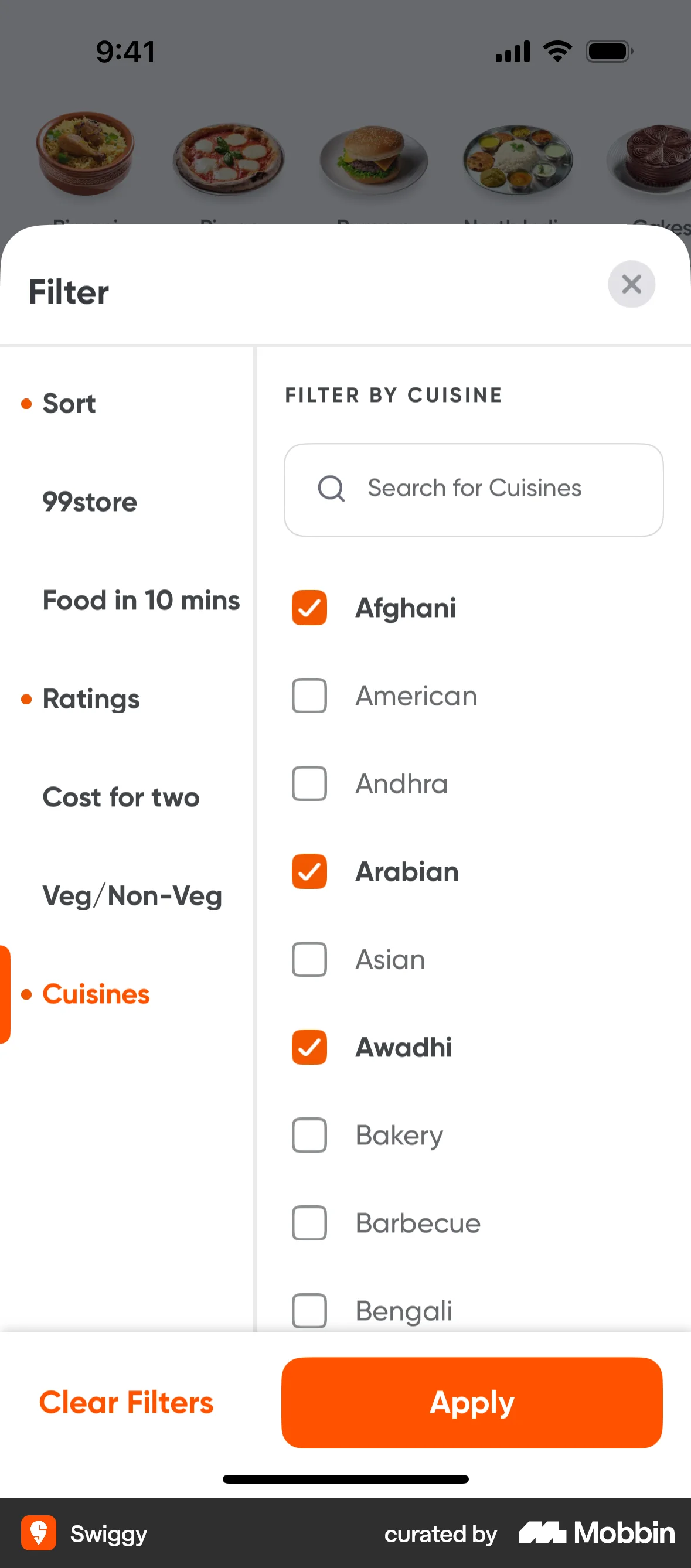
The user filters a list of restaurants by applying sort and filter options. The final screen displays the filtered restaurant list.

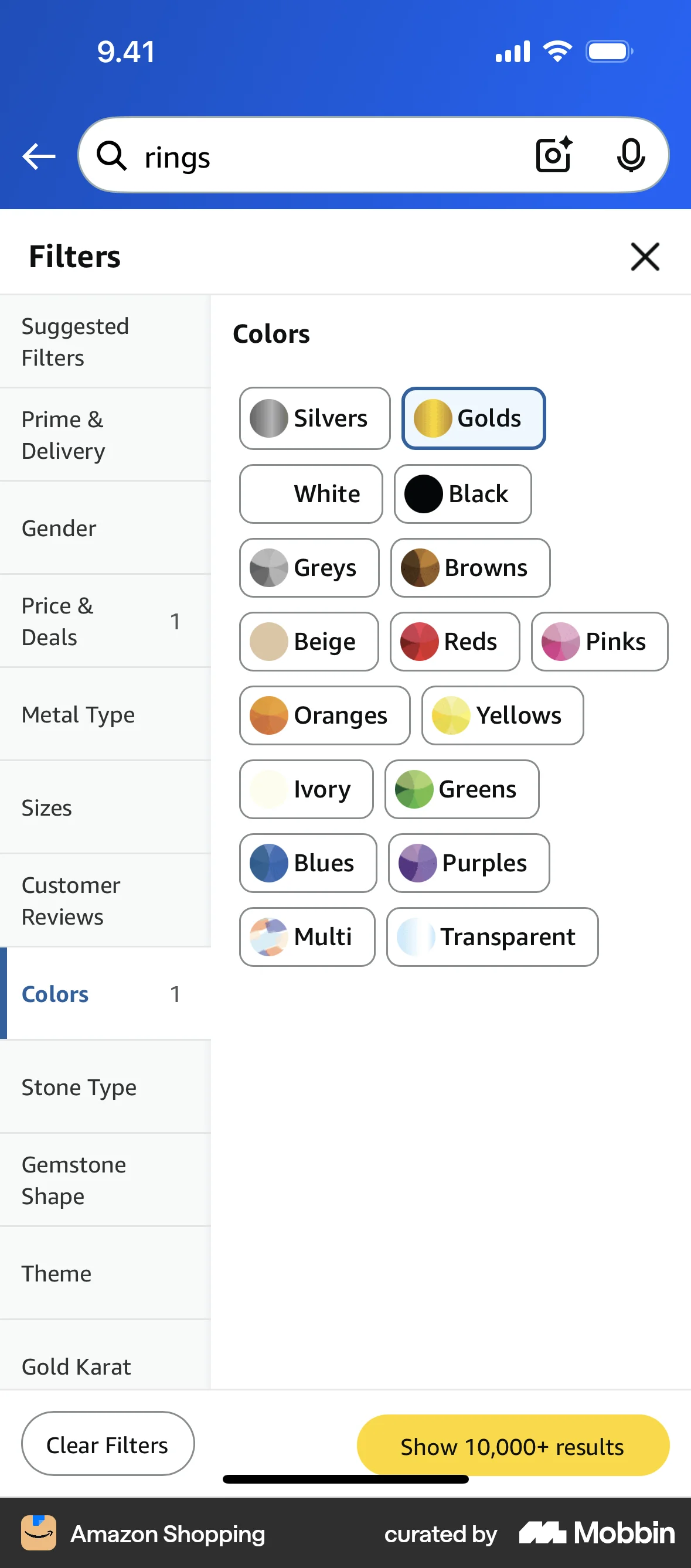
The user searches for jewelry, refines the search to rings, and applies filters for price, color and gemstone shape. The user then views the filtered results.

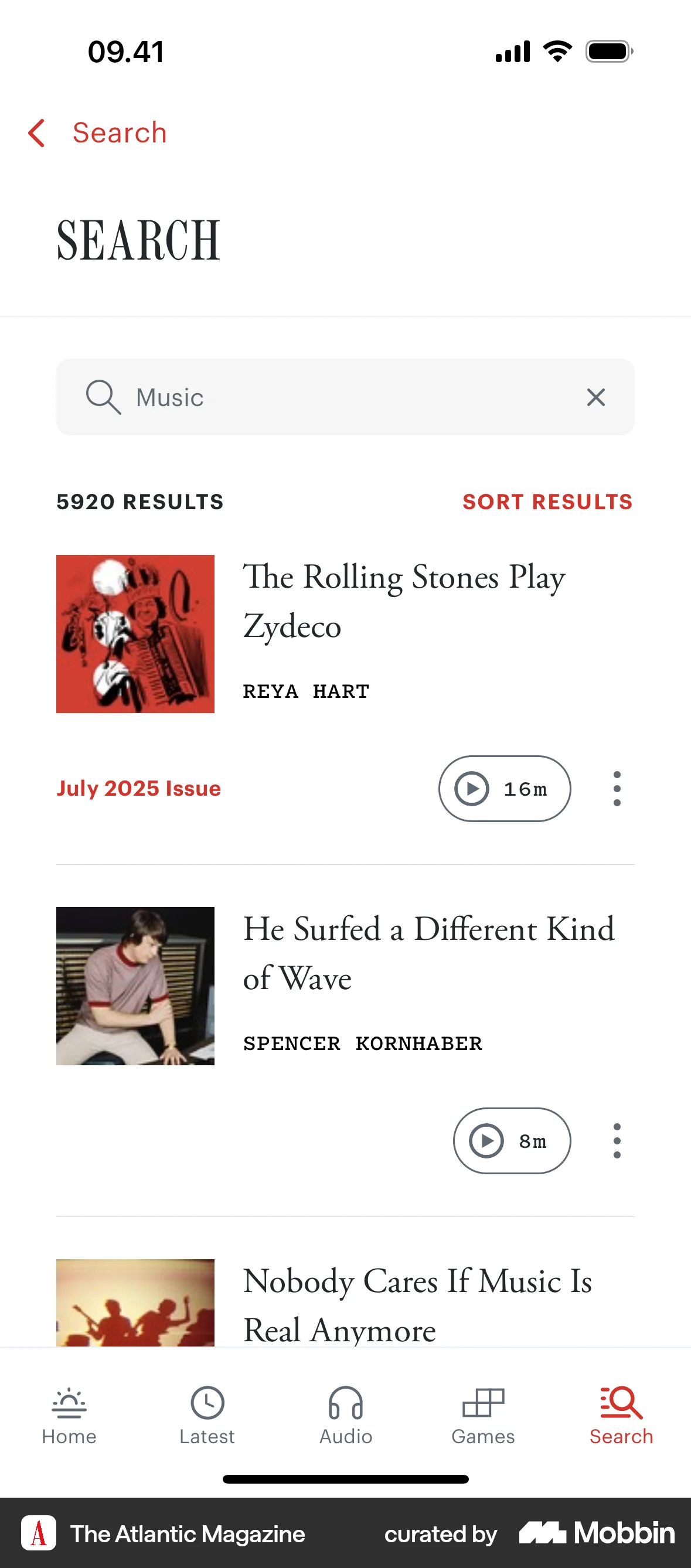
The user searches for music, then sorts the results by the newest articles. The search results are updated to reflect the selected sorting option.

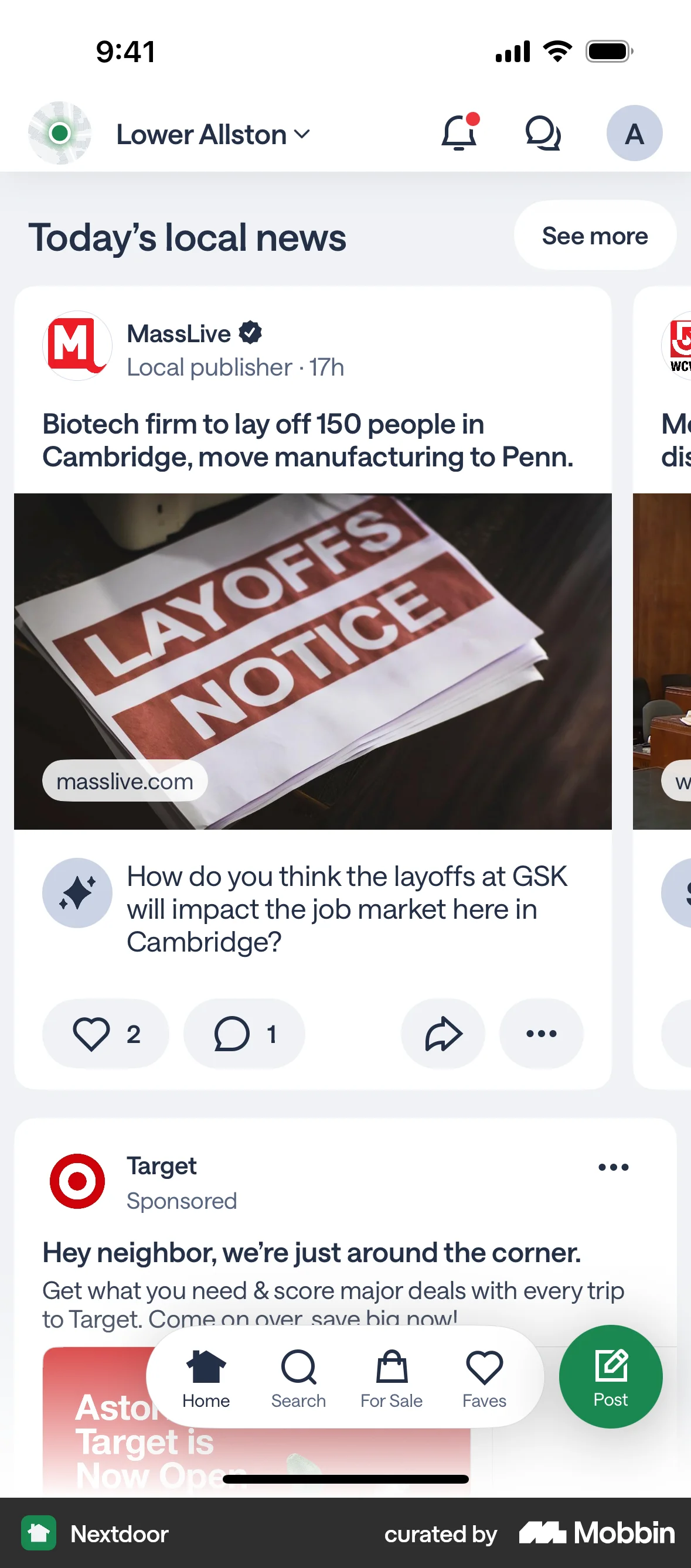
The user filters the home screen news feed by selecting the "Recent" filter. The home screen then updates to display the most recent posts.

2462 Flows

265 Flows
2306 Flows
87 Flows

105 Flows

1215 Flows