Editing profileon On
On
The user edits their profile, updating their profile picture and gender. The updated profile is then displayed.
Discover best mobile app designs for Editing Profile flows. Get inspired by the best apps in the world.
The user edits their profile, updating their profile picture and gender. The updated profile is then displayed.

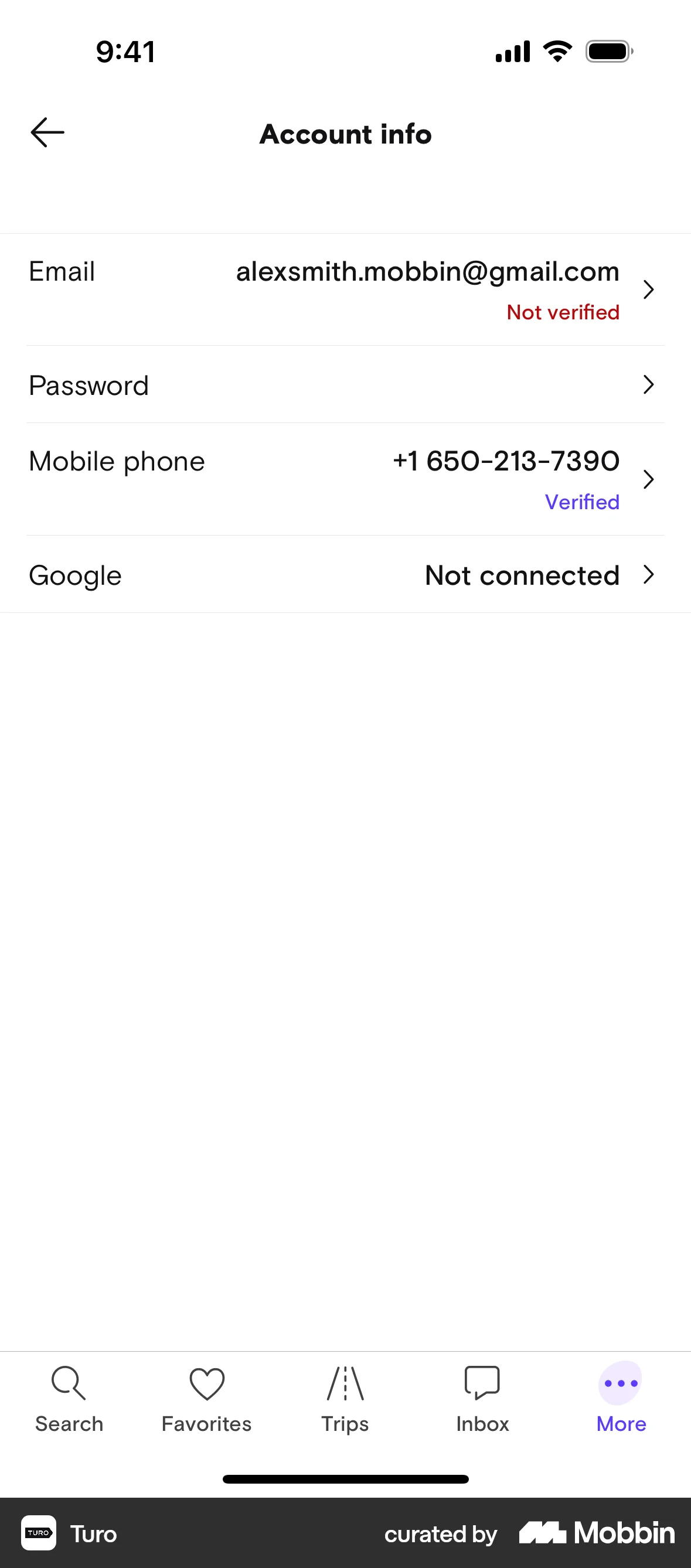
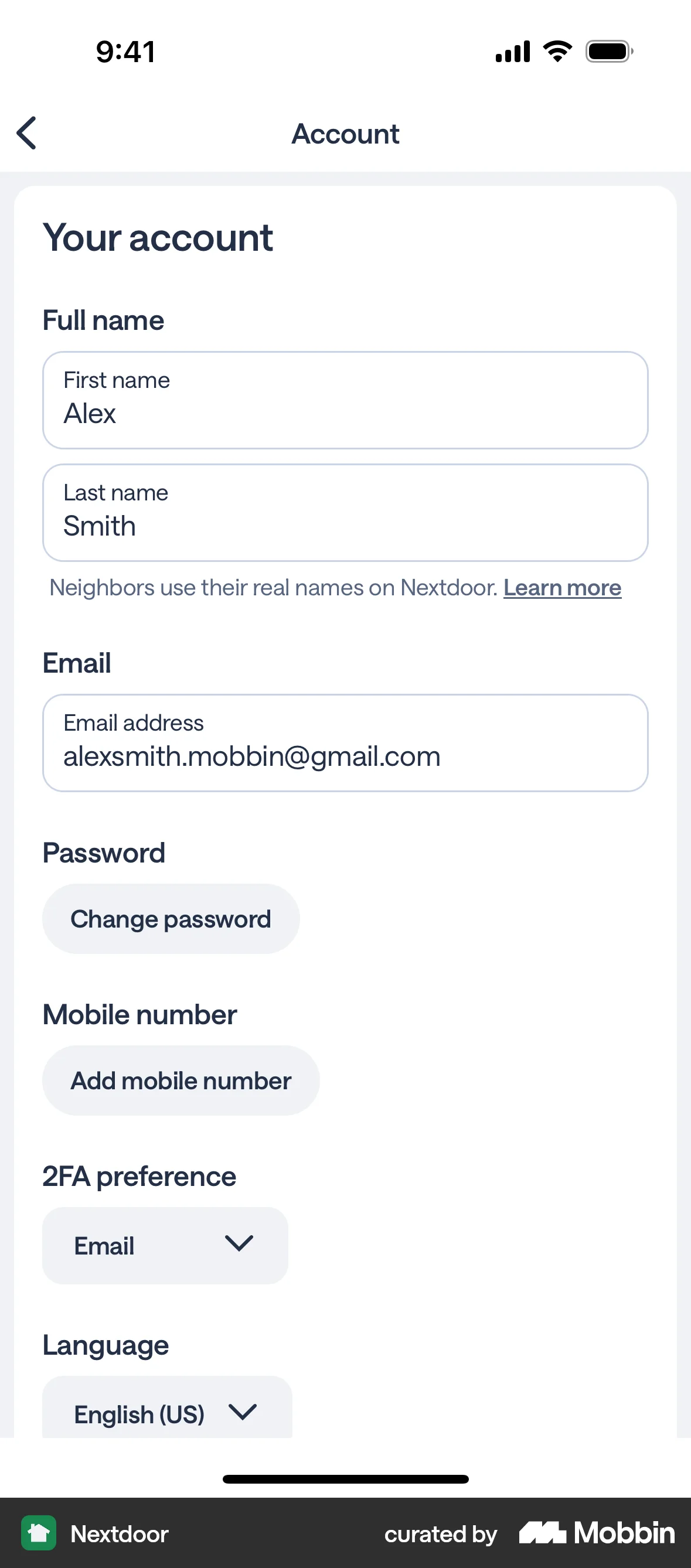
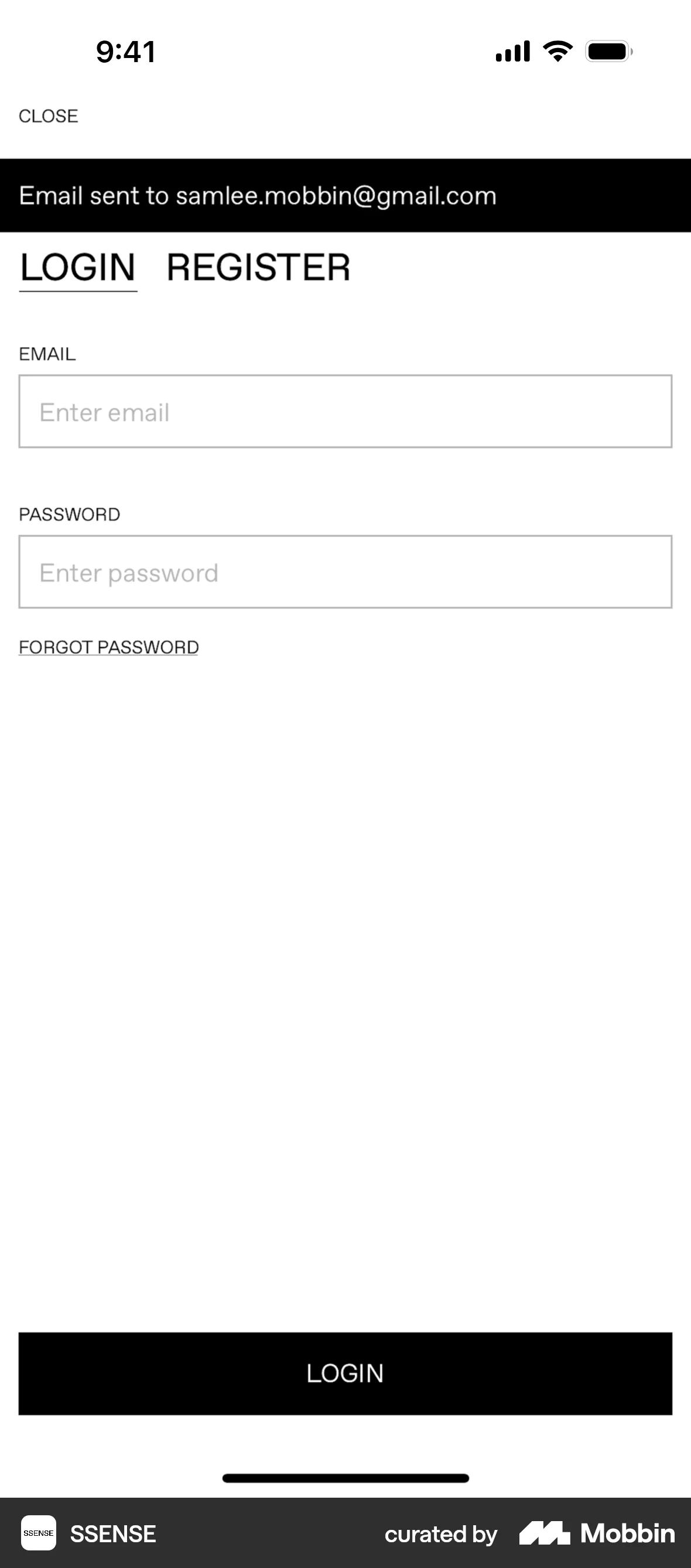
The user edits their email address in their profile. A confirmation dialog appears, and a verification email is sent upon confirmation.

The user edits their profile by updating the cover photo, bio, and gender identity. The updated profile is then displayed.

The user navigates through the profile settings to edit their profile, changing their profile picture and adding information to the 'About' section. The updated profile is then displayed.

The user edits their profile by toggling schedule visibility and adding social media, then saves the changes. A confirmation message appears upon returning to the profile.
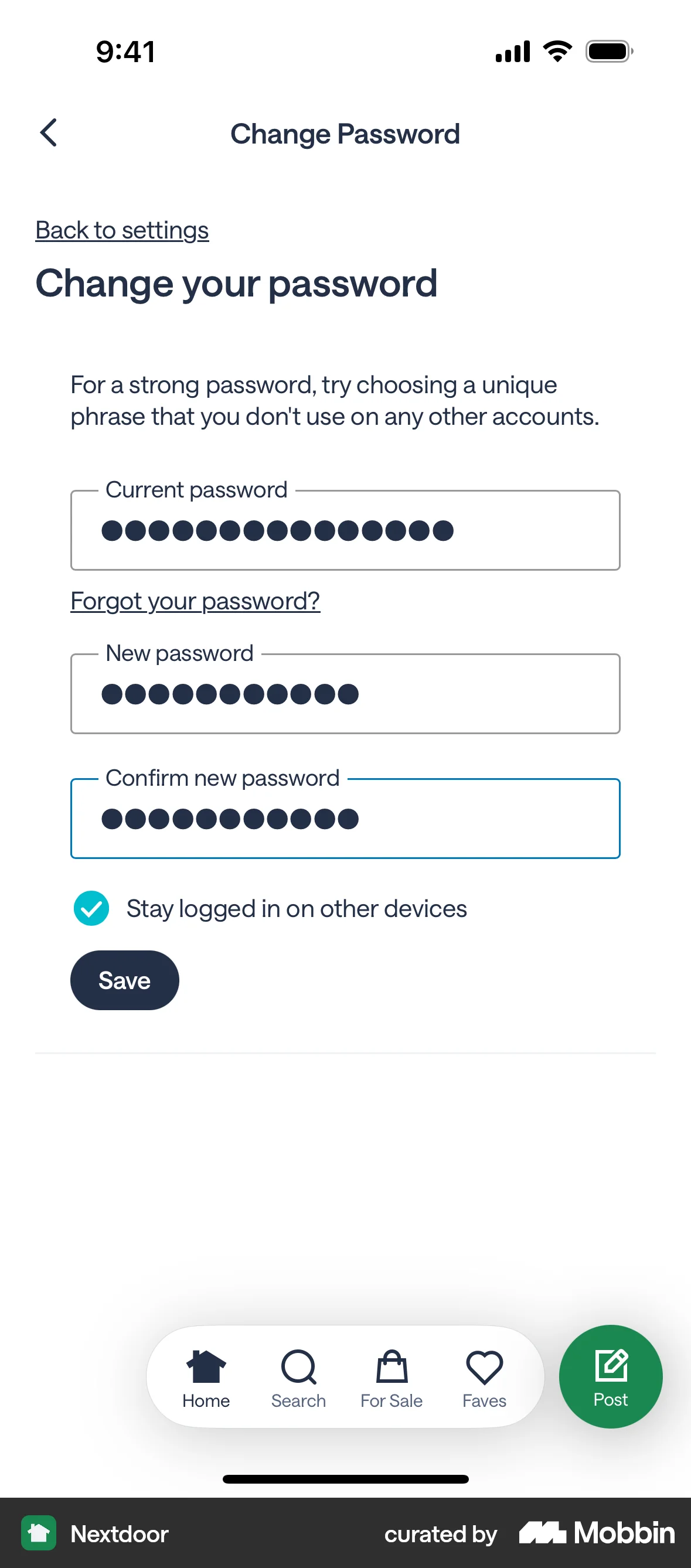
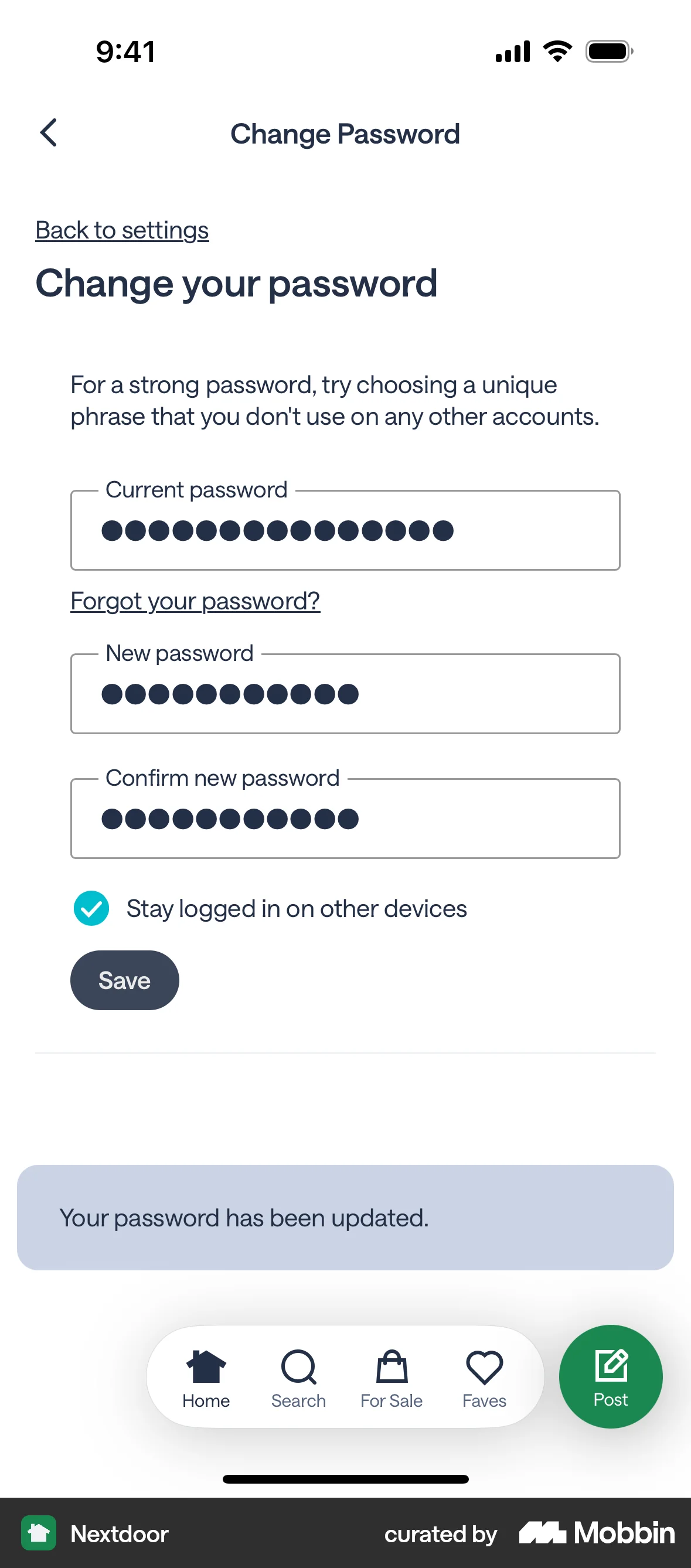
The user navigates to the change password screen, enters the current and new passwords, and submits the form. A confirmation message confirms the successful password change.

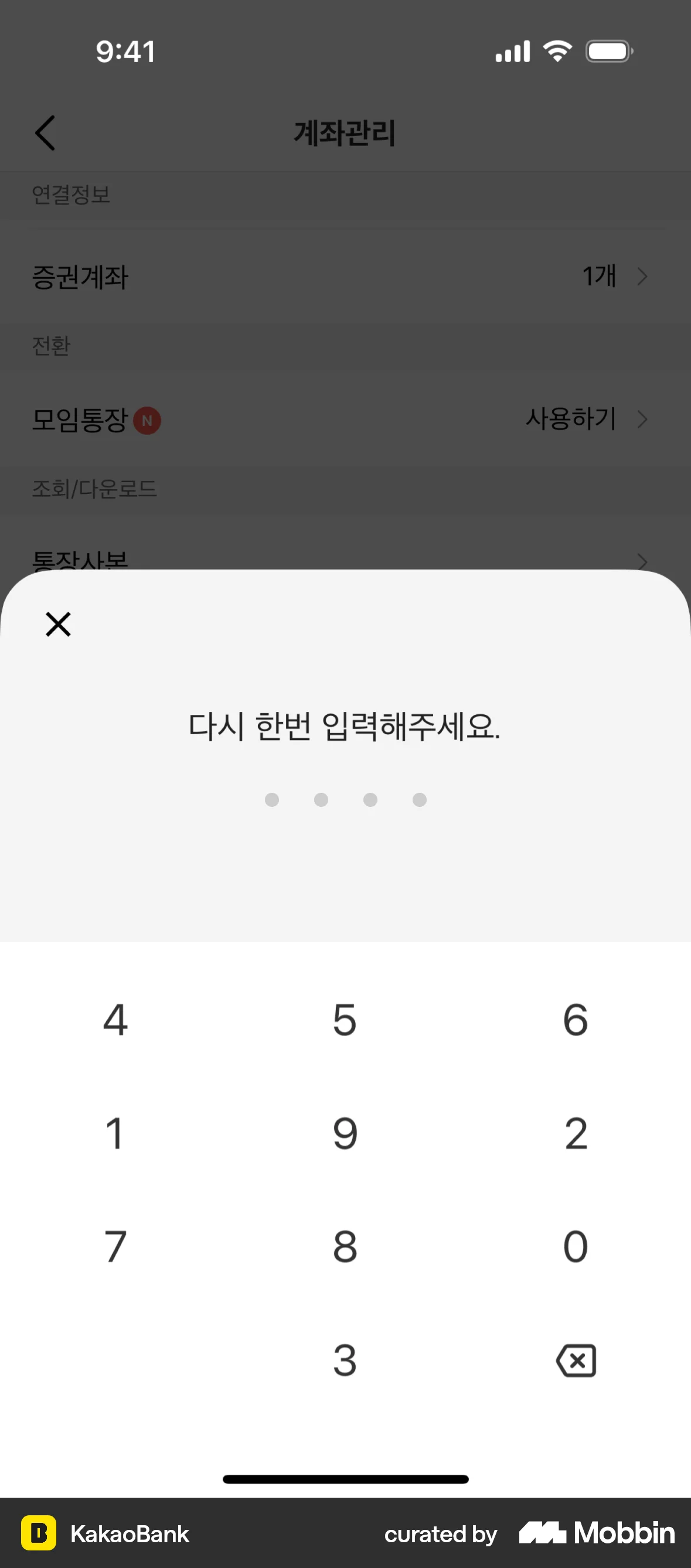
The user flow demonstrates changing an account passcode. It involves verifying the current passcode, setting a new one, and confirmation.
The user navigates to the change password screen, enters their current and new passwords, and saves the changes. A confirmation message indicates a successful password update.

The user navigates through settings to edit their profile, updating their birthday and timezone information. They then return to the profile screen.

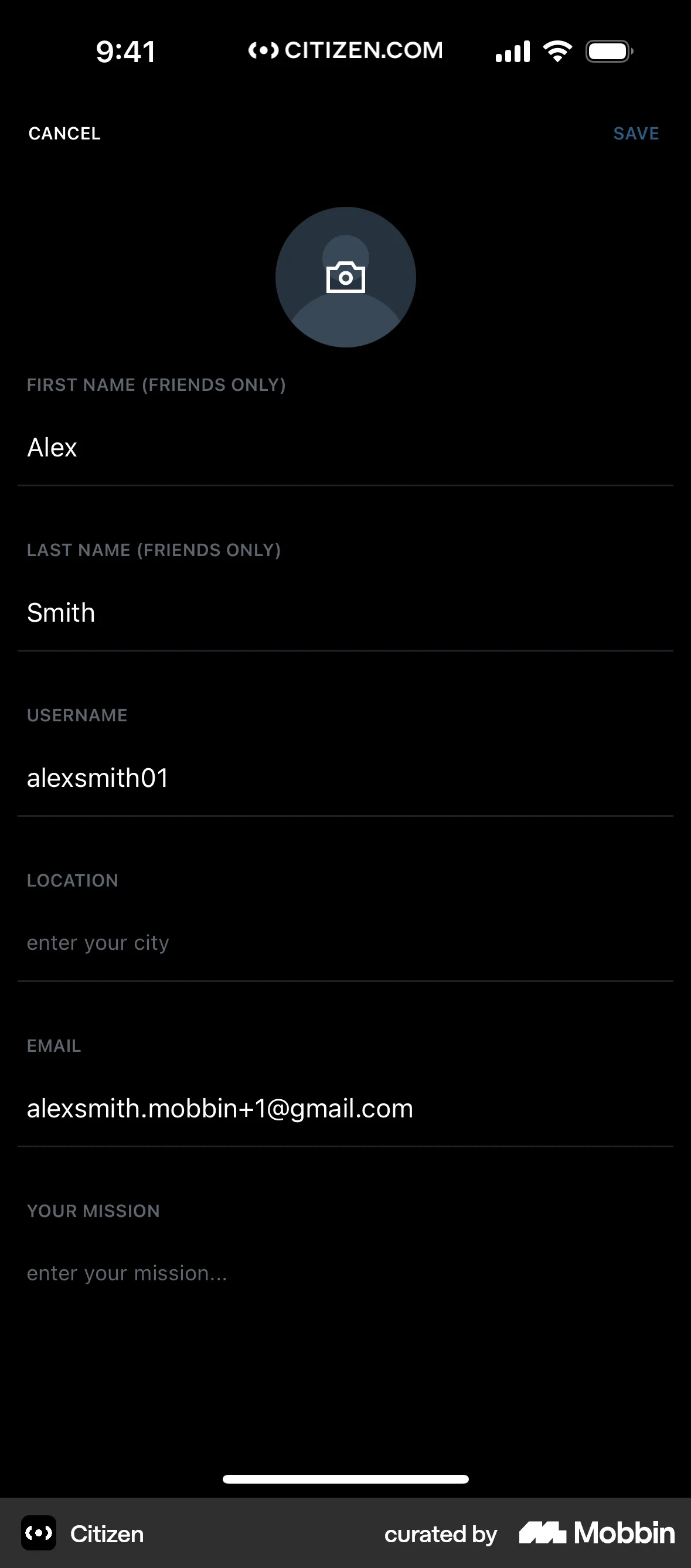
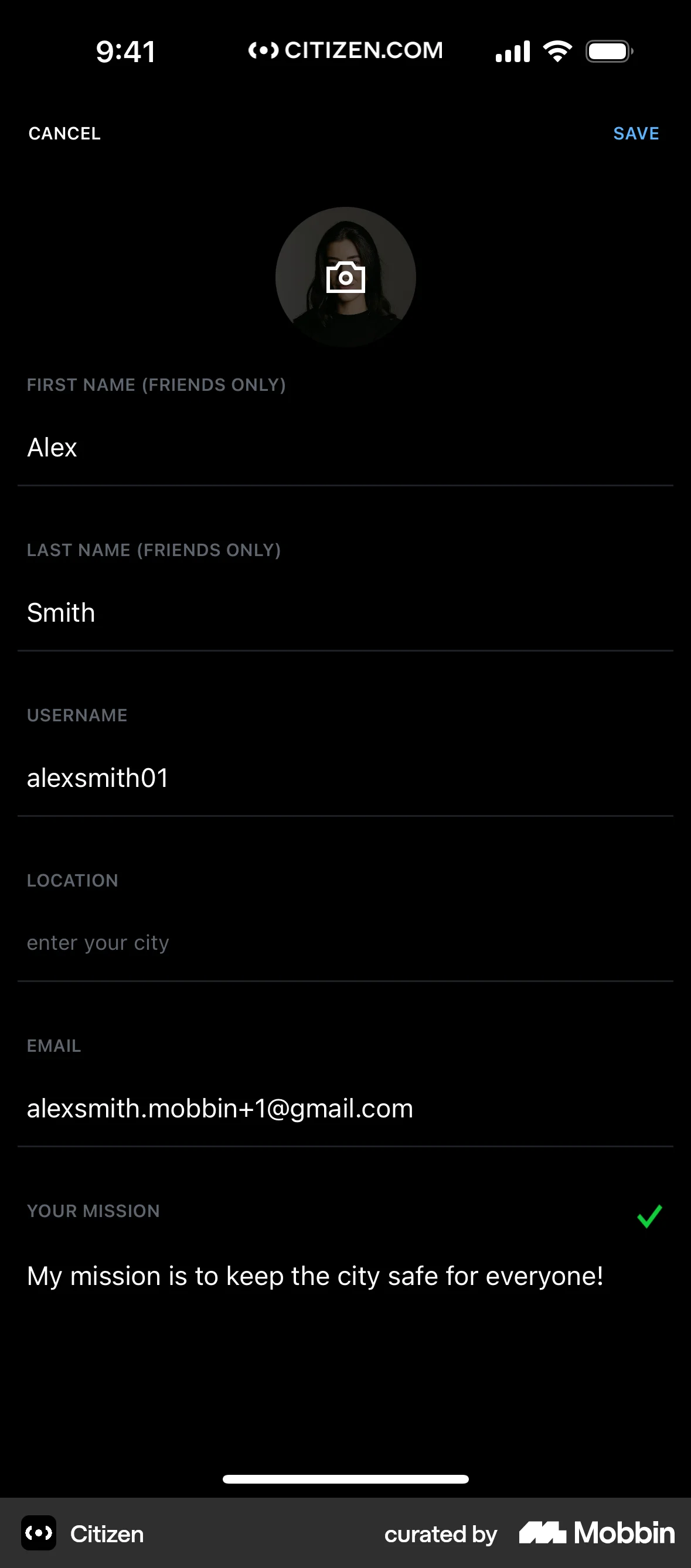
The user edits their profile by updating their profile picture and mission statement. The flow concludes with the updated profile being displayed.
The user flow demonstrates changing a card's password. It involves filling a form, confirming the change, and receiving a success message.
The user navigates through security settings to change their pattern lock. They confirm the old pattern, create a new one, and authenticate with their password.
92 Flows

587 Flows
188 Flows

1129 Flows


1350 Flows

3407 Flows