






Onboardingon Plata Card
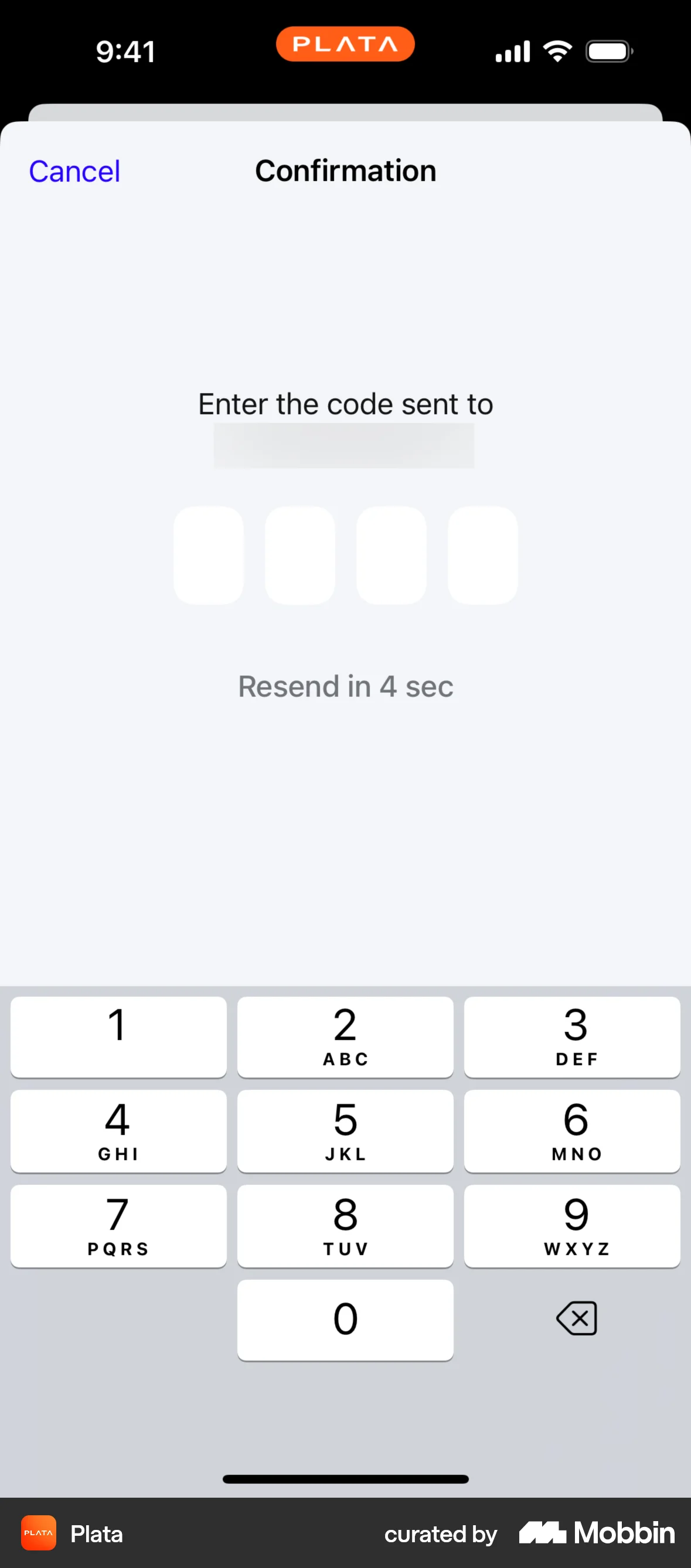
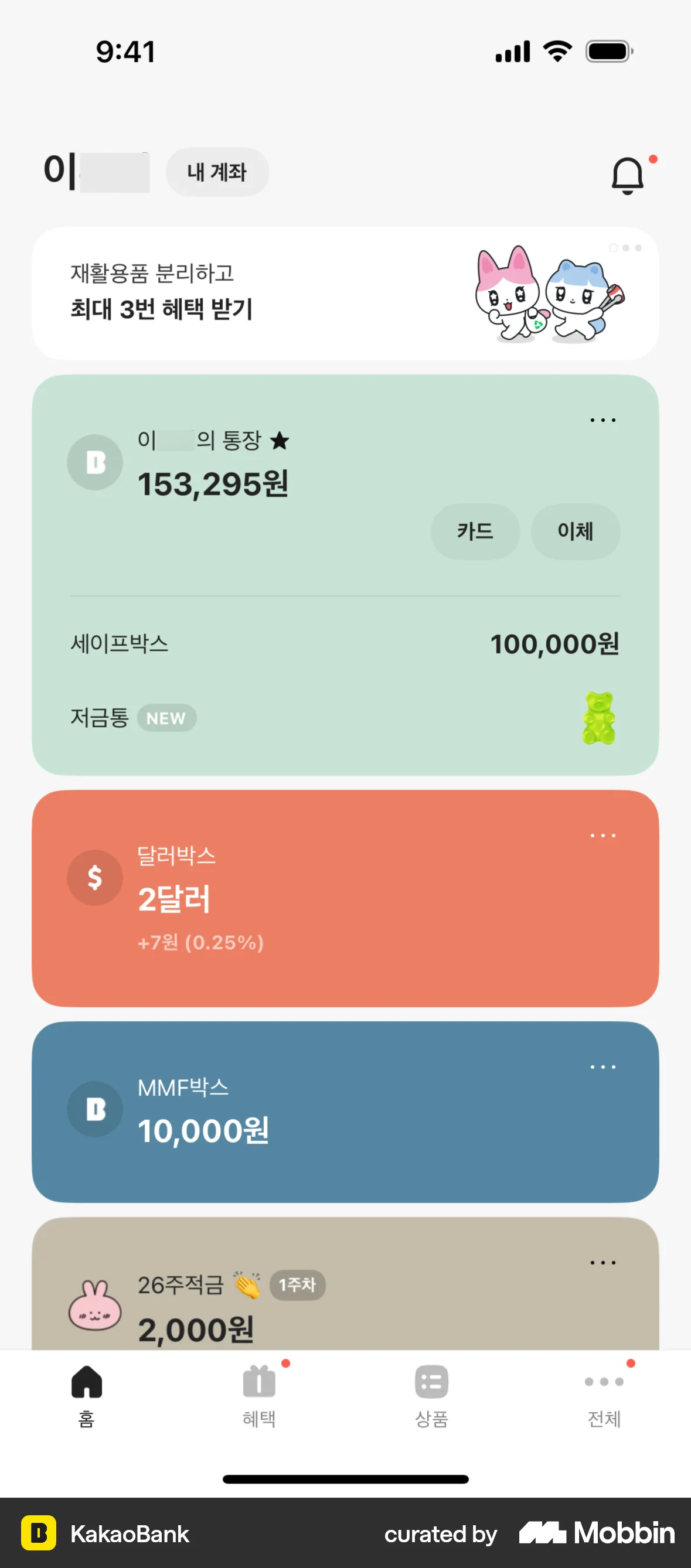
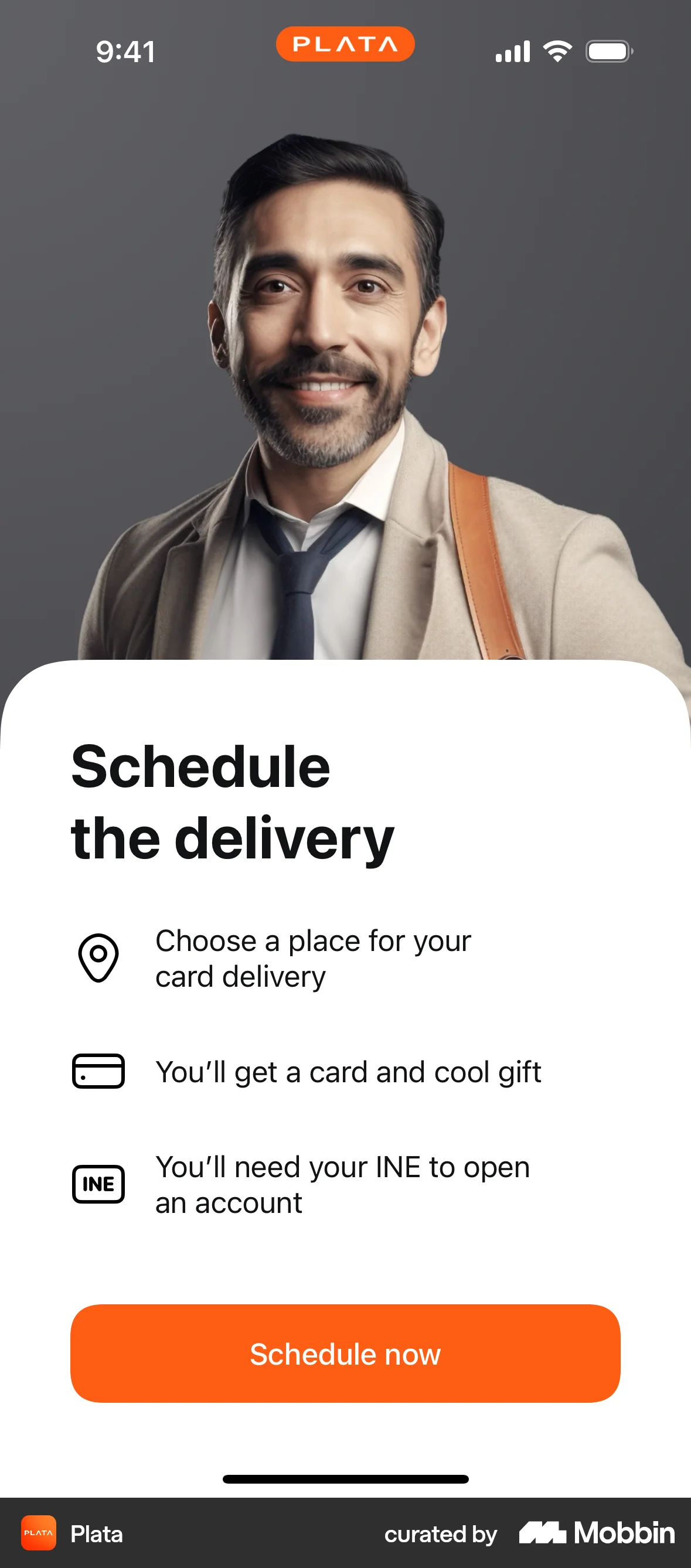
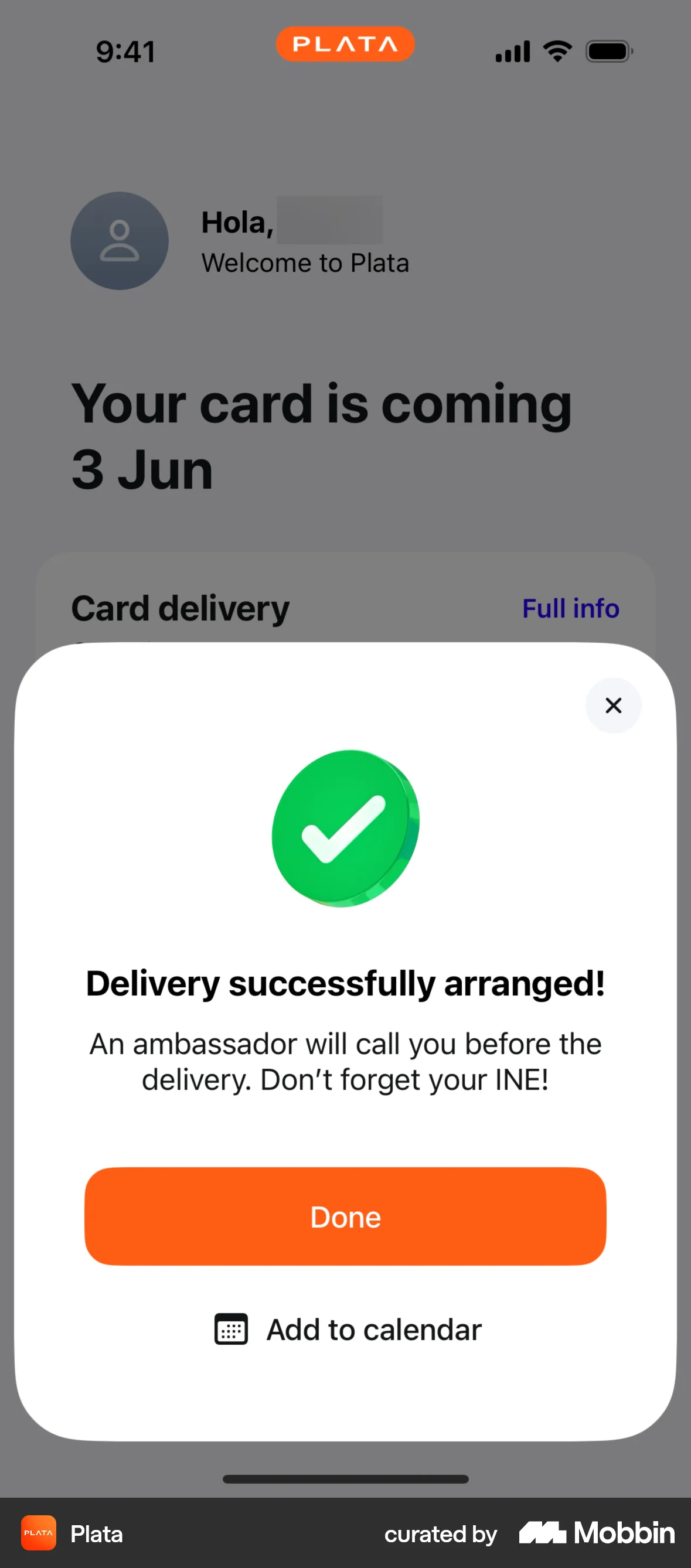
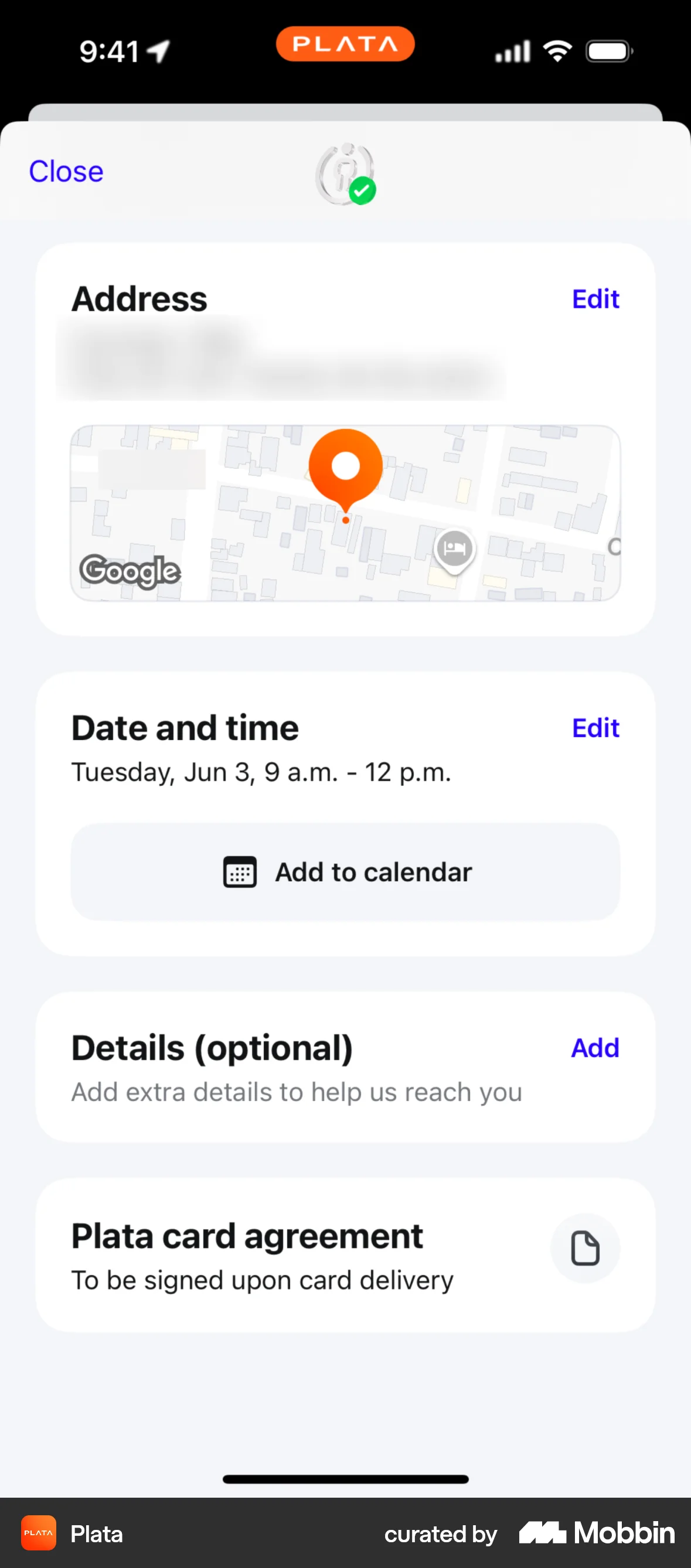
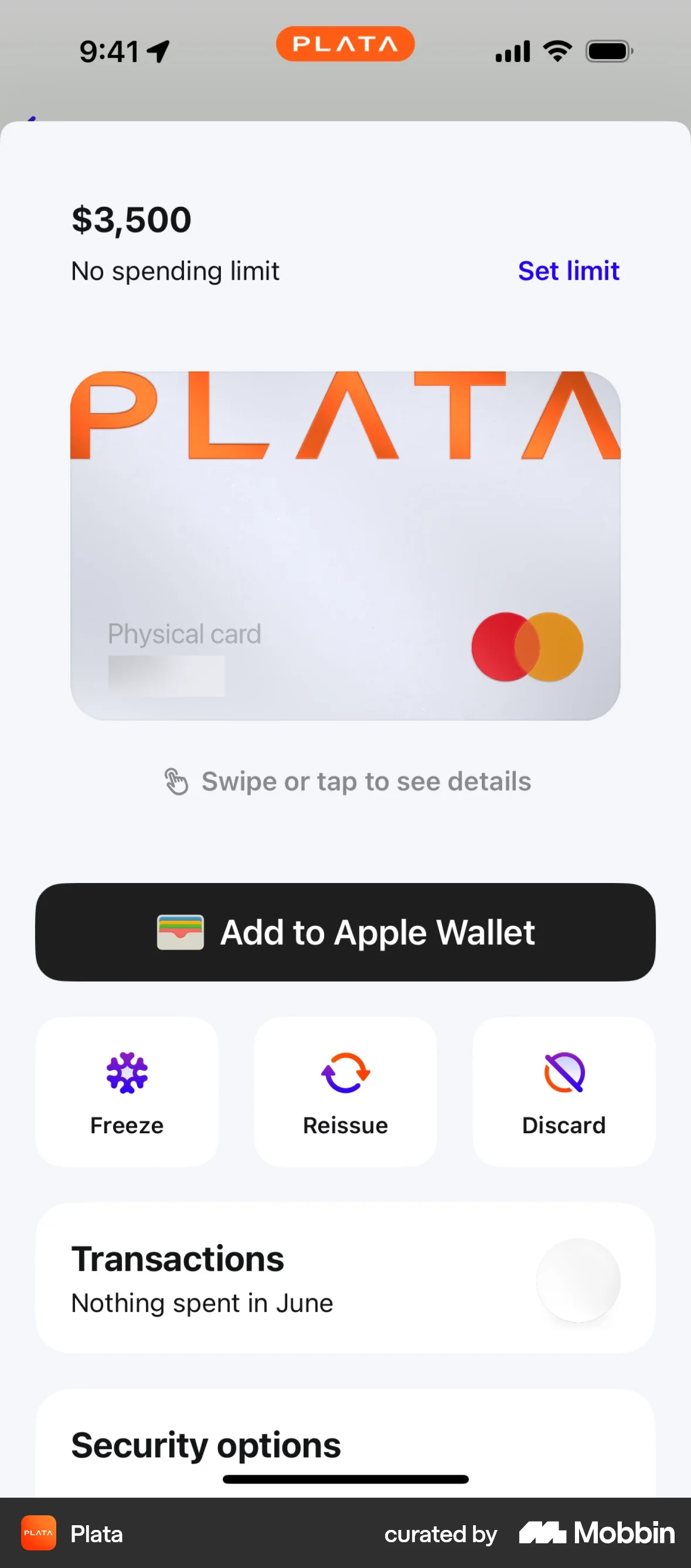
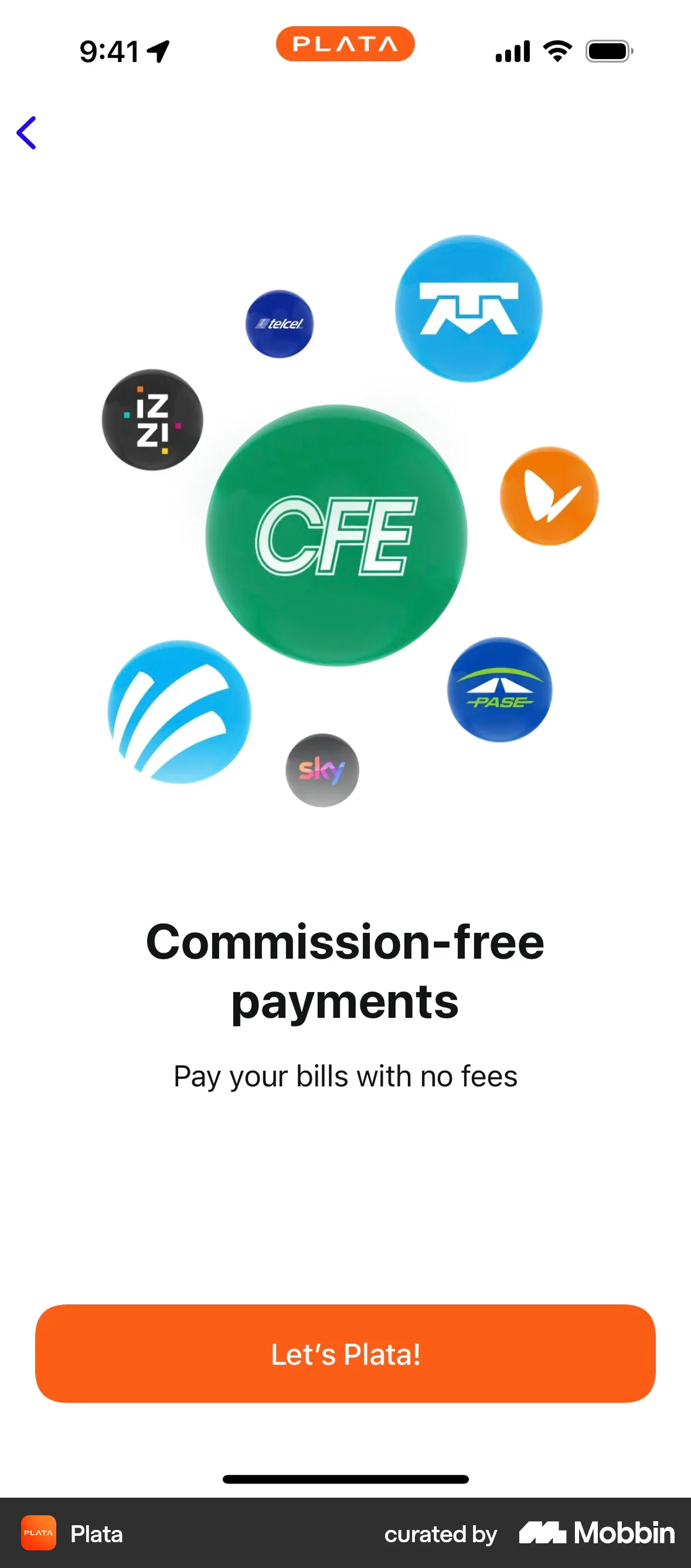
The user flow demonstrates the onboarding process, from authentication and card delivery scheduling to exploring card features and reaching the home screen. It highlights key features and benefits.
Discover best mobile app designs for Logging In flows. Get inspired by the best apps in the world.
The user flow demonstrates the onboarding process, from authentication and card delivery scheduling to exploring card features and reaching the home screen. It highlights key features and benefits.

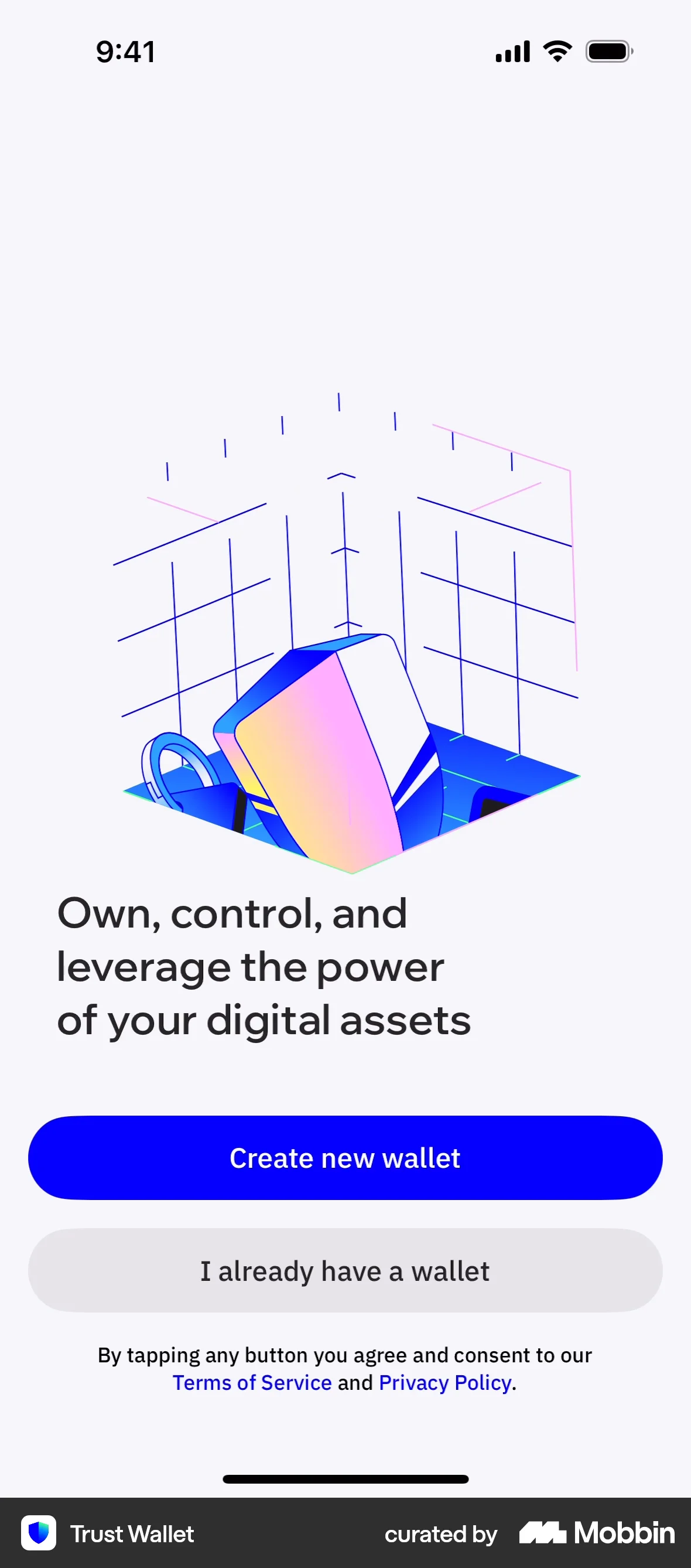
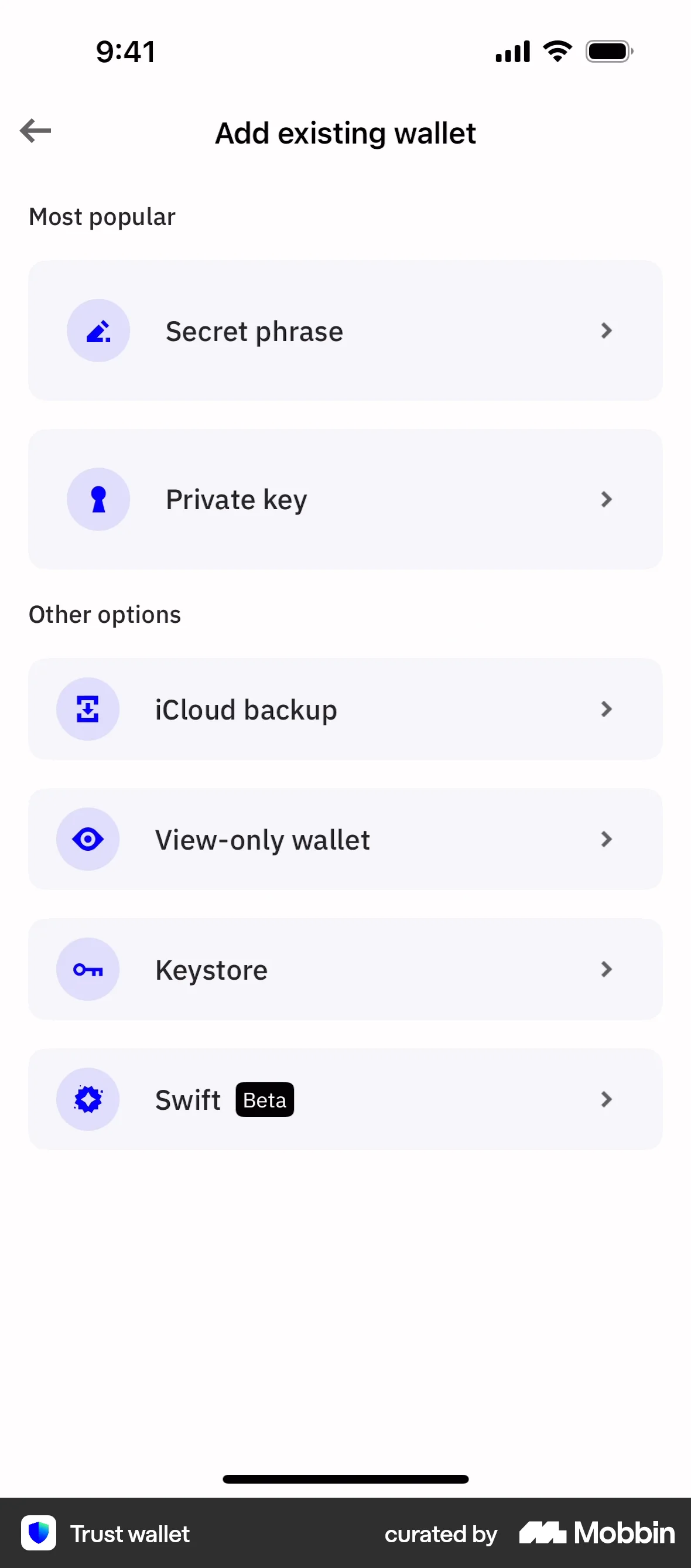
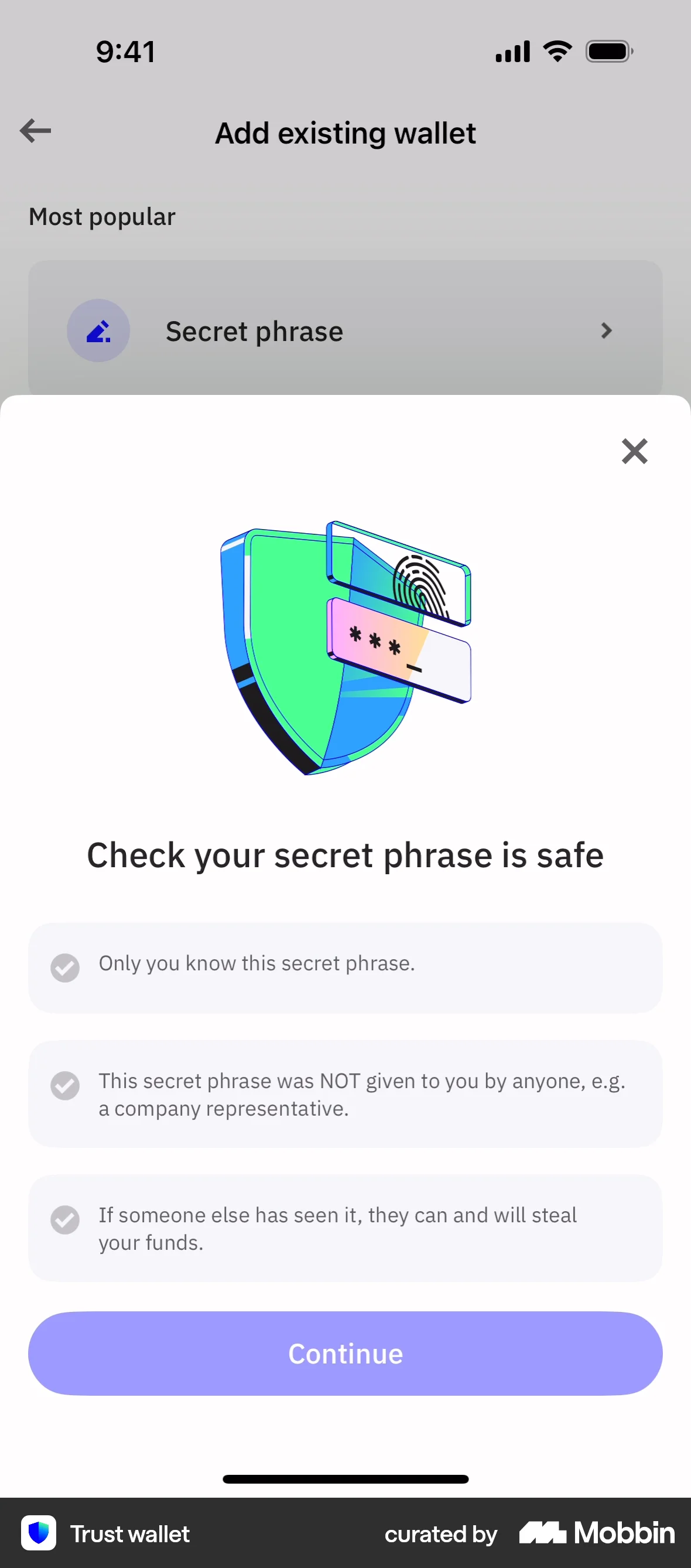
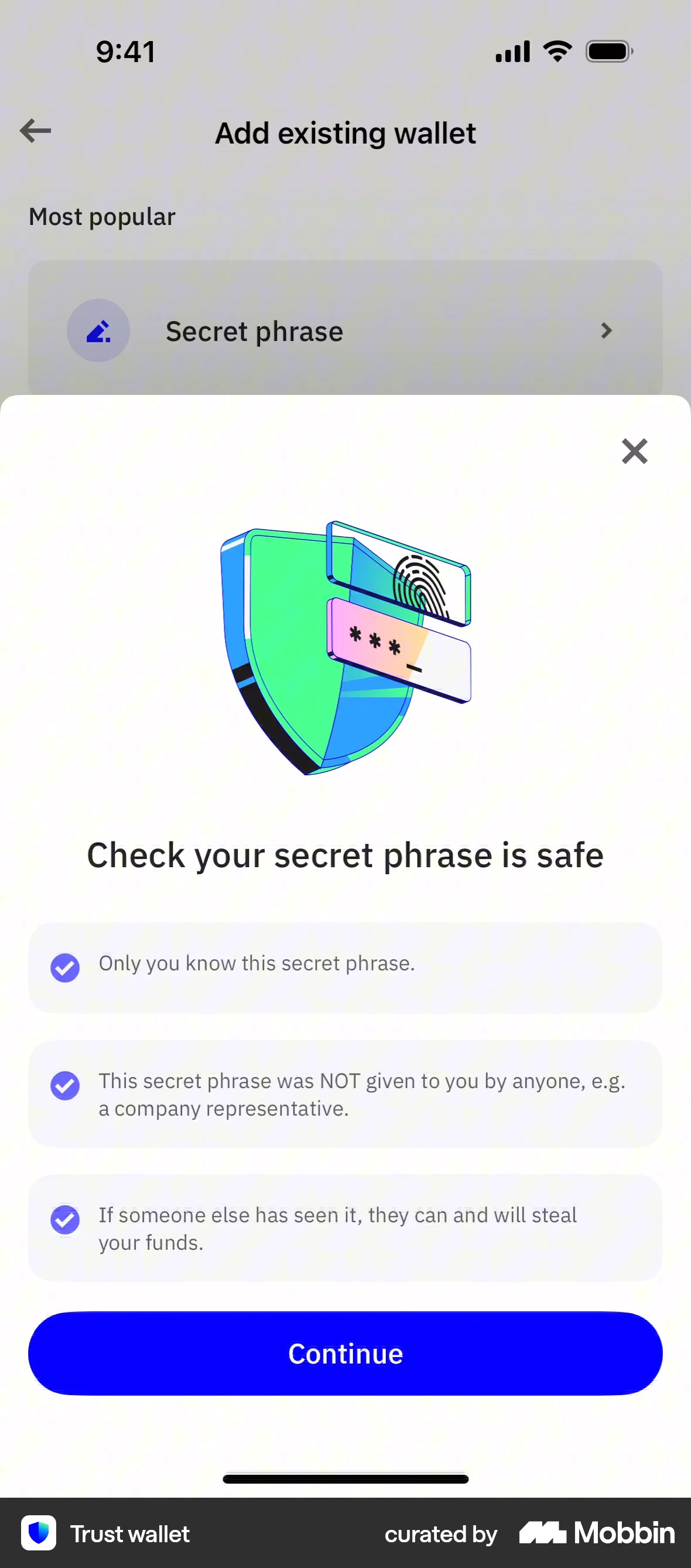
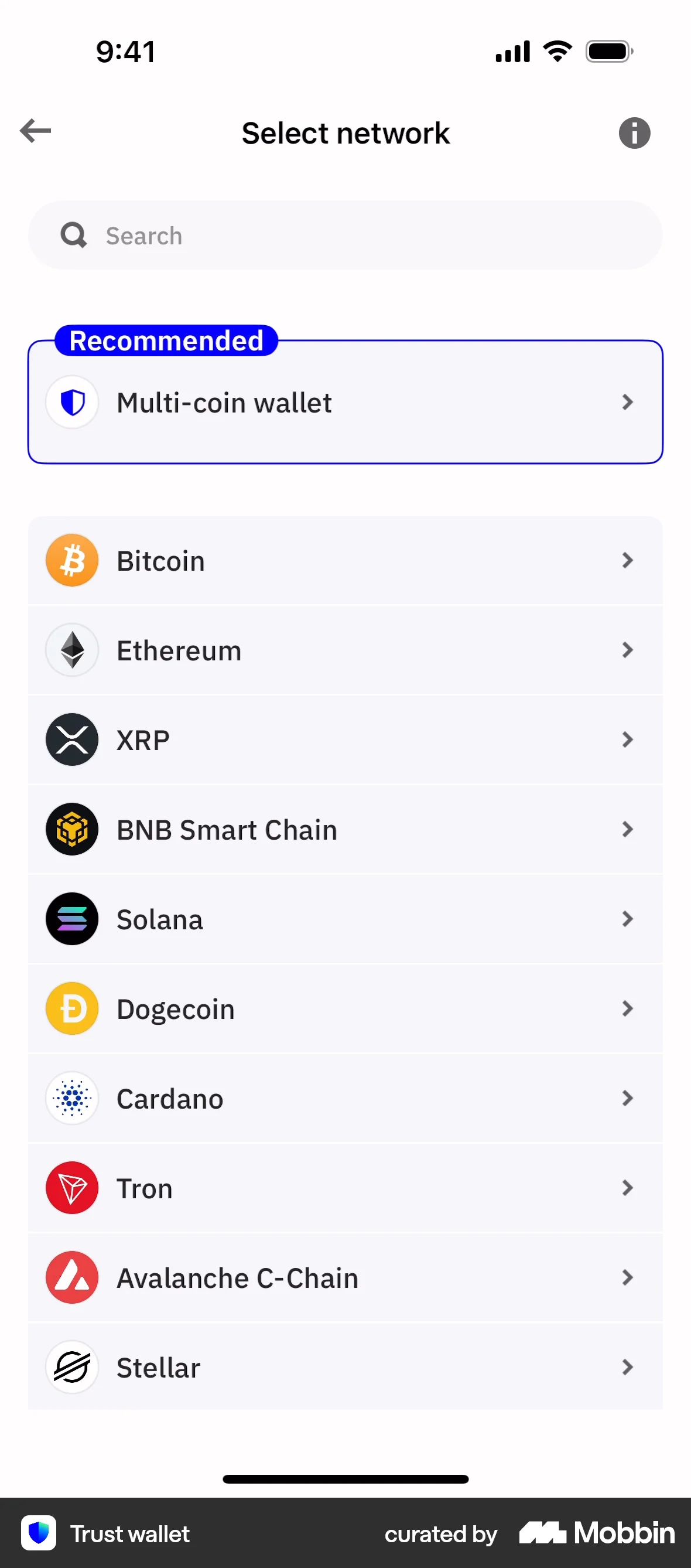
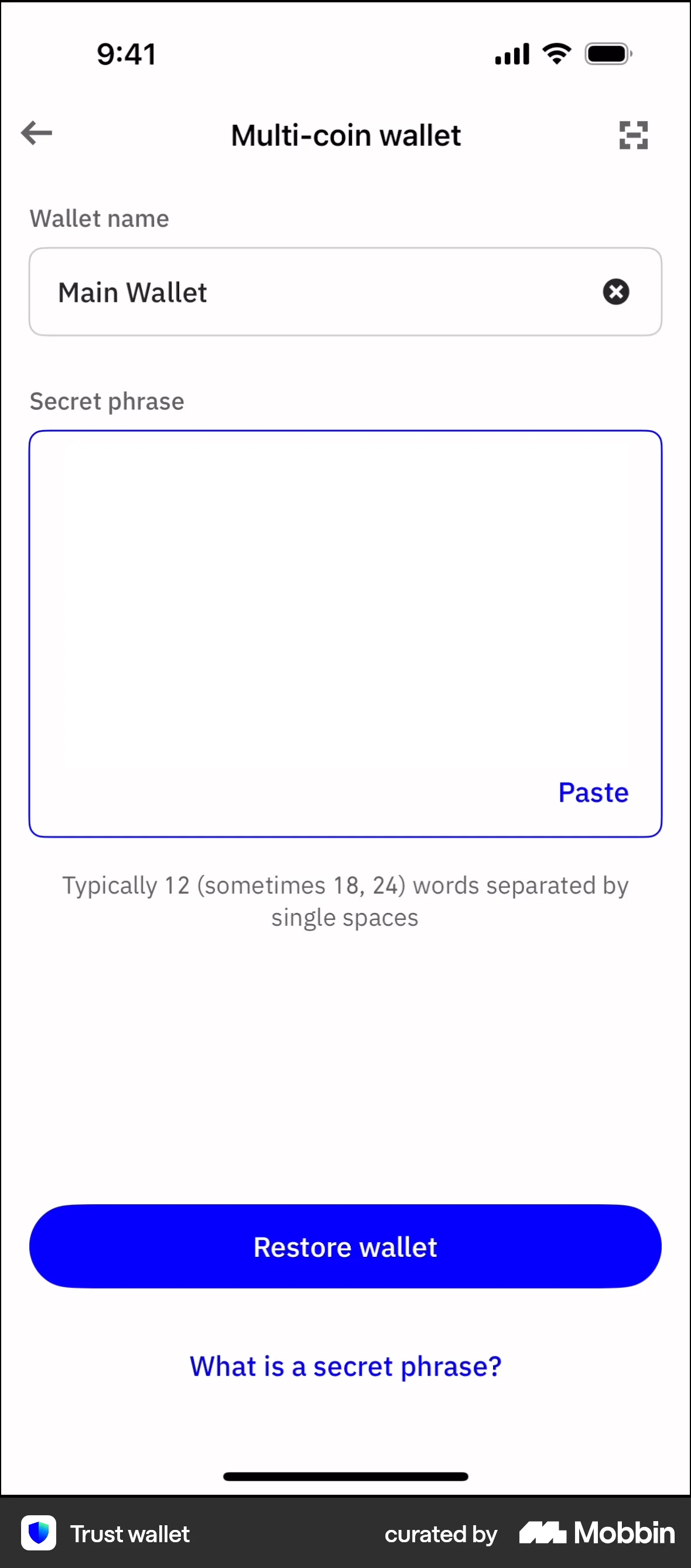
The user adds an existing wallet by creating a passcode, selecting the secret phrase option, selecting a network, and entering the wallet name and secret phrase. The user is then taken to the main wallet screen.

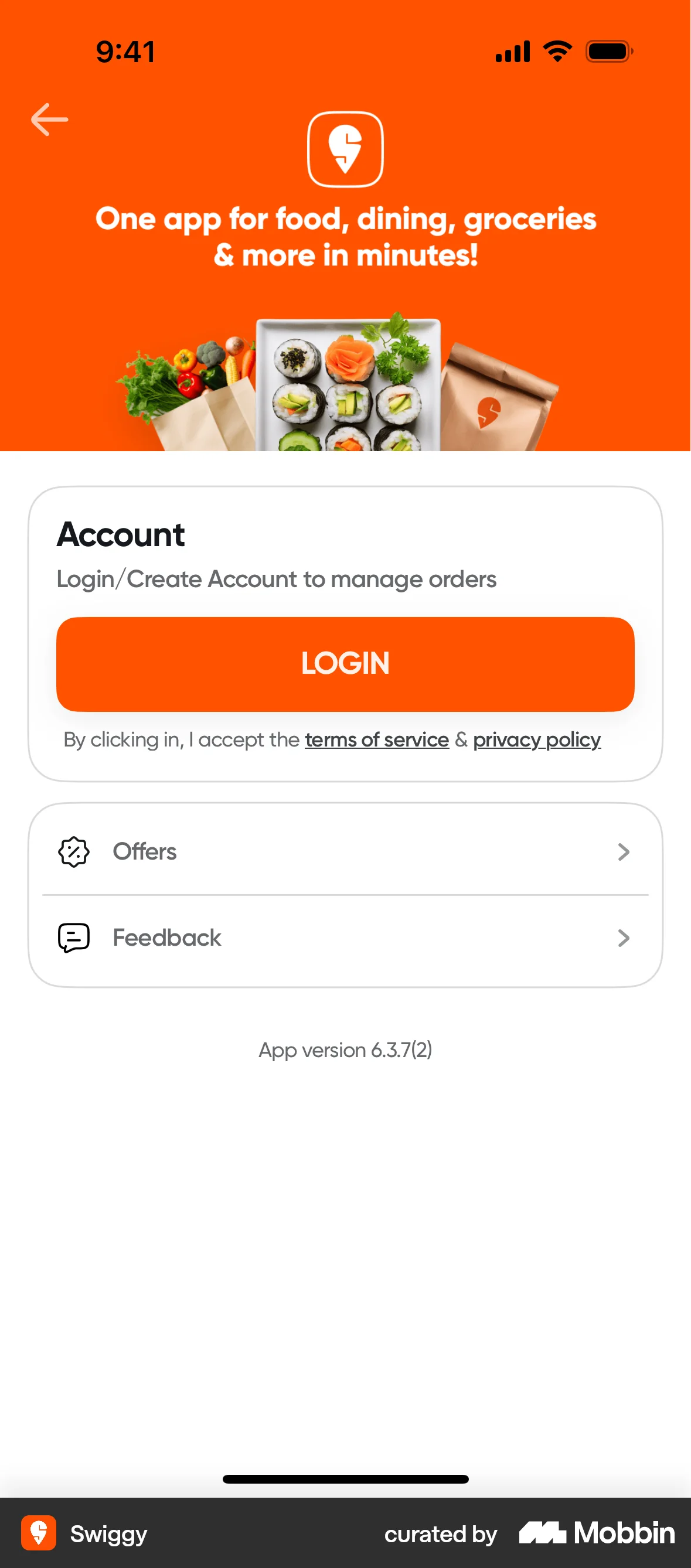
The user flow demonstrates logging into an app. It starts from a promotional page, goes through the login process, and ends on a product listing page.
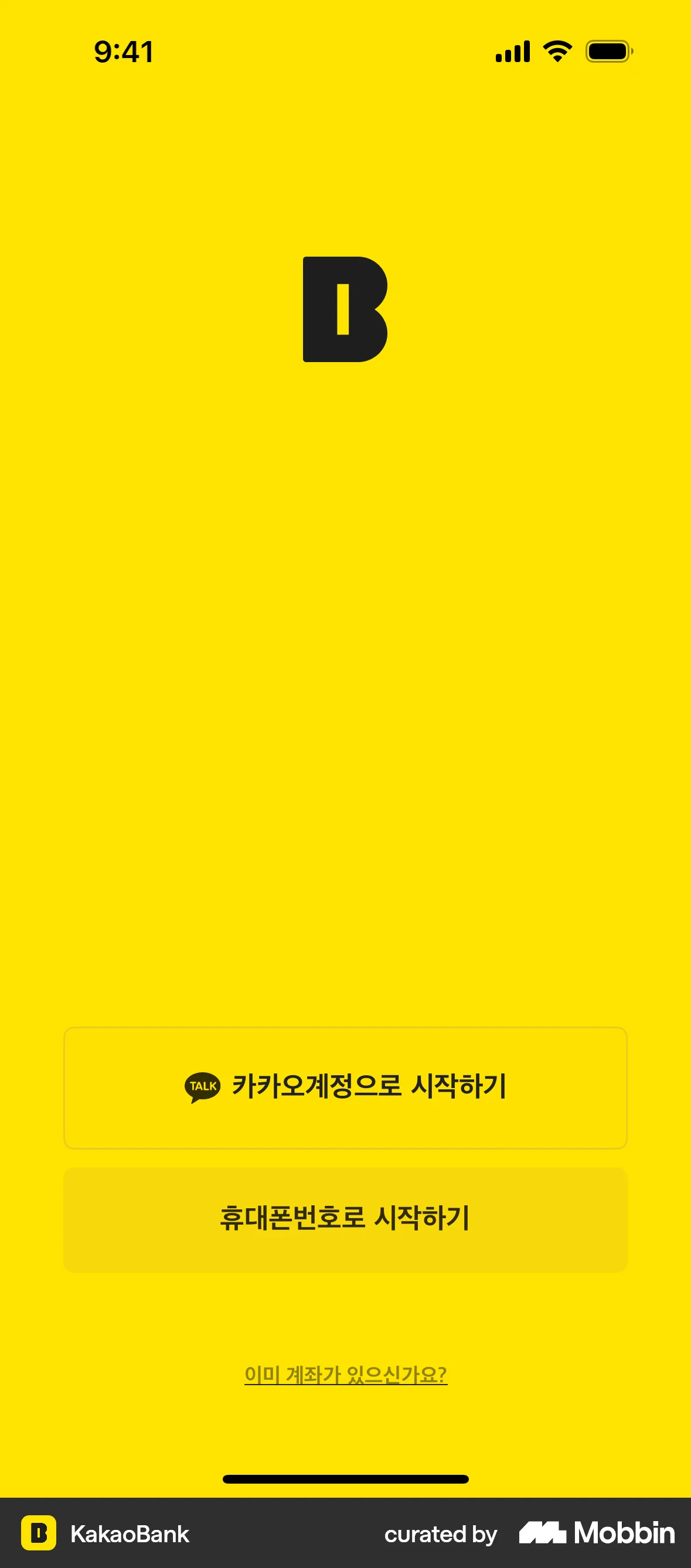
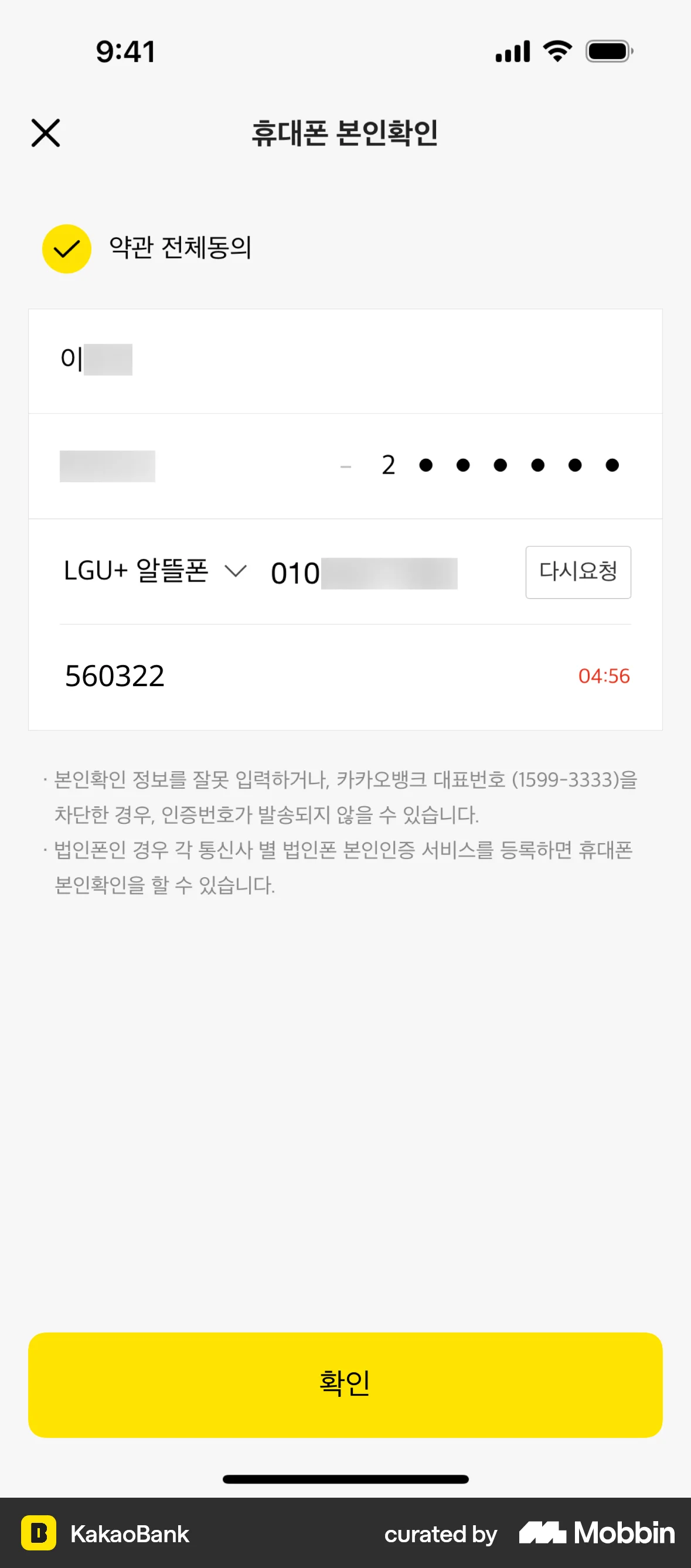
The user flow demonstrates the process of logging into an account. It includes phone number verification, optional Face ID setup, and access to the account dashboard.

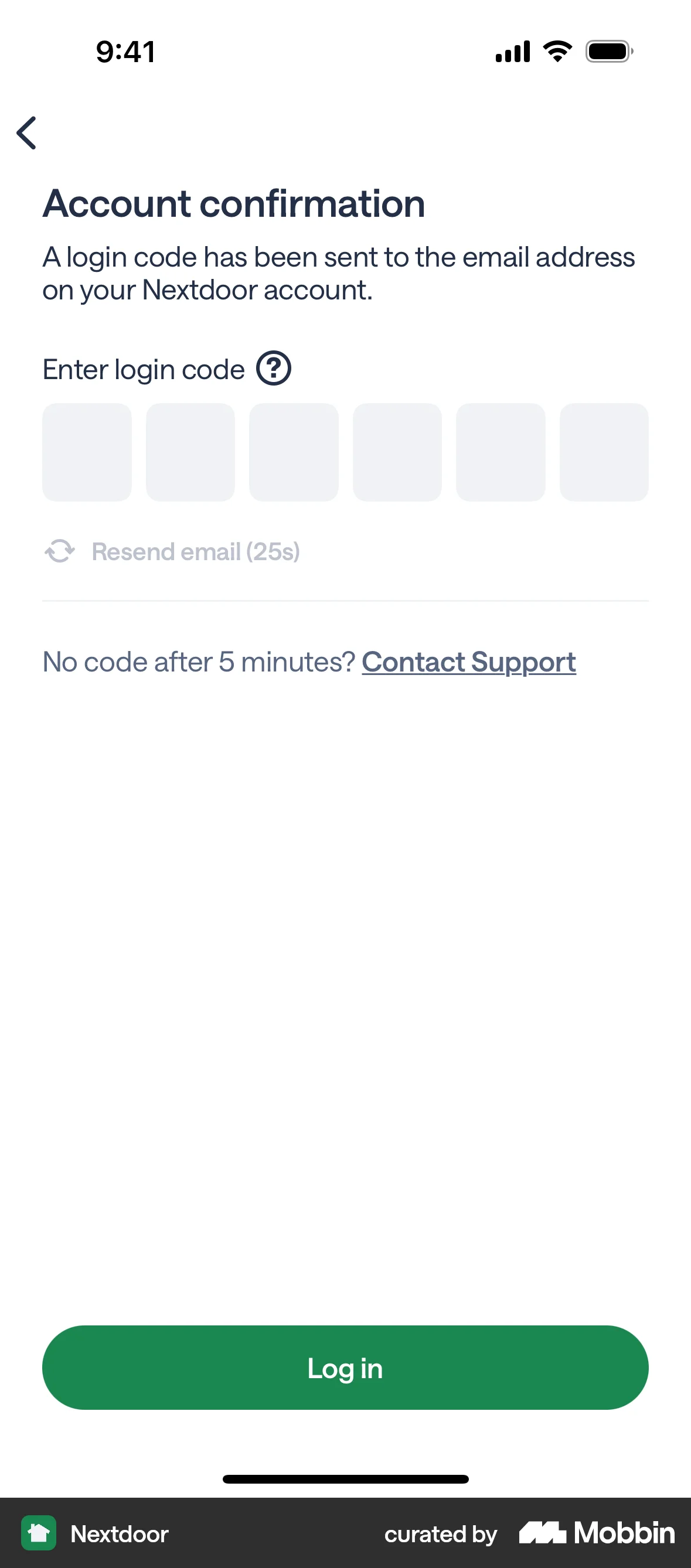
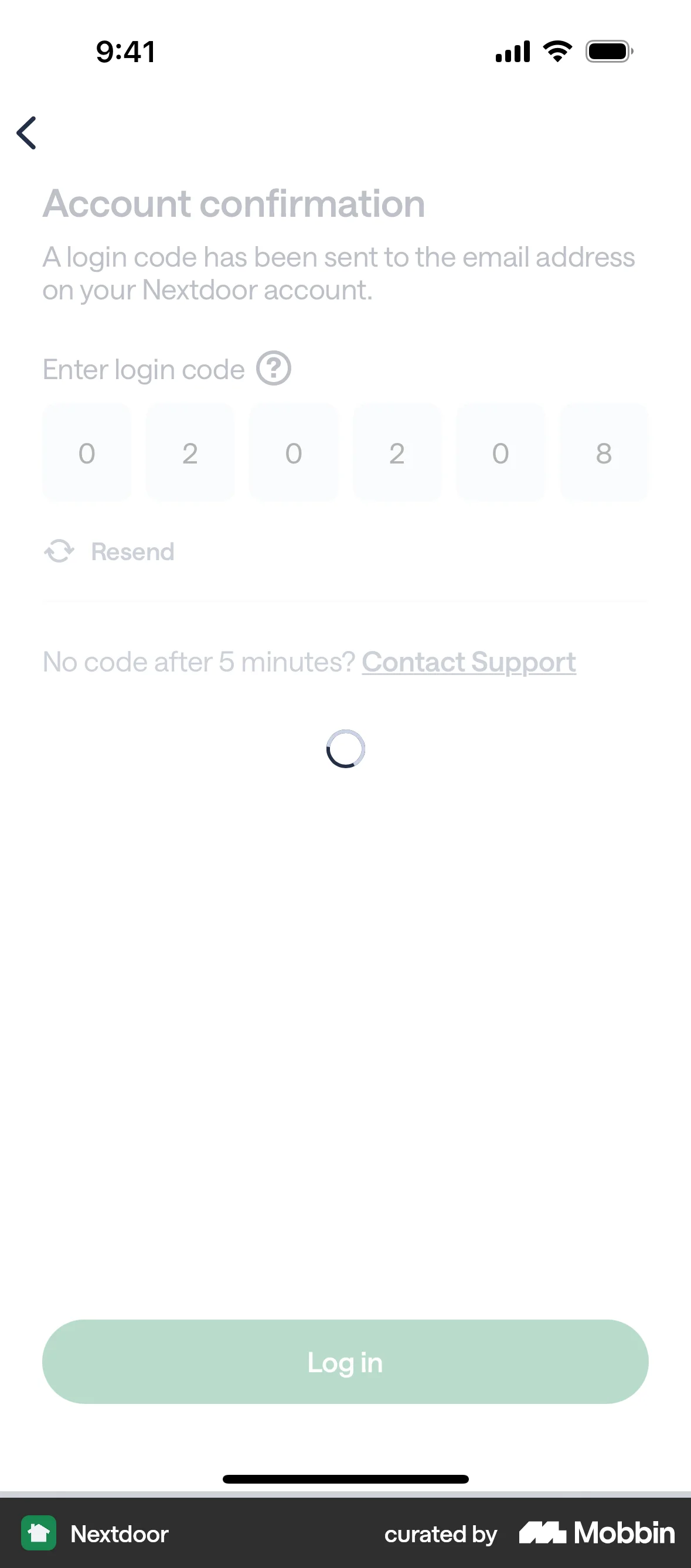
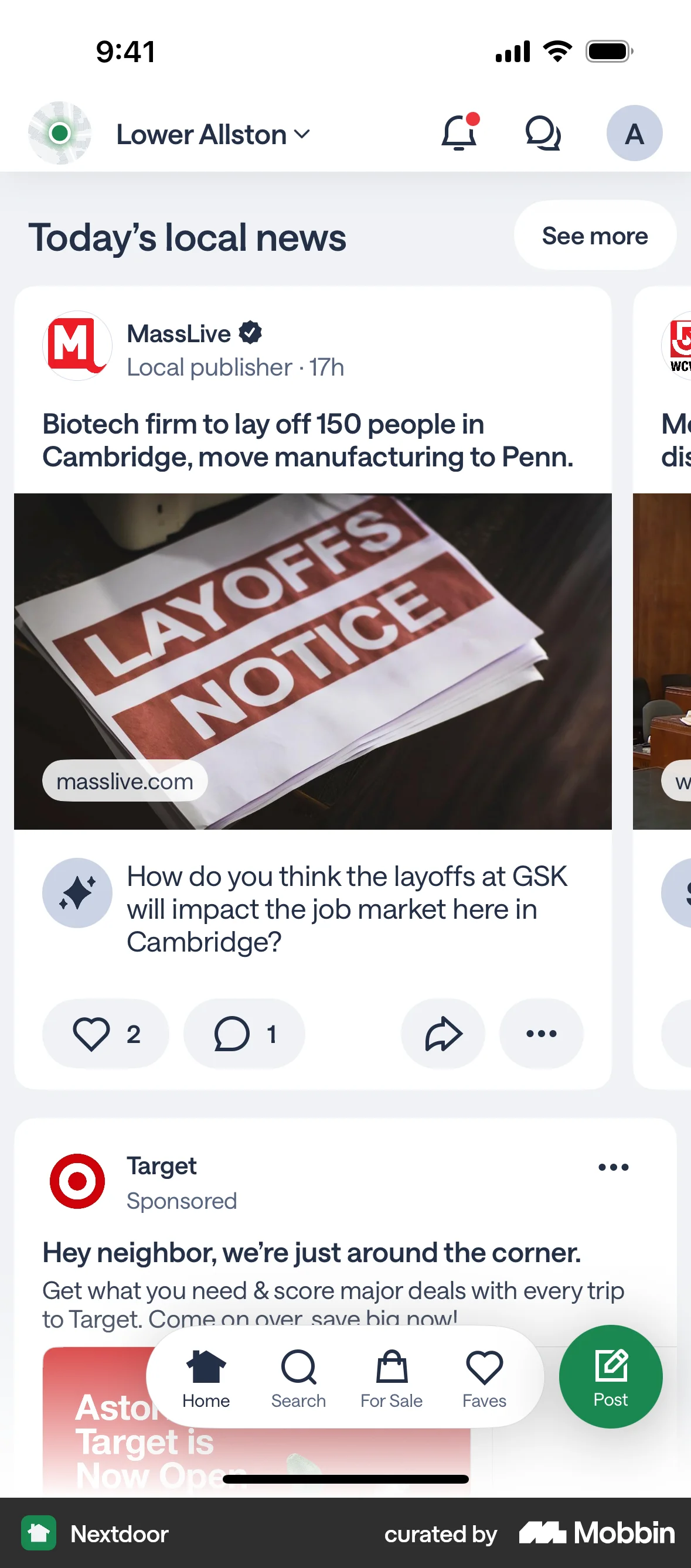
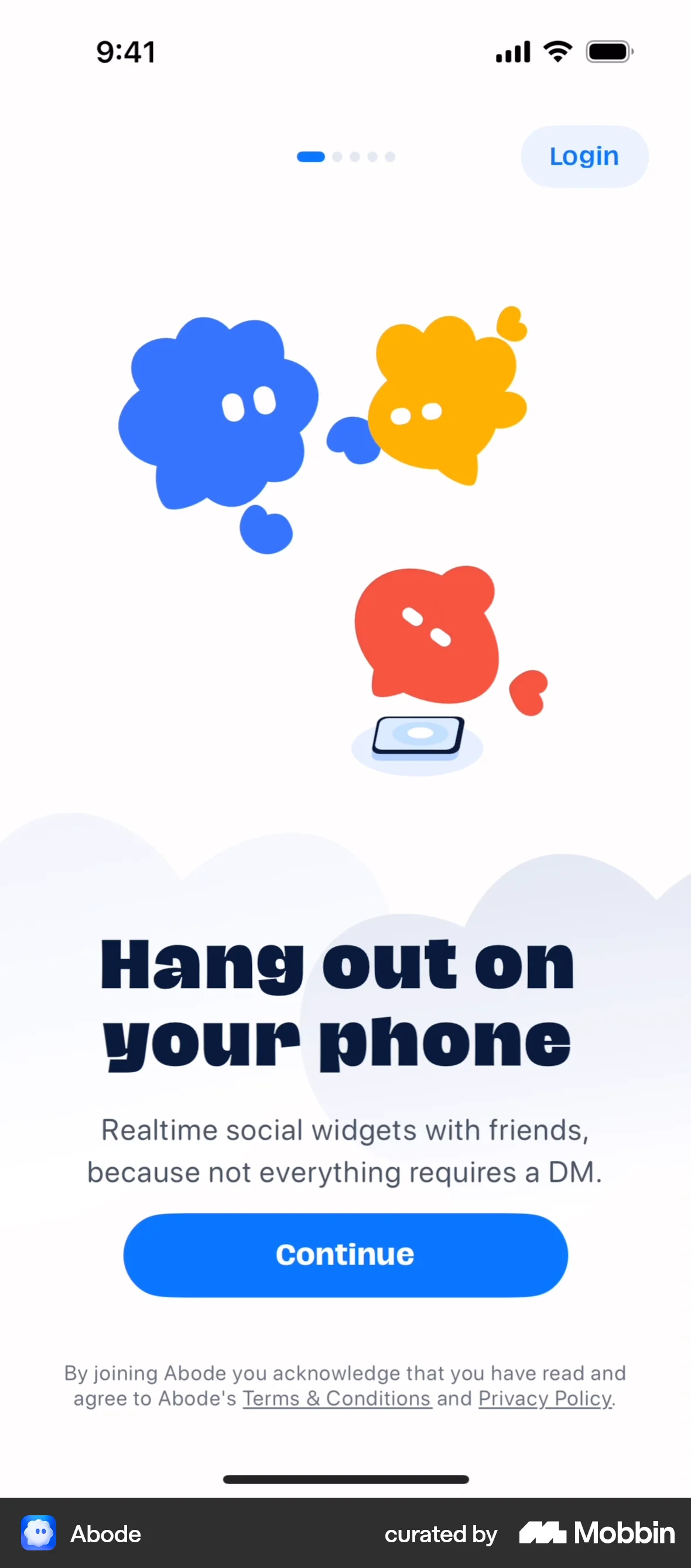
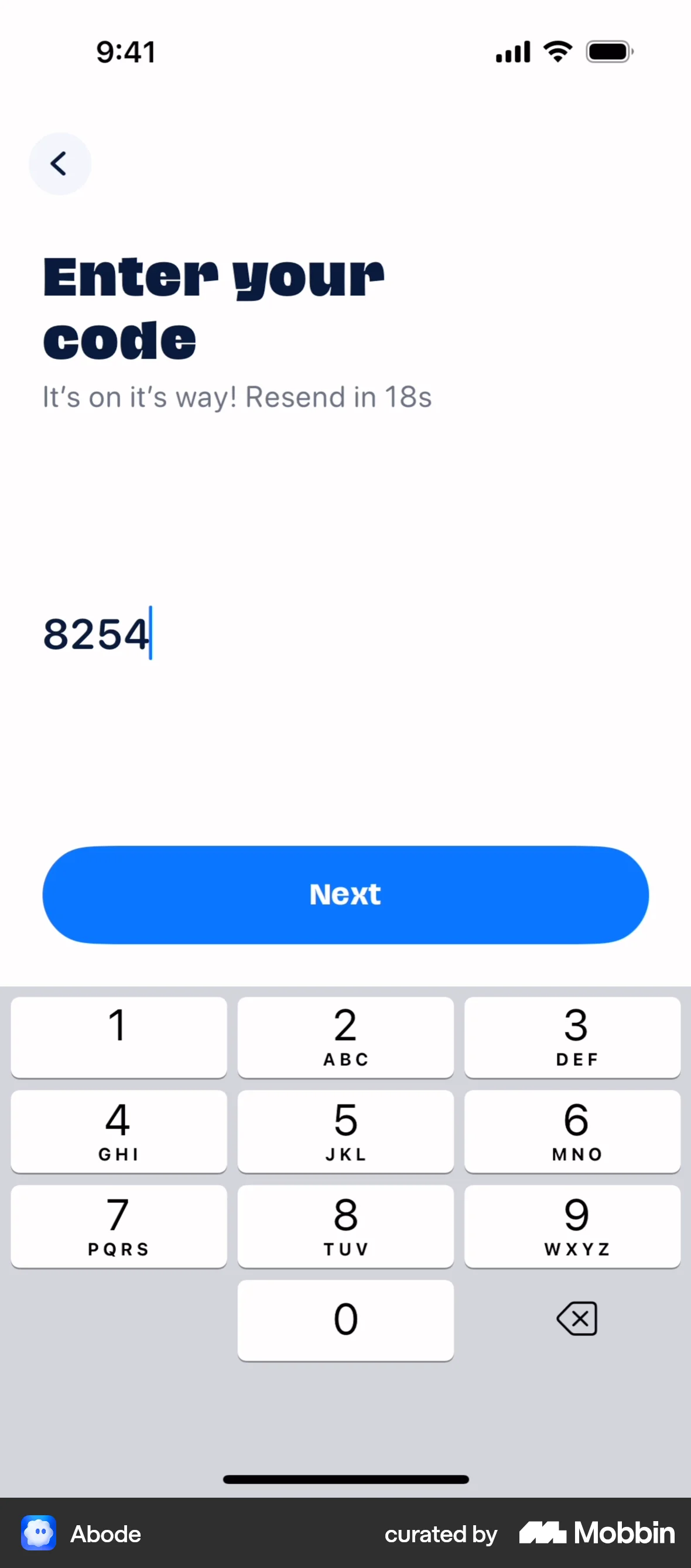
The user logs in via email, enters a verification code, and is directed to the application's homepage. The flow showcases email login and account verification.

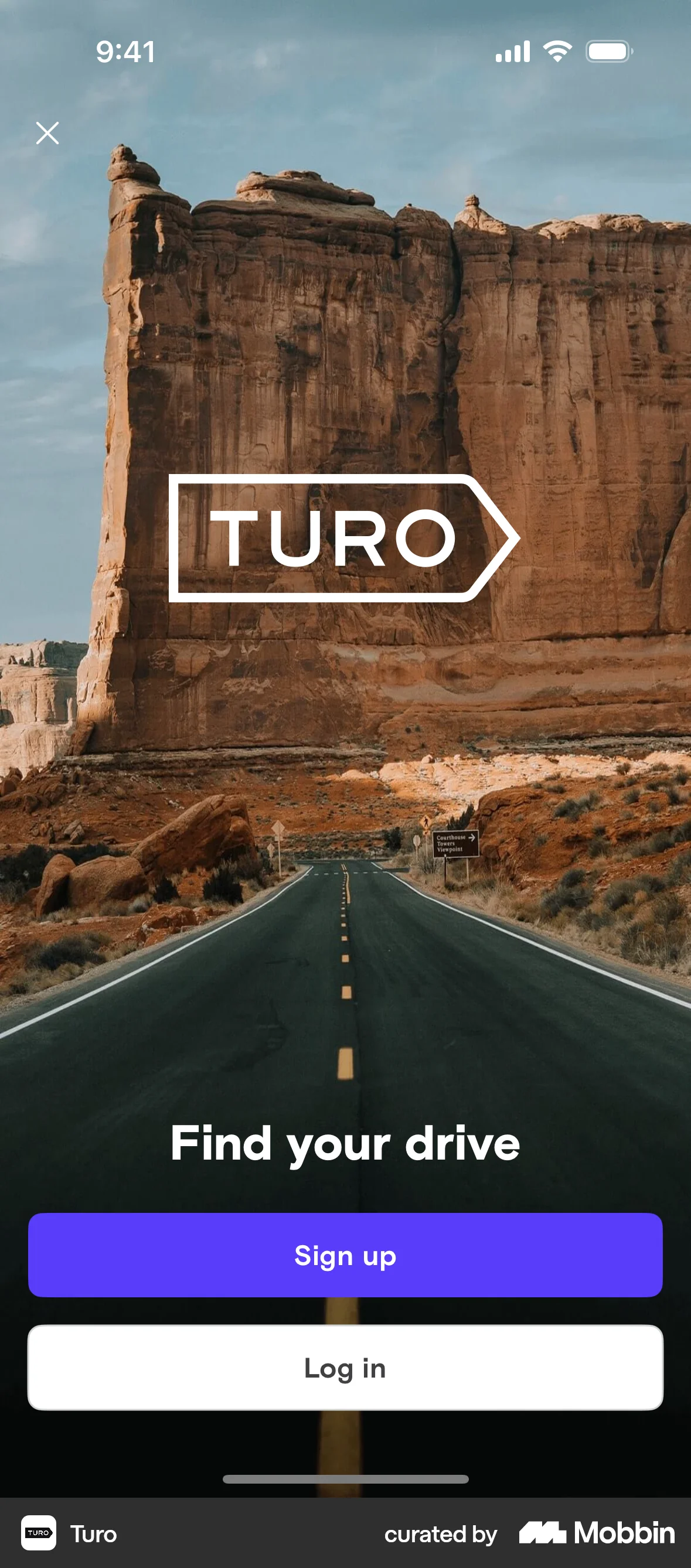
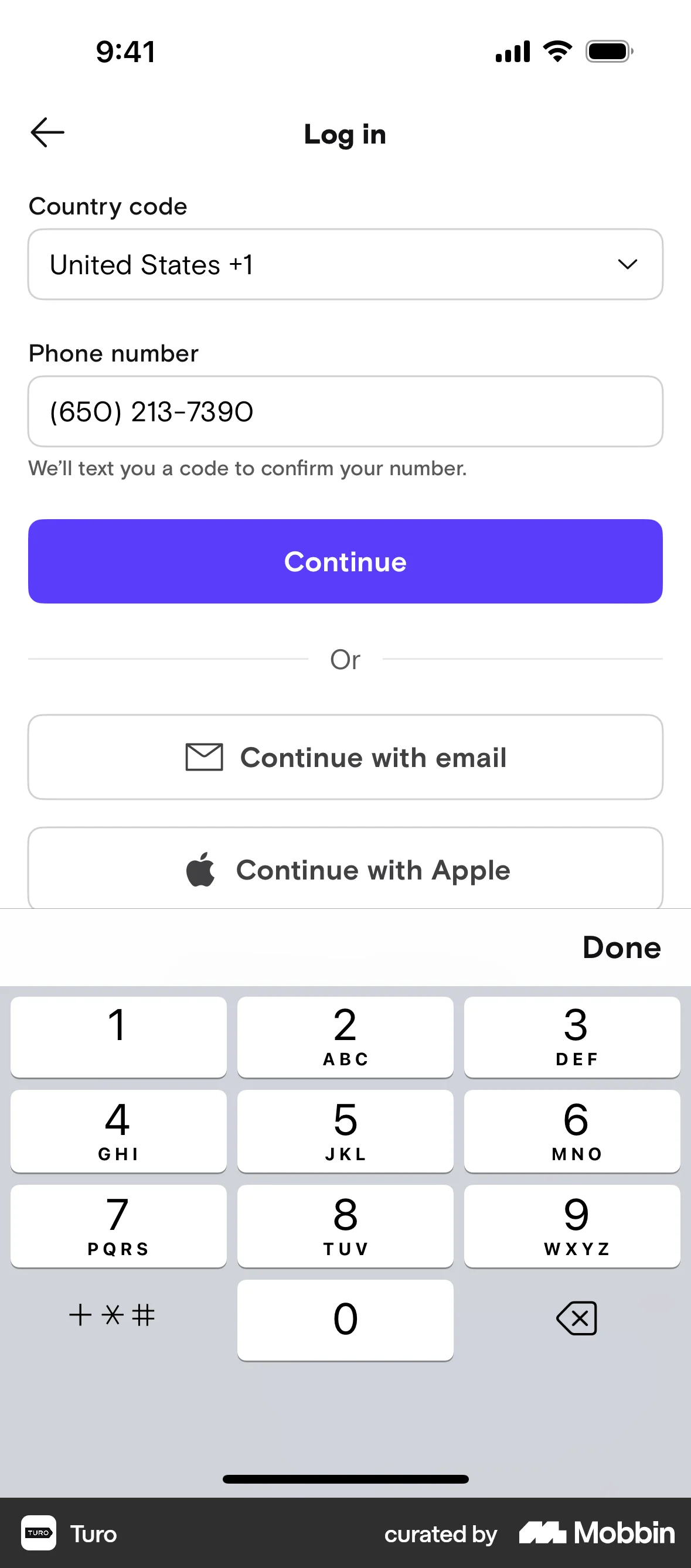
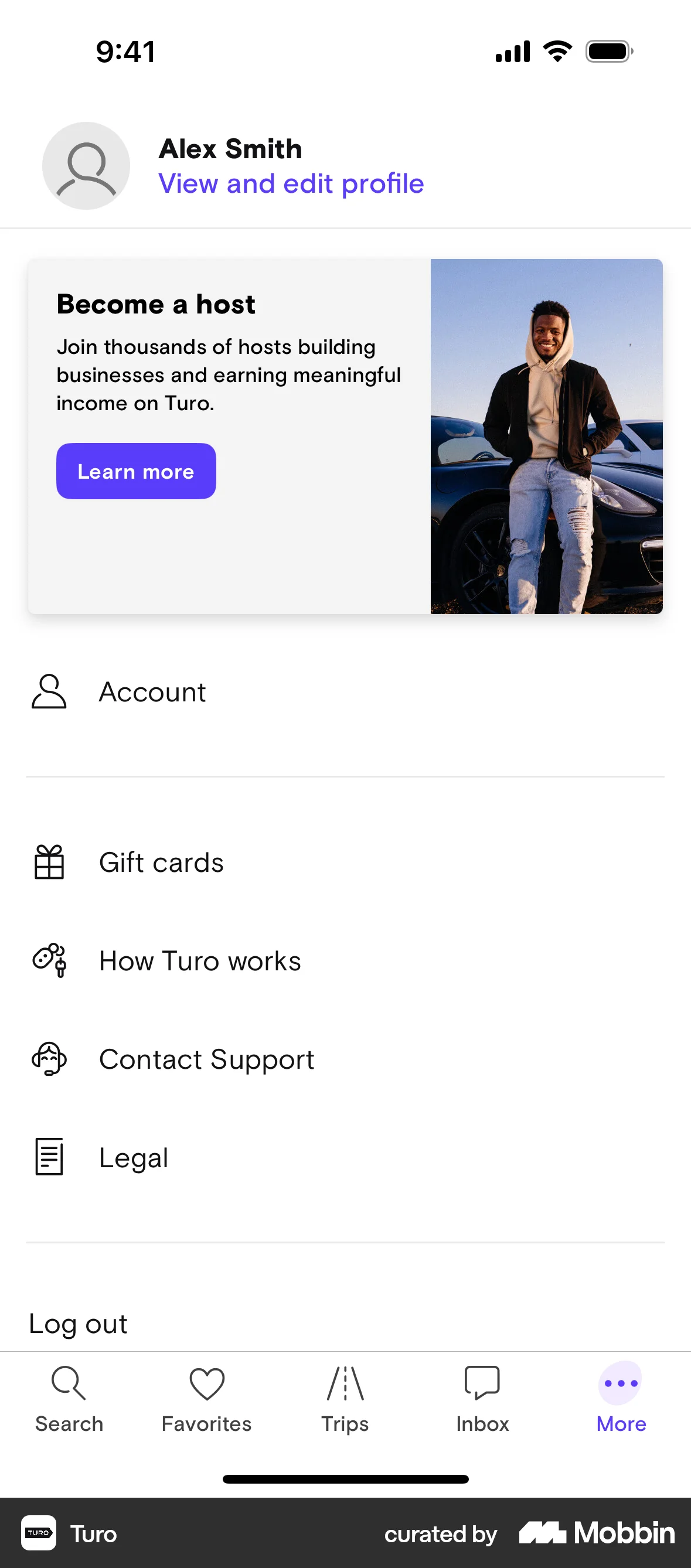
The user flow demonstrates the process of logging into the Turo application using phone number verification. The user successfully logs in and is directed to their account page.

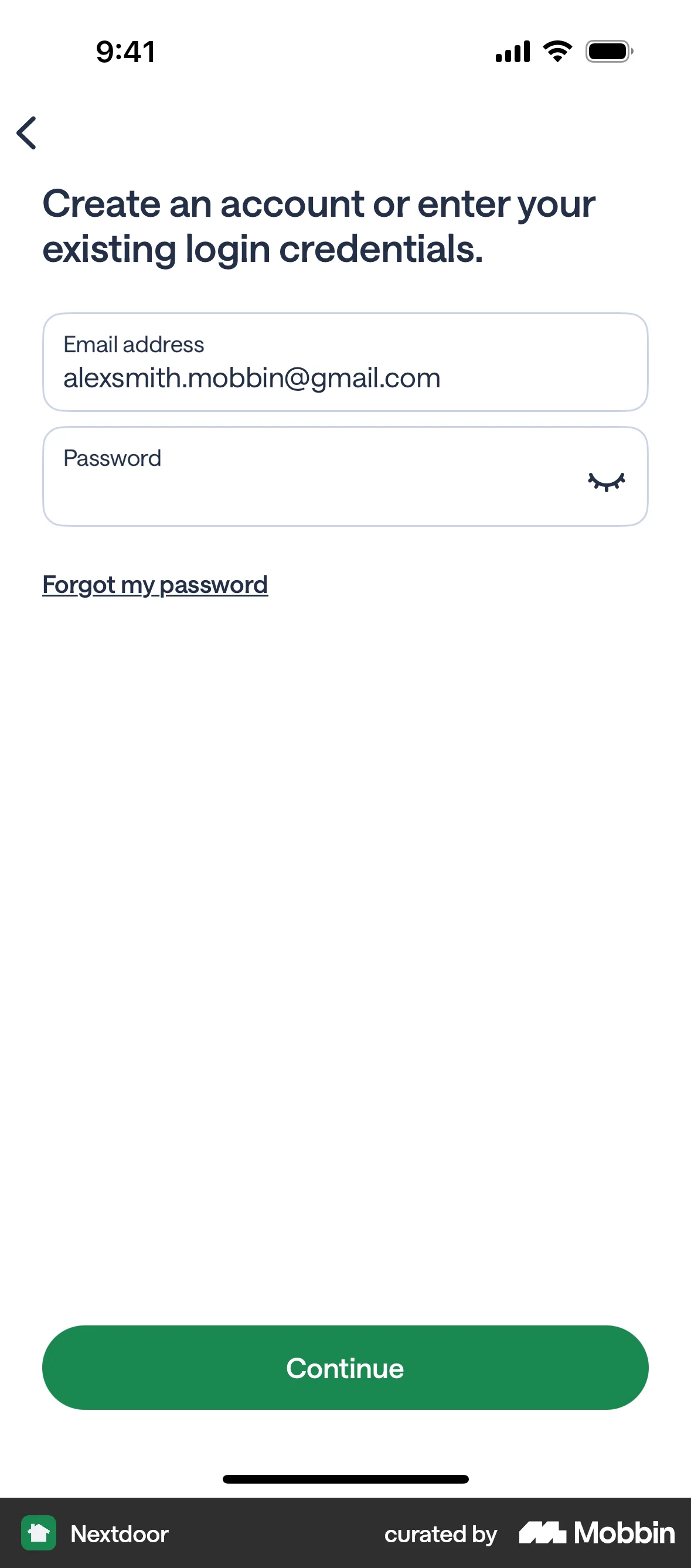
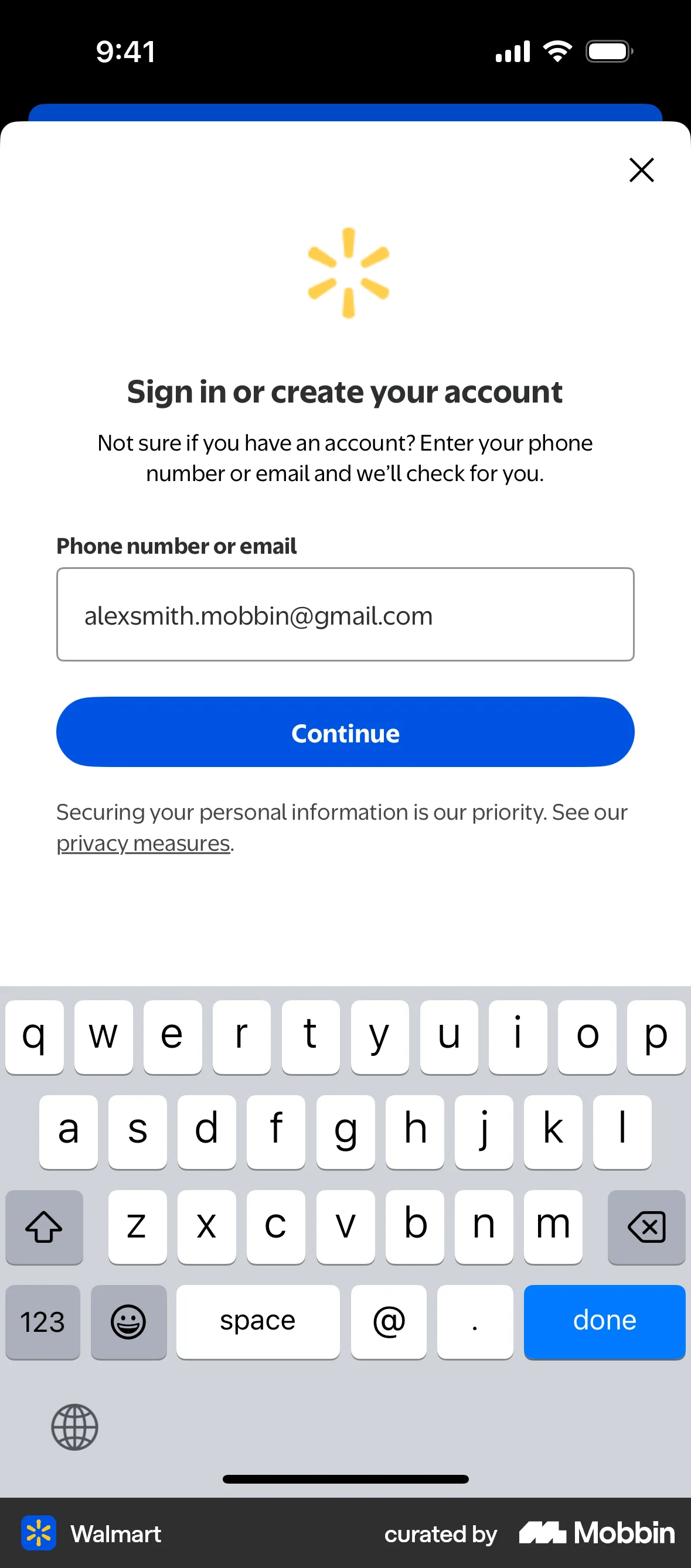
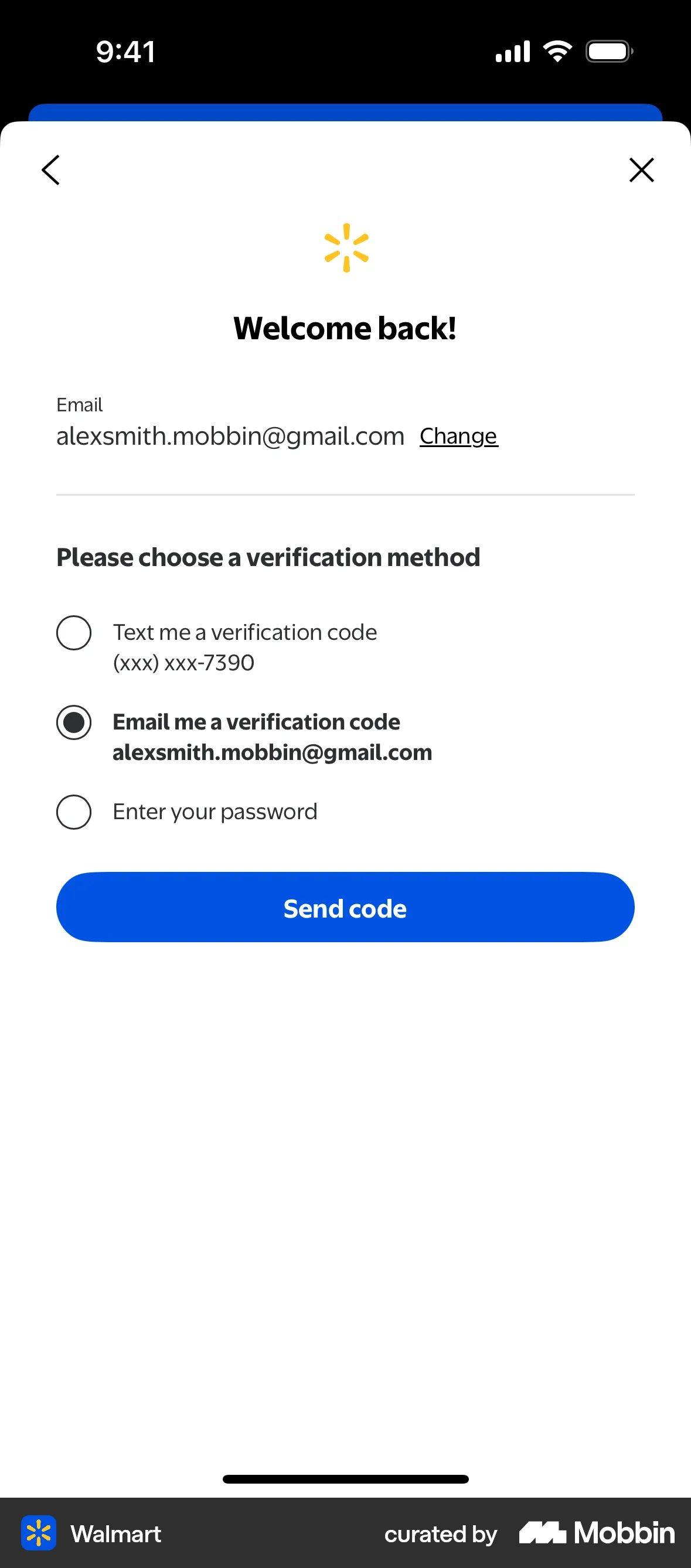
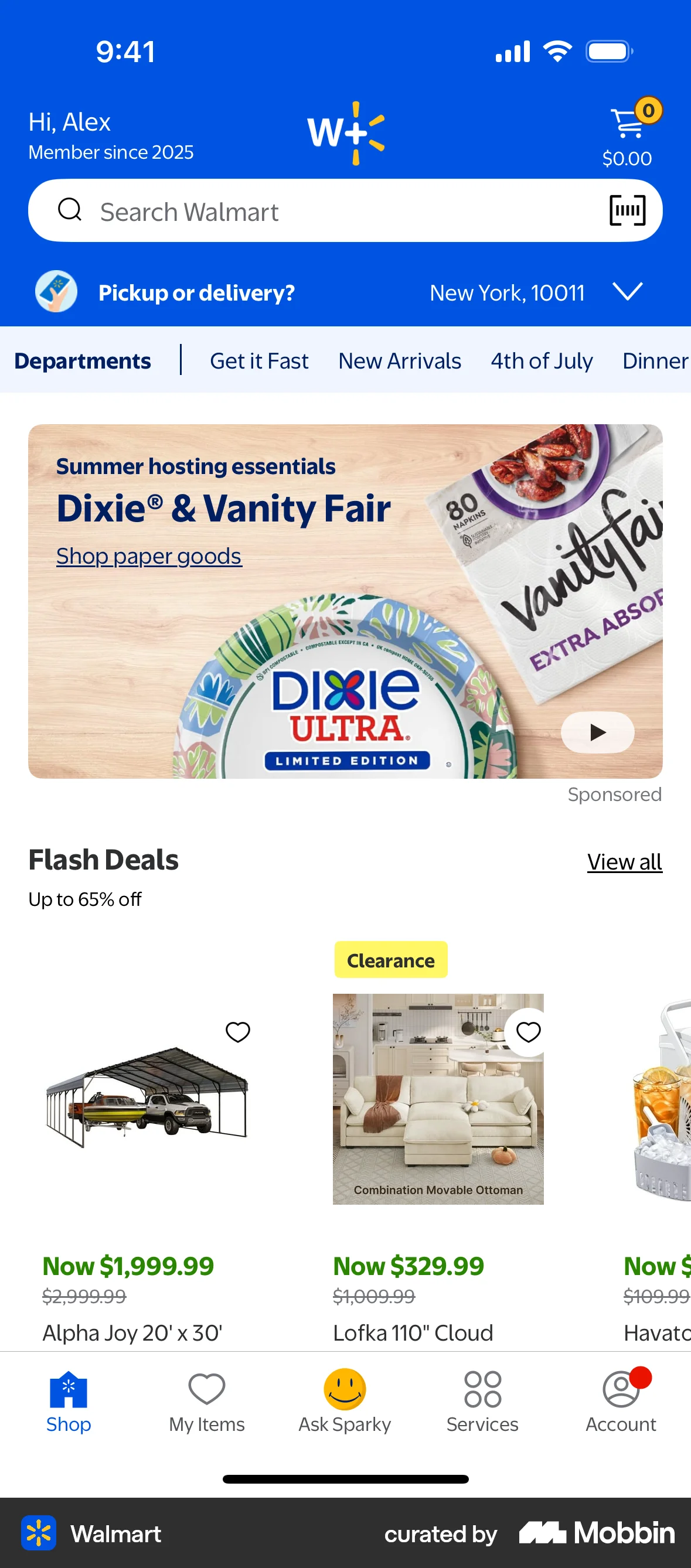
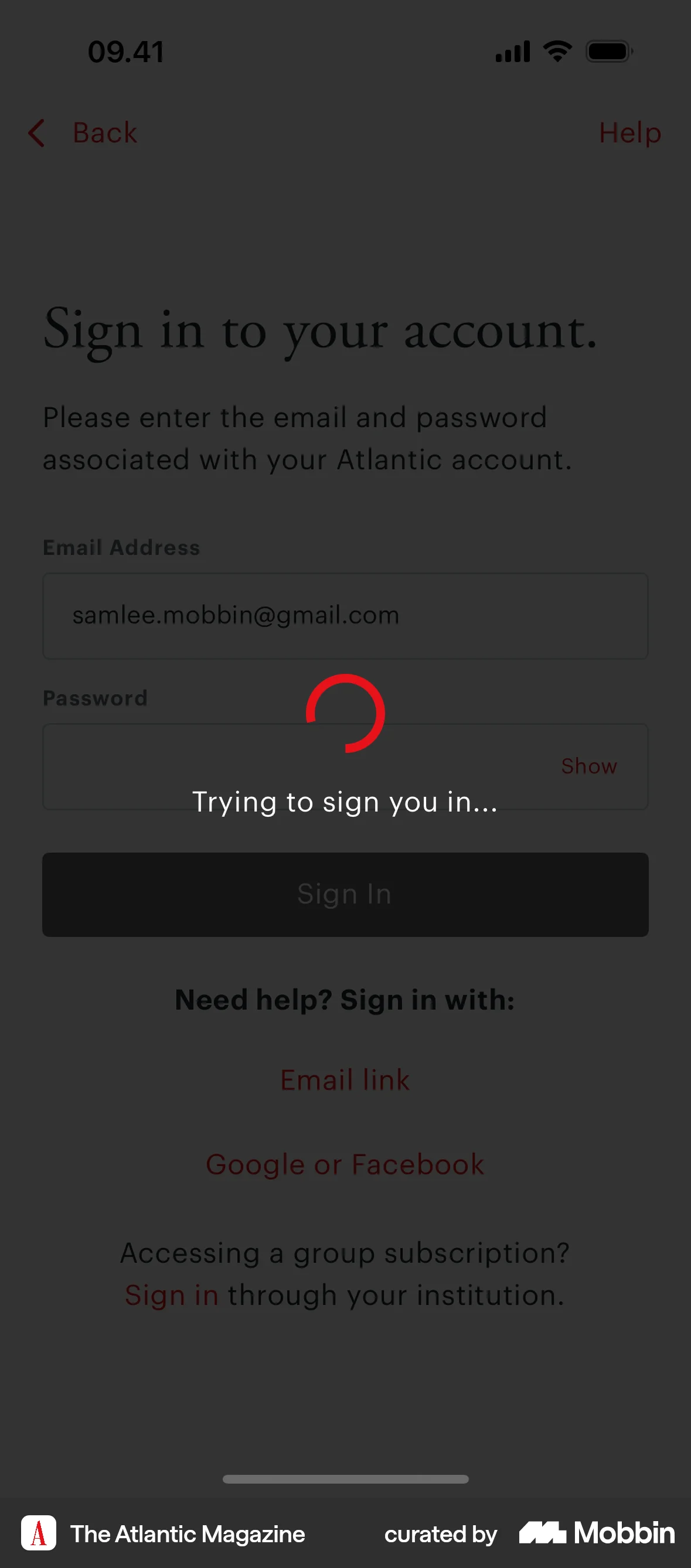
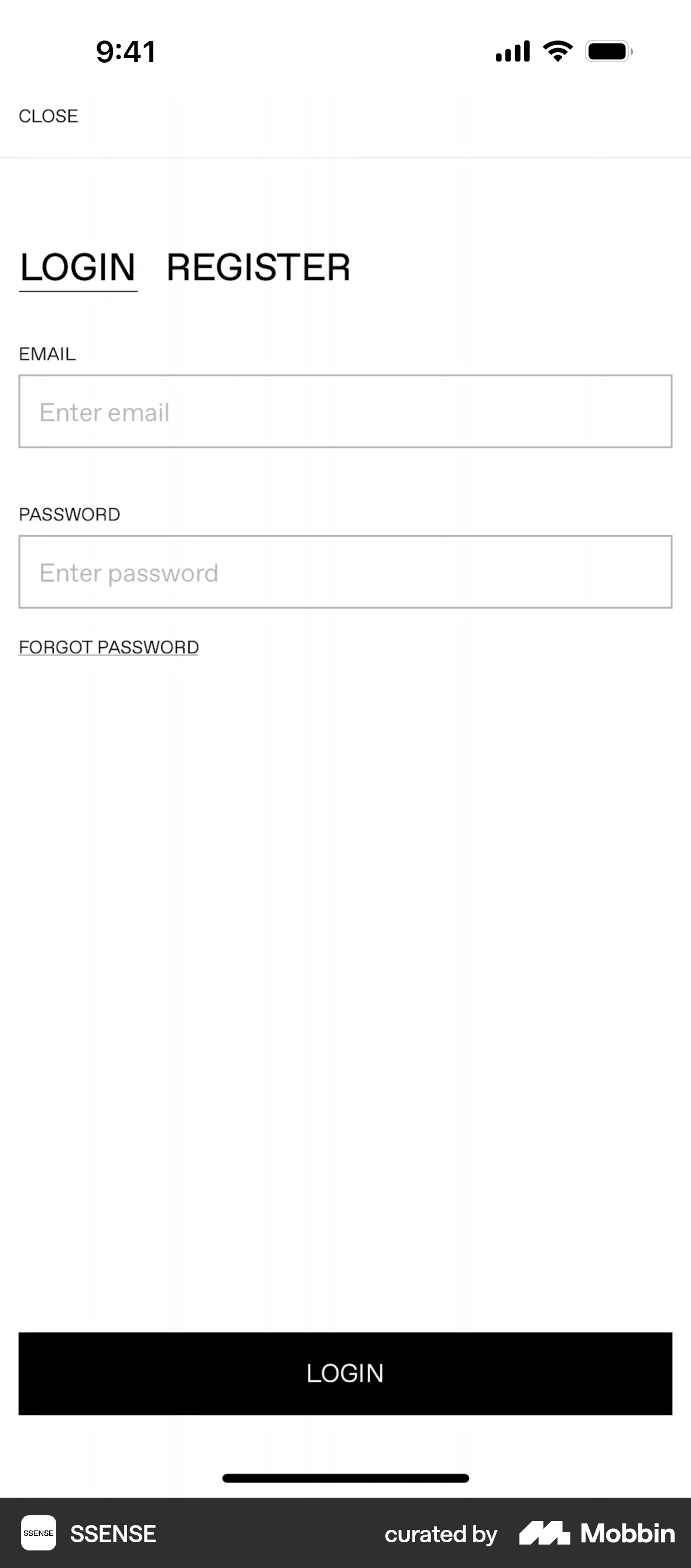
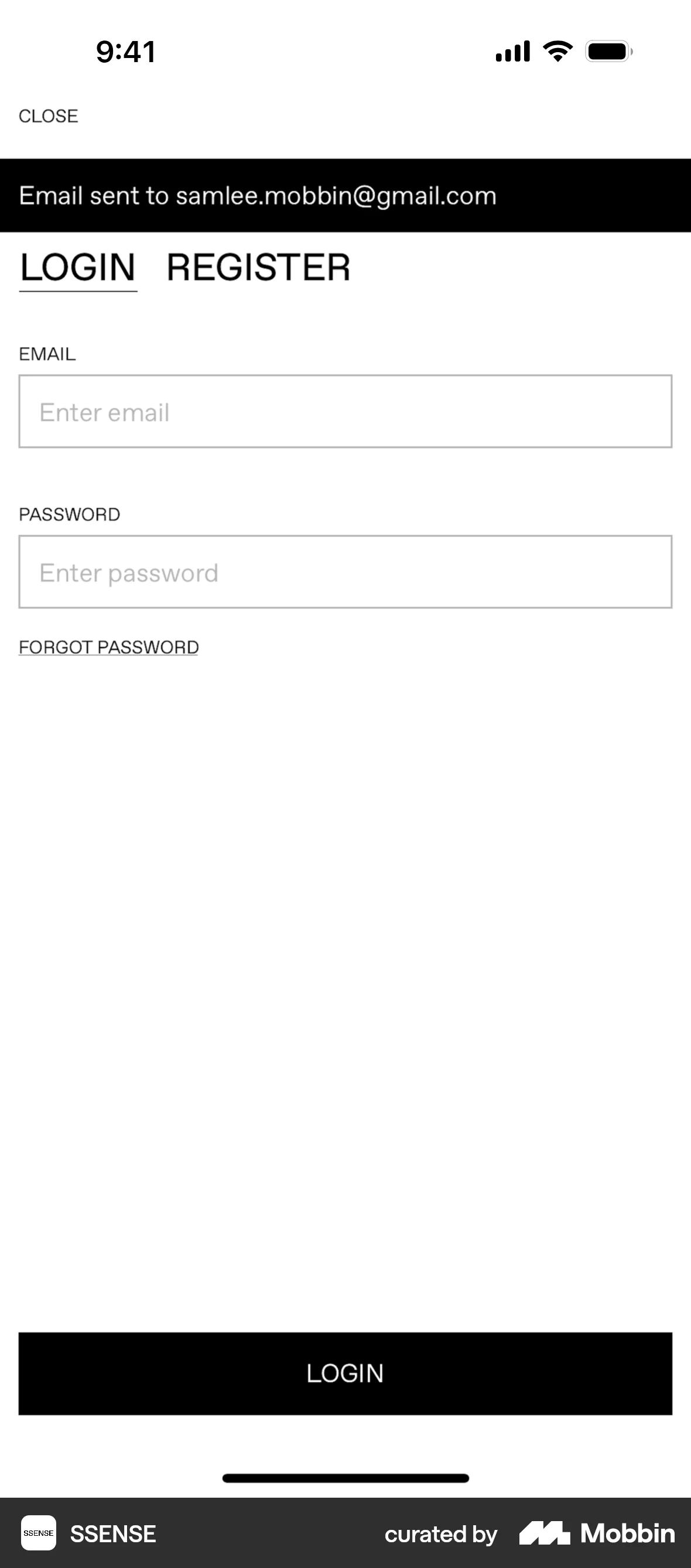
The user flow demonstrates the process of logging into the Walmart app by entering their email and password. The user successfully navigates through the authentication process and lands on the signed-in homepage.

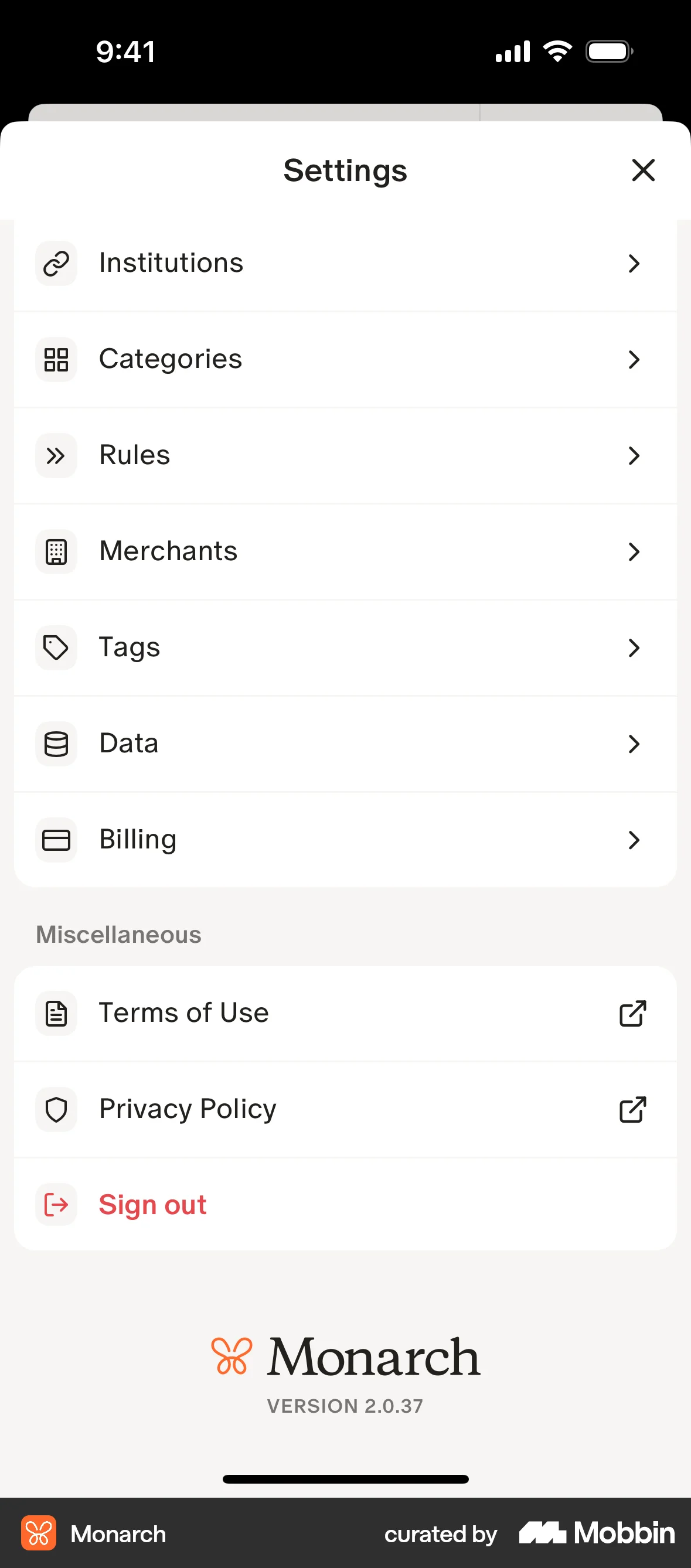
The user navigates to the sign-in page from settings, enters credentials, and is redirected to the home page after successful login.

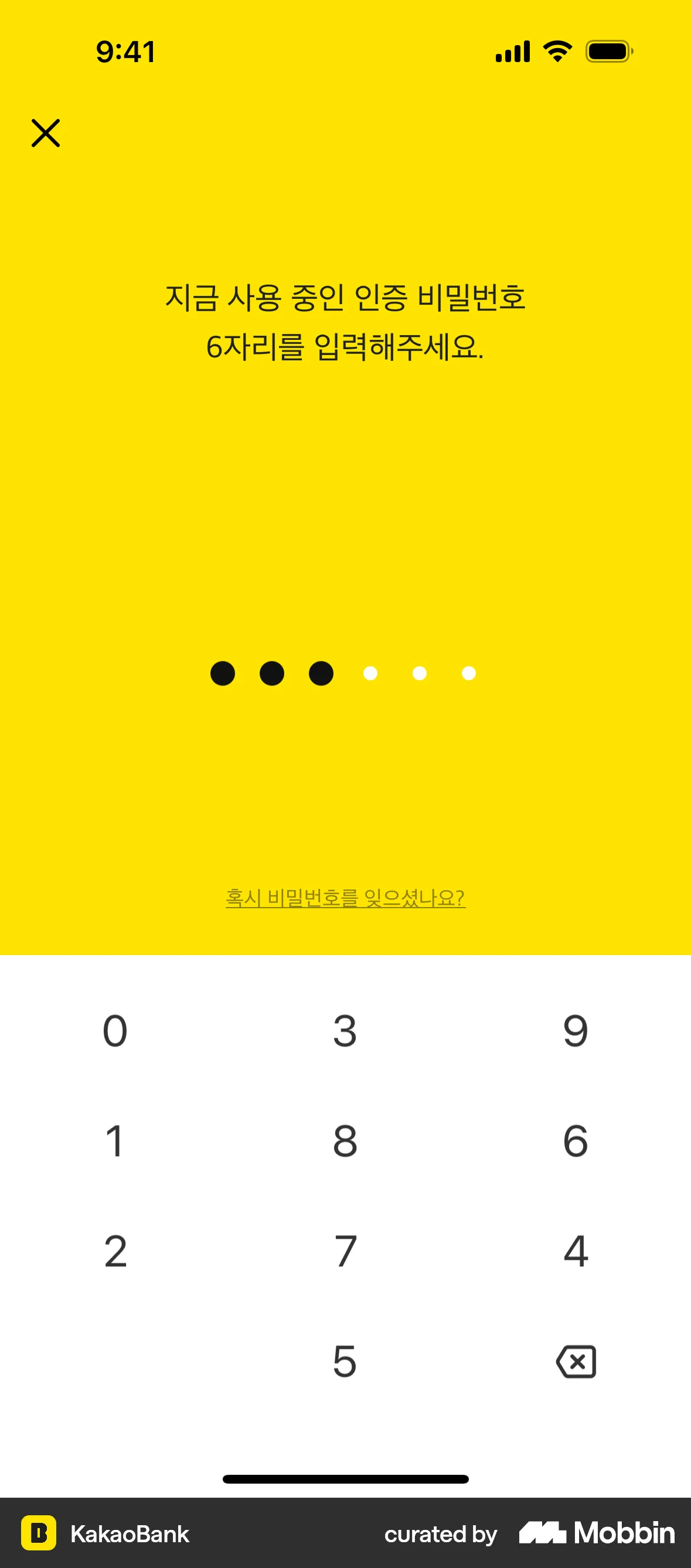
The user logs in using phone verification, pattern and password authentication. They are then prompted to enable Face ID before accessing the account dashboard.

The user flow demonstrates the process of logging in by entering a phone number and verification code. Upon successful verification, the user is directed to the main app interface.

The user flow demonstrates the process of logging into the app using phone number and OTP verification. Upon successful login, the user is directed to the app's homepage.

The user flow demonstrates logging into the app. It starts from the landing page, proceeds through the sign-in form, and culminates in displaying the user's dashboard.
92 Flows

587 Flows
188 Flows
1033 Flows

1129 Flows

1307 Flows