Deleting an accounton On
On
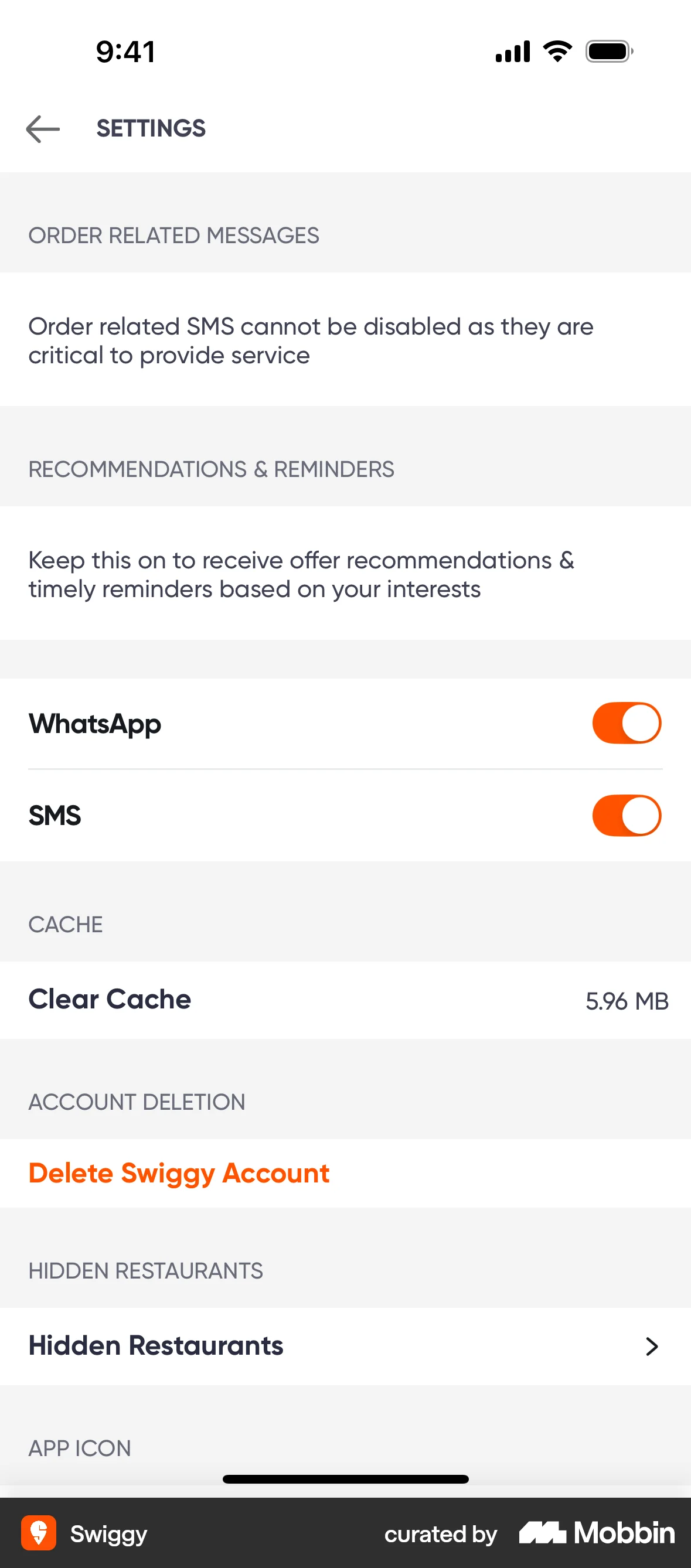
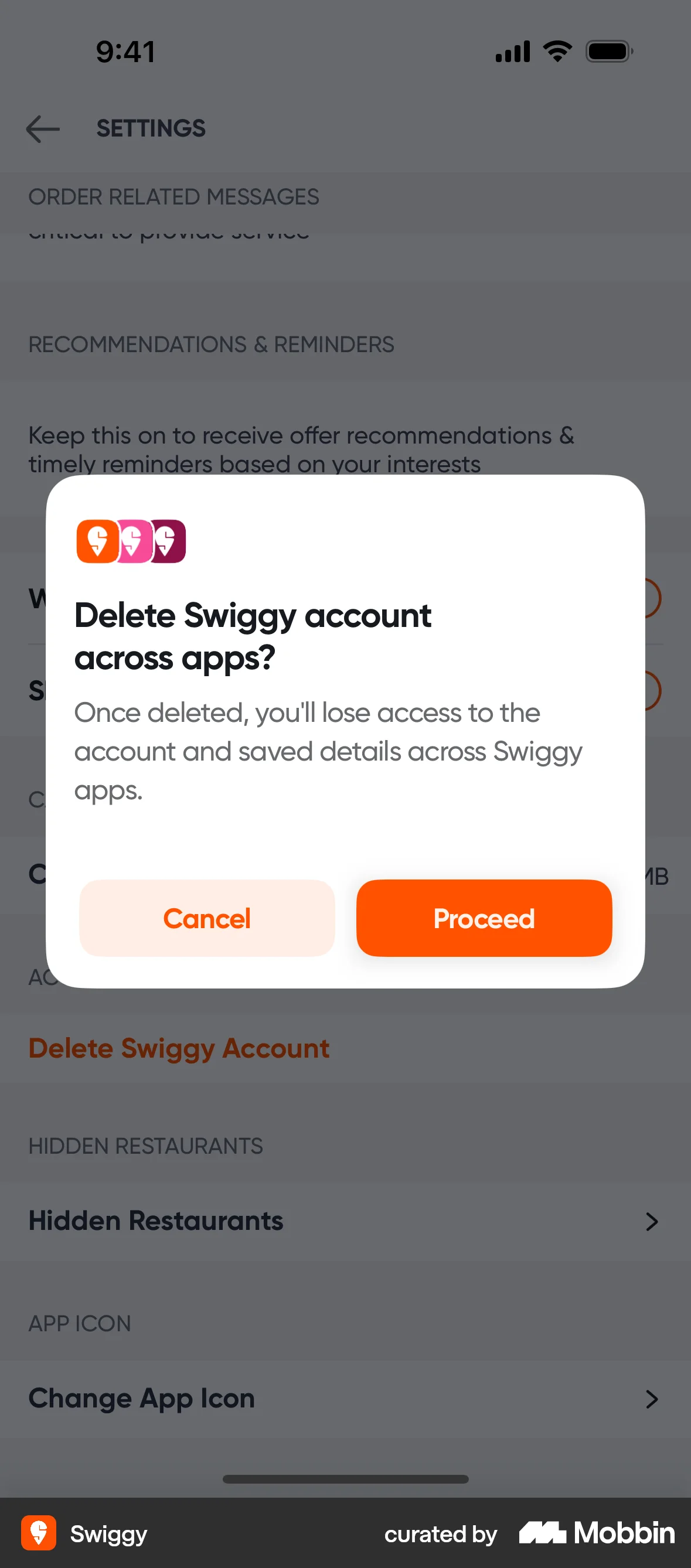
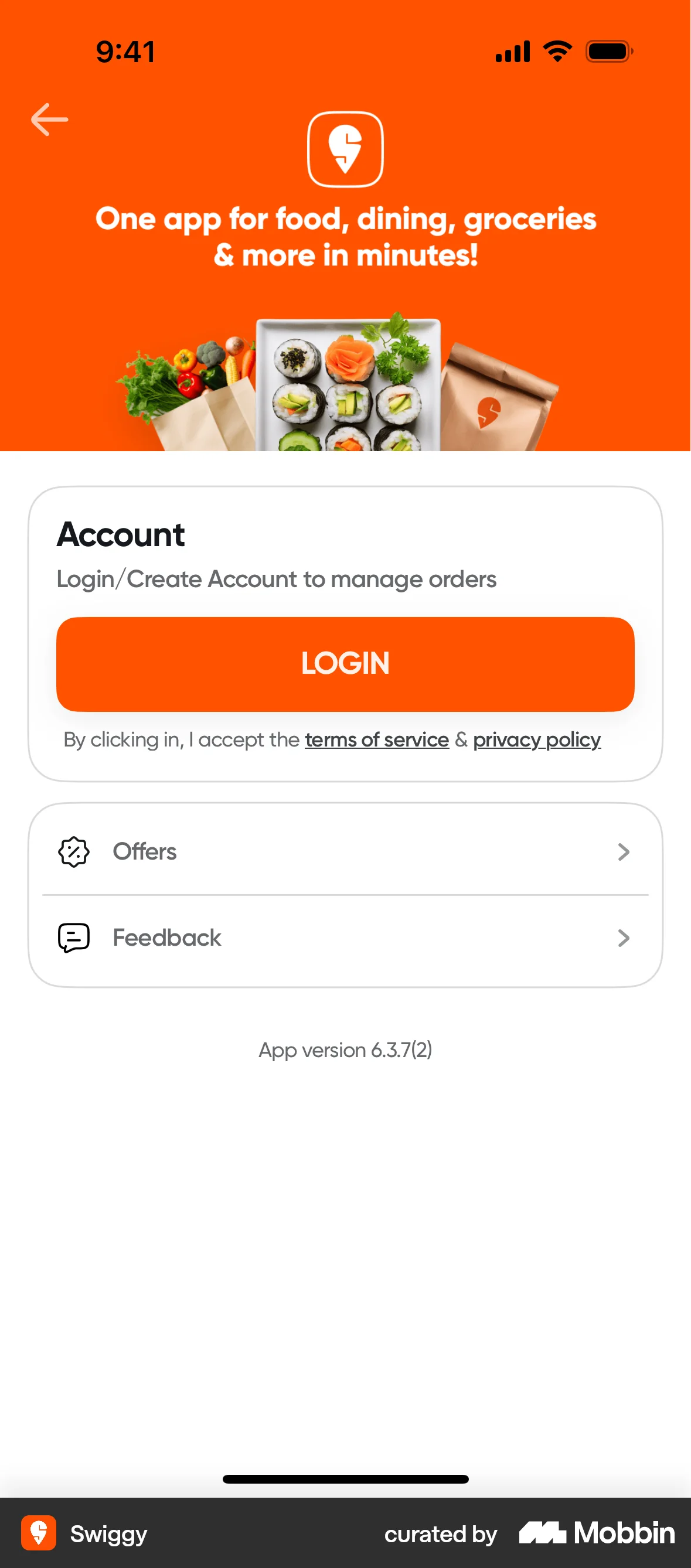
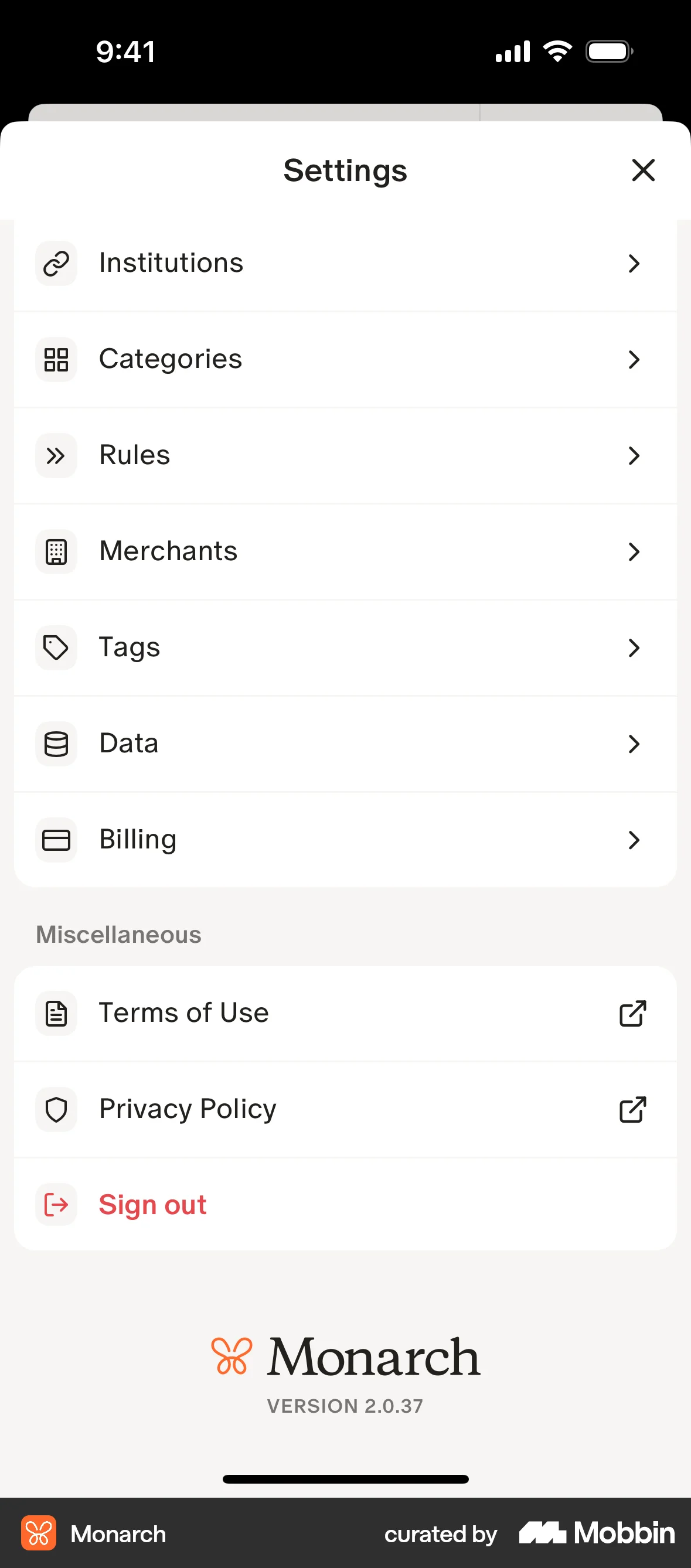
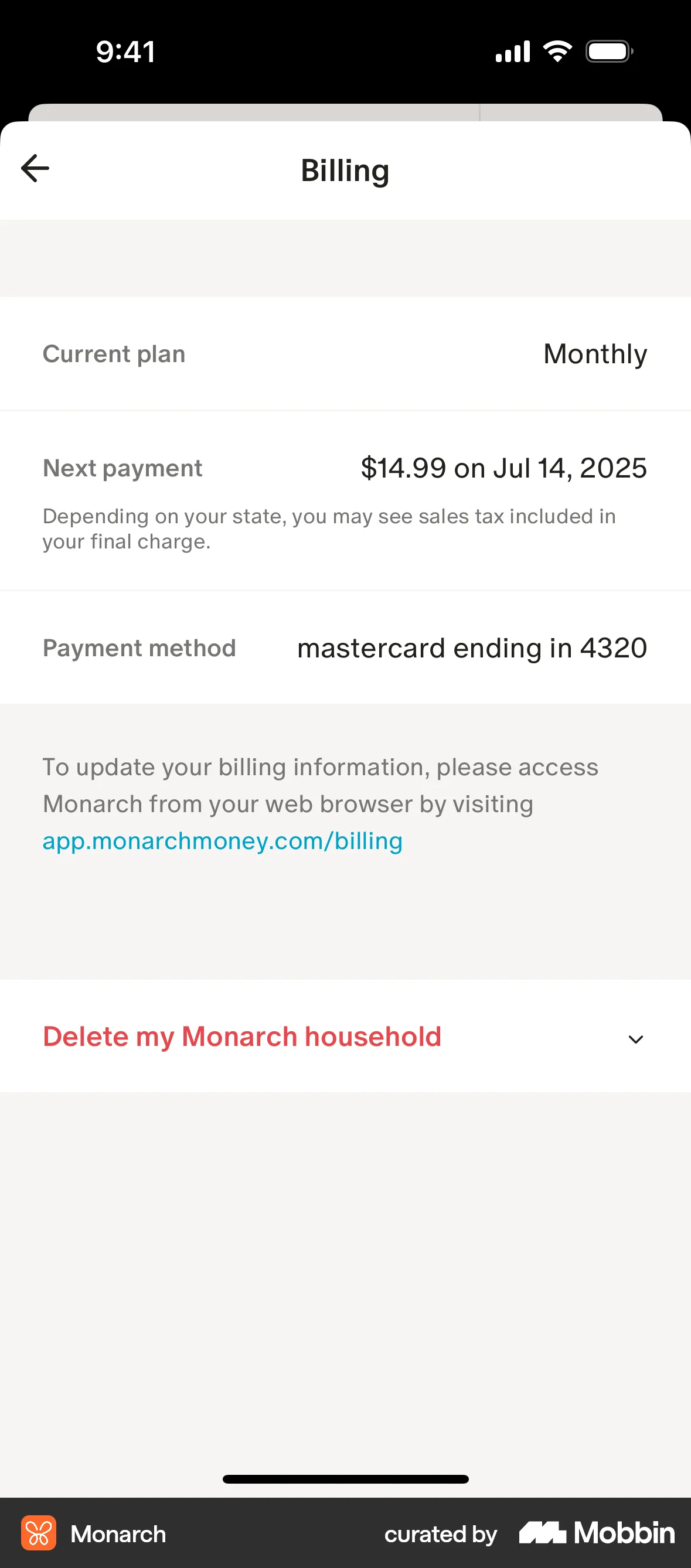
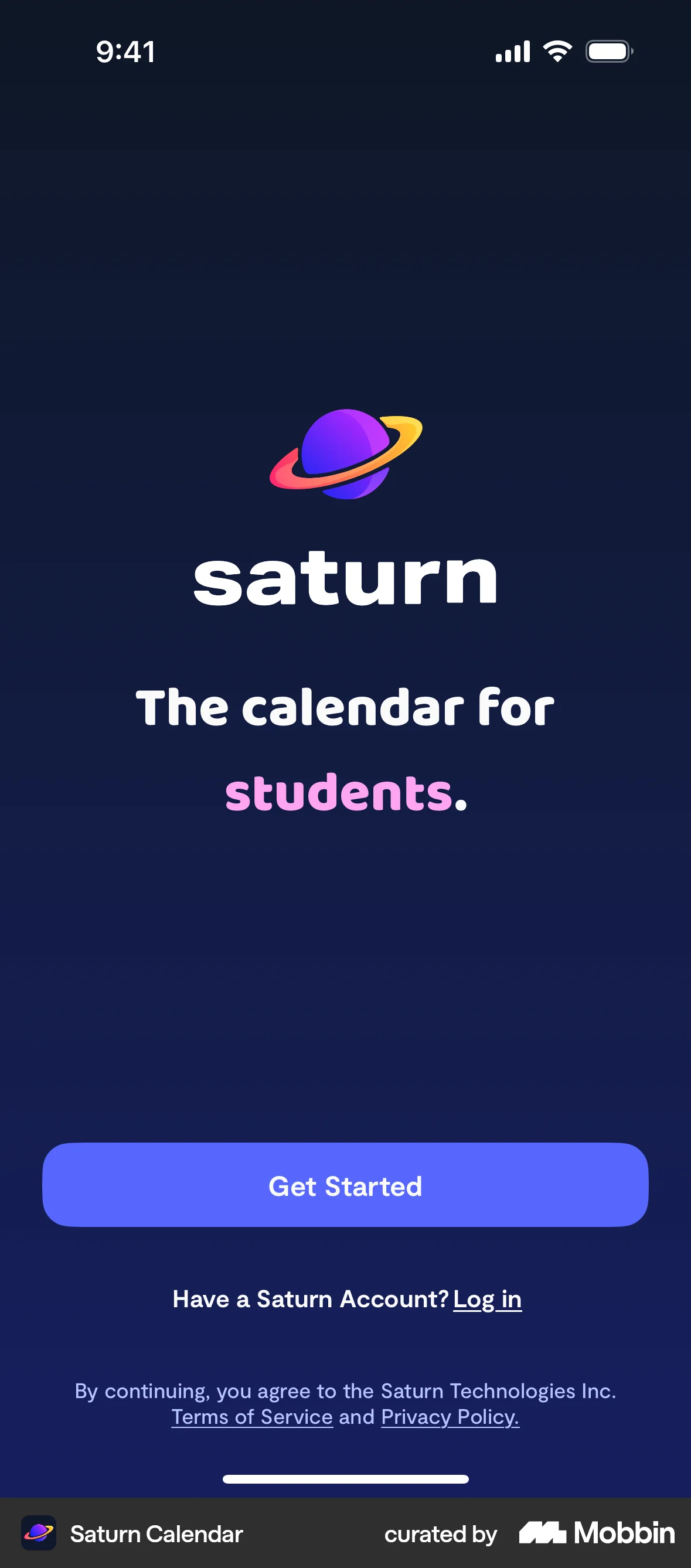
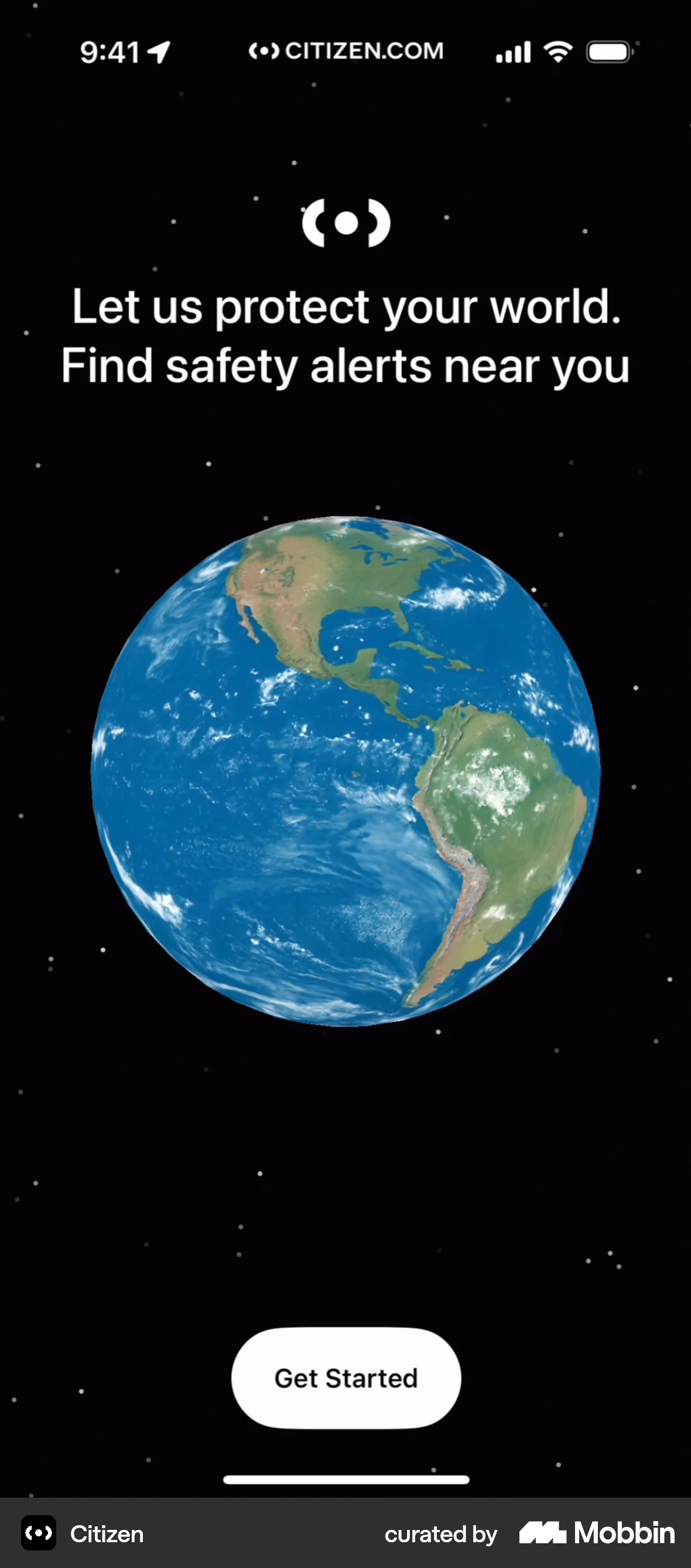
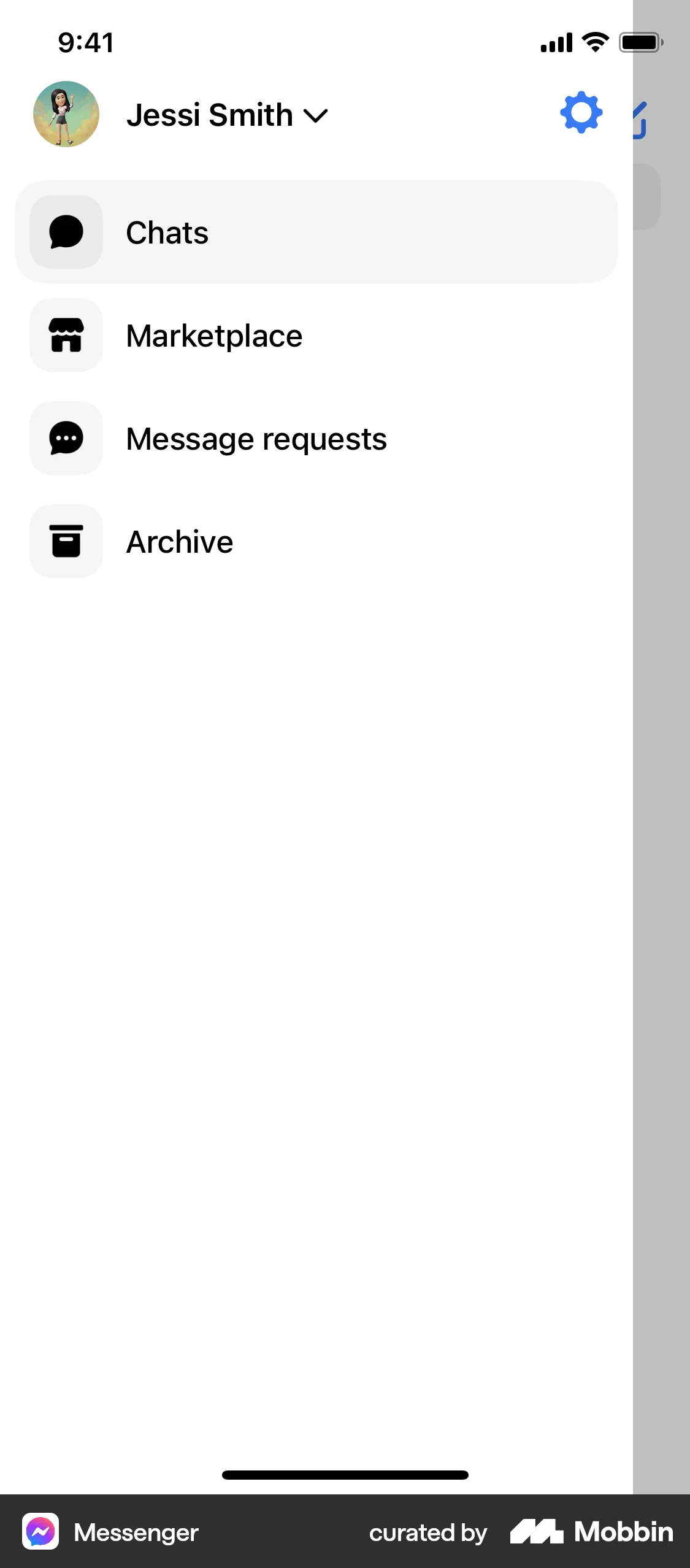
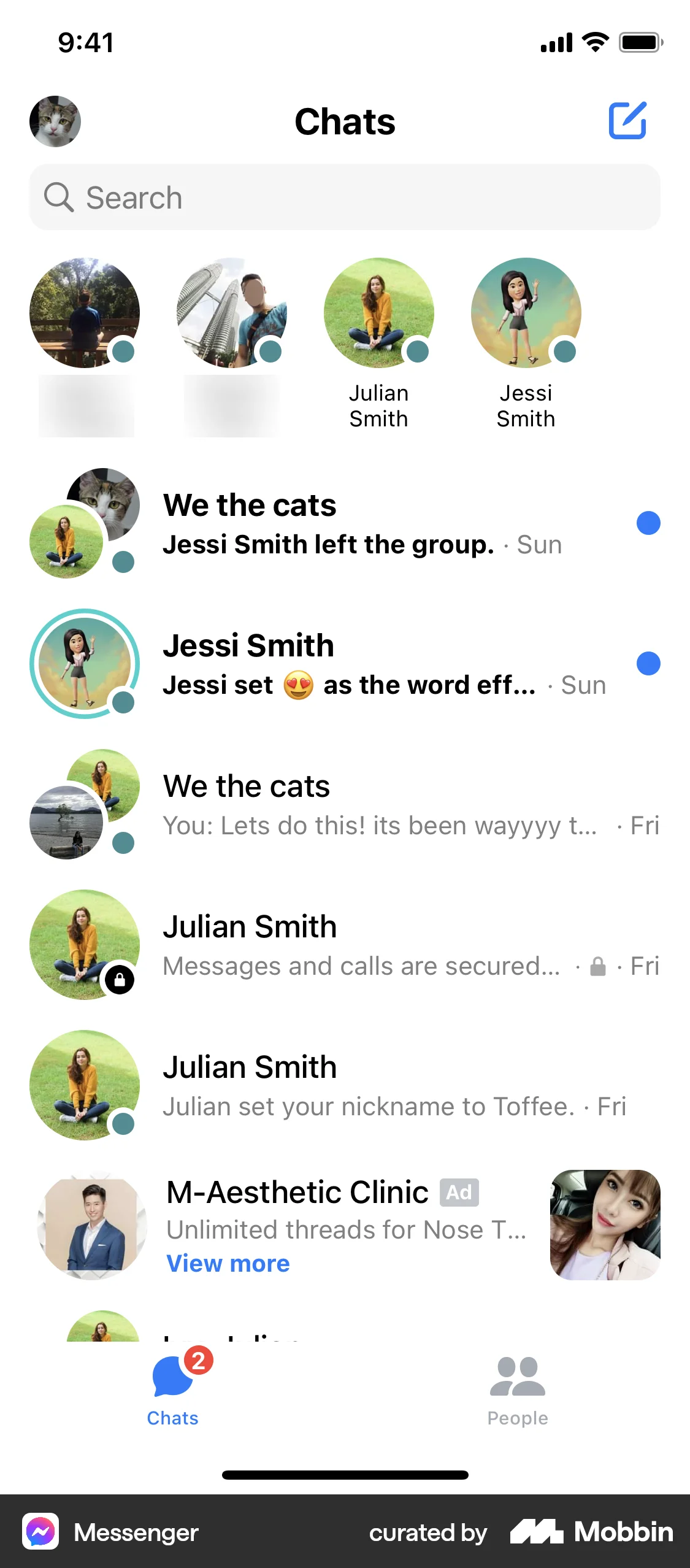
The user deletes their account by navigating to the account settings, confirming the deletion, and is then logged out. They are then presented with the welcome screen.
Discover best mobile app designs for Deleting & Deactivating Account flows. Get inspired by the best apps in the world.
The user deletes their account by navigating to the account settings, confirming the deletion, and is then logged out. They are then presented with the welcome screen.

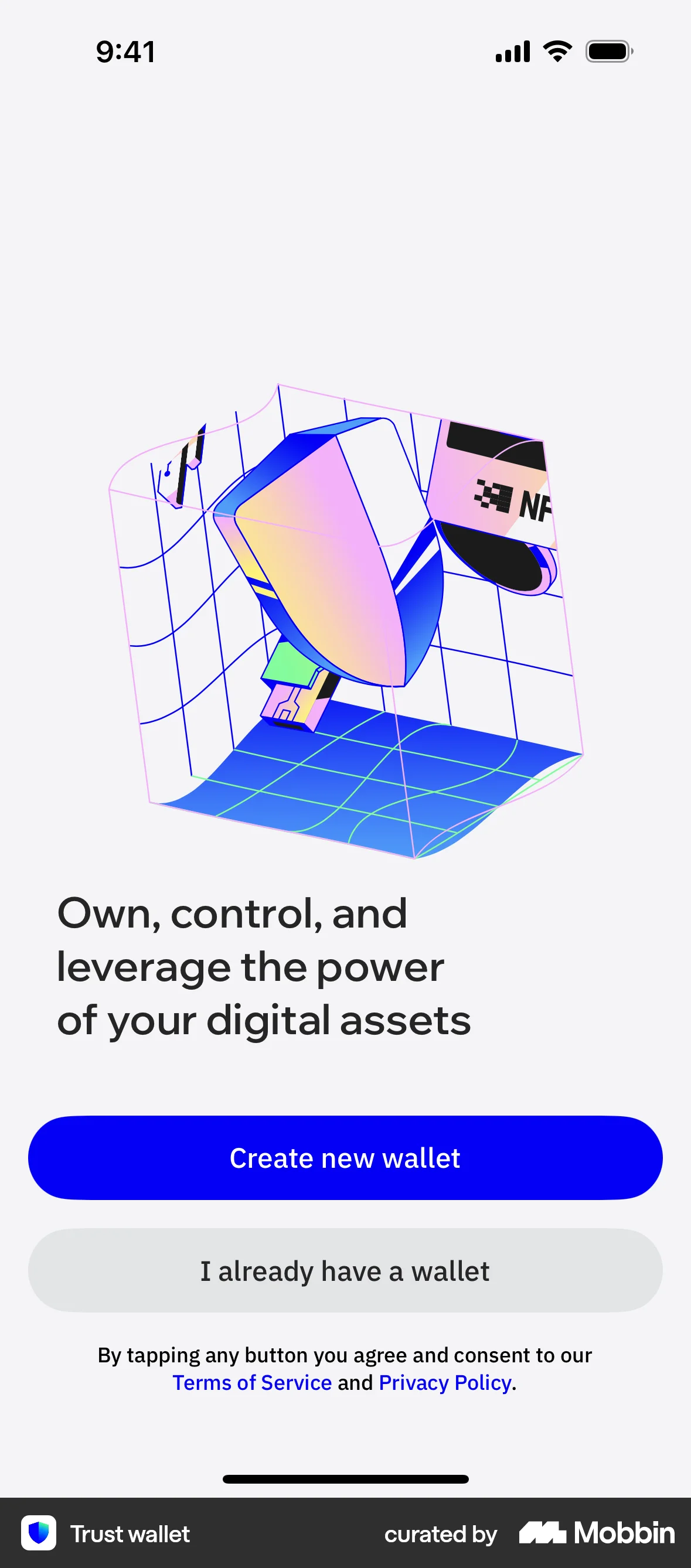
The user views wallet details, initiates deletion, confirms it, and is then presented with options to create or import a wallet.

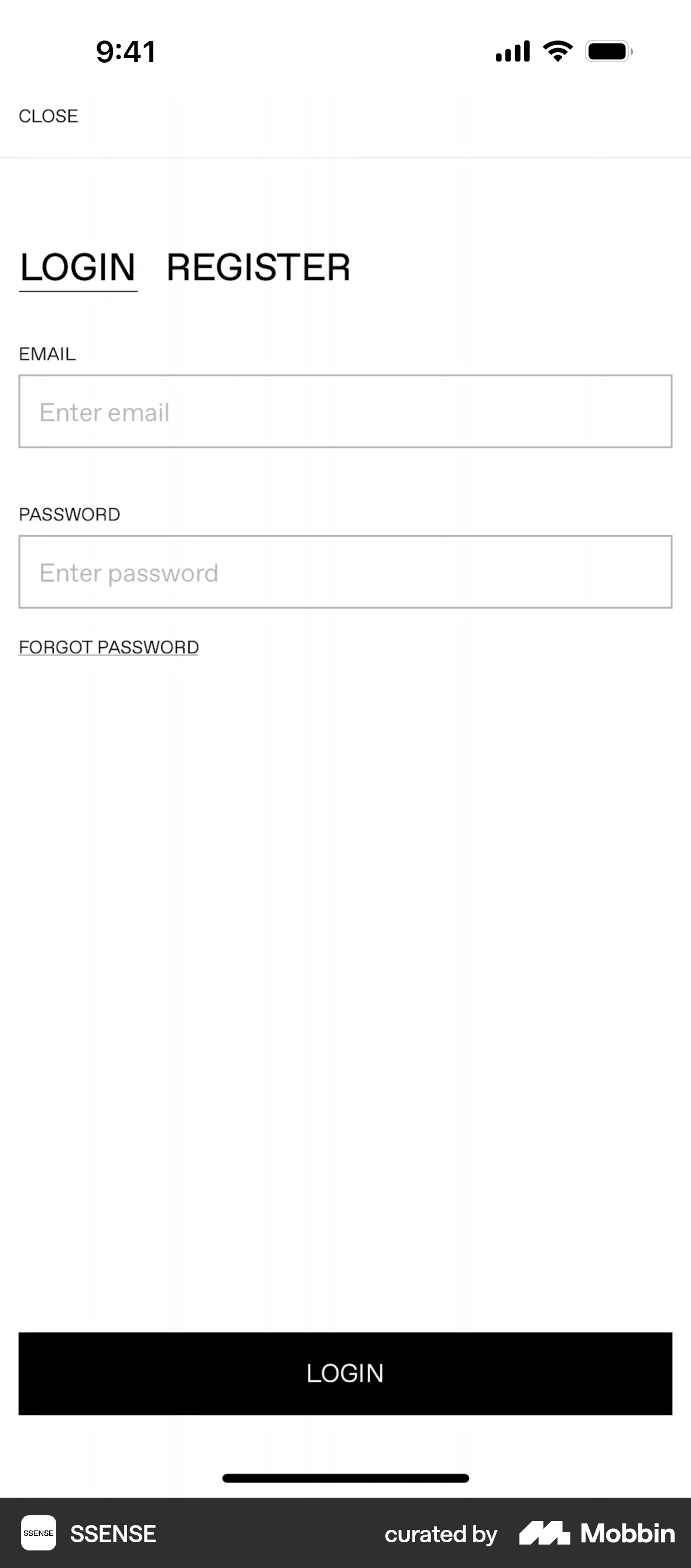
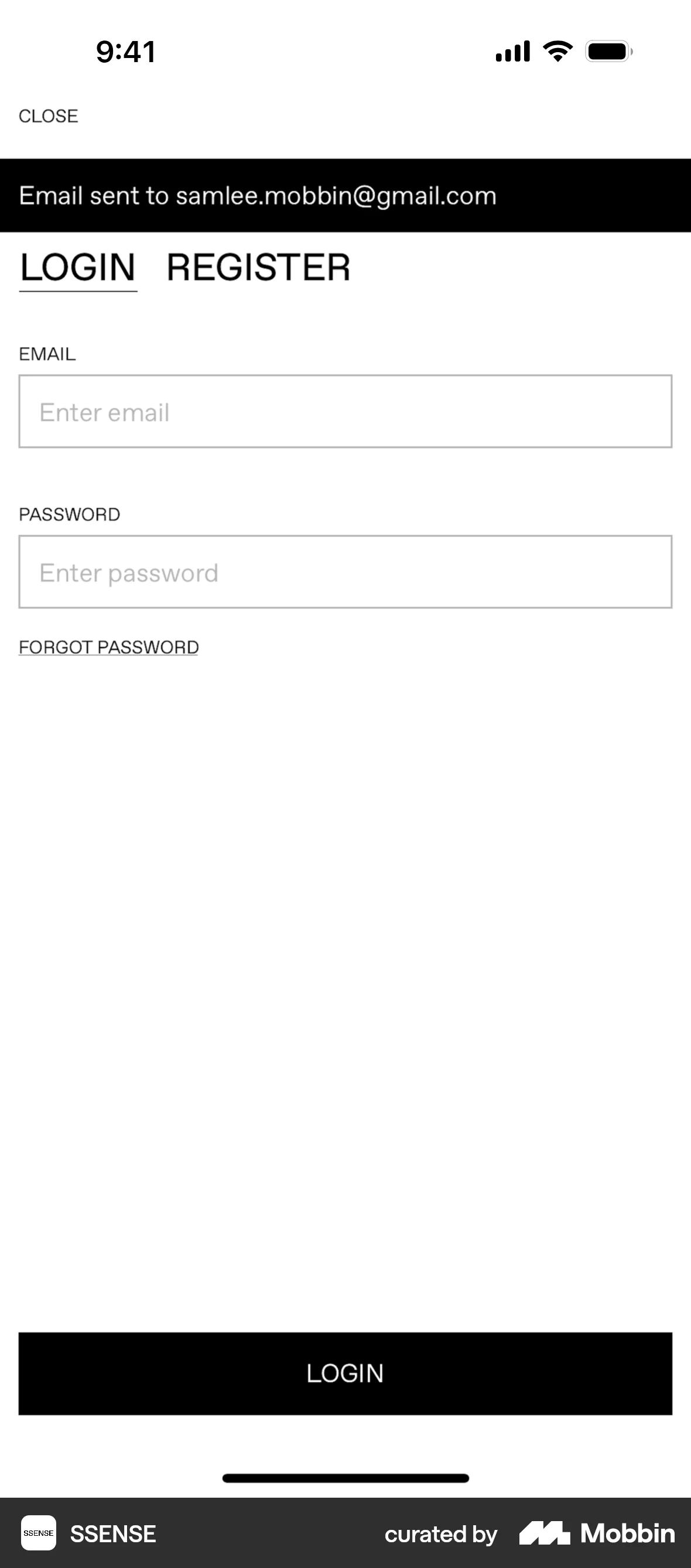
The user initiates account deletion from settings, confirms it via OTP, and is then logged out. The flow concludes with the user being directed to the login screen.

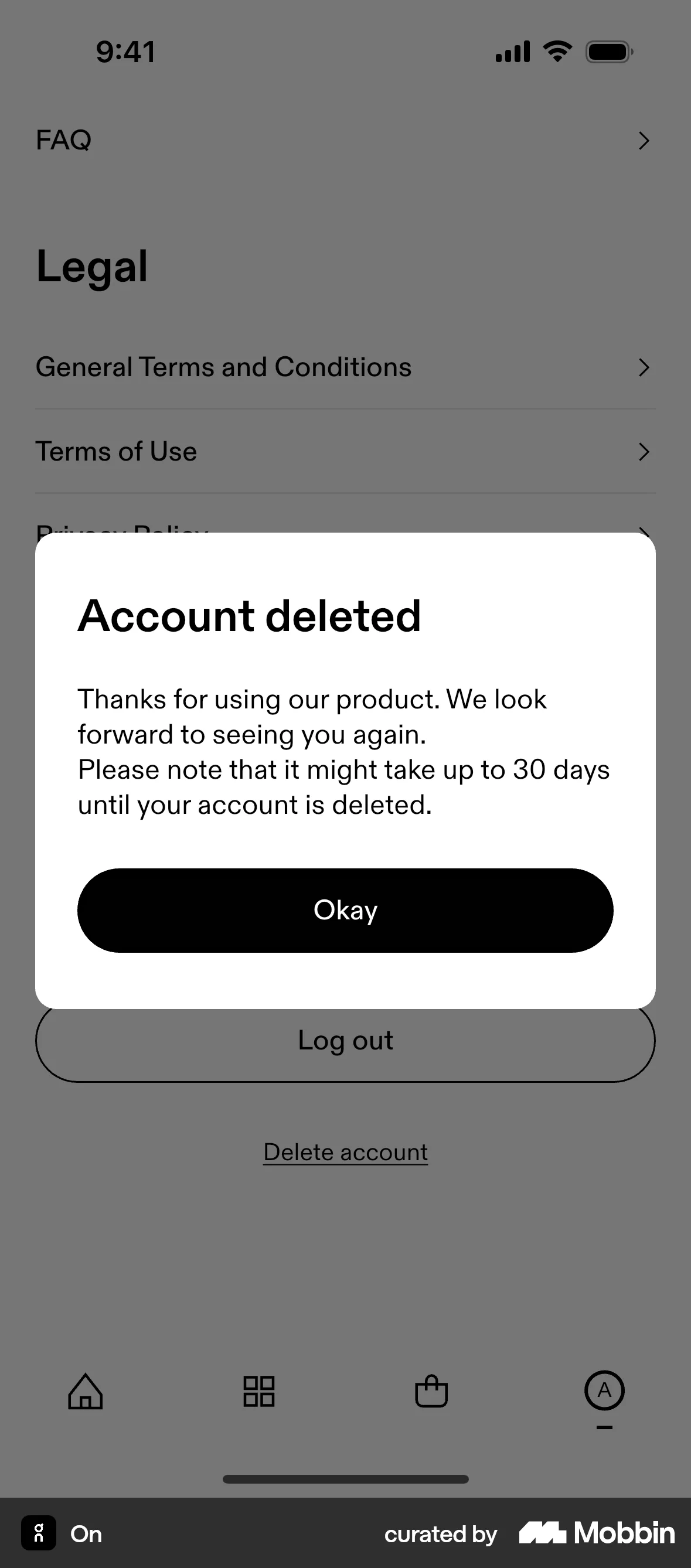
The user navigates through settings to delete their account. They confirm the deletion and receive a confirmation message.

The user navigates to settings and deletes their account. After confirmation, they are logged out and redirected to the welcome screen.

The user navigates through settings to delete their account, confirms the action, and is then shown a progress screen. Finally, the user is presented with the onboarding screen.

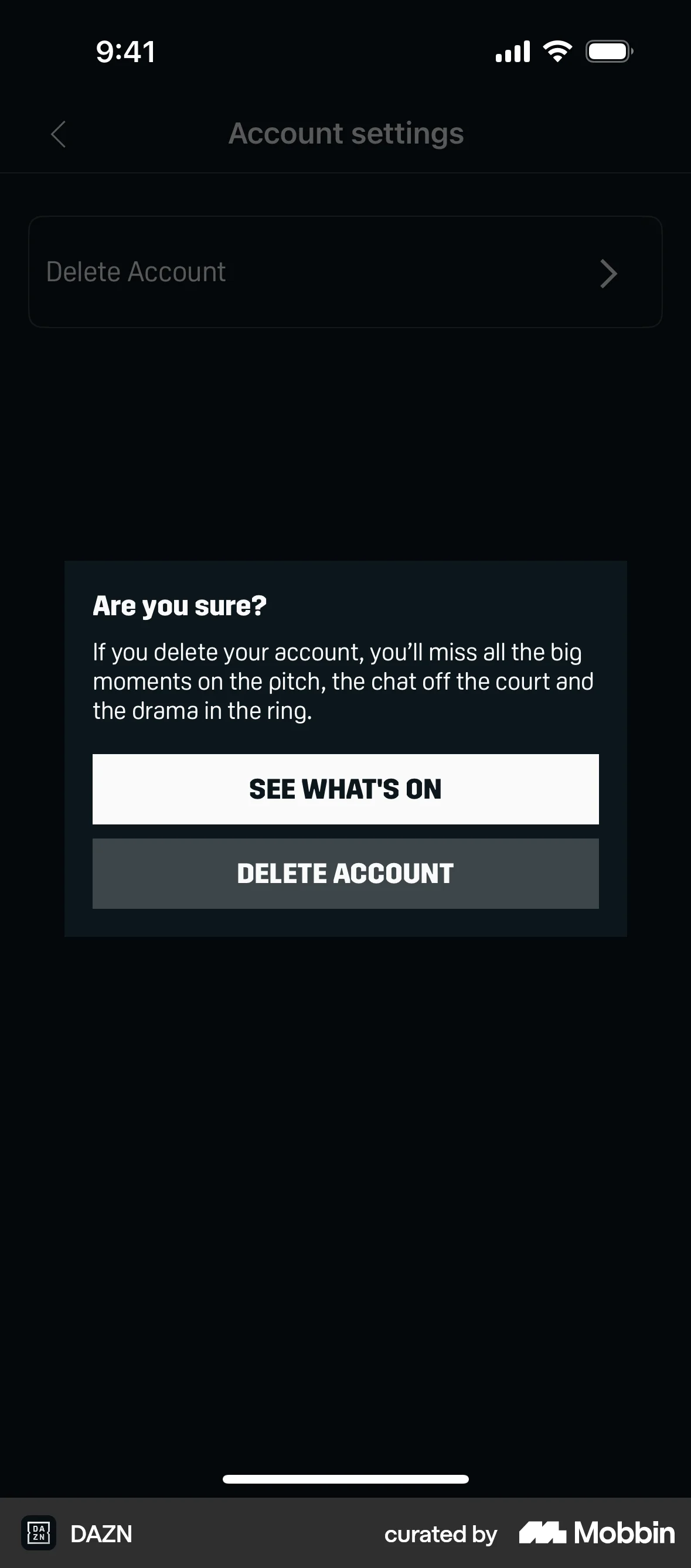
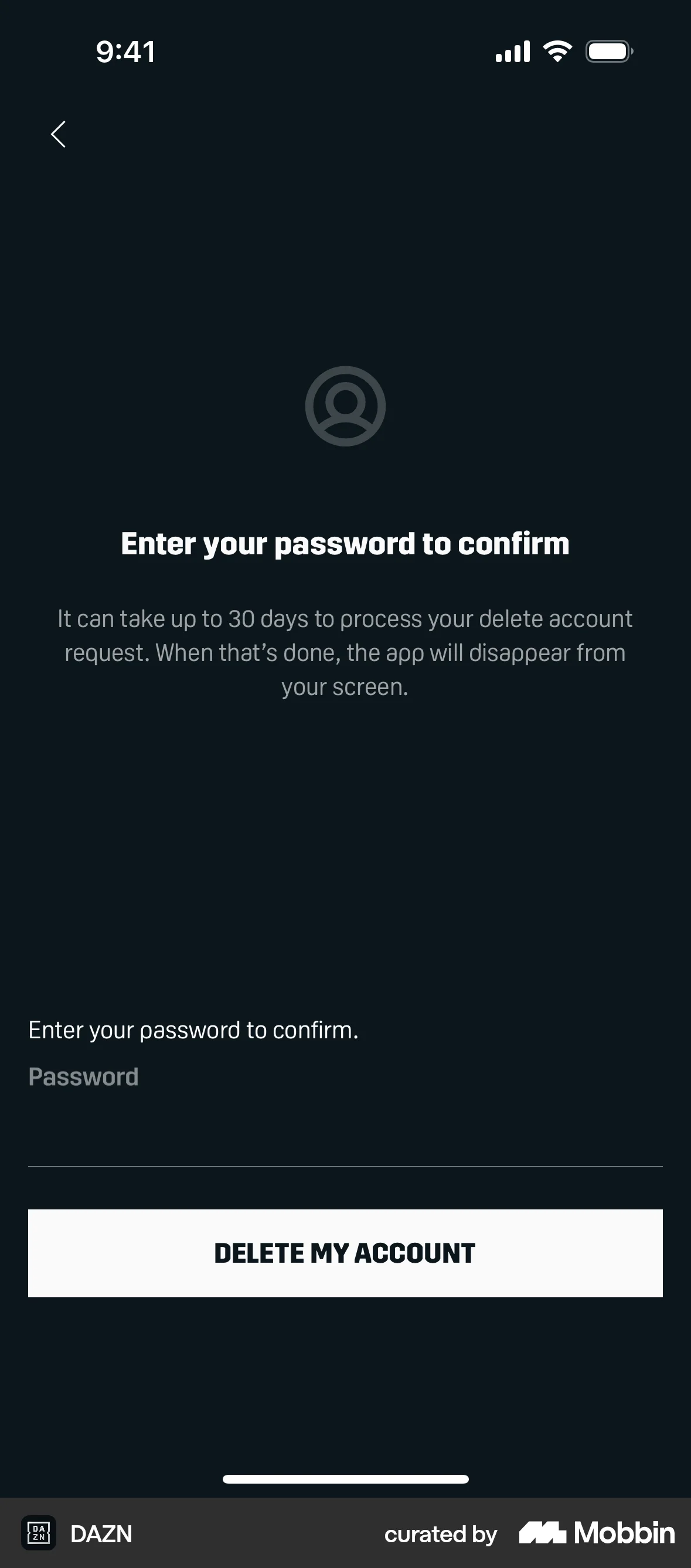
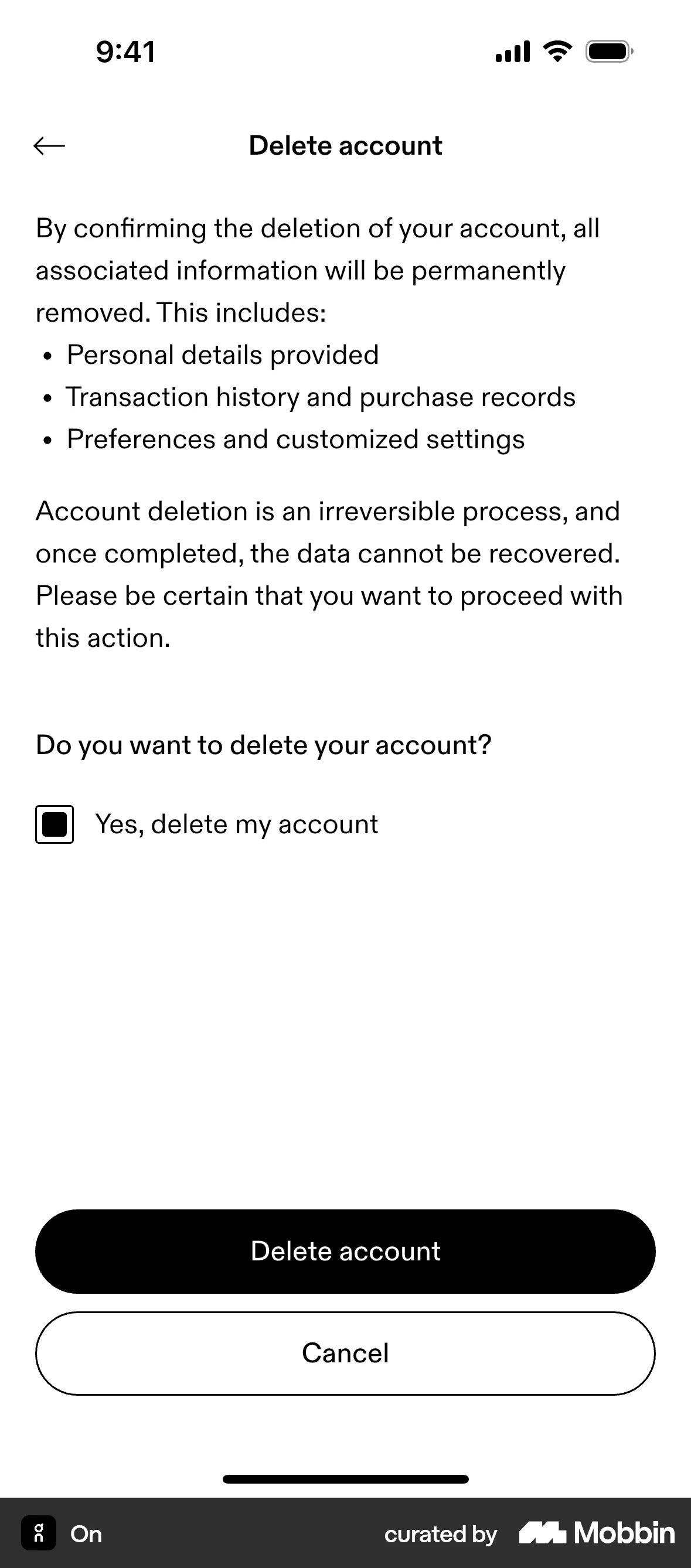
The user navigates through settings to delete their account, confirming the action with their password. A confirmation message then informs them of the deletion process.

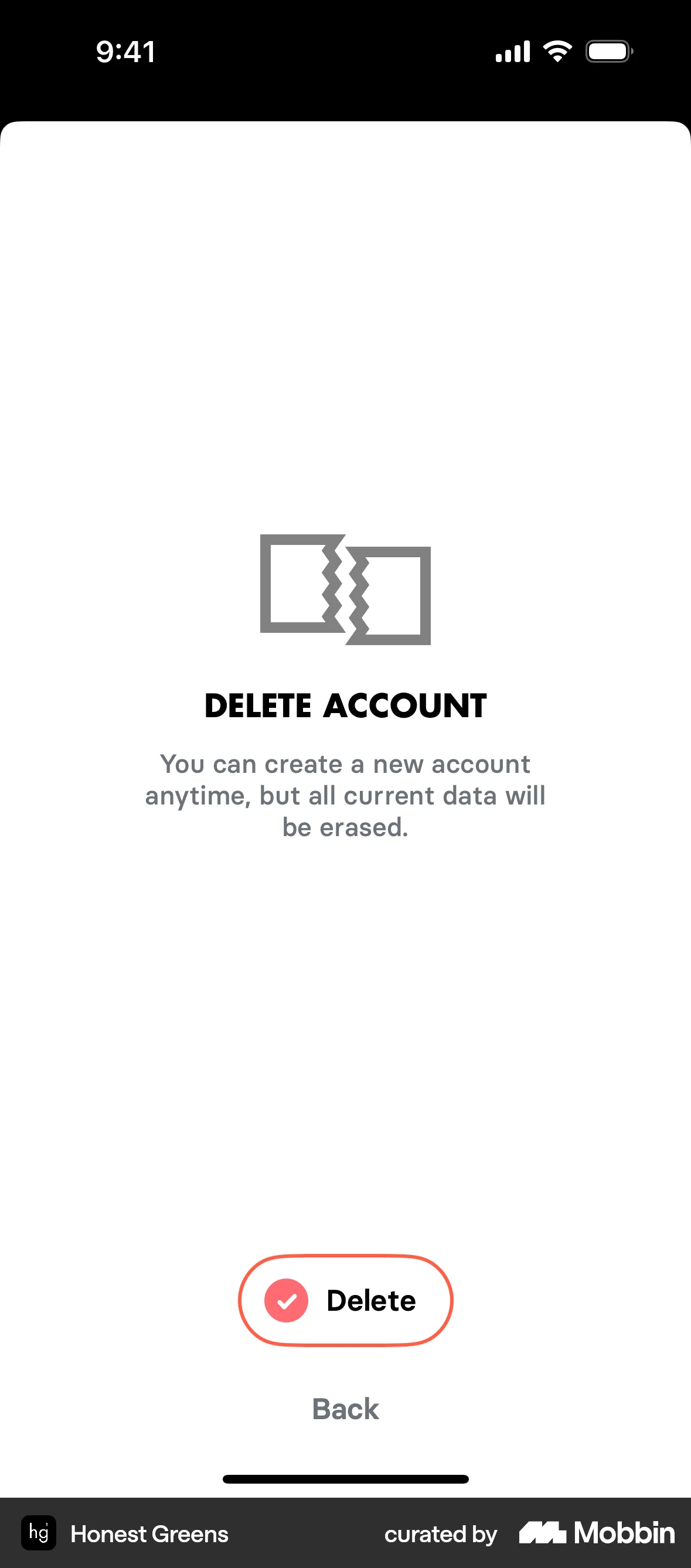
The user navigates through confirmation screens to delete their account. The flow ends with a confirmation of successful account deletion.

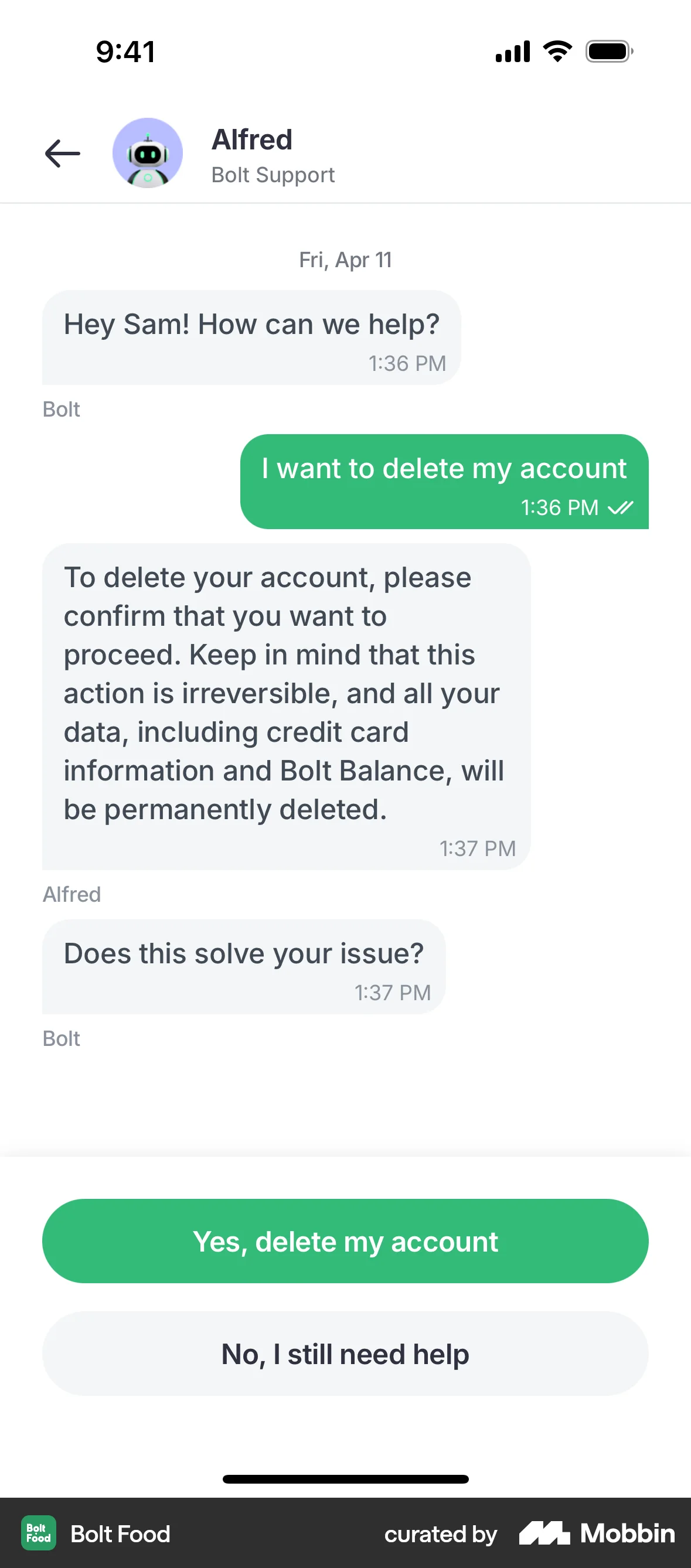
The user attempts to delete their account, interacting with a confirmation dialog and an AI agent. The flow concludes with a phone number input screen.

The user deletes their WhatsApp account by confirming their phone number and acknowledging the irreversible action. They are then directed to the initial welcome screen.

The user initiates and completes the account deletion process. They navigate through reason selection and confirmation before returning to settings.

The user navigates through settings to delete their account. After confirmation, they are logged out and presented with the welcome screen.
92 Flows
188 Flows
1033 Flows

1129 Flows


1350 Flows
1812 Flows