
Resetting passwordon Honest Greens
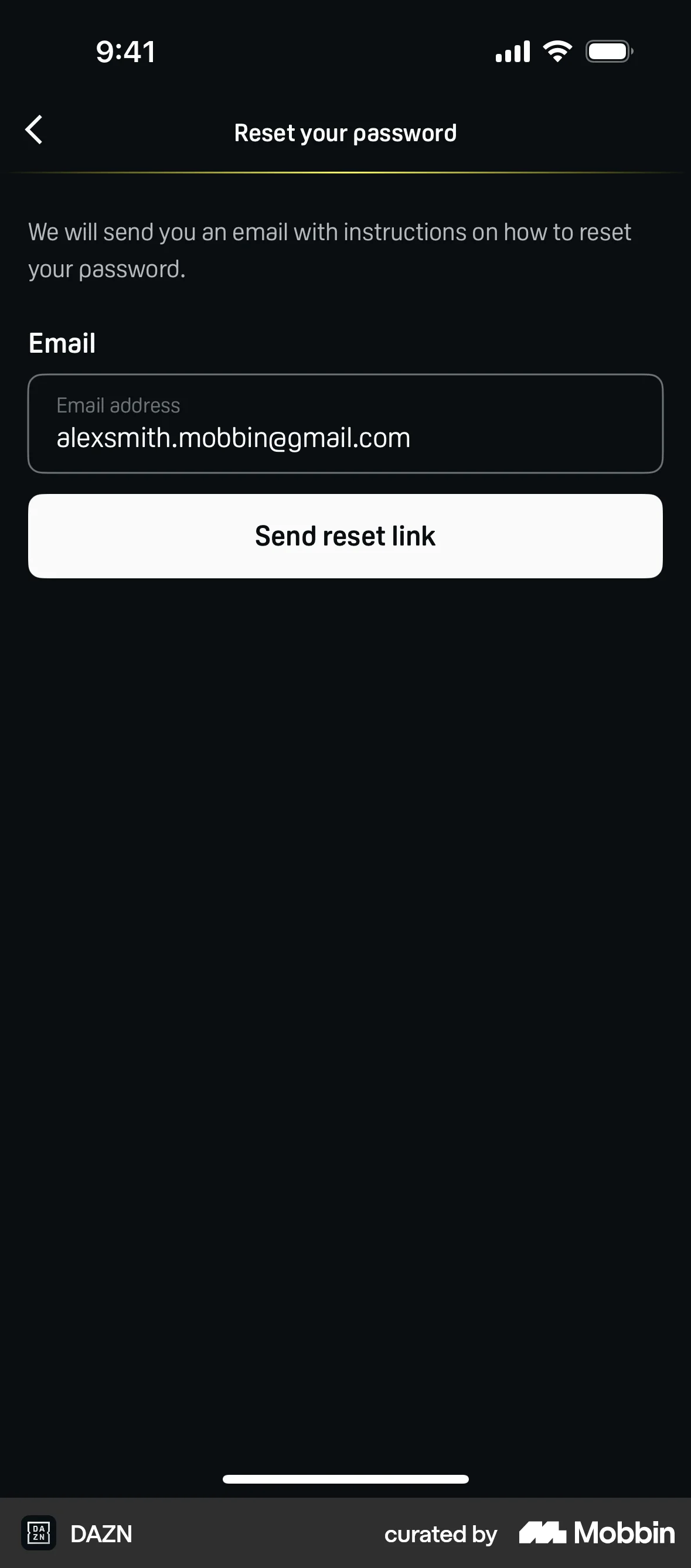
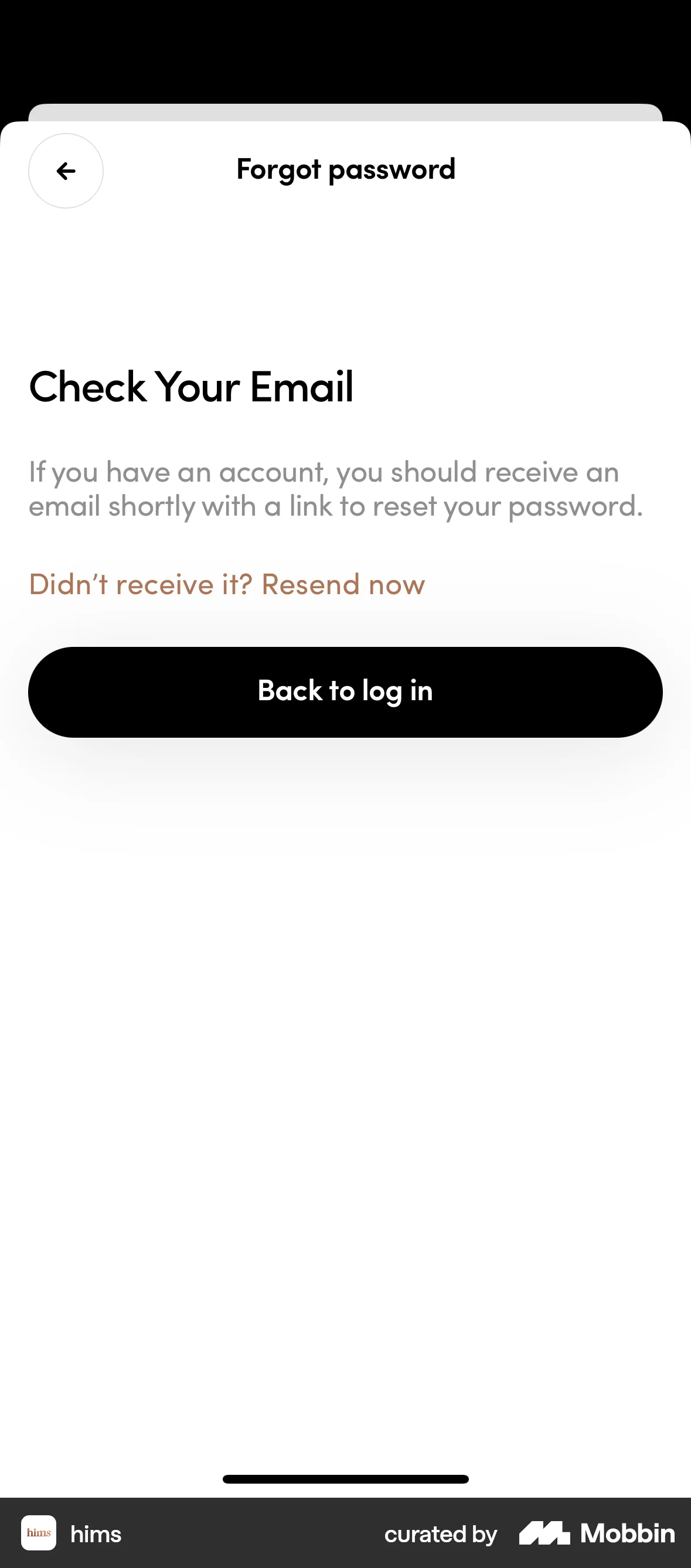
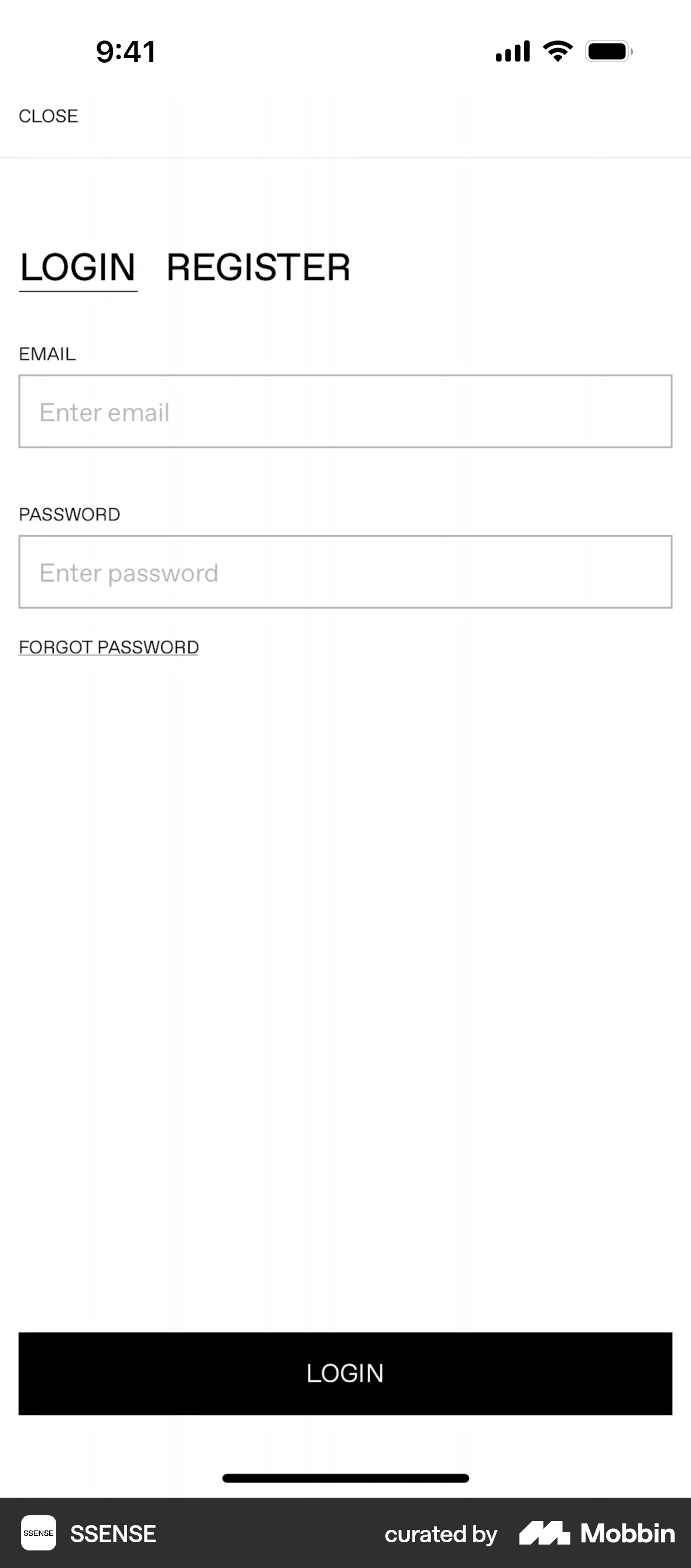
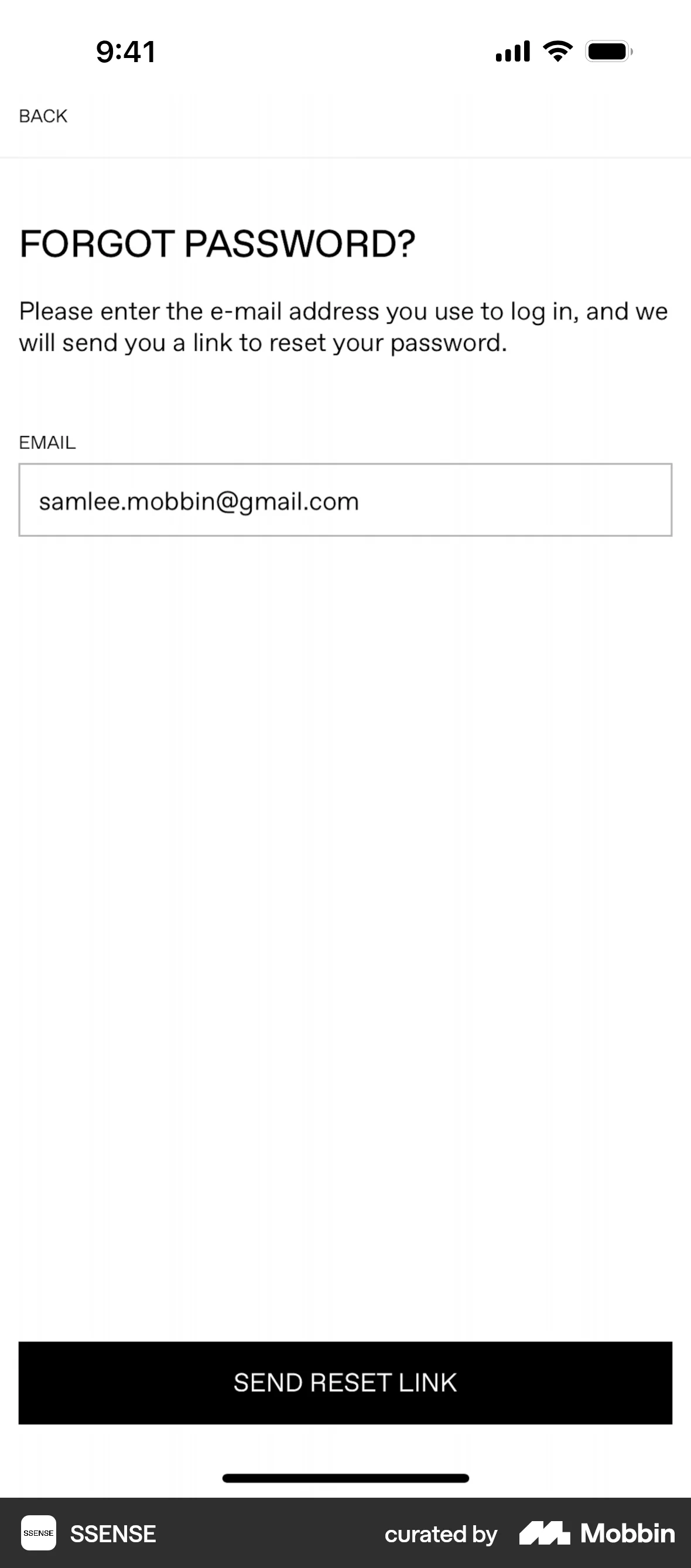
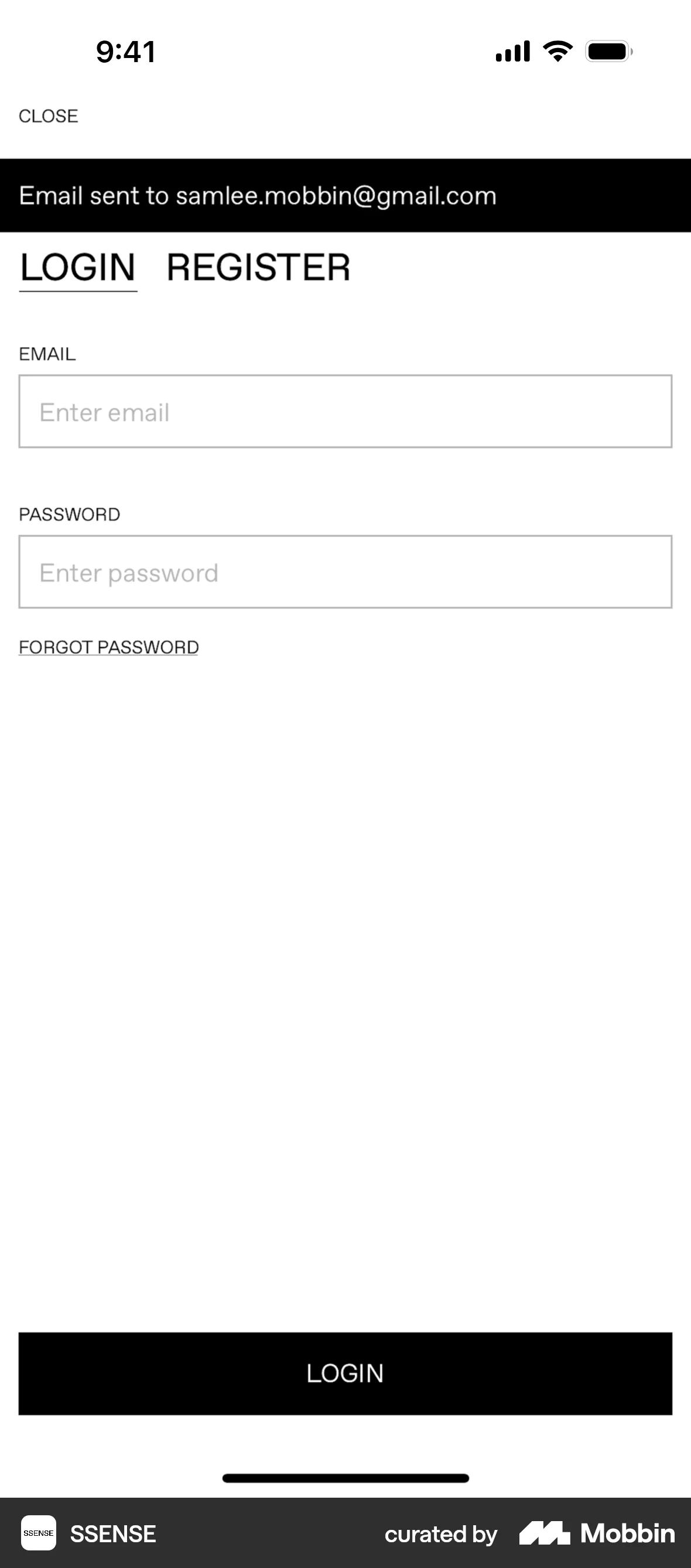
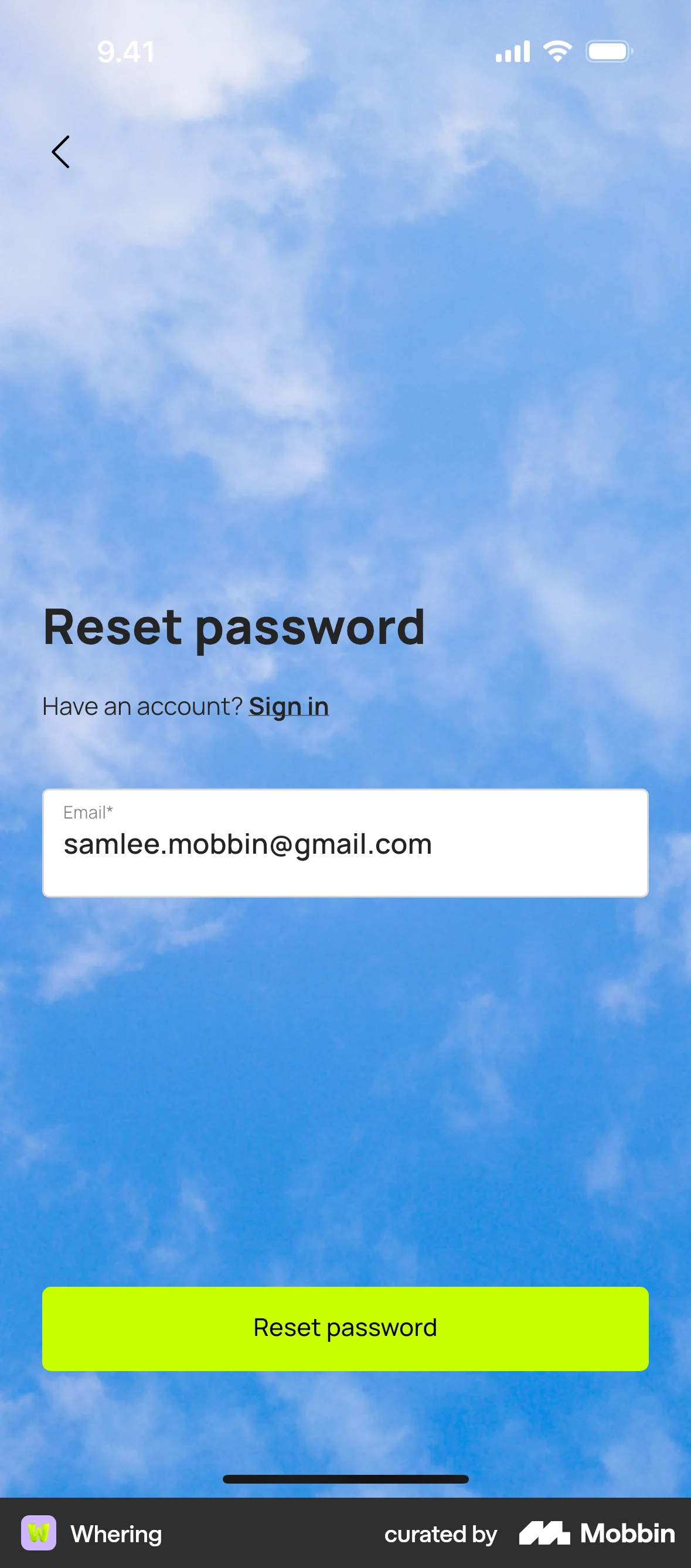
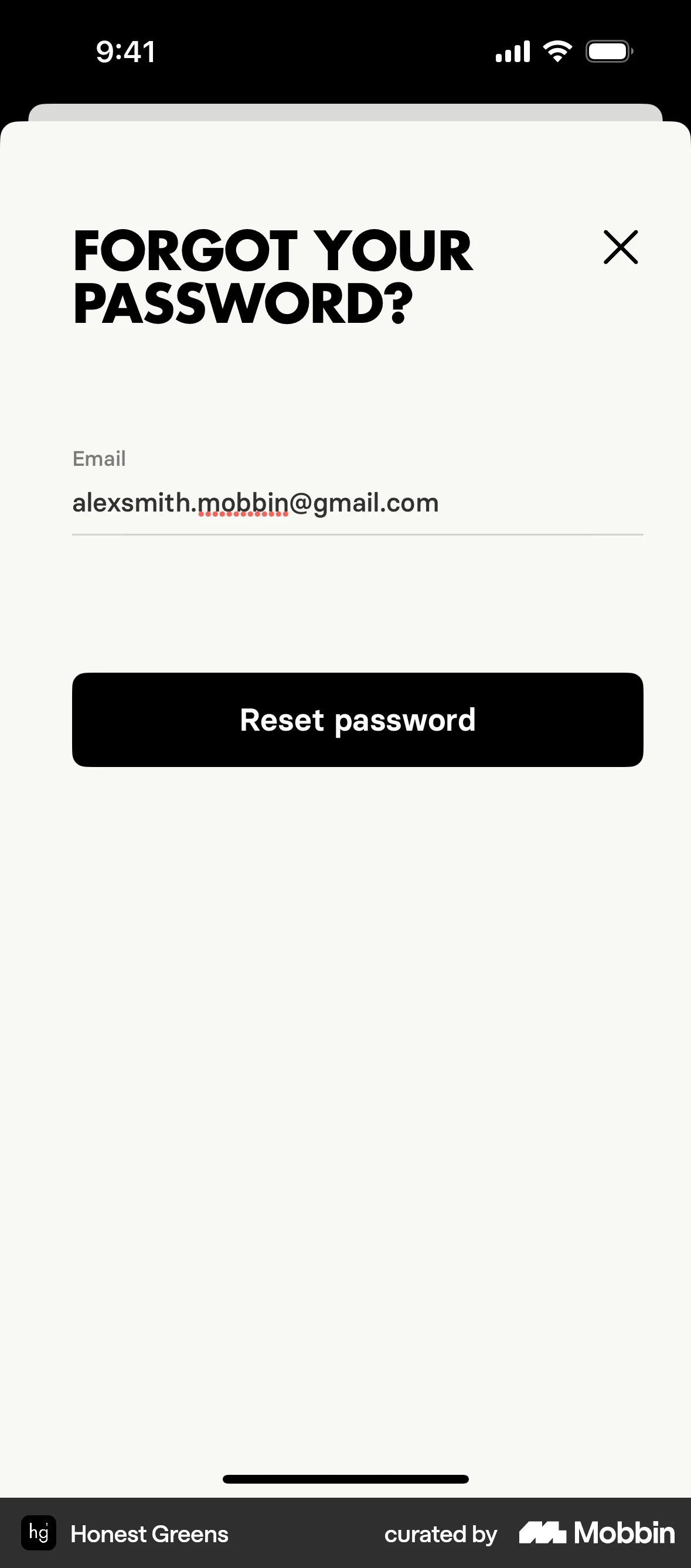
The user flow shows a user resetting their password. They navigate from the login page to the password reset form, enter their email, and receive a confirmation to check their inbox.
Discover best mobile app designs for Resetting Password flows. Get inspired by the best apps in the world.
The user flow shows a user resetting their password. They navigate from the login page to the password reset form, enter their email, and receive a confirmation to check their inbox.

The user initiates a password reset flow from the login screen. A confirmation message appears after the reset link is sent.

The user initiates a password reset flow from the login screen. They confirm their email and receive a confirmation that a reset email has been sent.

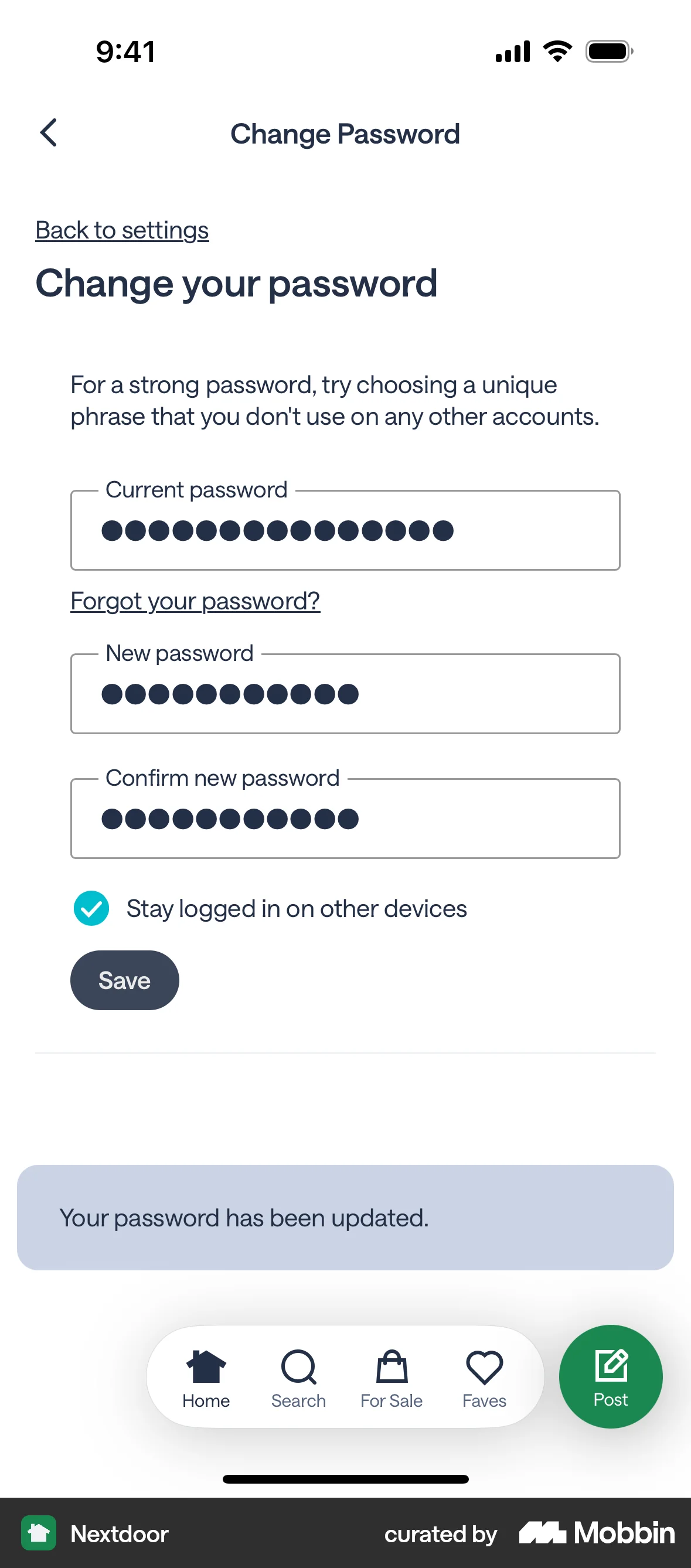
The user flow shows the process of changing a password. The user fills out a form and receives a confirmation message.

The user initiates a password reset flow from the login screen, enters their email, and receives a confirmation that a reset link has been sent.

The user initiates a password reset by entering their email. They are then prompted to check their email for further instructions.

The user attempts to change their password, but enters an incorrect passcode. The flow ends by returning to the app settings with a success indicator.
The user requests a password reset link by entering their email address. A confirmation message is then displayed.

The user initiates a password reset flow from the sign-in page, verifies their account, and requests a password reset link via email.

The user requests a password reset by entering their email. A confirmation message then appears on the login screen.

The user initiates a password reset from the login screen, enters their email, resets their password, and is prompted to return to login.

The user flow demonstrates resetting a password. It involves entering an email, submitting a request, and receiving a confirmation.
92 Flows

587 Flows
1033 Flows

1129 Flows


1350 Flows

255 Flows