Logging outon On
On
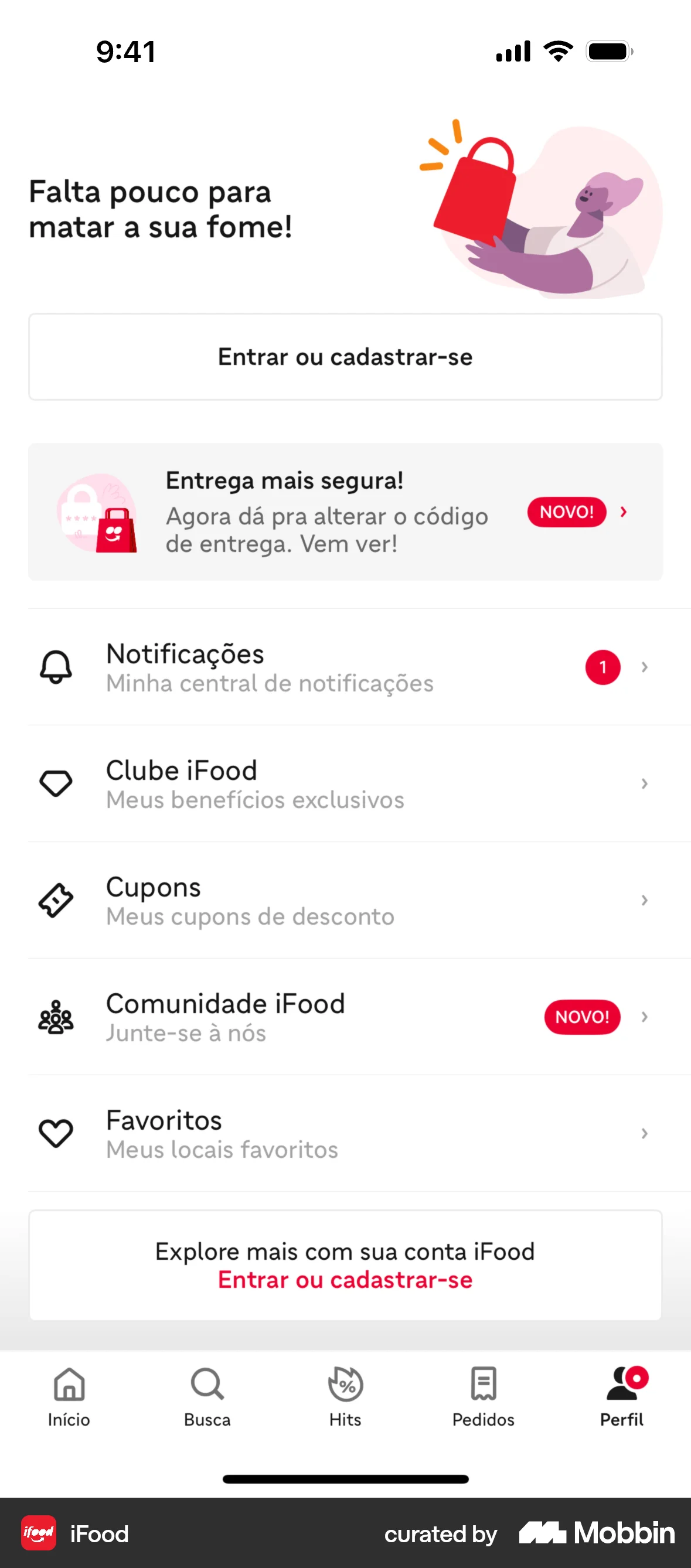
The user logs out from the help center and is redirected to the login page. The login page prompts the user to log in or sign up.
Discover best mobile app designs for Logging Out flows. Get inspired by the best apps in the world.
The user logs out from the help center and is redirected to the login page. The login page prompts the user to log in or sign up.

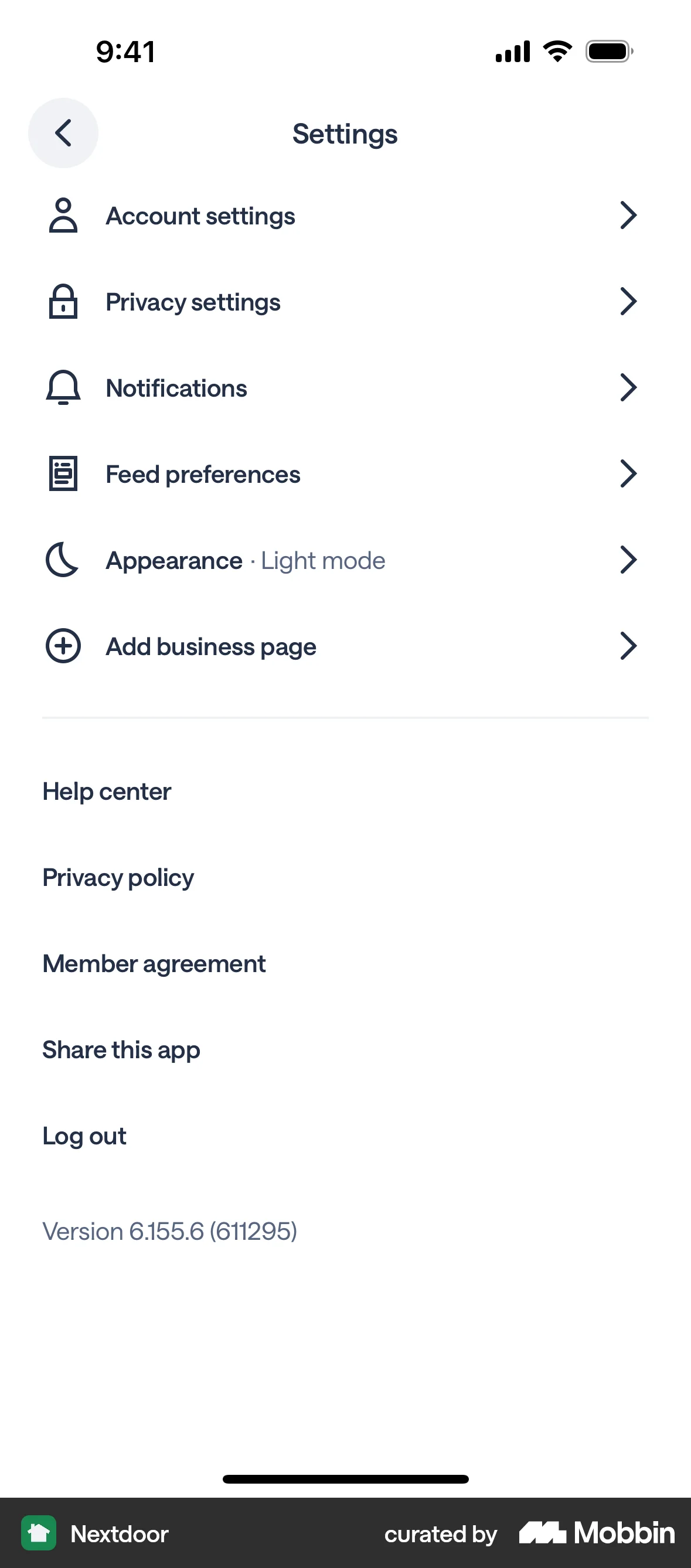
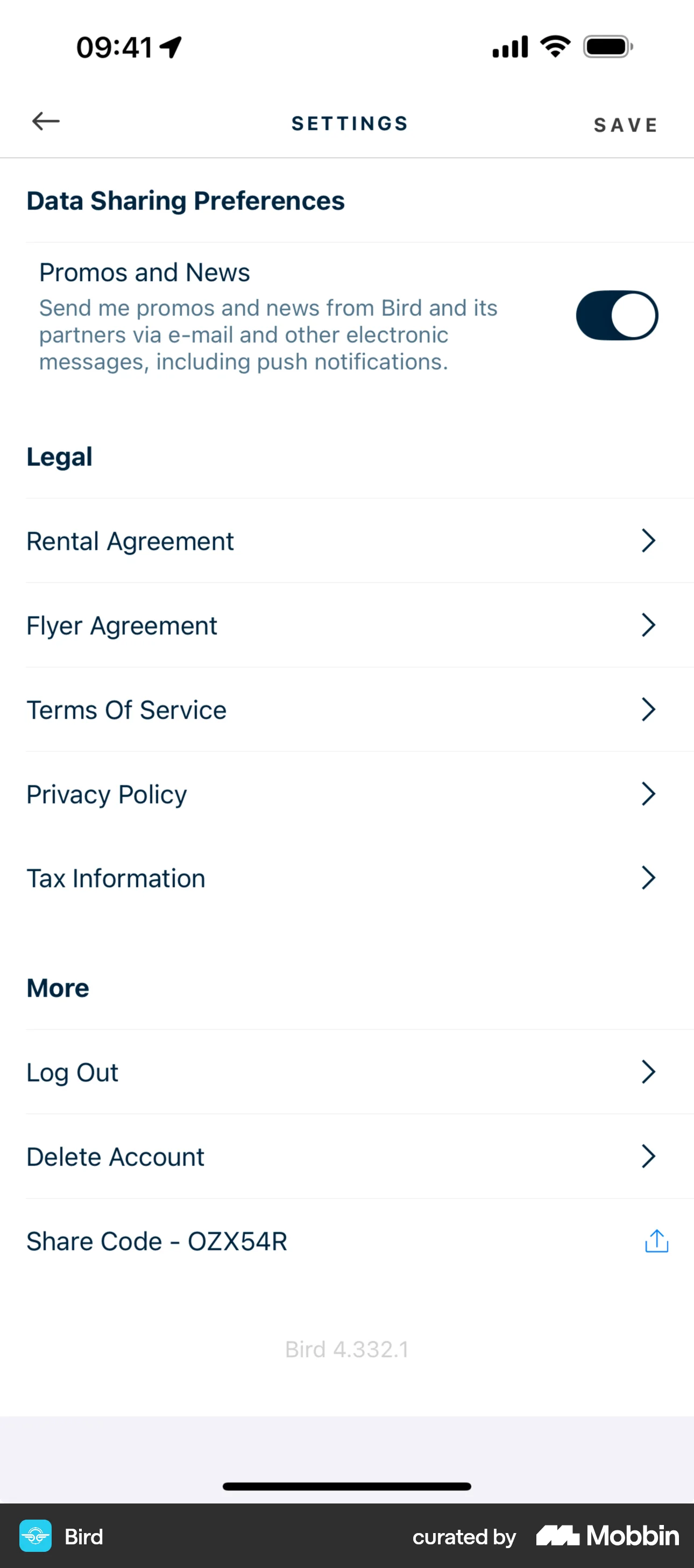
The user navigates to settings and logs out of the app. After confirming, they are prompted to enter their phone number to log back in.

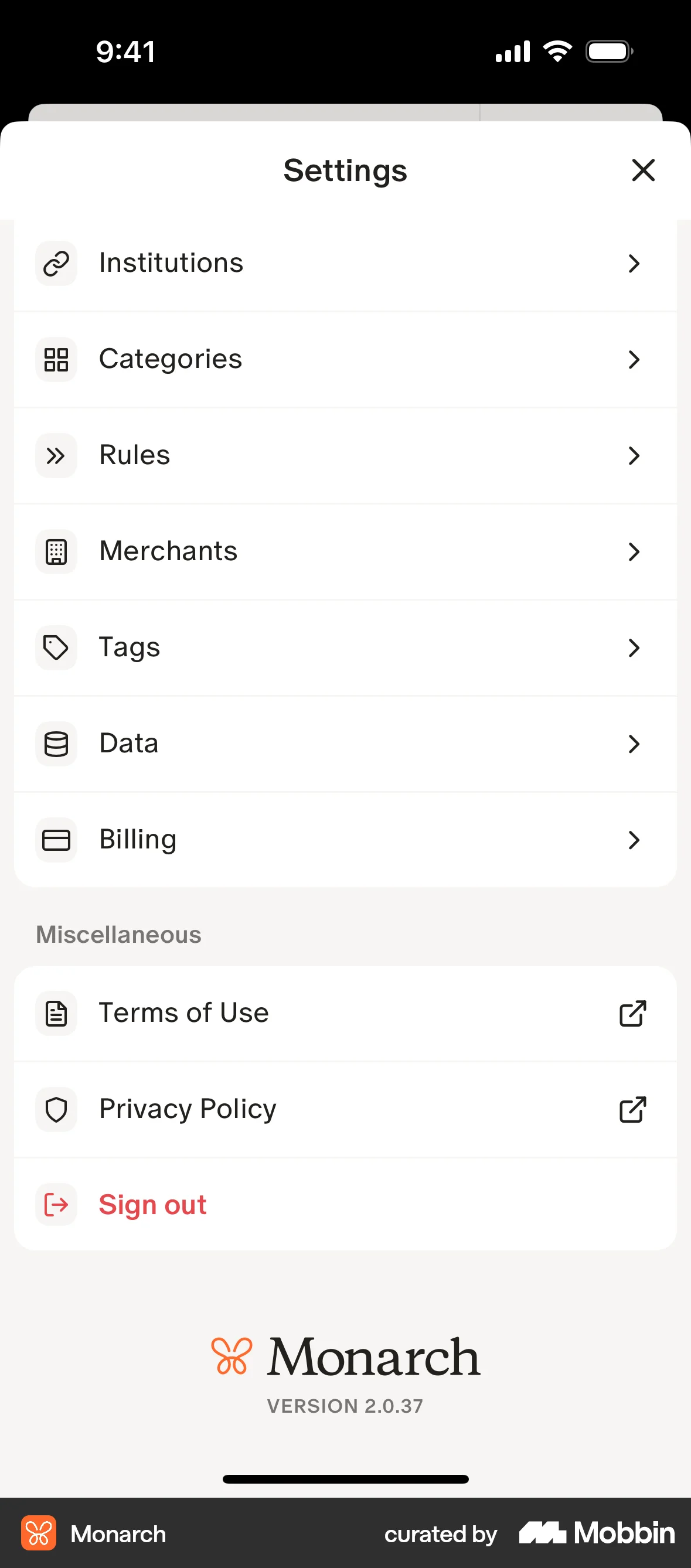
The user navigates to the settings page, where they can sign out.

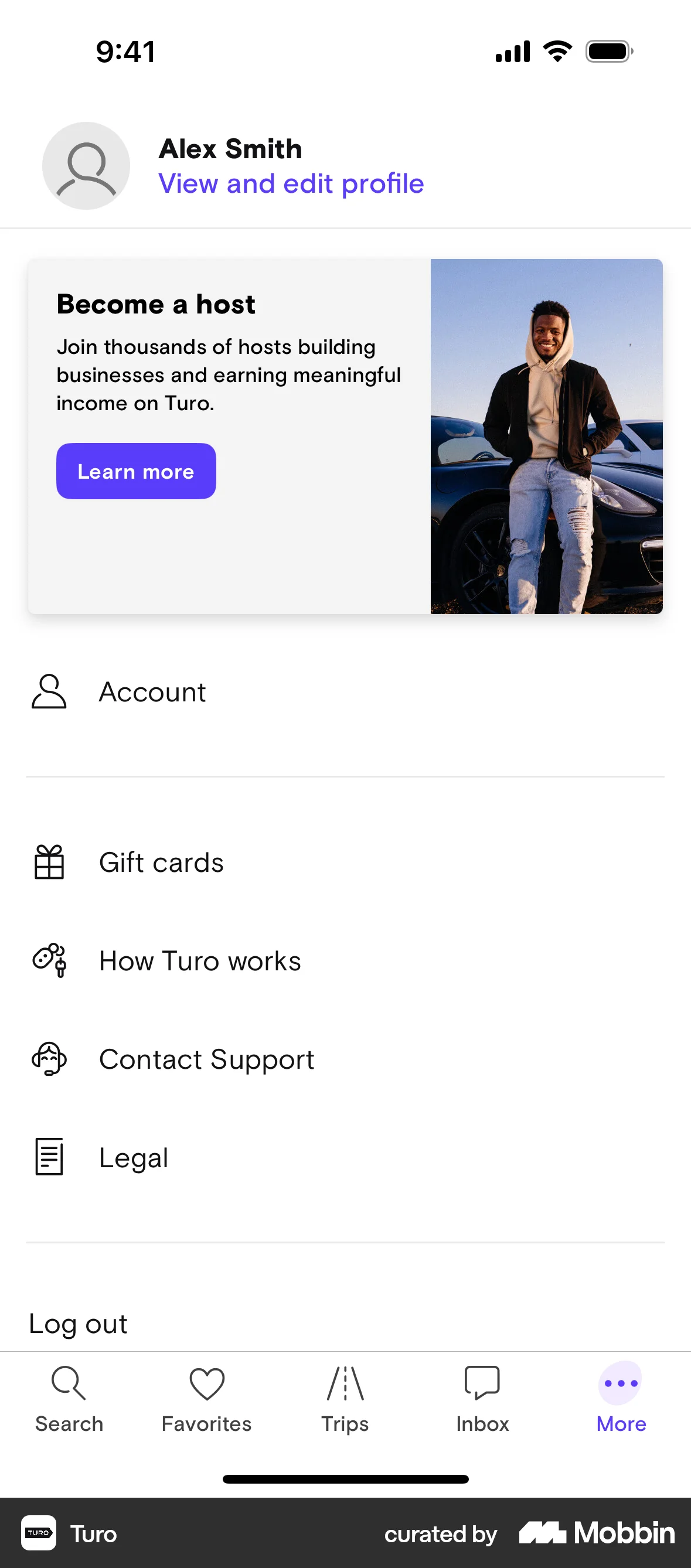
The user initiates the logout process from the "More" page, confirms the action, and is then redirected to the main search screen. This indicates a successful logout.

The user signs out from their account, is prompted to sign back in, and is then redirected to the main shopping page.

The user navigates to the settings page and signs out. The app confirms the sign-out and provides options to sign back in or continue as a guest.

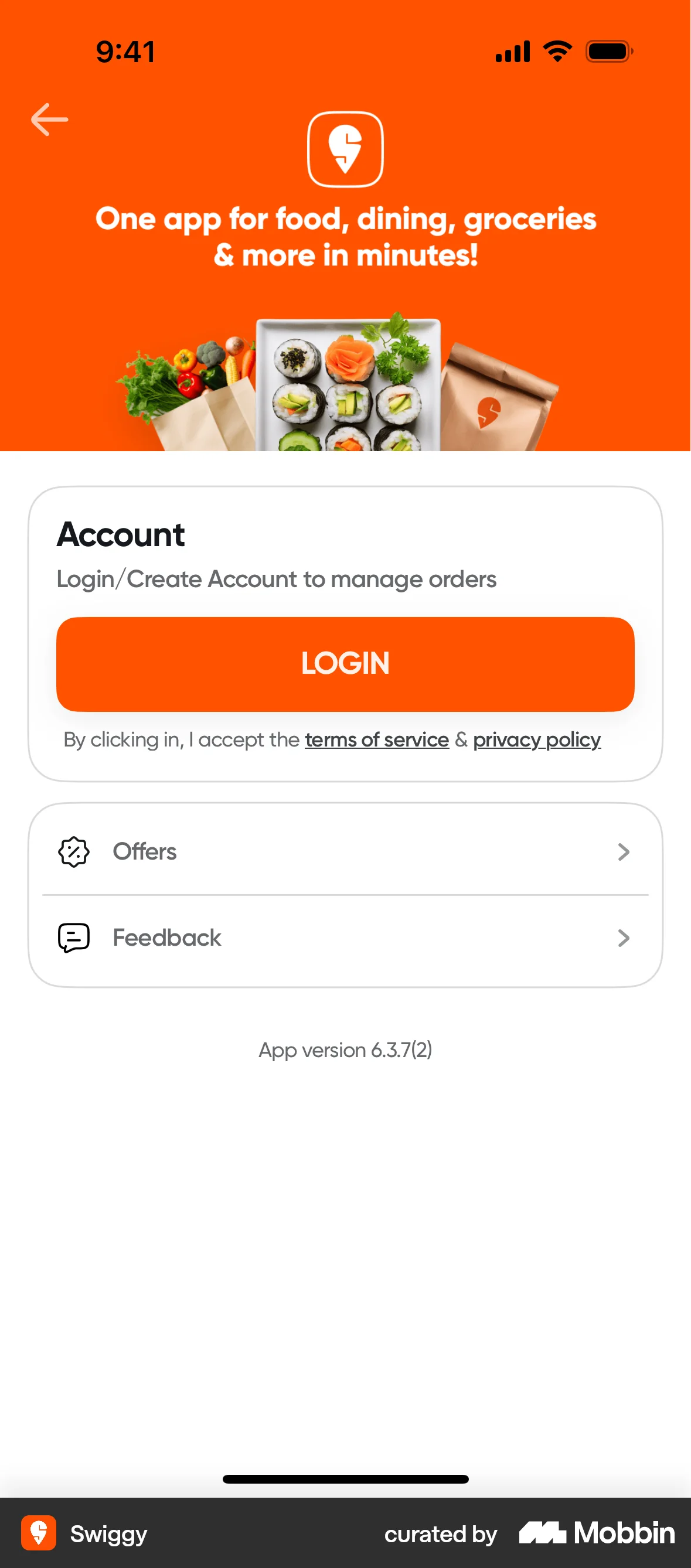
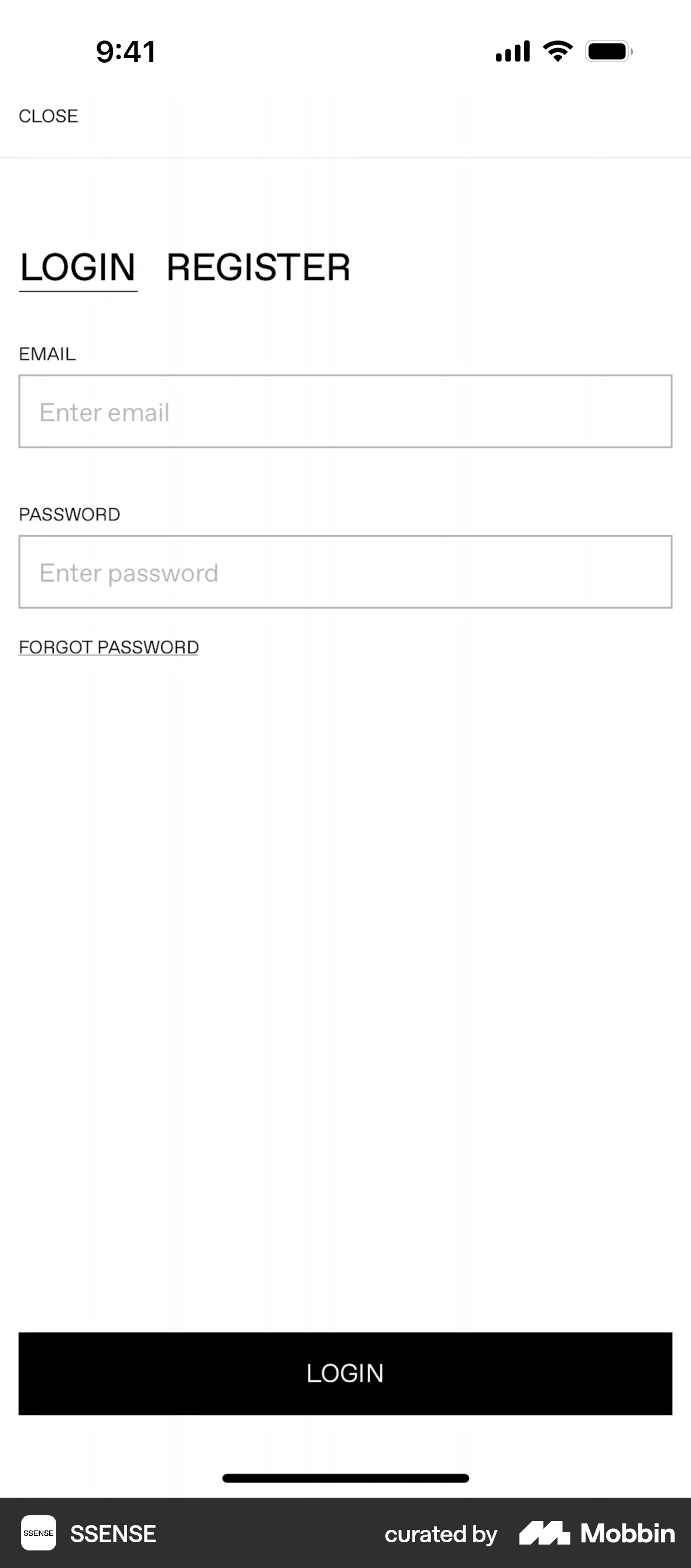
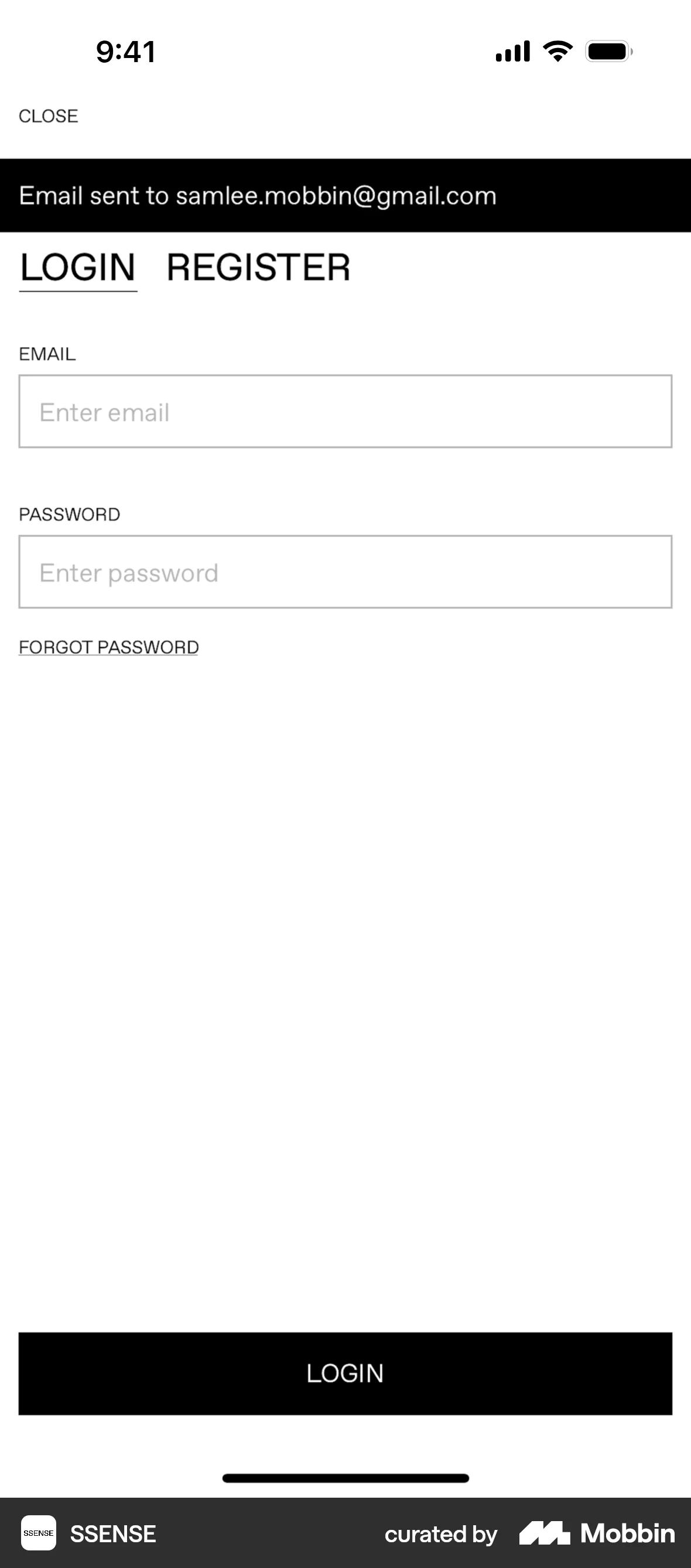
The user navigates to settings and logs out of the app. They are then redirected to the login/sign up page.

The user navigates through the logout process, confirming their action. They are then redirected to the login page.

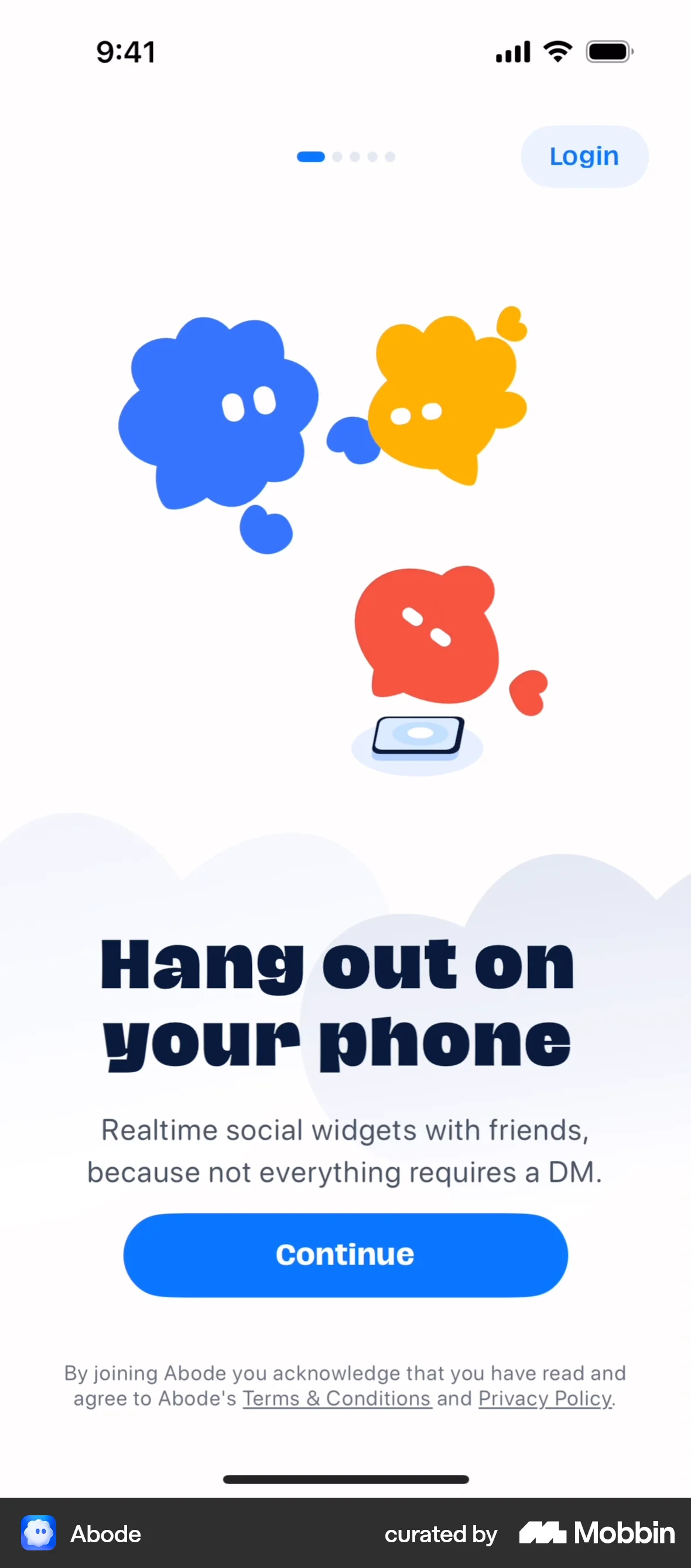
The user navigates to the settings screen and selects the "Log out" option. This action redirects the user to the welcome screen, effectively logging them out of the application.

The user navigates to settings, initiates logout, confirms it, and is redirected to the login/signup screen. The flow demonstrates the logout process.

The user logs out from the settings menu. The user is then redirected to the login screen.

The user navigates to settings and logs out of the KakaoBank application. They are then redirected to the login screen.
92 Flows

587 Flows
188 Flows
1033 Flows


1350 Flows

255 Flows