




Creating a post (sell or give away)on Nextdoor
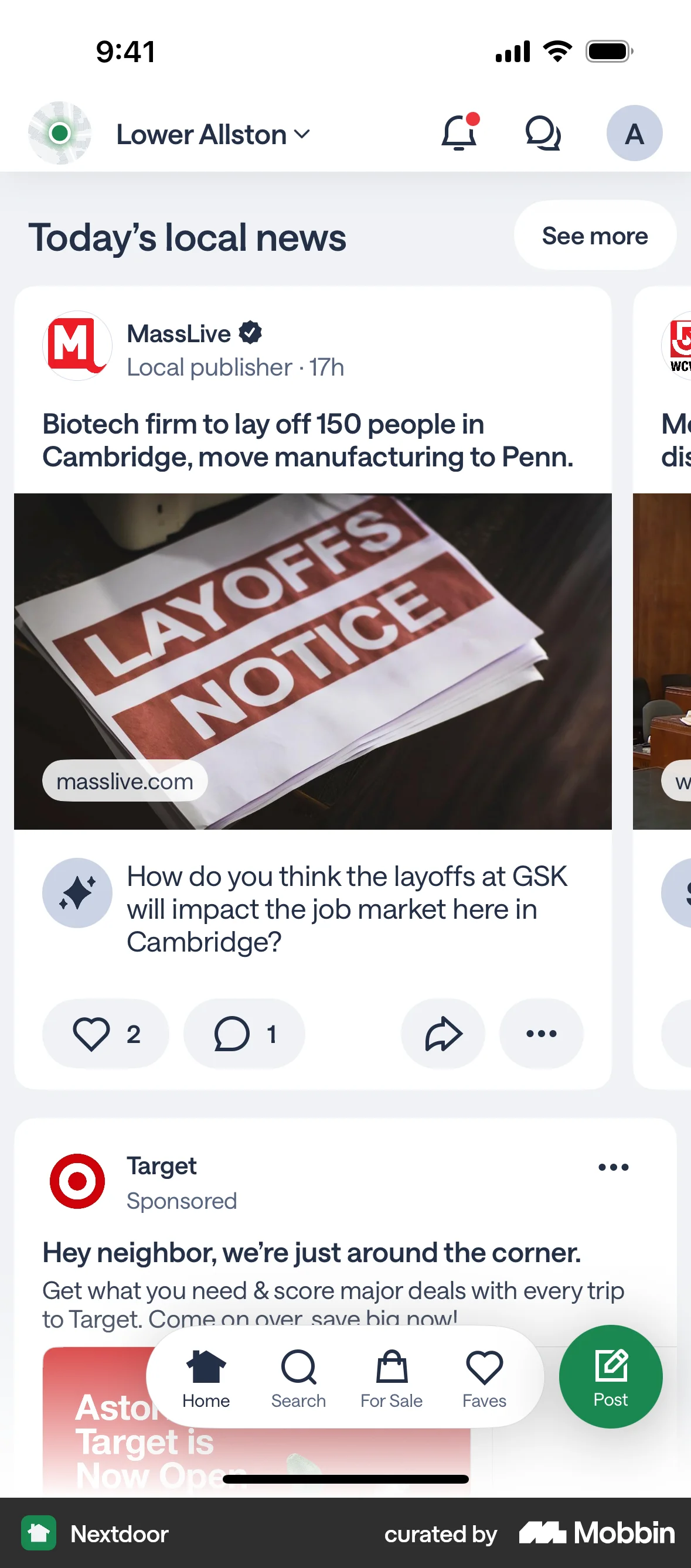
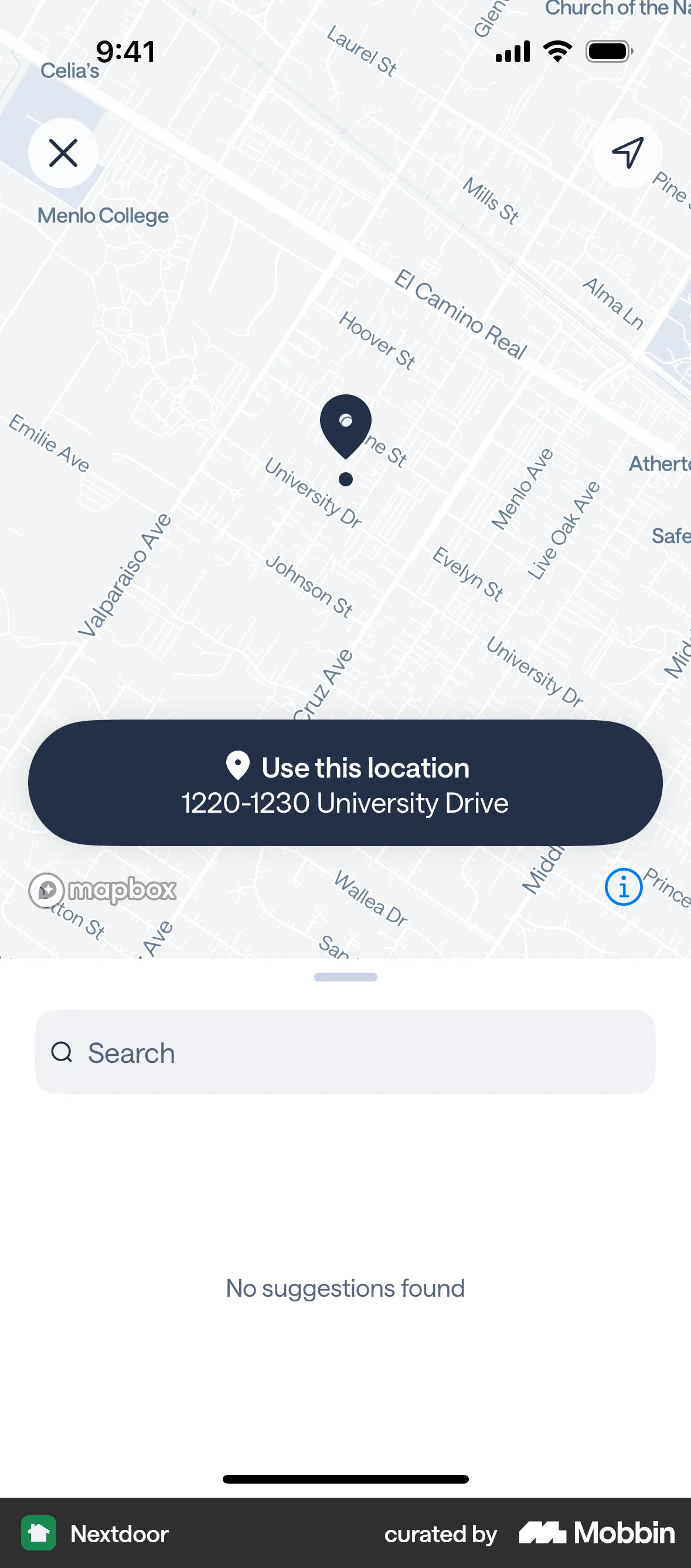
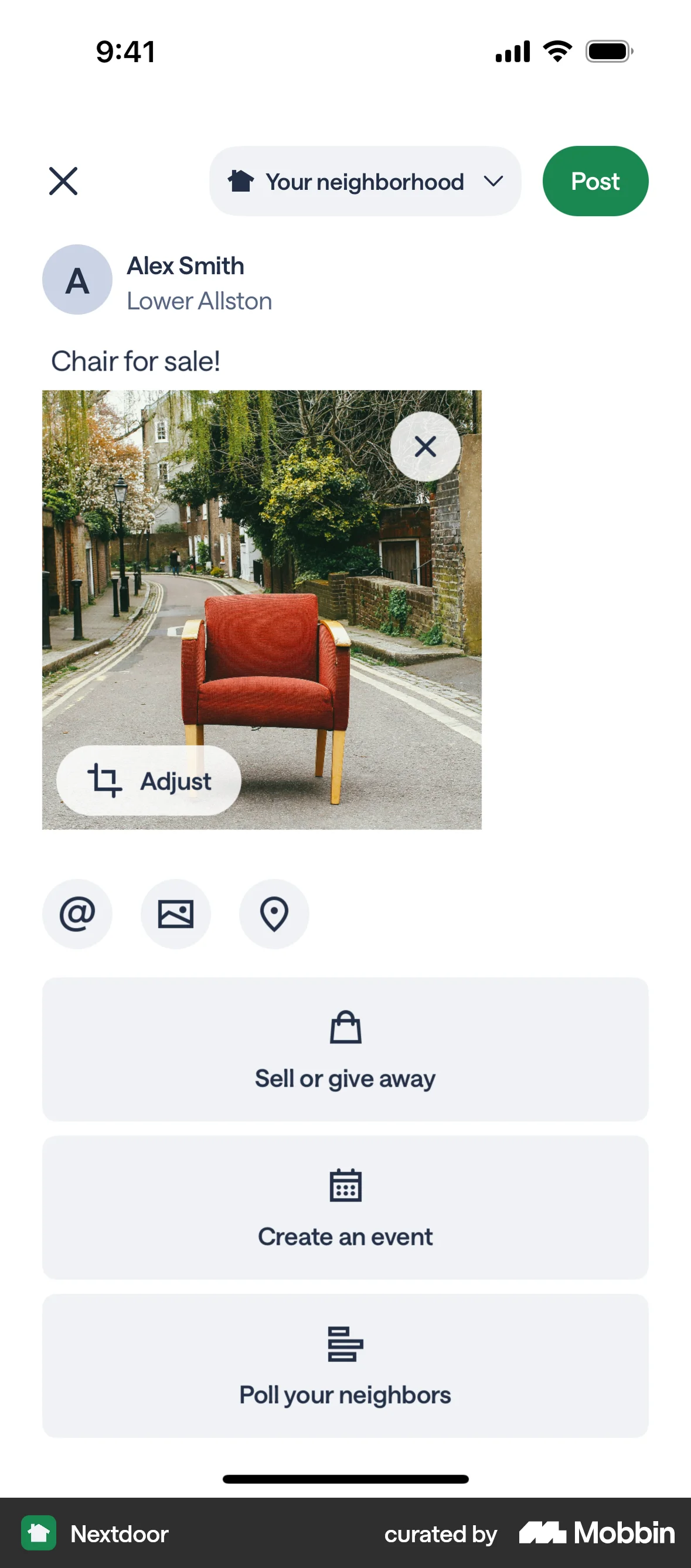
The user creates a post to sell an armchair, adding details like title, description, price, and location. The post is then published to the home feed.
Discover best mobile app designs for Publishing flows. Get inspired by the best apps in the world.
The user creates a post to sell an armchair, adding details like title, description, price, and location. The post is then published to the home feed.

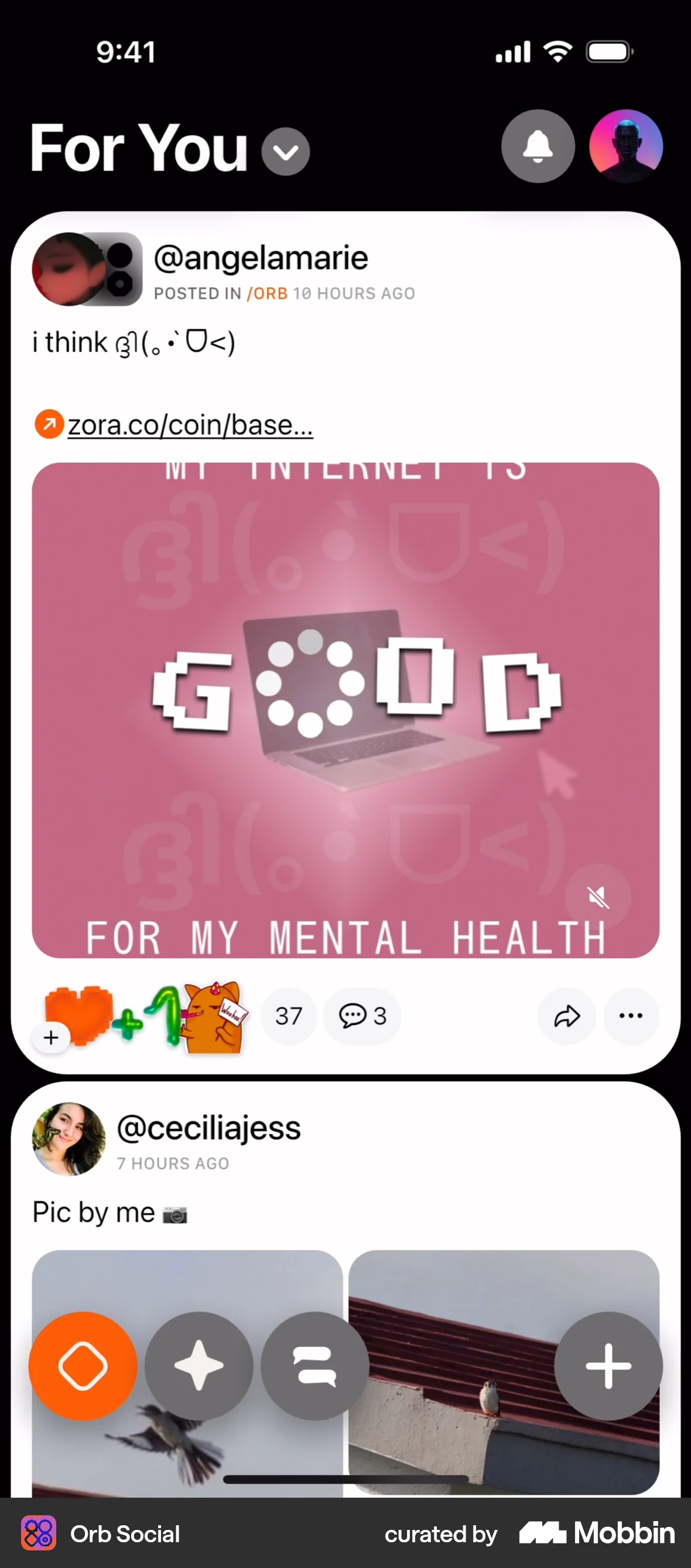
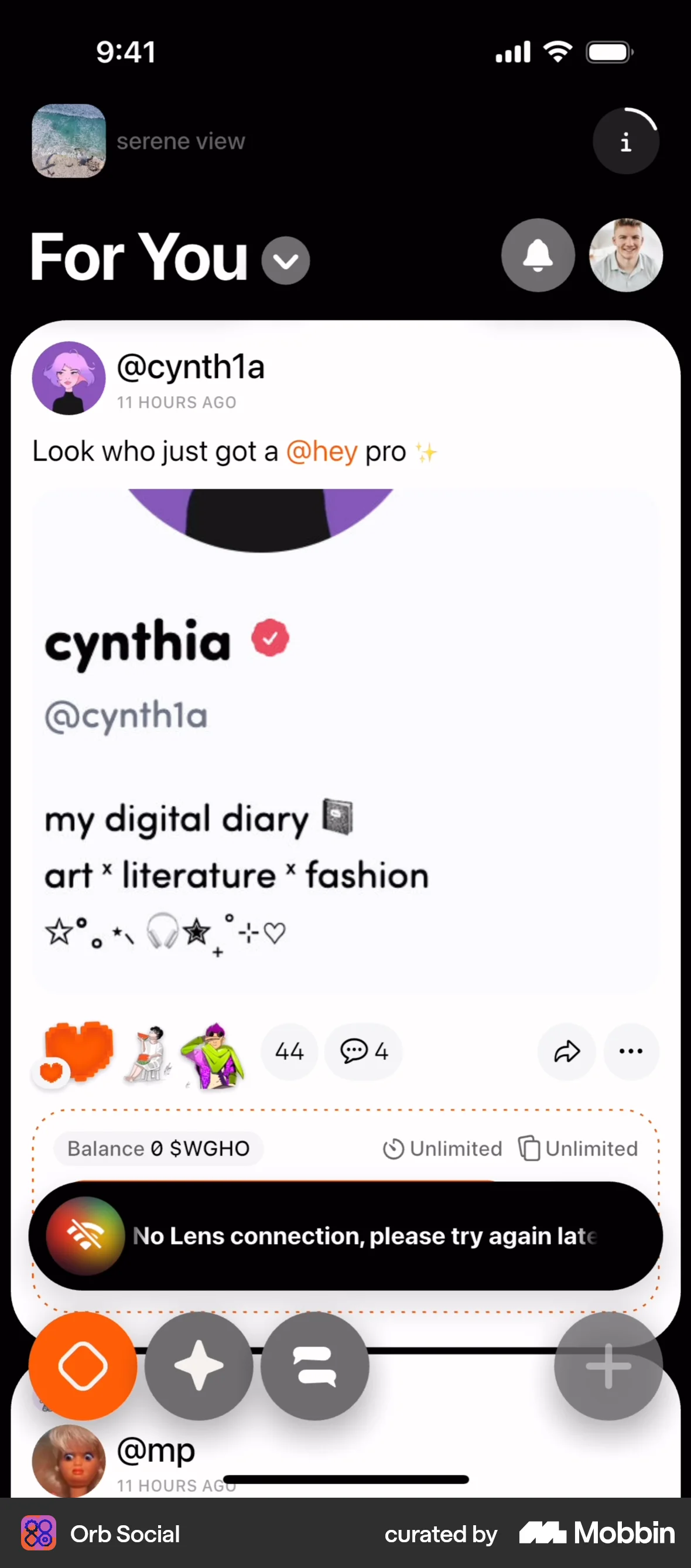
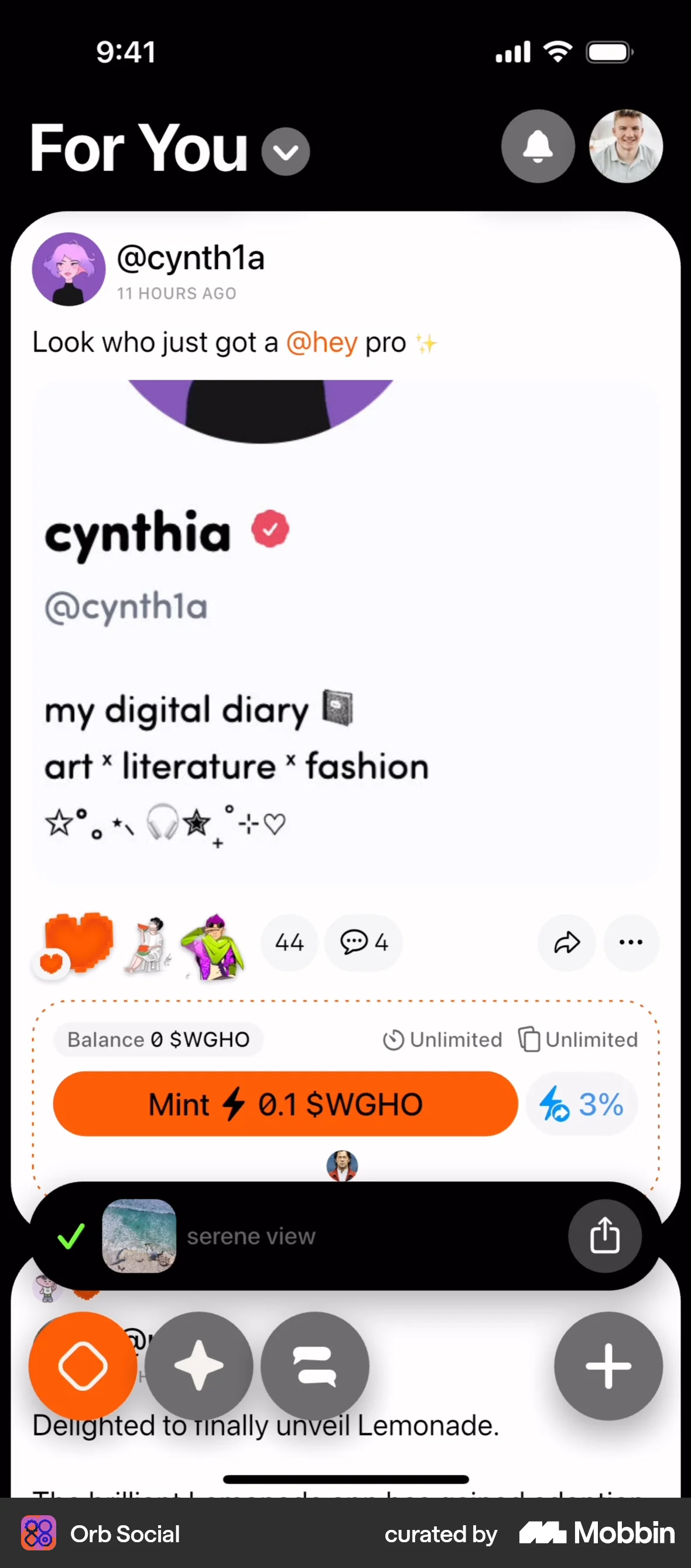
The user creates a new post with text and an image, configures it as a digital collectible, and publishes it. The flow ends with a confirmation on the home feed.
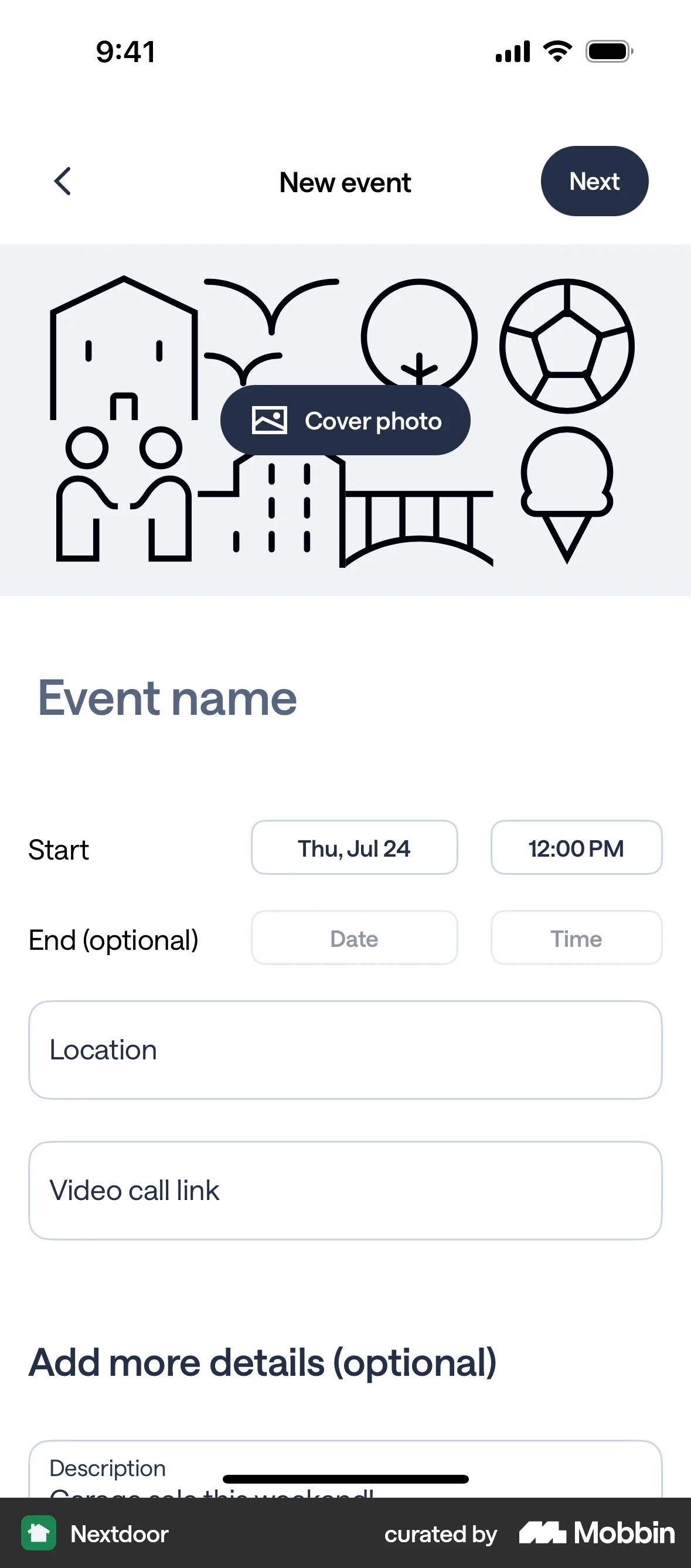
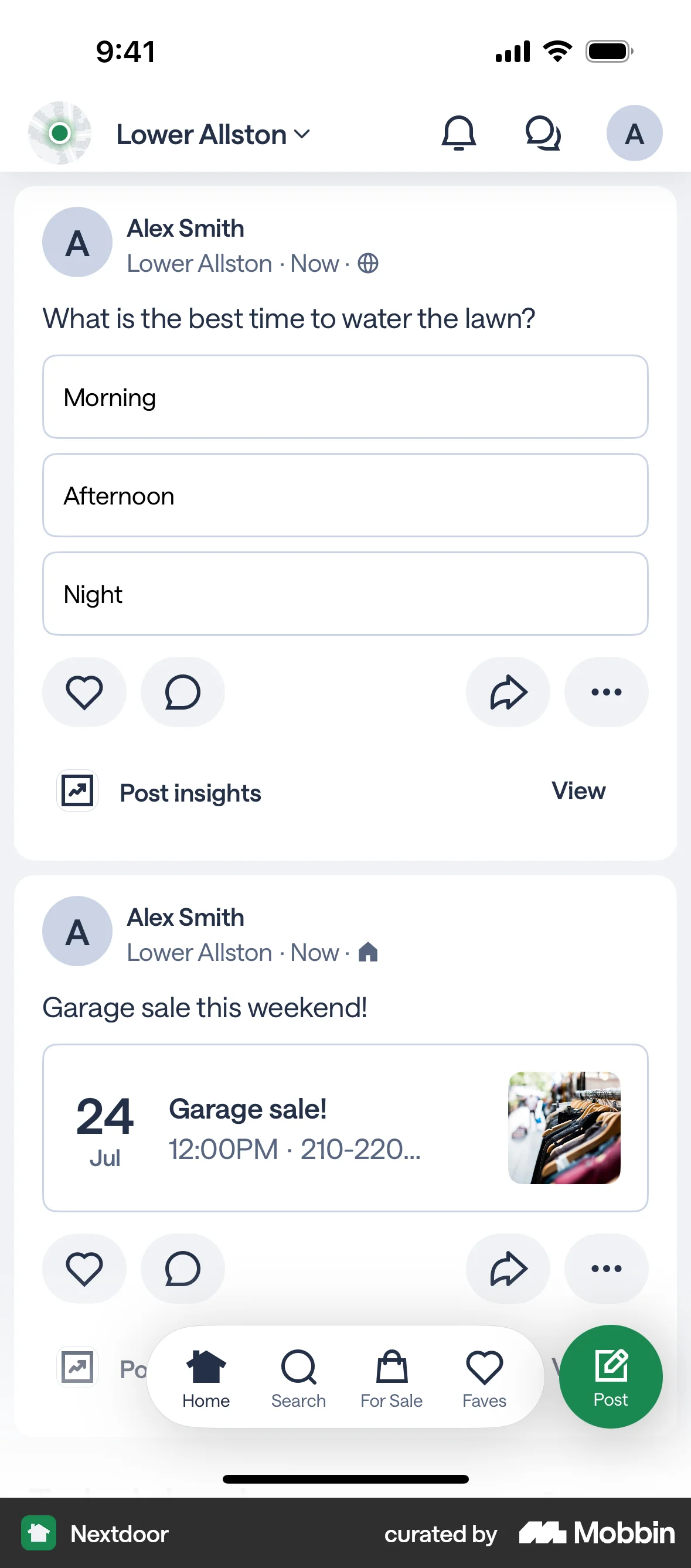
The user creates an event post by filling out the event details and posting it to the main feed. The event includes details such as name, date, time and cover photo.
The user creates a poll by inputting a question and choices, then posts it to their feed. The flow showcases poll creation and posting.

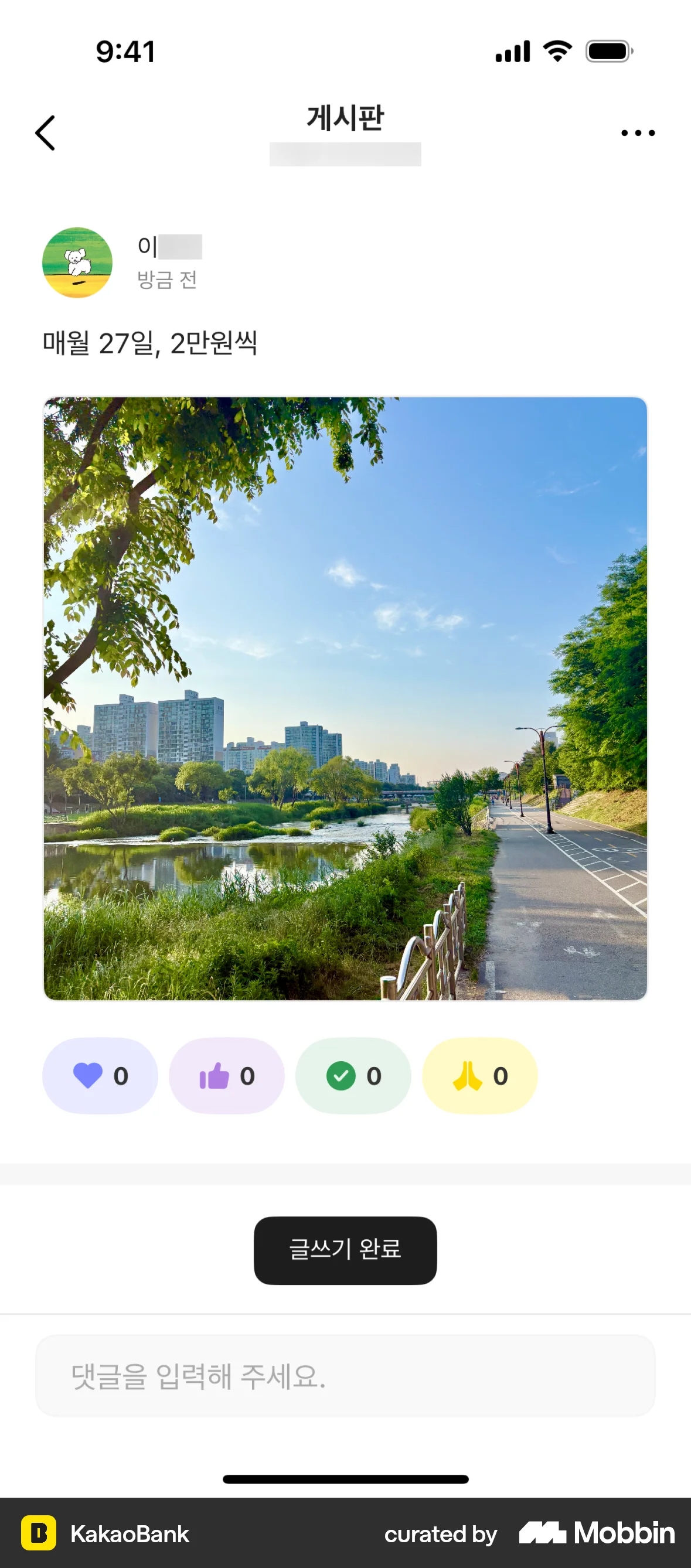
The user flow demonstrates creating a post on a message board. The user enters text, attaches an image, and publishes the post.
The user flow shows a user posting a recommendation for a restaurant and then sharing the page. The flow includes writing the recommendation, a success message, and sharing options.

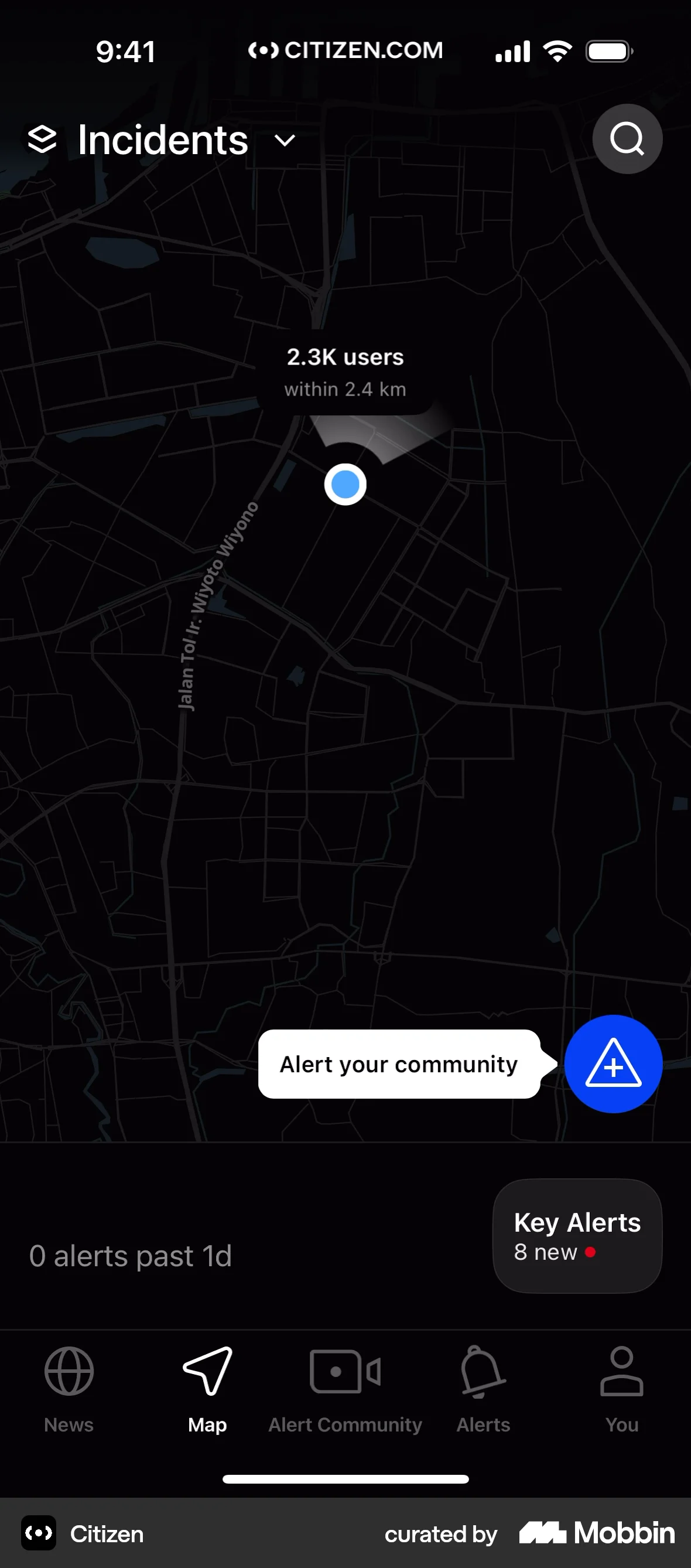
The user creates an alert by selecting an incident type, filling in the details, and submitting the report. The final screen shows the report details.
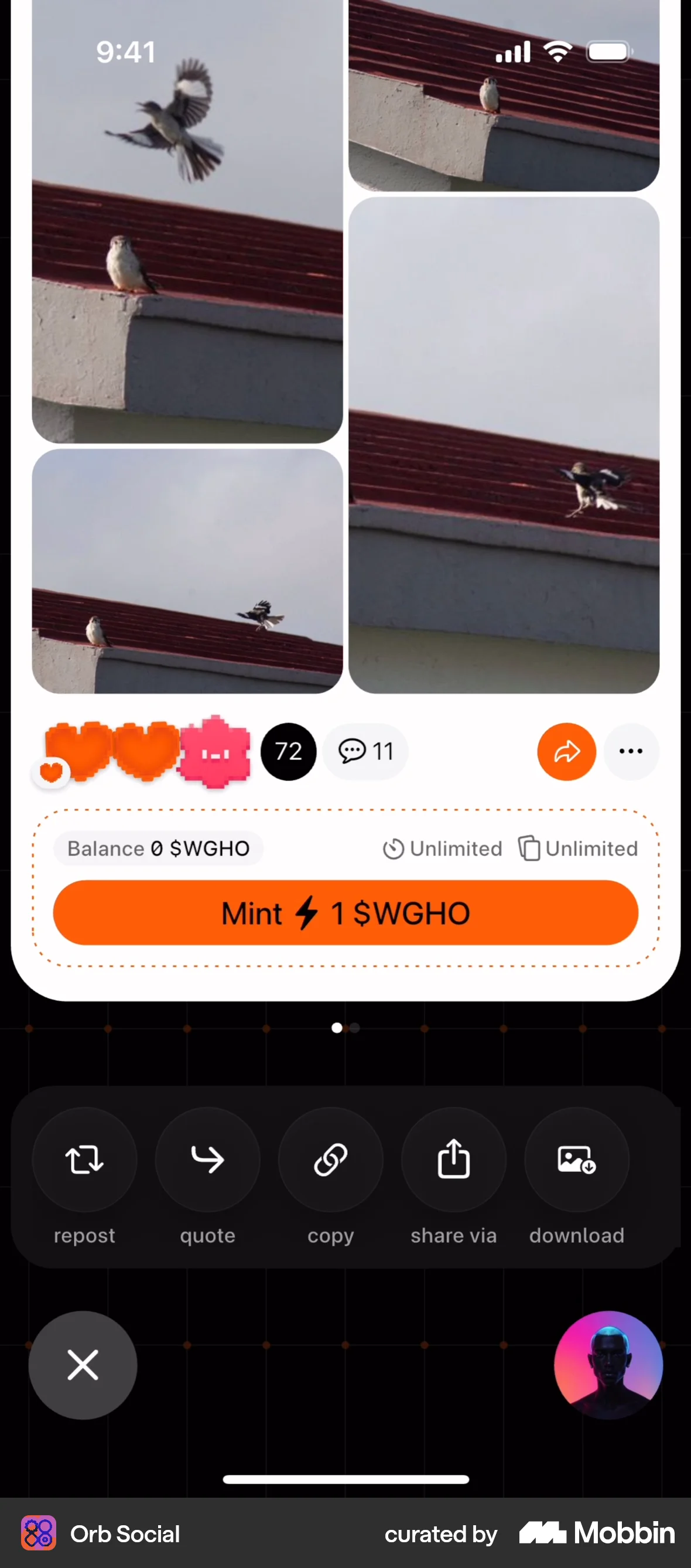
The user views a photo gallery and chooses to repost it. A checkmark confirms the successful repost action.
The user flow showcases creating a post to announce a username for sale. It involves confirming the sale, creating the post, and viewing it in the feed.

The user starts and tracks an activity, then provides feedback by rating the trail, sharing photos, and writing a description. The flow ends with an activity summary.

The user creates a new post by adding text and images, then publishes it to the community feed. Finally, the user views the post and can add comments.
The user flow demonstrates creating a new post by selecting a photo, editing it, adding a caption, and sharing it on Instagram. The flow concludes with the post appearing on the user's home feed.


4467 Flows


1240 Flows
112 Flows

3407 Flows
358 Flows

255 Flows