Importing a linkon Placify
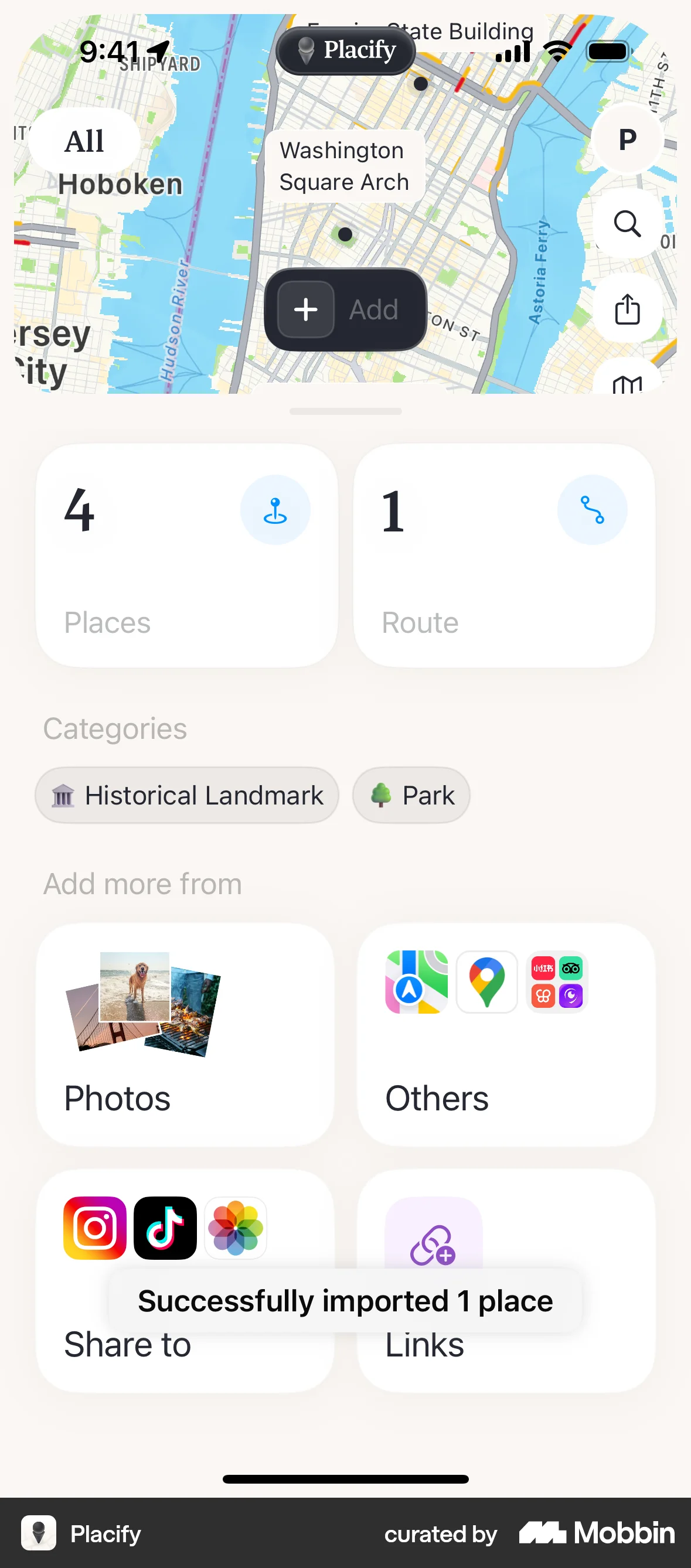
The user imports a place from a link. The place is extracted and added to the map.
Discover best mobile app designs for Importing & Exporting flows. Get inspired by the best apps in the world.
The user imports a place from a link. The place is extracted and added to the map.

The user selects a video template, adds their own video, and then exports the final product. The flow showcases using a template to create a video.

The user selects a video from the photo library. The flow allows the user to import a video.

The user imports an image into the studio. They navigate to a gallery, select an image, and return to the studio with the image added.

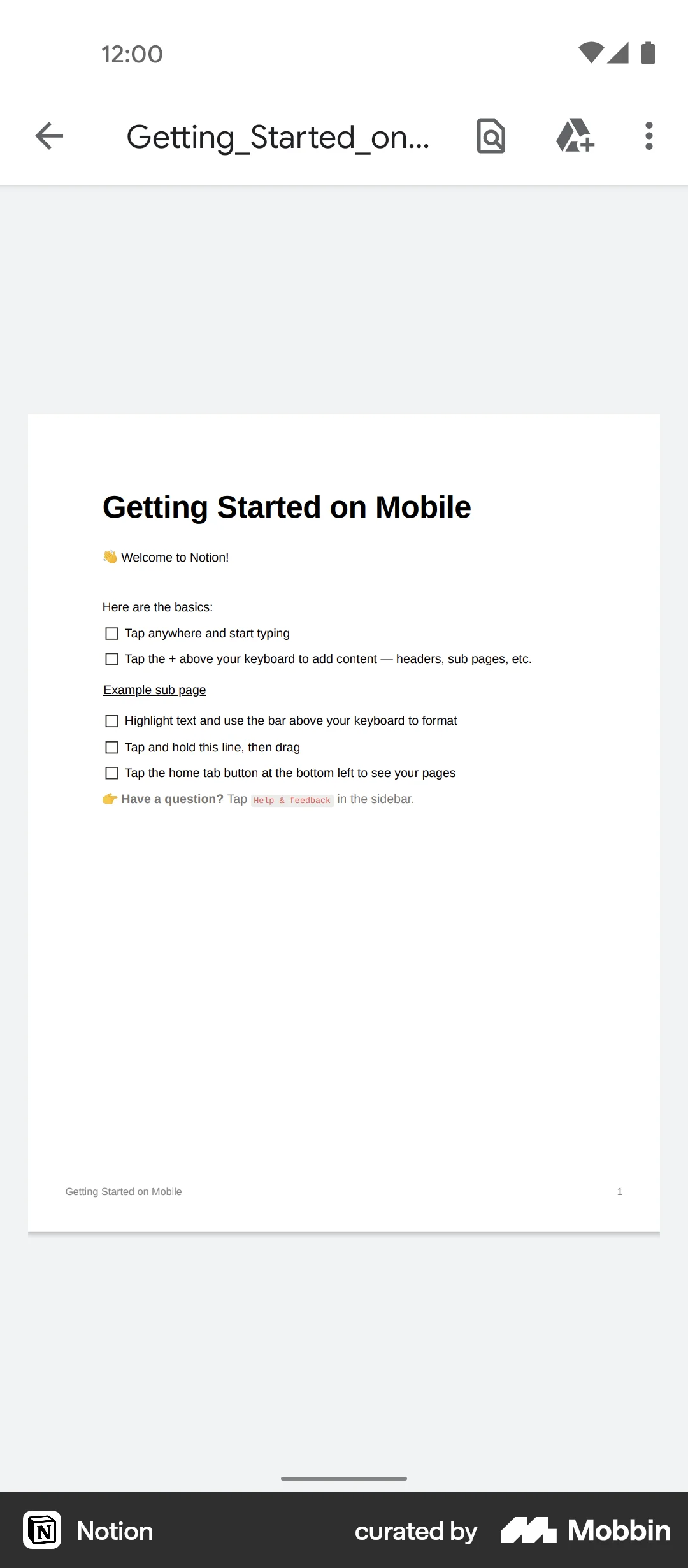
The user exports a design showcase as a PDF. The flow involves selecting the export option and previewing the PDF document.

The user flow showcases exporting statements and reports. It involves selecting statement type, balance, setting details, password authentication, and viewing the downloaded statement.

The user generates a bank statement by selecting options like account, file type, and custom date range. A success message confirms the statement is ready.

The user flow demonstrates exporting a statement by selecting a wallet, date range, and file type. The user previews the statement before exporting.

The user flow demonstrates exporting a chat with a contact. It involves selecting export options and then sharing the exported chat archive.

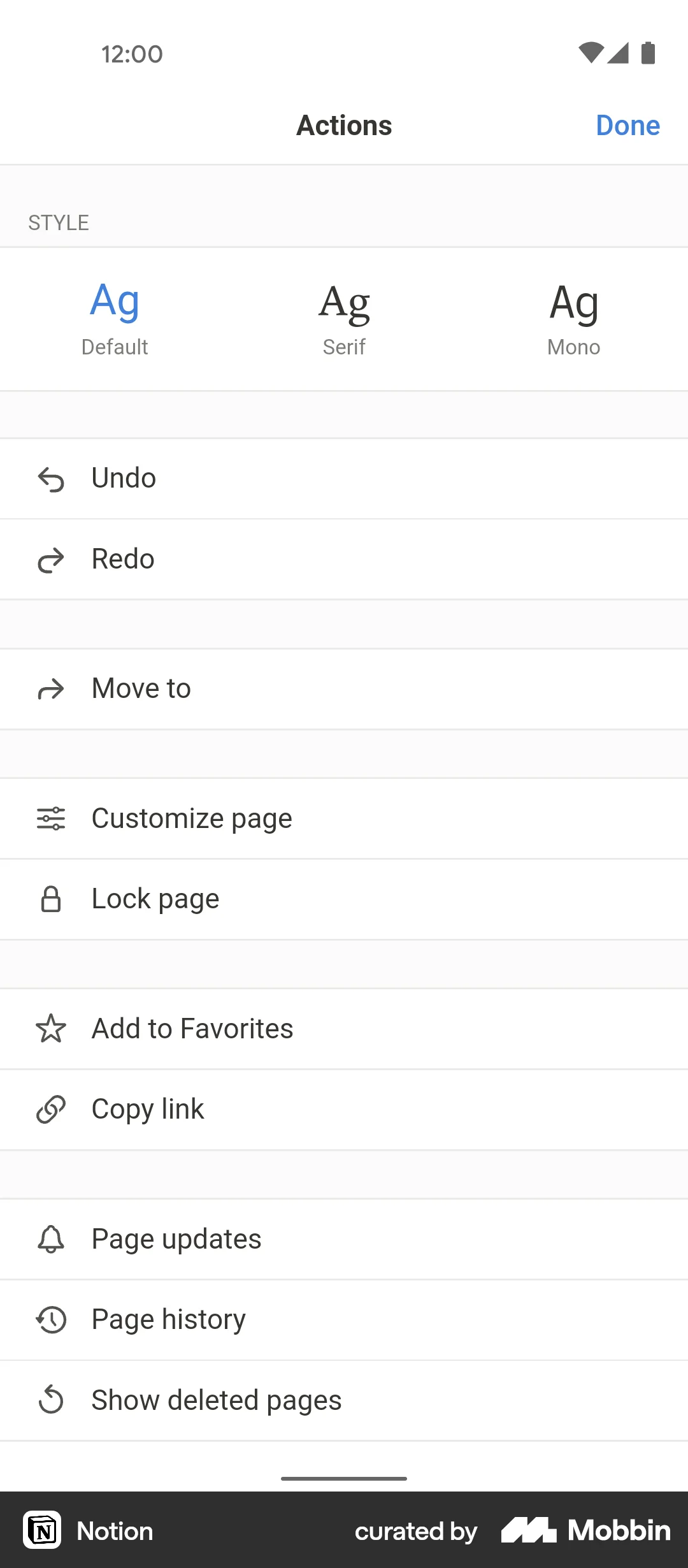
The user exports a page by selecting the export option, configuring the settings, and downloading the exported file. The flow concludes with the user opening the exported file.

The user imports music into a video editing app. They navigate to music selection, import a file, and return to the editor with the new music.

The user exports a time-lapse video by selecting the length and then sharing it. The flow showcases the video exporting and sharing process.


1240 Flows
87 Flows

105 Flows

455 Flows


1090 Flows
358 Flows