



Onboardingon Lemni
Lemni
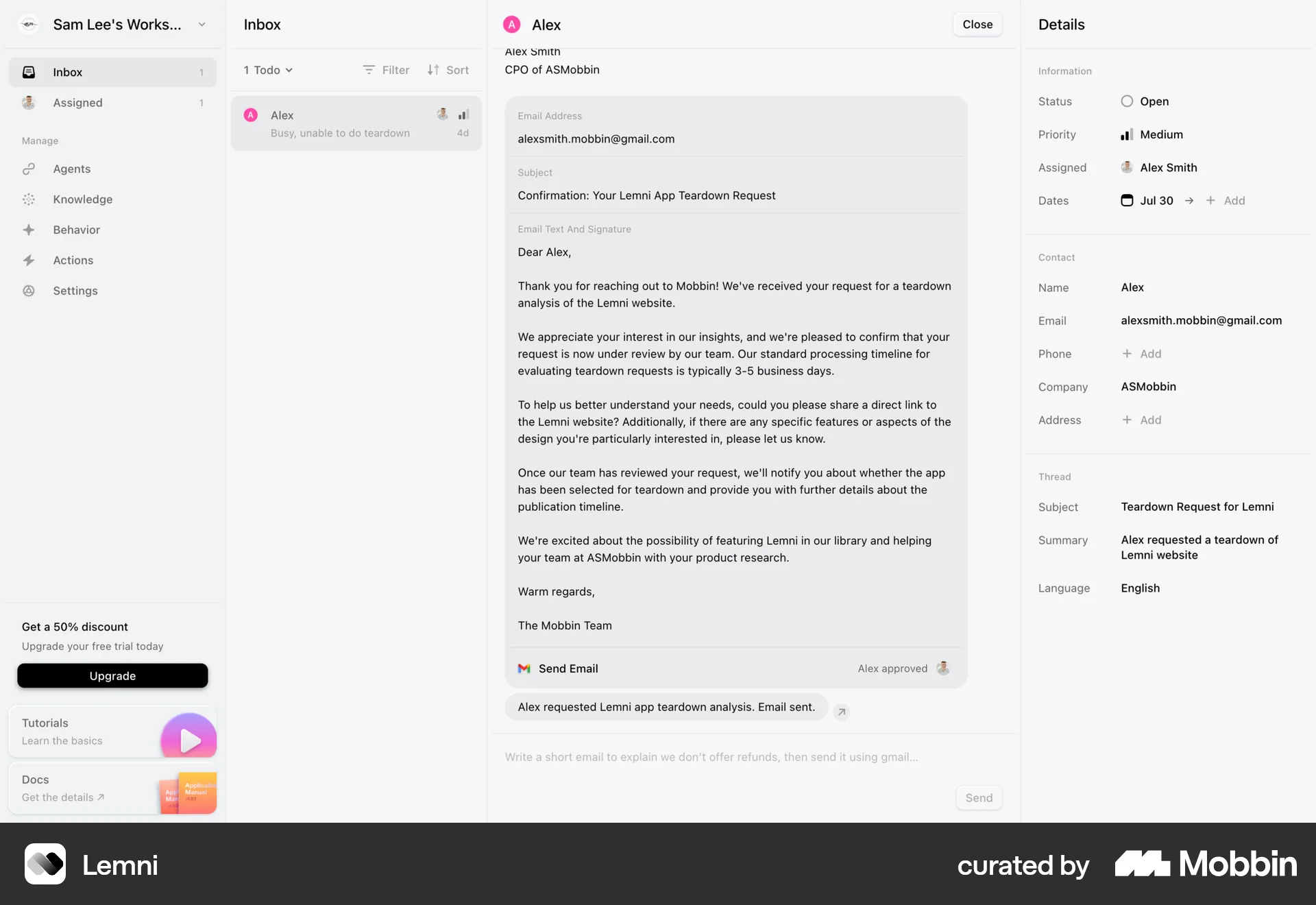
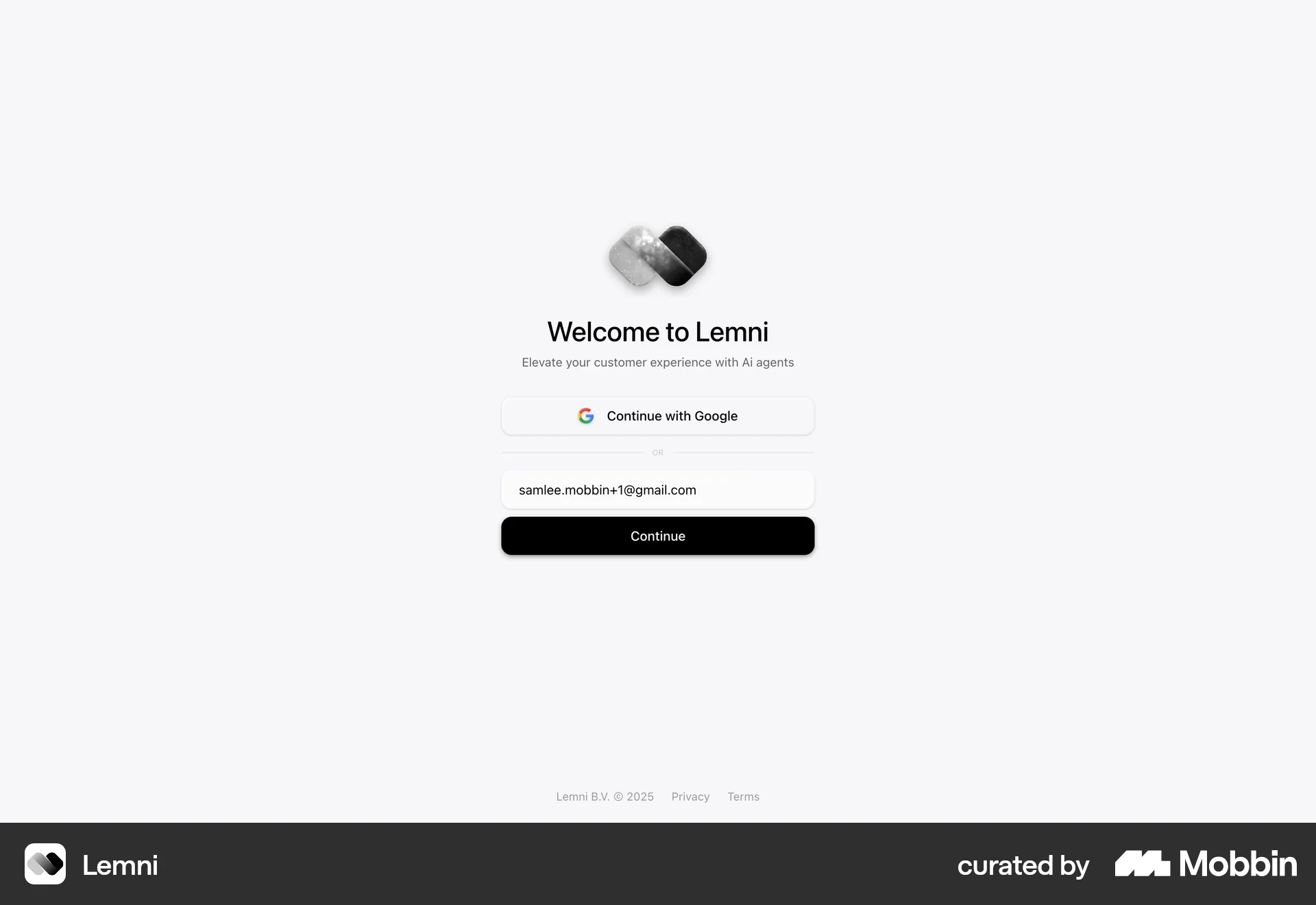
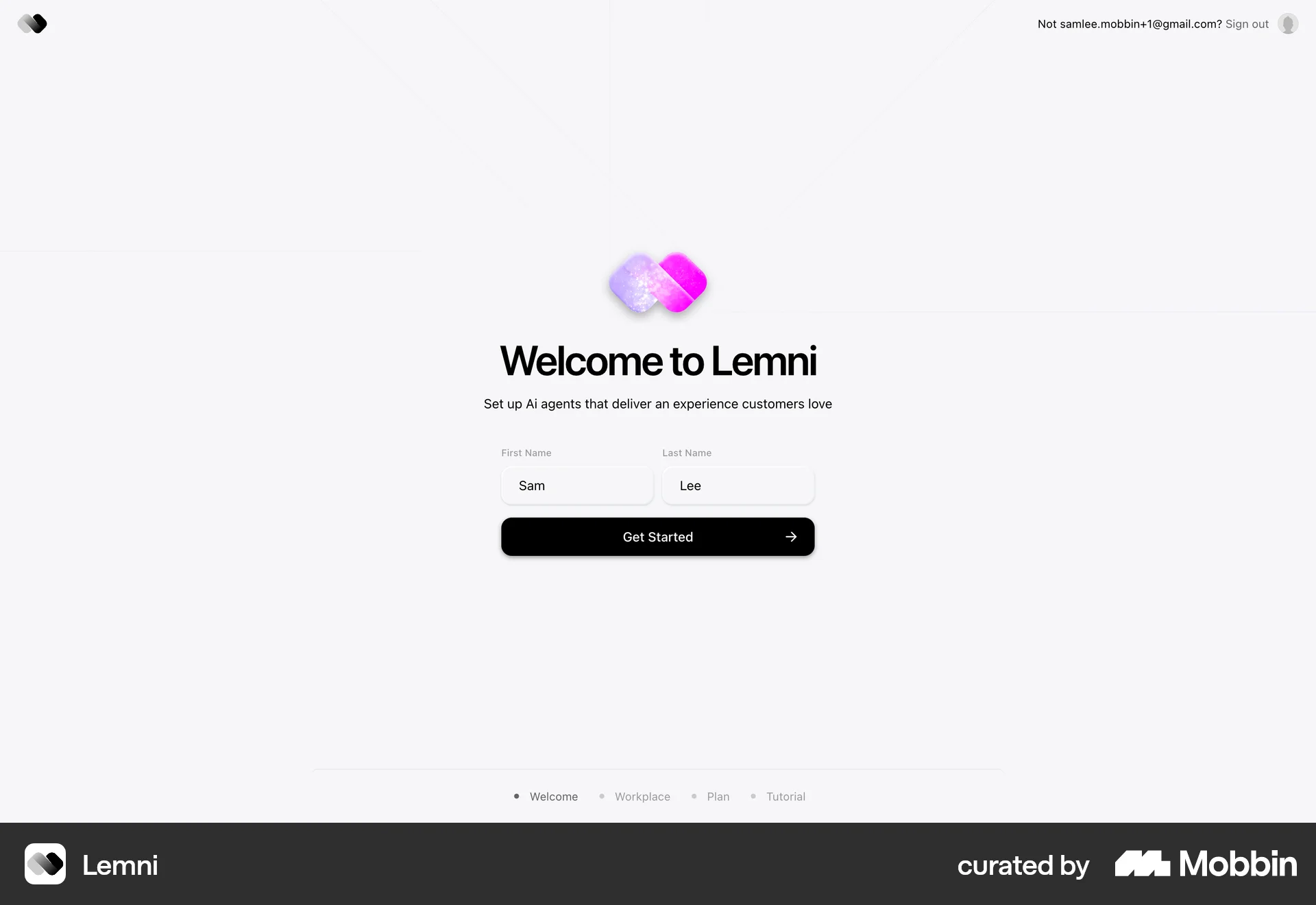
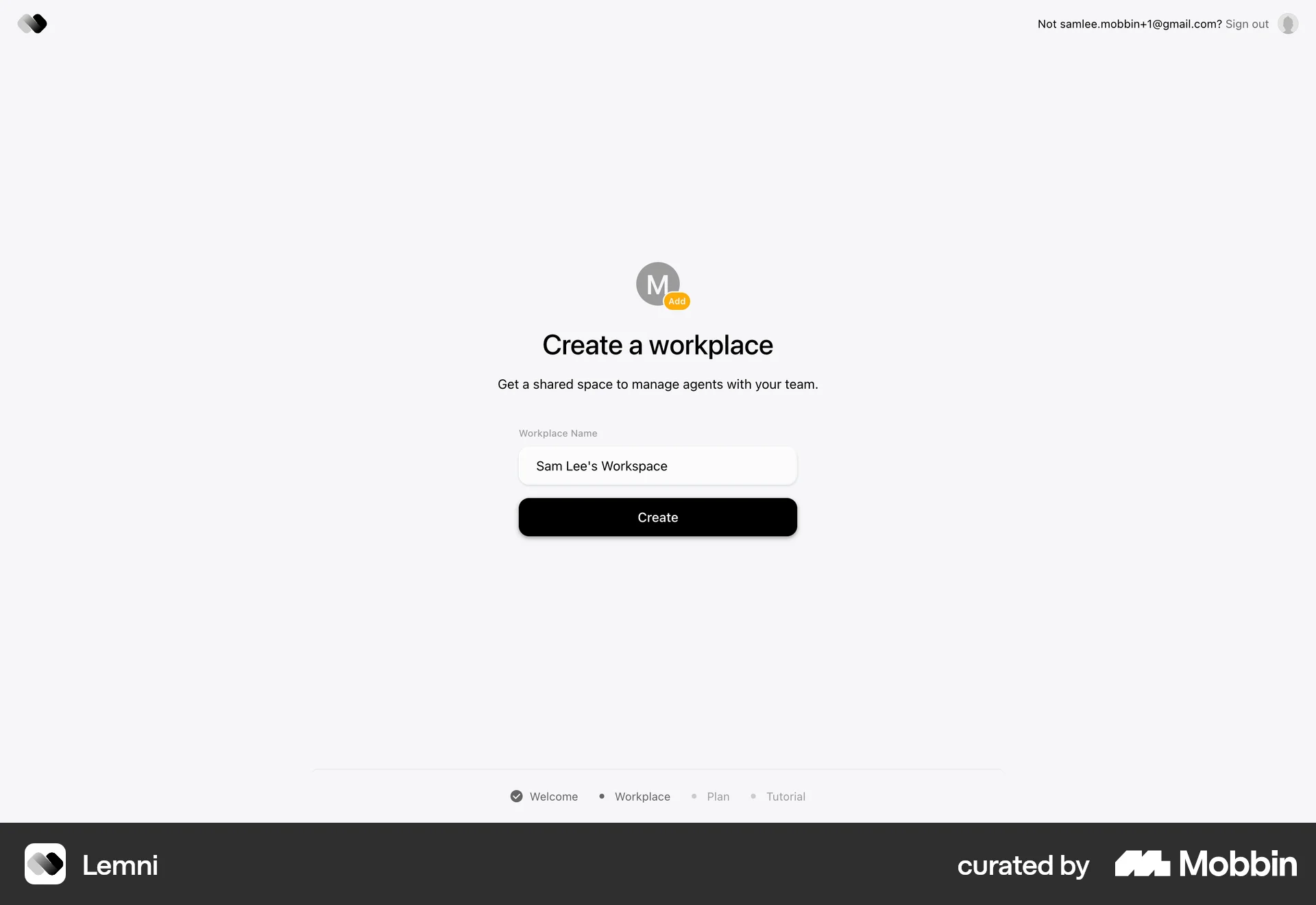
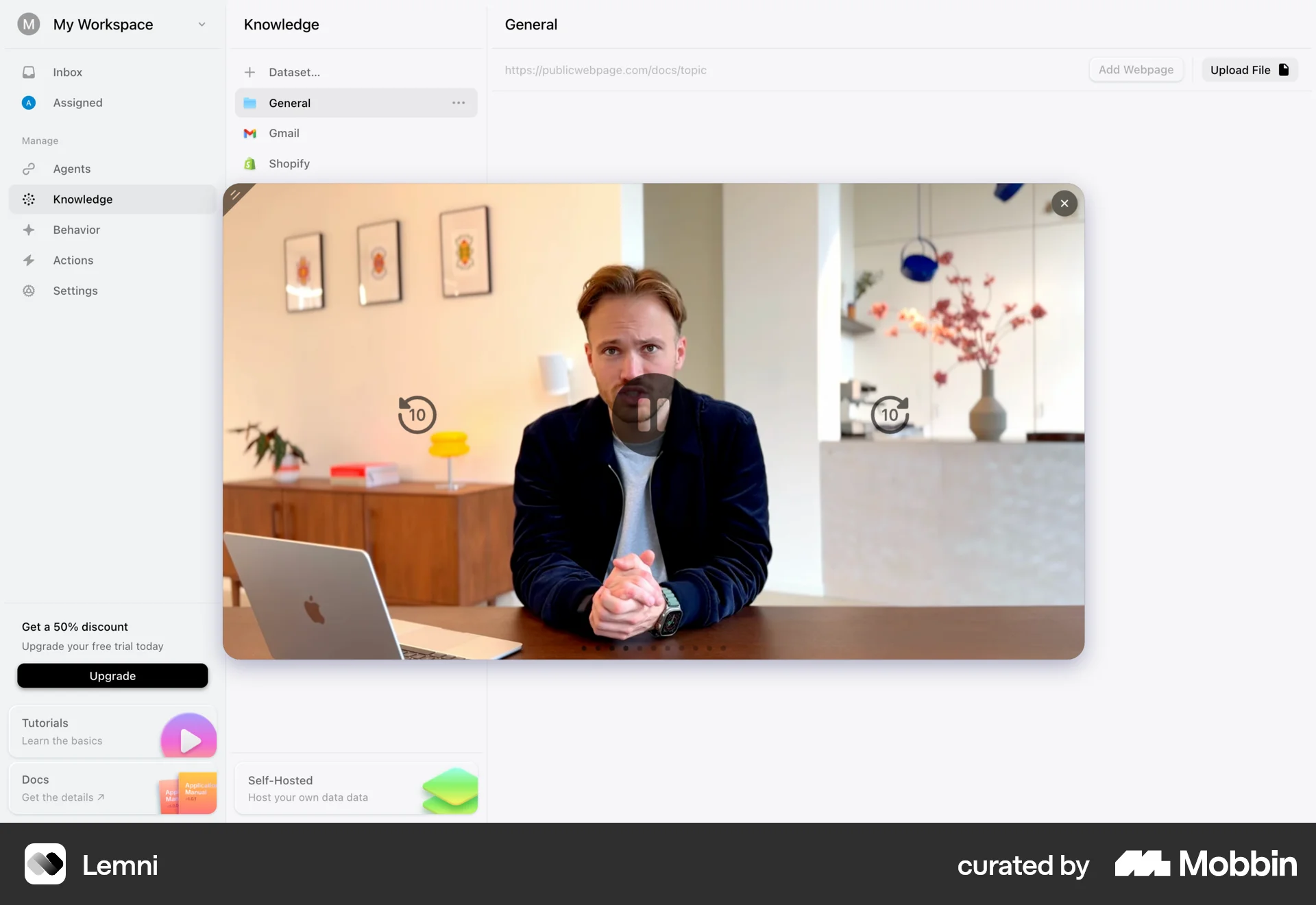
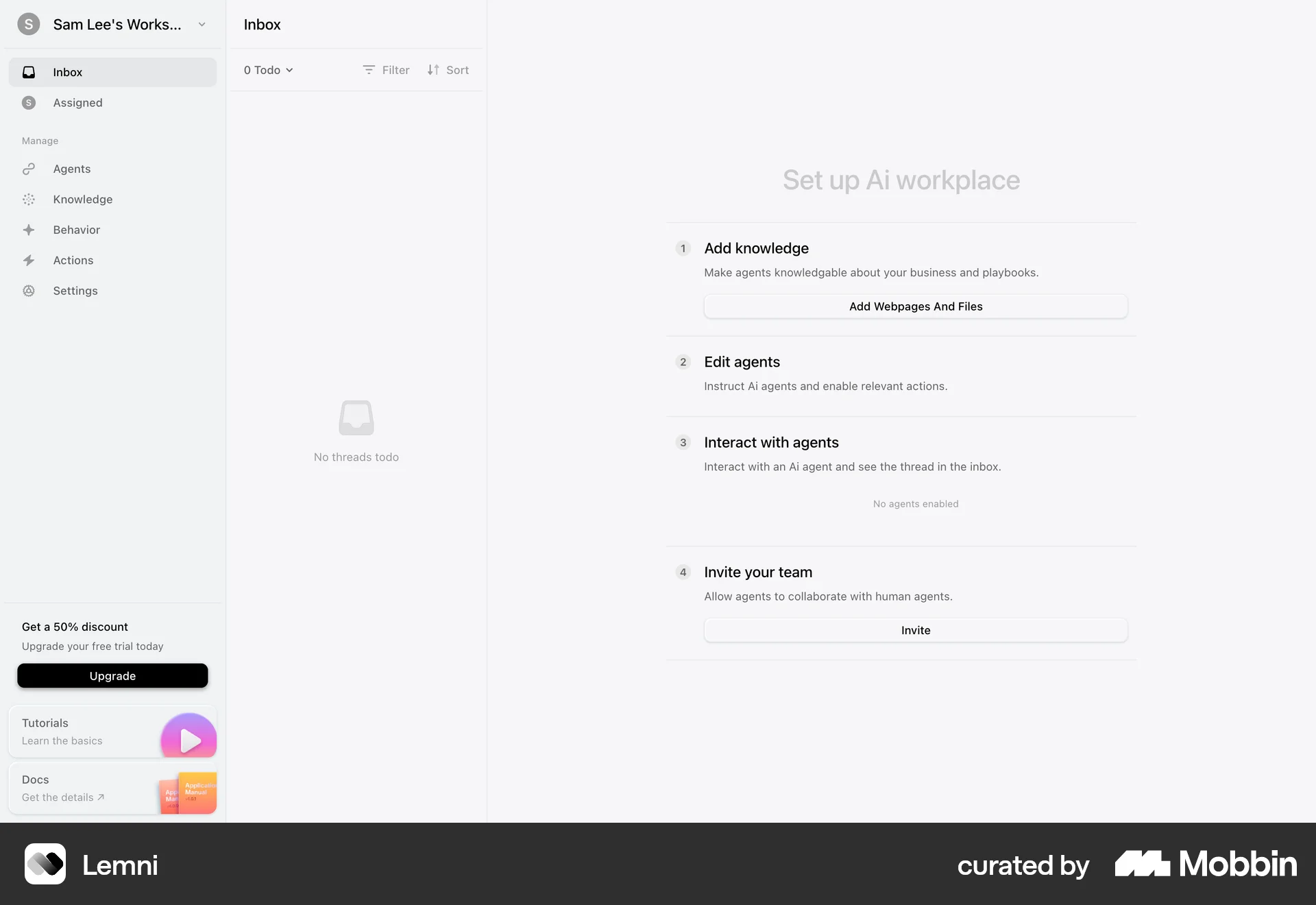
The user flow guides a new user from the landing page through the sign-up process and initial setup of their AI workplace. It includes email verification, account creation, and a tutorial.
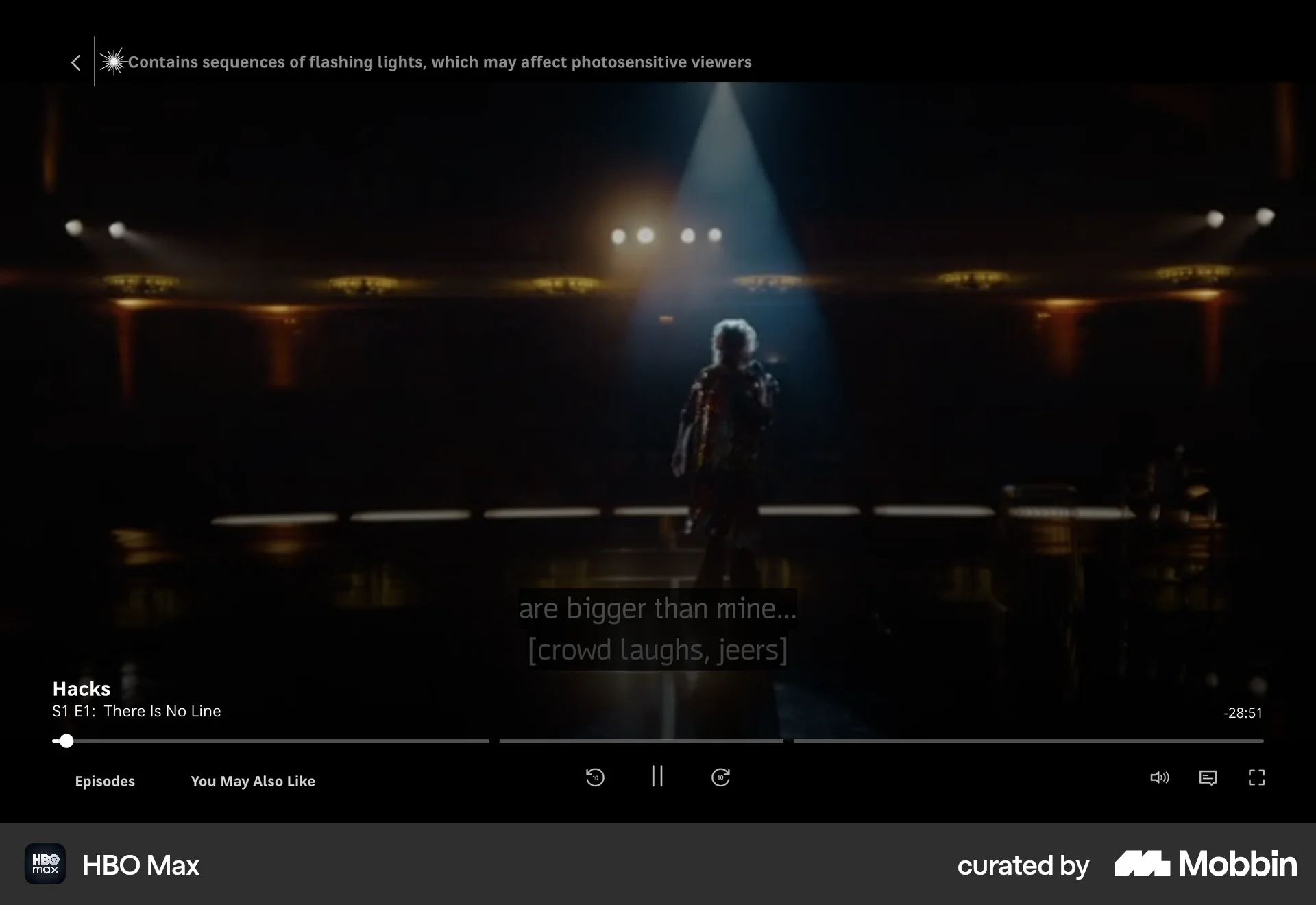
Discover best website designs for Watching Video flows. Get inspired by the best apps in the world.
The user flow guides a new user from the landing page through the sign-up process and initial setup of their AI workplace. It includes email verification, account creation, and a tutorial.

The user generates a video by providing a text prompt and then viewing the generated video. The flow showcases the video generation process from start to finish.
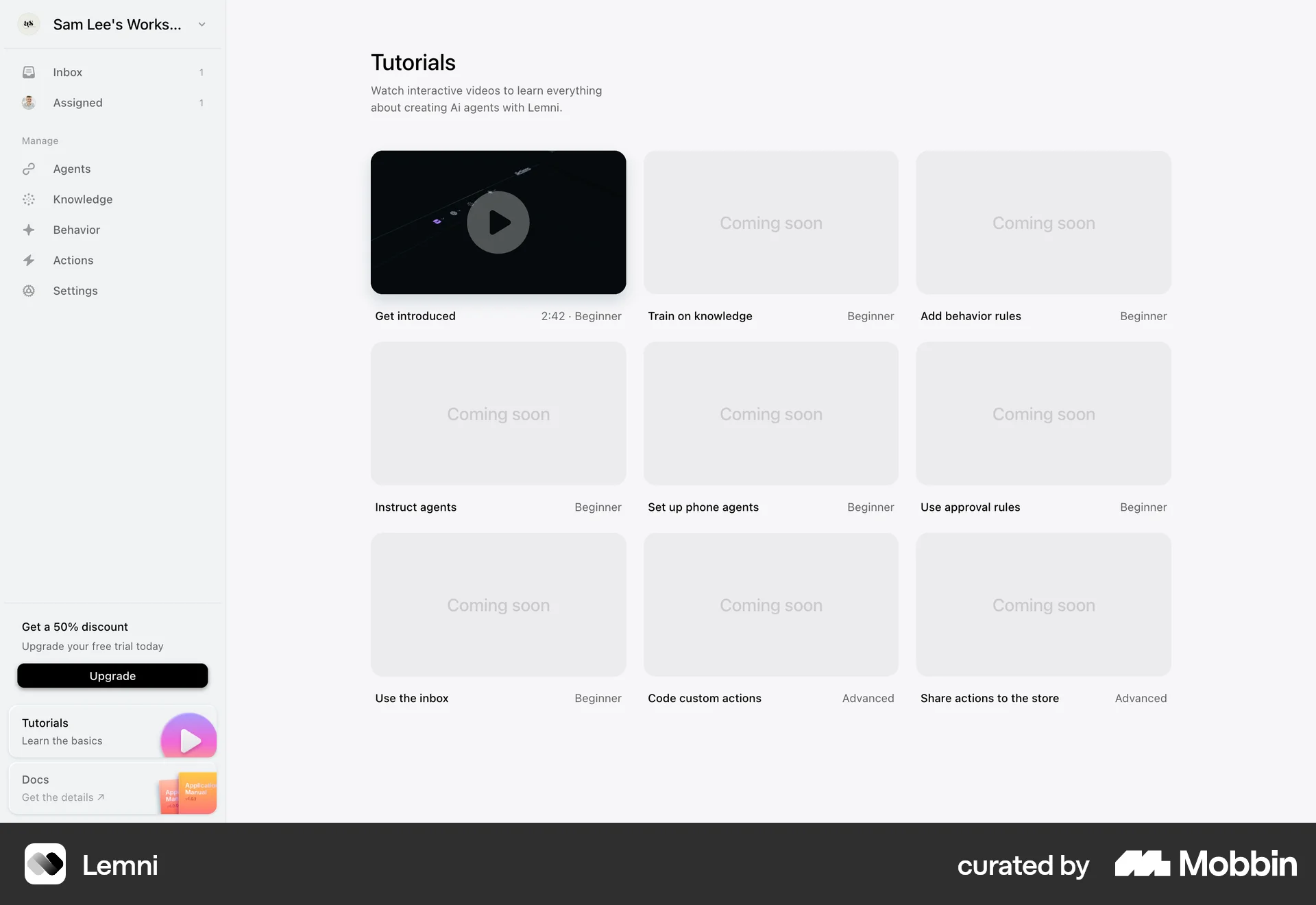
The user navigates from an email to a tutorial, watches it, and then views the same video embedded on a knowledge page. The goal is to learn from the video tutorial.

The user watches a tutorial video about on-call scheduling and is then guided to create a new on-call calendar. The flow provides a guided experience.

The user navigates from a show landing page, through a loading screen and advertisement, to finally reach the video playback. The flow is initiated by clicking the "Watch" button.

The user completes an interactive tutorial within the Framer UI. The tutorial guides the user through website creation and publishing, ending with a completion message.

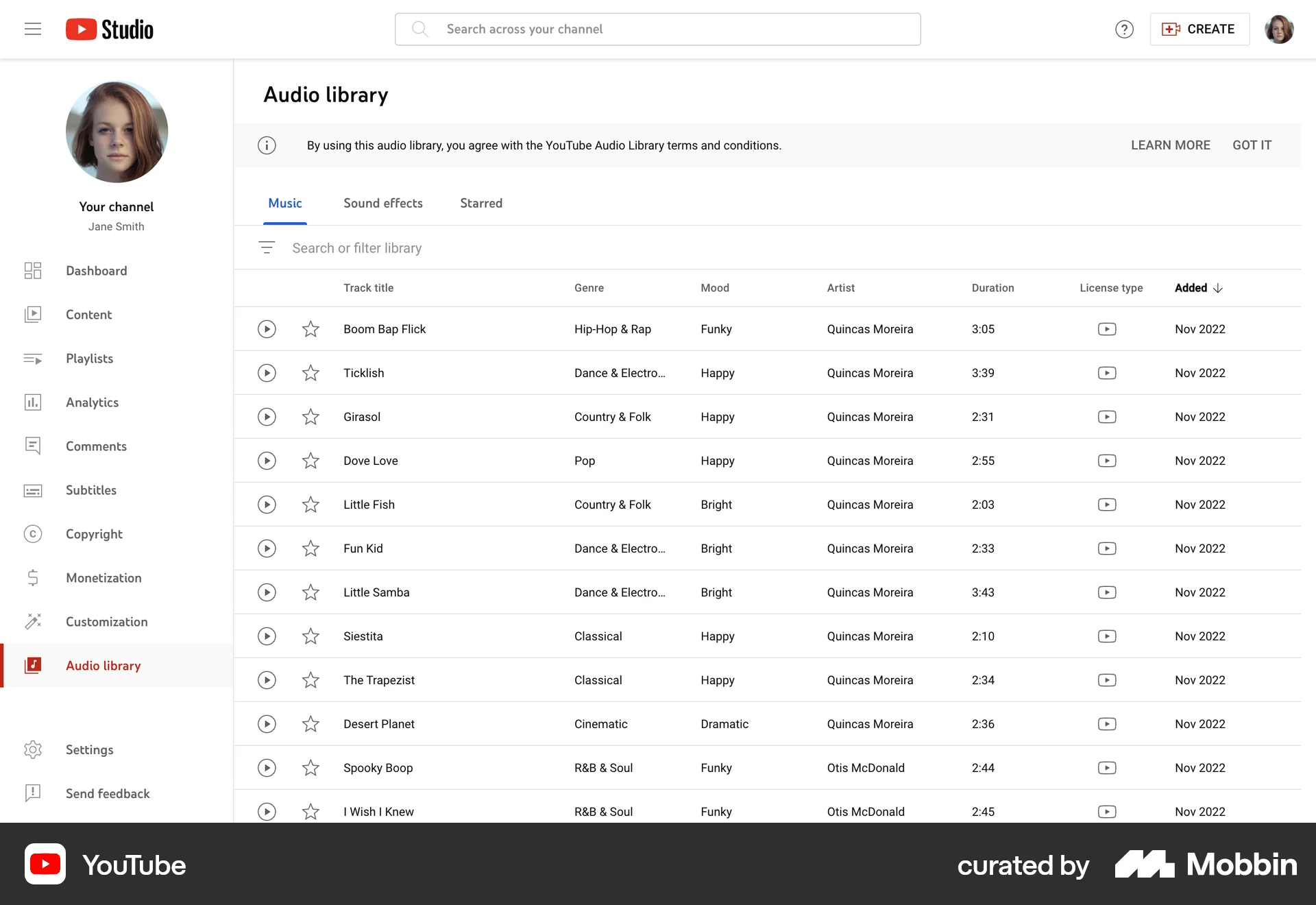
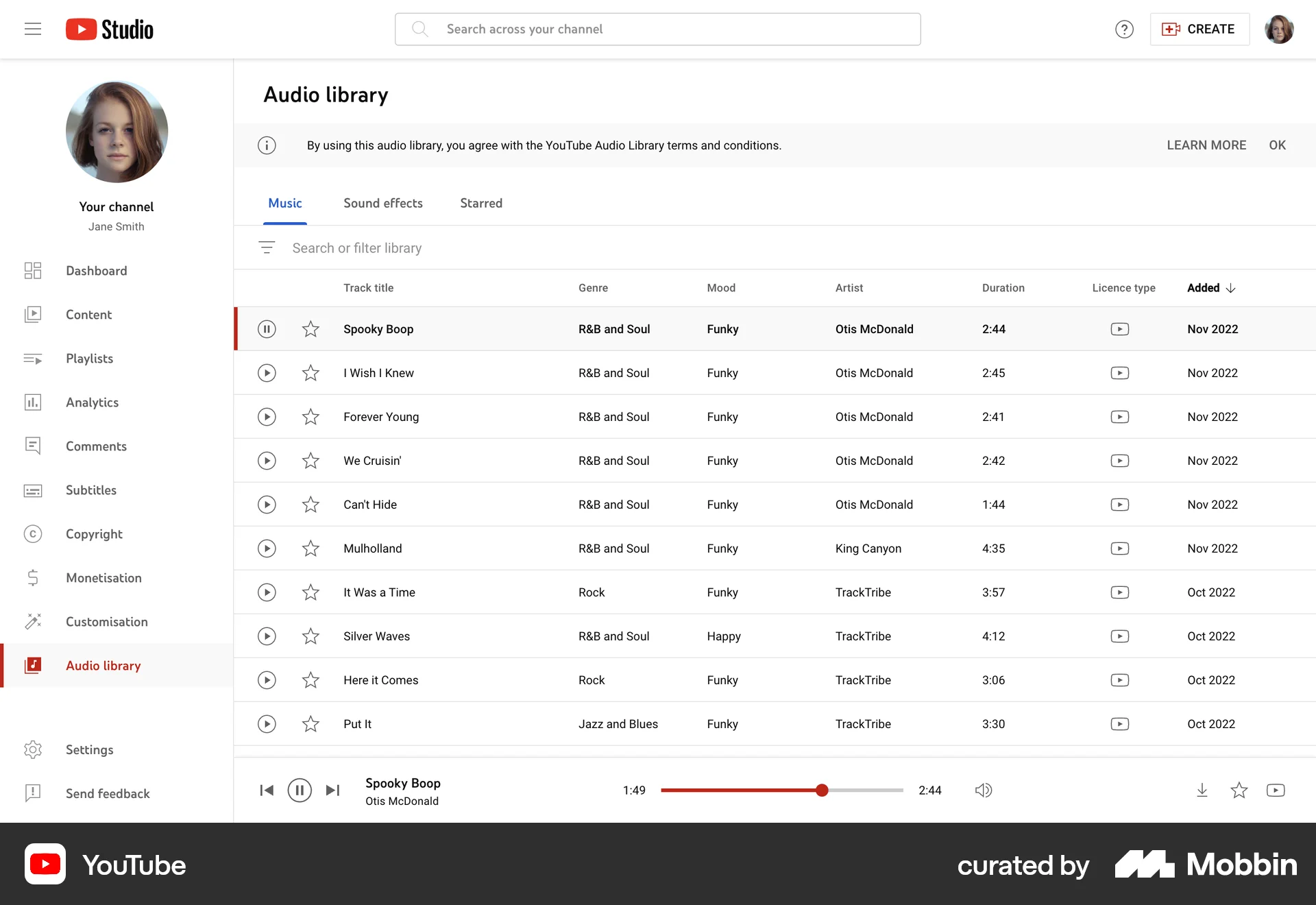
Users play a video, adjust playback, access context menu, and view in standalone player. The flow highlights video control and management options.

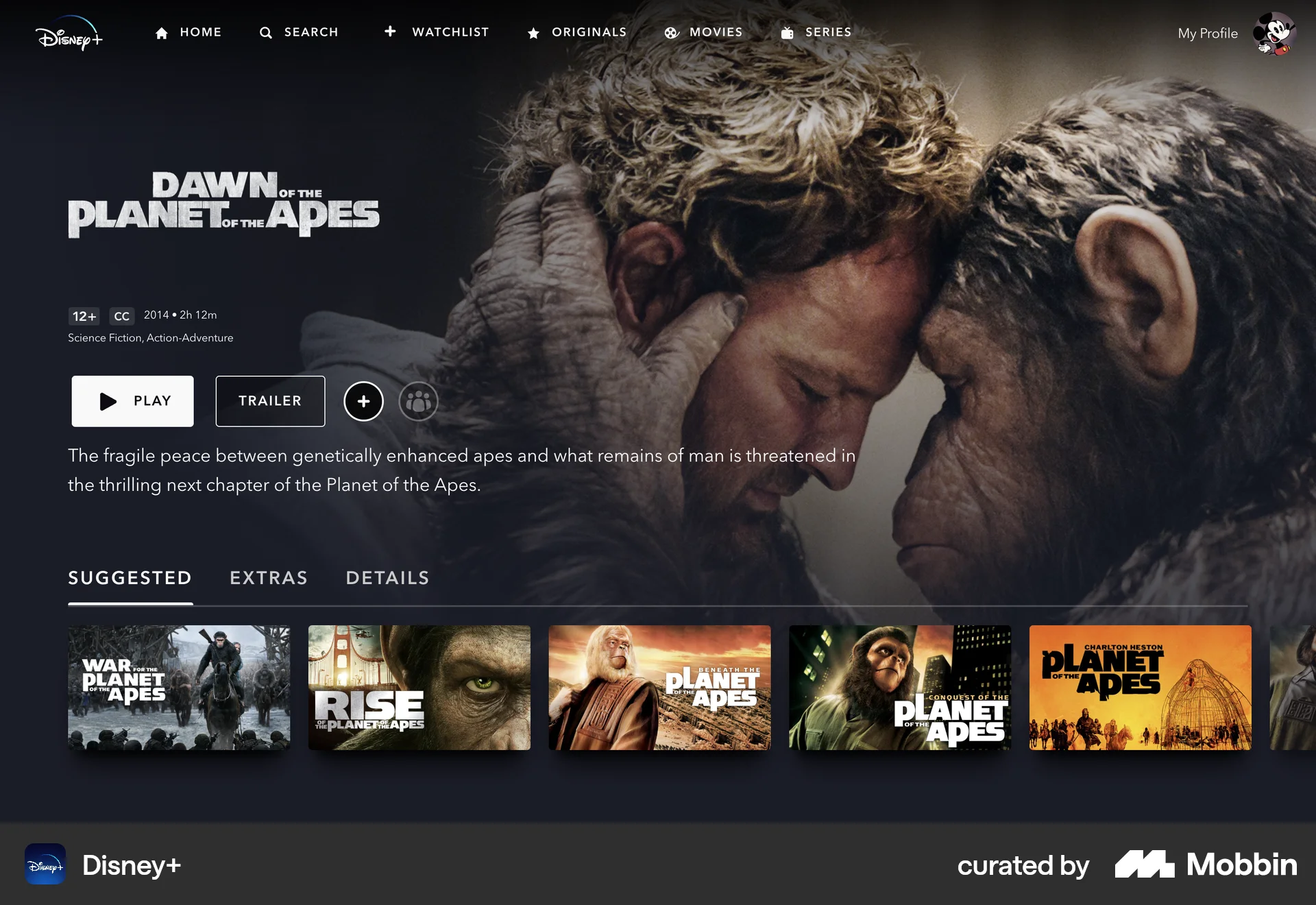
The user selects and watches a movie, then receives a suggestion for a similar movie. The flow includes casting options and playback controls.

The user views a class, watches the lessons, and then completes the class. The flow ends with a congratulations message and suggestions for other classes.

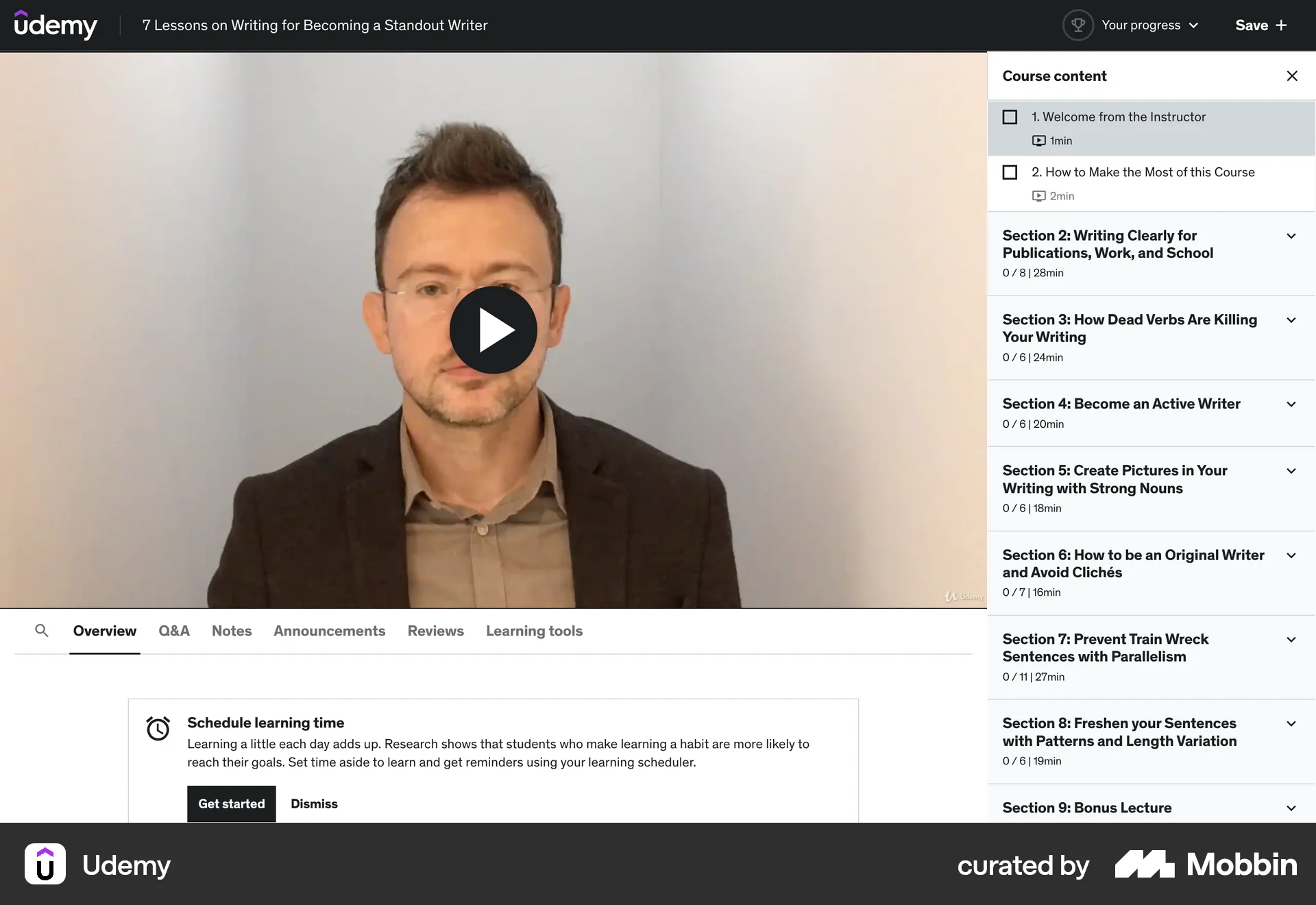
The user watches a lesson, sees the 'up next' screen, and then starts the next lesson. The course content updates to reflect progress.

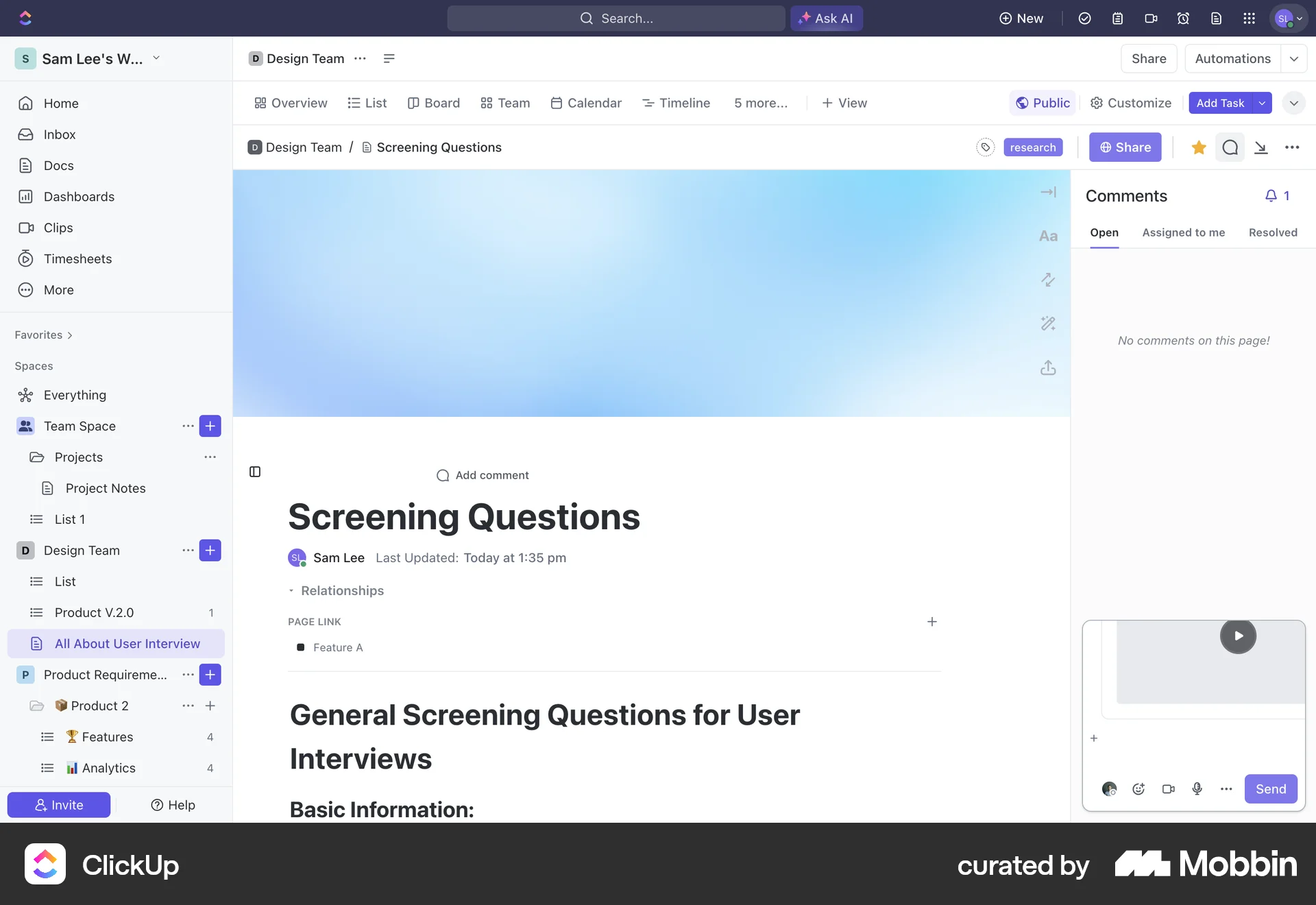
The user views a video from a document, then watches it in a modal with a chat log. The flow showcases video playback and associated conversation.

157 Flows
119 Flows
700 Flows
4901 Flows
2065 Flows
502 Flows