
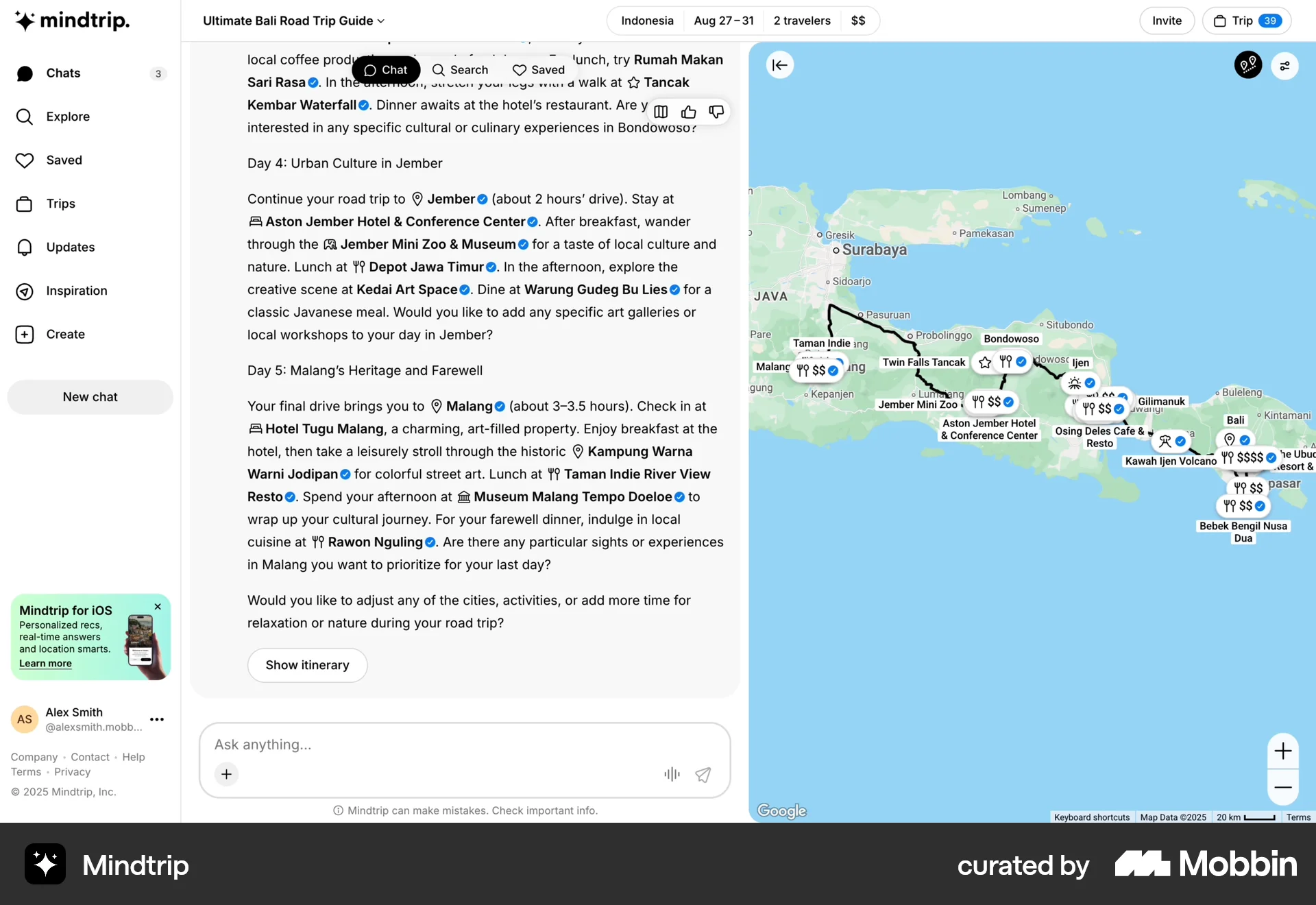


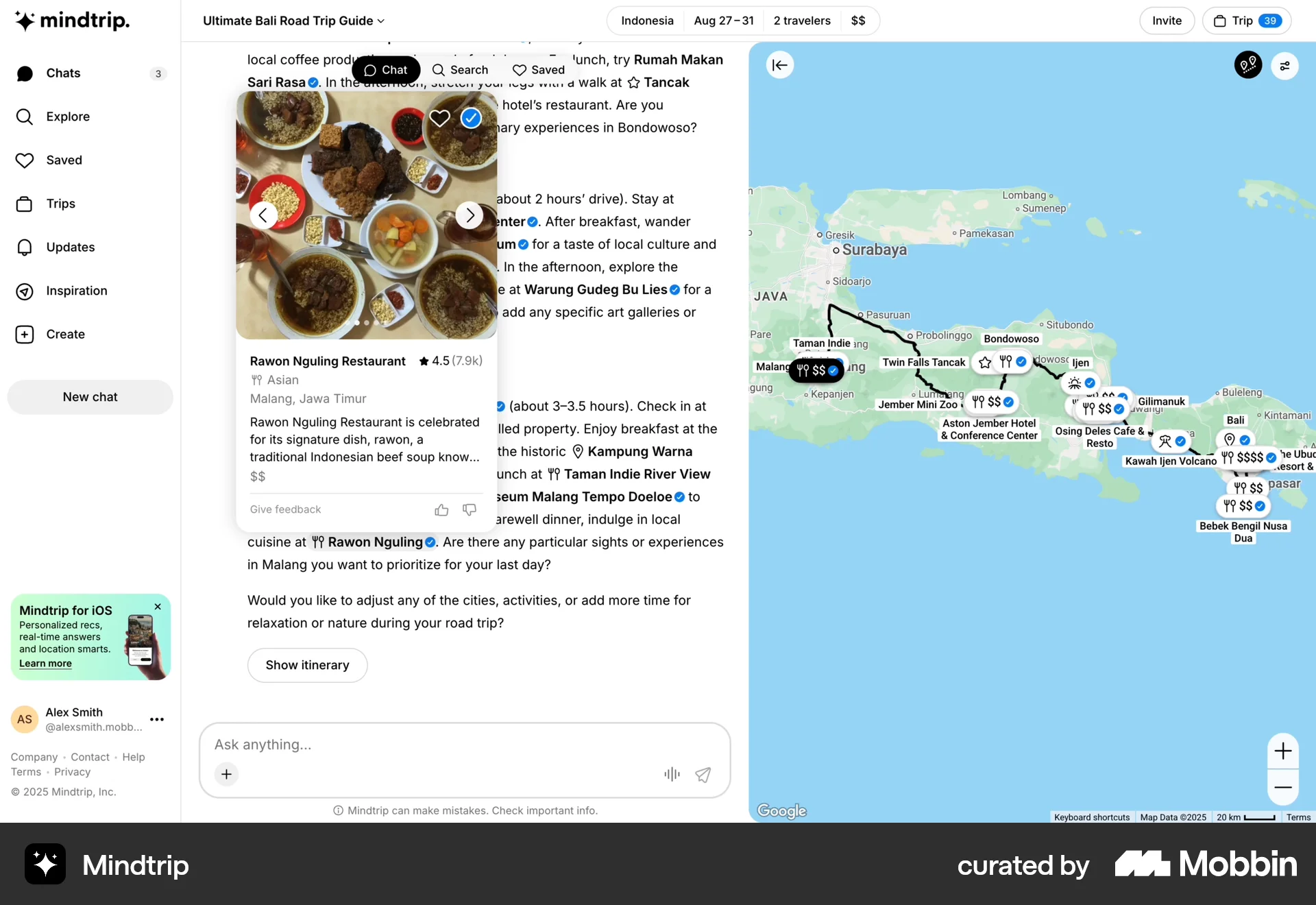
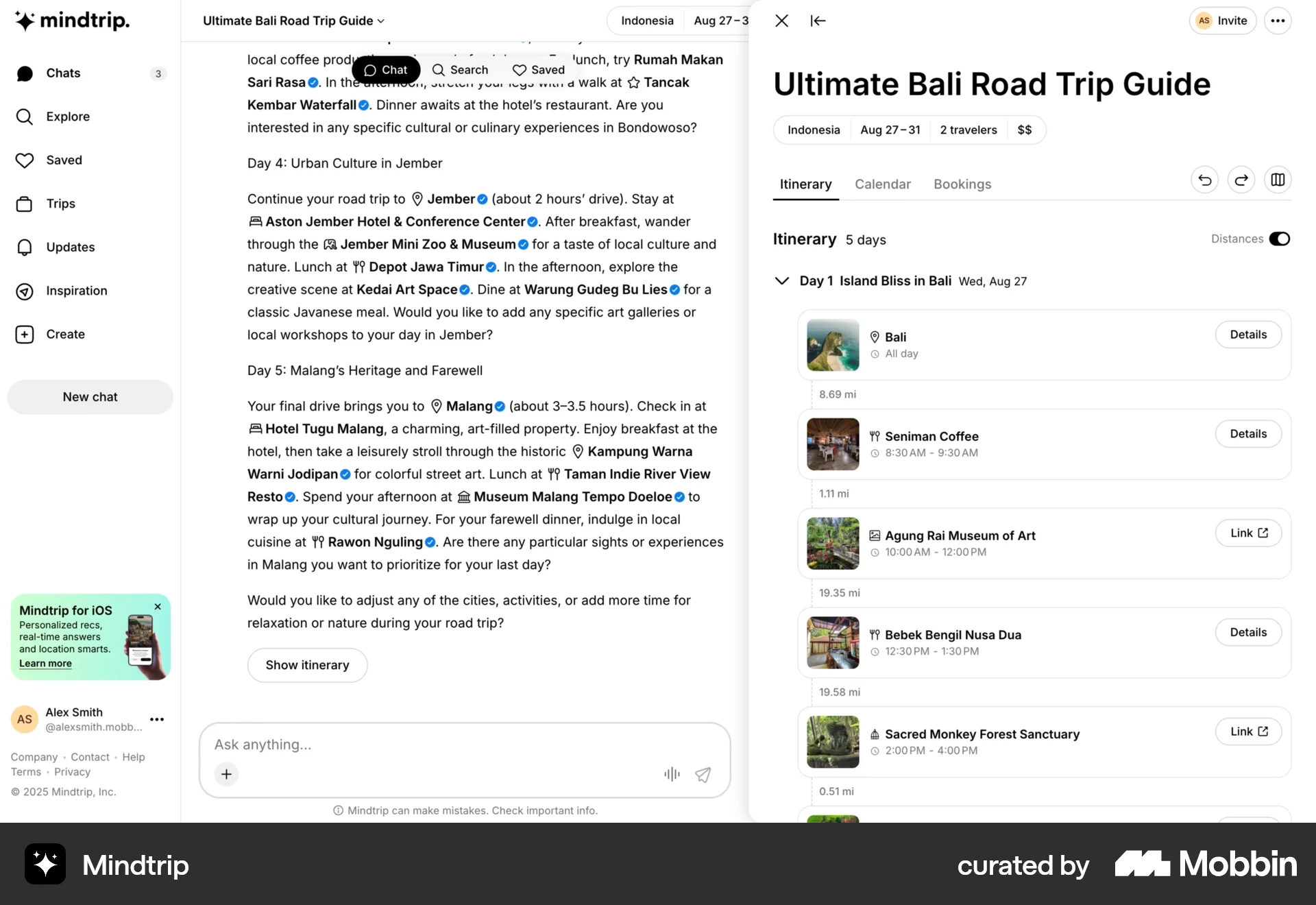
Creating a tripon Mindtrip
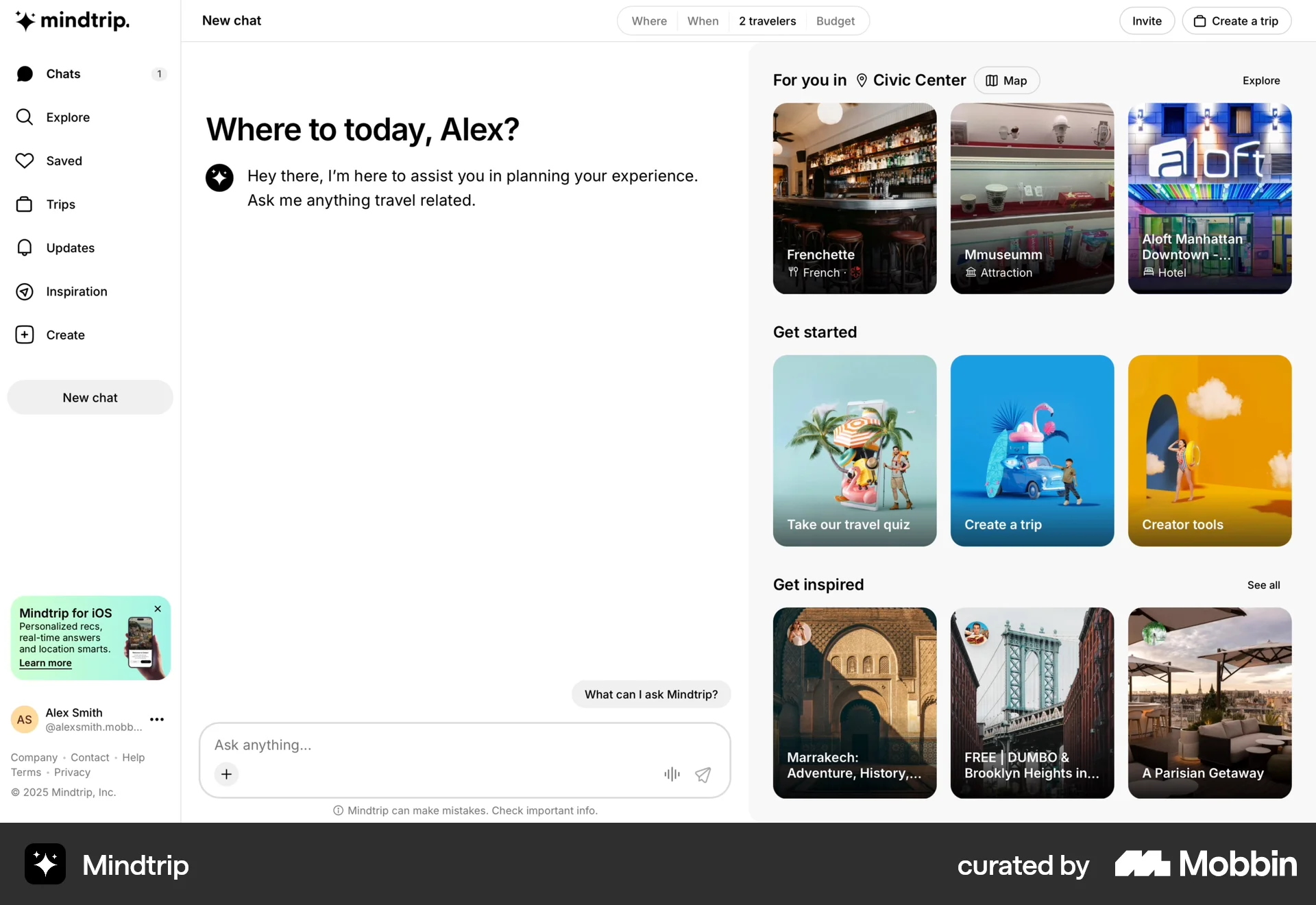
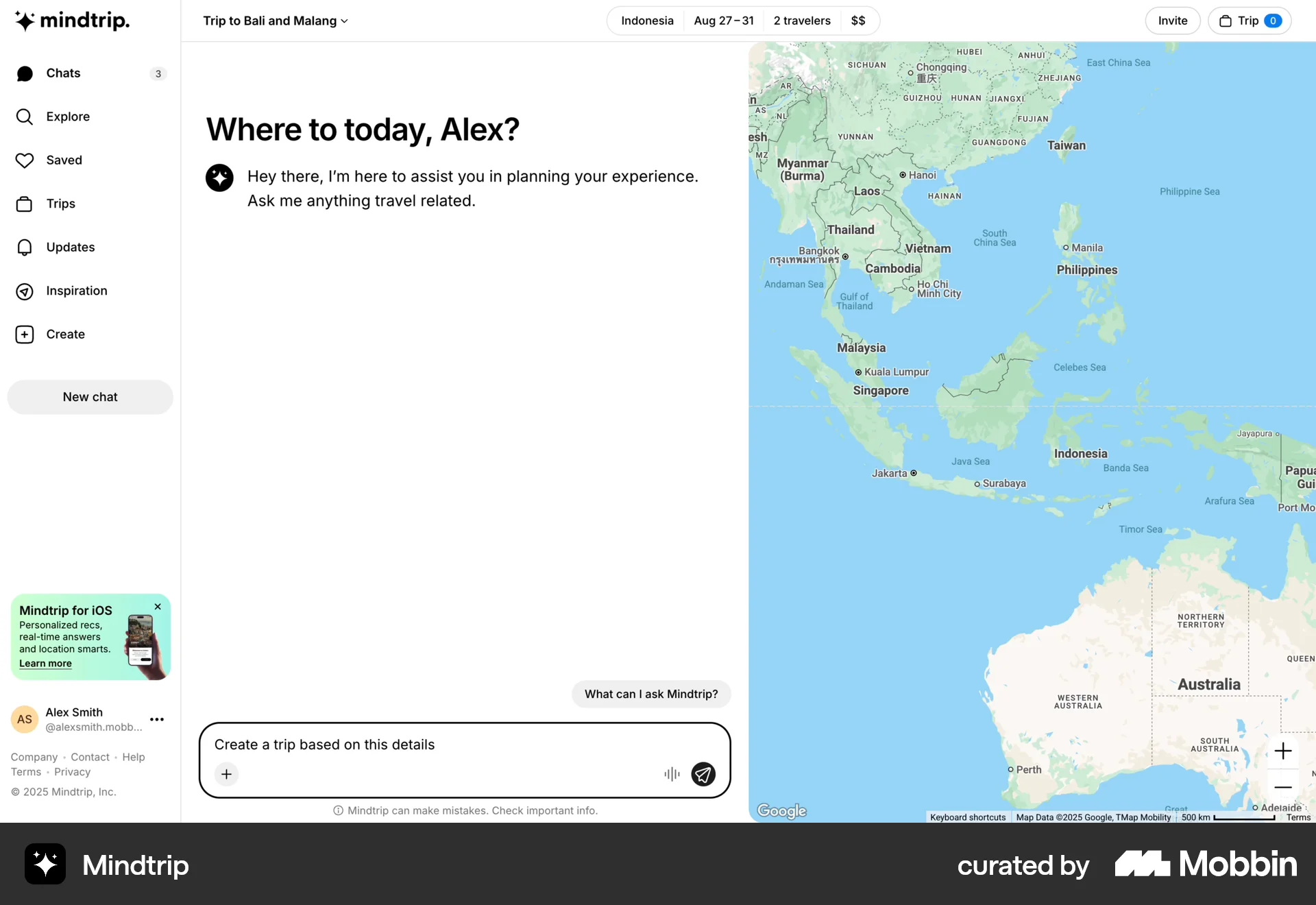
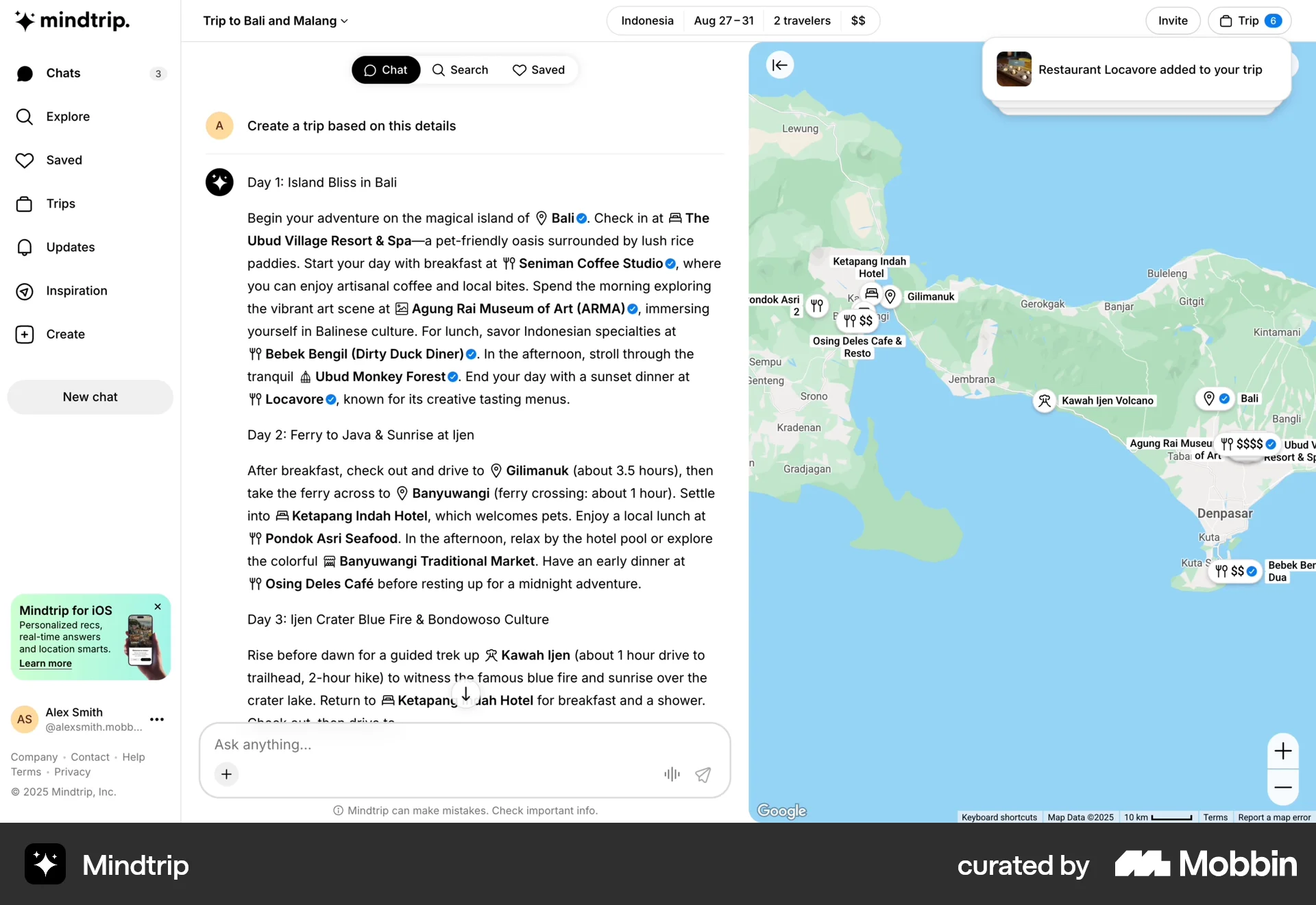
The user plans a trip to Bali and Malang, viewing a detailed itinerary with map integration and restaurant details. The user then views the complete itinerary.
Discover best website designs for Adding & Creating flows. Get inspired by the best apps in the world.
The user plans a trip to Bali and Malang, viewing a detailed itinerary with map integration and restaurant details. The user then views the complete itinerary.

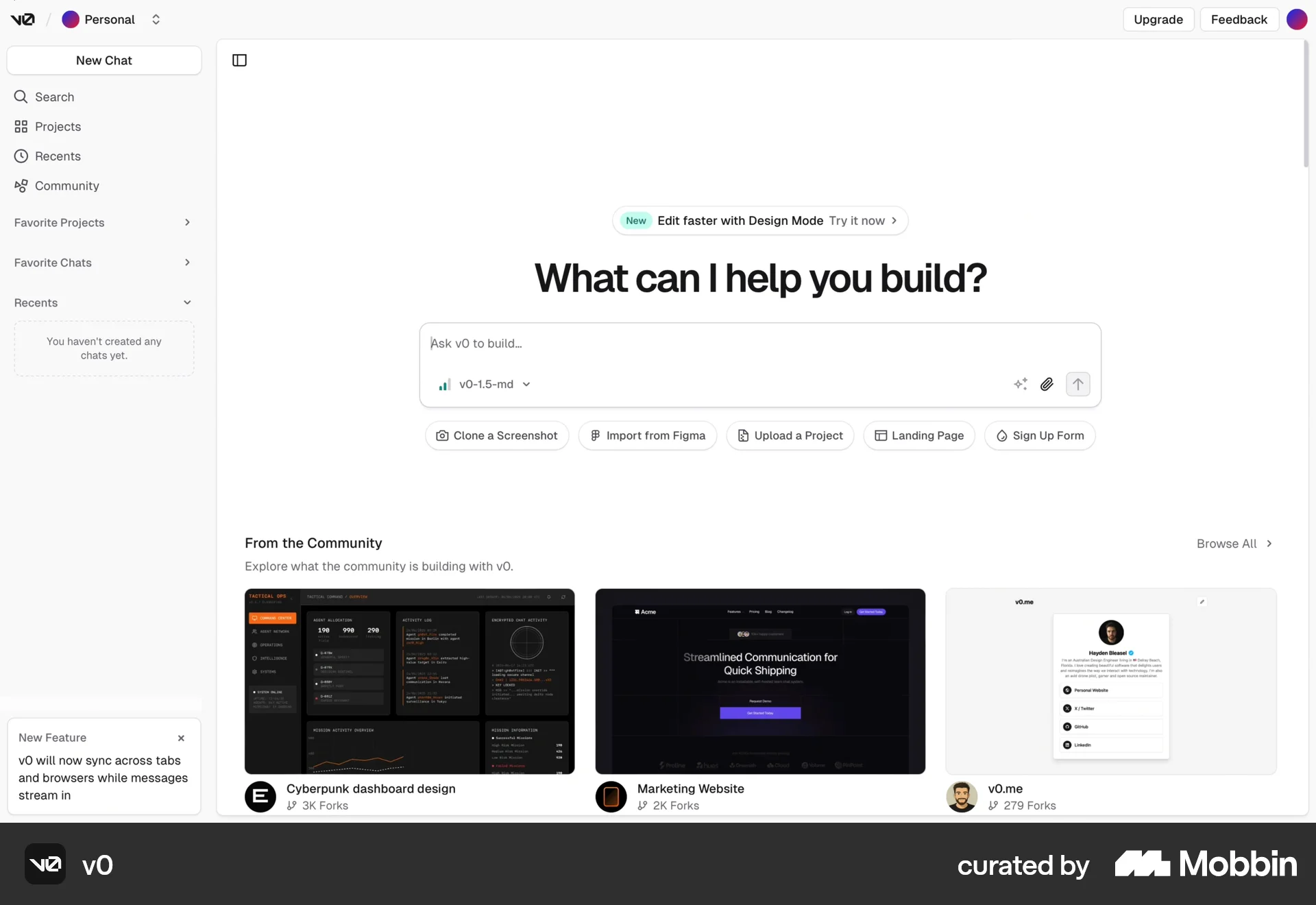
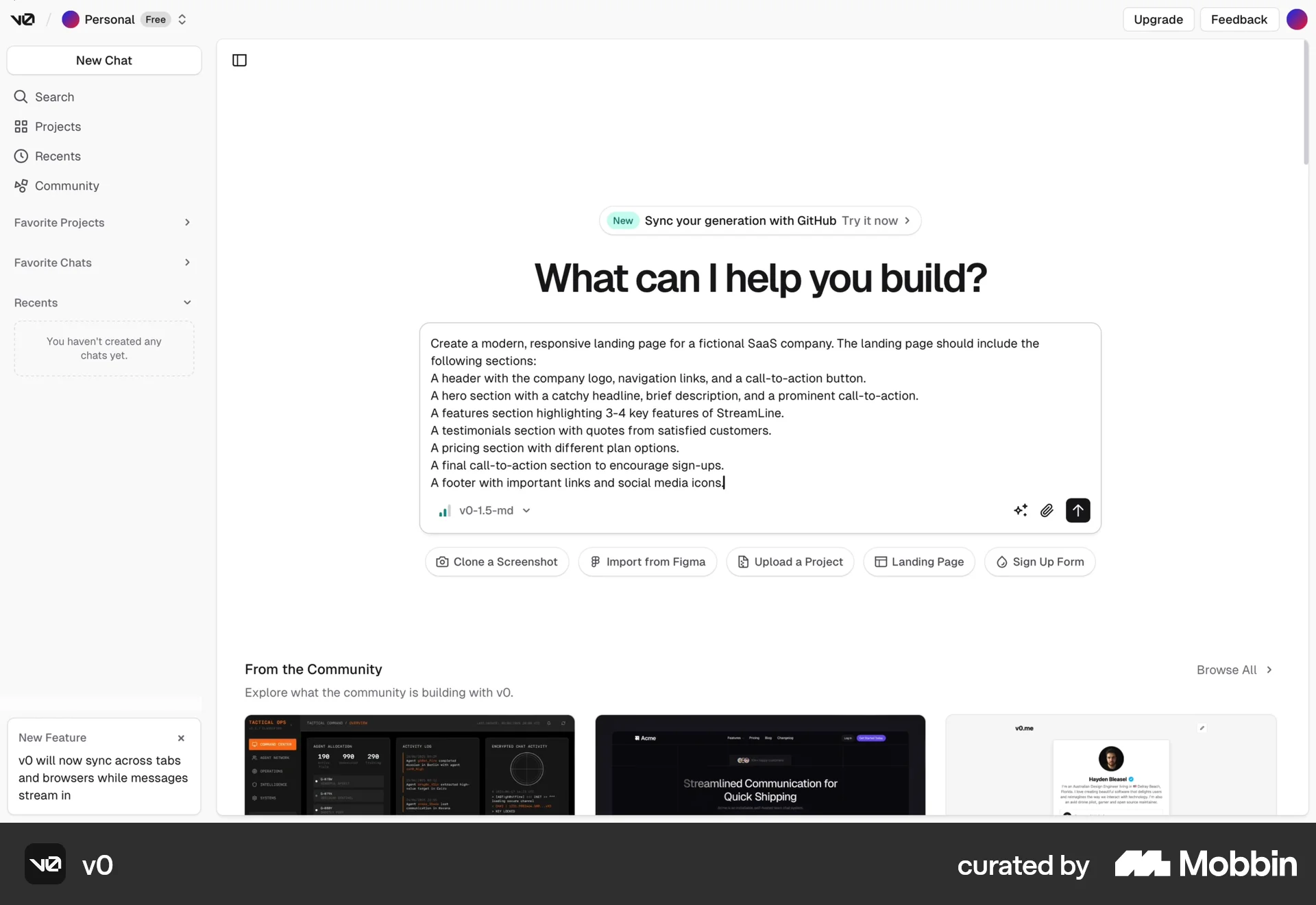
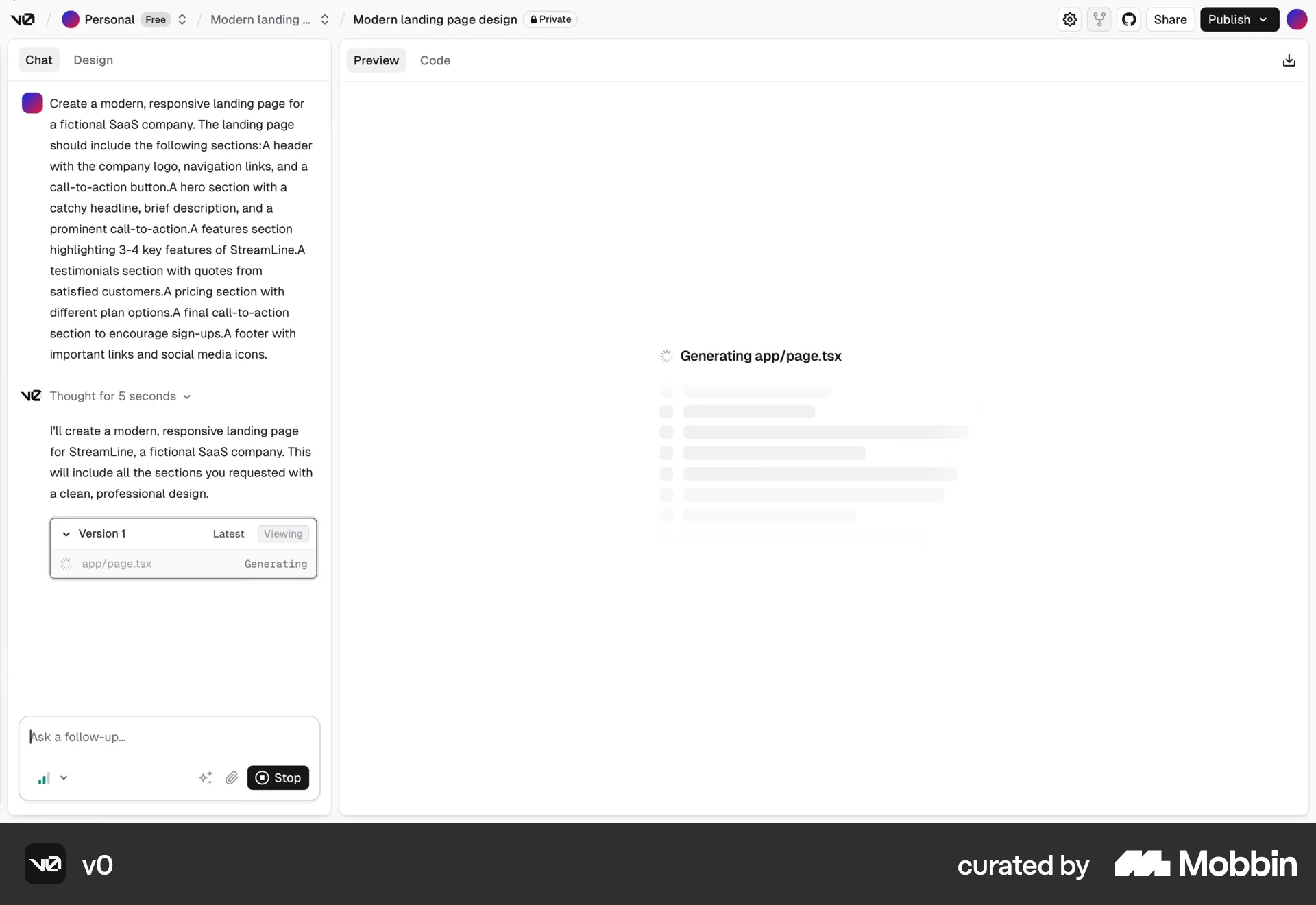
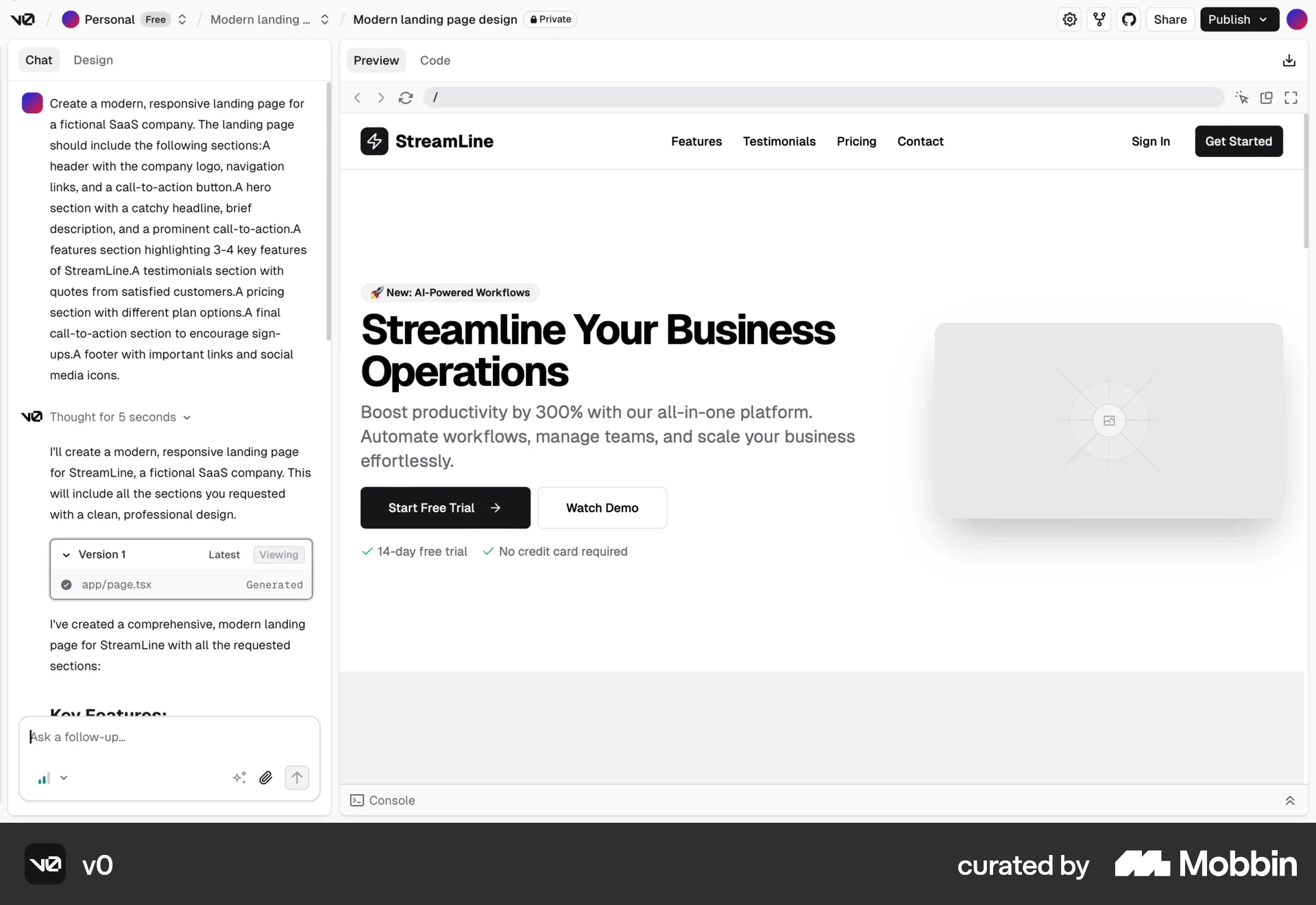
The user provides a prompt to generate a landing page, then previews the generated landing page, reviewing its various sections. The goal is to generate a satisfactory landing page.

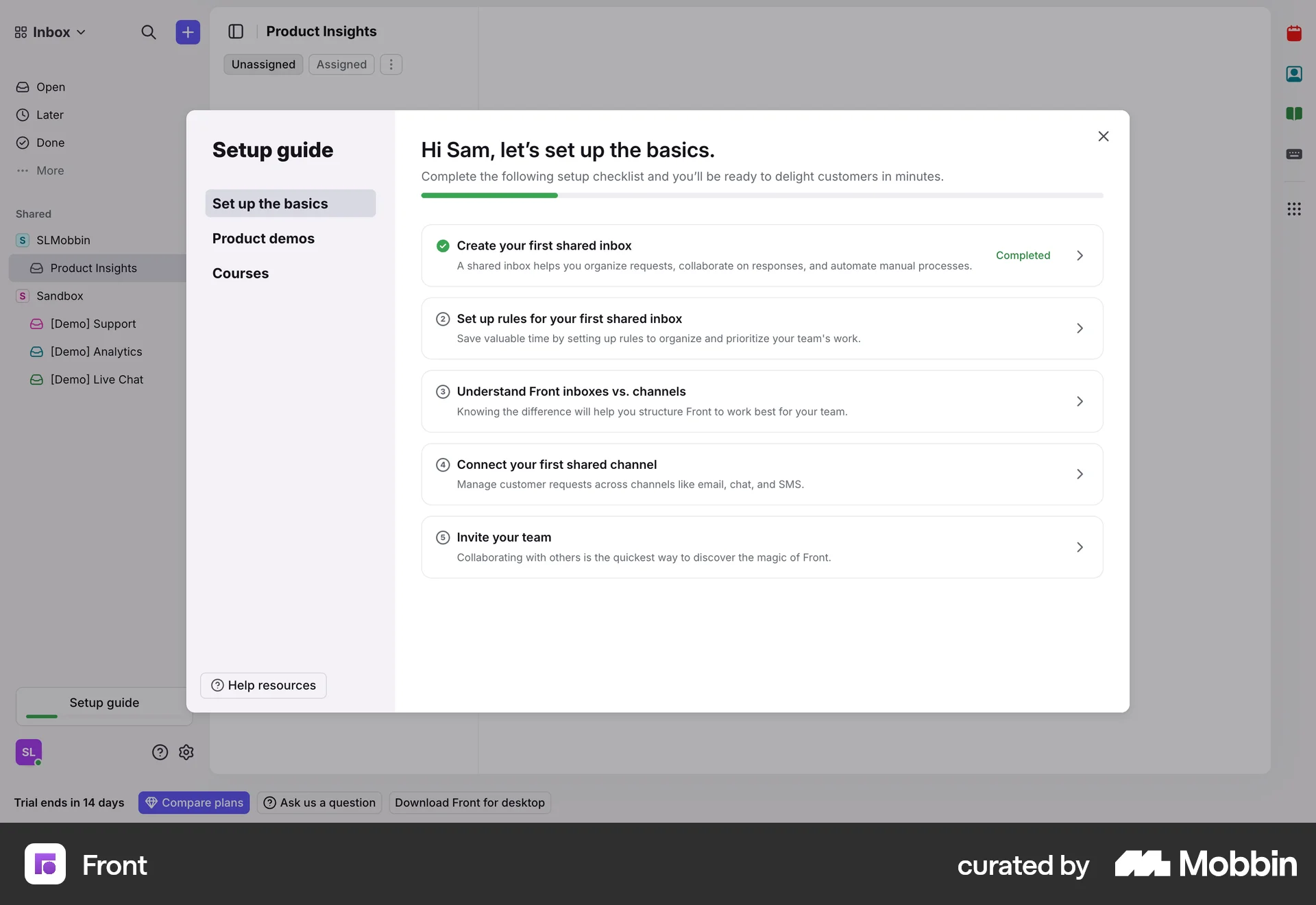
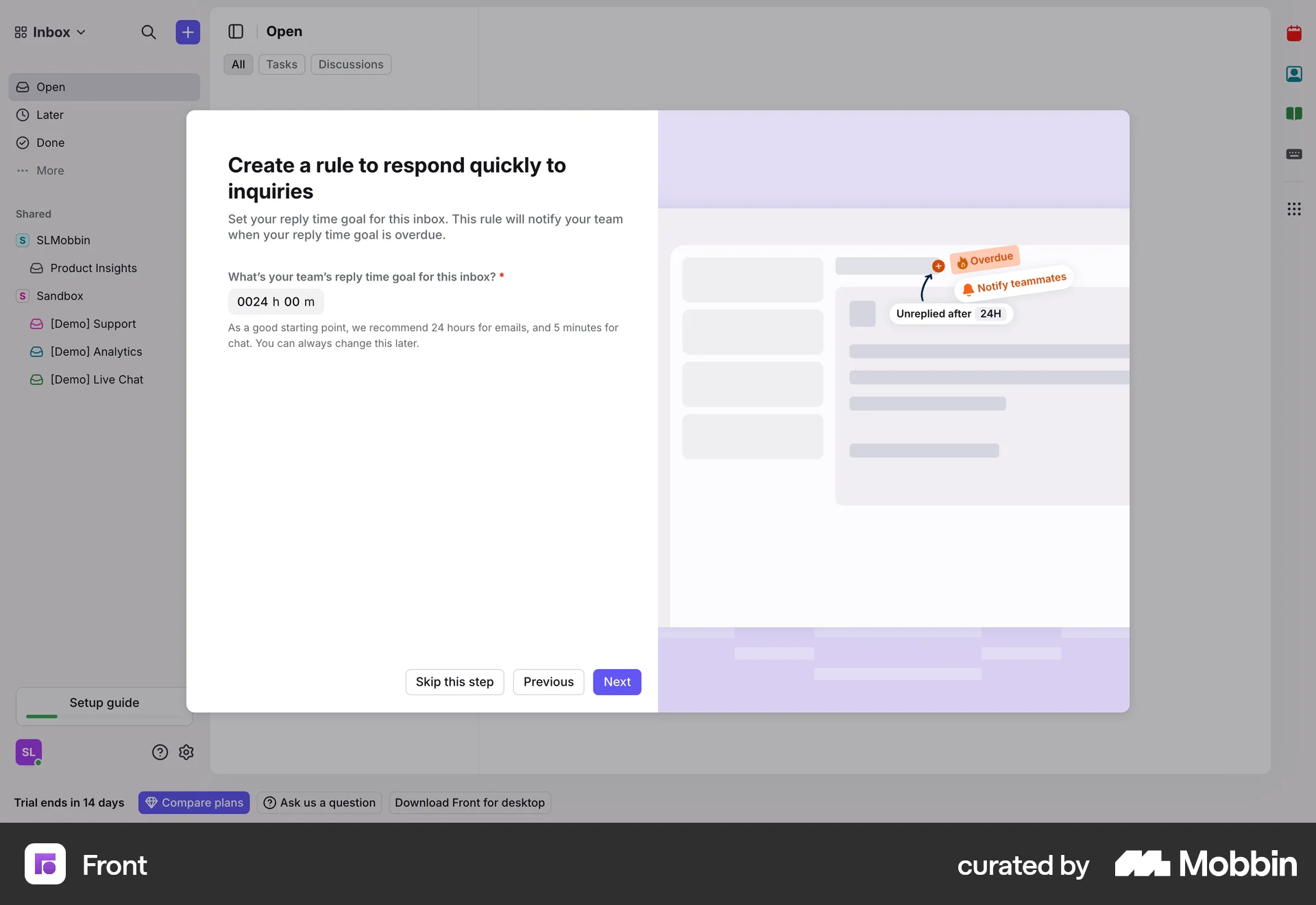
The user sets up inbox rules by specifying goals, setting a reply time, and selecting tags. The setup guide modal is updated to reflect the progress.

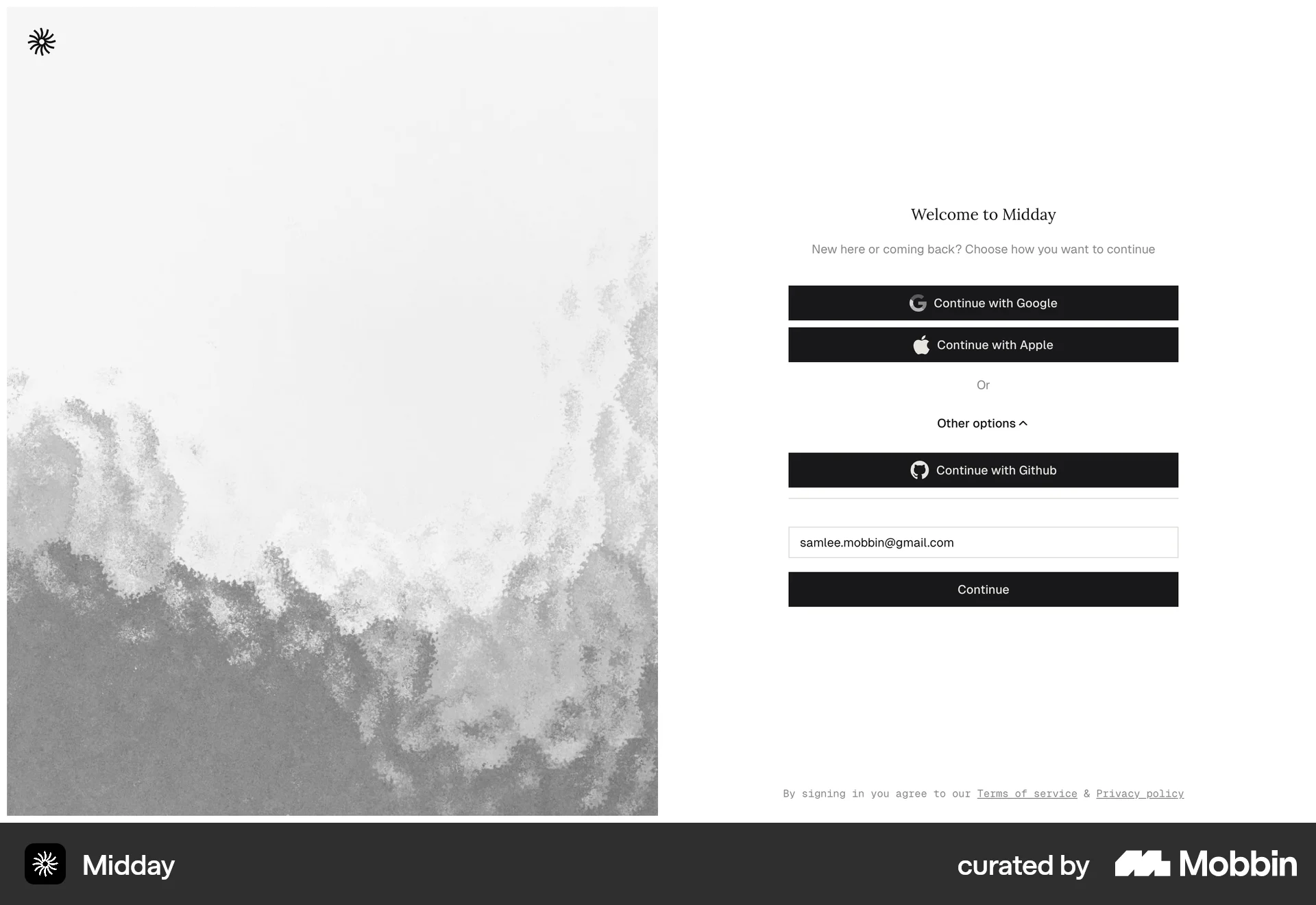
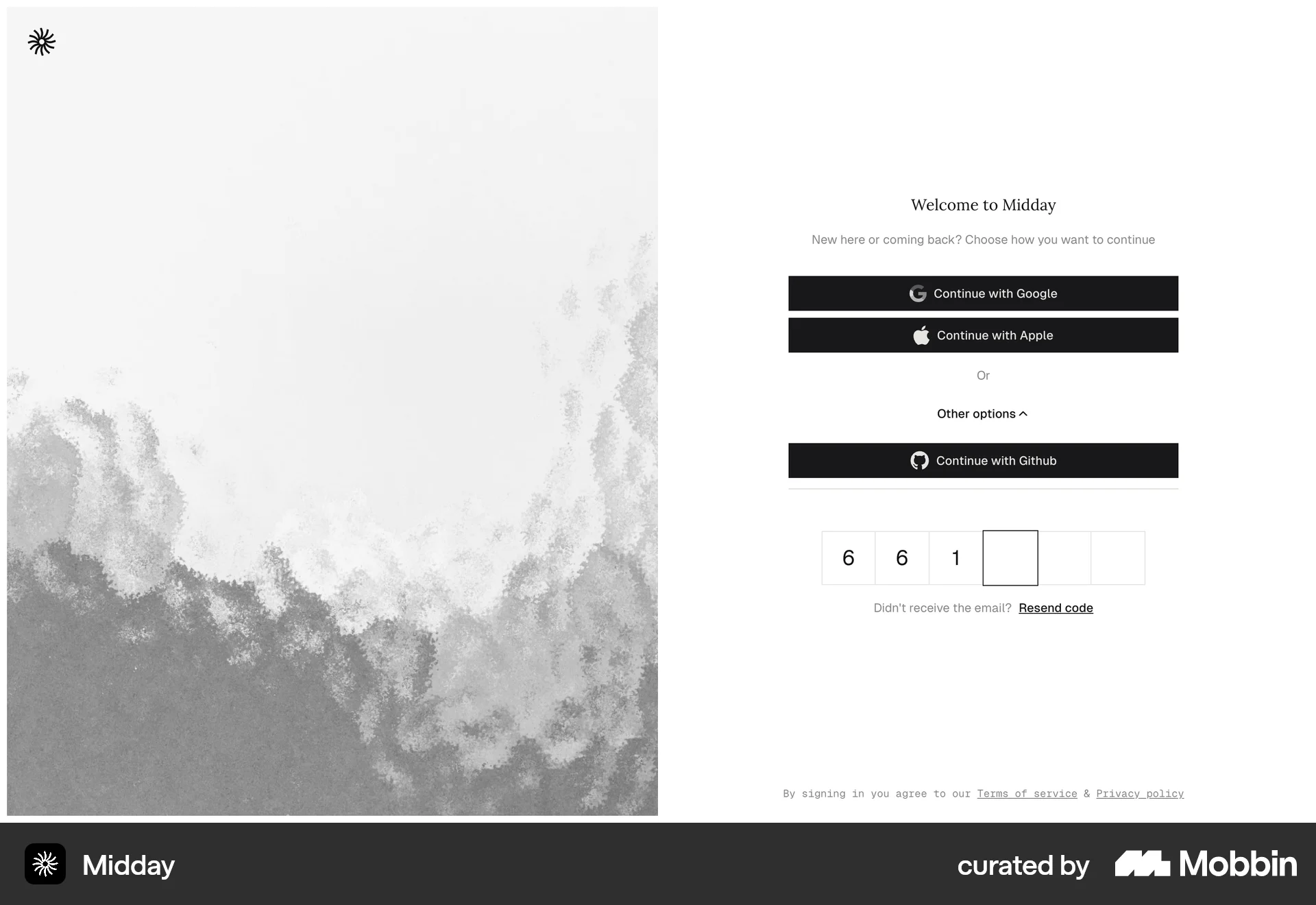
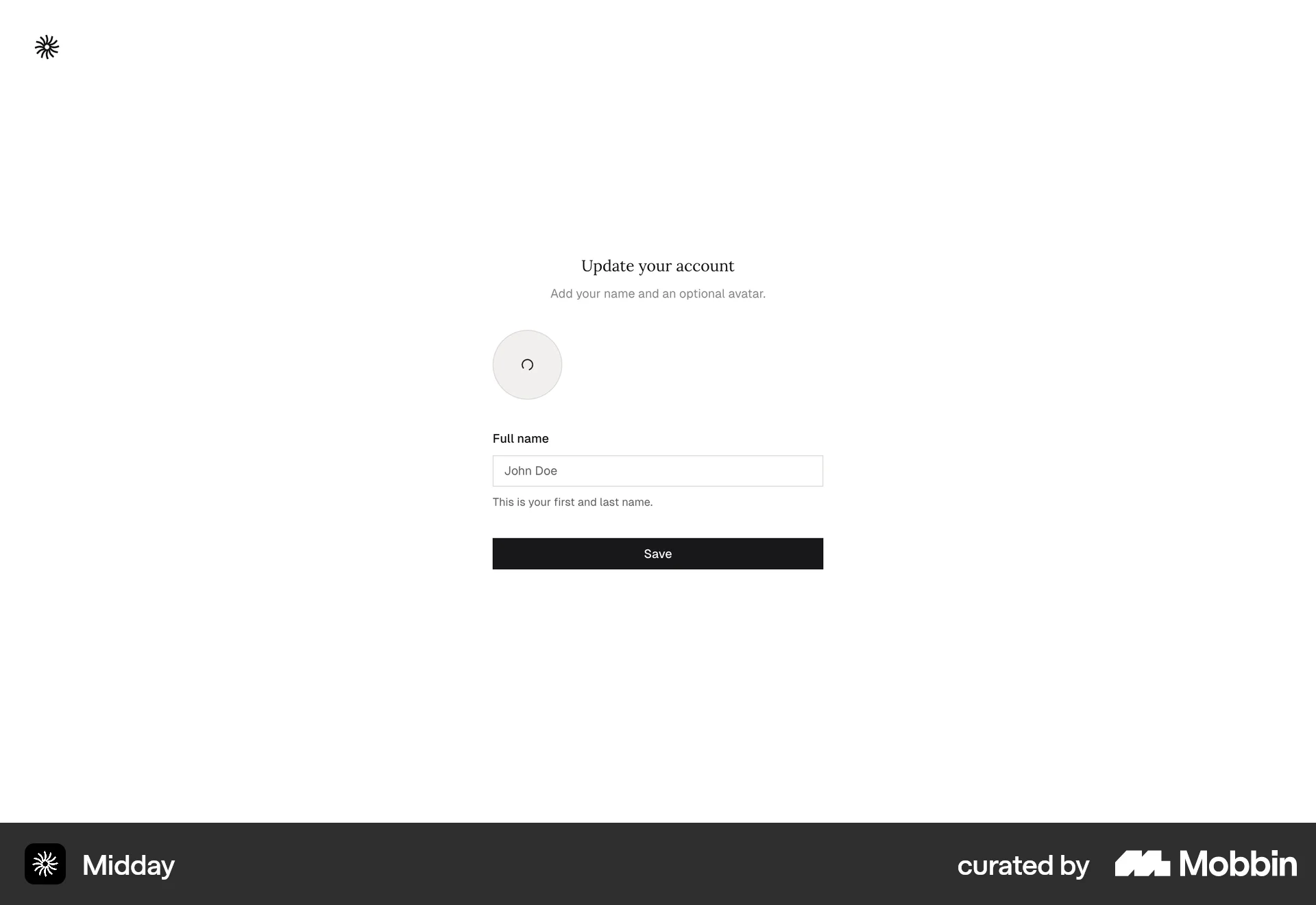
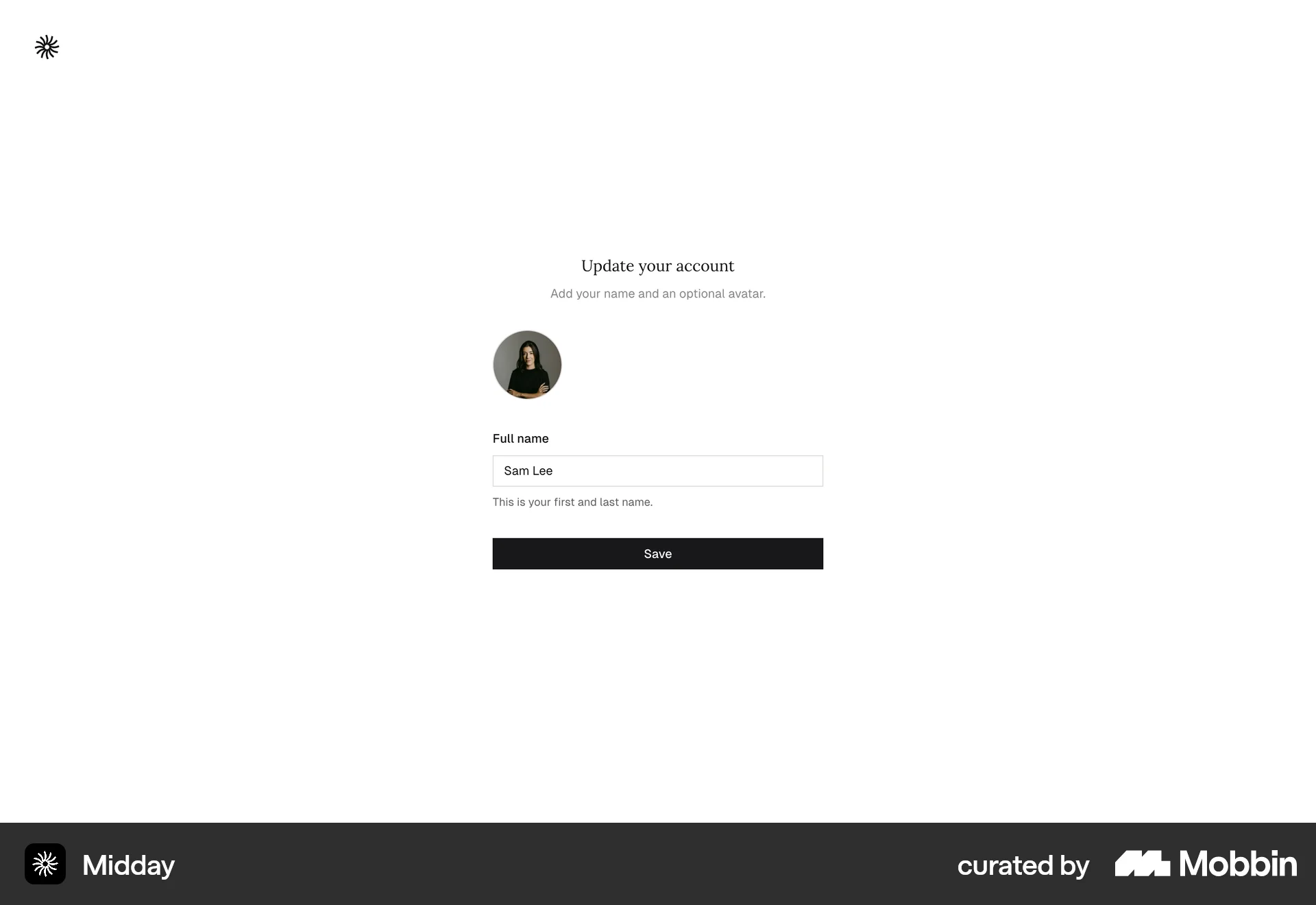
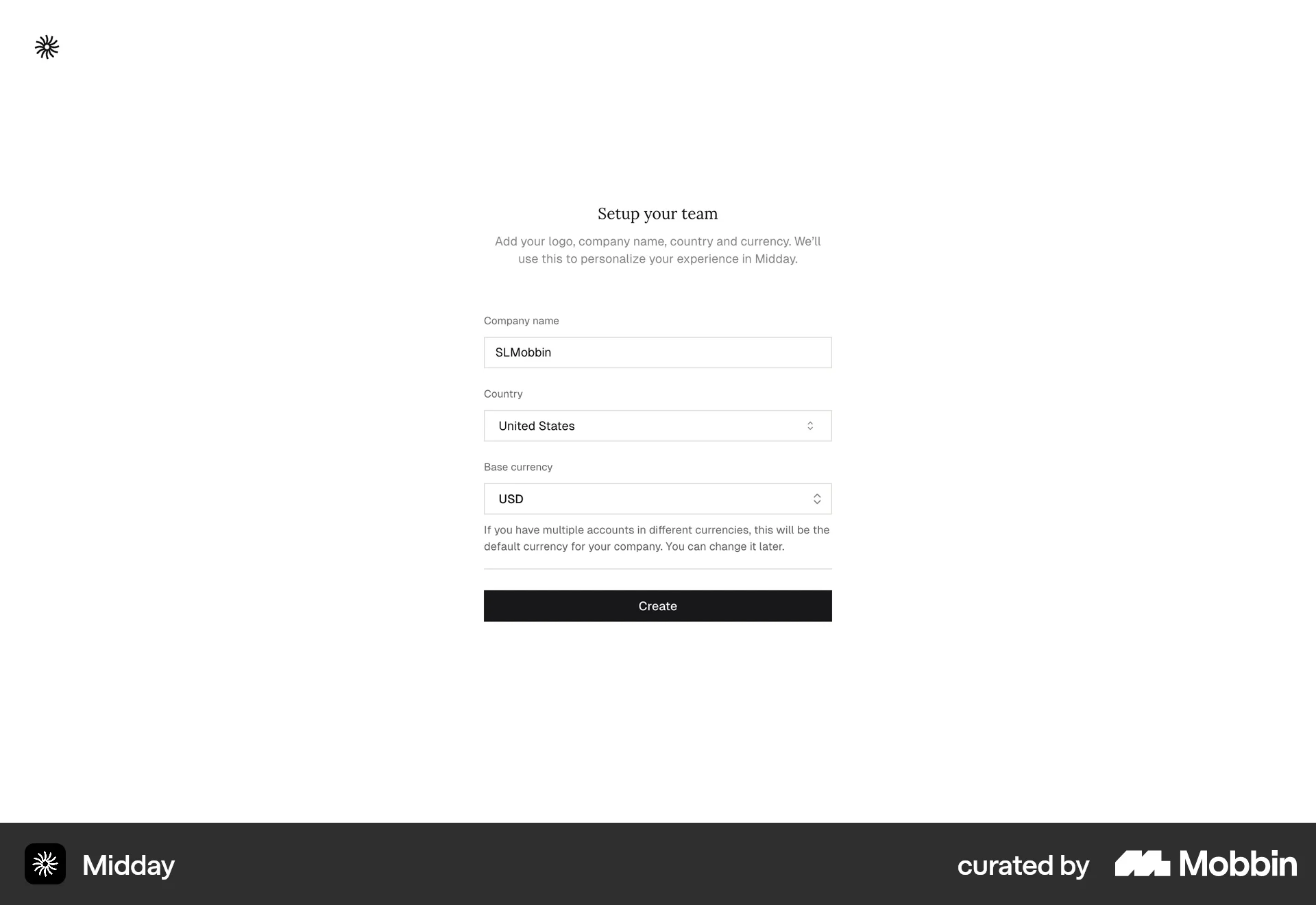
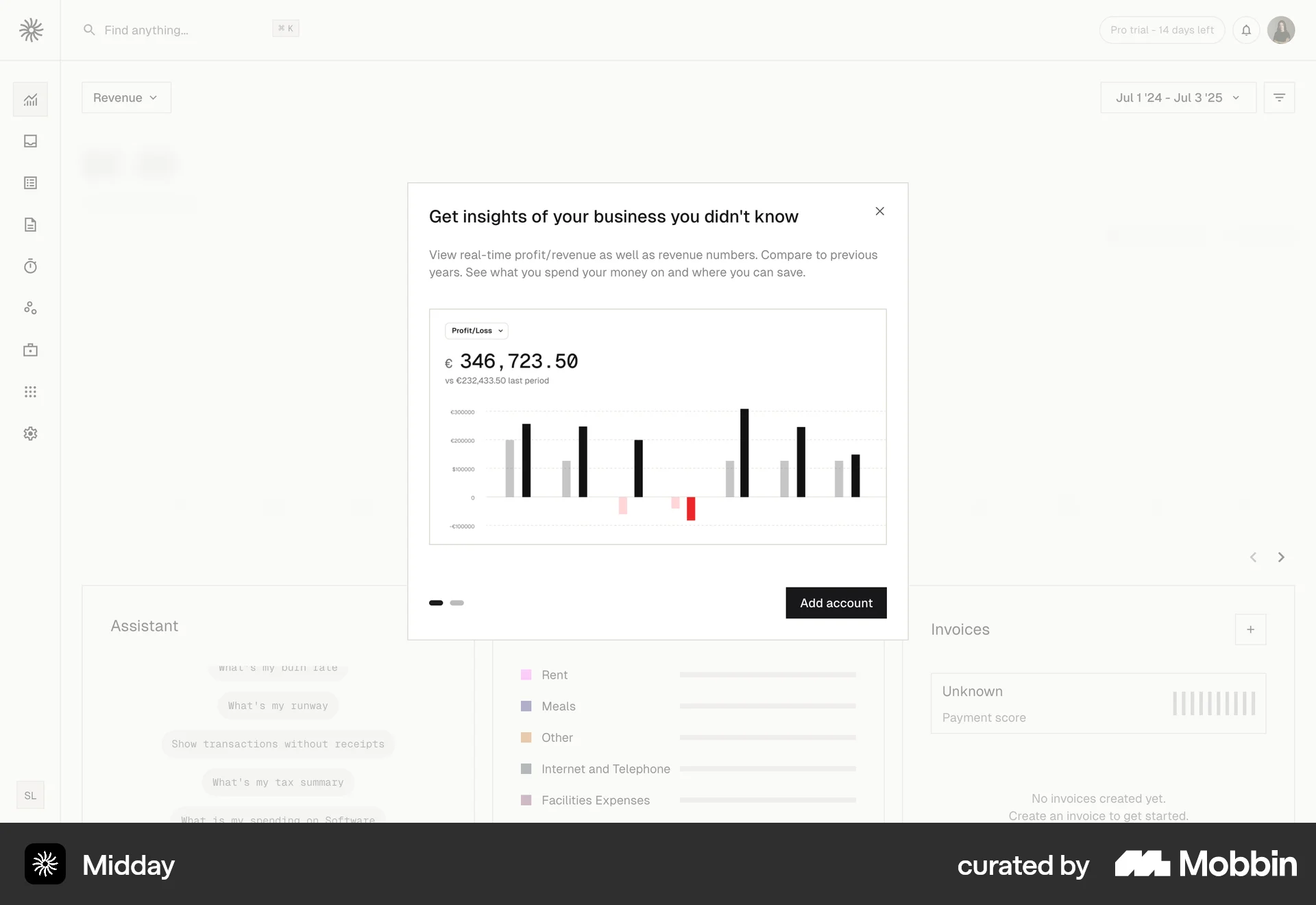
The user flow showcases the onboarding process, from landing page to dashboard. It includes login, account setup, team creation, and a prompt to connect a bank account.
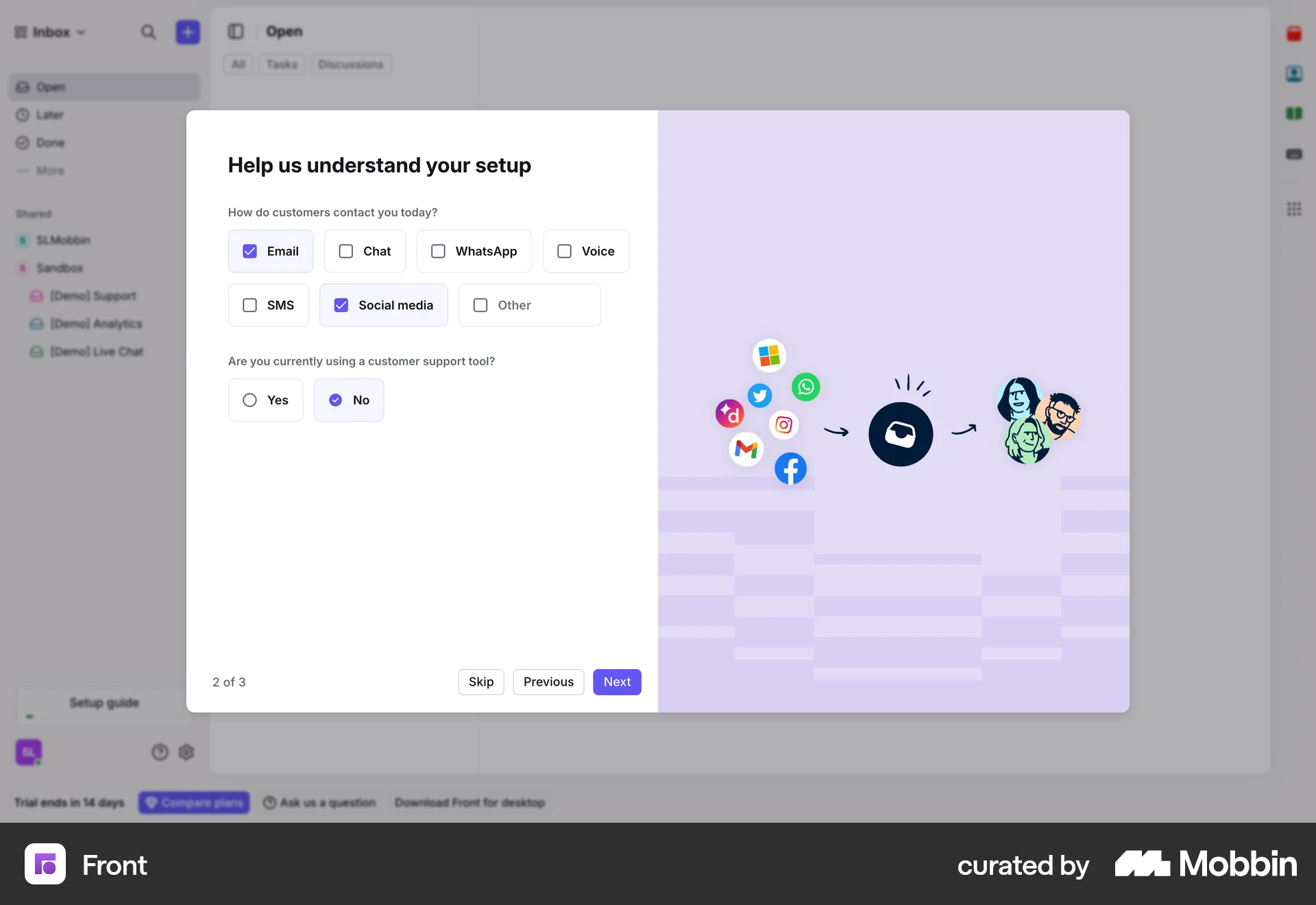
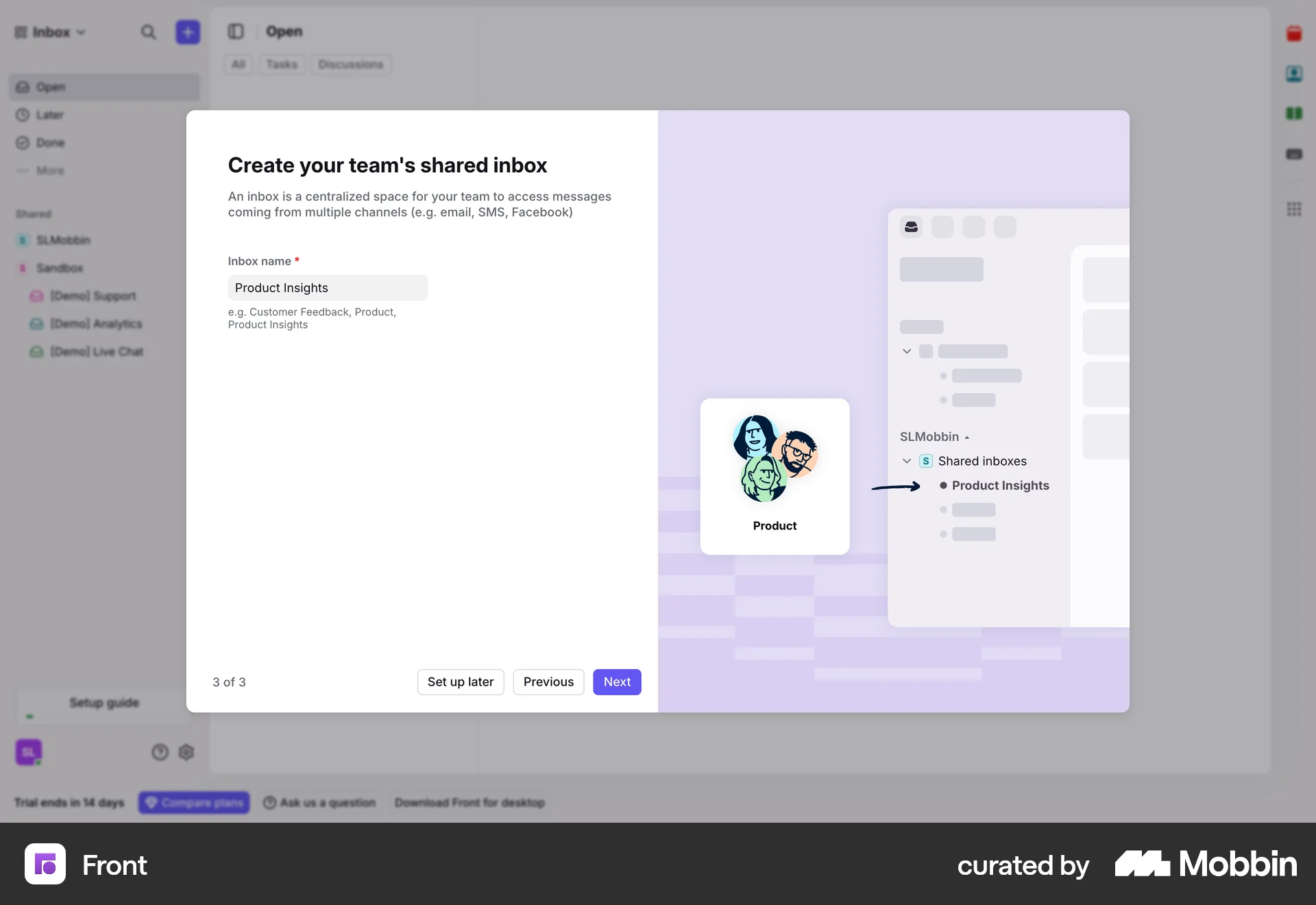
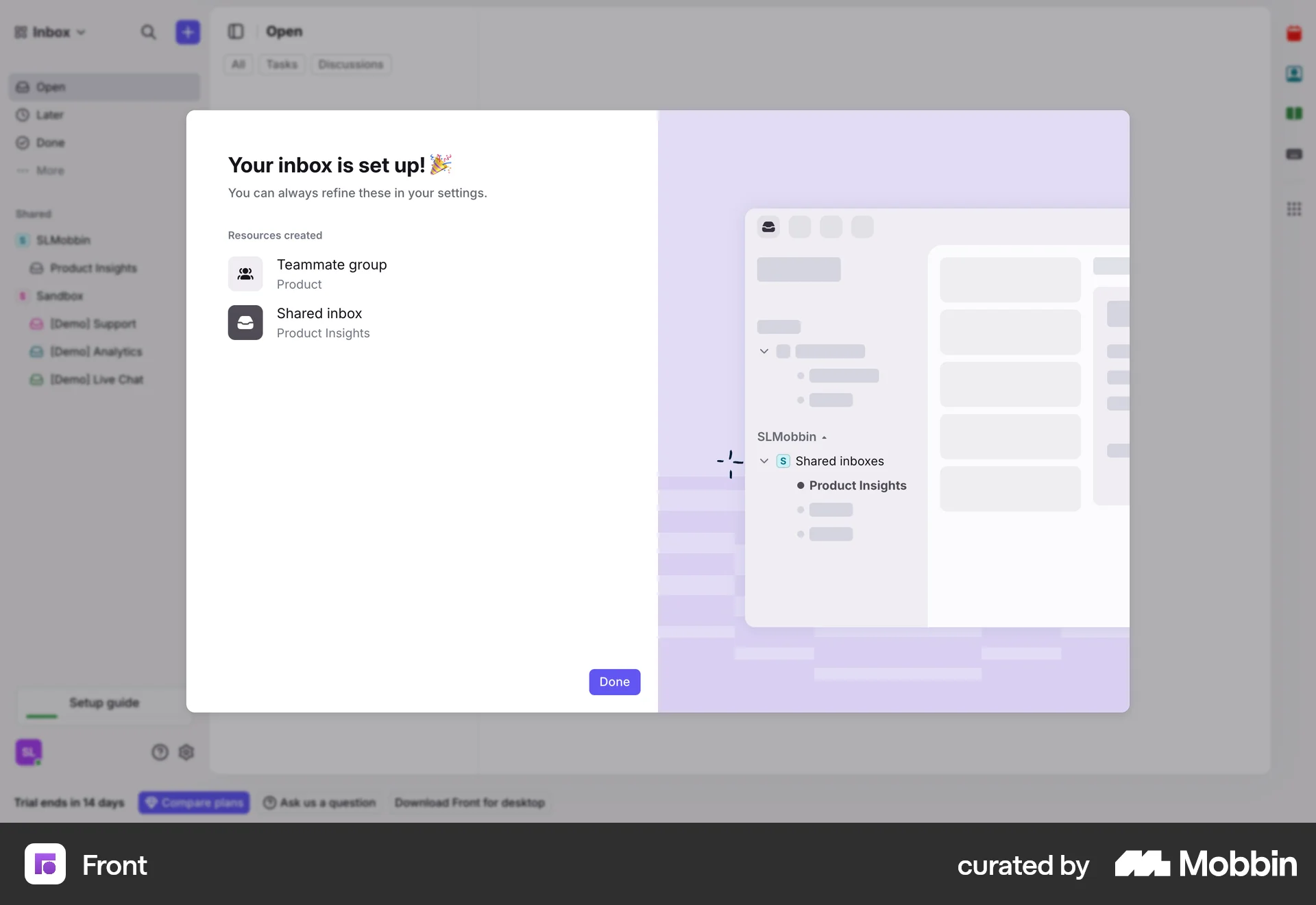
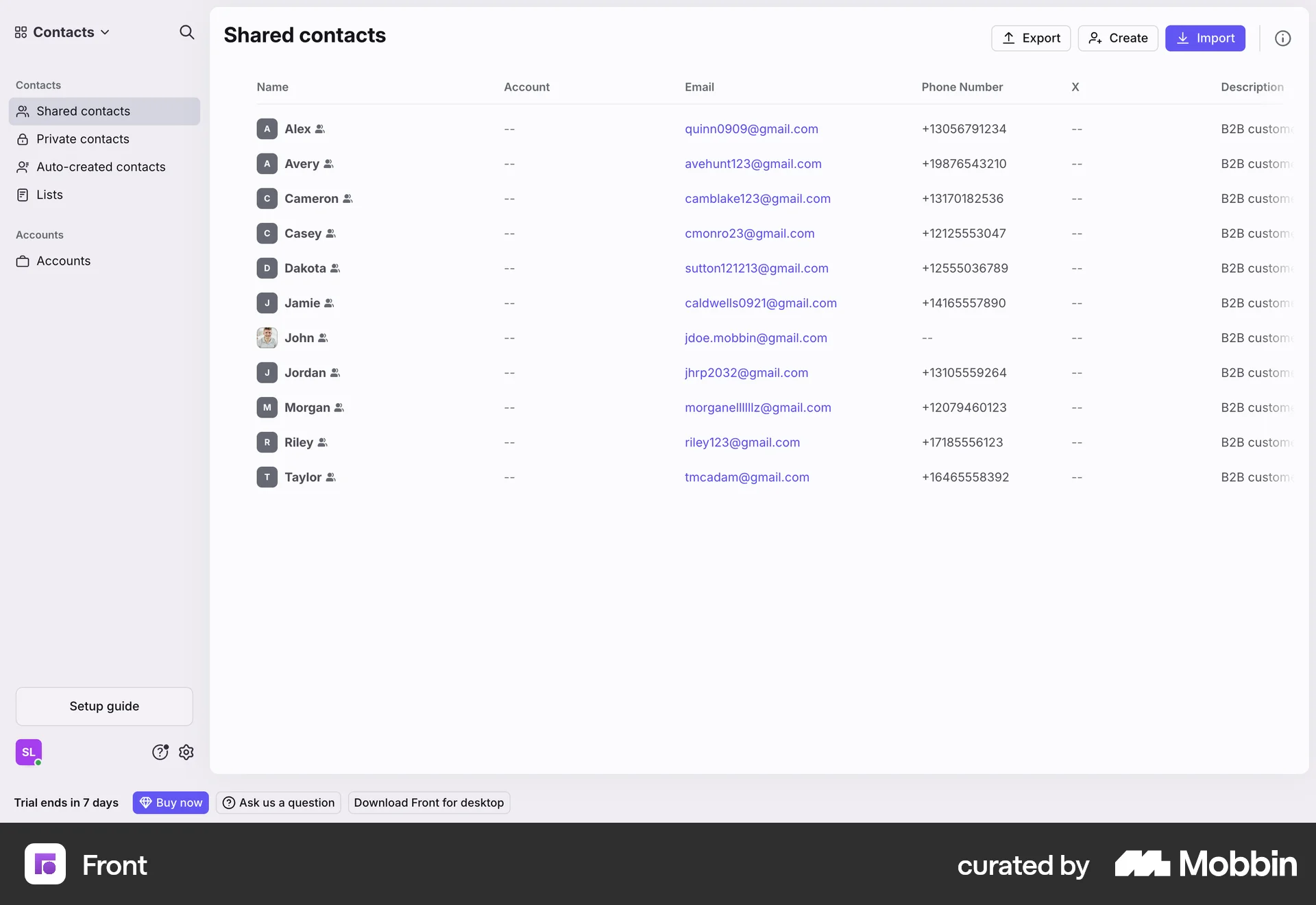
The user flow guides the user through setting up their account by asking questions and creating a shared inbox. Finally, the user is presented with the main inbox view.

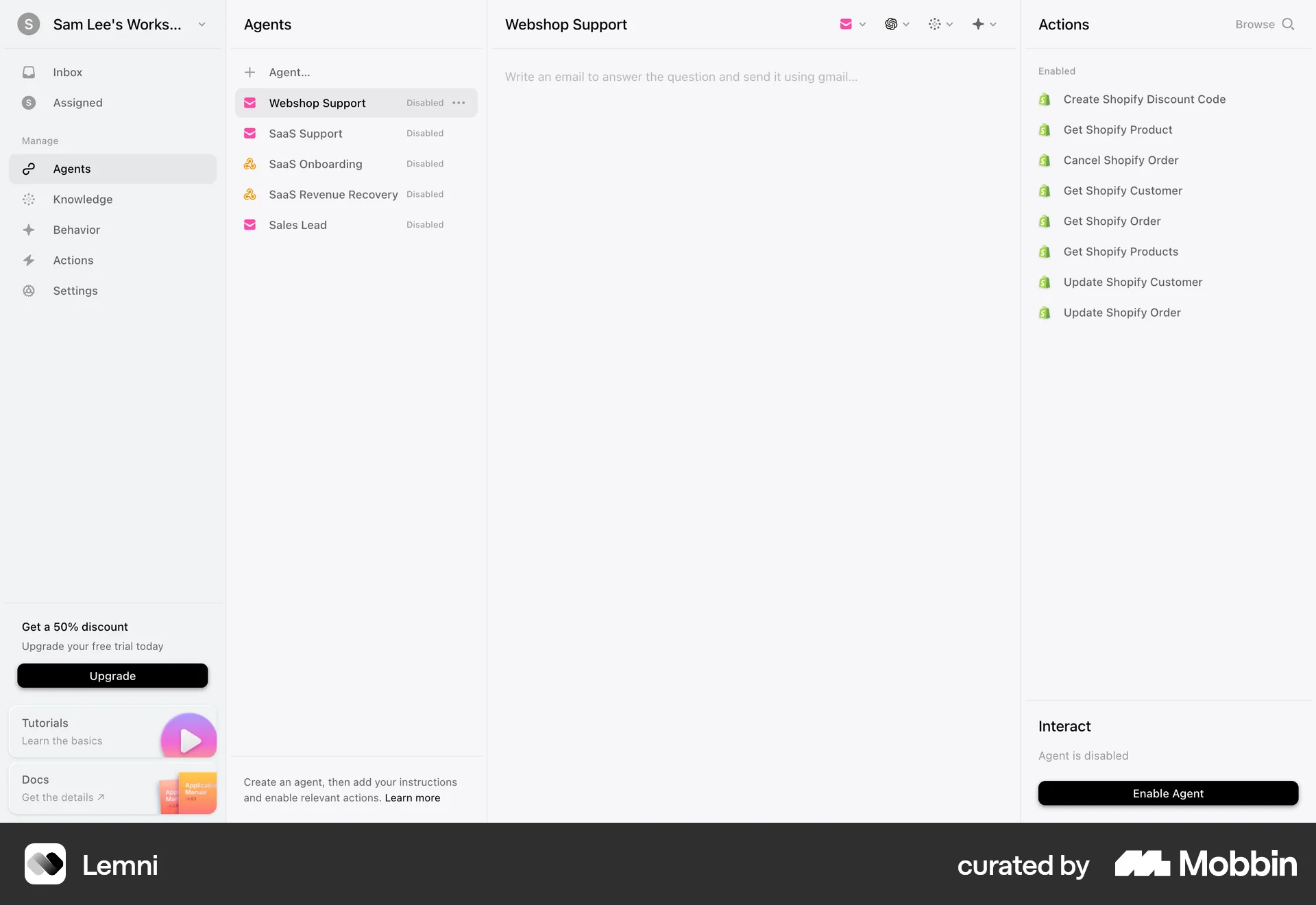
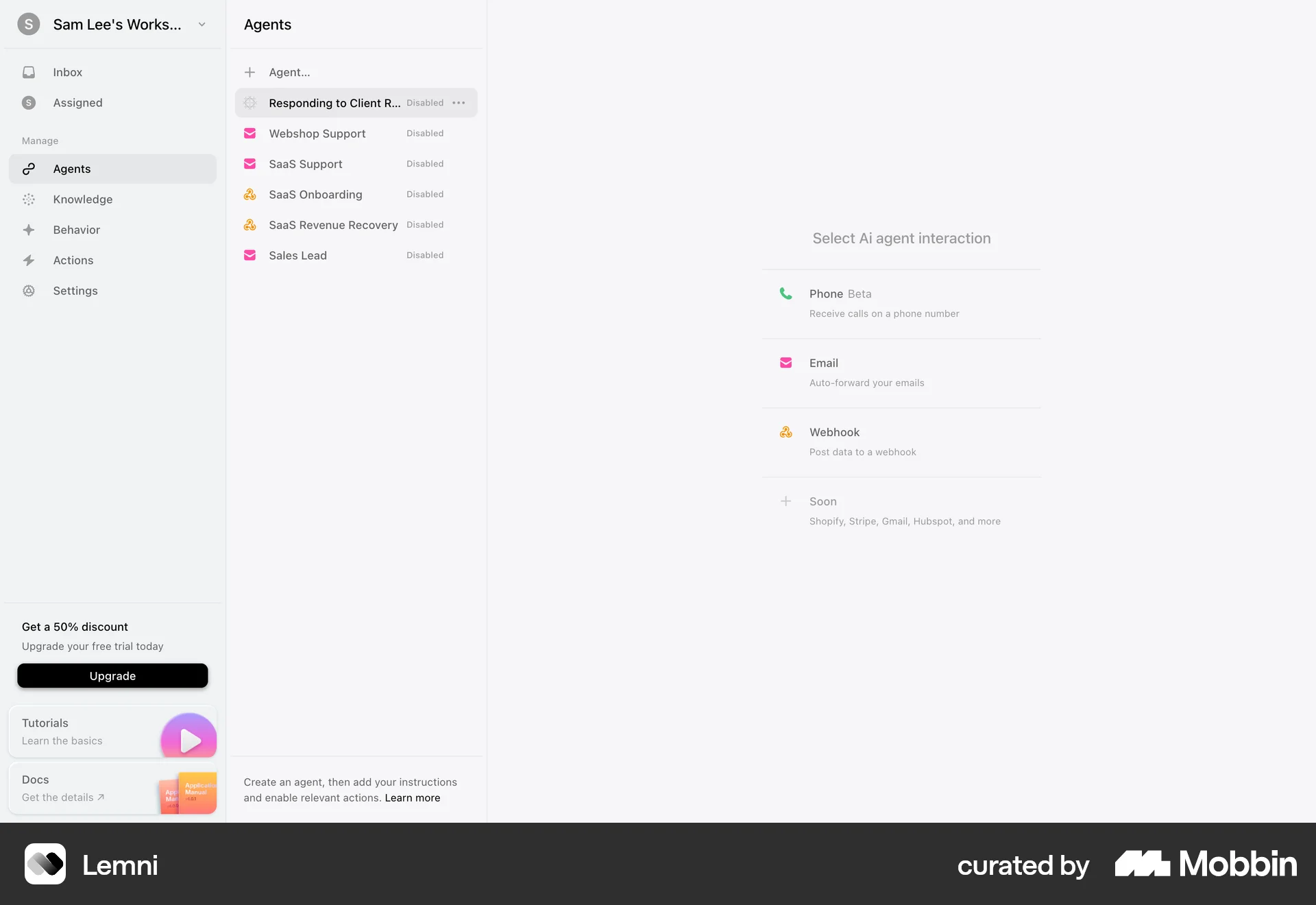
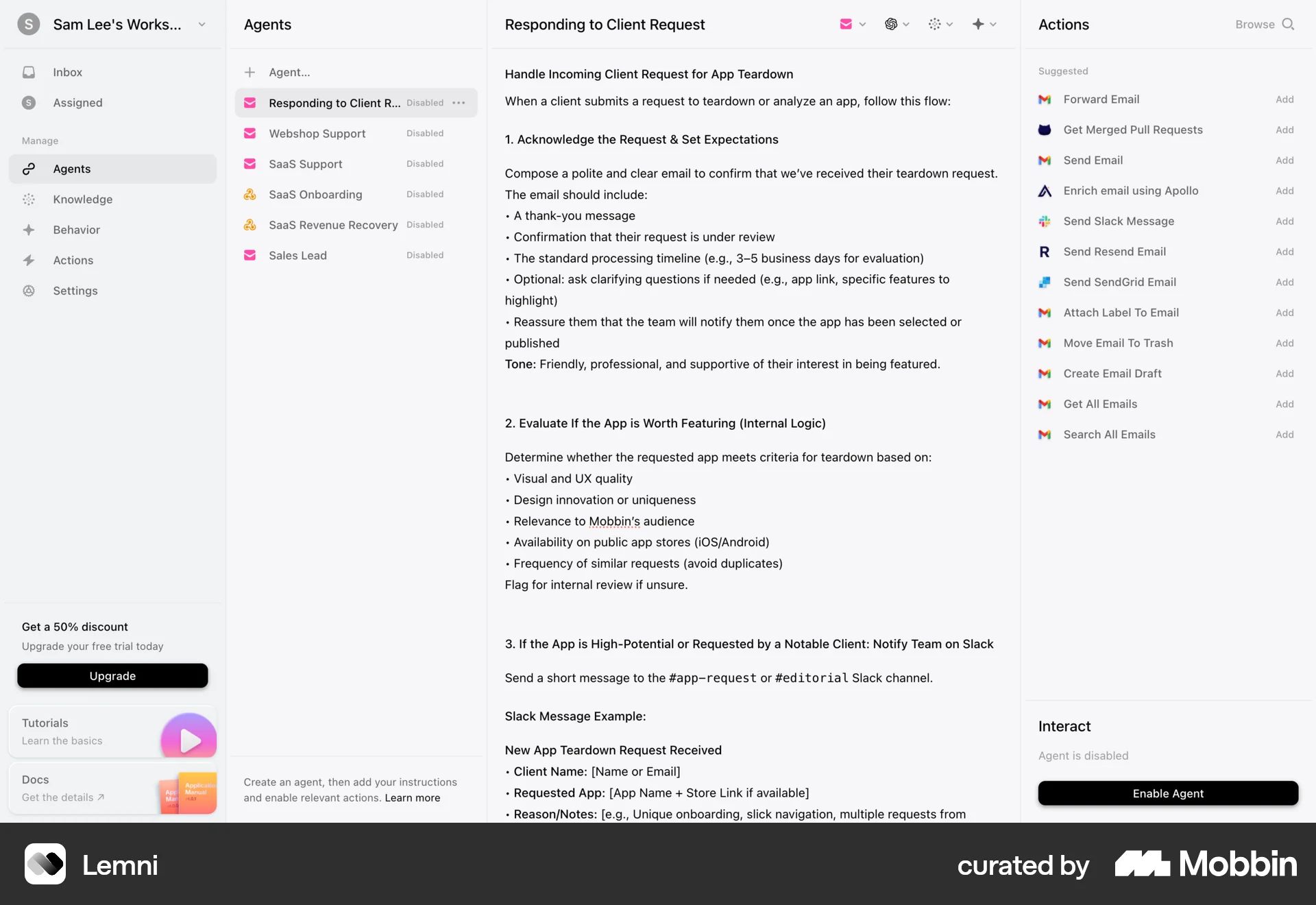
The user flow demonstrates creating an AI agent, configuring its interaction method and setting up its workflow. The process involves naming the agent and defining its email responses.
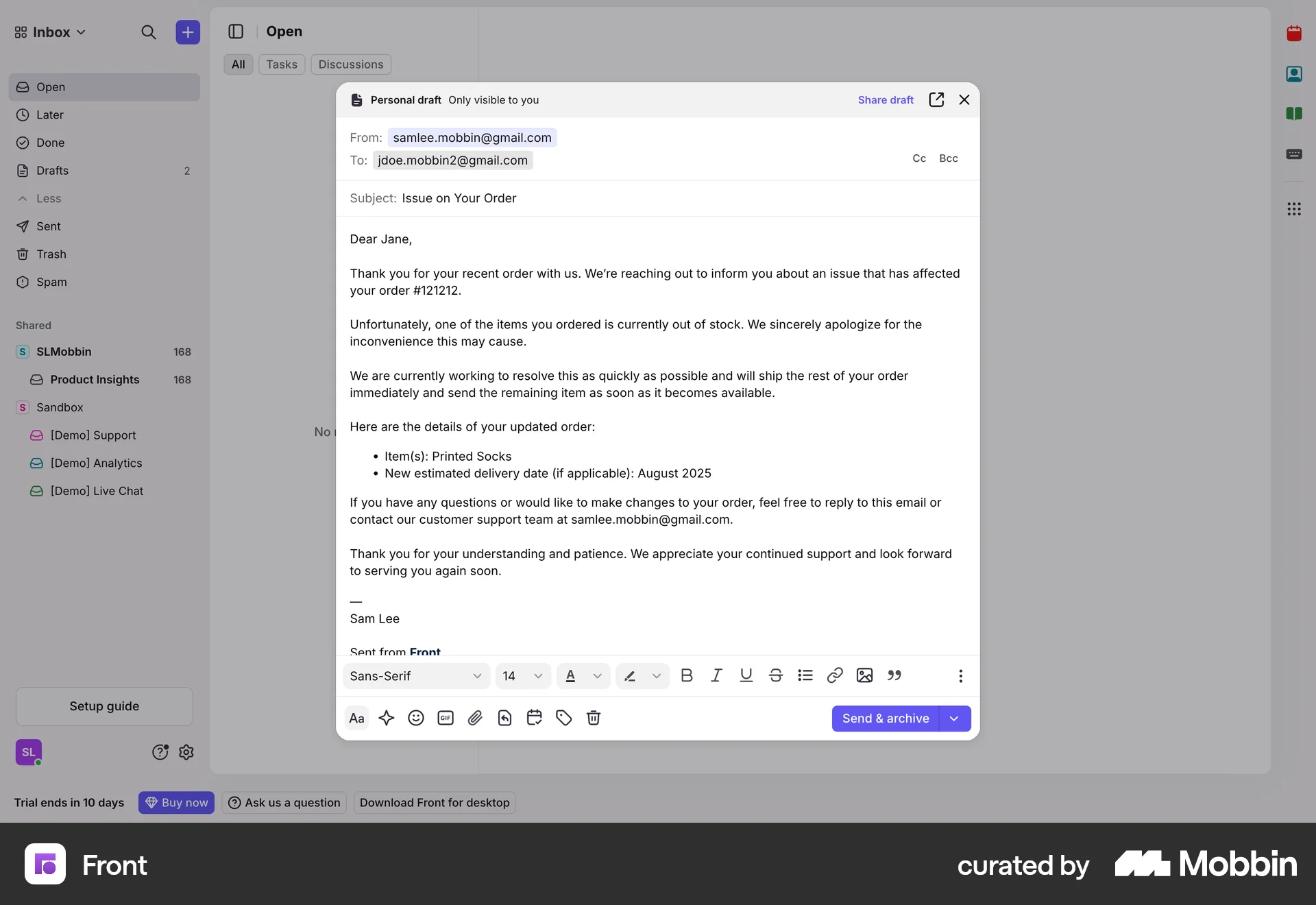
The user flow demonstrates creating a new message from an empty inbox. The user composes and populates the message details.

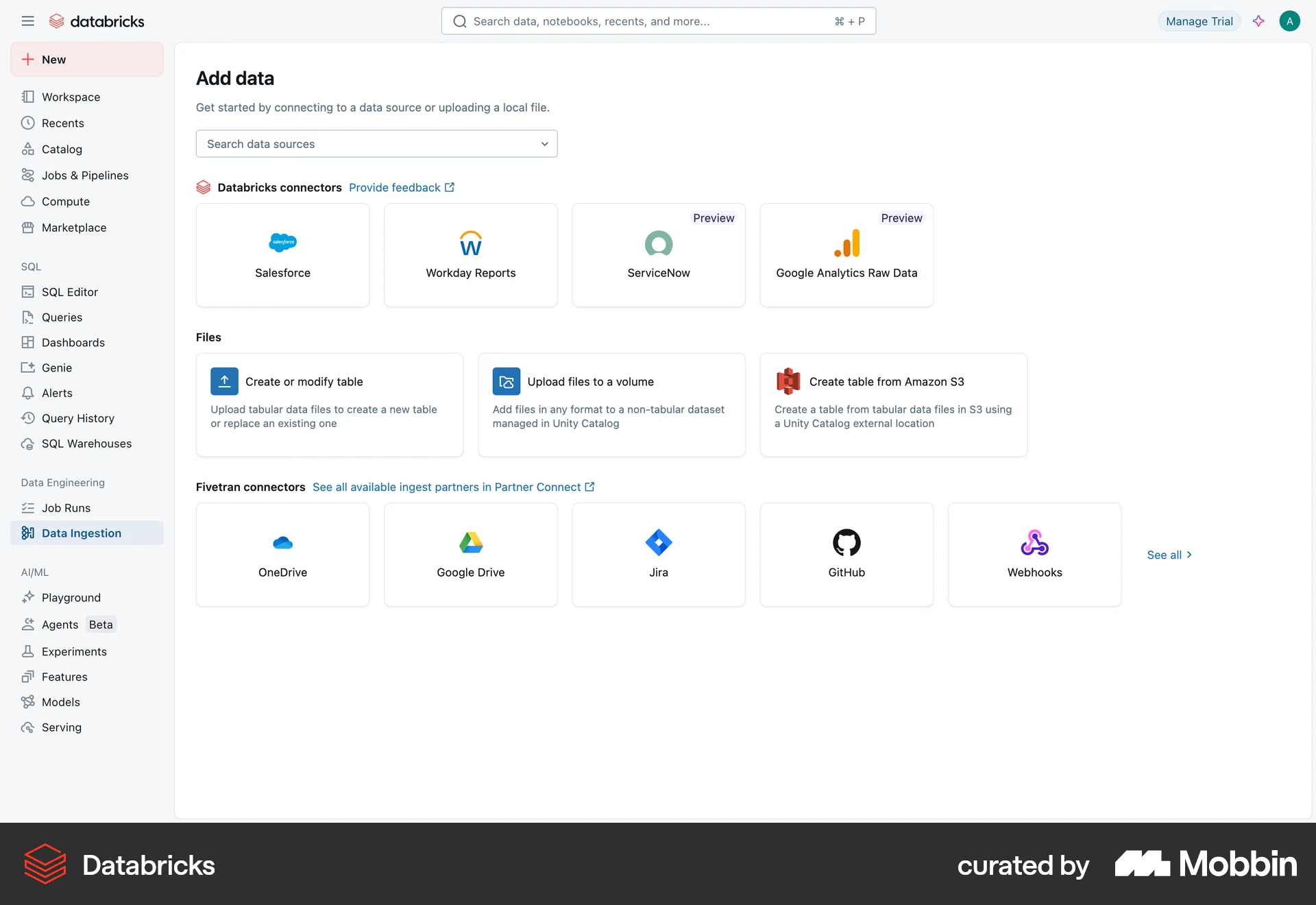
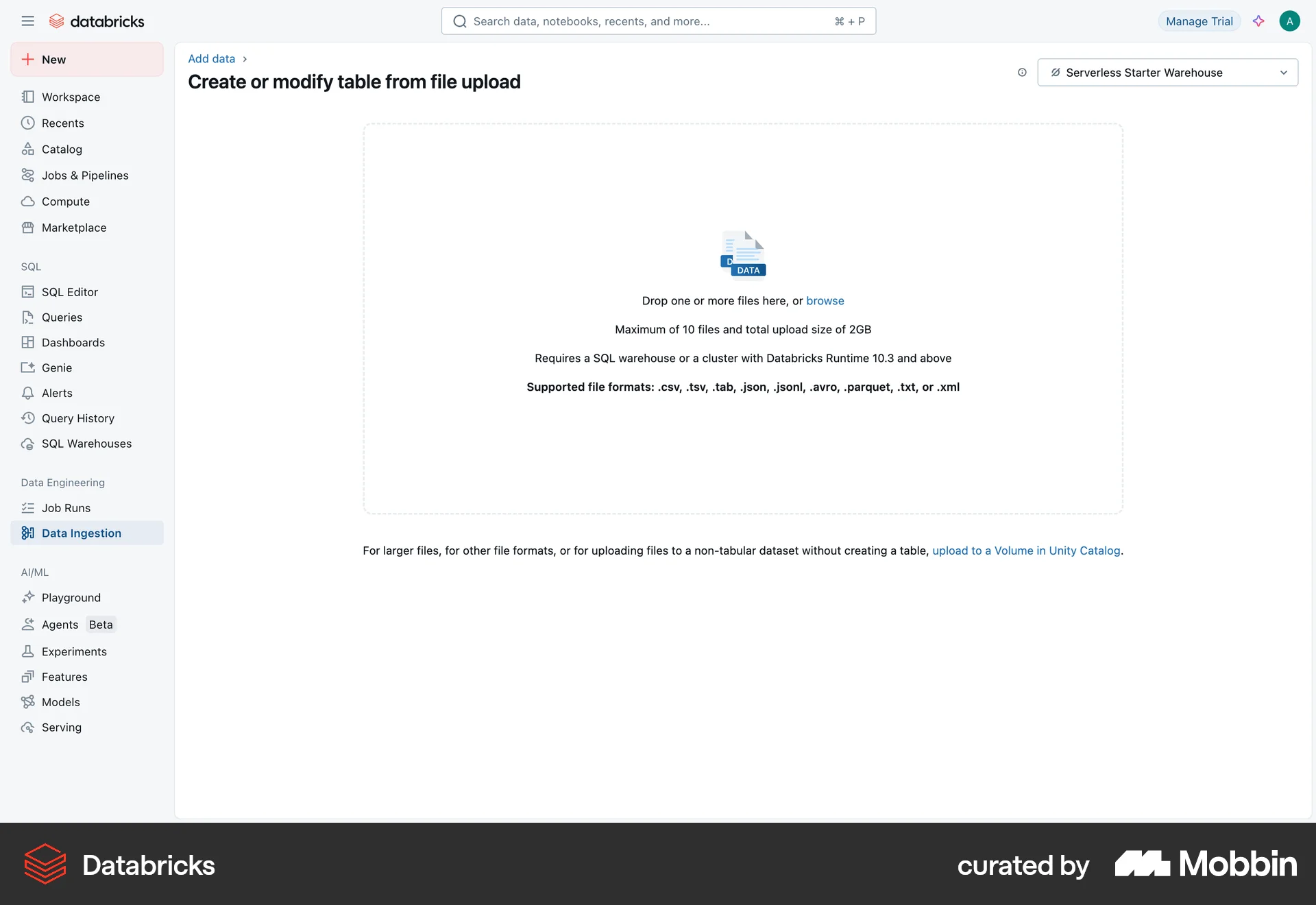
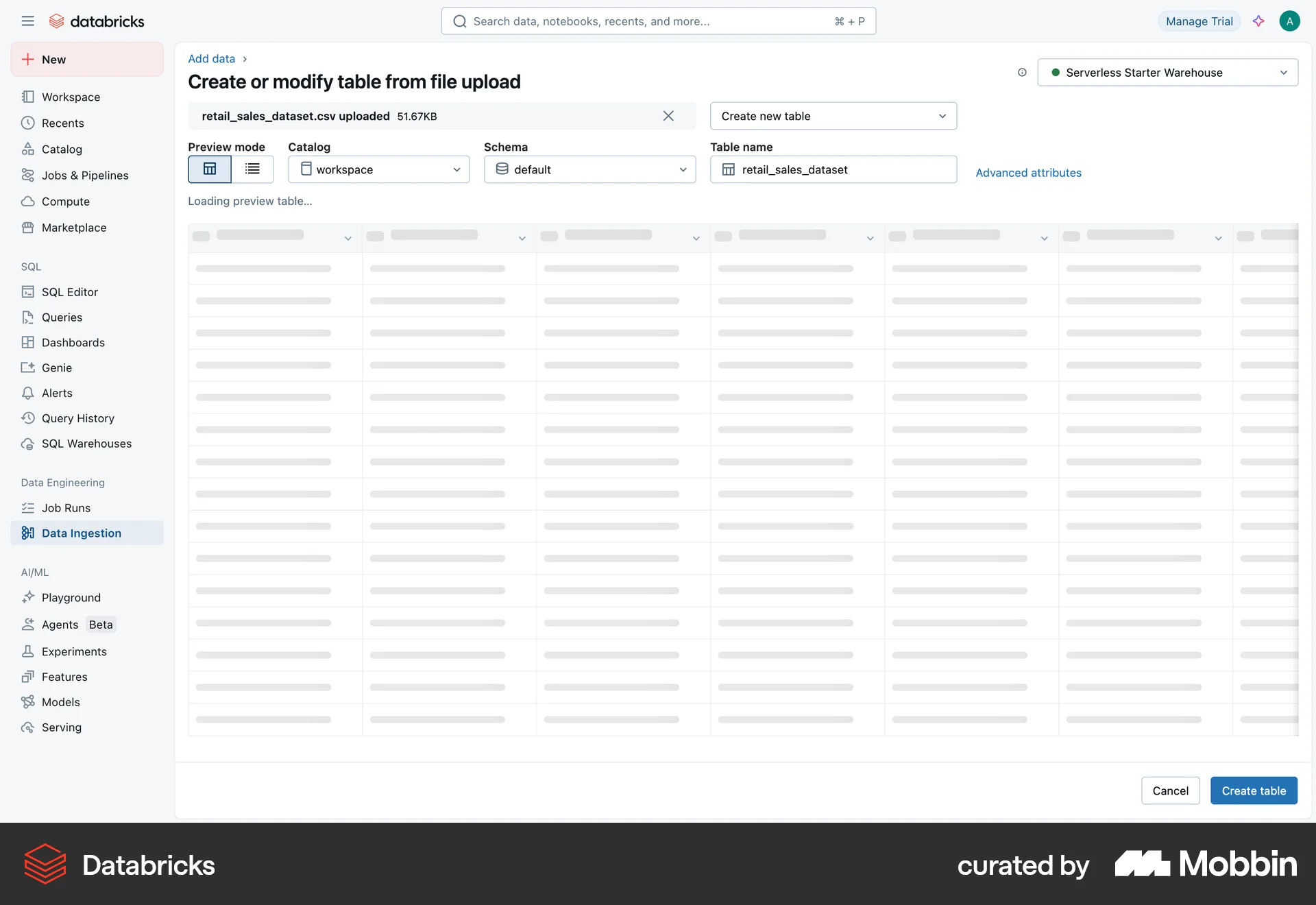
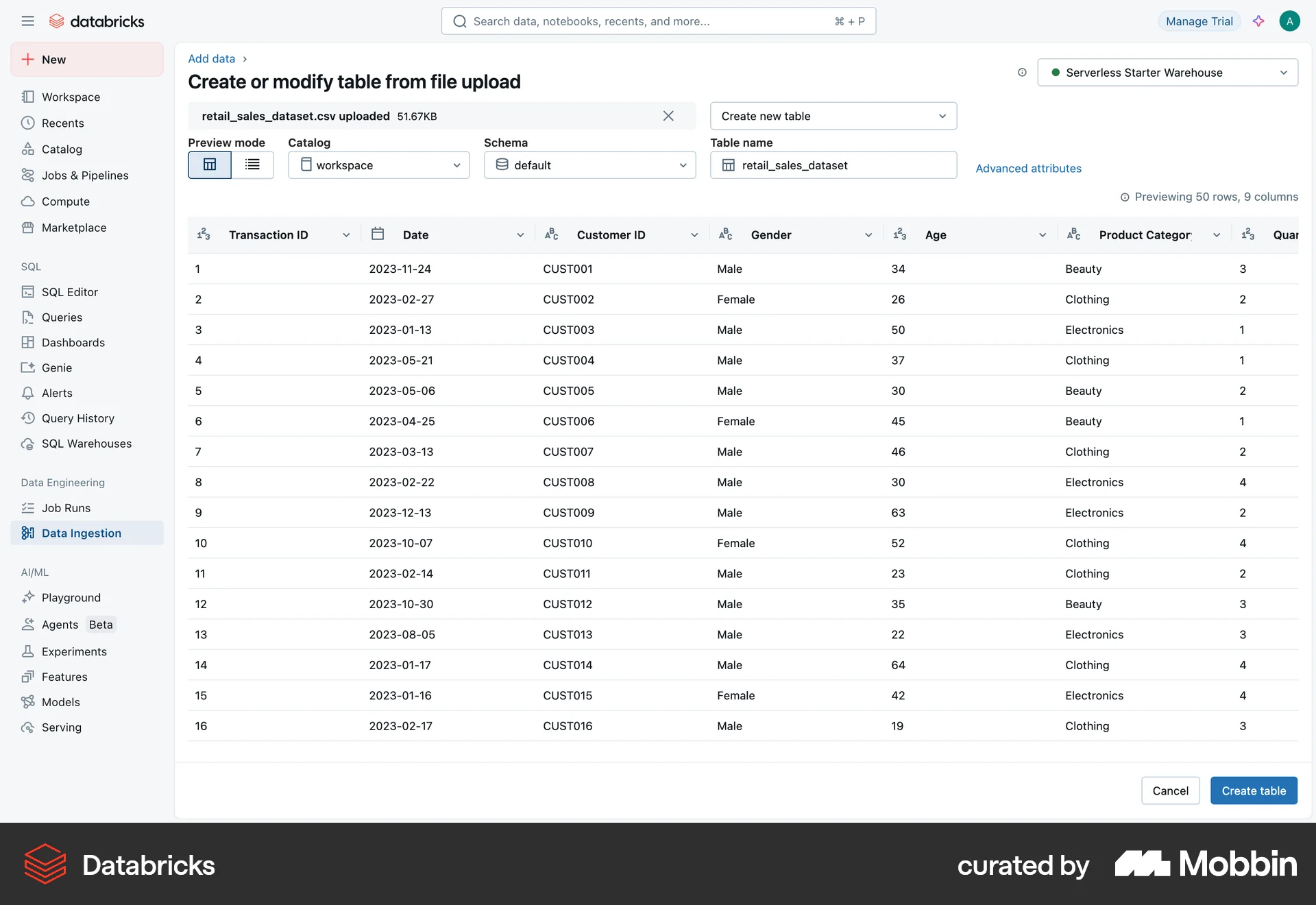
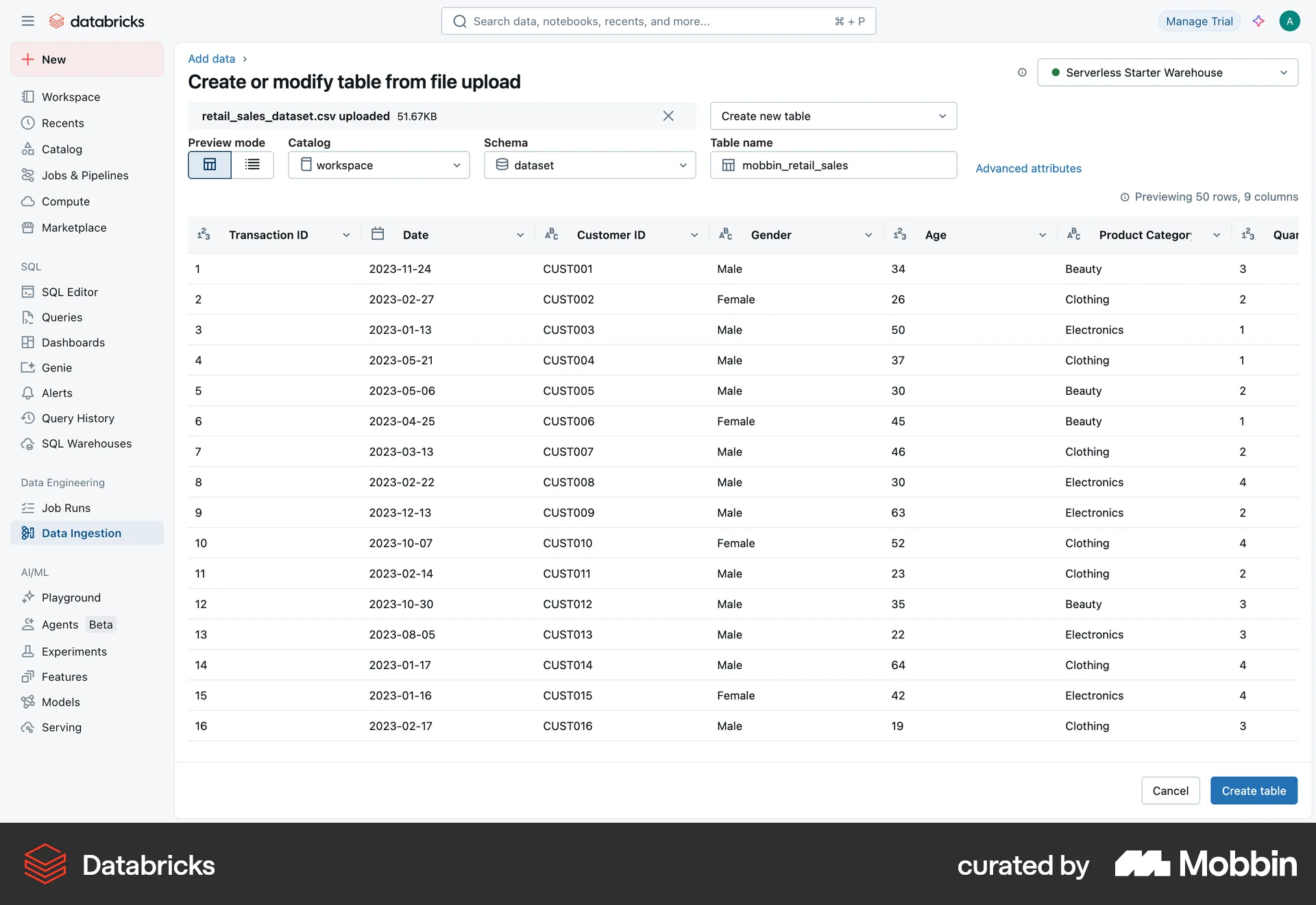
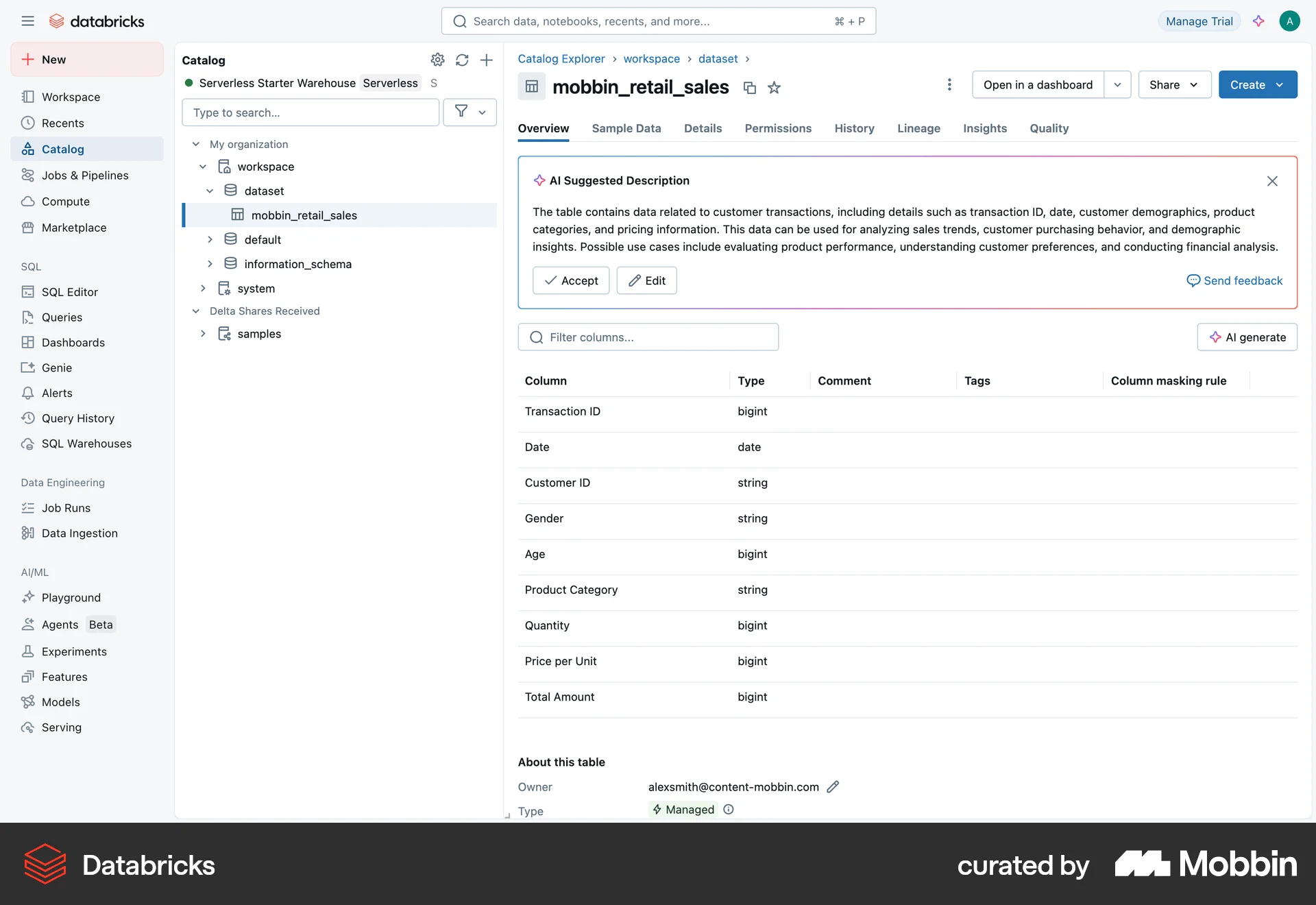
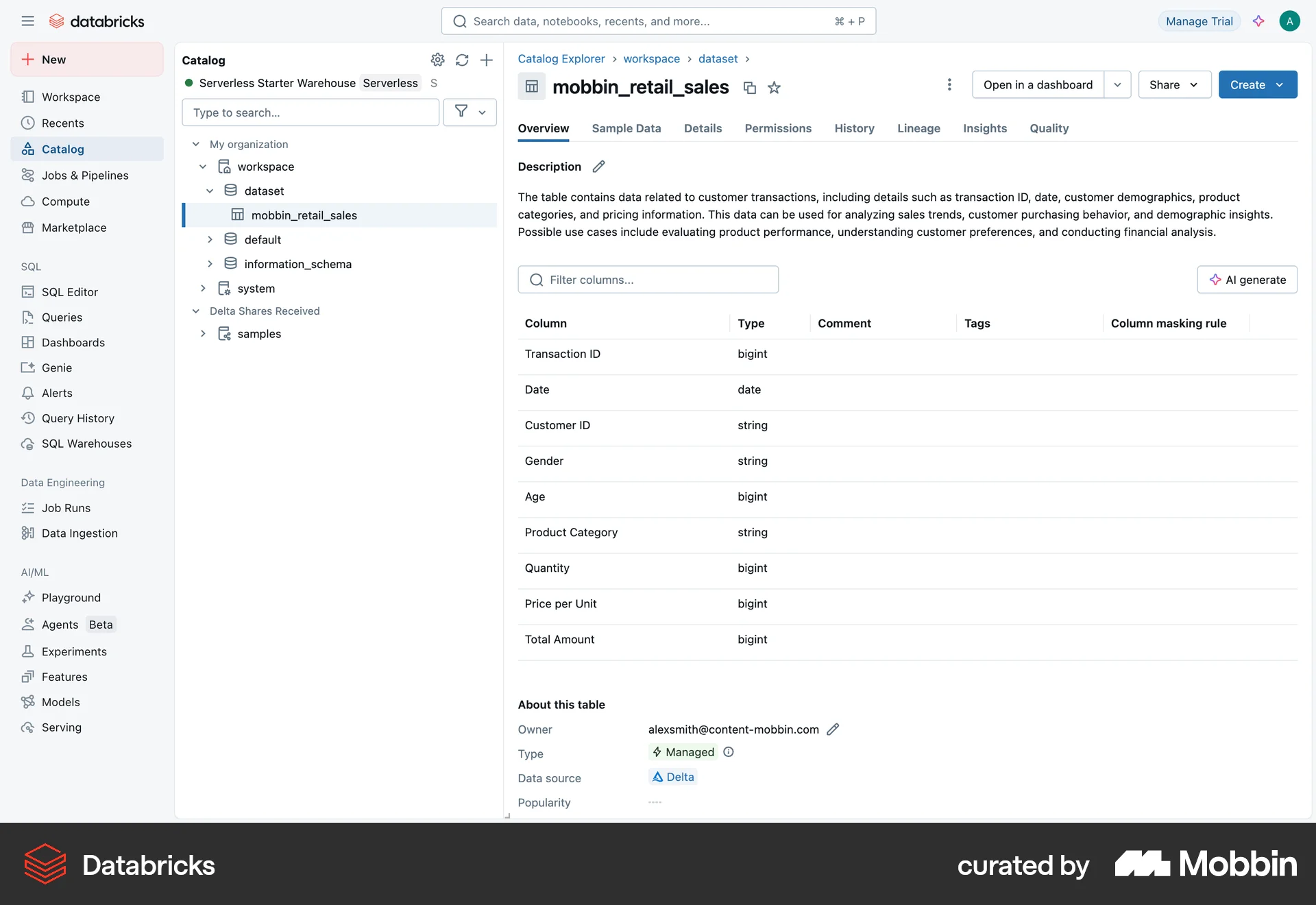
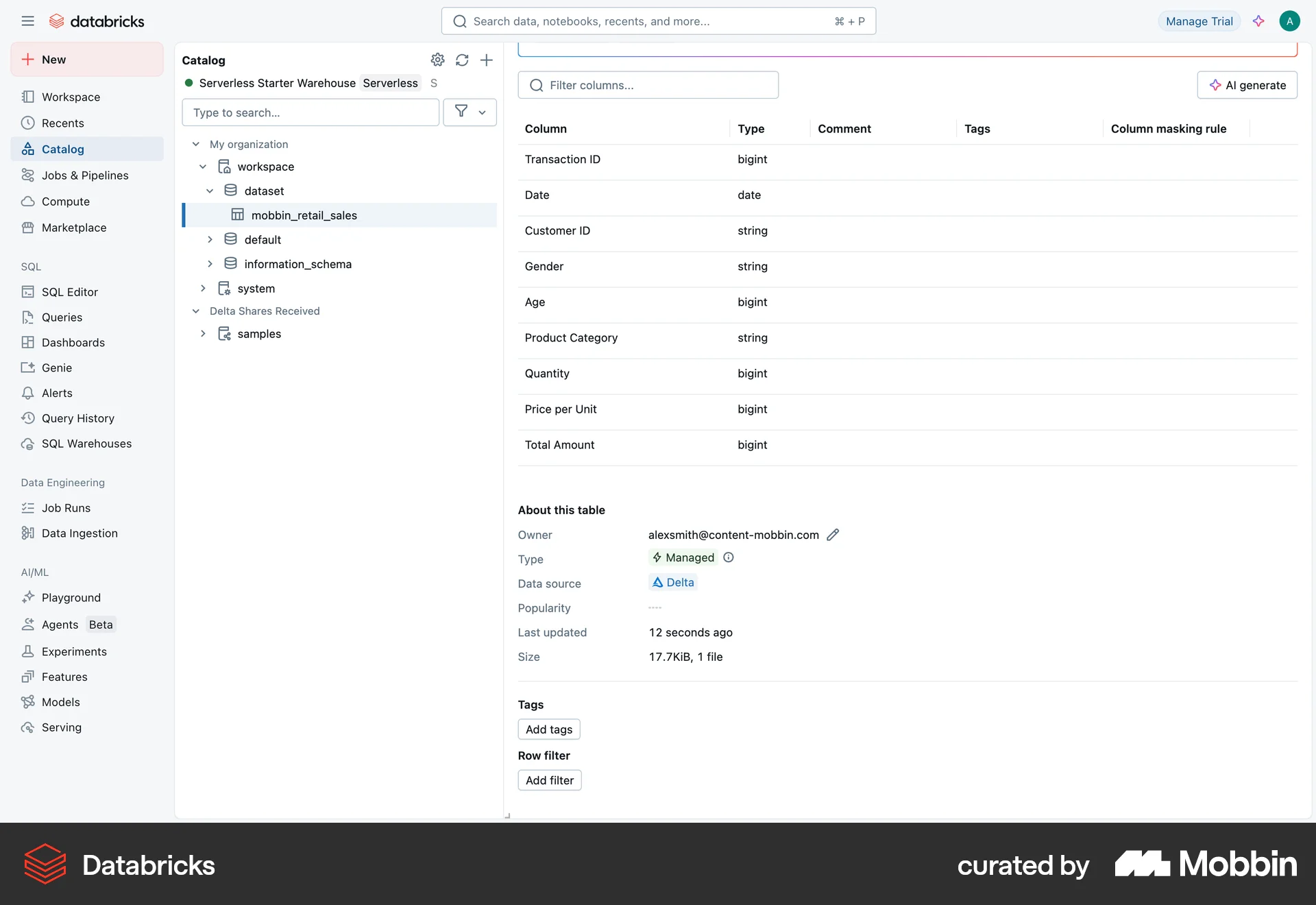
The user uploads a file, configures it, and creates a table. The user then views the created table in the catalog.
The user adds multiple locations to a trip, specifies the duration of stay, and views them on a map. The user indicates if the trip is a road trip.

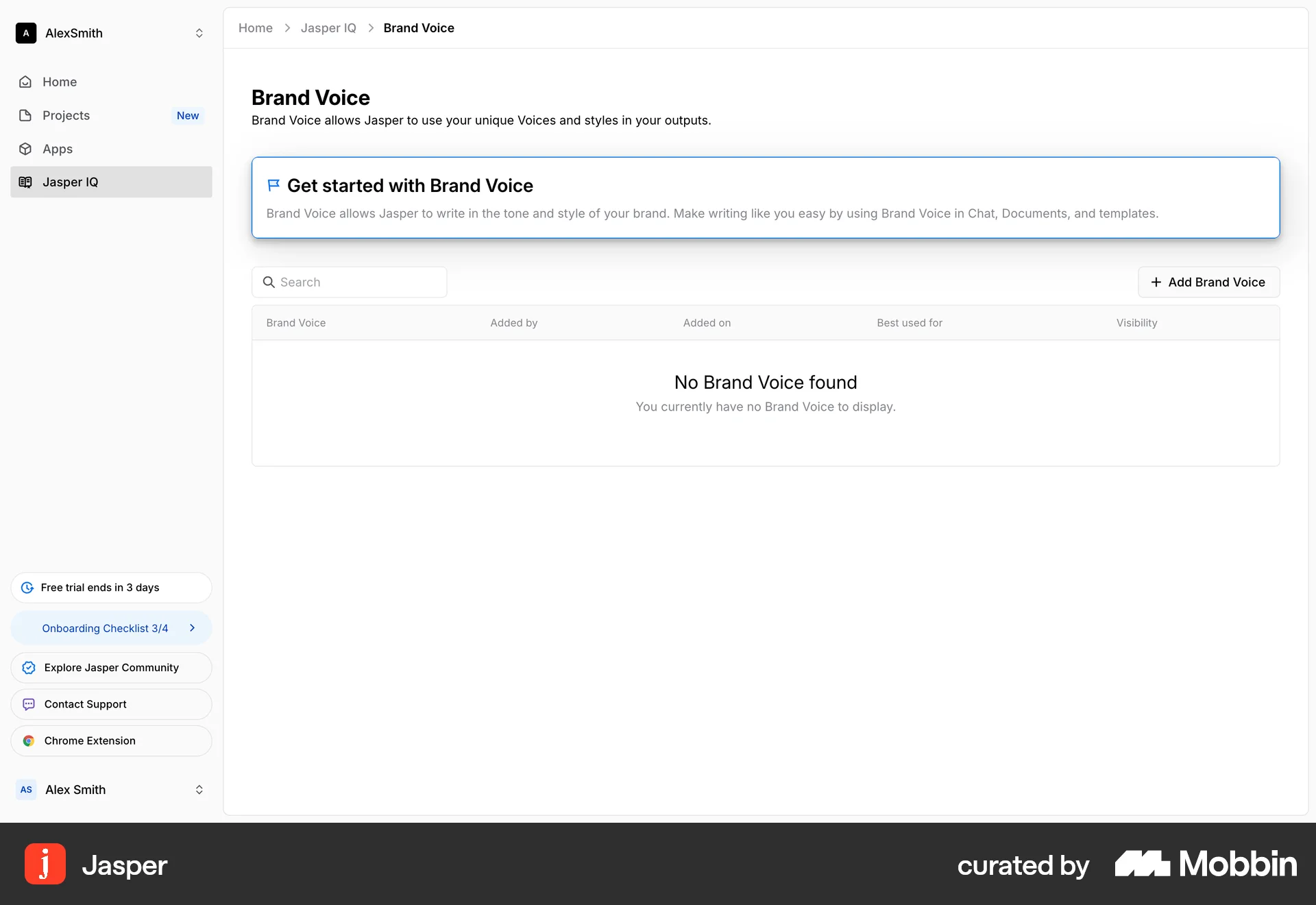
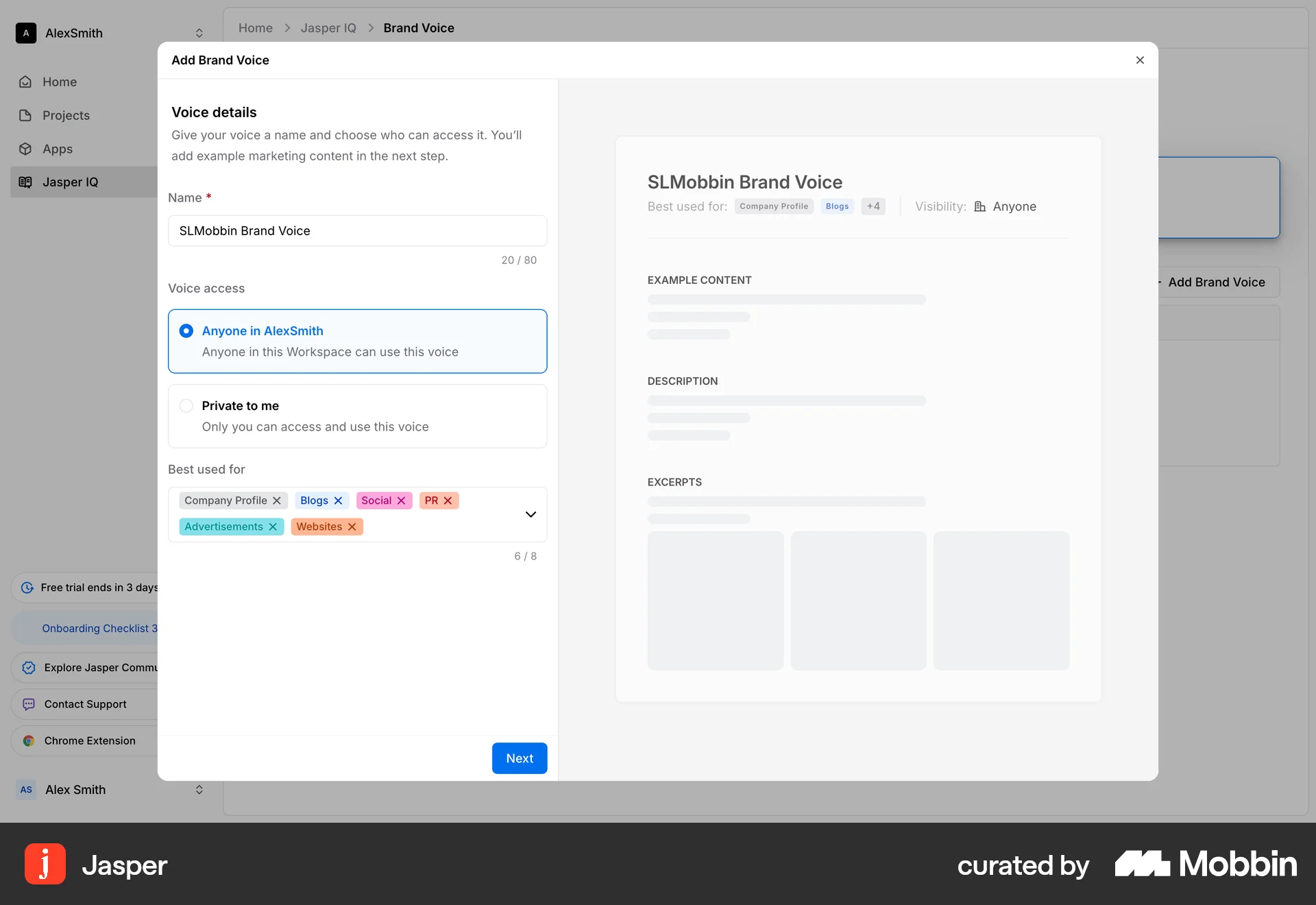
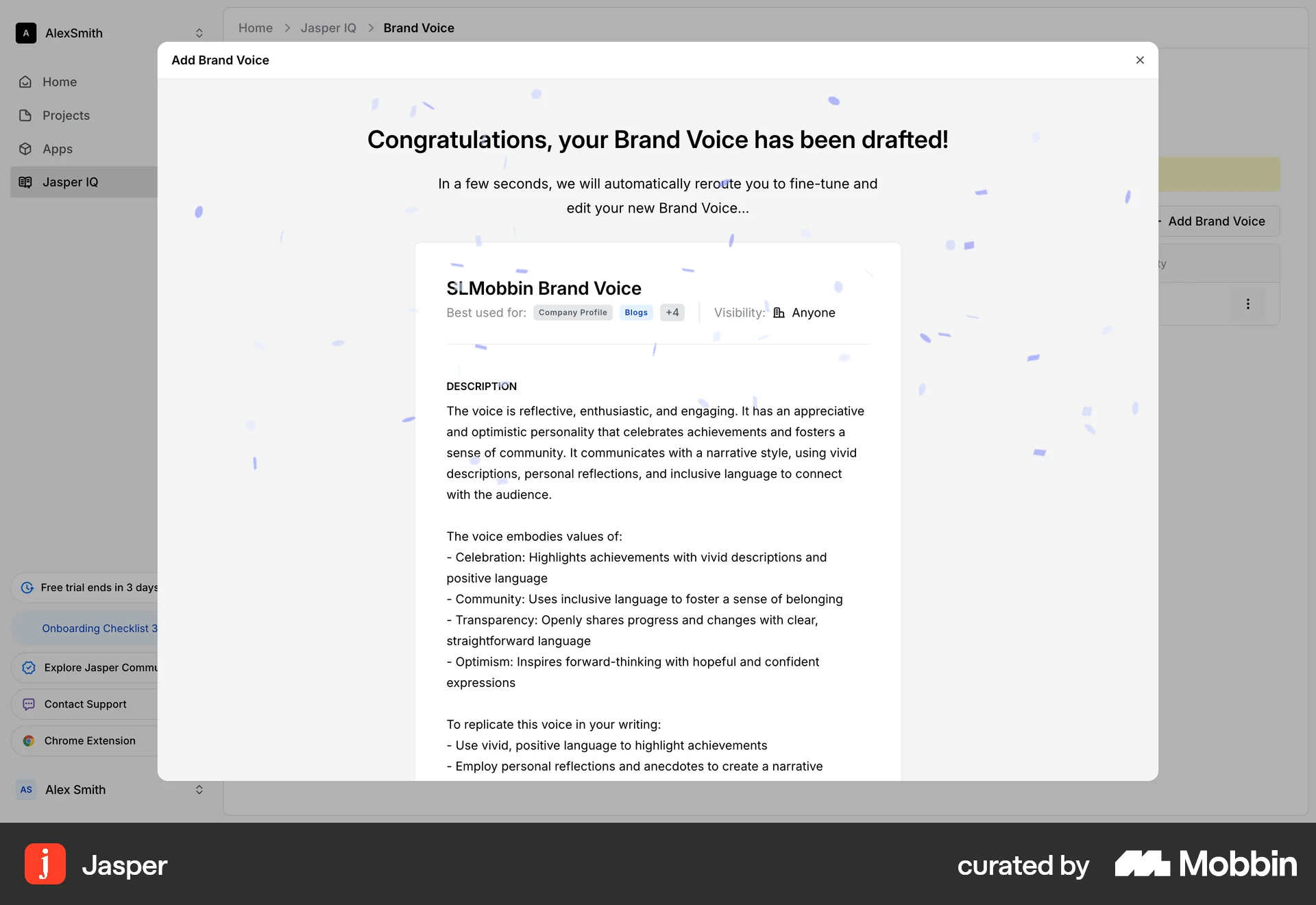
The user adds a new brand voice by providing a name, setting access, selecting tags, and adding example content. The application generates the voice, and the user edits it.
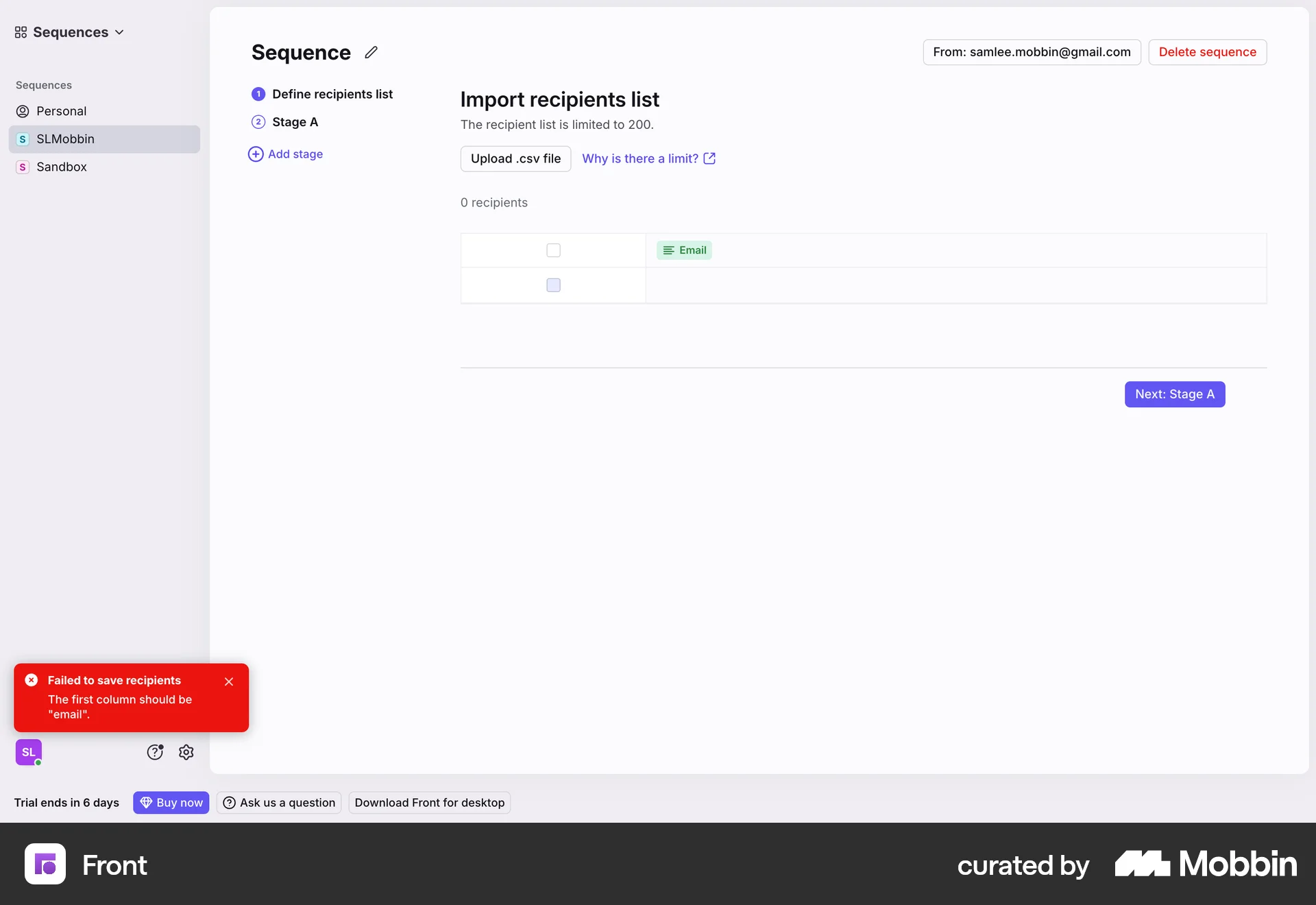
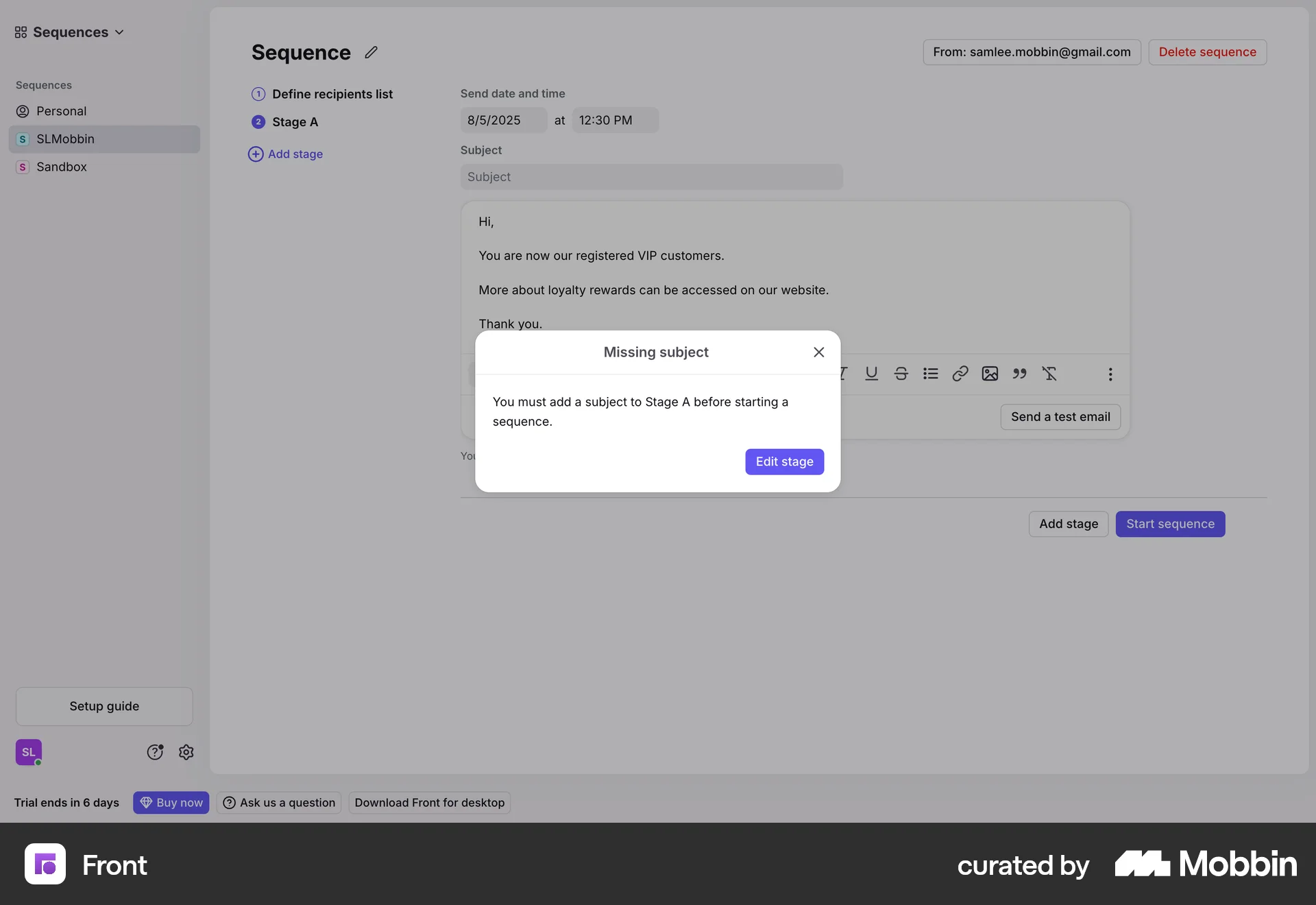
The user creates a sequence by defining recipients and email content. They then start the sequence, which sends emails to the recipients.

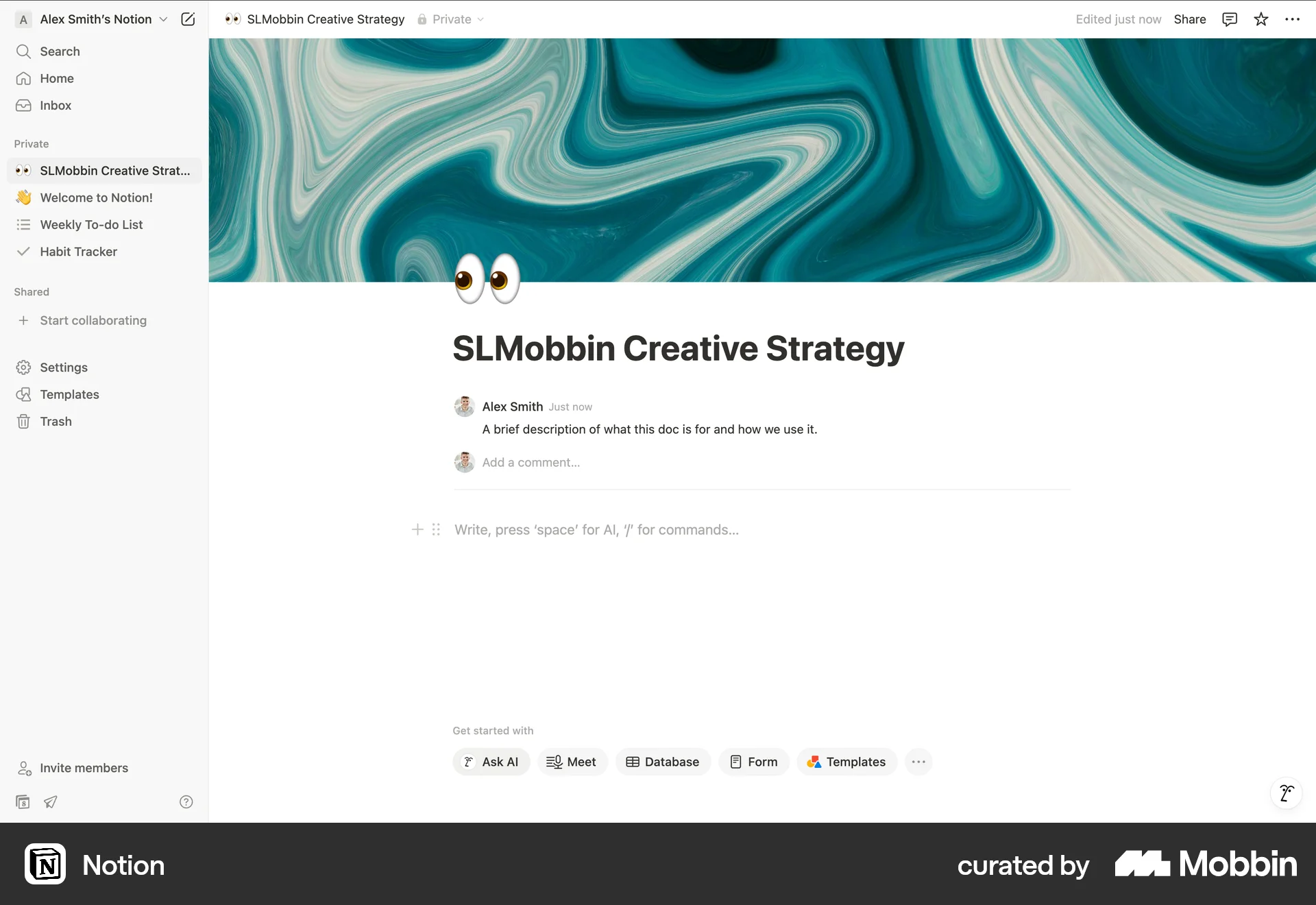
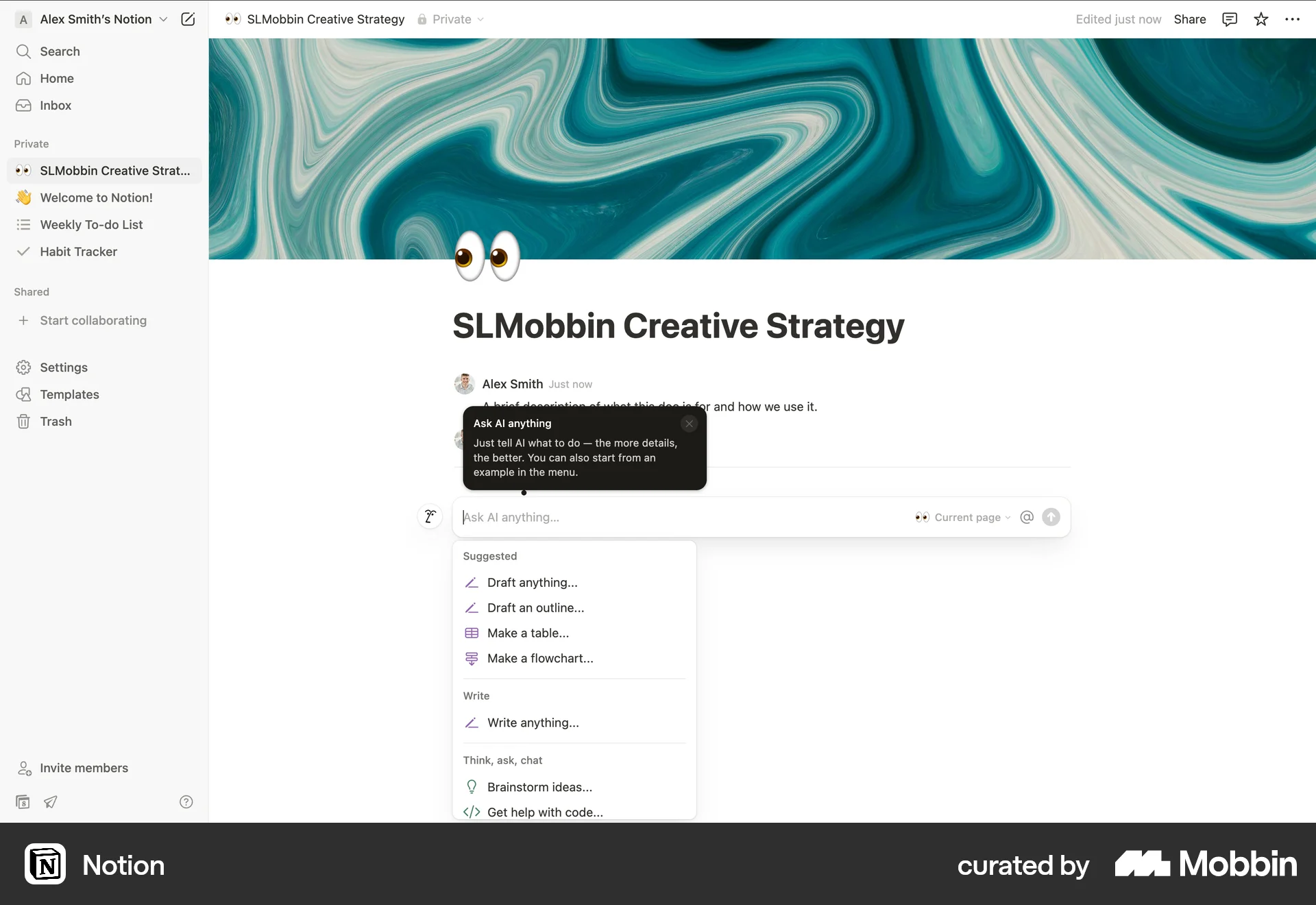
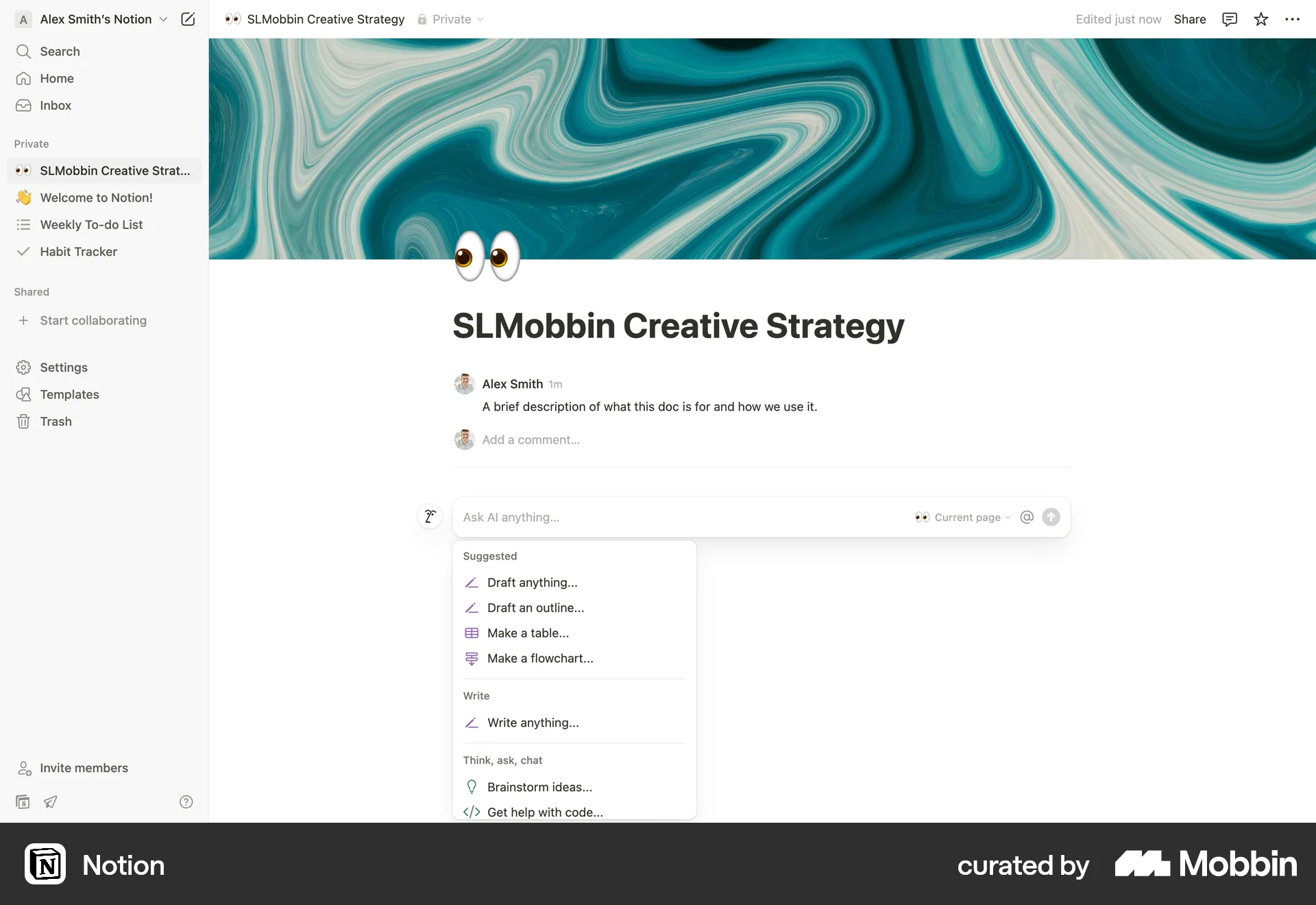
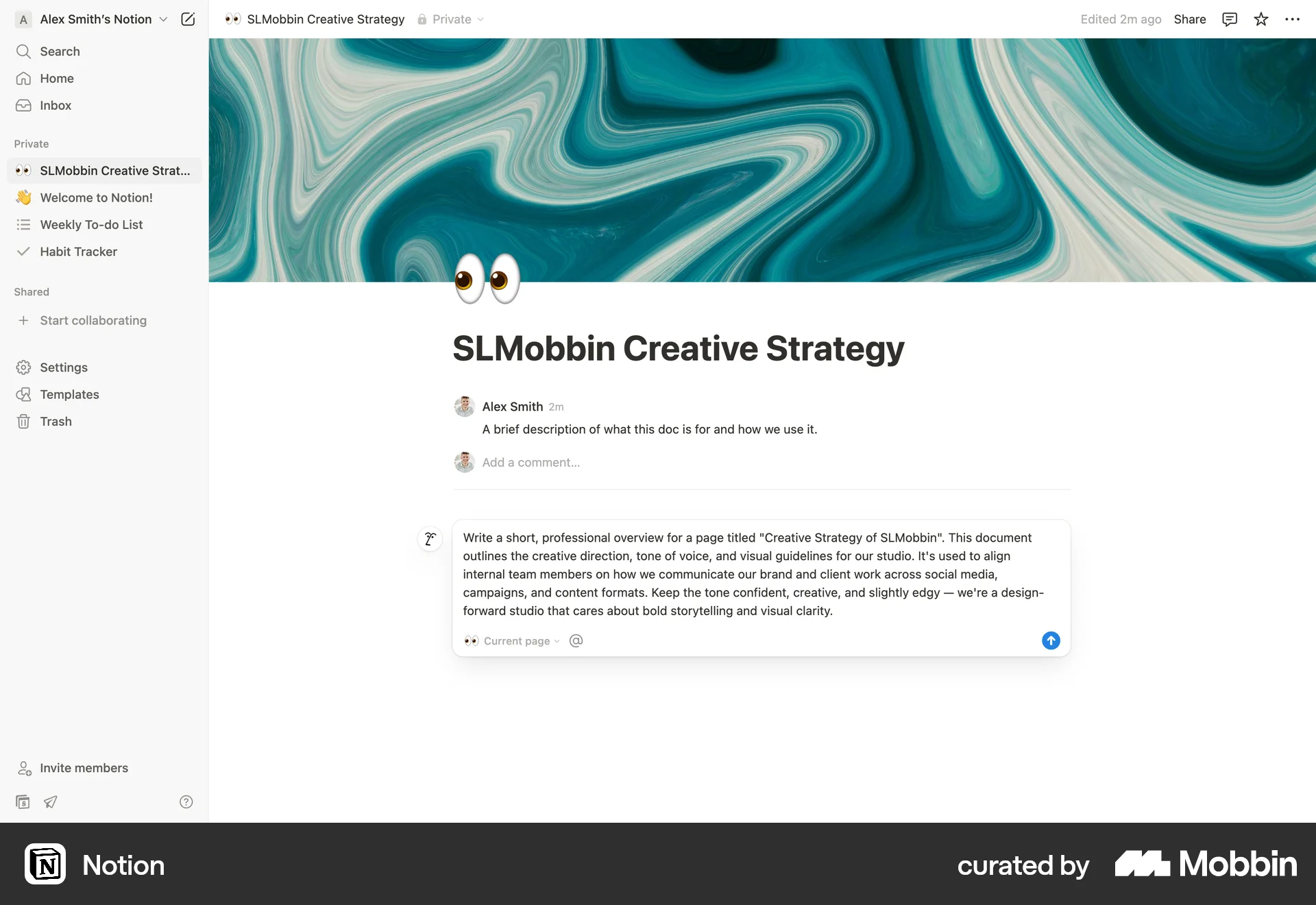
The user leverages AI to generate content for a document. The AI assistant creates an outline, which is then integrated into the document.
31 Flows
89 Flows
564 Flows
1222 Flows

157 Flows
553 Flows