


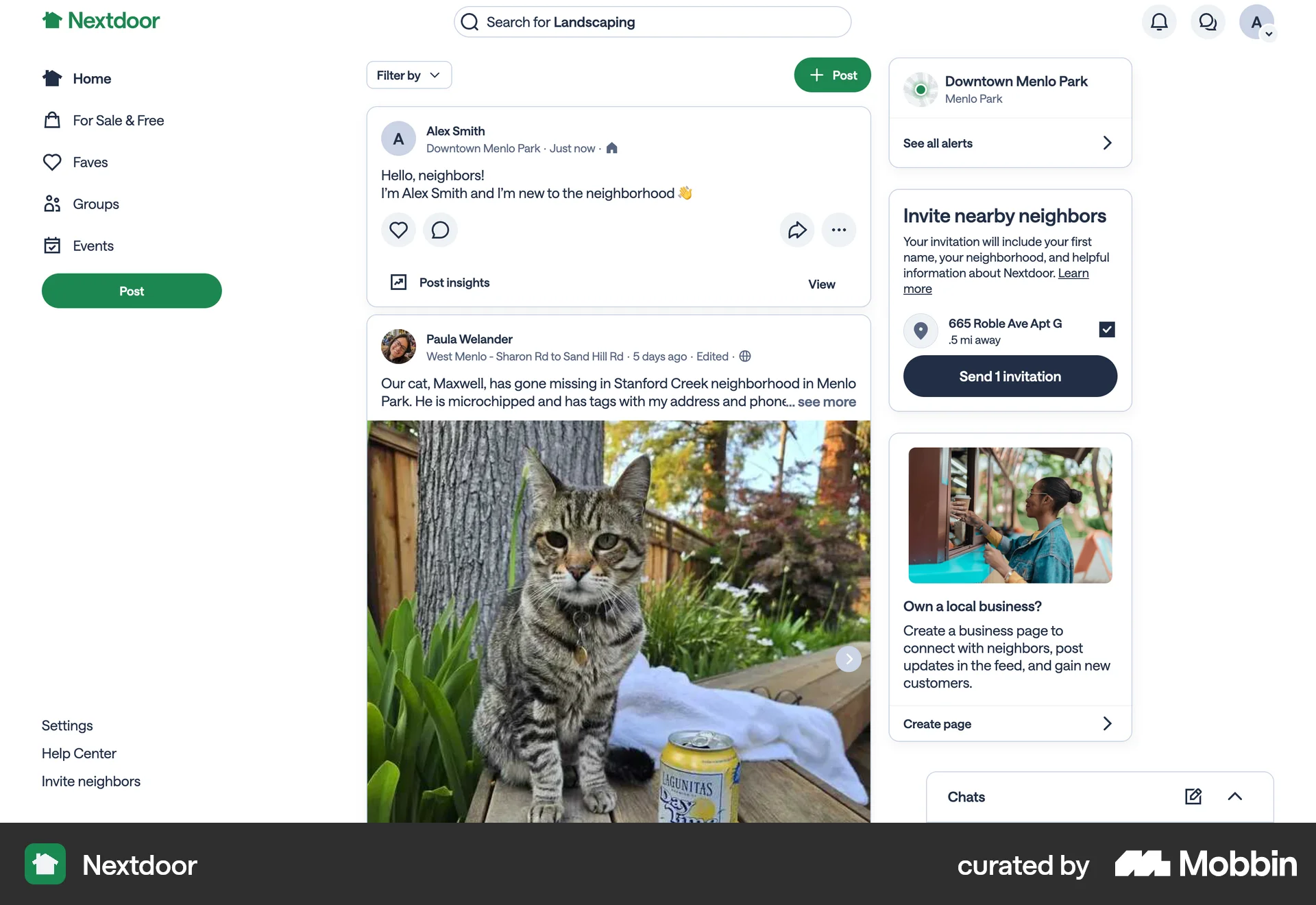
Creating a poston Nextdoor
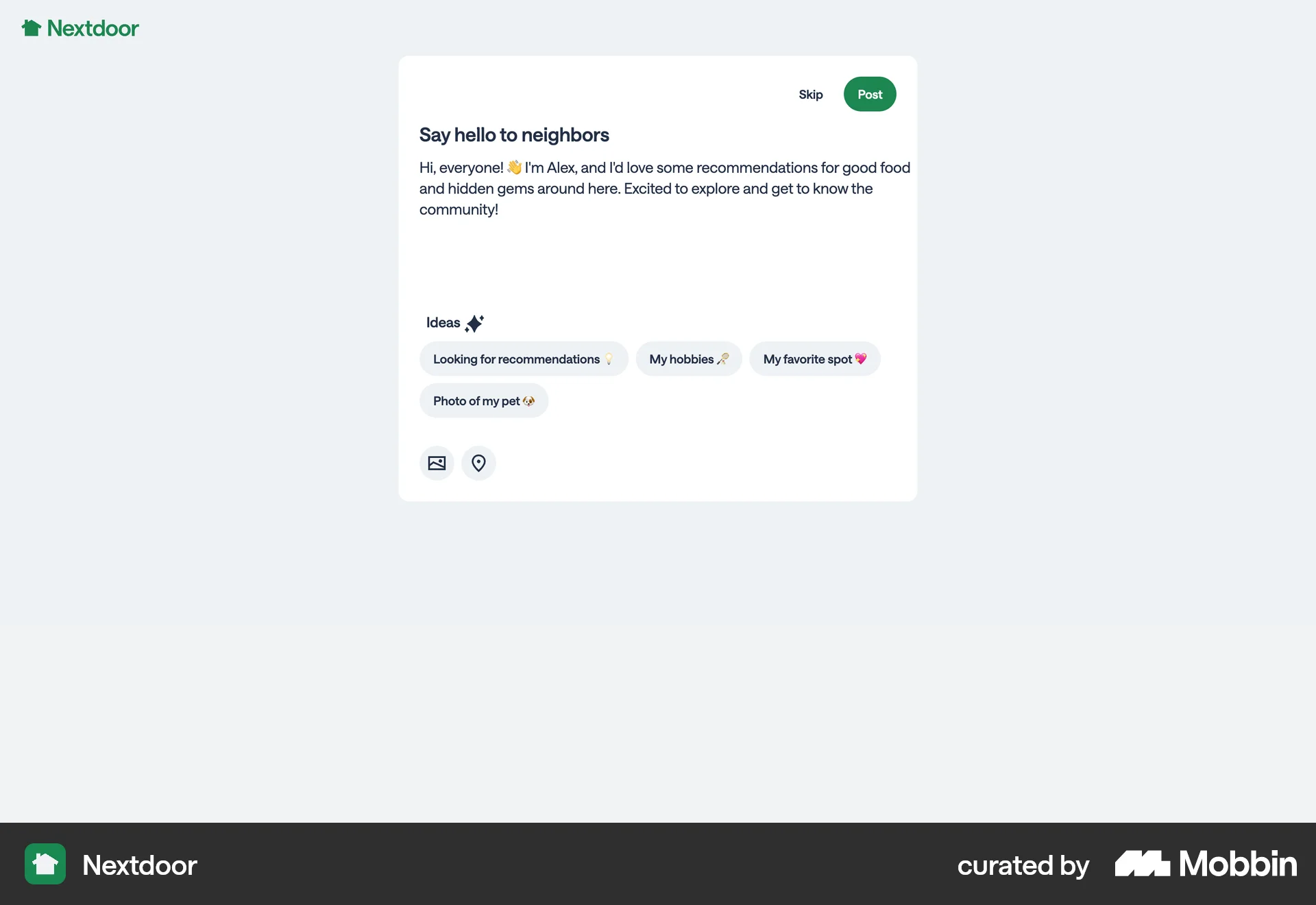
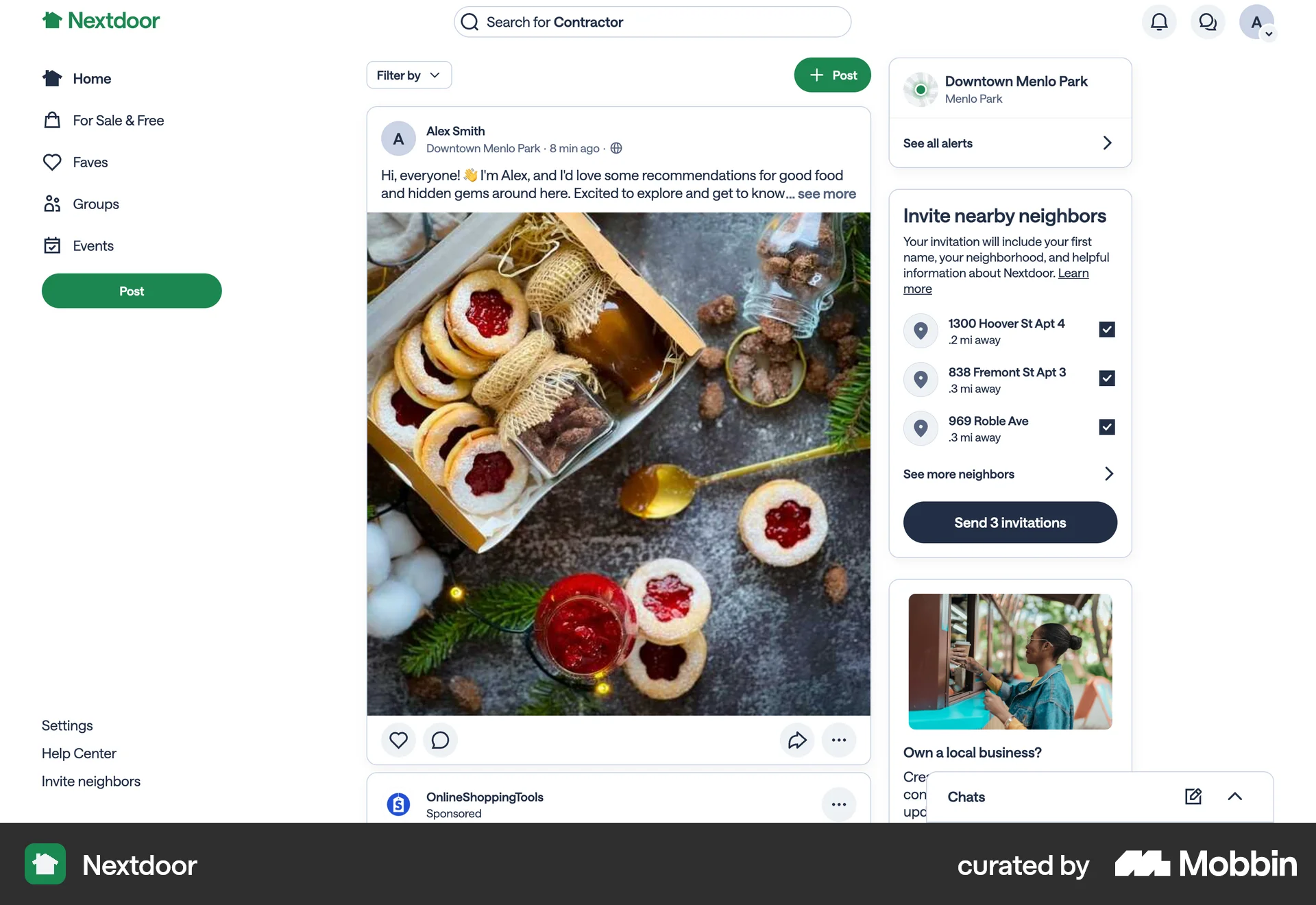
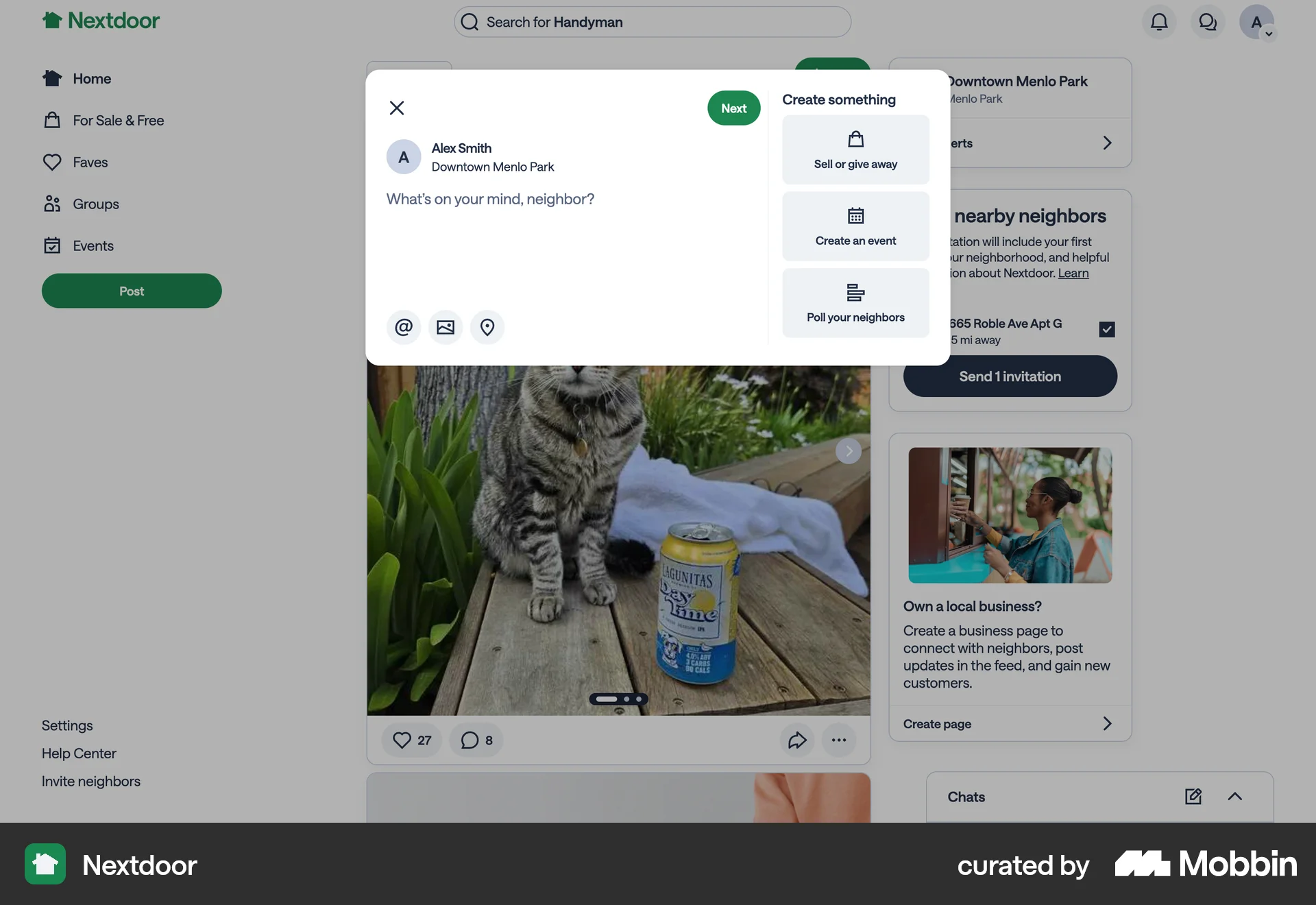
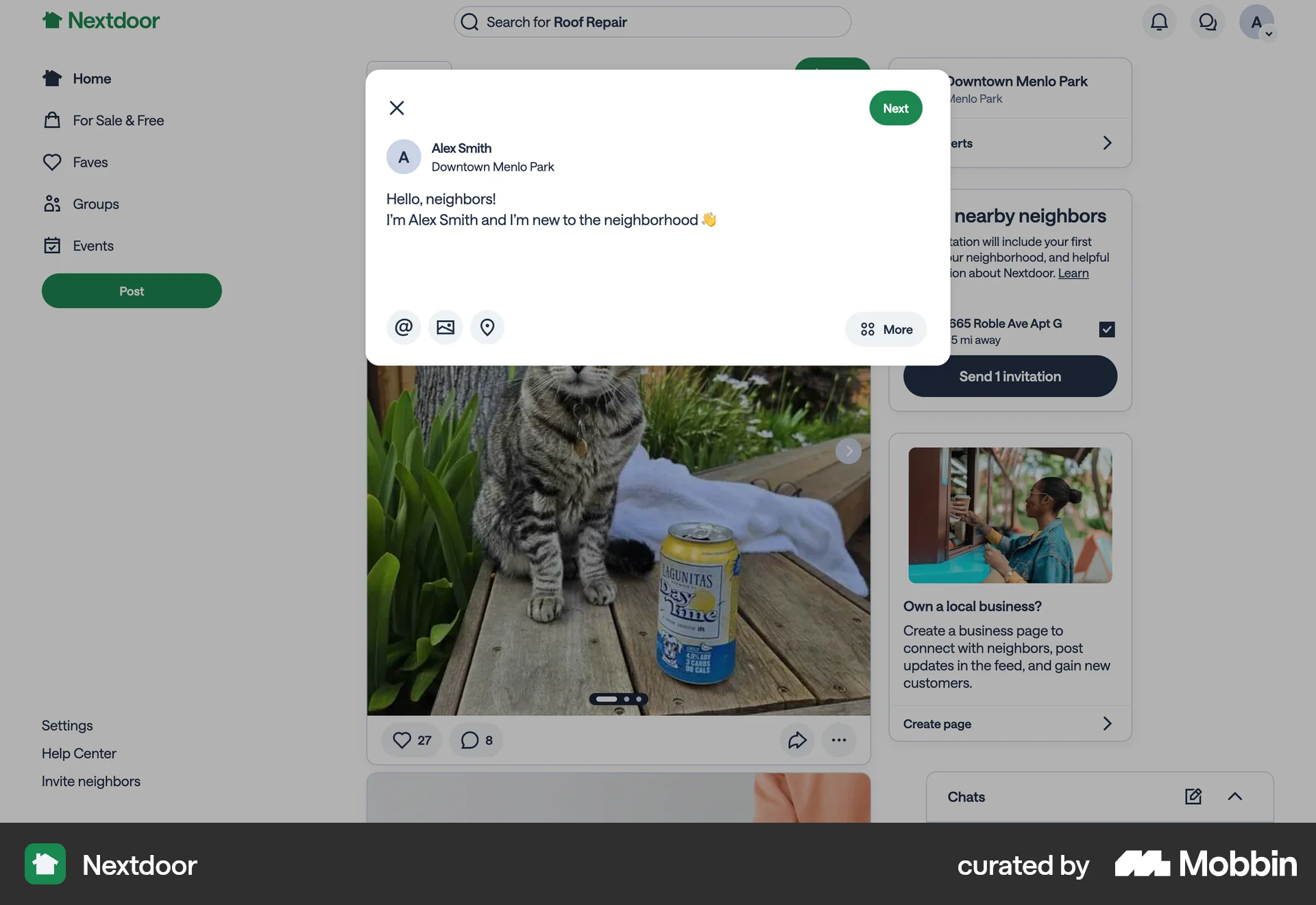
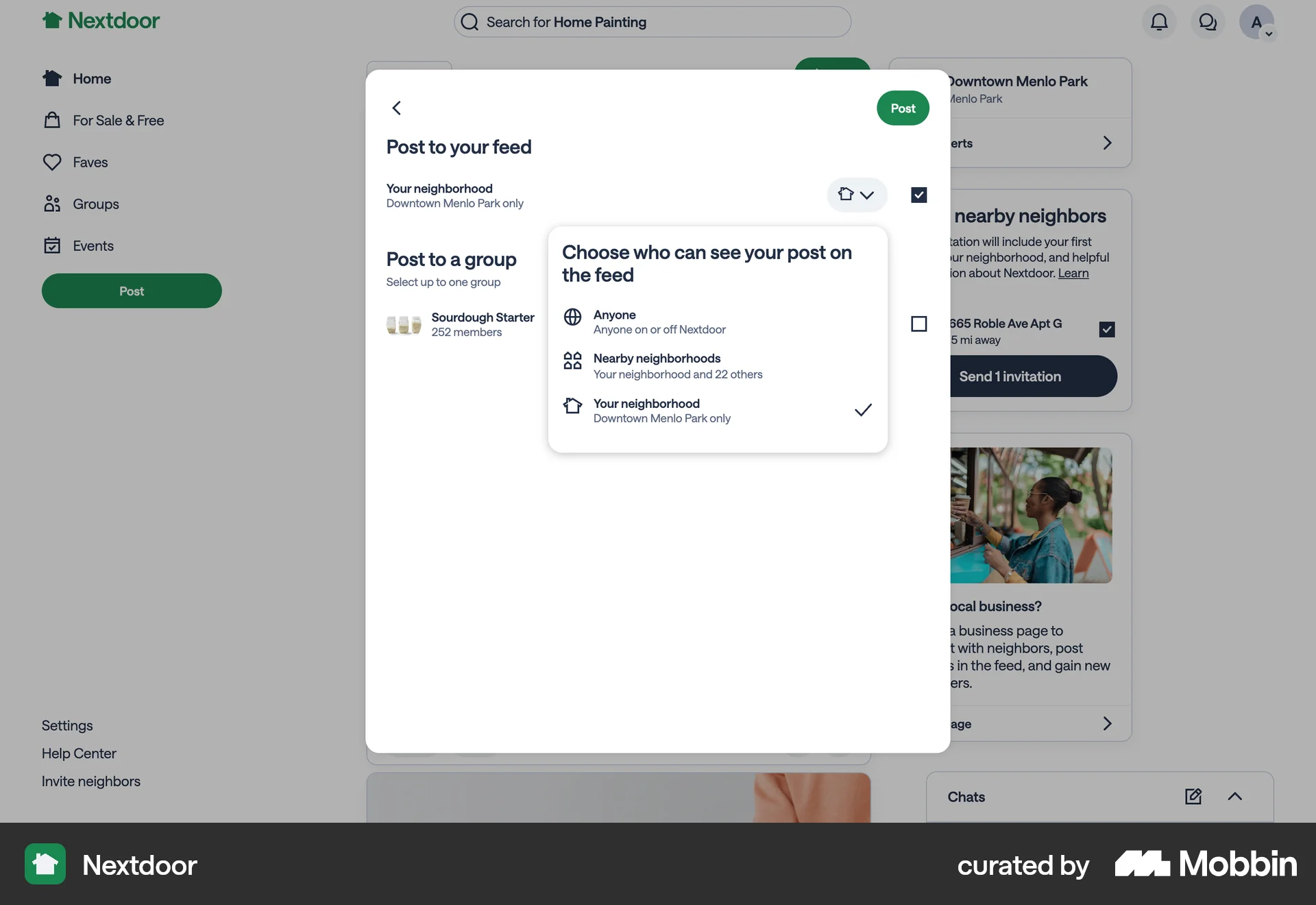
The user creates a post on Nextdoor, selects visibility, and shares it. The post then appears in the neighborhood feed.
Discover best website designs for Publishing flows. Get inspired by the best apps in the world.
The user creates a post on Nextdoor, selects visibility, and shares it. The post then appears in the neighborhood feed.
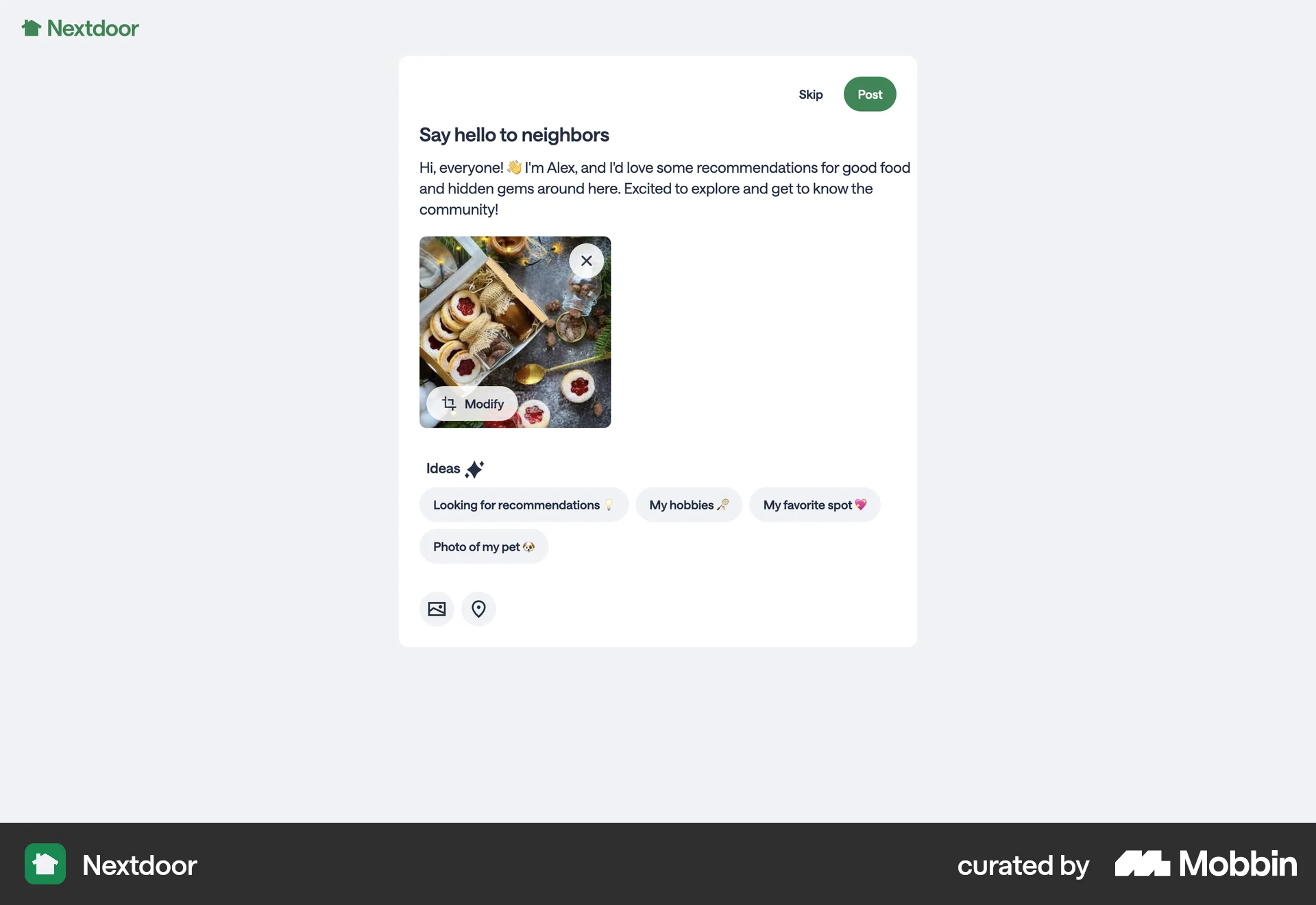
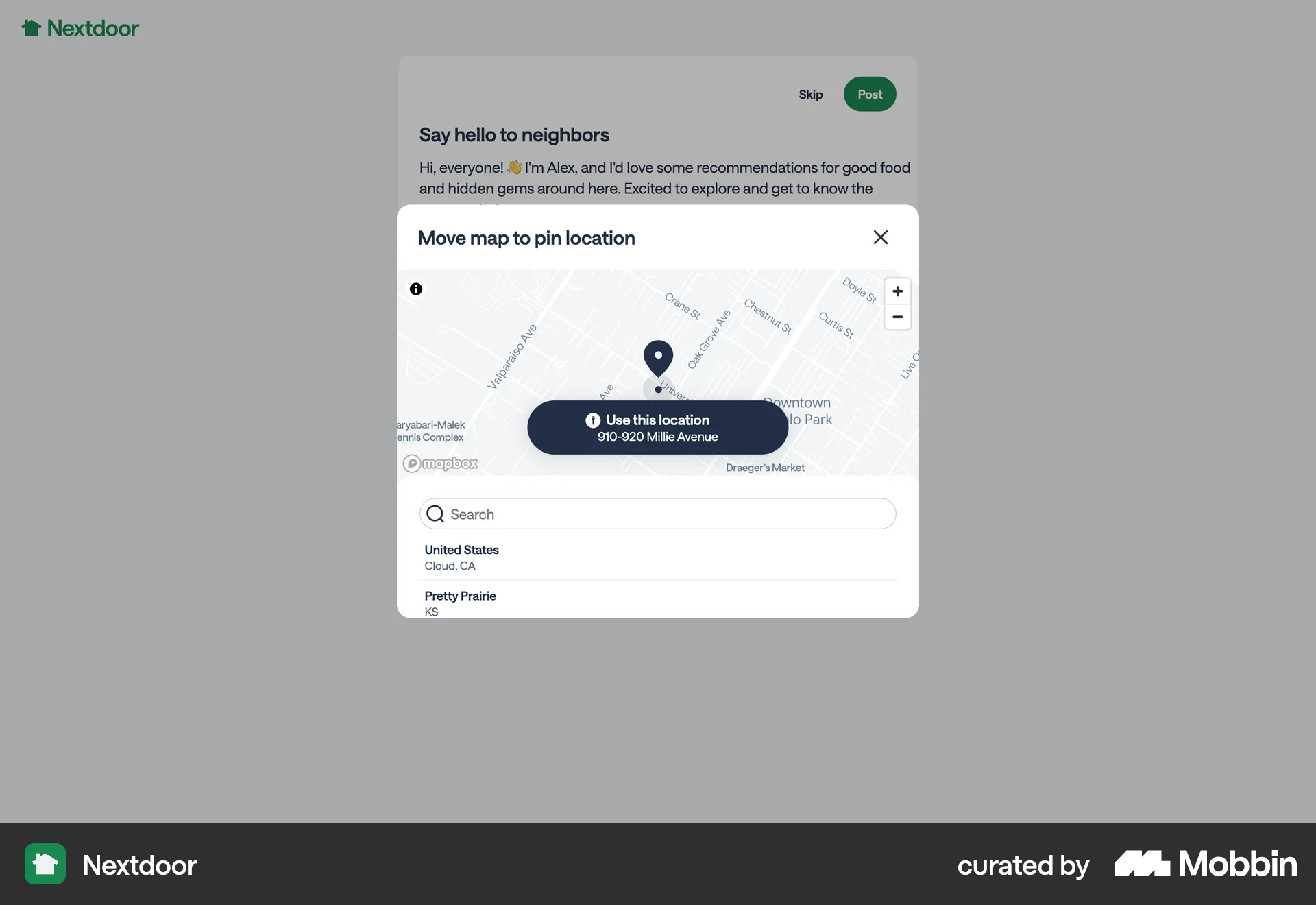
The user creates a post by adding text, an image, and a location. The post is then published to the main feed.
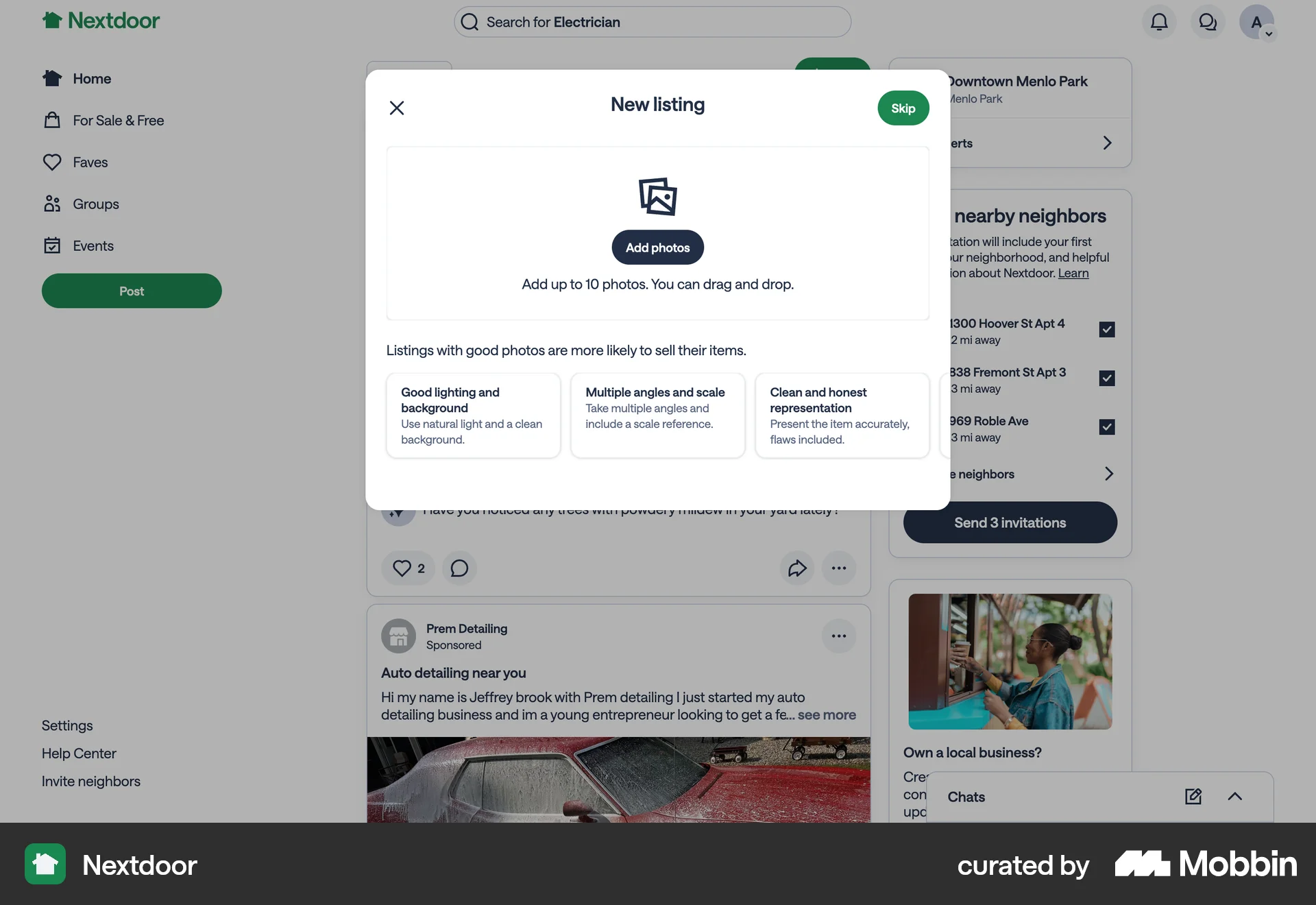
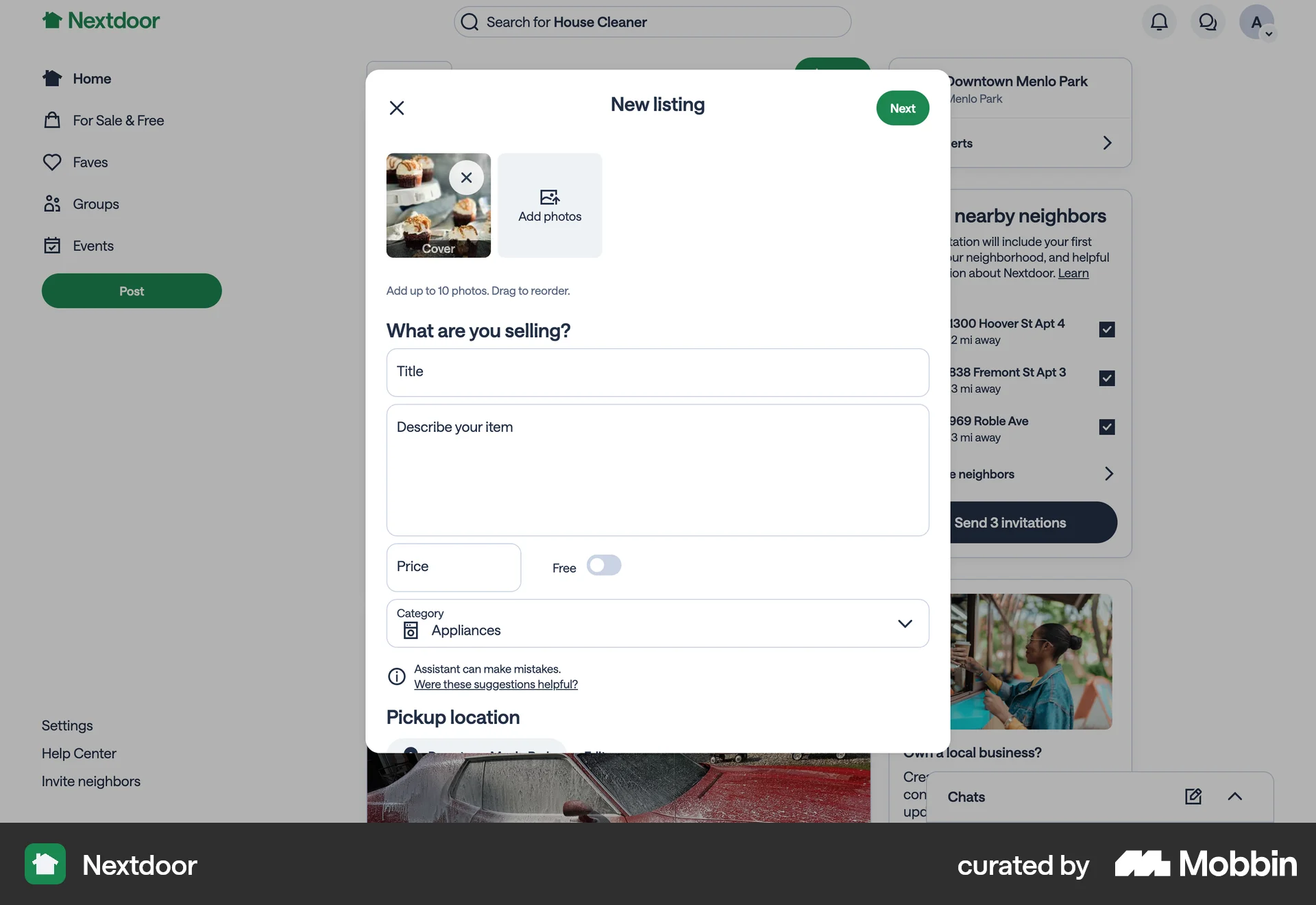
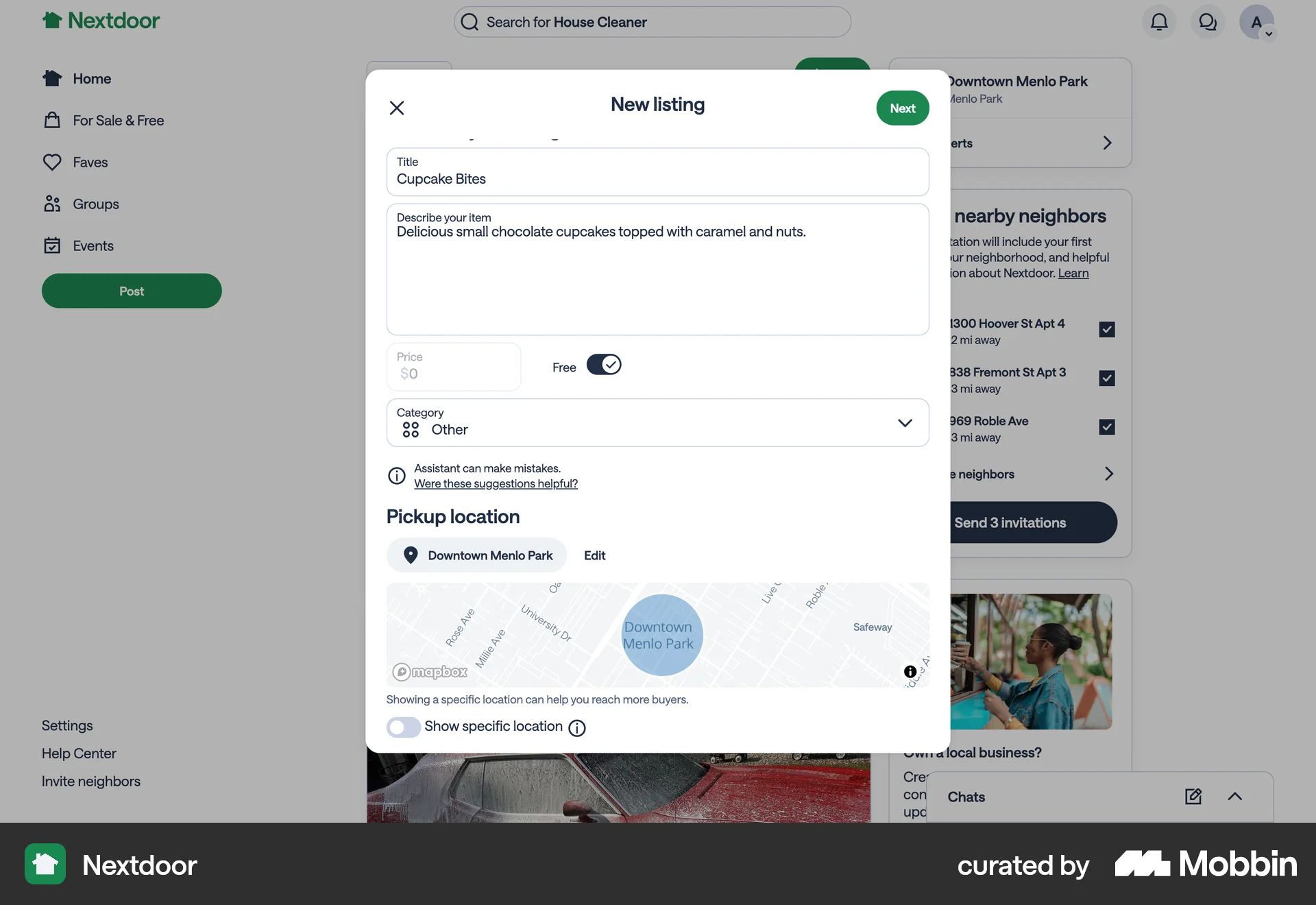
The user creates a giveaway post on Nextdoor. They add details, set the item as free, and post it to the feed.
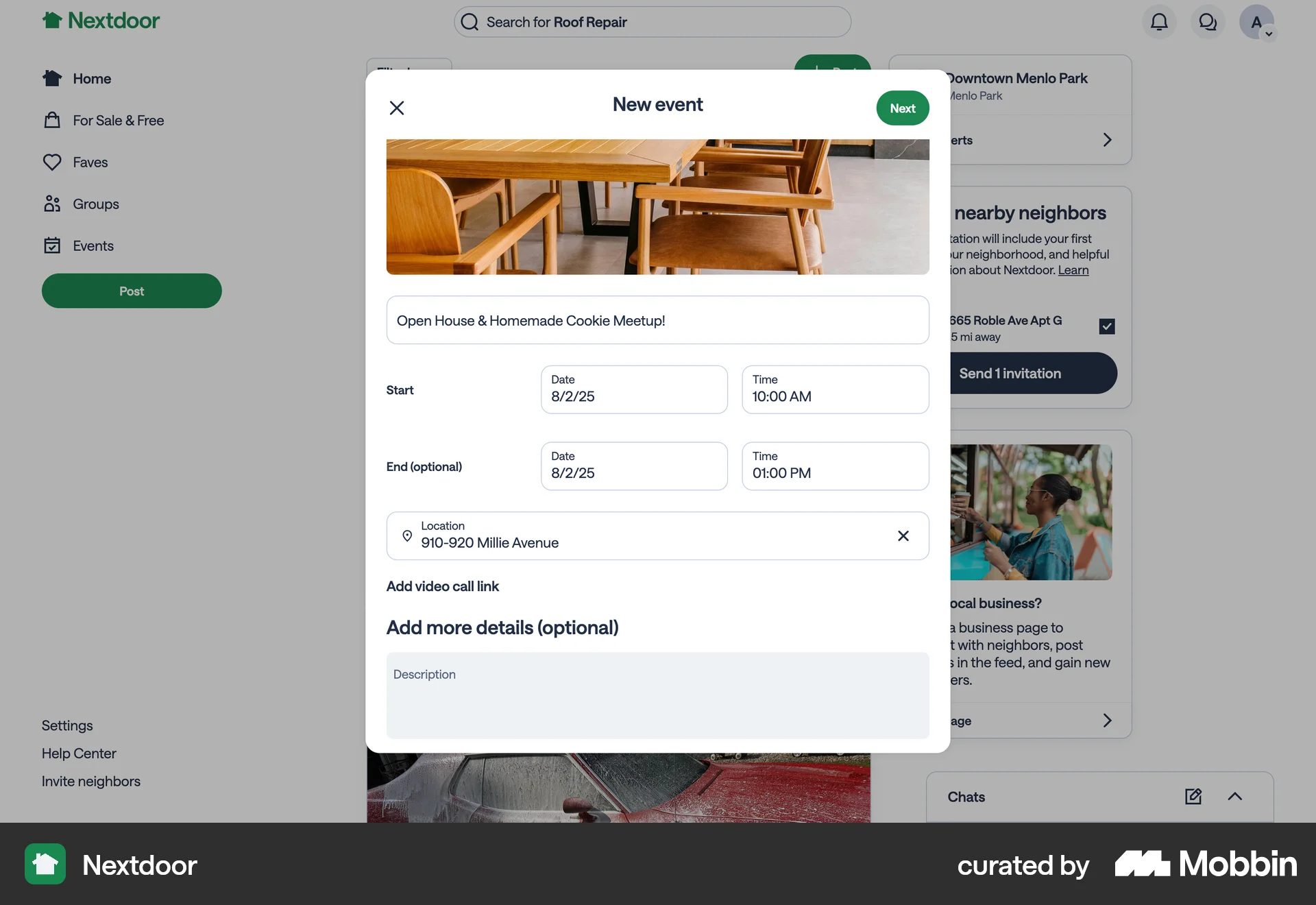
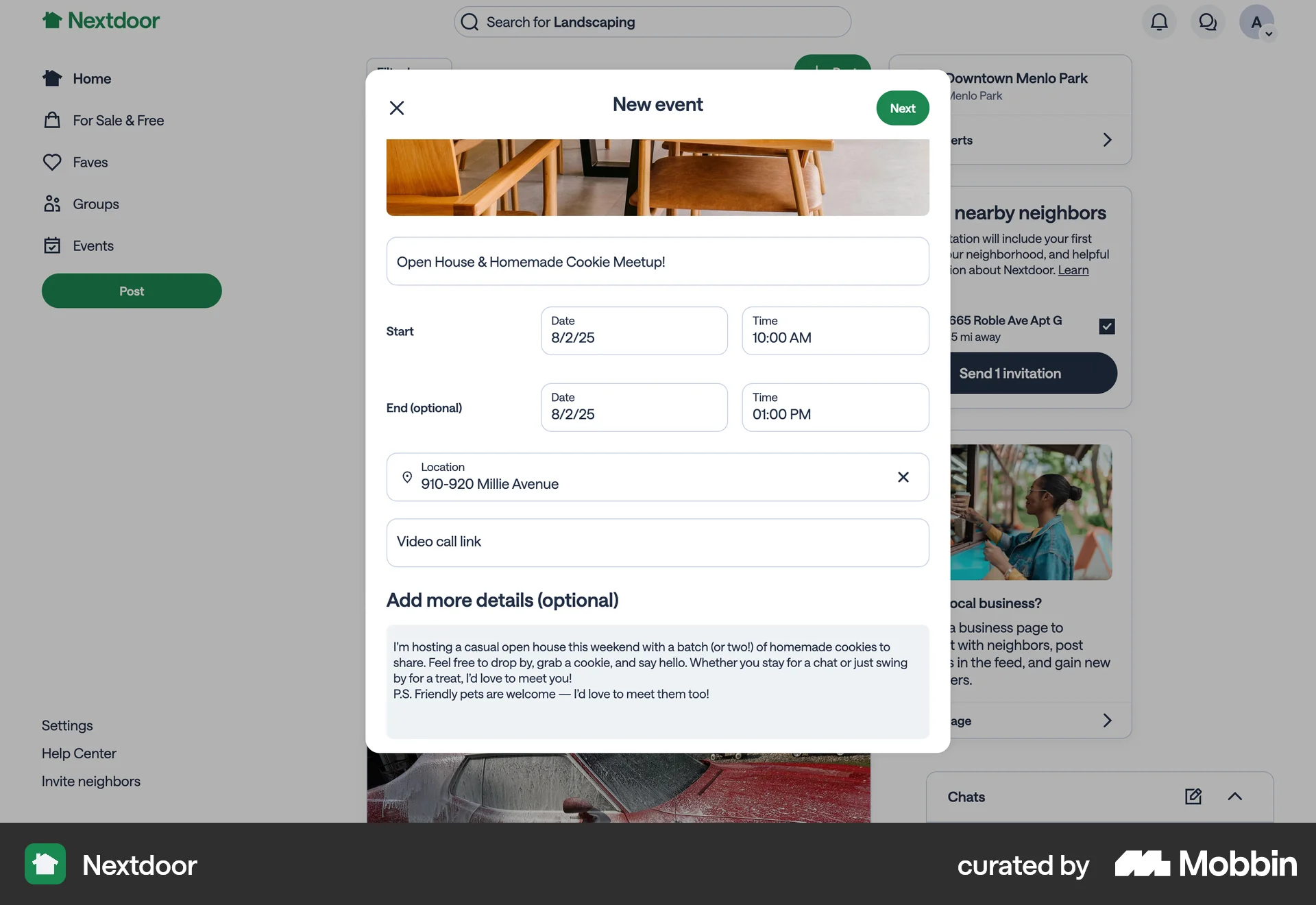
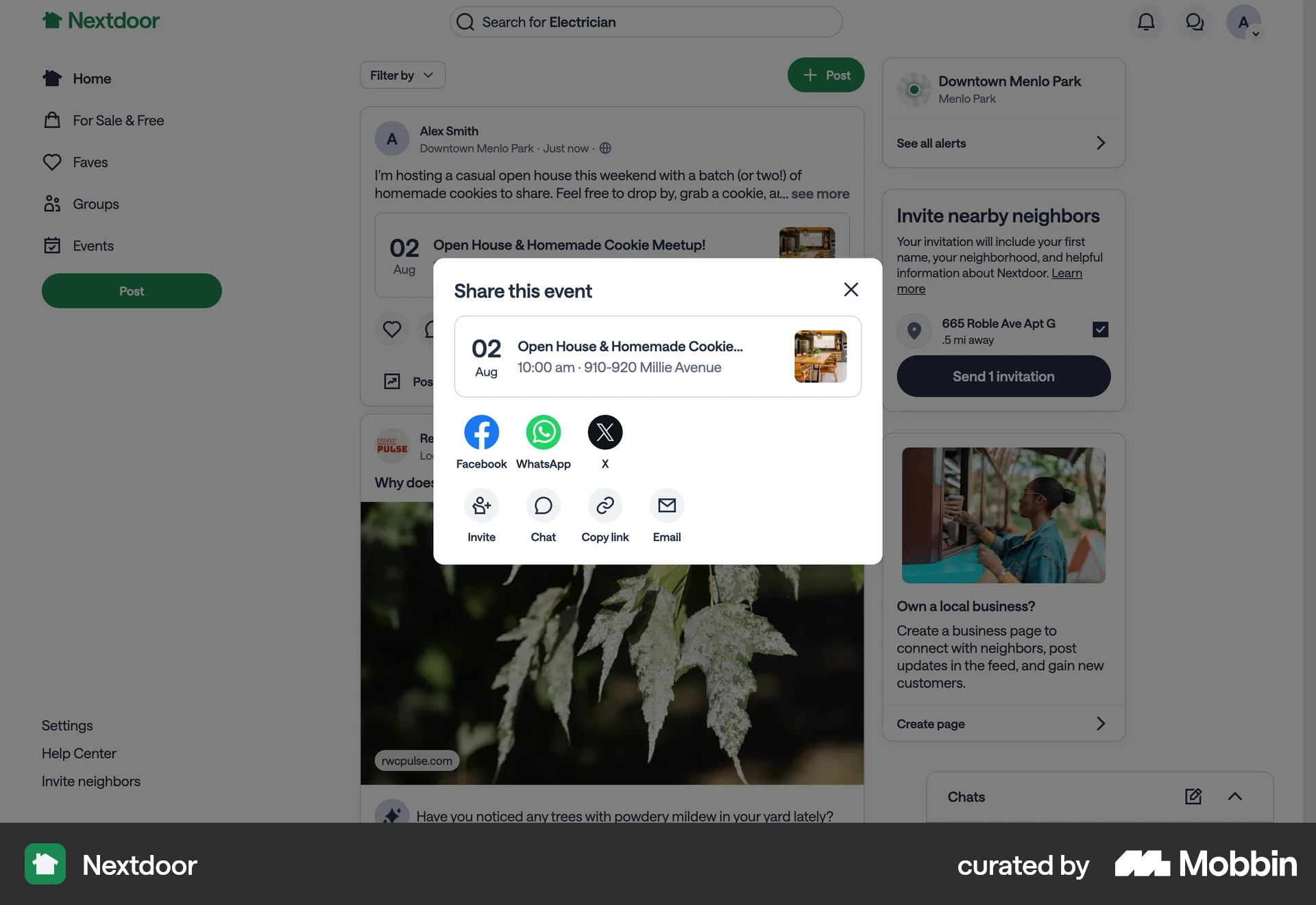
The user creates and shares an event with neighbors. The flow involves filling out event details, previewing the post, and then sharing it on the platform.

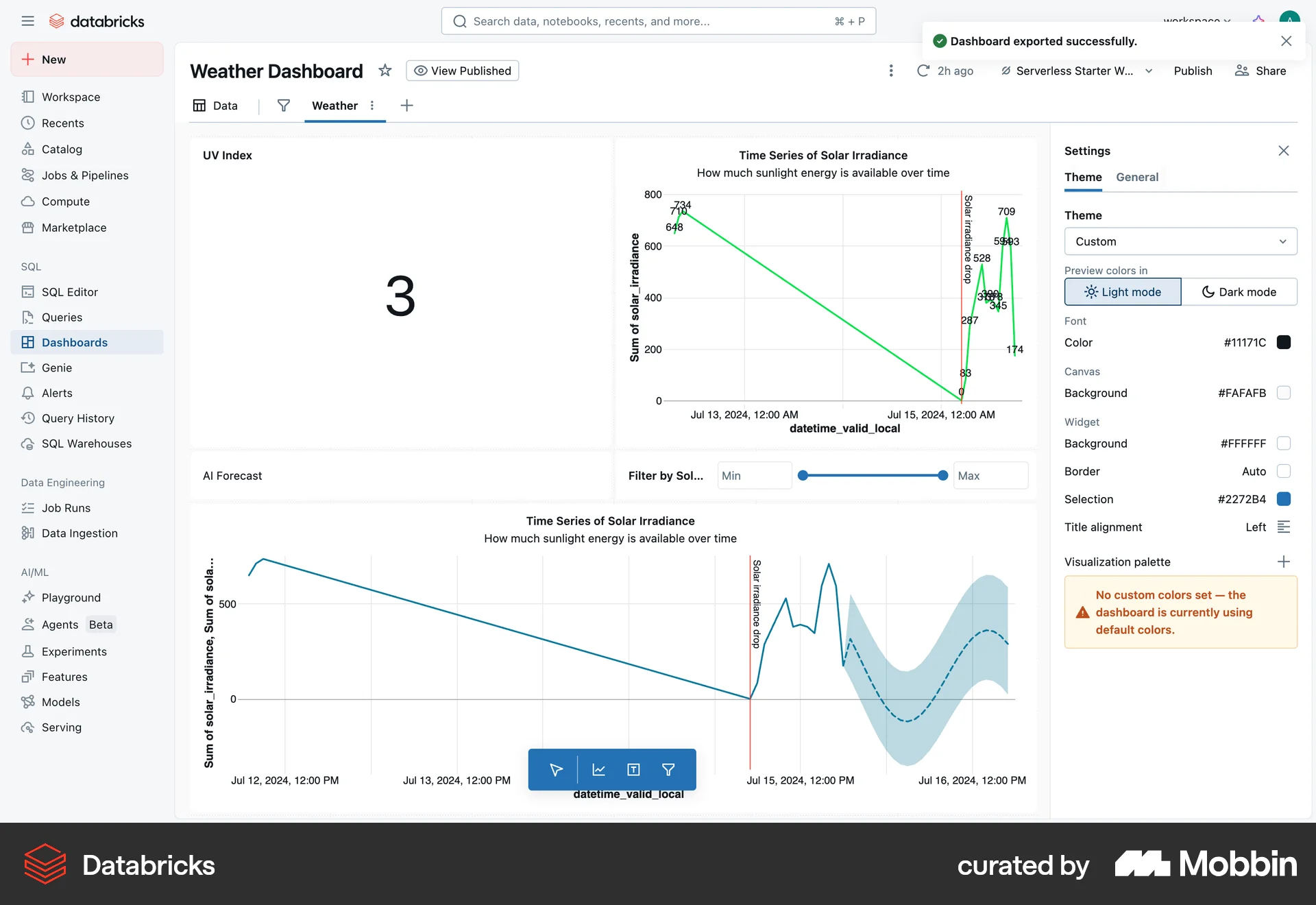
The user configures domain settings and publishes a help center. The flow culminates in a confirmation message after publishing.
The user flow demonstrates publishing an article. The article editor transitions from a 'Publish' state to a 'Published' state.

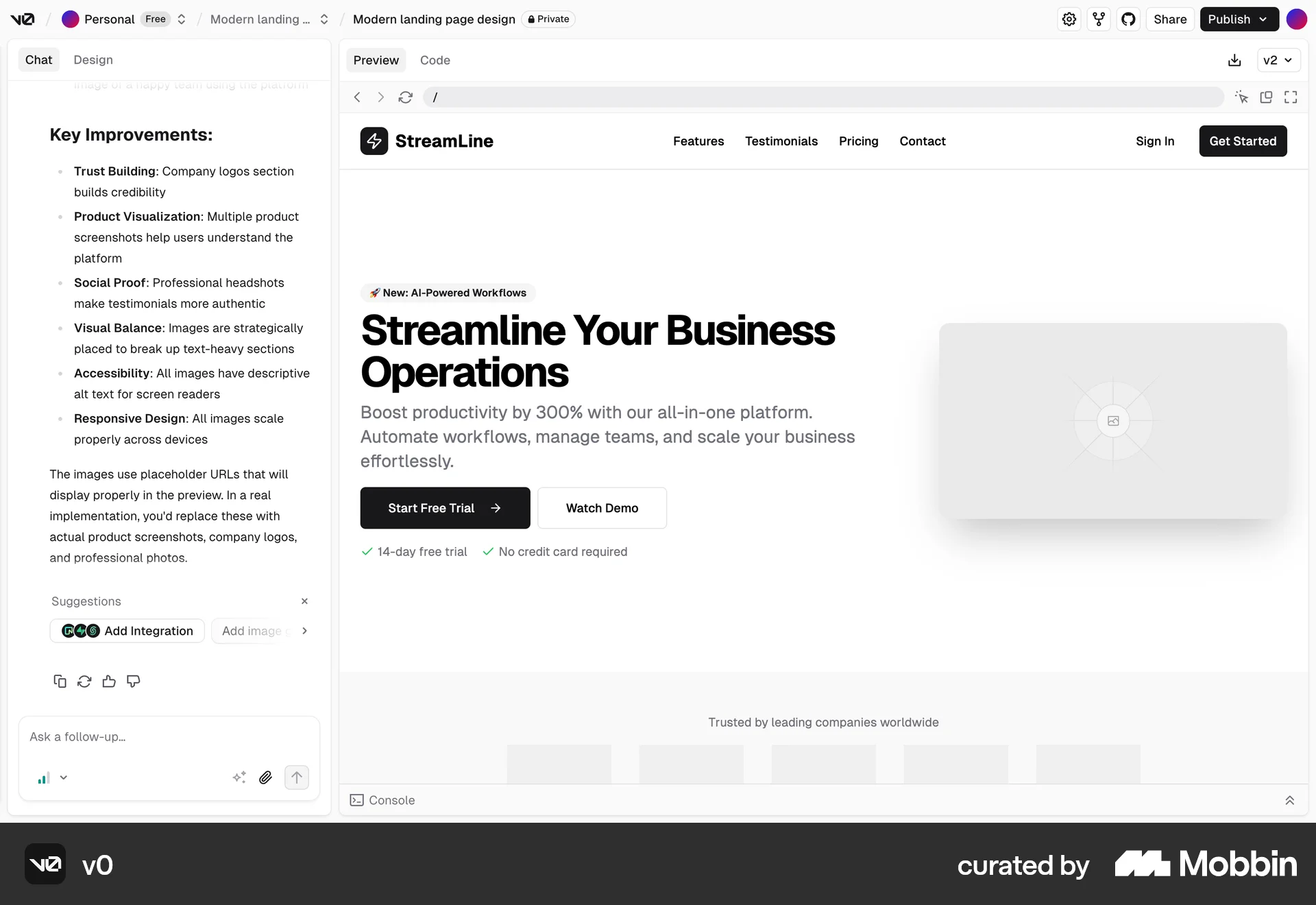
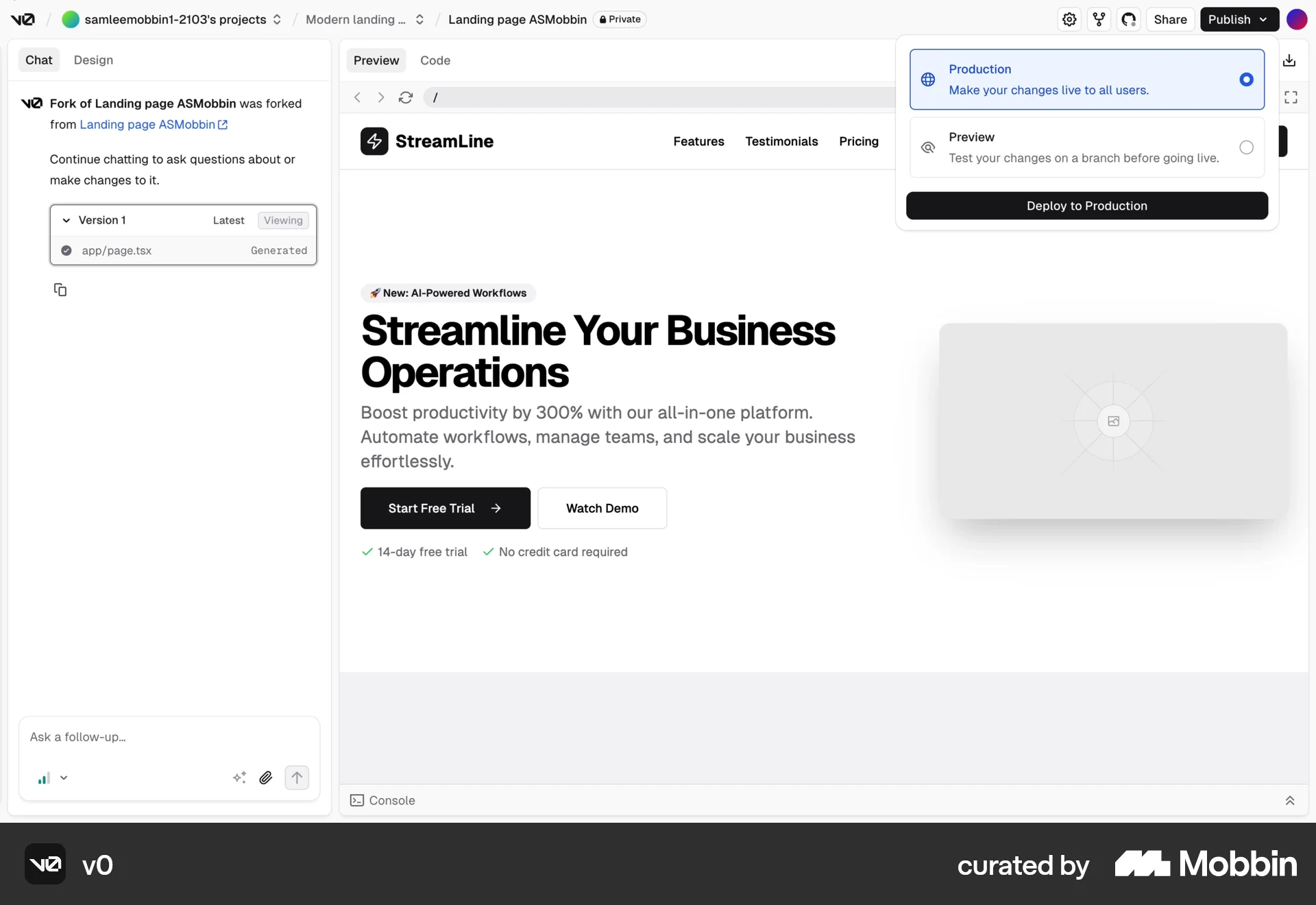
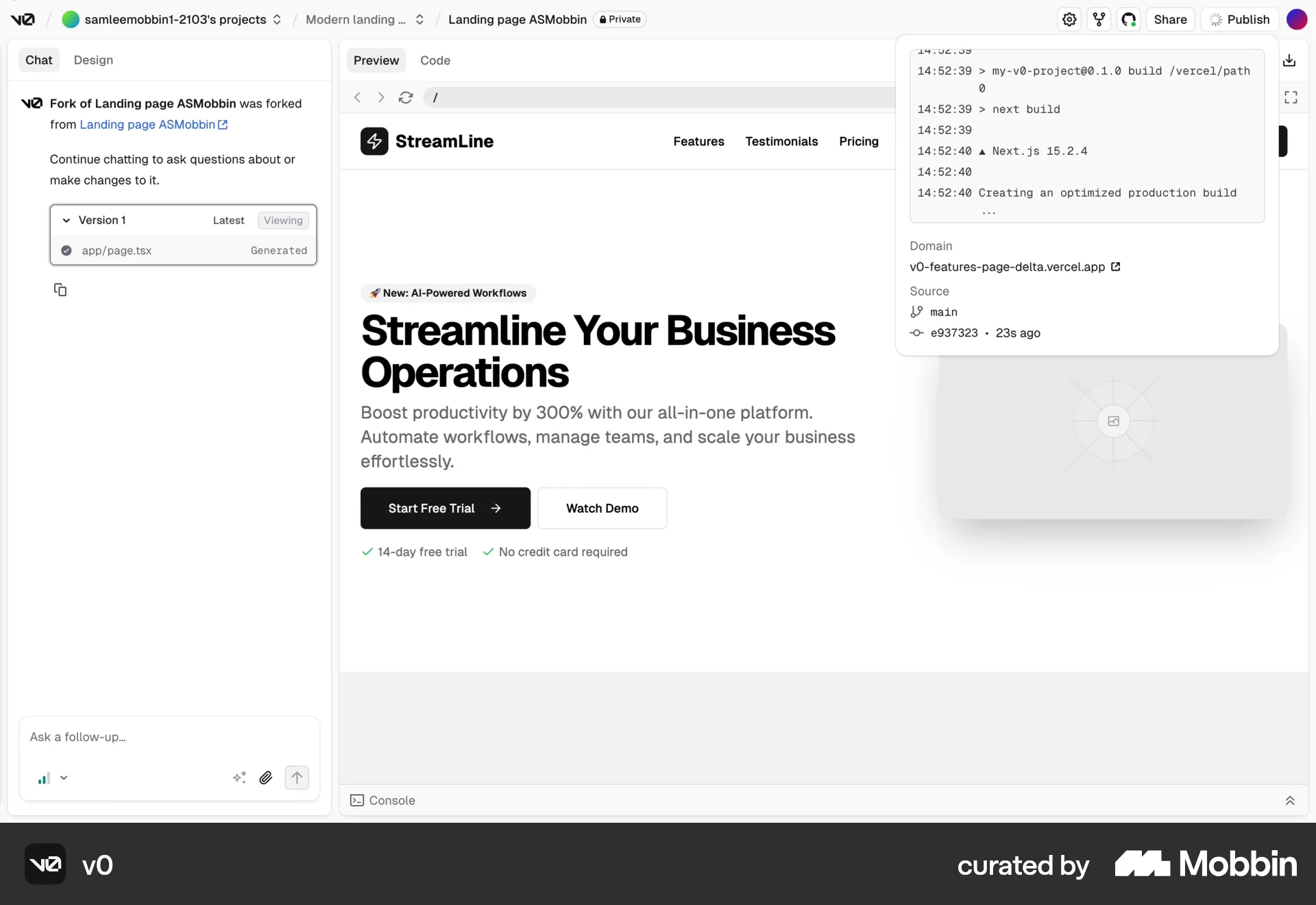
The user flow showcases publishing a website, starting from a preview, proceeding through deployment, and ending with a live site.
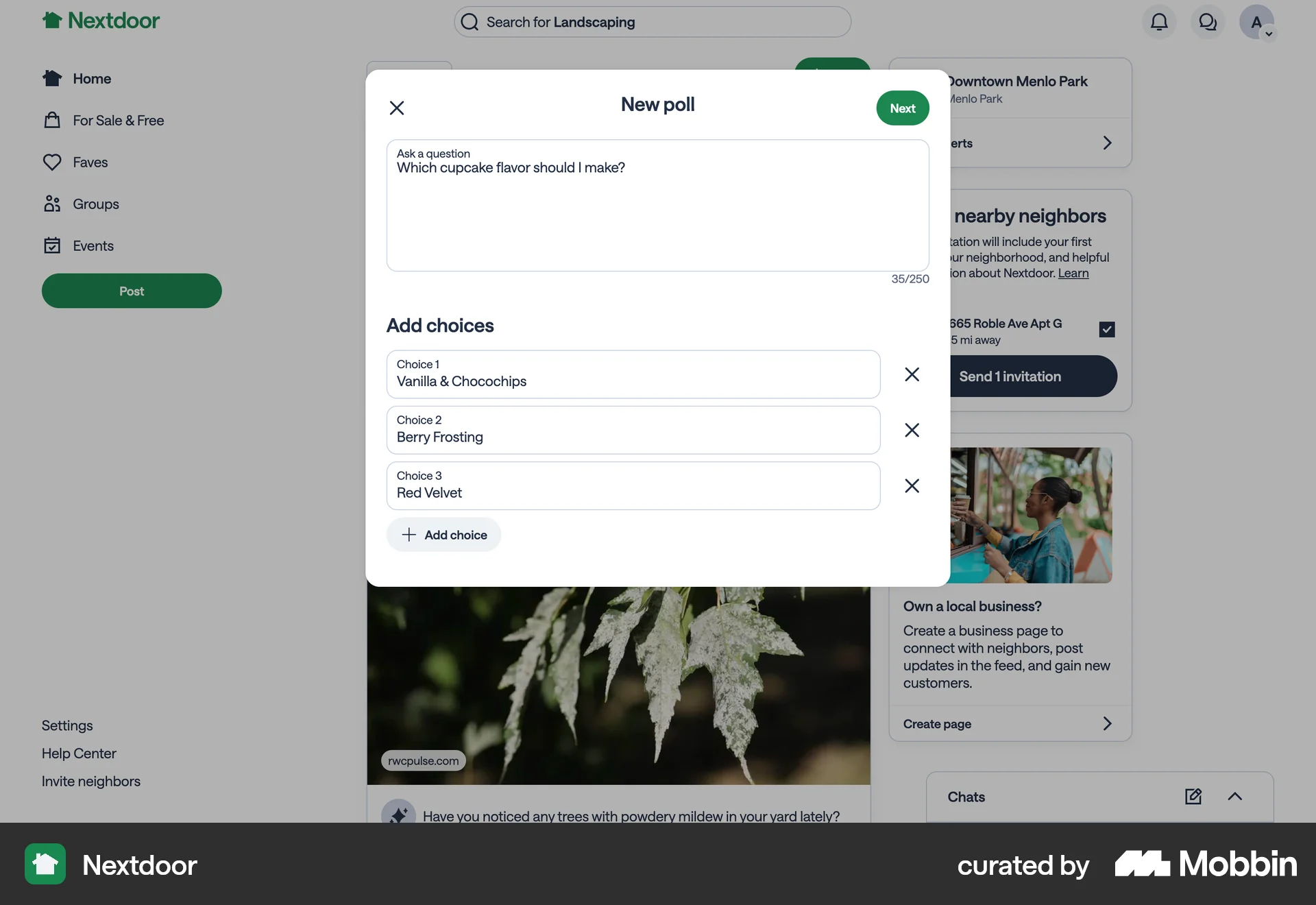
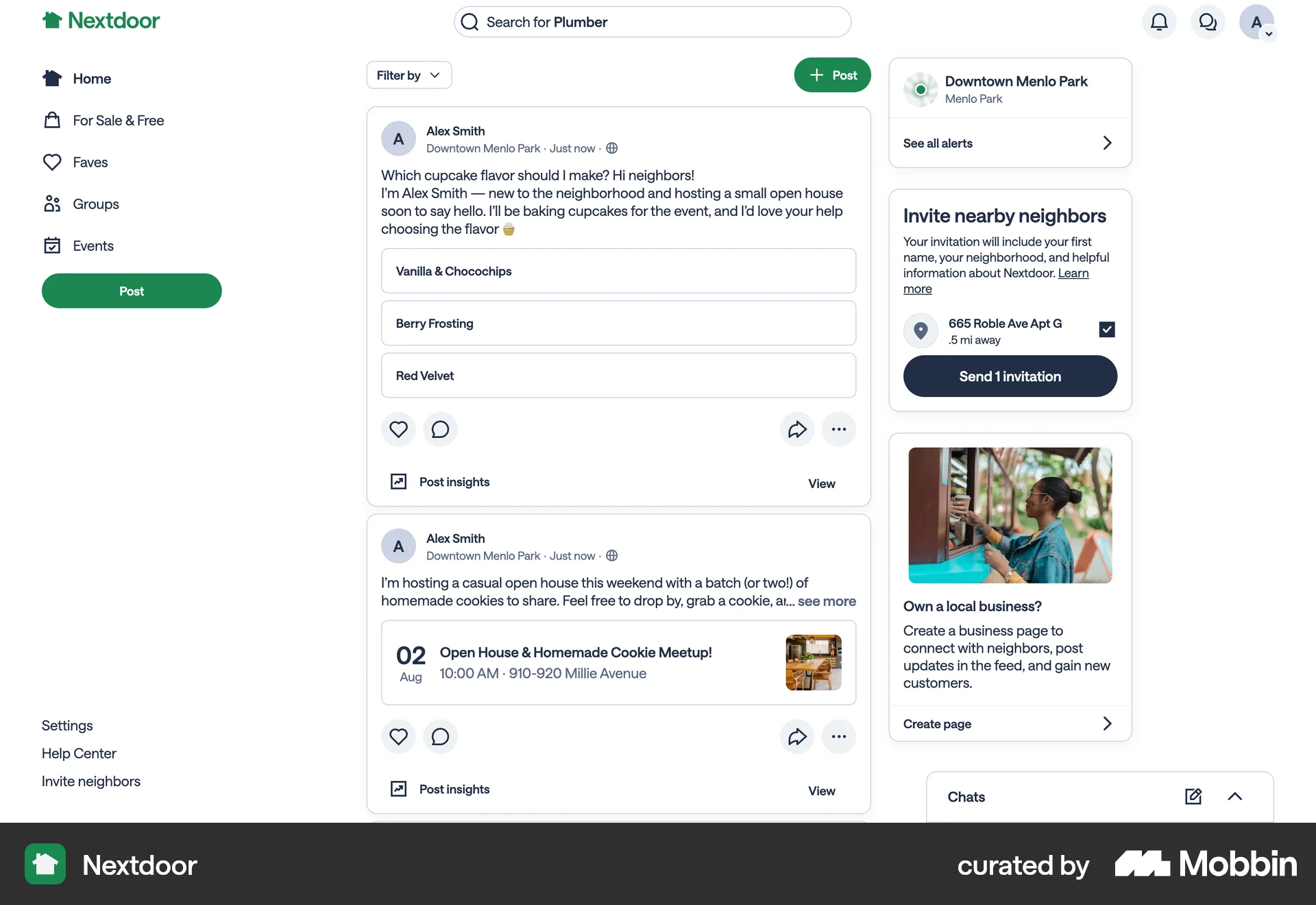
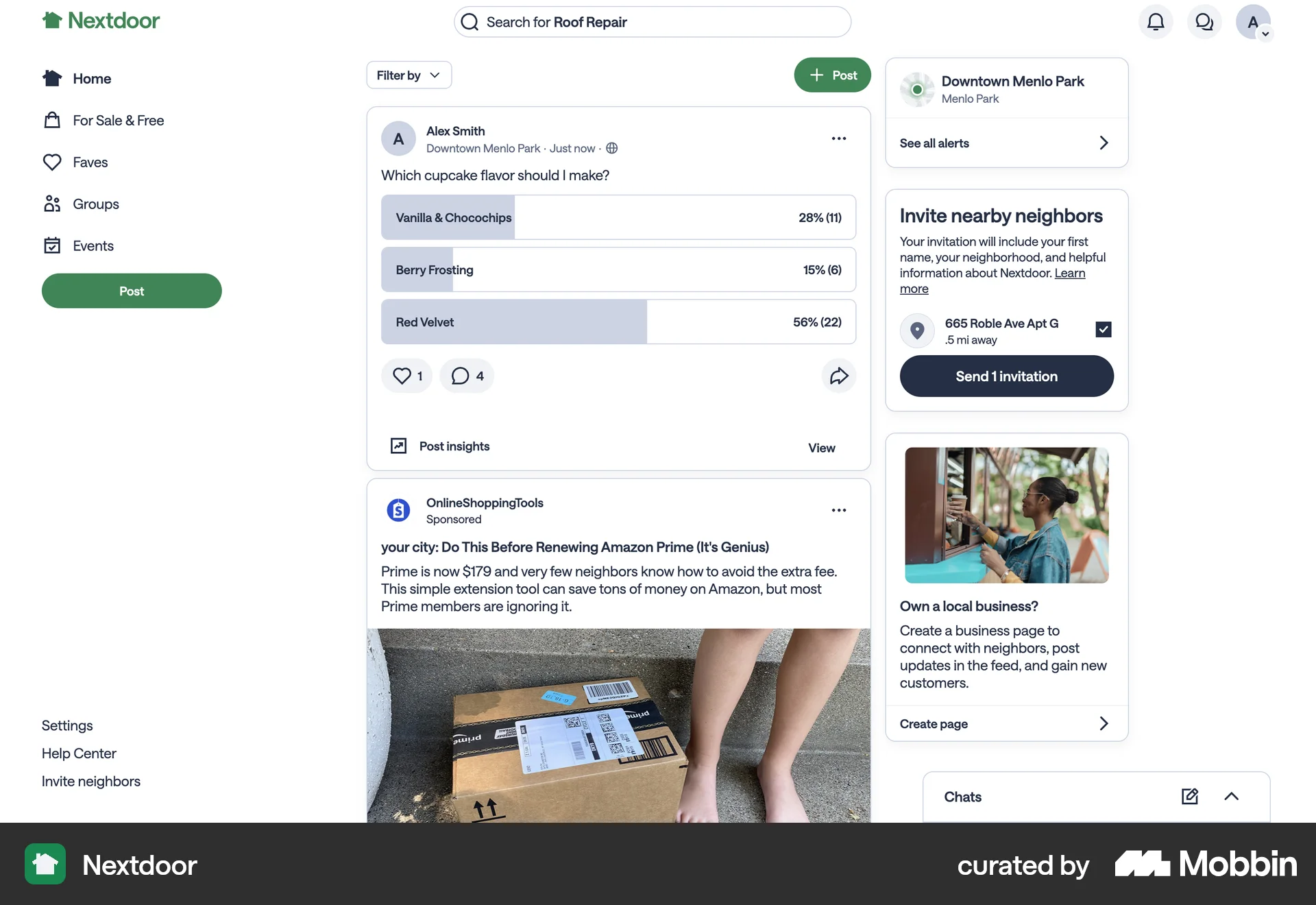
The user creates a poll by inputting a question, choices, and description. They then post it to their feed and view the vote counts.
The user shares an answer from the feed to their own feed and then to other social media platforms. The flow involves confirming the share and adding text to the post.
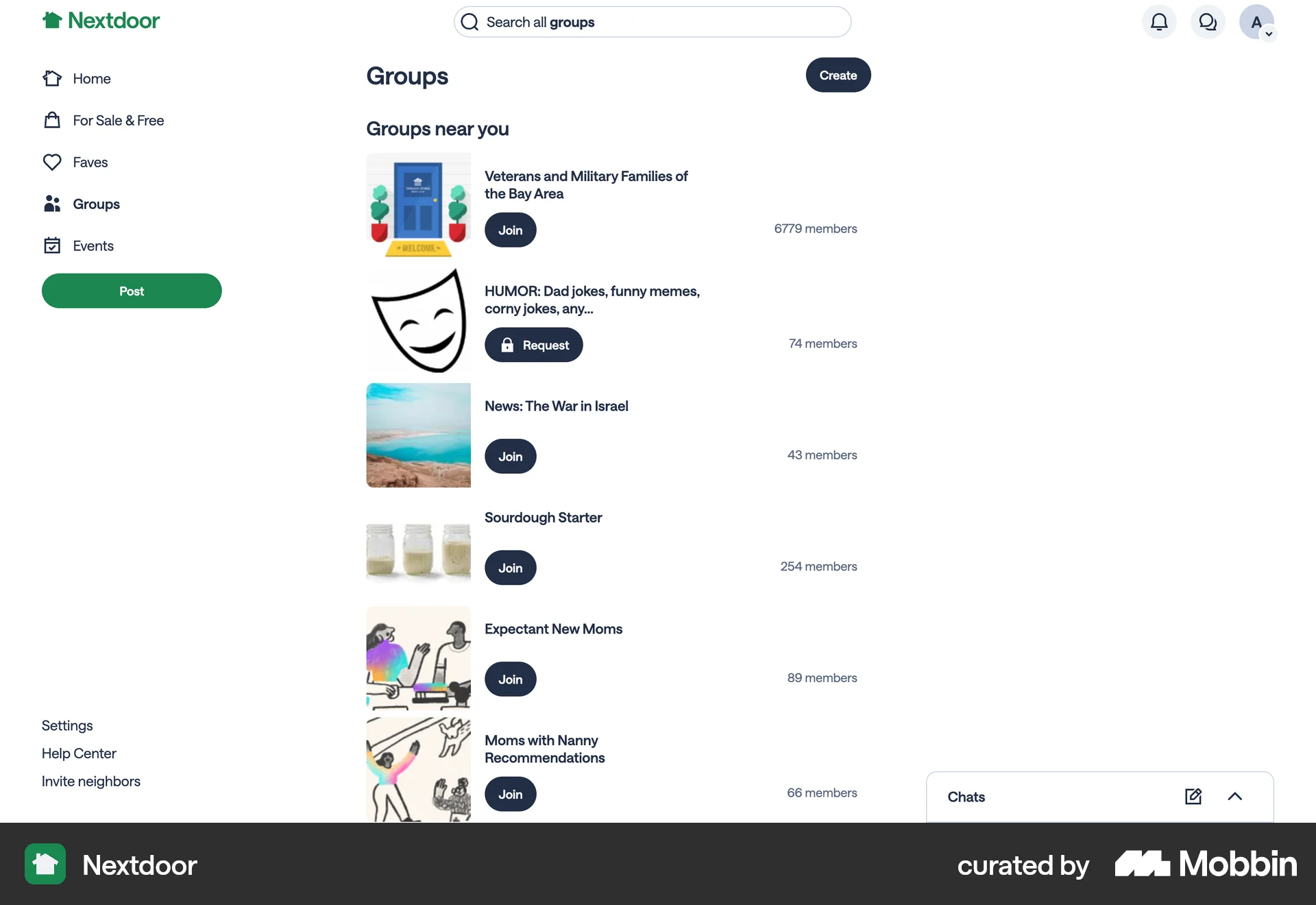
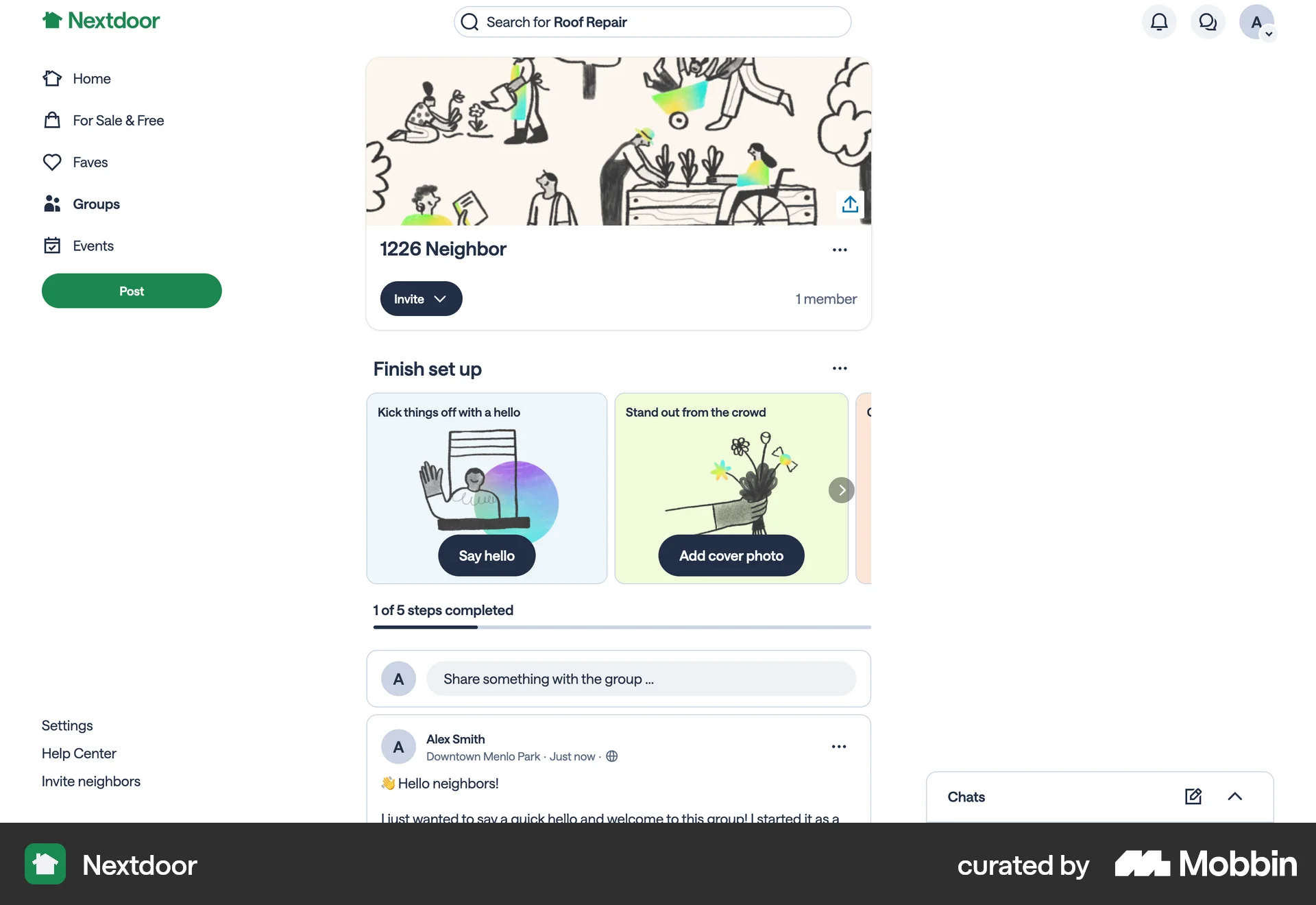
The user flow demonstrates creating a new group. It involves naming, setting location/privacy, sharing the reason, and adding topics before viewing the group page.
The user shares a post, creates a new post with added text, and then shares the new post to the feed. The feed is then updated.

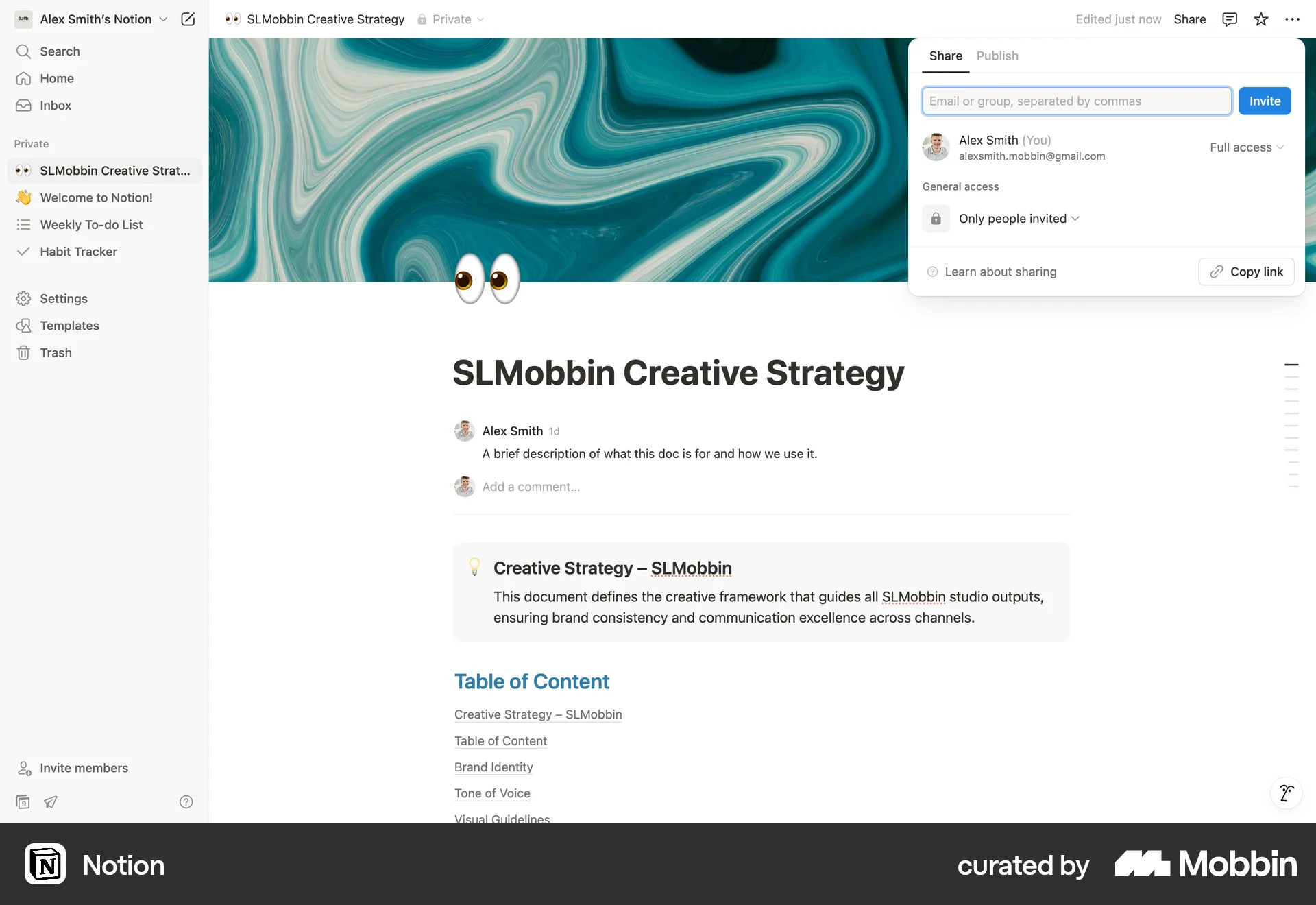
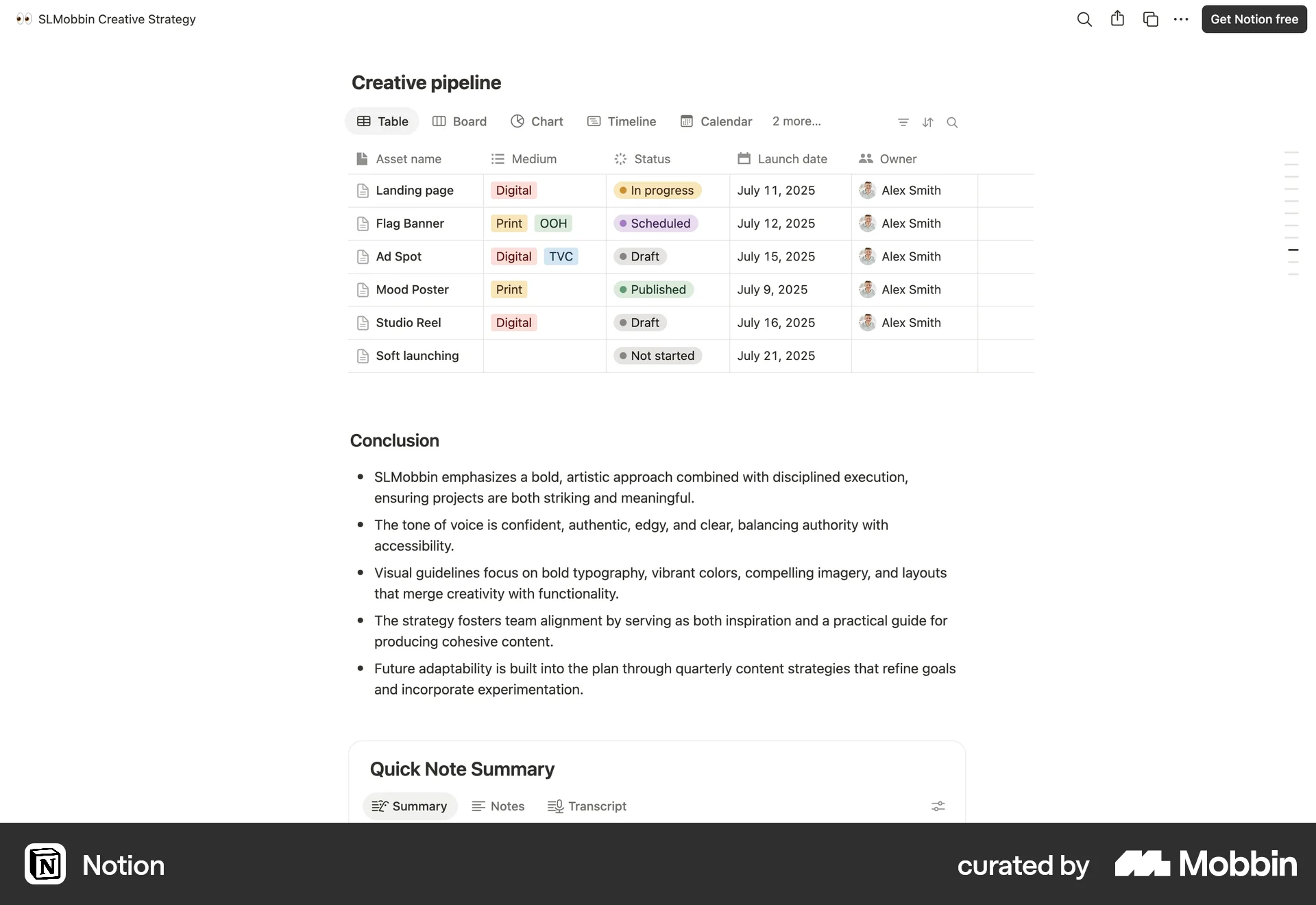
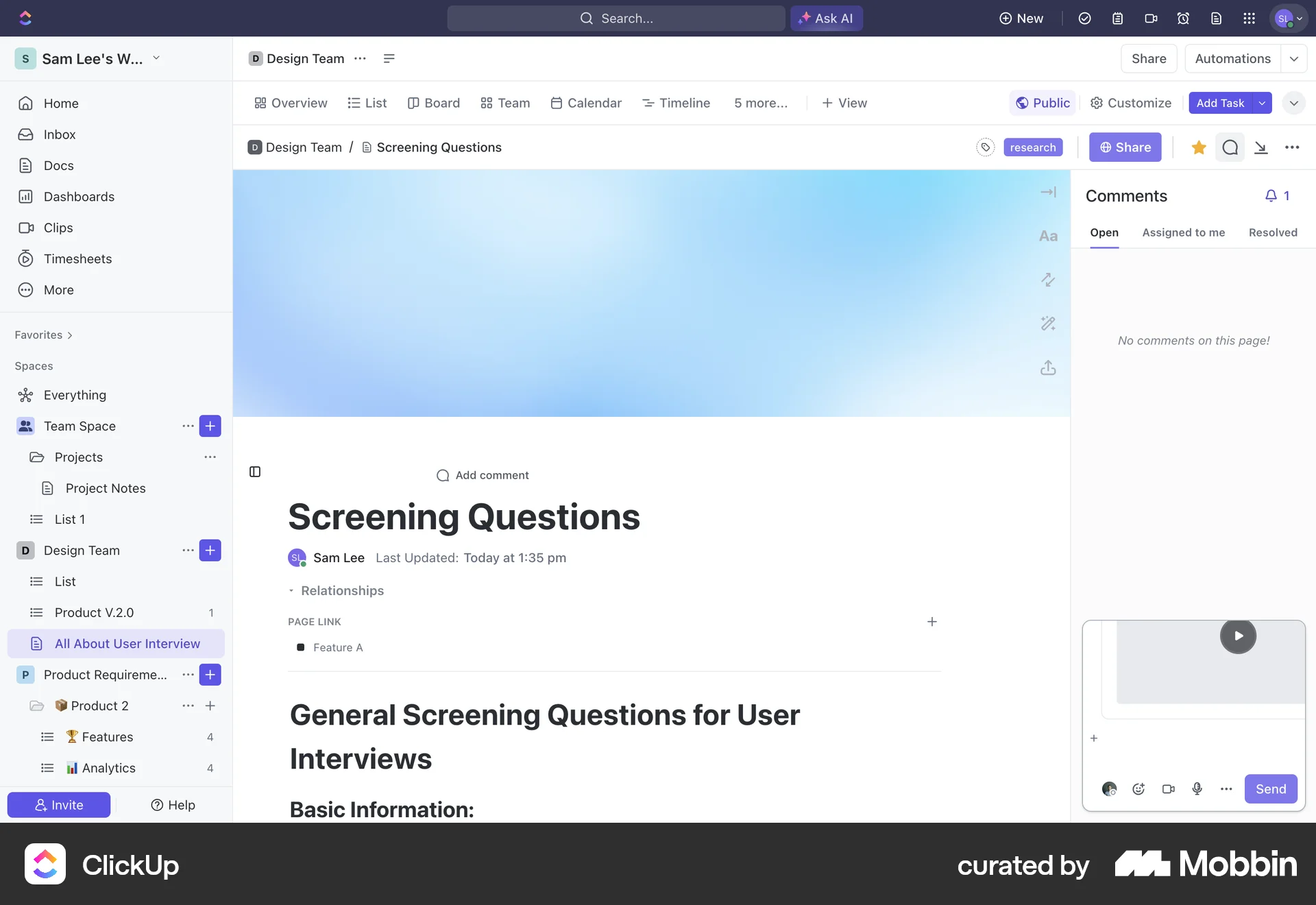
The user publishes a document to the web, views the live page, and explores different sections of the published content.
9184 Flows
4901 Flows
2065 Flows
502 Flows
1222 Flows

157 Flows