



Creating a sequenceon Front
Front
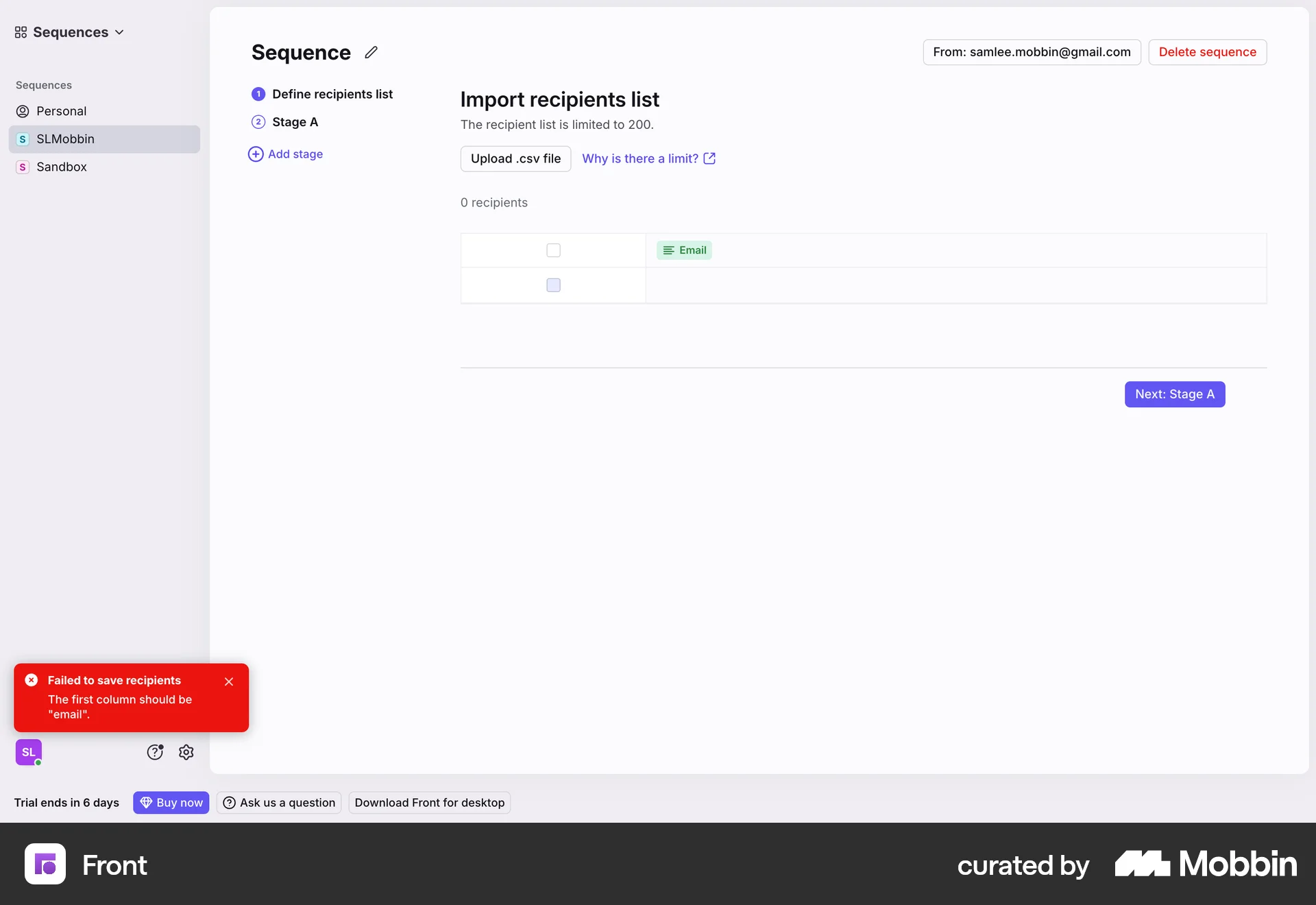
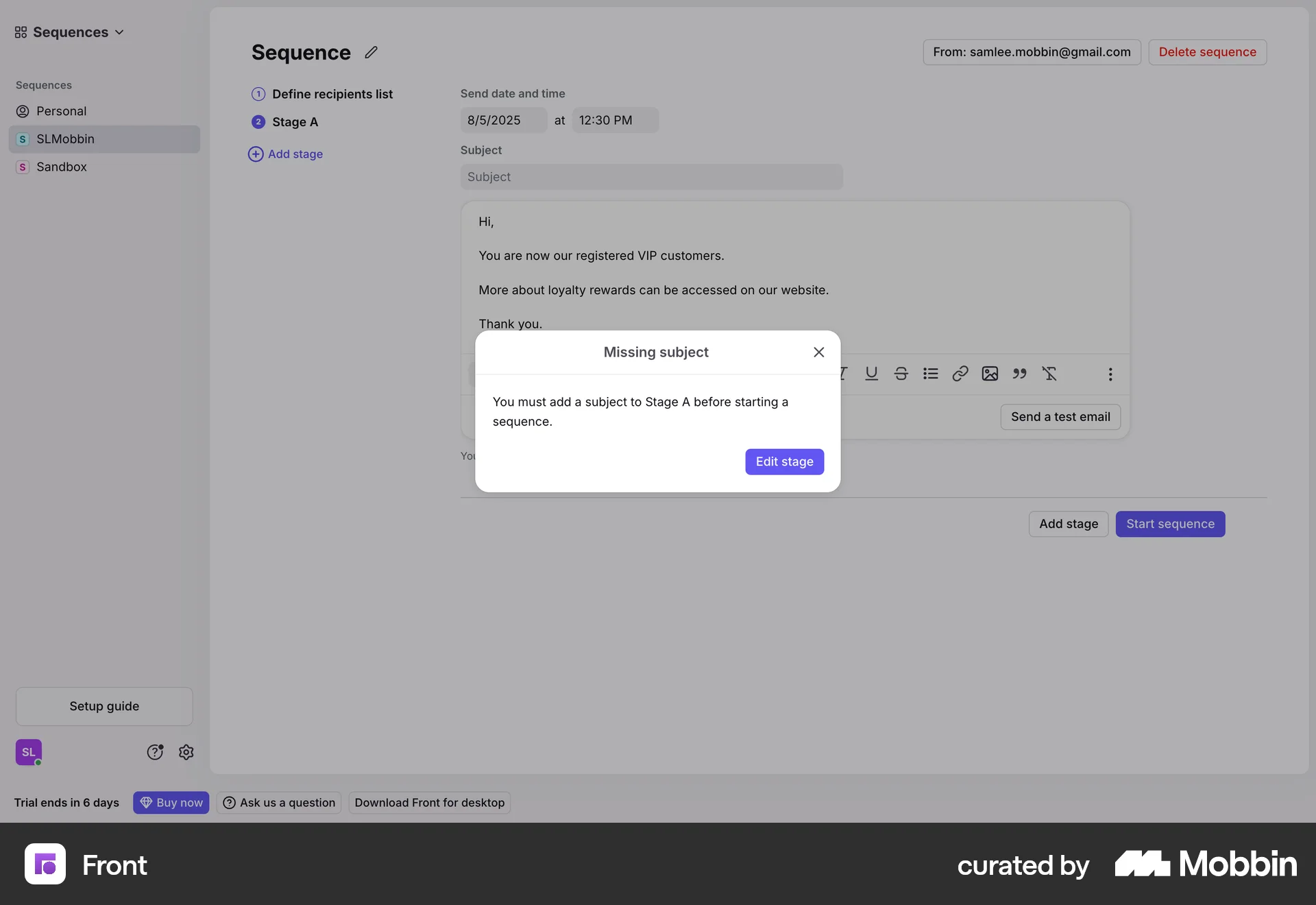
The user creates a sequence by defining recipients and email content. They then start the sequence, which sends emails to the recipients.
Discover best website designs for Scheduling flows. Get inspired by the best apps in the world.
The user creates a sequence by defining recipients and email content. They then start the sequence, which sends emails to the recipients.

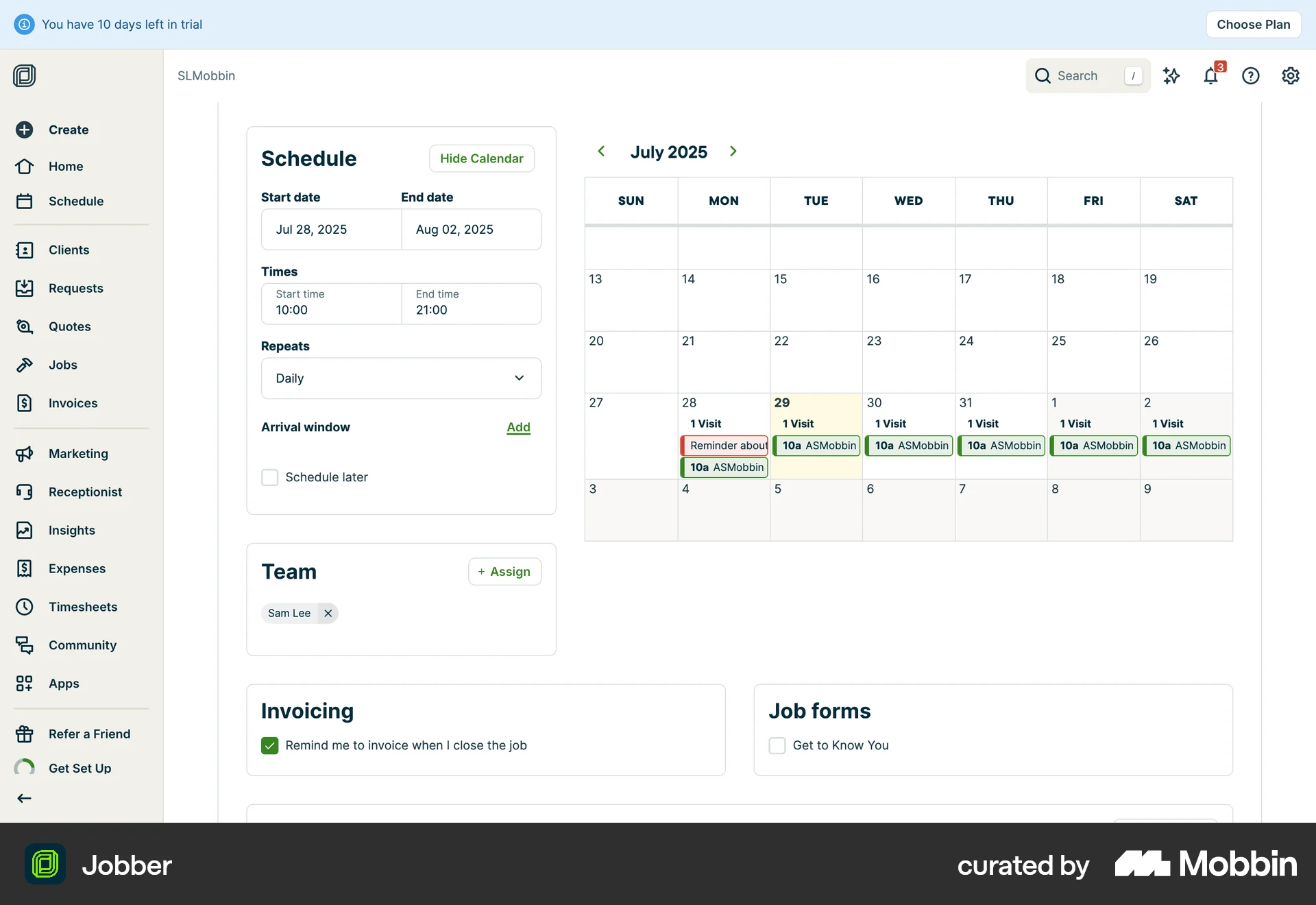
The user creates a new task for a client, including setting the schedule and assigning a team member. The task is then displayed on the client's schedule.
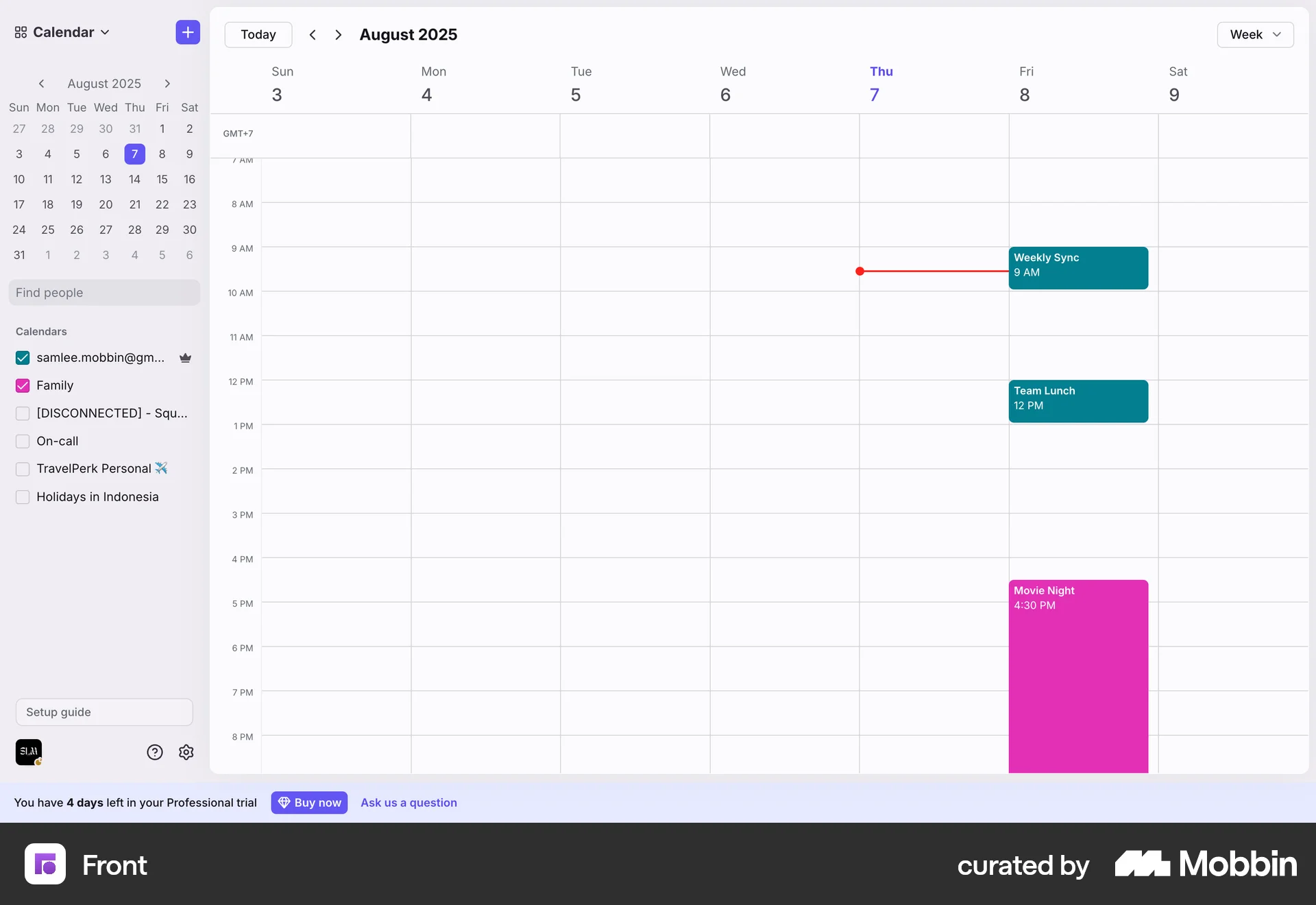
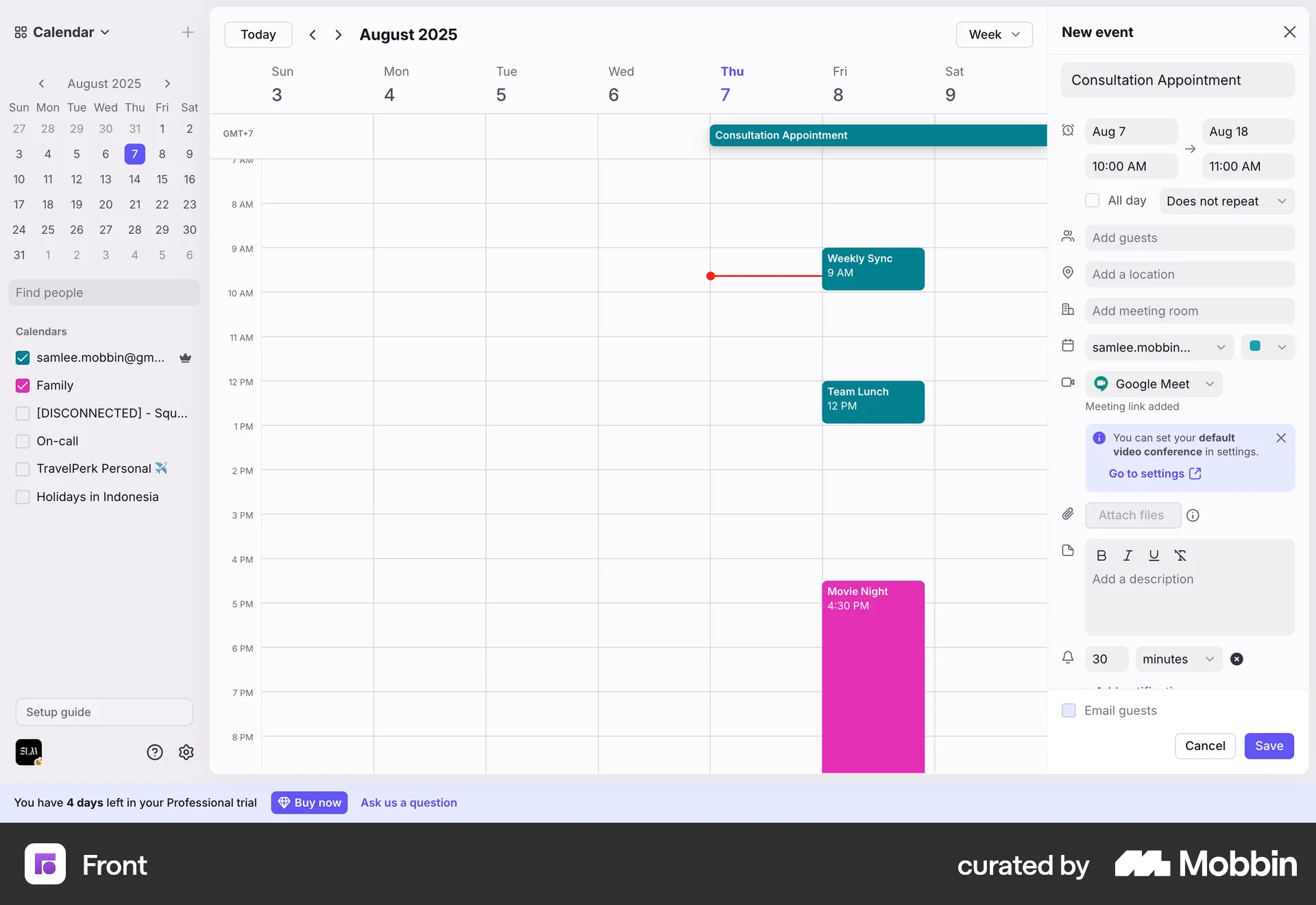
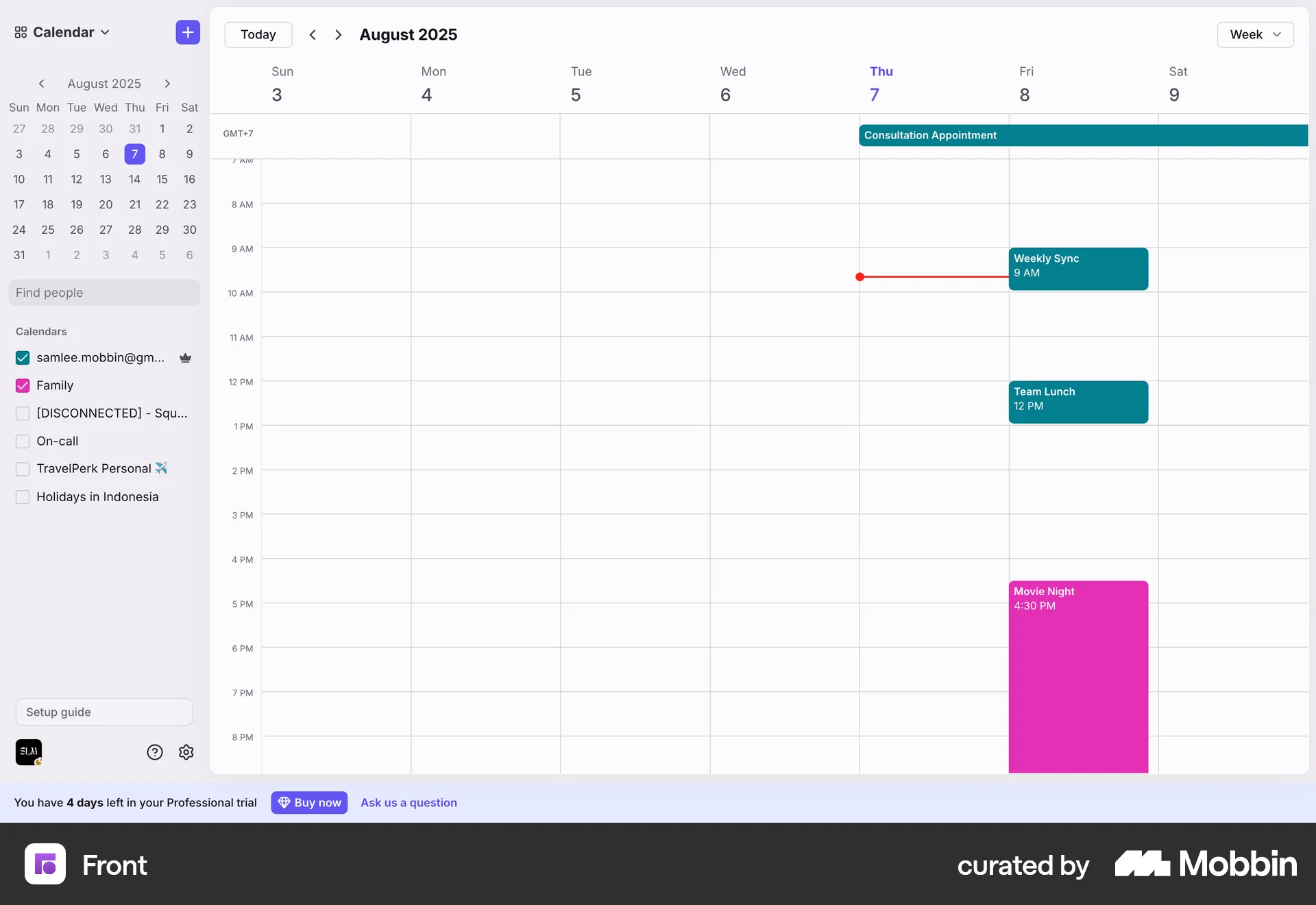
The user creates a new event by entering details and saving it. The event is then displayed on the calendar.
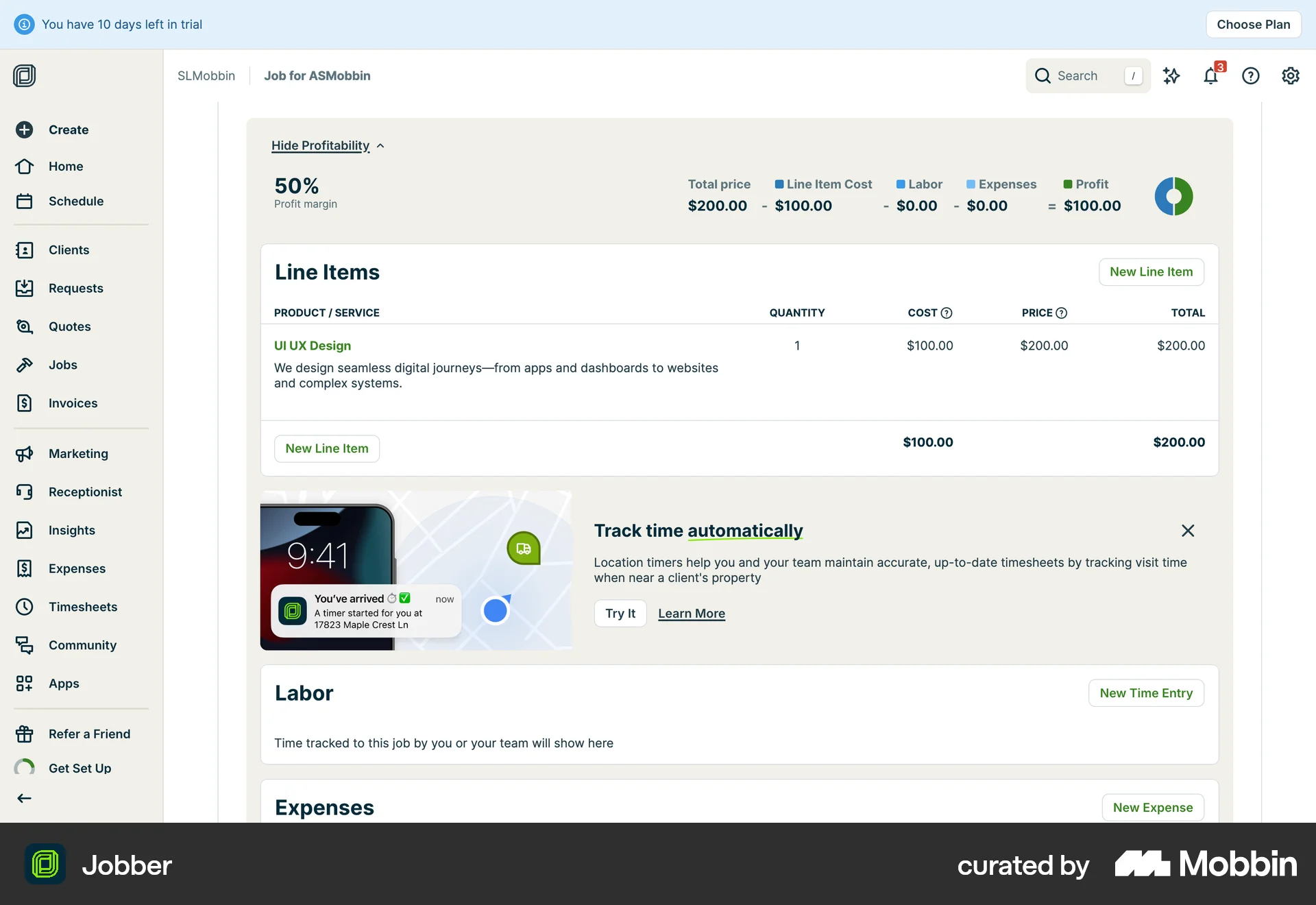
The user creates a new job by filling out the job creation form and then views the completed job details and profitability.

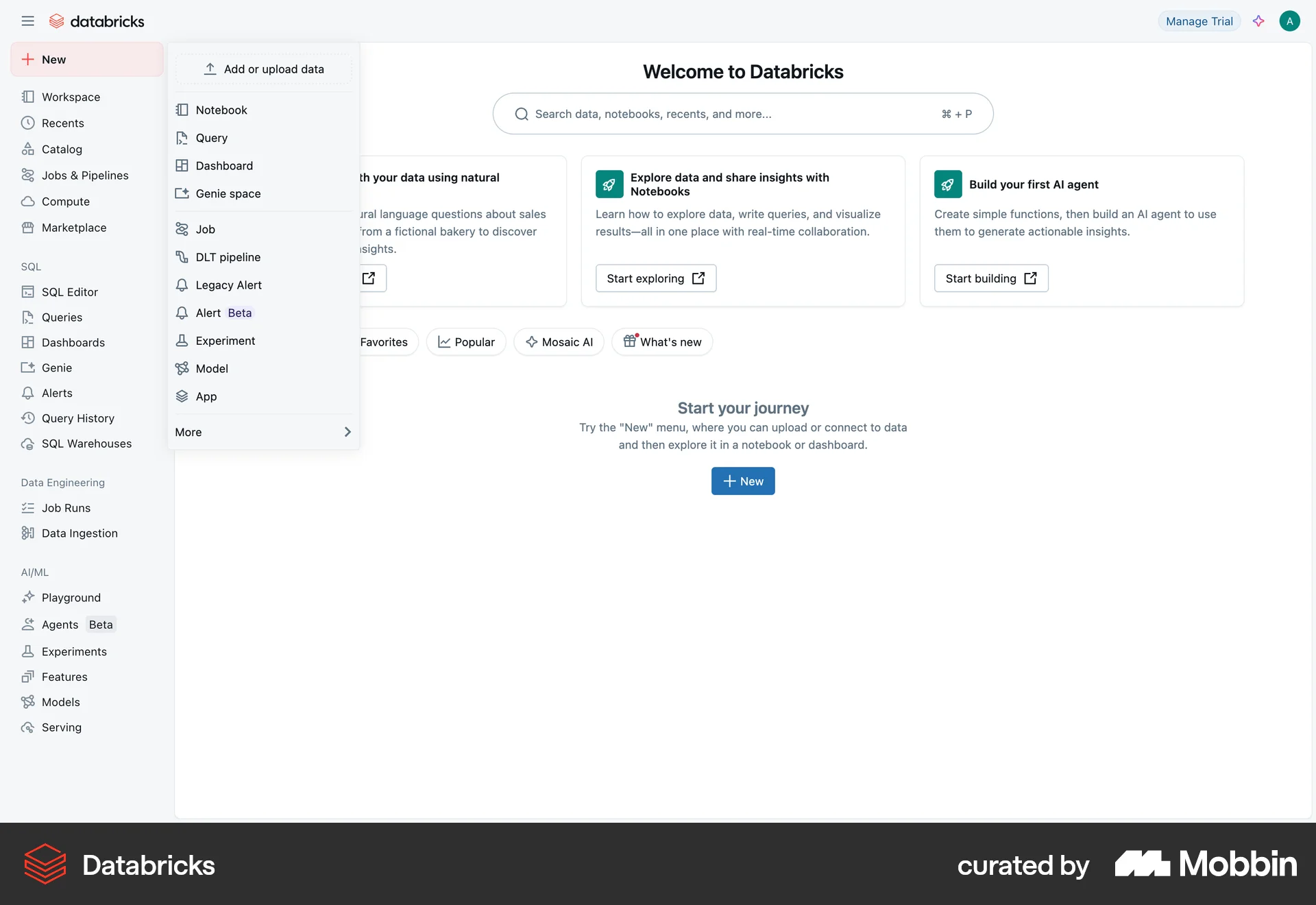
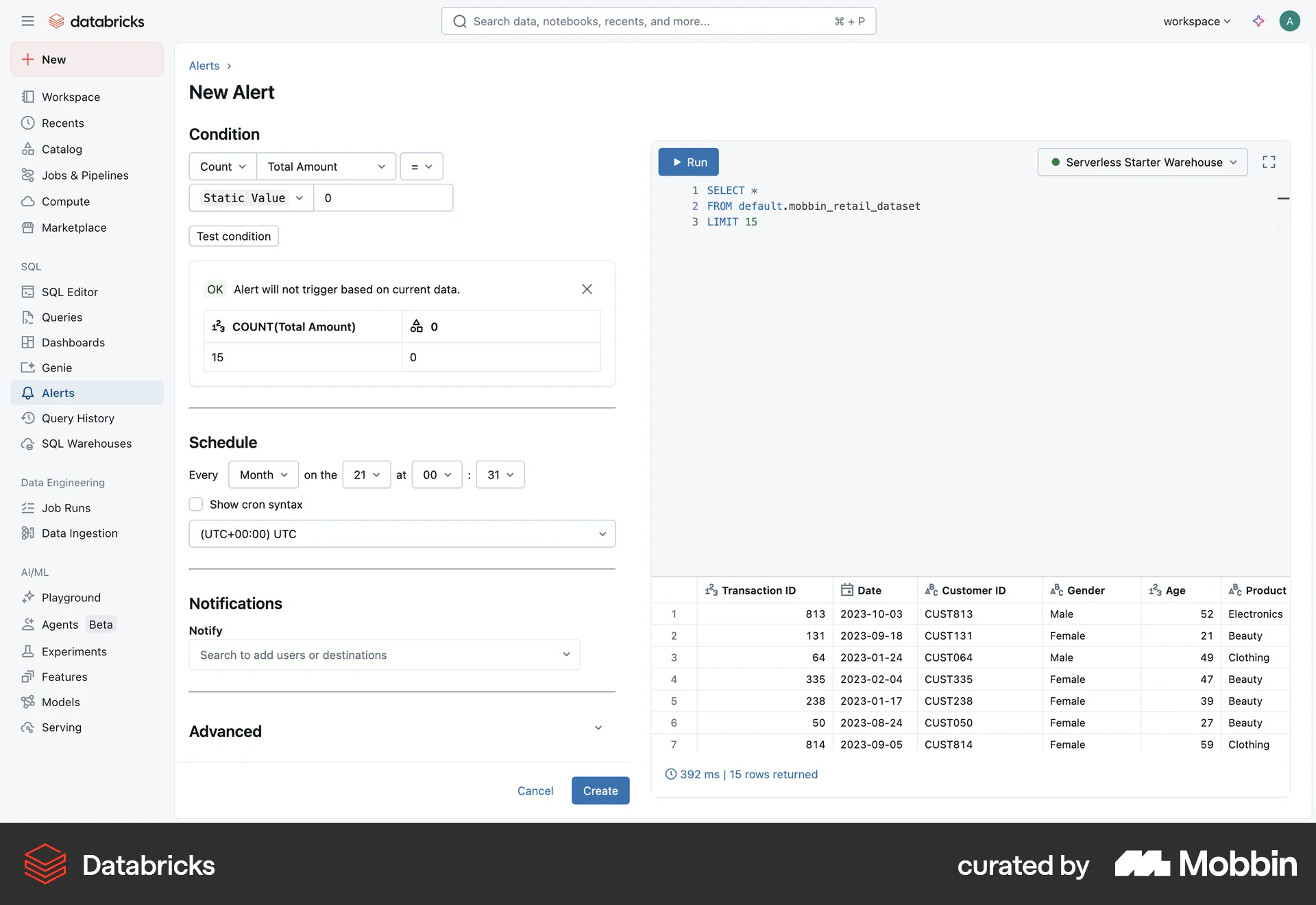
The user creates a new alert by defining a SQL query, setting conditions and schedule, and configuring notifications. The user then views the alert details and run status.
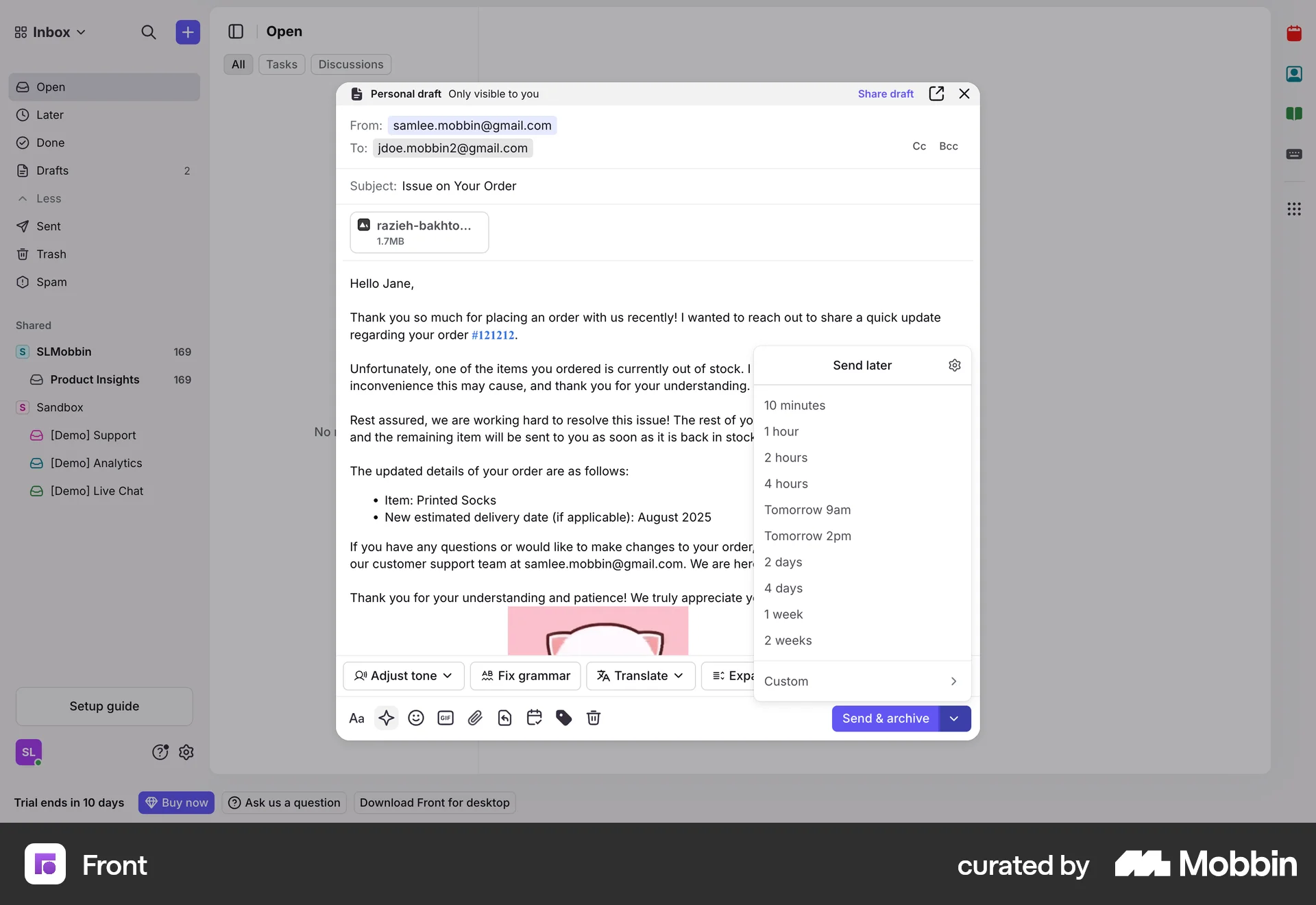
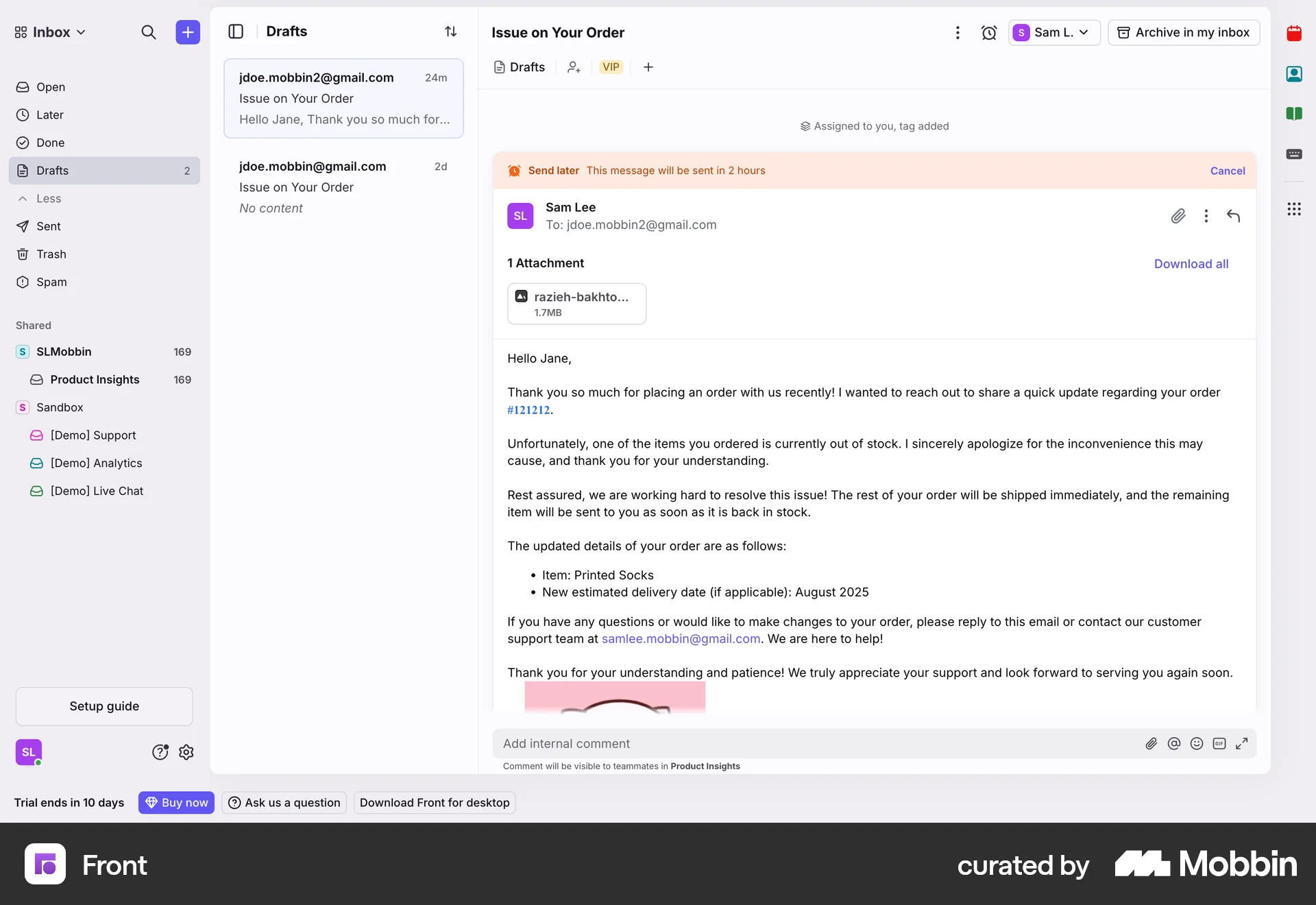
The user composes an email and schedules it to be sent later. The email is then saved in drafts with a confirmation of the scheduled send time.

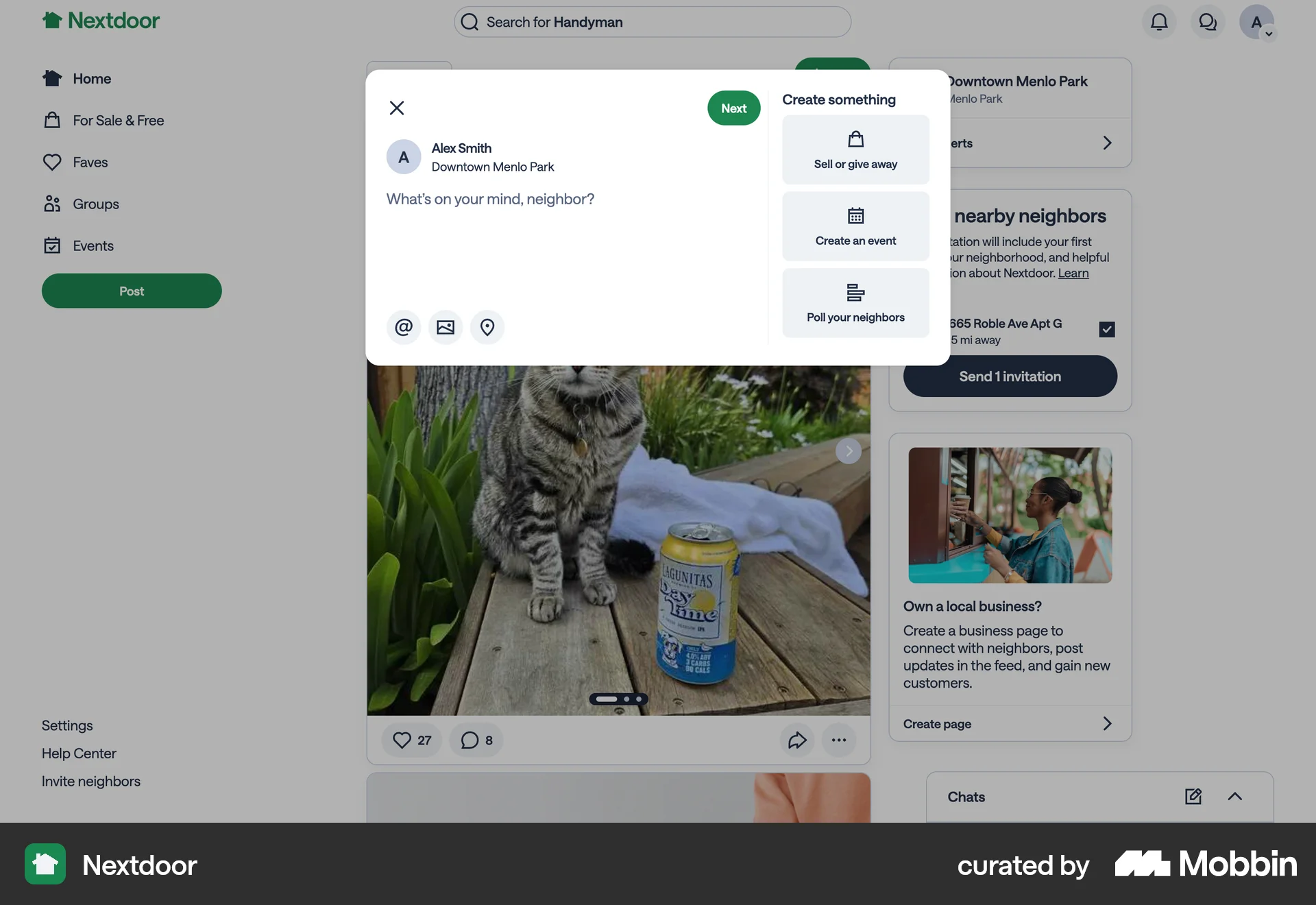
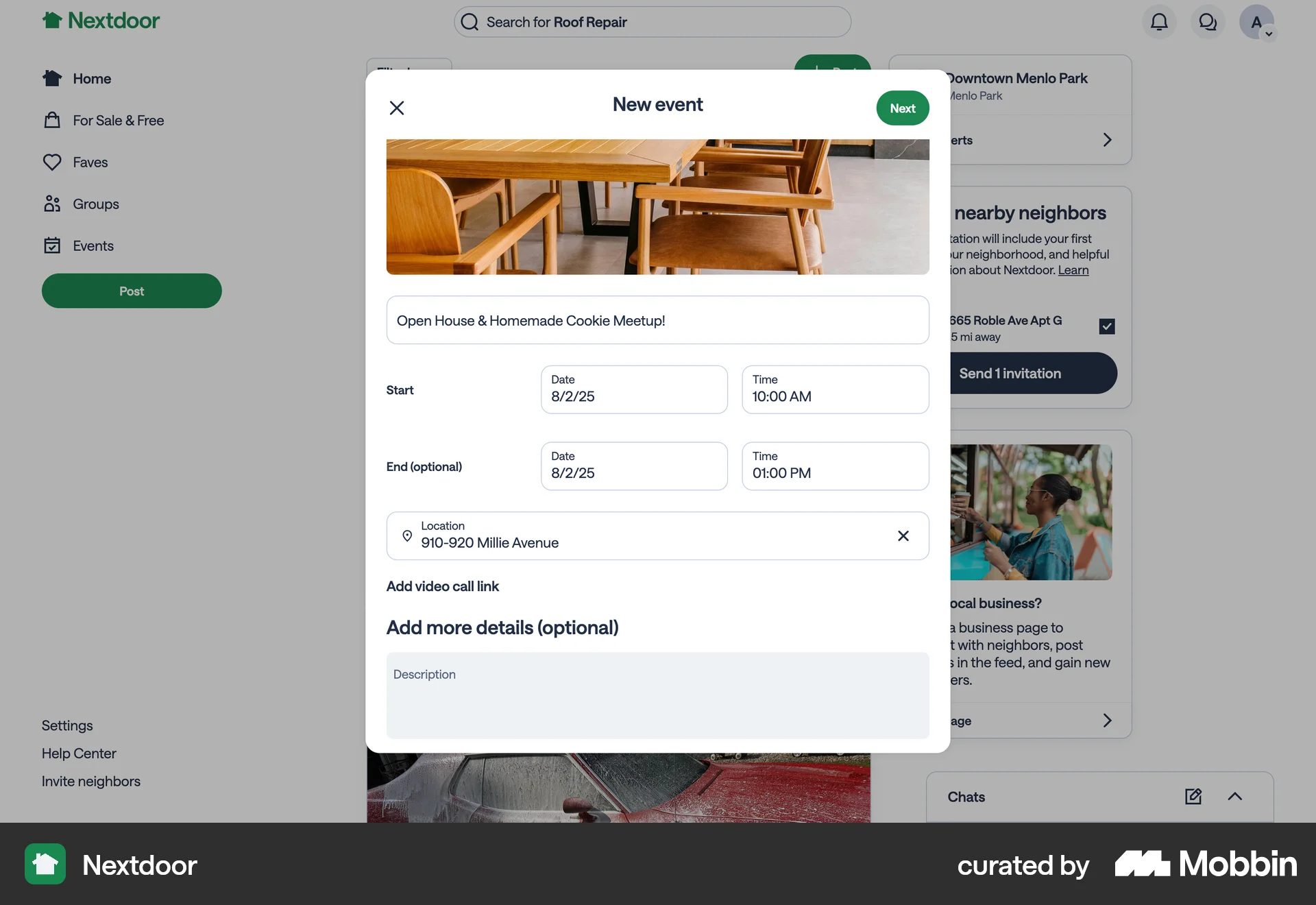
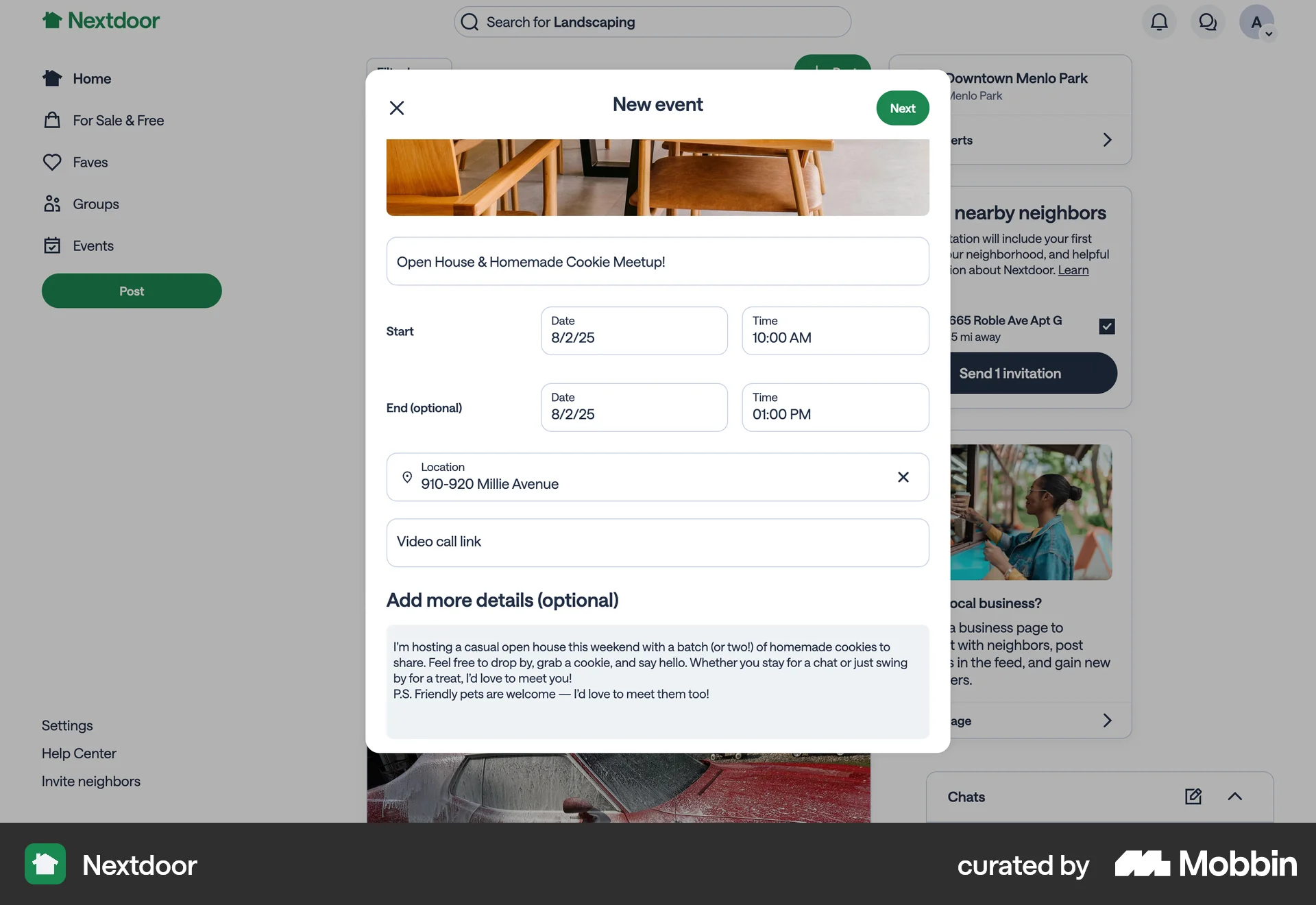
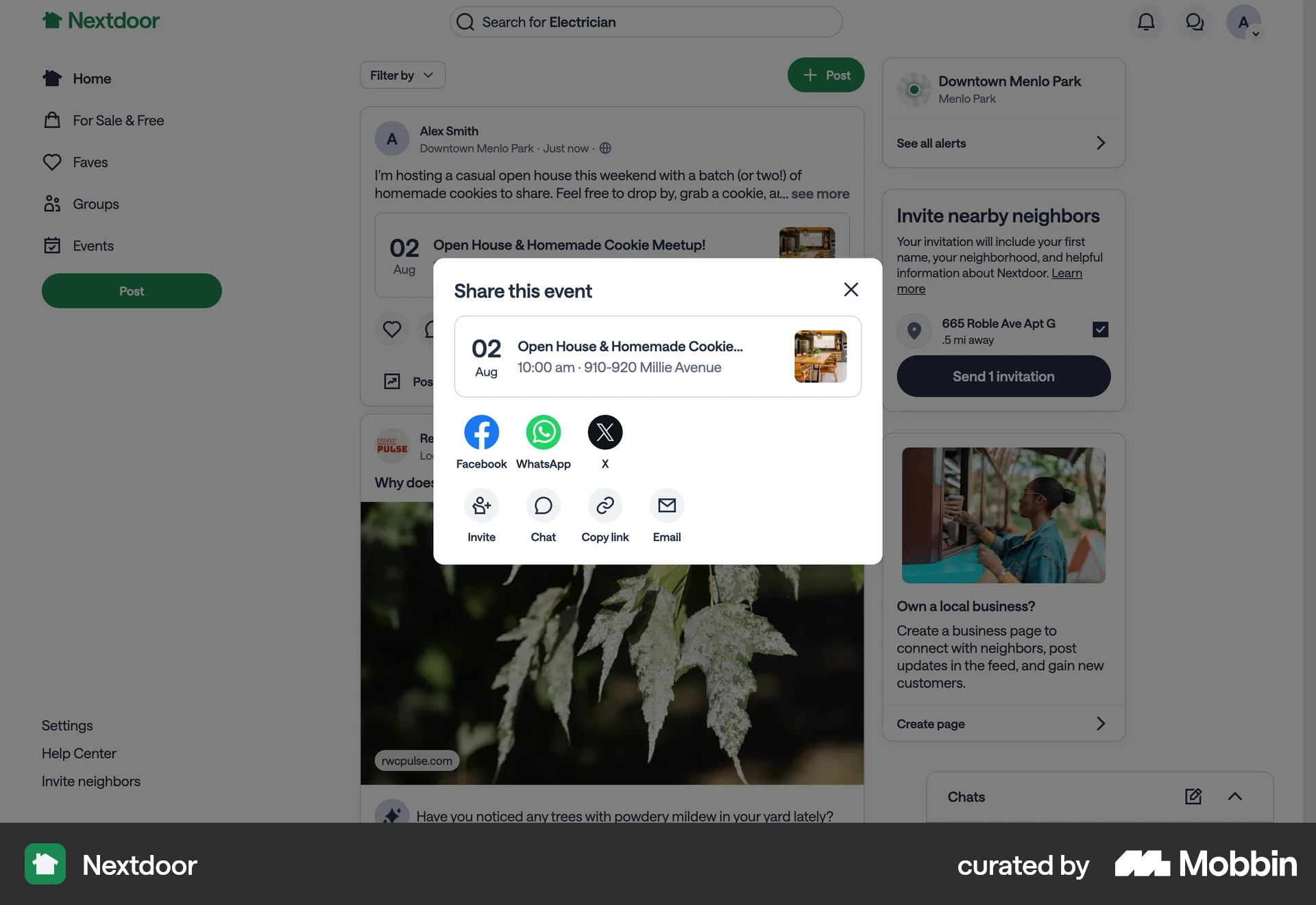
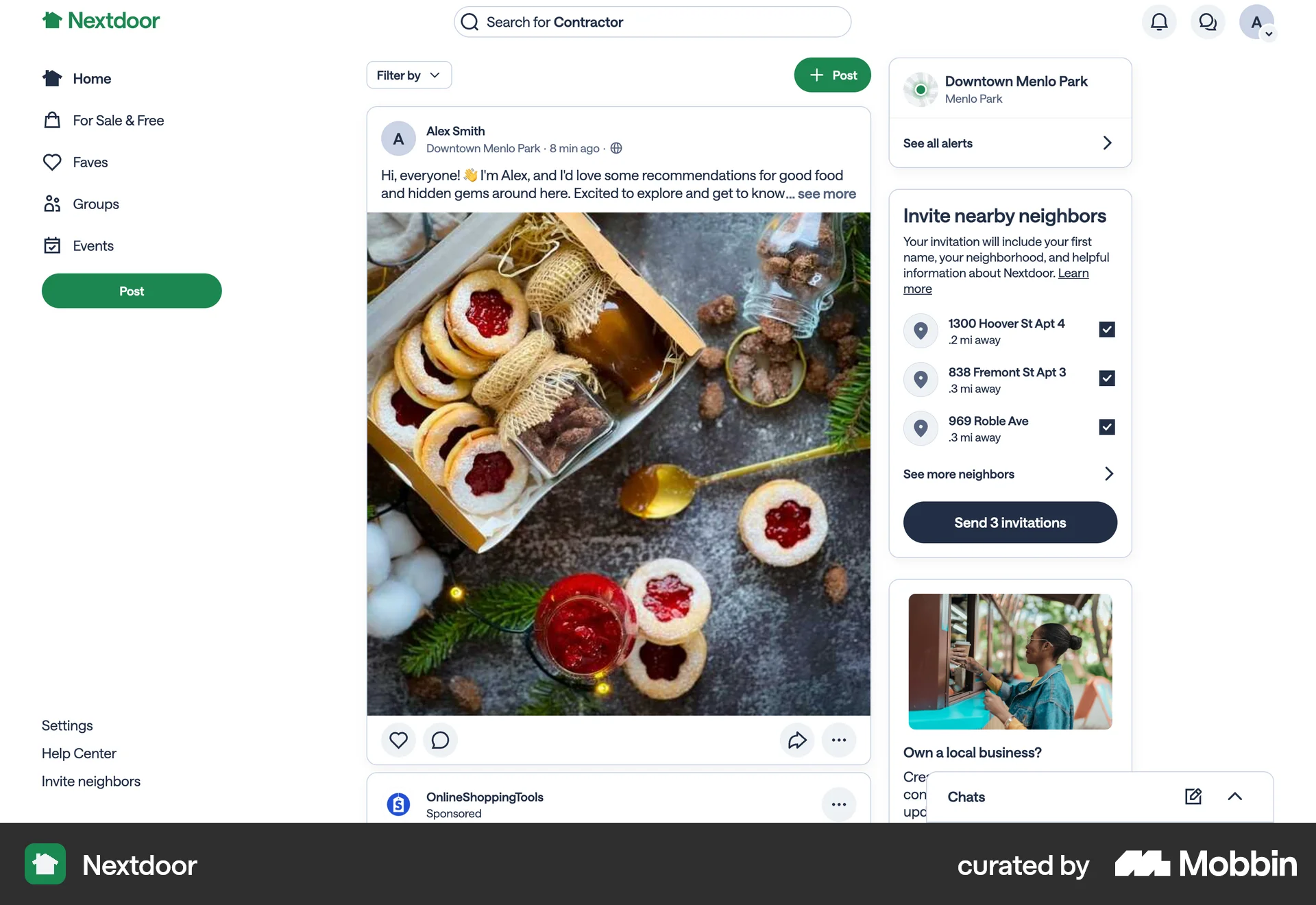
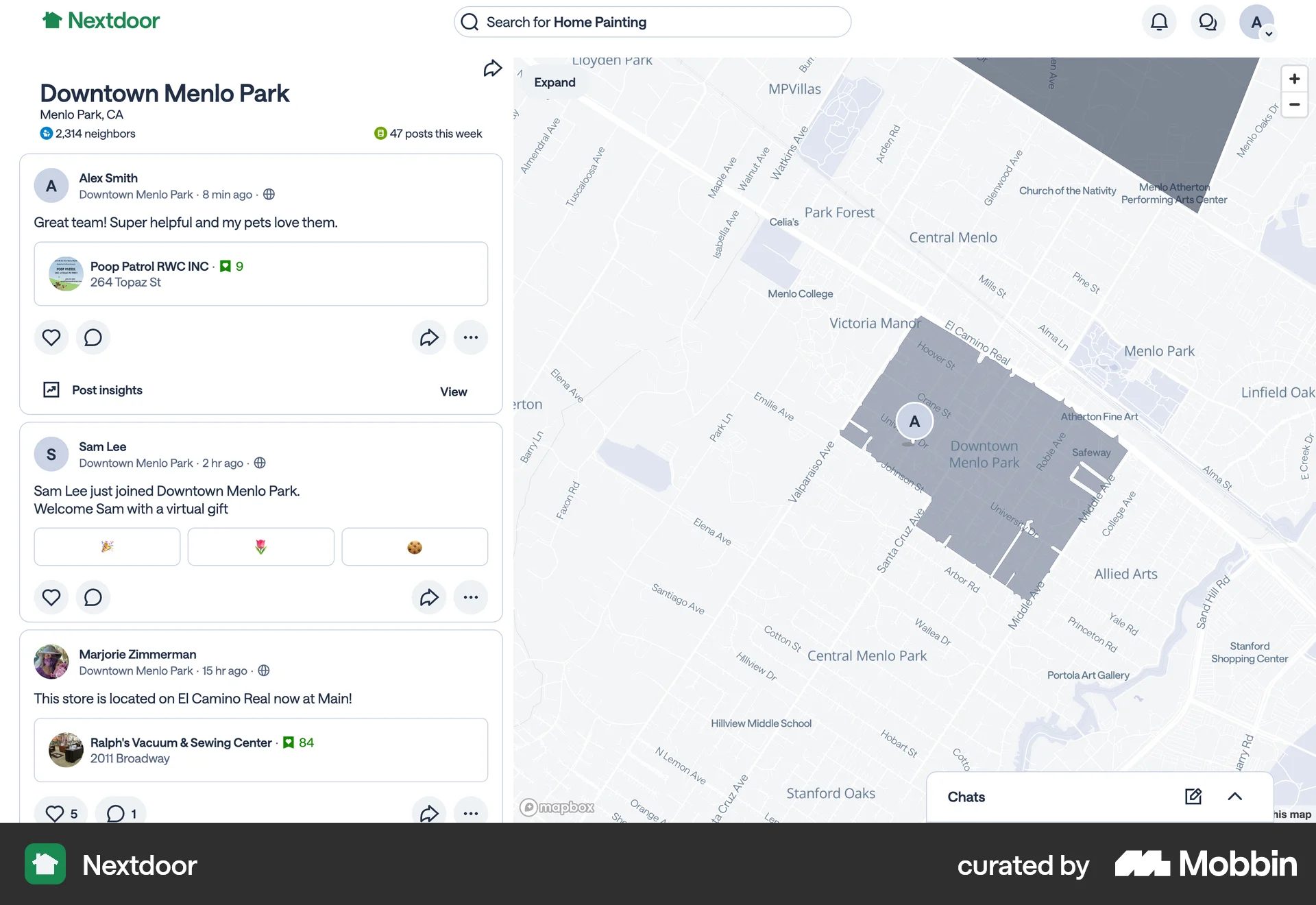
The user creates and shares an event with neighbors. The flow involves filling out event details, previewing the post, and then sharing it on the platform.
The user creates a time off request by filling out a form. The created time off is then displayed on the schedule page.
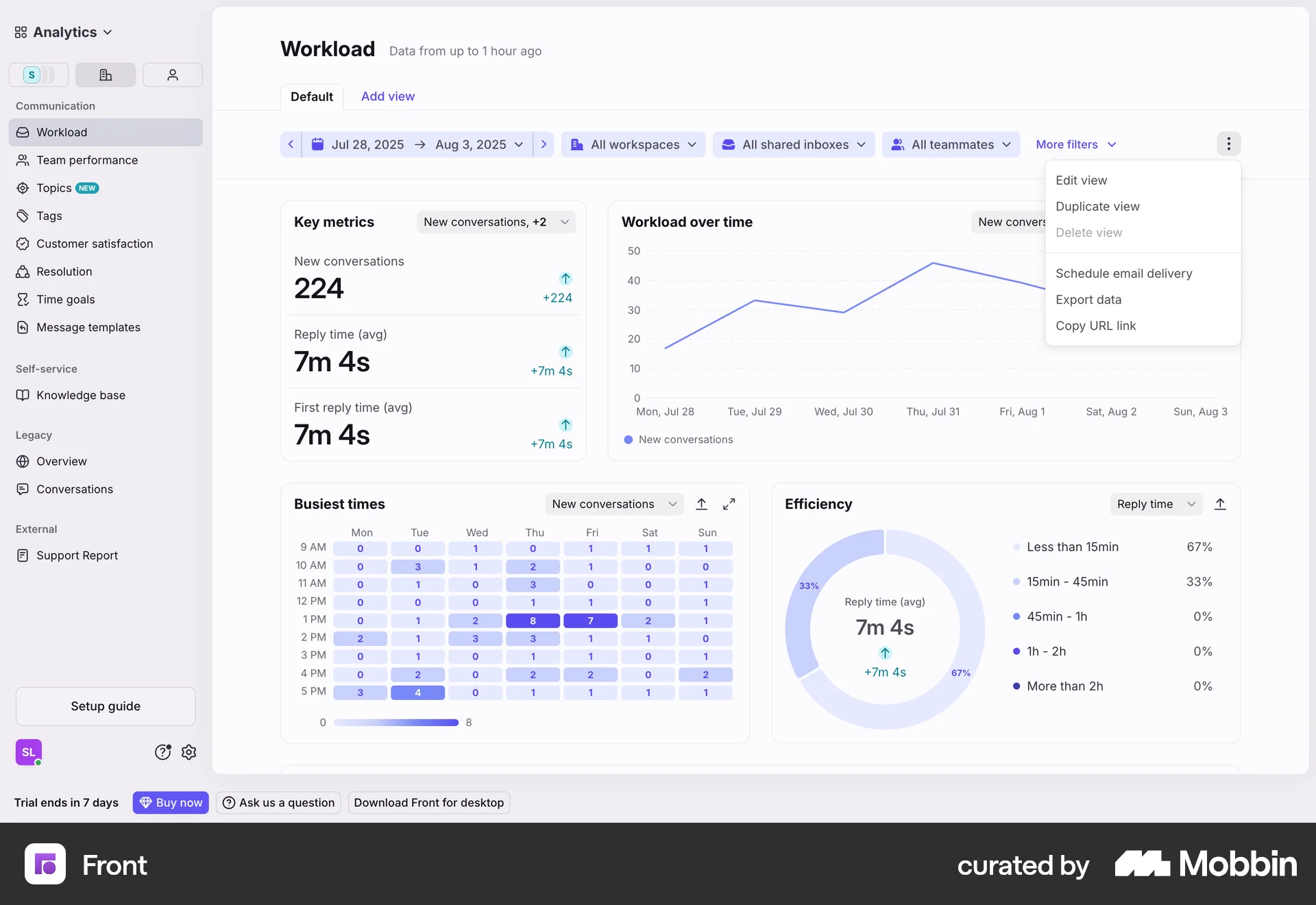
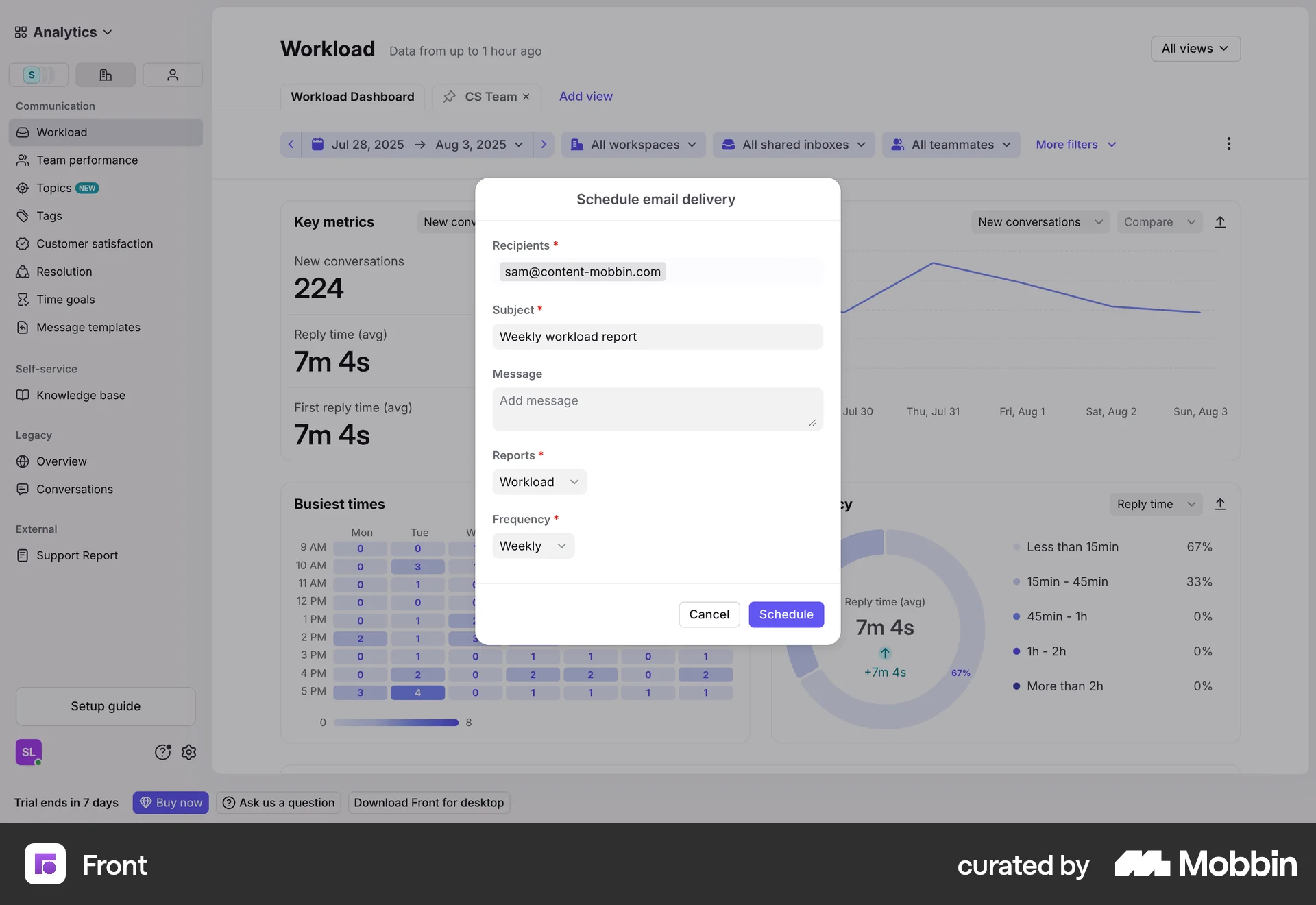
The user schedules an email delivery for the workload dashboard. They fill out a form and receive a confirmation message.
The user schedules an article for review by specifying a reviewer and due date. A confirmation message appears upon successful scheduling.
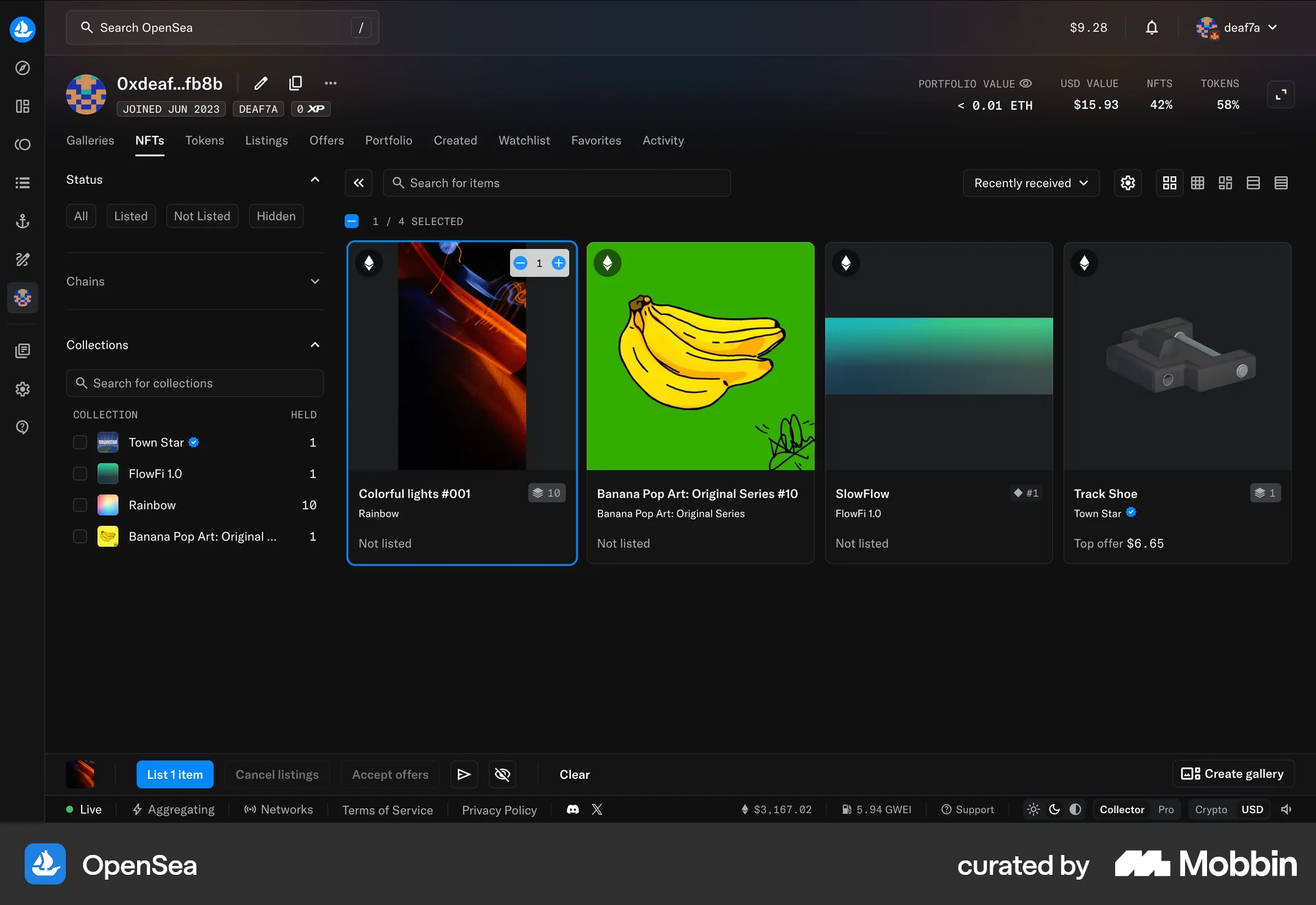
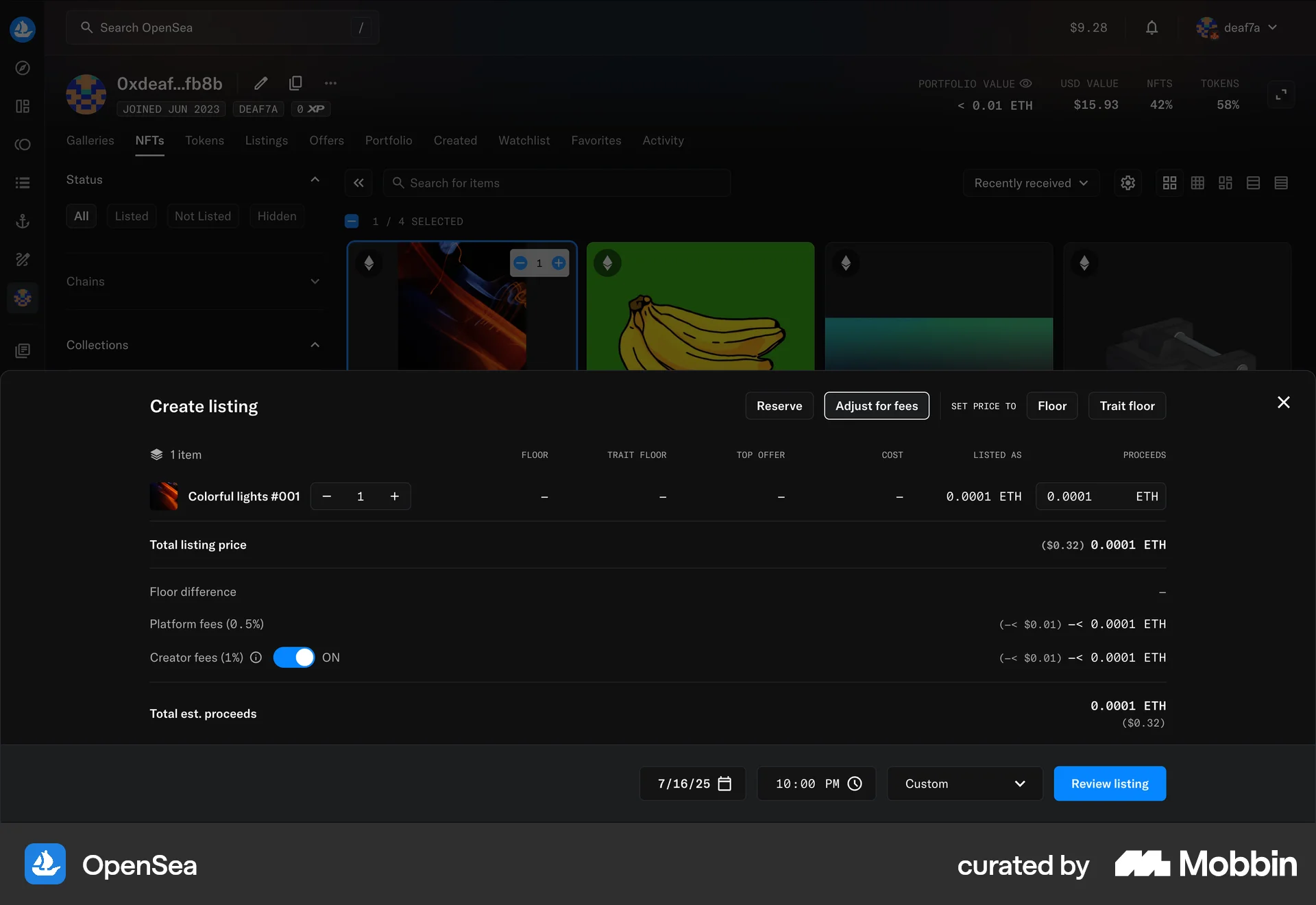
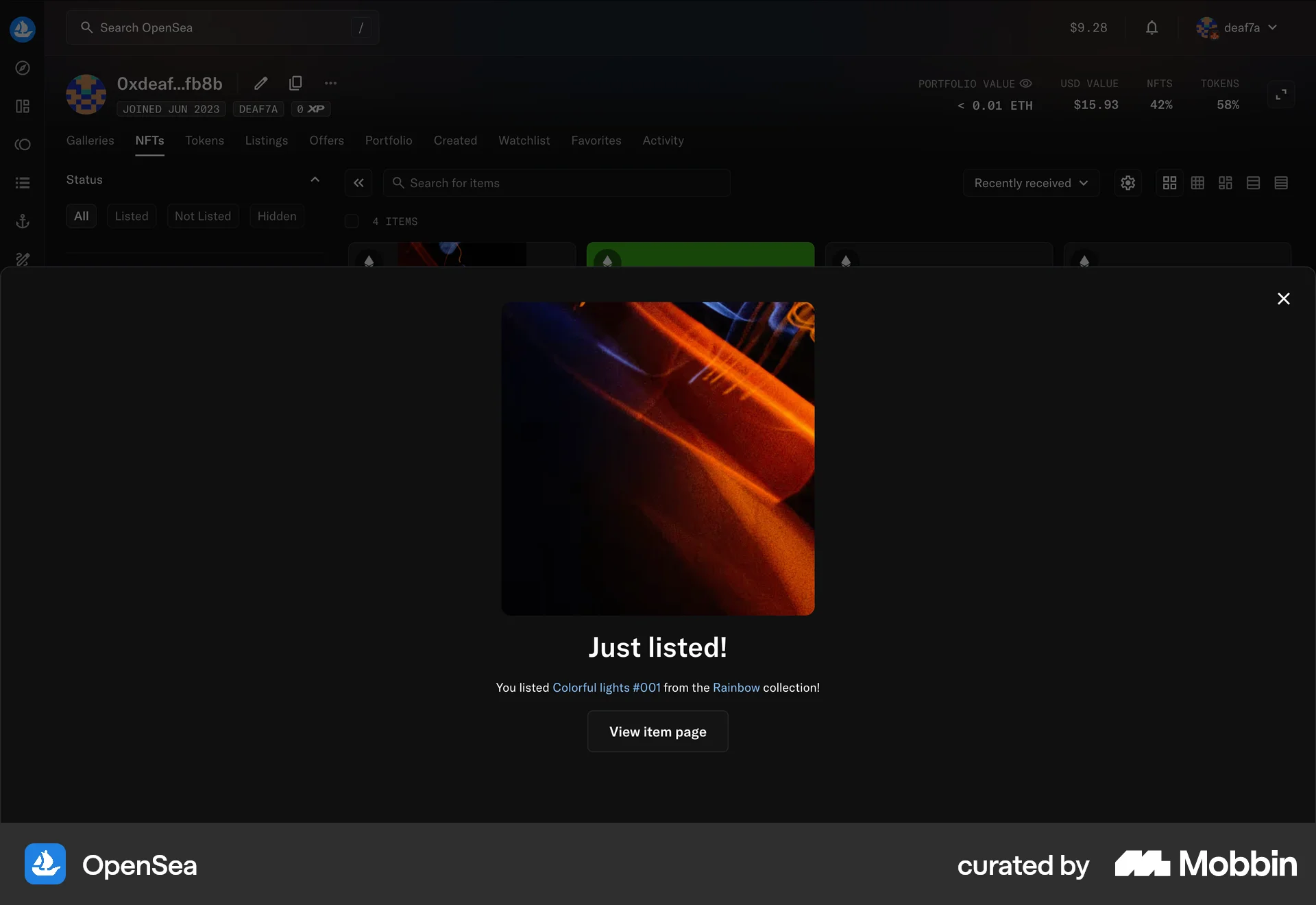
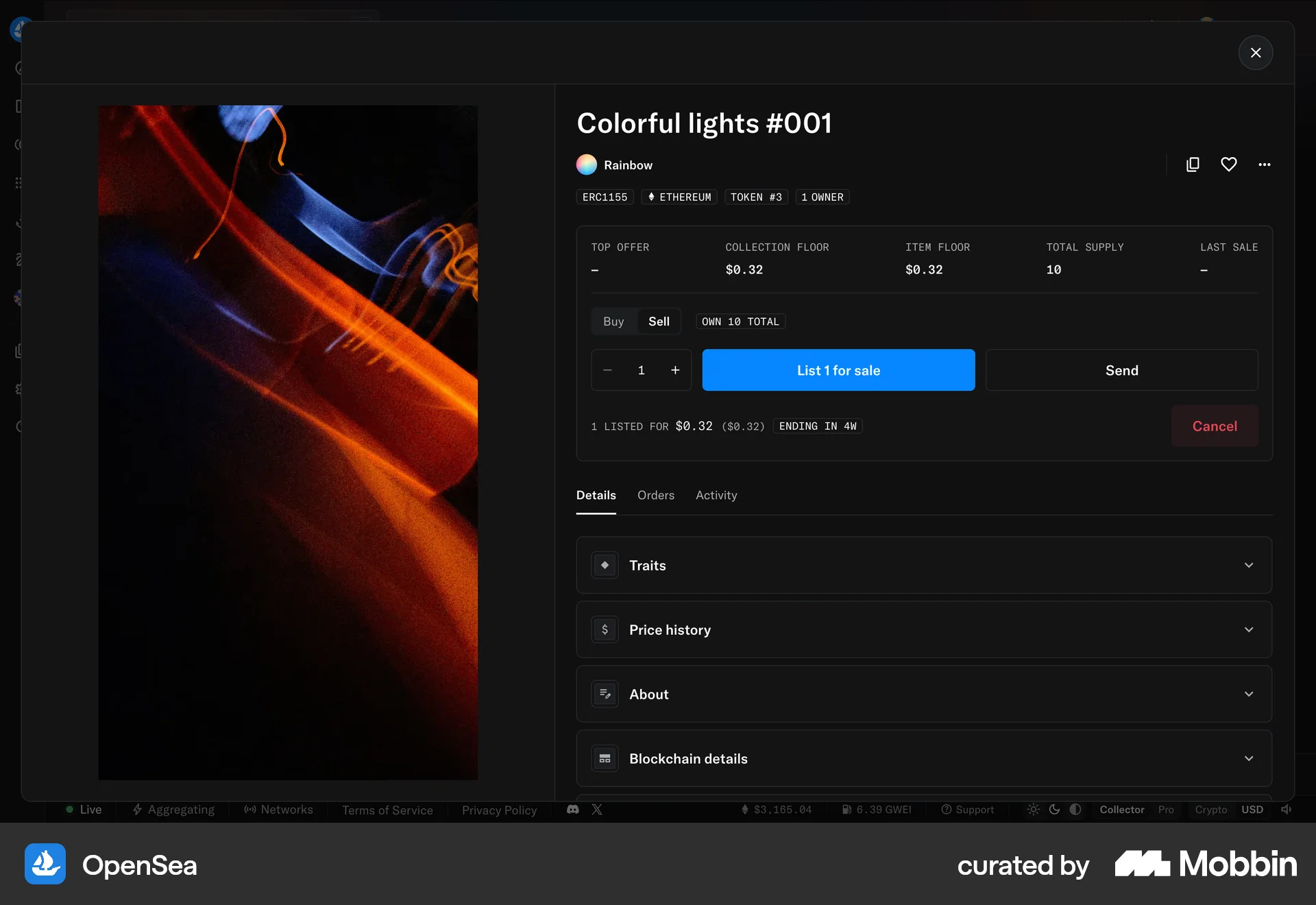
The user flow shows how to list an NFT for sale. It involves selecting an NFT, setting the price, reviewing the details, and confirming the listing.
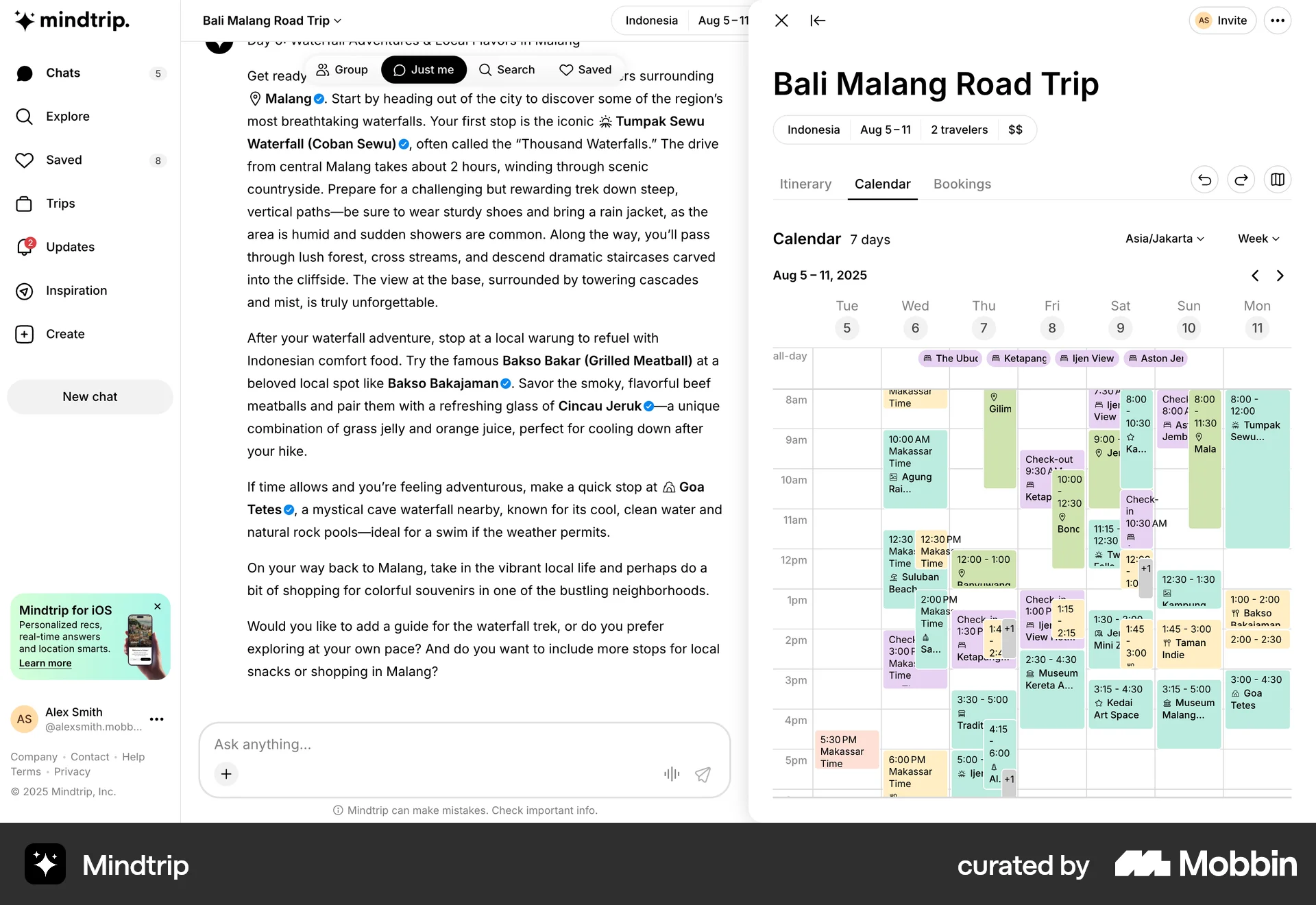
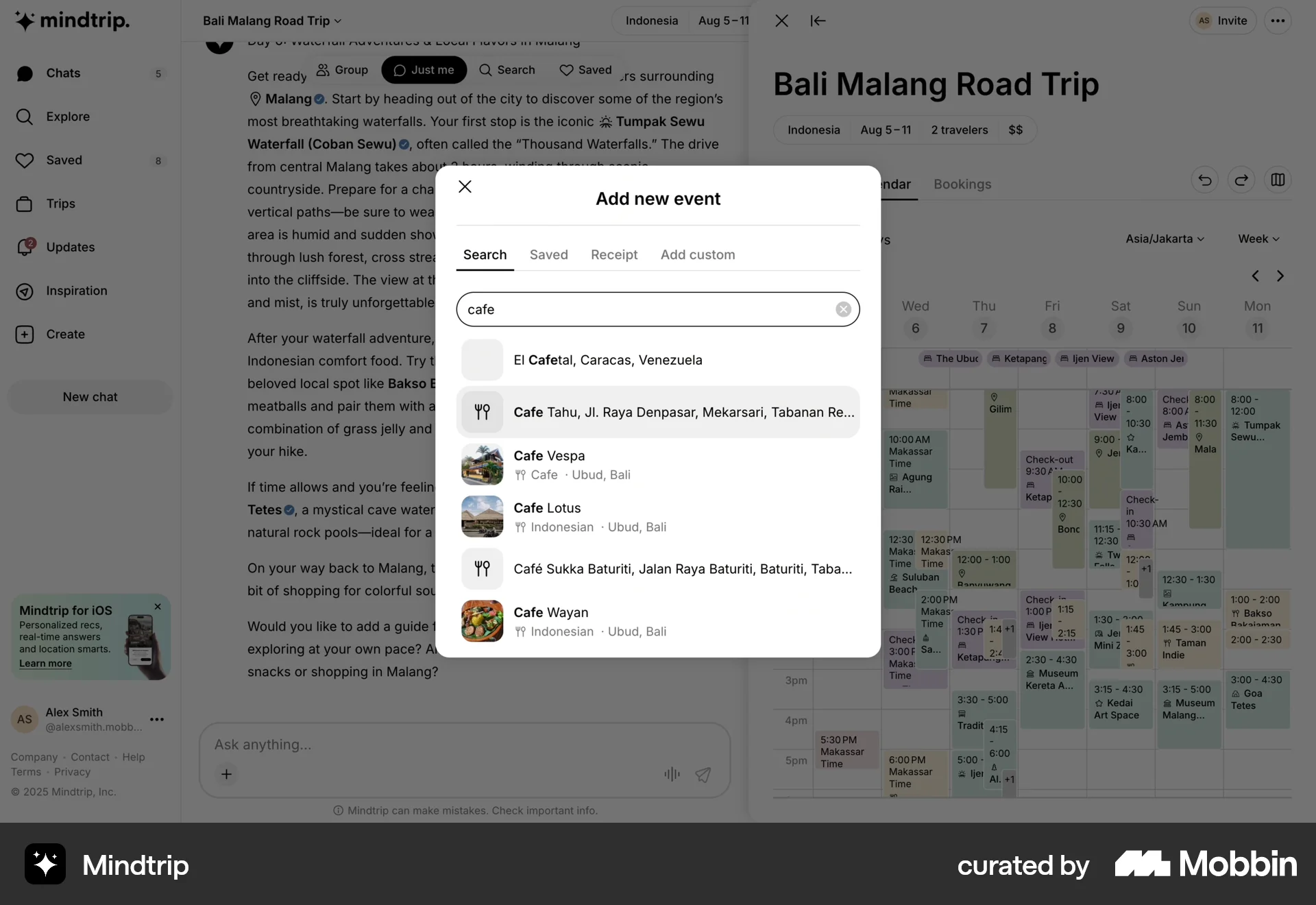
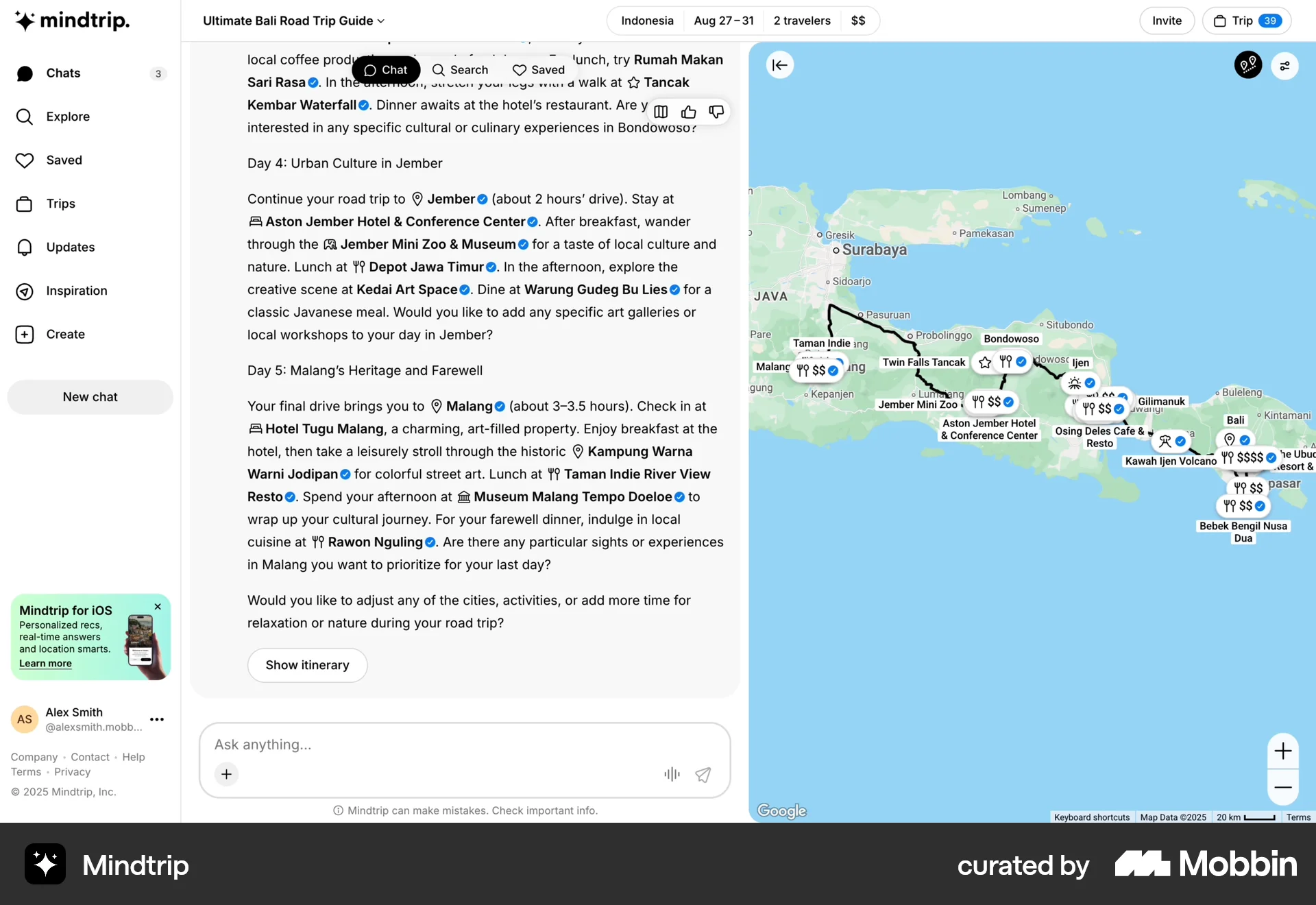
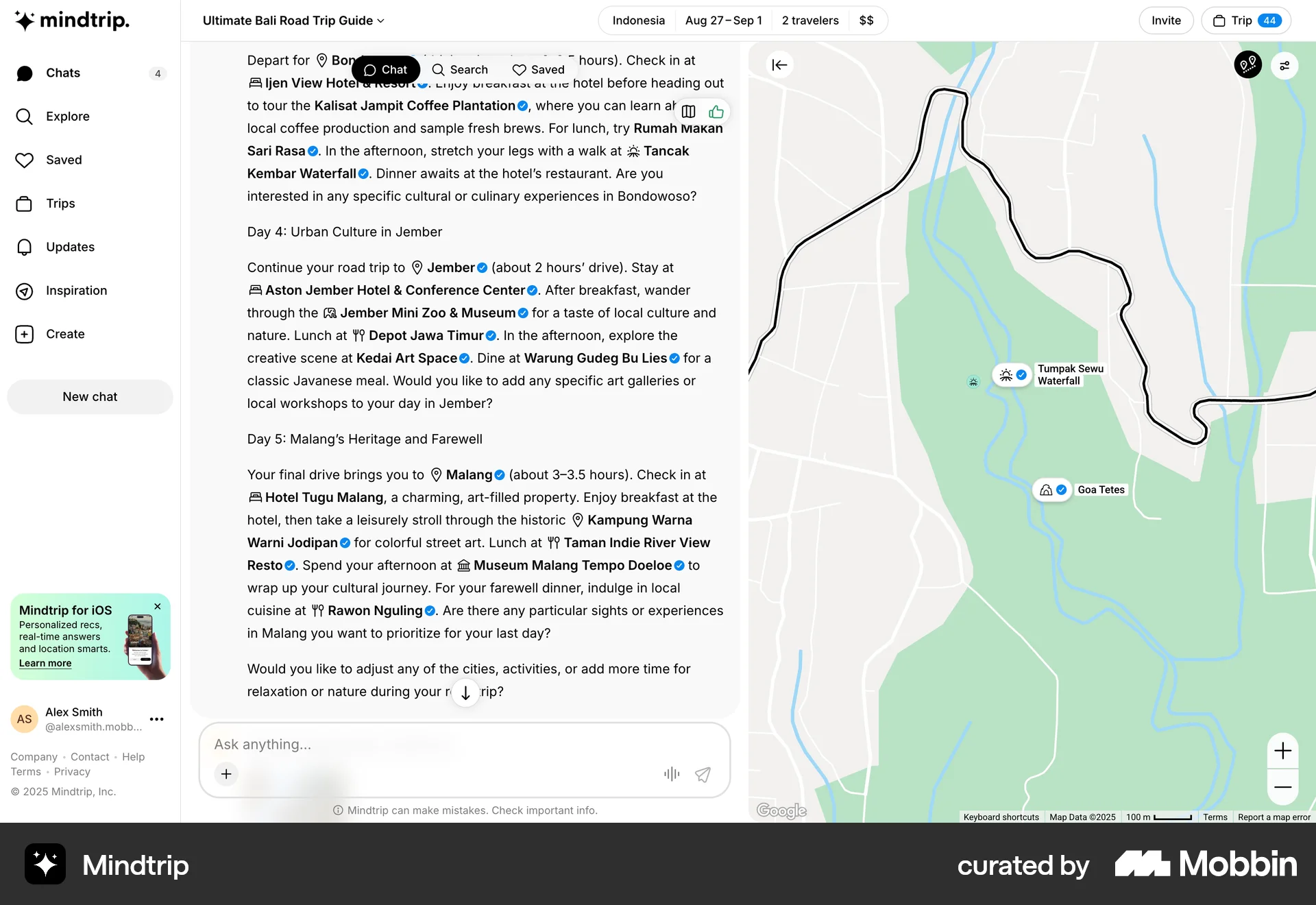
The user adds a cafe to their trip itinerary. They search for a cafe and add it to the calendar, which is then updated.
248 Flows
714 Flows
68 Flows
546 Flows
954 Flows
104 Flows