








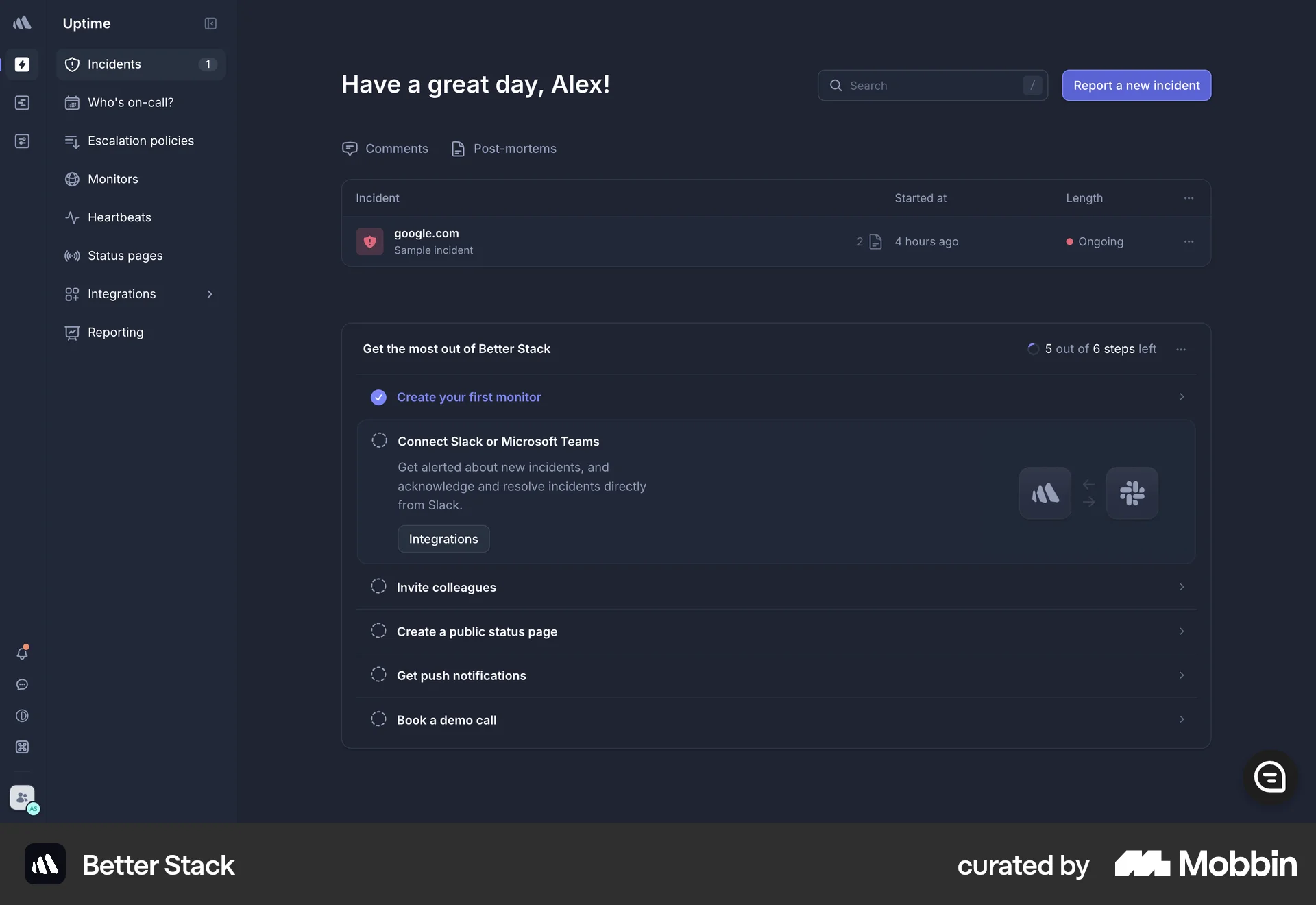
Onboardingon Better Stack
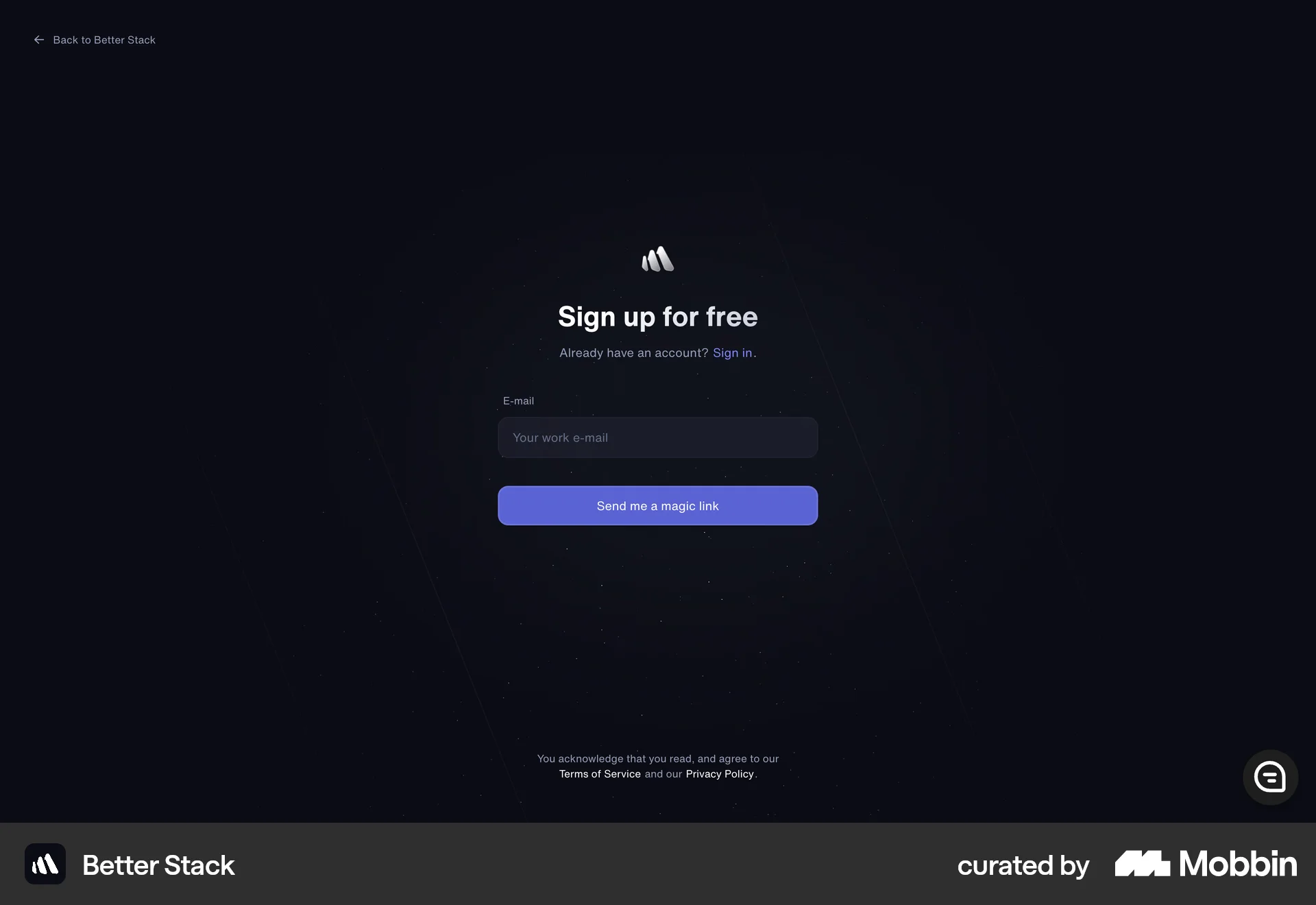
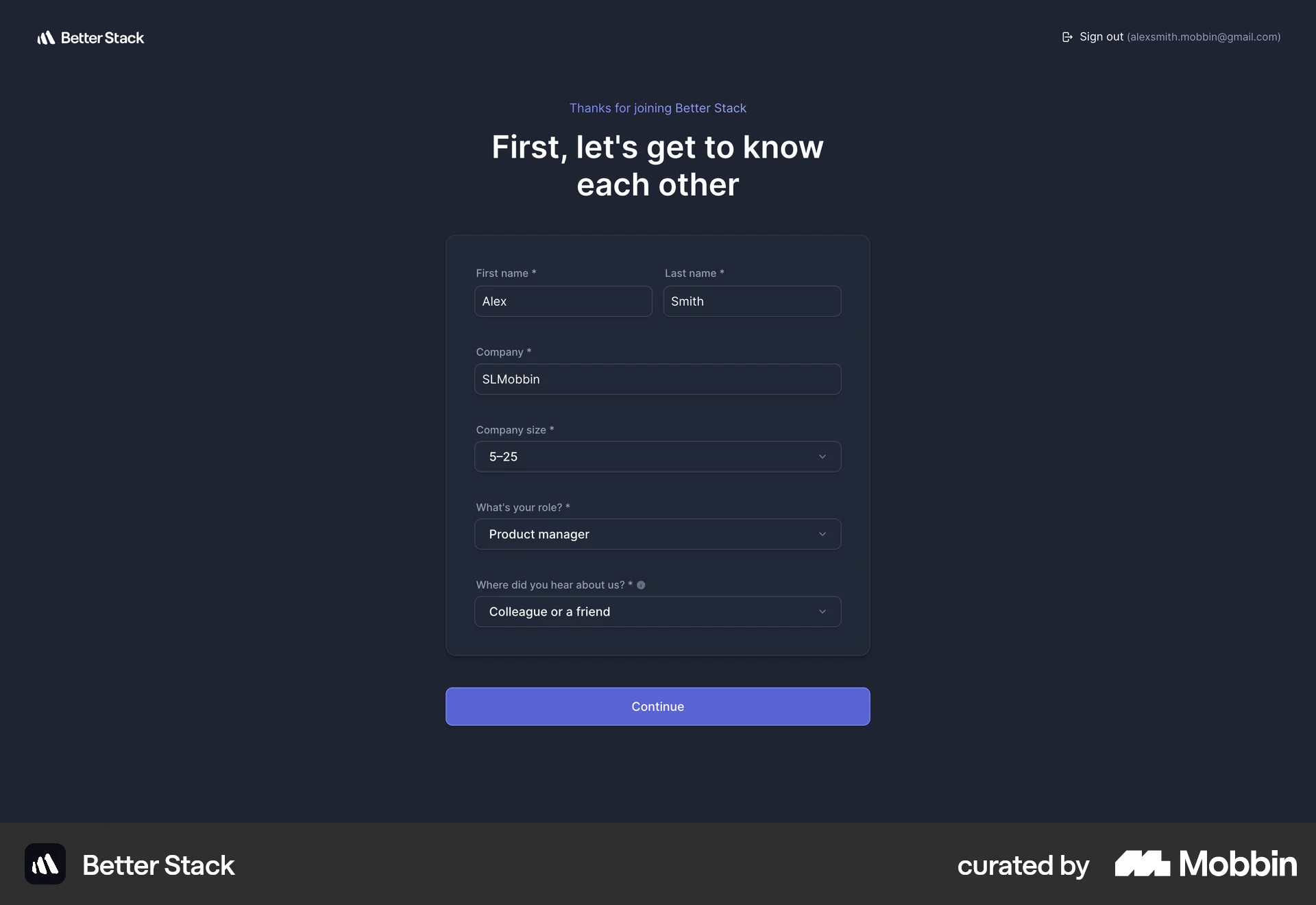
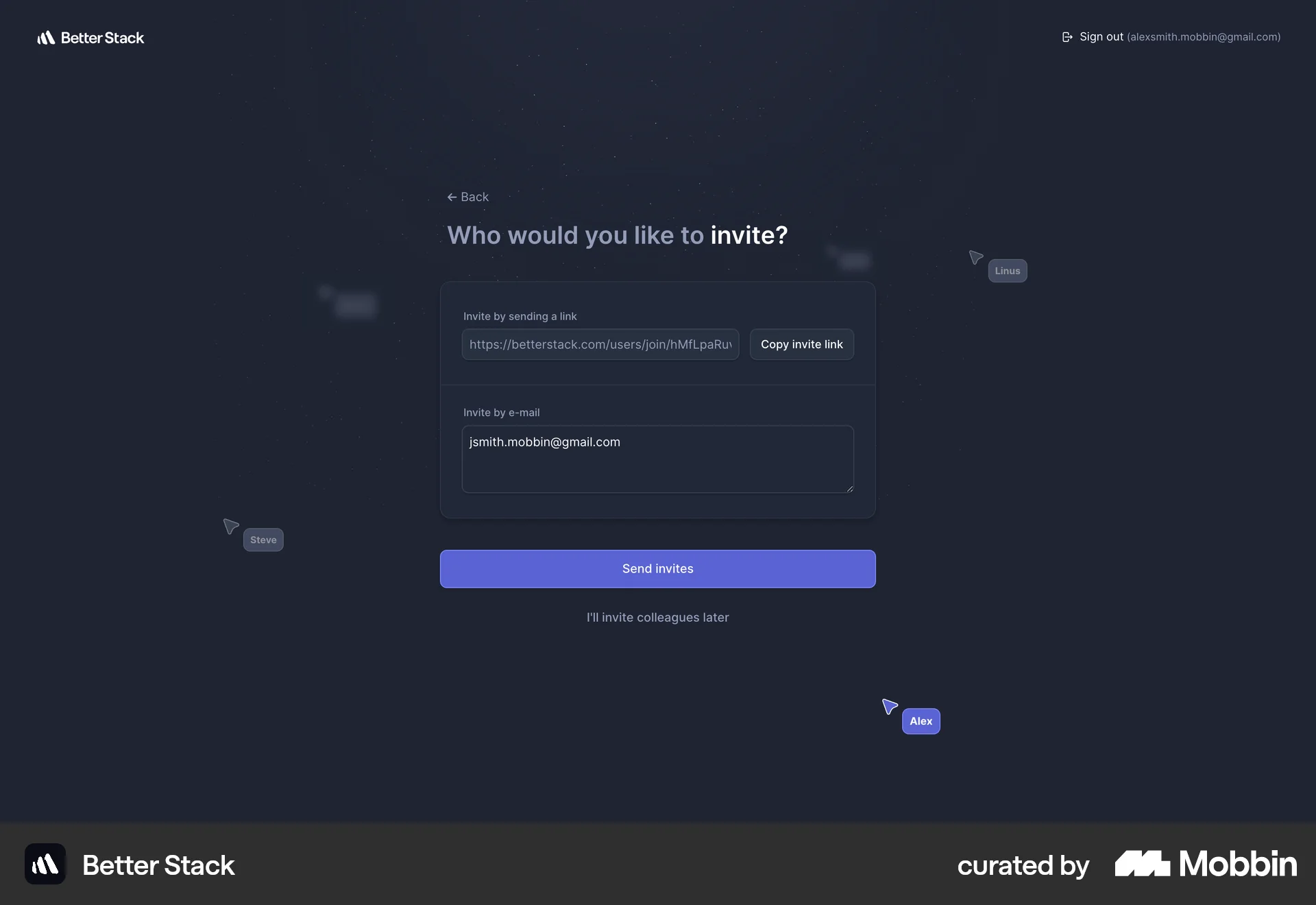
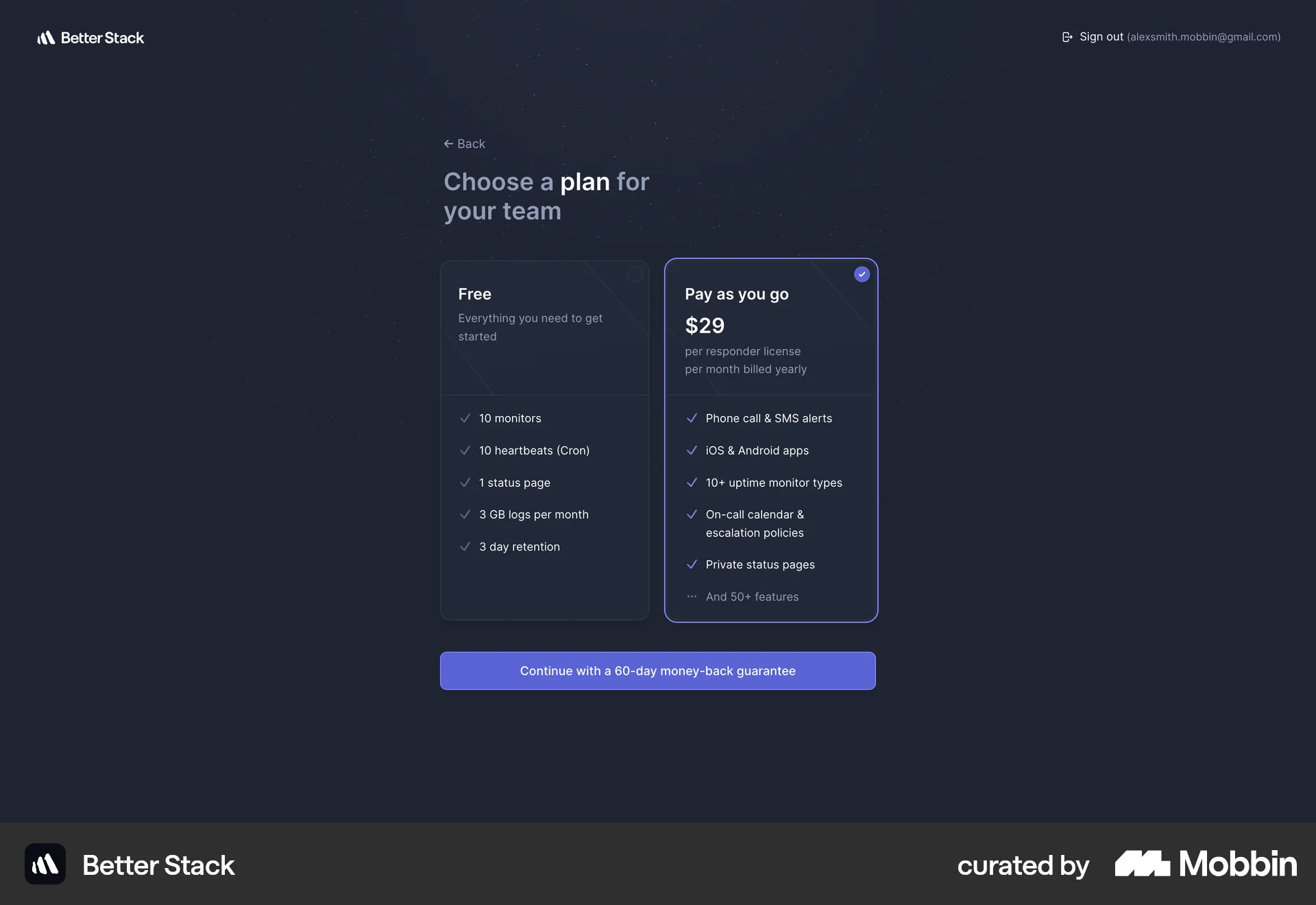
The user goes through an onboarding flow, starting from the landing page to the final dashboard. The user signs up, provides information, and configures the application.
Discover best website designs for Inviting Teammates & Friends flows. Get inspired by the best apps in the world.
The user goes through an onboarding flow, starting from the landing page to the final dashboard. The user signs up, provides information, and configures the application.

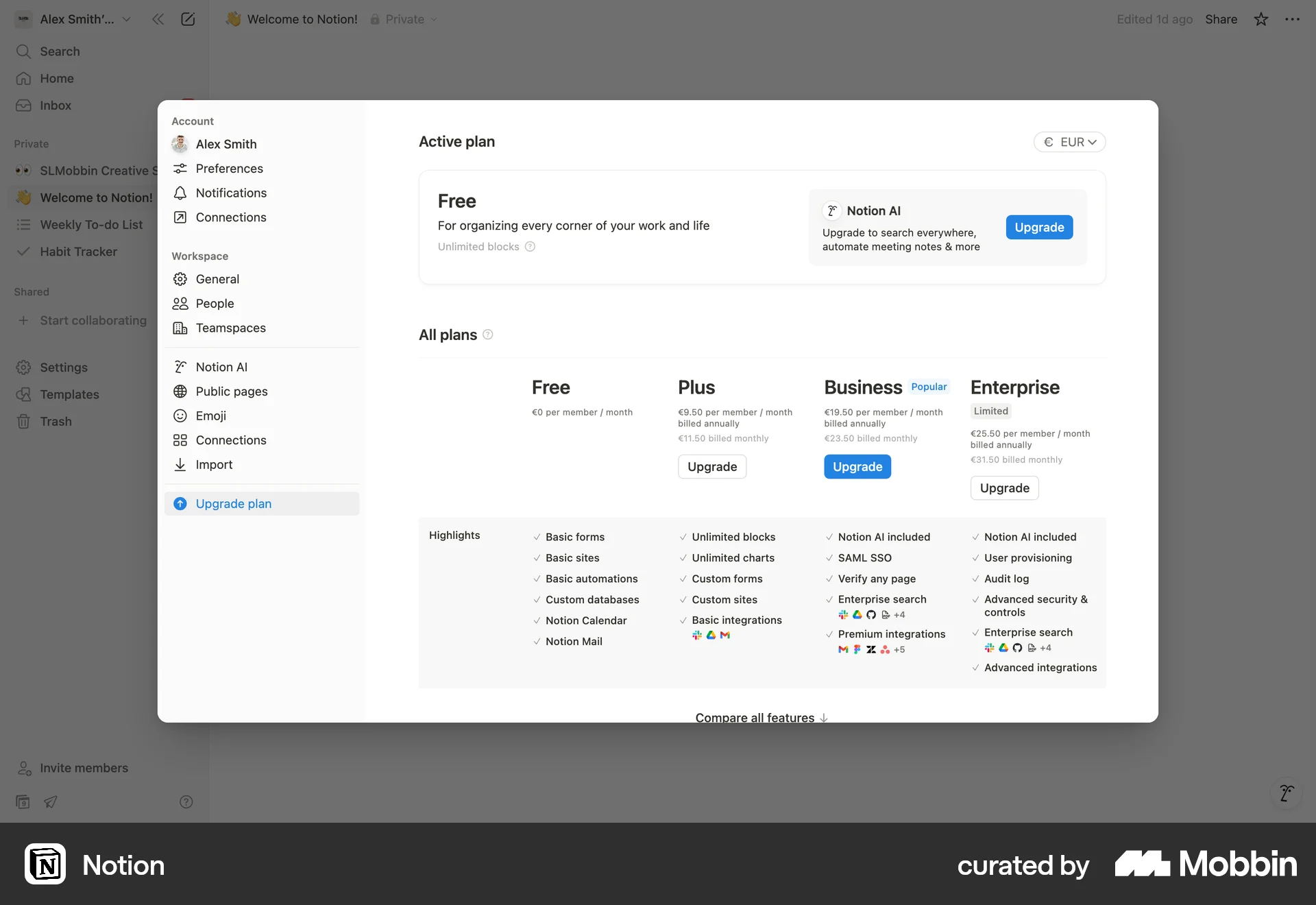
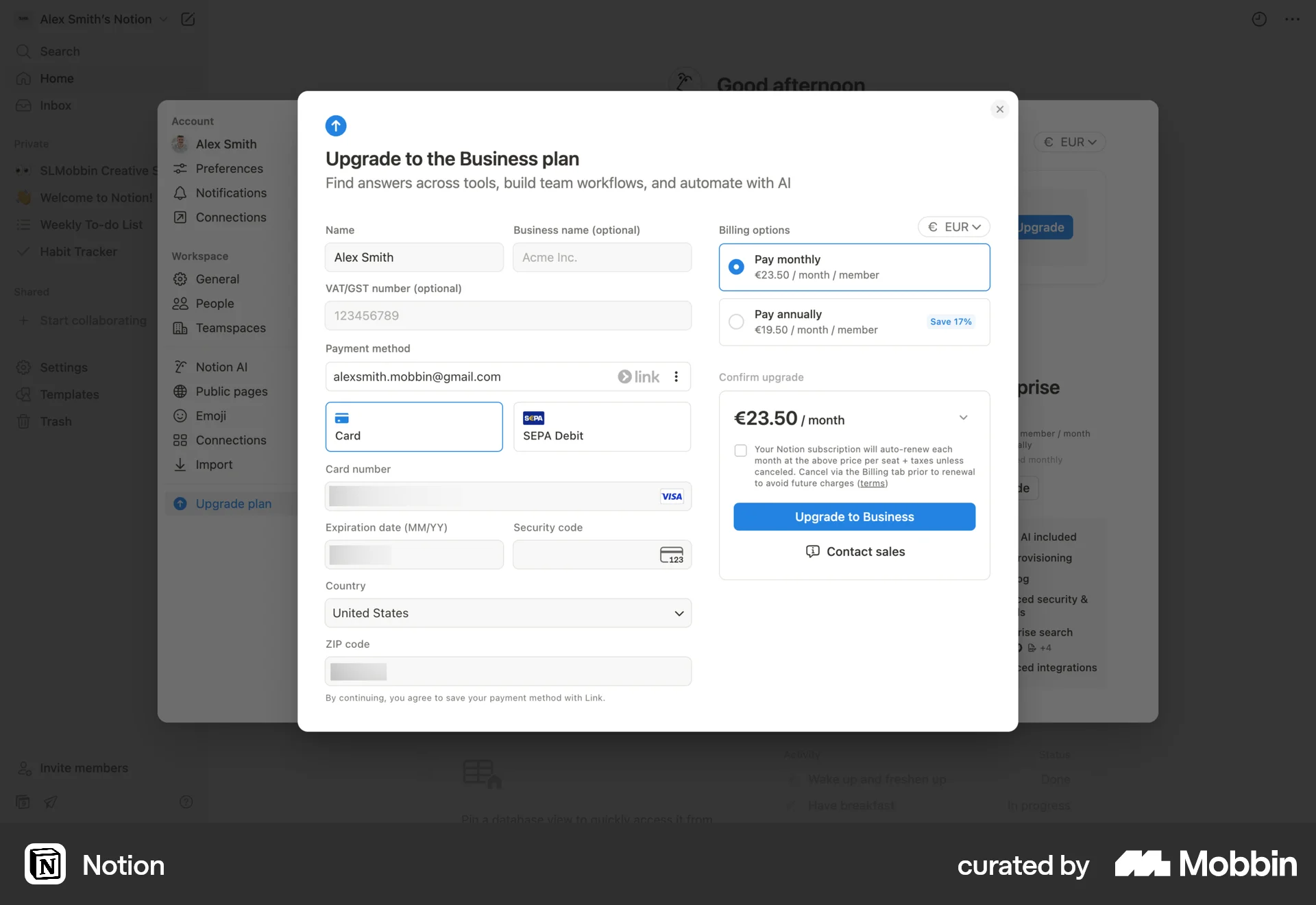
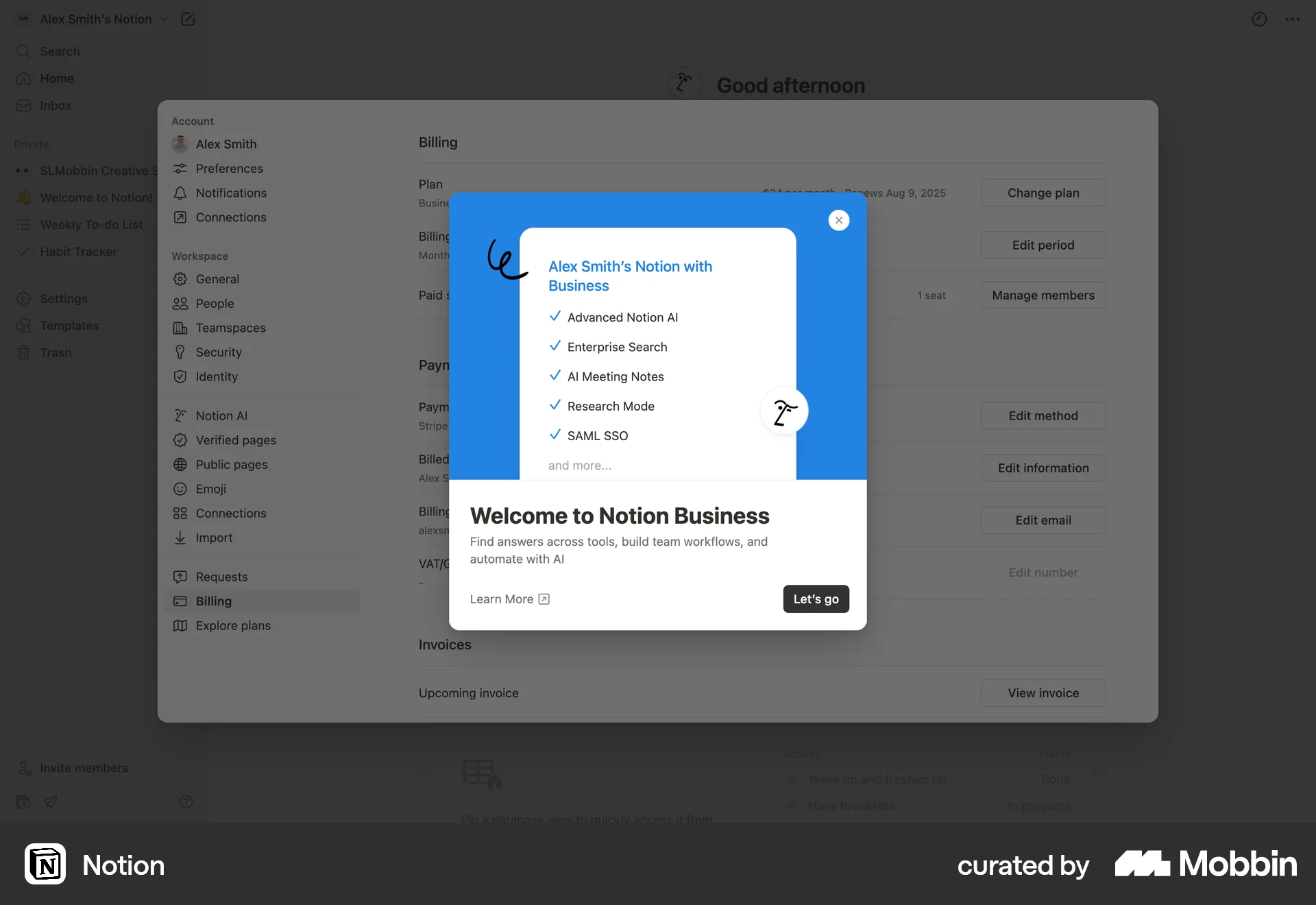
The user upgrades their Notion plan to the Business plan by filling out a form, verifying their email, and selecting a currency. The user then views the billing settings.

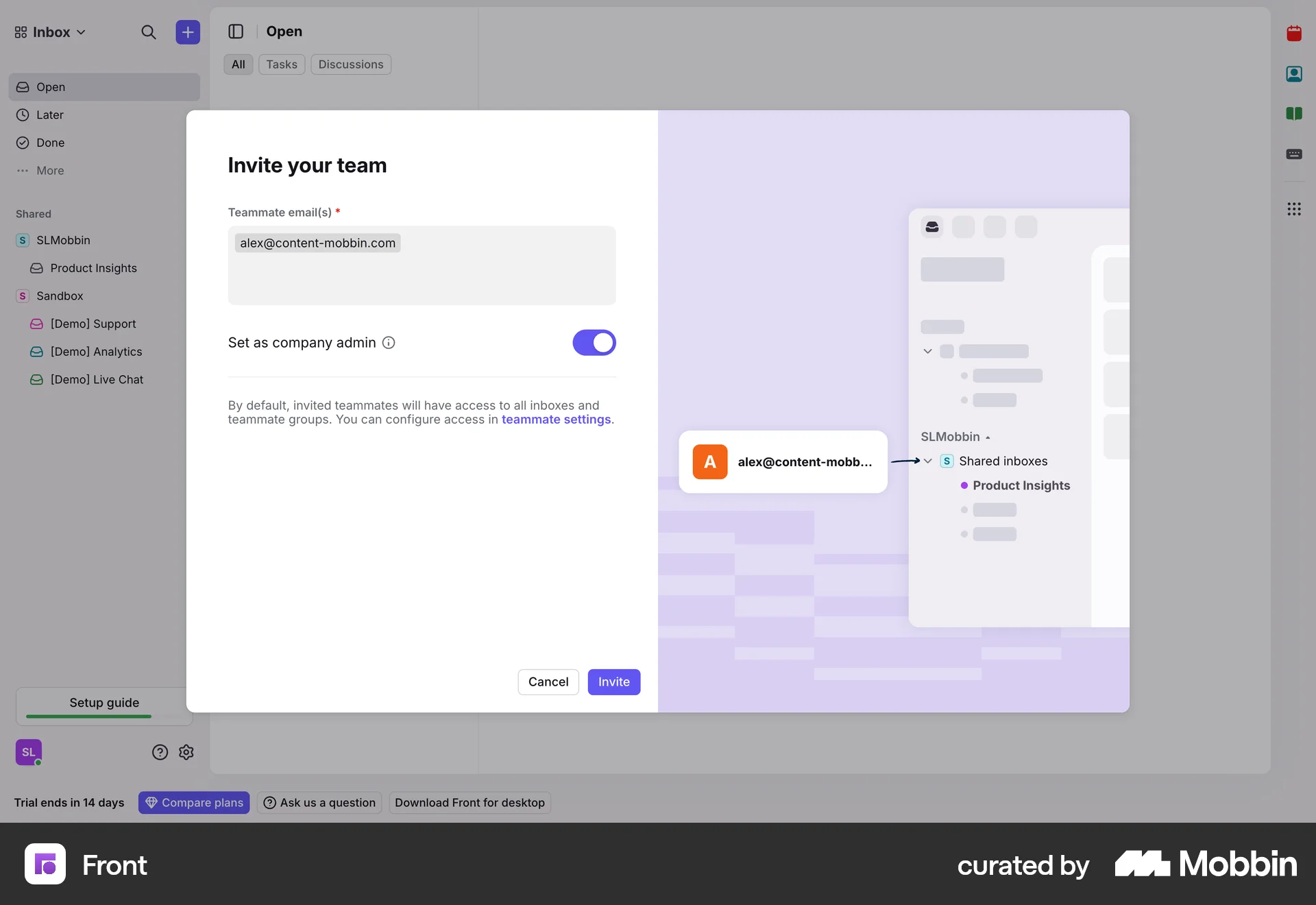
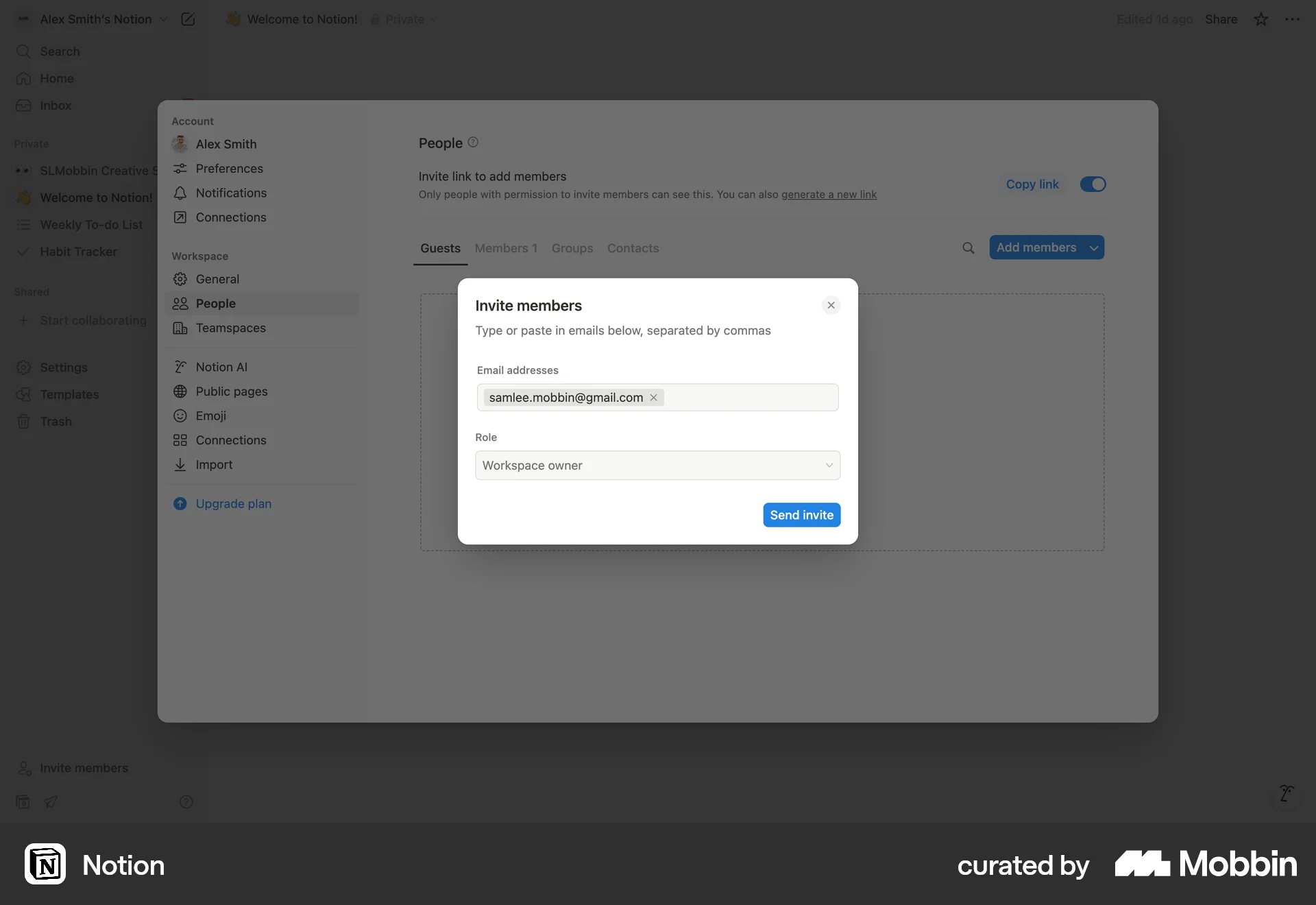
The user invites a teammate by entering their email and setting admin privileges. The user is then redirected to the teammates page, which confirms the invitation.
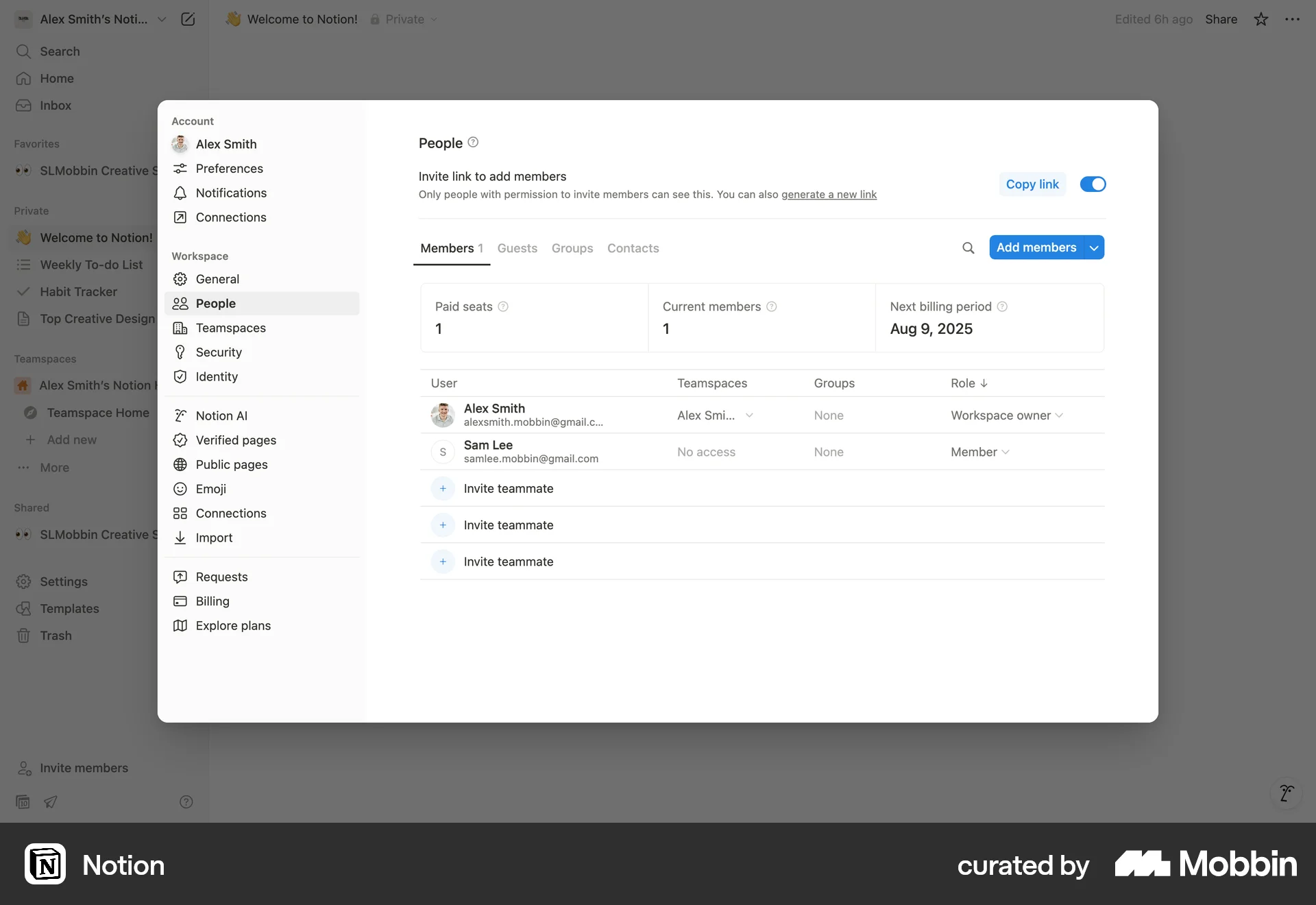
The user invites a new member by entering their email and role. The invited member is then displayed in the members list.

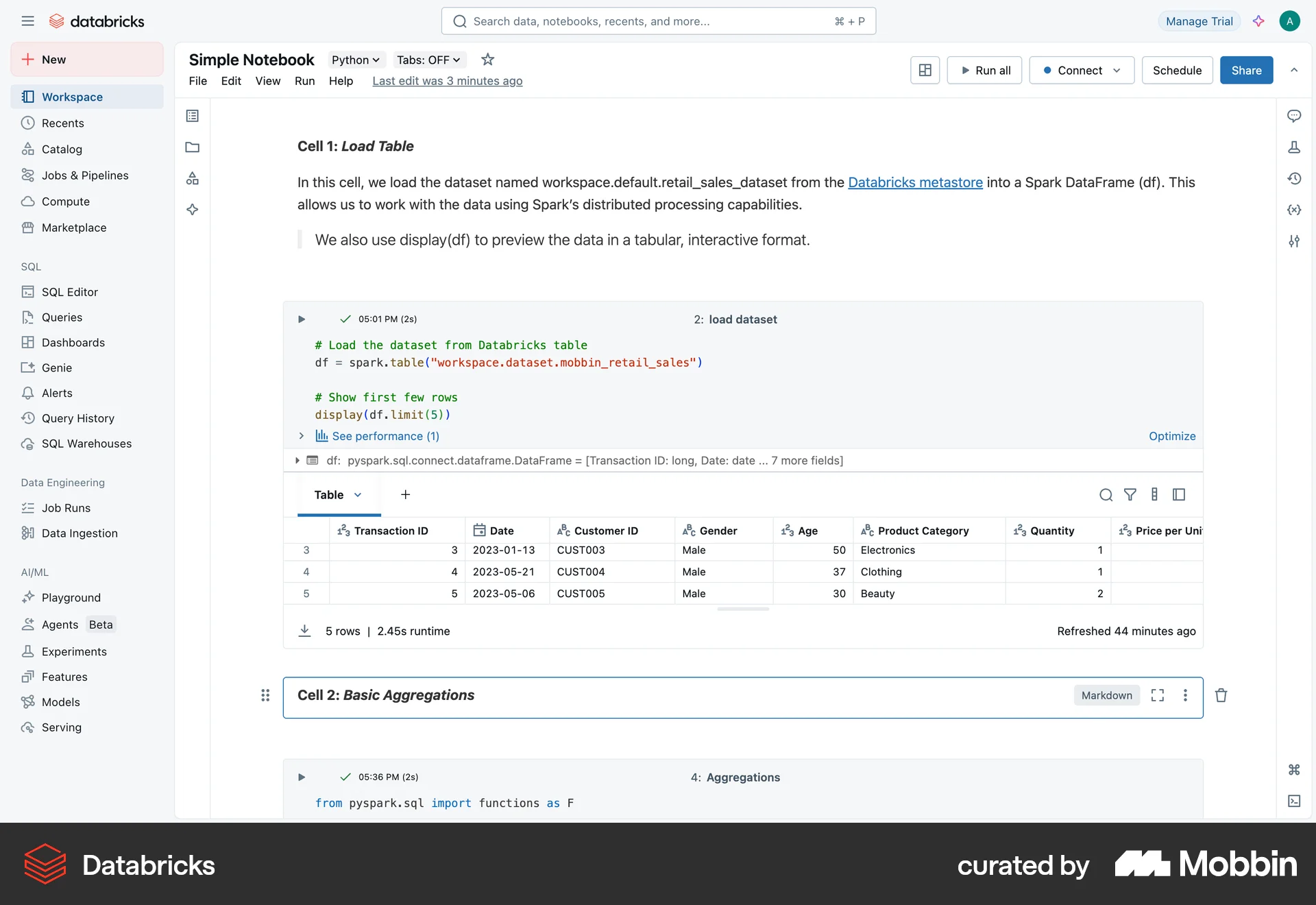
The user opens a notebook, navigates to the sharing settings, and shares the notebook with all workspace users. A success message confirms the action.

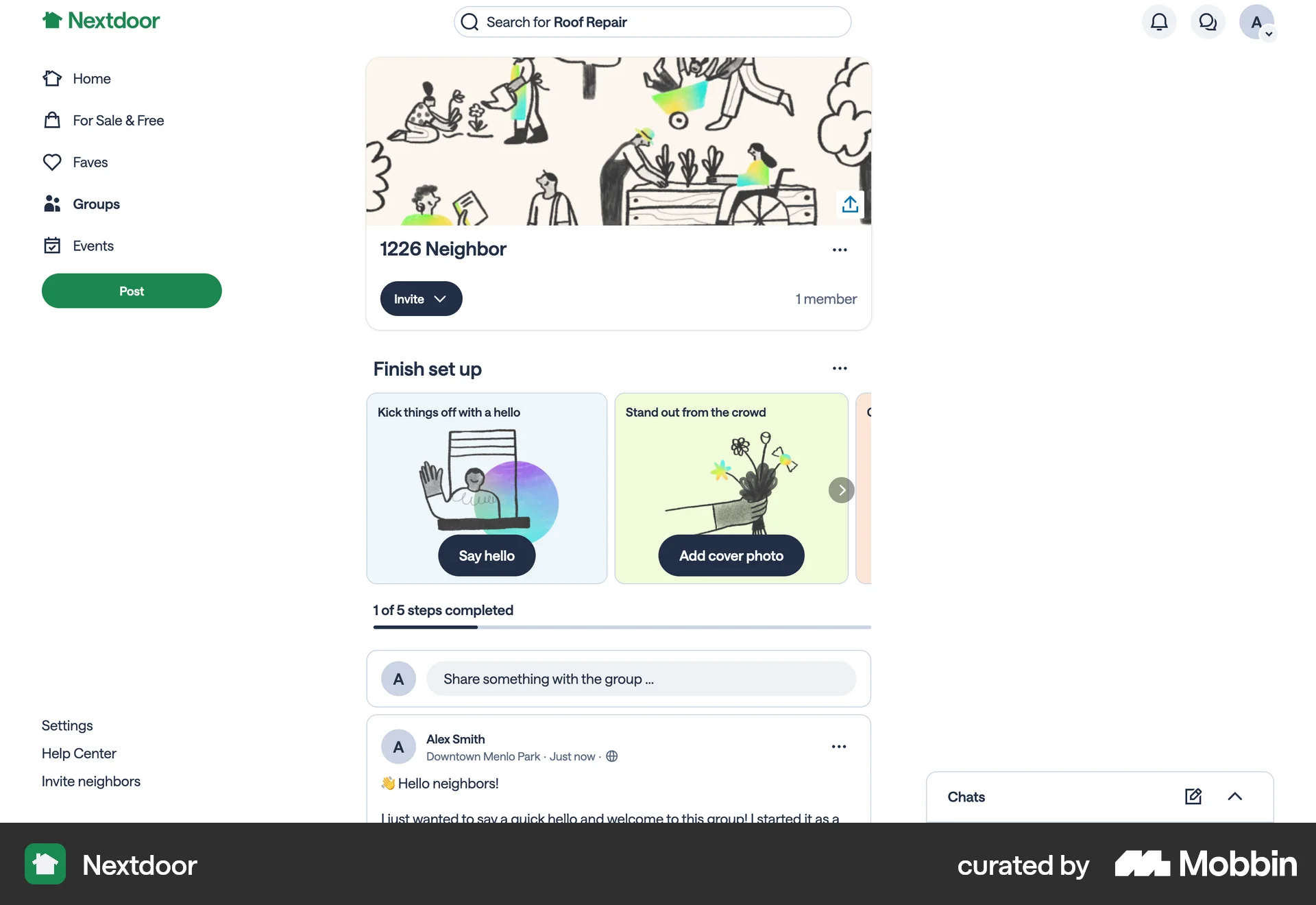
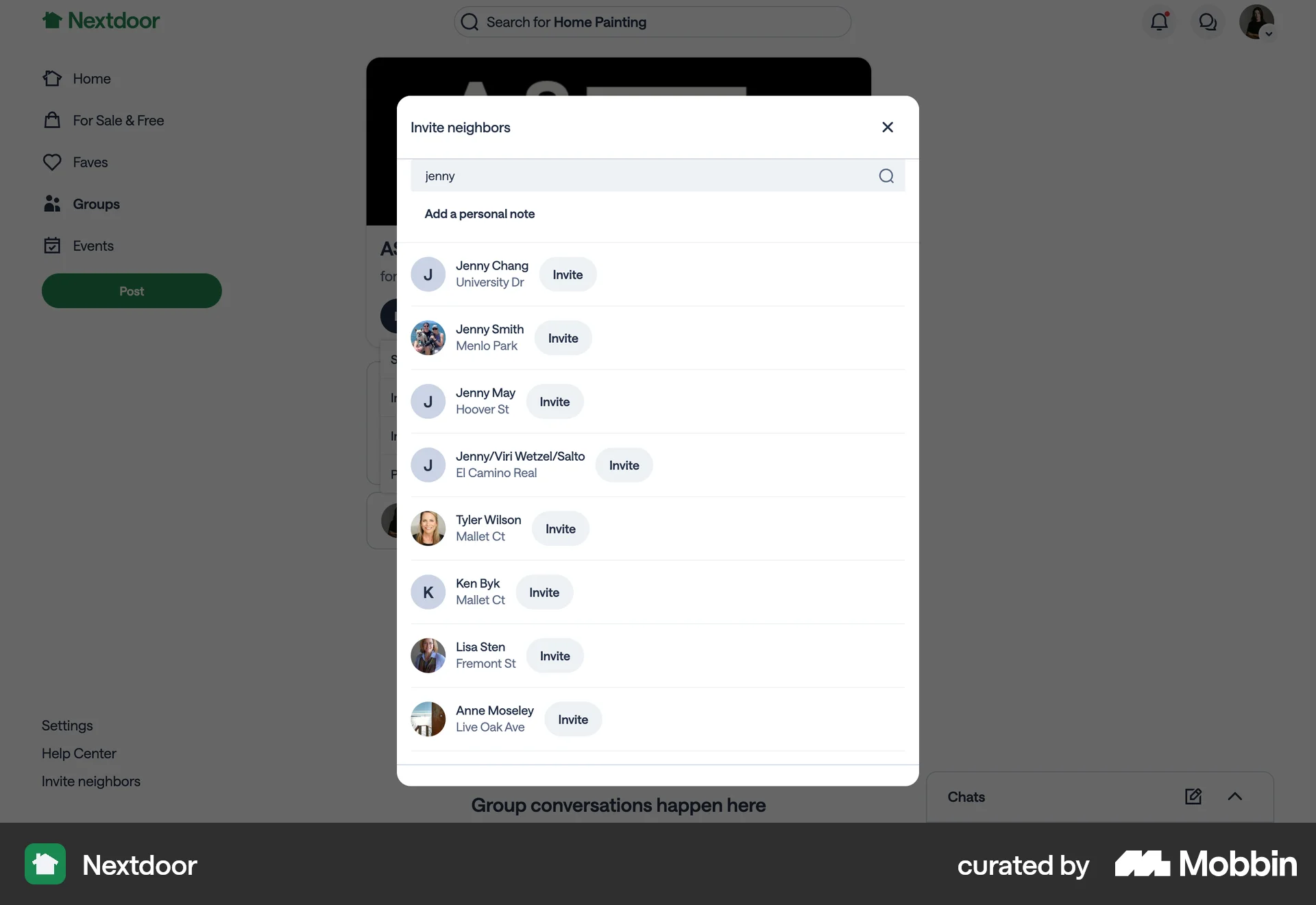
The user flow demonstrates inviting a neighbor to a group by searching for their name. It shows the invite confirmation after the user sends the invite.

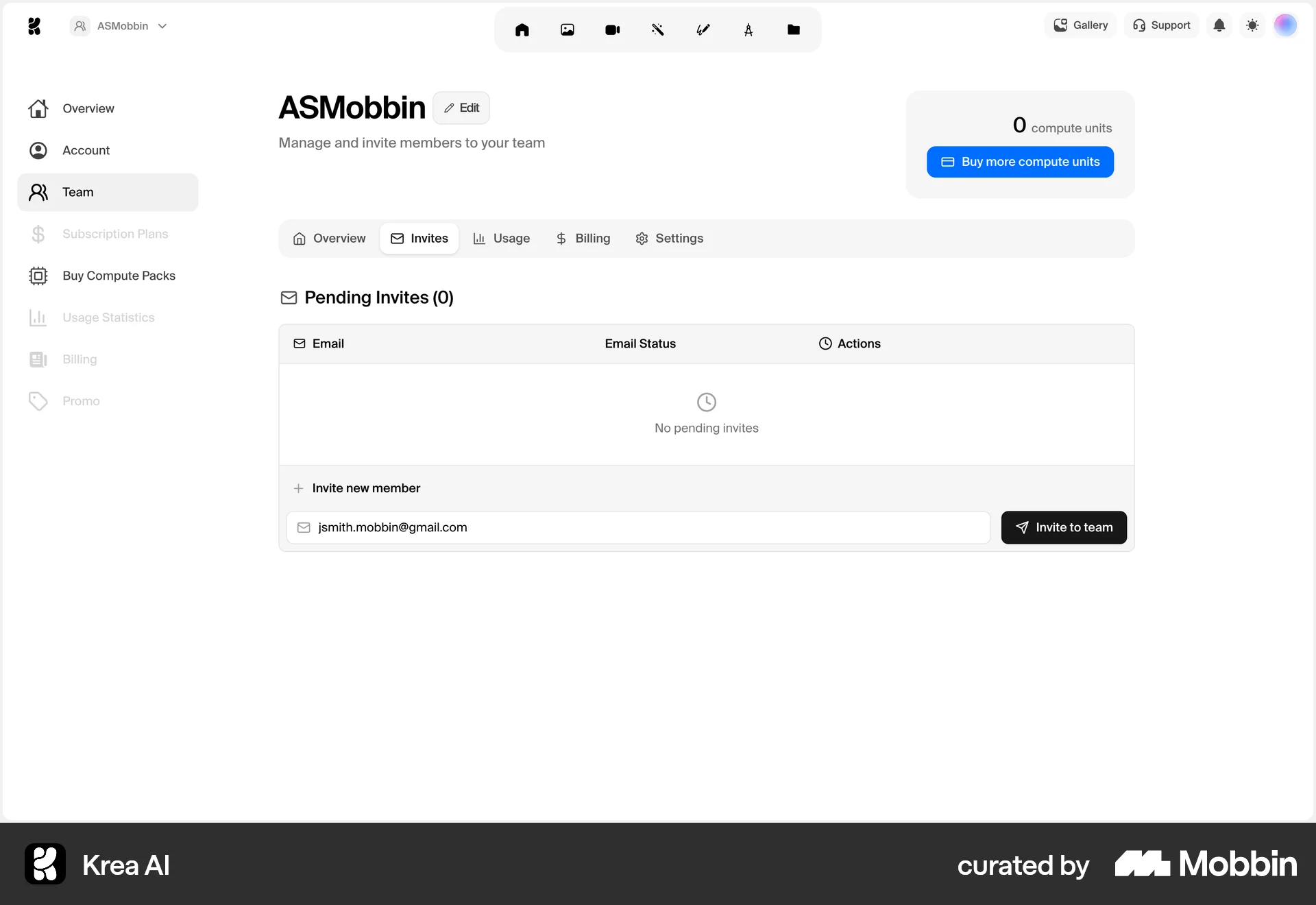
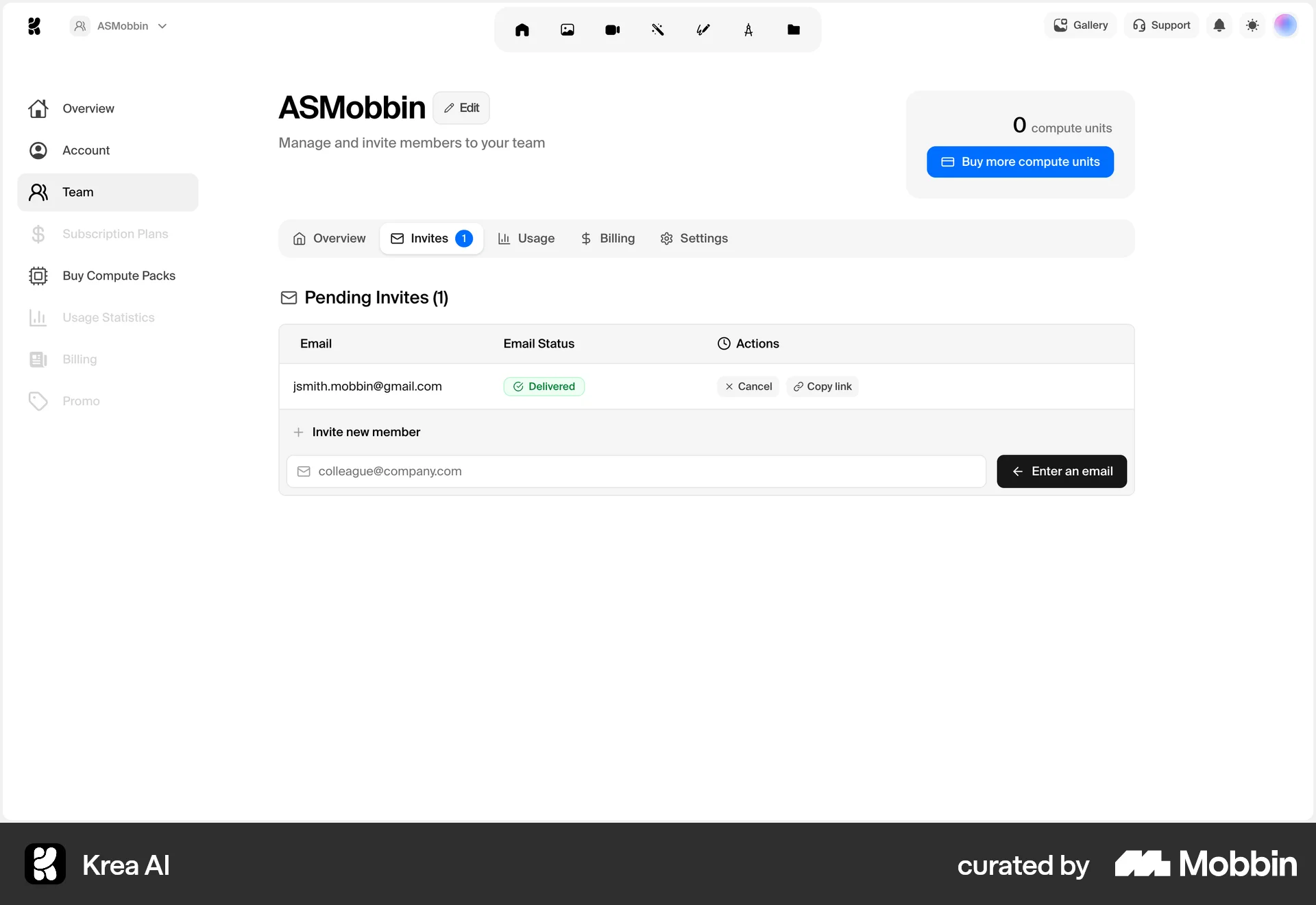
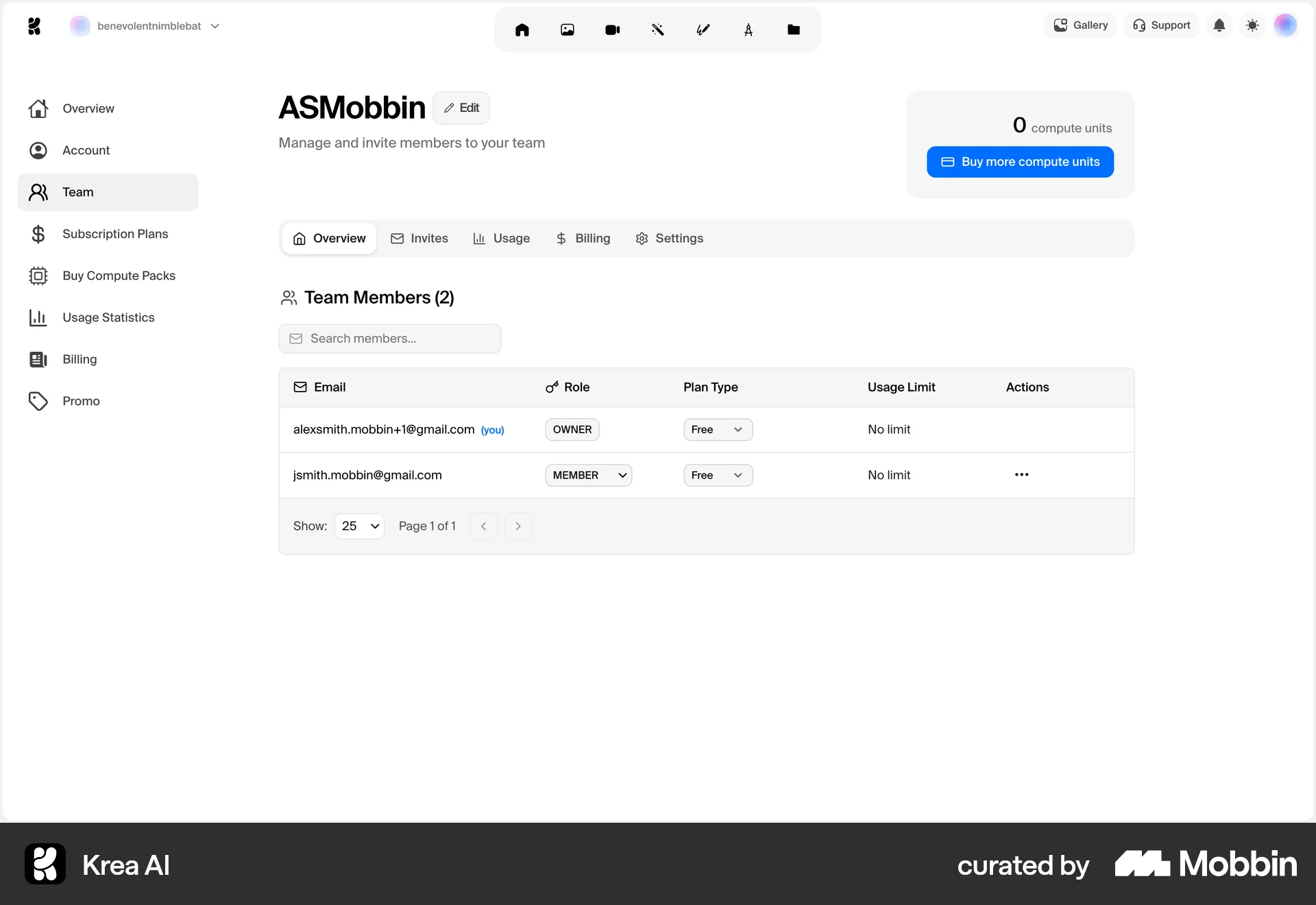
The user invites a new member to the team by entering their email and confirming the invite. The invited member then appears in the team members list.
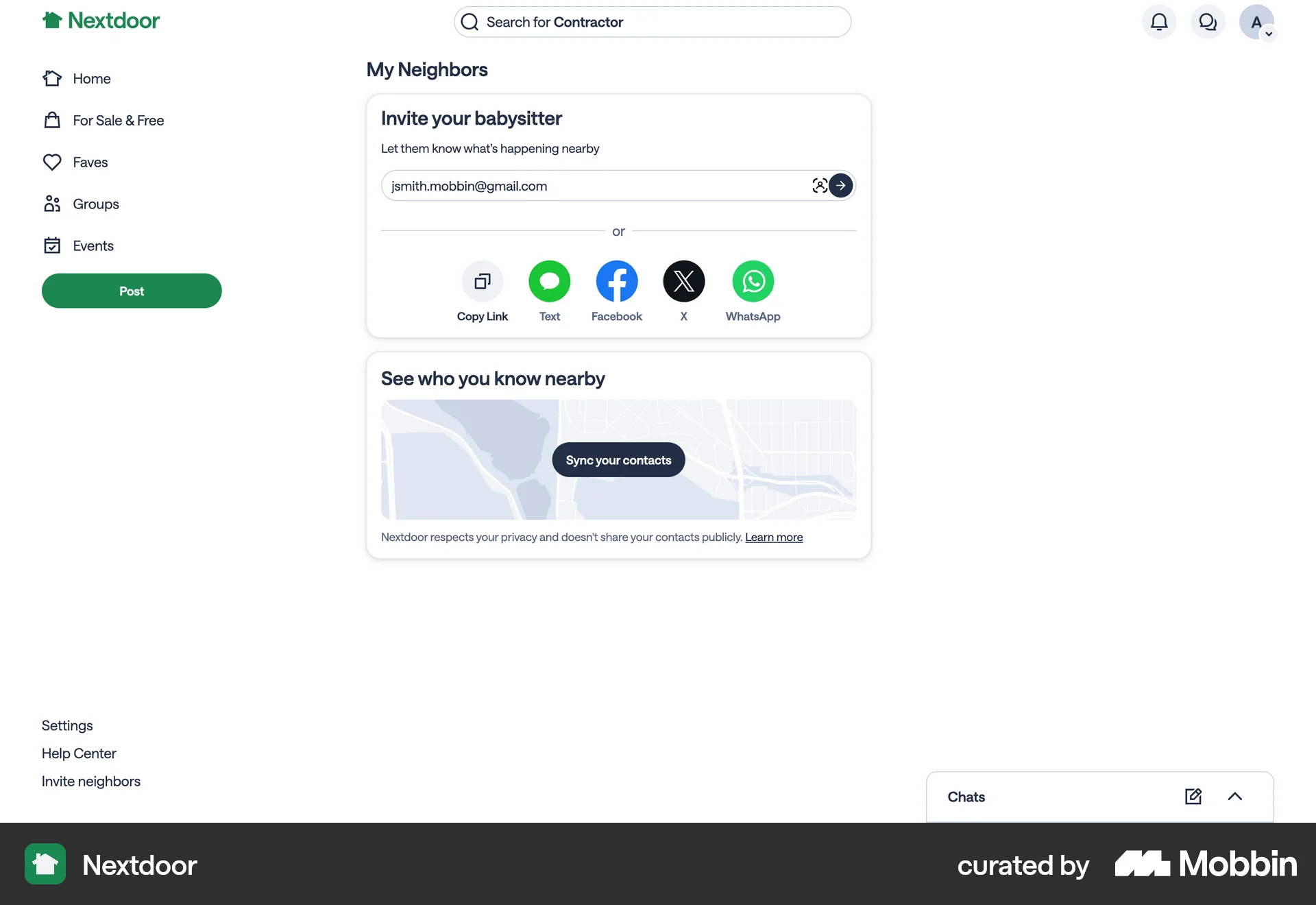
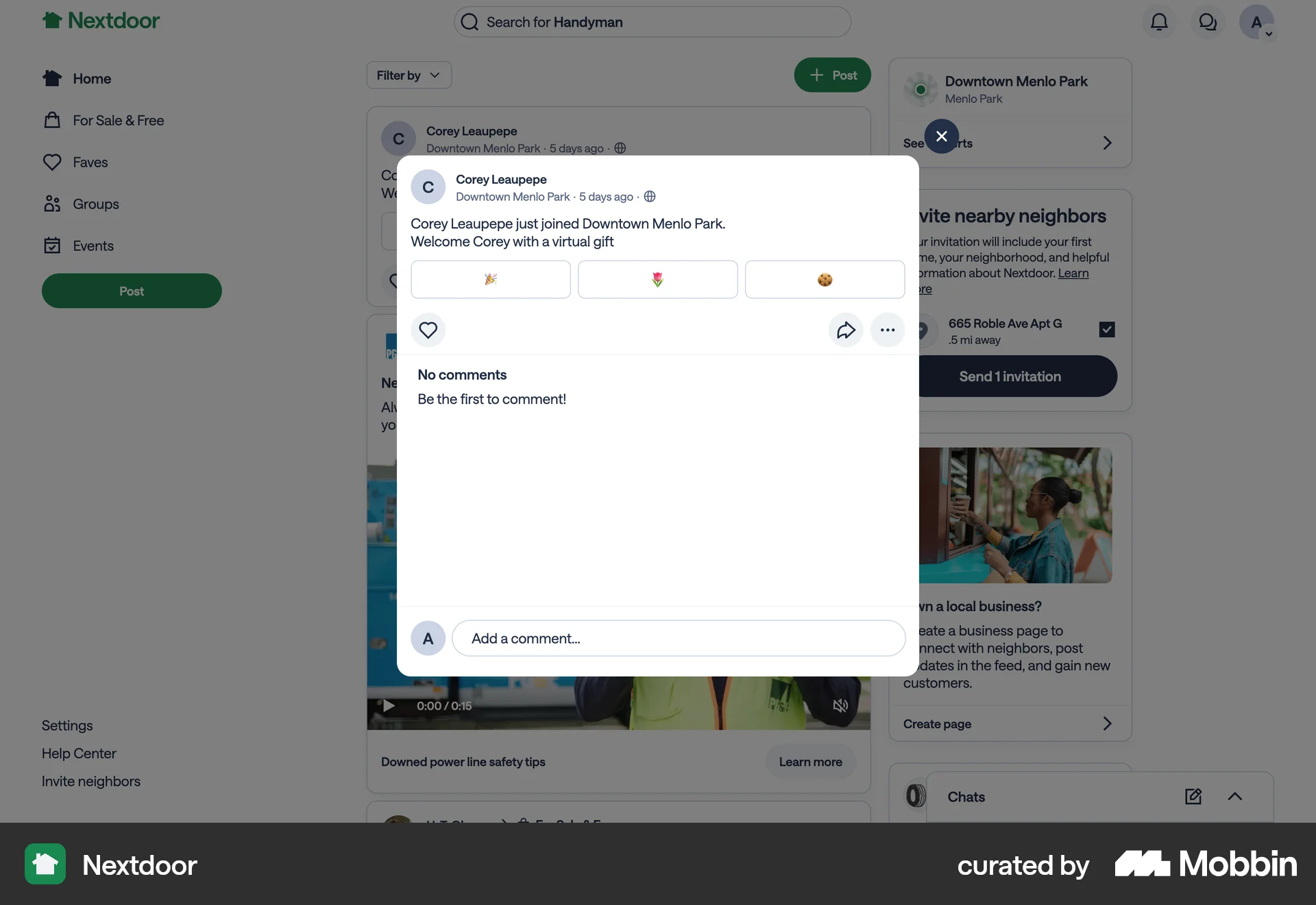
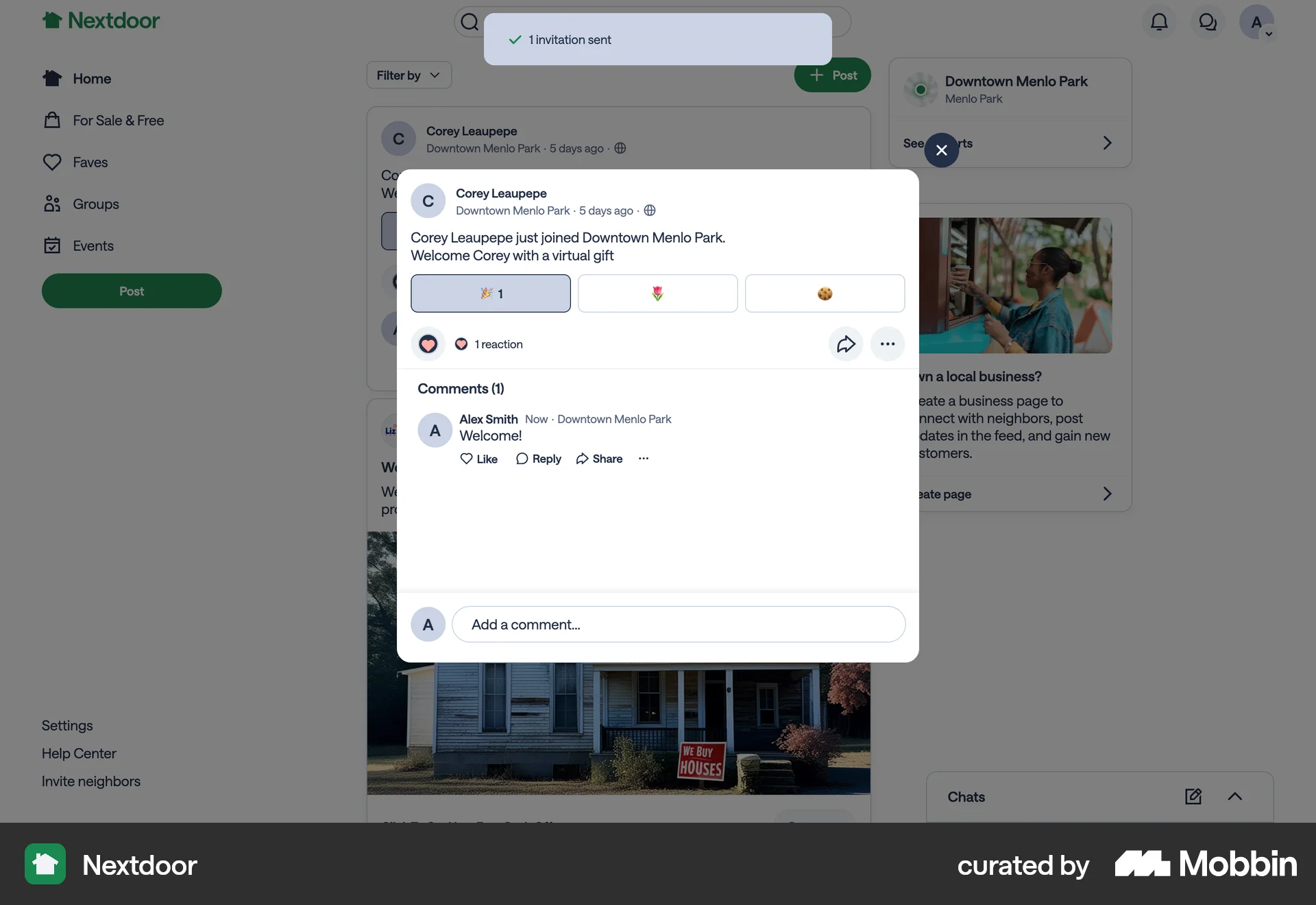
The user invites a neighbor to Nextdoor by entering their email address. A confirmation message appears after the invitation is sent.
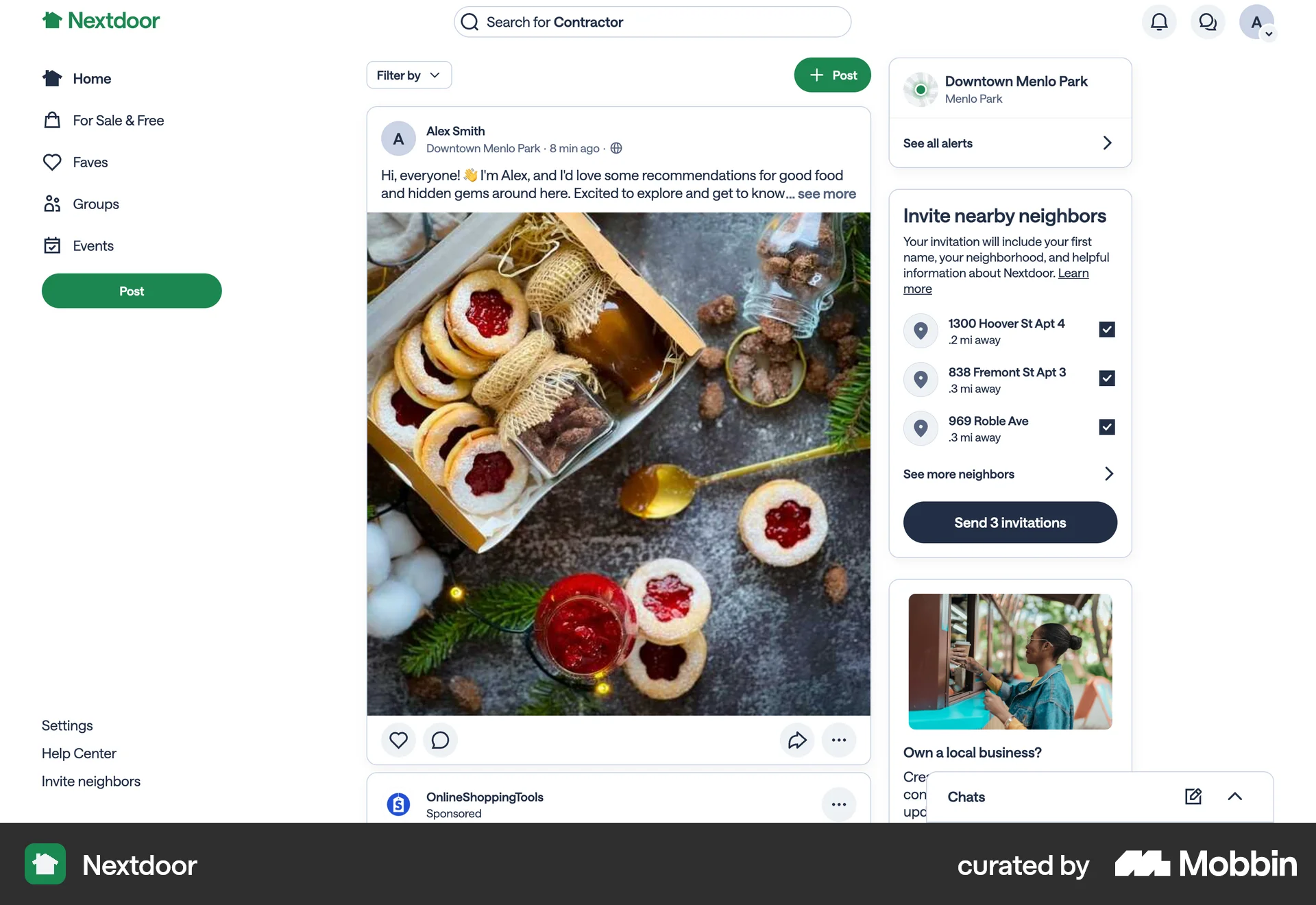
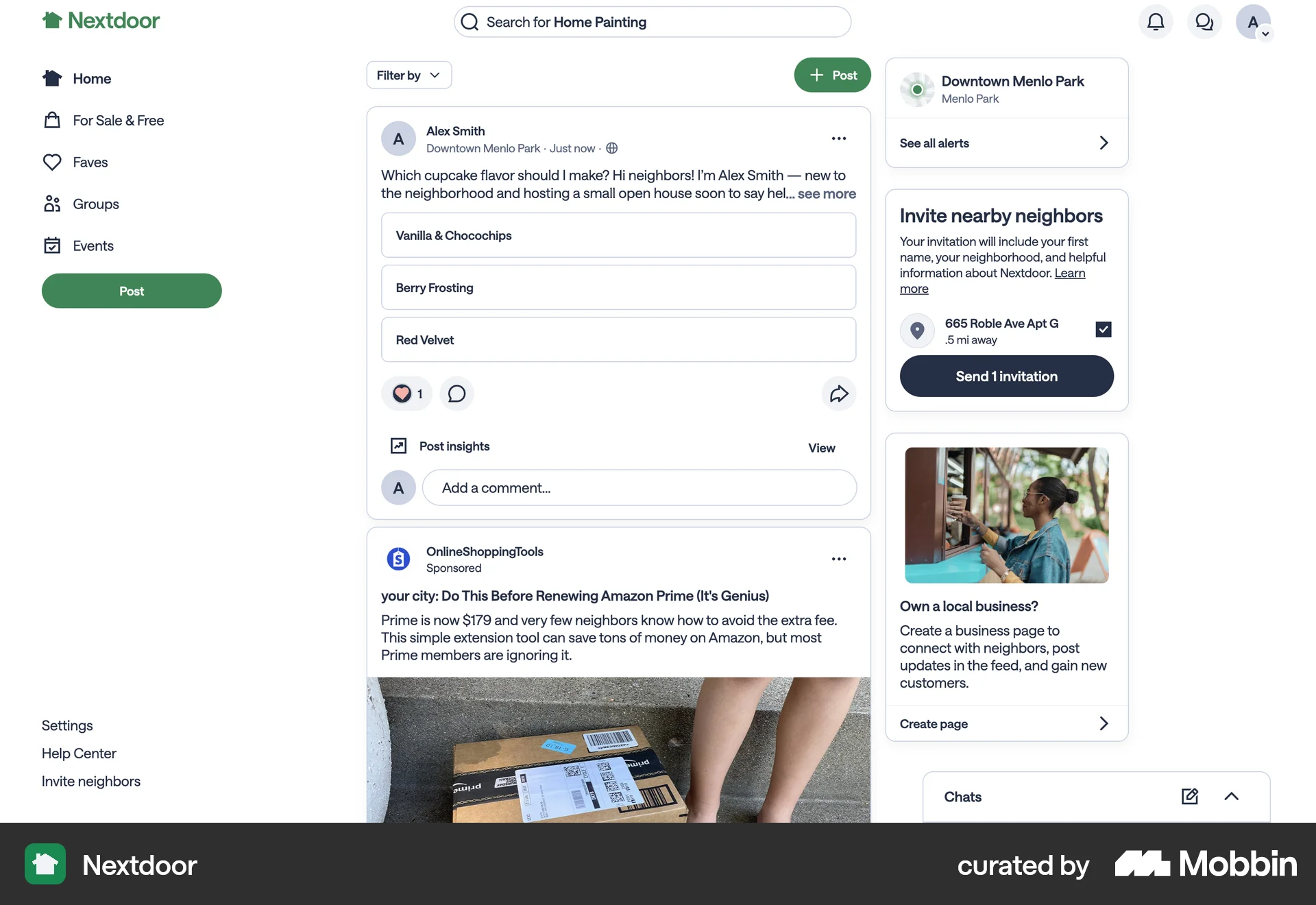
The user flow involves inviting nearby neighbors to a page. The user selects neighbors from a list and sends invitations, receiving a confirmation upon completion.
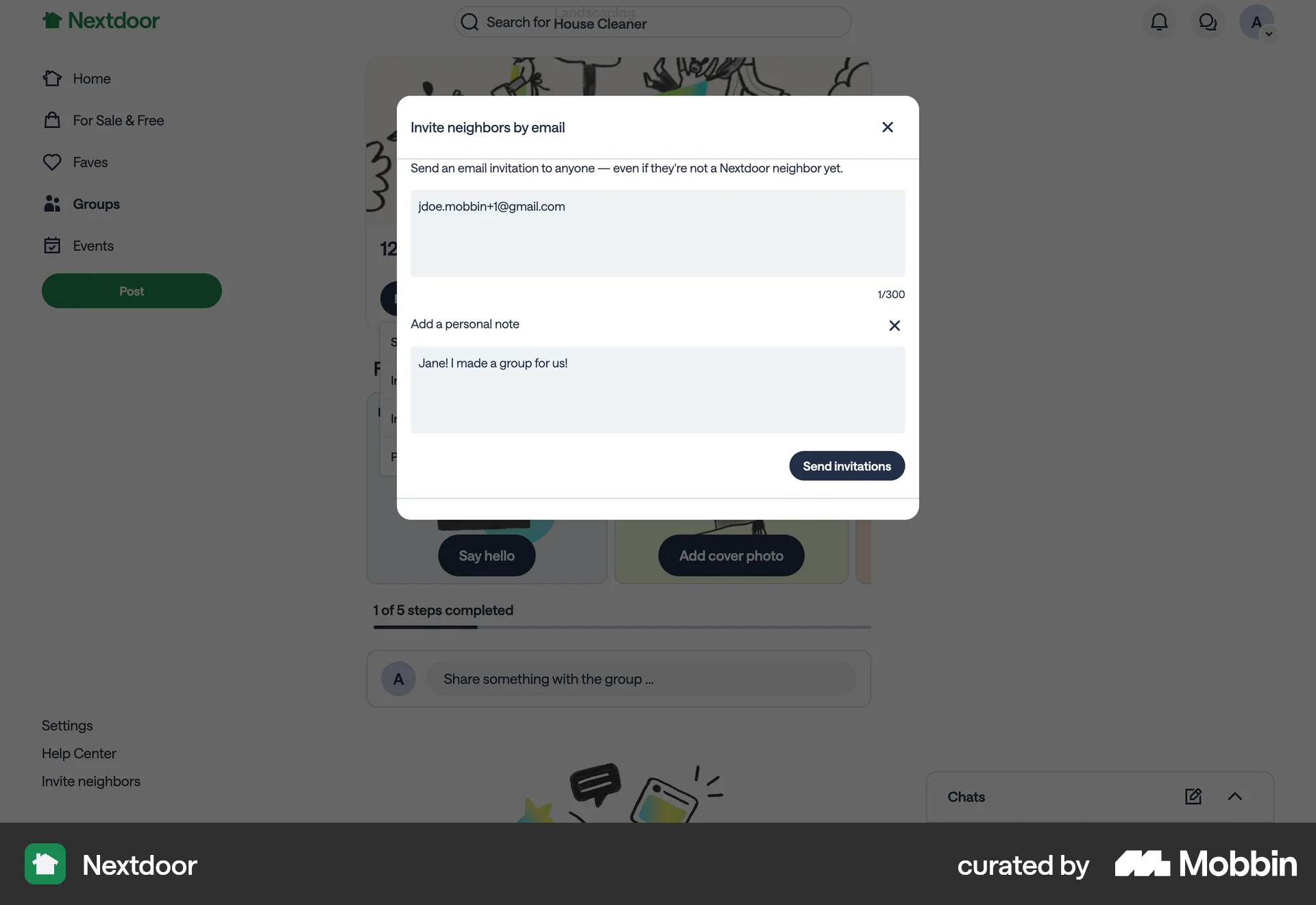
The user invites someone to a group via email. They enter an email, add a personal note, and then send the invitation.
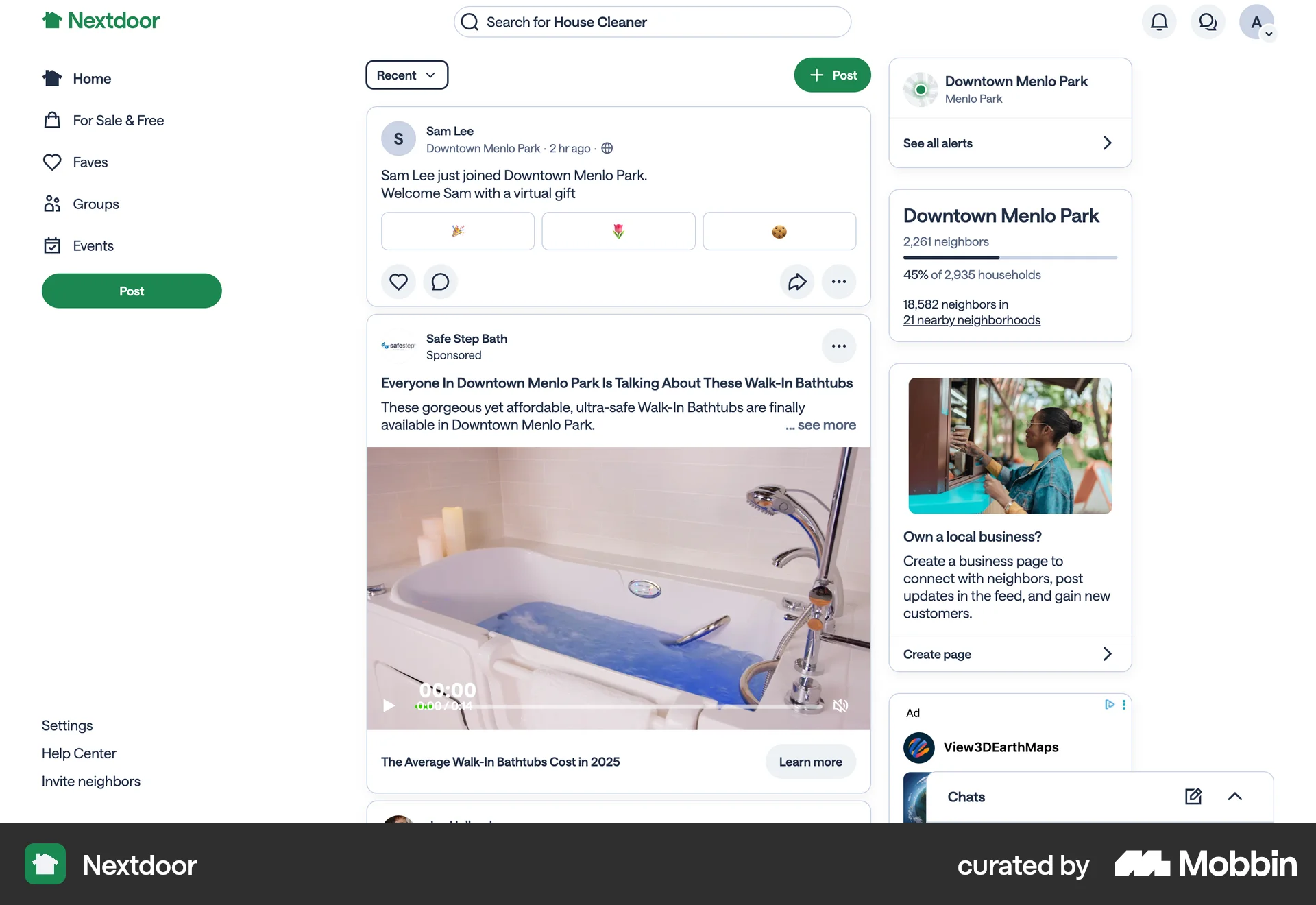
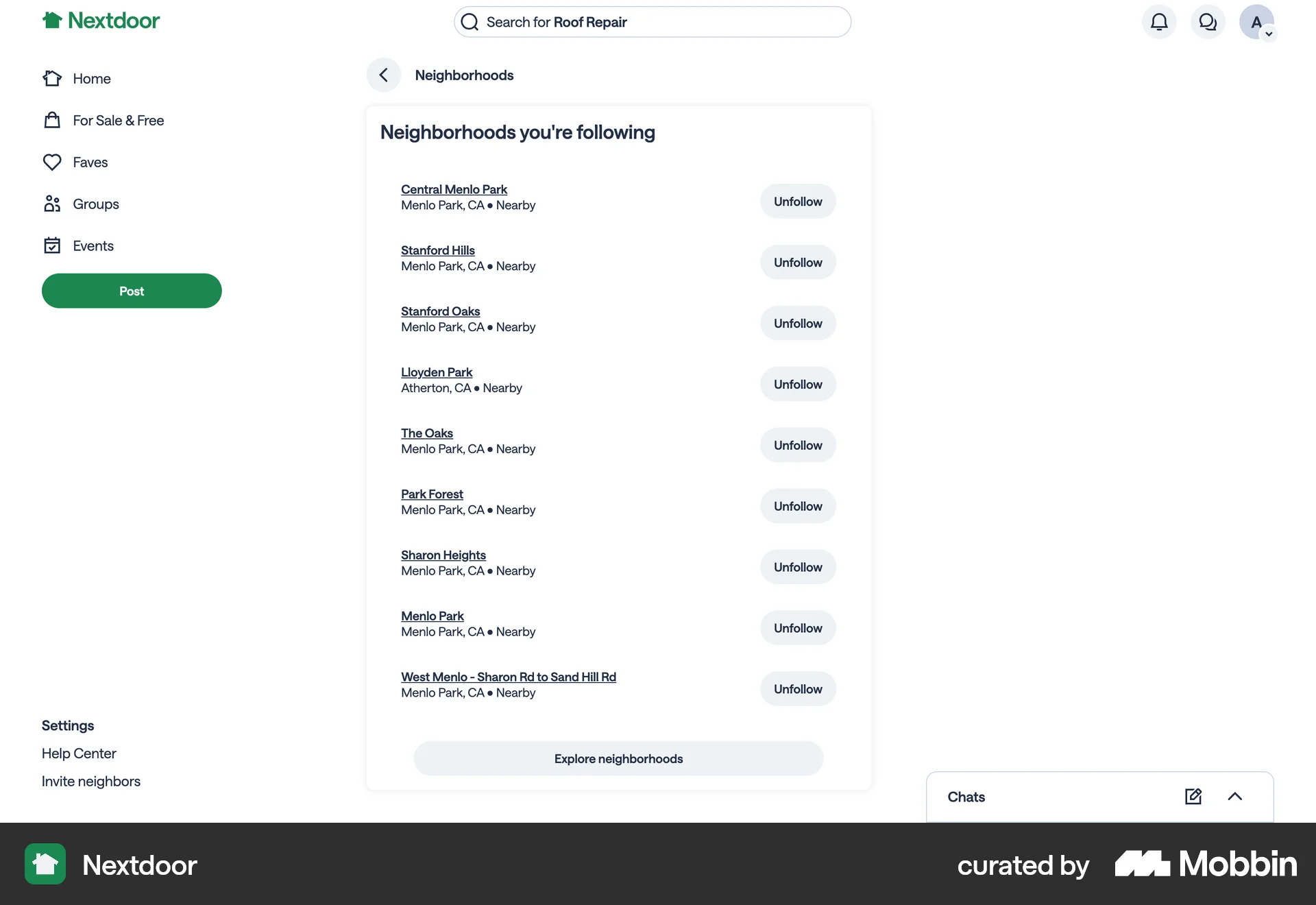
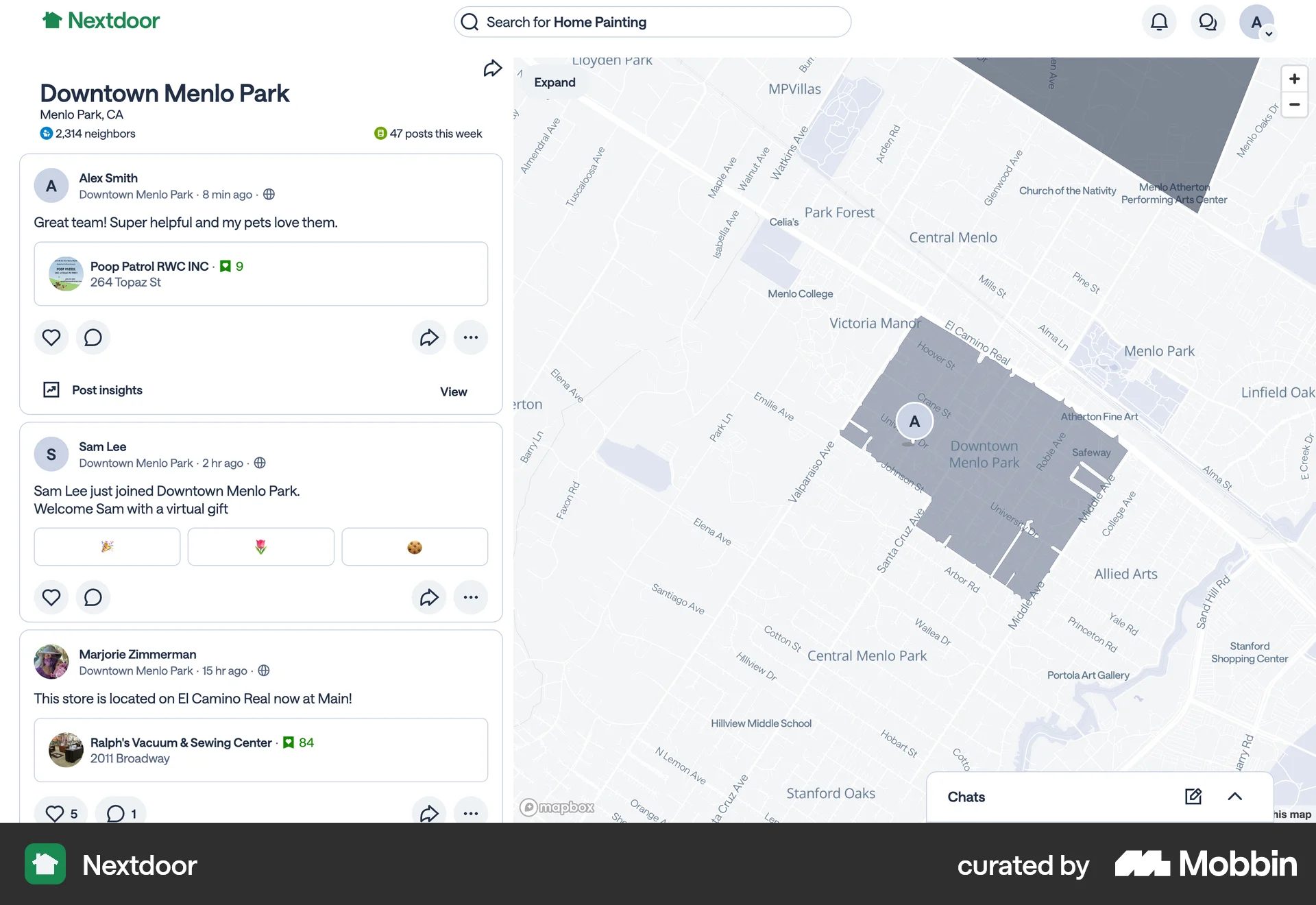
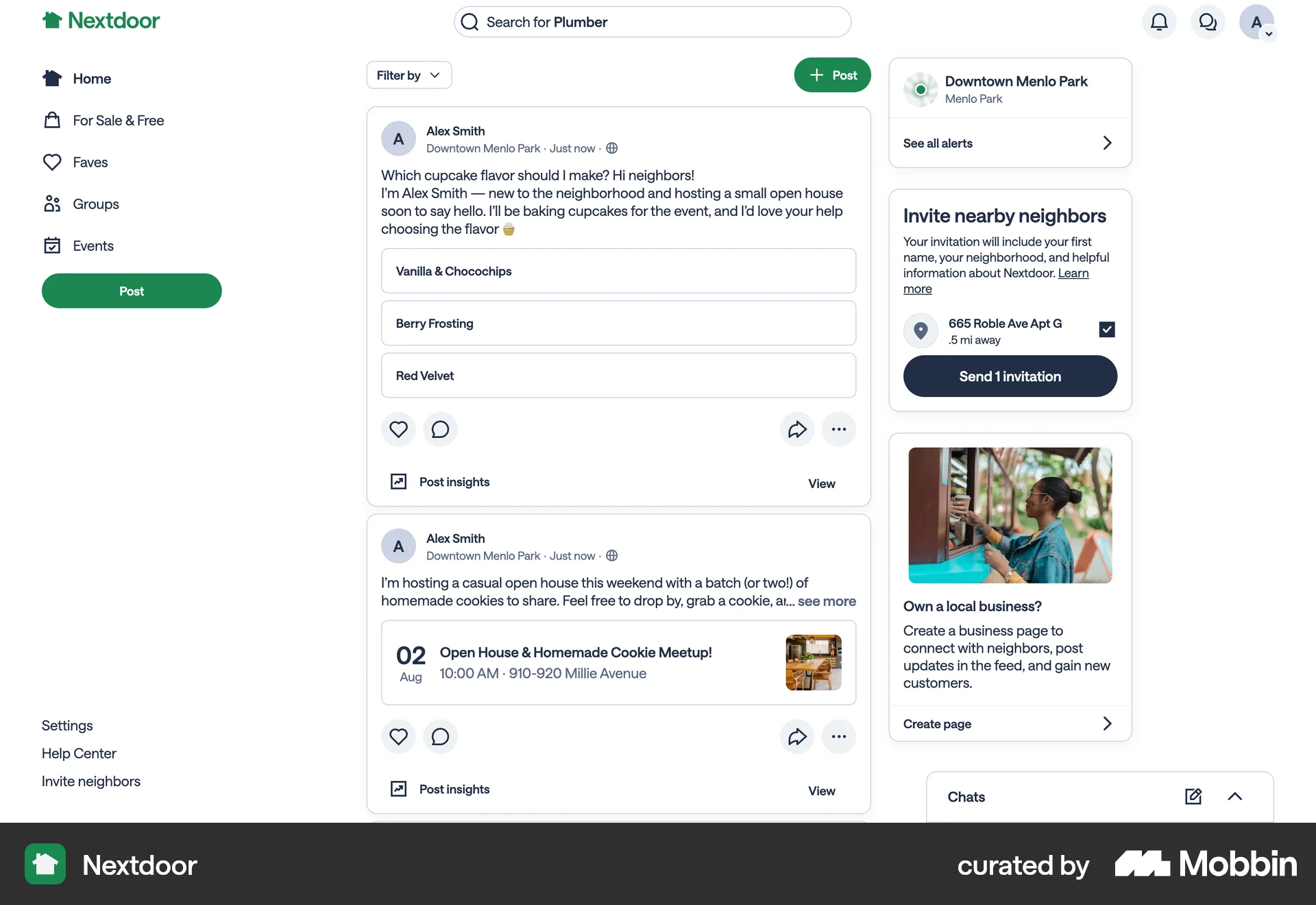
The user starts on the Nextdoor feed with an invitation prompt, then navigates to the main feed, followed neighborhoods, and a map view. The initial invitation focus is lost.

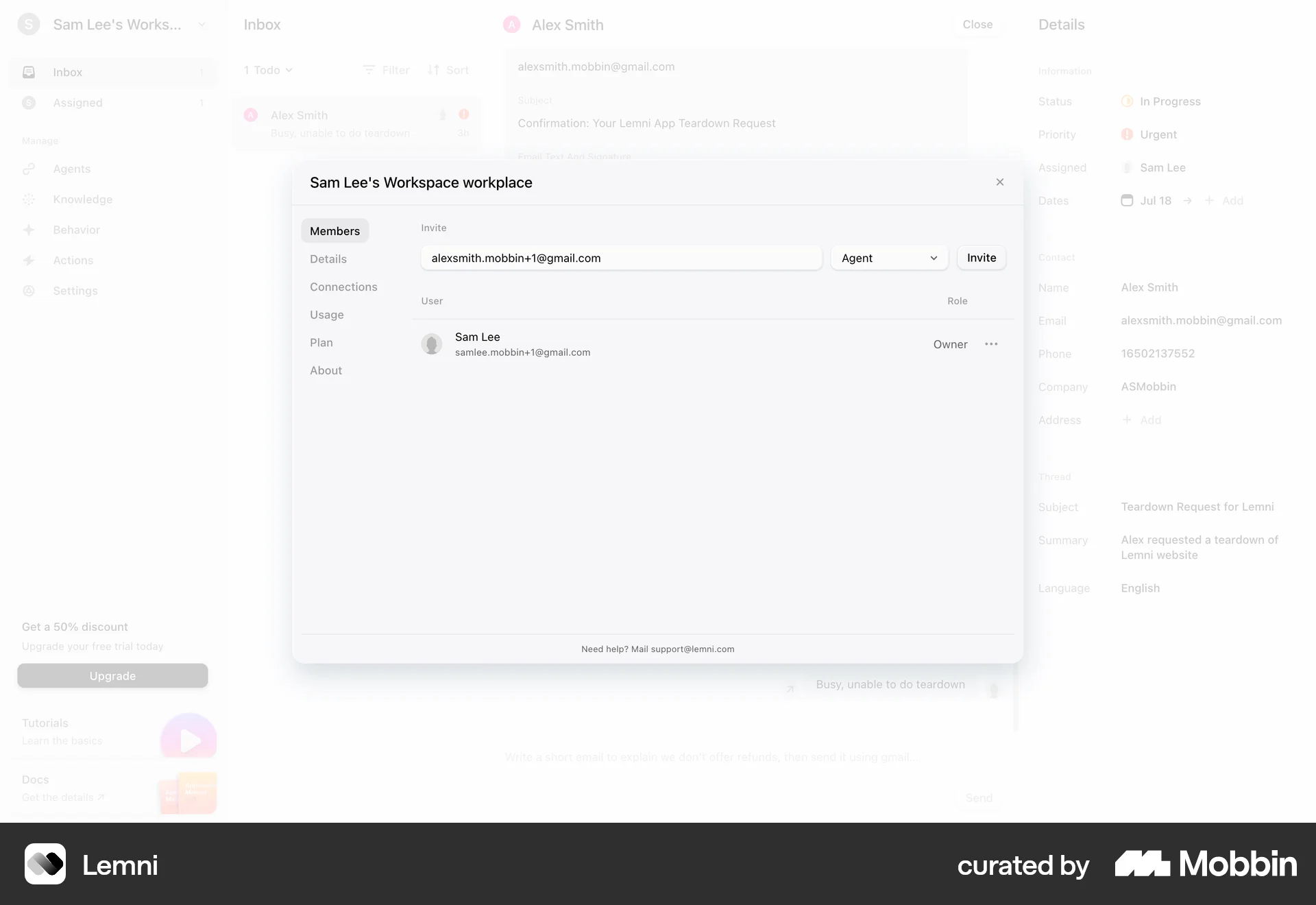
The user flow demonstrates inviting a new member to a workspace. It shows the invite form and the updated member list after the invitation.
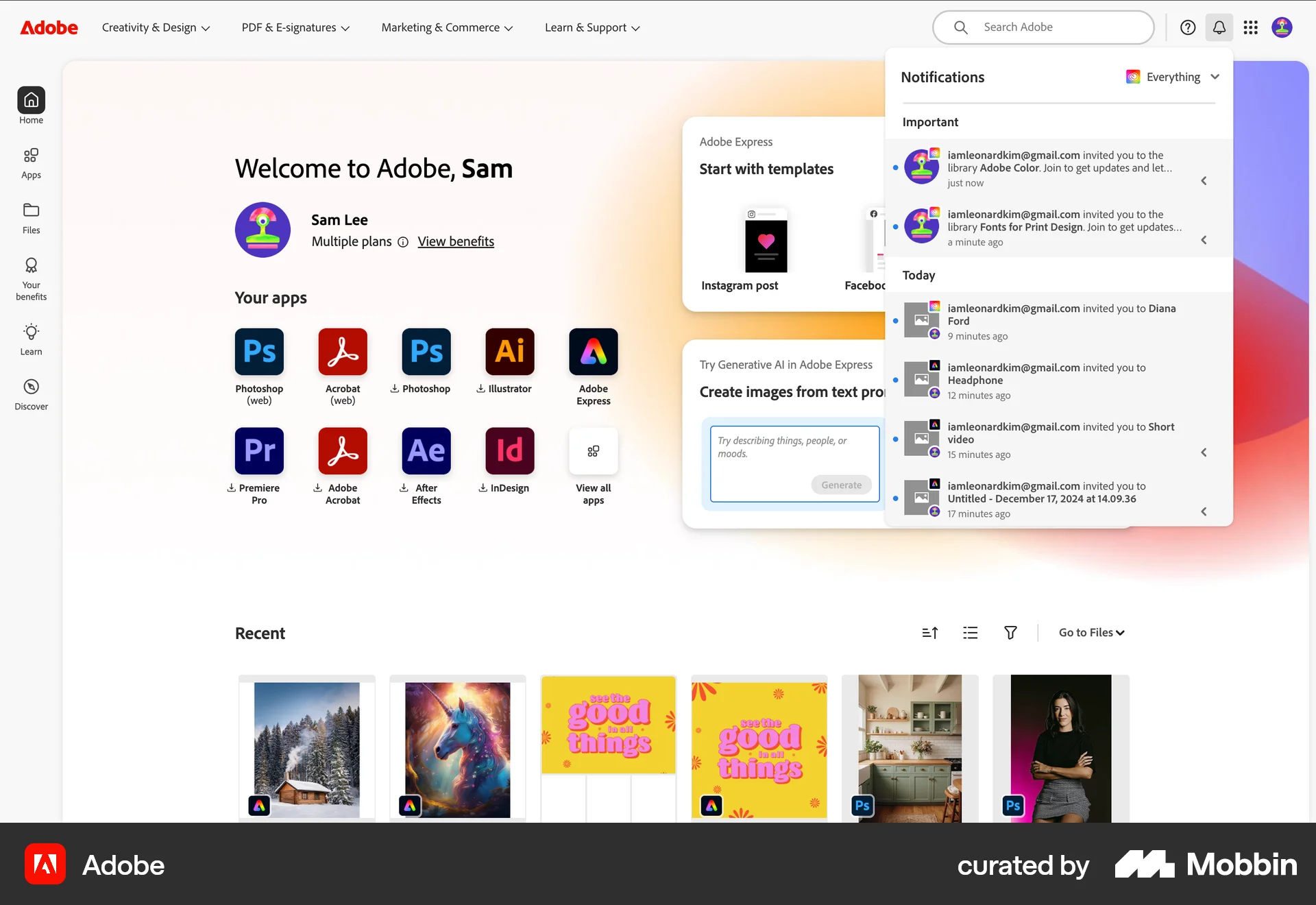
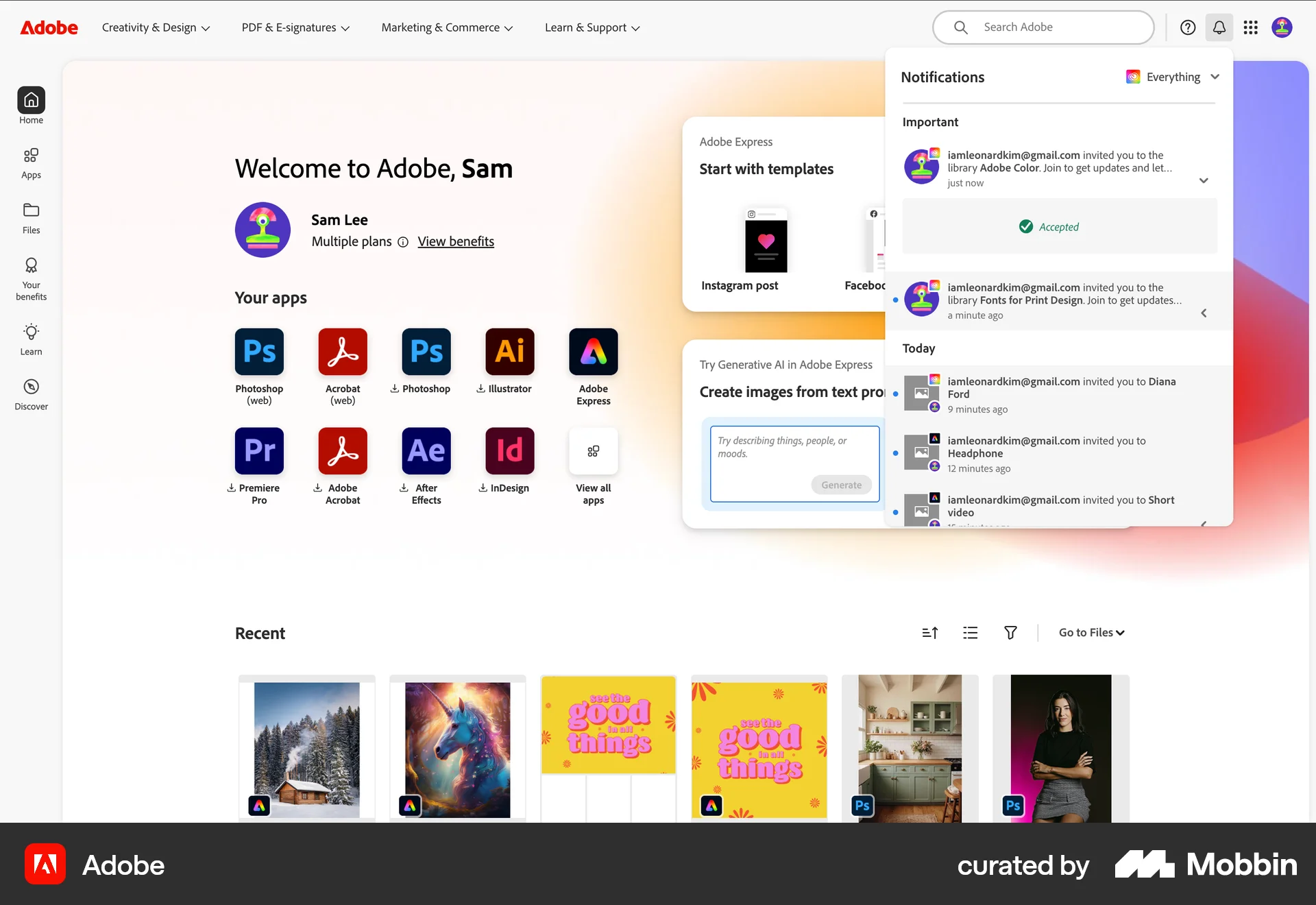
248 Flows
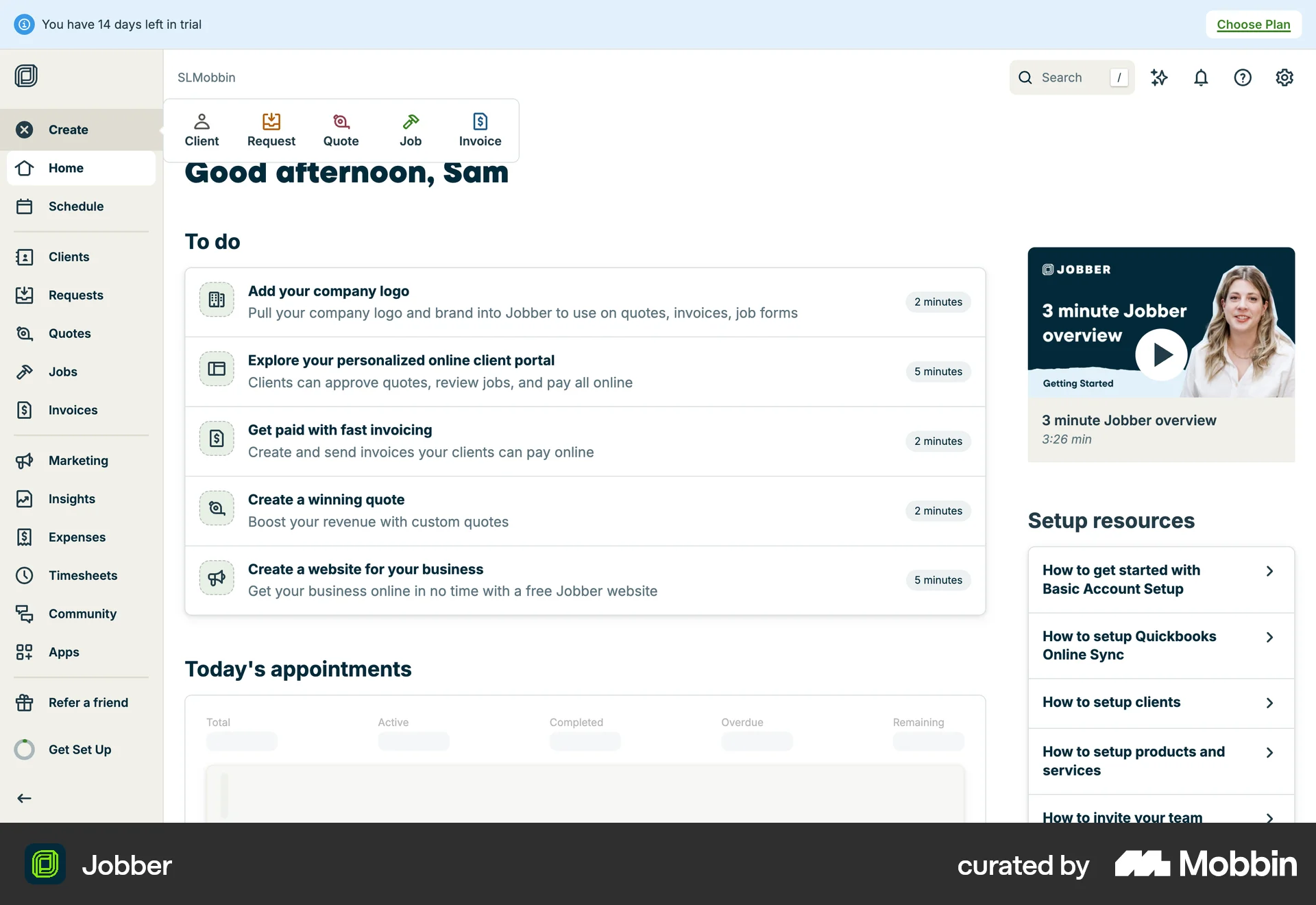
194 Flows
655 Flows
529 Flows
88 Flows
290 Flows