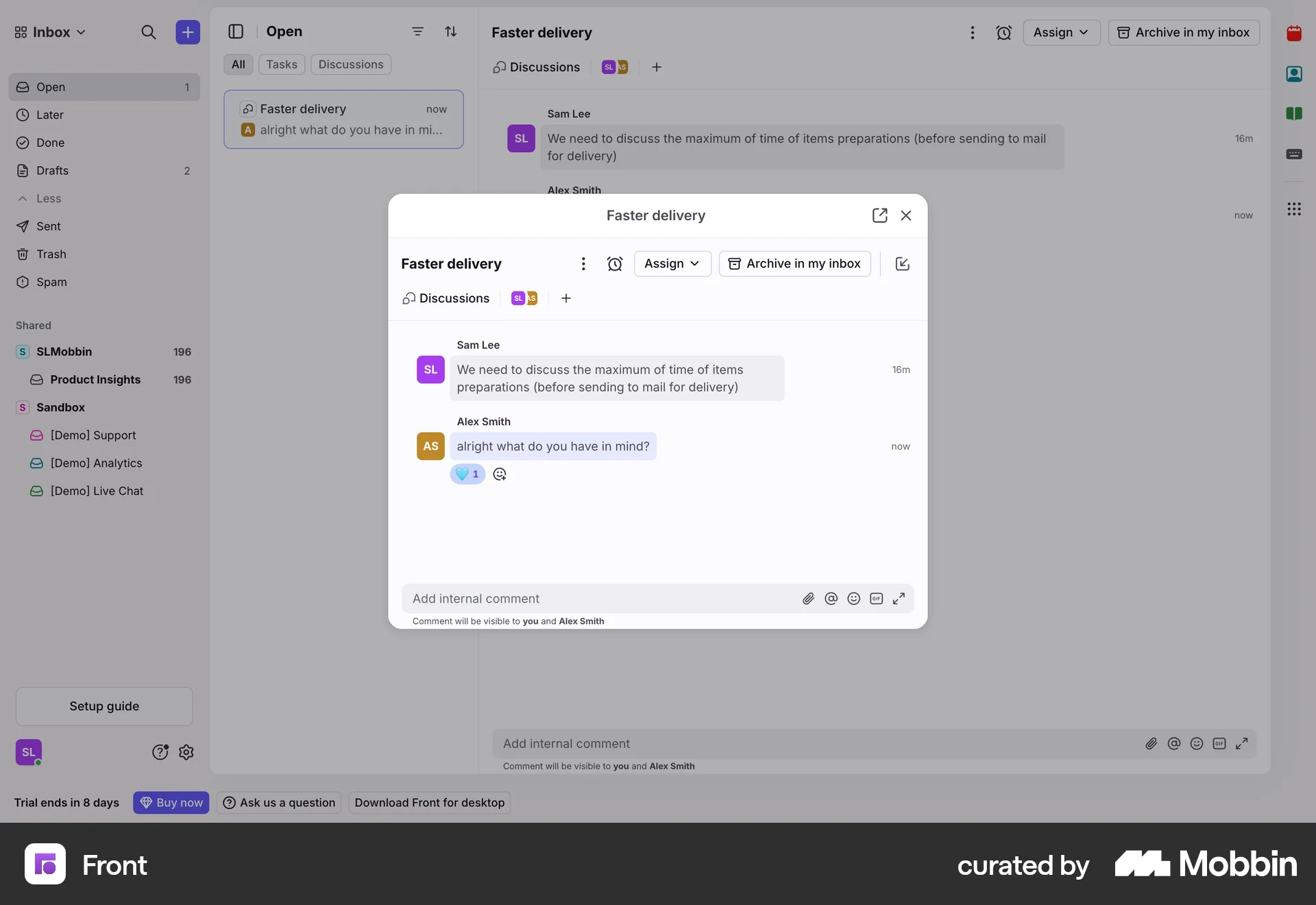
Reacting to a messageon Front
Front
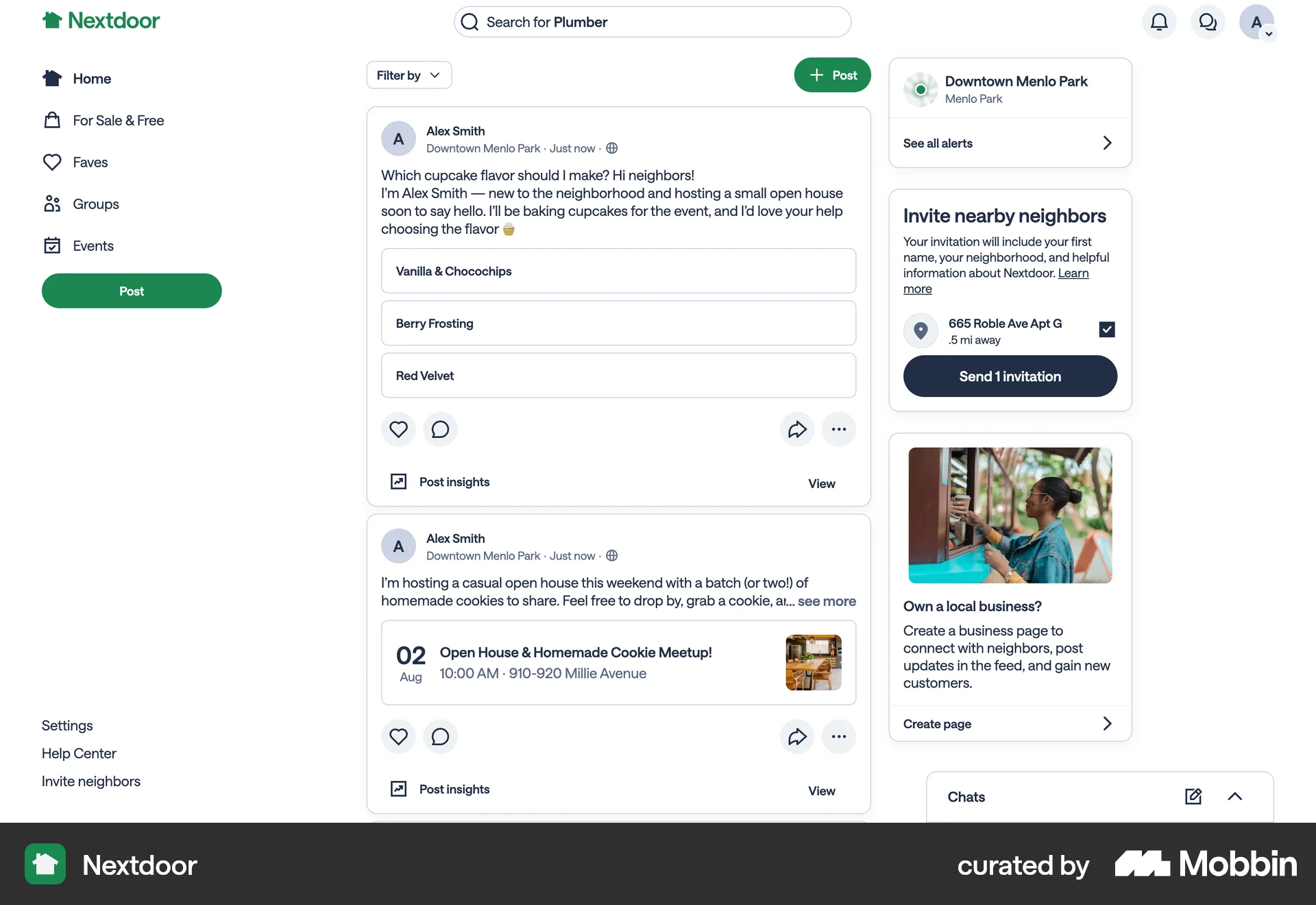
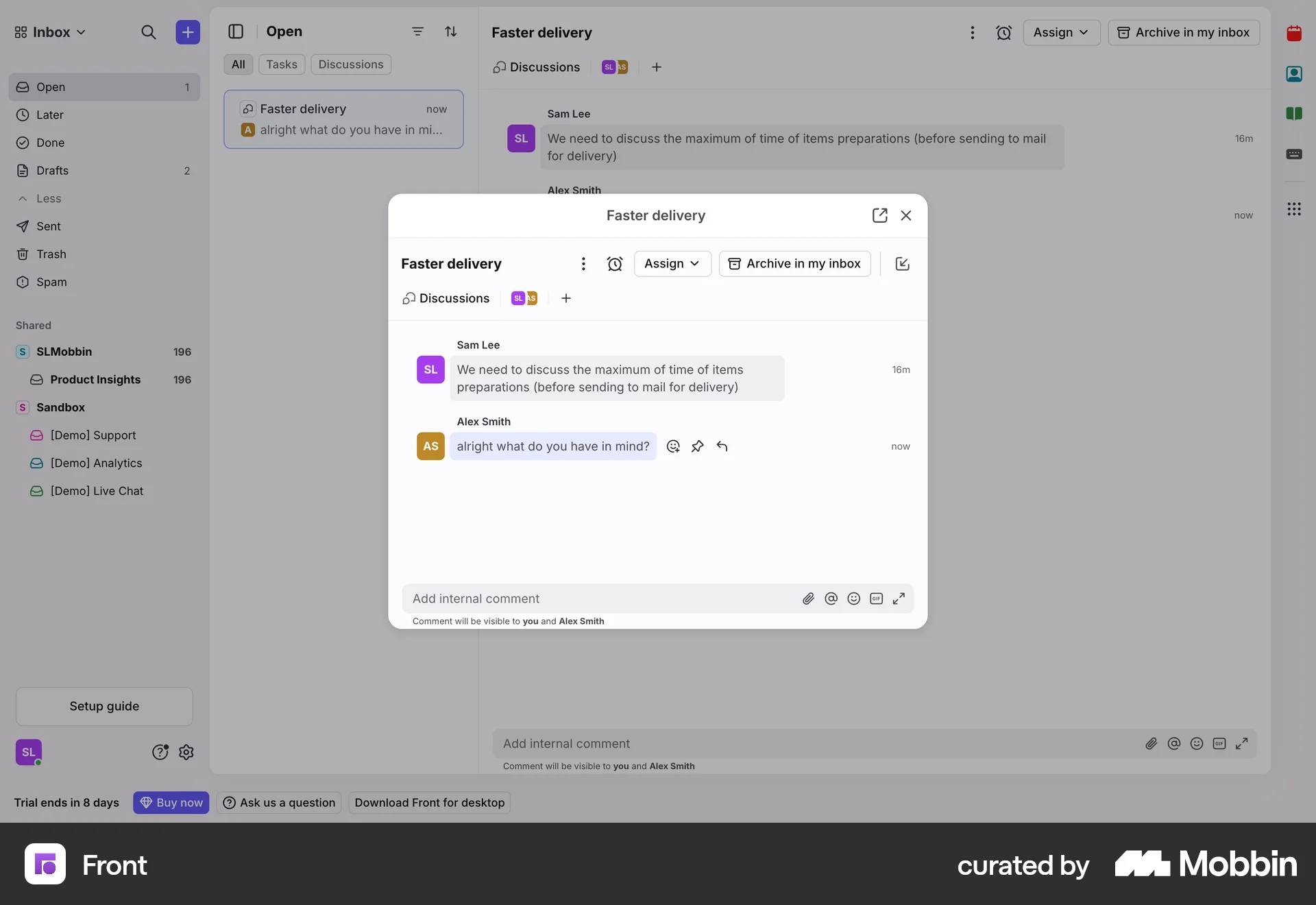
The user flow shows a user reacting to a message in a discussion thread. The flow includes adding a message, displaying reaction icons, and adding a reaction.
Discover best website designs for Liking & Upvoting flows. Get inspired by the best apps in the world.
The user flow shows a user reacting to a message in a discussion thread. The flow includes adding a message, displaying reaction icons, and adding a reaction.

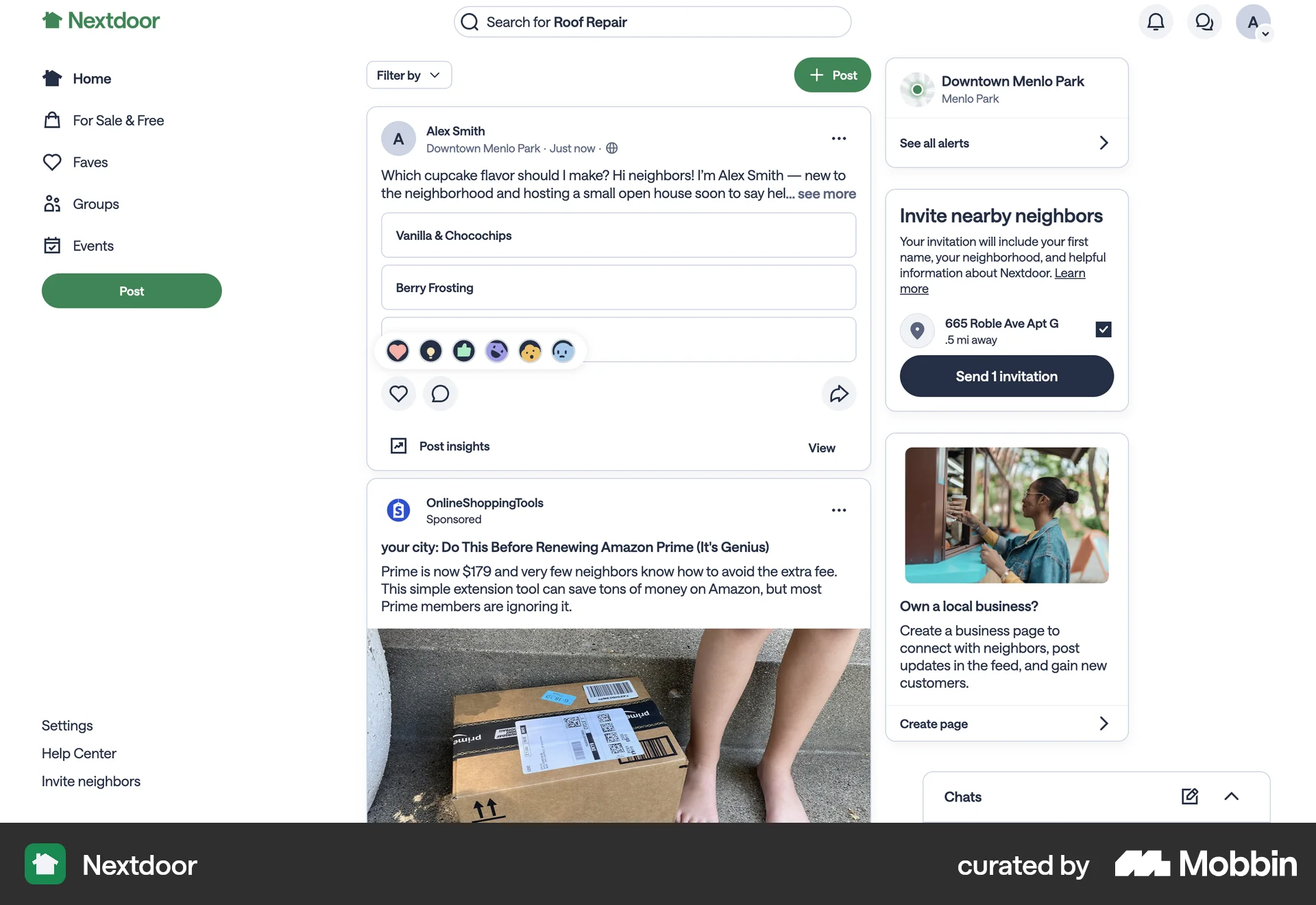
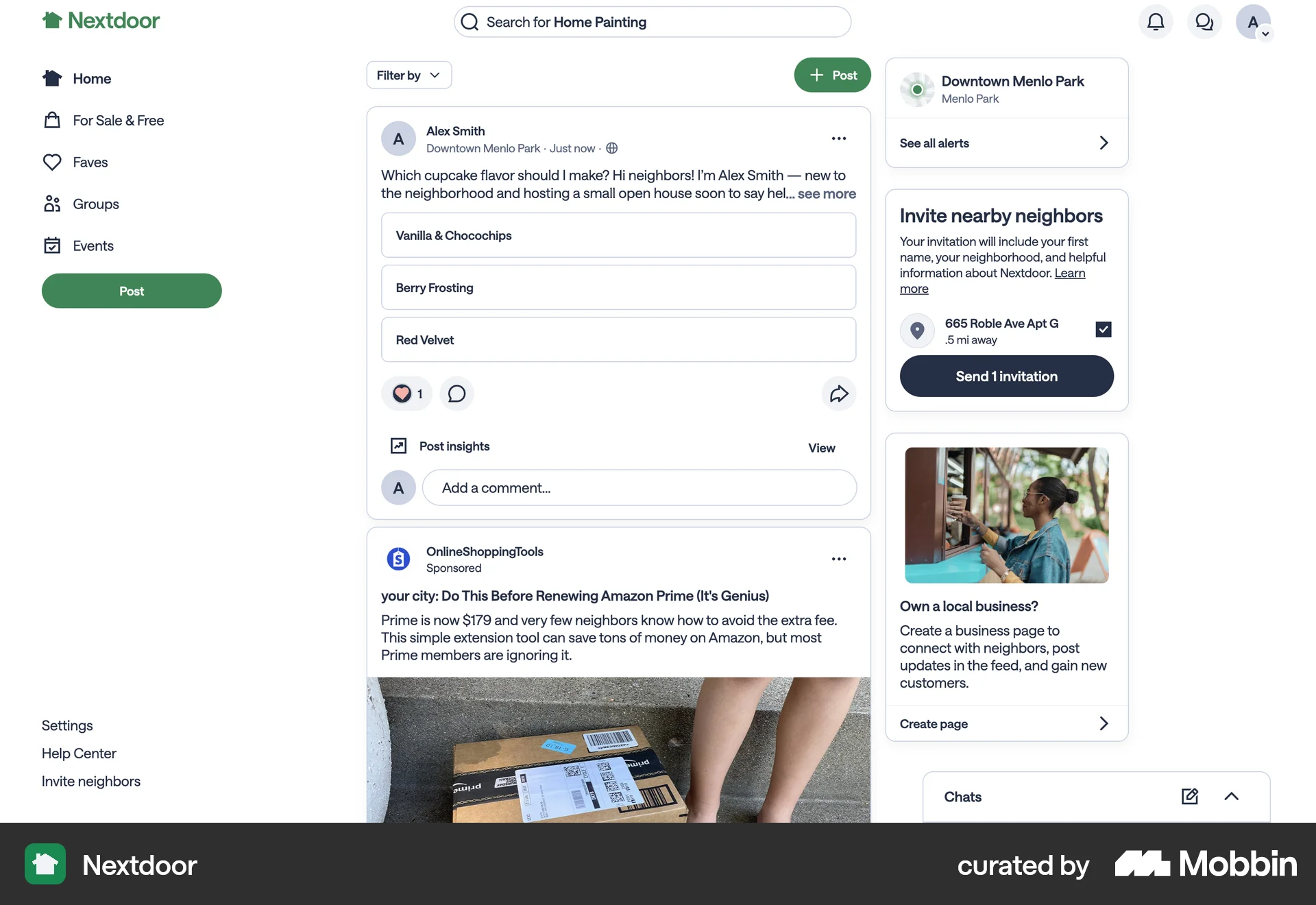
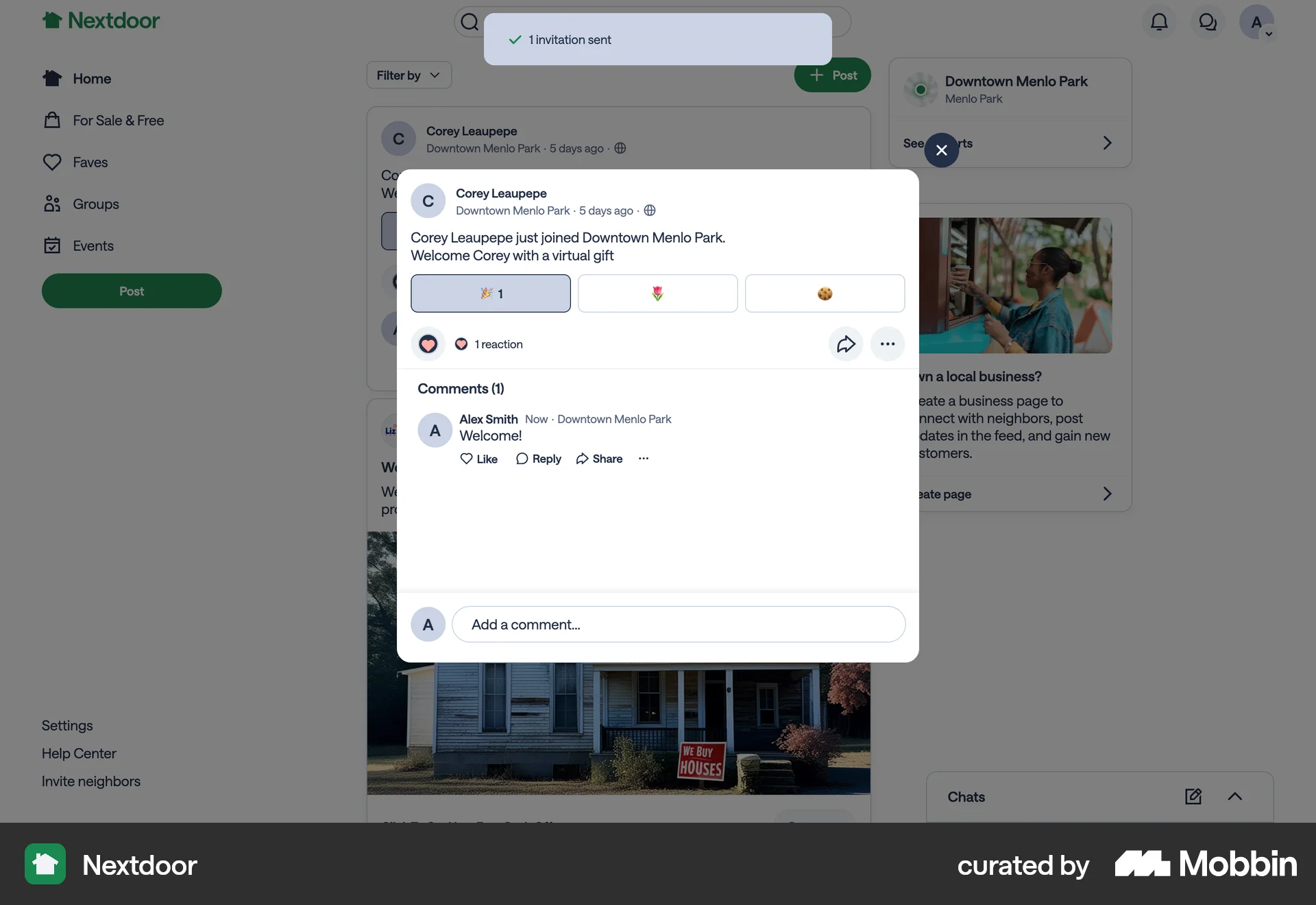
The user views a neighborhood feed, reacts to a post with an emoji, and then likes another post and prepares to add a comment. The flow demonstrates engagement with the social media content.
The user flow shows a user reacting to a chat message by selecting an emoji from the emoji selector. The selected emoji is then added as a reaction to the message.
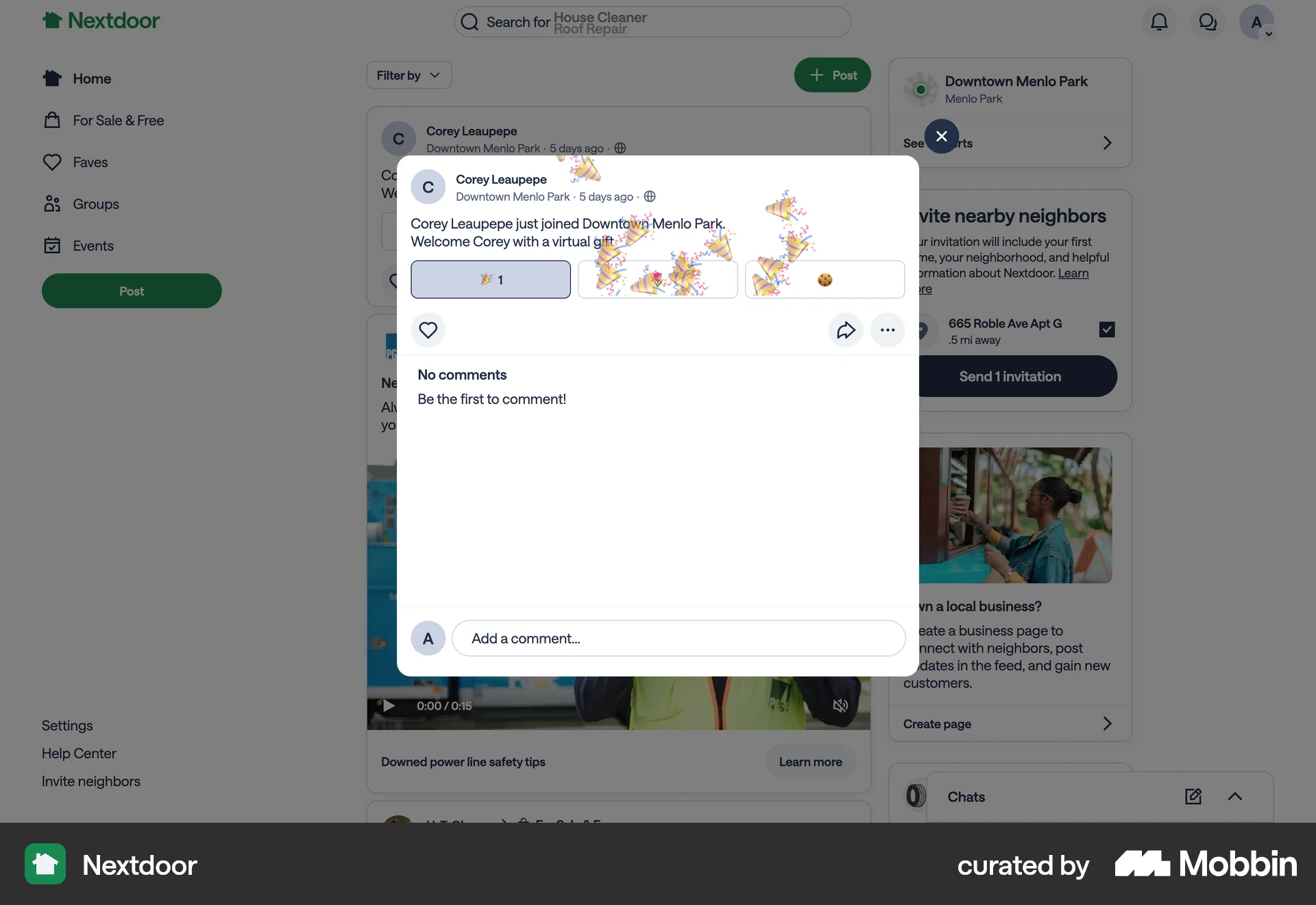
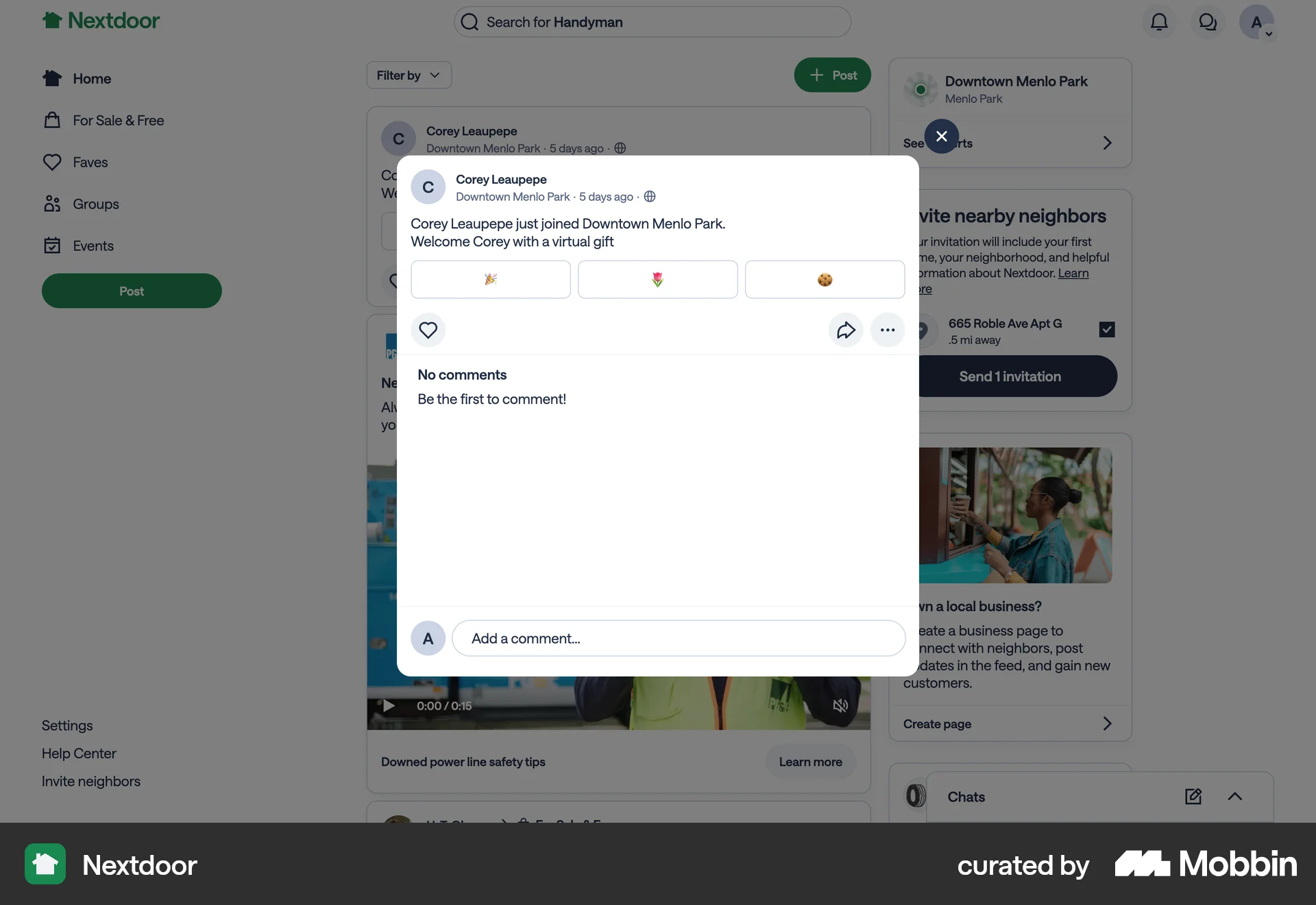
A user views a welcome post and selects a virtual gift to welcome a new member. This action triggers a confetti animation.

The user browses a gallery and likes a video. The flow confirms the video is liked.

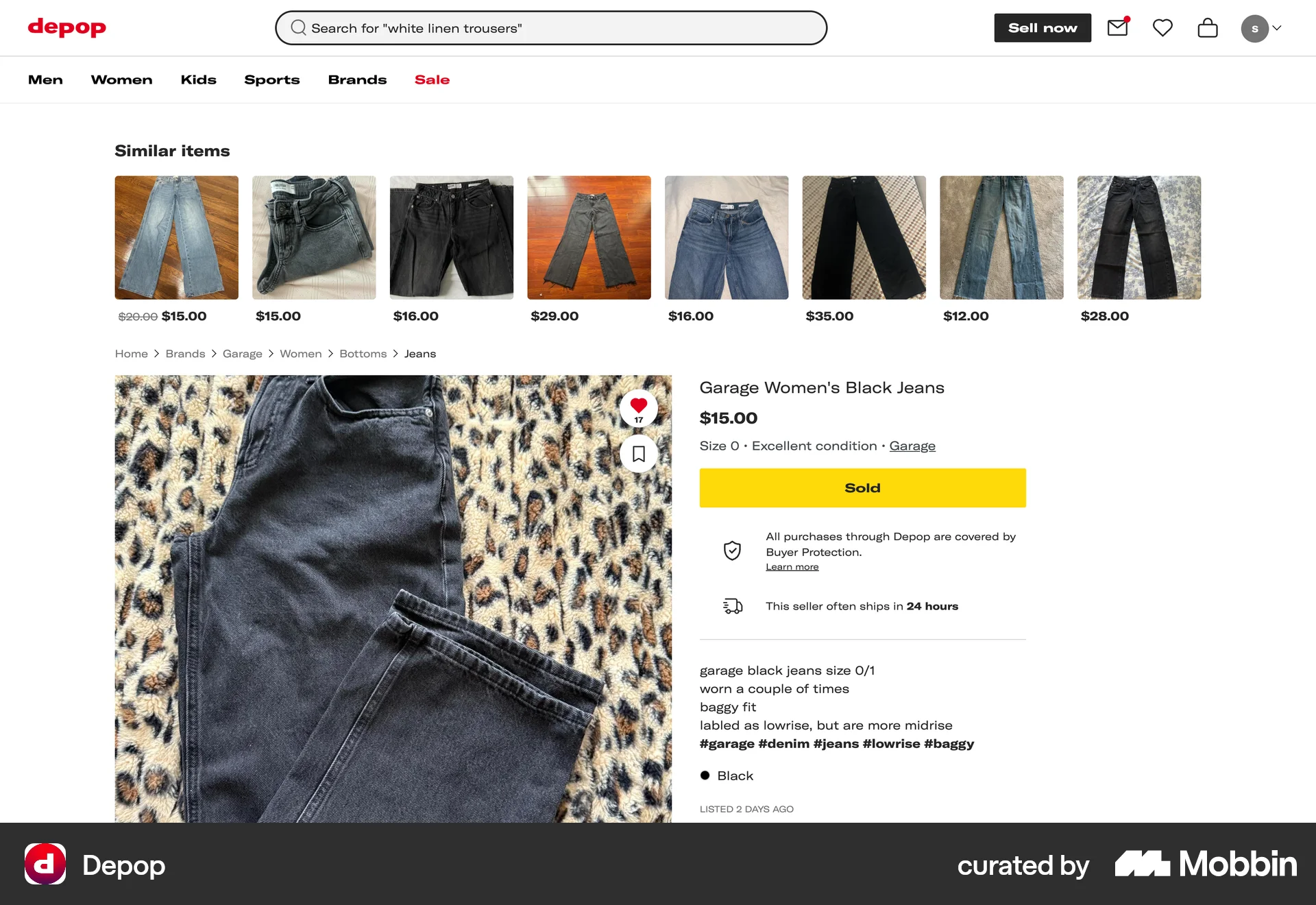
The user views a product and likes it. The like count on the heart icon is updated to reflect the user's action.

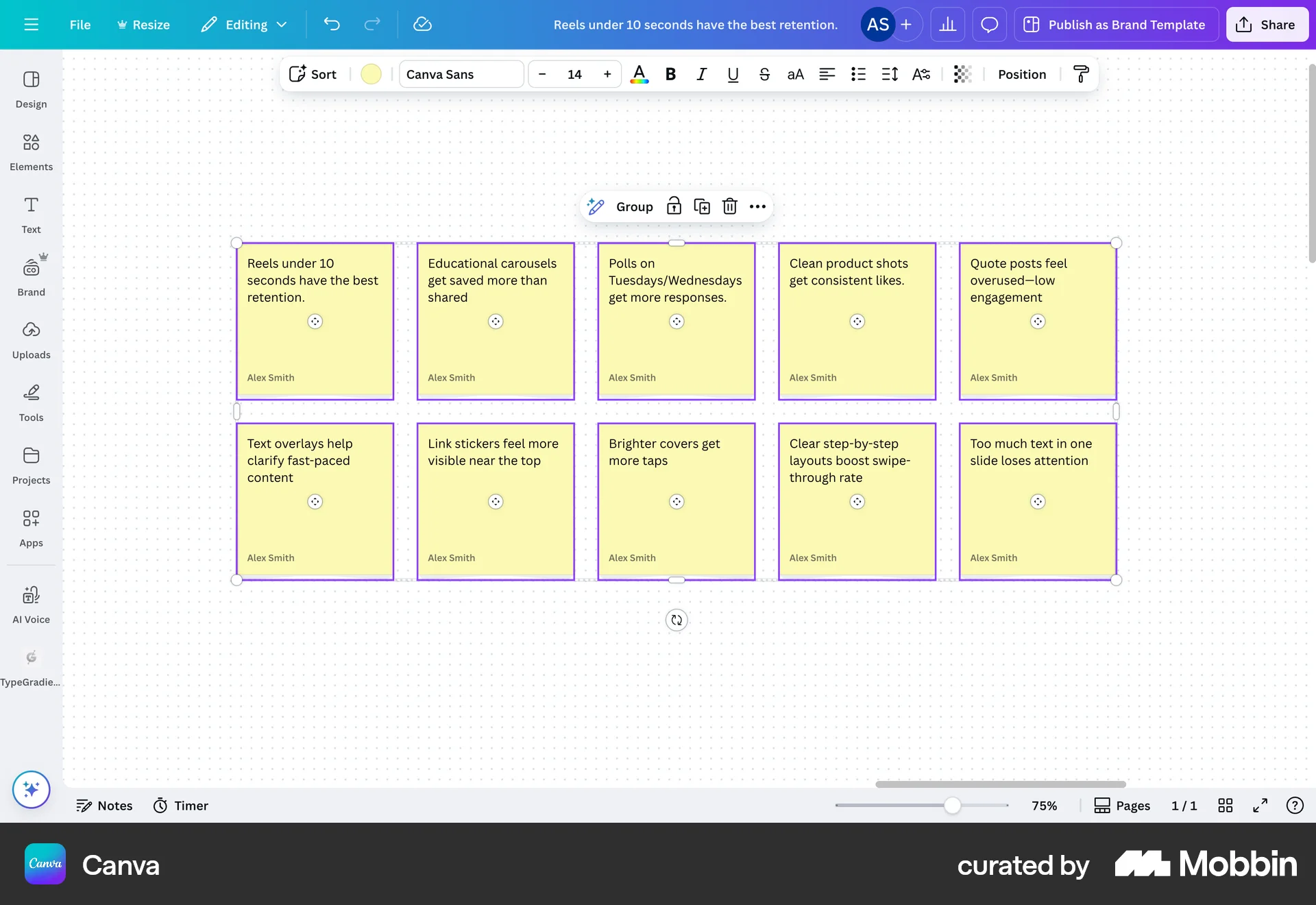
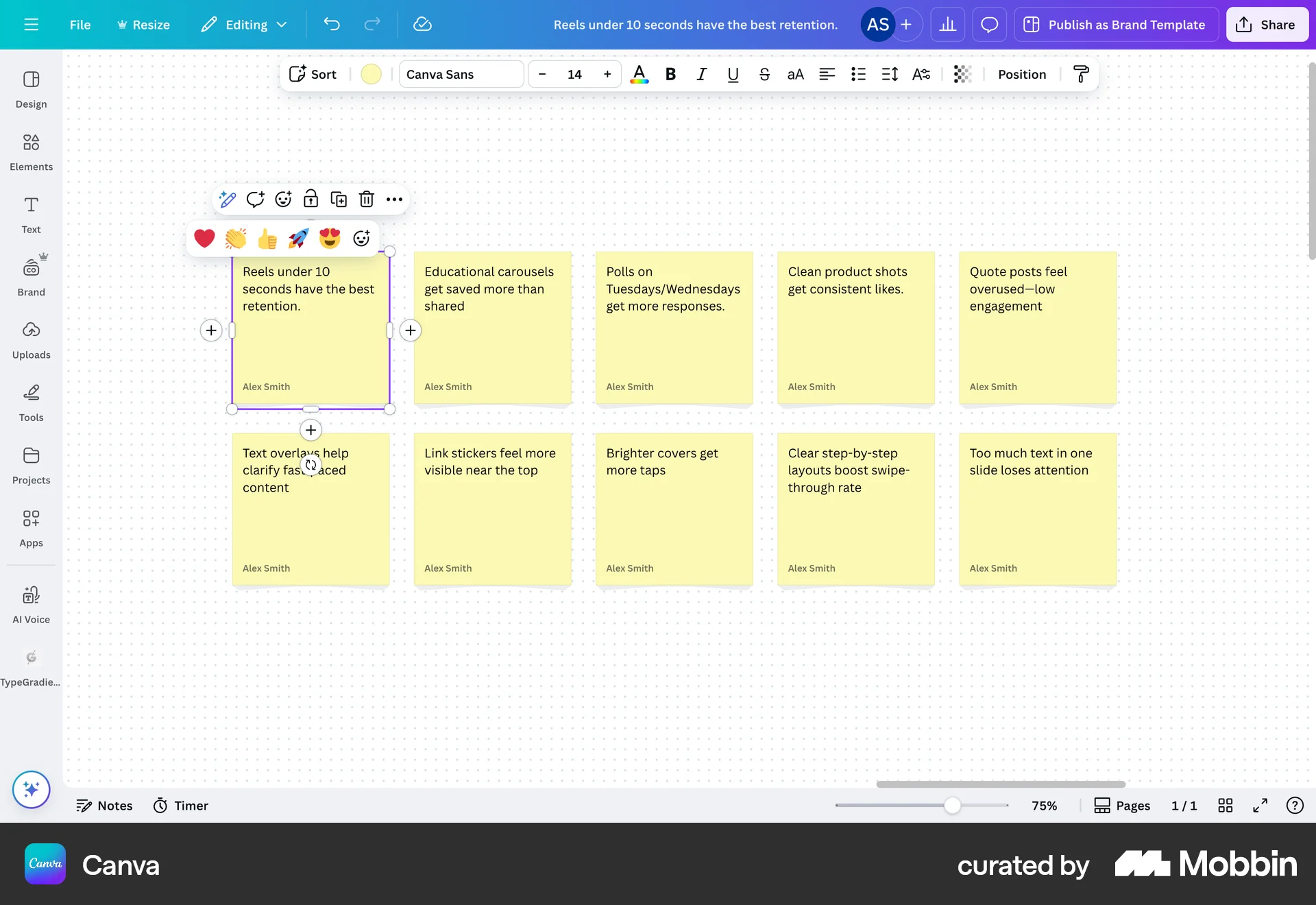
The user selects a sticky note and adds a reaction from the reaction menu. The selected reaction is then displayed on the sticky note.
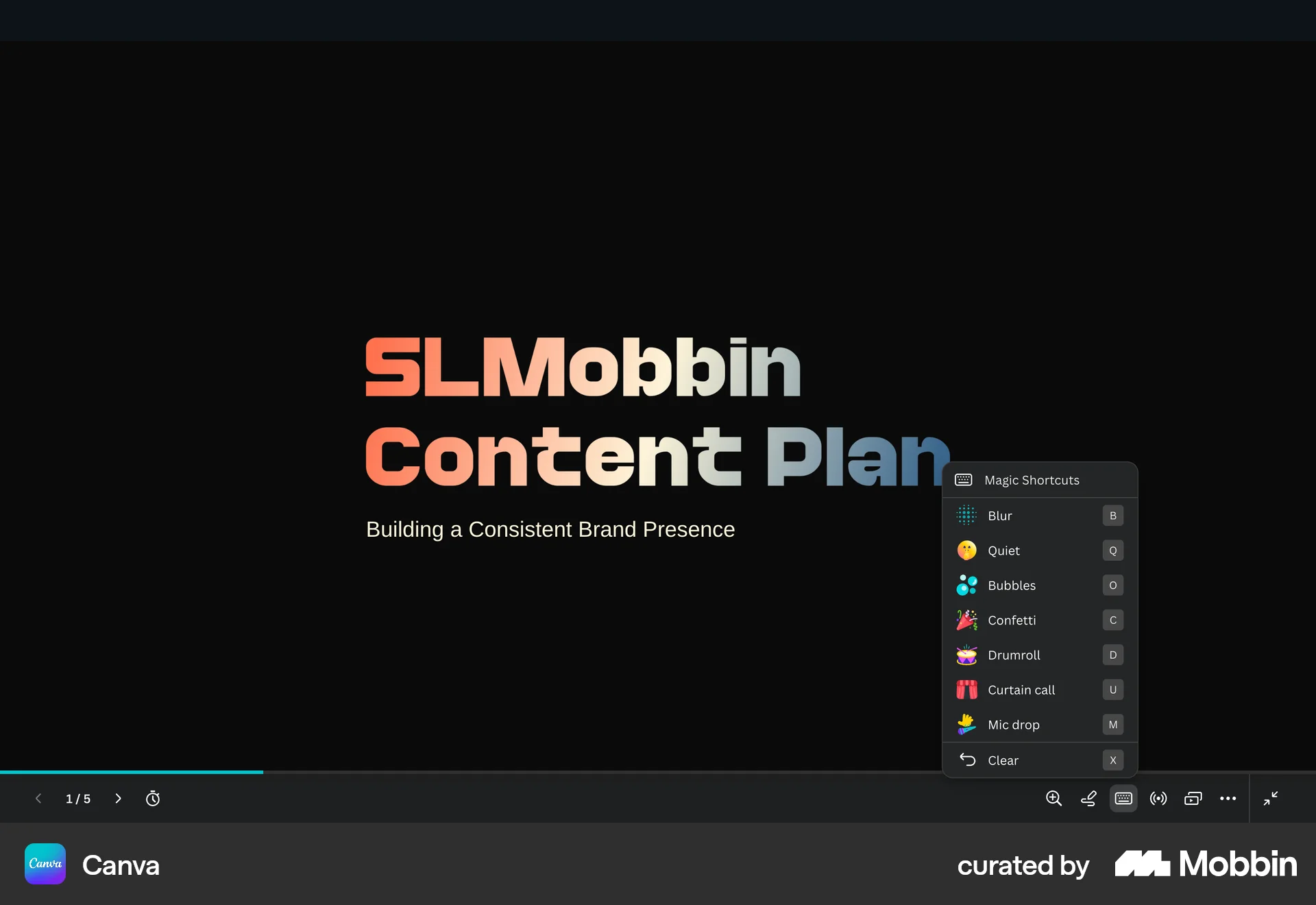
The user opens a "Magic Shortcuts" menu and applies the "Mic drop" effect to the title slide. This adds a microphone graphic to the slide.

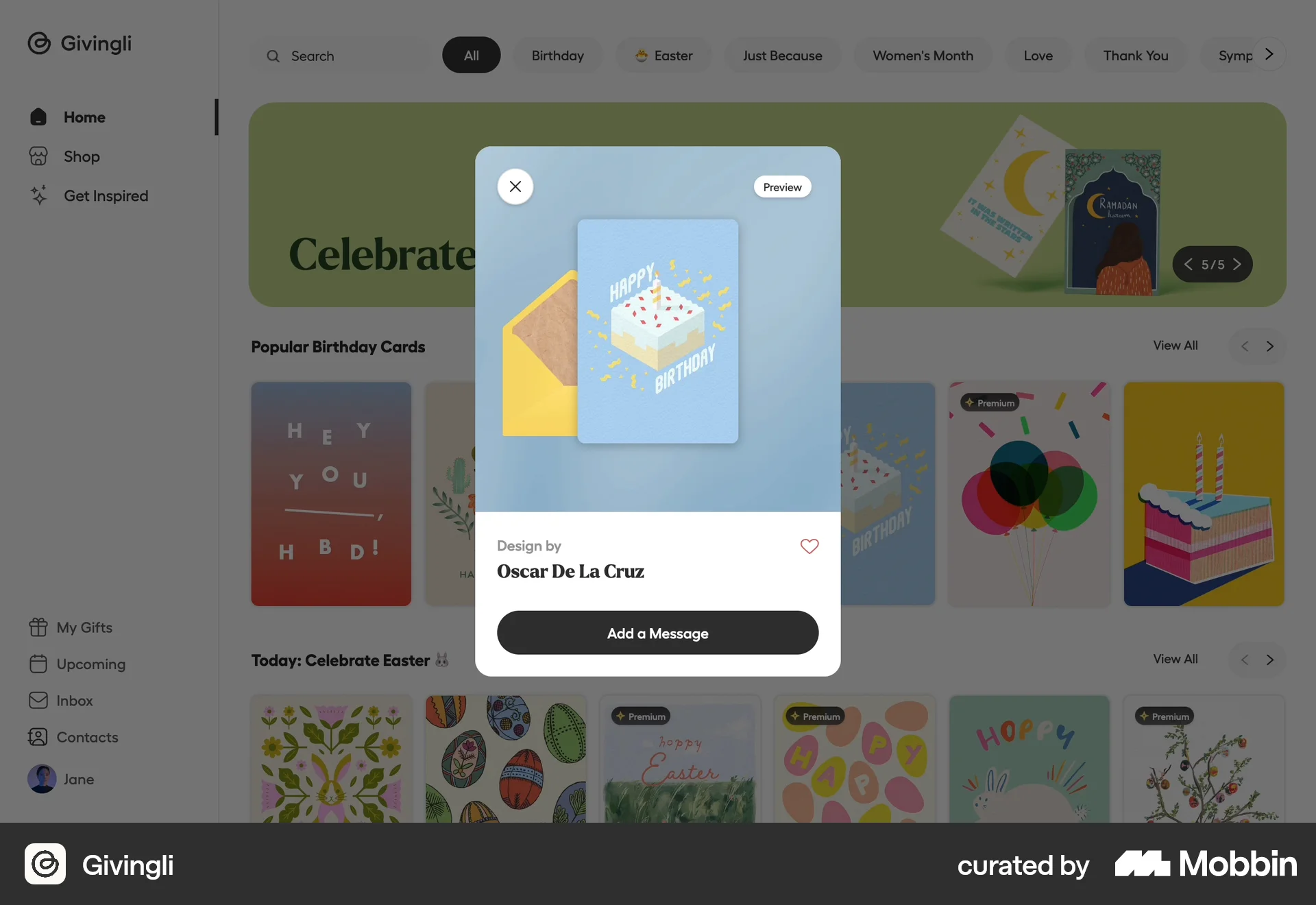
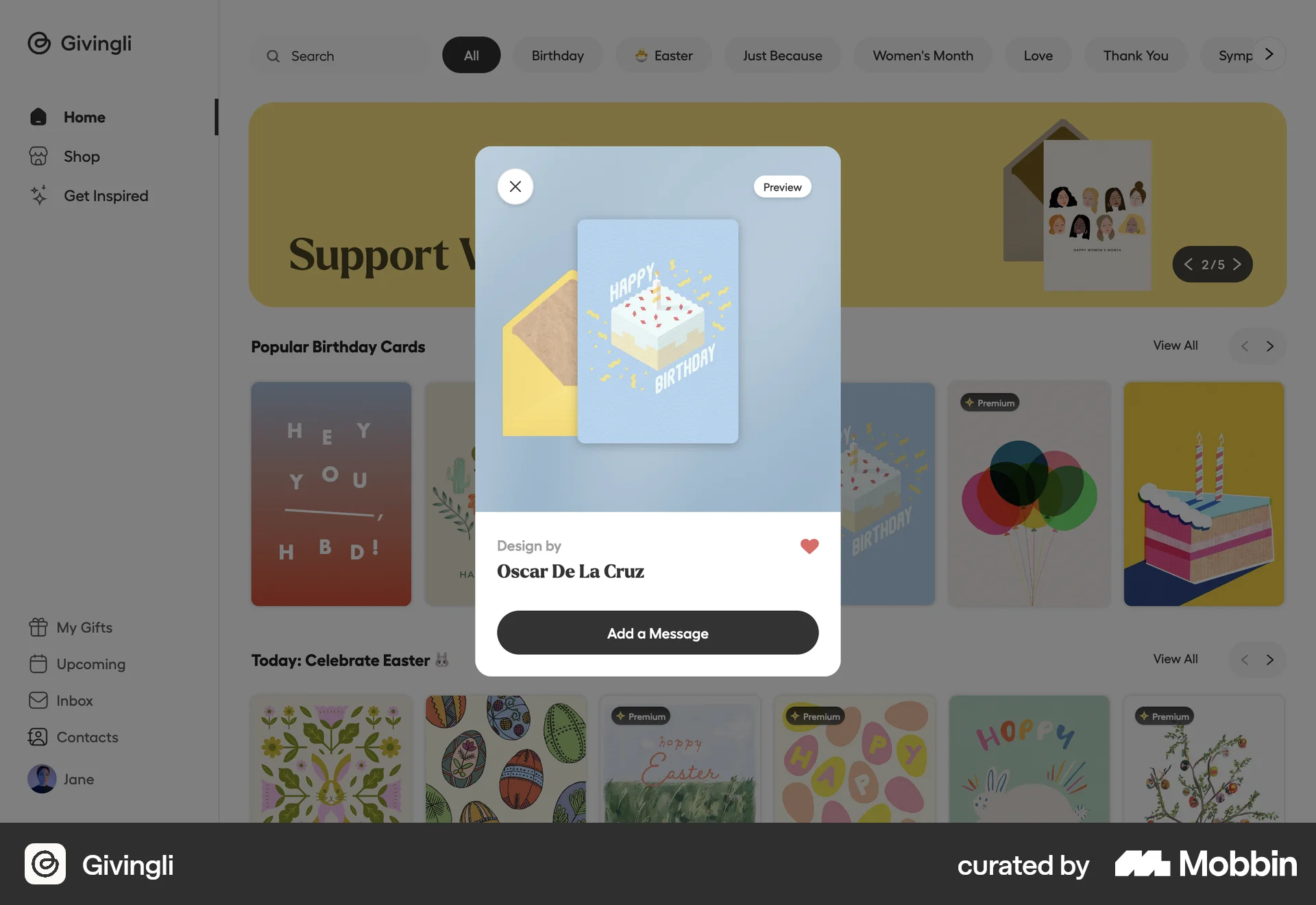
The user views a card preview and then likes the card by pressing the heart icon. The heart icon toggles to indicate the card is liked.

The user selects a conversation, opens the emoji selector for a message, and adds an emoji reaction. The flow demonstrates reacting to a message.

The user views an Instagram post and then likes it. The like button turns red to indicate the post has been liked.

The user views an article and then likes it. The like button is highlighted and the like count is updated.
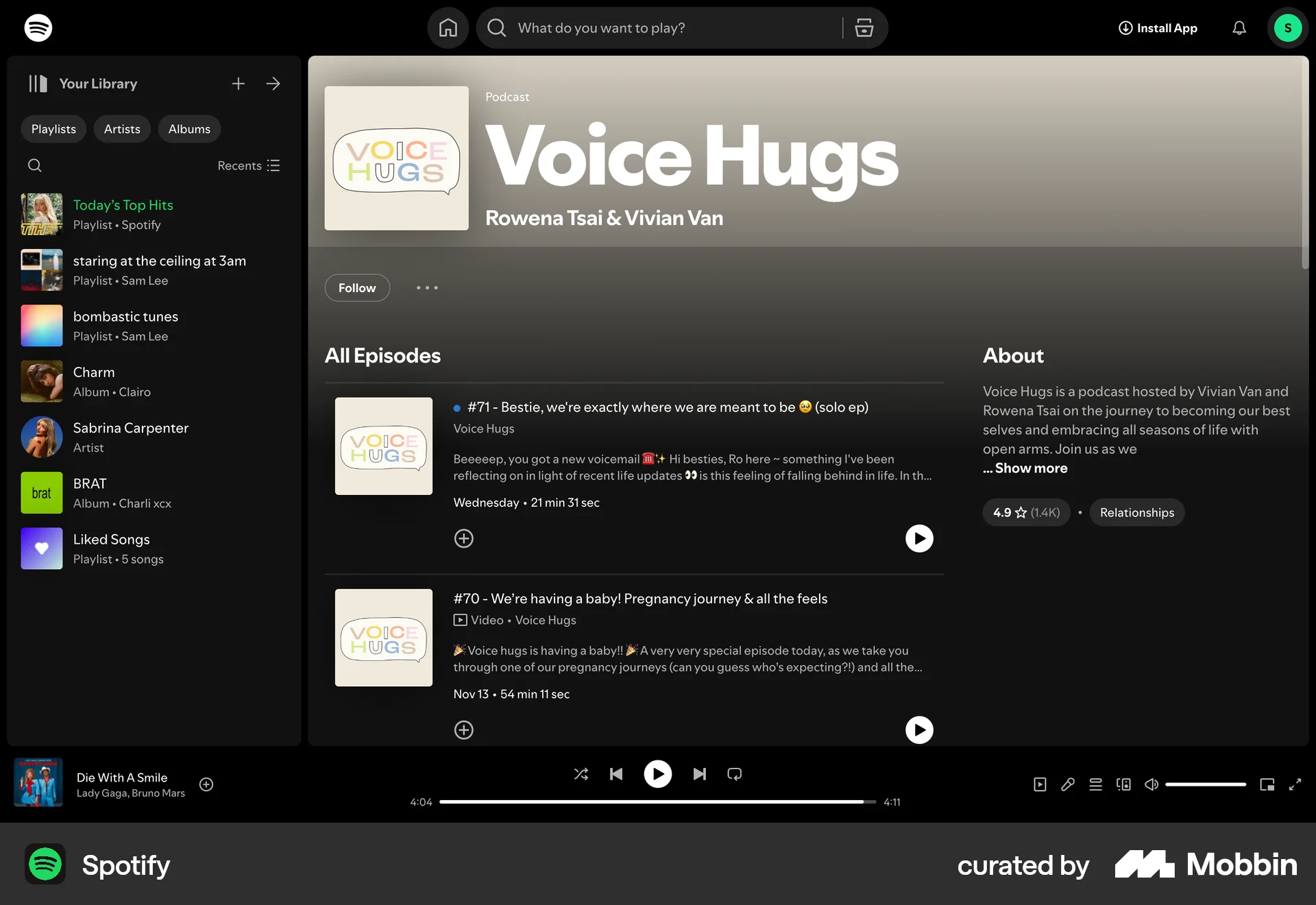
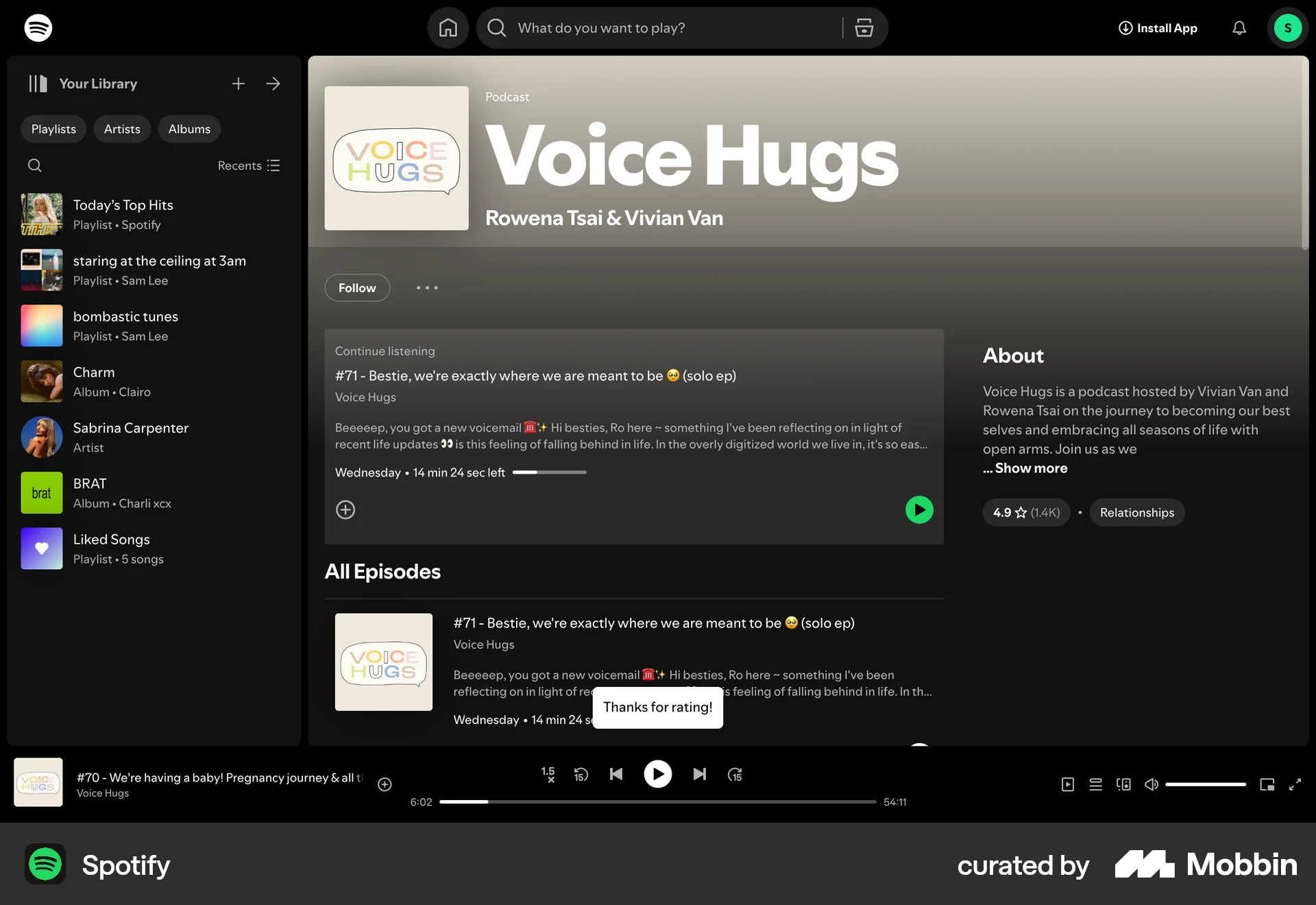
104 Flows
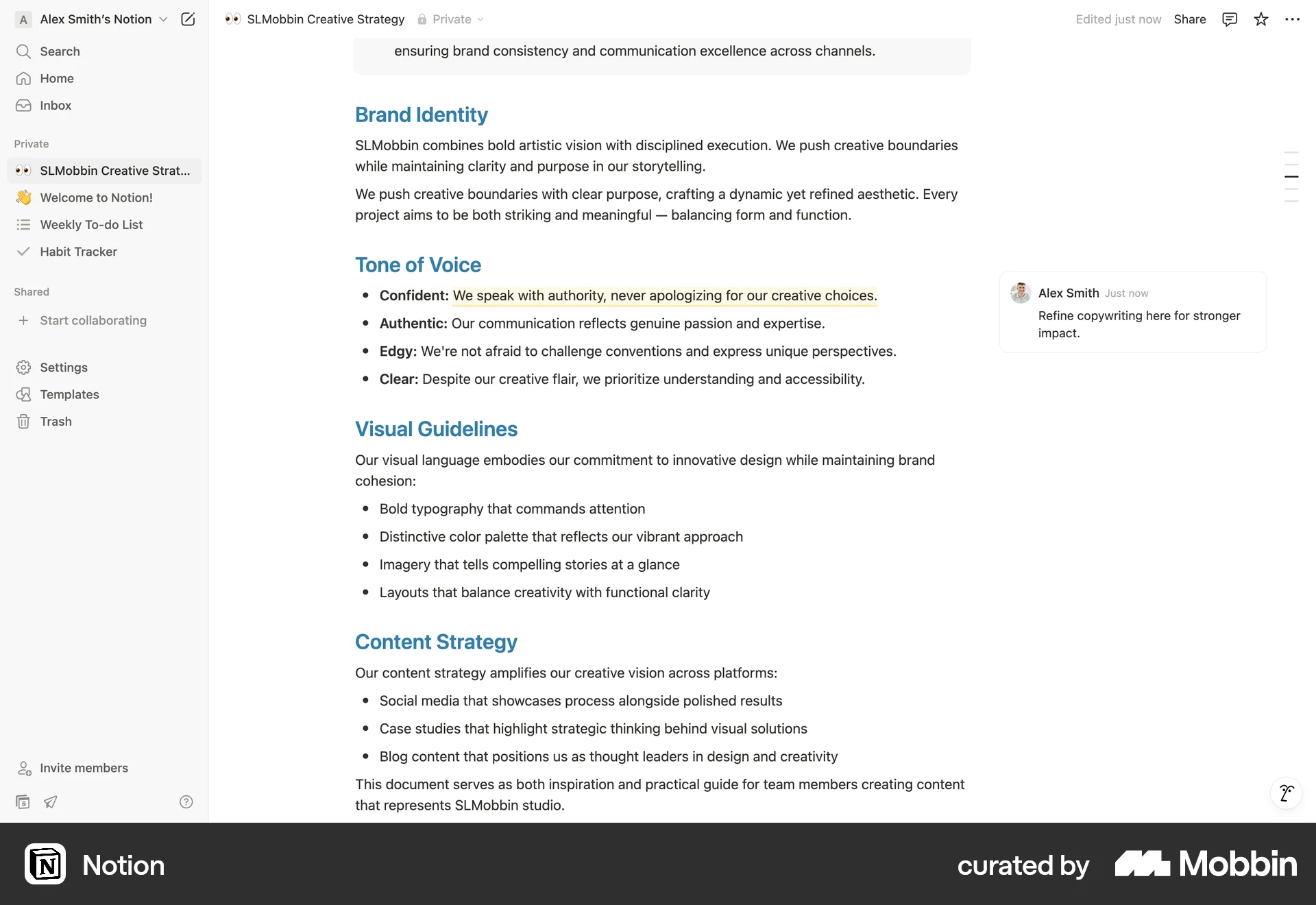
489 Flows
546 Flows
655 Flows
20 Flows
246 Flows