Pricing
Awards
Log in
Join for free
Mobbin
Changelog
Pricing
Awards
Careers
Merch
Support
Log in
Join for free
Explore
Web
Flows
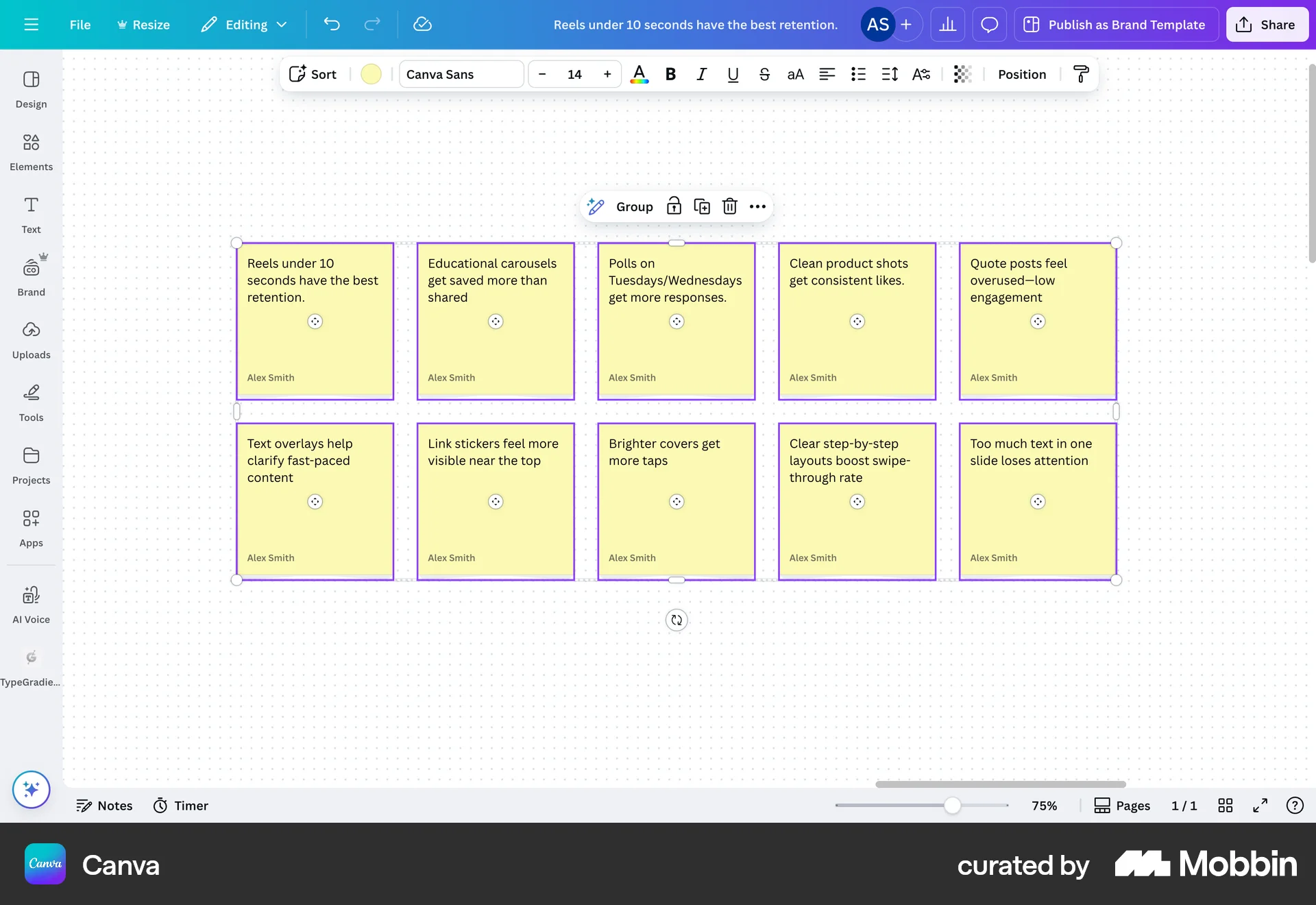
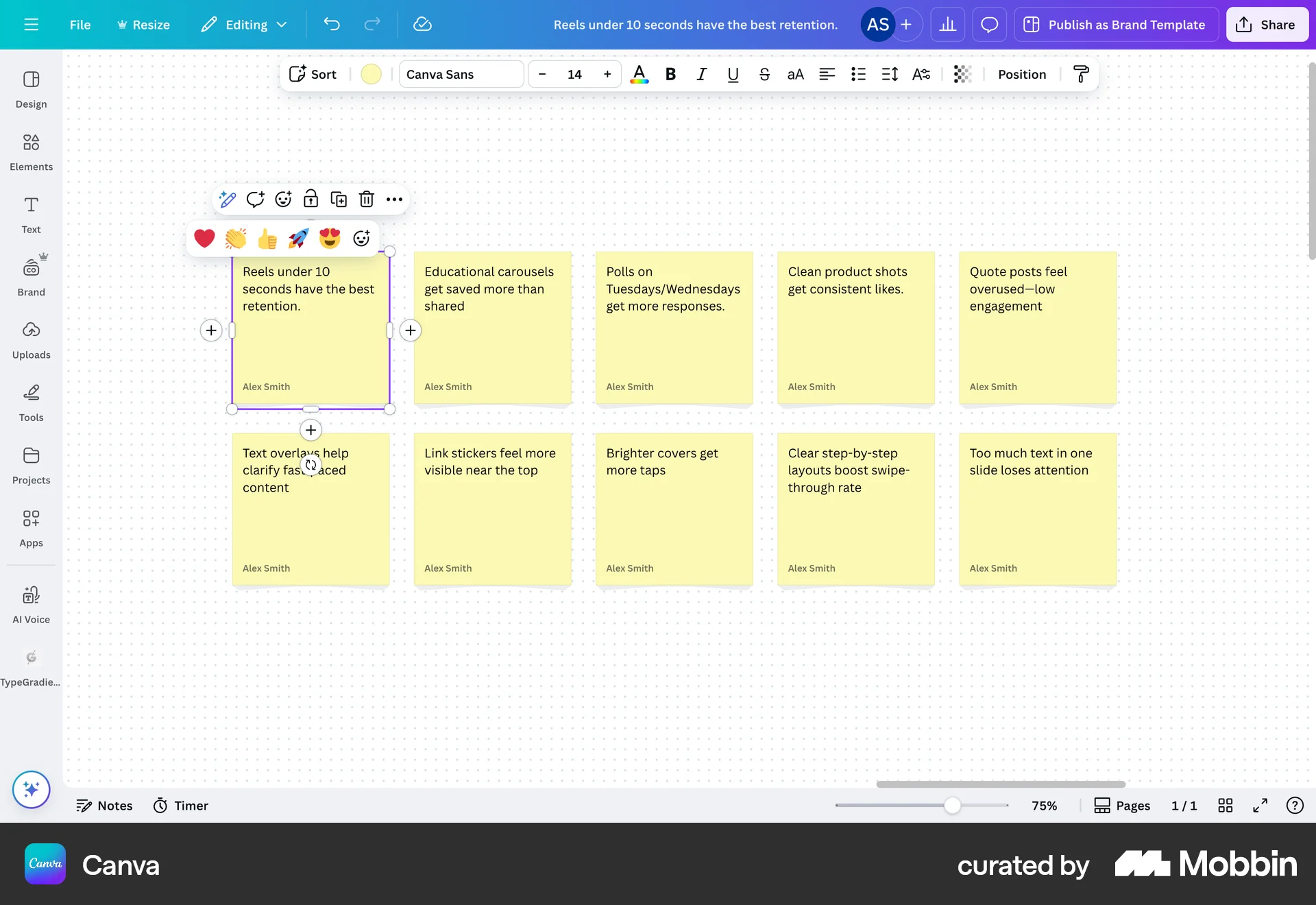
Adding a reaction
on
Canva
The user selects a sticky note and adds a reaction from the reaction menu. The selected reaction is then displayed on the sticky note.
Save
Copy
Save
Copy
Save
Copy
Save
Copy
Save
Copy
Liking & Upvoting