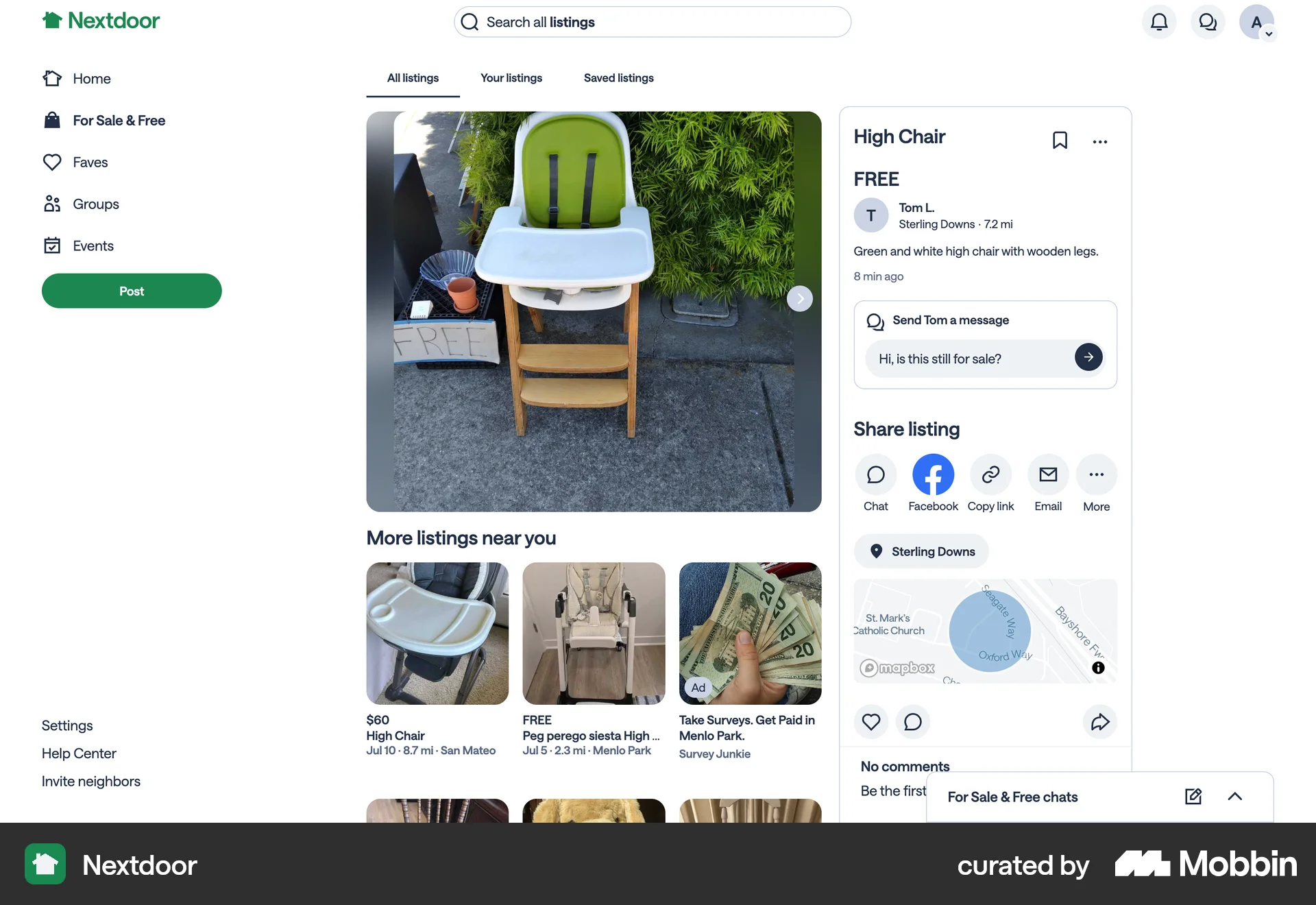
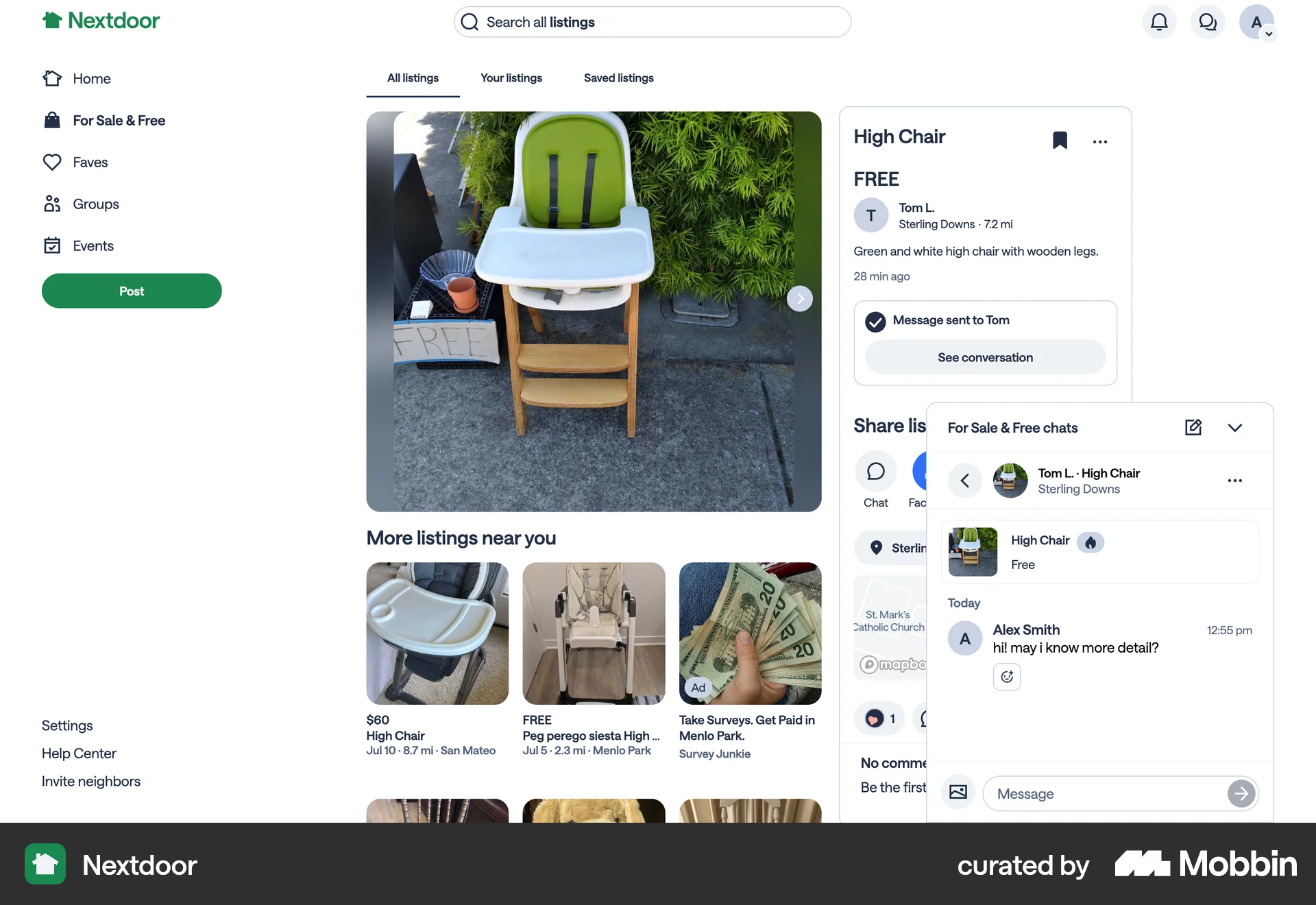
Commenting a poston Nextdoor
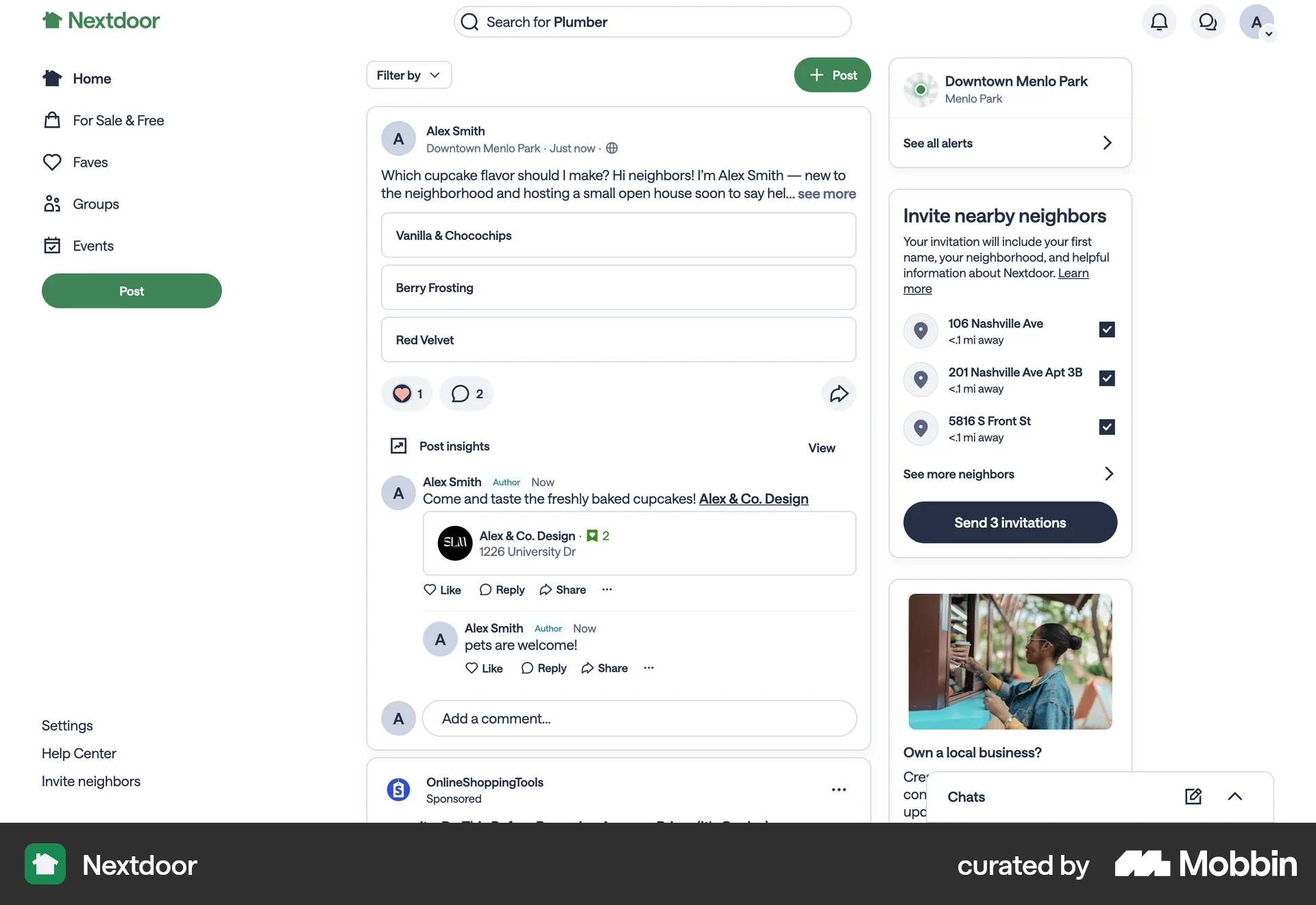
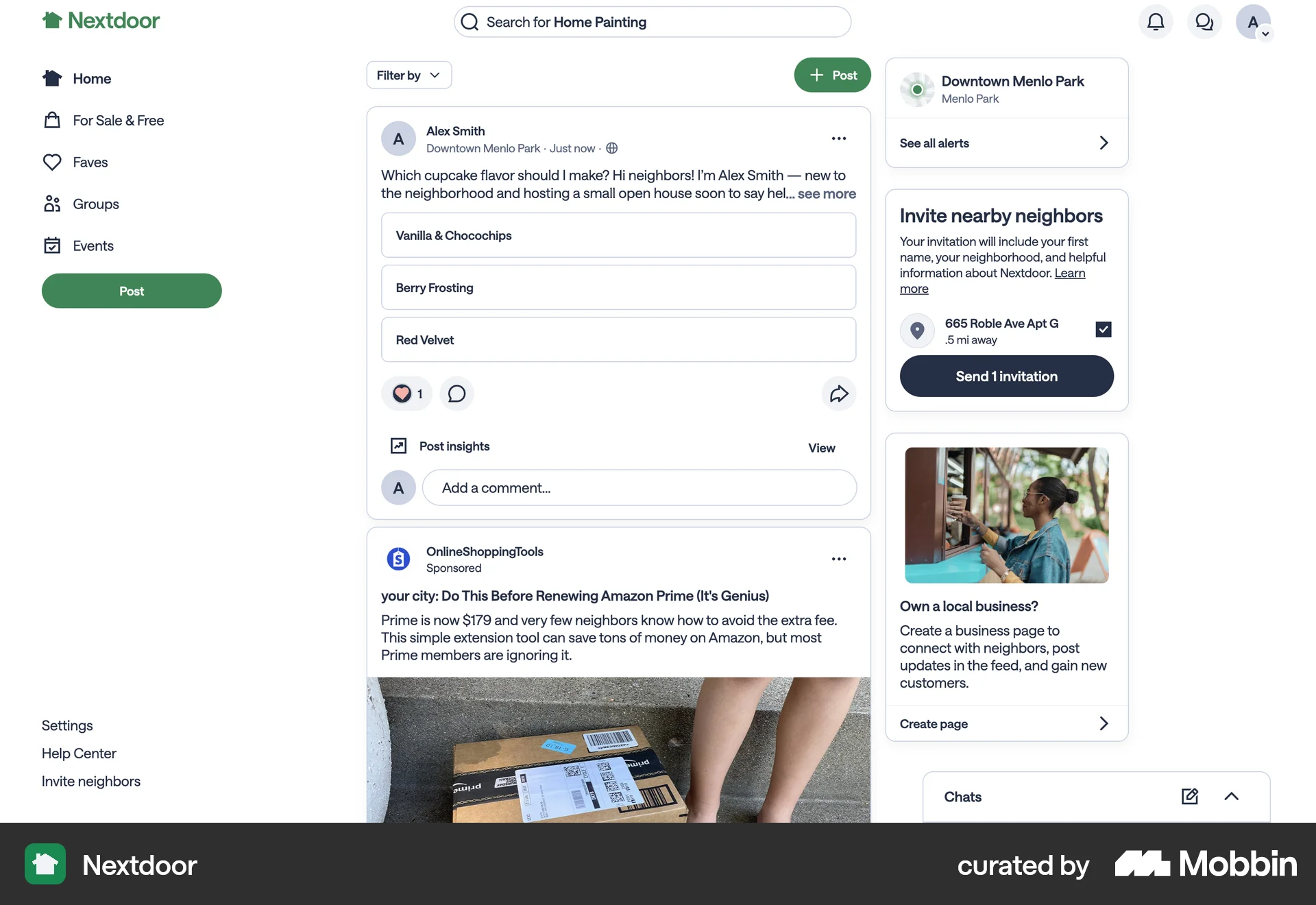
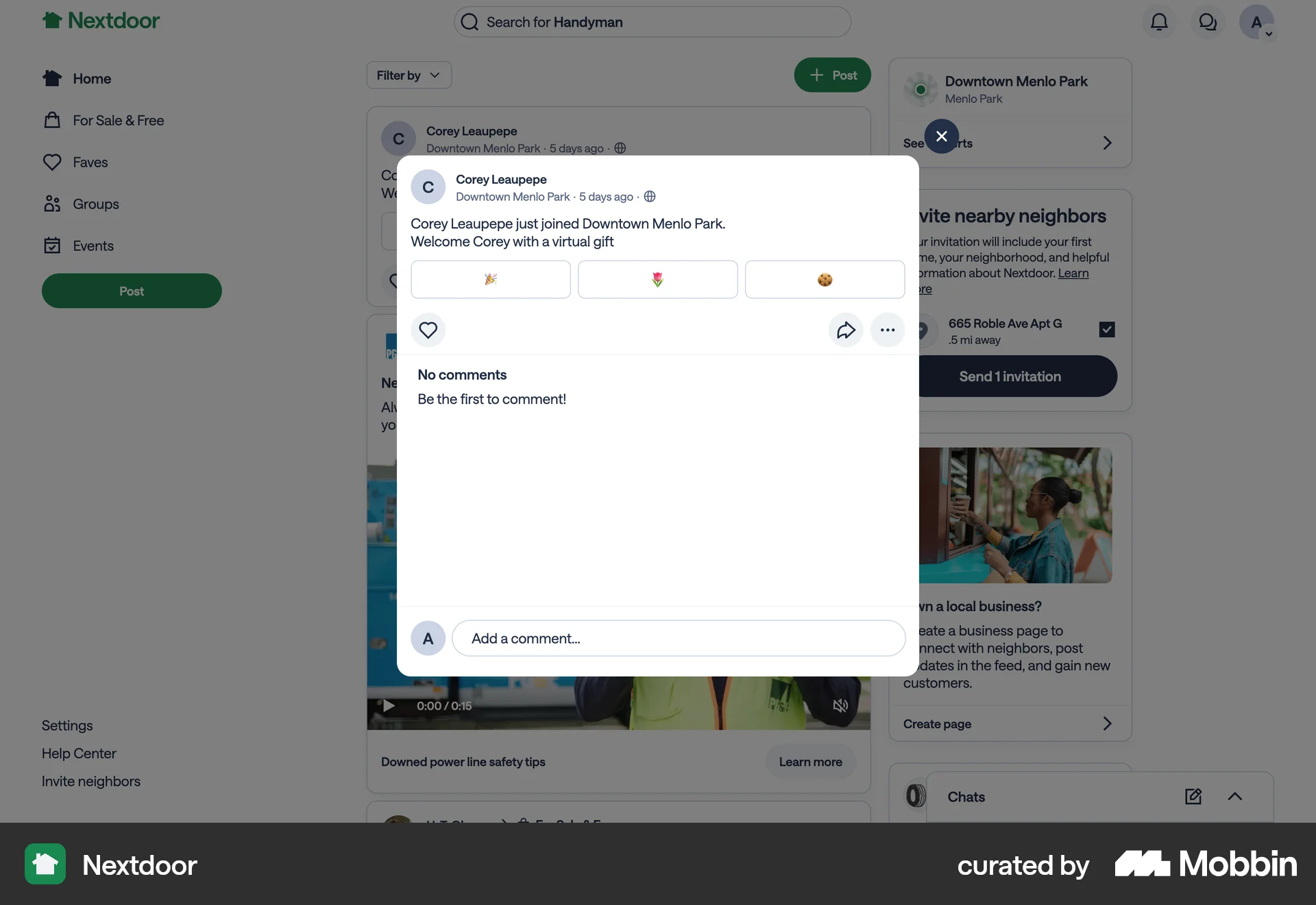
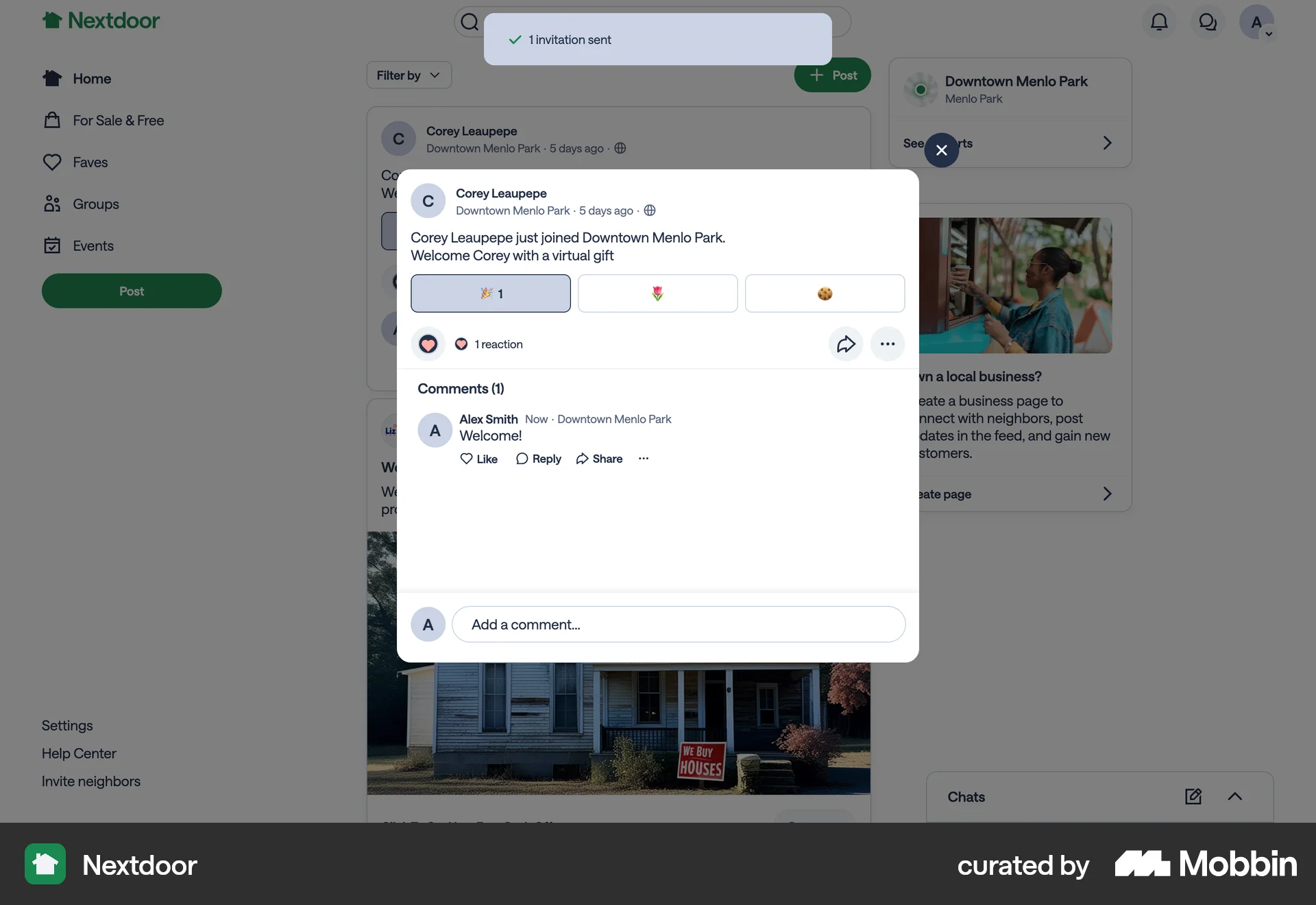
The user flow shows a user commenting on a post, including tagging another user. The comment is then posted and visible.
Discover best website designs for Commenting & Replying flows. Get inspired by the best apps in the world.
The user flow shows a user commenting on a post, including tagging another user. The comment is then posted and visible.

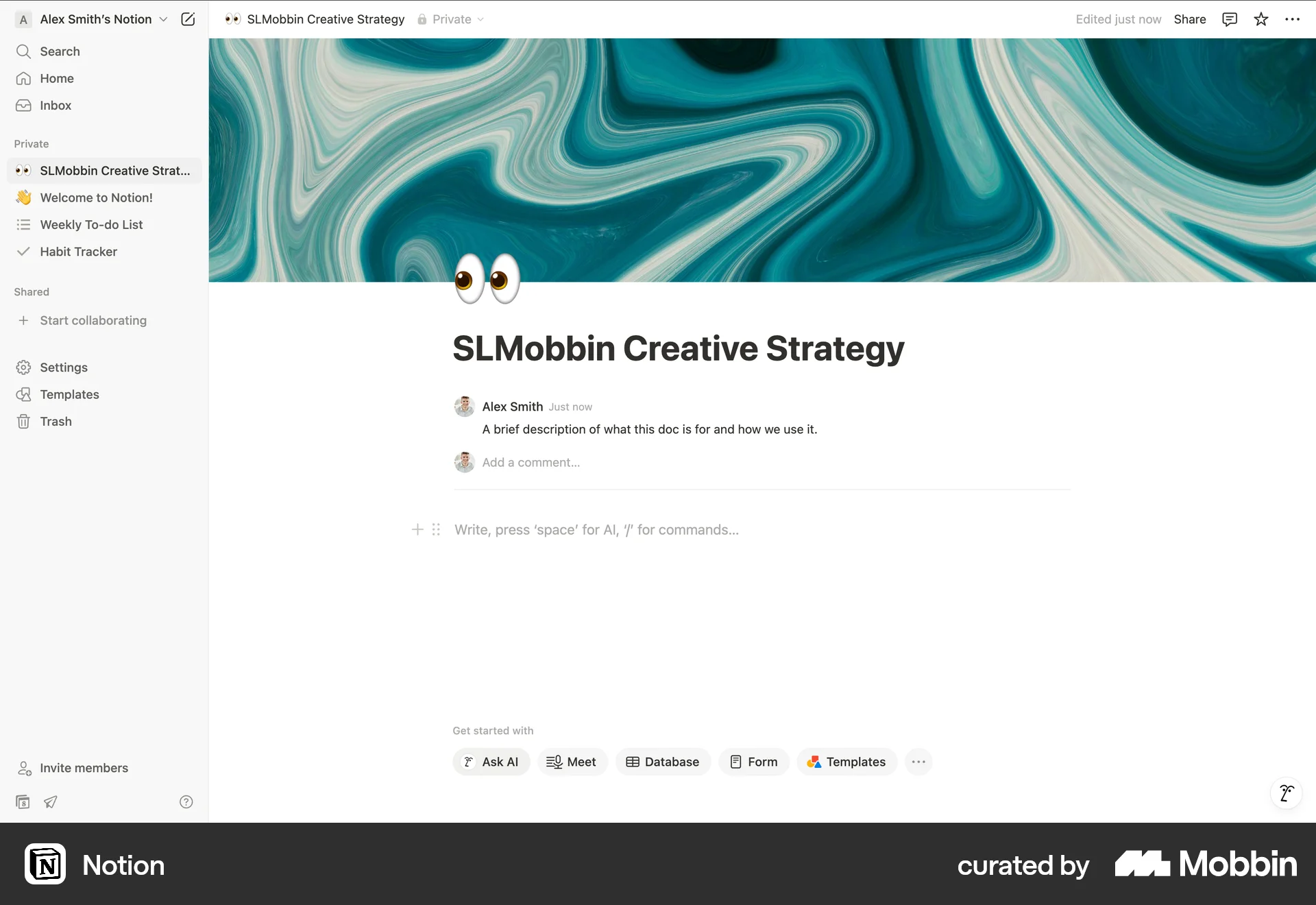
The user adds a comment to a Notion page by clicking the "Add comment" button and typing in their comment. The comment is then posted on the page.
The user flow shows how a user replies to a post. It involves activating the comment input, typing a reply, and submitting it.
The user views a listing, reviews guidelines, and adds a comment. The comment includes an @ mention to another user.
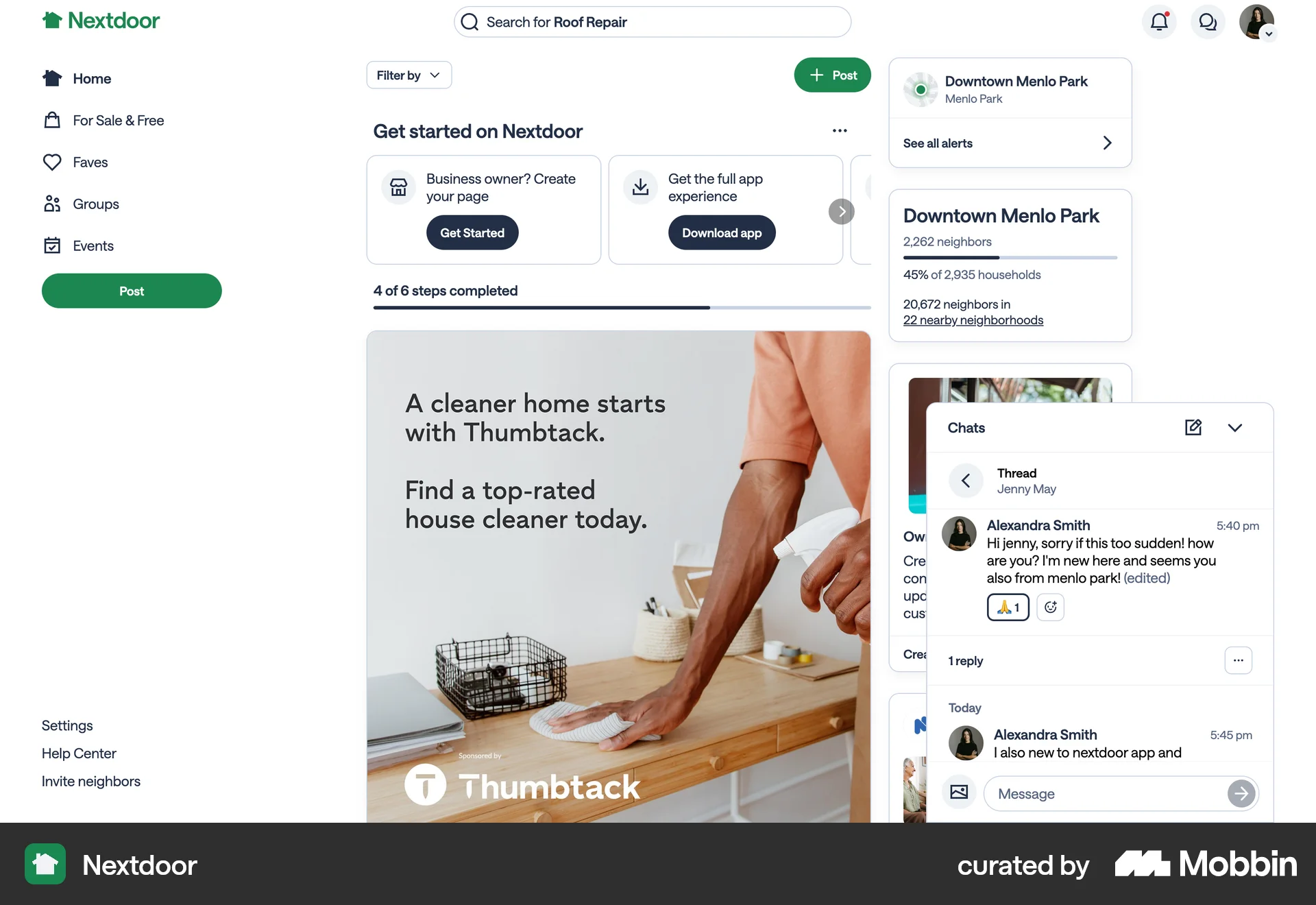
The user opens a chat, replies to a message by using the context menu, and then sends their reply. The flow demonstrates replying to a message.
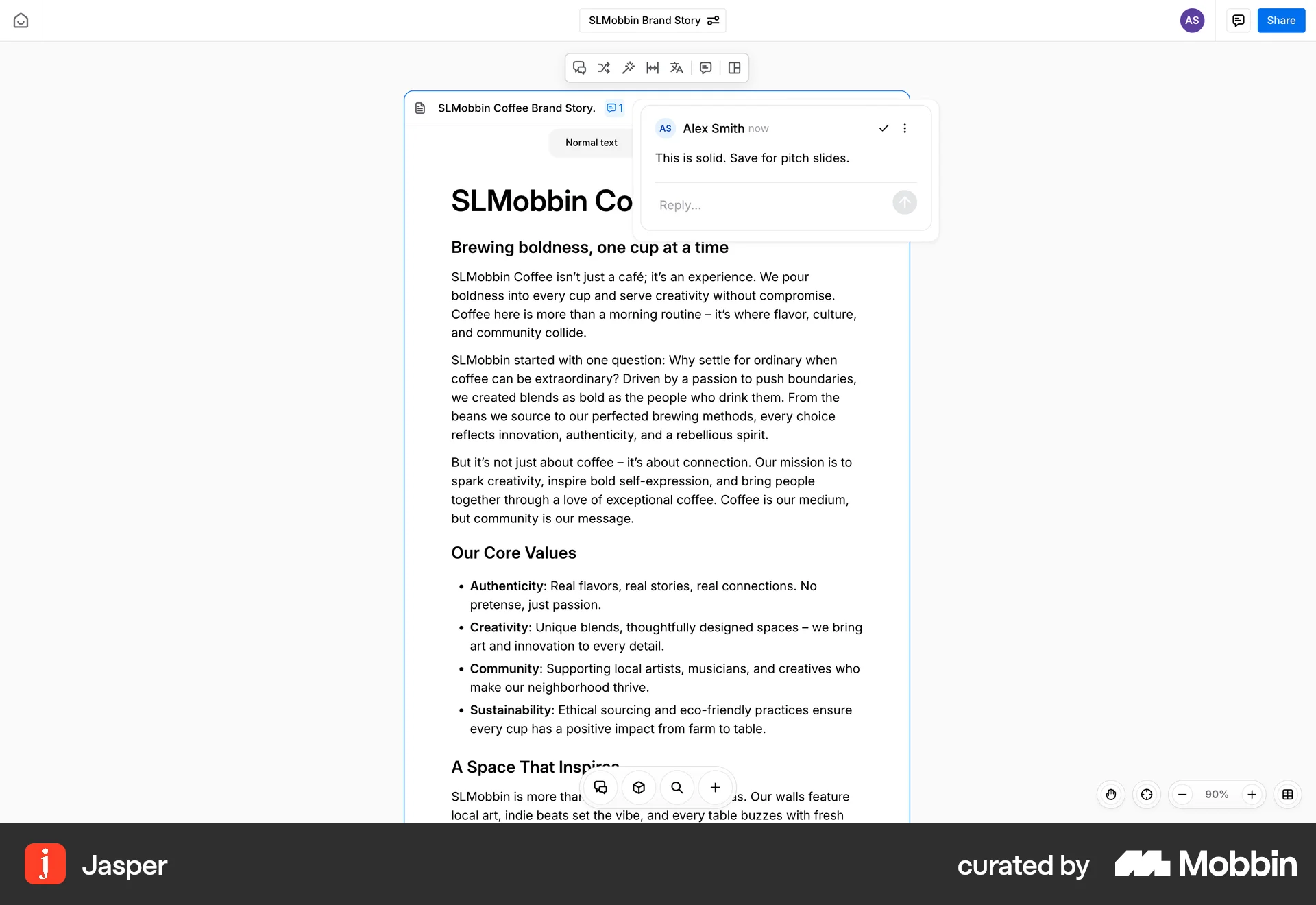
The user flow shows the process of replying to a comment on a document. The user enters a reply and the comment thread updates.

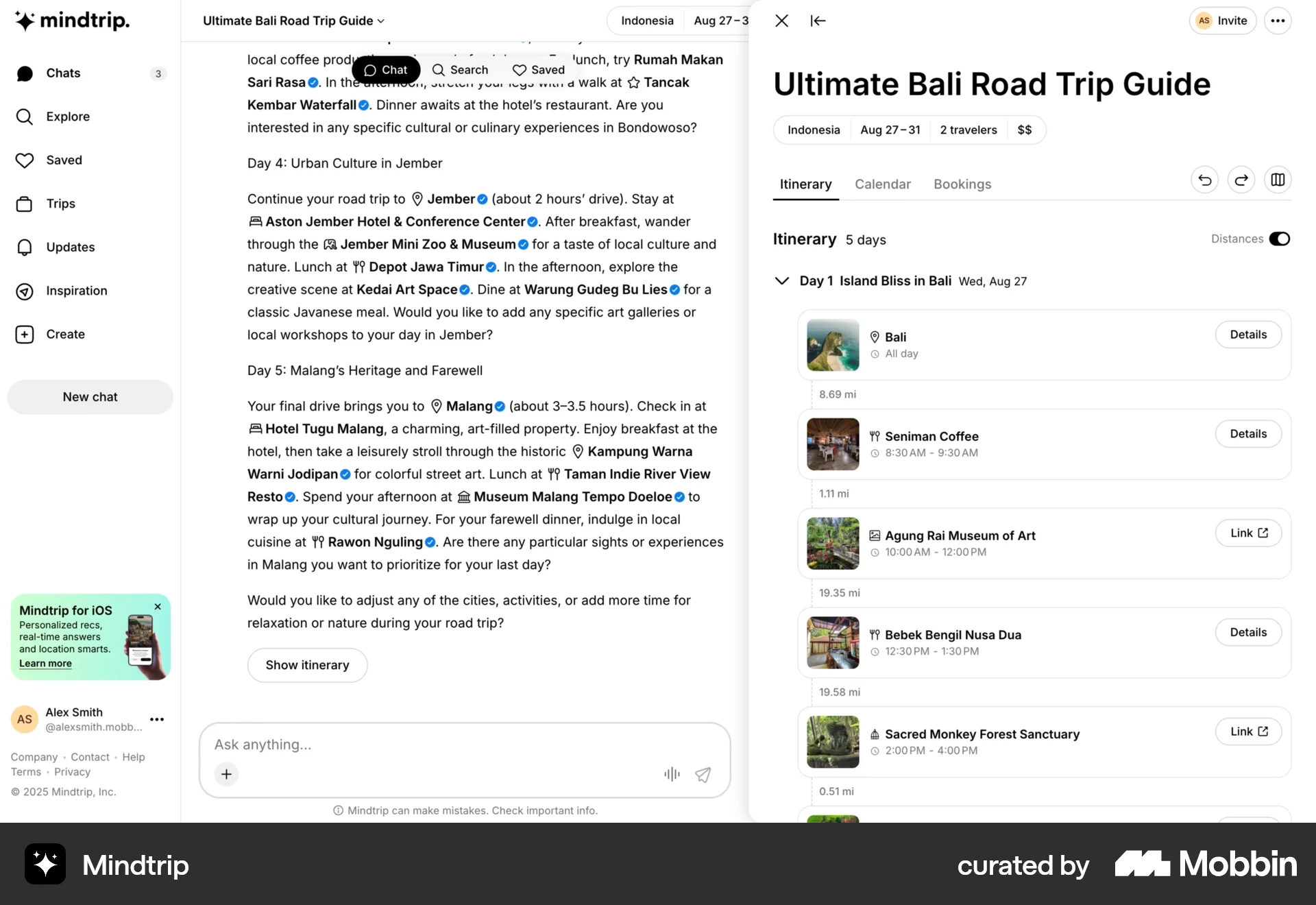
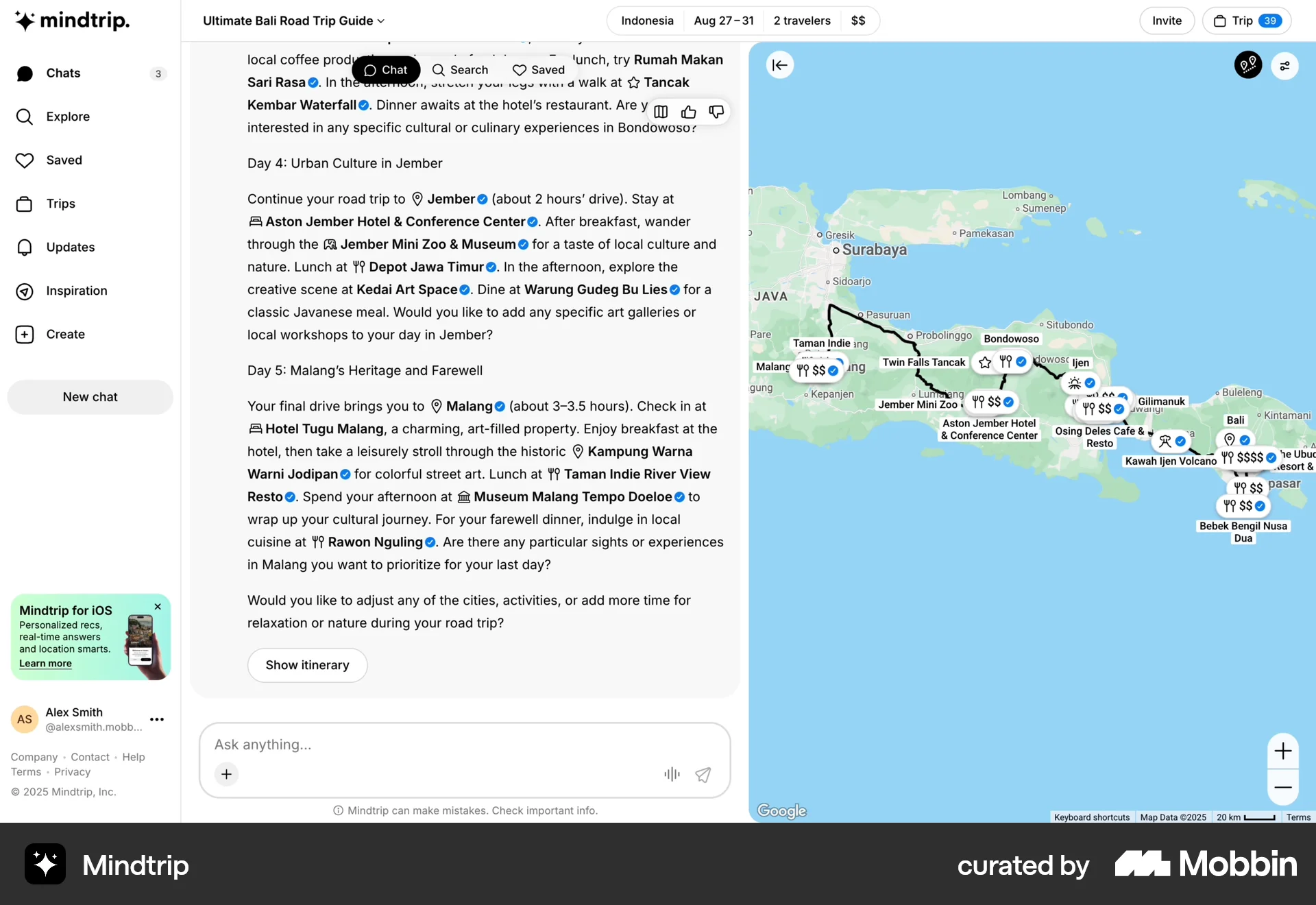
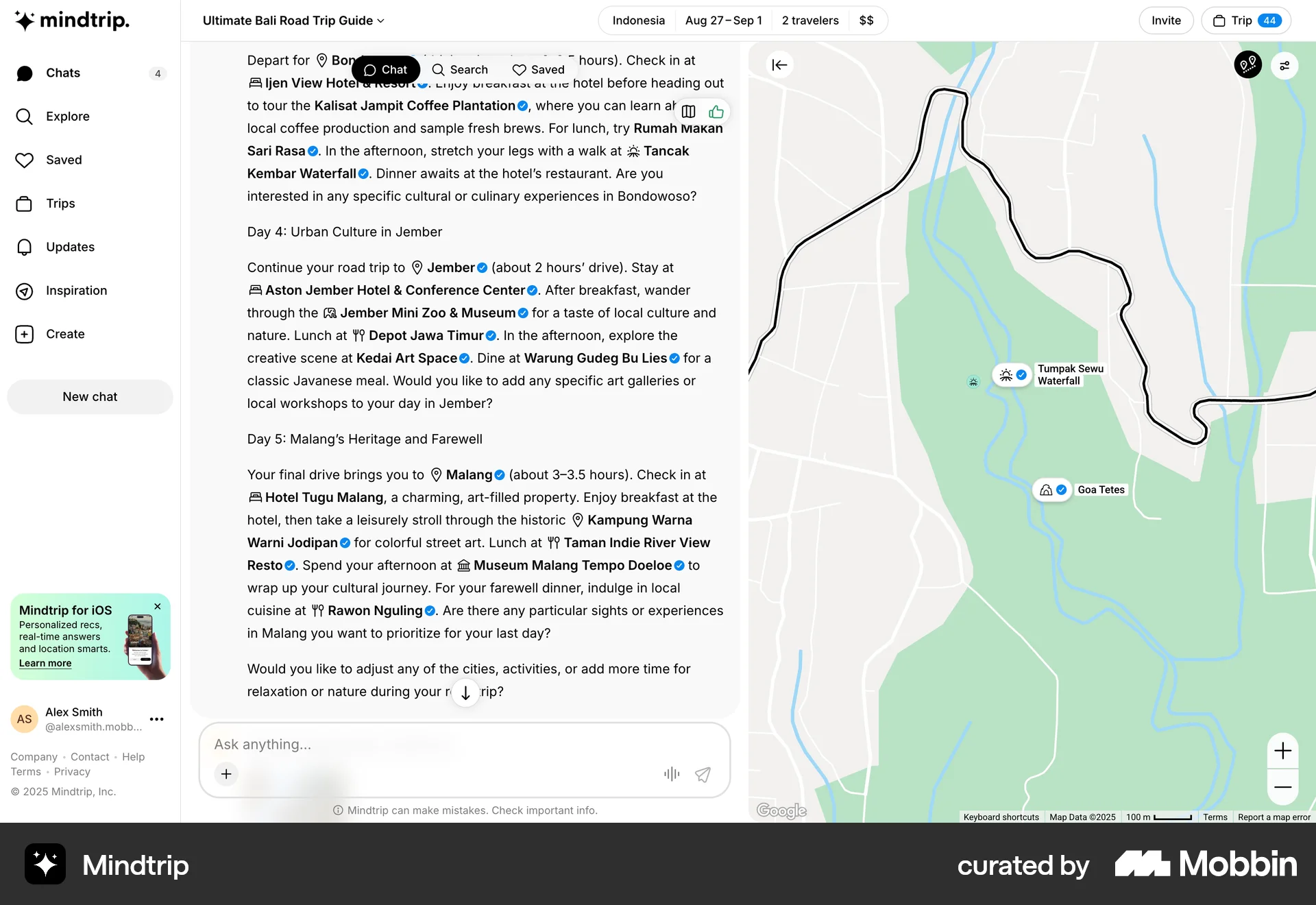
The user views a travel plan, adds a comment to an itinerary item, and posts the comment. The comment is then displayed with a comment count.
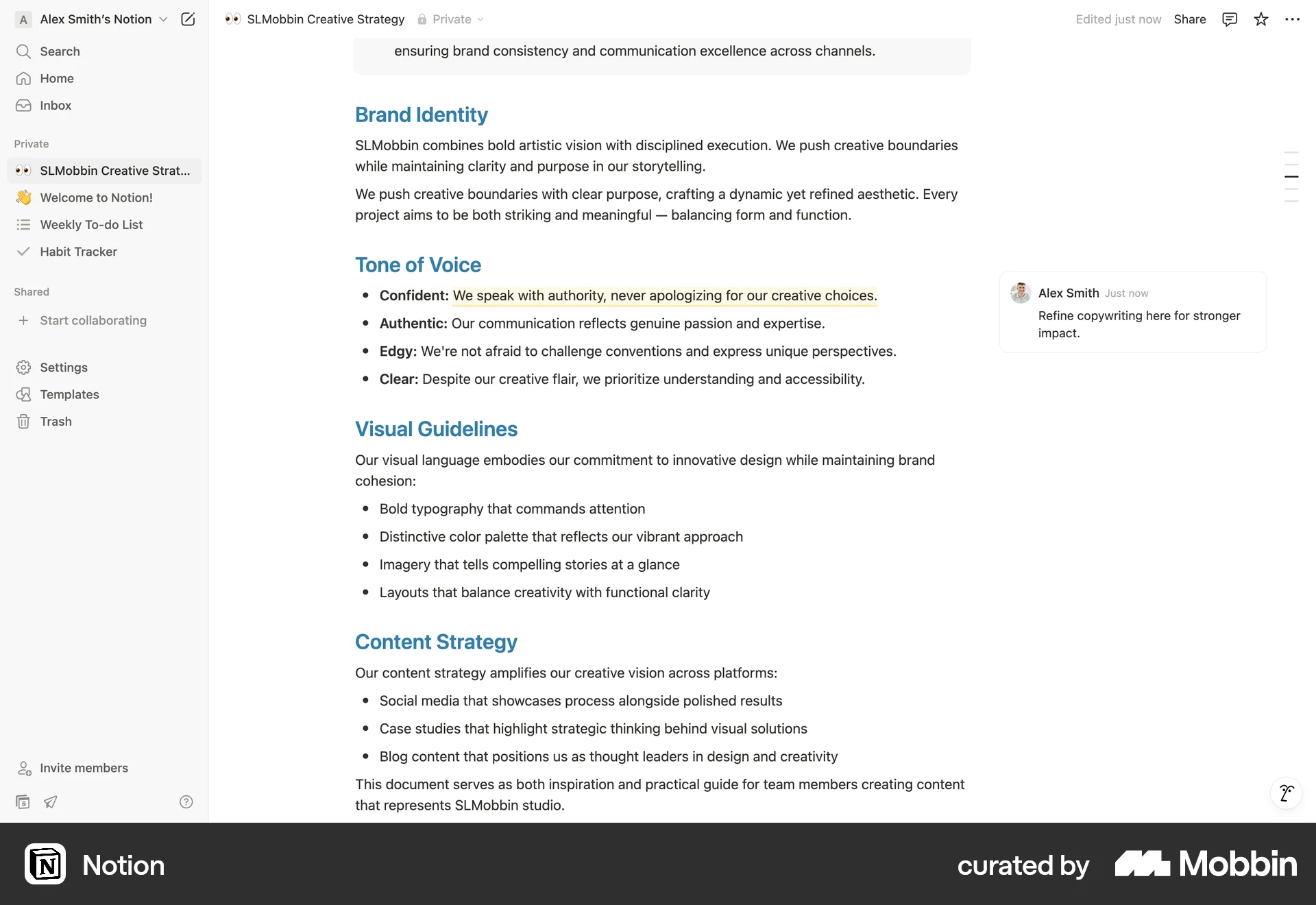
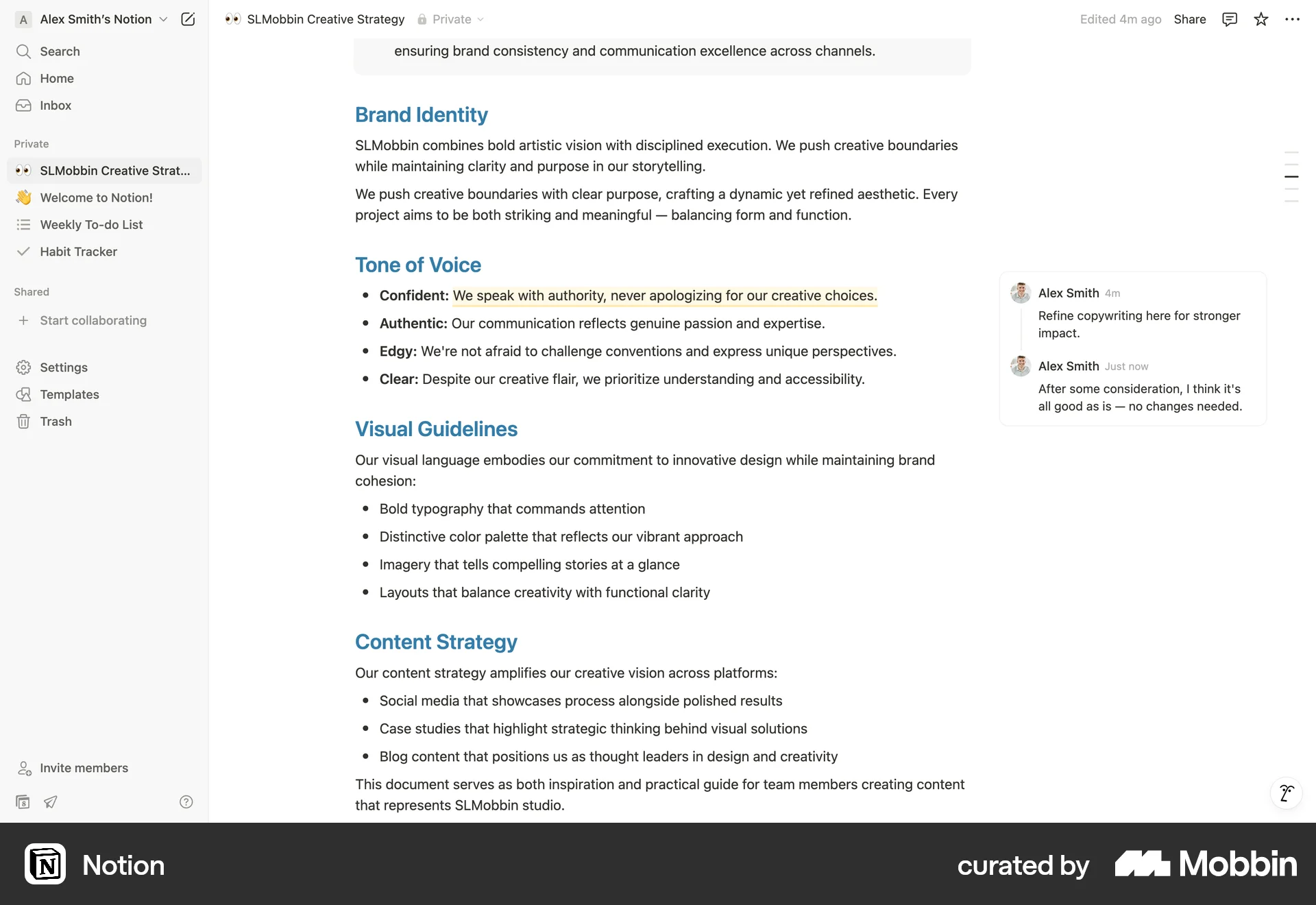
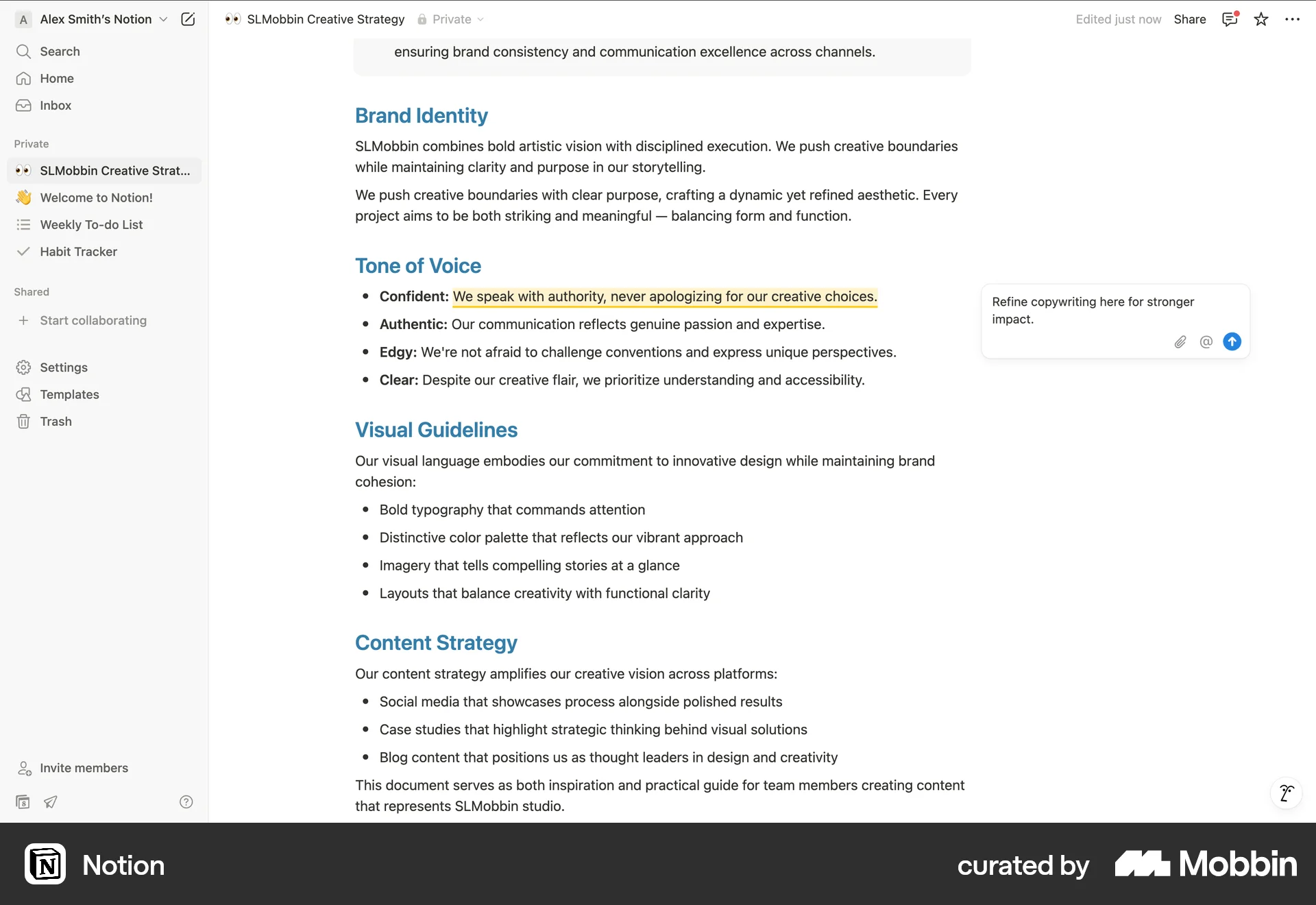
The user selects text in a document and adds a comment. The comment is then posted and visible to other users.

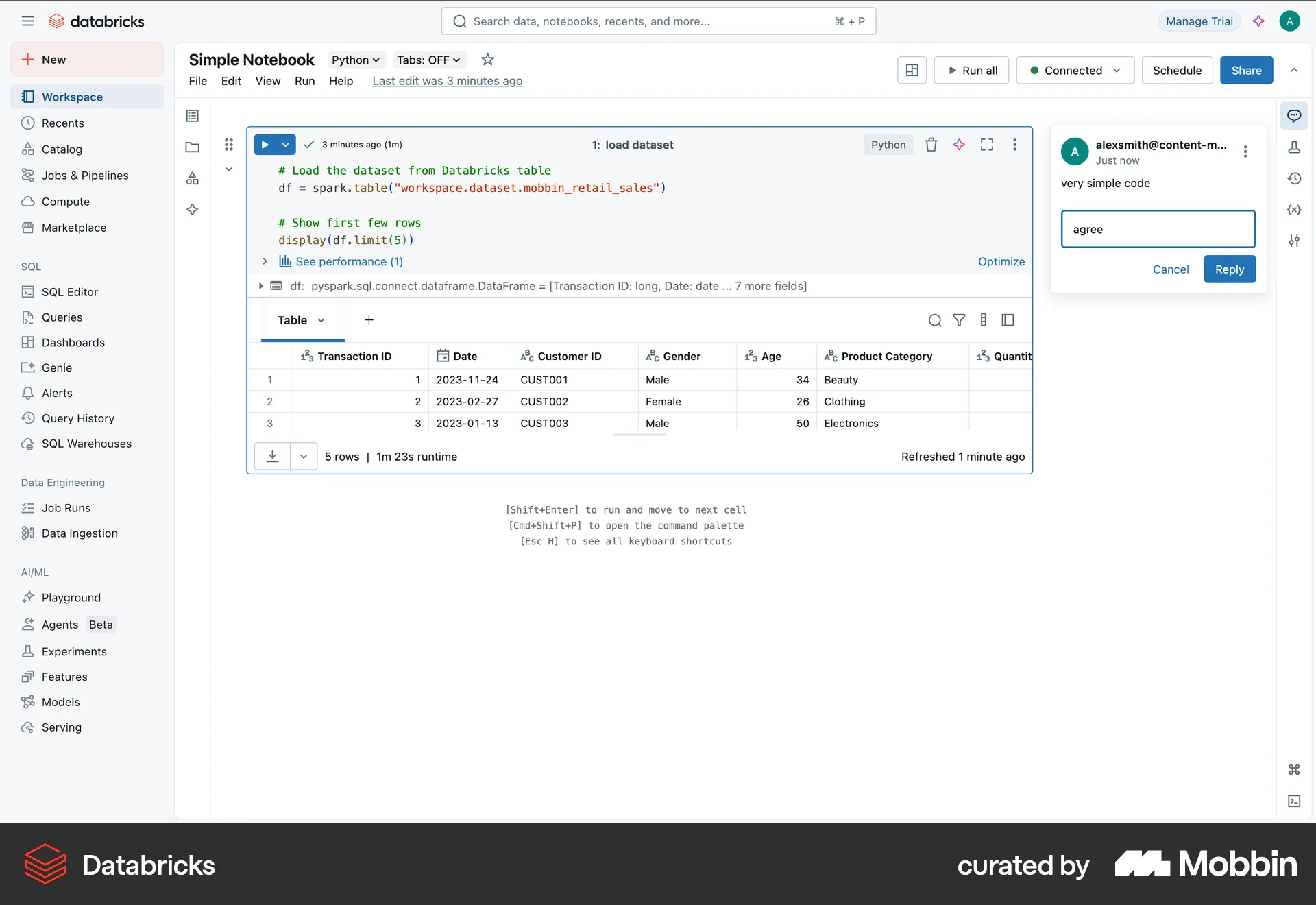
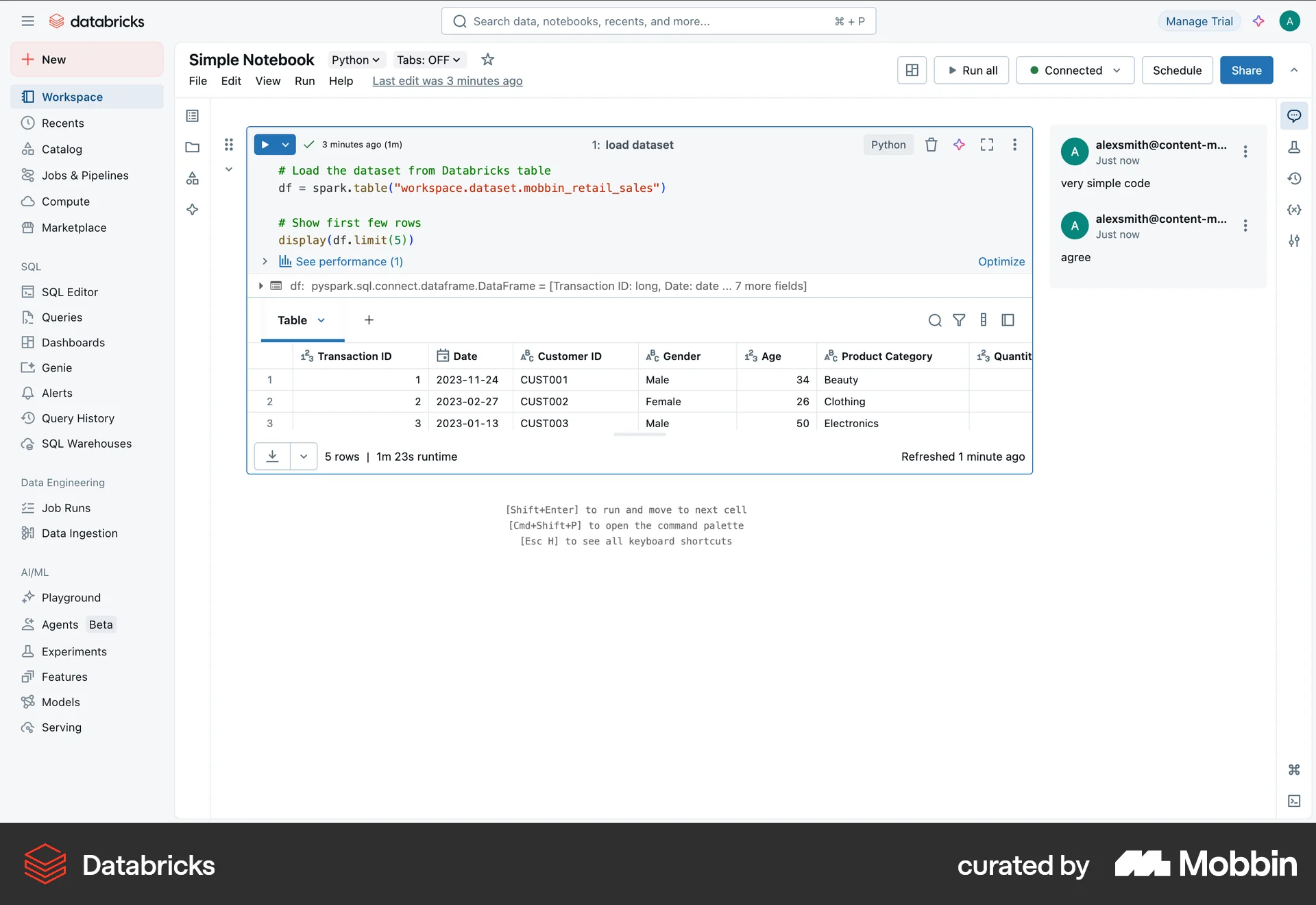
The user views a Databricks notebook, sees a comment, and then replies to it. The flow demonstrates how a user can engage in a conversation within the Databricks environment.
The user adds a comment to a cell in a Databricks notebook. They open the cell's dropdown, add the comment, and post it.

The user opens a document, adds a comment, and submits it. The comment is then displayed on the document.

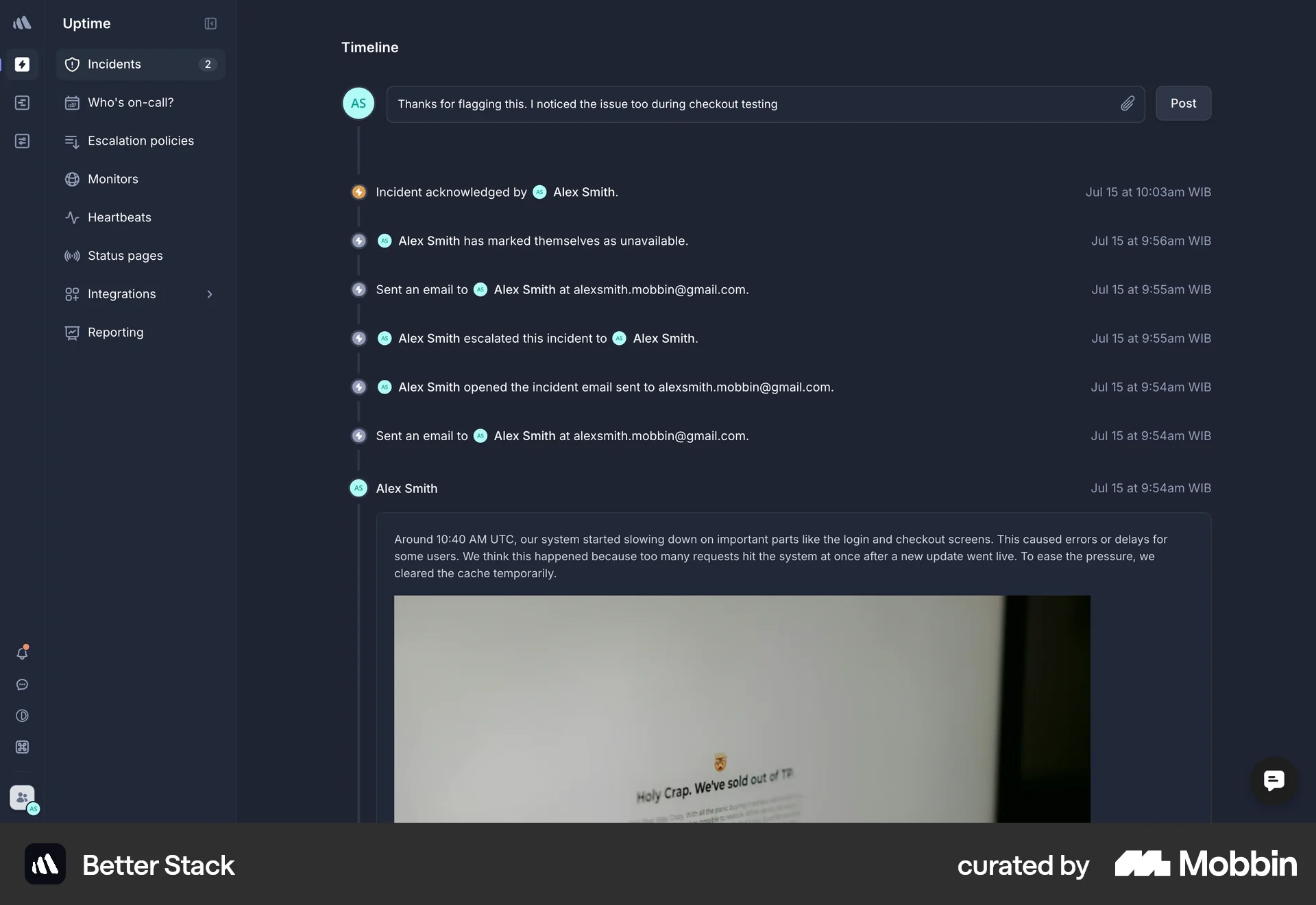
The user composes a comment with an attachment and posts it to the timeline. The user then views the incident details and returns to the timeline to see the posted comment.
954 Flows
546 Flows
104 Flows
290 Flows
714 Flows
655 Flows