

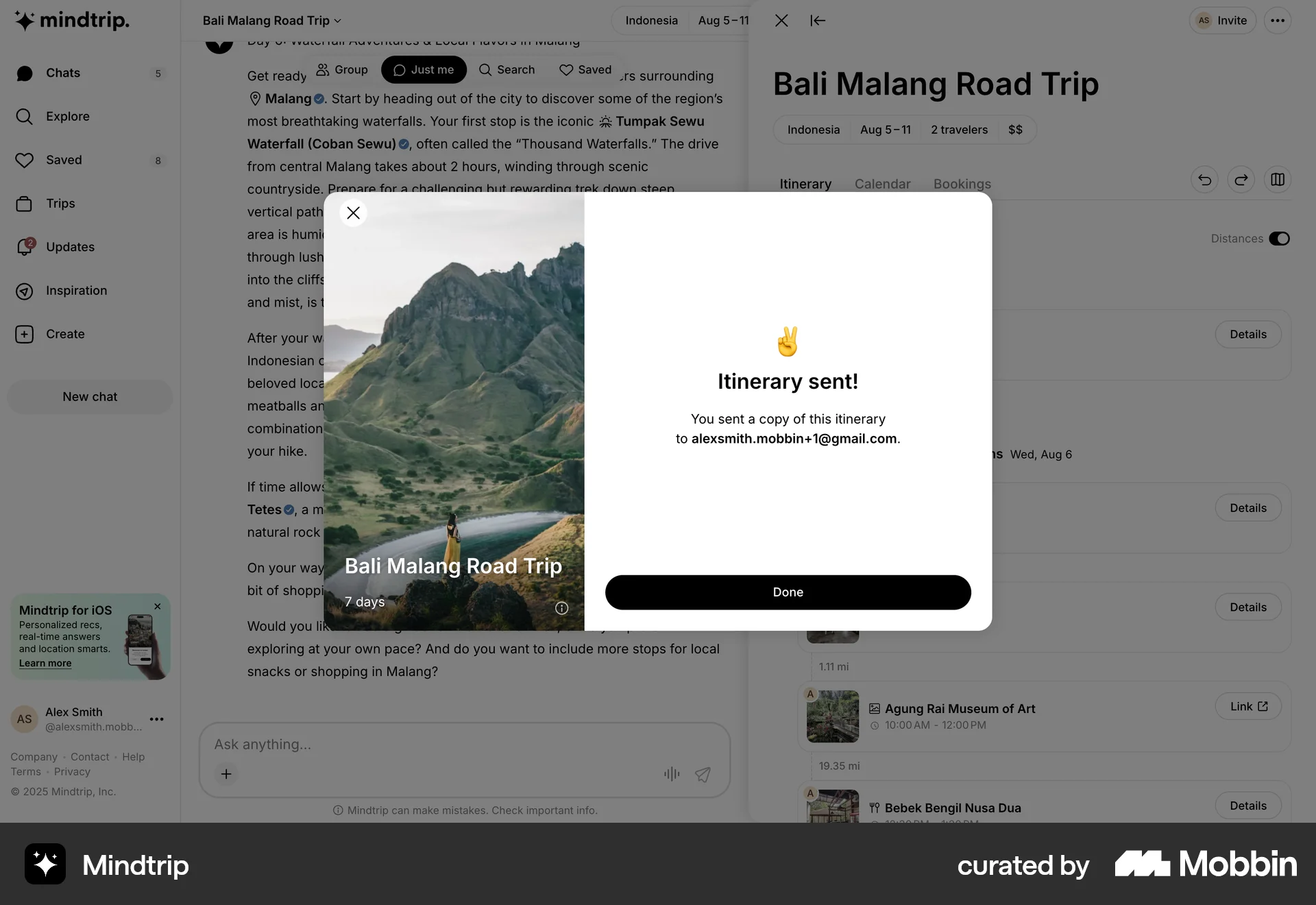
Sending an itineraryon Mindtrip
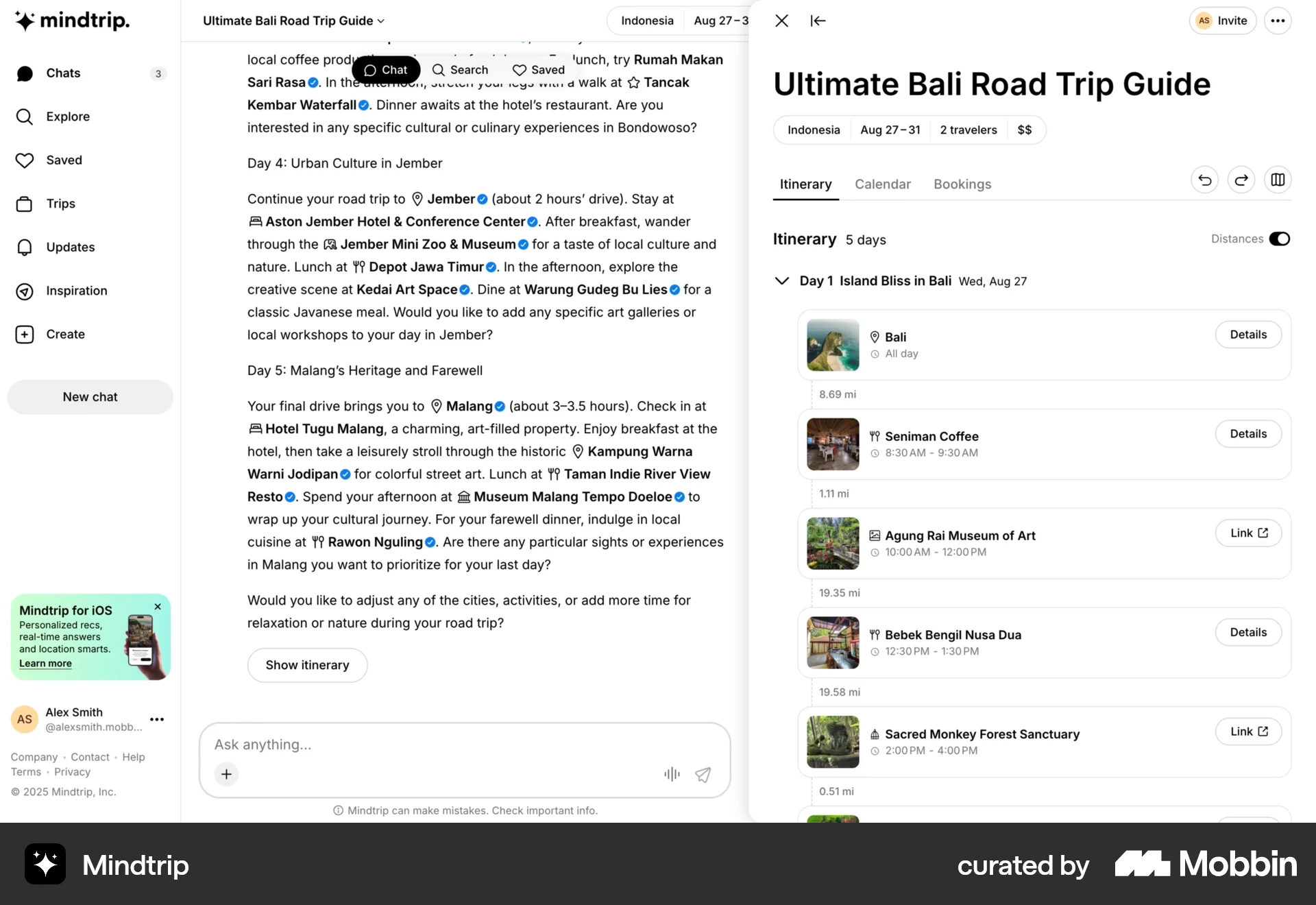
The user selects a trip itinerary and sends it to another user. A confirmation modal confirms the itinerary was sent.
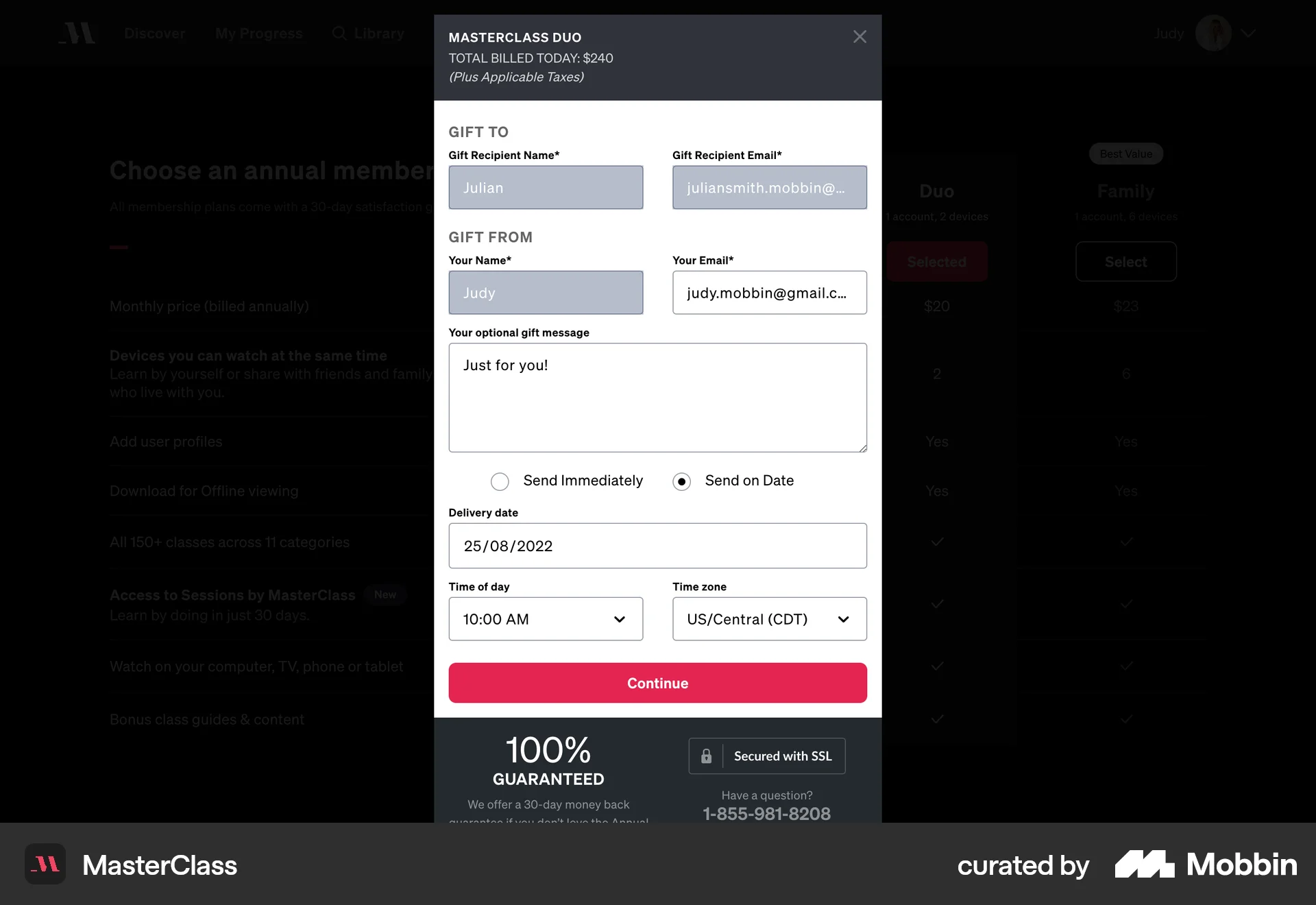
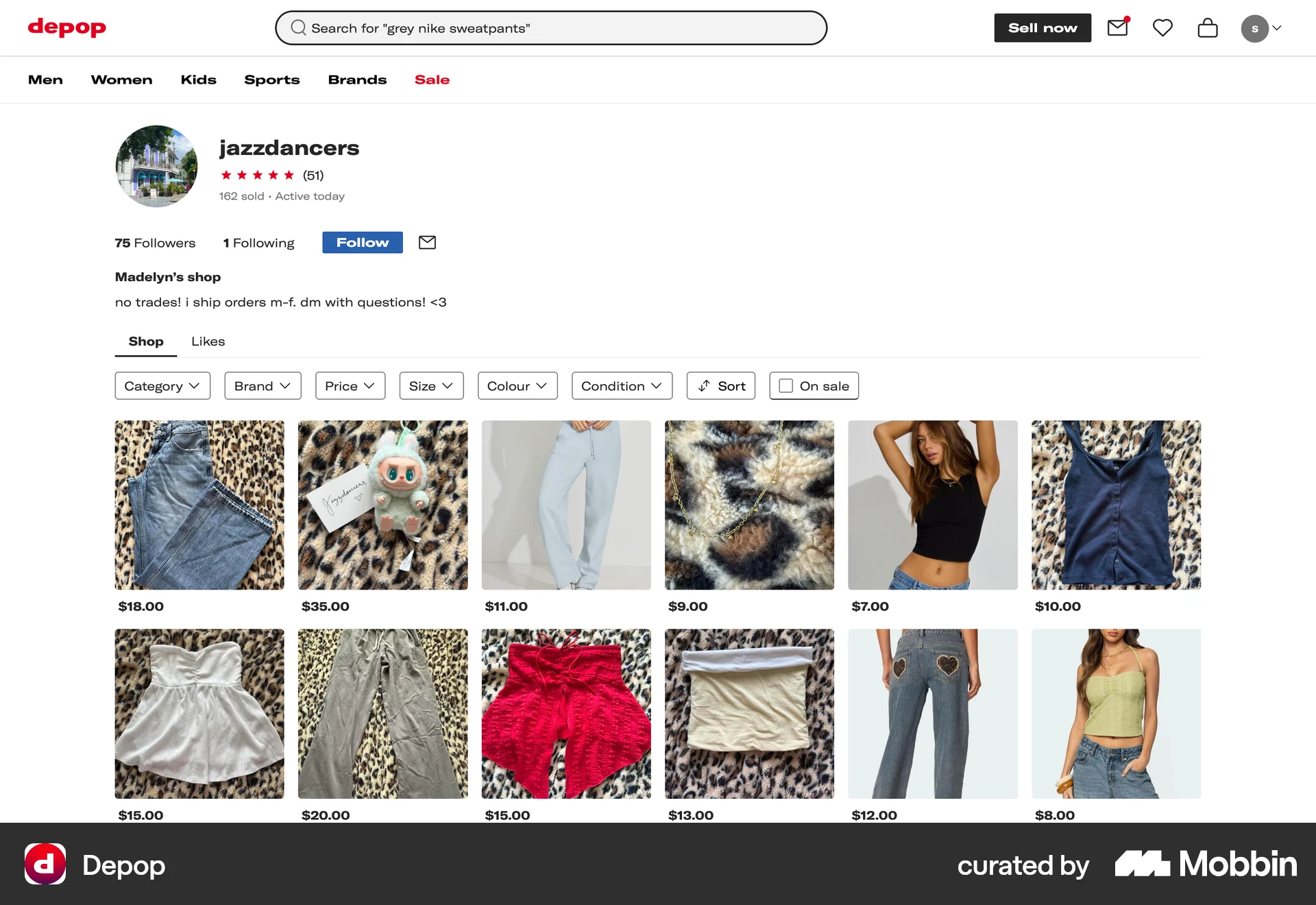
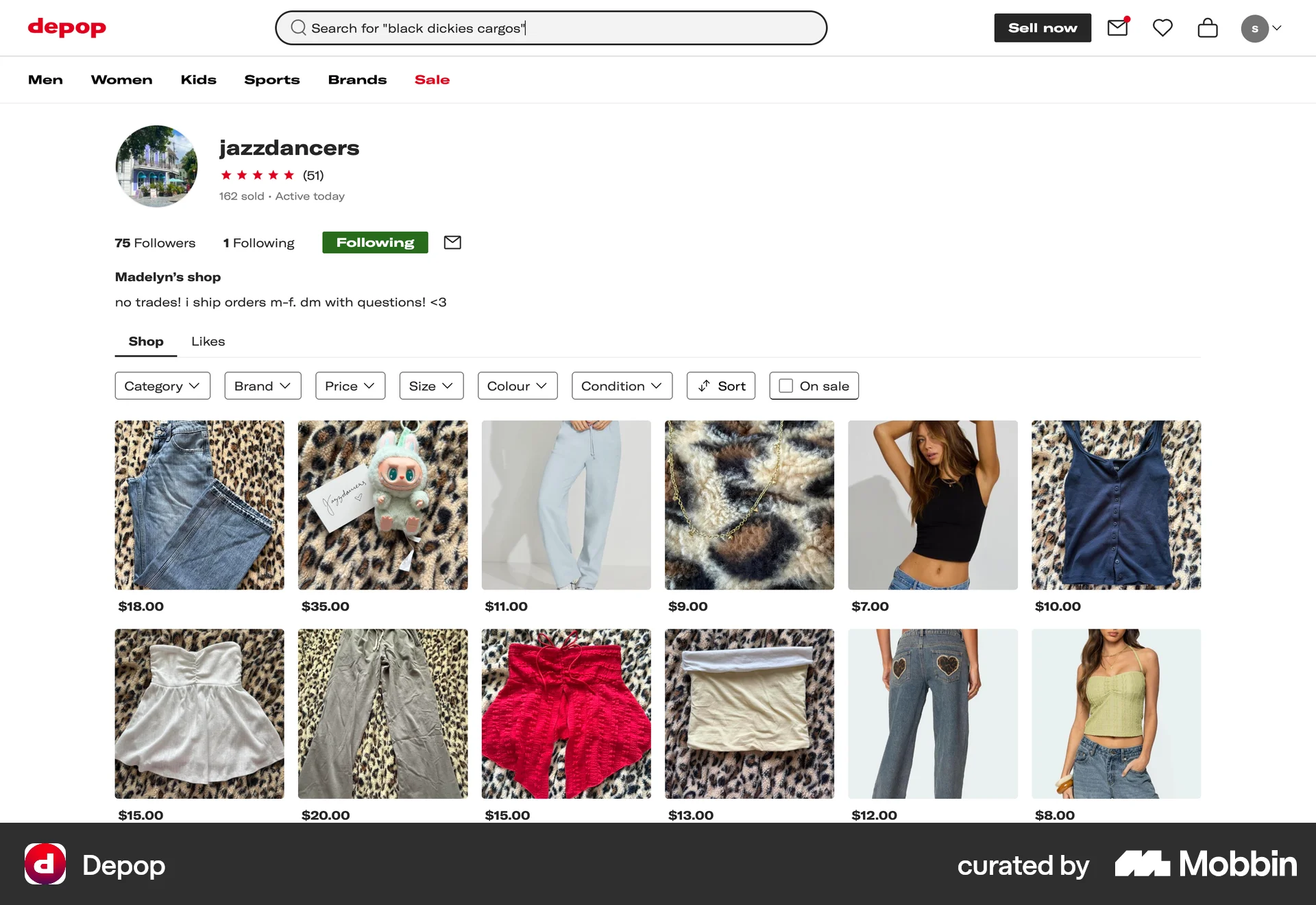
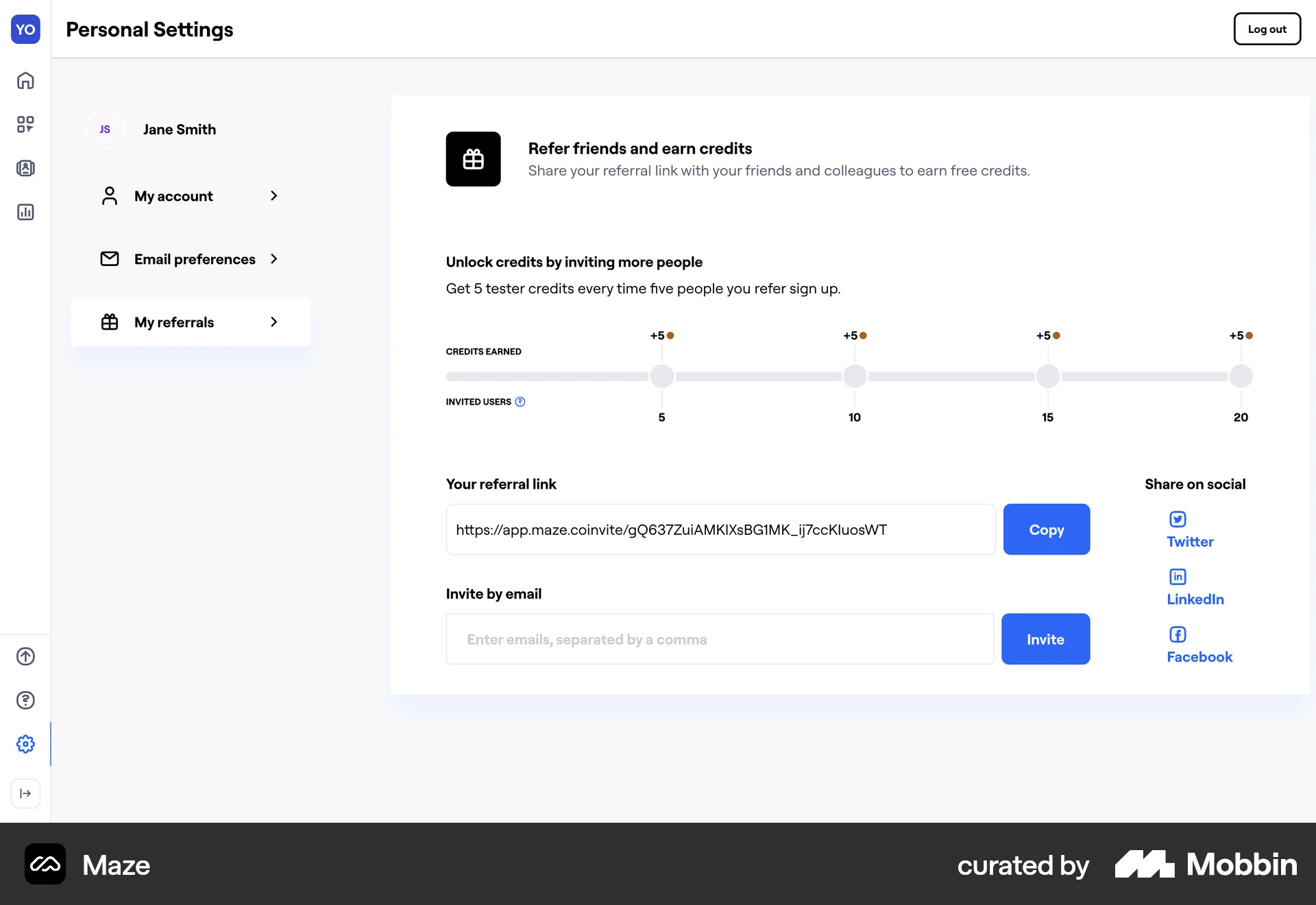
Discover best website designs for Sharing flows. Get inspired by the best apps in the world.
The user selects a trip itinerary and sends it to another user. A confirmation modal confirms the itinerary was sent.

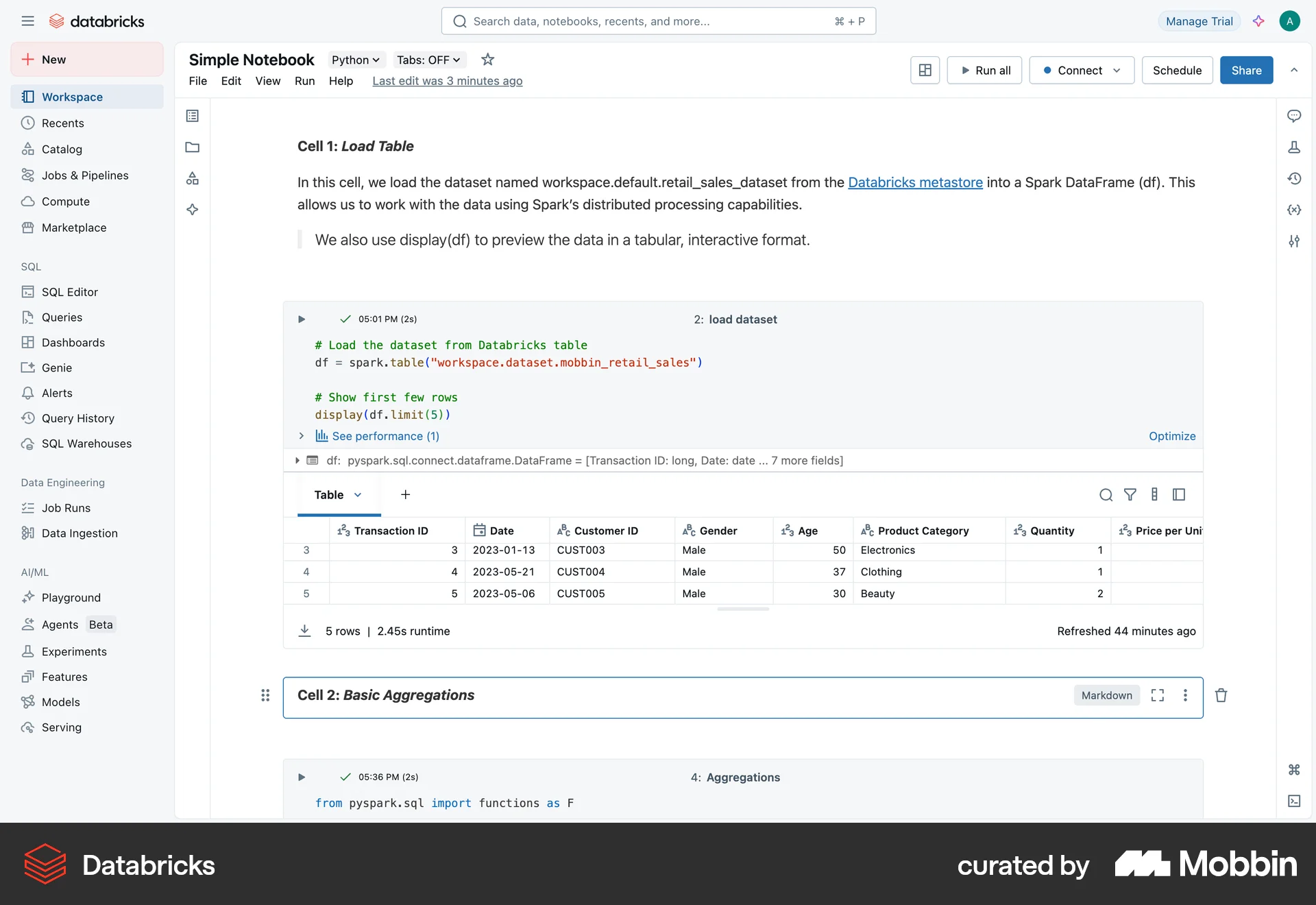
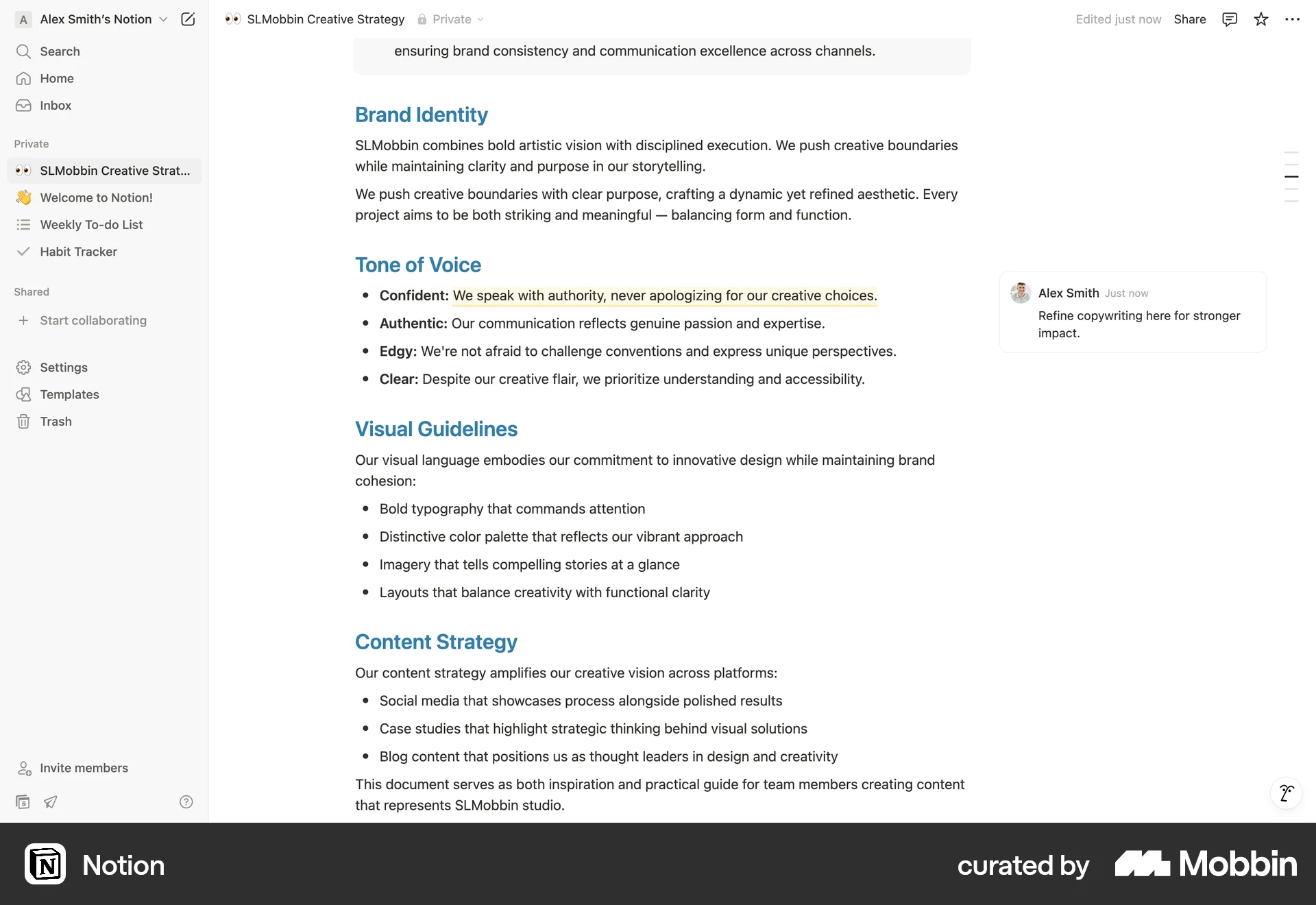
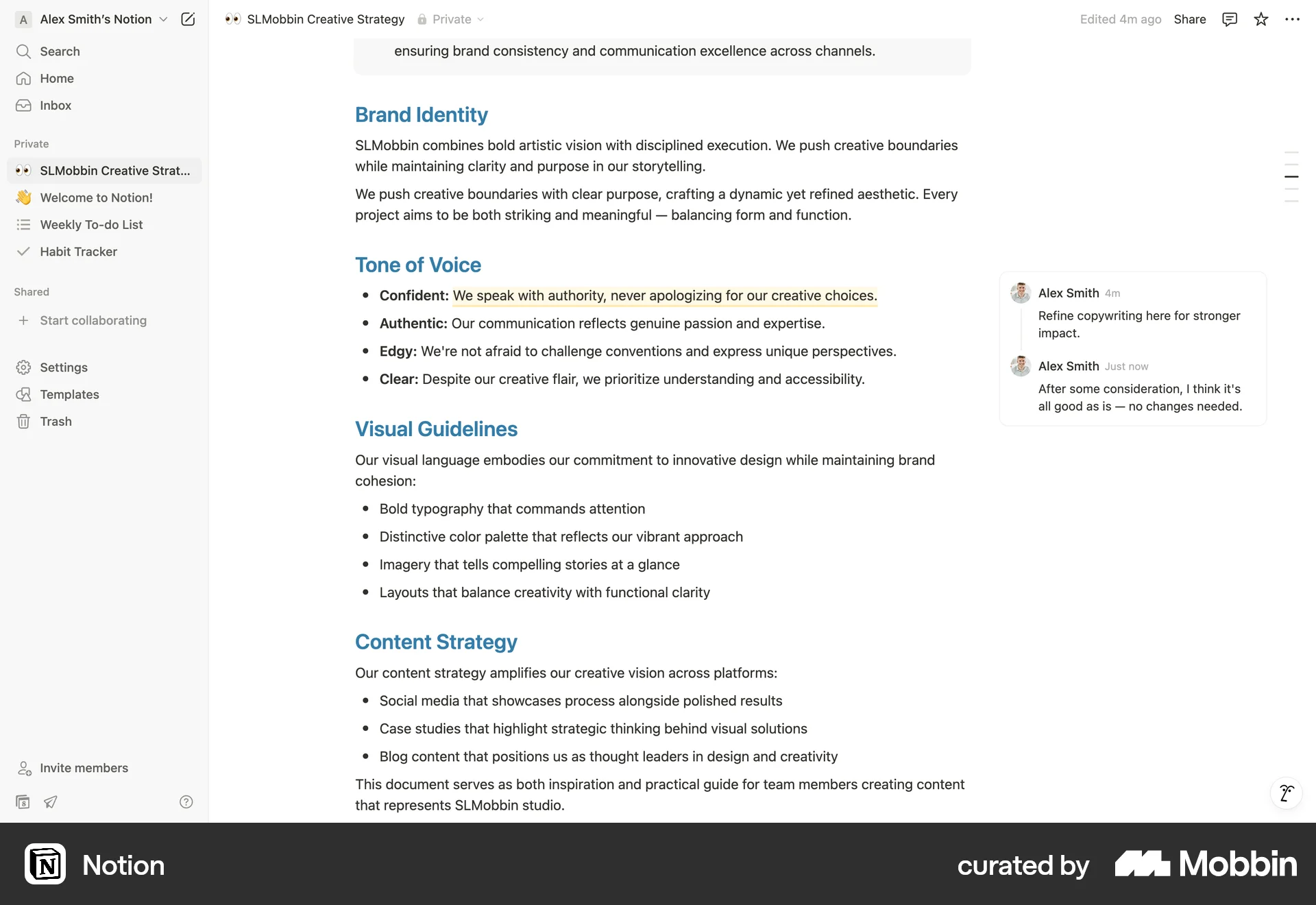
The user opens a notebook, navigates to the sharing settings, and shares the notebook with all workspace users. A success message confirms the action.

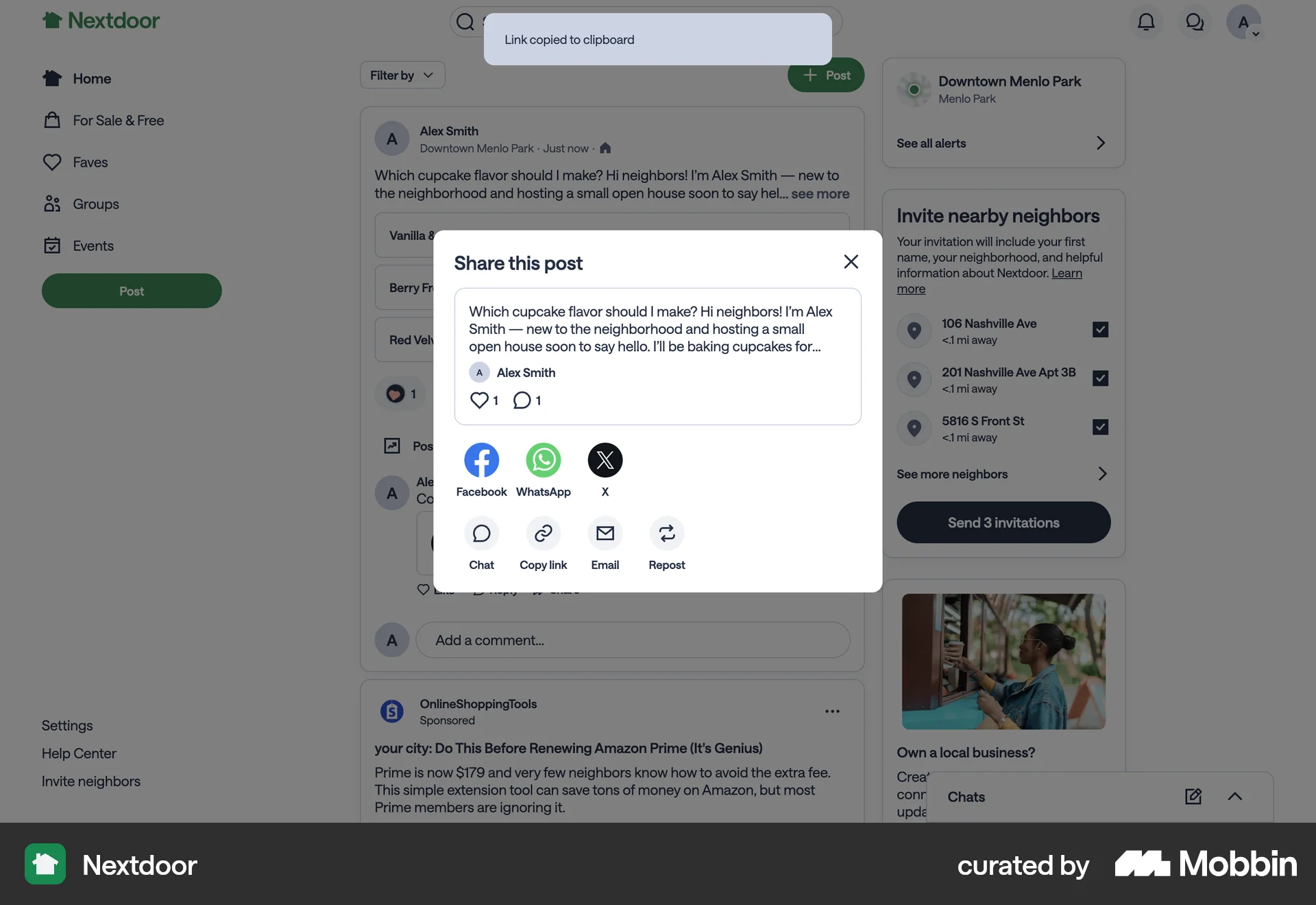
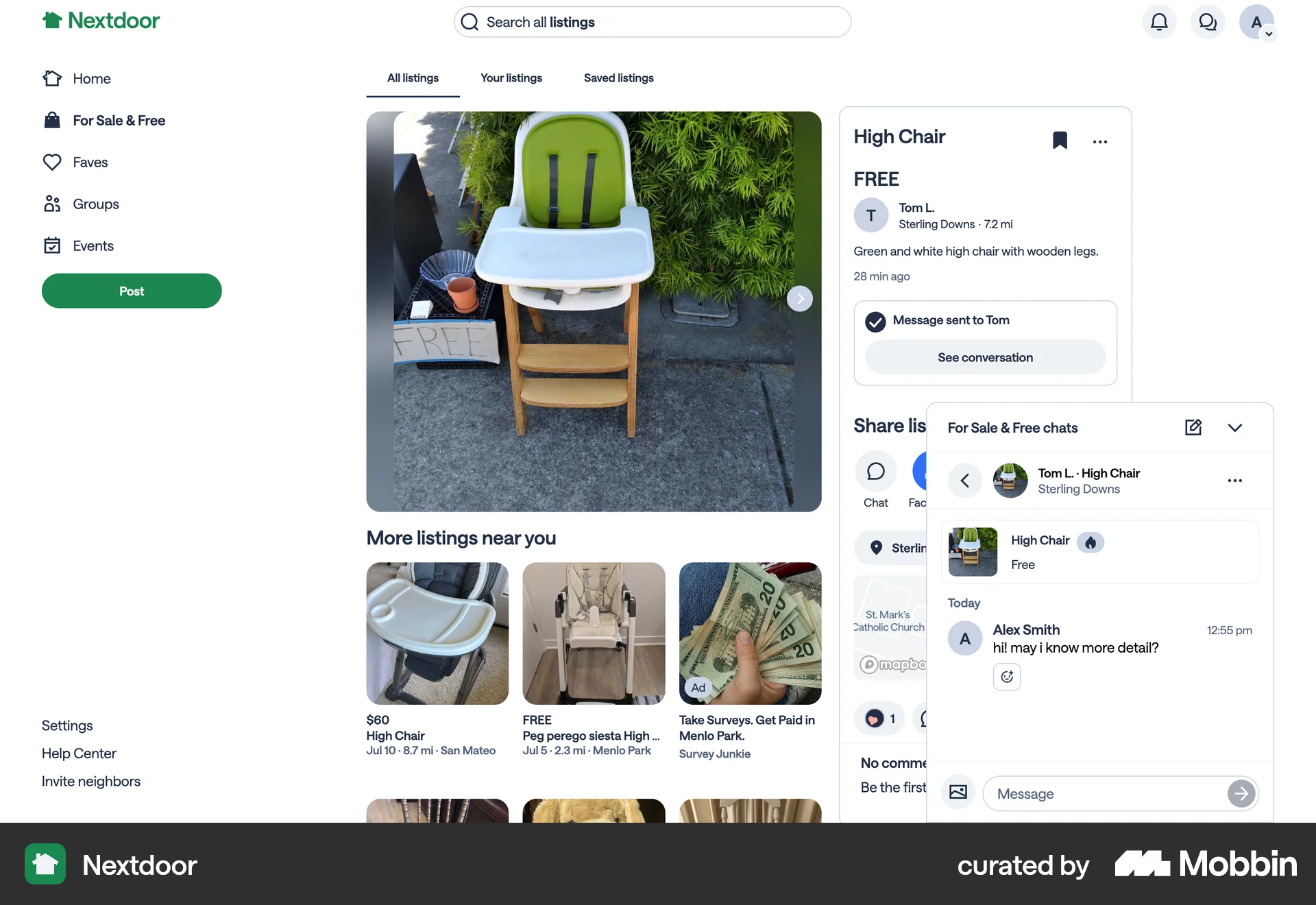
The user opens the share modal for a post and copies the link to the clipboard. The flow demonstrates how to copy a link from a post.
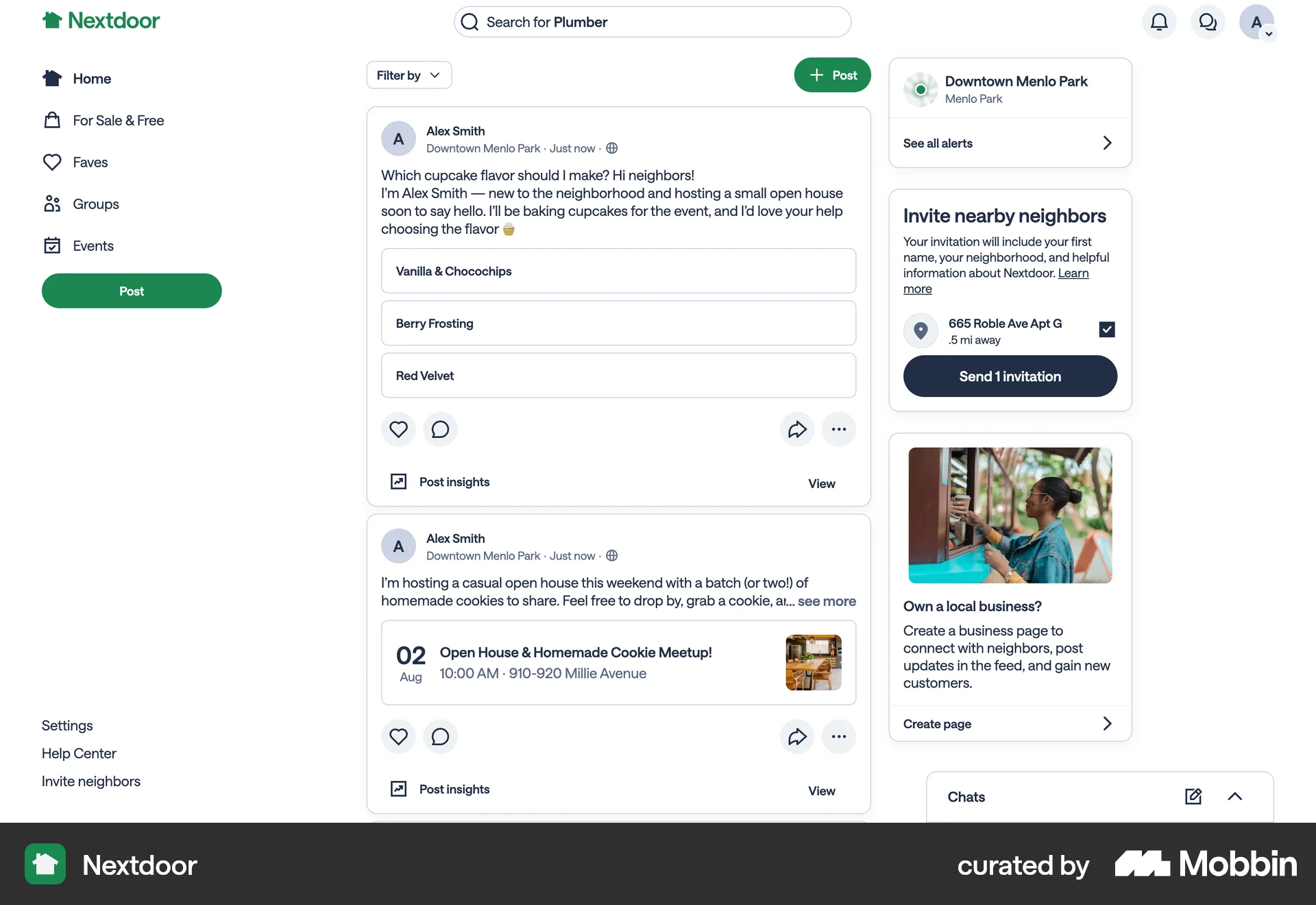
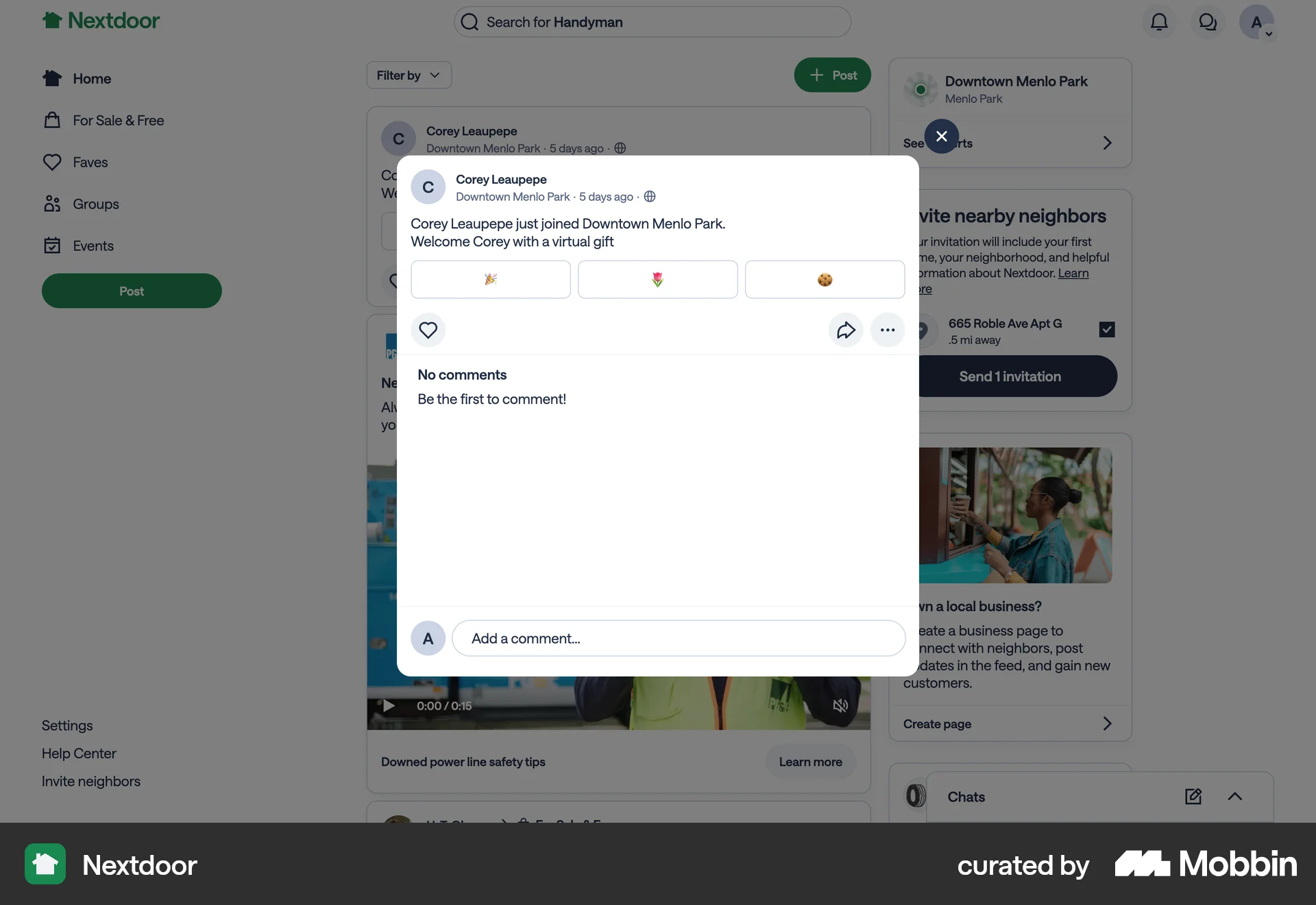
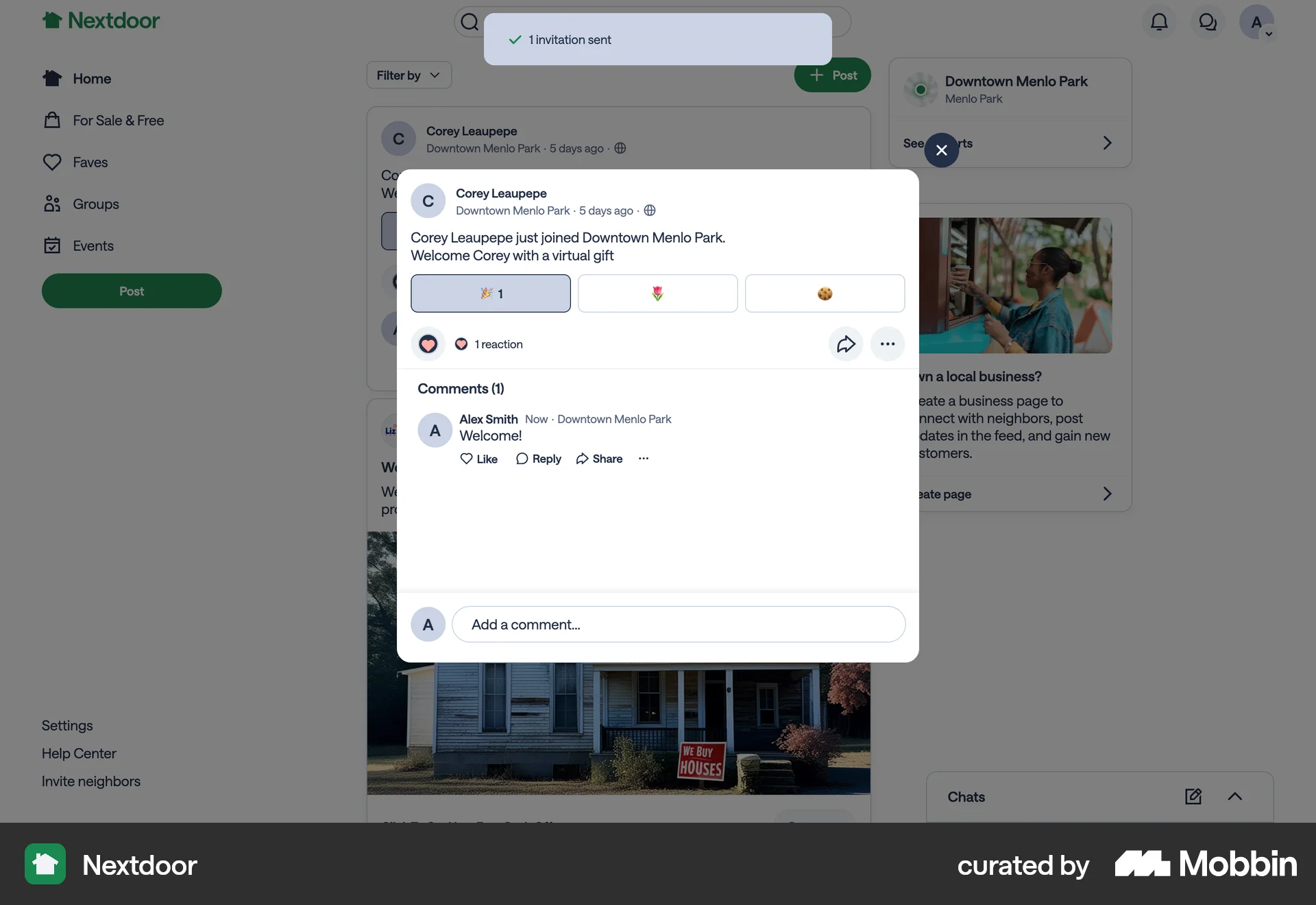
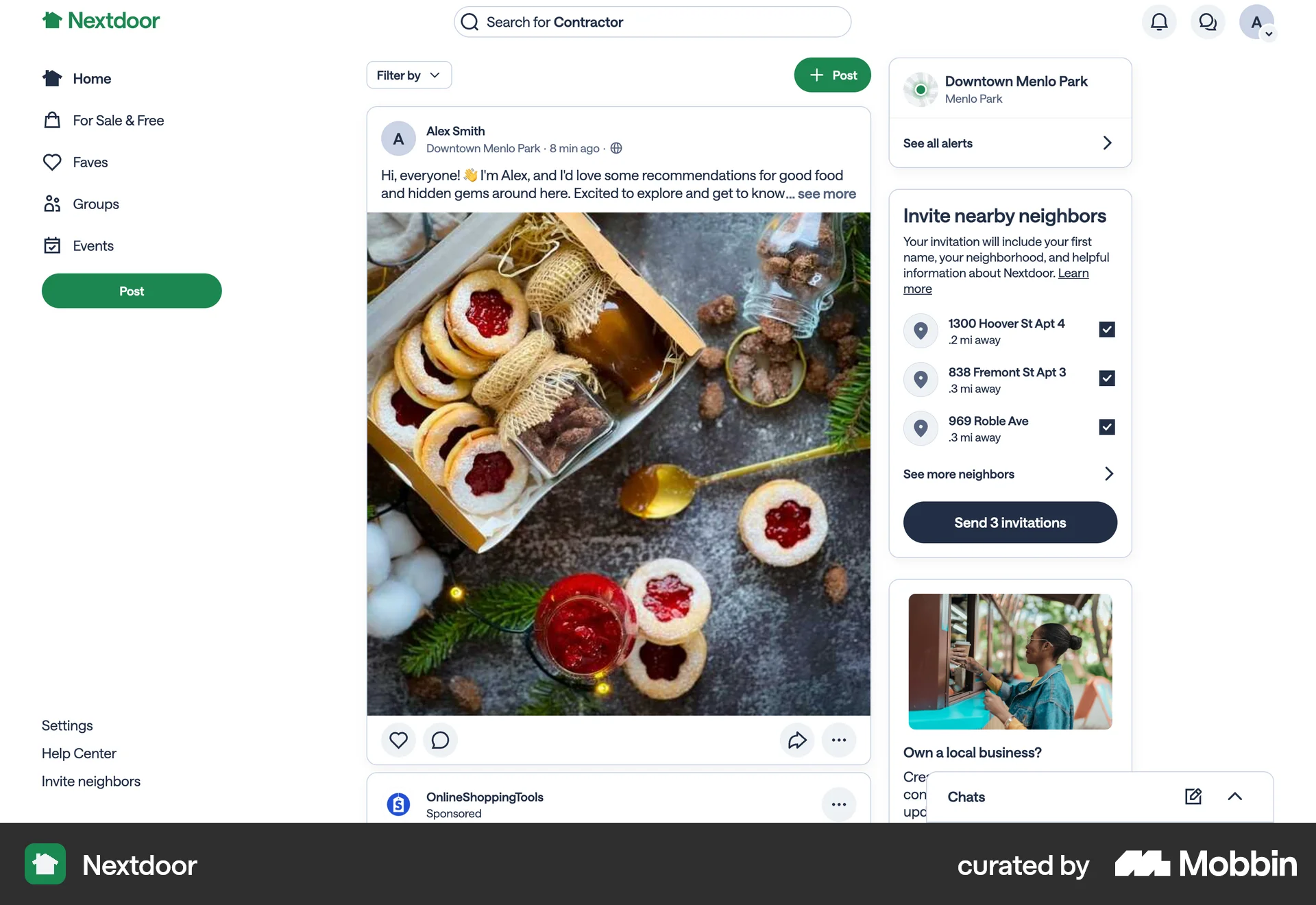
The user shares a post with a neighbor. The flow involves opening the share menu, selecting the neighbor option, and sending the post.
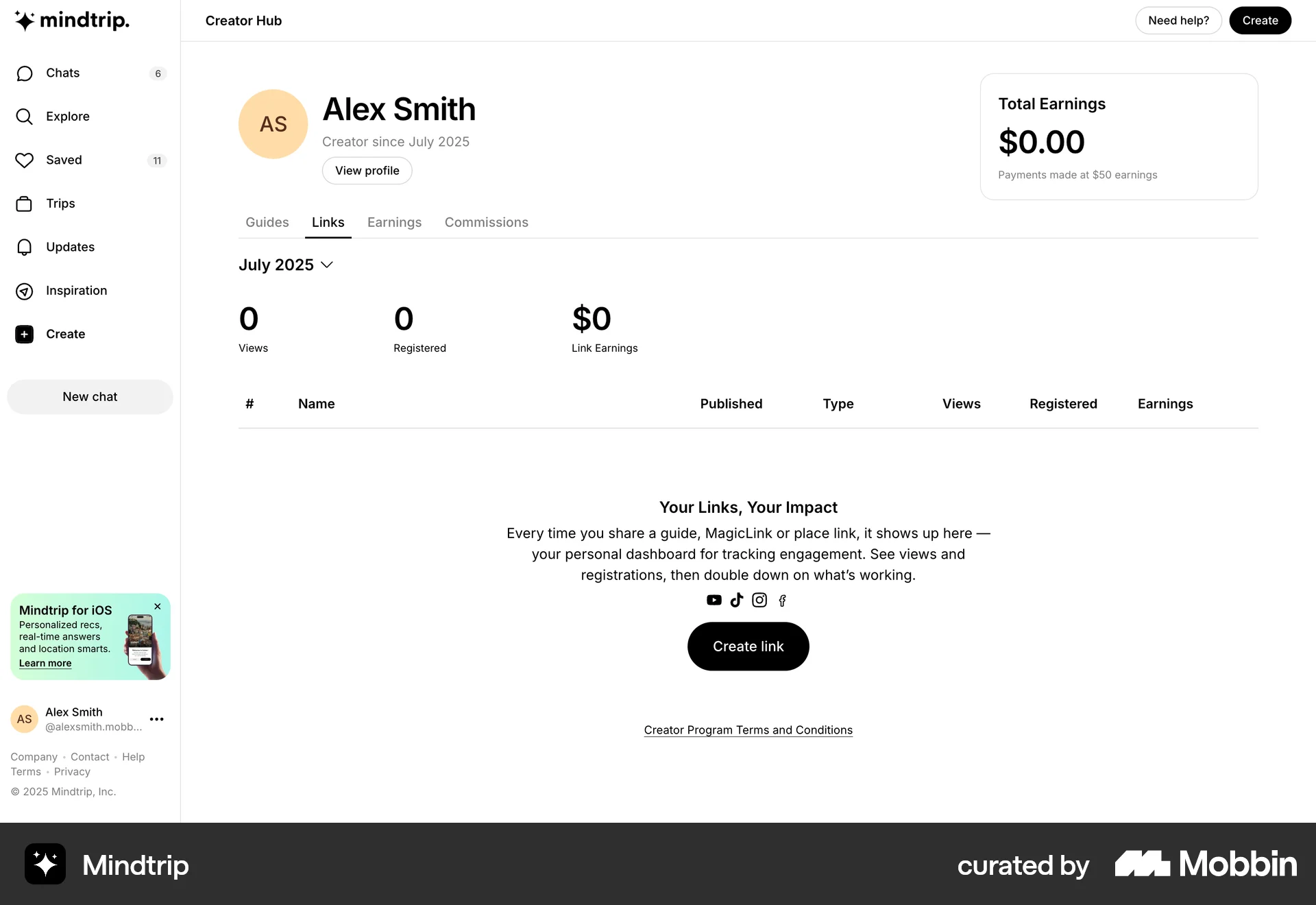
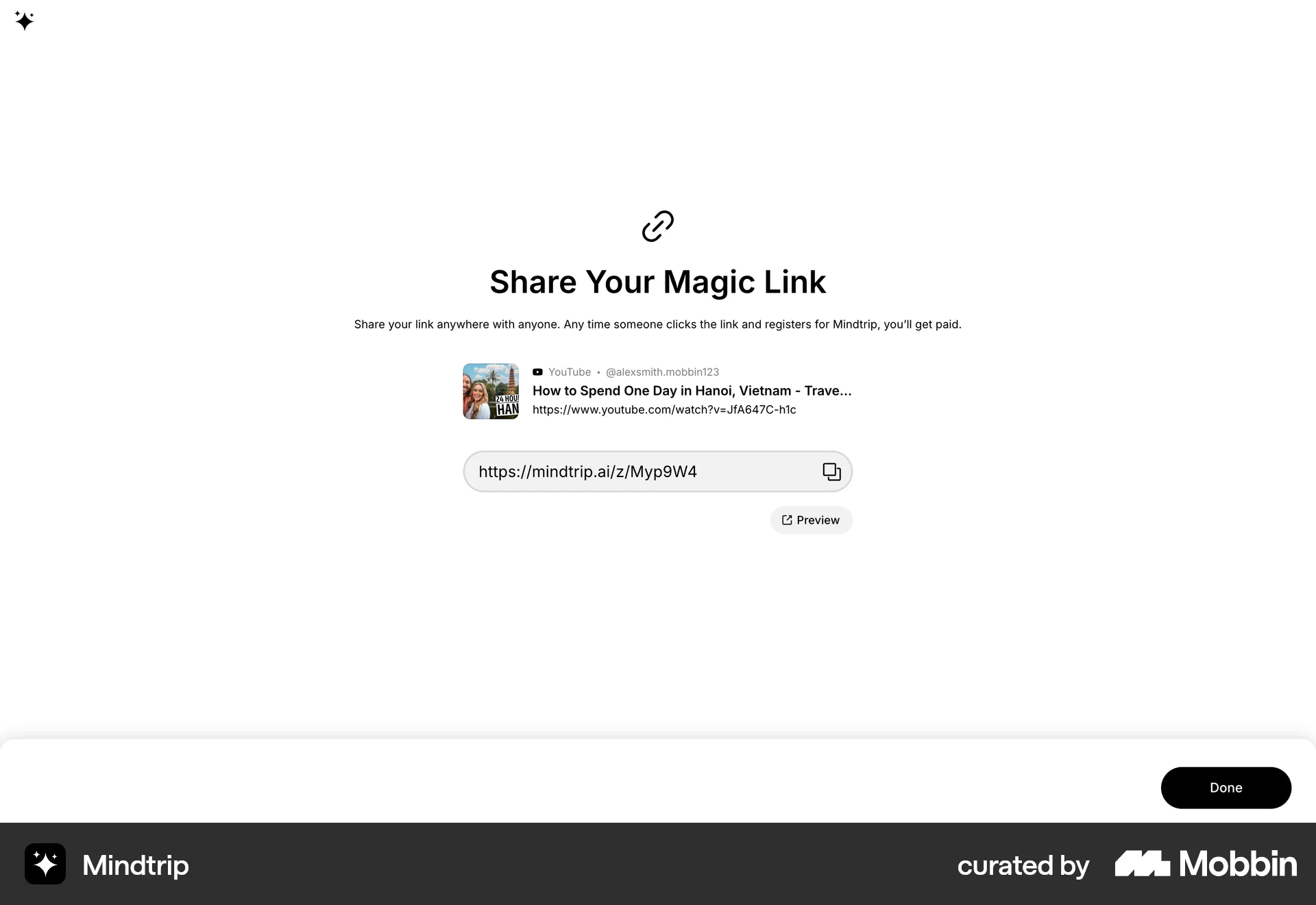
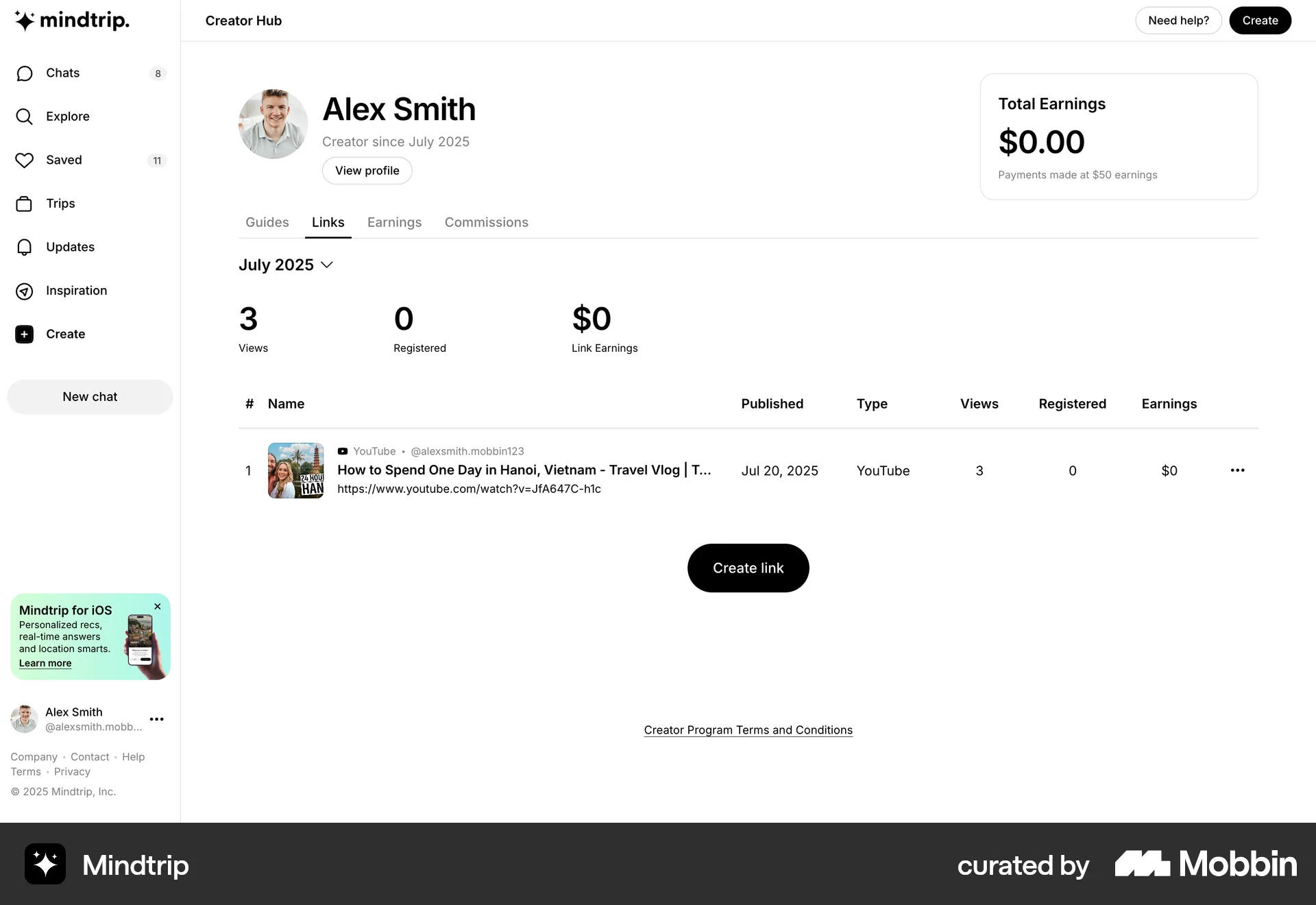
The user creates a magic link by providing a URL and a name. The generated link is then shared and displayed on the creator hub dashboard.

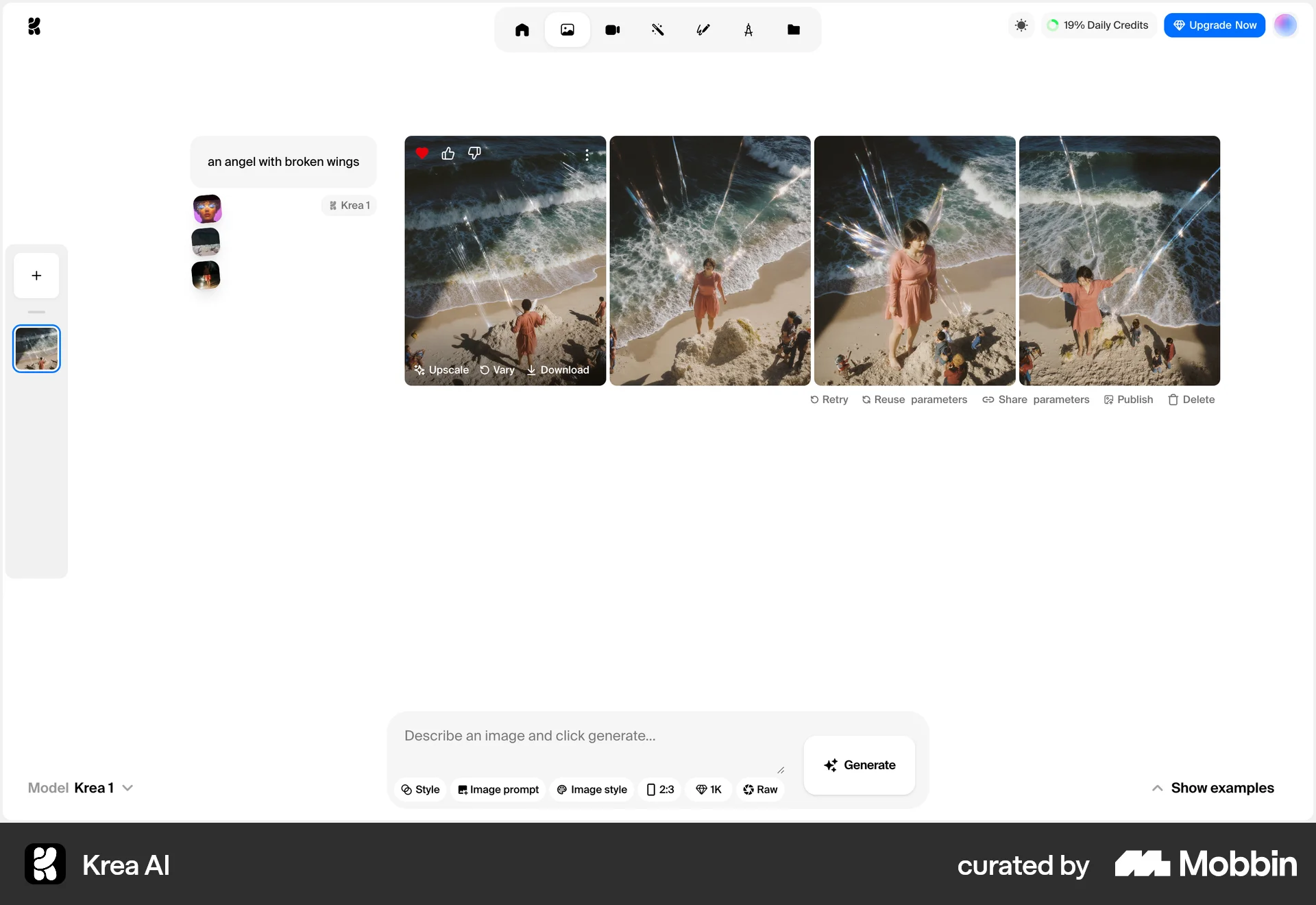
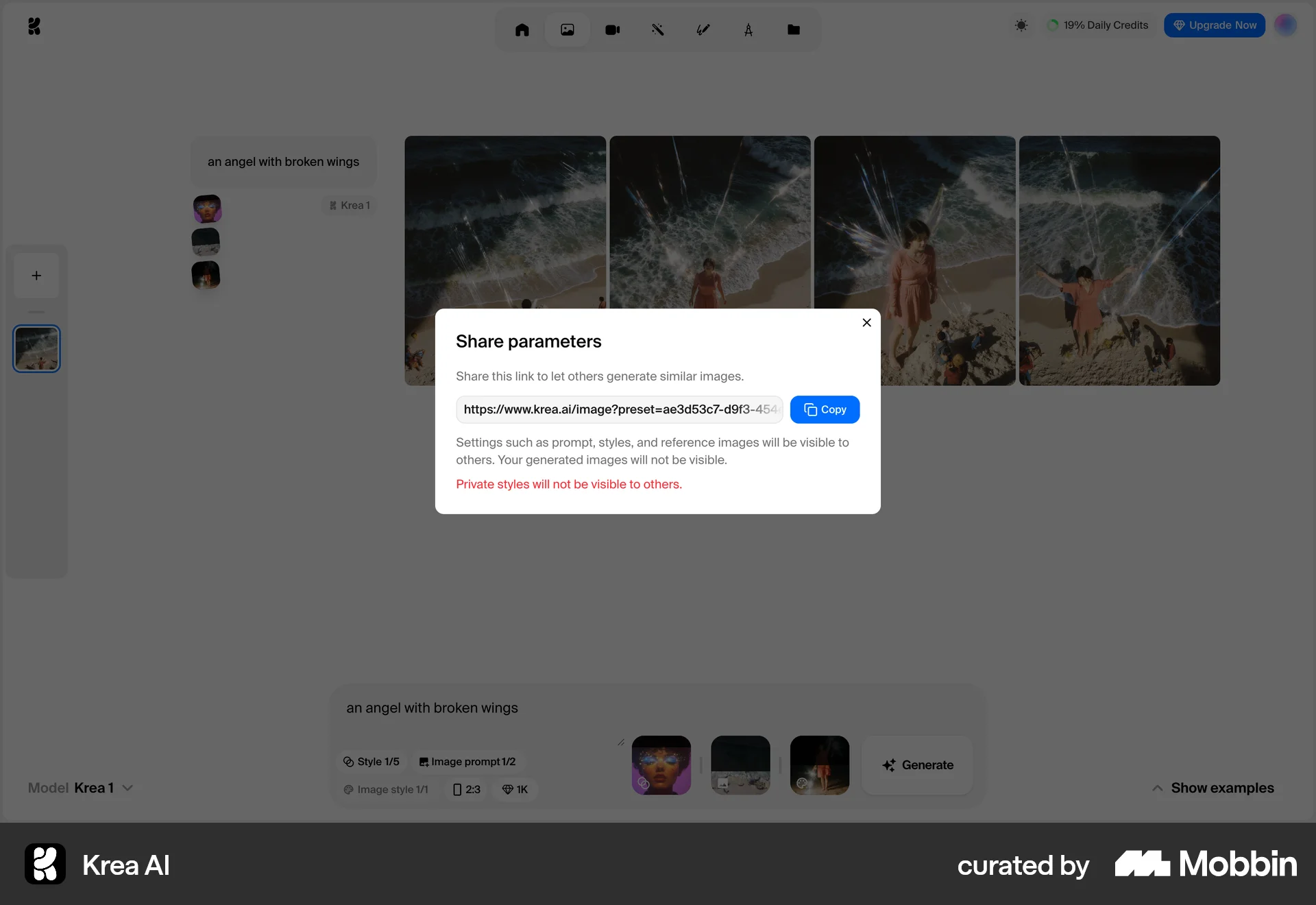
The user generates images and then shares the generation parameters by copying a shareable link. This allows others to generate similar images.

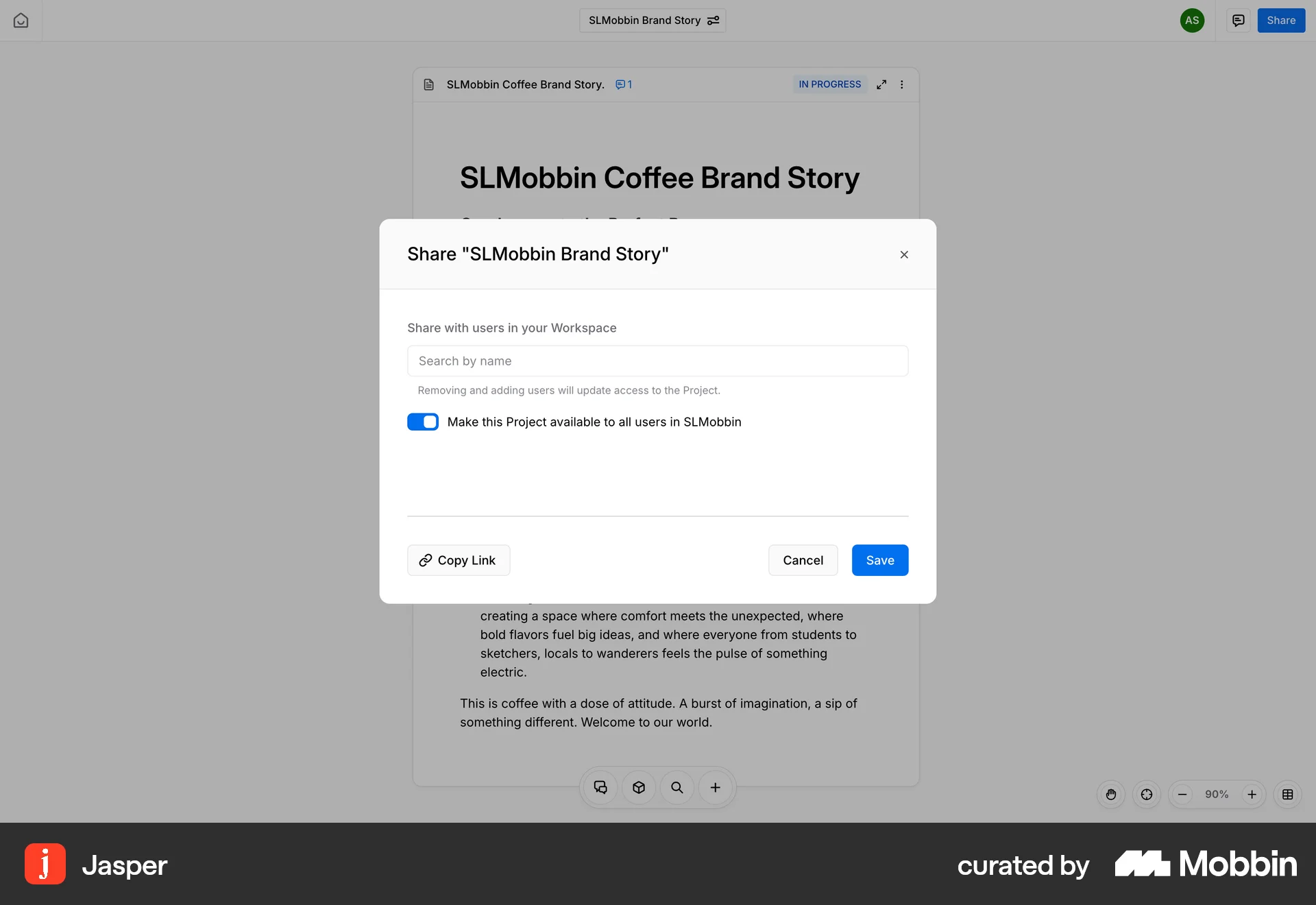
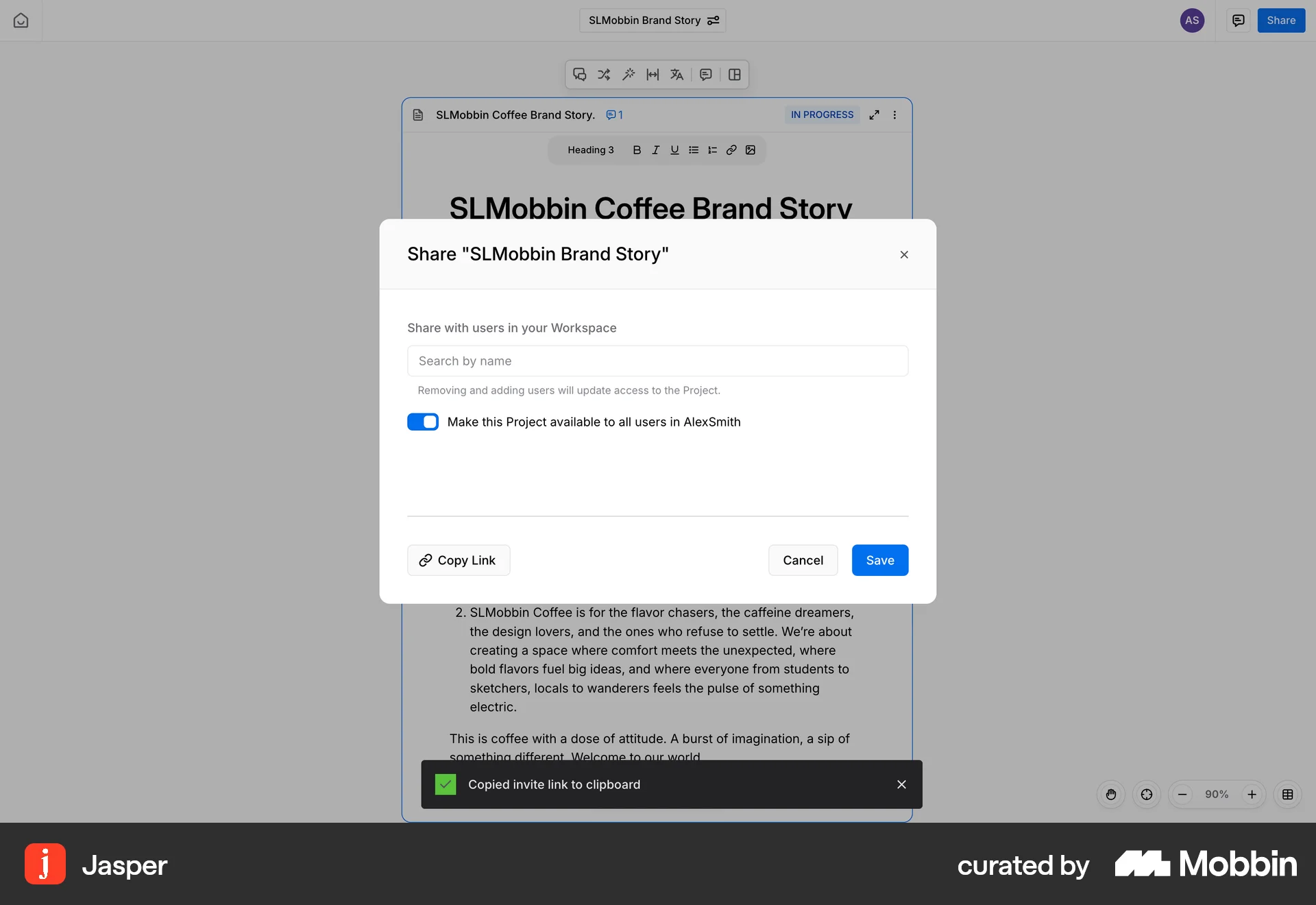
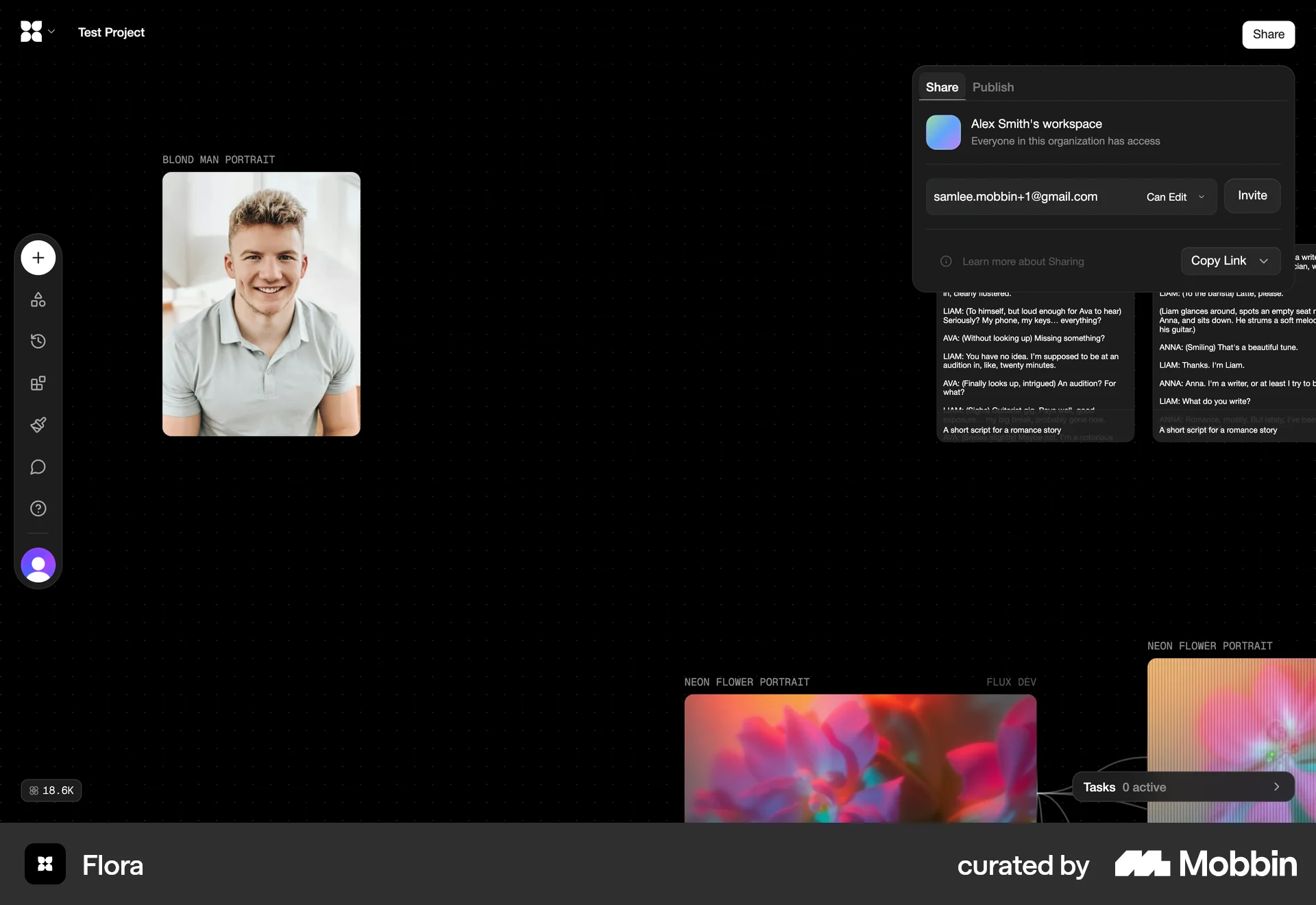
The user opens a document, configures sharing options, and copies the invite link. The goal is to share the document with other users.
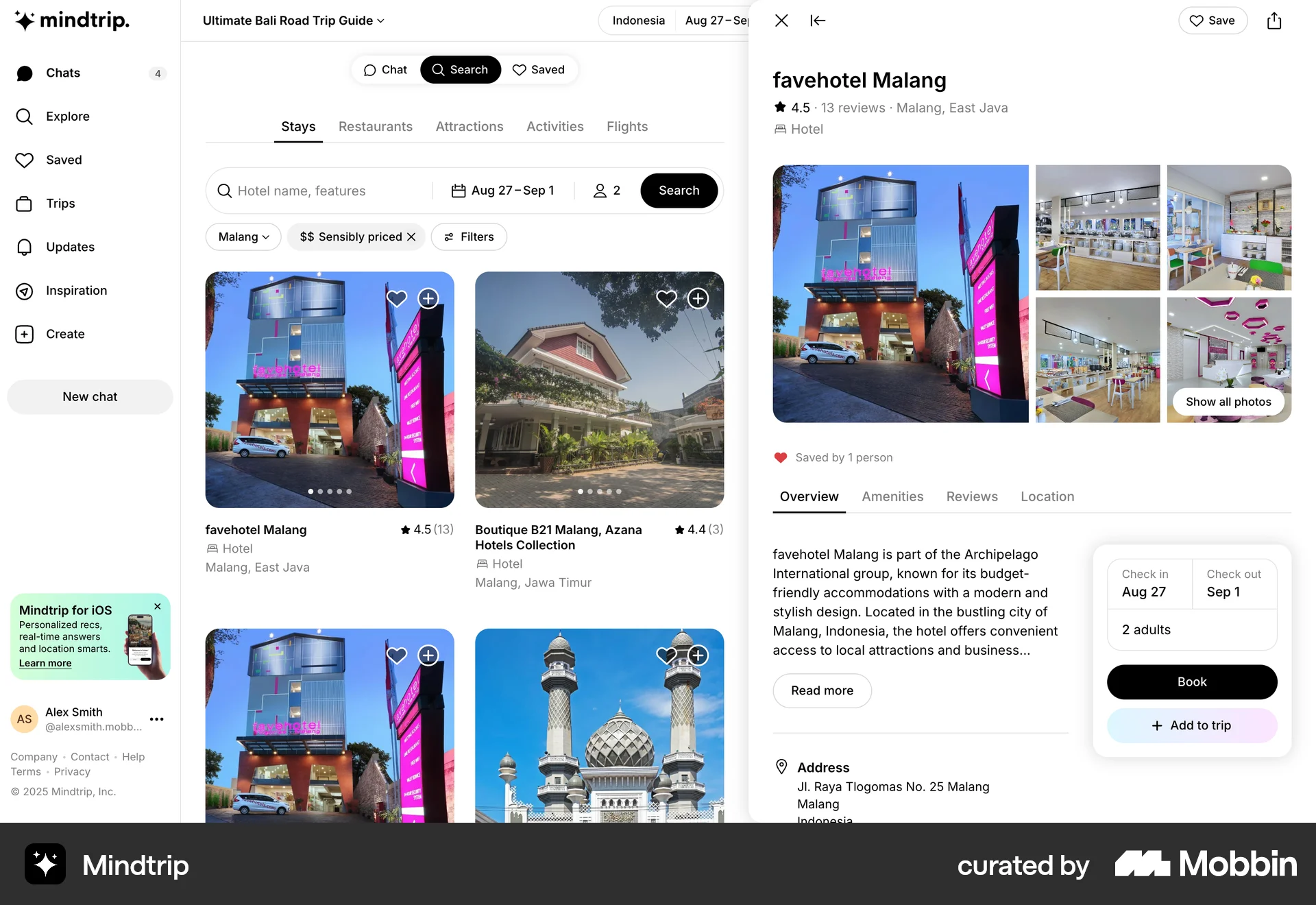
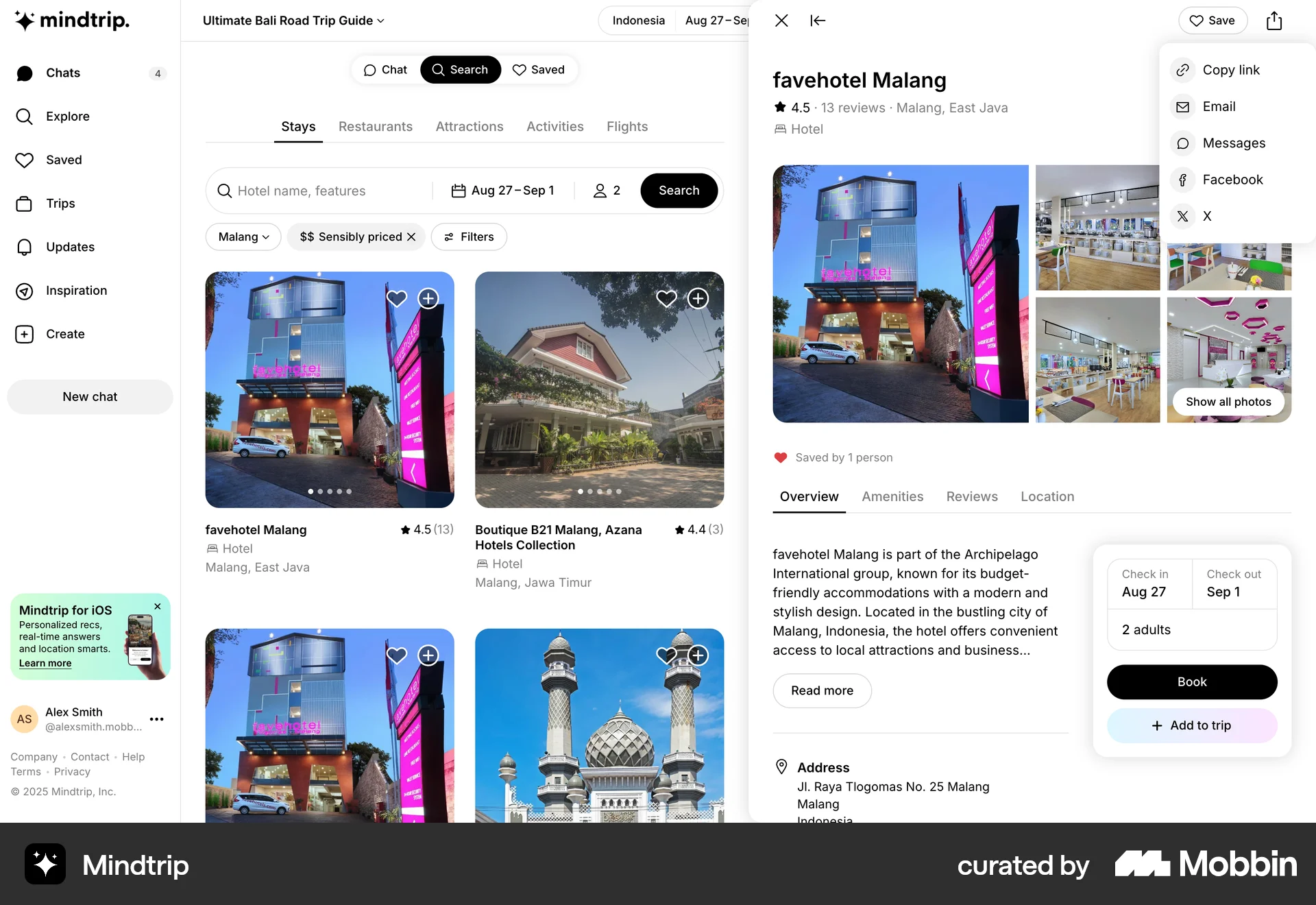
The user searches for a hotel, then copies the link to share it. The flow demonstrates sharing a hotel stay with someone.

The user invites a new member to the workspace by entering their email and confirming the invitation. A confirmation message is then displayed.

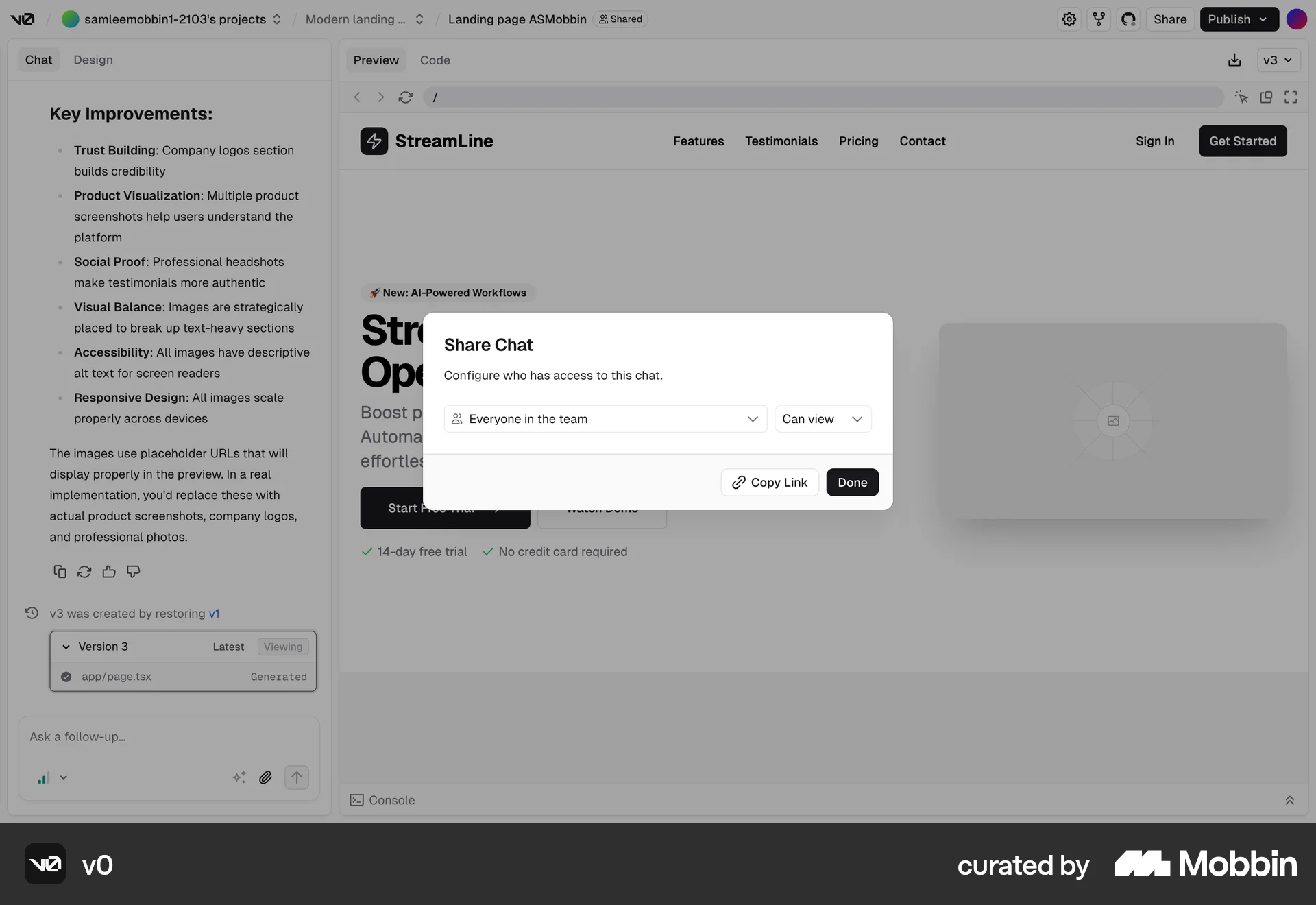
The user opens the "Share Chat" dialog, configures the chat privacy to "Public", and copies the link. The chat privacy is updated.

The user shares a document with a new collaborator, setting specific permissions. A warning appears because the user is outside the company.

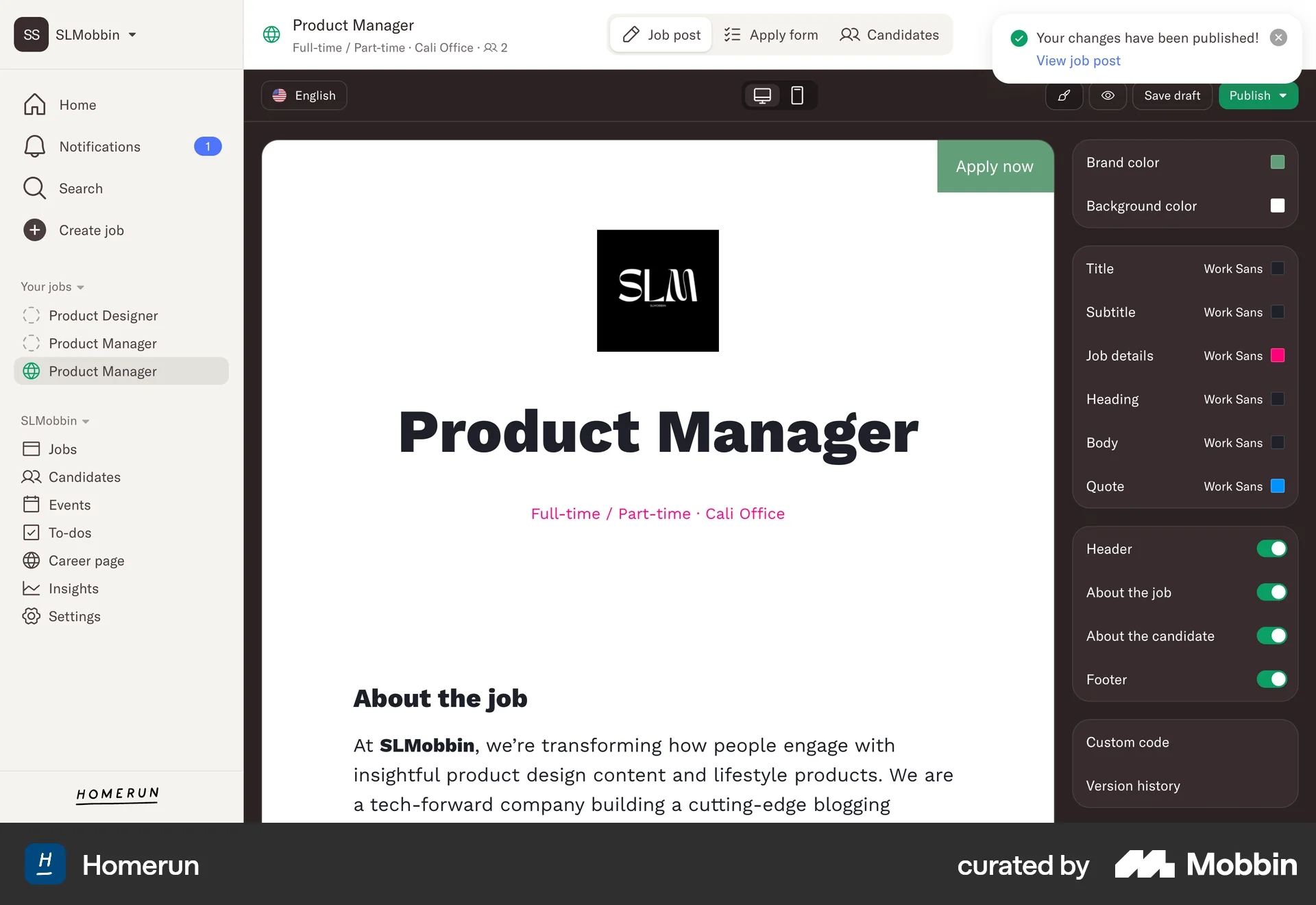
The user flow demonstrates publishing a job post, from initial creation to sharing it. The process involves confirmation steps and sharing options.
714 Flows
954 Flows
489 Flows
20 Flows
246 Flows
88 Flows