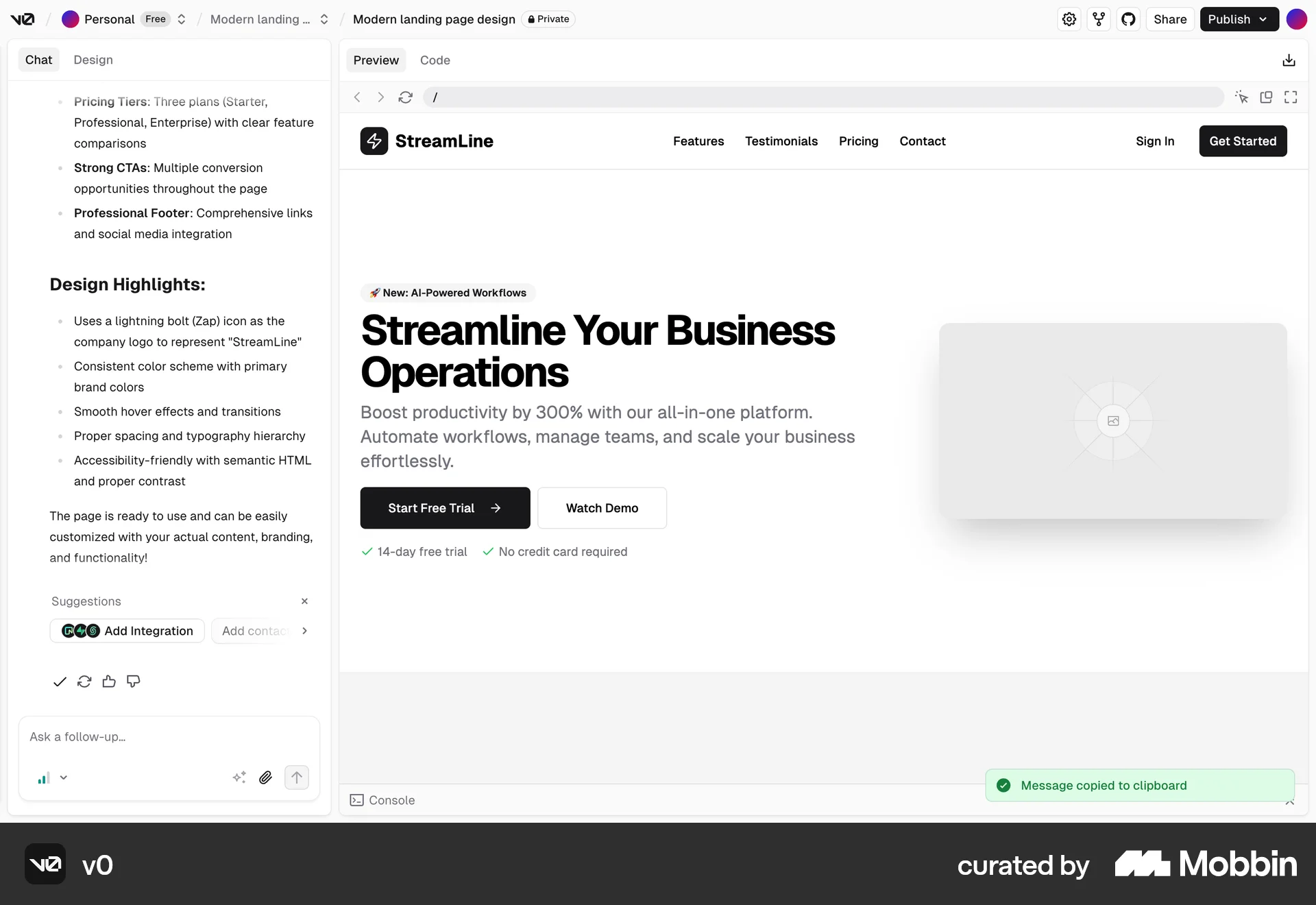
Copying a chaton v0
v0
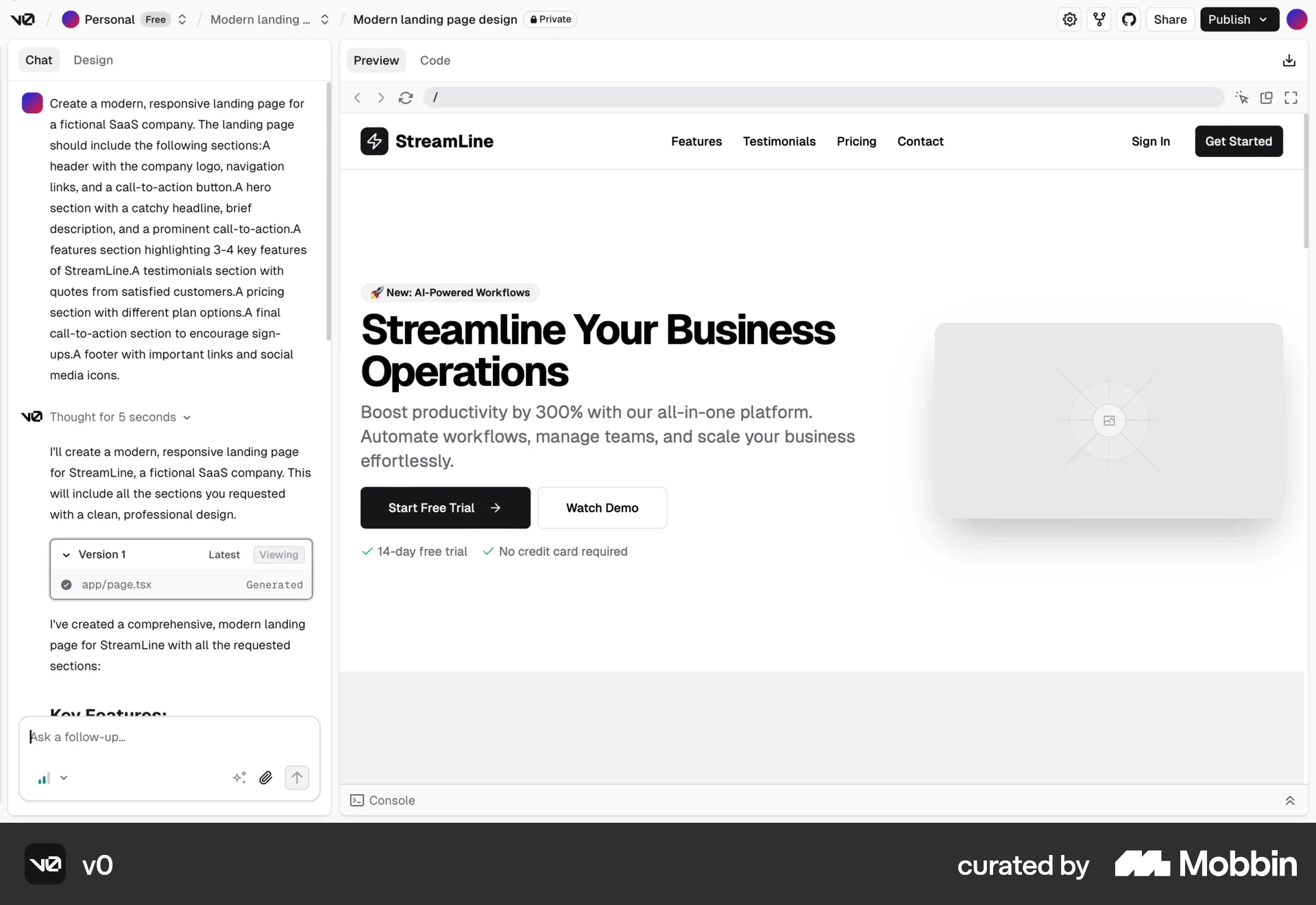
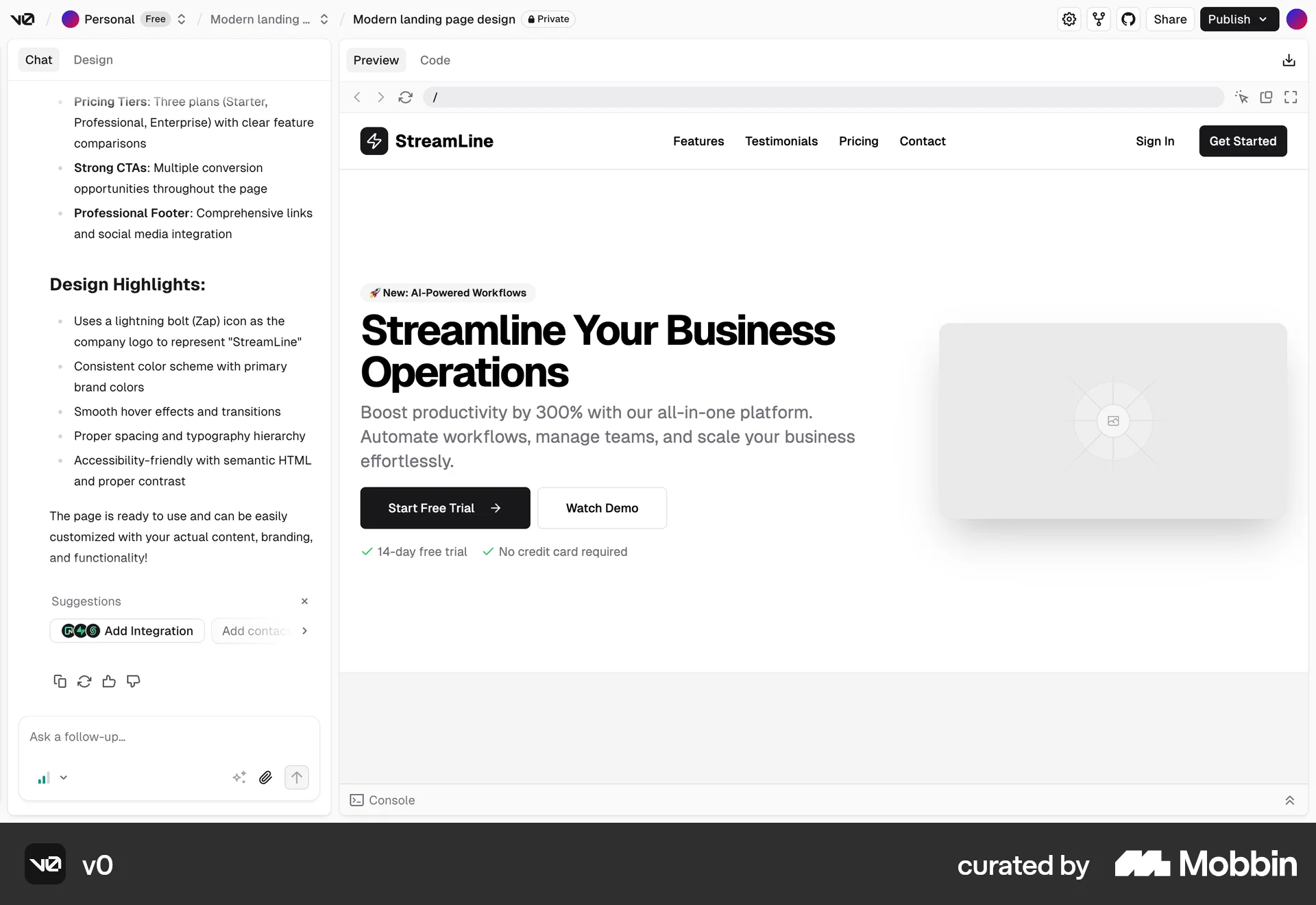
The user reviews a conversation in a web application's chat interface and copies a message. A confirmation message then appears.
Discover best duplicate user flow inspirations for web. Hundreds of thousands of designers already browse curated duplicate user flow screens on Mobbin. Join for free.
The user reviews a conversation in a web application's chat interface and copies a message. A confirmation message then appears.

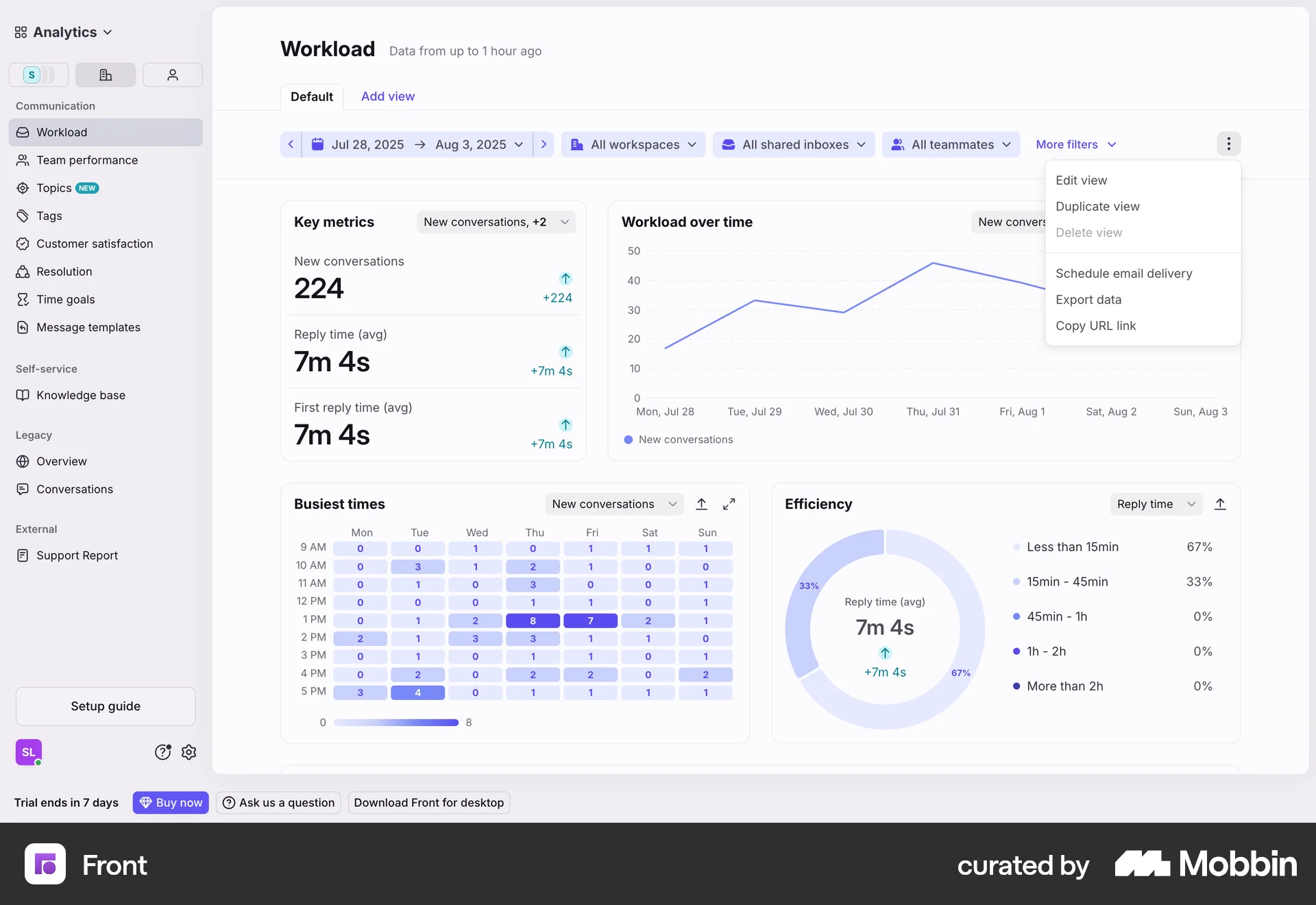
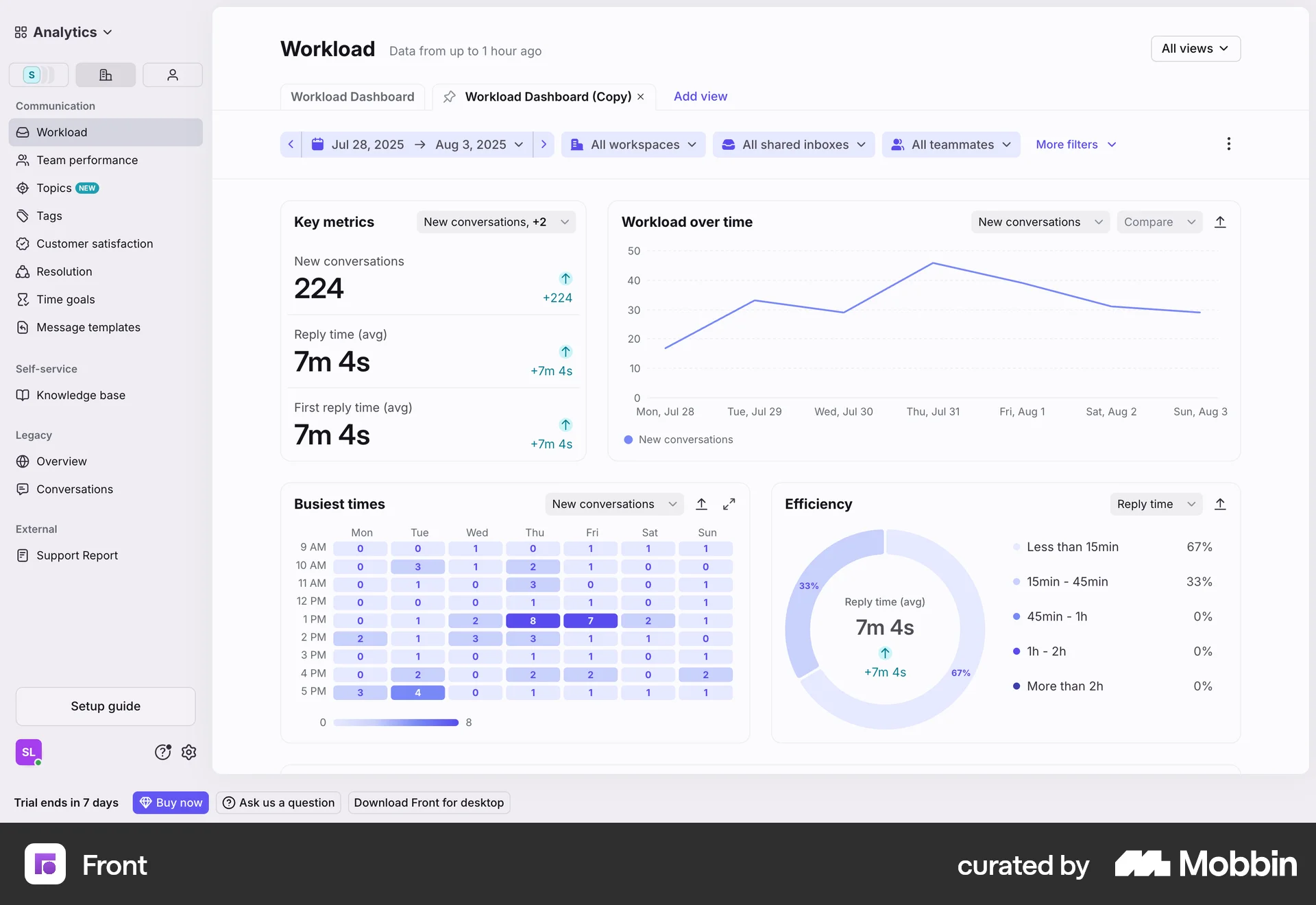
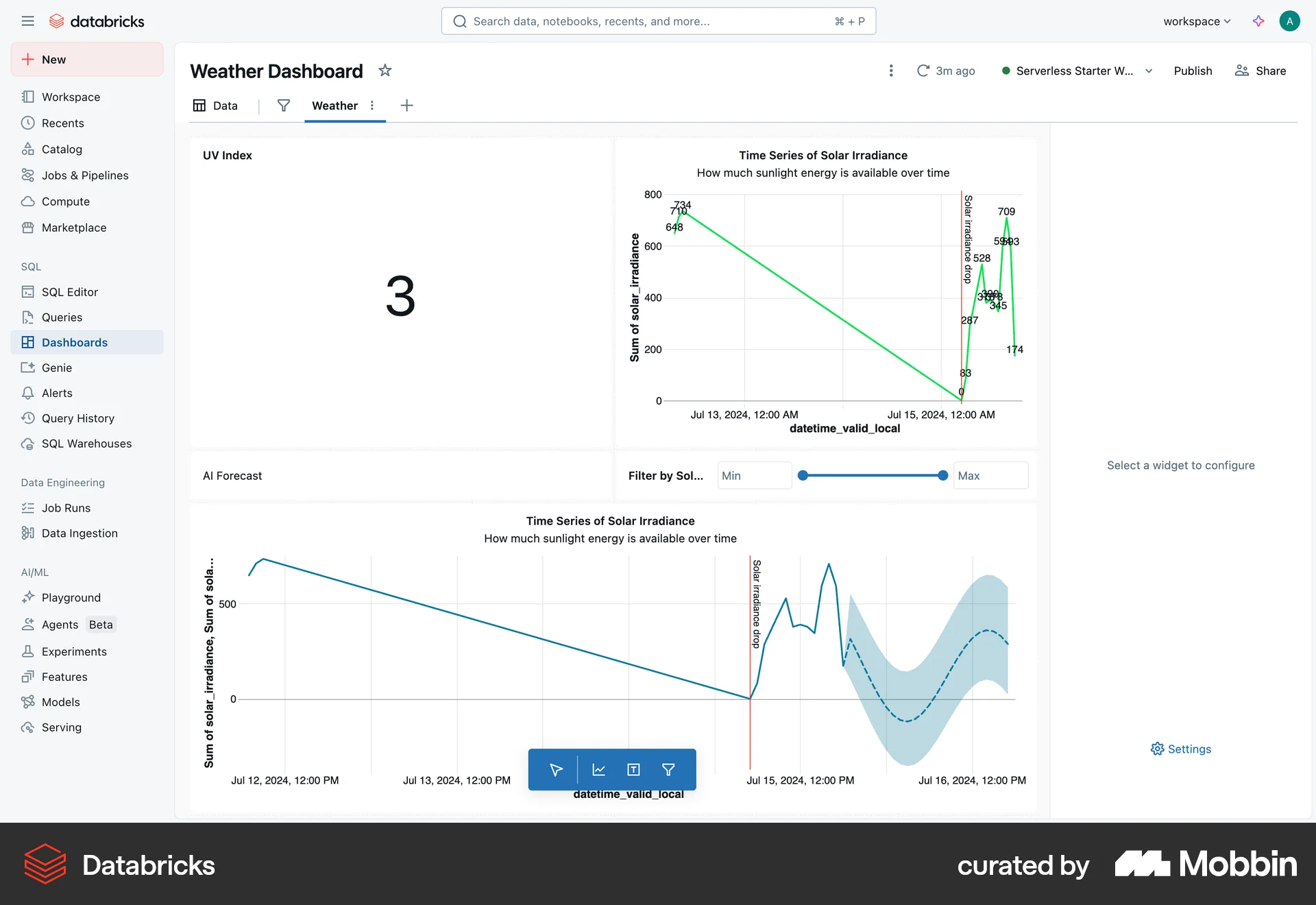
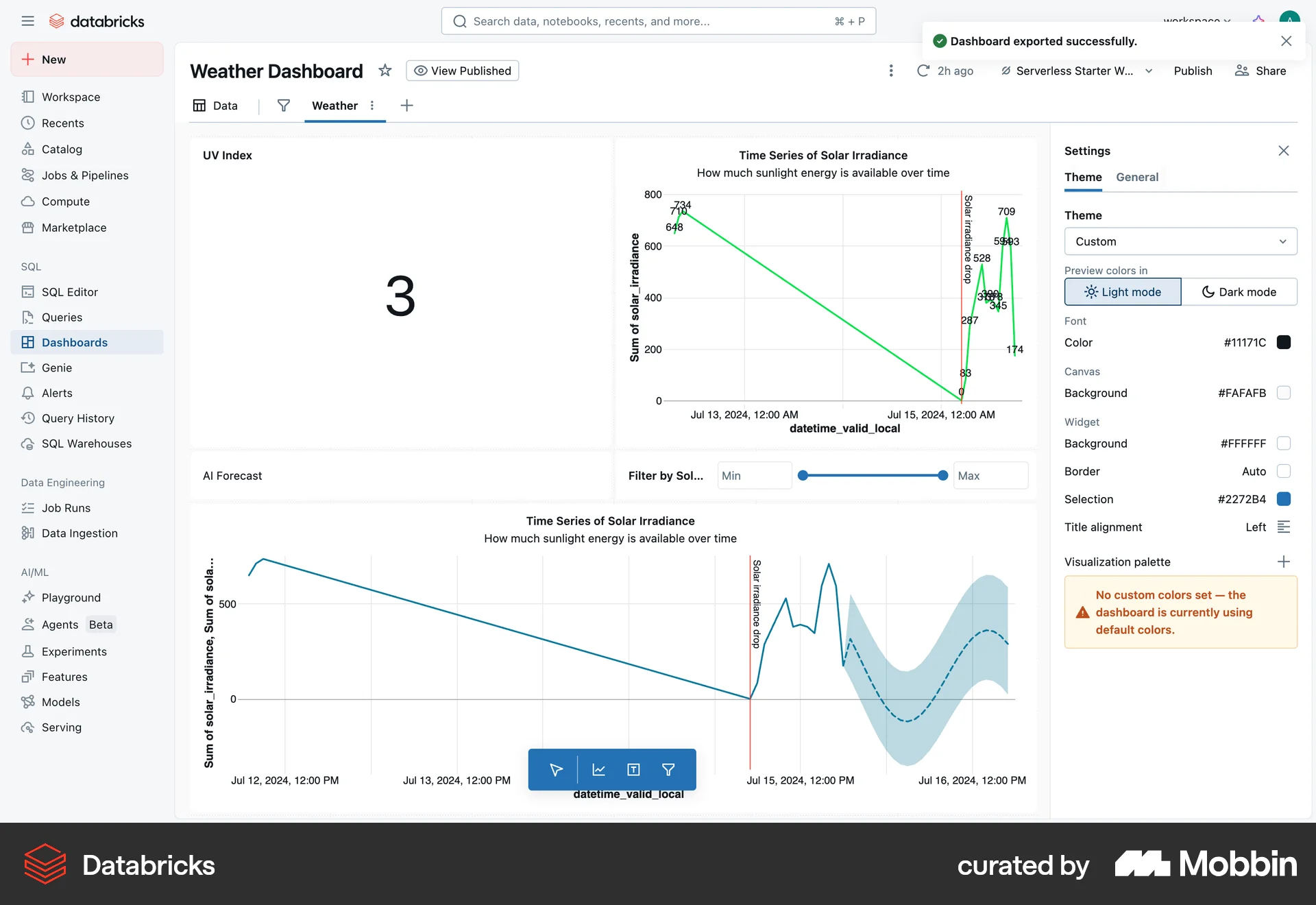
The user duplicates a workload dashboard. The flow shows the original dashboard and the newly created copy.

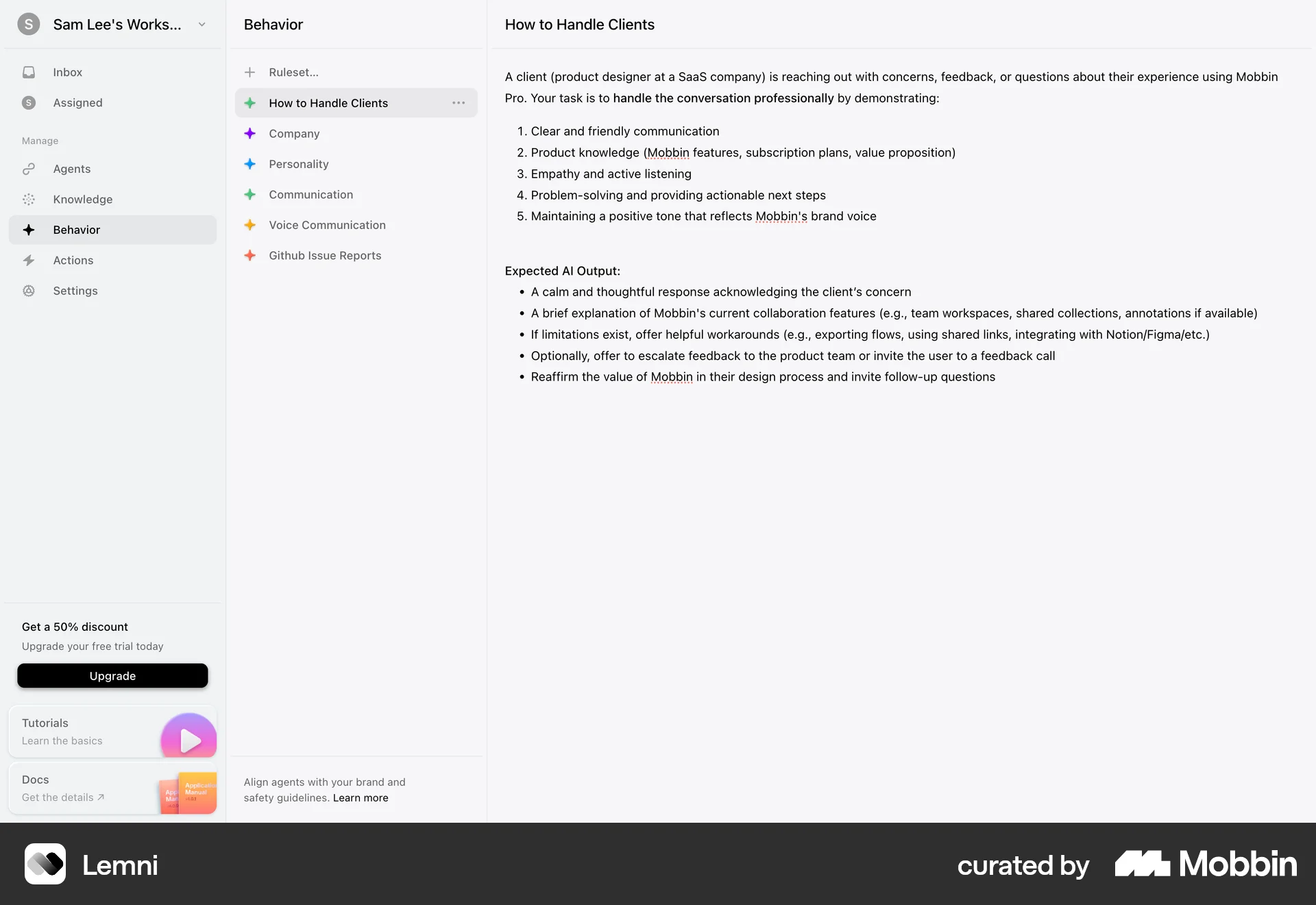
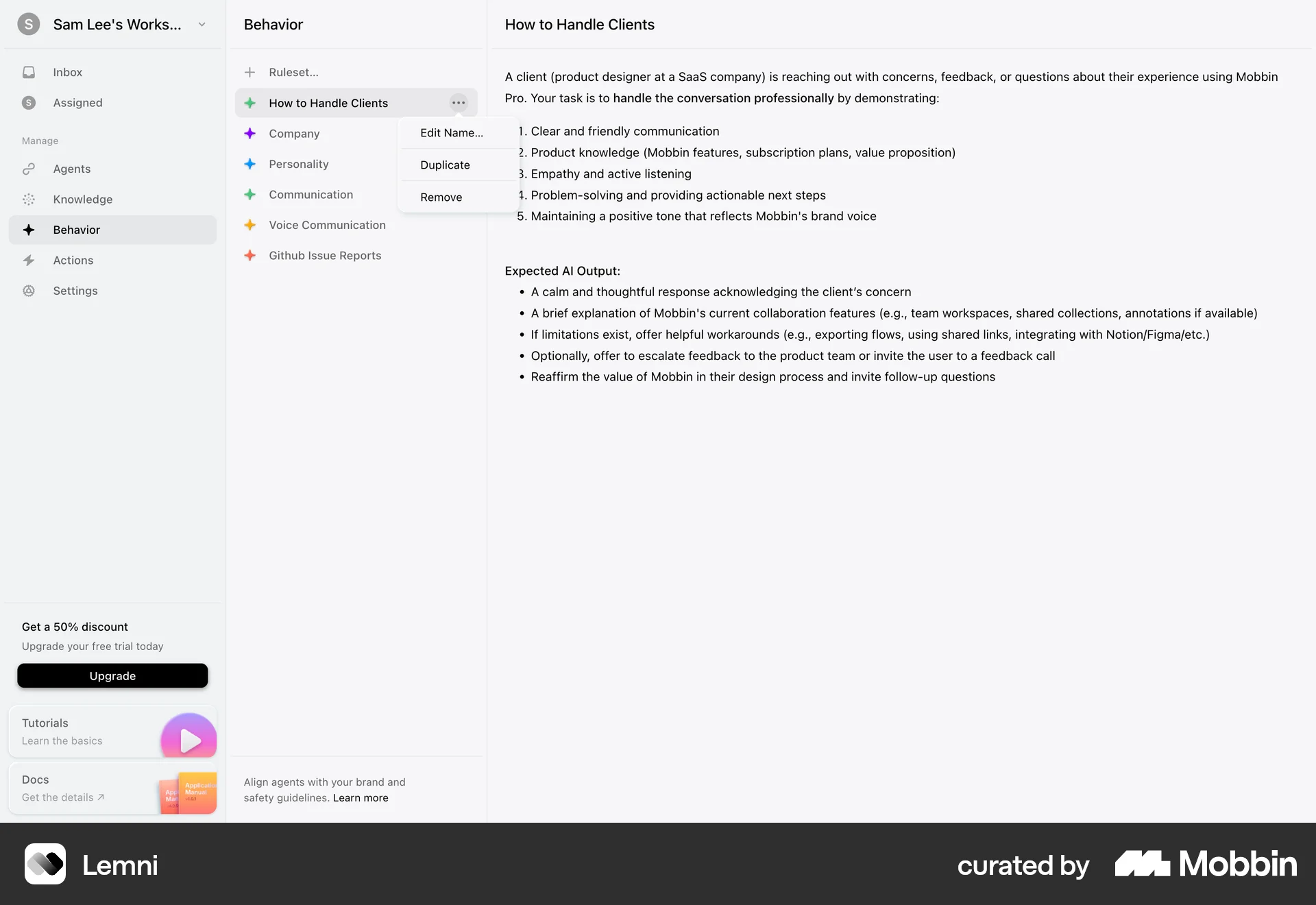
The user duplicates a ruleset by opening its context menu and selecting the "Duplicate" option. A new ruleset, a copy of the original, is then created.
The user views the article editor interface. No actions are performed as the screen remains unchanged.
The user copies the URL of the workload dashboard. A confirmation message appears after the URL is copied.

The user navigates to a group page and copies the invitation link. The link can then be shared with others to invite them to the group.
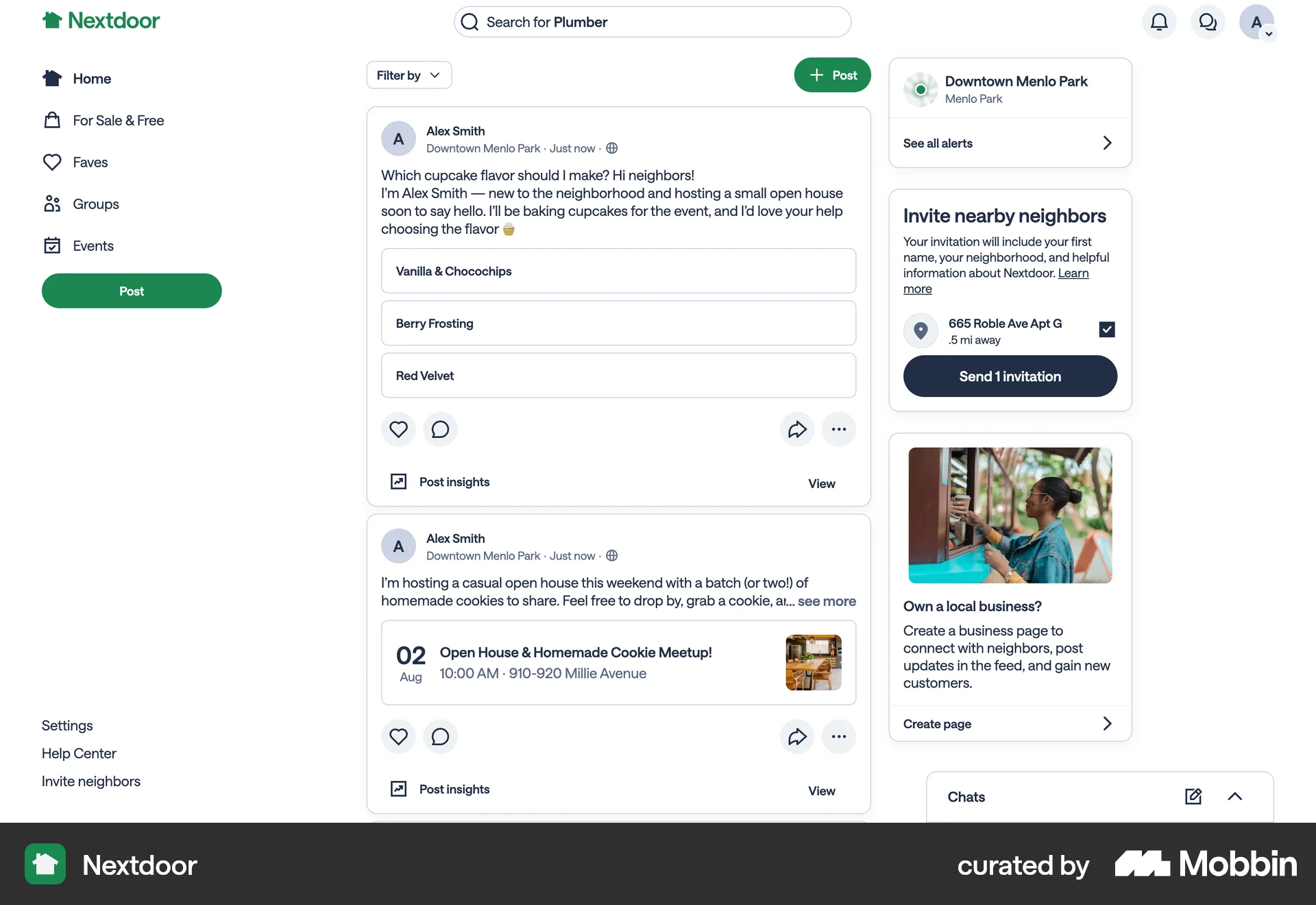
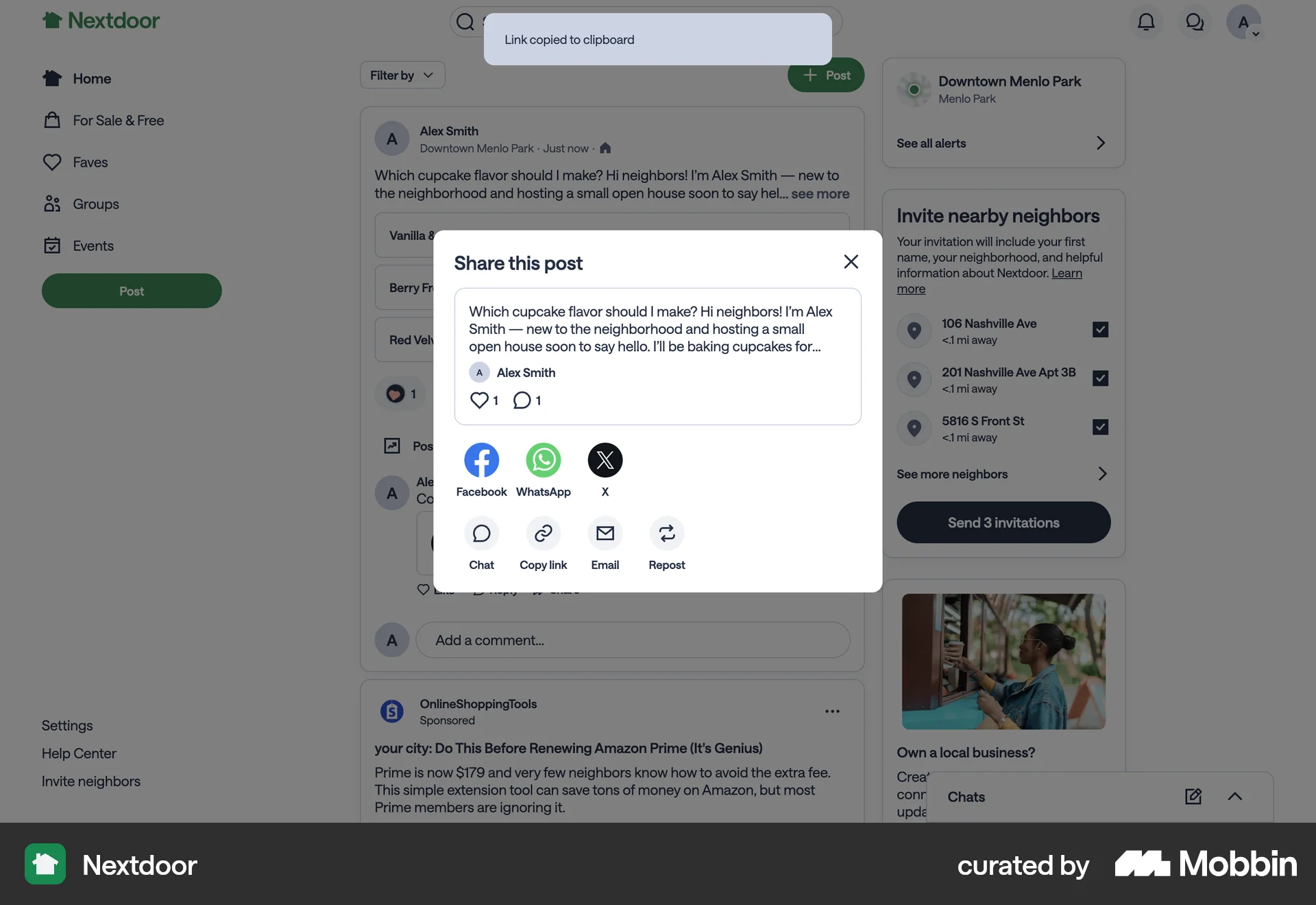
The user opens the share modal for a post and copies the link to the clipboard. The flow demonstrates how to copy a link from a post.

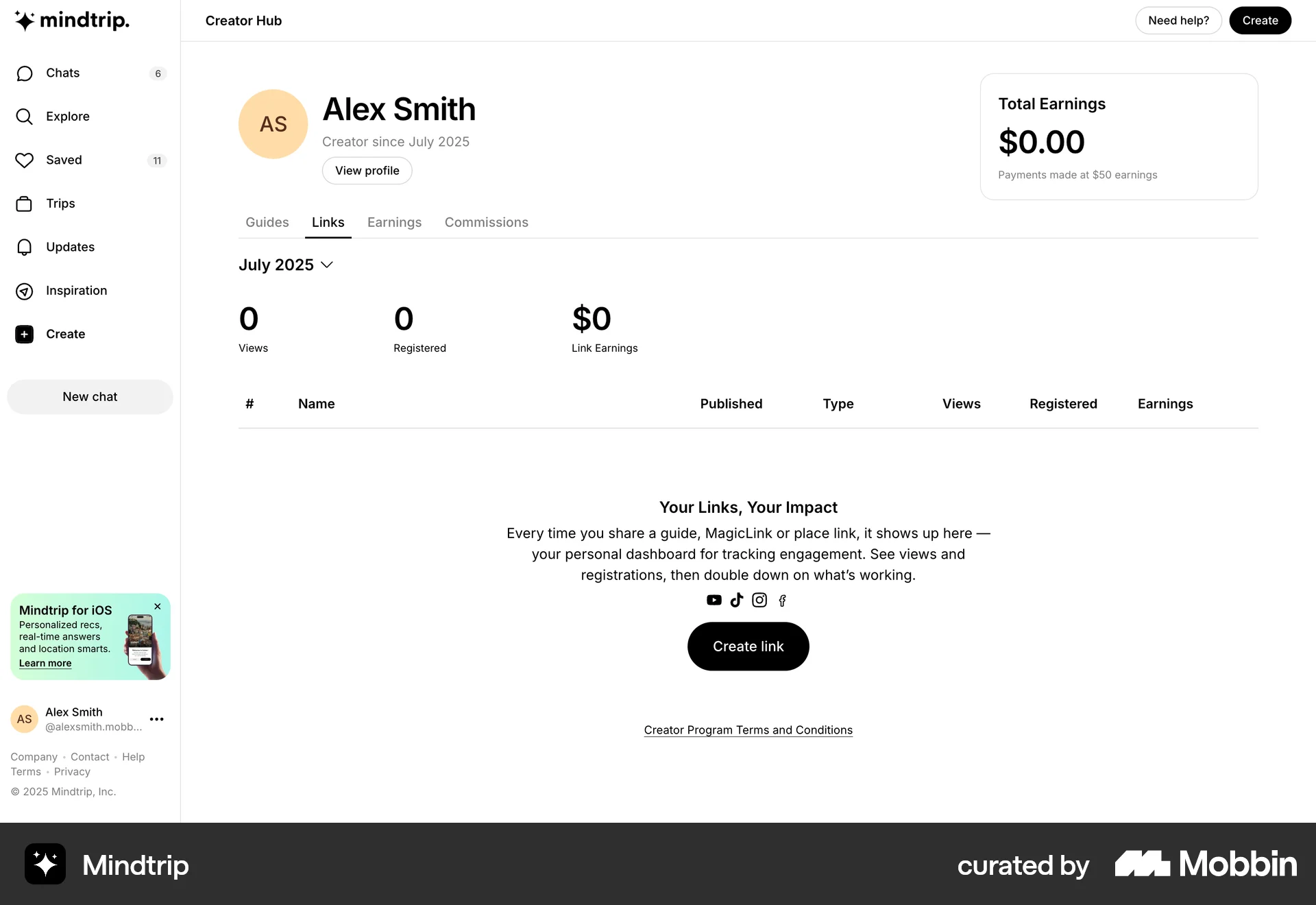
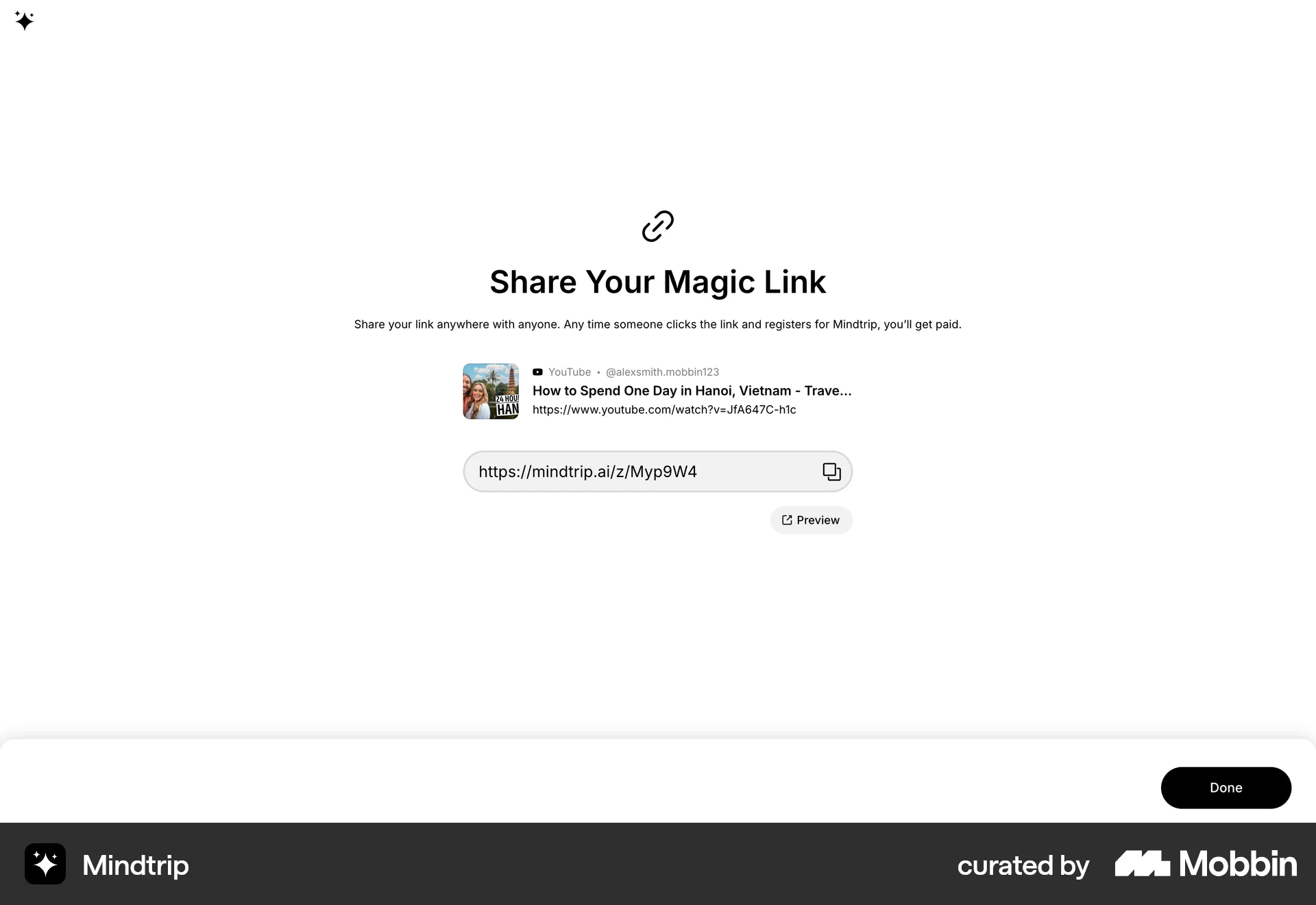
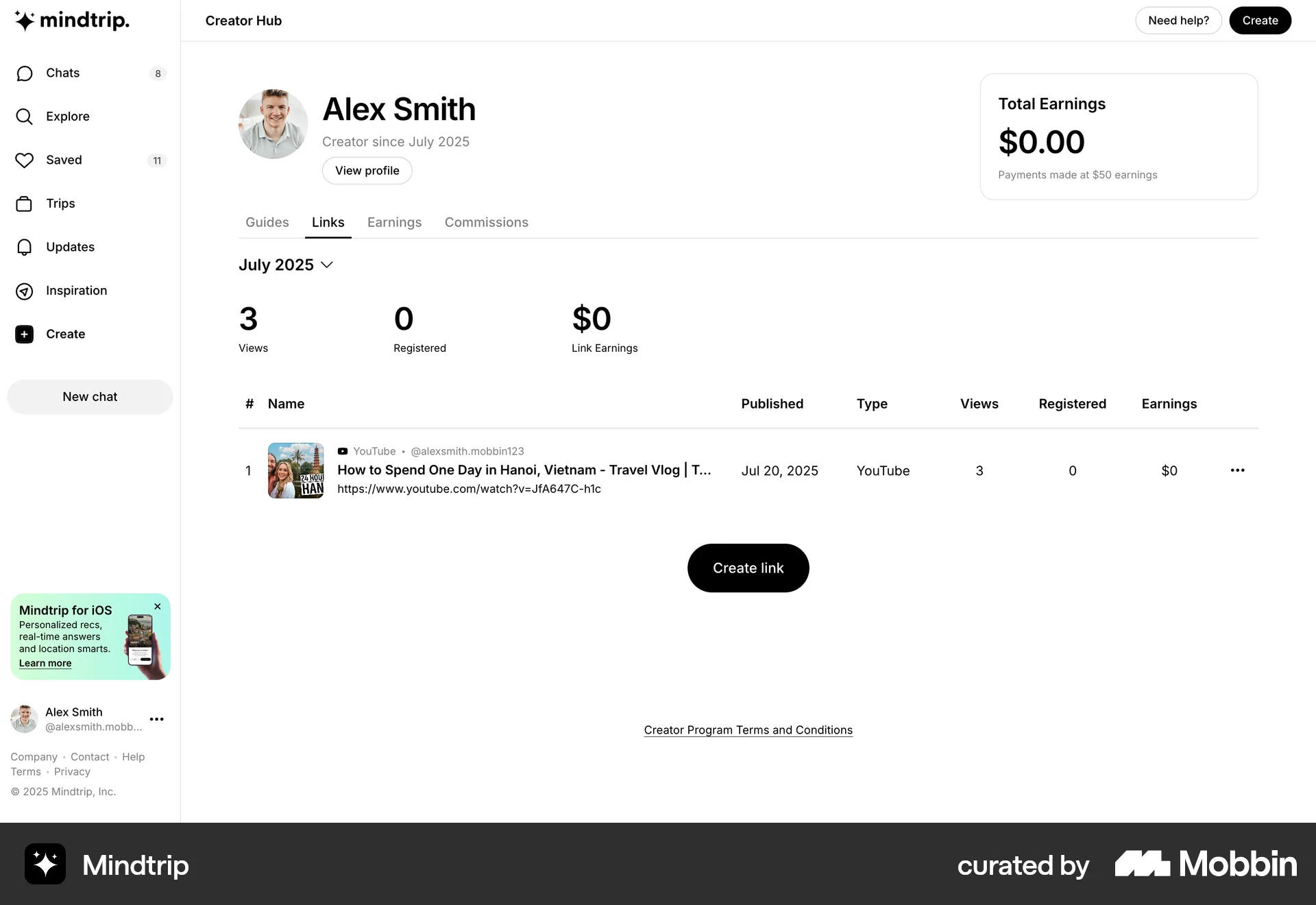
The user creates a magic link by providing a URL and a name. The generated link is then shared and displayed on the creator hub dashboard.

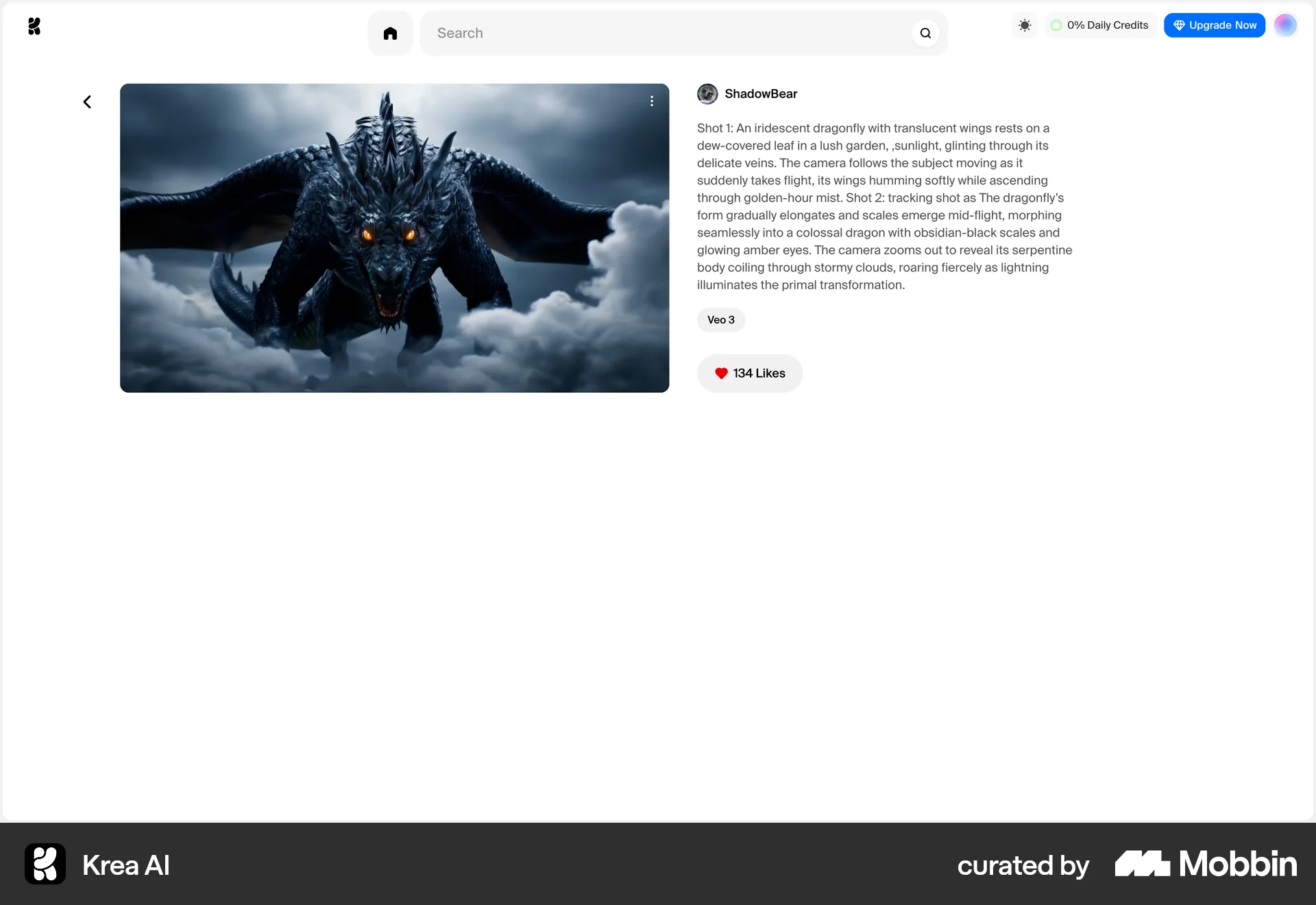
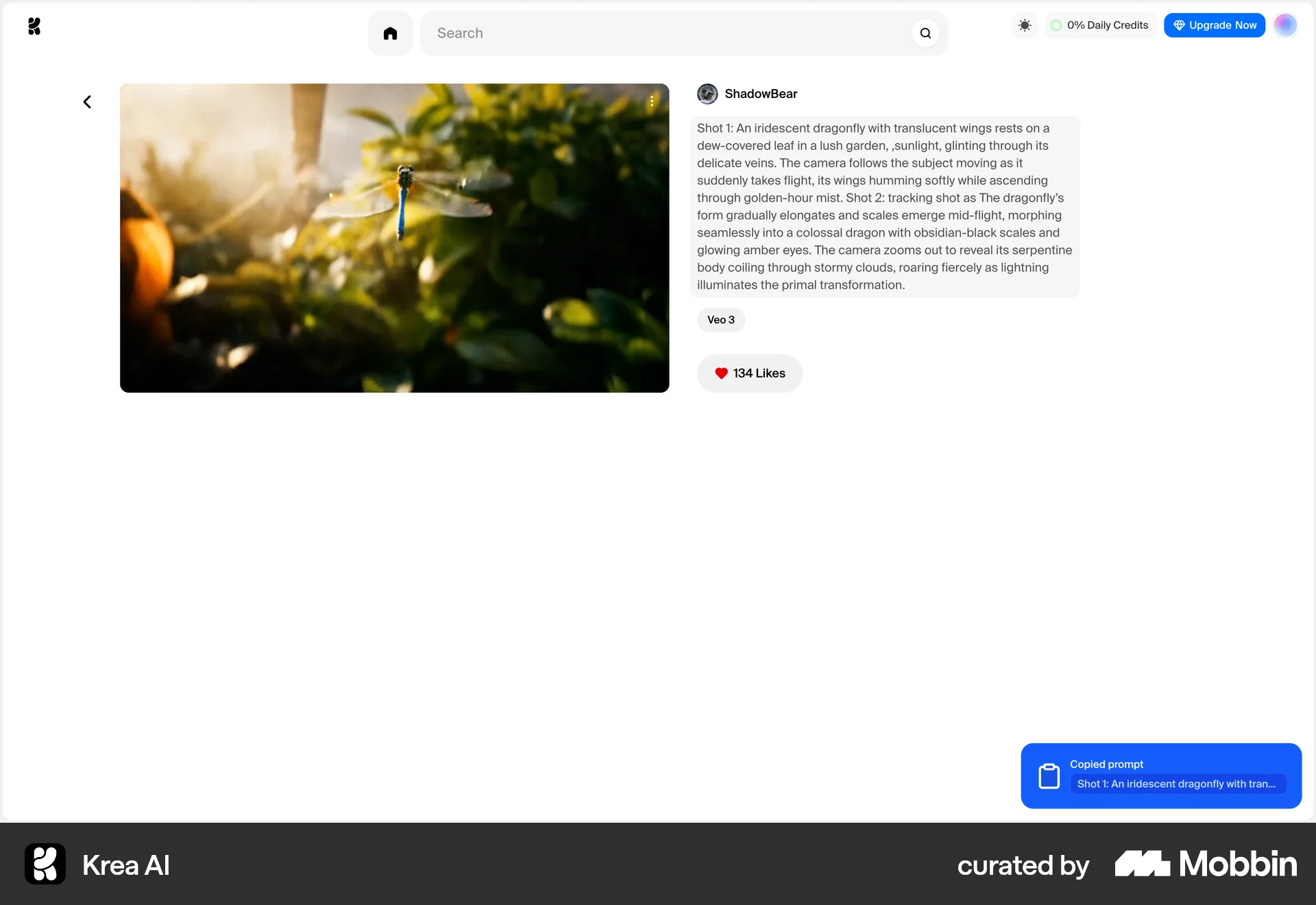
The user browses the gallery, views an image detail, and copies the prompt. The flow concludes with a confirmation message.

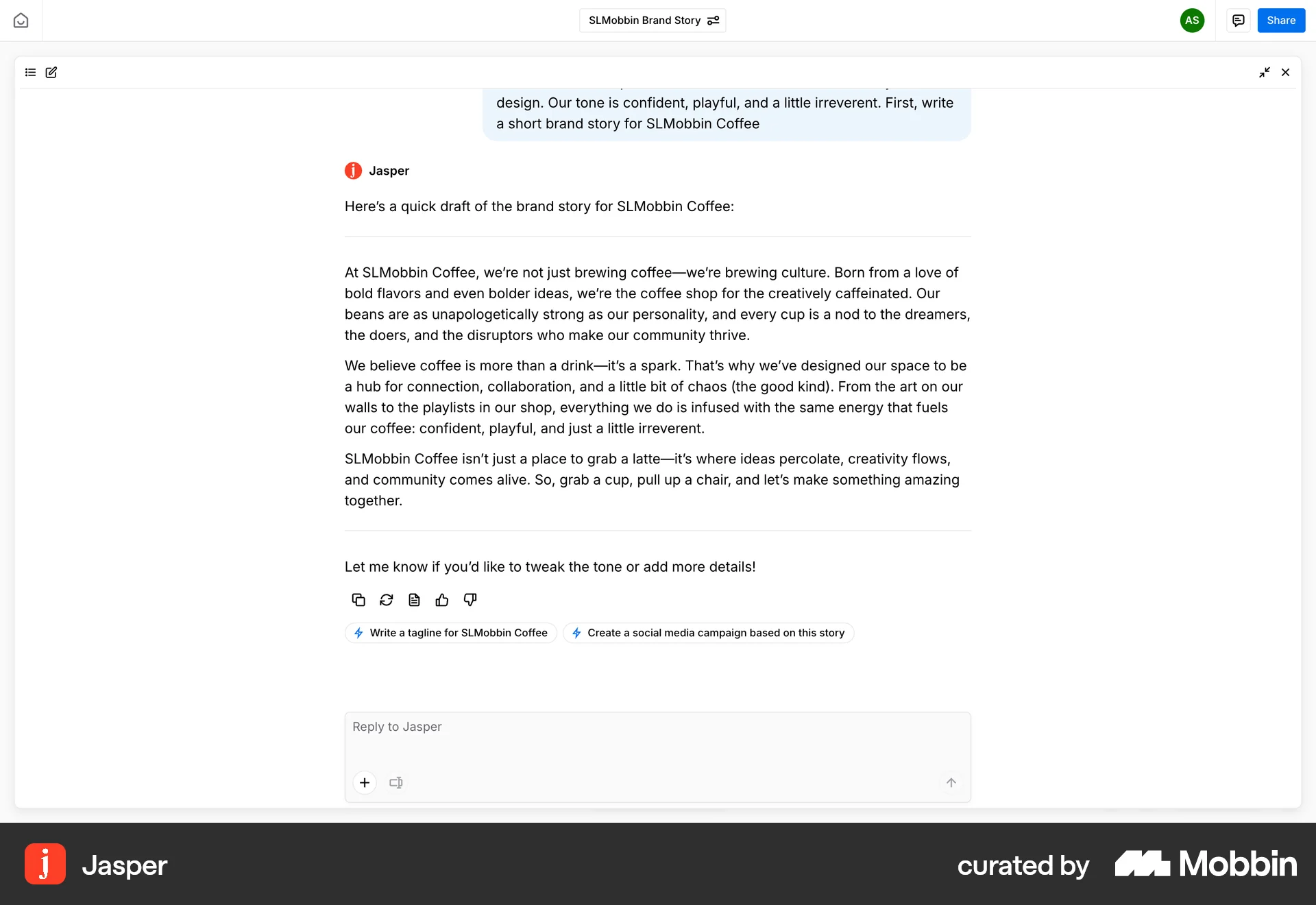
The user views a chat message containing a brand story and copies it to the clipboard. A confirmation message then appears.

The user duplicates a block of text within a document. A context menu is used to trigger the duplication.
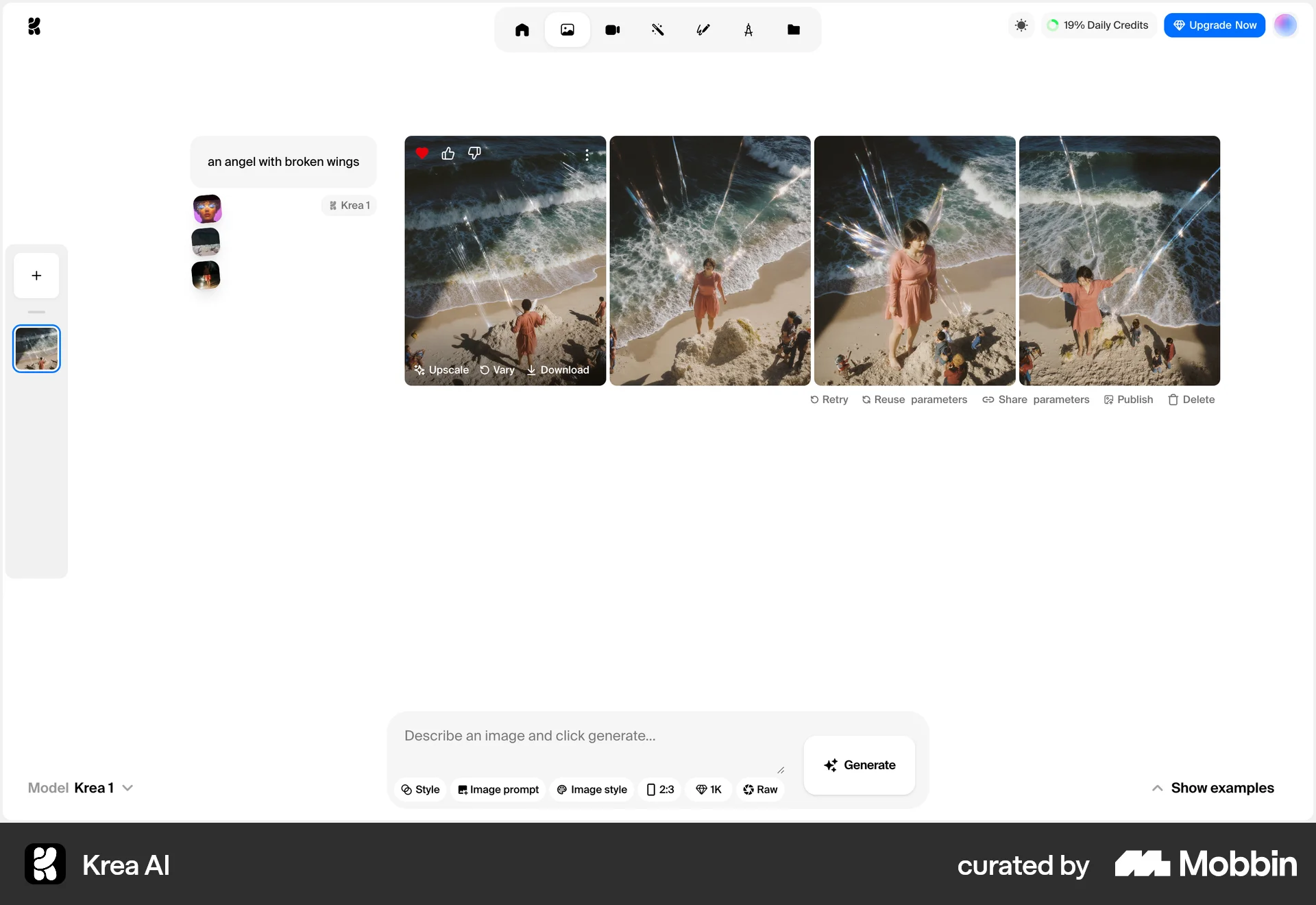
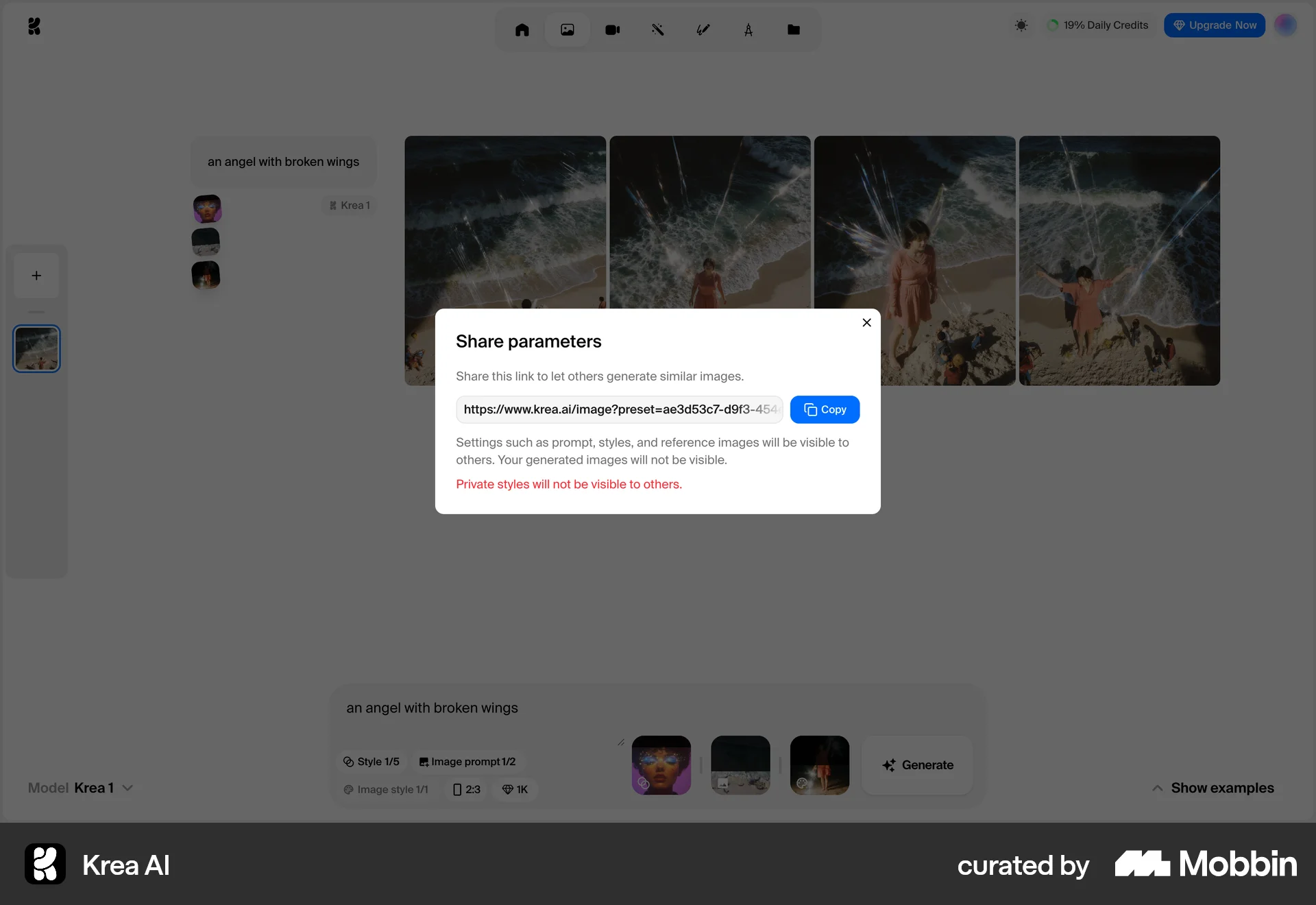
The user generates images and then shares the generation parameters by copying a shareable link. This allows others to generate similar images.
502 Flows
2065 Flows
9184 Flows
4901 Flows
564 Flows
230 Flows