



Saving a viewon Front
Front
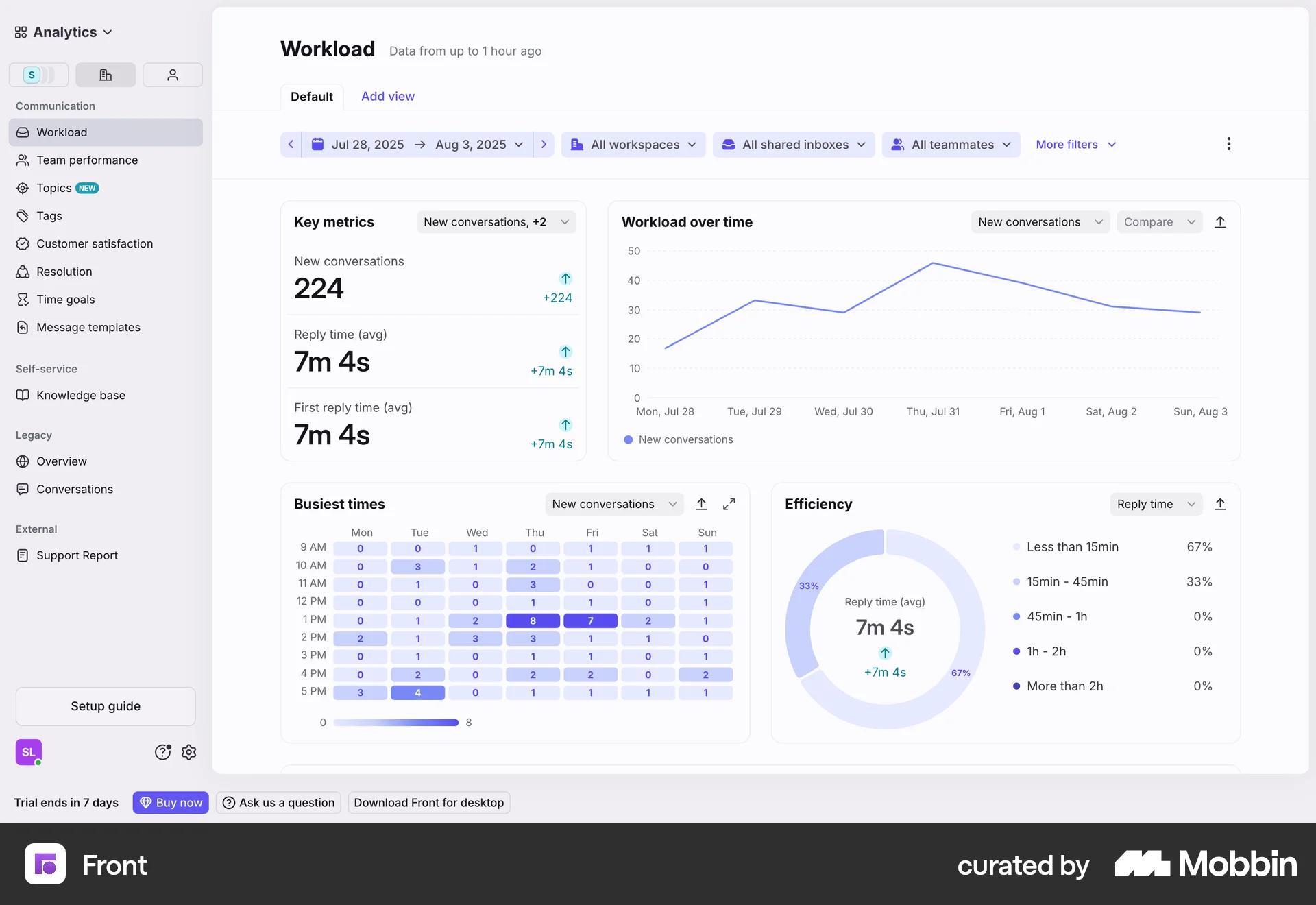
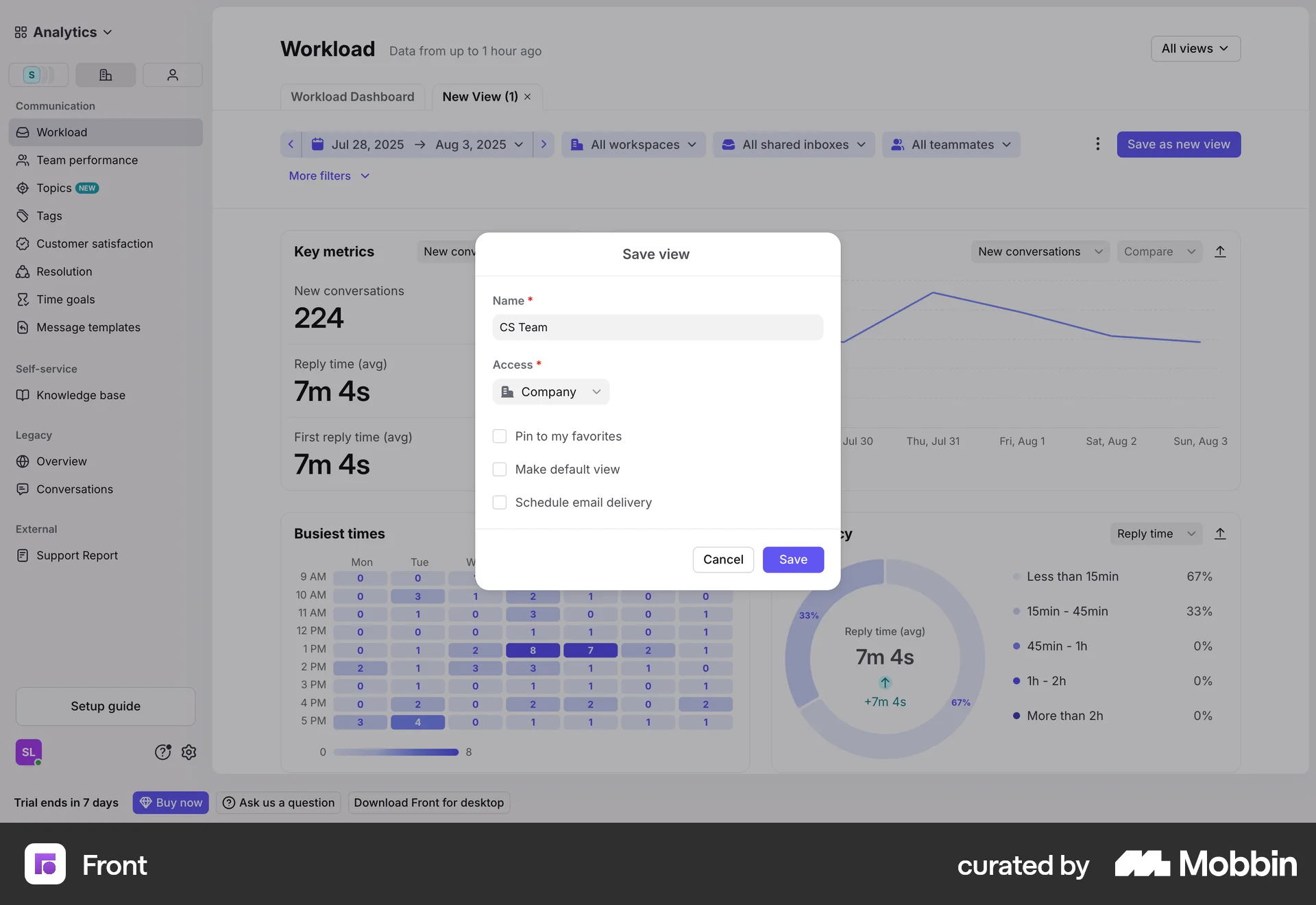
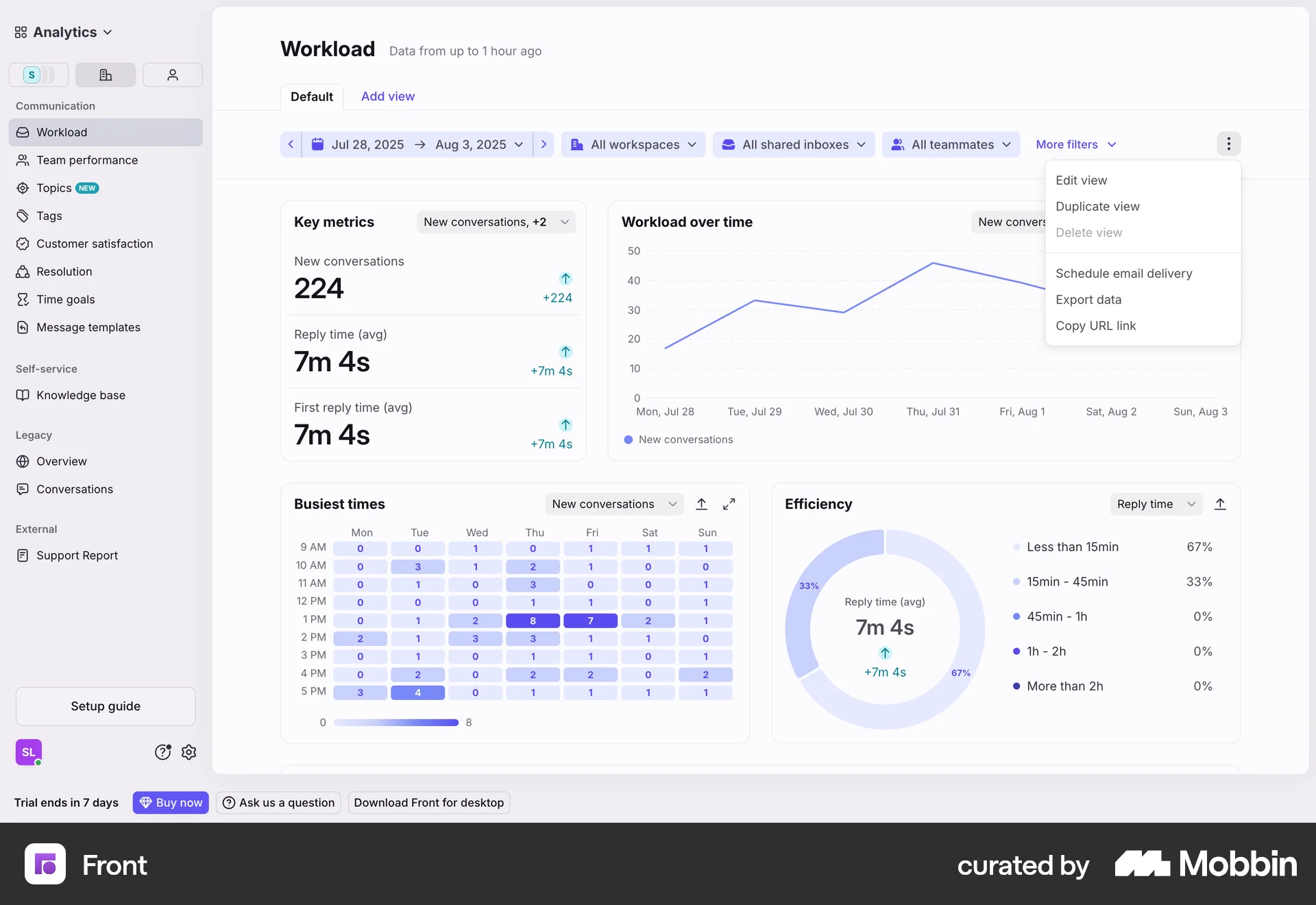
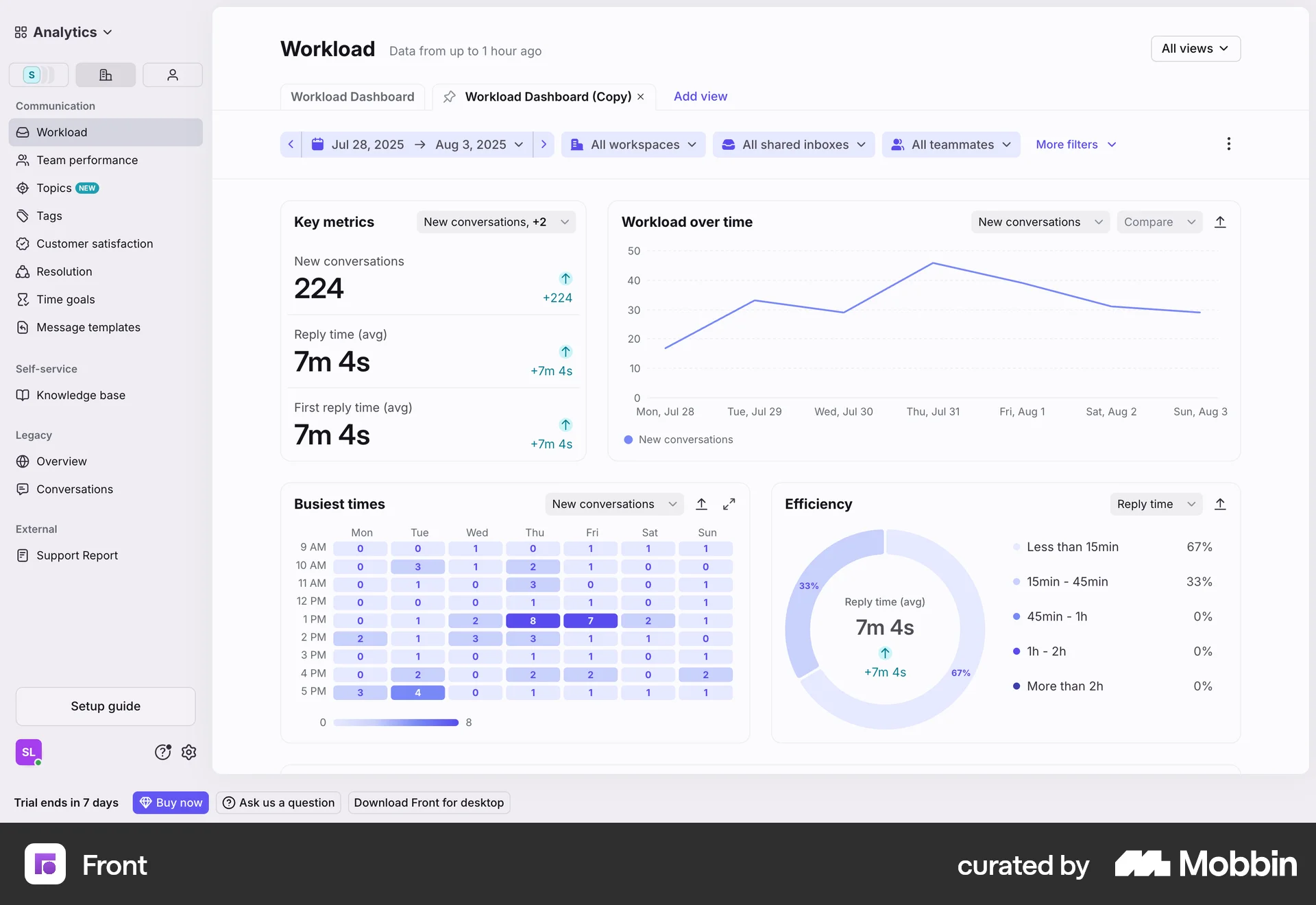
The user saves a custom workload dashboard view by configuring the settings and providing a name. The saved view is then displayed on the dashboard.
Discover best website designs for Saving to Collection flows. Get inspired by the best apps in the world.
The user saves a custom workload dashboard view by configuring the settings and providing a name. The saved view is then displayed on the dashboard.
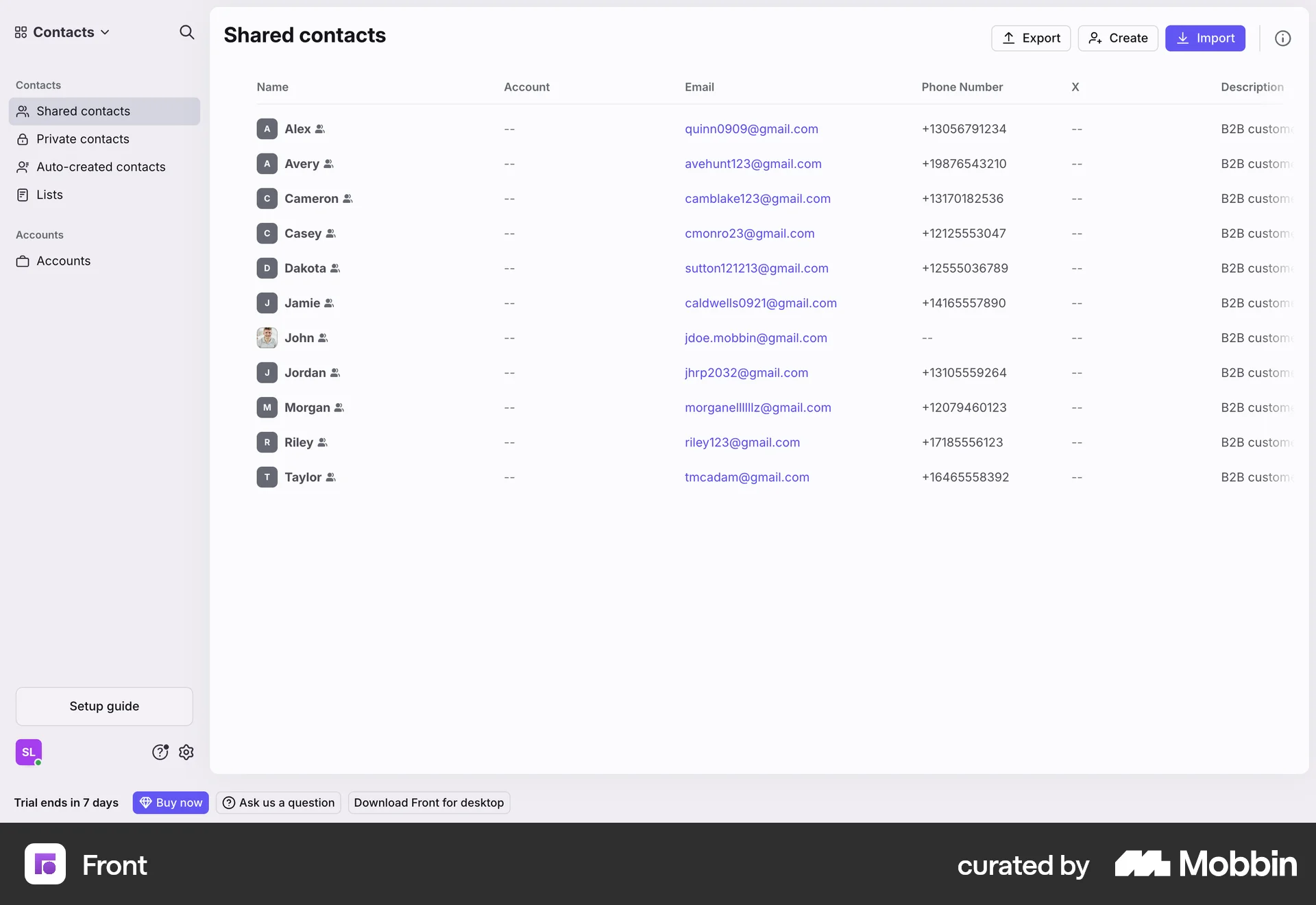
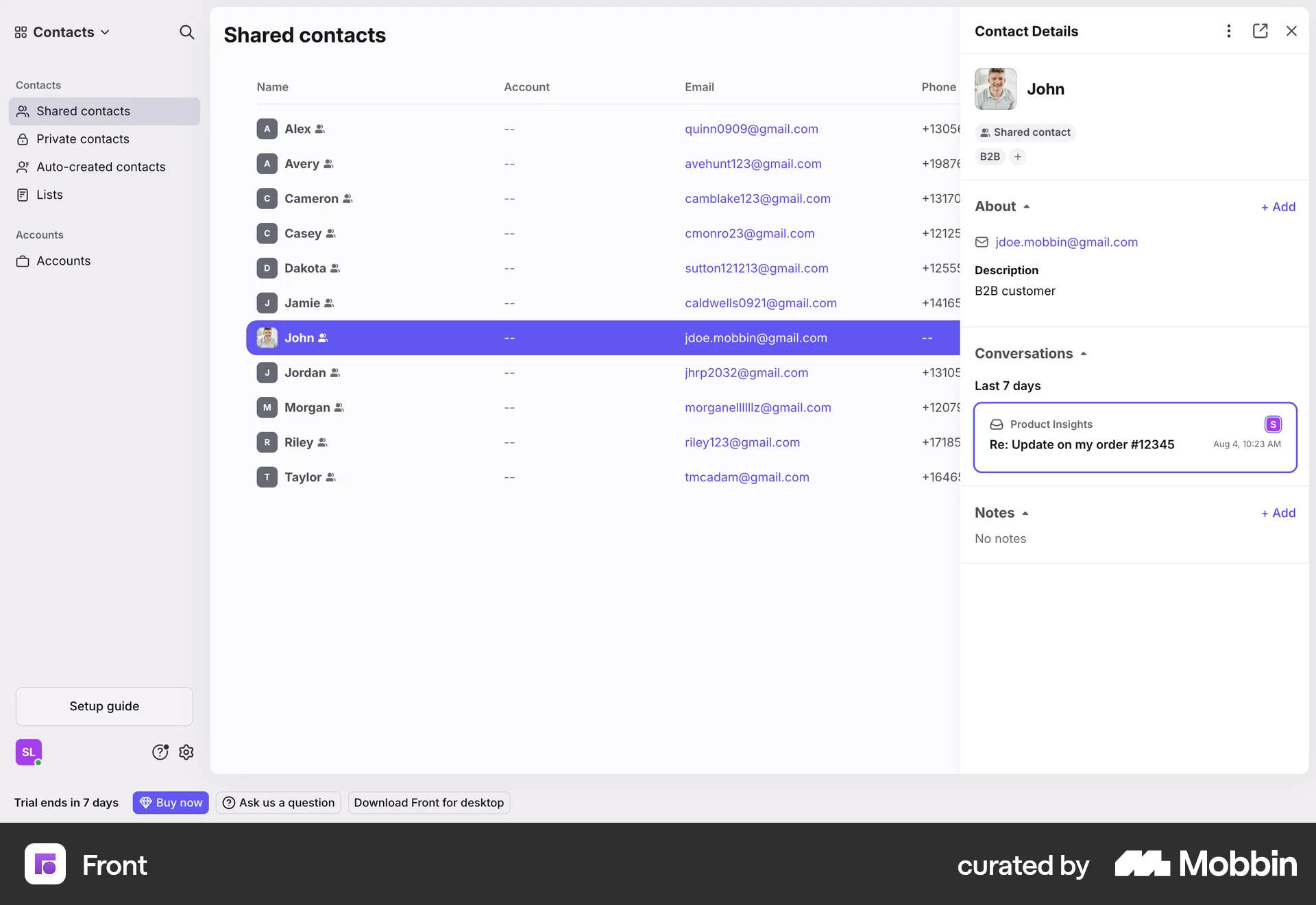
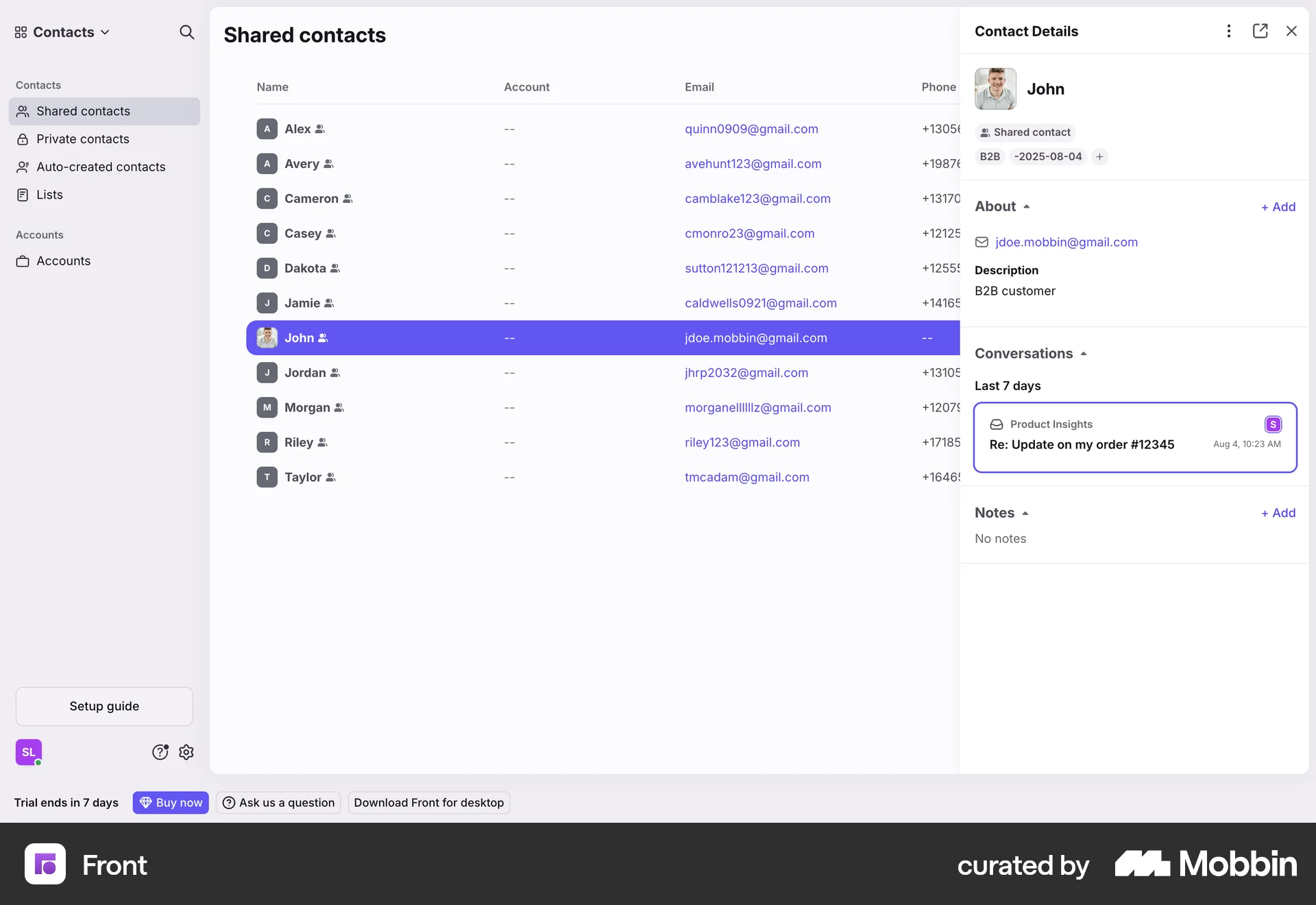
The user views a contact, opens the contact details, and modifies the contact's list memberships. The updated contact details are then displayed.

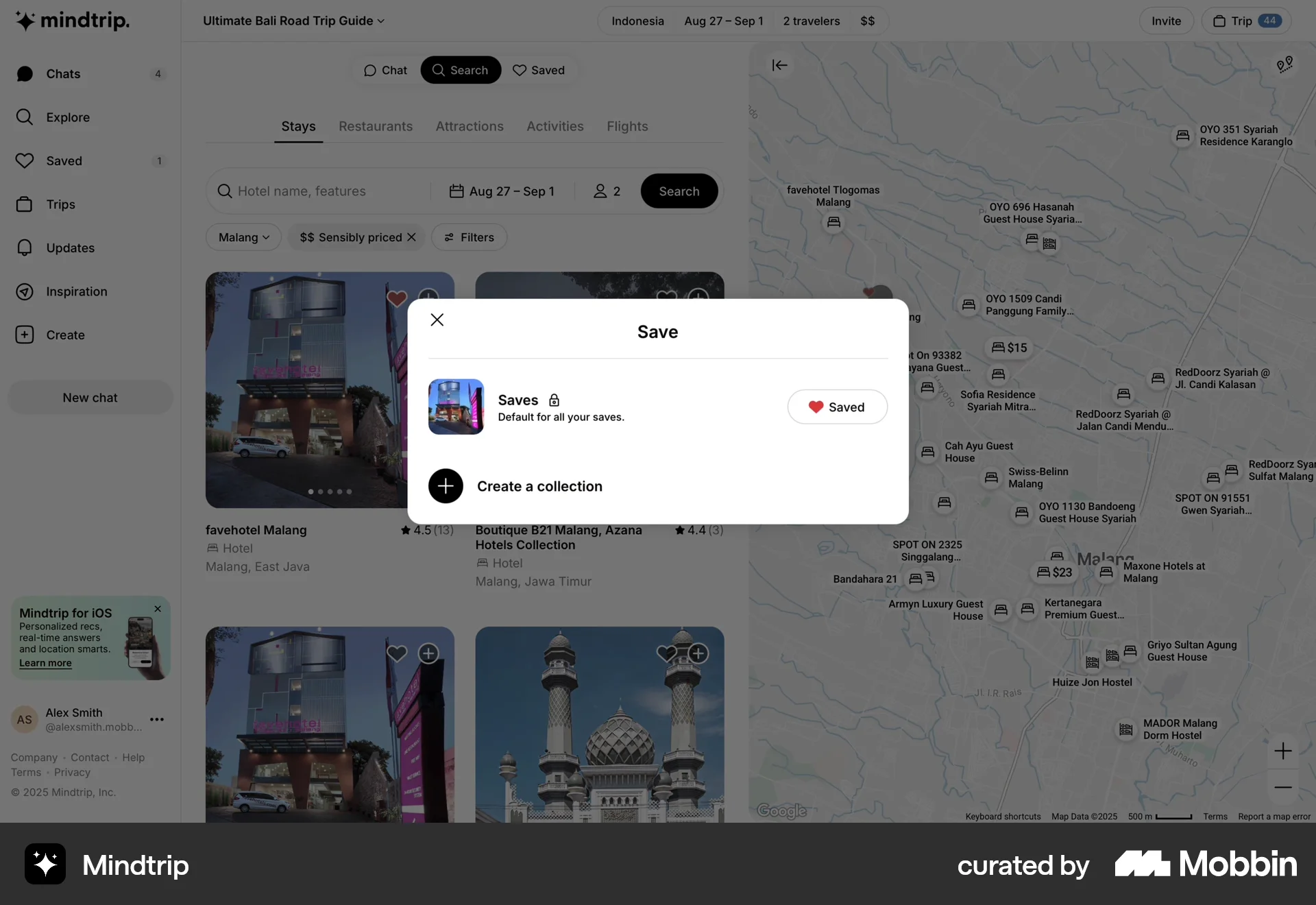
The user searches for hotels, then saves a hotel to a collection. Finally, the user is brought back to the hotel search results.

The user saves a document as a page and then views the saved page. The saved page is marked as private.

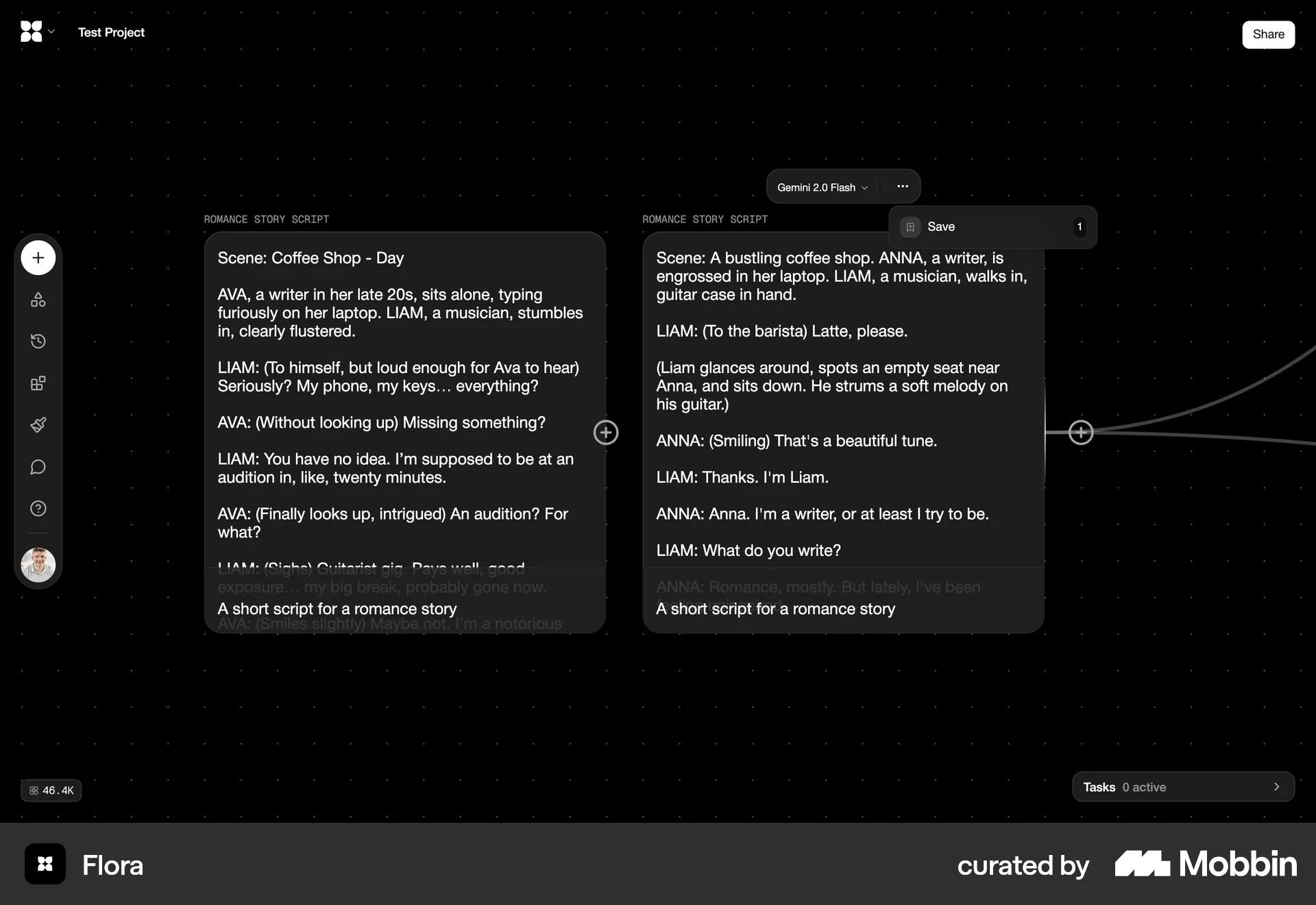
The user generates an image using a text prompt and then saves the generated image to their personal assets.

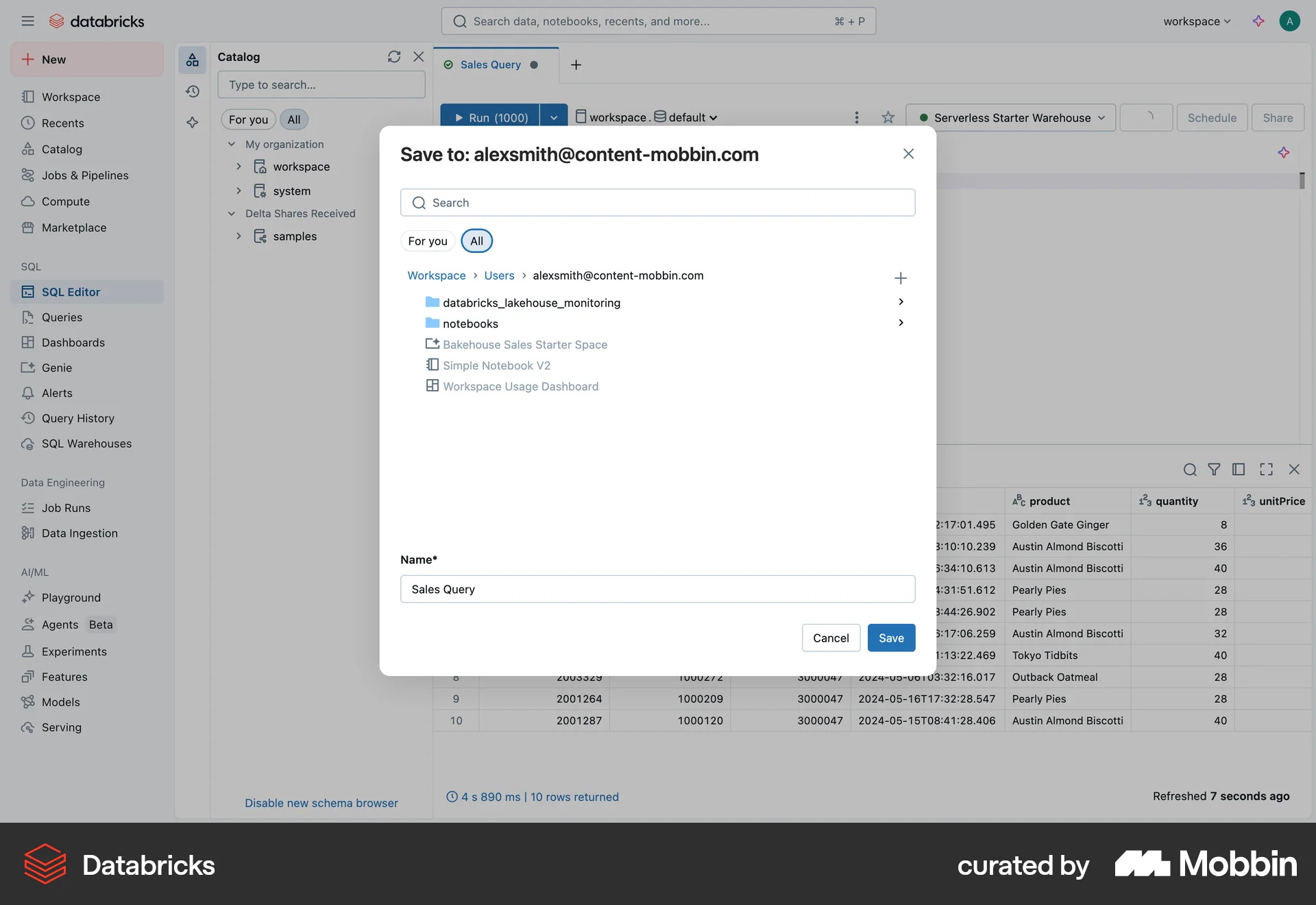
The user saves a SQL query. They navigate to the save modal, specify the save details, and return to the editor with a confirmation.

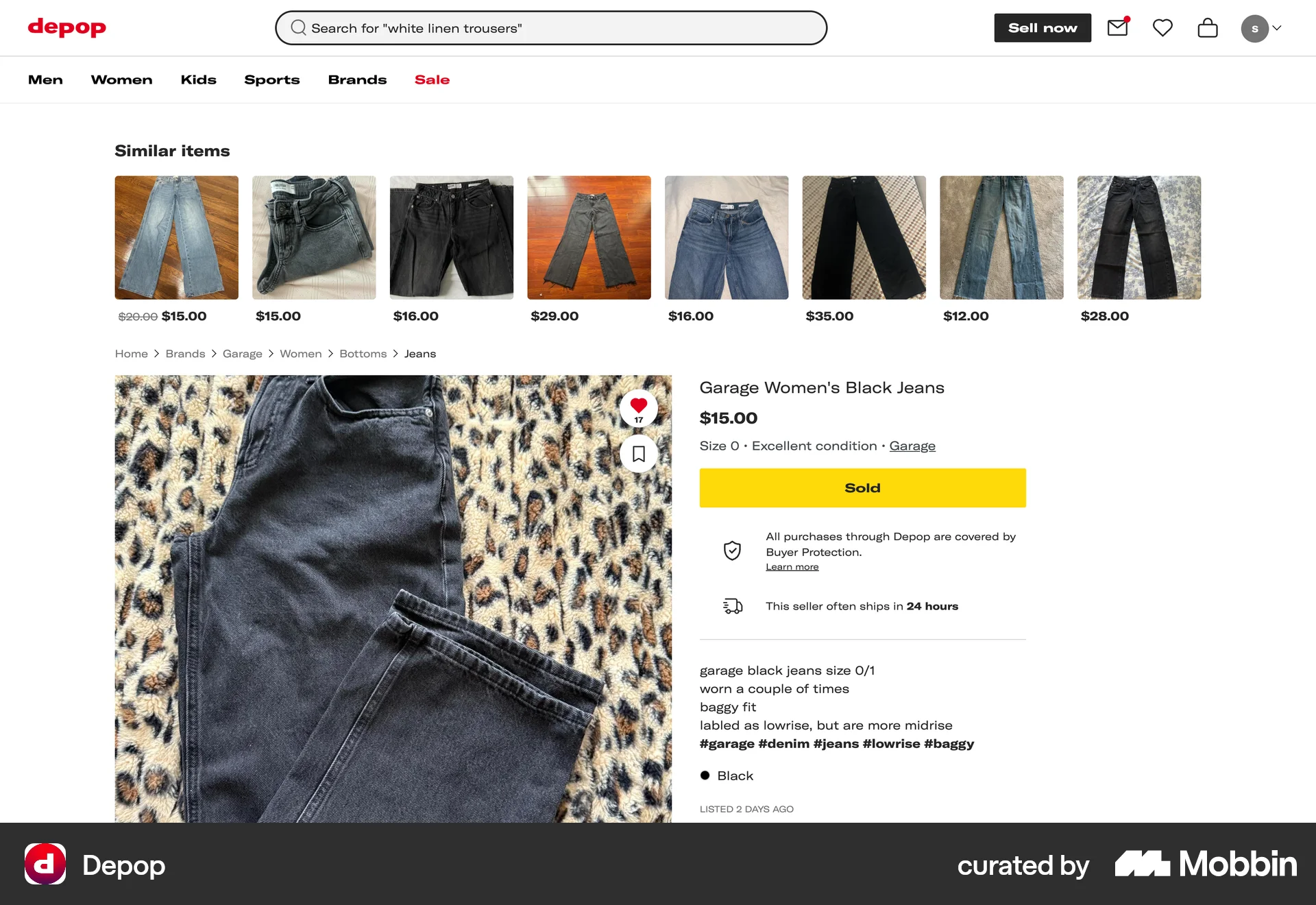
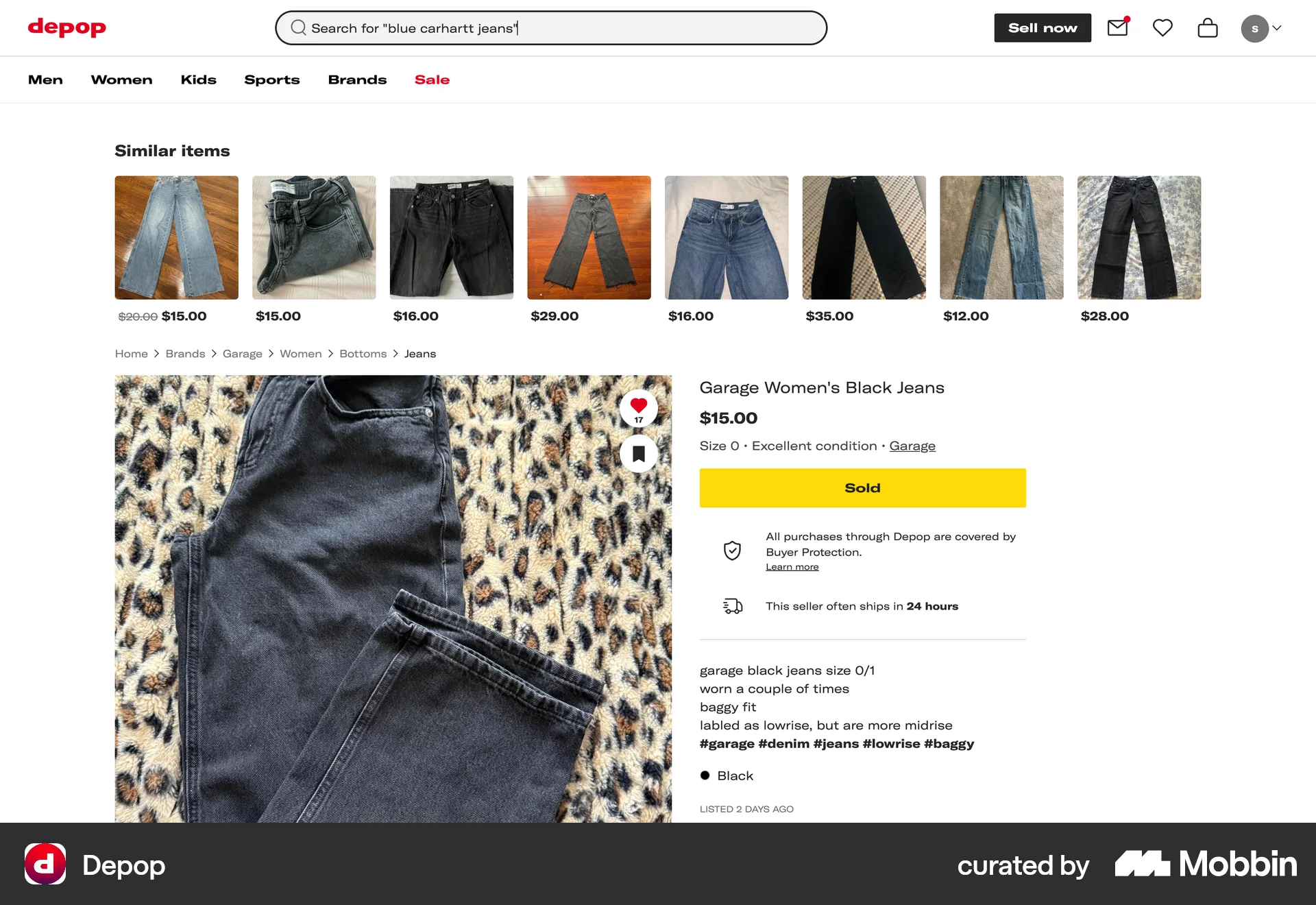
The user views a product listing, then views another product listing after performing a different search. The goal is to browse and view different products.

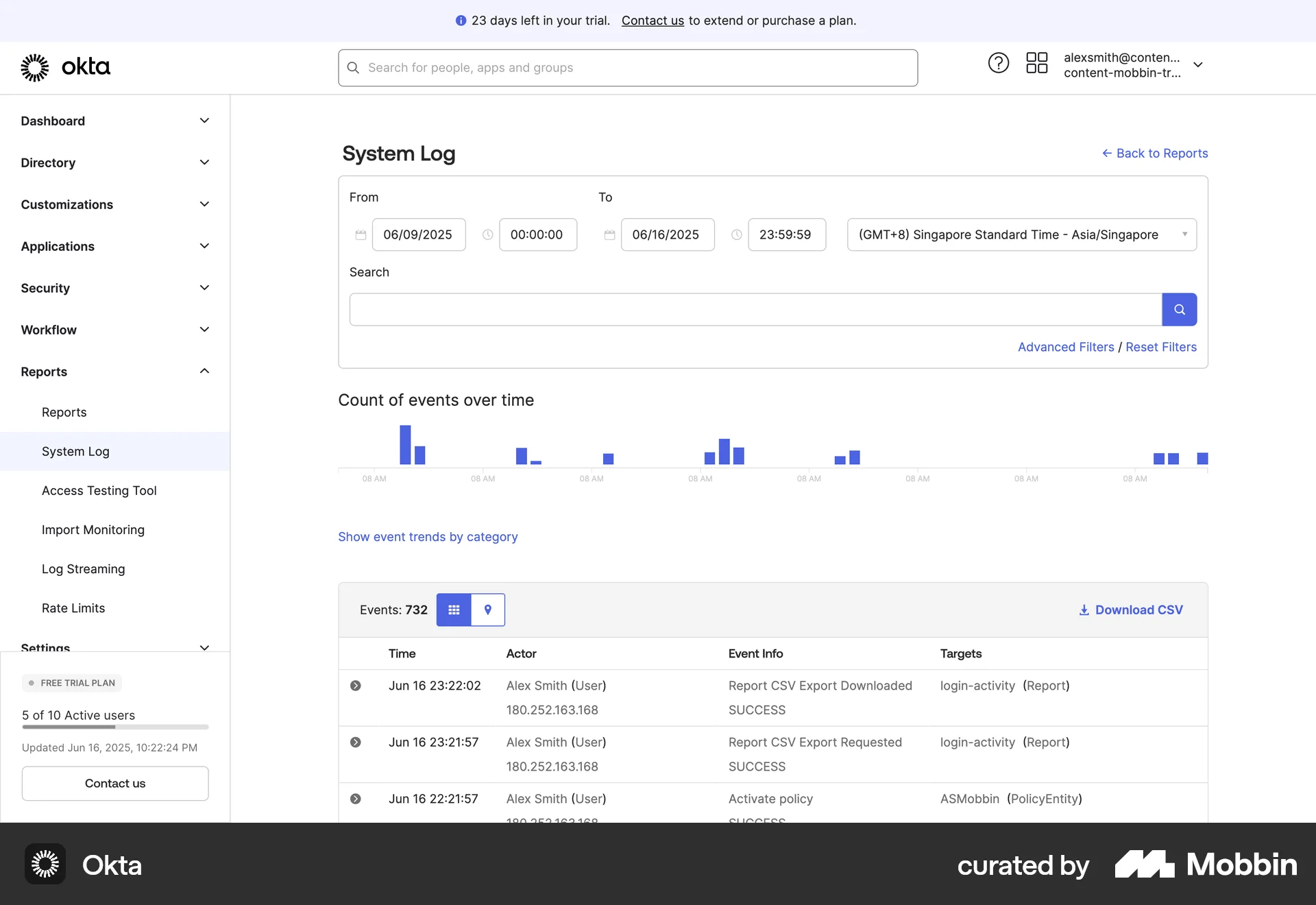
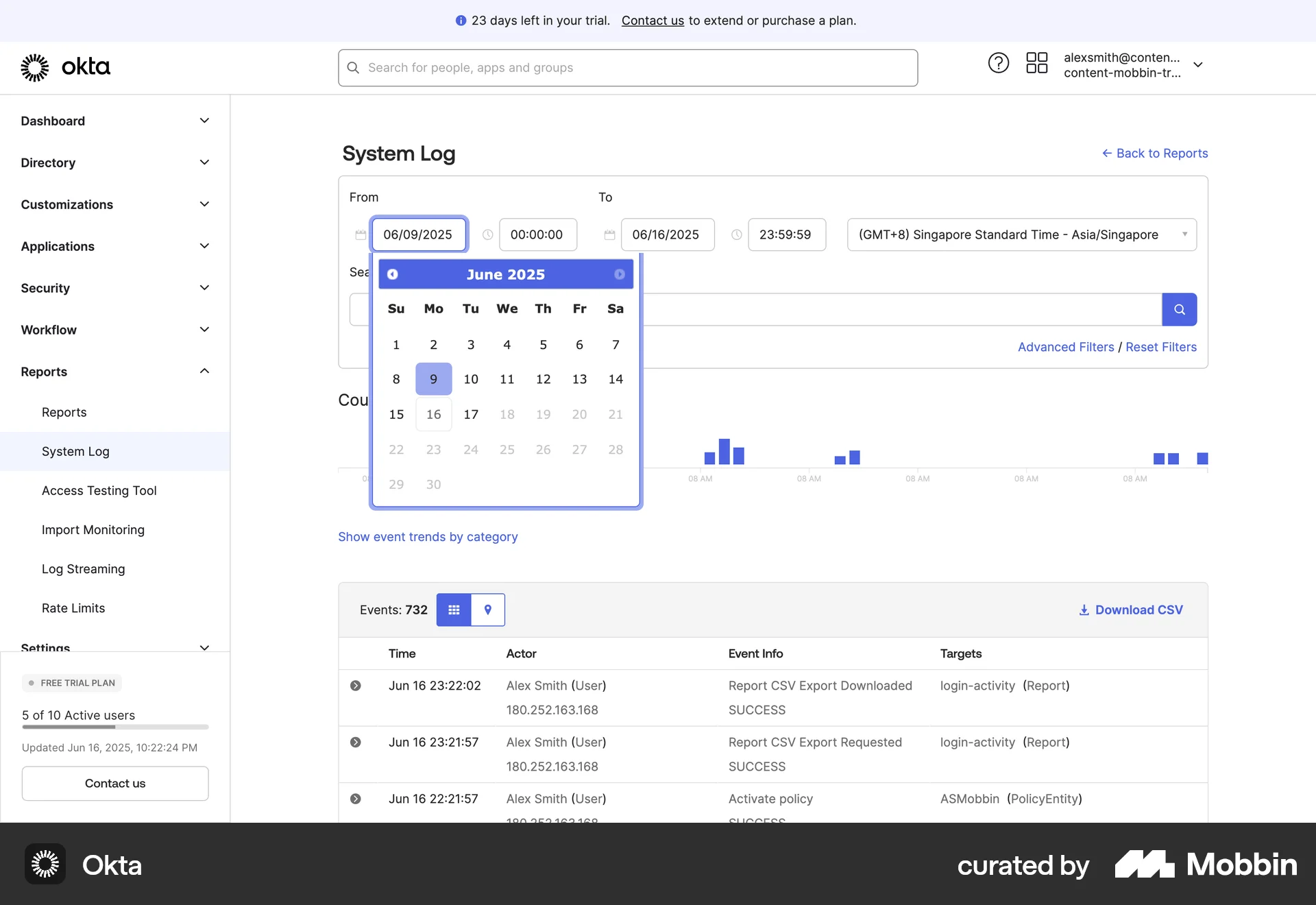
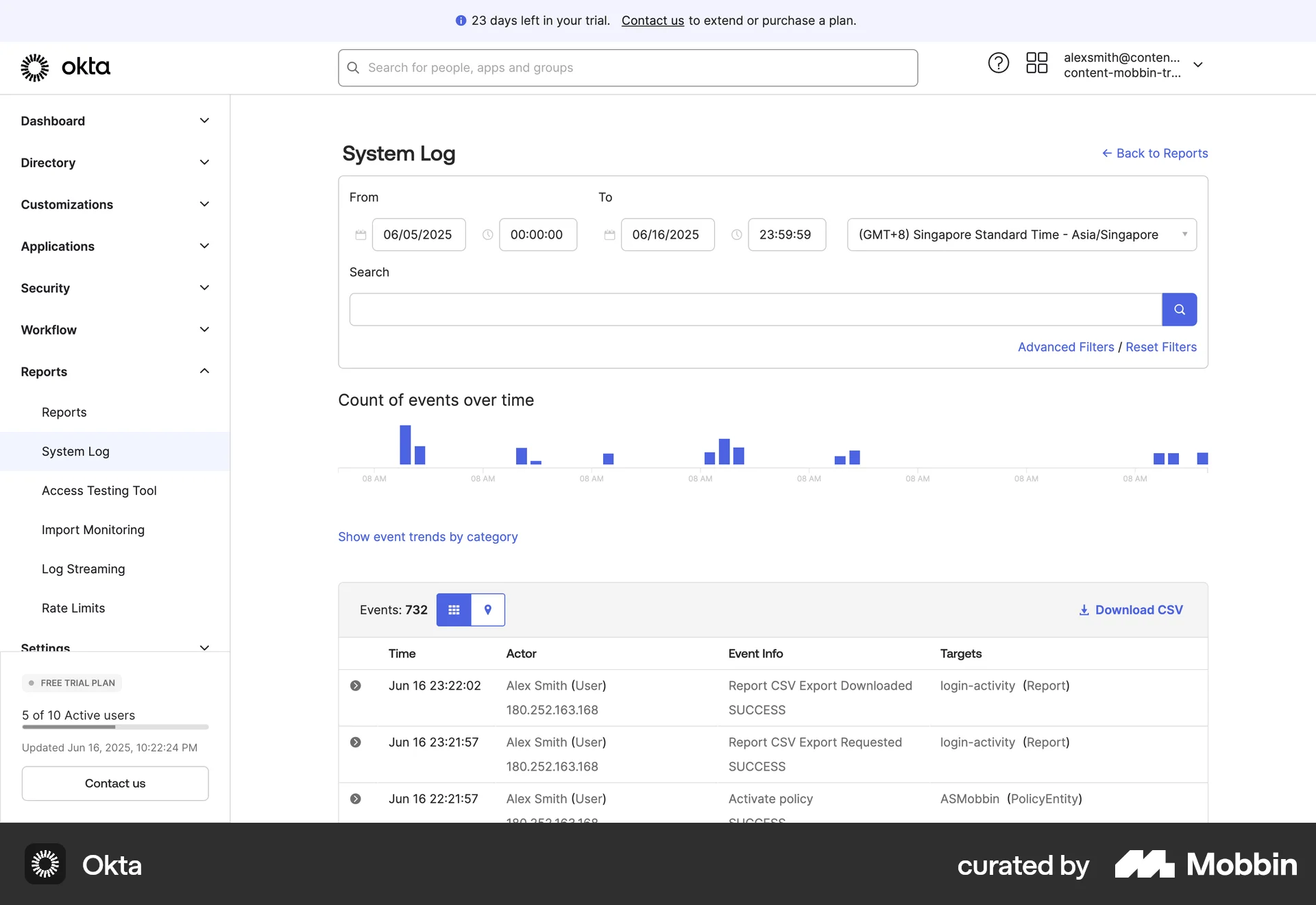
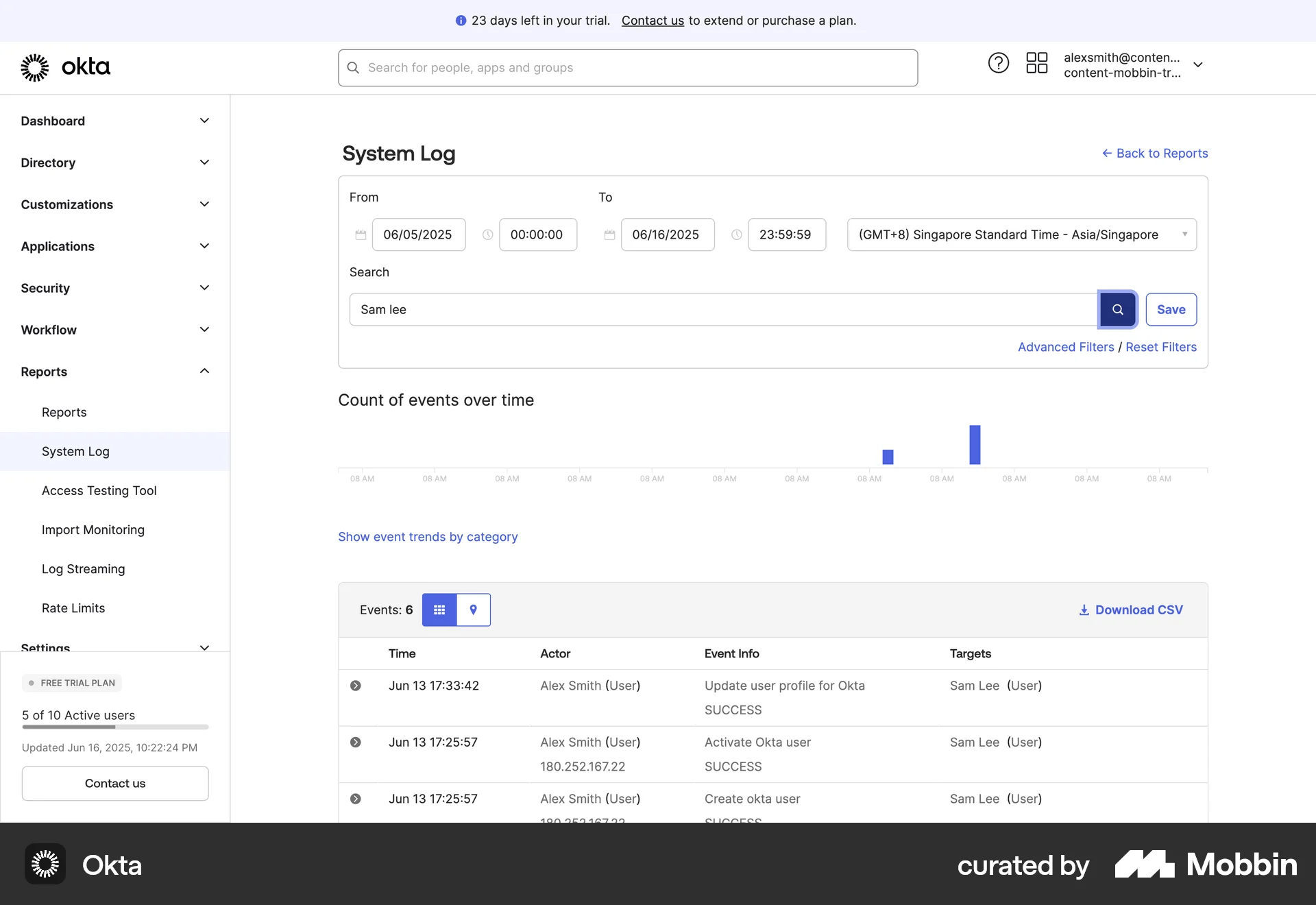
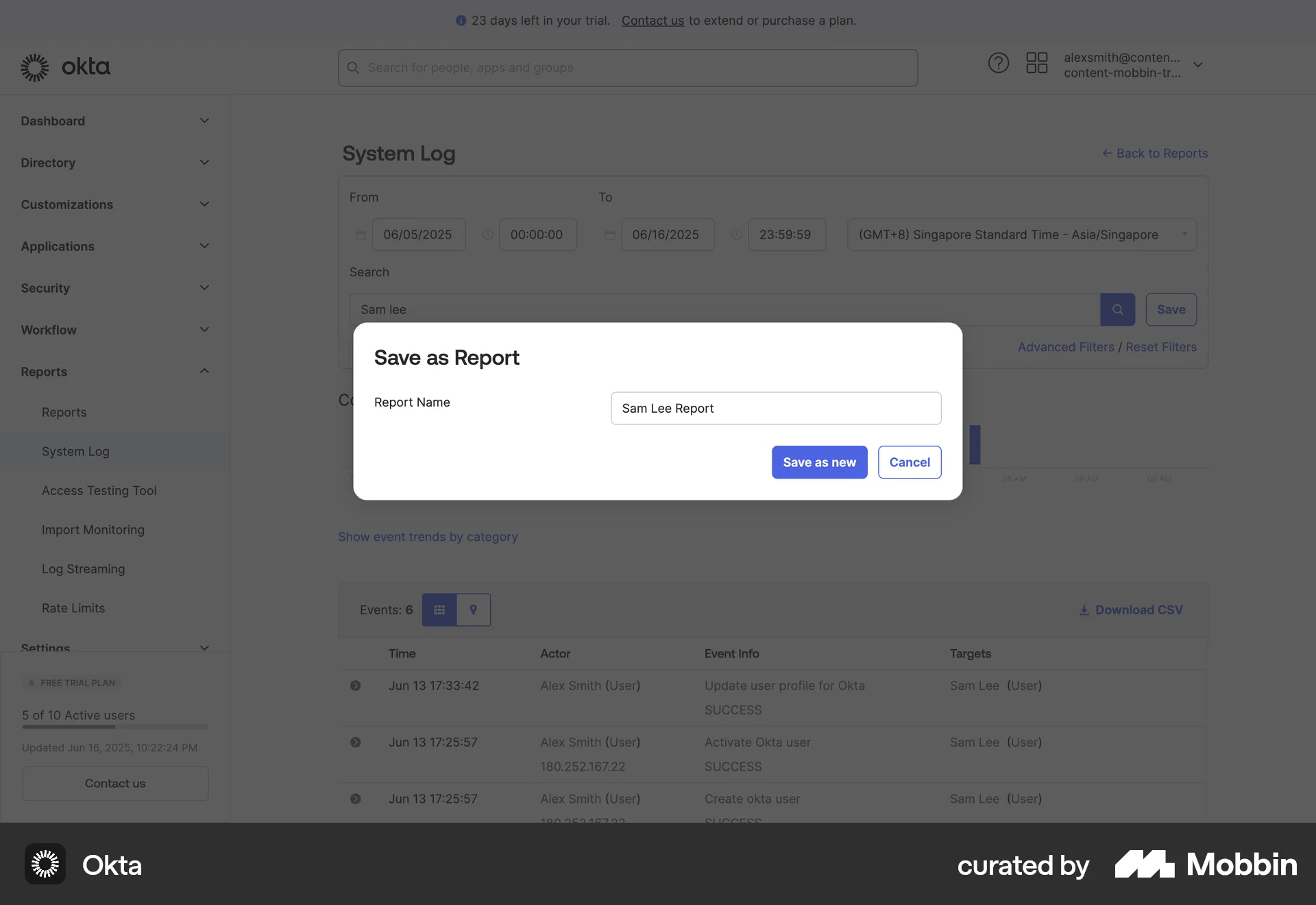
The user filters the system log and saves the filtered view as a report. The report is named and then displayed.

The user opens a script editor, interacts with a dropdown menu to reveal the save option, and then saves the script.

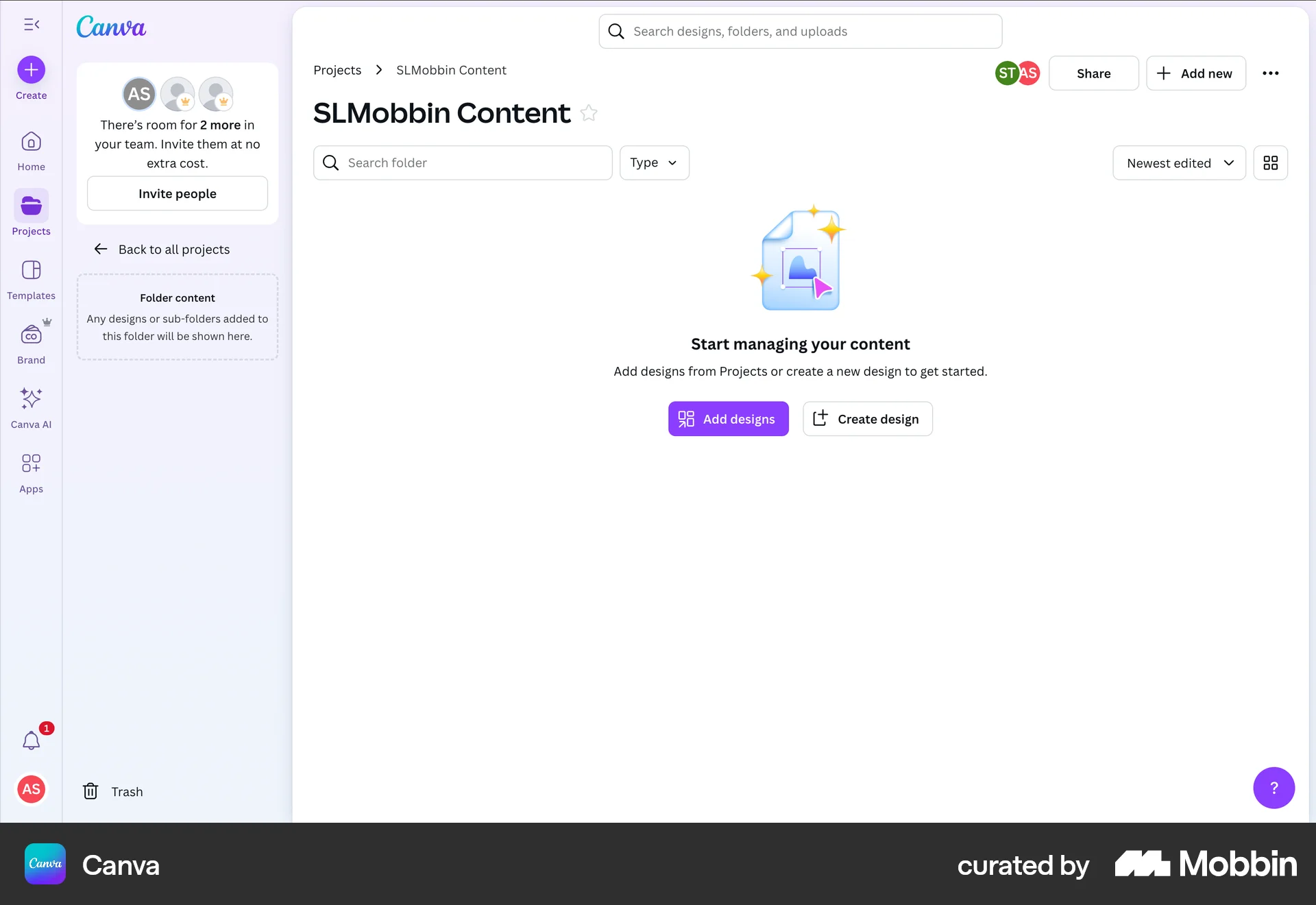
The user adds an existing design to a folder by selecting it from their projects and confirming the move. The flow showcases adding content to a folder.

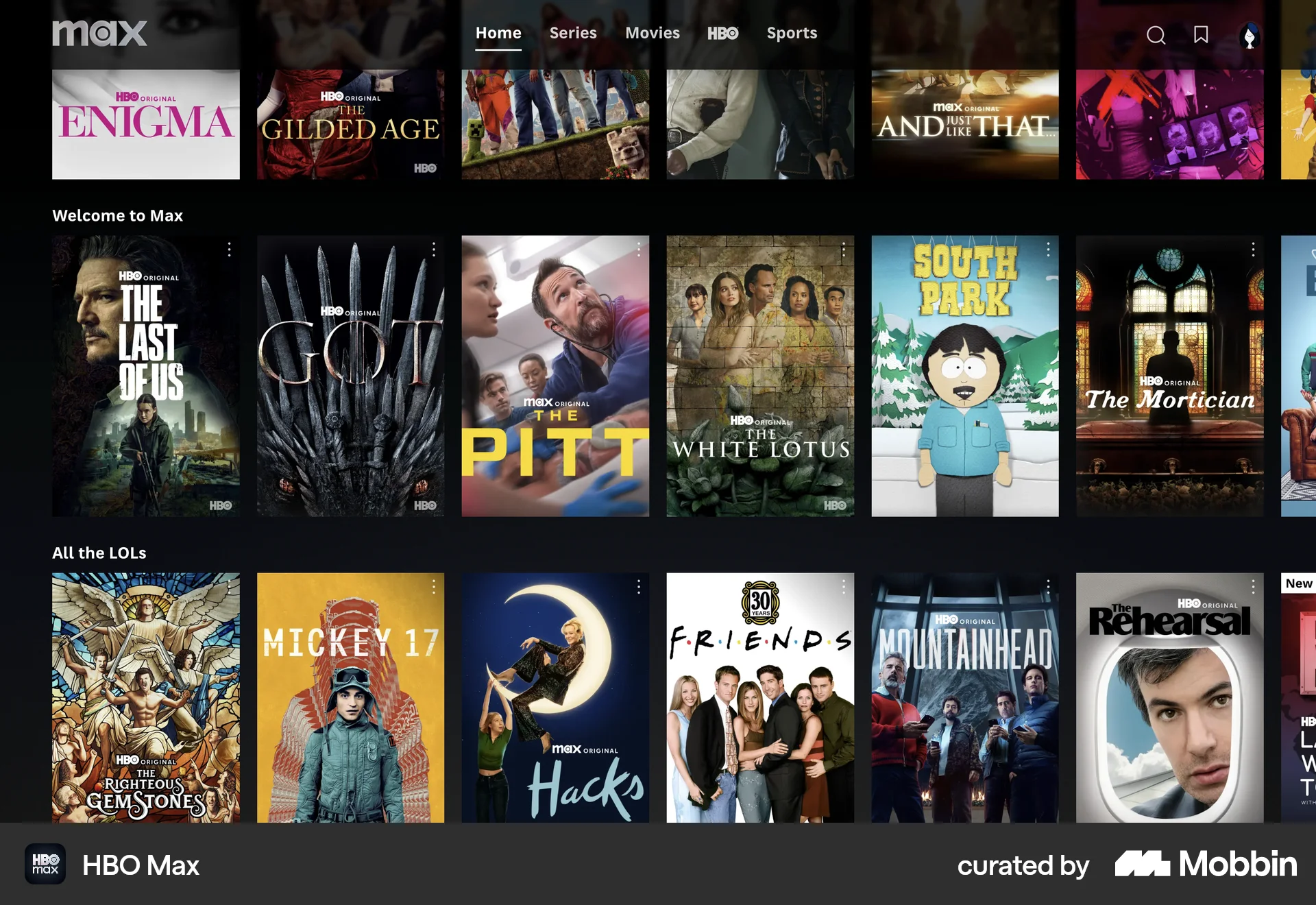
The user saves a show to their list. They hover over a show, select "Add to My List", and see a confirmation.

The user saves an existing automation as a template. This involves opening the automation options, naming the template, and confirming the save.
230 Flows
9184 Flows
4901 Flows
1222 Flows
89 Flows

36 Flows