Drawing a canvason Krea AI
The user selects a color and brush size before drawing on the canvas. The canvas then displays the result of the user's drawing.
Explore the top editing flow UX design inspirations for web. Hundreds of thousands of designers already browse curated editing flow UX design samples on Mobbin. Join for free.
The user selects a color and brush size before drawing on the canvas. The canvas then displays the result of the user's drawing.
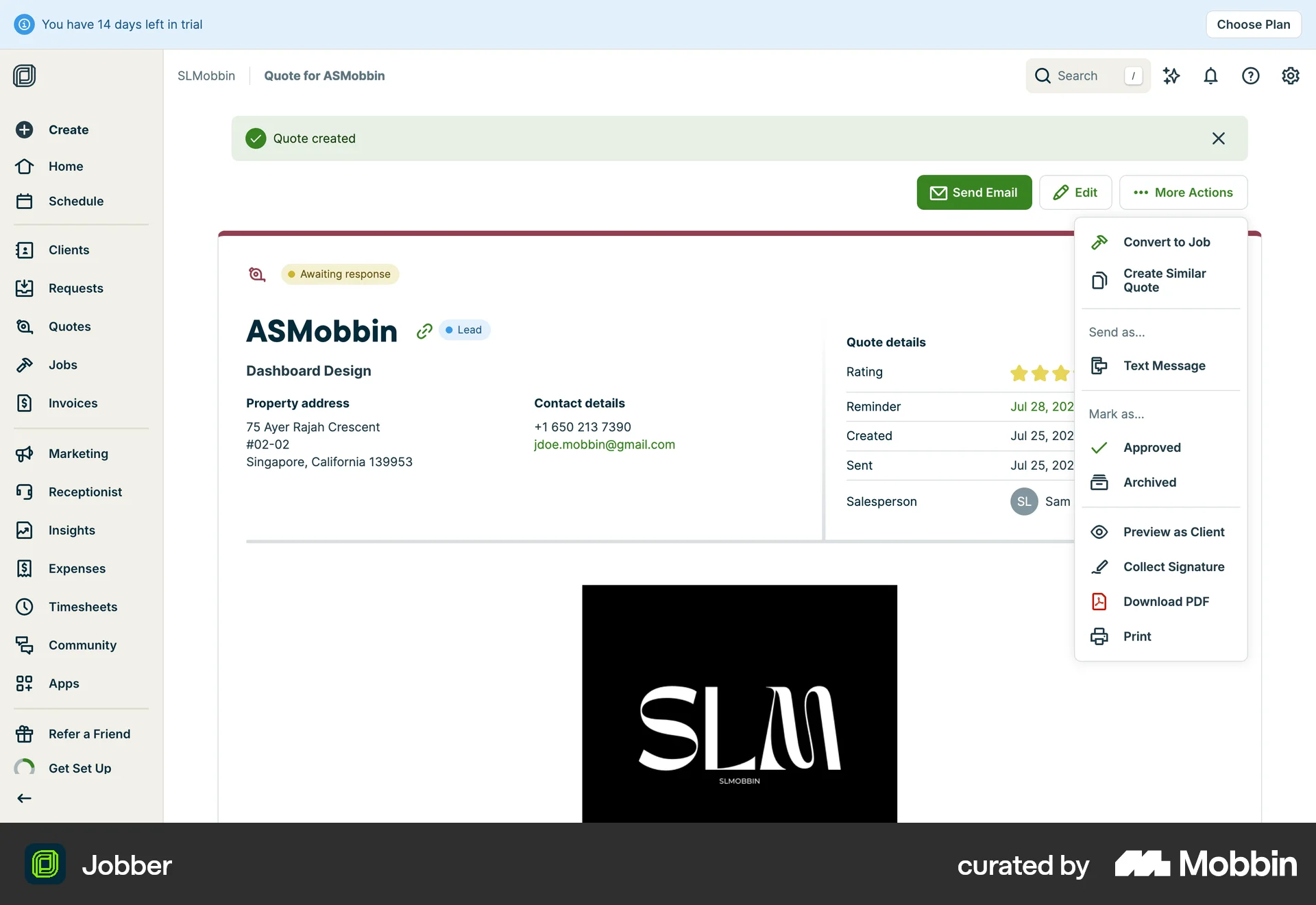
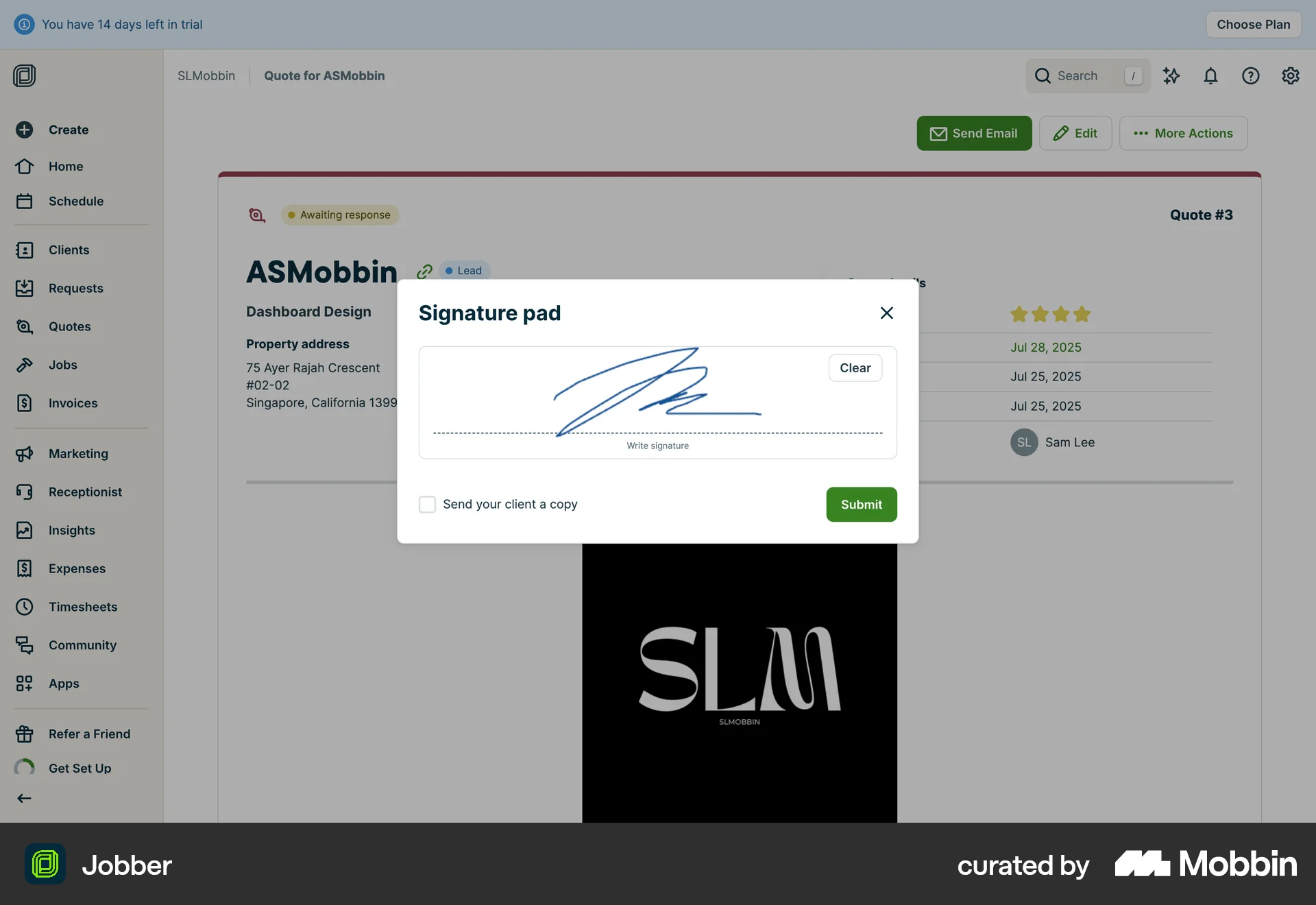
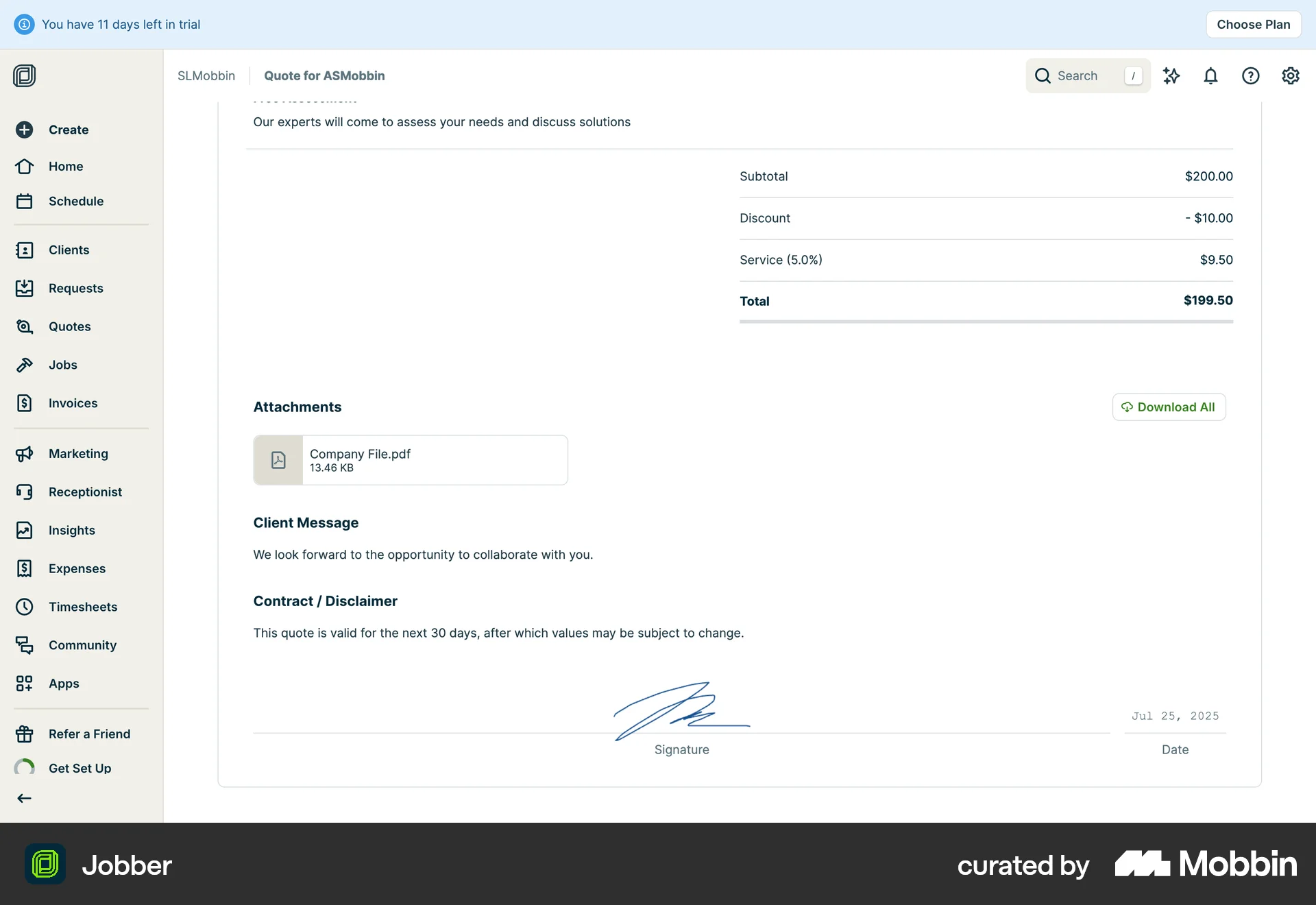
The user flow demonstrates collecting a signature for a quote, updating the quote status to approved, and displaying the completed quote.
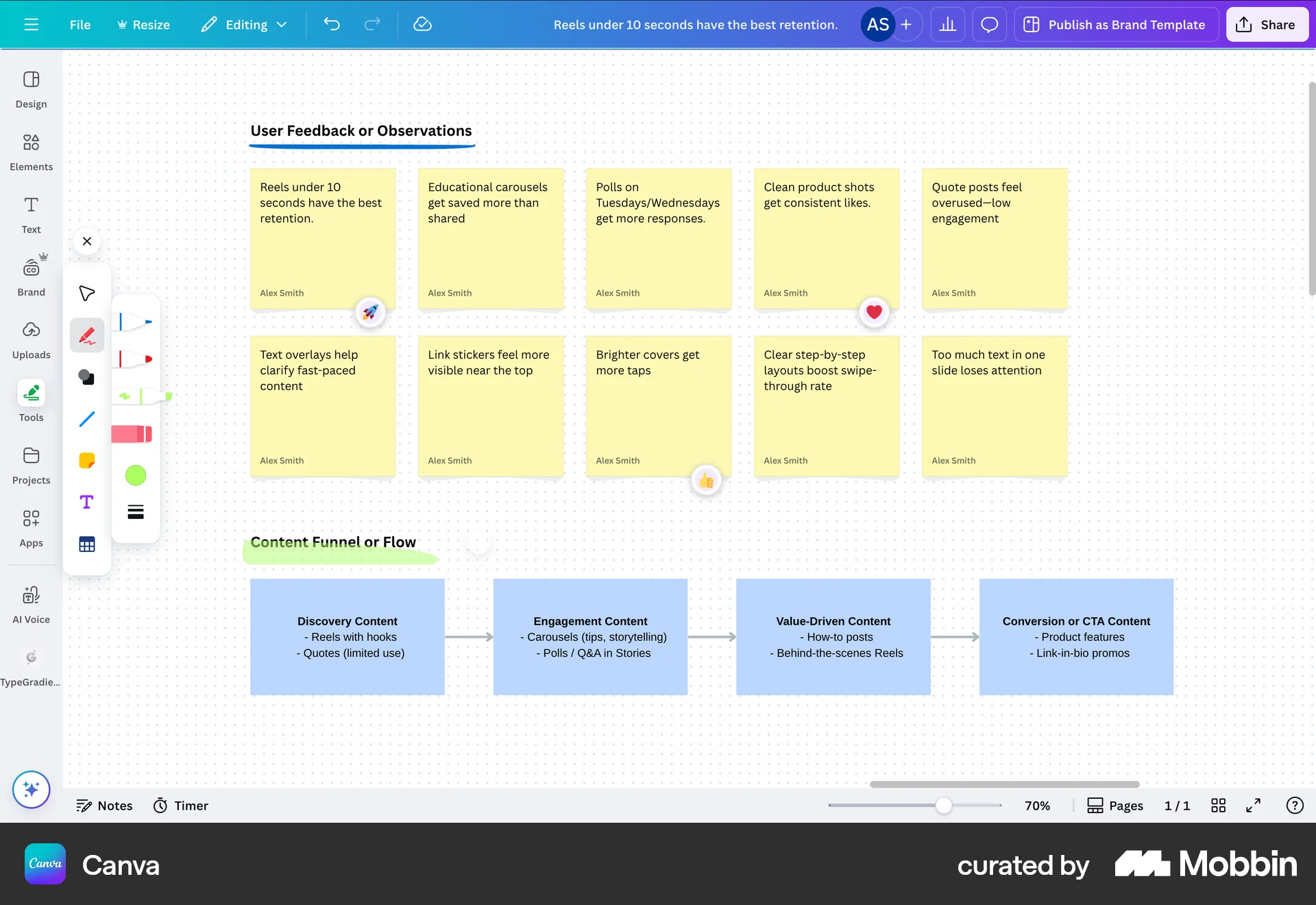
The user opens the 'Text' menu, selects a brush tool, draws a line, and changes its color to green. The goal is to add a brush stroke.

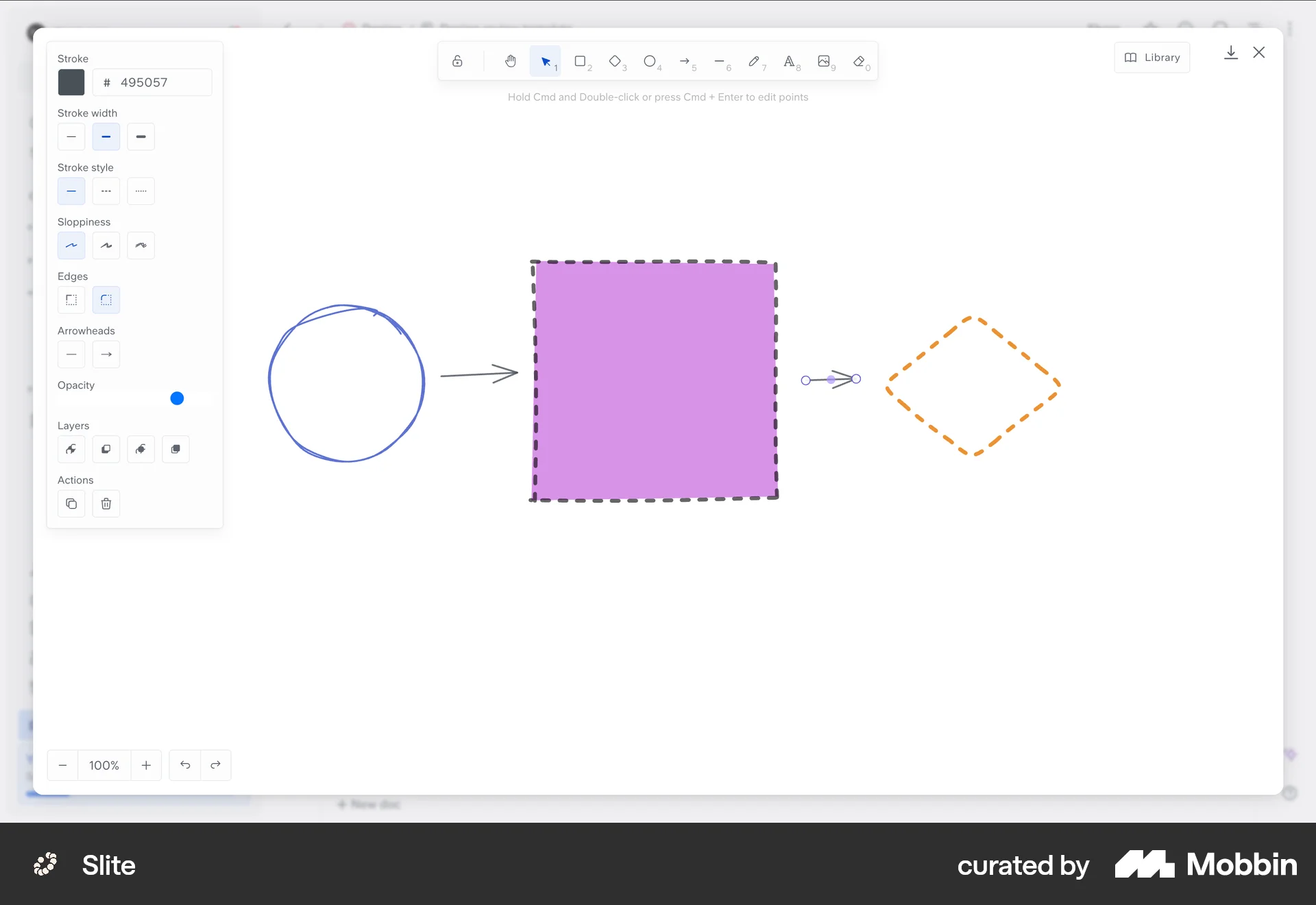
The user draws arrows between shapes on a canvas using the stroke menu. The flow demonstrates how to connect shapes using arrows.
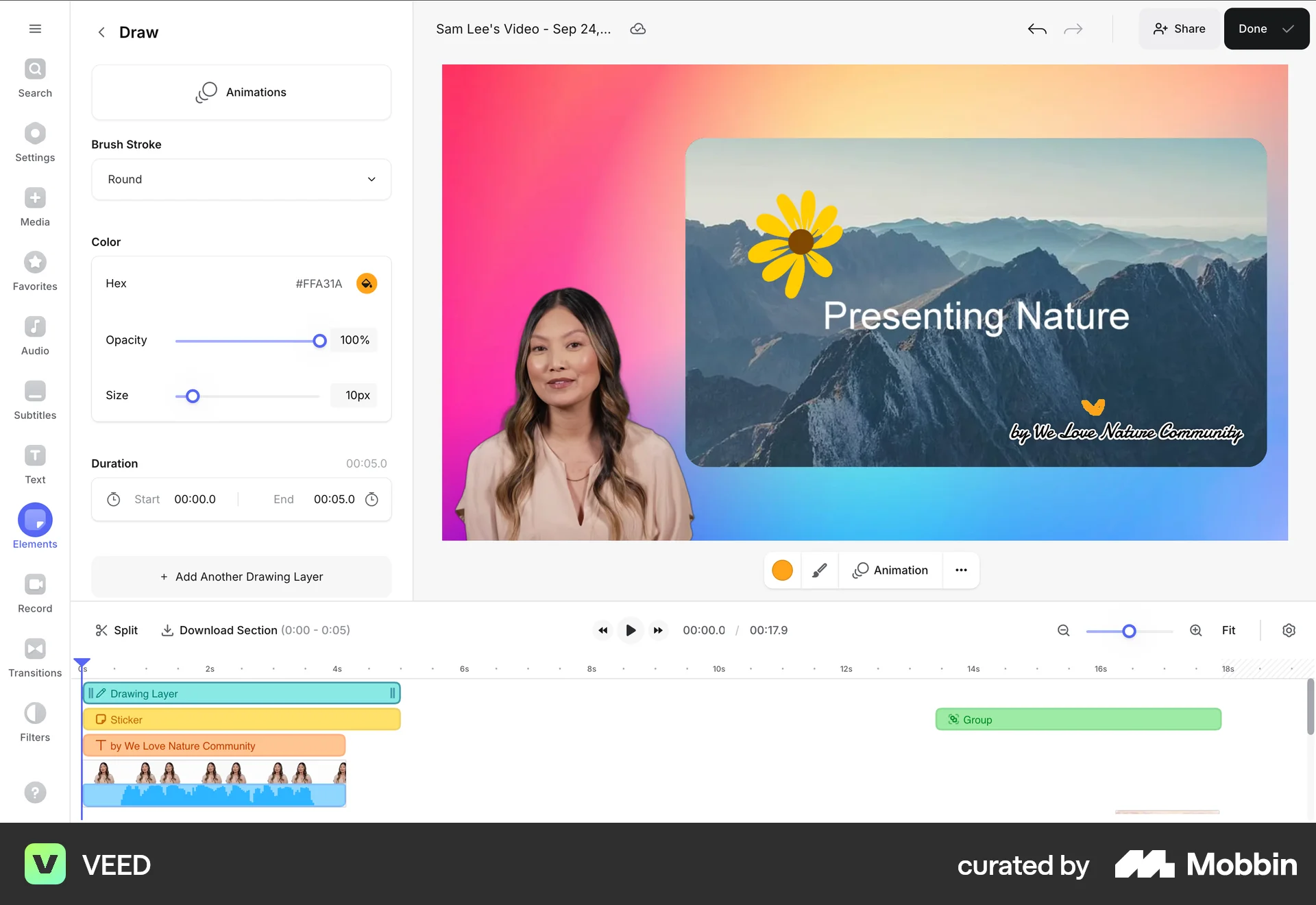
The user customizes a video by navigating to the draw options, selecting different brush strokes, and adding a flower sticker. The flow demonstrates video customization.

The user flow demonstrates adding and adjusting a trend angle on a cryptocurrency chart. The user selects the trend angle tool and adjusts the angle.
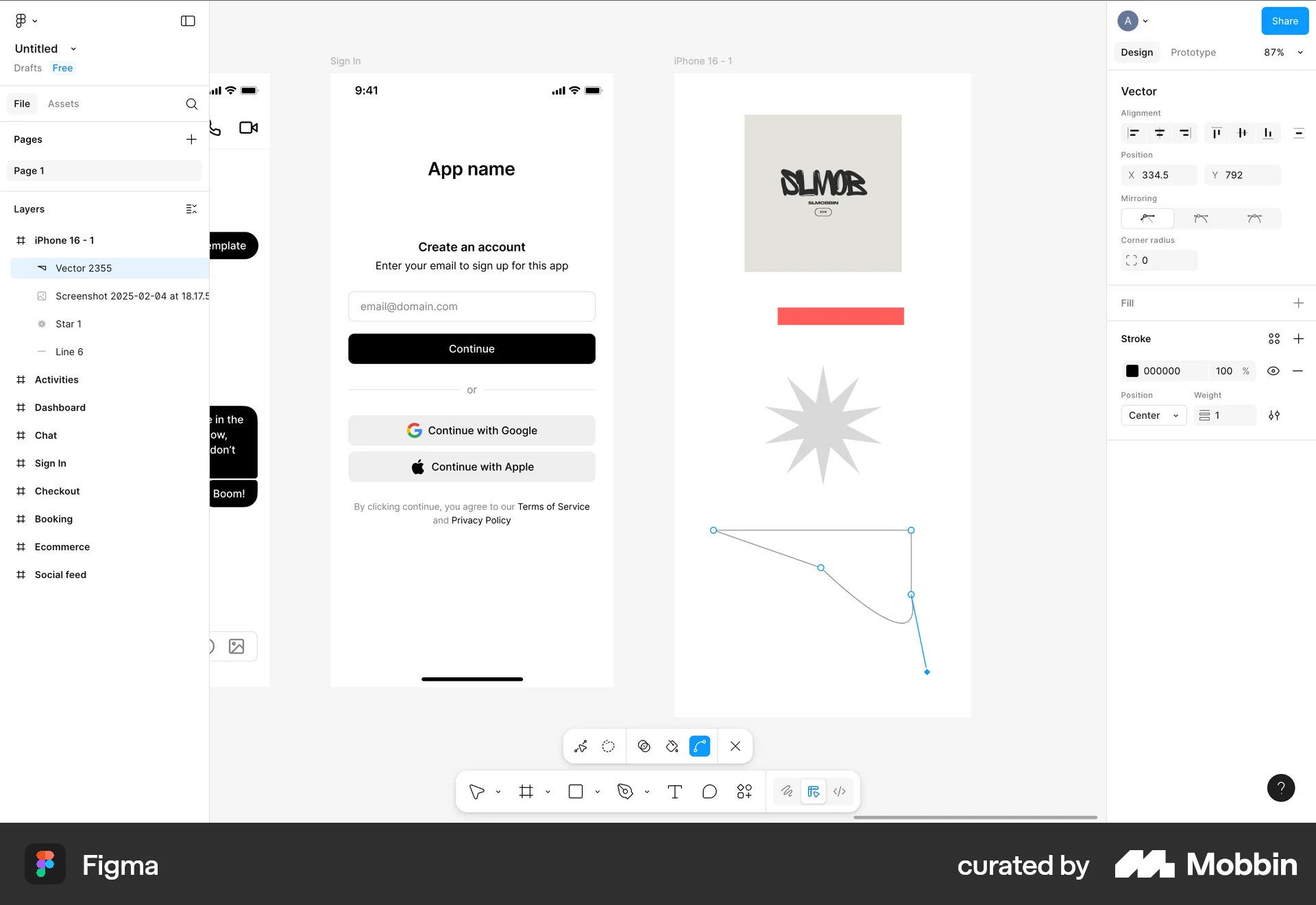
The user flow demonstrates drawing a vector on a canvas. Starting from a blank canvas, the user adds lines and curves to create a final vector drawing.
The user flow demonstrates creating a mind map on a whiteboard by adding ideas, linking them, and adding visual icons. The user utilizes the drawing toolbar to create the mind map.

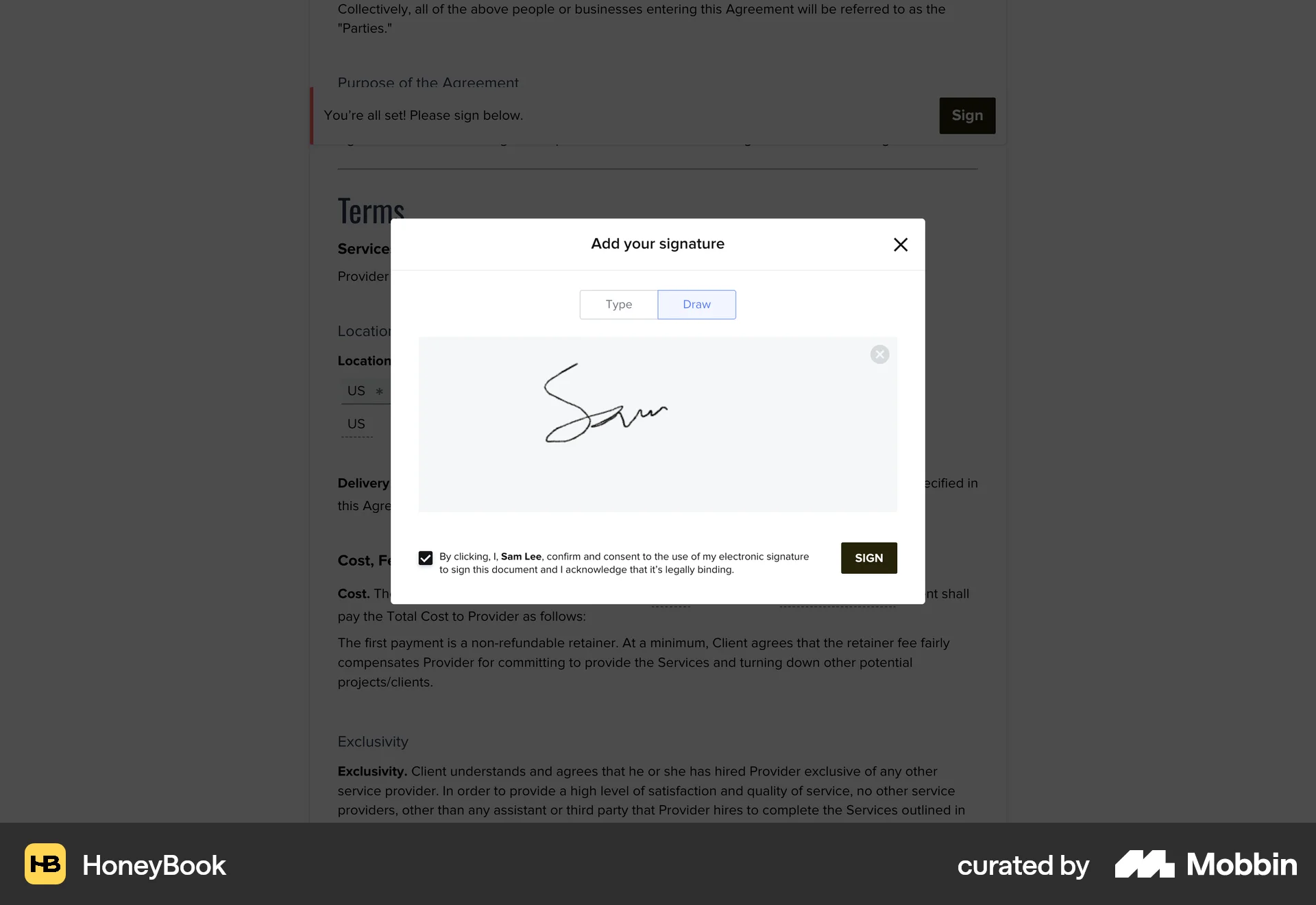
The user reviews and signs a contract by filling in details and providing a signature. The flow concludes with a confirmation and a portal link.
The user inserts an object into an image by describing it and brushing the area. The application generates the object and inserts it into the image.
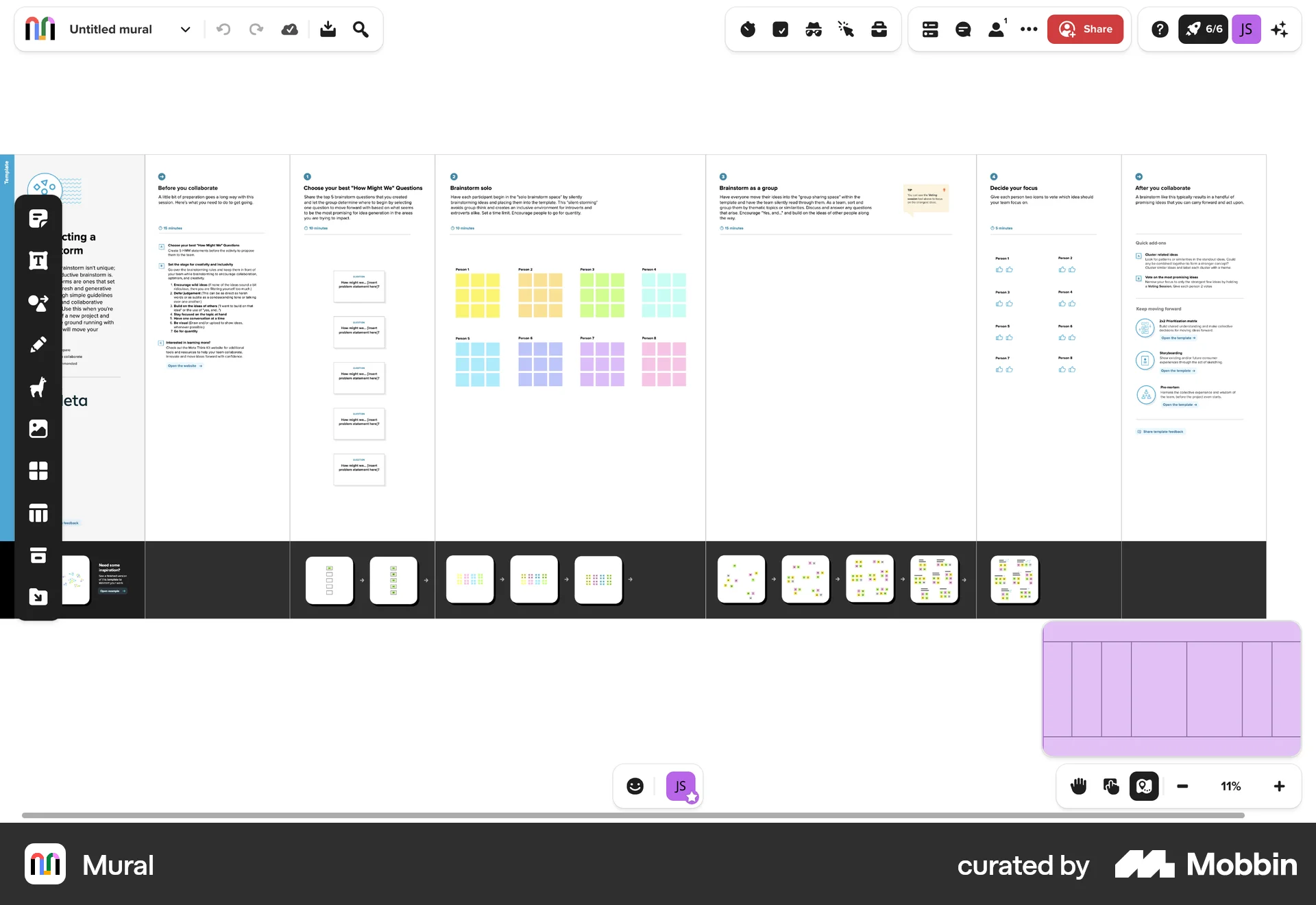
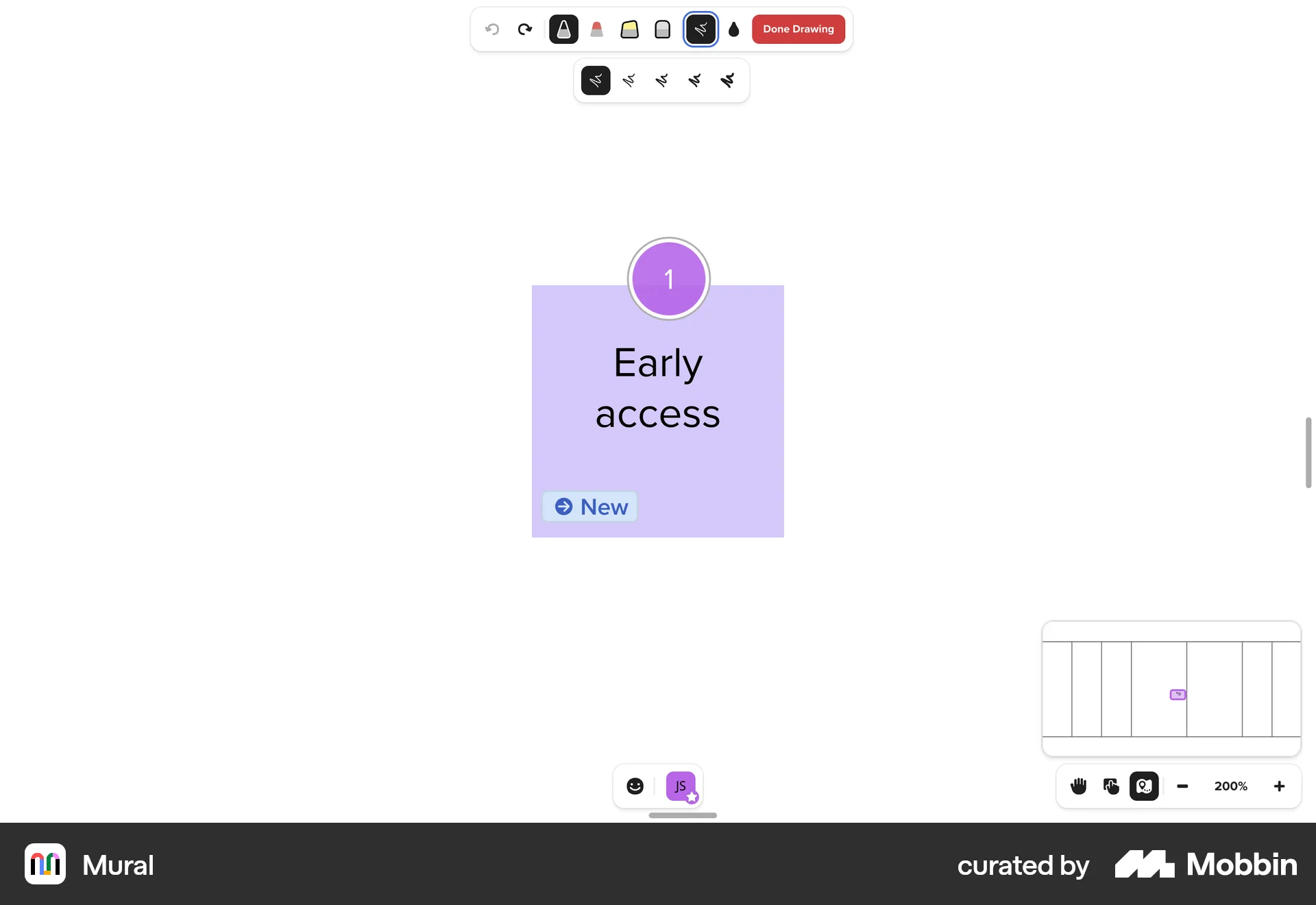
The user flow demonstrates drawing on a mural. It involves zooming in, selecting tools, and adding a drawing.
461 Flows
9184 Flows
4901 Flows
1733 Flows
1222 Flows
700 Flows