

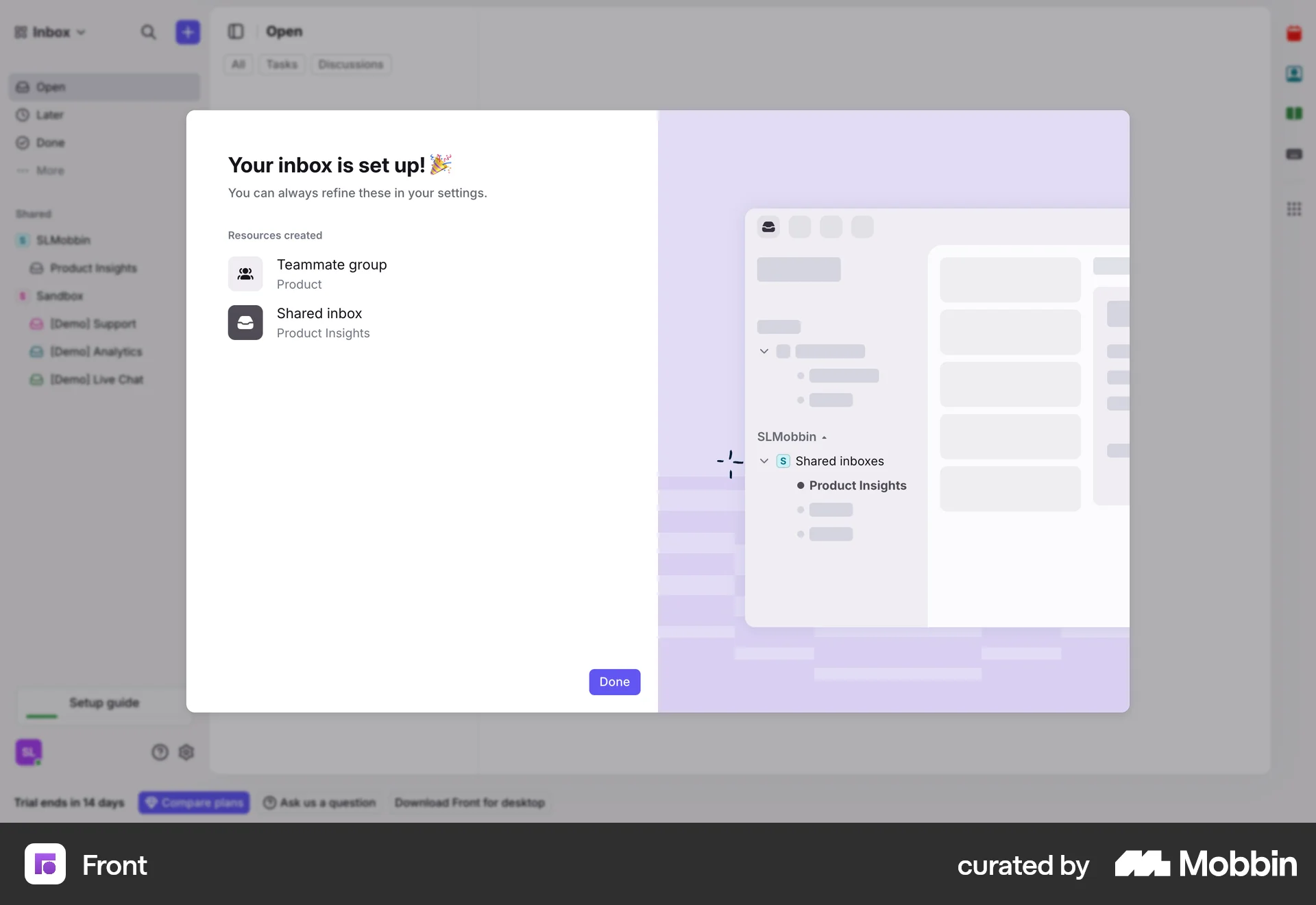

Setting up an accounton Front
Front
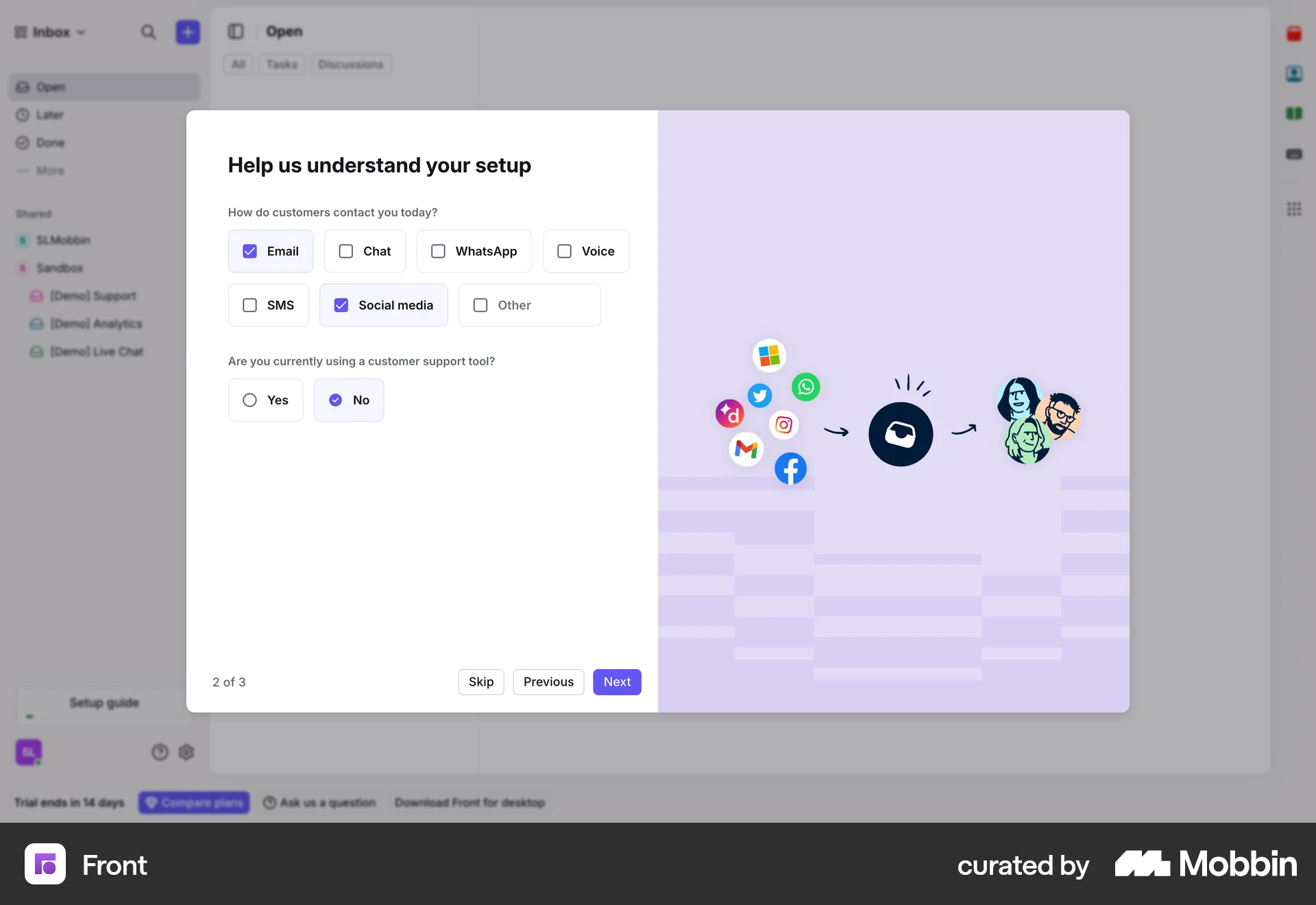
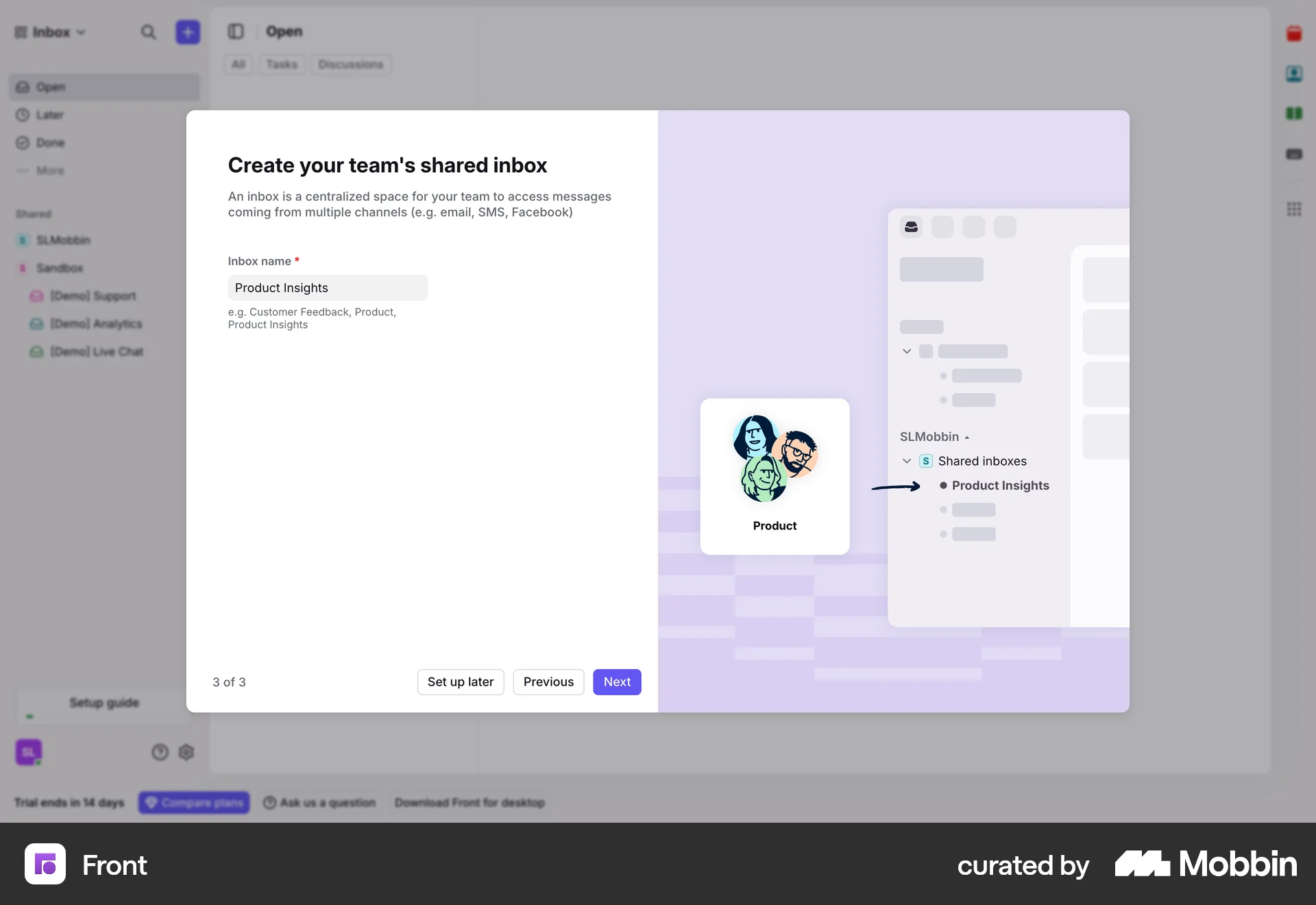
The user flow guides the user through setting up their account by asking questions and creating a shared inbox. Finally, the user is presented with the main inbox view.
Discover best website designs for Starting & Completing flows. Get inspired by the best apps in the world.
The user flow guides the user through setting up their account by asking questions and creating a shared inbox. Finally, the user is presented with the main inbox view.
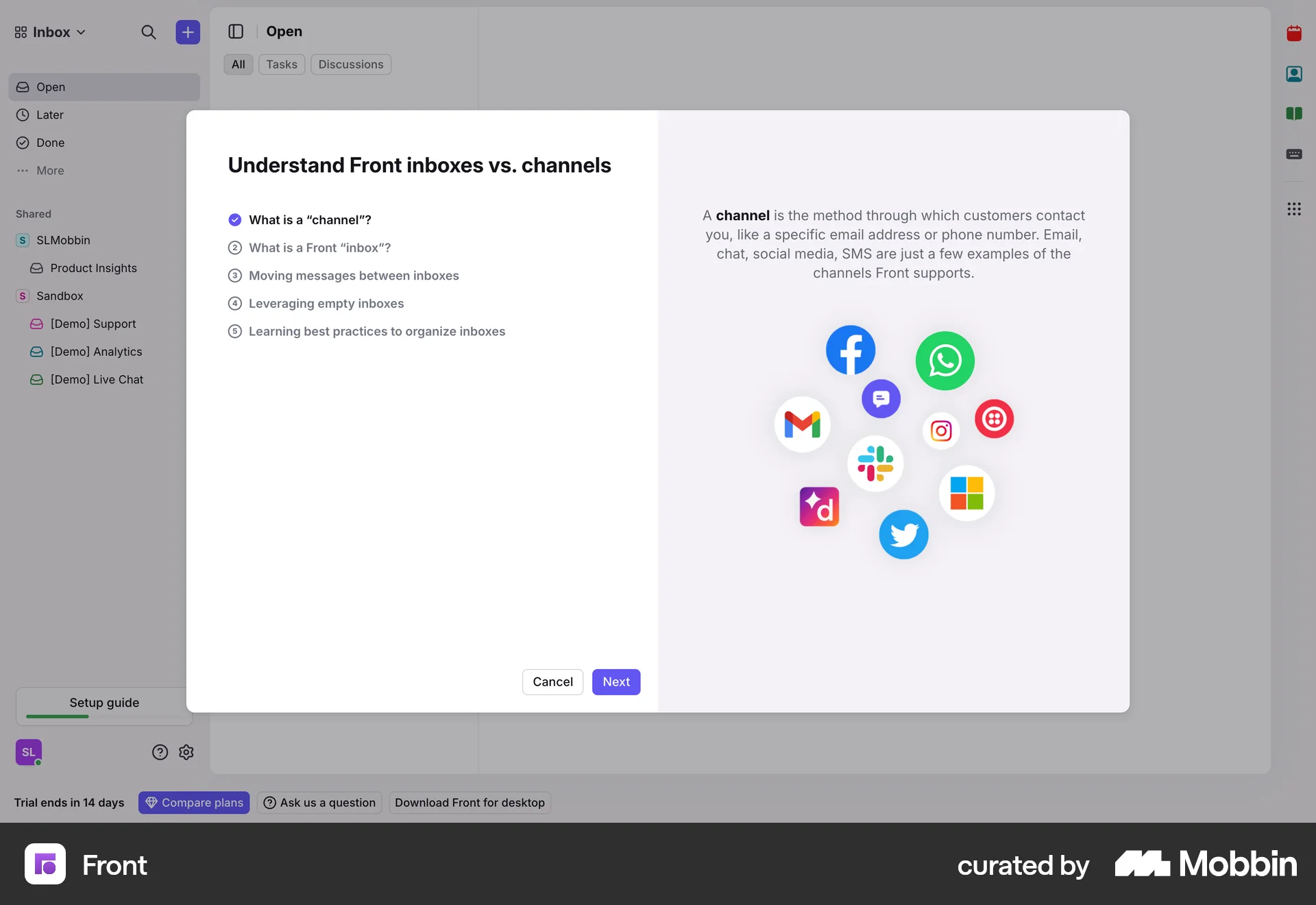
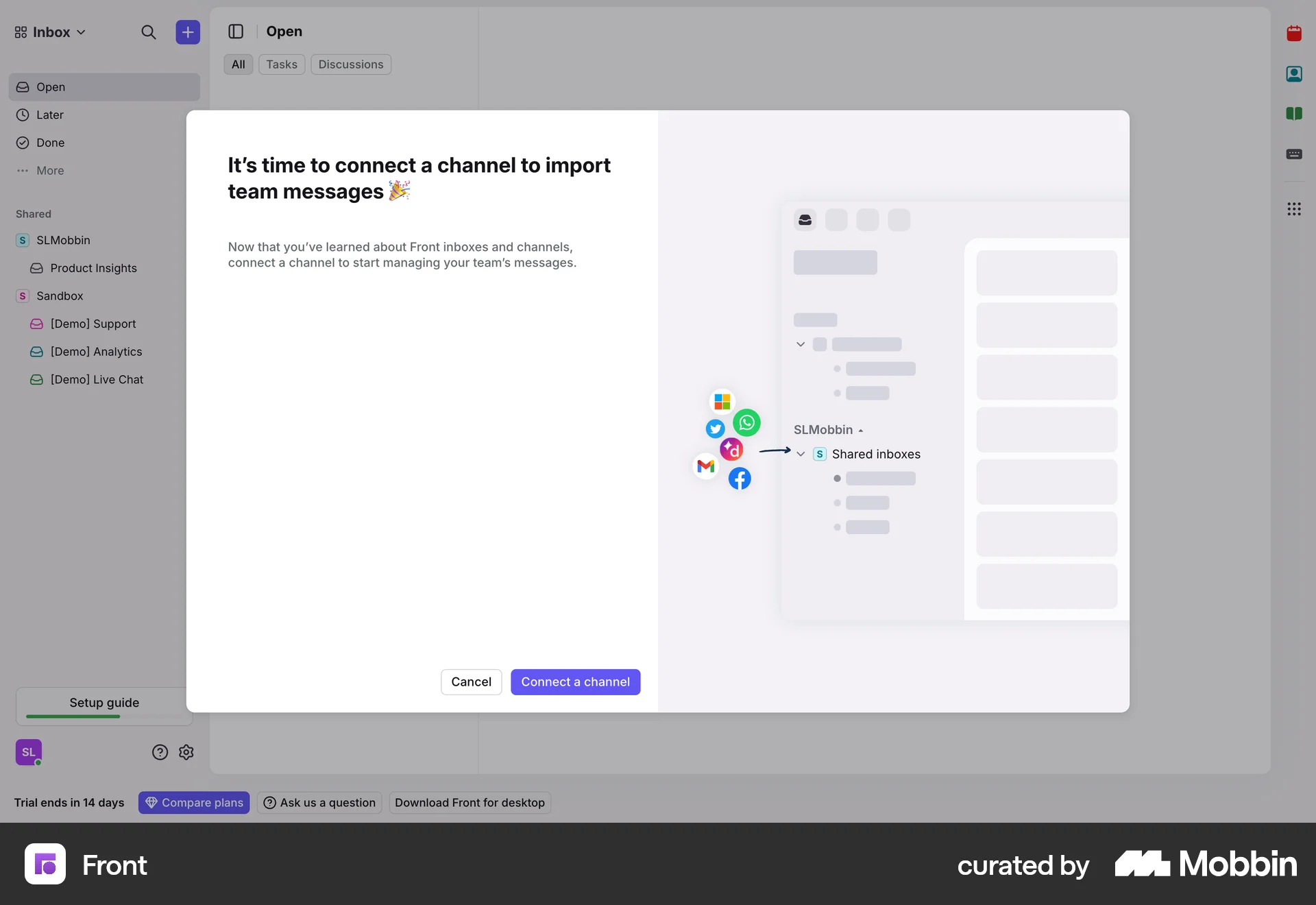
The user completes a guide by understanding inbox channels and is then prompted to connect a channel. This completes a step in the initial setup checklist.

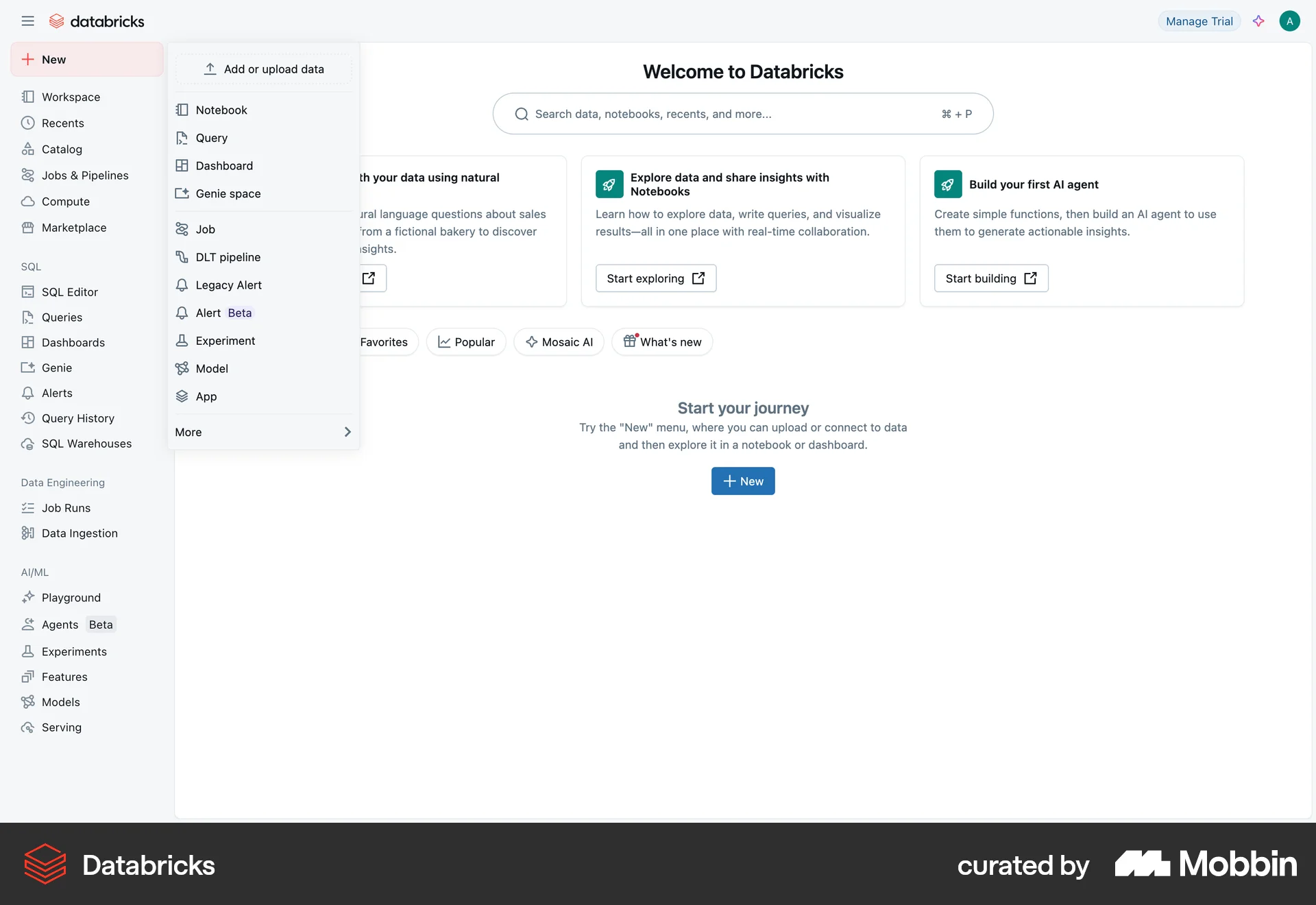
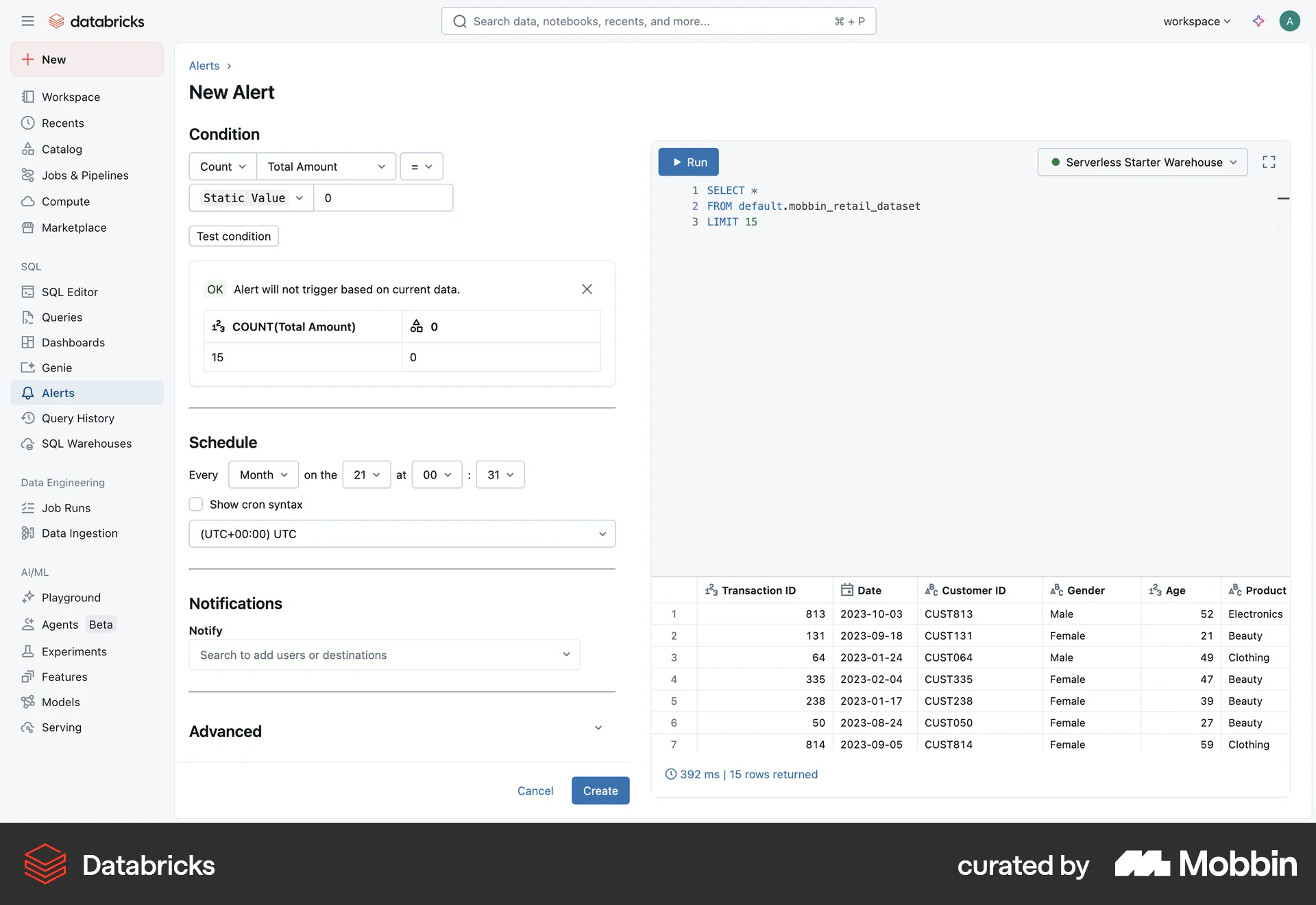
The user creates a new alert by defining a SQL query, setting conditions and schedule, and configuring notifications. The user then views the alert details and run status.

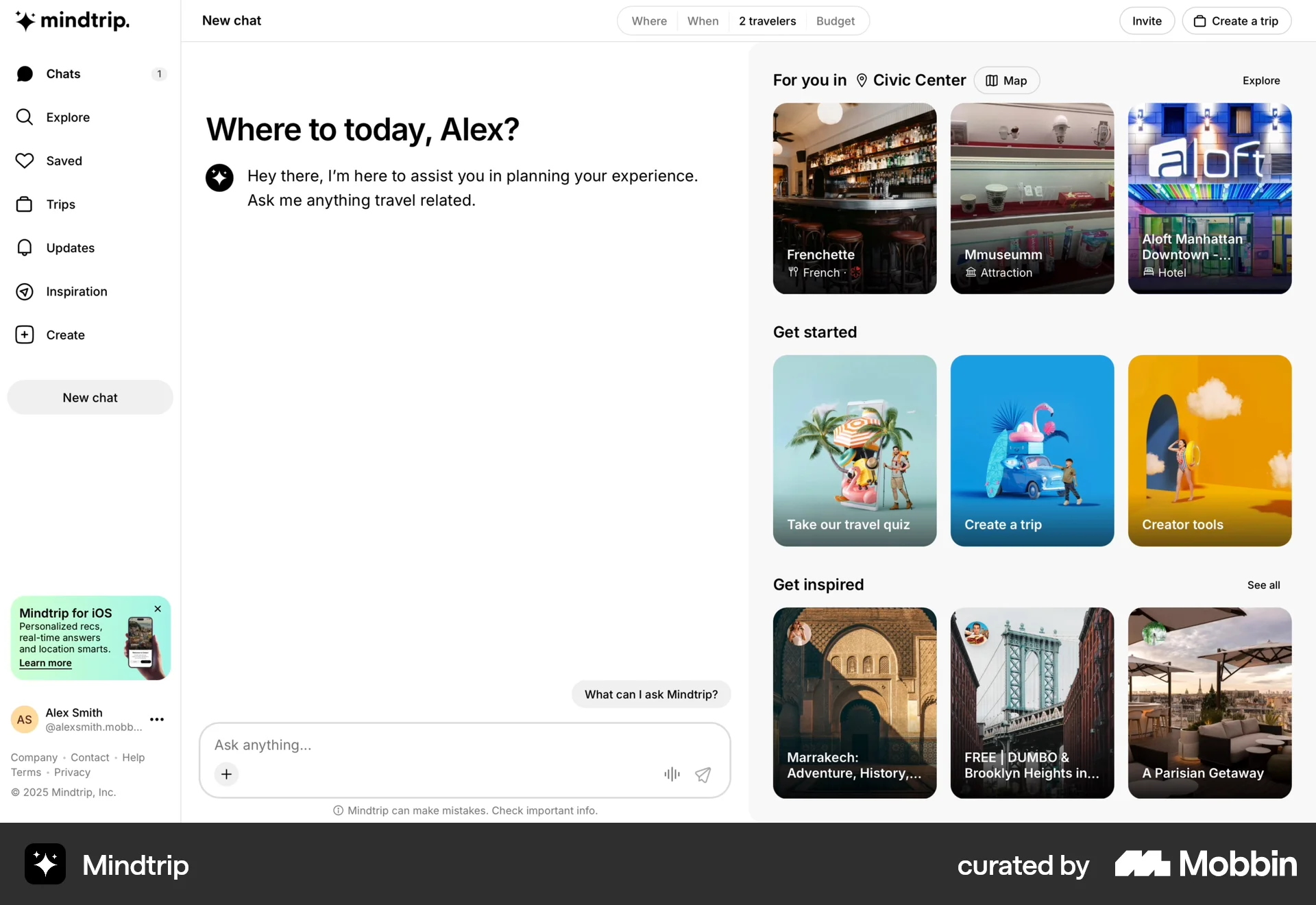
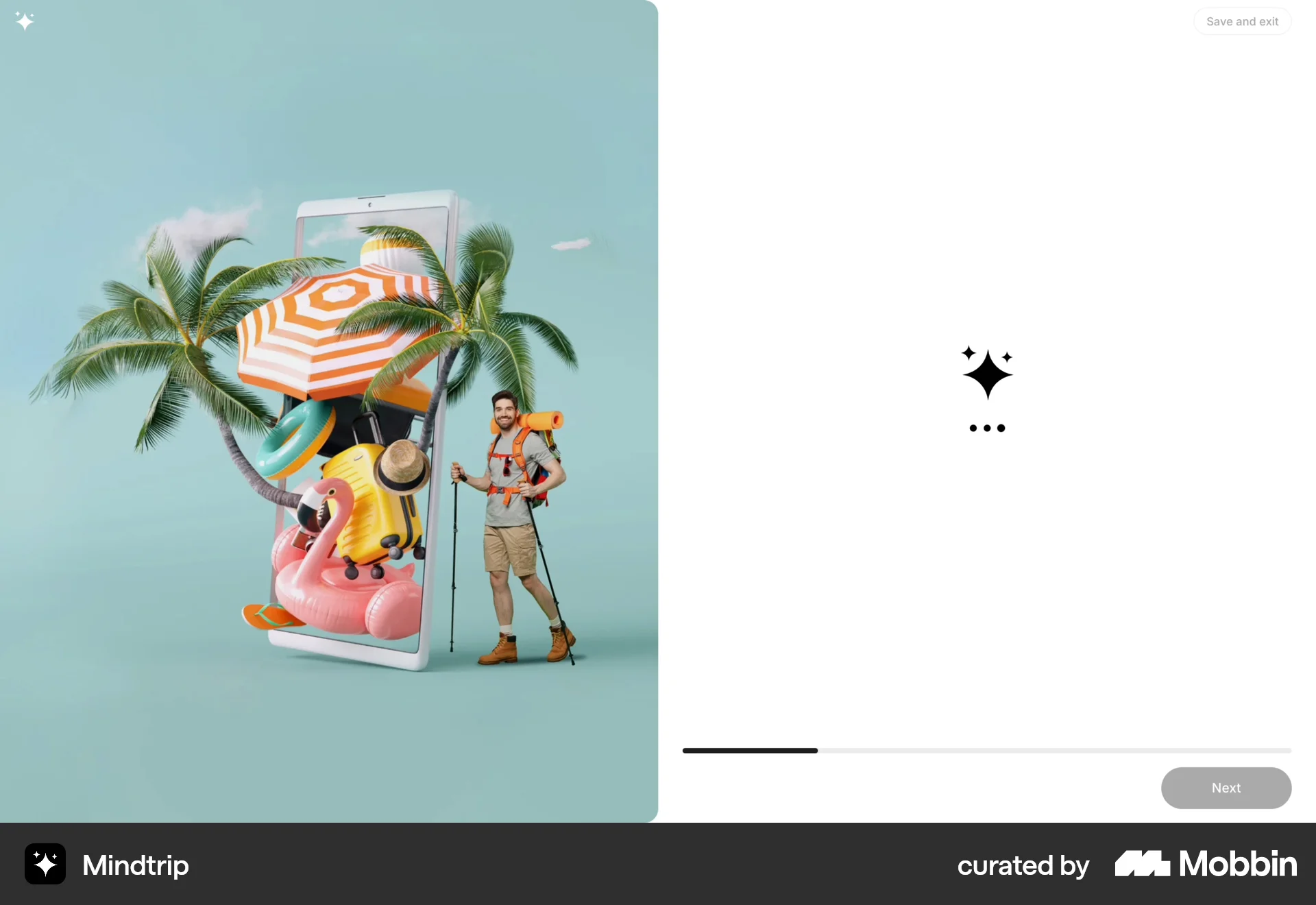
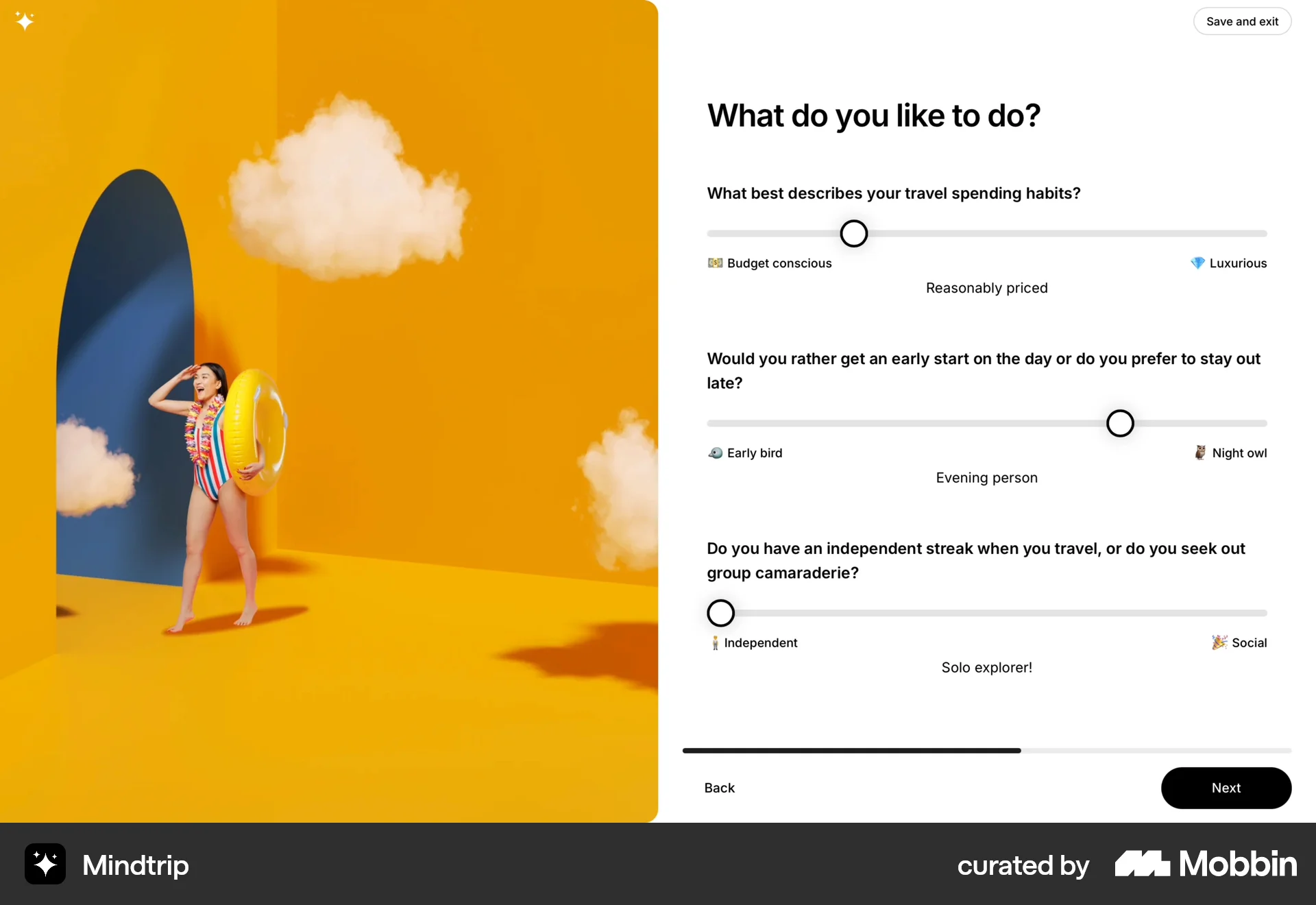
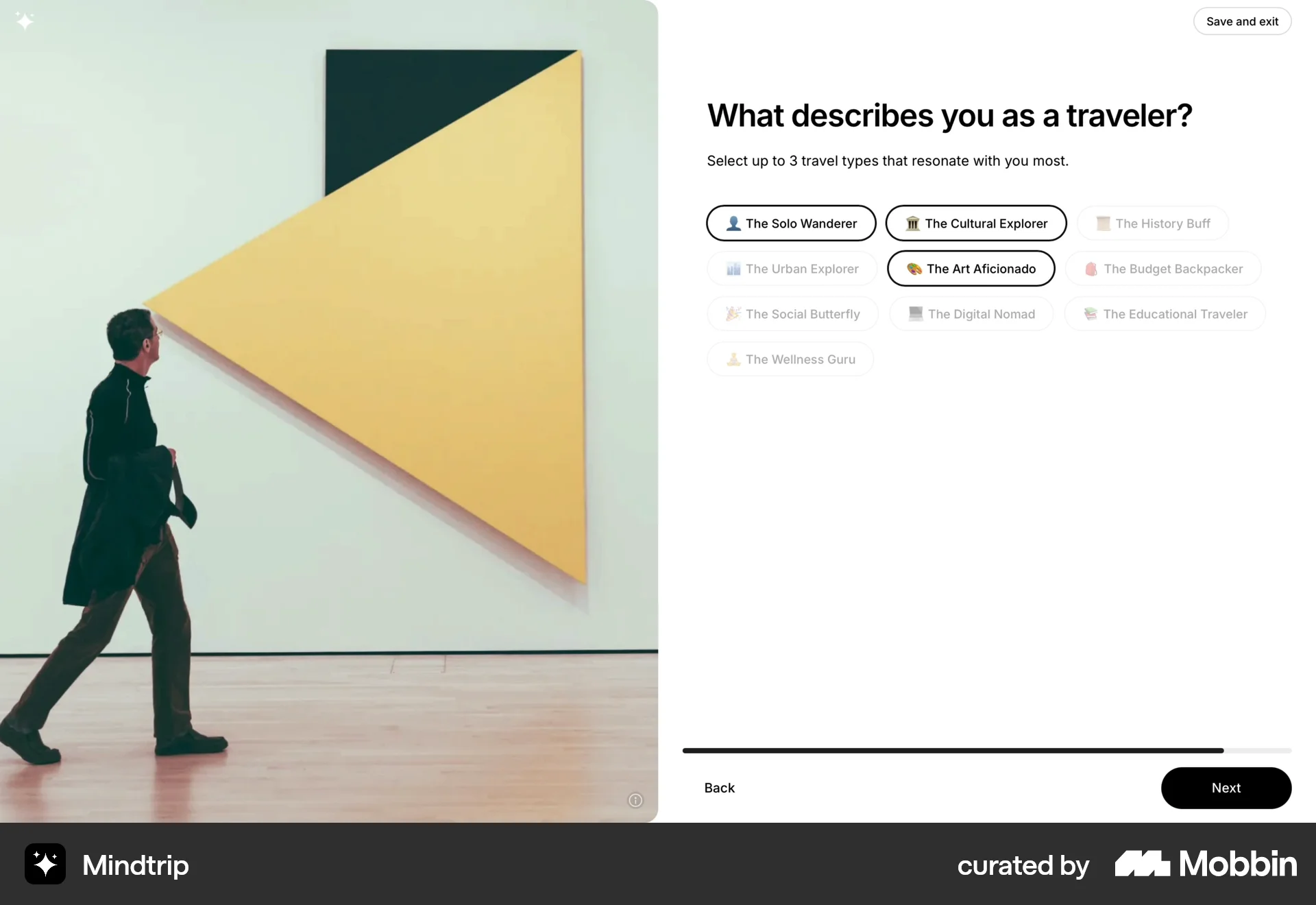
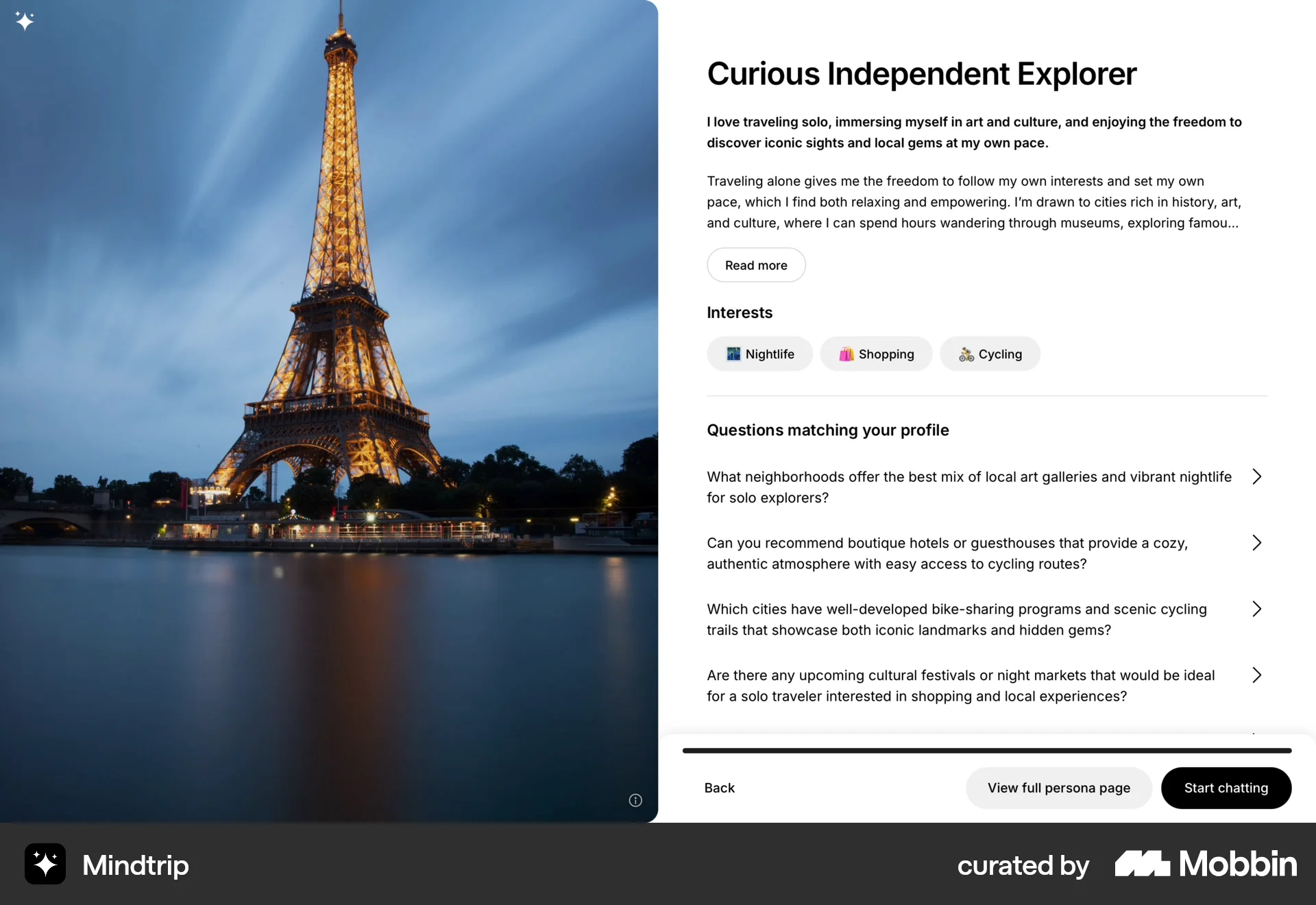
The user takes a travel quiz to determine their travel persona. A profile is generated, and the user returns to the homepage.
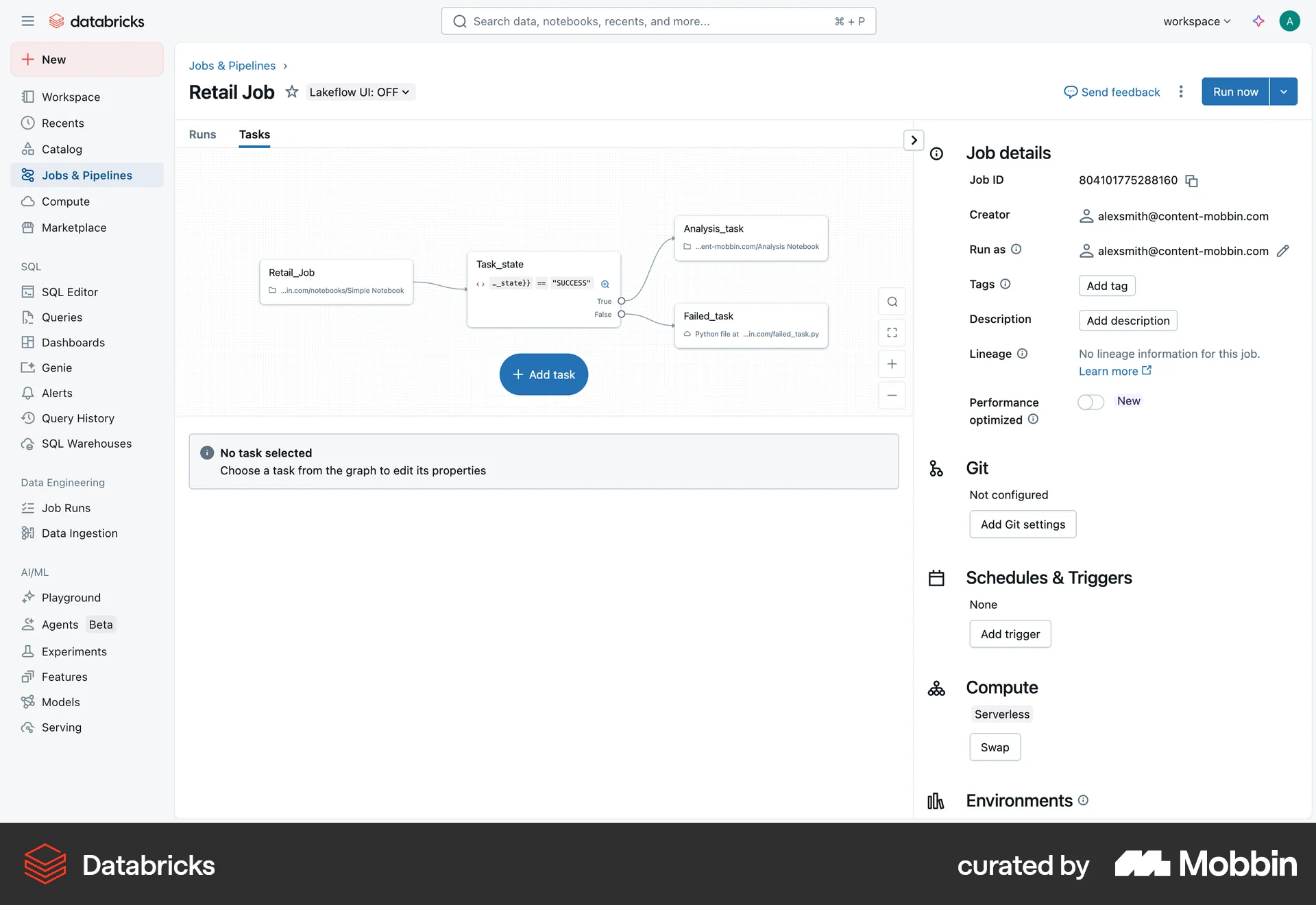
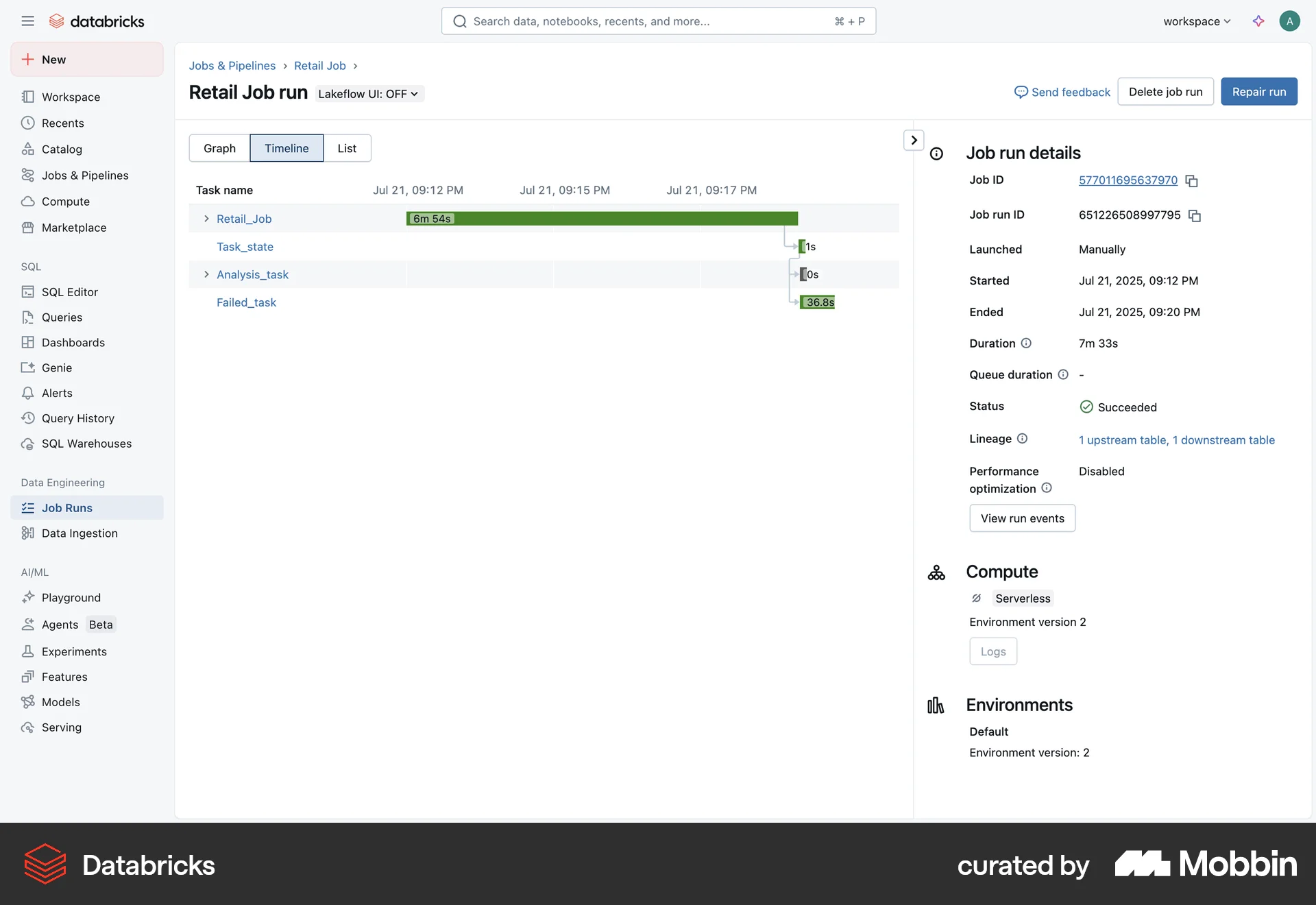
The user starts a job, triggers a run, and monitors the run's progress through graph, timeline, and list views. The job run completes successfully.
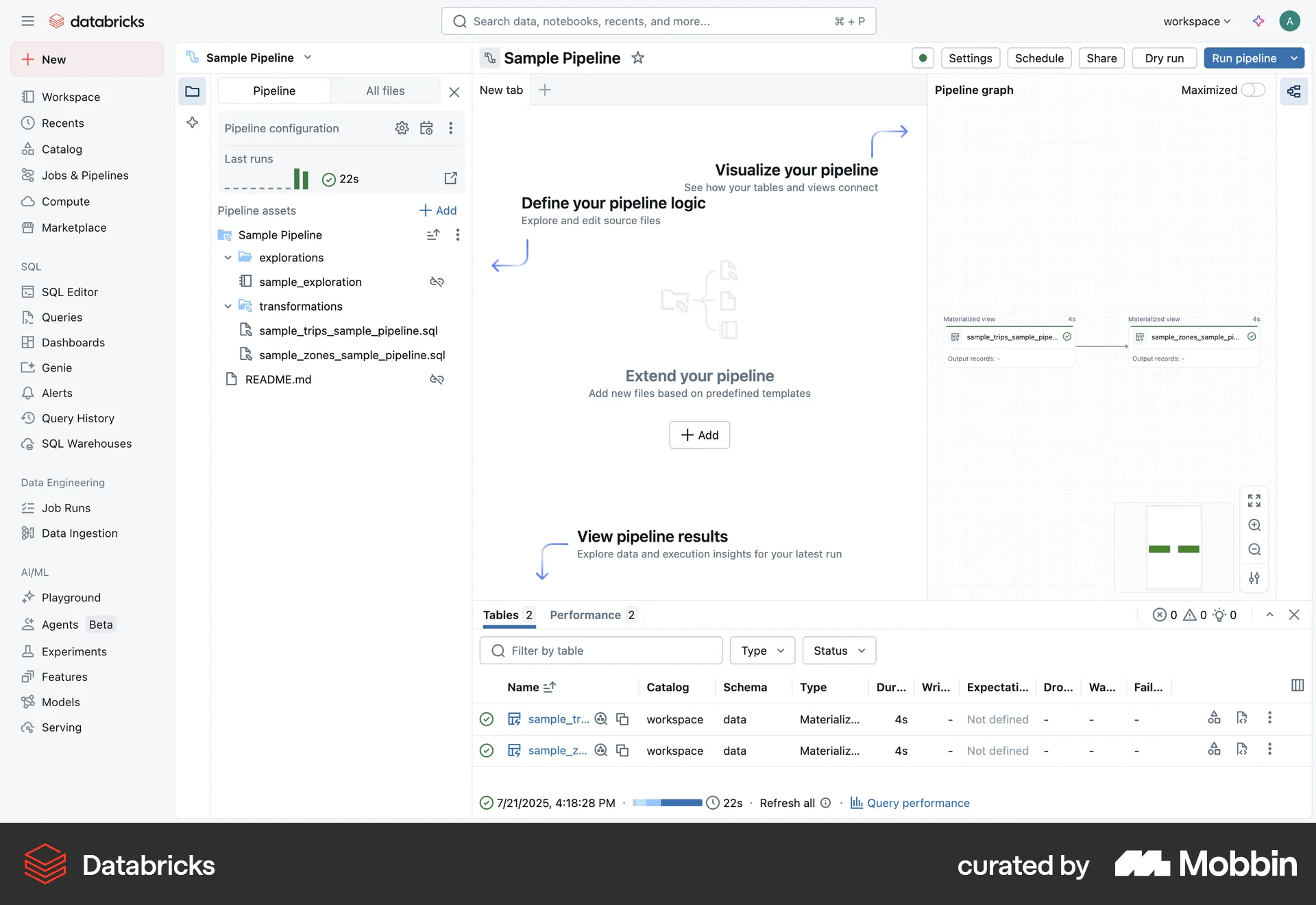
The user flow demonstrates creating a pipeline, configuring it, running it, and viewing the results and performance. It showcases the steps to build and execute a data pipeline.
The user flow demonstrates stopping an application, showing the status change from running to stopped. The user confirms the action via a modal dialog.
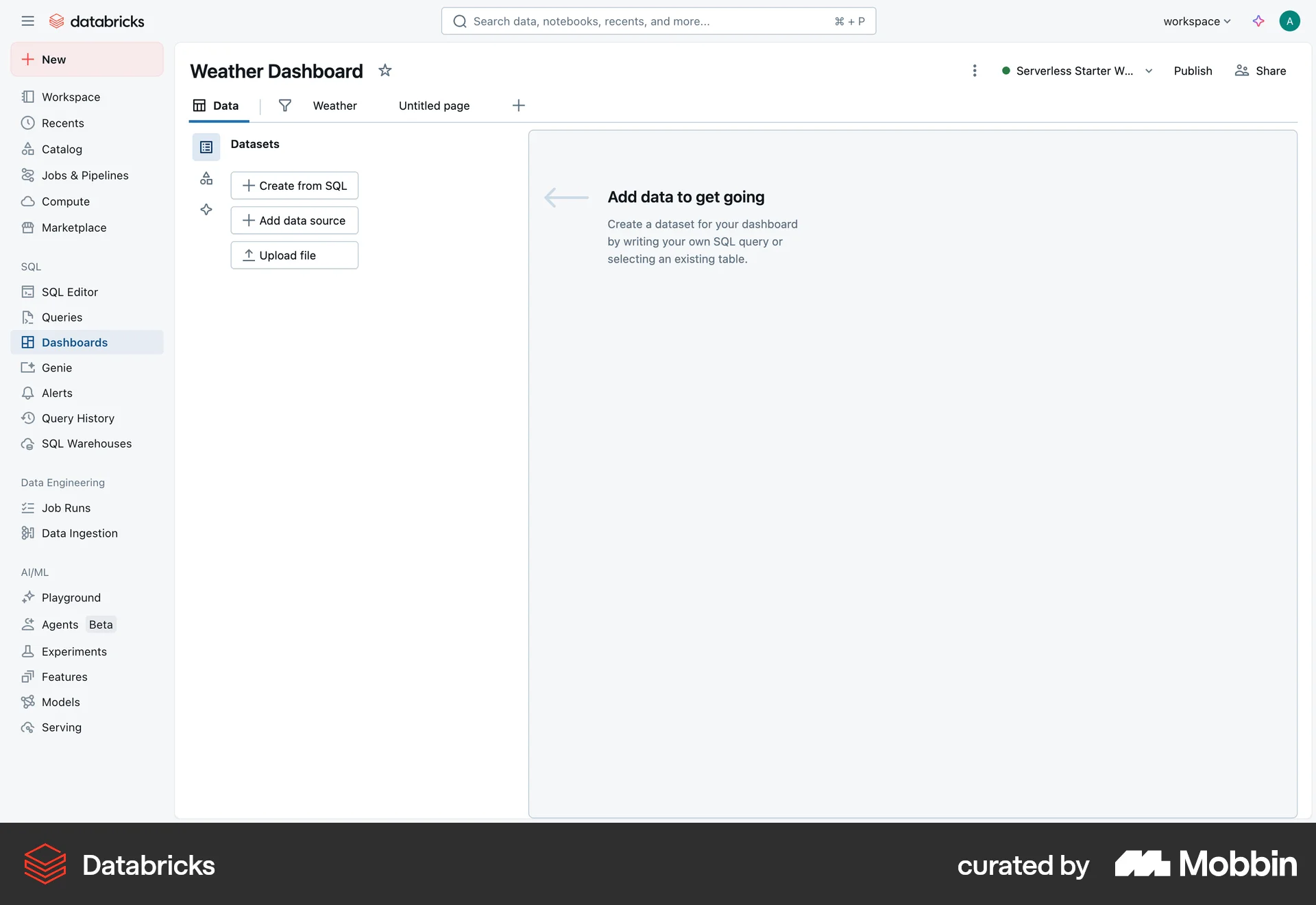
The user creates a dataset by writing a SQL query. They then view the results and schema of the query.
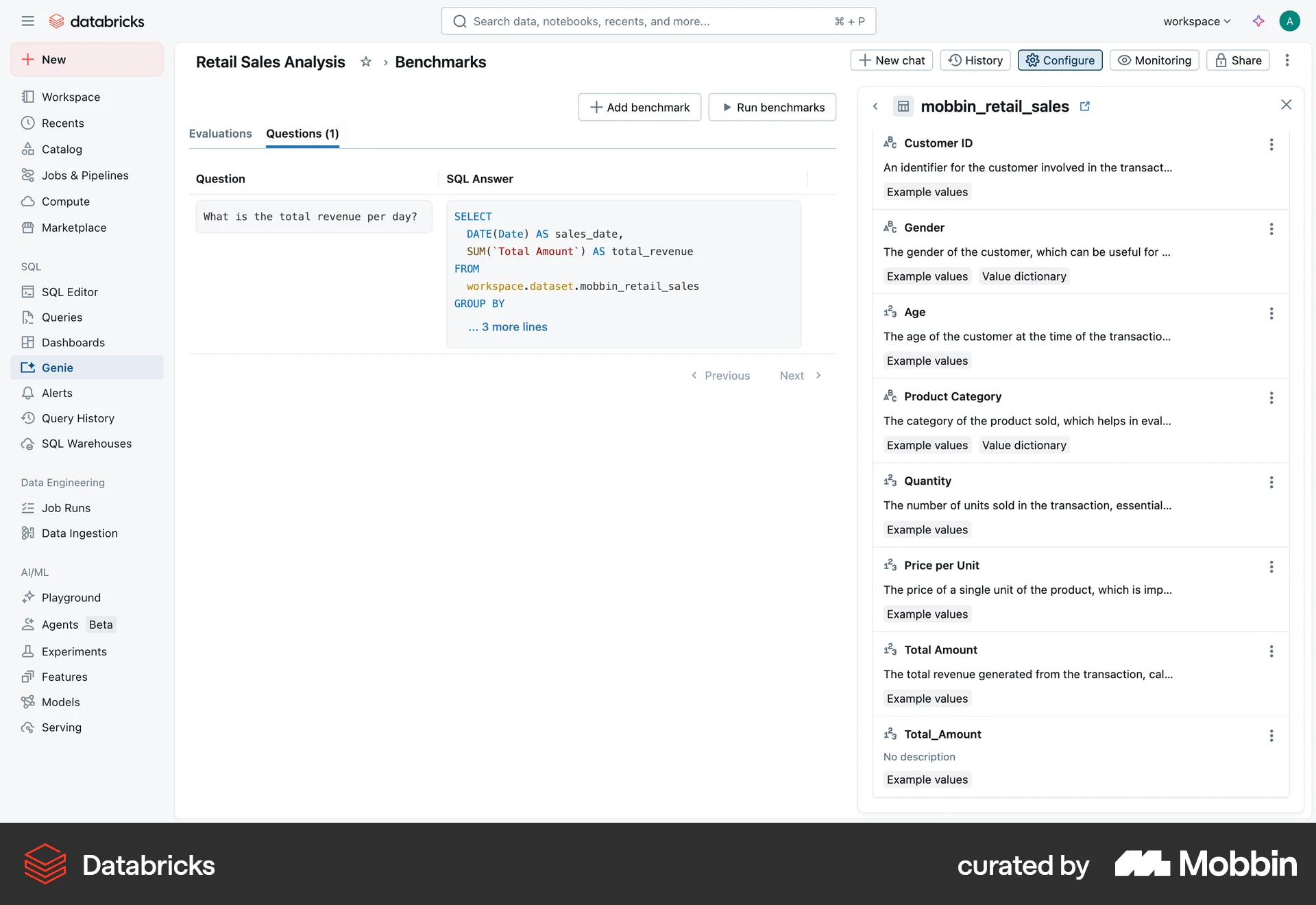
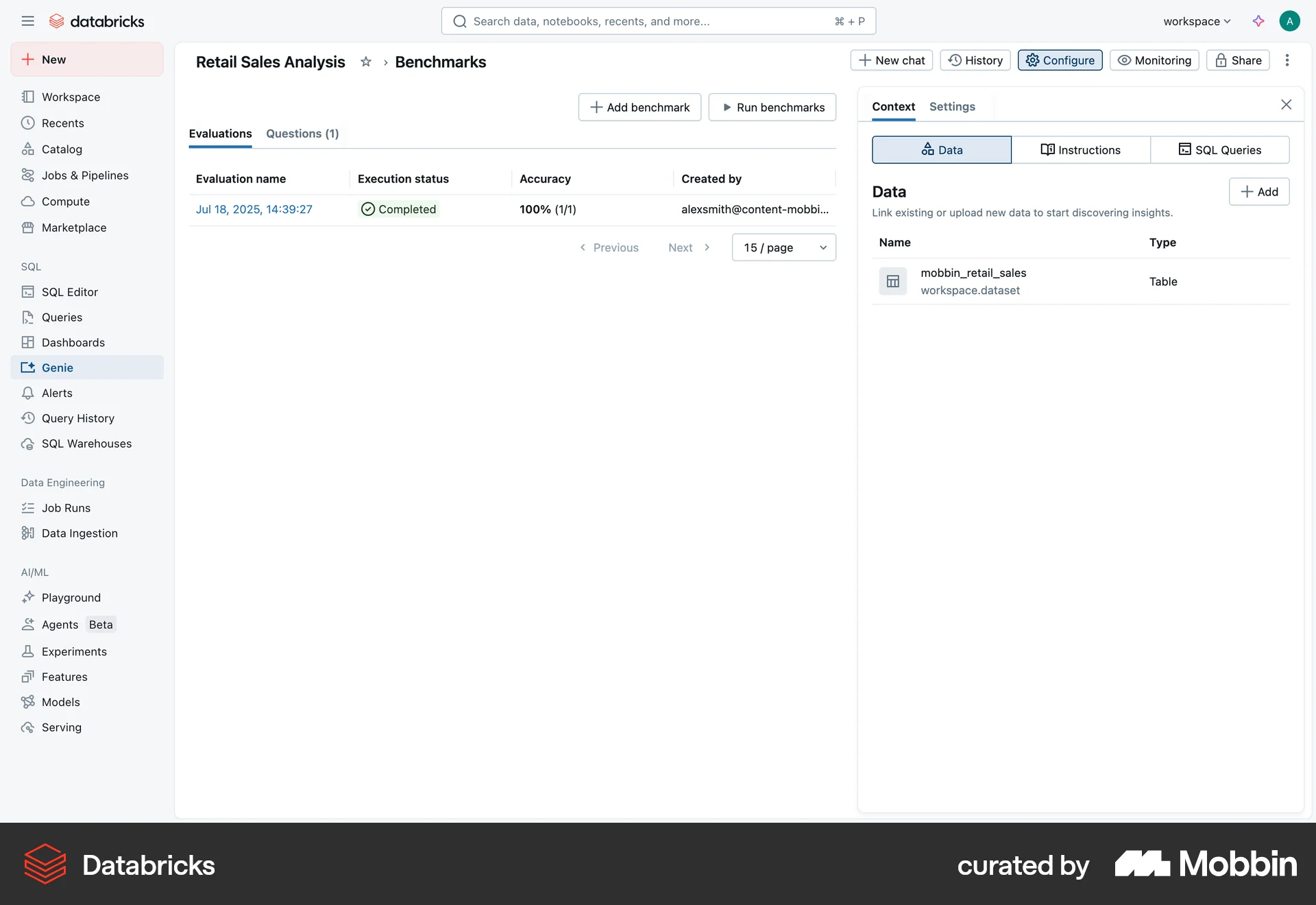
The user flow demonstrates running a benchmark on retail sales data. It includes setting up, running, viewing results, and displaying completed evaluations.

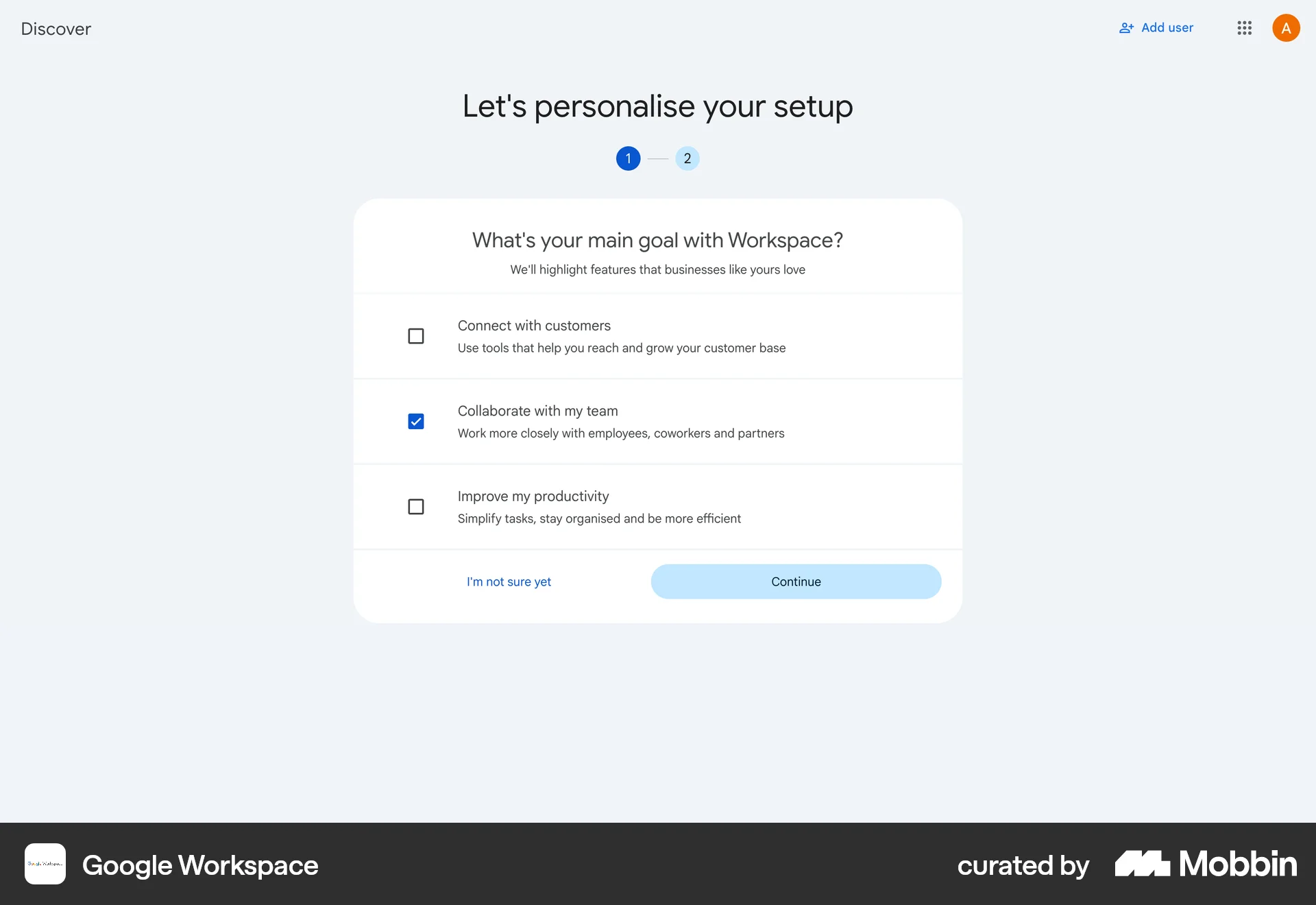
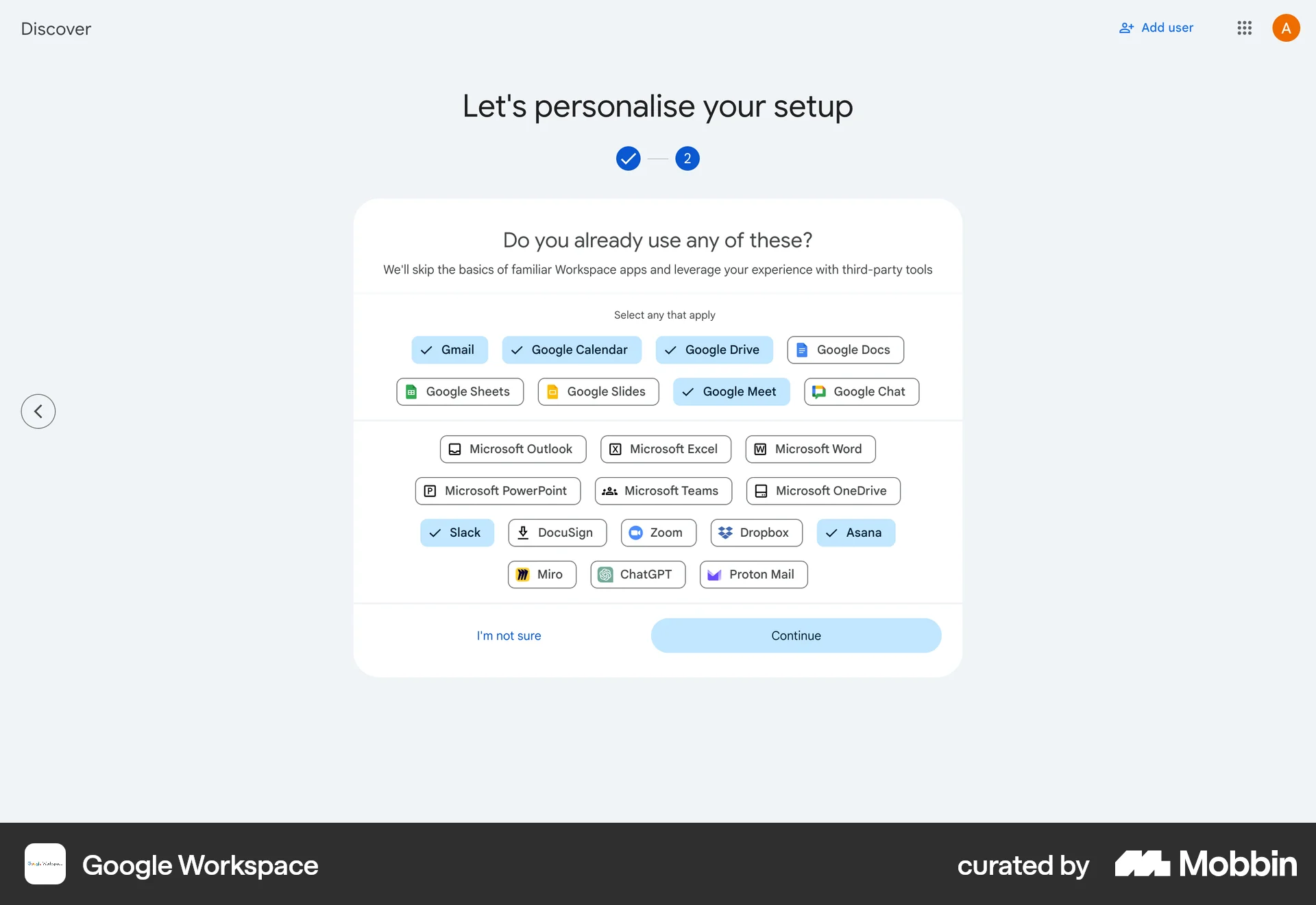
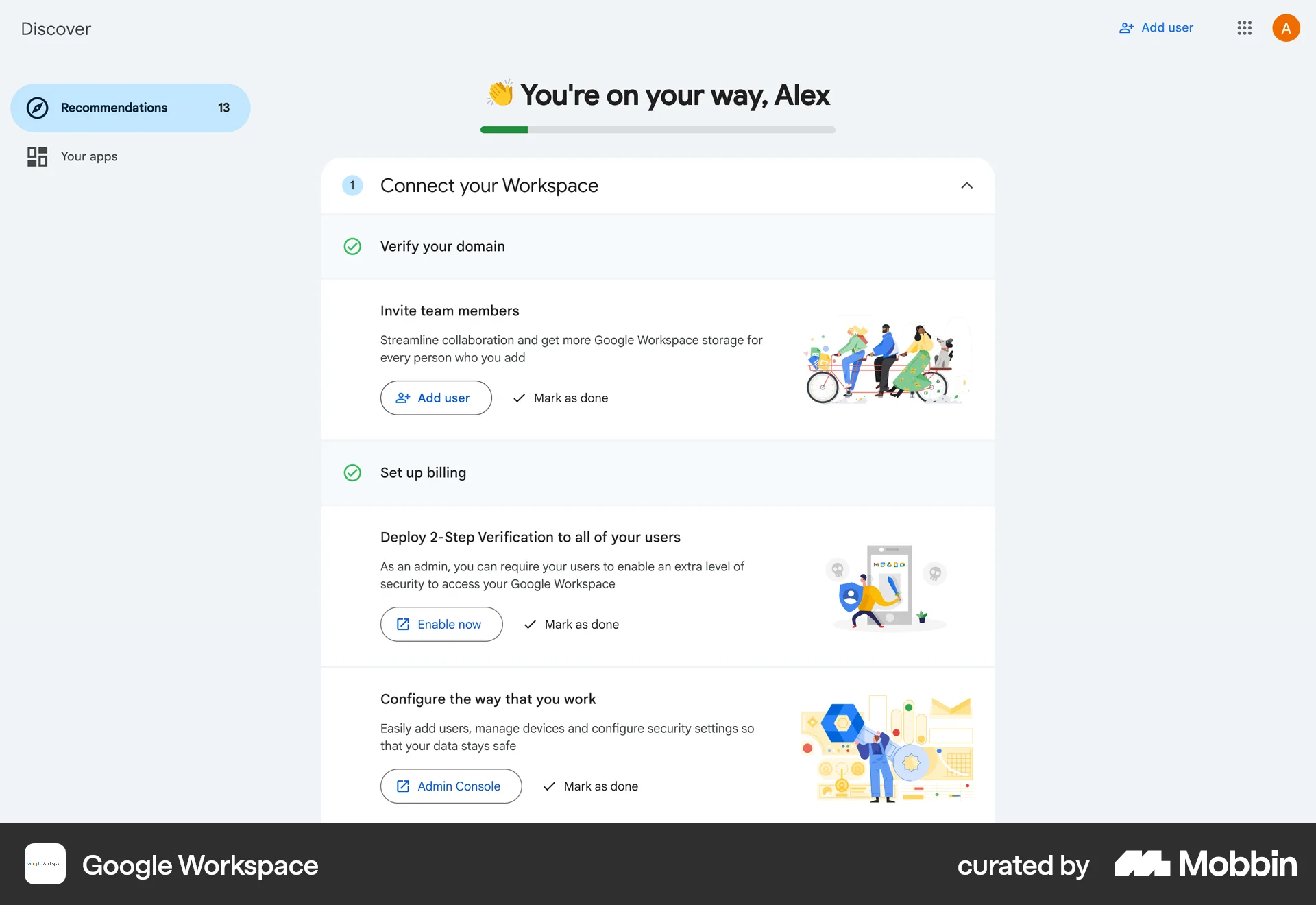
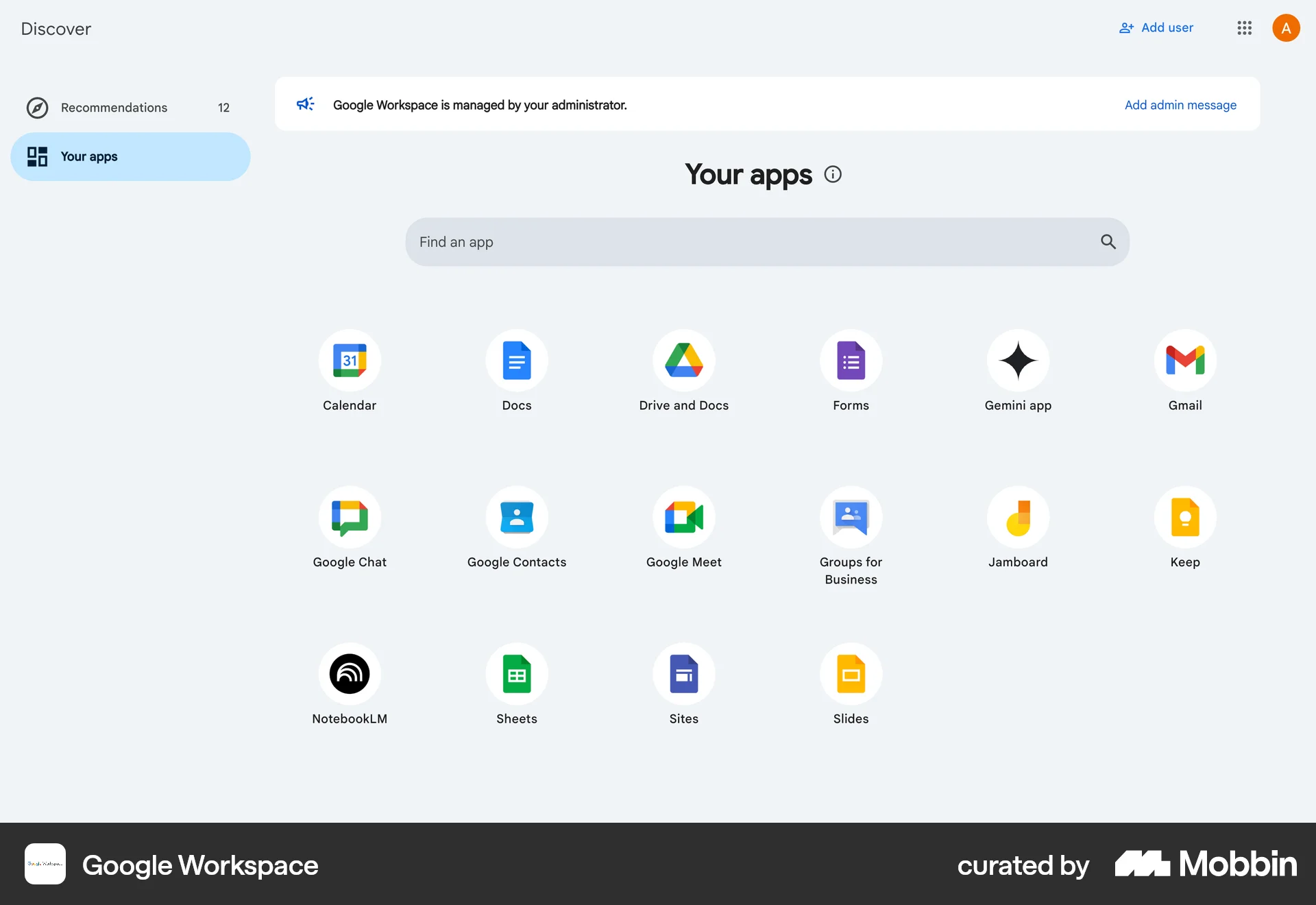
The user completes the initial setup, personalizes their workspace by selecting goals and apps, and views a progress page with remaining tasks. They then arrive at the application list.

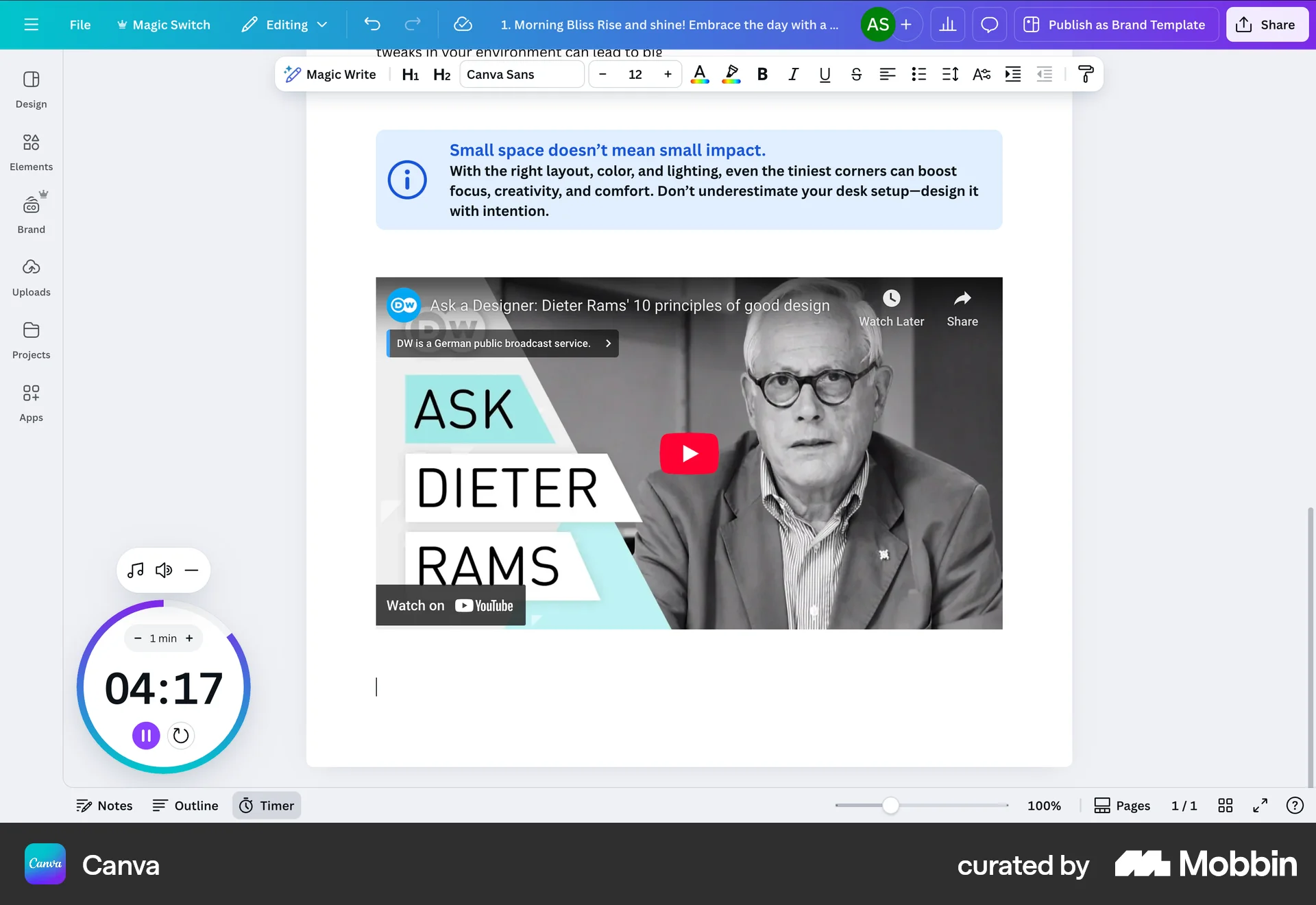
The user adds a timer to a document. The timer is then started and counts down.
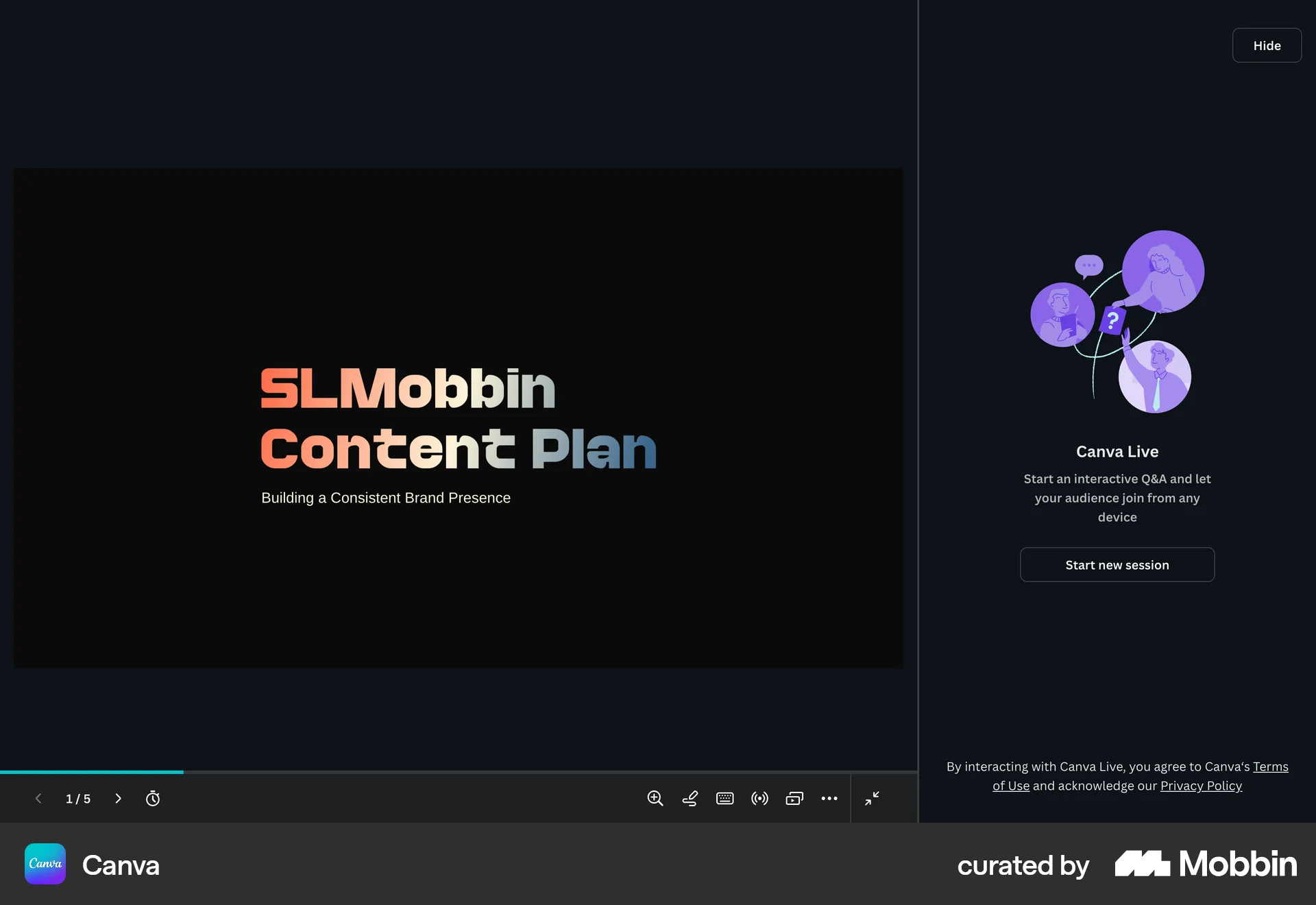
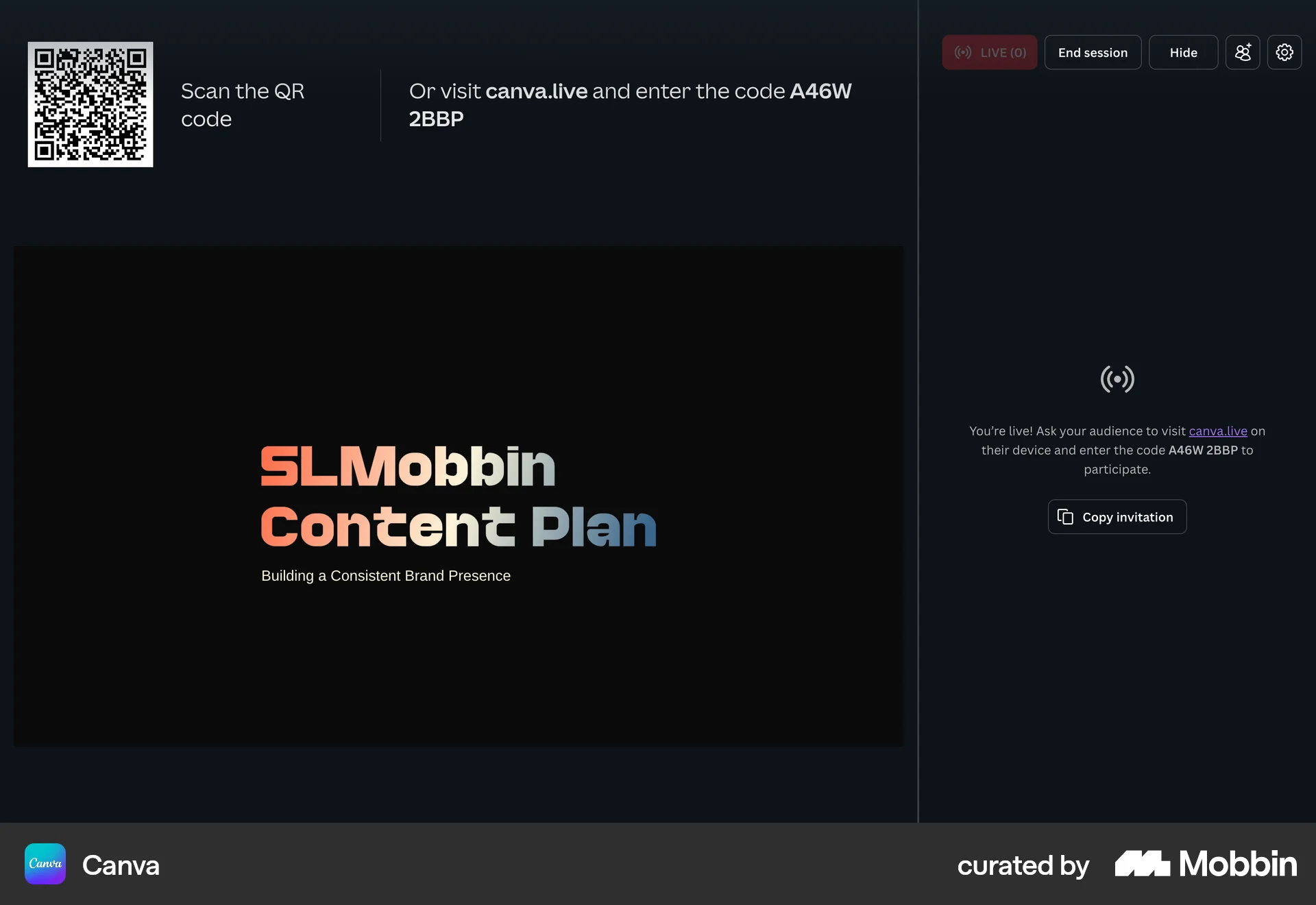
The user flow demonstrates starting a Canva Live session for a presentation. It shows the steps to initiate the session and prepare for audience participation.
9184 Flows
1222 Flows
553 Flows
564 Flows
230 Flows

157 Flows