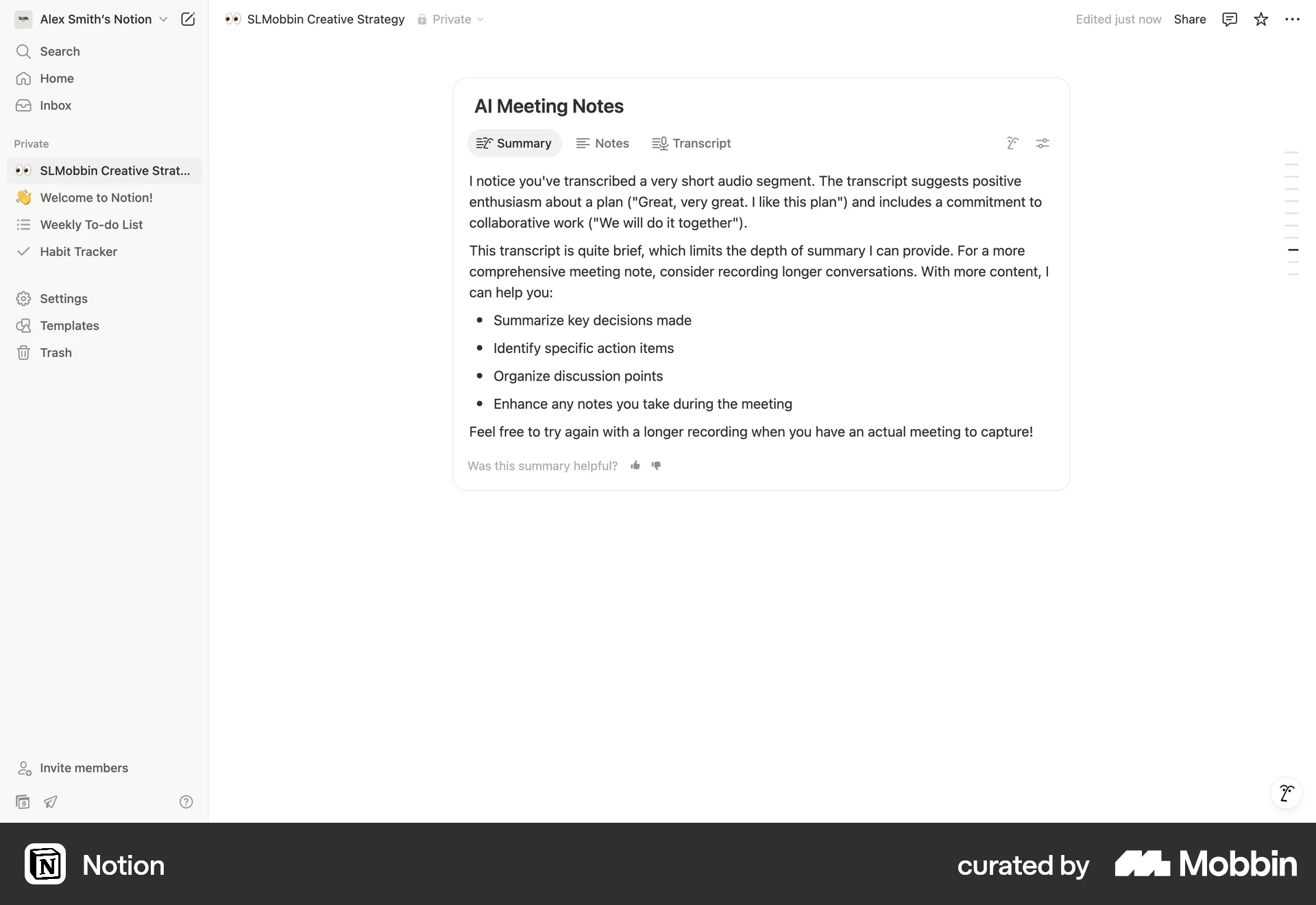

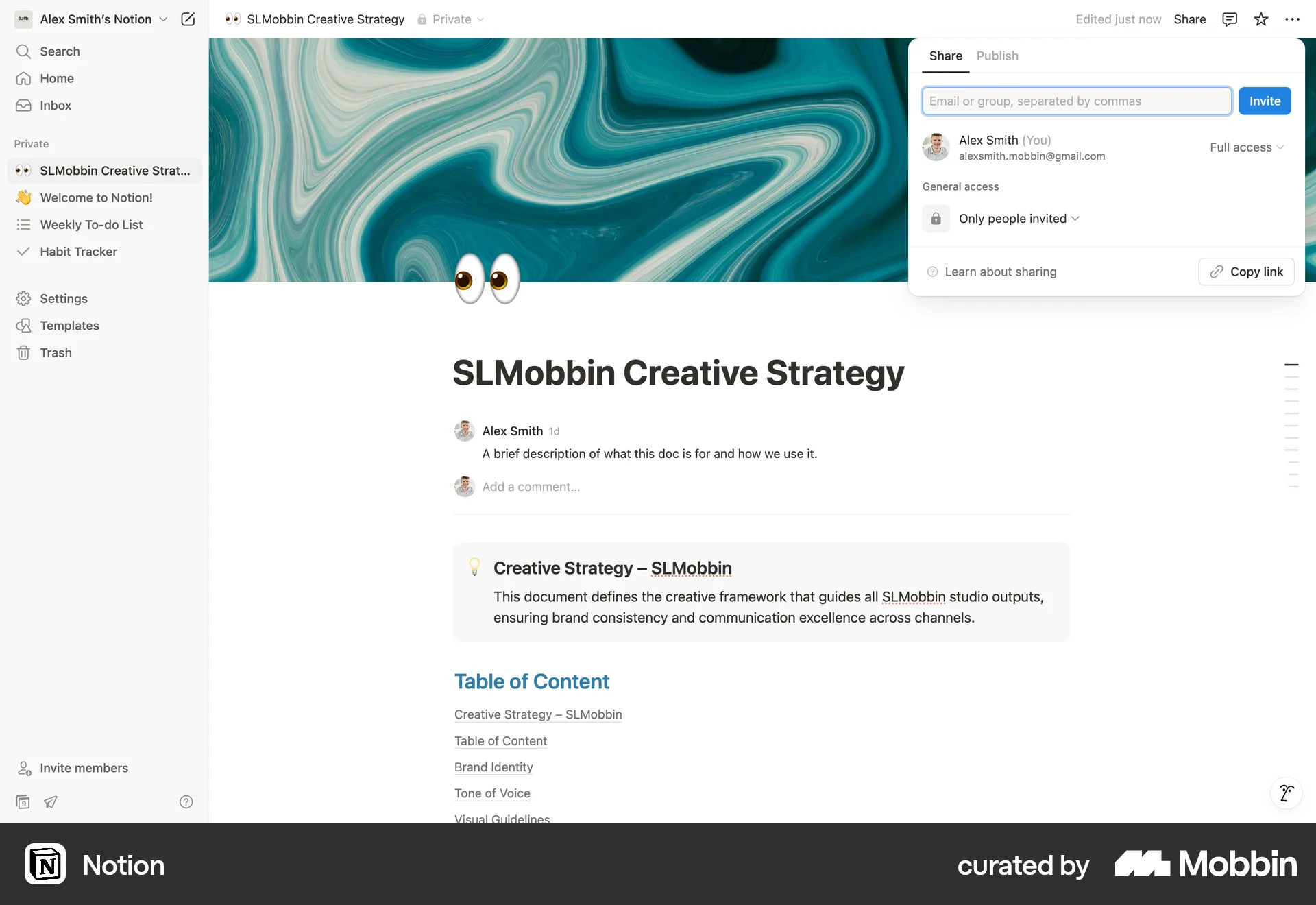
Adding AI meeting noteson Notion
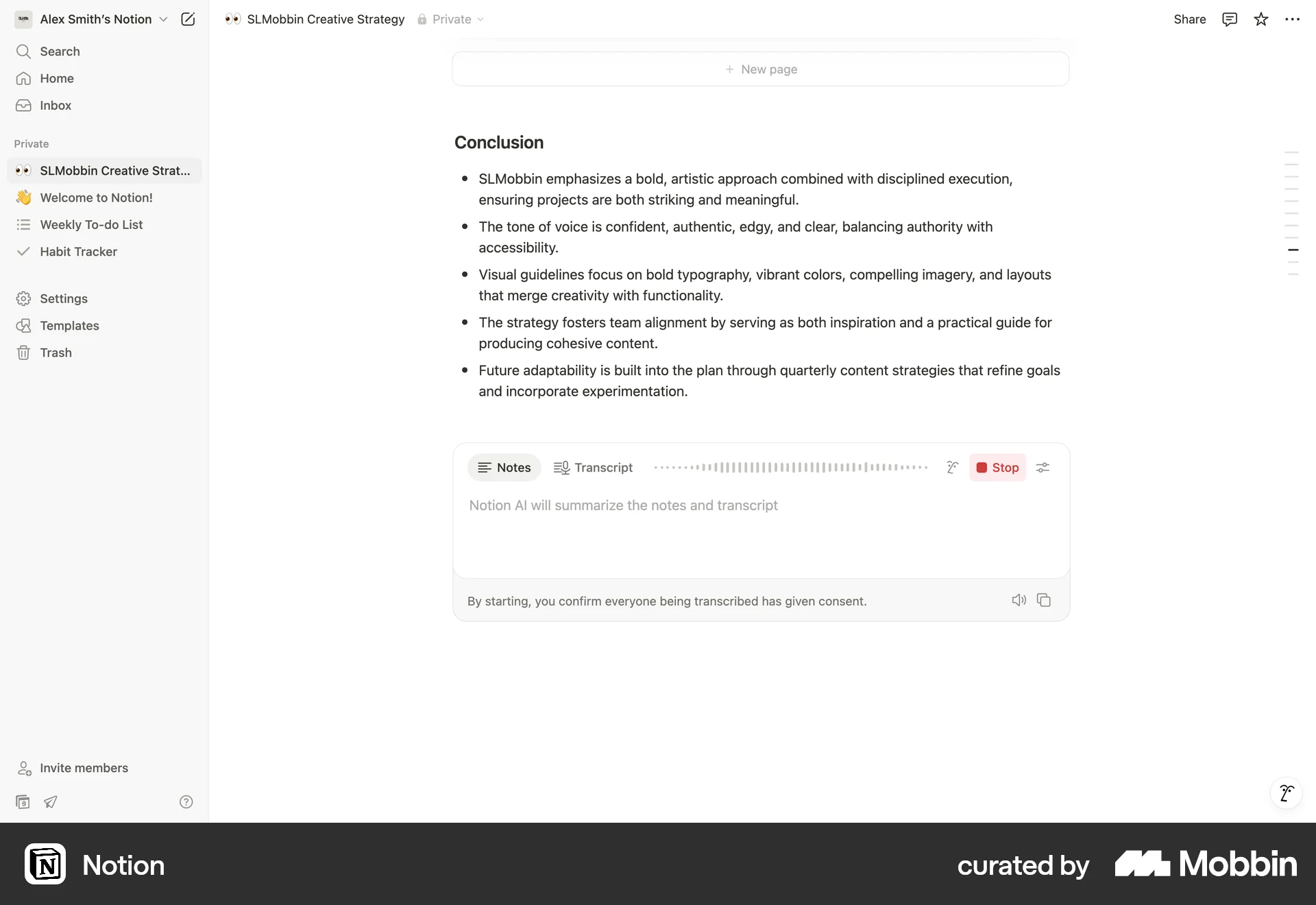
The user adds AI meeting notes to a document. They record audio, then review the AI-generated summary and full transcript.
Discover best website designs for Recording Audio & Video flows. Get inspired by the best apps in the world.
The user adds AI meeting notes to a document. They record audio, then review the AI-generated summary and full transcript.

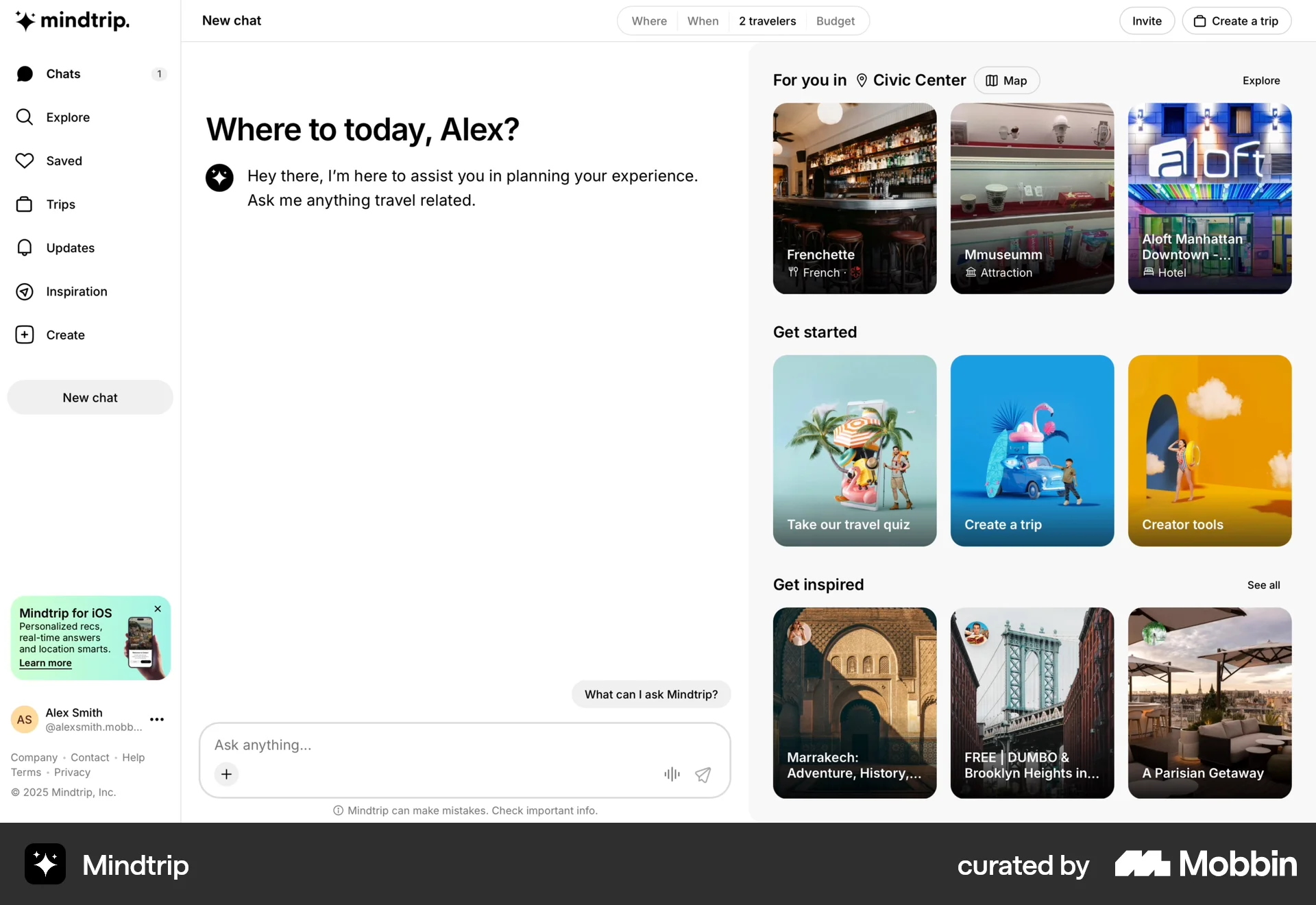
The user initiates a trip planning process using voice input. The app then provides a list of suggested places based on the voice command.

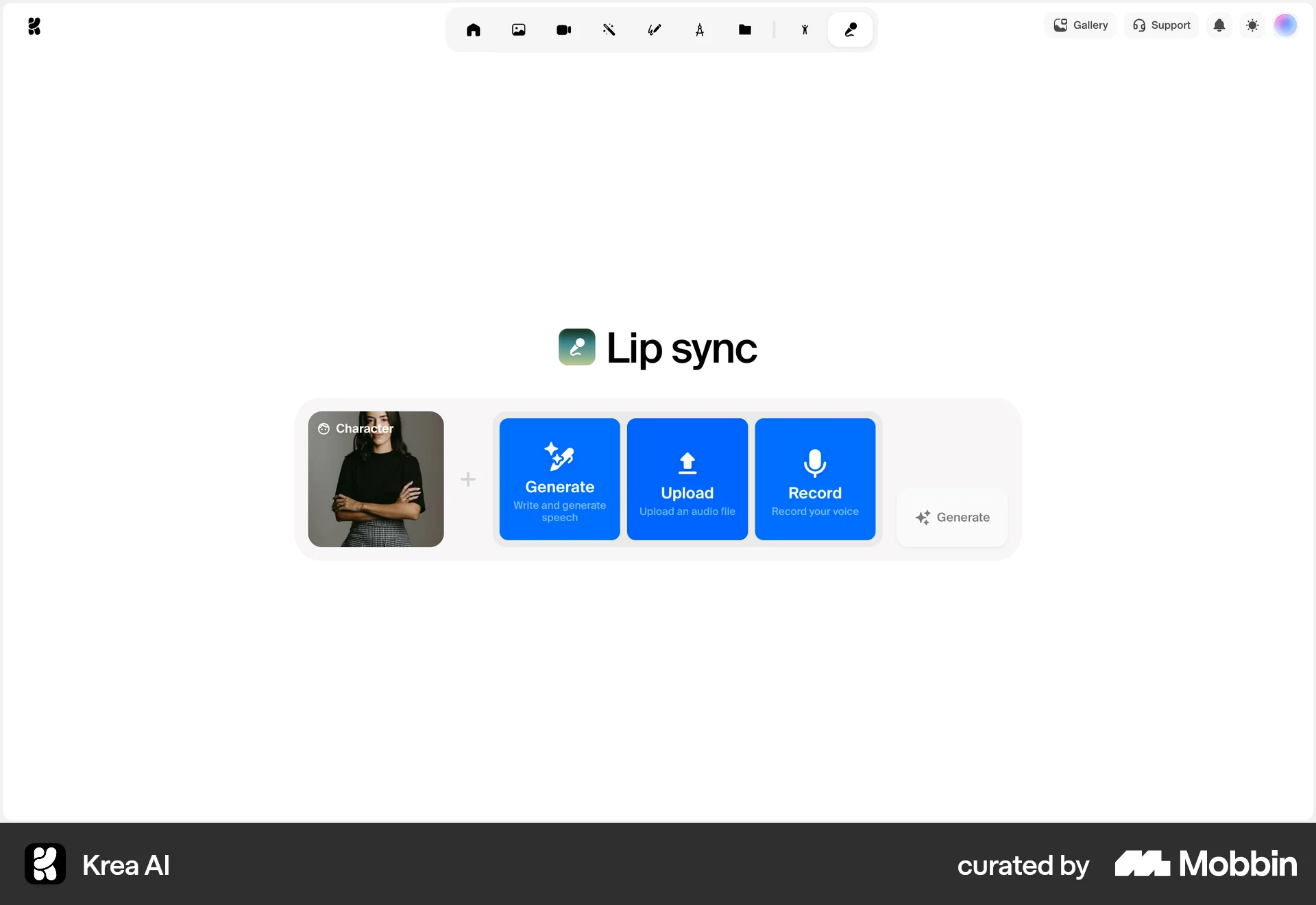
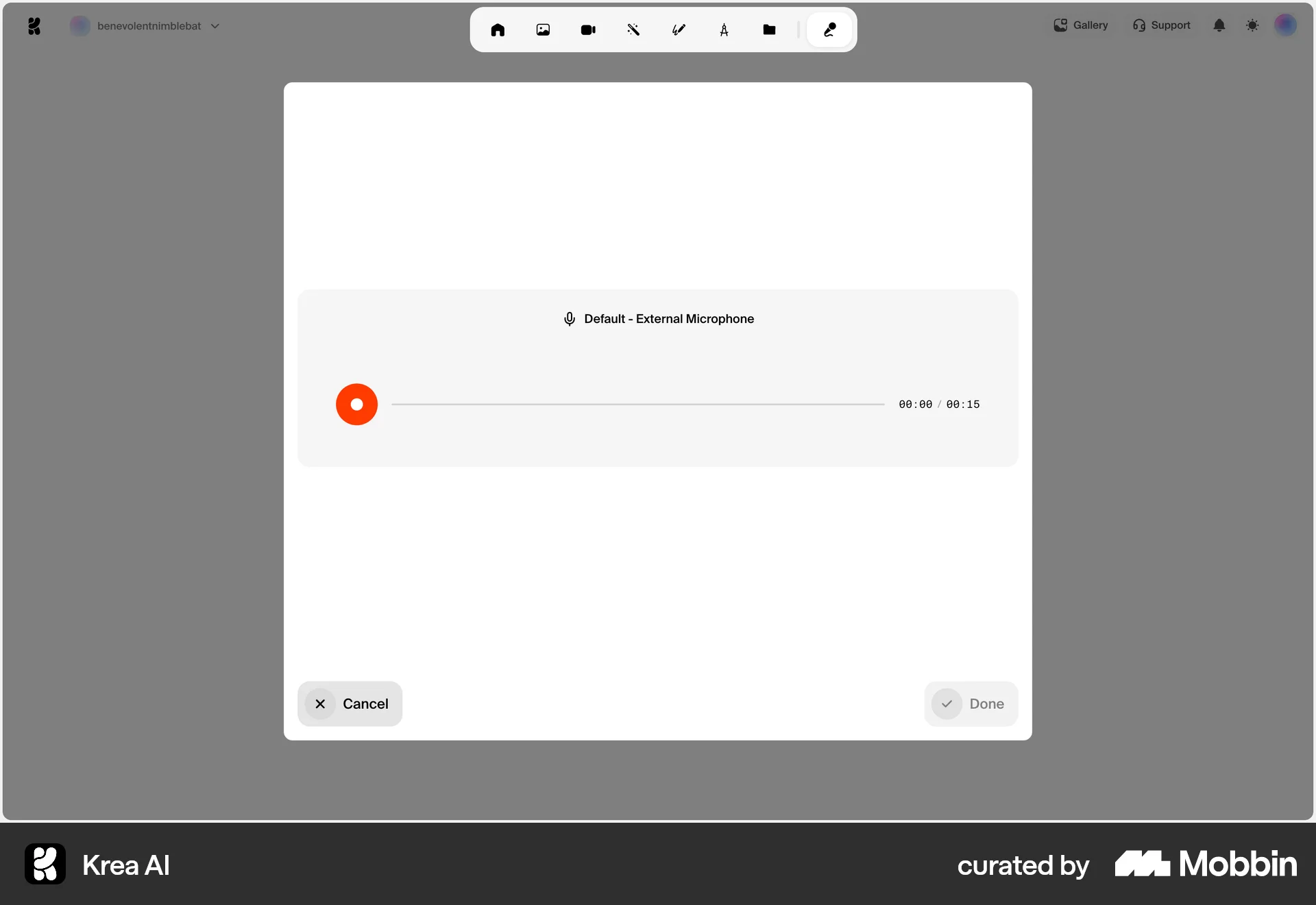
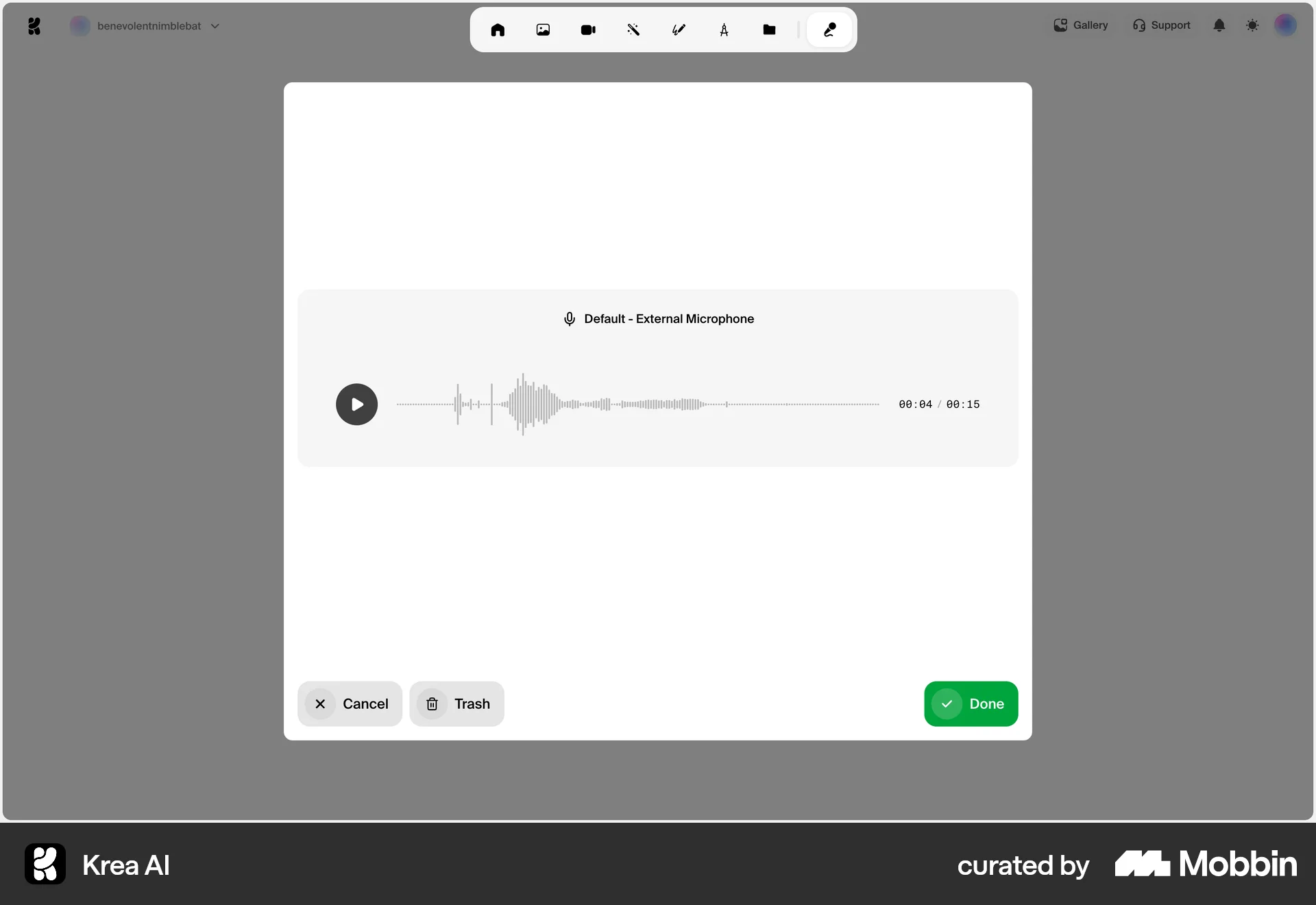
The user records audio for lip sync. They record, preview, and then return to the main interface to generate the lip sync.

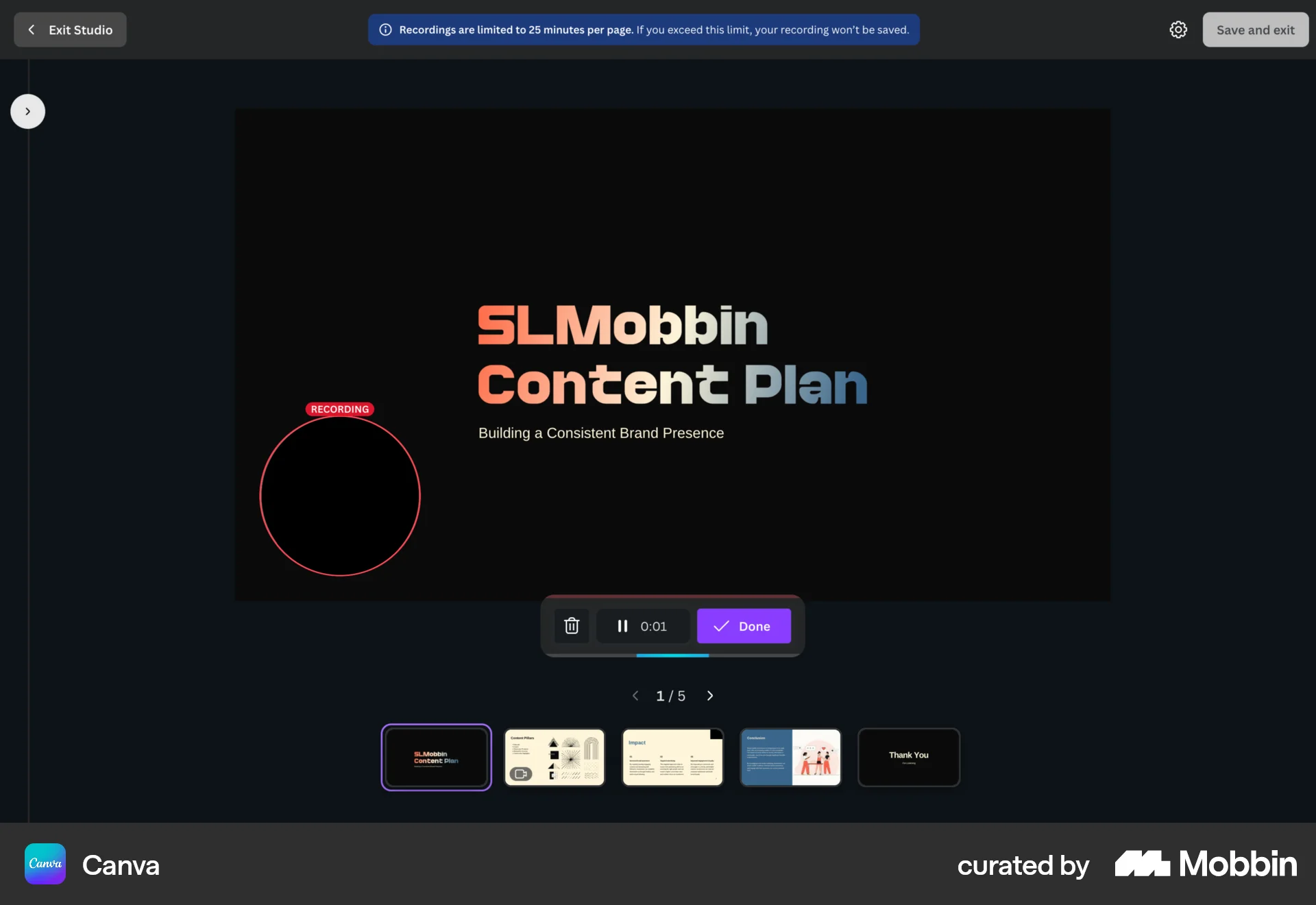
The user flow demonstrates recording a video for a presentation. It involves navigating to the video options, setting up the recording, and completing the recording process.

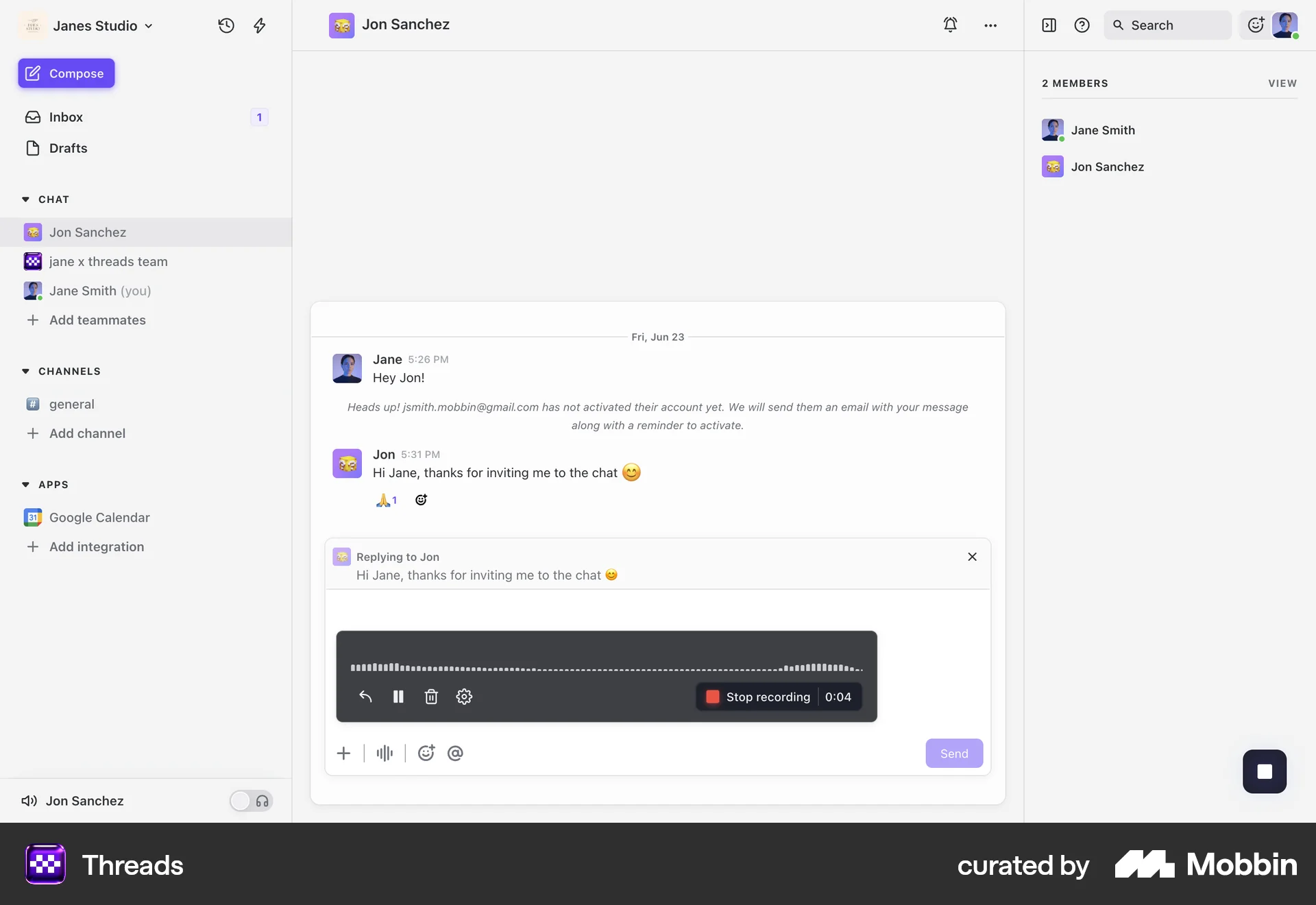
The user flow shows recording a voice memo: accessing the option, recording audio, and previewing the recording. The key UI elements are recording and playback controls.

The user records a clip of their screen within a project management tool. The clip is then processed and made available for playback.

The user initiates a meeting recording by navigating through the record menu and confirming the action. The interface updates to show the recording is in progress.

The user interacts with Copilot, first using text, then voice. Copilot responds and requests feedback on the voice interaction.

The user flow demonstrates recording a Zoom meeting, including the confirmation and subsequent notification of recording completion. It showcases the steps from initiation to finalization.

The user initiates and completes a talktrack recording session. The flow includes configuration, recording, and confirmation of the saved talktrack.
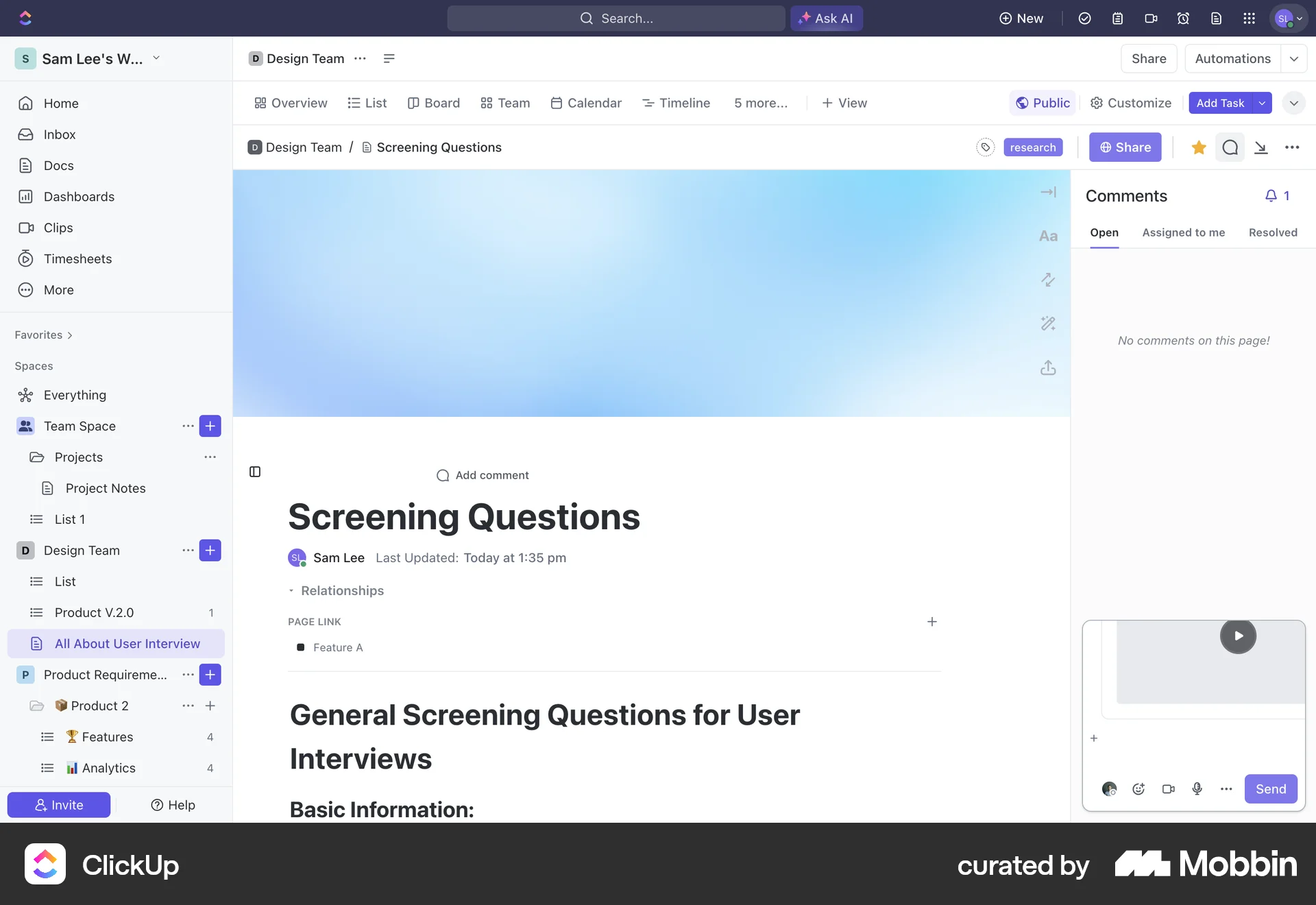
The user flow demonstrates adding a voice recording to a document's comment section. It shows the progression from an empty comment section to a paused recording.

The user initiates a video recording, captures the video, and then integrates it into their project. The user then replaces the video with another video.
31 Flows
223 Flows
119 Flows
2065 Flows
9184 Flows
553 Flows